
Phone mockups in real-time 3DiPhone, Galaxy, Pixel and more
Upload an app screen or any artwork, drop it on the display and turn the phone to any angle. Pick an iPhone, a Samsung Galaxy, a Google Pixel or a plain phone with no brand, and render it as an image up to 4K.

Phone mockups
47 mockups
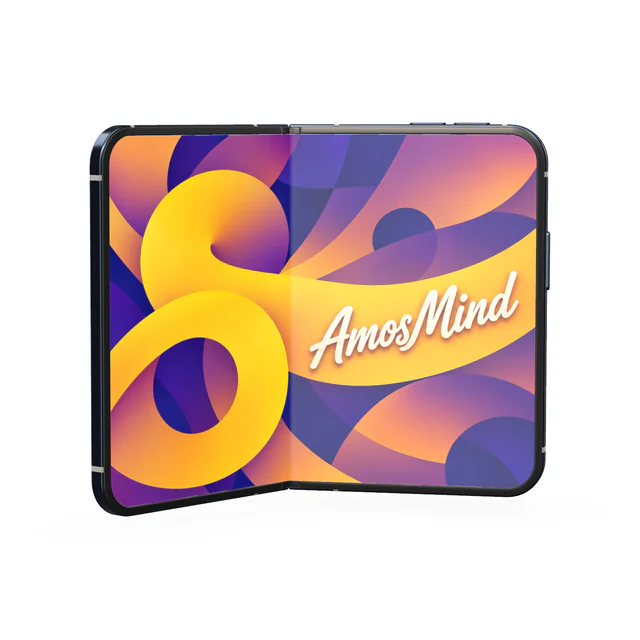
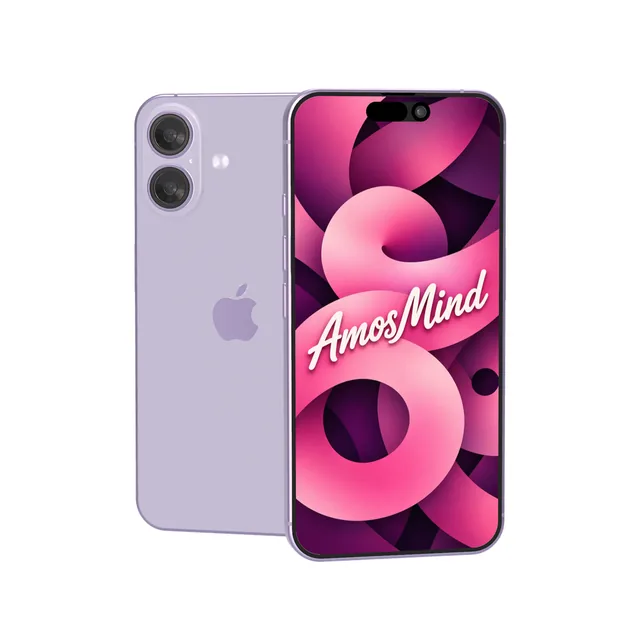
iPhone 17 mockup
Details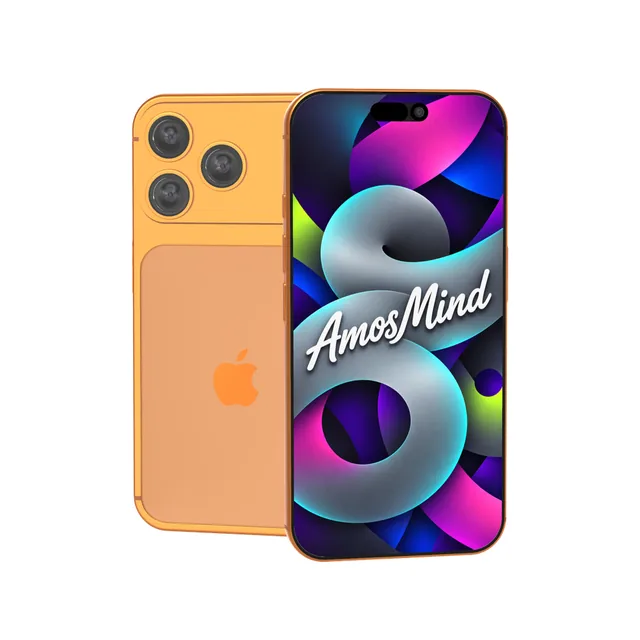
iPhone 17 Pro Max mockup
Details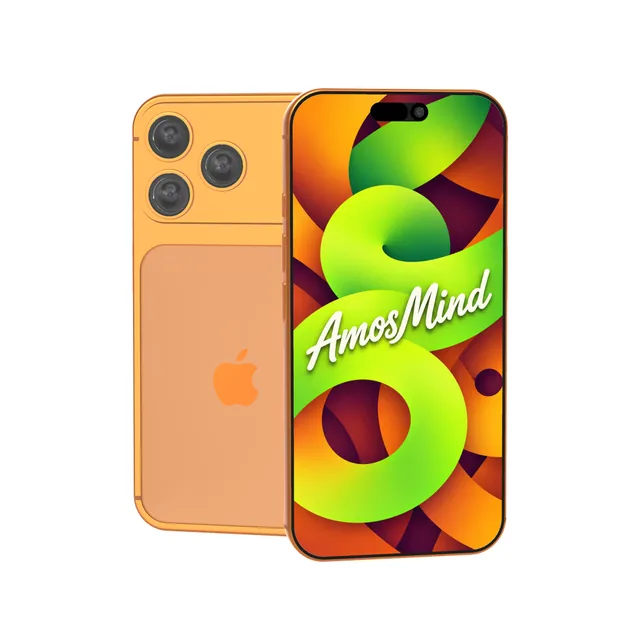
iPhone 17 Pro mockup
Details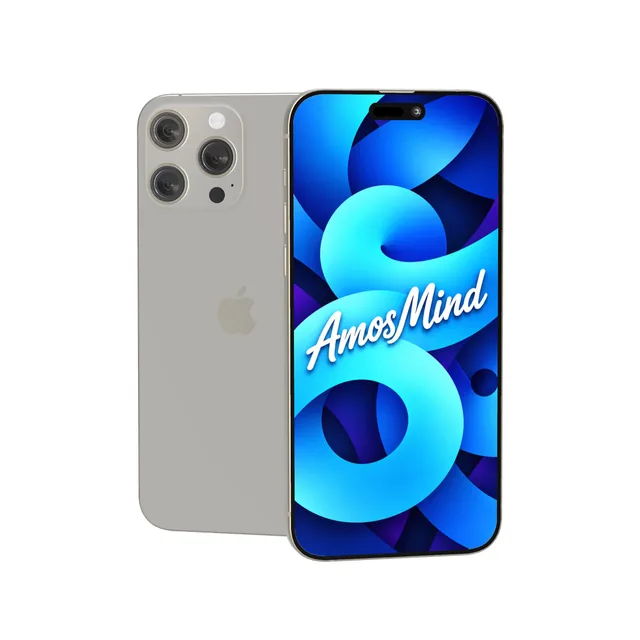
iPhone 16 Pro Max mockup
Details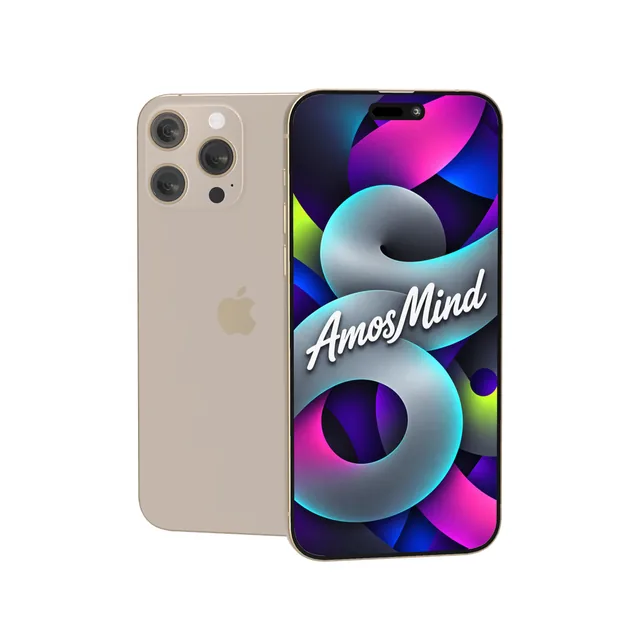
iPhone 16 Pro mockup
Details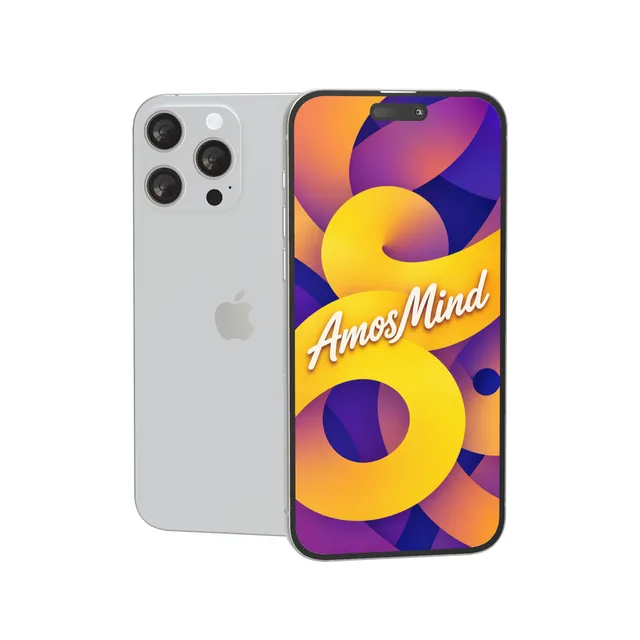
iPhone 15 Pro Max mockup
Details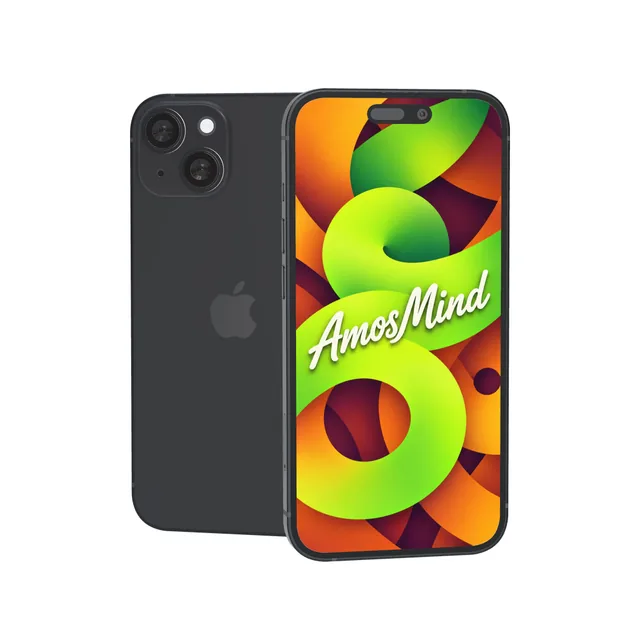
iPhone 15 mockup
Details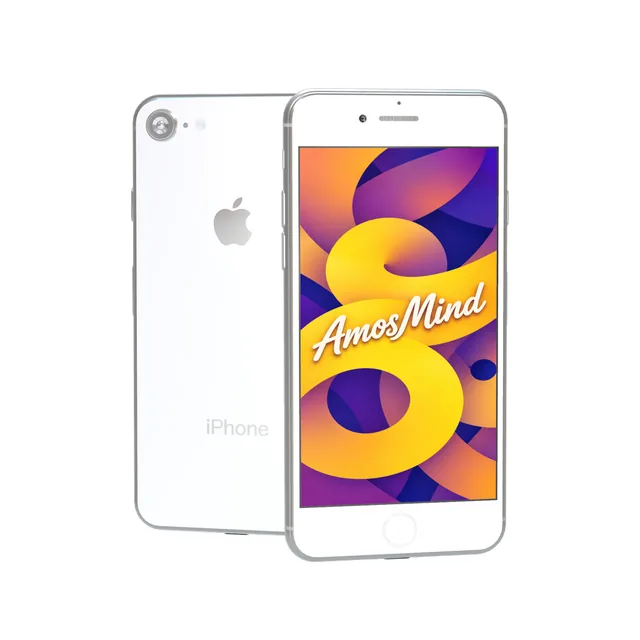
iPhone 8 mockup
Details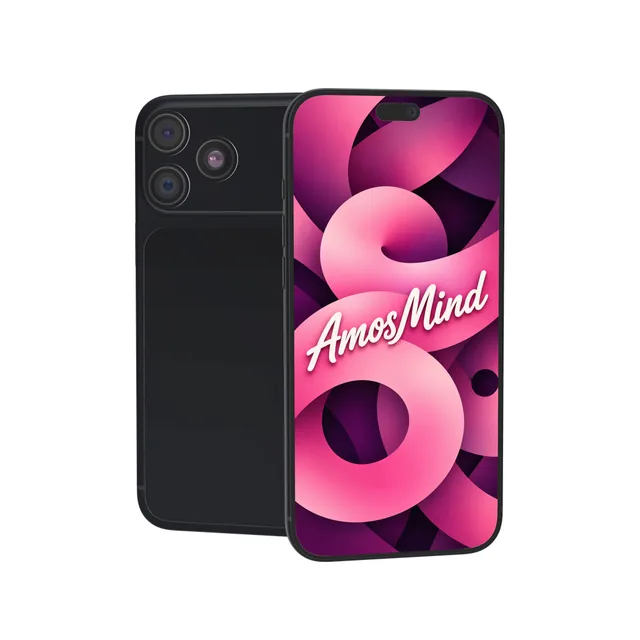
iPhone 18 Pro Max mockup
Details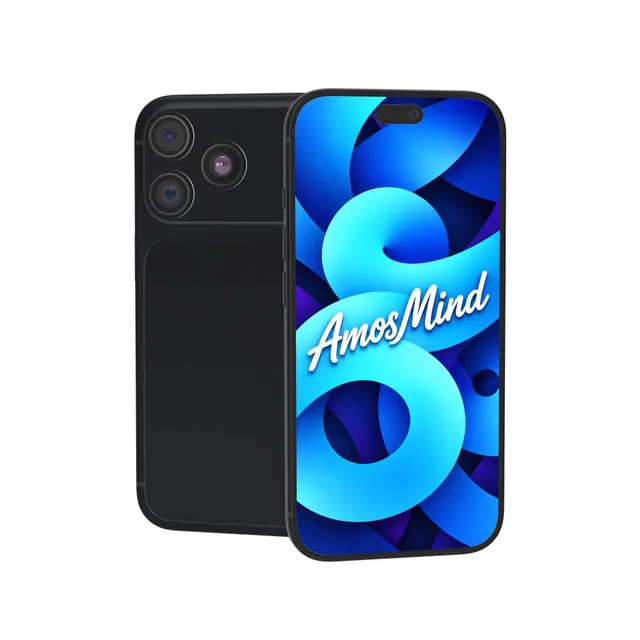
iPhone 18 Pro mockup
Details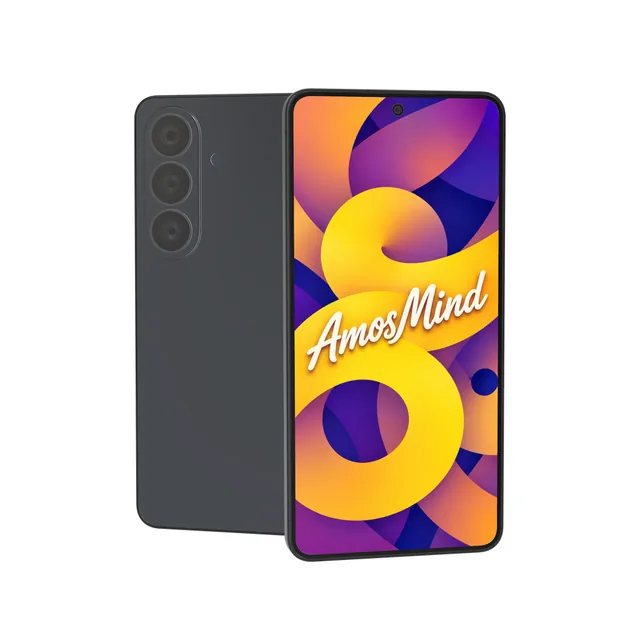
Samsung Galaxy S26 mockup
Details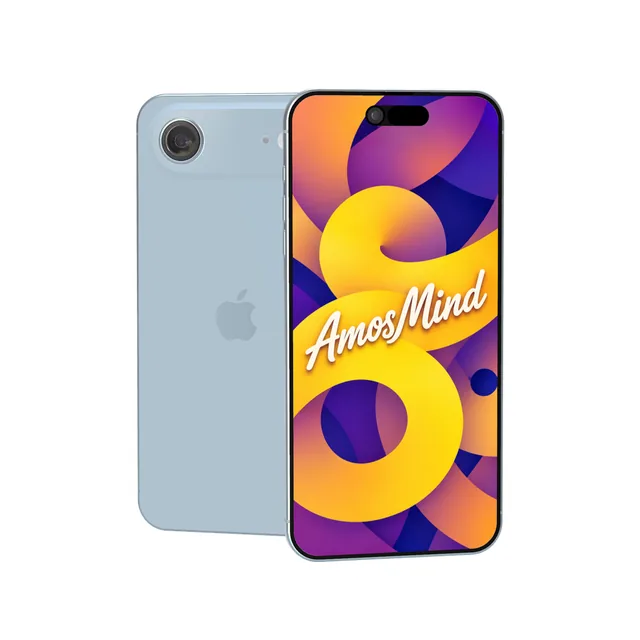
iPhone Air mockup
Details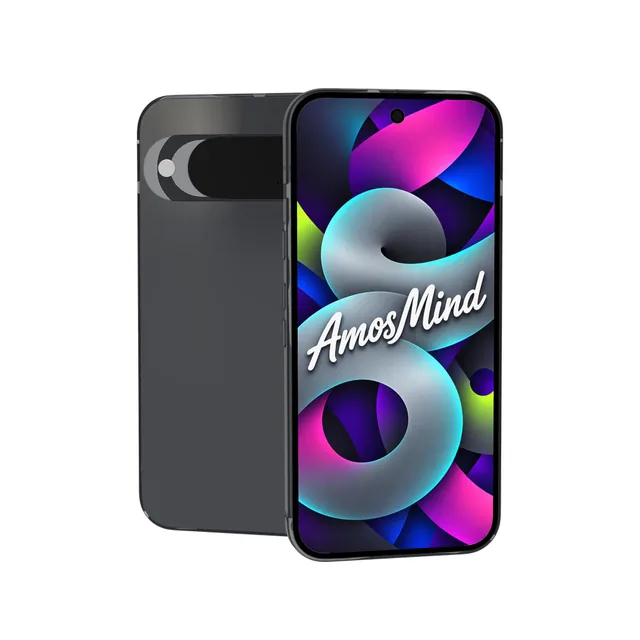
Google Pixel 10 mockup
Details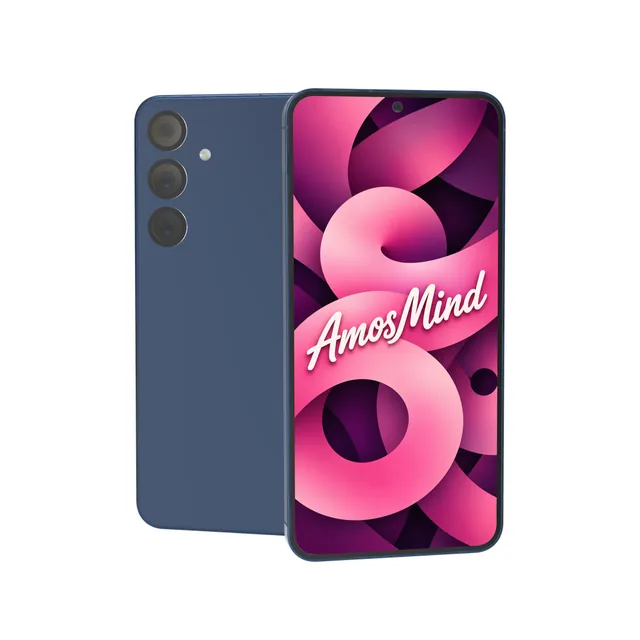
Samsung Galaxy S25+ mockup
Details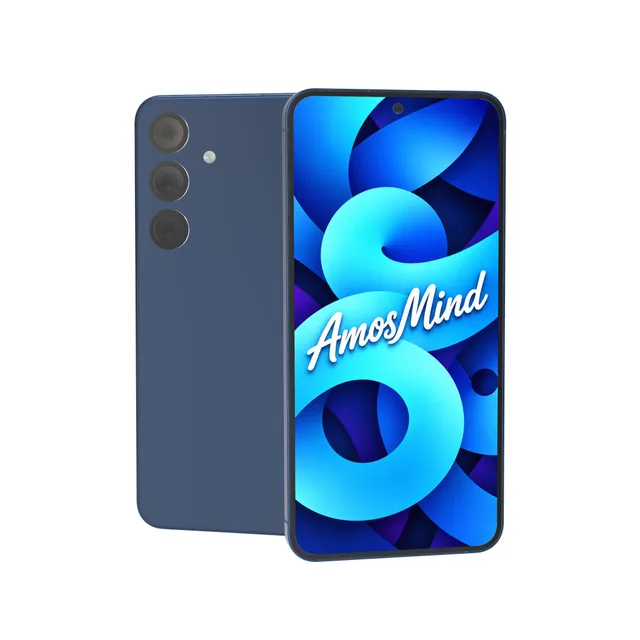
Samsung Galaxy S25 mockup
Details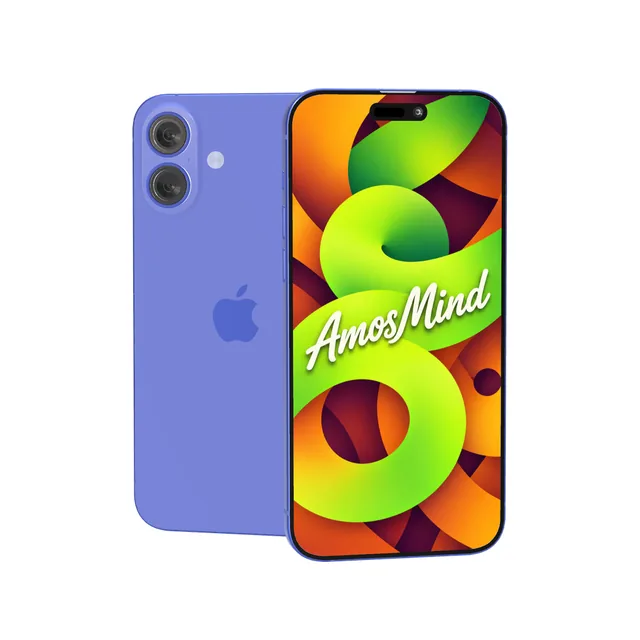
iPhone 16 Plus mockup
Details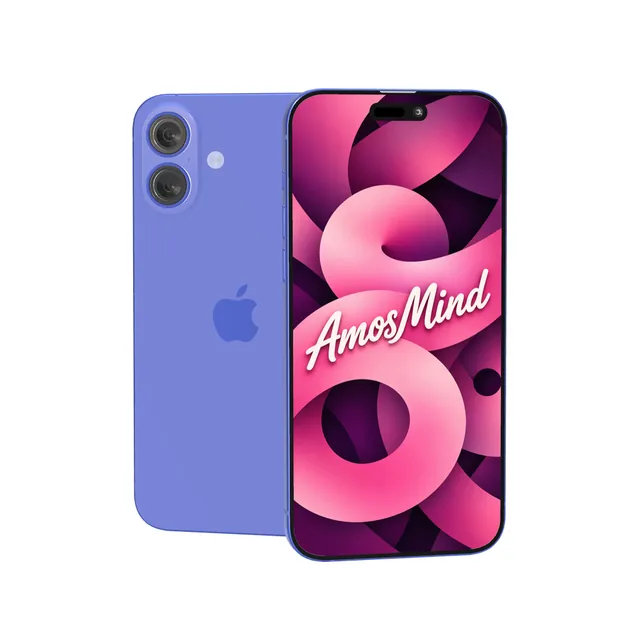
iPhone 16 mockup
Details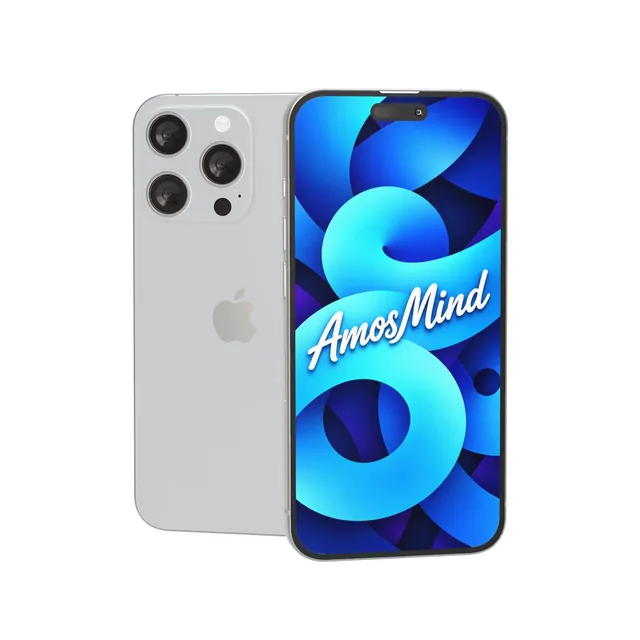
iPhone 15 Pro mockup
Details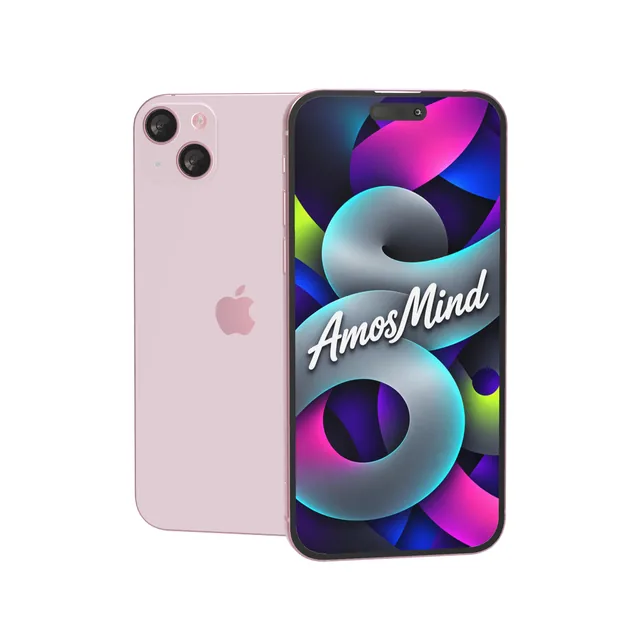
iPhone 15 Plus mockup
Details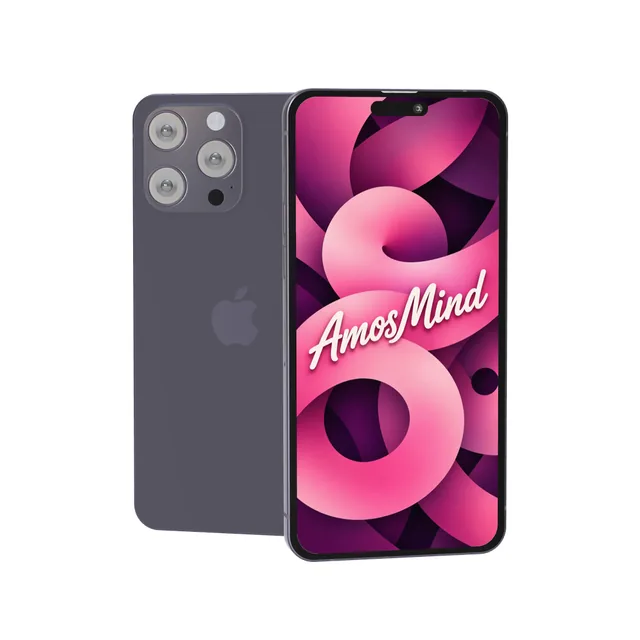
iPhone 14 Pro Max mockup
Details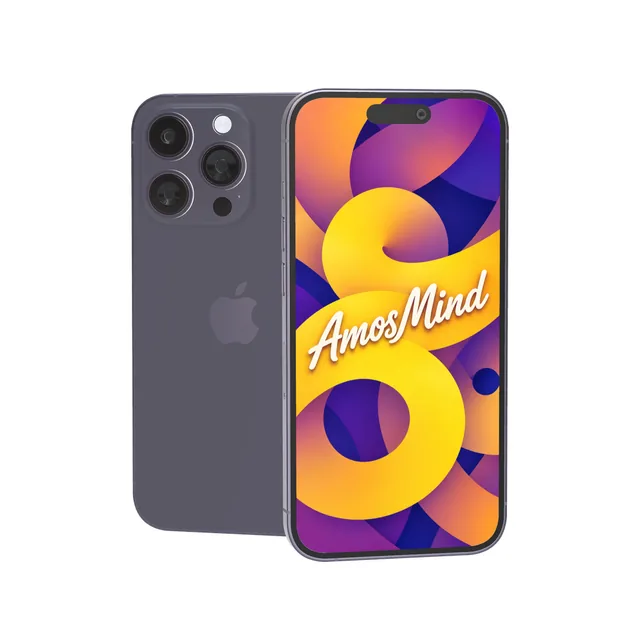
iPhone 14 Pro mockup
Details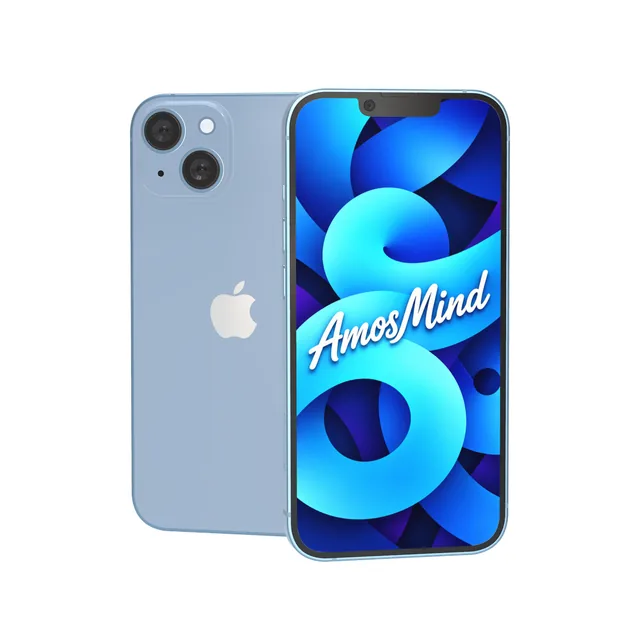
iPhone 14 Plus mockup
Details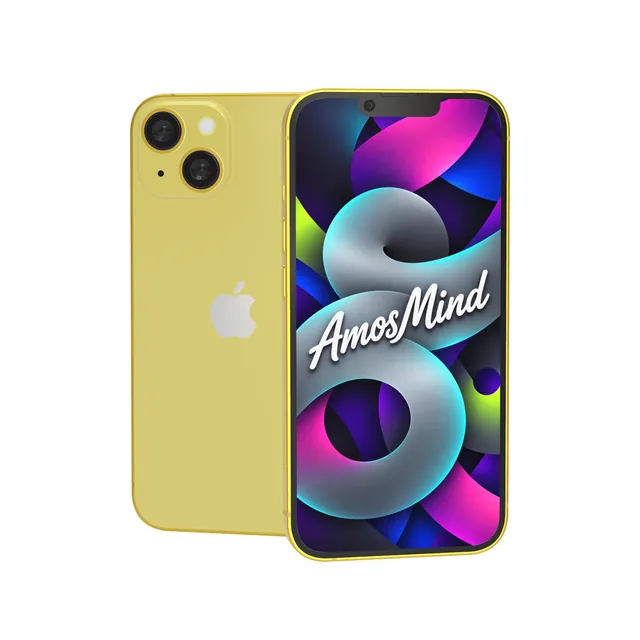
iPhone 14 mockup
Details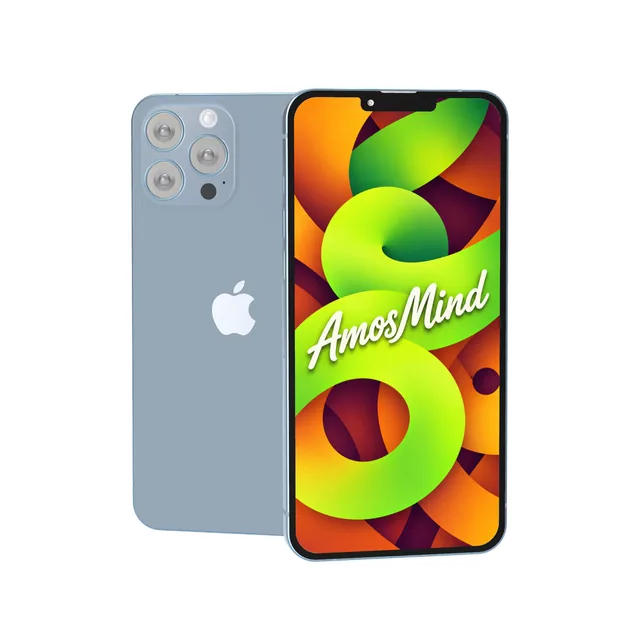
iPhone 13 Pro Max mockup
Details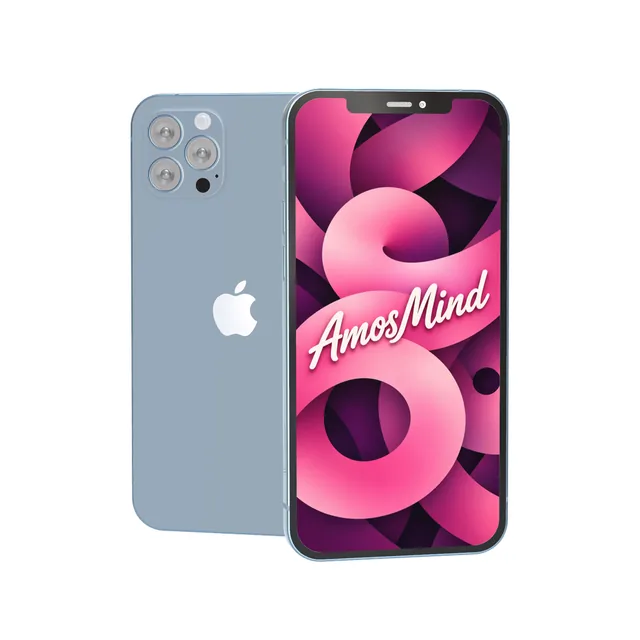
iPhone 13 Pro mockup
Details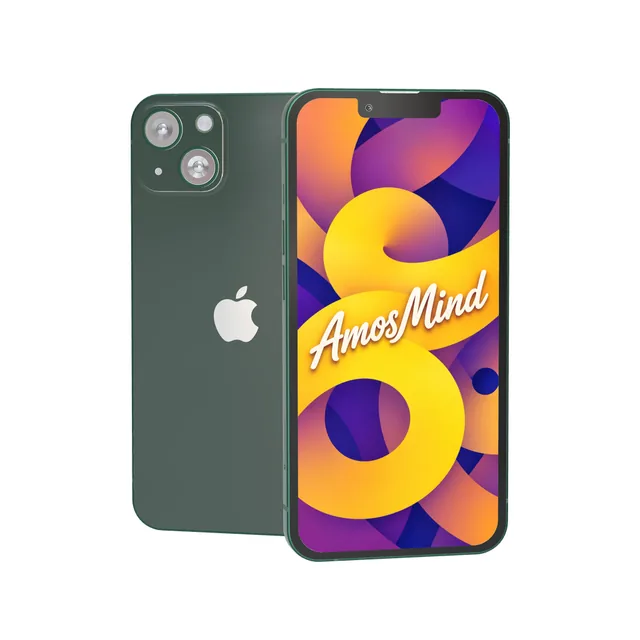
iPhone 13 mockup
Details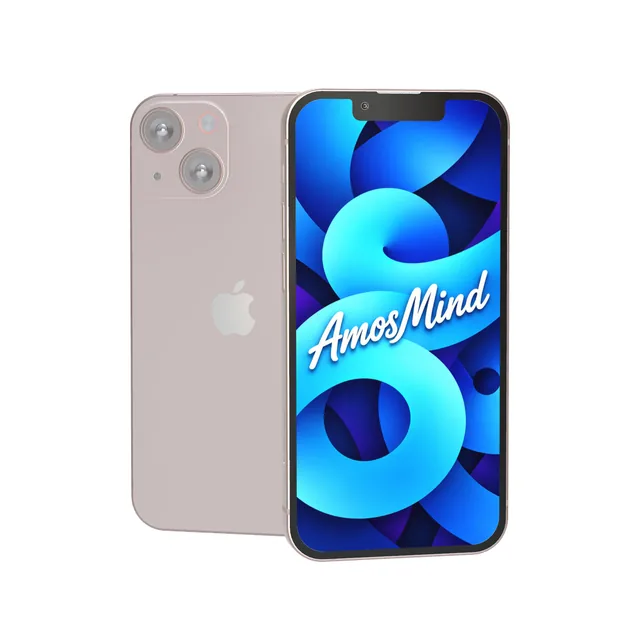
iPhone 13 mini mockup
Details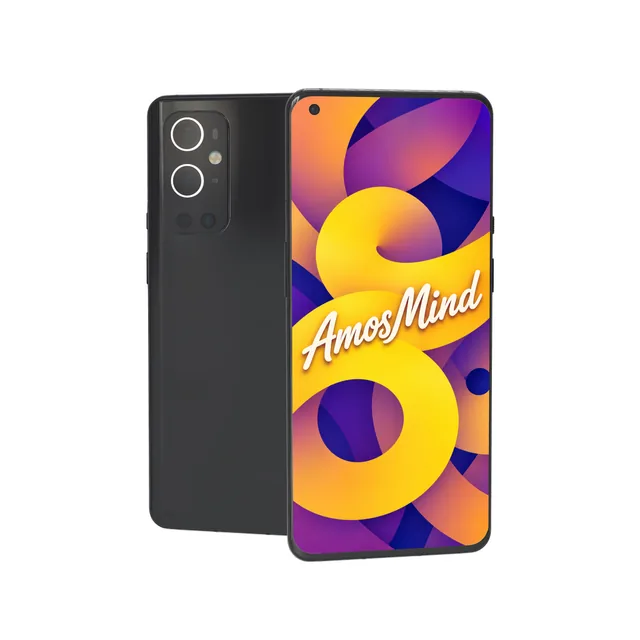
OnePlus 9 Pro mockup
Details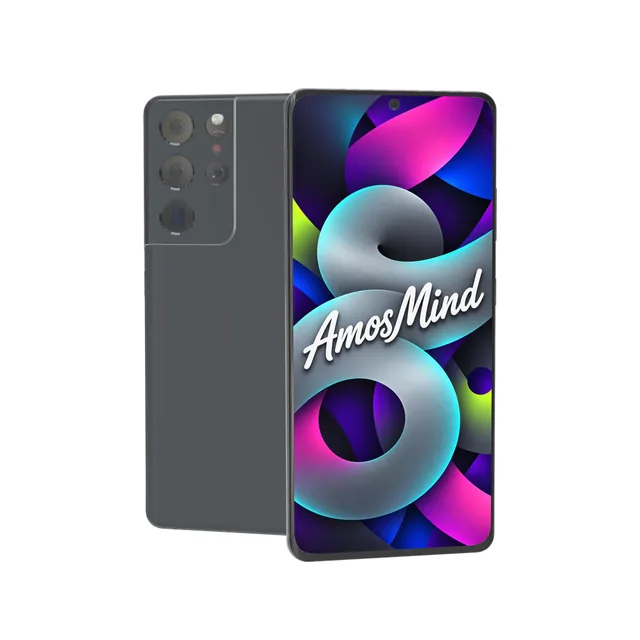
Samsung Galaxy S21 mockup
Details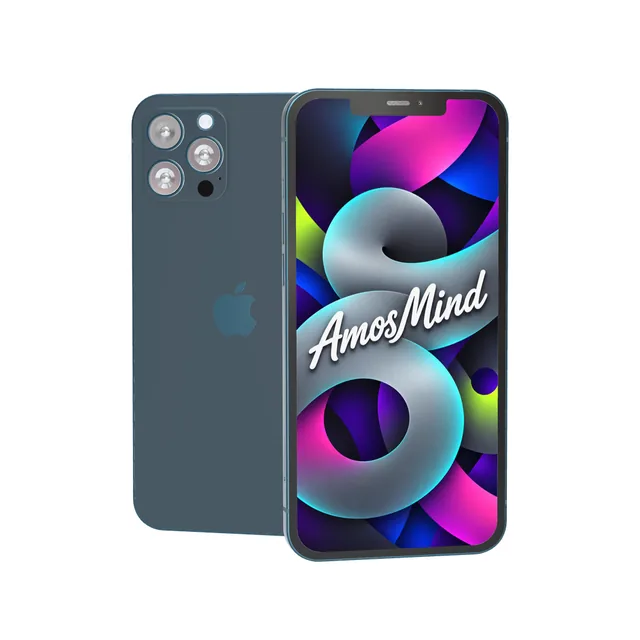
iPhone 12 Pro Max mockup
Details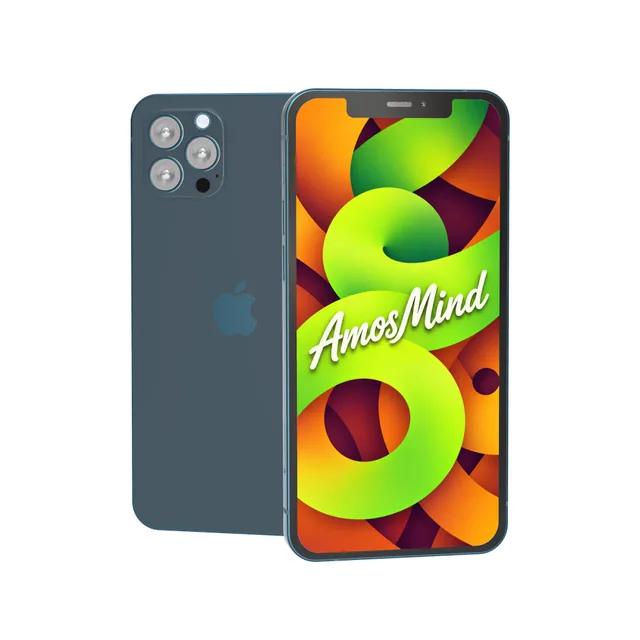
iPhone 12 Pro mockup
Details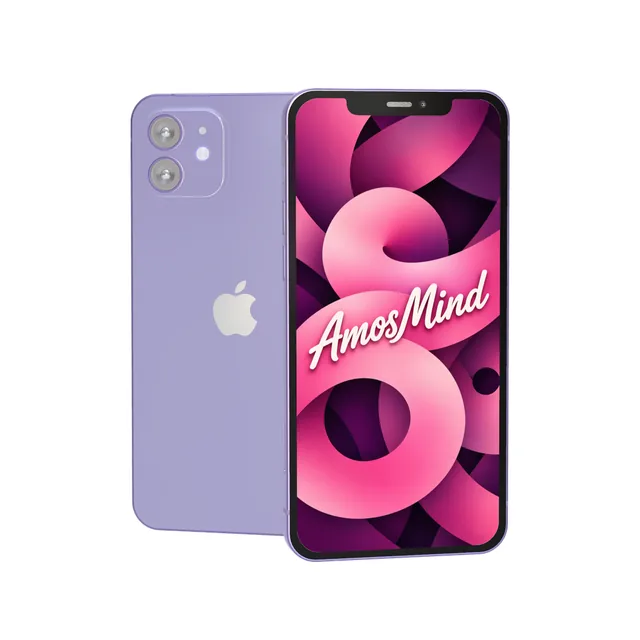
iPhone 12 mockup
Details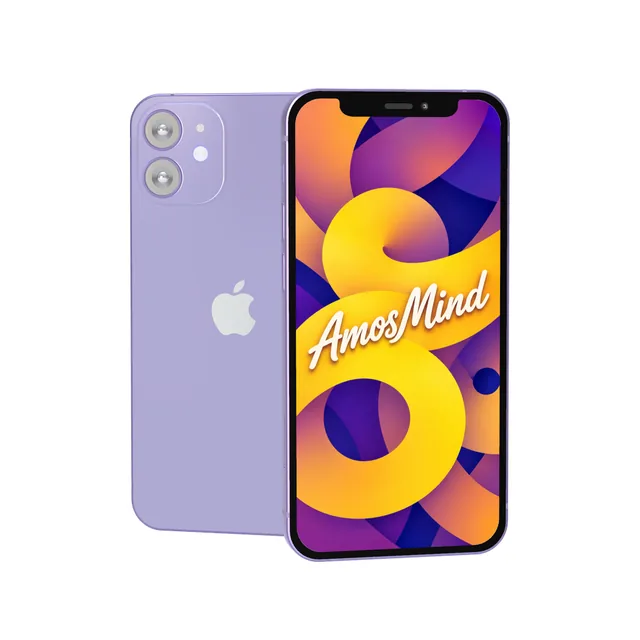
iPhone 12 mini mockup
Details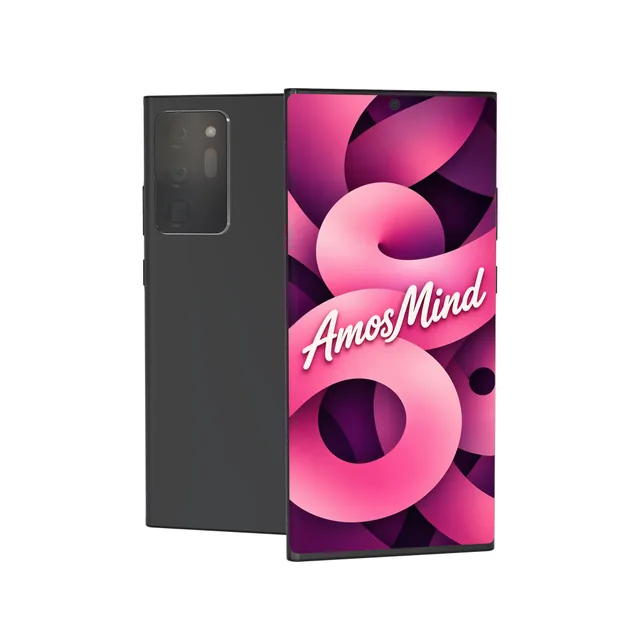
Samsung Galaxy Note20 Ultra mockup
Details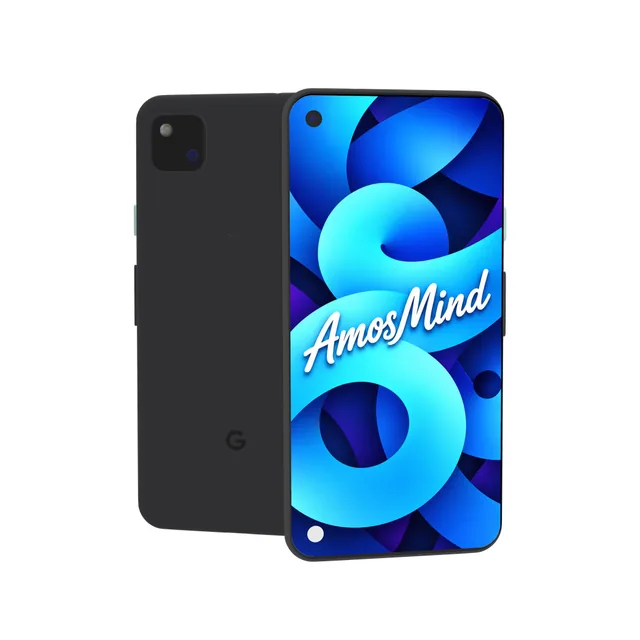
Google Pixel 4a mockup
Details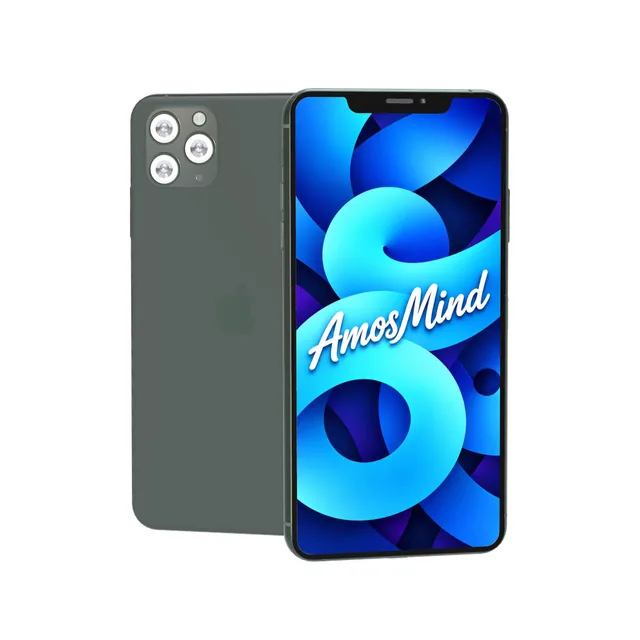
iPhone 11 Pro Max mockup
Details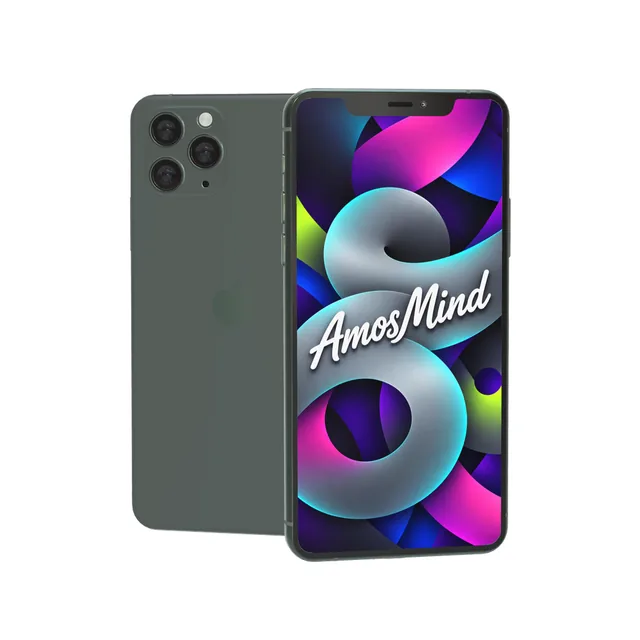
iPhone 11 Pro mockup
Details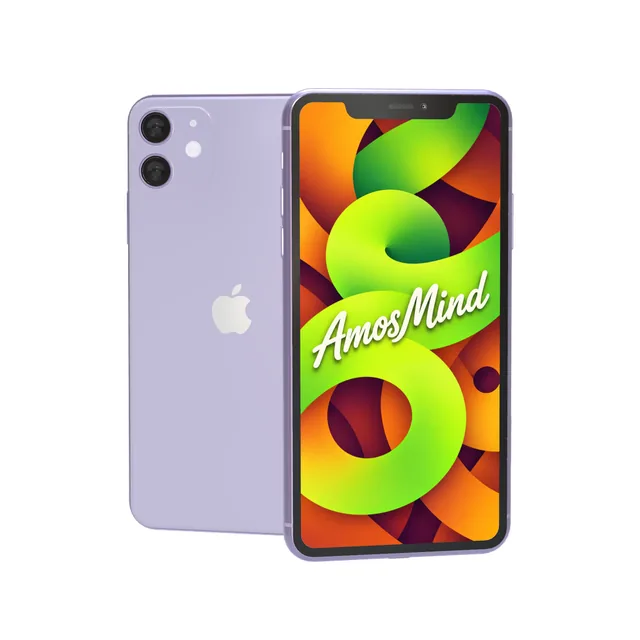
iPhone 11 mockup
Details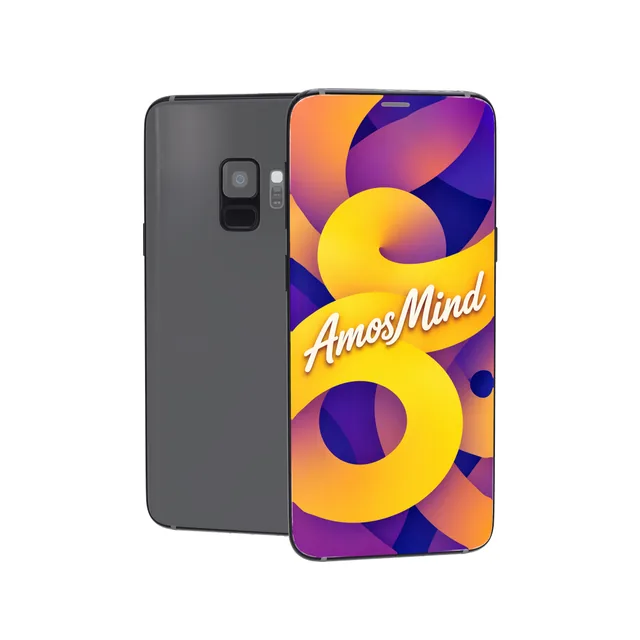
Samsung Galaxy S9 mockup
Details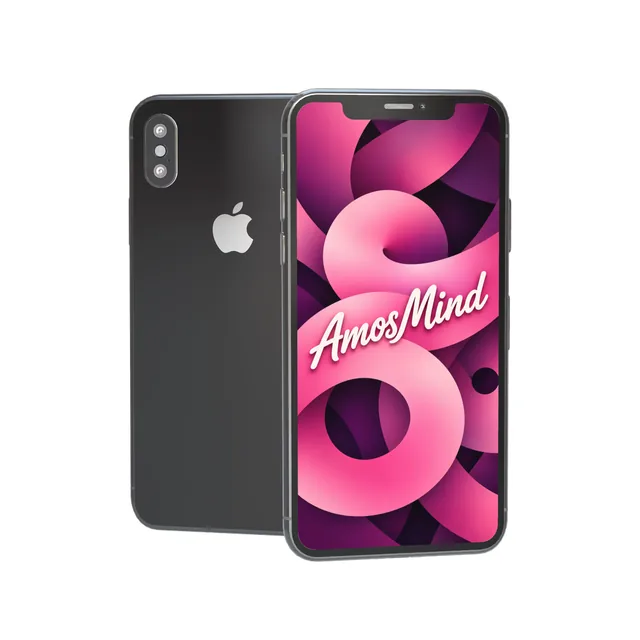
iPhone X mockup
Details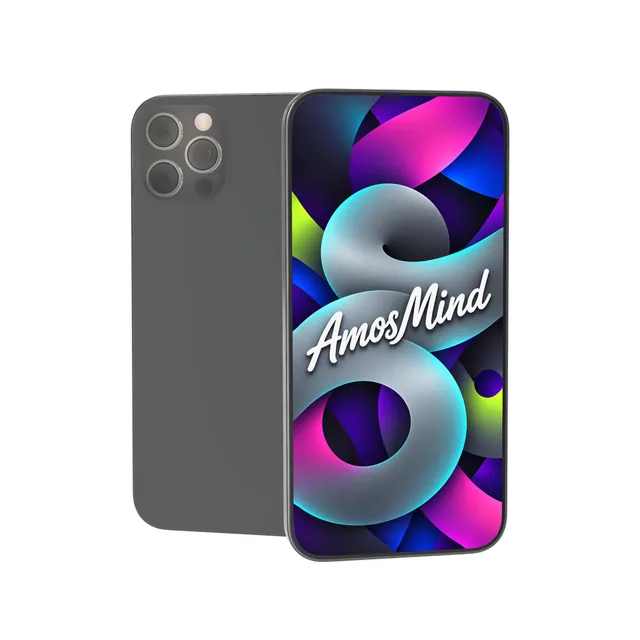 Add your design
Thin-bezel phone mockup
 Add your design
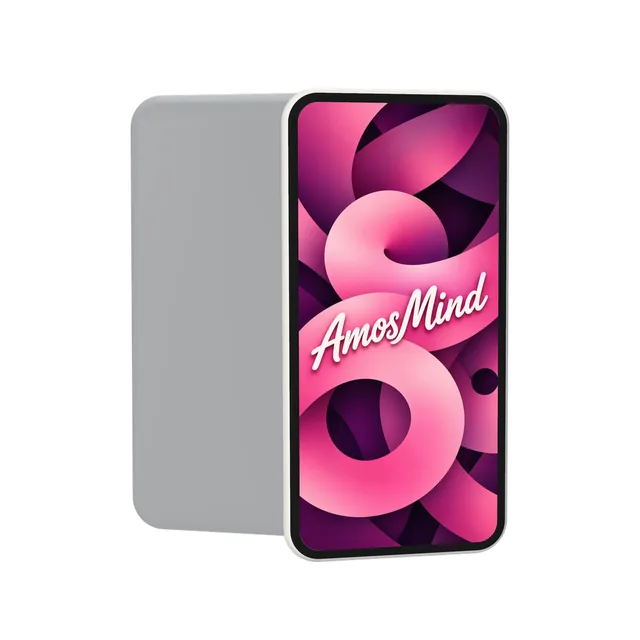
Generic phone mockup
 Add your design
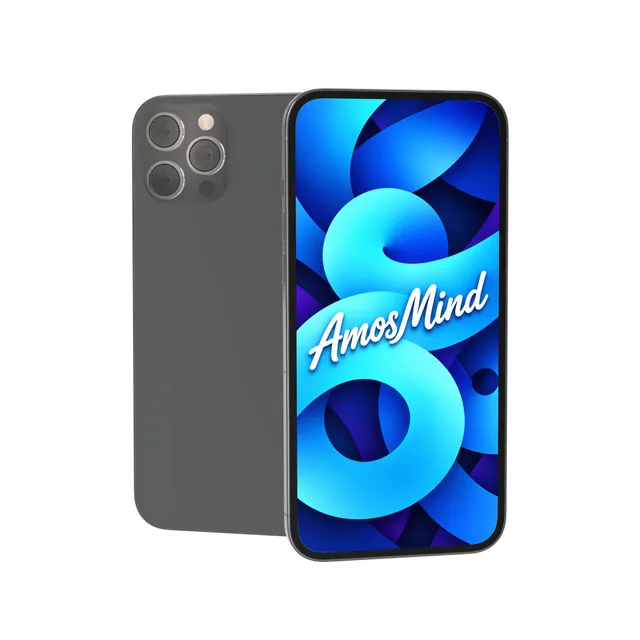
Notchless phone mockup
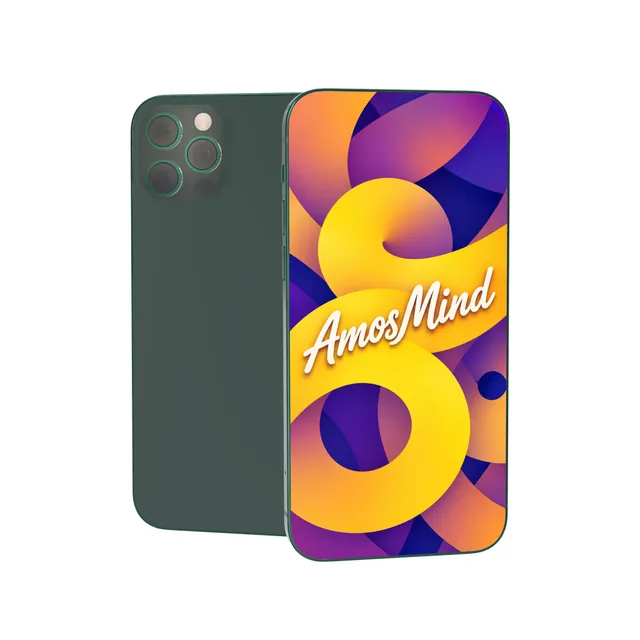 Add your design
Bezel-less phone mockup
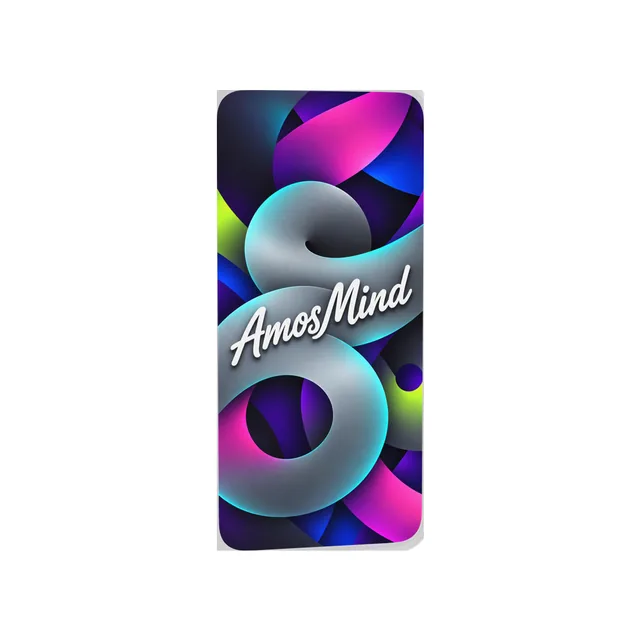 Add your design
Glass phone mockup
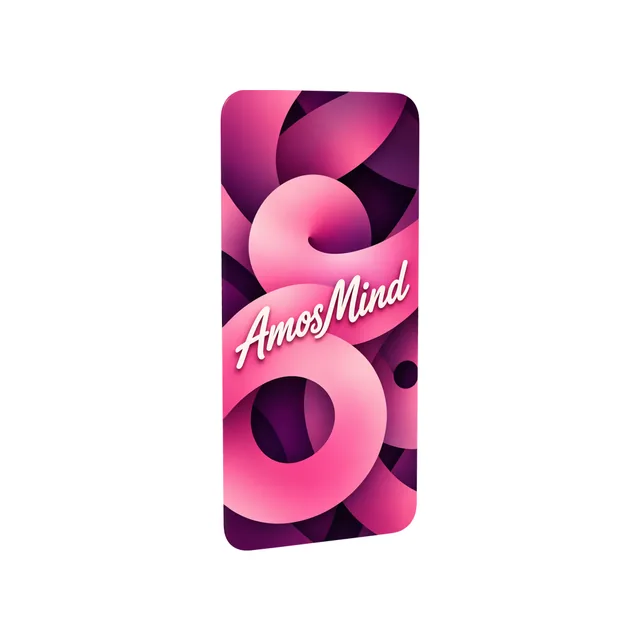 Add your design
Phone display mockup
Phone screen sizes for mockup artwork
Make your screen image at the phone's native resolution and it fills the display edge to edge. Phones from different makers often share a size: one 1080 × 2340 px file fits Galaxy S26, Galaxy S25 and Pixel 4a.
| Artwork size (portrait) | Display | Models |
|---|---|---|
| 1320 × 2868 px | 6.9-inch, 460 ppi | iPhone 18 Pro Max |
| 1206 × 2622 px | 6.3-inch, 460 ppi | iPhone 18 Pro |
| 1080 × 2340 px | 5.8 to 6.3-inch | Galaxy S26, Galaxy S25, Pixel 4a |
| 1080 × 2424 px | 6.3-inch, 422 ppi | Pixel 10 |
| 1440 × 3120 px | 6.7-inch, 513 ppi | Galaxy S25+ |
| 1440 × 3216 px | 6.7-inch, 525 ppi | OnePlus 9 Pro |
| 1080 × 2400 px | 6.2-inch, 421 ppi | Galaxy S21 |
| 1440 × 3088 px | 6.9-inch, 496 ppi | Galaxy Note20 Ultra |
| 1440 × 2960 px | 5.8-inch, 570 ppi | Galaxy S9 |
| 750 × 1334 to 1320 × 2868 px | 4.7 to 6.9-inch | iPhone 8 to iPhone 17 Pro Max: every size is on the iPhone mockups page |
Resolutions from each maker's technical specifications. Your image covers the screen and is cropped at the edges, never stretched. The unbranded phones have no official resolution; a 1170 × 2532 px image fits them with a slight crop.
Punch-hole, Dynamic Island or no cutout
The camera cutout at the top of the screen changes from maker to maker. Match it to the phones your users hold, and keep text and buttons clear of it.
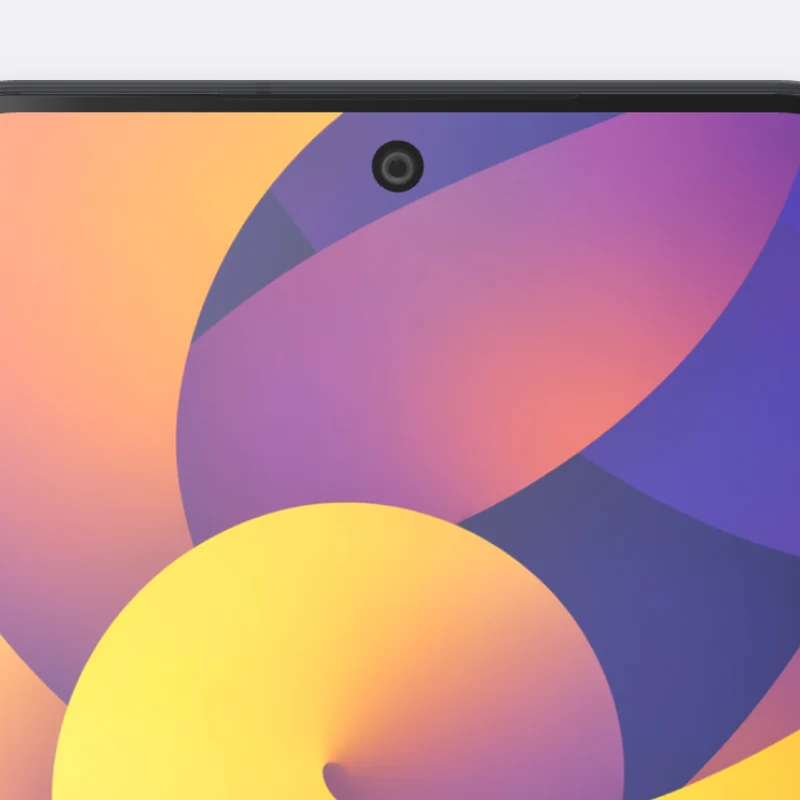
Punch-hole, centered
A small round camera hole in the middle of the top edge.
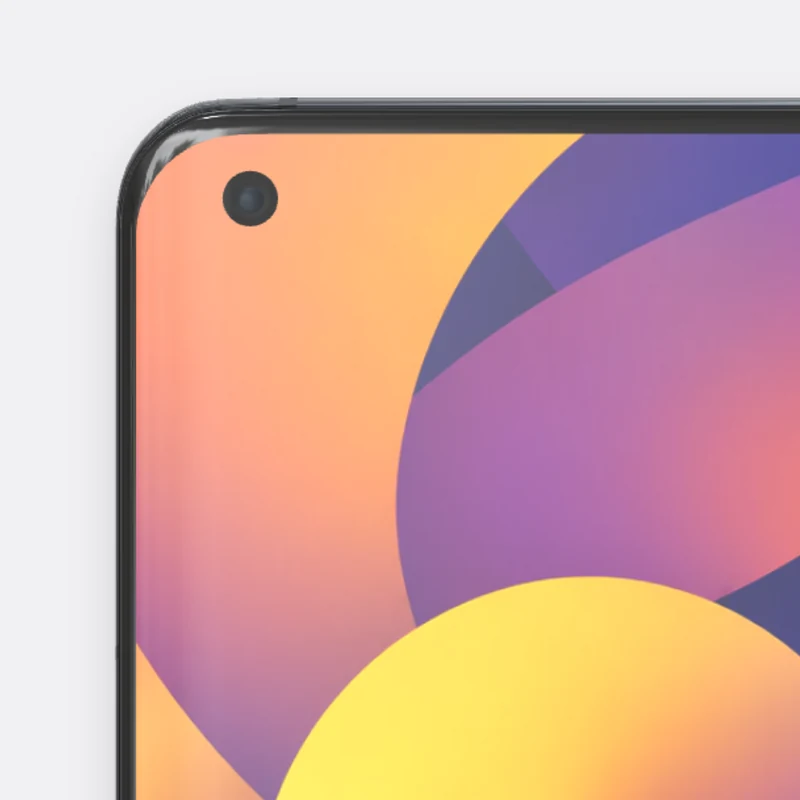
Punch-hole, corner
The camera hole sits in the top-left corner of the screen.
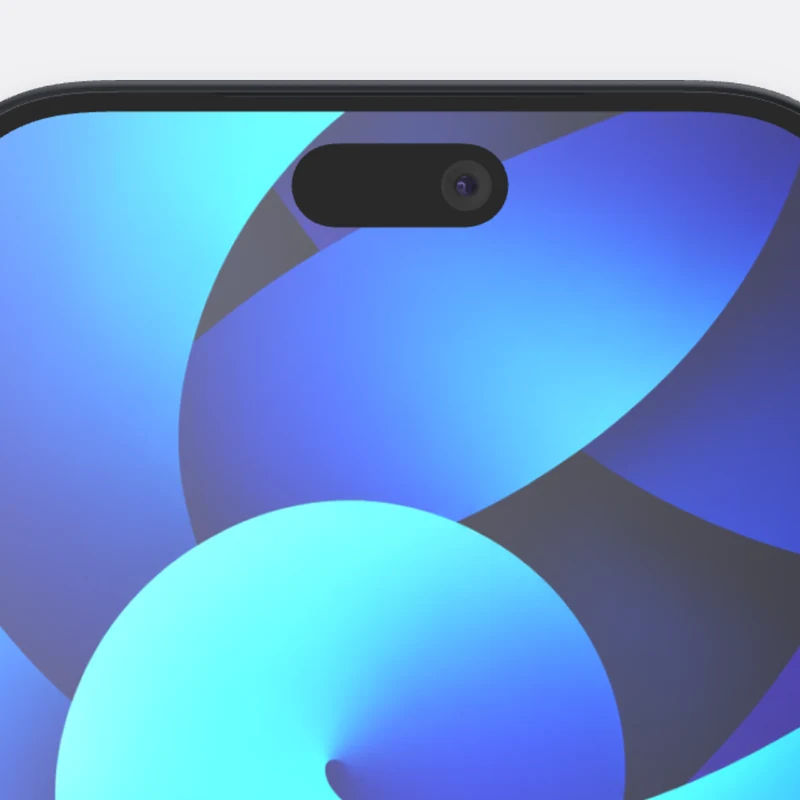
Dynamic Island
A pill-shaped cutout that holds the front camera.
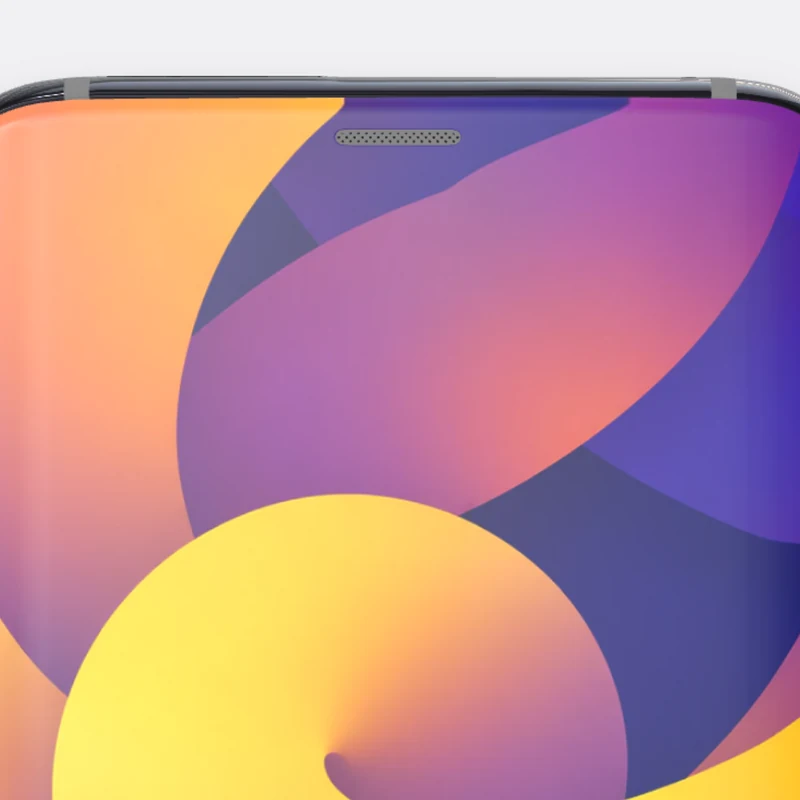
No cutout
The picture runs to all four corners with nothing cut out of it.
Notch: iPhone X through iPhone 14 and iPhone 14 Plus. Home button: iPhone 8. Both are on the iPhone mockups page.
Pick a phone by maker
Start from the brand your audience uses, or from a phone with no brand at all.
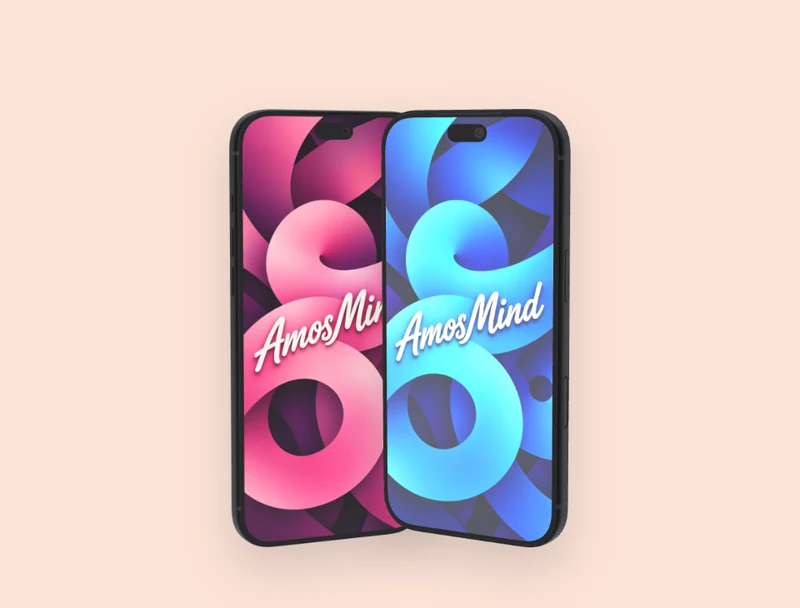
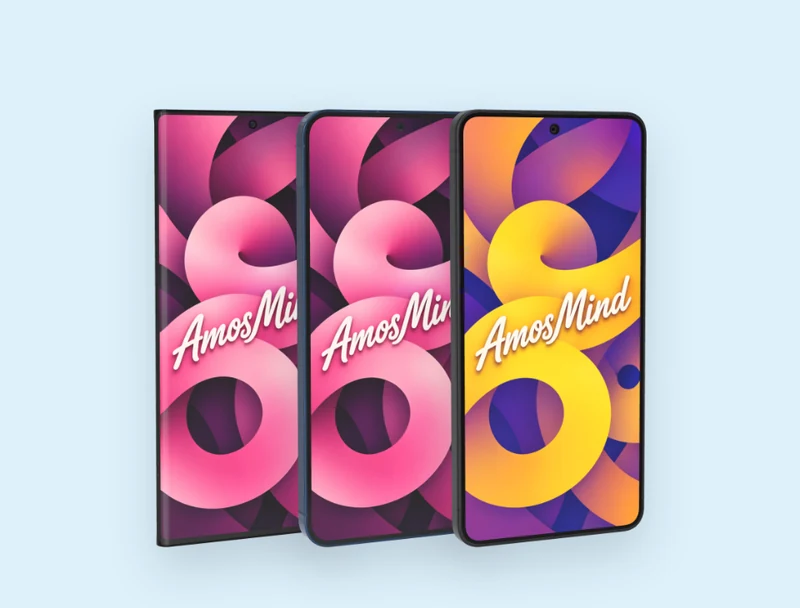
iPhone
iPhone 8 to iPhone 18 Pro Max, and the foldable iPhone Duo
Samsung Galaxy
Galaxy S26, S25, S25+, S21, S9 and Galaxy Note20 Ultra
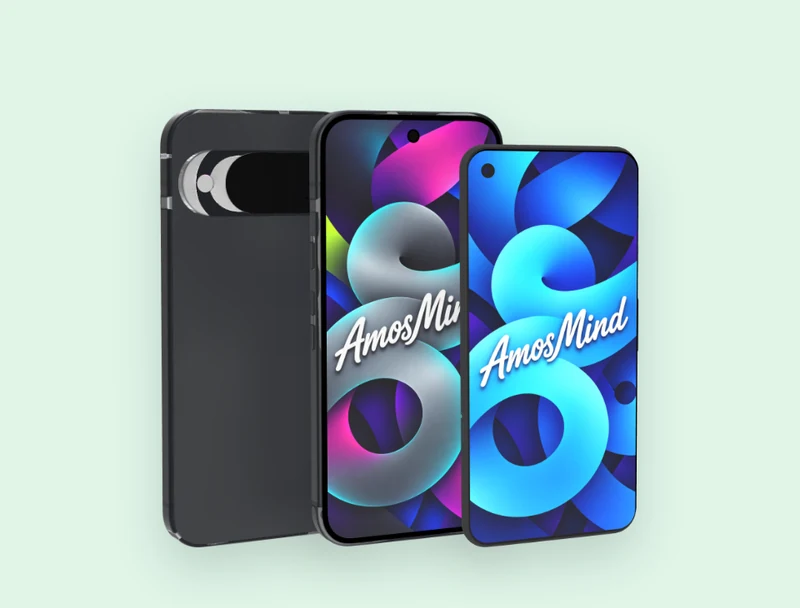
Google Pixel
Pixel 10 and Pixel 4a
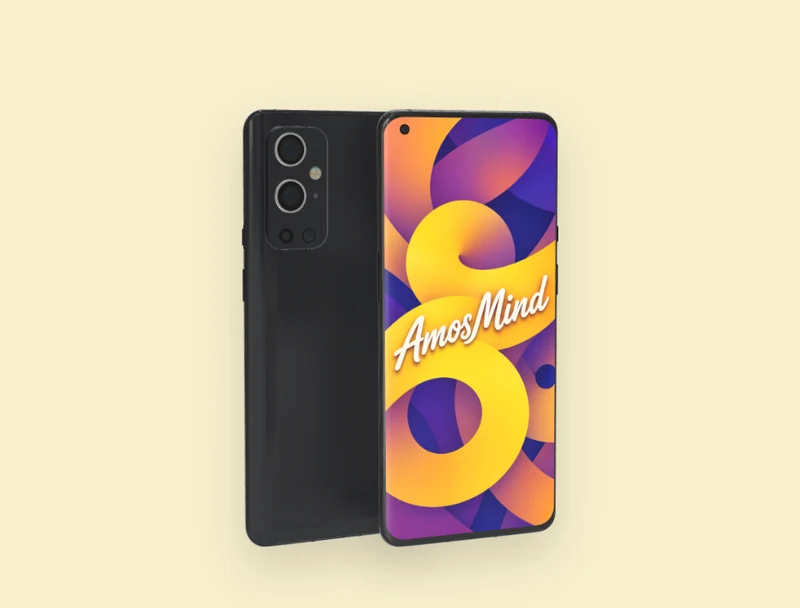
OnePlus
OnePlus 9 Pro
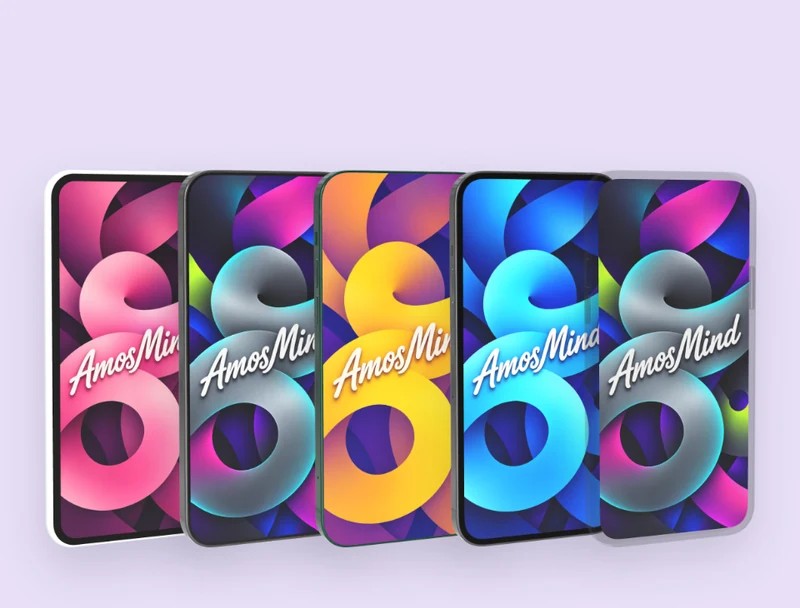
Unbranded phones
Generic, Thin-bezel, Bezel-less, Notchless and Glass phone
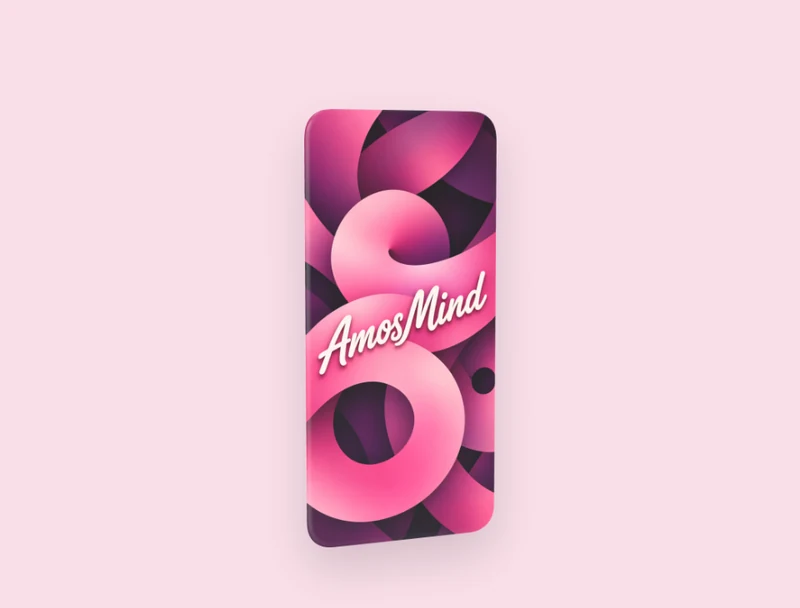
Screen only
Phone display: a floating screen with no body around it
How to make a phone mockup
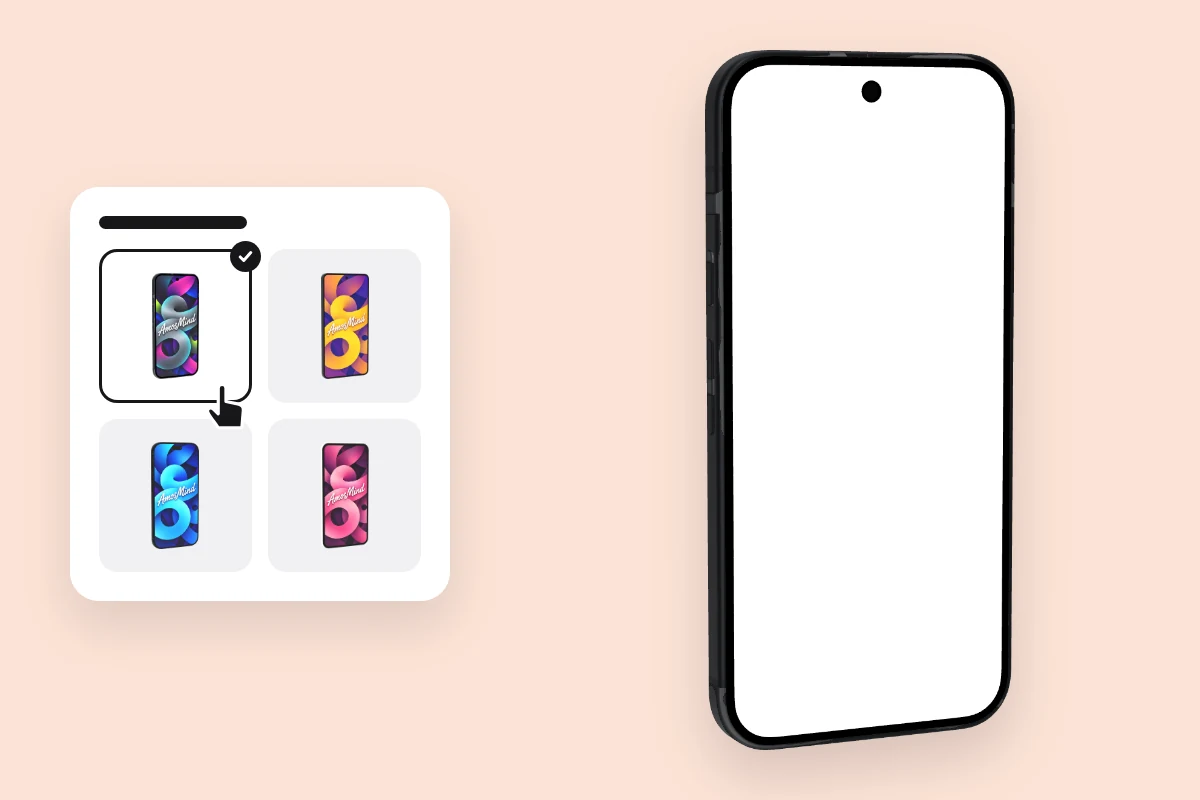
Pick a phone
Choose a model from the list above. It opens as a full 3D phone in your browser.
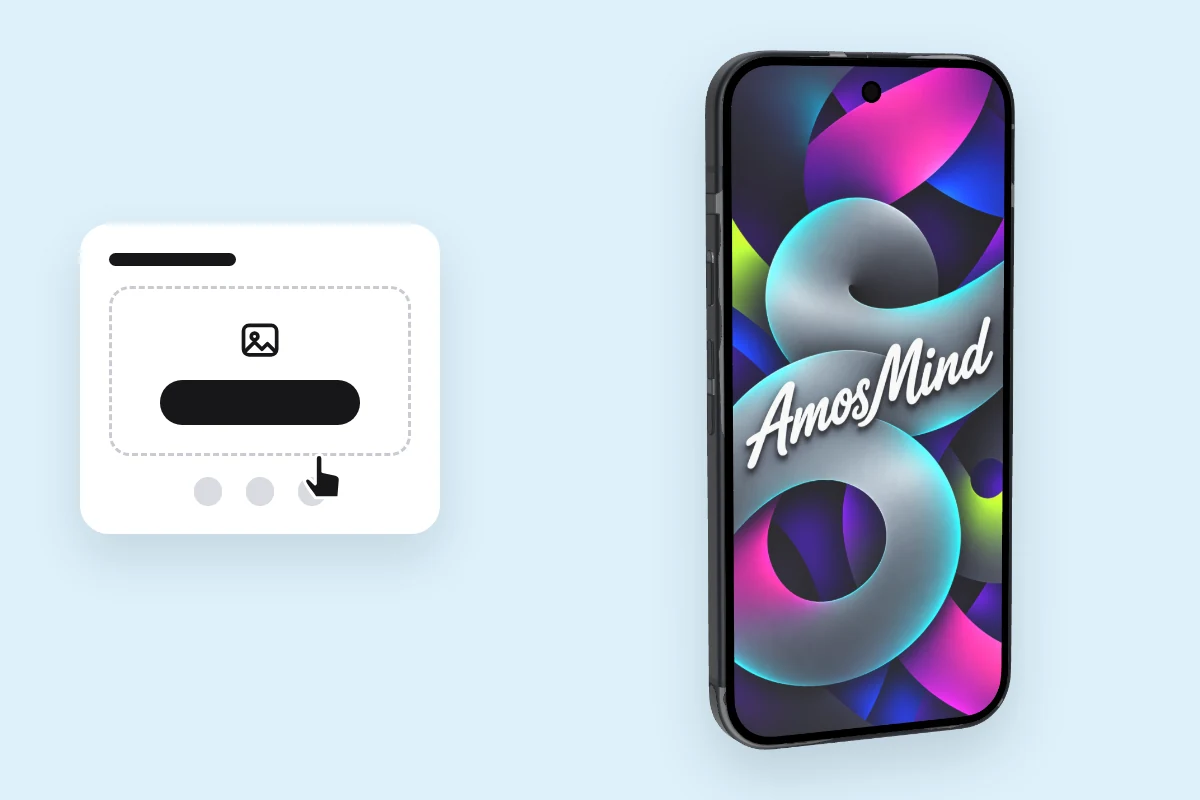
Add your screen
Click Upload artwork and add a PNG, JPG, WebP or SVG. Make it at the phone's screen size and nothing gets cropped.
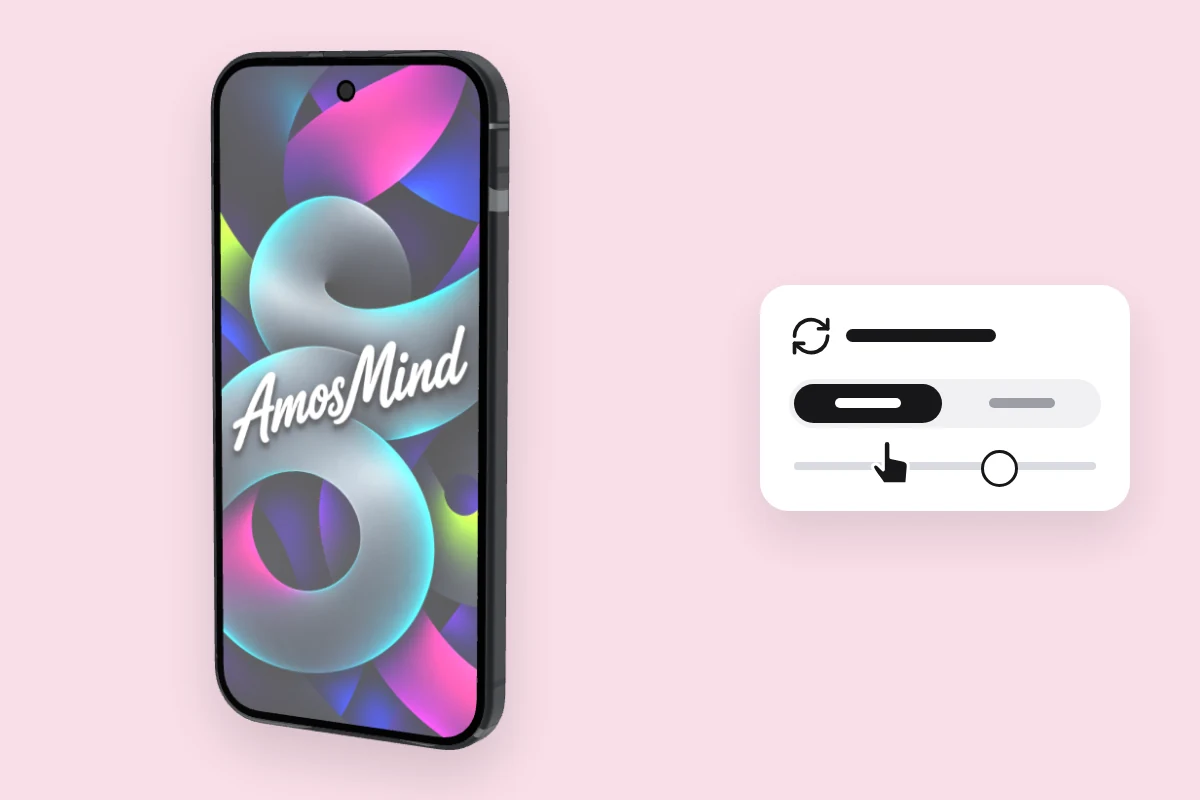
Choose an angle
Drag to turn the phone, or click Front or Back.
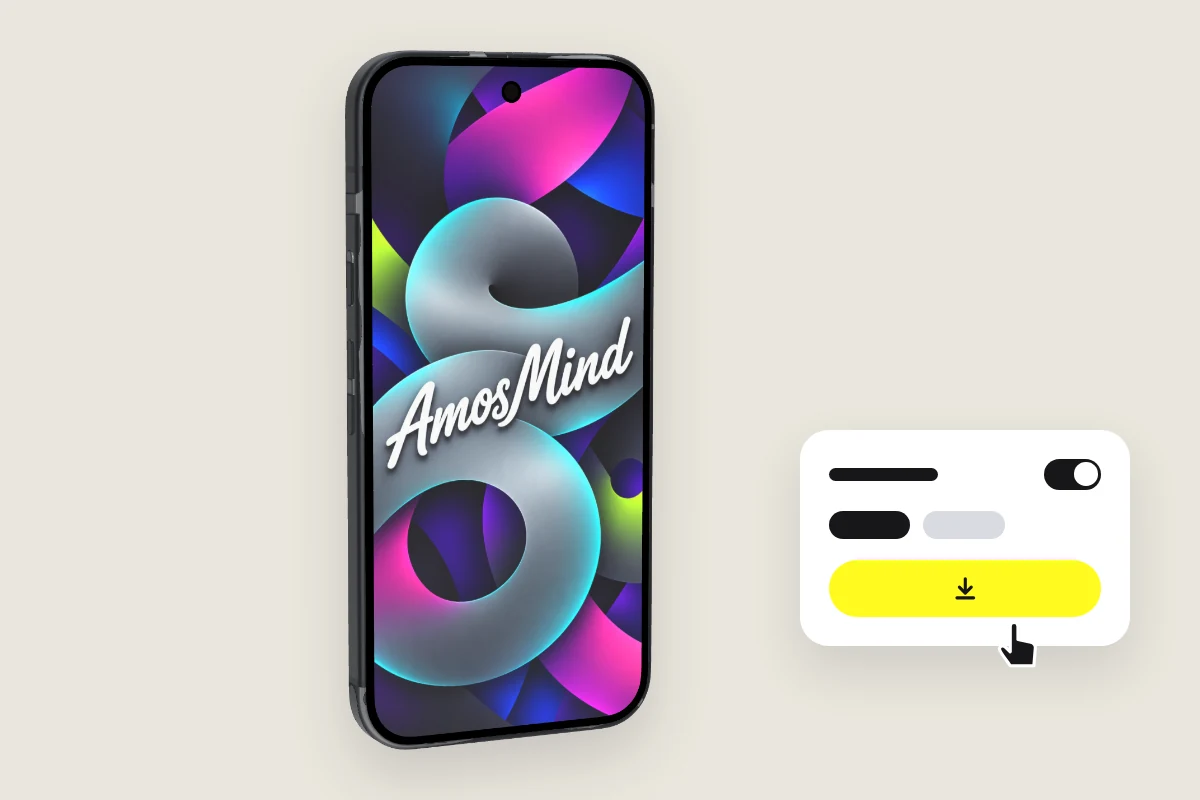
Export the image
Export 2K or 4K, or choose Transparent in the Background panel for a PNG you can place on your own layout.
Explore more device mockups
Every mockup opens in the same live 3D editor.
A real model or an unbranded phone?
Both take the same screen file. The difference is what the viewer reads into the hardware.
| Real models | Unbranded phones | |
|---|---|---|
| Use it for | App Store pages, launch posts and case studies for one platform | Client pitches, wireframes and concepts that should not look tied to one maker |
| On the body | The maker's own camera layout, buttons and proportions | No logo. Generic phone and Glass phone have no camera; the others keep a three-lens camera block |
| Screen artwork | The phone's native resolution, listed in the table above | No official size; 1170 × 2532 px with a slight crop |
| On this page | iPhone, Samsung Galaxy, Google Pixel and OnePlus | Generic, Thin-bezel, Bezel-less, Notchless and Glass phone |
Phone mockup questions, answered
Answers about models, screen sizes and exports for every phone on AmosMind.
What is a phone mockup?
It shows an app screen, a website or artwork inside a realistic phone, so people see the design the way they would hold it. Here the phone is a 3D model you can turn, not a flat photo.
How do I make a phone mockup?
Pick a phone on this page, click Upload artwork and add your screen, then choose an angle and export the image. It all runs in your browser, so you don't need Photoshop.
What size should the screen image be for a phone mockup?
Use the phone's native resolution from the table above, for example 1080 × 2340 px for Galaxy S26 or 1080 × 2424 px for Pixel 10. Another size still works: the image covers the screen and is cropped at the edges.
Which phone models can I mock up?
iPhone 8 to iPhone 18 Pro Max and the foldable iPhone Duo, Samsung Galaxy, Google Pixel and OnePlus phones, and phones with no brand. iPhones and Android phones also have their own pages.
Which phone mockup angle works best for app store screenshots?
A straight front view keeps the whole screen readable at thumbnail size. A three-quarter view shows more of the hardware and suits a large hero image. Click Front for the first, or drag the phone for the second.
Do I need Photoshop or Figma to use phone mockups?
No. Each phone is a 3D model that opens in your browser, and you export finished JPG or PNG images. There's no PSD file to edit.
Can I download a phone mockup as a transparent PNG?
Yes. Choose Transparent in the Background panel and the phone downloads as a PNG with no background, ready to drop into your own layout.
Is this phone mockup free?
Browsing the phones and turning them in 3D is free. Log in with an email code or Google to upload a screen, save projects and render images; the export panel shows any cost before you render.