
Apple Watch mockups in real-time 3DFrom Series 4 to Ultra 3
Add a watch face or an app screen to a 3D Apple Watch, from Series 4 to Apple Watch Ultra 3. Turn it to any angle and render it as an image up to 4K.

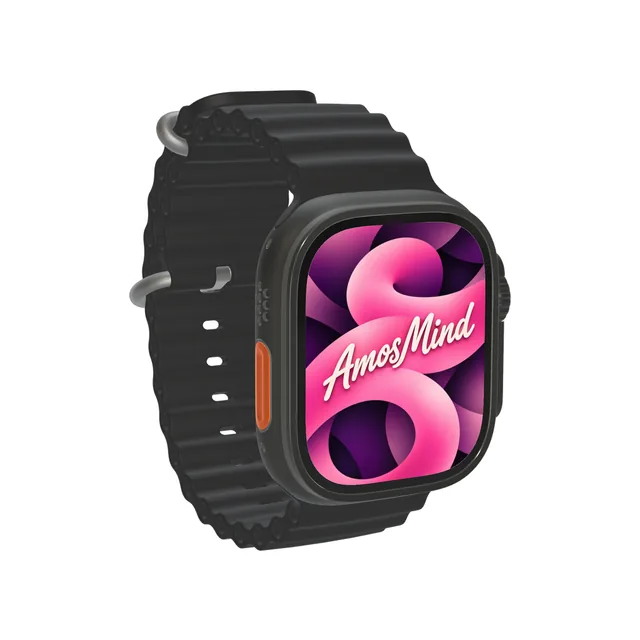
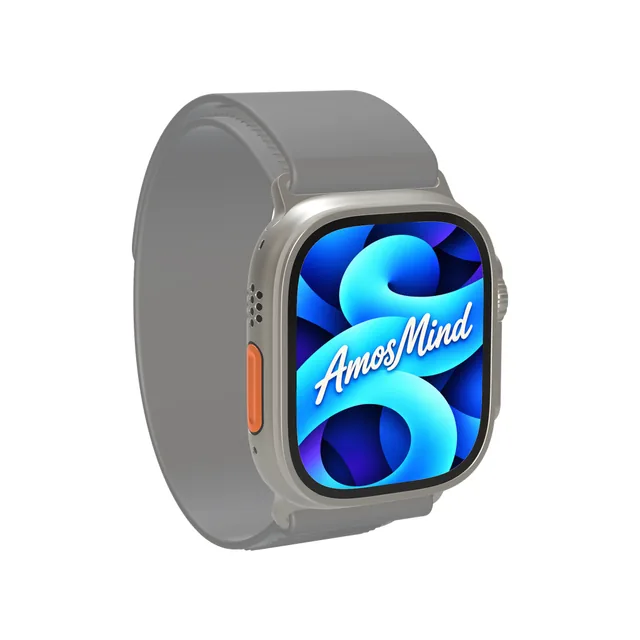
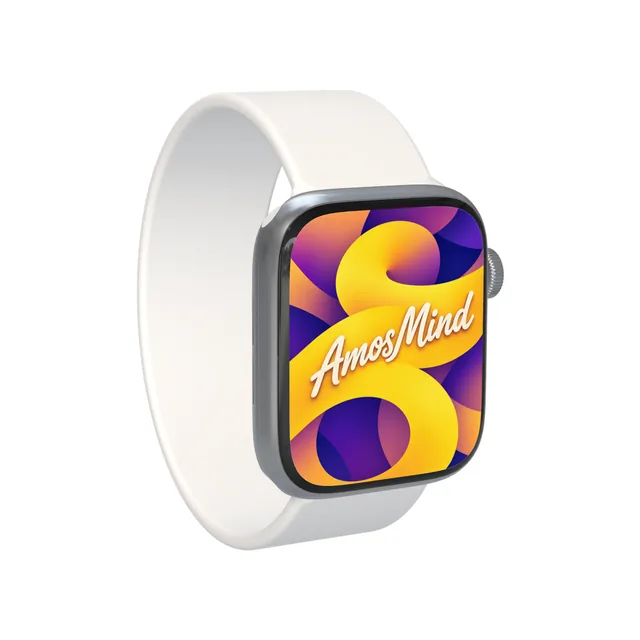
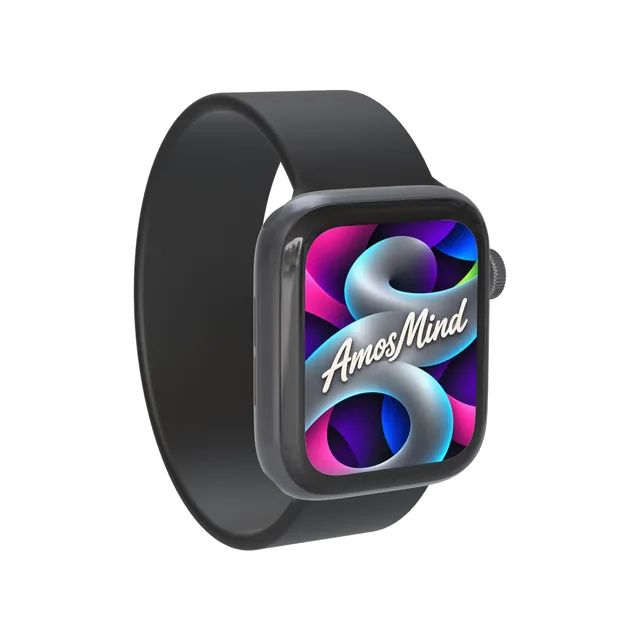
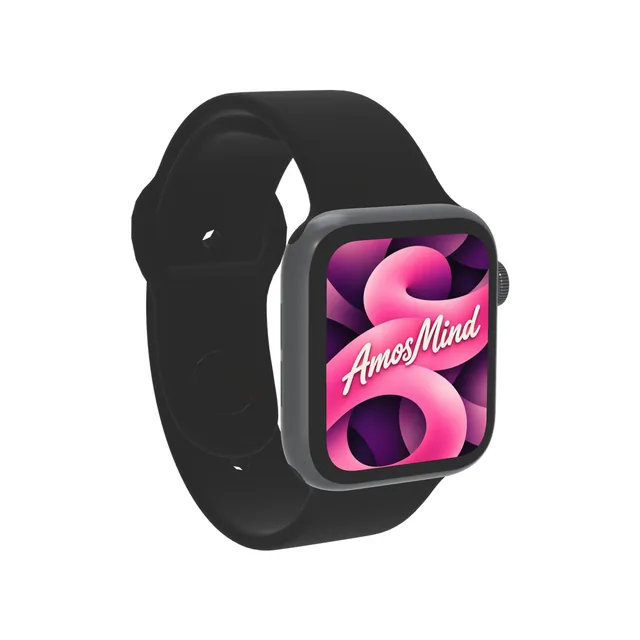
Apple Watch screen sizes, model by model
Each case size has its own resolution. Make your watch face or app screen at that size and it fills the display.
| Model | Year | Case | Artwork size (portrait) |
|---|---|---|---|
| Apple Watch Ultra 3 | 2025 | 49 mm | 422 × 514 px |
| Apple Watch Ultra 2 | 2023 | 49 mm | 410 × 502 px |
| Apple Watch Series 7 | 2021 | 45 mm | 396 × 484 px |
| Apple Watch Series 6 | 2020 | 44 mm | 368 × 448 px |
| Apple Watch Series 4 | 2018 | 40 mm or 44 mm | 324 × 394 px or 368 × 448 px |
Resolutions from Apple's technical specifications. The year is the year the model went on sale. The display has rounded corners, so keep content away from them.
Ultra or Series: how to tell them apart
Three case shapes cover every watch on this page.
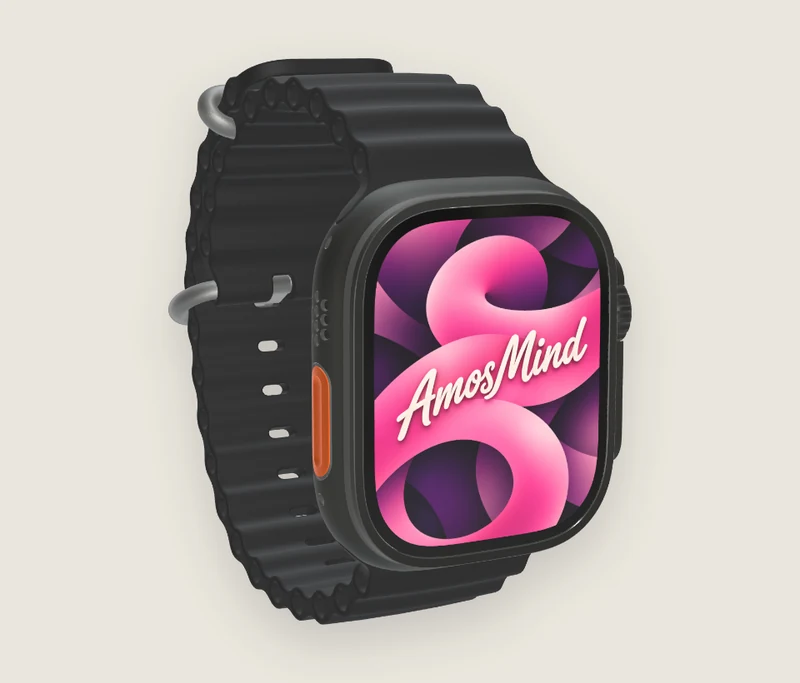
Apple Watch Ultra
A 49 mm titanium case with a flat crystal, a raised guard around the Digital Crown and an Action button on the other side.
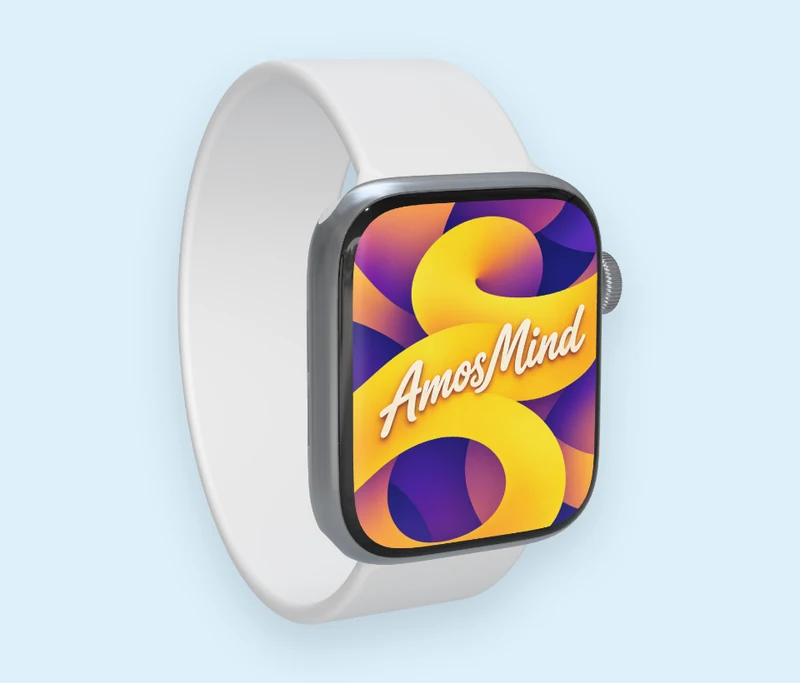
Series 7
A rounder 45 mm case whose display runs closer to the edge, with borders of 1.7 mm.
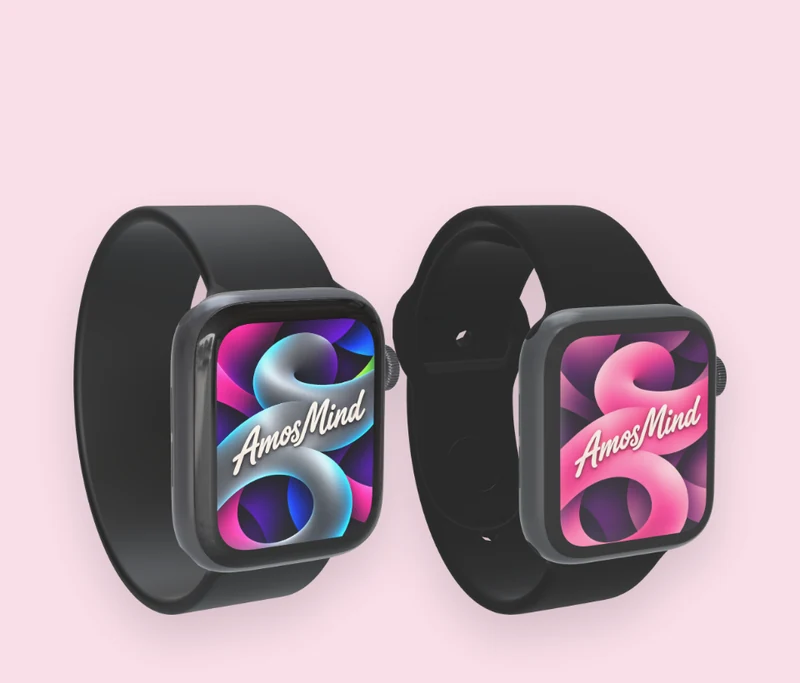
Series 4 and Series 6
The 2018 shape: curved display corners and a wider border than Series 7.
Watch face, app screen or activity view
The watch shows whatever image you upload. Three things people put on it:
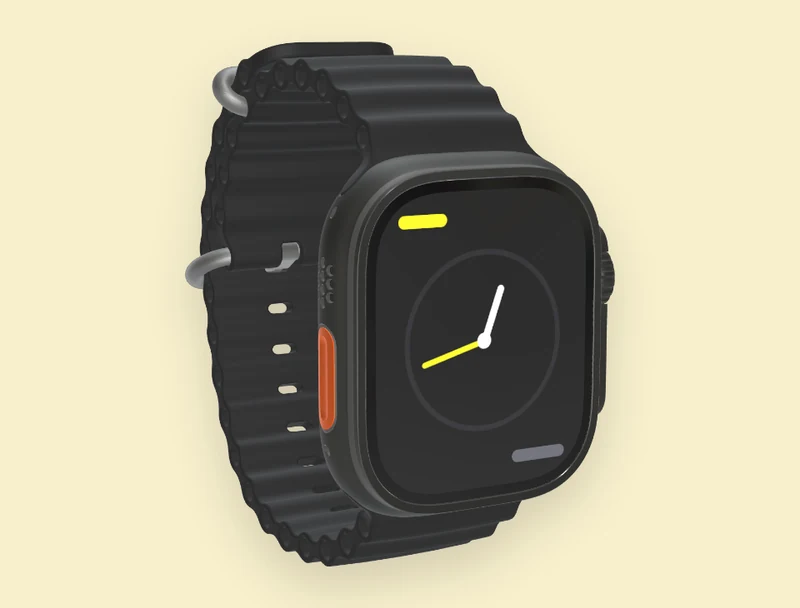
A watch face
A full-screen face for a face collection or a brand campaign.
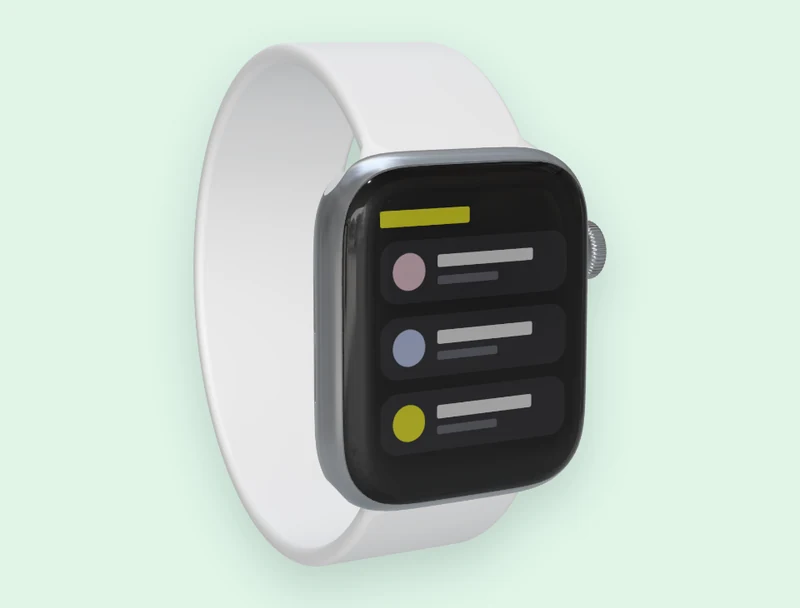
An app screen
A screenshot of your watchOS app, as it looks on the wrist.
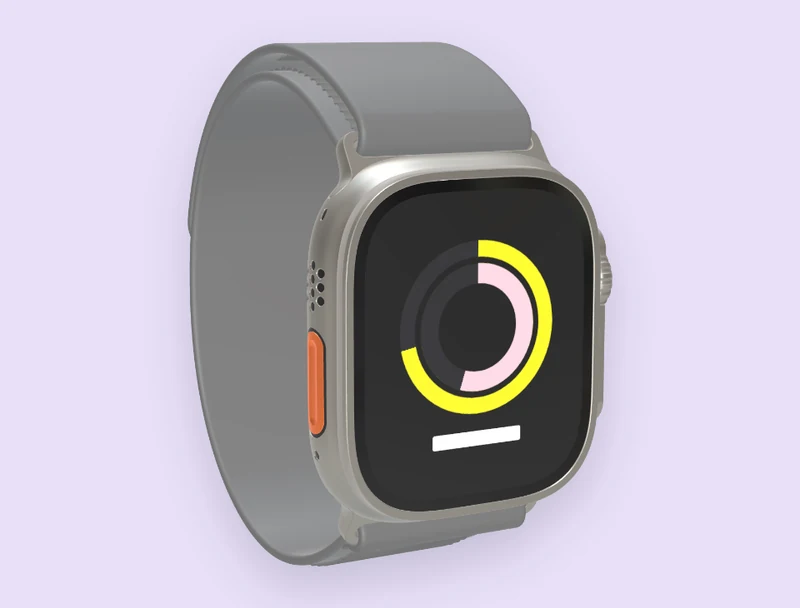
An activity view
Rings, charts or a workout summary for a fitness product.
The screens in these pictures are placeholders drawn for this page, not watchOS.
How to make an Apple Watch mockup
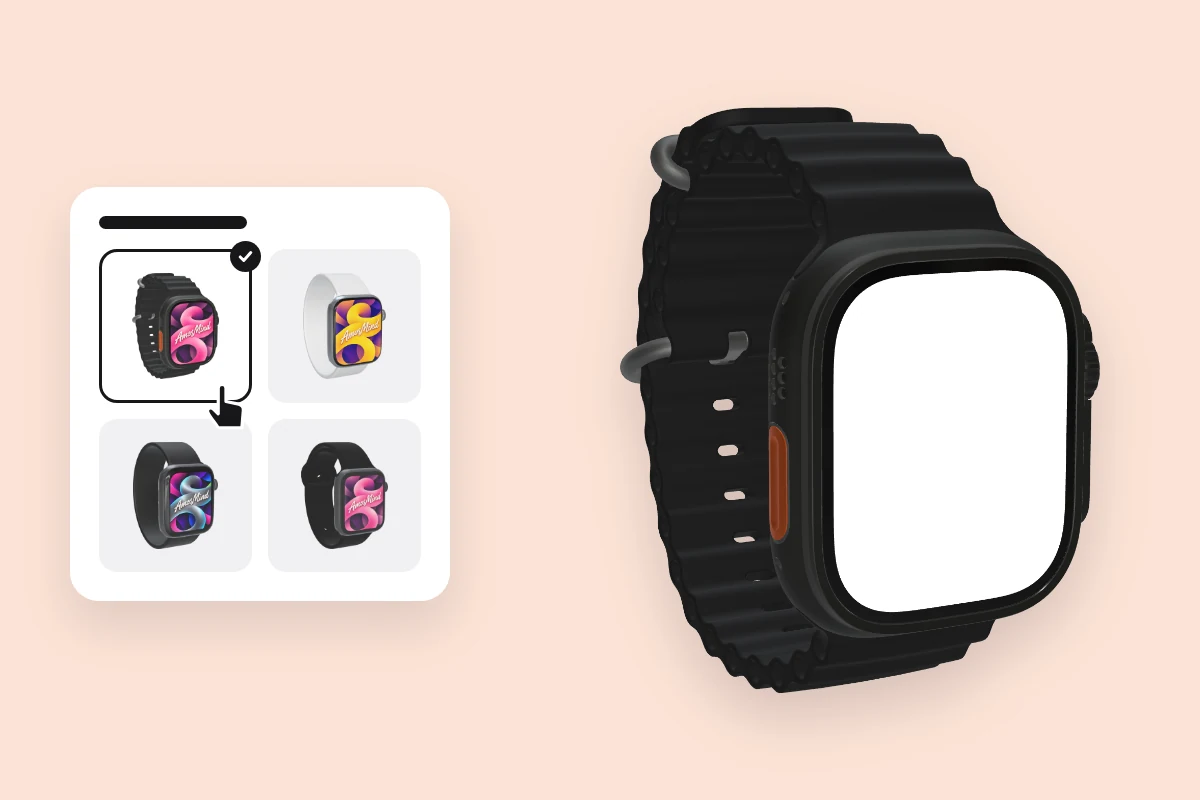
Pick an Apple Watch
Choose a model from the list above. It opens as a full 3D Apple Watch in your browser.
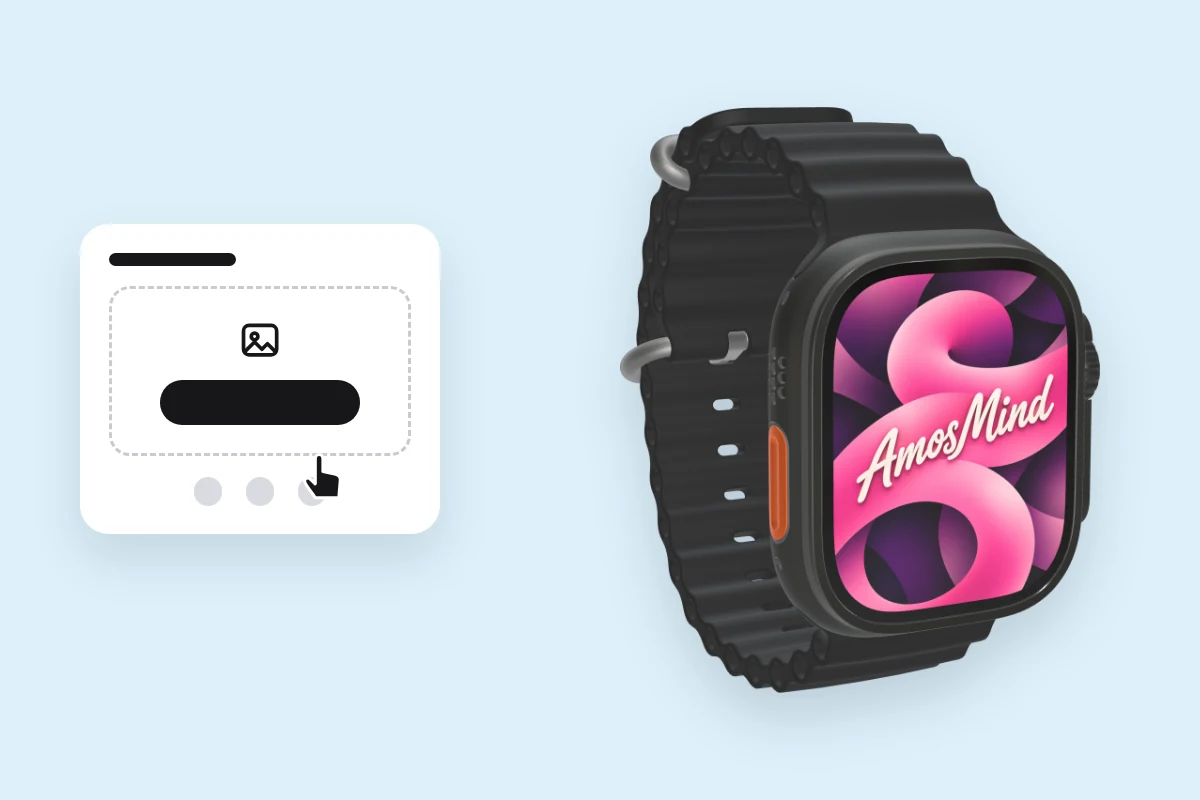
Add your screen
Click Upload artwork and add a PNG, JPG, WebP or SVG. Make it at the case size from the table above.
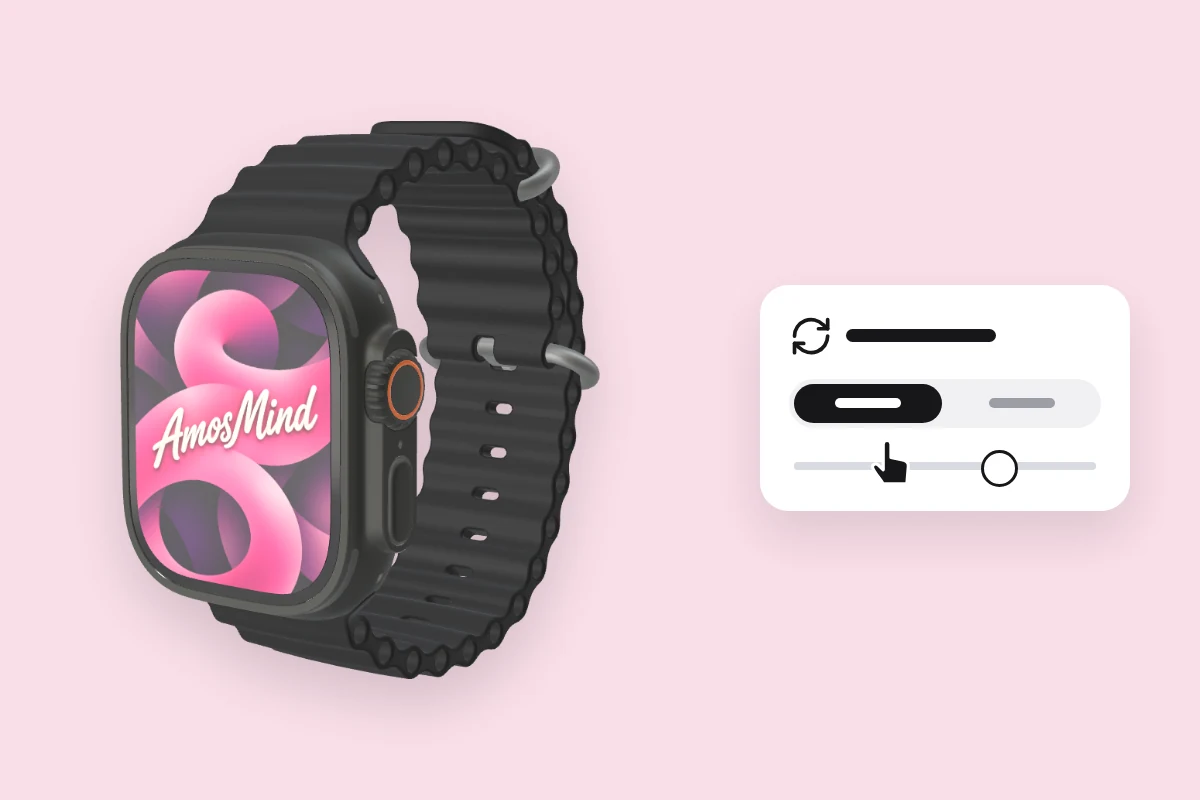
Choose an angle
Drag to turn the Apple Watch, or click Front or Back.
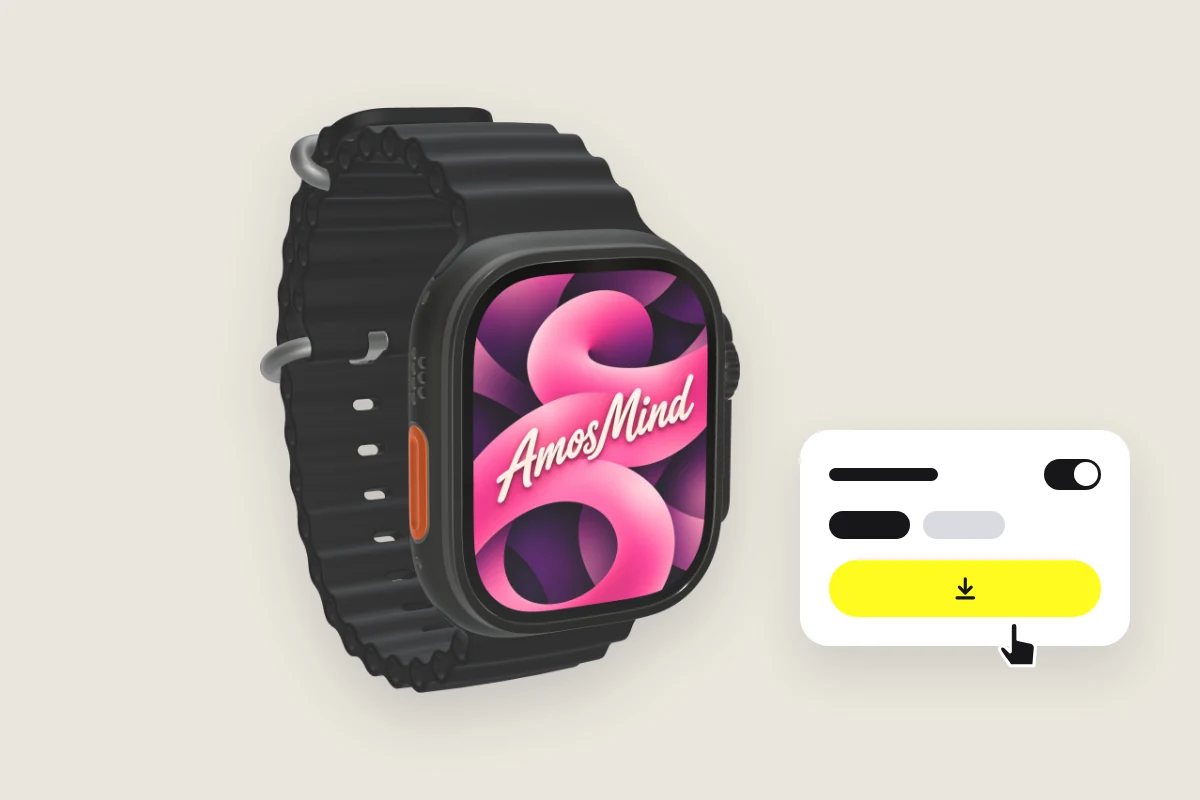
Export the image
Export 2K or 4K, or choose Transparent in the Background panel for a PNG you can place on your own layout.
Explore more device mockups
Every mockup opens in the same live 3D editor.
One design on every watch
The watches here share almost the same screen shape. Design once at 422 × 514 px, the size of Apple Watch Ultra 3, and the same file works on all of them.
| Model | Screen | A 422 × 514 px design |
|---|---|---|
| Apple Watch Ultra 3 | 422 × 514 px | Shown at full size |
| Apple Watch Ultra 2 | 410 × 502 px | Scaled down to 97%; under 1% is cropped |
| Apple Watch Series 7 | 396 × 484 px | Scaled down to 94%; under 1% is cropped |
| Apple Watch Series 6 | 368 × 448 px | Scaled down to 87%; under 1% is cropped |
| Apple Watch Series 4 | 324 × 394 px or 368 × 448 px | Scaled down to 77% or 87%; under 1% is cropped |
Apple Watch mockup questions, answered
Answers about case sizes, screens and exports for every Apple Watch on AmosMind.
Which Apple Watch models are supported?
Apple Watch Ultra 3 and Ultra 2 in the 49 mm case, Series 7 in 45 mm, Series 6 in 44 mm, and Series 4.
What are the Apple Watch screen dimensions and resolution?
422 × 514 px on Ultra 3, 410 × 502 px on Ultra 2, 396 × 484 px on the 45 mm Series 7 and 368 × 448 px on the 44 mm Series 6. These are Apple's figures for the display; 49, 45 and 44 mm are case sizes, not screen sizes.
How to create an Apple Watch app mockup?
Pick a watch on this page, click Upload artwork and add a screenshot of your app at the watch's resolution, then choose an angle and export the image.
Can I put a watch face on the mockup?
Yes. Upload the face as an image at the watch's resolution and it fills the display. The display has rounded corners, so keep details away from them.
Can I change the band on the Apple Watch mockup?
No. Each watch keeps the band it comes with. The case has its own finishes, and those you can switch.
Do I need Photoshop or Figma to use Apple Watch mockups?
No. Each watch is a 3D model that opens in your browser, and you export finished JPG or PNG images. There's no PSD file to edit.
Can I download an Apple Watch mockup as a transparent PNG?
Yes. Choose Transparent in the Background panel and the watch downloads as a PNG with no background, ready to drop into your own layout.
Is the Apple Watch mockup generator free?
Browsing the watches and turning them in 3D is free. Log in with an email code or Google to upload a screen, save projects and render images; the export panel shows any cost before you render.