
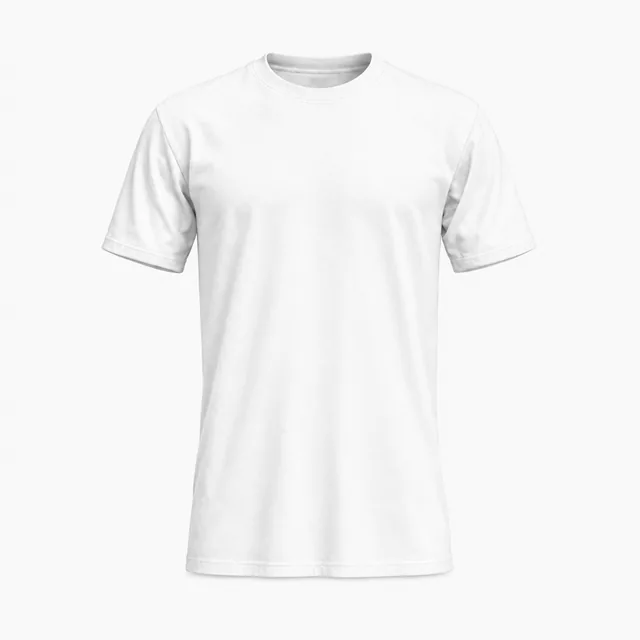
On a T-shirt
Chest, sleeve or back. Place the code on a 3D T-shirt and turn it to check every angle.
Create a QR code for a link, text, Wi-Fi network or contact card. Add your logo, choose a pattern and colors, then download a PNG or SVG. Free to use, with no sign-up, and the code does not expire.
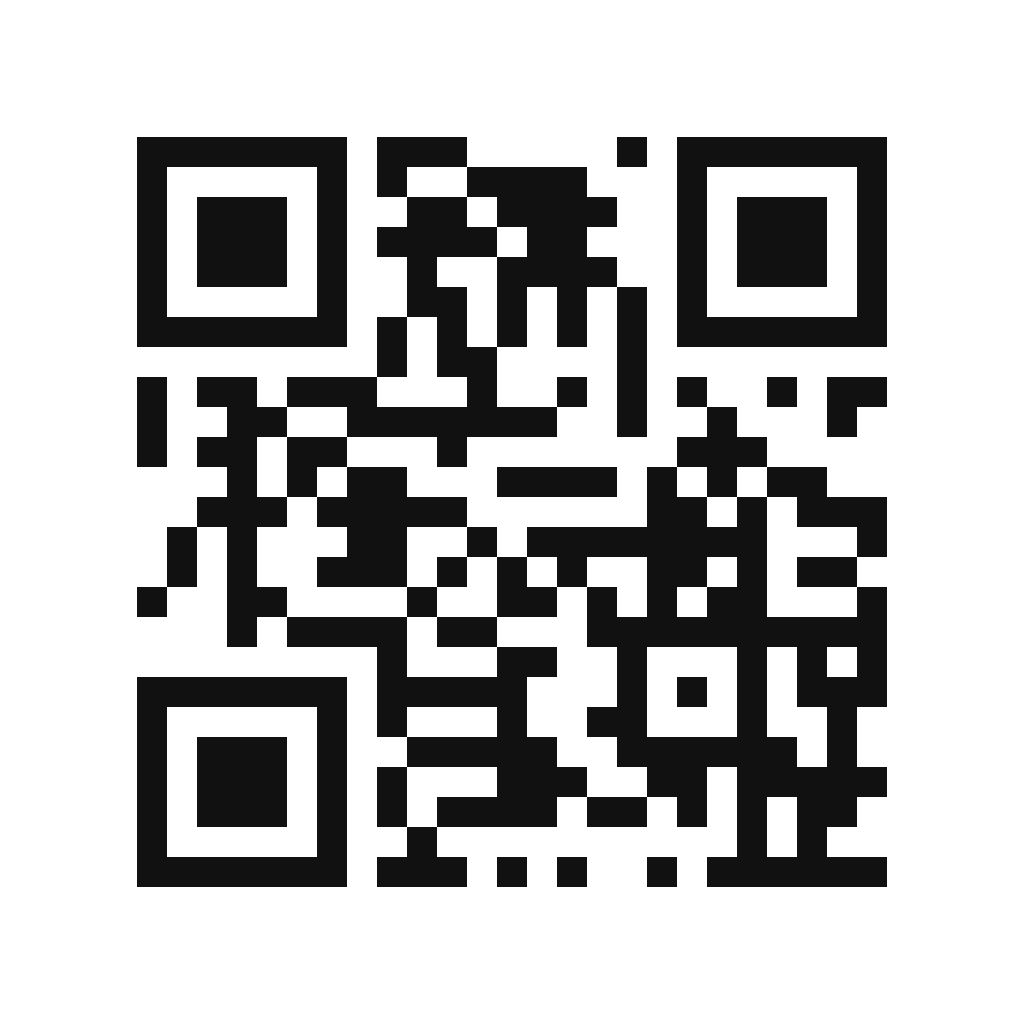
Enter a link to create your QR code.
Everything happens on this page. Nothing to install.
Choose what the code opens: a link, plain text, a Wi-Fi network, an email, a phone number or a contact card. The preview updates as you type.
Pick a pattern and a corner shape, set the colors and upload a logo for the center. Keep the code darker than its background so cameras can read it.
Download a PNG for screens or an SVG for print. Scan the code with your phone before you send it to a printer.
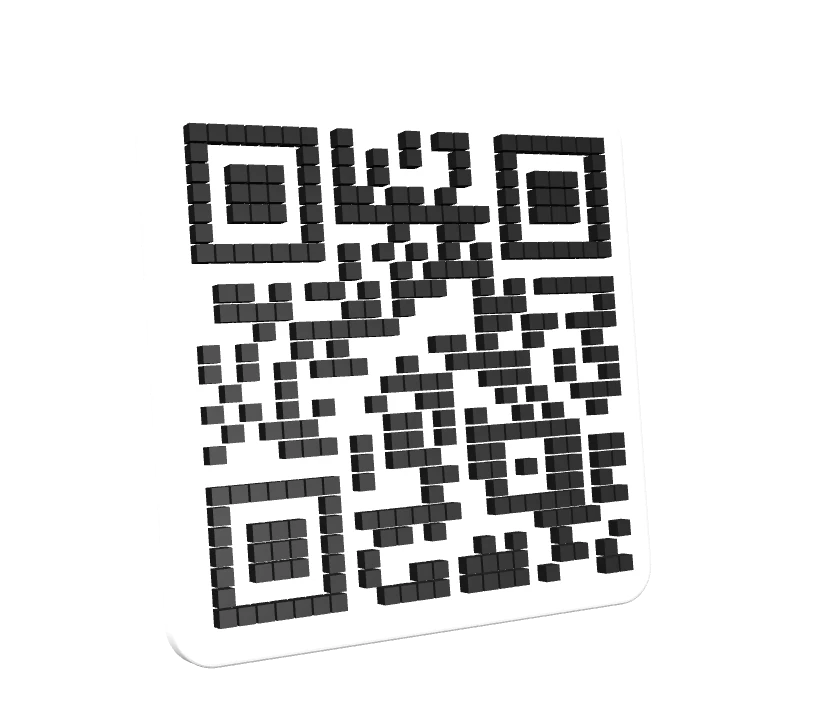
A QR code usually ends up on something physical. Your code is placed on each mockup as you edit. To check it in 3D, open a mockup and upload the PNG you downloaded.
Chest, sleeve or back. Place the code on a 3D T-shirt and turn it to check every angle.
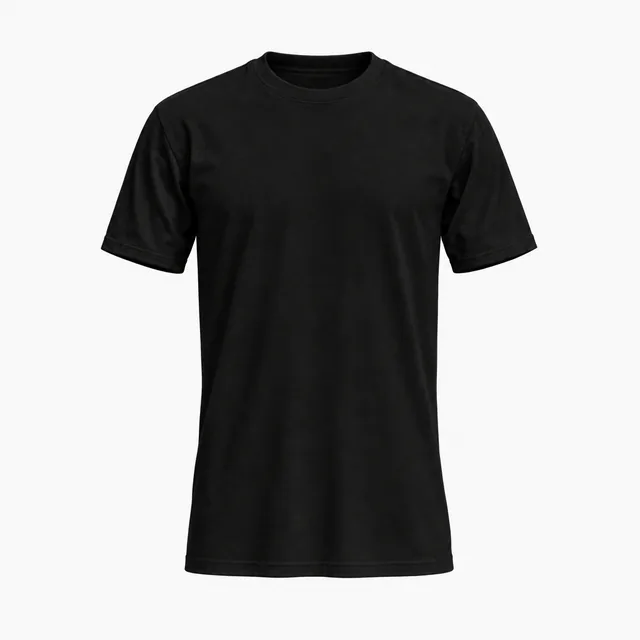
Dark garments need a light patch behind the code so cameras can read it. Preview it before you print.
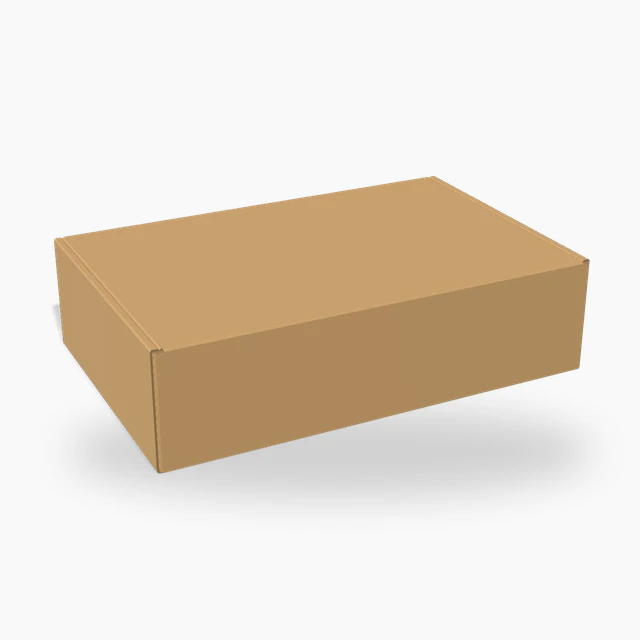
Put a code on the lid or the side of a box to link to setup guides, reorders or your store.
Change the pattern, the corners, the colors and the logo. All four codes below were made with this generator and open the same link.
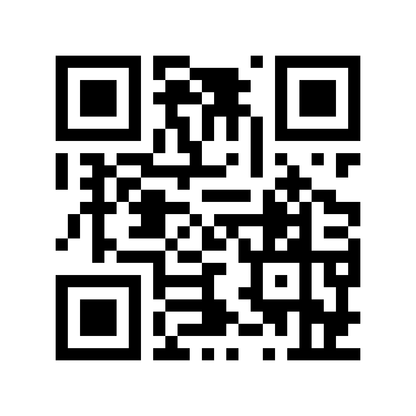
The standard look. Reads well at small sizes.
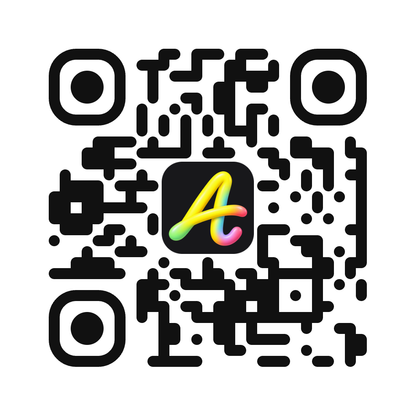
Rounded modules and corners, logo in the center.
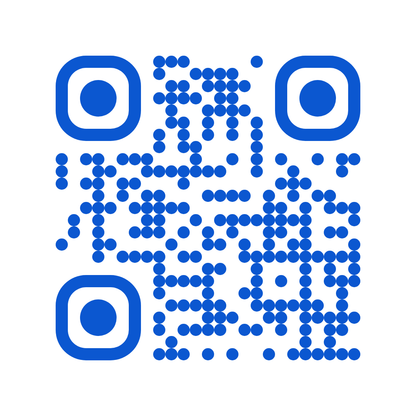
Dot pattern in a single dark brand color.
Cut corners on each module, dark green on white.
A code that looks right can still fail to scan. These rules of thumb cover most print jobs.
This generator makes static QR codes. The content is stored in the pattern itself, not on a server.
There is no subscription behind the code and nothing to renew. It works for as long as the link it points to does.
Create and download for free, without an account. The code is drawn in your browser, and what you type is not uploaded.
Scans go straight to your content, with no redirect in between to count or cap them. Print as many copies as you need.
A static code cannot be edited after it is printed. To change the destination later, point the code at a link you control and redirect that link.
What to know before you print your code.
Yes. Creating and downloading QR codes is free, with no sign-up and no watermark. The codes are static, so they do not expire.
No. They are static codes. The content is encoded in the pattern, so there is nothing to renew or switch off.
Yes. Upload a logo and the generator clears space for it and raises the error correction level. Scan the result with your phone before you print it.
Use SVG for print, because it stays sharp at any size. Use PNG for websites, slides and social posts.
About 2 × 2 cm for a code scanned up close. Go larger for long links, small logos or codes read from a distance.
Yes. Download the PNG, upload it to a T-shirt mockup, then adjust the placement and check it in 3D.