
T-shirt back mockups in real-time 3DFull back, upper back and collar prints
A T-shirt back mockup shows what a front view can't: how a back print sits under the collar and across the shoulders. Add your artwork to the back of a 3D tee and turn it to check.

T-shirt back mockups
62 mockups
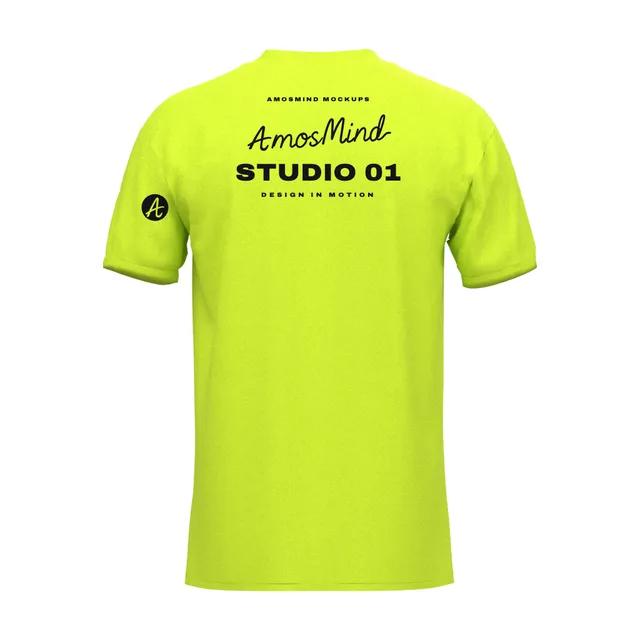
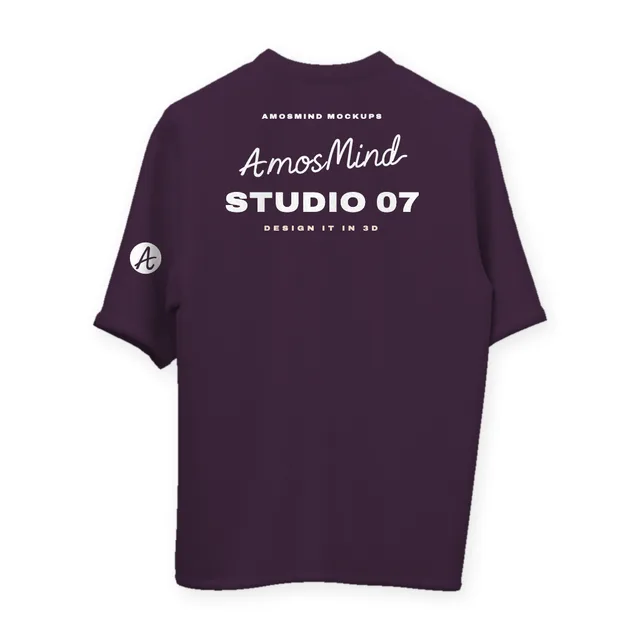
Suspended crew-neck T-shirt back mockup
Details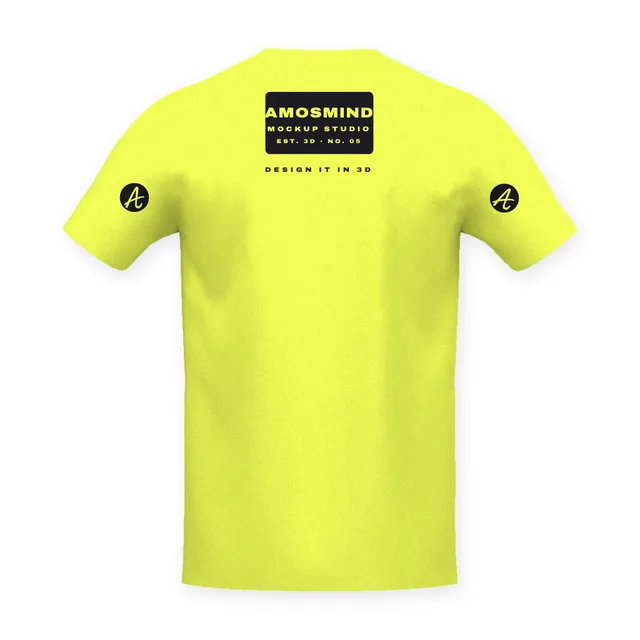
V-neck T-shirt back mockup
Details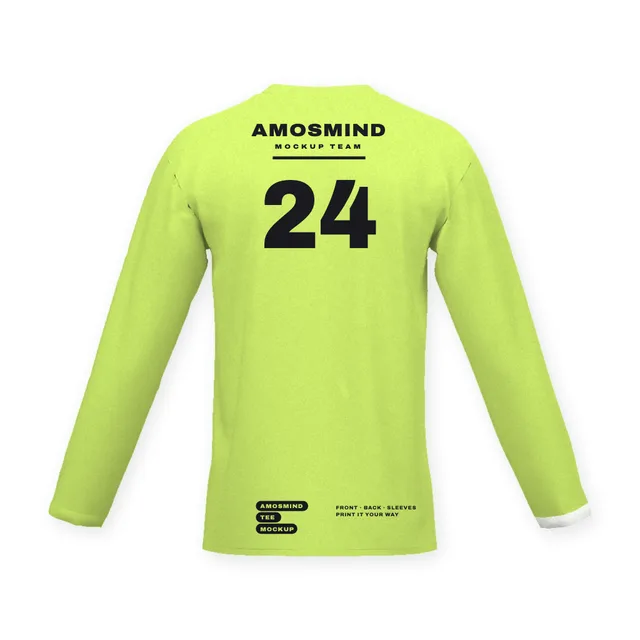 Add your design
Narrow crew-neck long-sleeve T-shirt back mockup
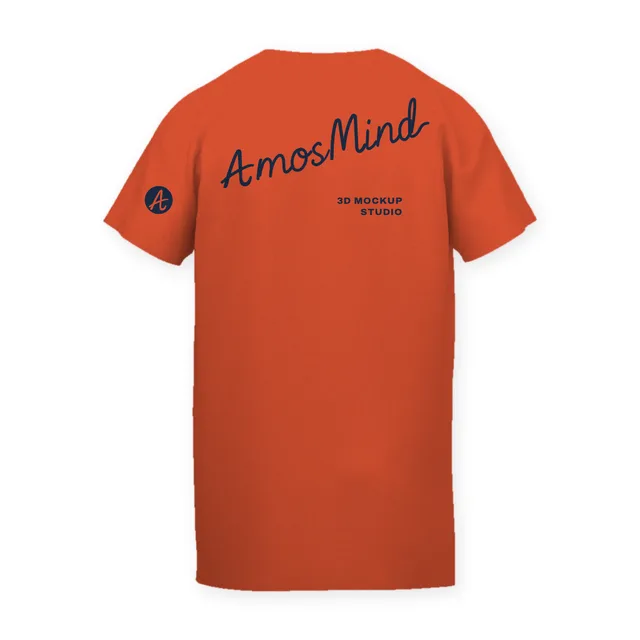 Add your design
Relaxed crew-neck T-shirt back mockup
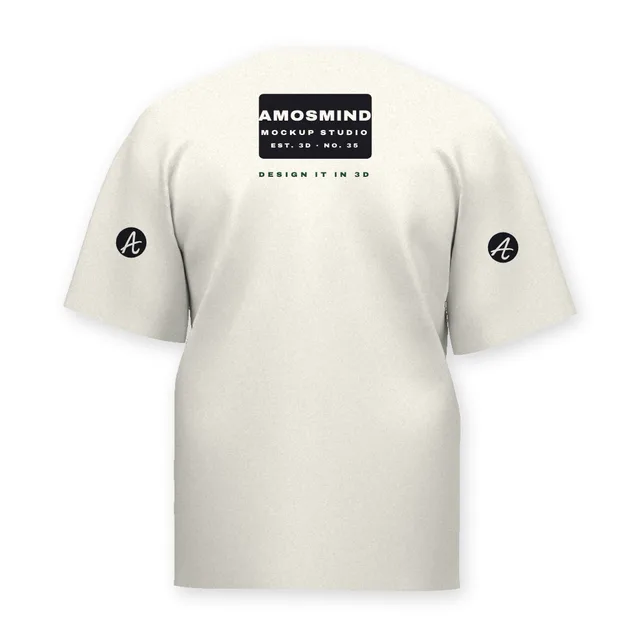 Add your design
Straight-fit crew-neck T-shirt back mockup
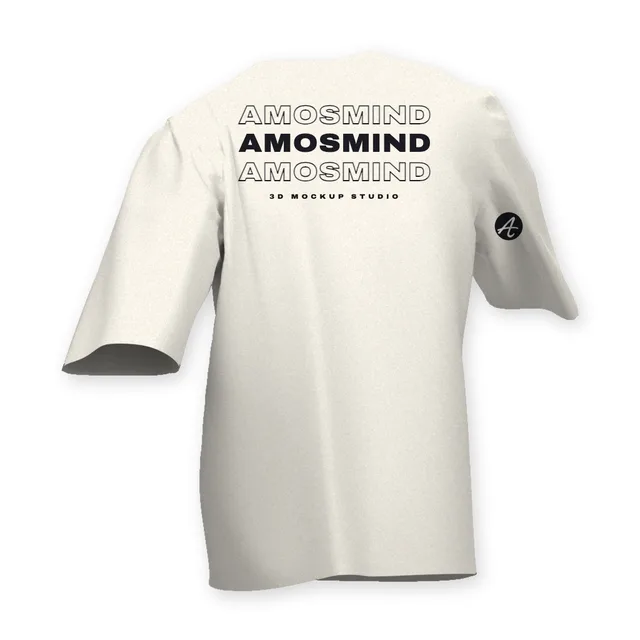 Add your design
Draped crew-neck T-shirt back mockup
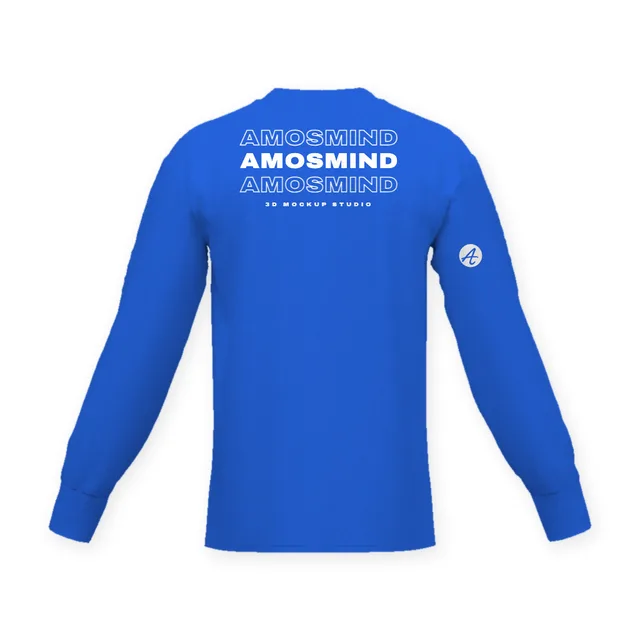 Add your design
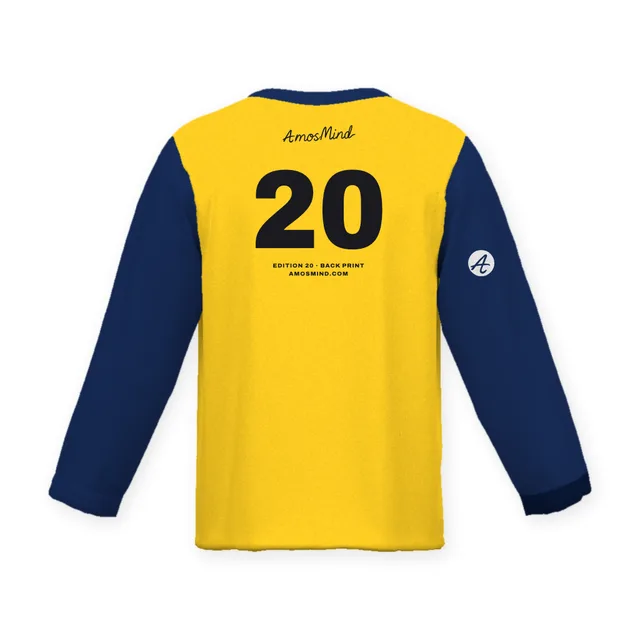
Crew-neck long-sleeve T-shirt back mockup
 Add your design
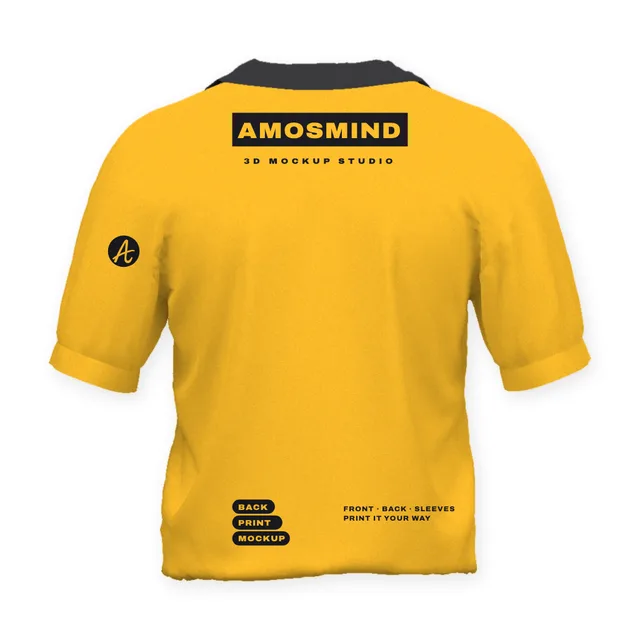
Notched crew-neck T-shirt back mockup
 Add your design
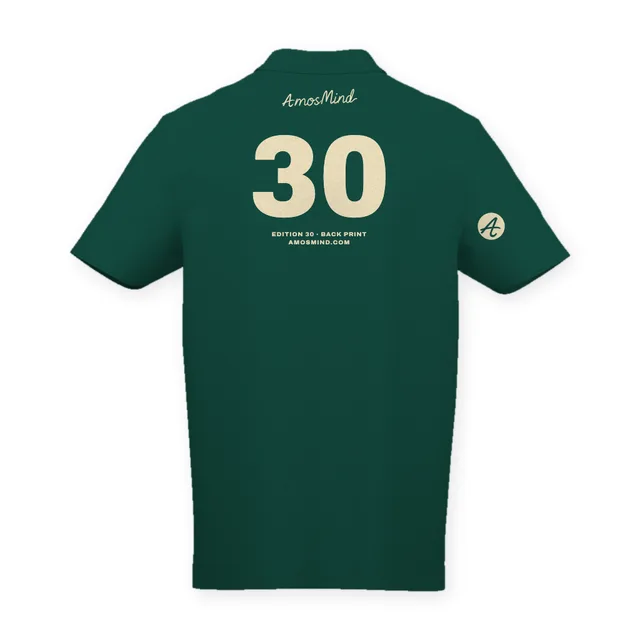
Short-sleeve polo shirt back mockup
 Add your design
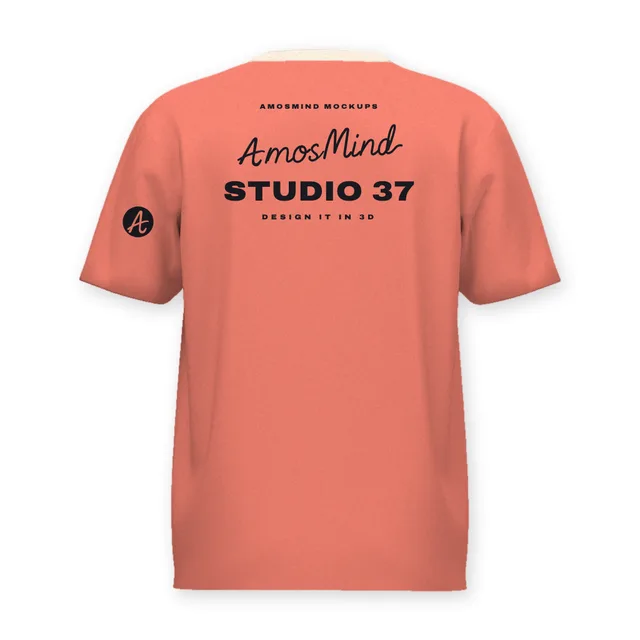
Classic polo shirt back mockup
 Add your design
Youth crew-neck T-shirt back mockup
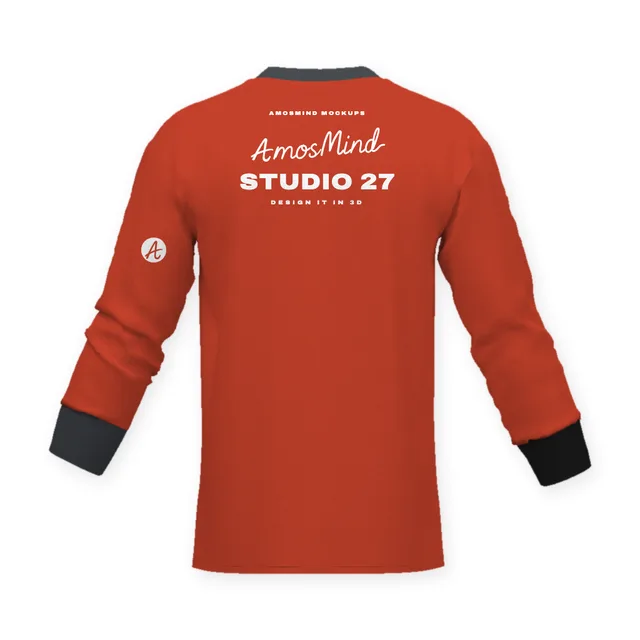 Add your design
Crew-neck banded-sleeve T-shirt back mockup
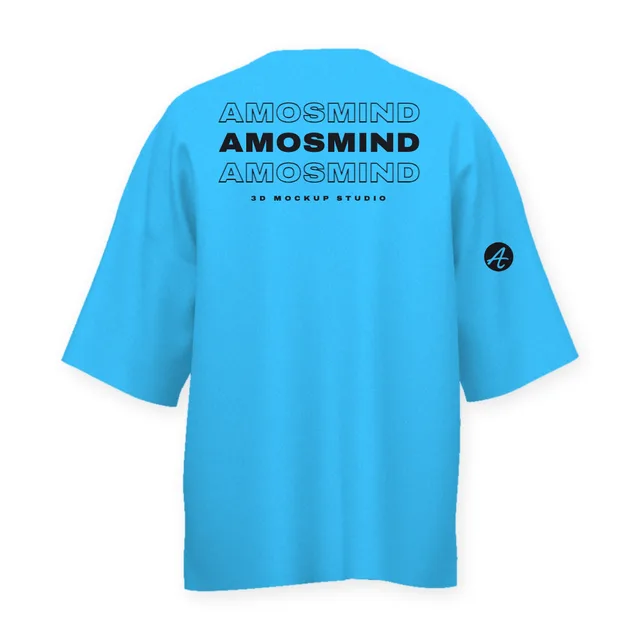
Oversized drop-shoulder T-shirt back mockup
Details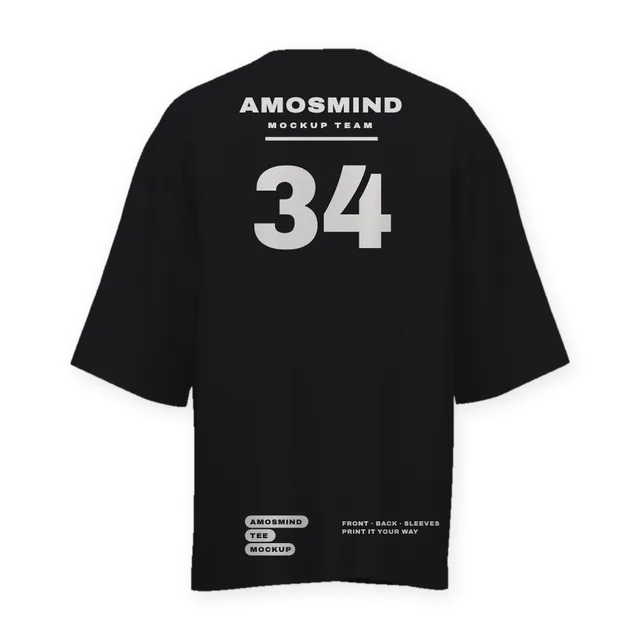 Add your design
Wide-sleeve crew-neck T-shirt back mockup
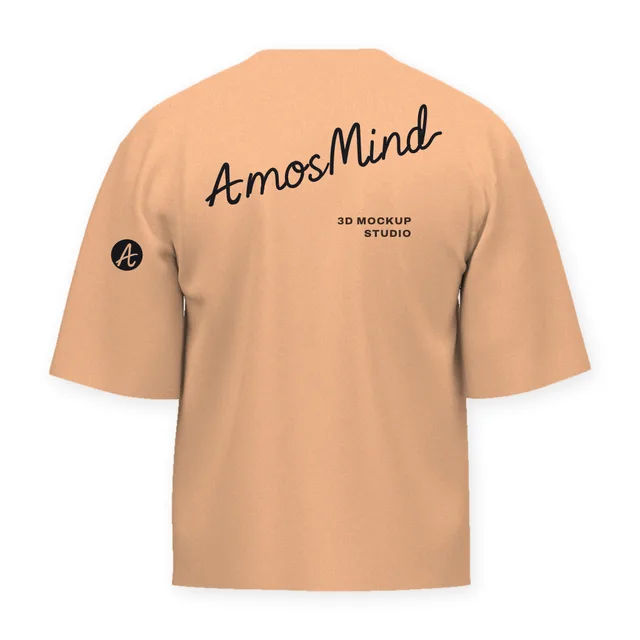
Boxy cropped T-shirt back mockup
Details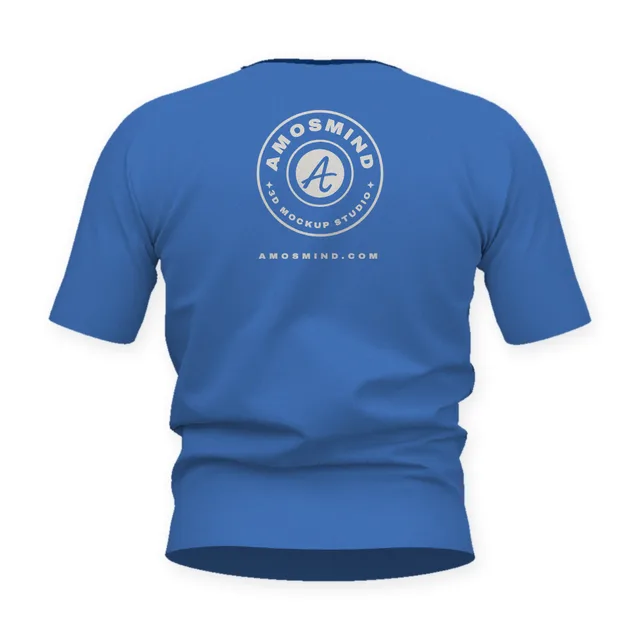 Add your design
Short-sleeve pocket Henley back mockup
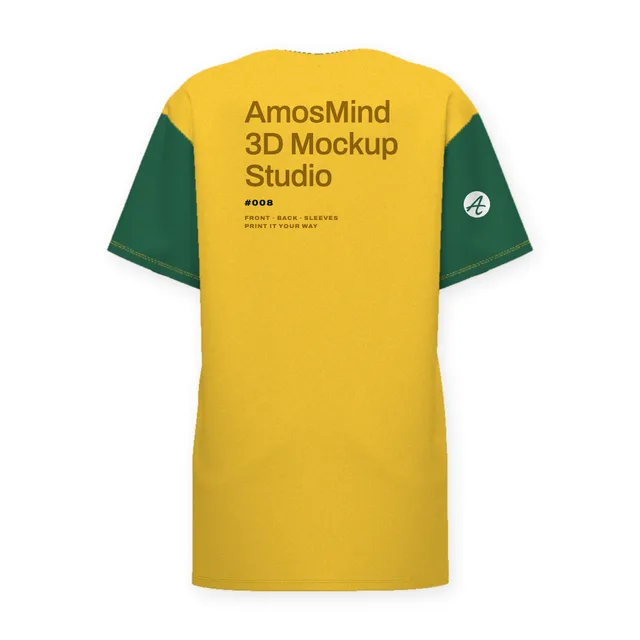
Oversized pocket T-shirt back mockup
Details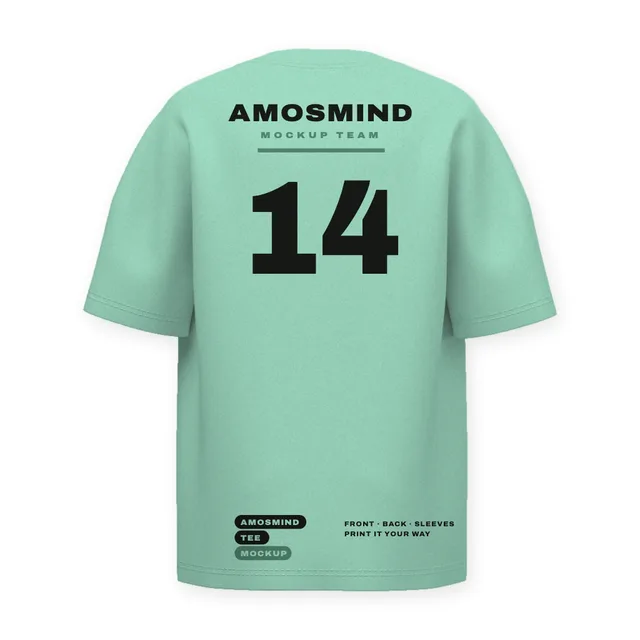
Oversized short-sleeve T-shirt back mockup
Details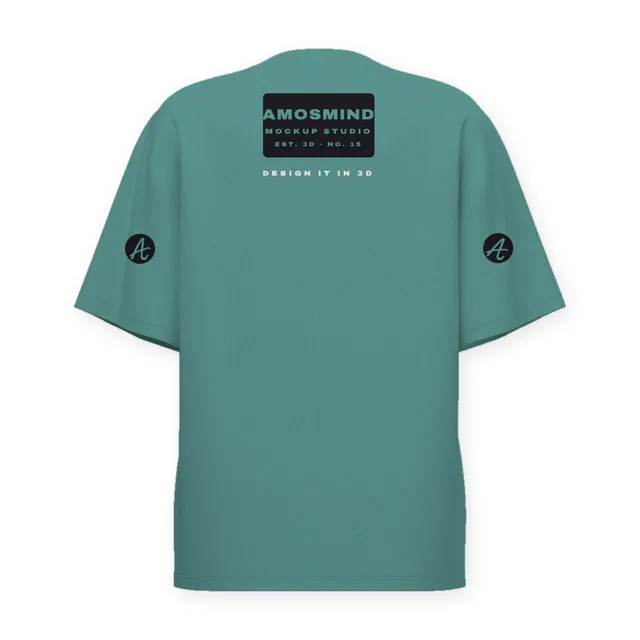
Baggy oversized T-shirt back mockup
Details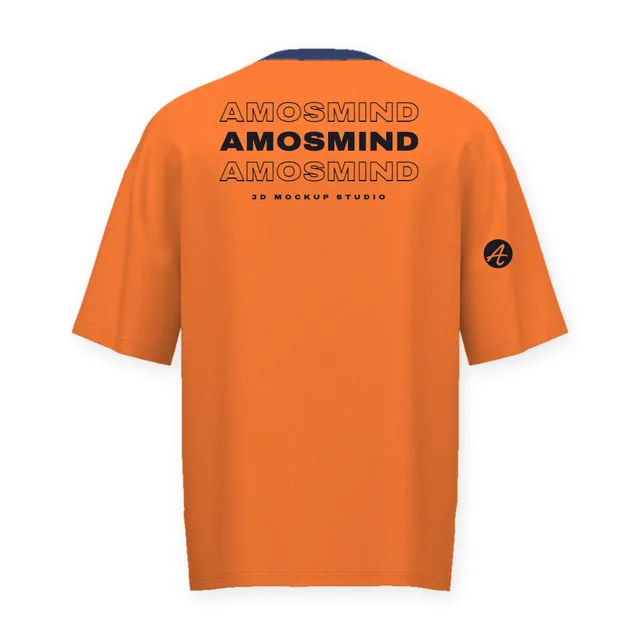
Basic oversized T-shirt back mockup
Details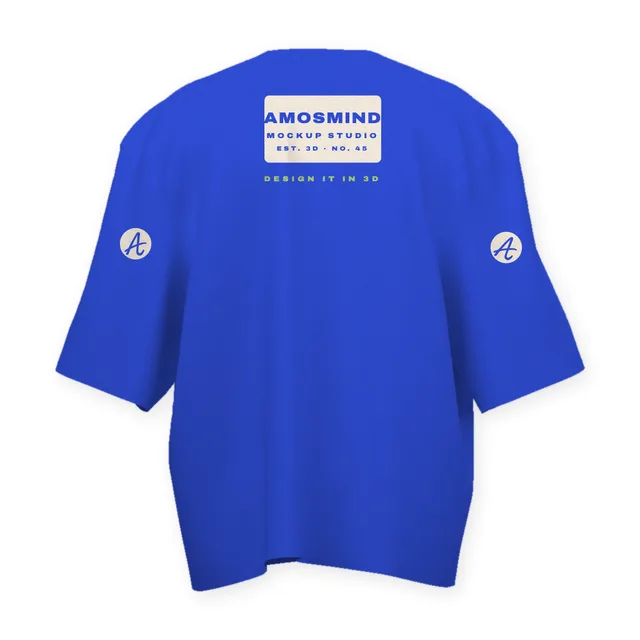 Add your design
Wide boxy T-shirt back mockup
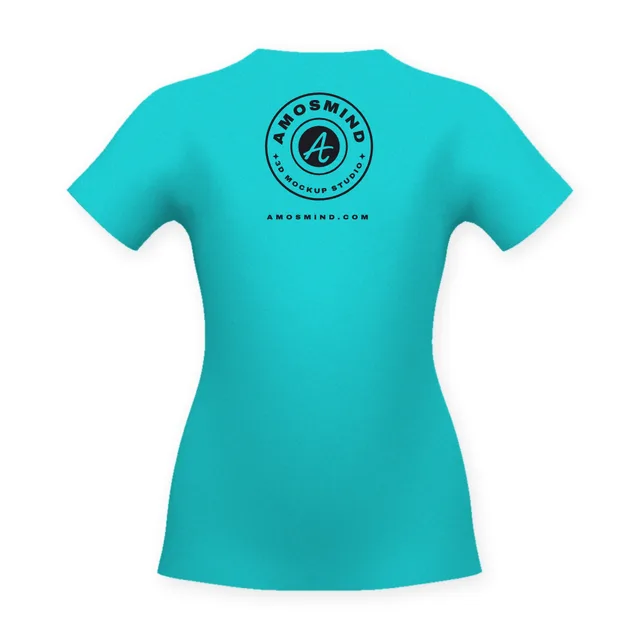 Add your design
Women's cap-sleeve T-shirt back mockup
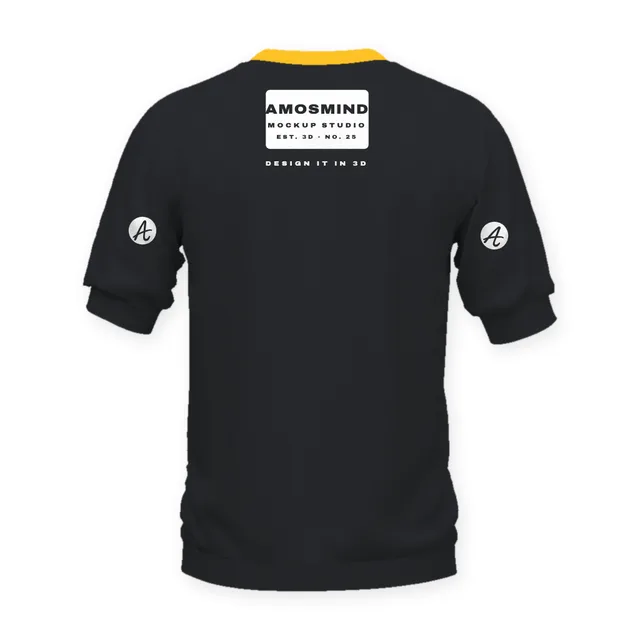 Add your design
Crew-neck banded short-sleeve top back mockup
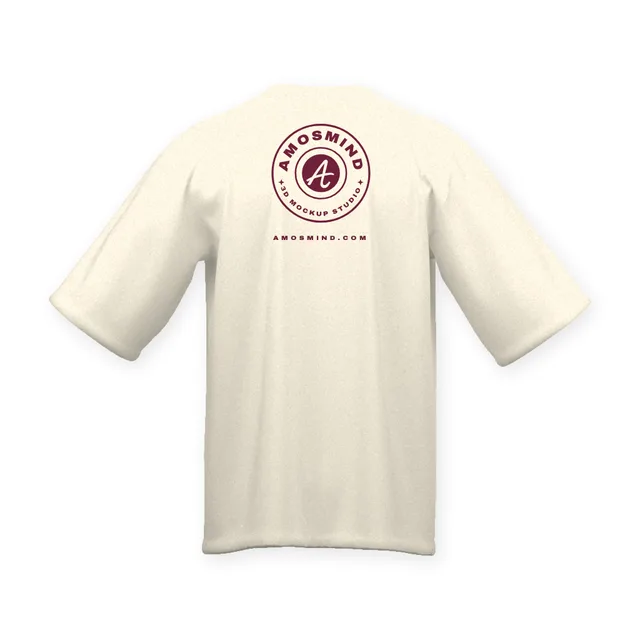 Add your design
Oversized crew-neck T-shirt back mockup
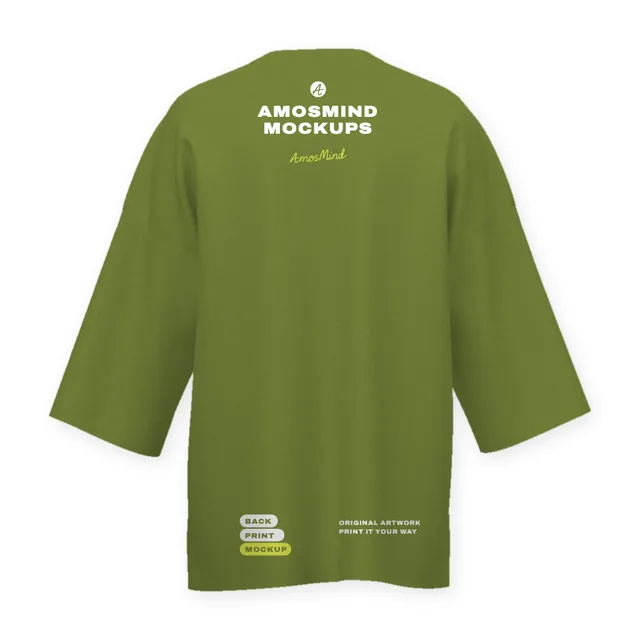
Longline wide-sleeve crew-neck T-shirt back mockup
Details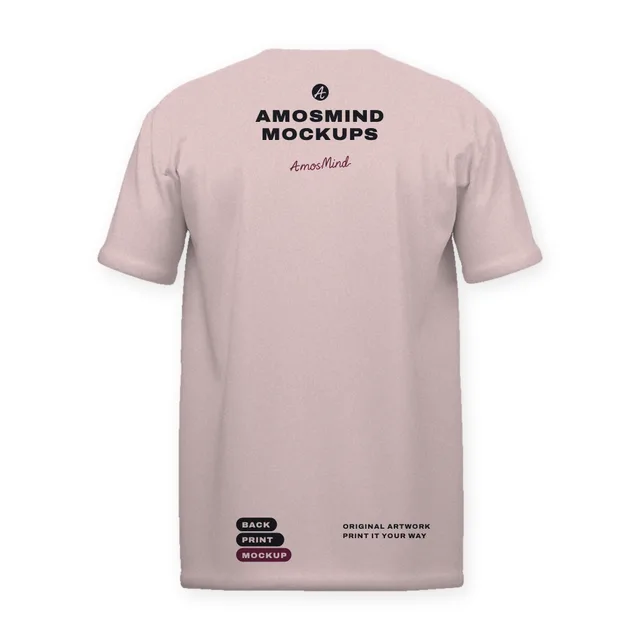 Add your design
Regular-fit V-neck T-shirt back mockup
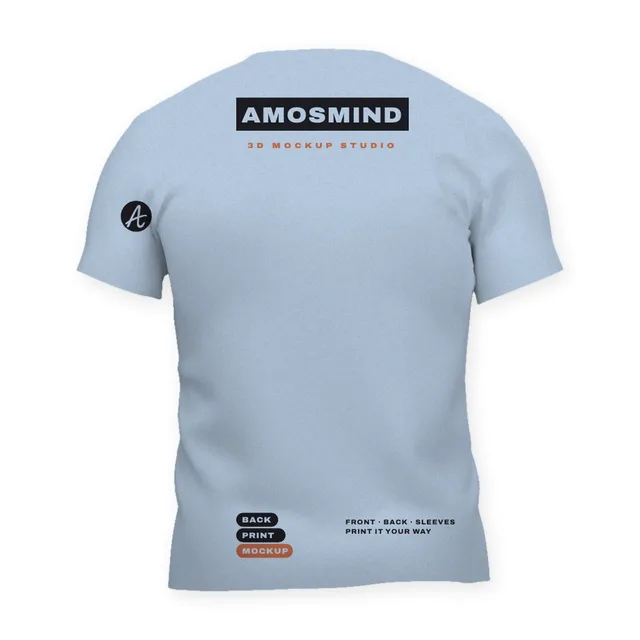 Add your design
Fitted V-neck T-shirt back mockup
 Add your design
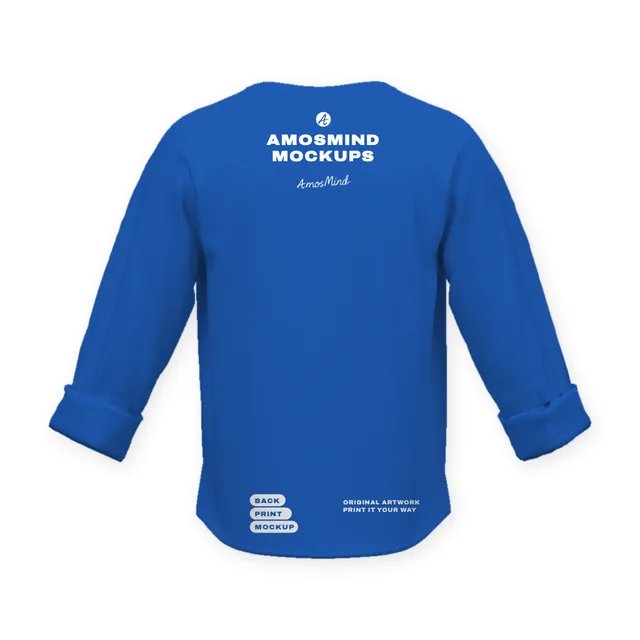
Six-button pocket Henley with rolled sleeves back mockup
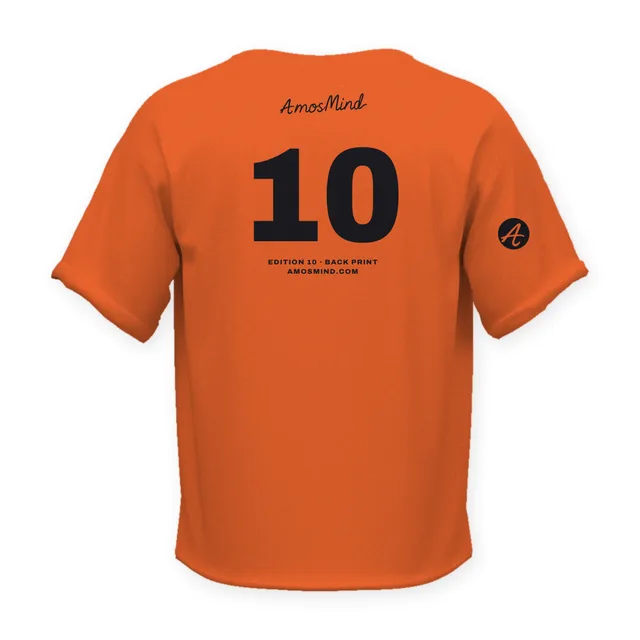
Deep-placket pocket Henley T-shirt back mockup
Details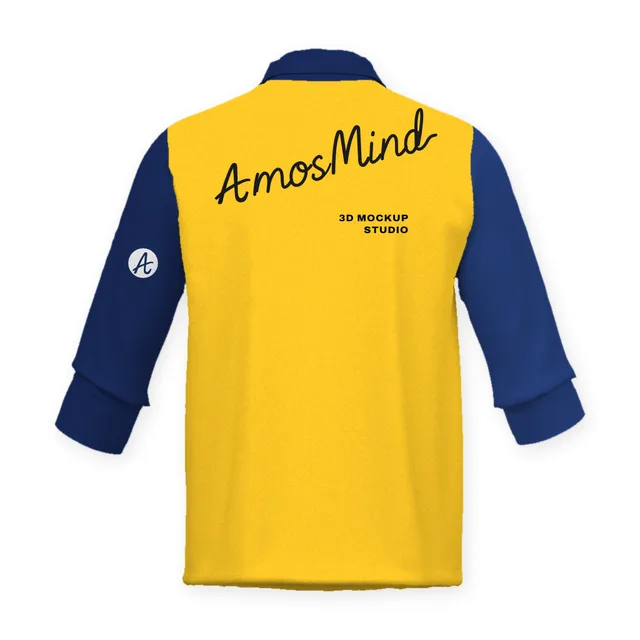 Add your design
Stand-collar placket T-shirt with rolled sleeves back mockup
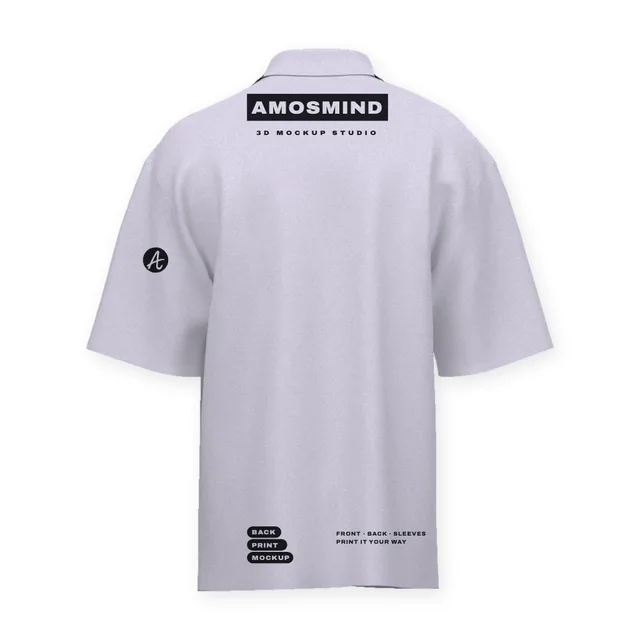
Oversized short-sleeve polo shirt back mockup
Details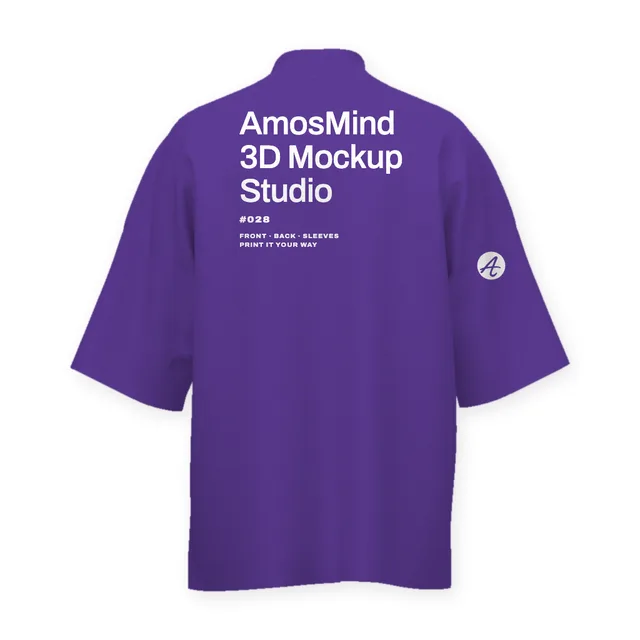 Add your design
Mock-neck relaxed T-shirt back mockup
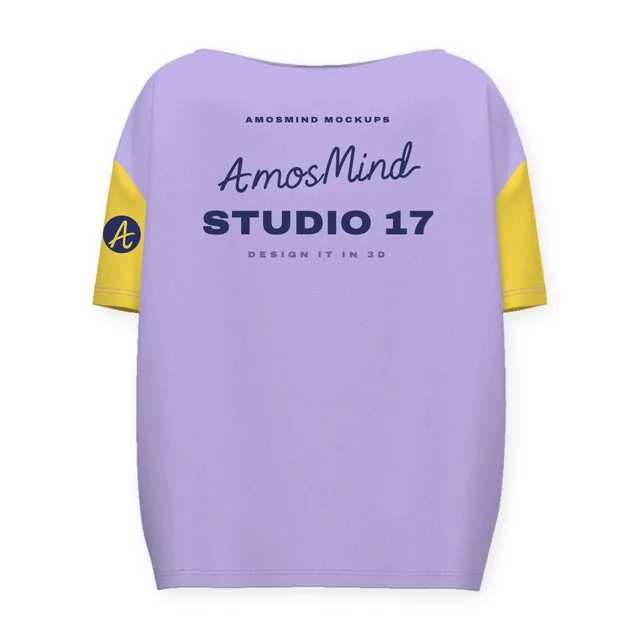
Oversized scoop-neck T-shirt back mockup
Details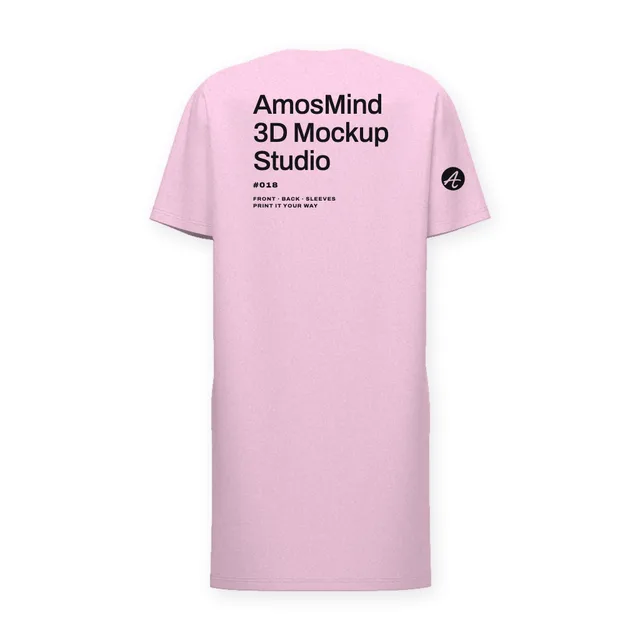
Oversized T-shirt dress back mockup
Details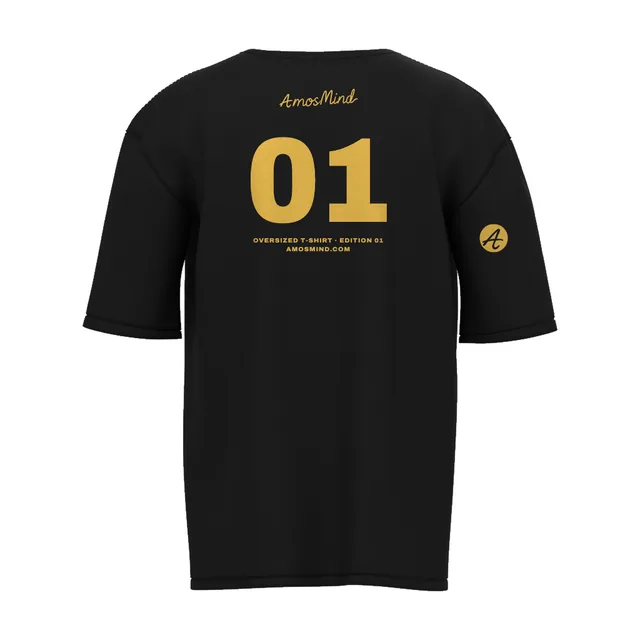
Oversized T-shirt back mockup
Details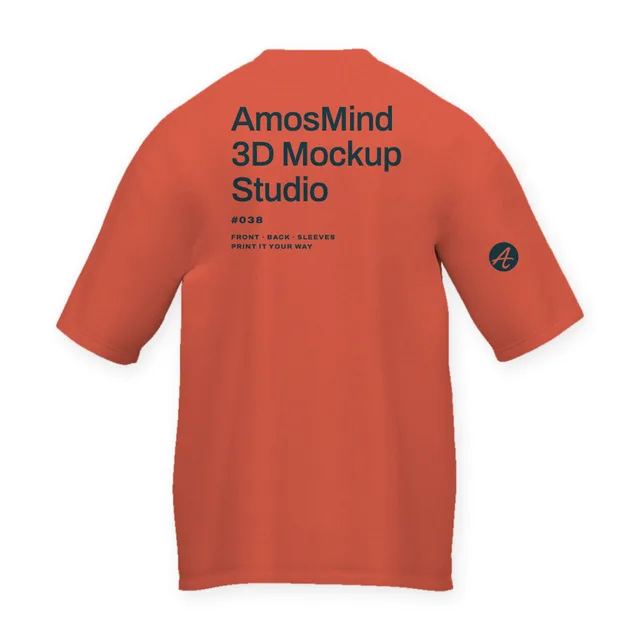 Add your design
Regular-fit T-shirt back mockup
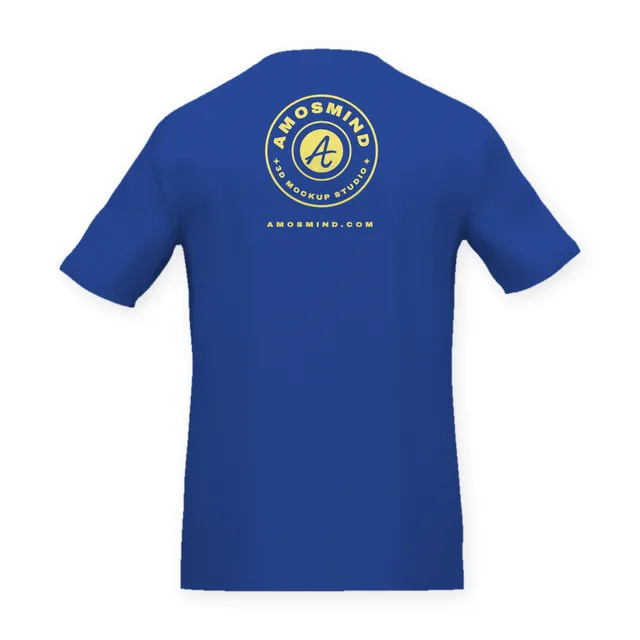 Add your design
Fitted T-shirt back mockup
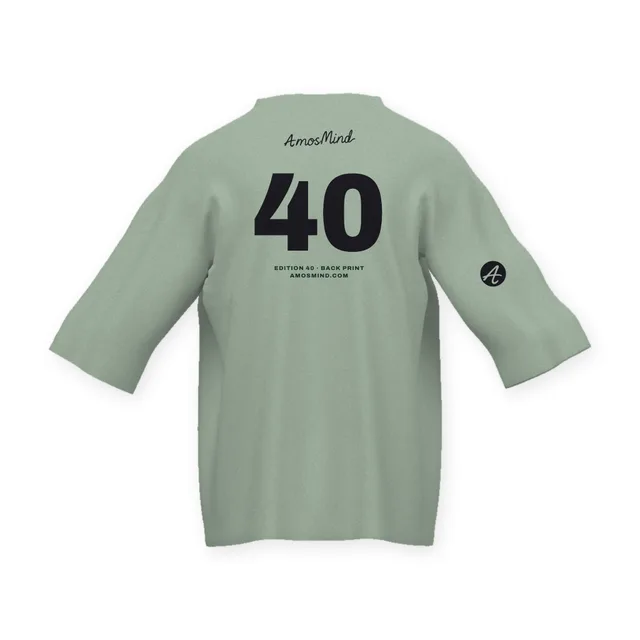 Add your design
Oversized relaxed T-shirt back mockup
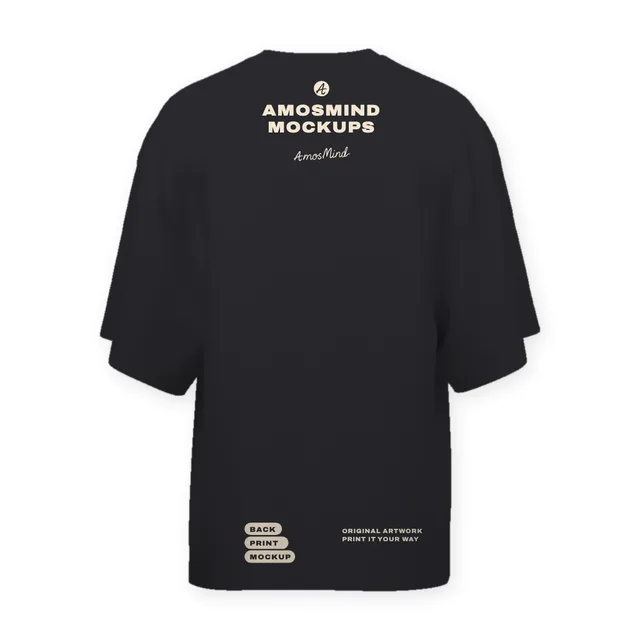 Add your design
Oversized long-body T-shirt back mockup
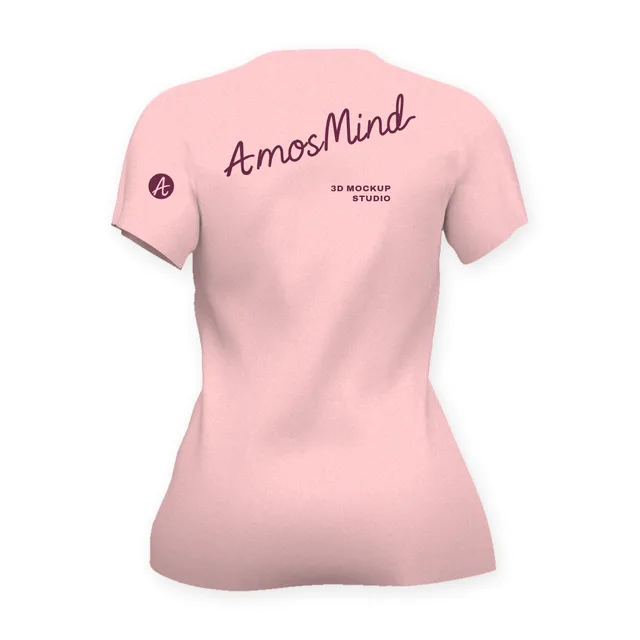 Add your design
Women's fitted T-shirt back mockup
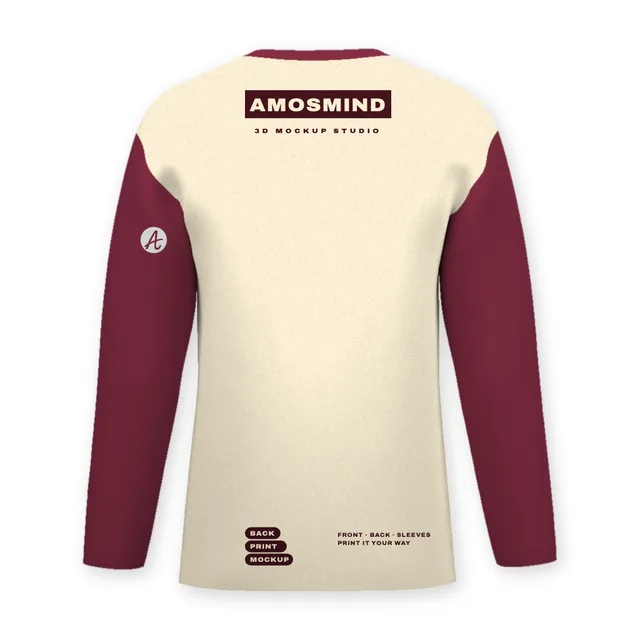 Add your design
Raglan long-sleeve T-shirt back mockup
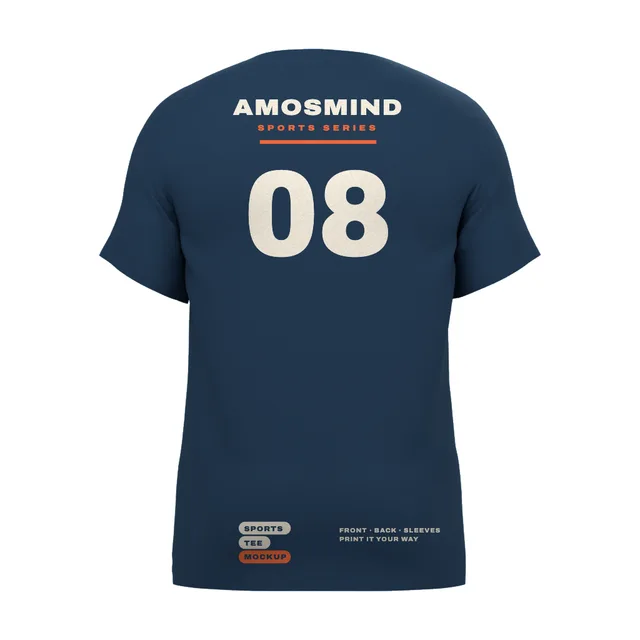
Sports T-shirt back mockup
Details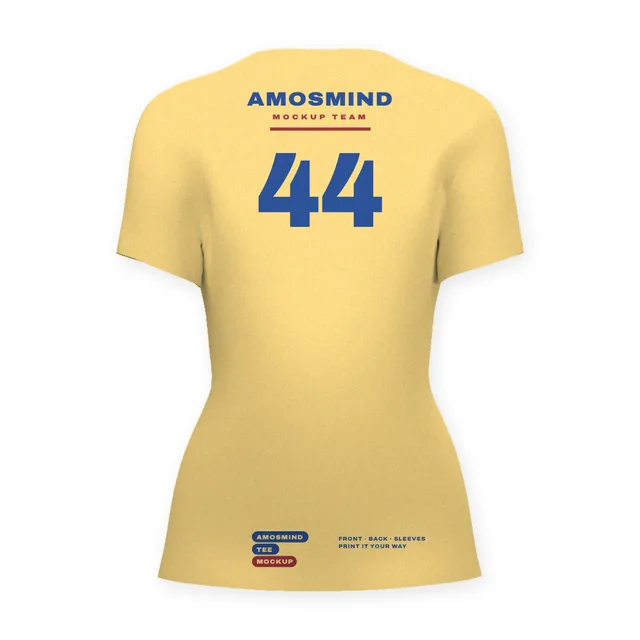 Add your design
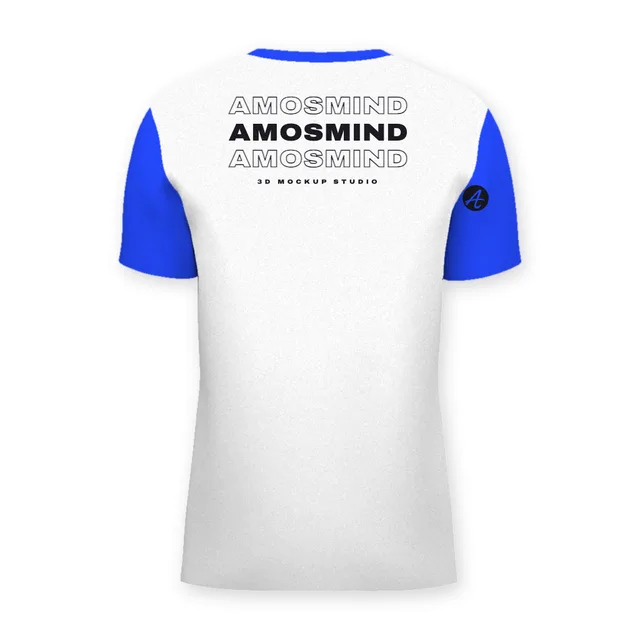
Women's crew-neck T-shirt back mockup
 Add your design
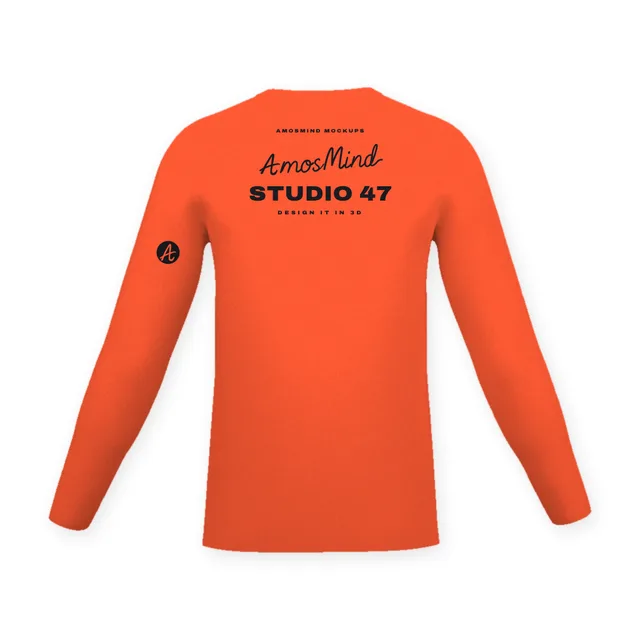
Slim raglan T-shirt back mockup
 Add your design
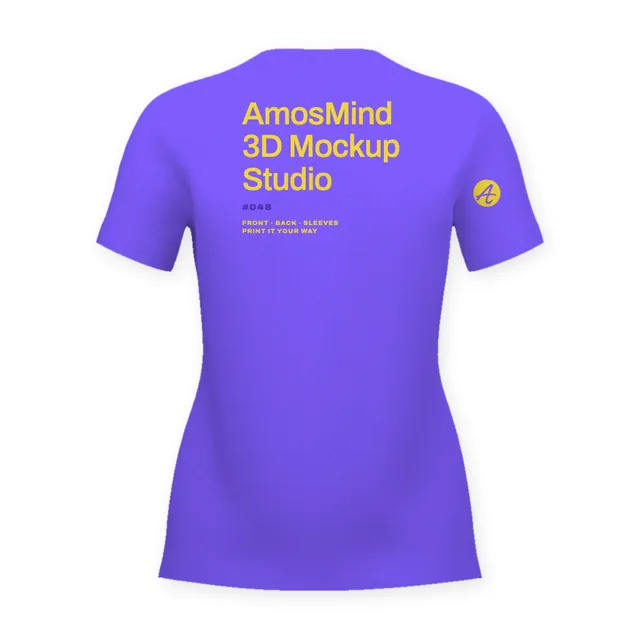
Relaxed long-sleeve T-shirt back mockup
 Add your design
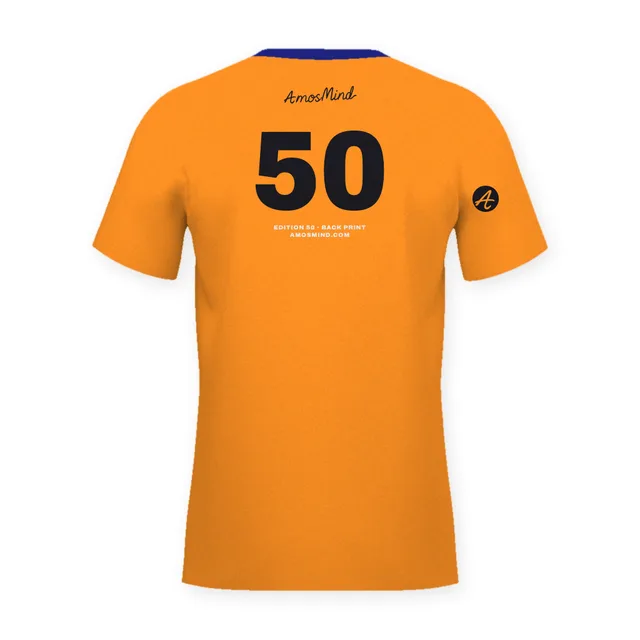
Women's V-neck T-shirt back mockup
 Add your design
Wide-neck T-shirt back mockup
 Add your design
Boxy T-shirt back mockup
Raglan T-shirt back mockup
Details Add your design
Standard crew-neck T-shirt back mockup
 Add your design
Shoulder-panel T-shirt back mockup
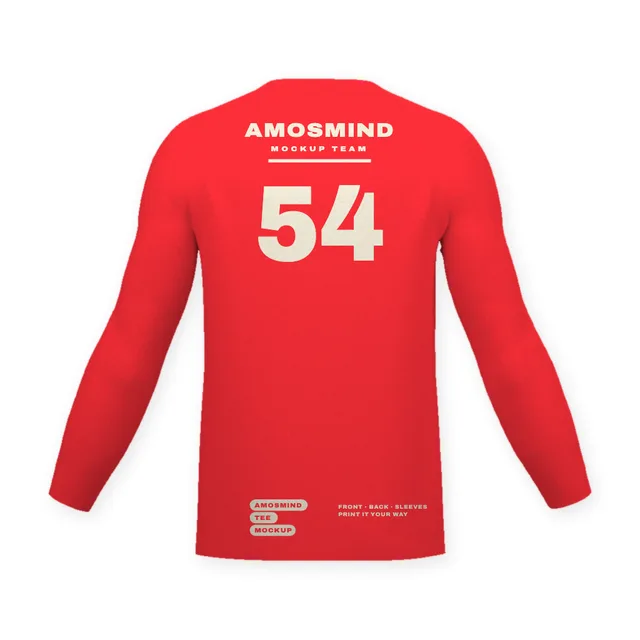 Add your design
Fitted long-sleeve T-shirt back mockup
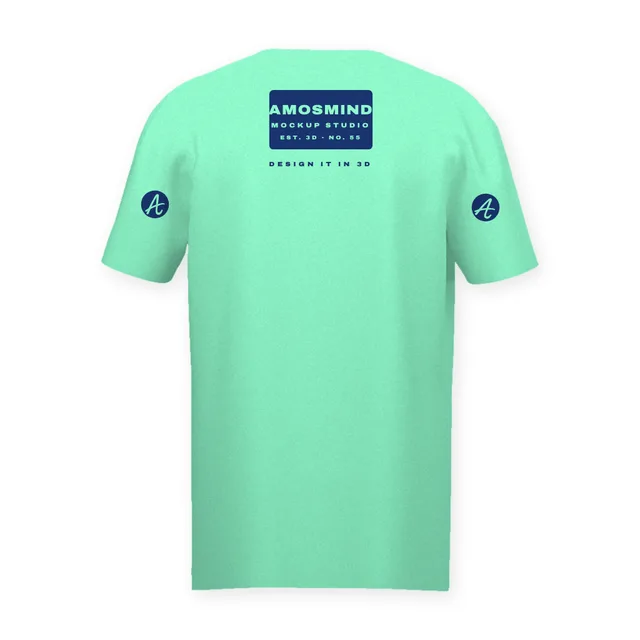 Add your design
Straight V-neck T-shirt back mockup
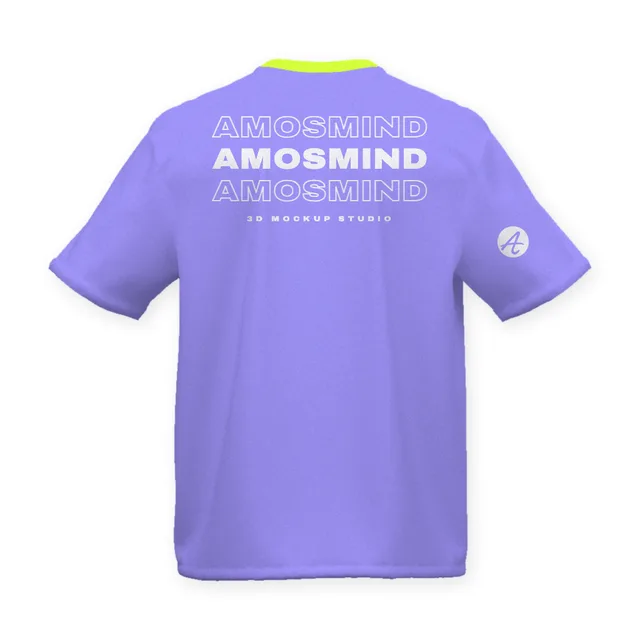 Add your design
Boxy rolled-sleeve T-shirt back mockup
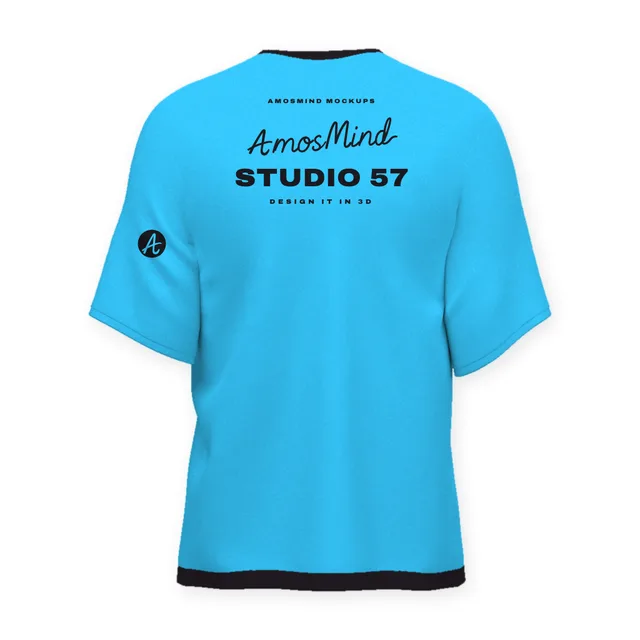 Add your design
Relaxed drop-shoulder T-shirt back mockup
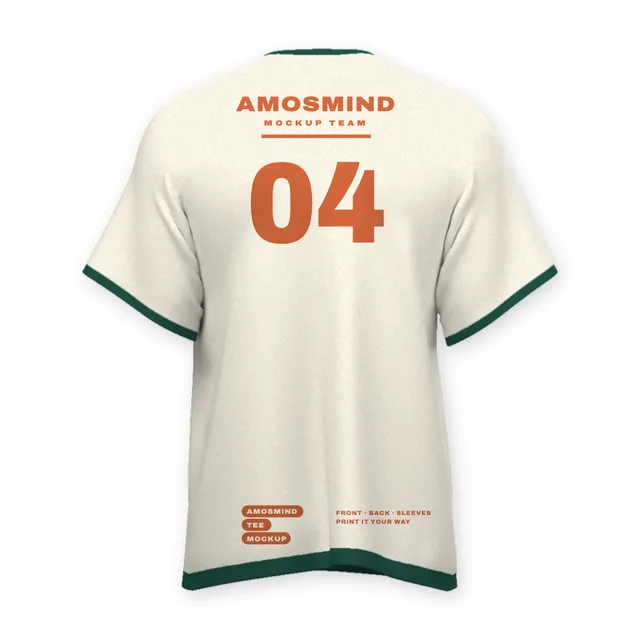
Ringer T-shirt back mockup
Details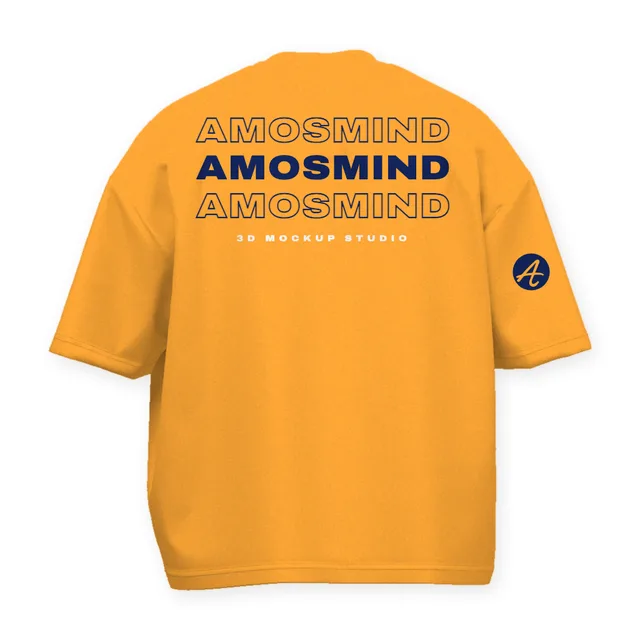 Add your design
Drop-shoulder boxy T-shirt back mockup
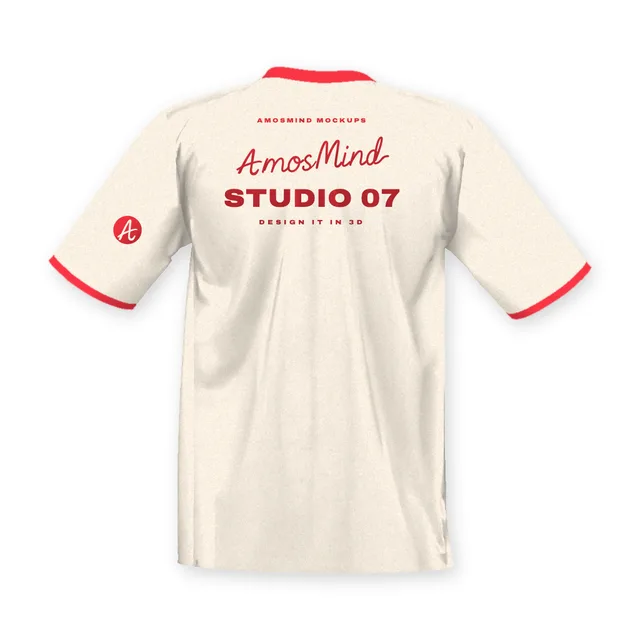 Add your design
Wide crew-neck T-shirt back mockup
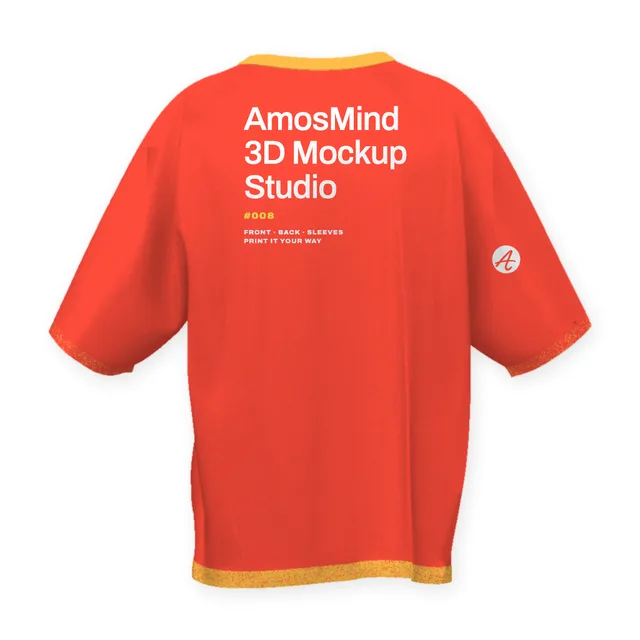 Add your design
Boxy contrast-trim T-shirt back mockup
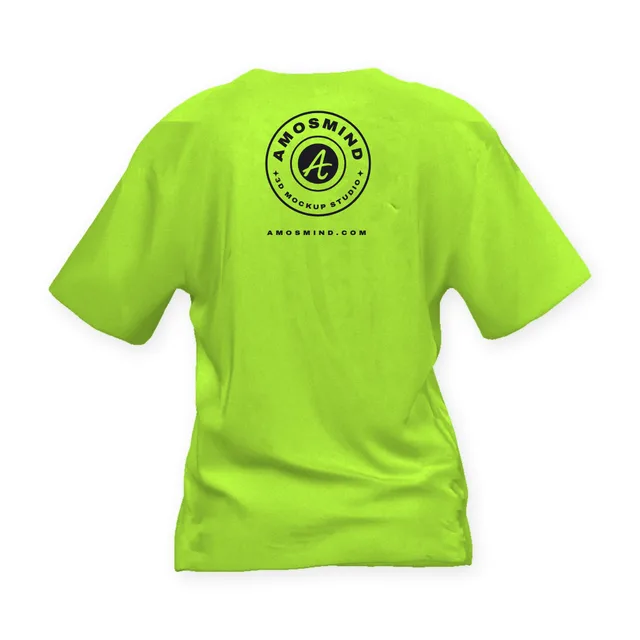 Add your design
Boxy crew-neck T-shirt back mockup
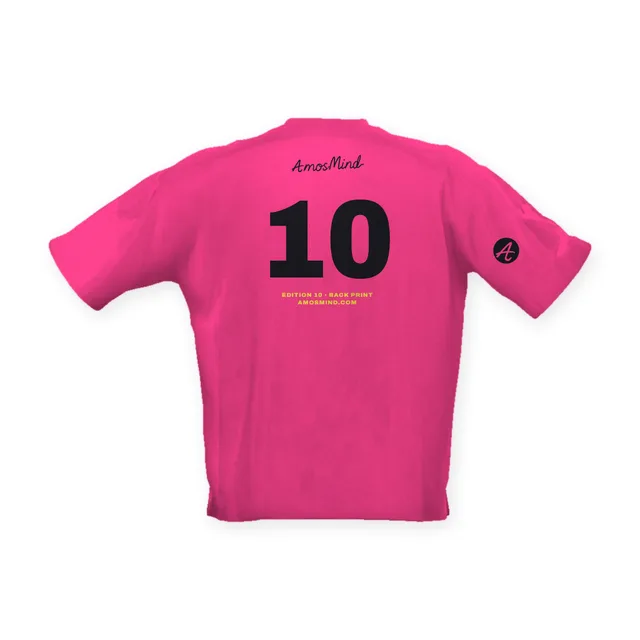 Add your design
Loose-fit boxy T-shirt back mockup
Where to place a design on the back of a T-shirt
The back has four print positions. Each sits at its own distance from the collar seam and suits a different kind of artwork.
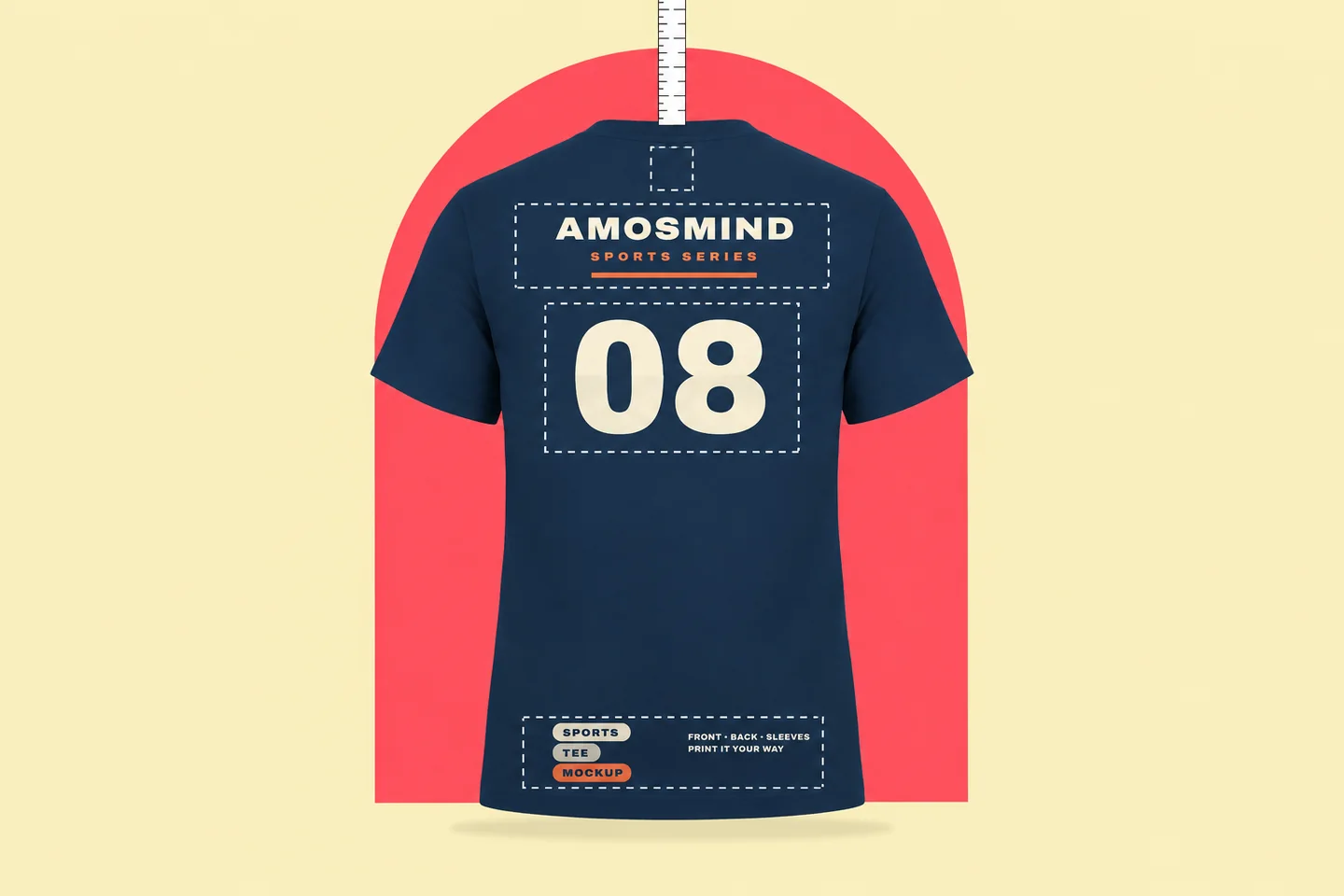
Back collar
1–3 in wide, about 1 in below the collar seam
Also called the yoke or locker patch. A small brand mark, often printed together with a full back.
Upper back
10–14 in wide, about 4 in below the collar
One or two lines across the shoulder blades: STAFF, a team name, a department. Wide enough to read over a crowd.
Full back
Up to about 12 × 16 in, 3–4 in below the collar
The largest print area on the shirt, for detailed artwork, tour dates or a big logo. It usually starts a little lower than a front print.
Lower back and hem
Rare, and hard to read
Prints near the hem draw the eye but are seen far less than the upper back, and the fabric bunches at the waist. Keep key content higher.
Sizes and distances are ranges from print-shop placement guides, measured from the bottom of the collar seam. Your printer's limits come first. Keep artwork 1–2 in away from seams.
Names, numbers and back text that people can read
Back prints are read from behind and from a distance, often while the wearer is moving. Size the lettering for that, not for the screen you design on.
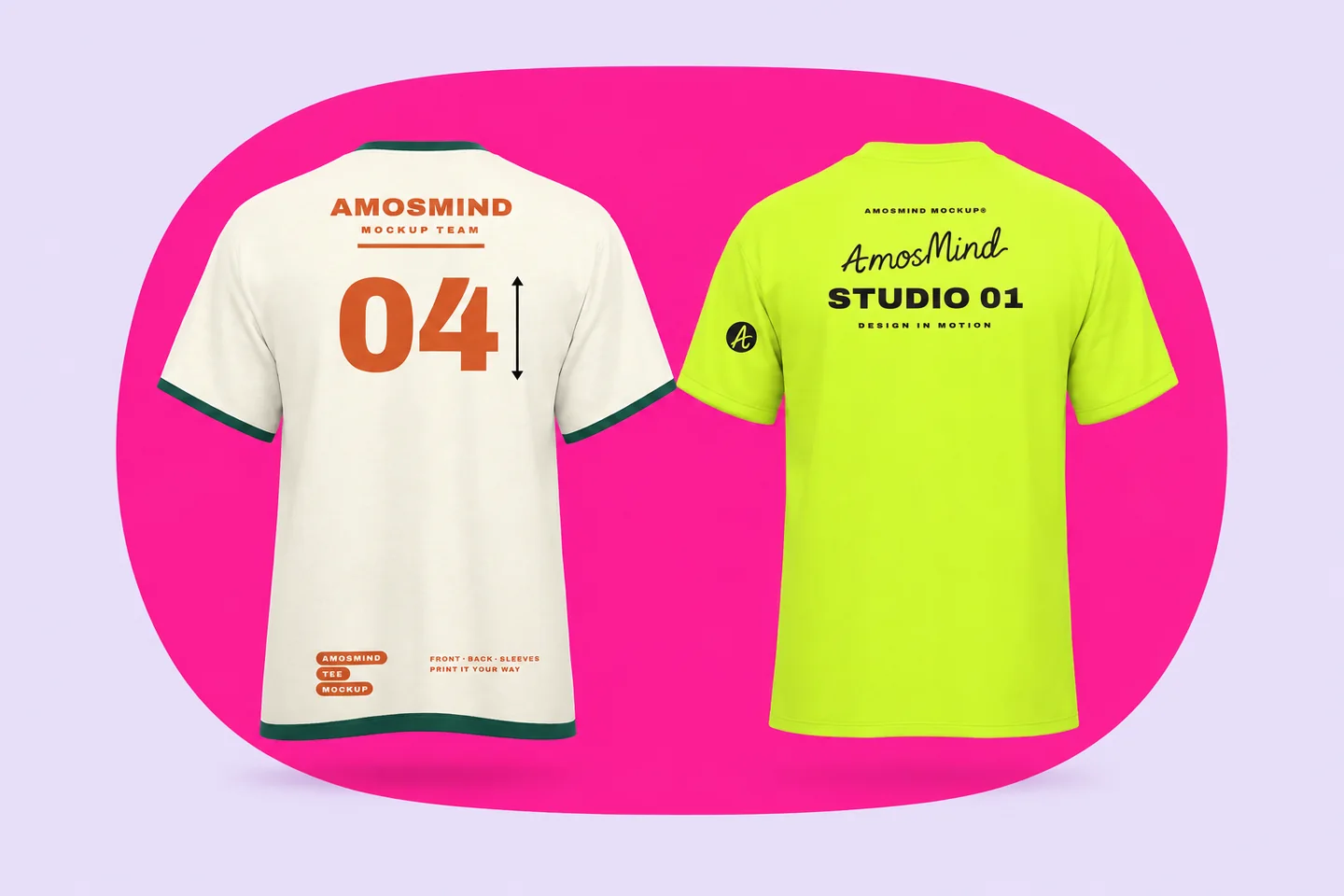
Back numbers
US high-school soccer rules set back numbers at 6 in or taller. Team-wear suppliers commonly list 8 to 10 in for adult jerseys.
Front numbers
The same rules set the front number at 4 in or taller, so the back number is the big one. Render both views to check them together.
Player names
Heat-transfer names come 2 to 3 in tall, with 12 characters or fewer advised per name. Leave clear space between the name and the number.
STAFF, CREW, SECURITY
Printed across the upper back, 12 to 14 in wide, so the word reads over a crowd. Use bold block letters; scripts are harder to read at any size.
Letter height and distance
A sign-industry rule of thumb is 1 in of letter height for every 10 ft of viewing distance. It is not a garment standard, but it is a useful first check.
Contrast
Back text needs strong contrast with the shirt color to stay readable. Check light text on dark shirts, and dark text on light ones, in 3D before you order.
How the back differs from the front as a print area
A back print is not a front print turned around. Four things change, and they explain why the same artwork needs a second look.
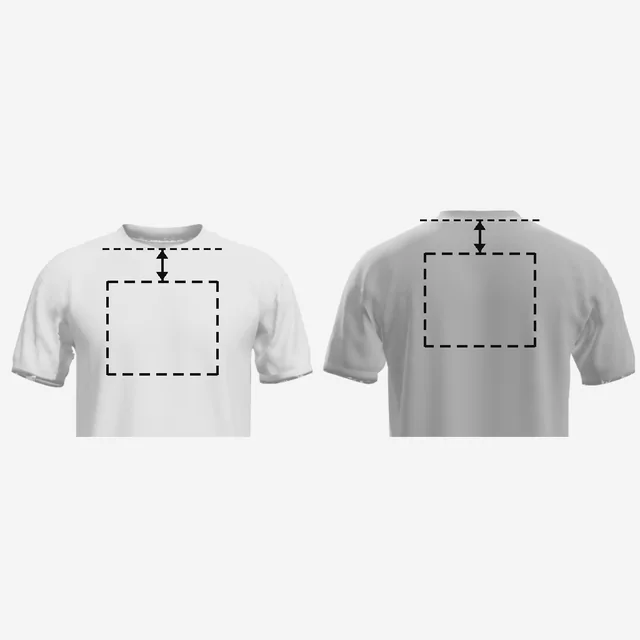
Measured from the seam
Front prints are measured from the lowest point of the neckline, back prints from the bottom of the collar seam. The same number lands in a different place.
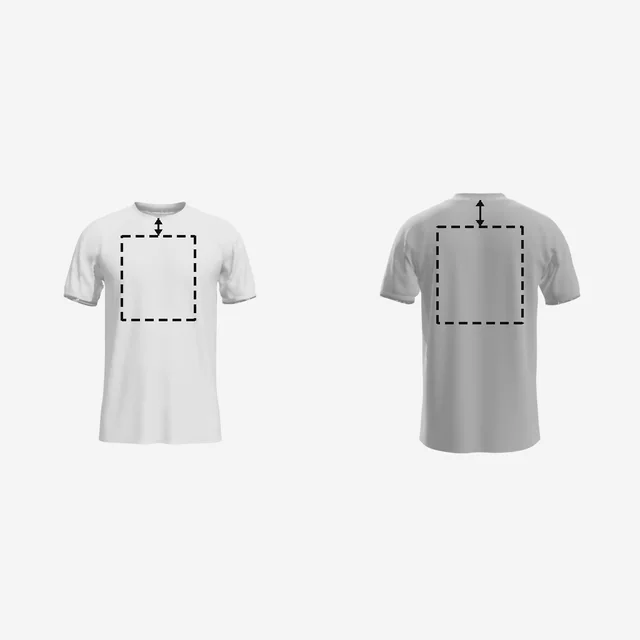
Lower and larger
A full back usually prints a little lower than the front and can run bigger: about 12 × 14 in as standard, up to 14.5 × 16.5 in at some shops.
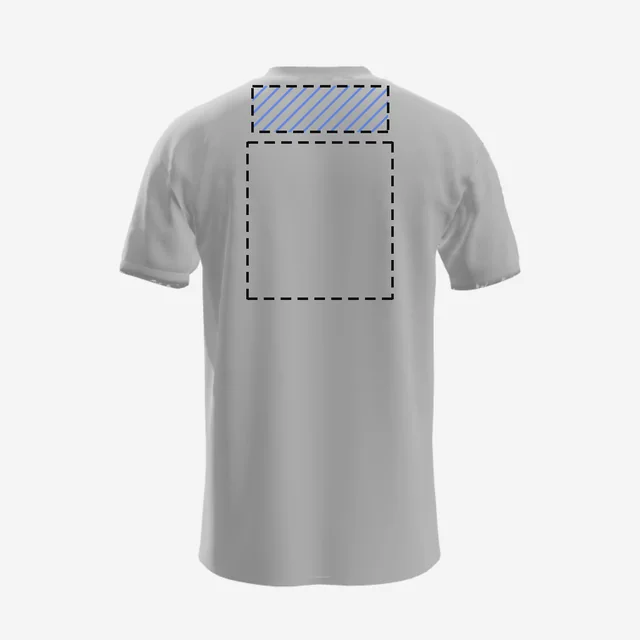
Hair and hoods
Hair can cover the area just under the collar, so keep key content a little lower. On a hoodie, start 5–6 in down, because the hood covers the rest.
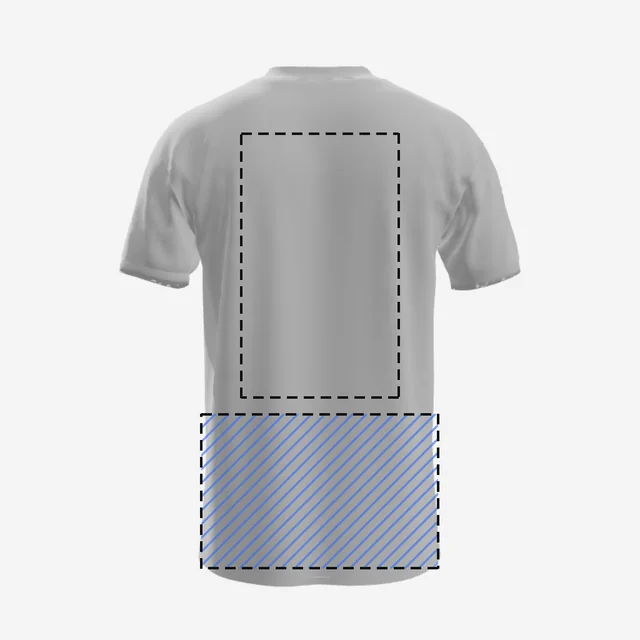
The lower third
The shirt gathers at the waist when worn, so tall back prints distort near the hem. Back designs usually stay under 17 in tall.
How to make a T-shirt back mockup
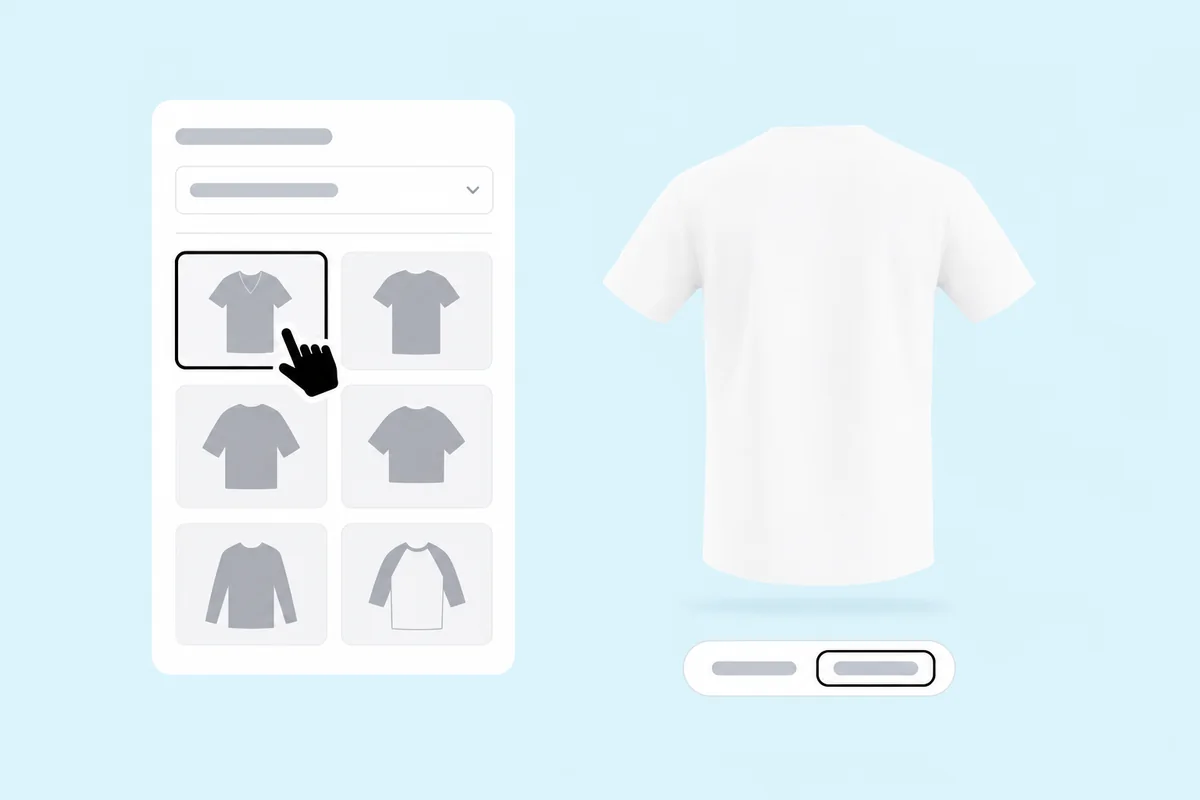
Pick a T-shirt style
Open any T-shirt on this page. It loads as a full 3D shirt; click Back, or drag the shirt, to turn it around.
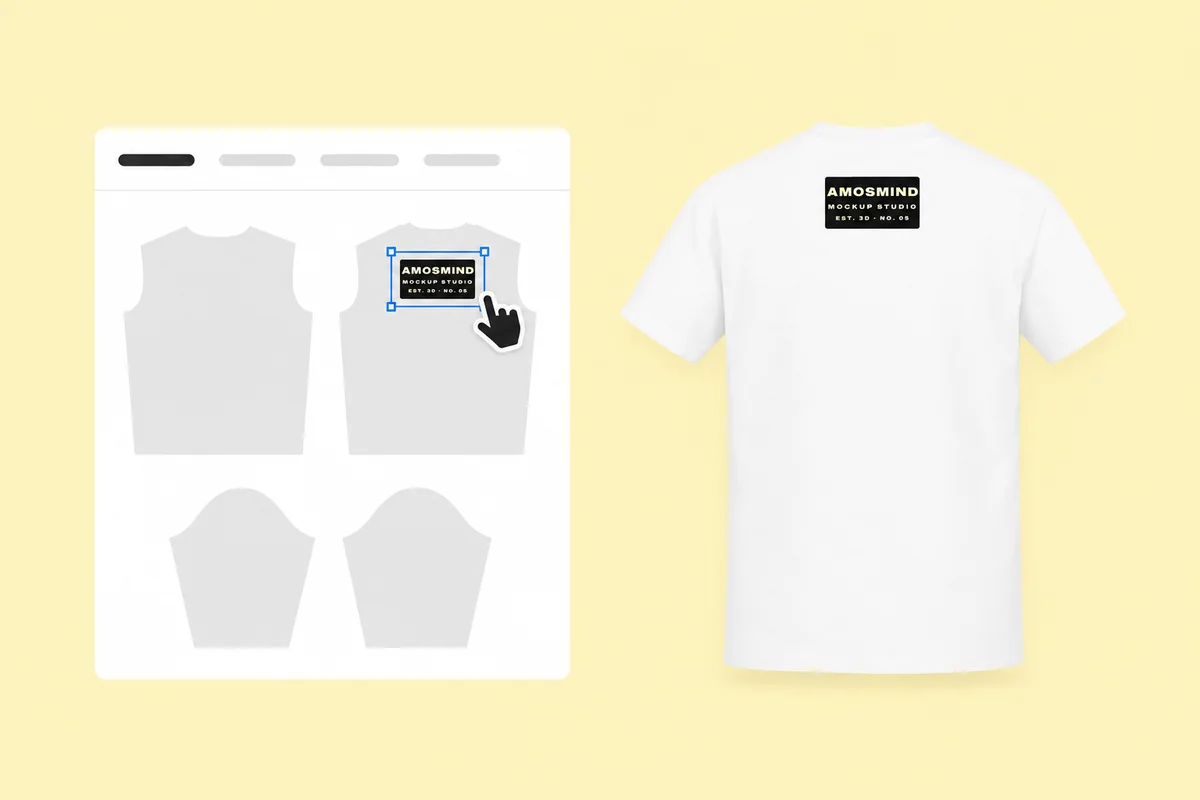
Place artwork on the back
Click Upload artwork and add a PNG, JPG, WebP or SVG. Drag it onto the back and set how far below the collar it sits.
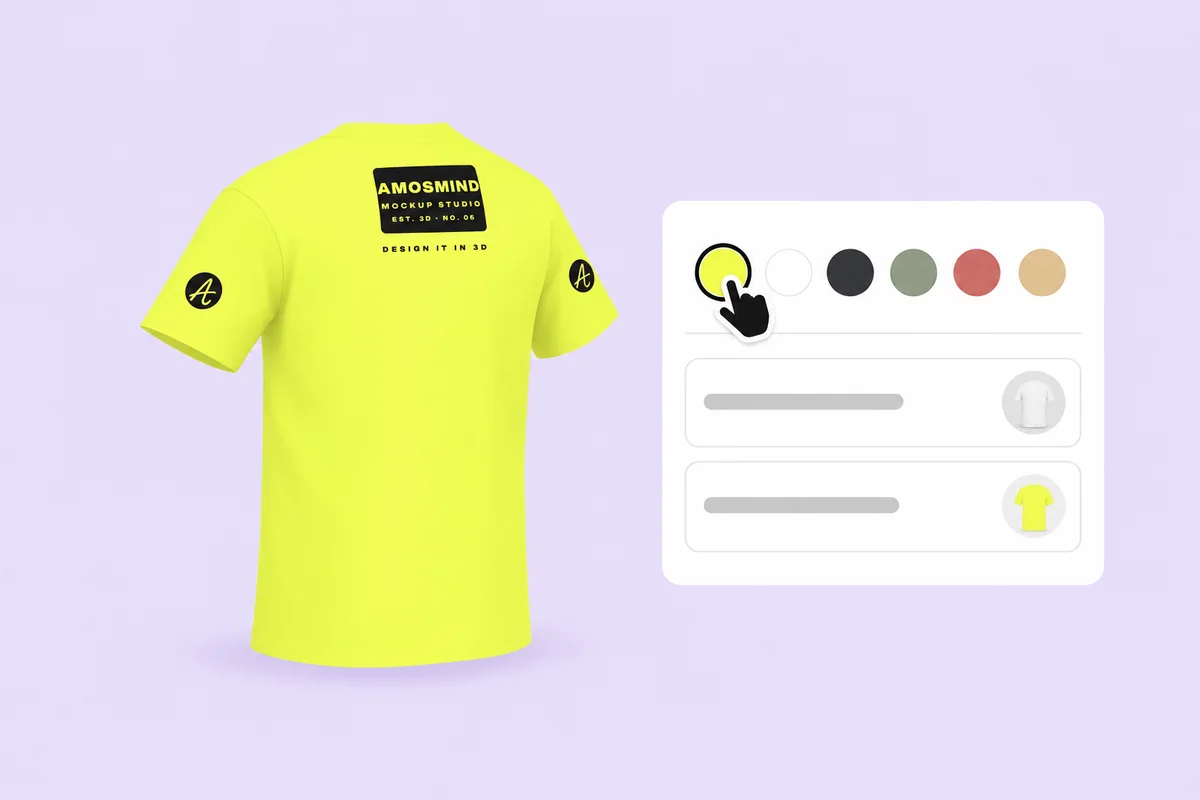
Check it from behind
Look at the back straight on, then from each side, to see how the print reaches toward the shoulders. Set a Garment color or type your blank's hex.
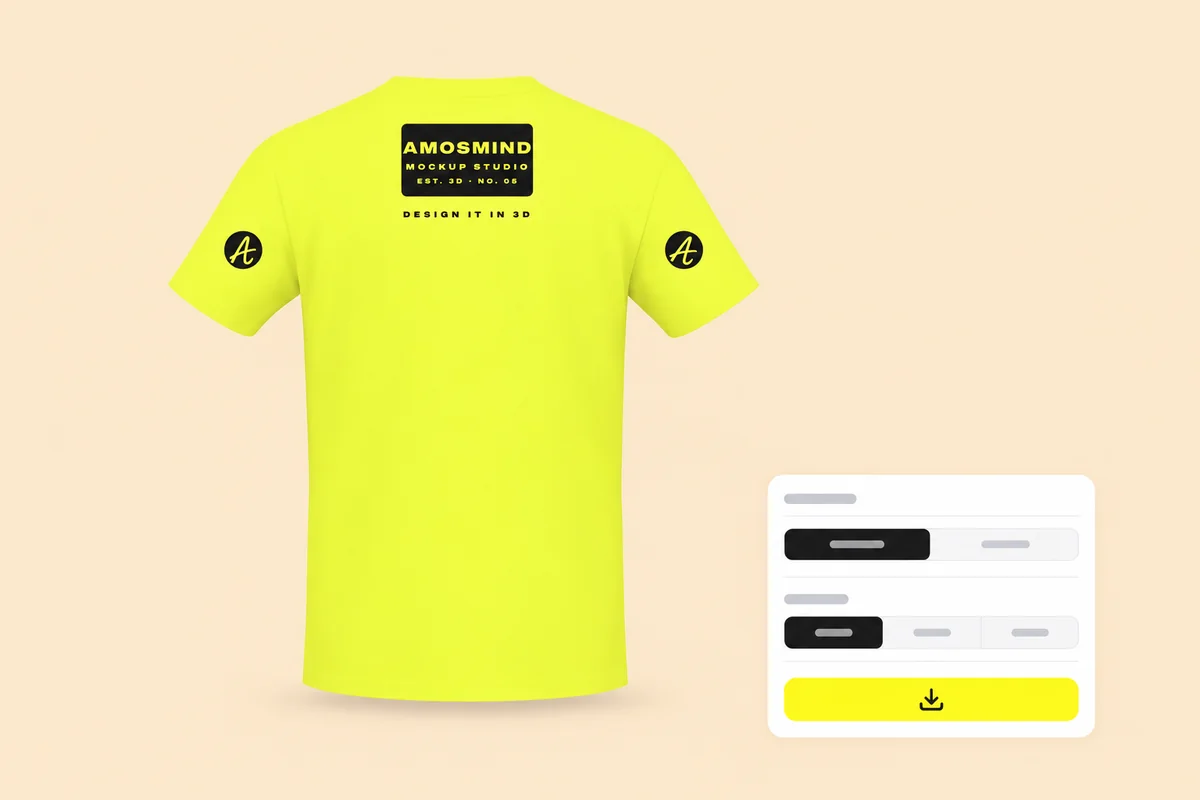
Render the back view
Click Render & export with the back facing you and choose 2K or 4K, or choose Transparent in the Background panel for a PNG.
More T-shirt mockups
Both sides together, the same T-shirts set up in black and white, and fits with more room for a back print.
Where T-shirt back mockups get used
Some shirts are designed back first, because the back is the side other people actually see.
Staff and crew shirts
Event staff, volunteers, security and work crews carry their role across the upper back, where it shows from behind in a crowd.
- One word across the shoulder blades
- A row of sponsor logos
- A clean render to approve the order
Tour and event shirts
The back is where concert shirts list cities and dates, and where runs and trade shows put the event name.
- City and date lists
- Light text checked on dark shirts
- The same list on every colorway
Team shirts
Numbers go on the back so players can be told apart from behind, usually with the name above them.
- Number height checked against the rules
- Names above numbers
- Front and back renders of the same shirt
T-shirt back mockup questions, answered
Answers about back print positions, sizes and exports. For pairing a back print with a front one, see the front and back T-shirt mockups page.
Where to place a design on the back of a t-shirt?
There are three common positions: a small mark about 1 in below the collar seam, a line of text across the upper back about 4 in down, or a full back print starting 3 to 4 in below the collar. Prints near the hem are rare.
How far down should a print be on the back of a shirt?
Most guides start a full back print 3 to 4 inches below the collar seam, and upper-back text about 4 inches down. A back print usually sits a little lower than the front print on the same shirt.
What is it called when the design is on the back of a shirt?
A back print. A large one is a full back, a line across the shoulders is an upper-back print, and a small mark under the collar is a back collar print, also called a yoke or locker patch.
How can I create a mock-up for a t-shirt?
Open a T-shirt above, turn it around and drag your artwork onto the back. Set the shirt color, then render the back view. There is no Photoshop file to edit.
How big should a back print be?
A standard full back is about 12 × 14 in, and most printers stop at around 12 × 16 in. Upper-back text runs 10 to 14 in wide. Back collar marks are 1 to 3 in wide.
How tall should the letters be on a staff or crew shirt?
There is no garment standard. Printers set words like STAFF across the upper back, 12 to 14 in wide, in bold block letters. A sign-industry rule of thumb is 1 in of letter height per 10 ft of viewing distance.
Can I render only the back of the shirt?
Yes. Turn the shirt so the back faces you and render that view on its own. If the shirt also has a front print, render the front as a second image from the same design.
Can I download a T-shirt back mockup with a transparent background?
Yes. Choose Transparent in the Background panel and the back view downloads as a PNG, ready to place on your own background.