
Laptop mockups in real-time 3DMacBook Air, MacBook Pro and more
Put a website, a dashboard or any screen on a 3D laptop. Turn it to the angle you need and render it as an image up to 4K.

Laptop mockups
11 mockups
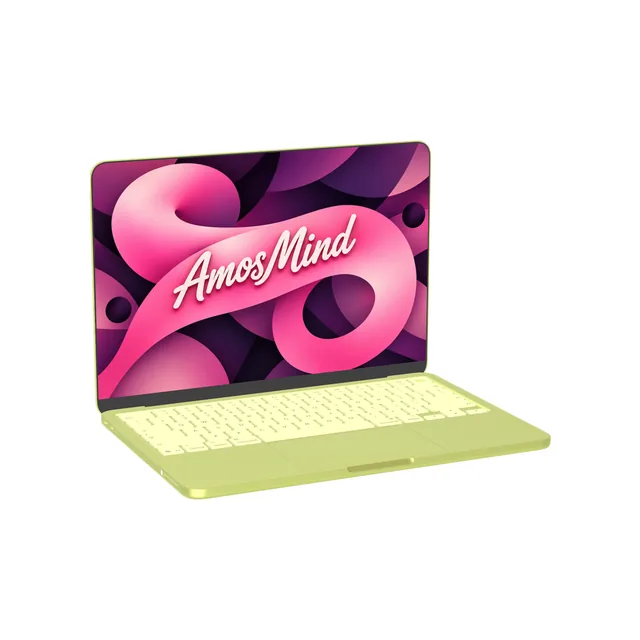
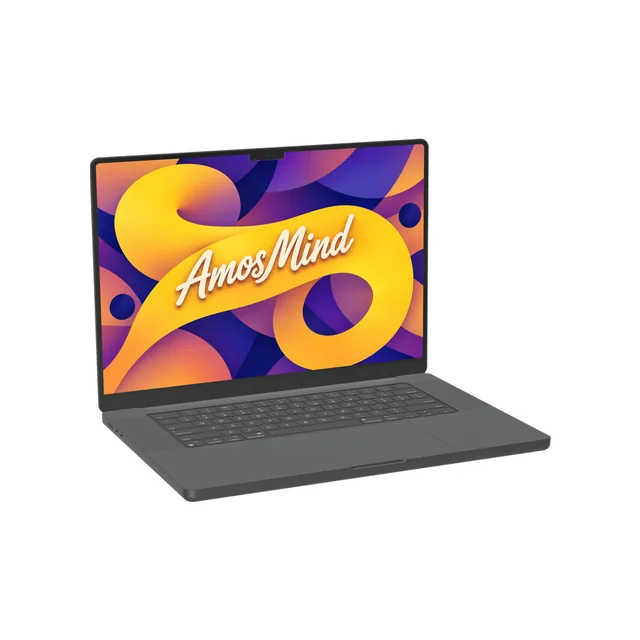
MacBook Pro 16-inch M3 mockup
Details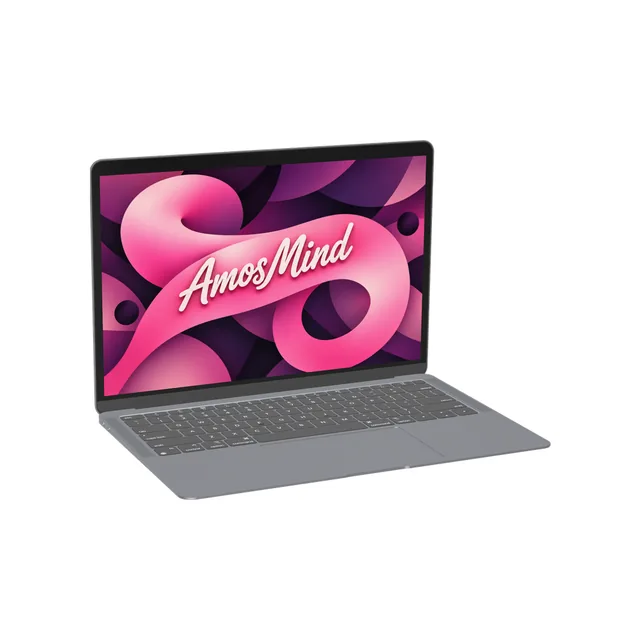
MacBook Air 13-inch M1 mockup
Details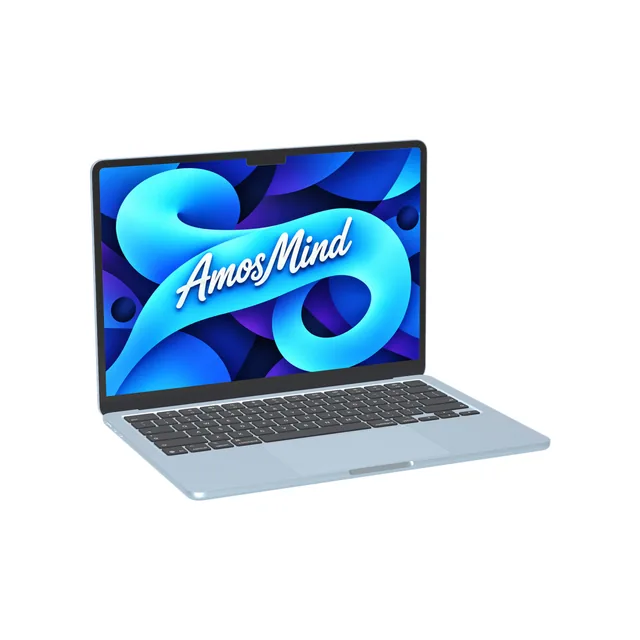
MacBook Air 13-inch M4 mockup
Details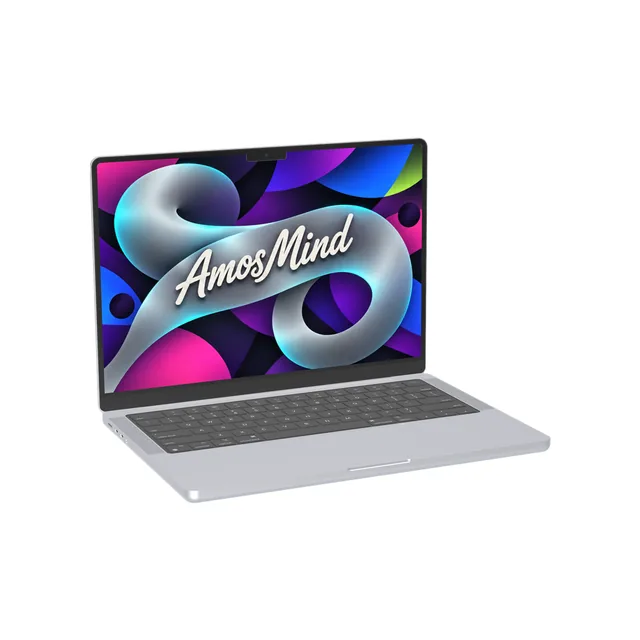
MacBook Pro 14-inch M3 mockup
Details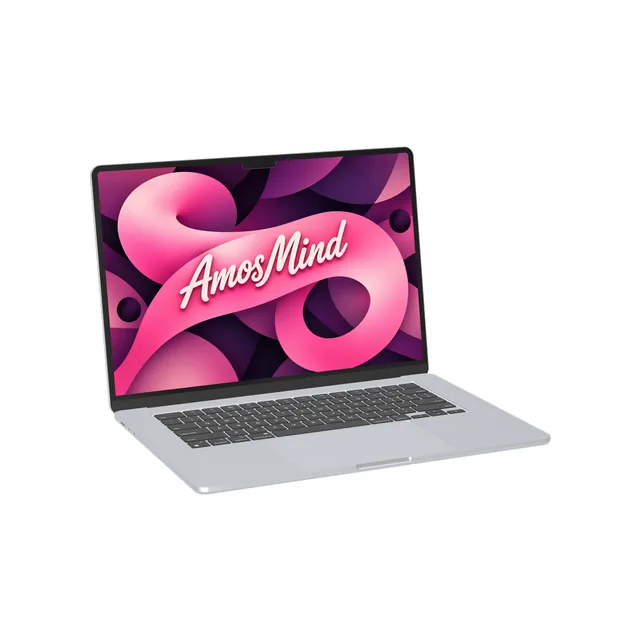
MacBook Air 15-inch M2 mockup
Details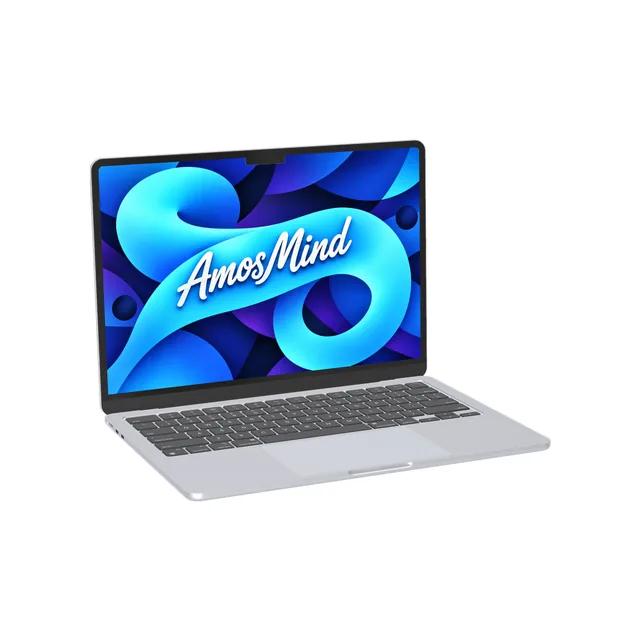
MacBook Air 13-inch M2 mockup
Details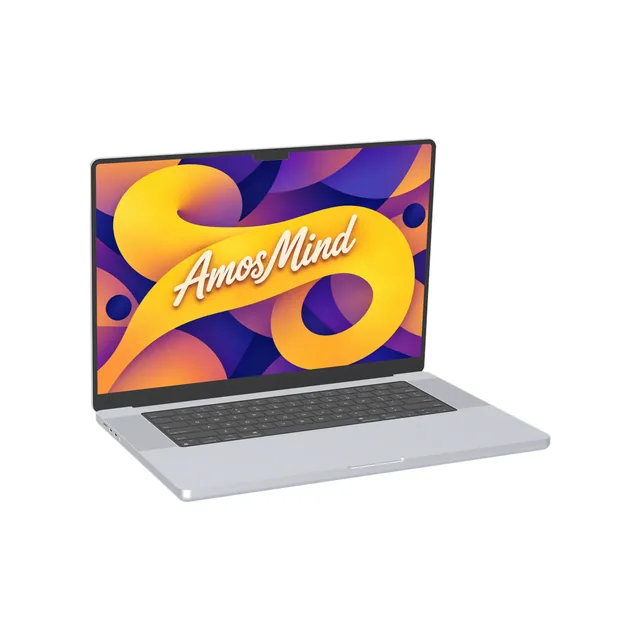
MacBook Pro 16-inch M1 mockup
Details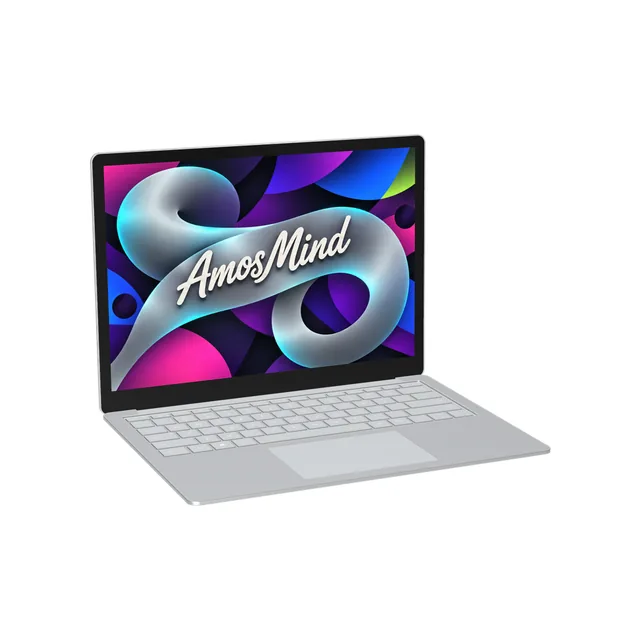
Surface Laptop 4 mockup
Details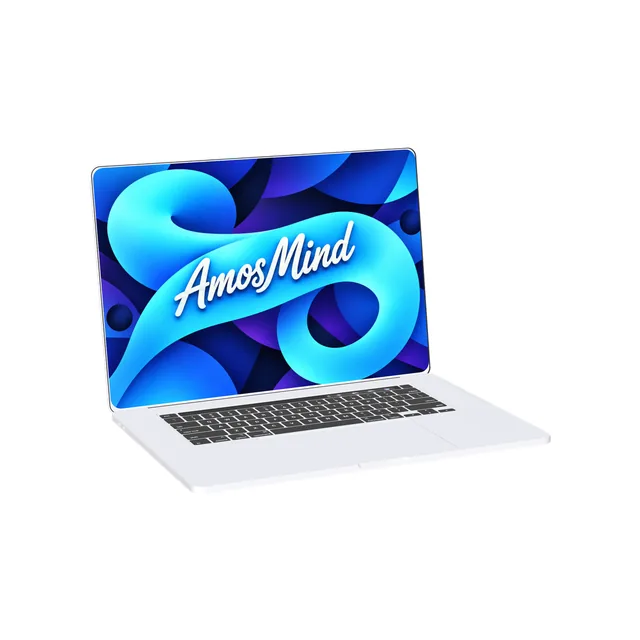
MacBook Pro 16-inch 2019 mockup
Details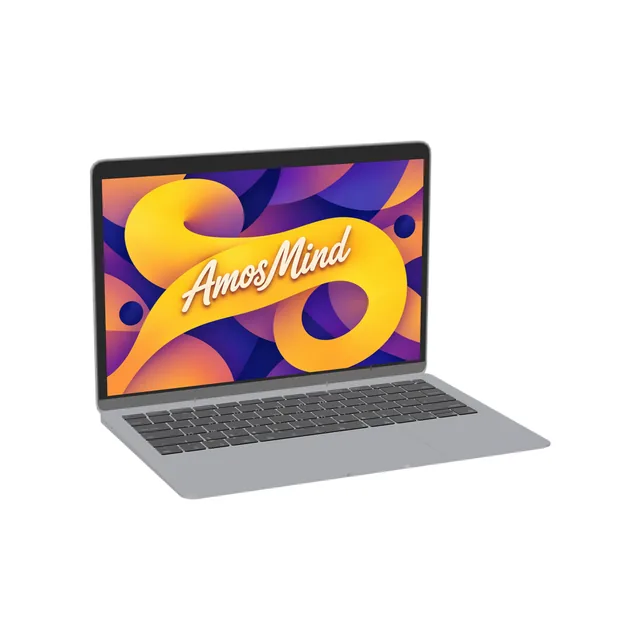
MacBook Air 13-inch 2018 mockup
DetailsLaptop screen sizes for mockup artwork
Make your screenshot at the laptop's native resolution and it fills the display edge to edge. Laptop screens are not all the same shape, so check the size before you crop.
| Artwork size (landscape) | Display | Models |
|---|---|---|
| 2408 × 1506 px | 13-inch, 219 ppi | MacBook Neo |
| 2560 × 1664 px | 13.6-inch, 224 ppi | MacBook Air 13-inch M4, MacBook Air 13-inch M2 |
| 3456 × 2234 px | 16.2-inch, 254 ppi | MacBook Pro 16-inch M3, MacBook Pro 16-inch M1 |
| 3024 × 1964 px | 14.2-inch, 254 ppi | MacBook Pro 14-inch M3 |
| 2880 × 1864 px | 15.3-inch, 224 ppi | MacBook Air 15-inch M2 |
| 2560 × 1600 px | 13.3-inch, 227 ppi | MacBook Air 13-inch M1, MacBook Air 13-inch 2018 |
| 3072 × 1920 px | 16-inch, 226 ppi | MacBook Pro 16-inch 2019 |
| 2256 × 1504 or 2496 × 1664 px | 13.5 or 15-inch, 201 ppi | Surface Laptop 4 |
Resolutions from Apple's and Microsoft's technical specifications. Your image covers the screen and is cropped at the edges, never stretched.
Notch, 16:10 or 3:2: three screen shapes
The same screenshot sits differently on each of them.
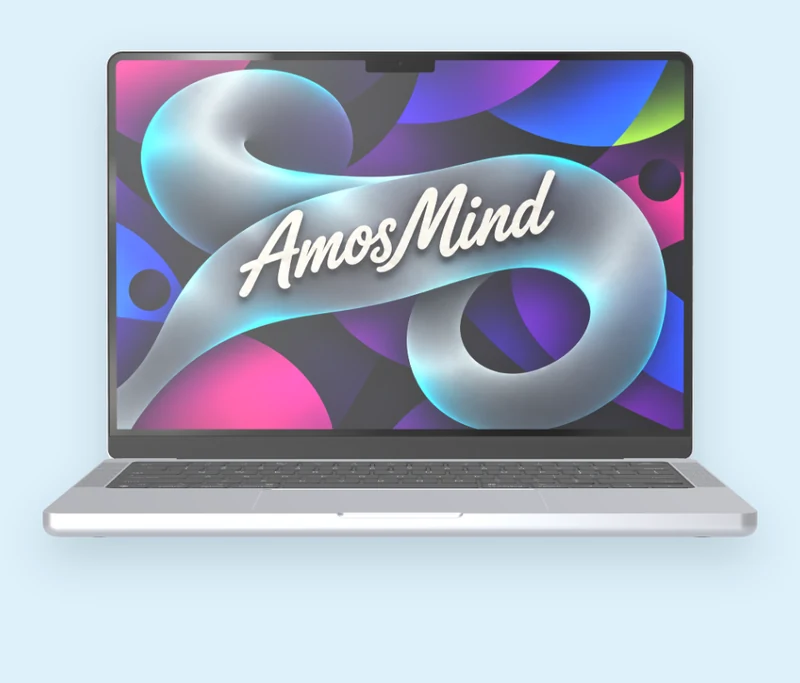
Notch at the top
MacBook Air M2 and M4 and the 14 and 16-inch MacBook Pro M1 and M3 have a camera housing in the top edge. Their screens are 64 or 74 pixels taller than 16:10, so a 16:10 screenshot is cropped a little at the sides.
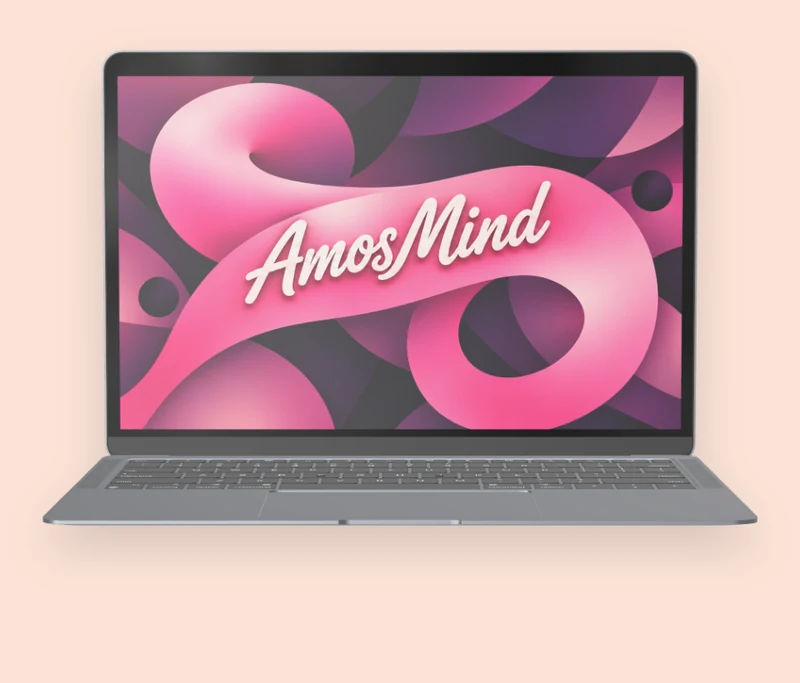
16:10, no notch
MacBook Air 2018 and M1, MacBook Pro 16-inch 2019 and MacBook Neo have a plain rectangle. A 16:10 screenshot fits edge to edge.
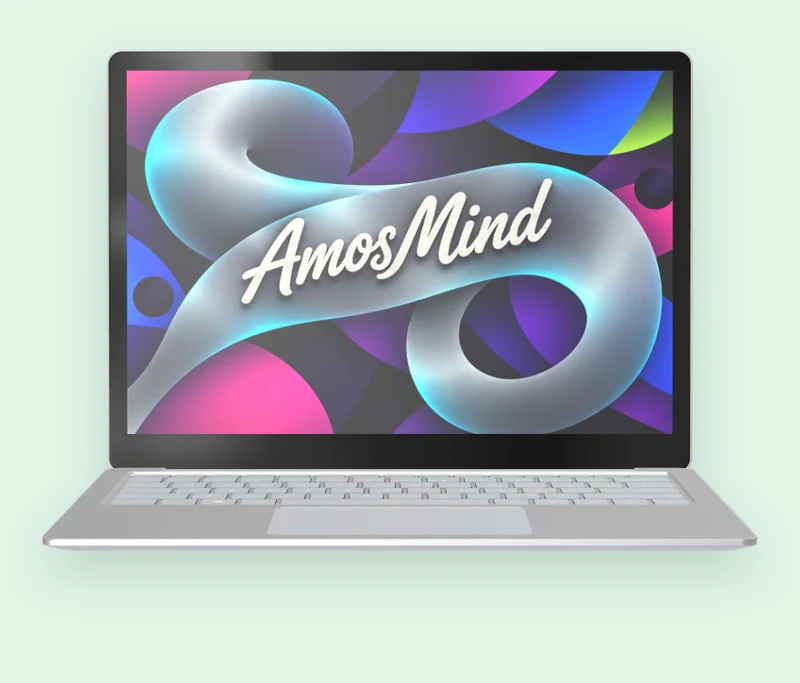
3:2
Surface Laptop 4 has a taller 3:2 screen. Capture at 3:2, or a 16:10 screenshot loses a strip on each side.
Front, three-quarter or from above
Every laptop here is a 3D model with the lid open. Drag to turn it; these are three places to stop.
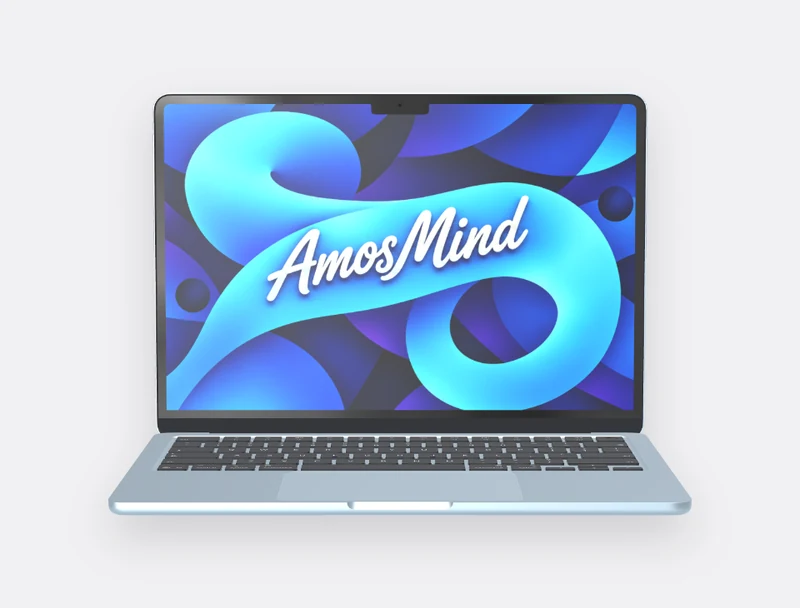
Front
The whole screen, square to the camera. Use it when the screenshot is the subject.
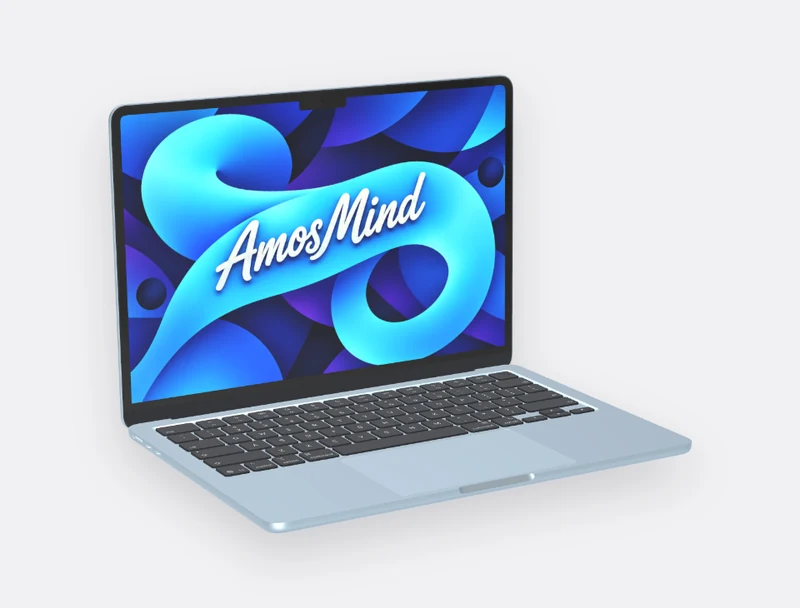
Three-quarter
Screen and keyboard together, the usual choice for a landing-page hero.
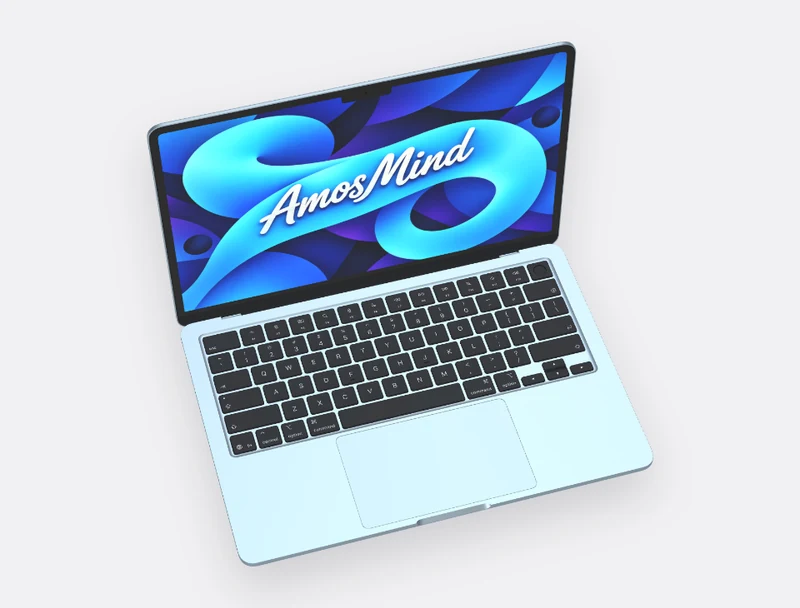
From above
Looks down on the keyboard and trackpad, for flat-lay layouts.
How to make a laptop mockup
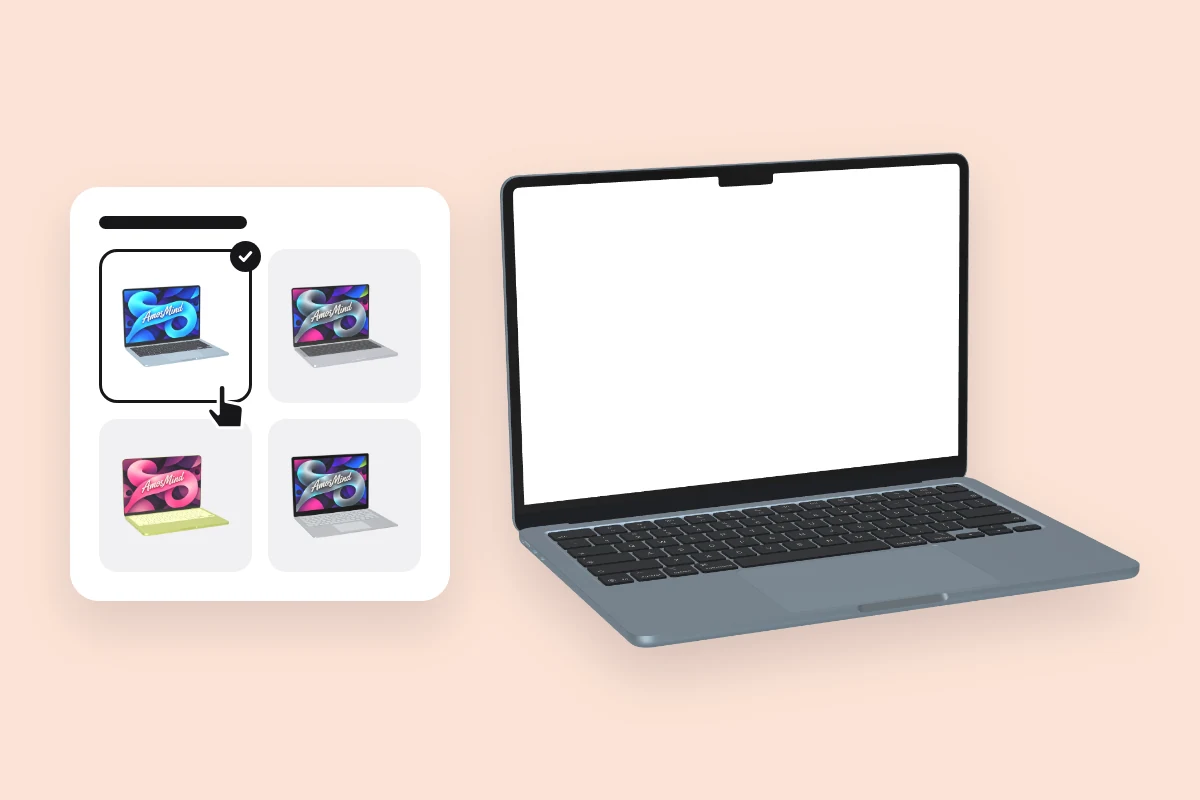
Pick a laptop
Choose a model from the list above. It opens as a full 3D laptop in your browser.
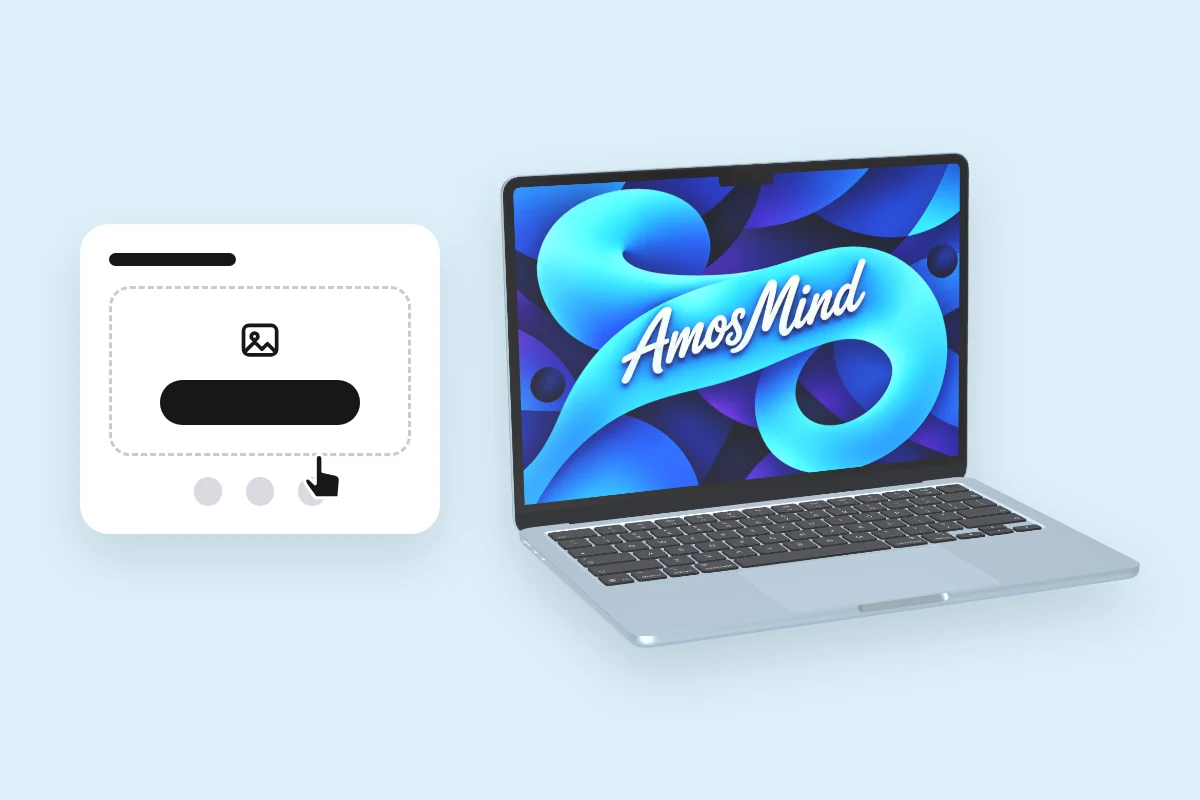
Add your screen
Click Upload artwork and add a PNG, JPG, WebP or SVG. A browser screenshot, a dashboard or a slide all work.
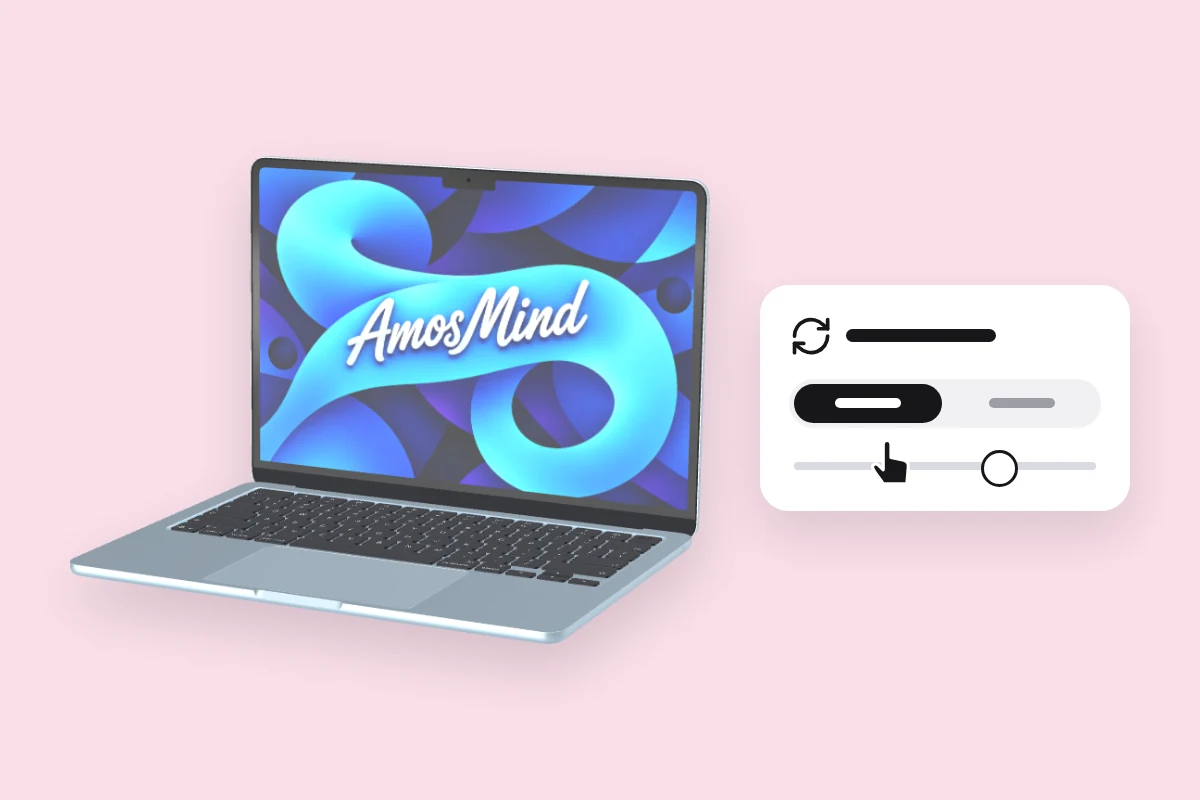
Choose an angle
Drag to turn the laptop, or click Front or Back.
Export the image
Export 2K or 4K, or choose Transparent in the Background panel for a PNG you can place on your own layout.
Explore more device mockups
Every mockup opens in the same live 3D editor.
Where laptop mockups get used
A screenshot inside a laptop reads as a working product, not a picture of one.
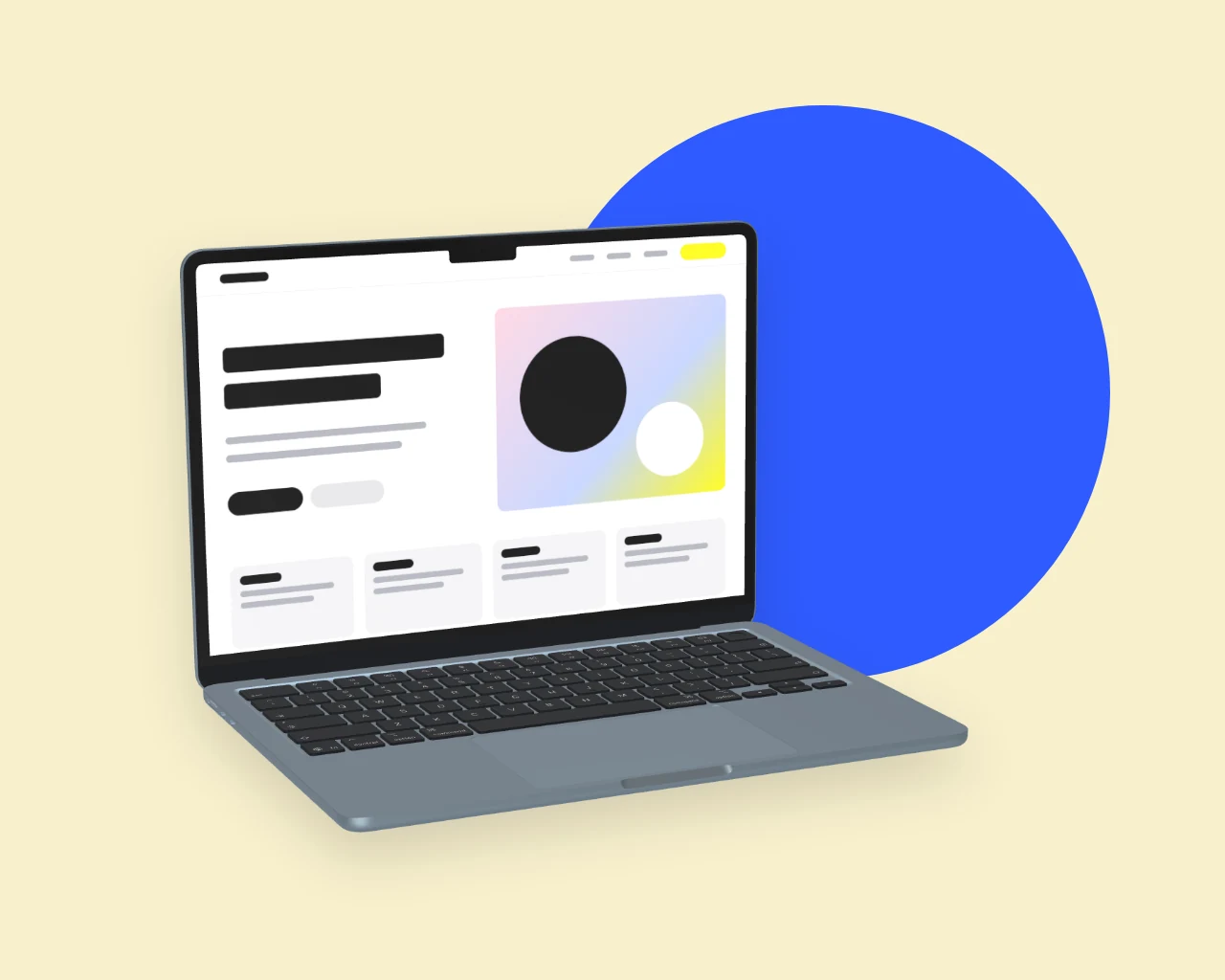
Website and landing-page heroes
Show the page the way visitors meet it: in a browser, on a laptop.
- Screenshots at native resolution
- Three-quarter view with the keyboard
- Transparent PNG for your own layout
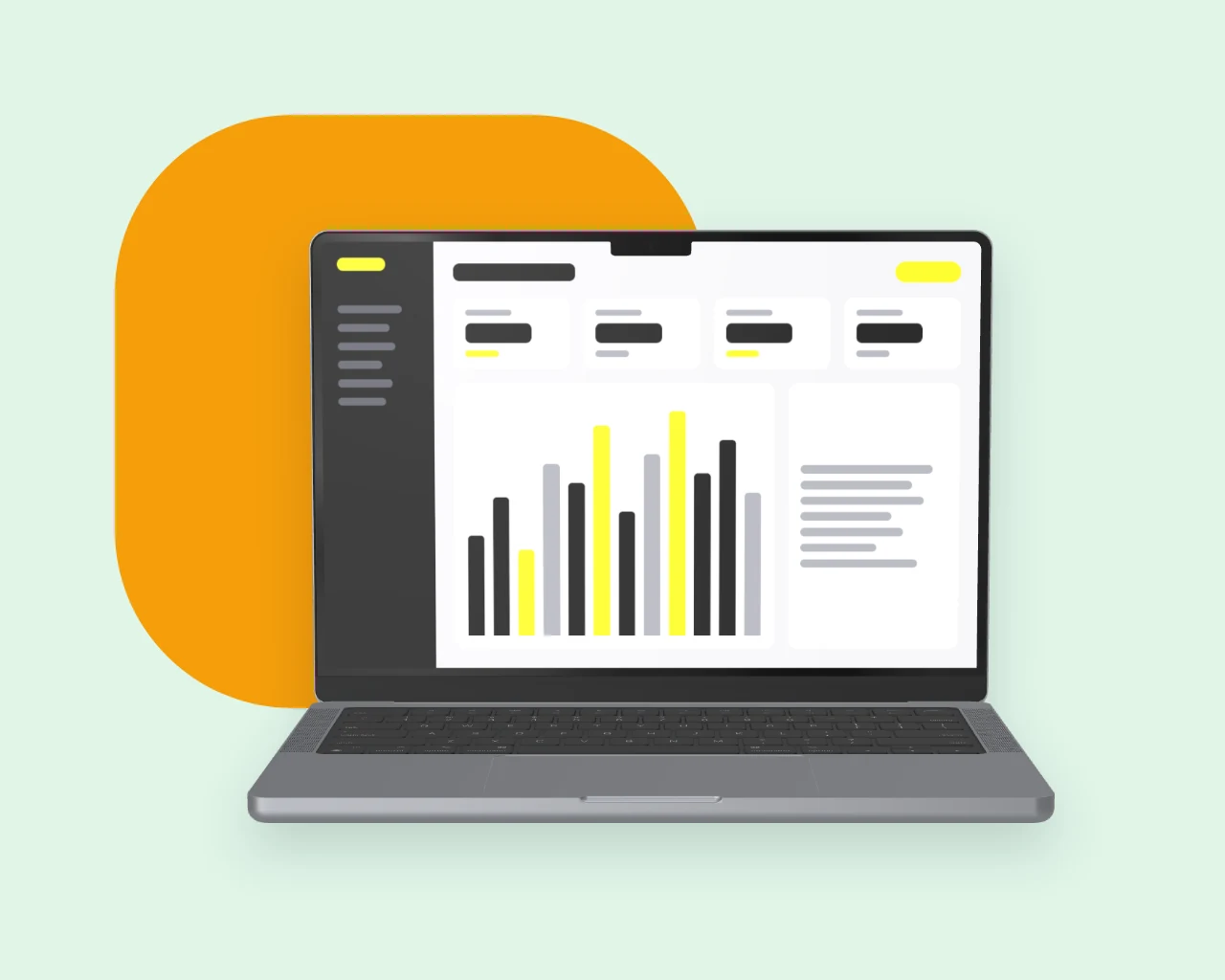
Dashboards and product tours
Charts and tables stay readable when the screen faces the camera.
- Front view, square to the camera
- 4K for large feature images
- The same light across every shot
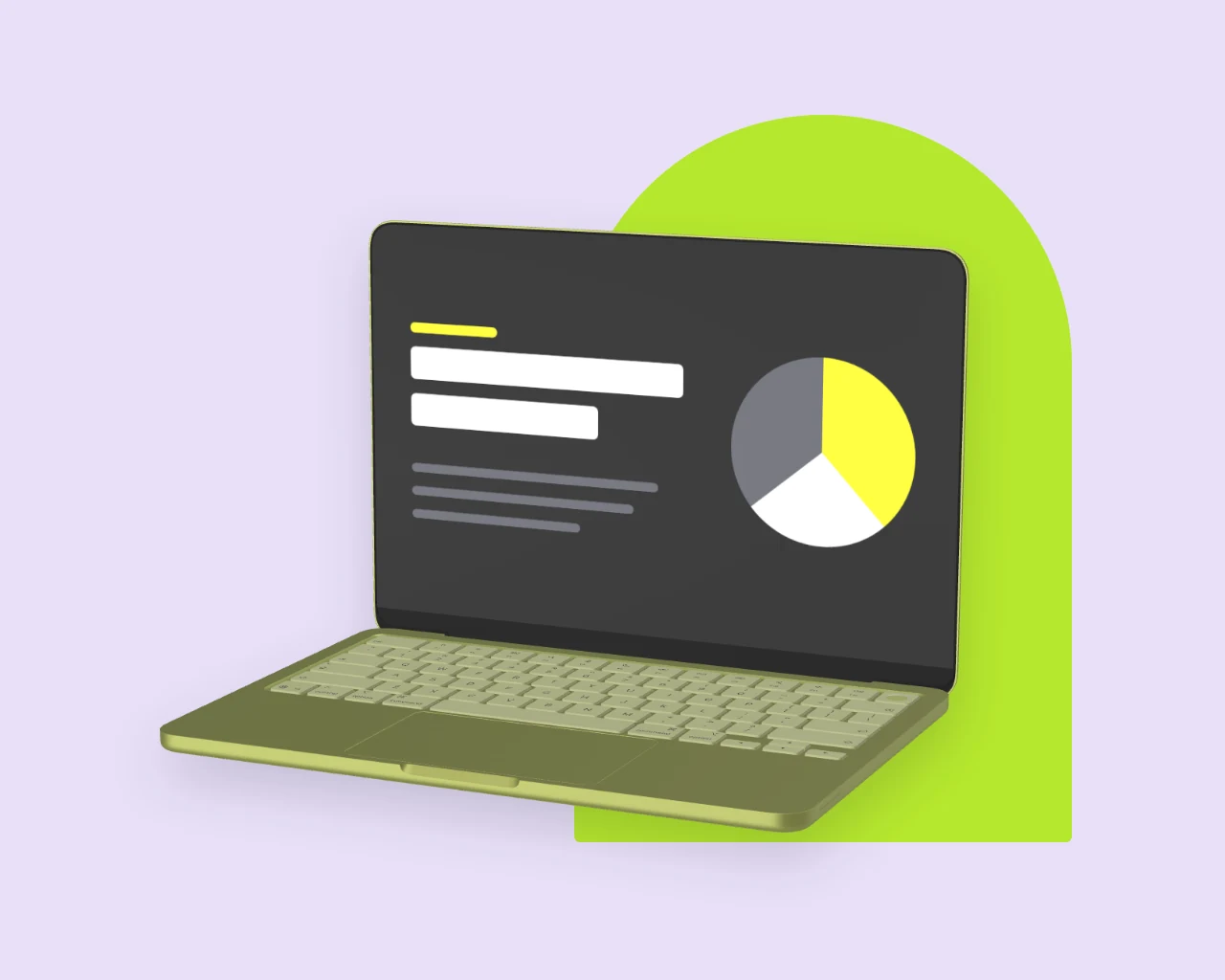
Pitch decks and case studies
One laptop across every slide keeps a deck consistent.
- One file fits laptops with the same resolution
- Front and back views
- JPG or PNG export
Laptop mockup questions, answered
Answers about screen sizes, angles and exports for every laptop on AmosMind.
What is a laptop mockup?
It shows a website, an app or a slide on a realistic laptop screen, so a flat screenshot reads as a working product. Here the laptop is a 3D model you can turn, not a fixed photo.
What screen size should my design be for a laptop mockup?
Use the laptop's native resolution from the table above, for example 2560 × 1664 px for a 13-inch MacBook Air or 3024 × 1964 px for a 14-inch MacBook Pro. Another size still works: the image covers the screen and is cropped at the edges.
How do I add my design to a laptop screen mockup?
Pick a laptop on this page, click Upload artwork and add your screenshot. It lands on the display straight away; then choose an angle and export.
Which laptop mockup angle works best for presentations?
Front, when people need to read the screen. Three-quarter, when the slide should look like a product shot. Both come from the same model, so you can export one of each.
Can I show a website with the browser bar on a laptop mockup?
Yes. Take the screenshot with the browser bar in it and upload that. The laptop shows your image exactly as it is and adds nothing on top.
Do I need design software to use laptop mockups?
No. Each laptop is a 3D model that opens in your browser, and you export finished JPG or PNG images. There's no PSD file to edit.
What file formats can I download?
JPG or PNG at 2K or 4K. Choose Transparent in the Background panel and the laptop downloads as a PNG with no background.
Is this laptop mockup free?
Browsing the laptops and turning them in 3D is free. Log in with an email code or Google to upload a screen, save projects and render images; the export panel shows any cost before you render.