
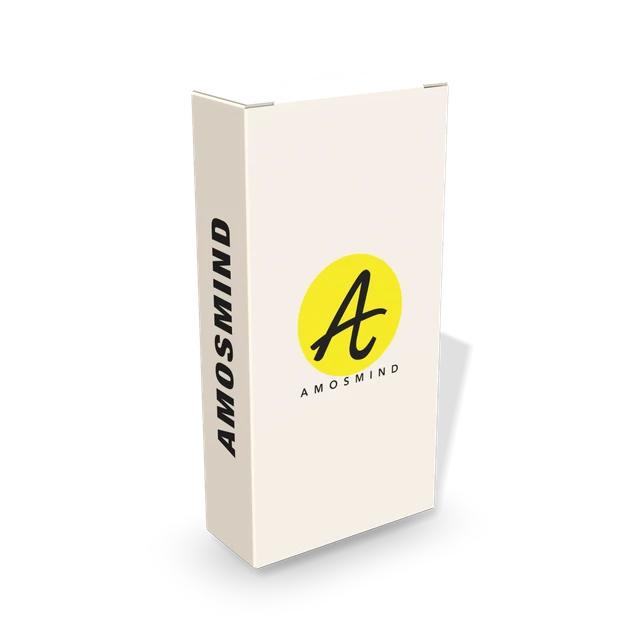
White paperboard
Thin and smooth, with sharp folds. The usual white box for cosmetics, medicine and food.
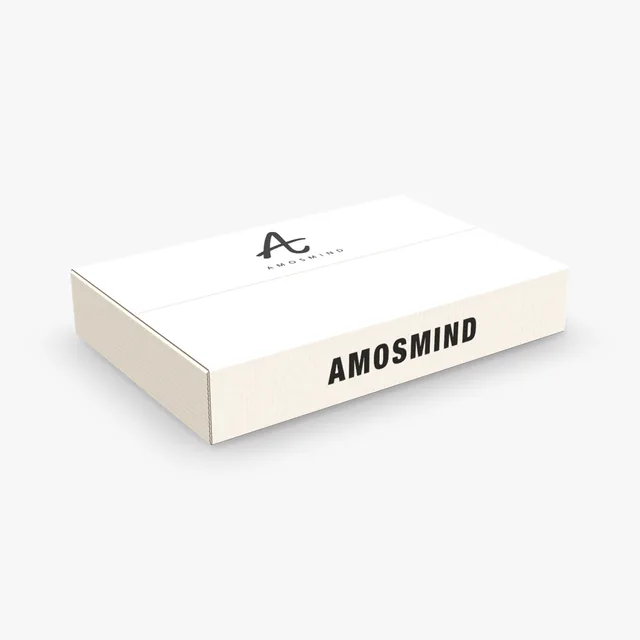
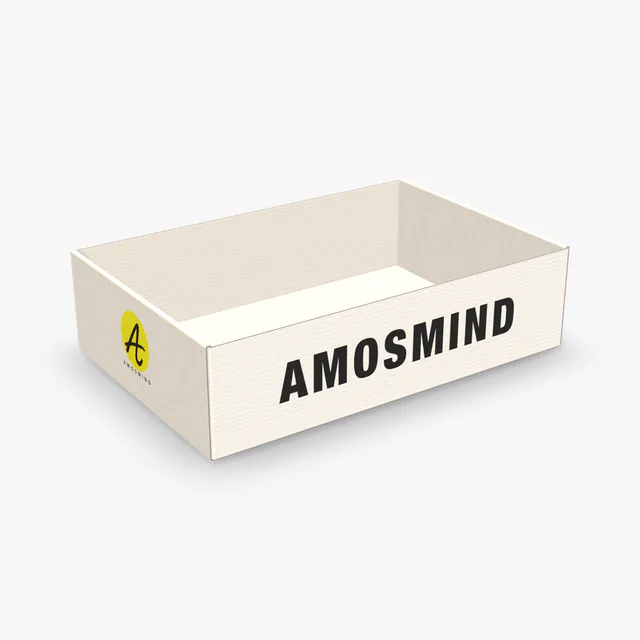
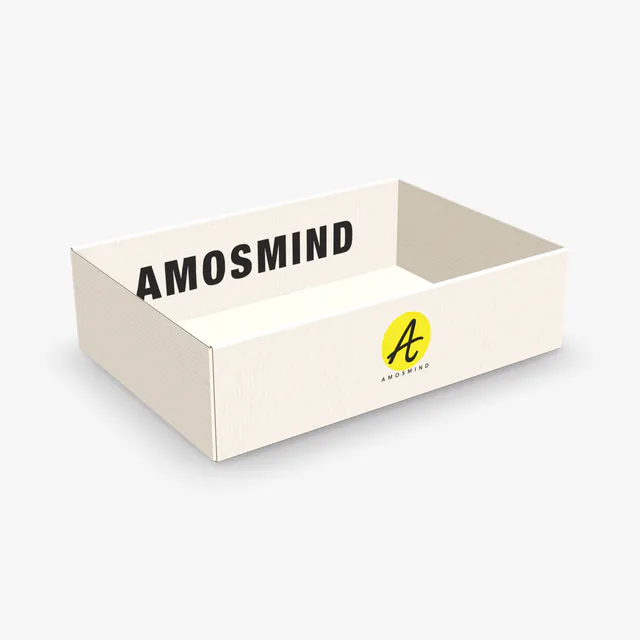
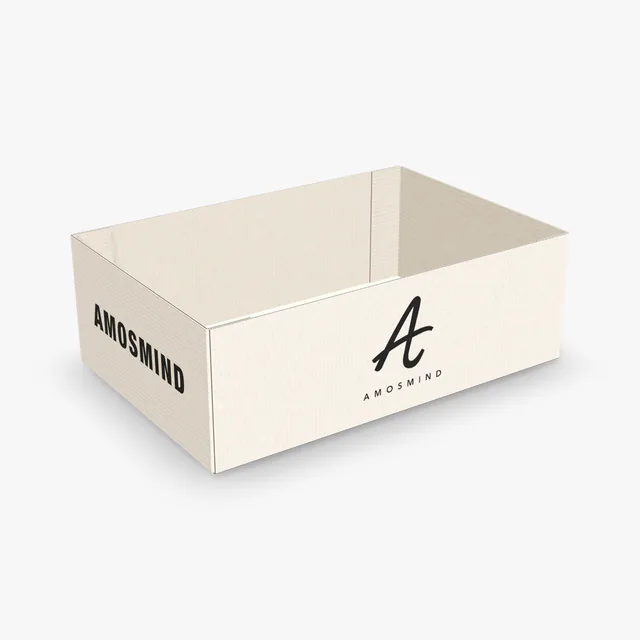
Every box on this page starts plain white: white paperboard cartons, white corrugated mailers and white rigid boxes. Use one as a clean base, drop your logo on it and export it on any background or none.
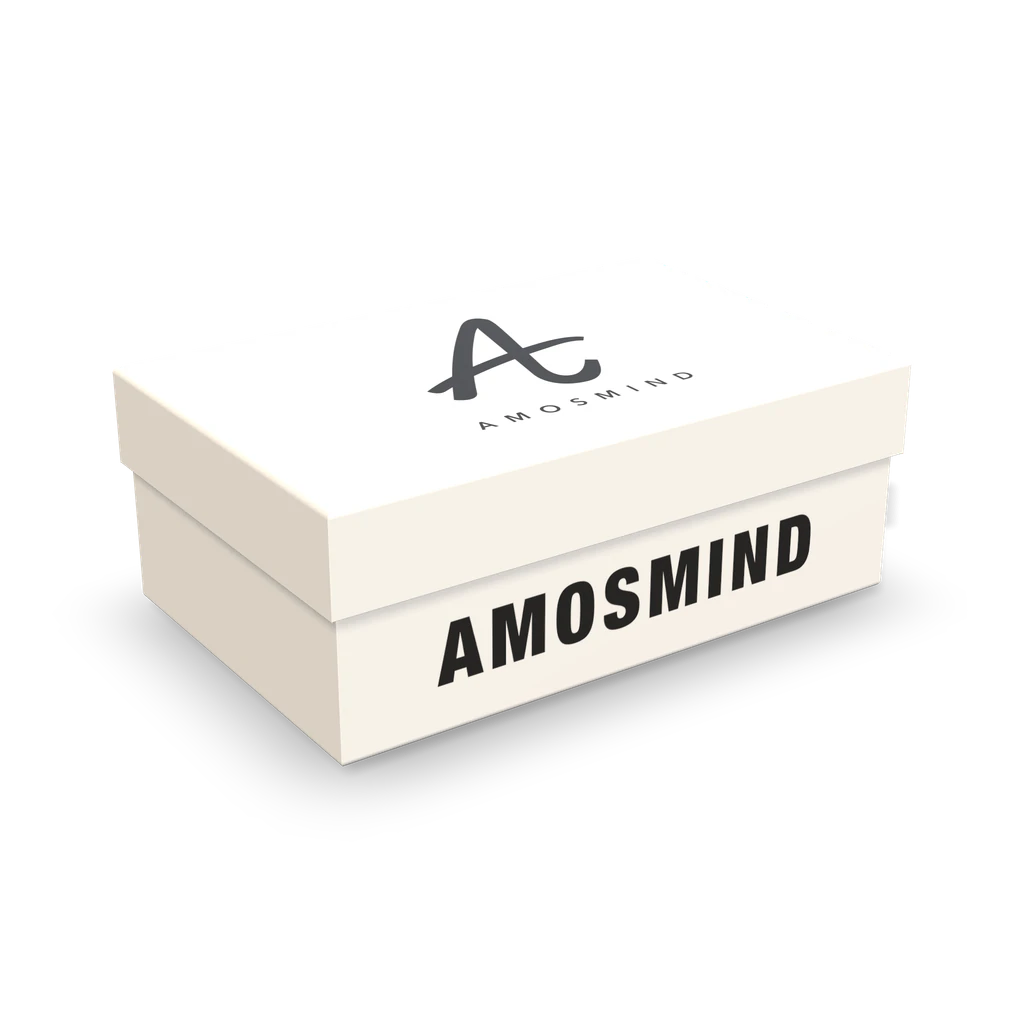
23 mockups
 Add your design
 Add your design
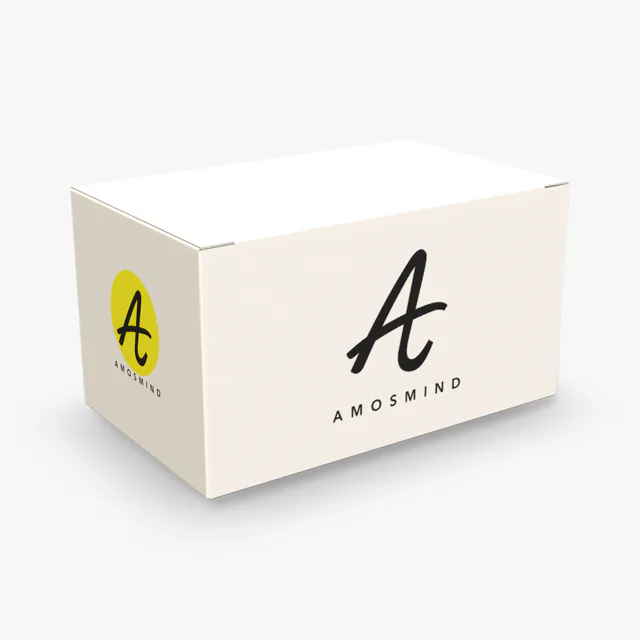 Add your design
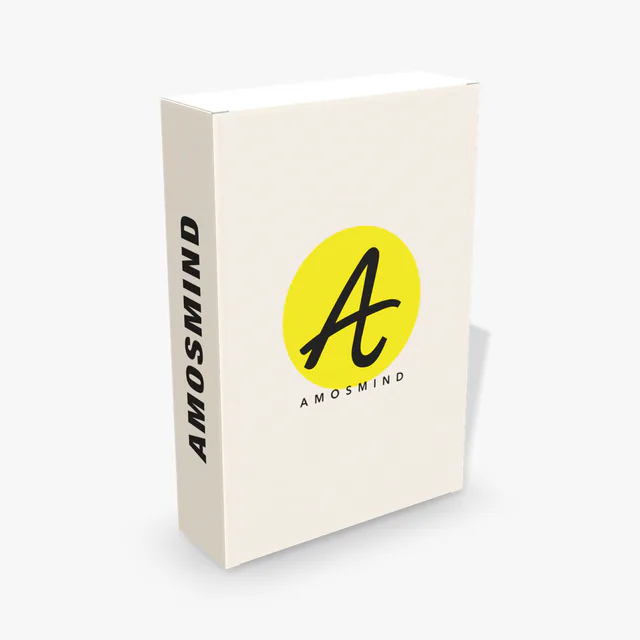 Add your design
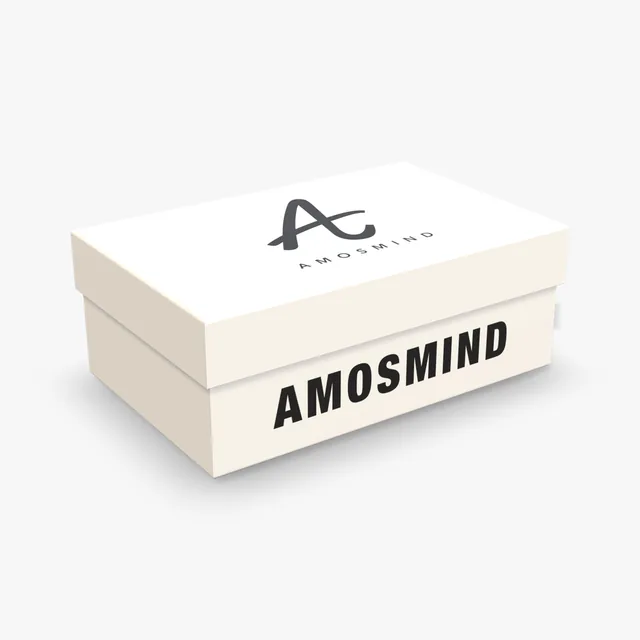 Add your design
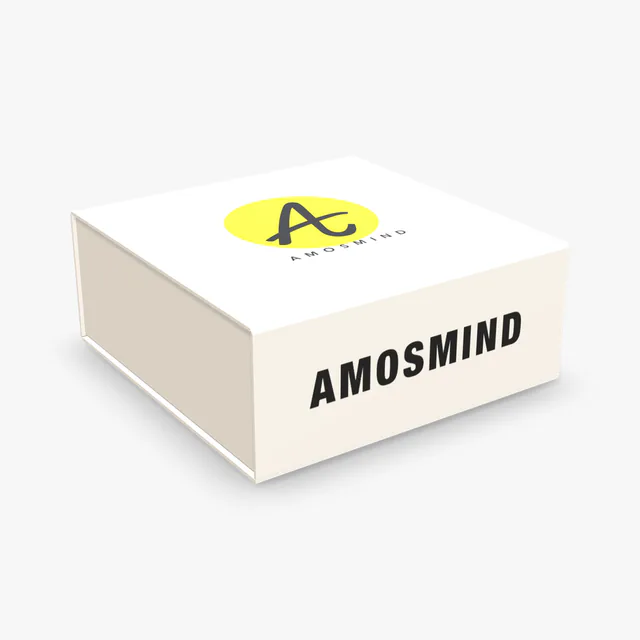 Add your design
 Add your design
 Add your design
 Add your design
 Add your design
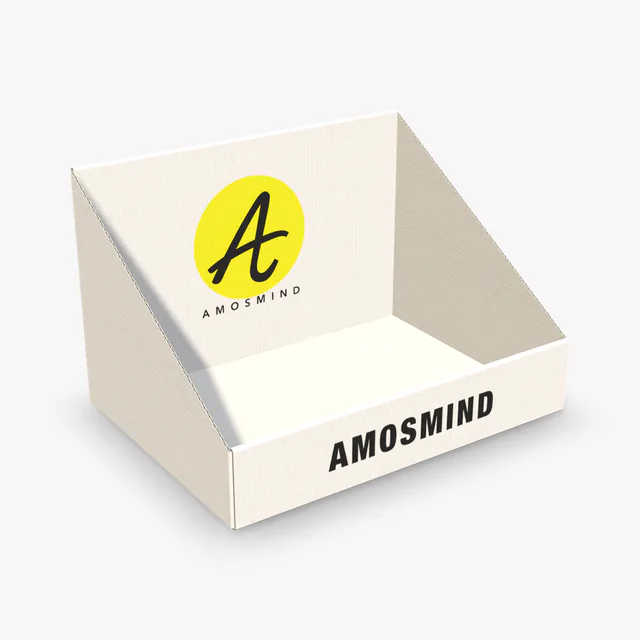 Add your design
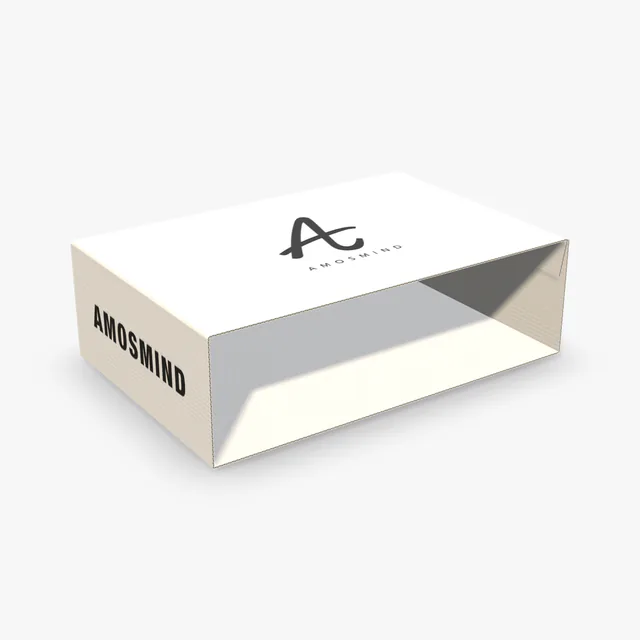 Add your design
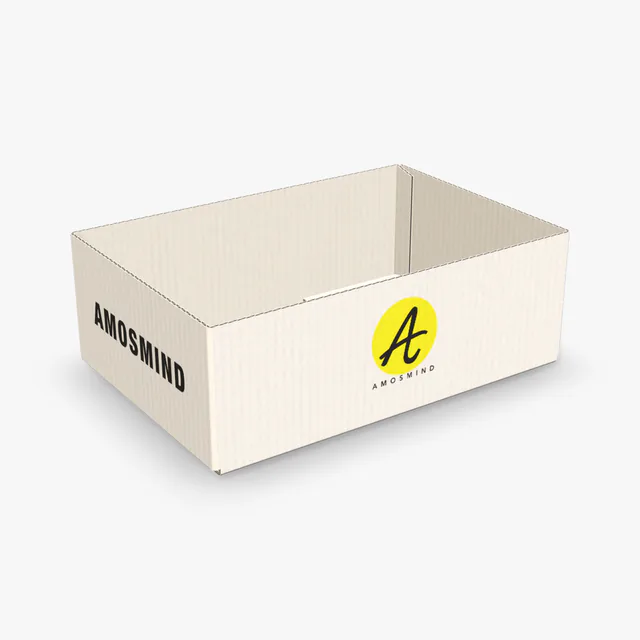 Add your design
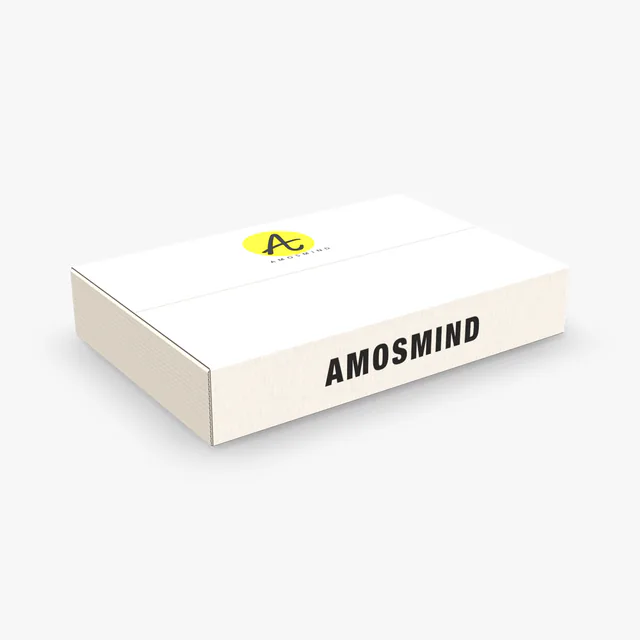 Add your design
 Add your design
 Add your design
 Add your design
 Add your design
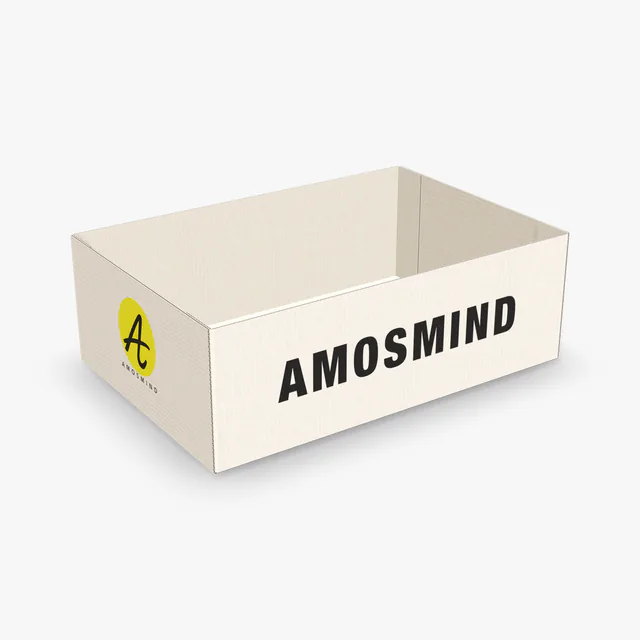 Add your design
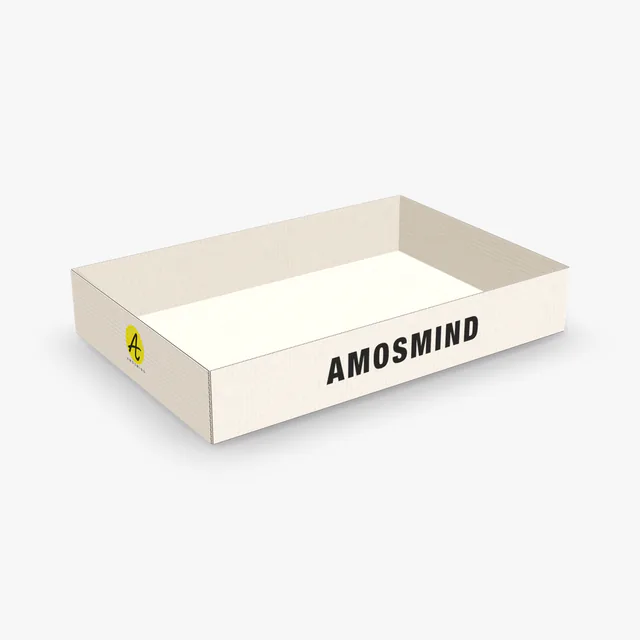 Add your design
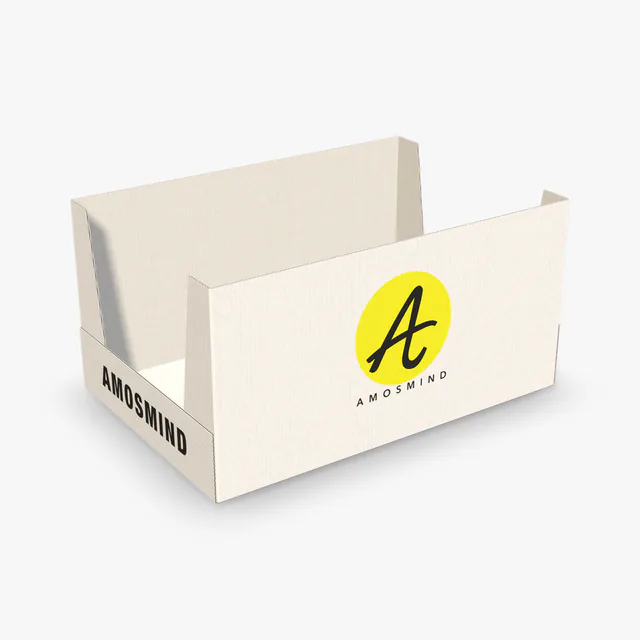 Add your design
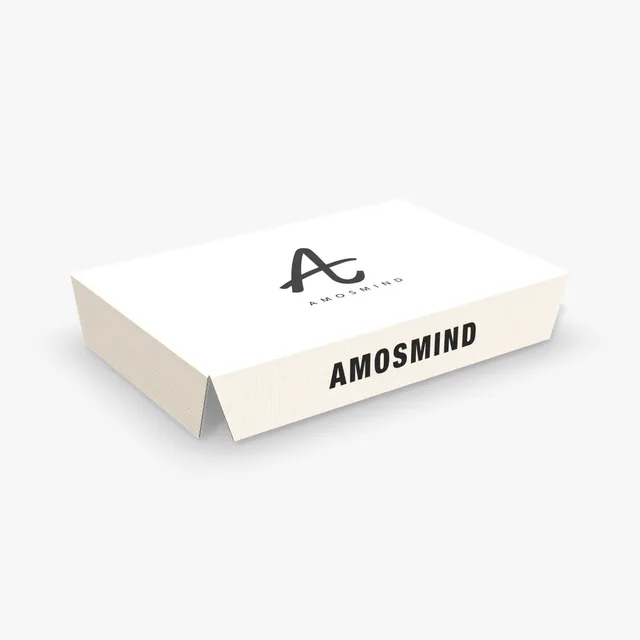 Add your design
 Add your design
A white box is not one material. What is white, and what is under it, depends on how the box is made.
| In the Material panel | What it is | Boxes that use it |
|---|---|---|
| White both sides | Paperboard or corrugated board with a white face inside and out | Perfume, medicine, tea and cereal boxes; every corrugated box on this page |
| White outside | Corrugated board with a white outer face and a kraft inside | An option on every corrugated box |
| White wrap | White paper glued over grey board | Rigid box, magnetic box, book-style box |
| Box color | Any color printed over the board, face by face | Every box |
The cut edge of corrugated board stays brown on White outside board and is light on White both sides; the 3D box shows it.
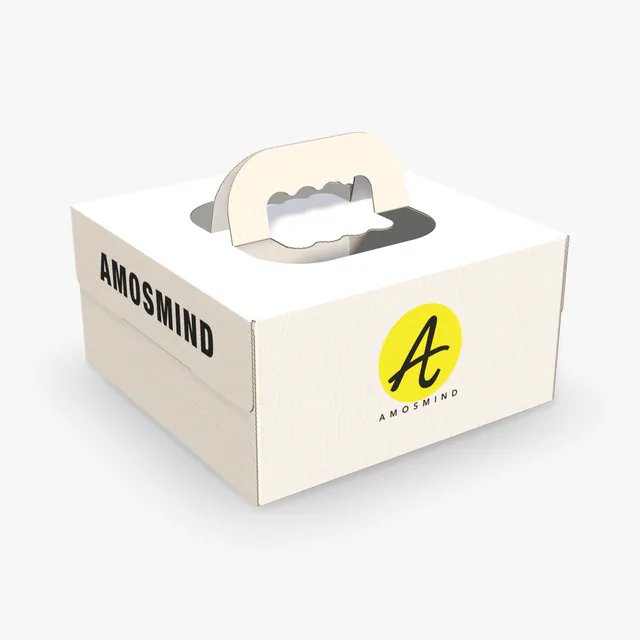
Three boxes can all be white and still look different.
Thin and smooth, with sharp folds. The usual white box for cosmetics, medicine and food.
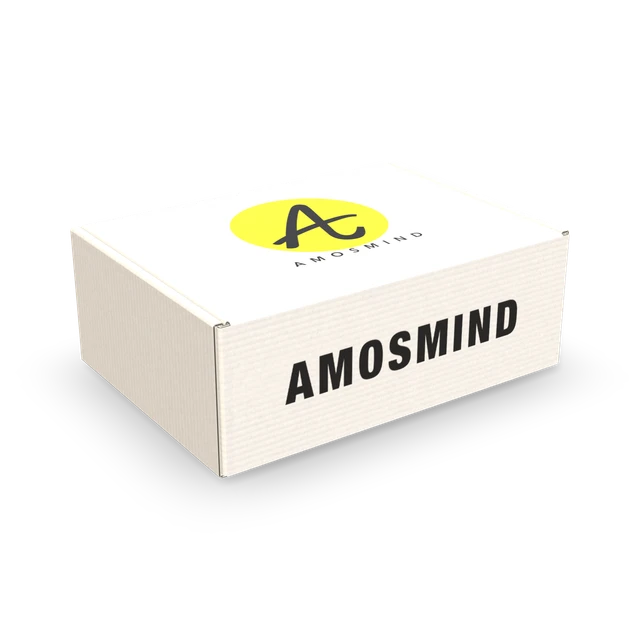
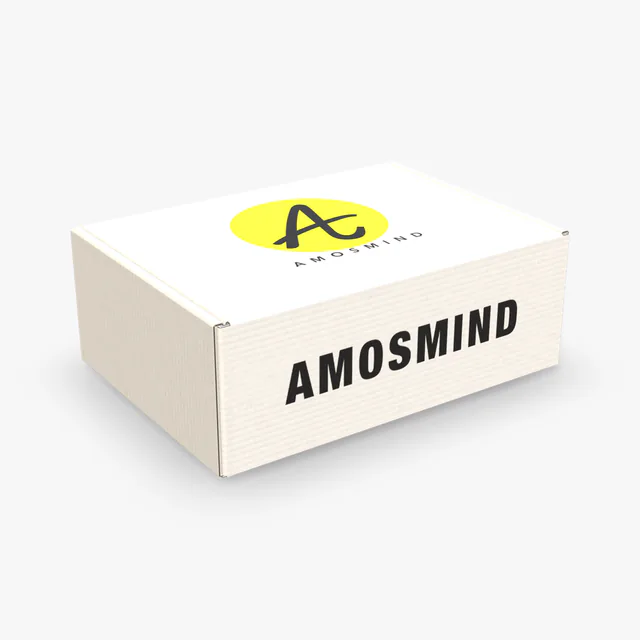
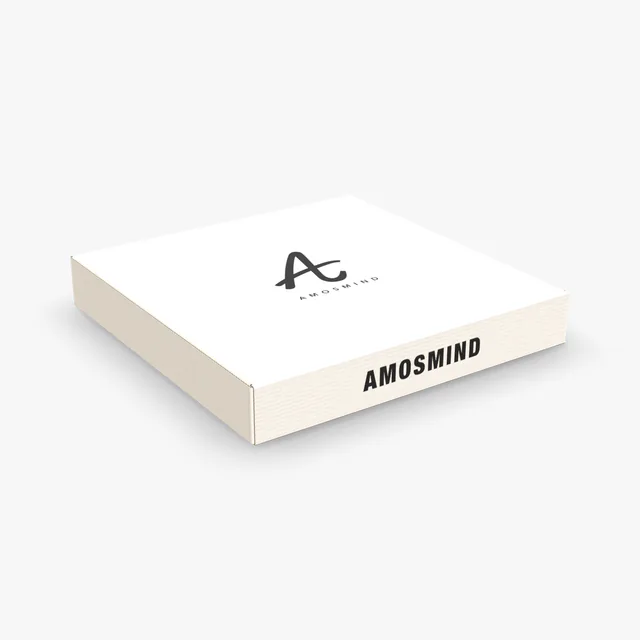
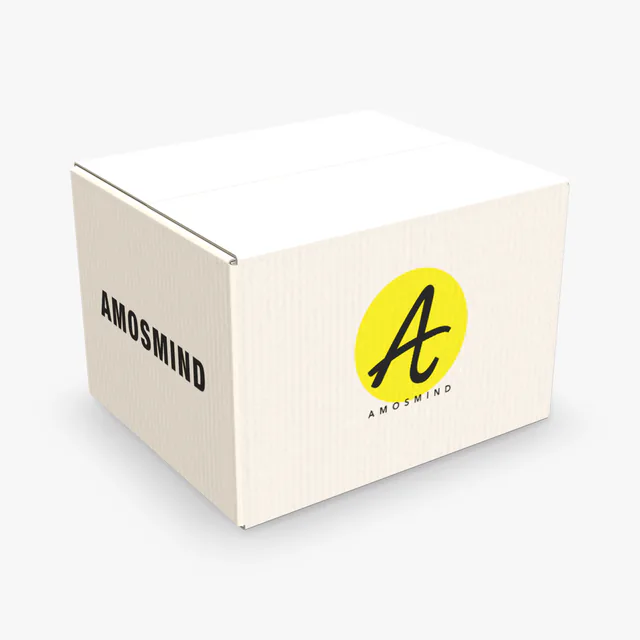
Thicker, with a visible board edge. The usual white box for shipping and subscriptions.
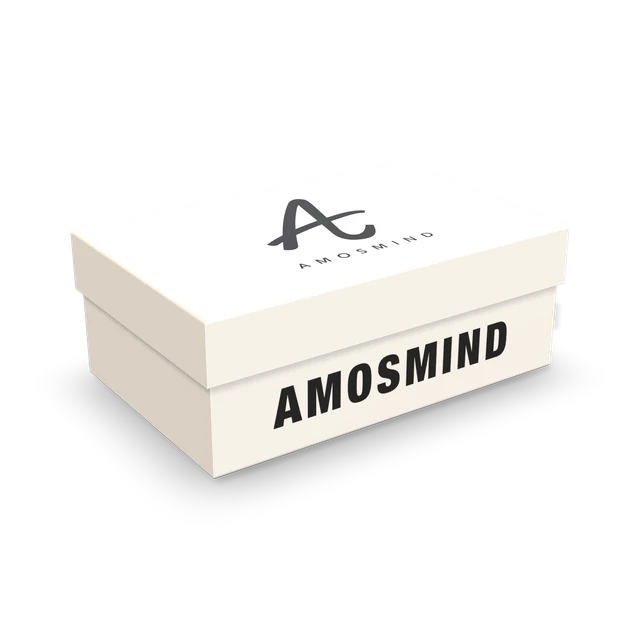
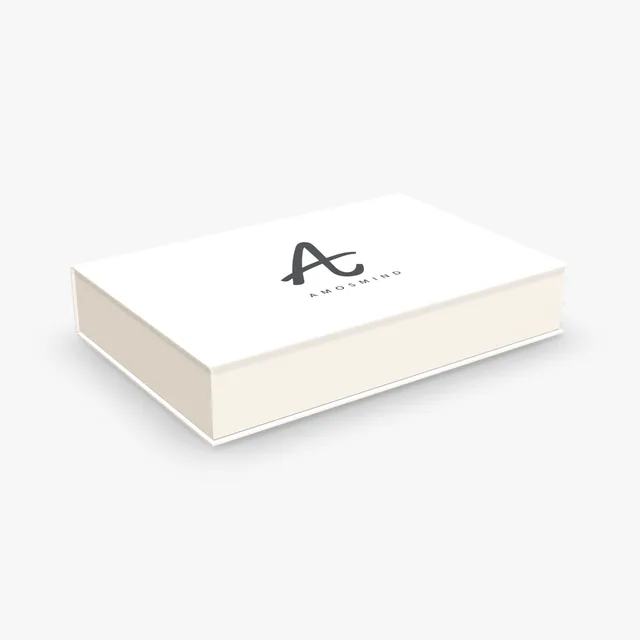
Wrapped in paper with no raw edges. The usual white box for gifts and electronics.
Six of the boxes on this page, each in its white board.
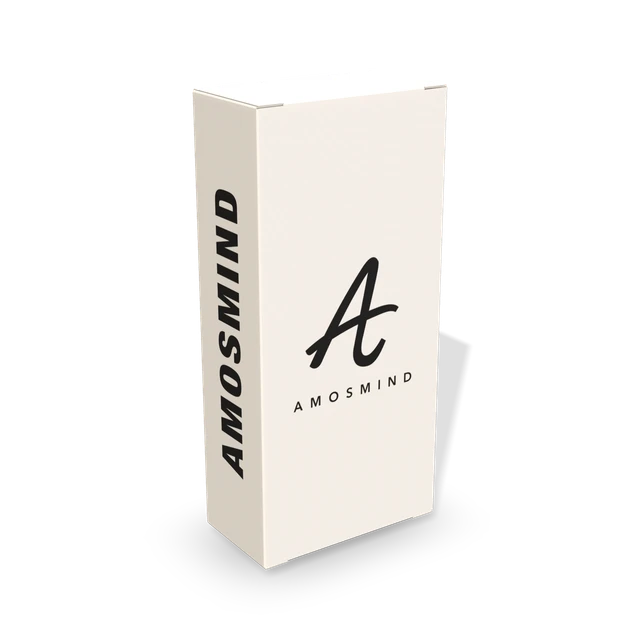
Tall paperboard carton.
Corrugated, white inside and out.
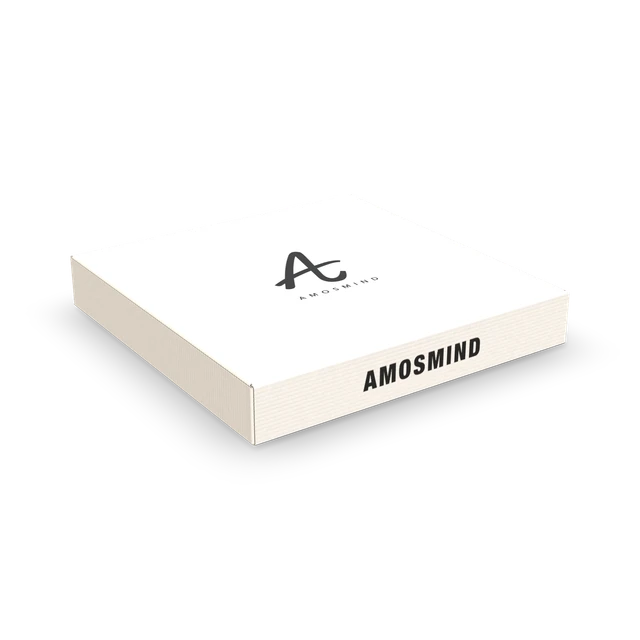
Flat corrugated box, white both sides.
Lid and base in a white wrap.
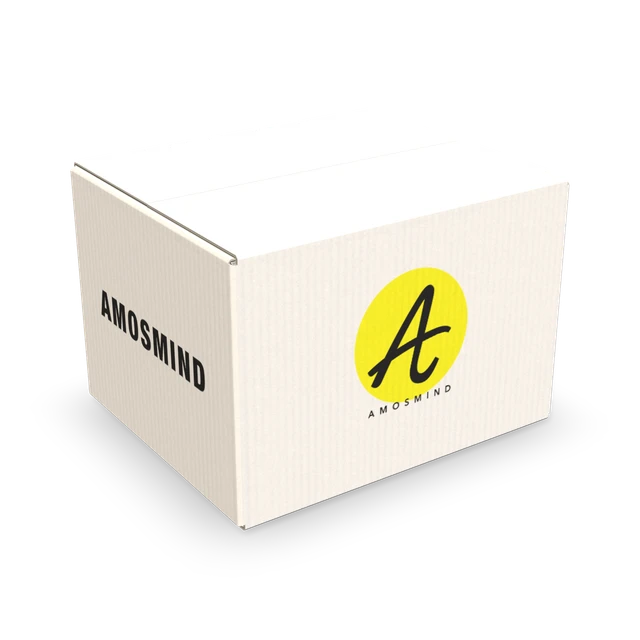
A taped carton, white both sides.
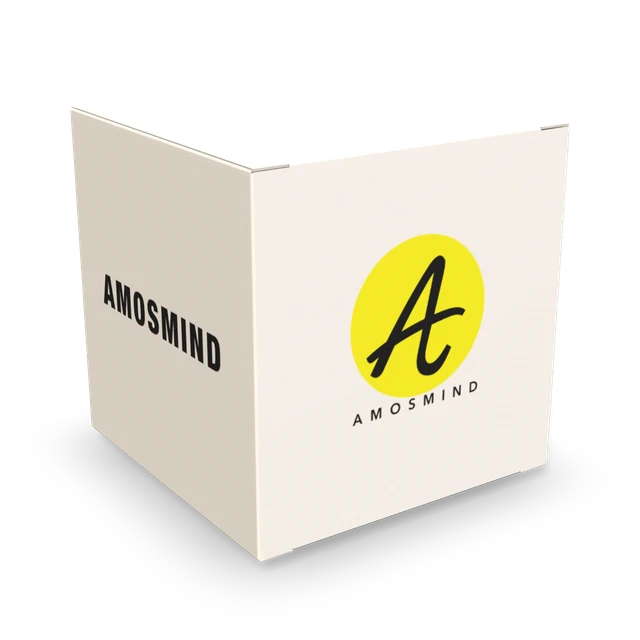
A small square carton.
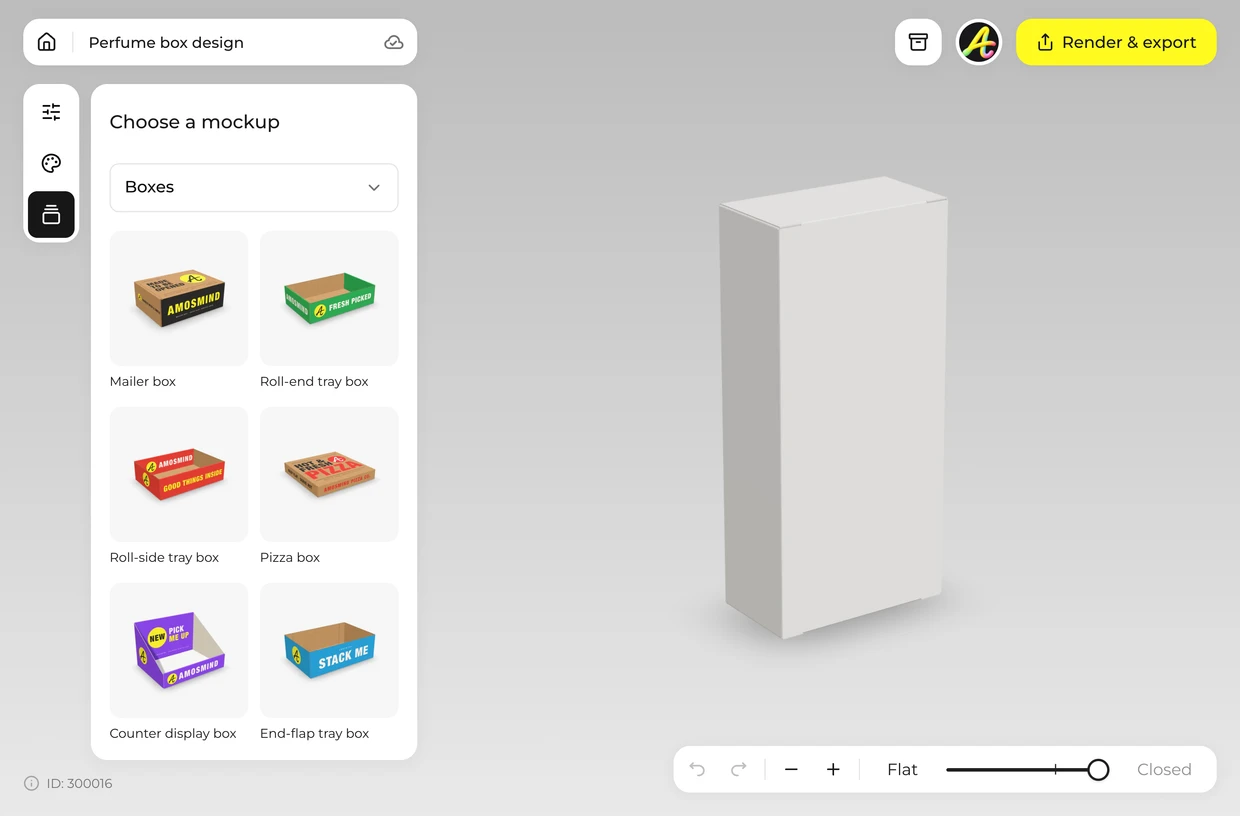
Choose a carton, a mailer or a rigid box from the list above. It opens in white.
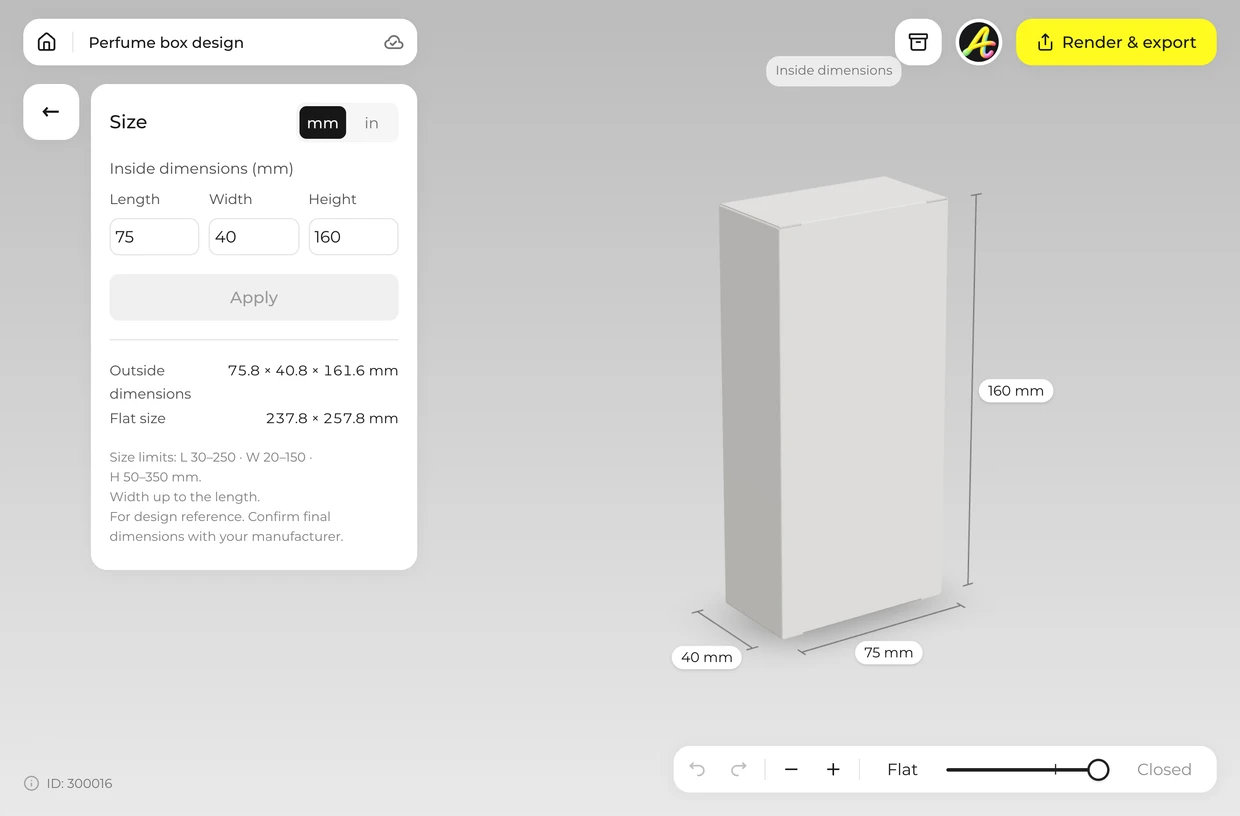
Open Size and type the inside length, width and height.
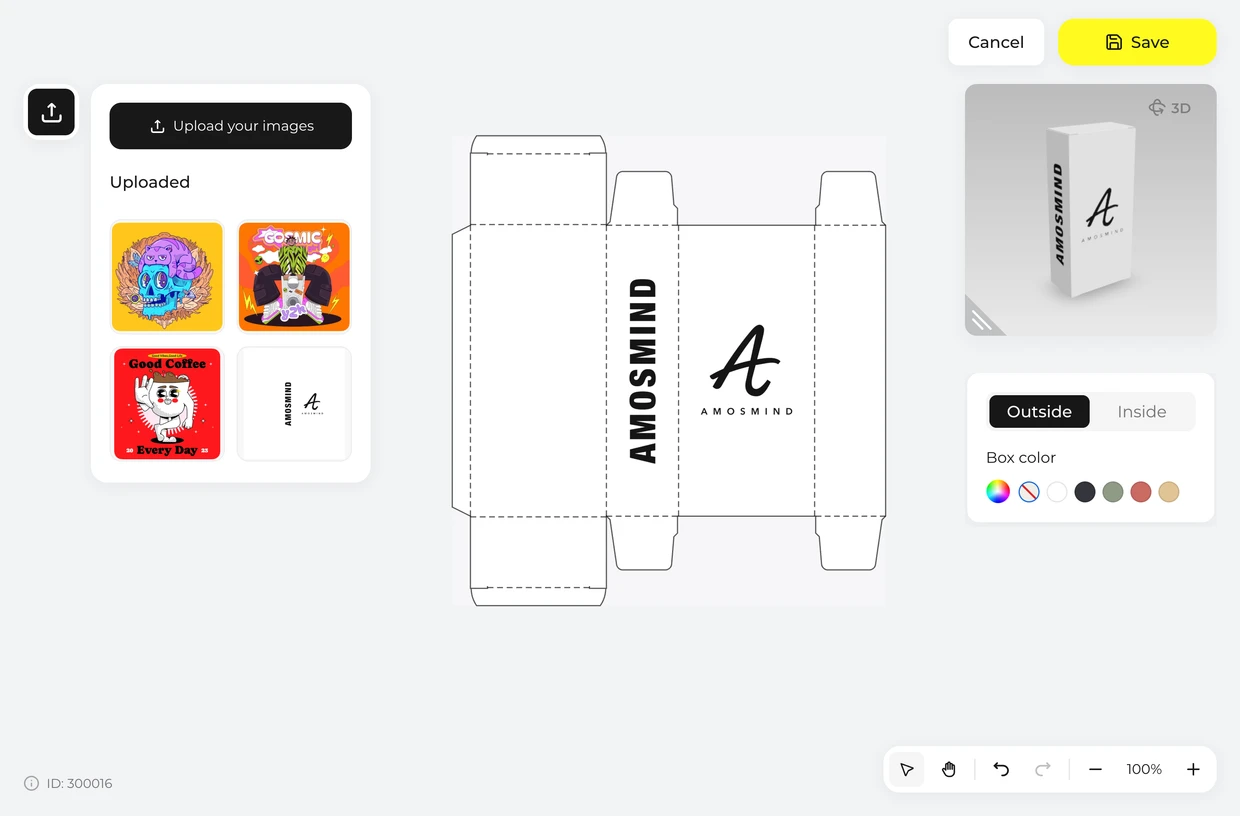
Click Upload artwork and place your logo or full design on the dieline. Leave the rest white.
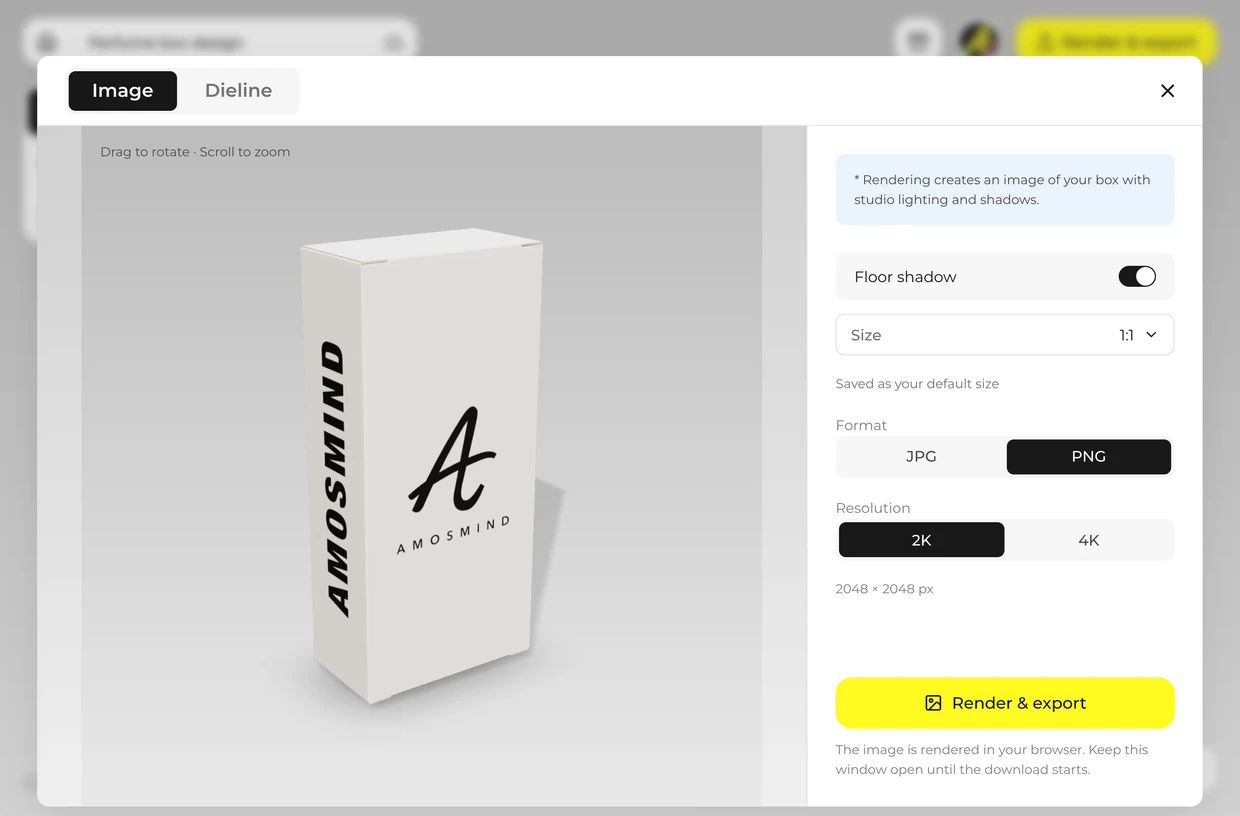
Choose a background color, or Transparent for a PNG with no background, then render.
Every box opens in the same live 3D editor.
The same artwork looks different on white and on kraft. Every box here can be switched between them in the Material panel.
| Compare | White | Kraft |
|---|---|---|
| How colors print | Close to the artwork file | Darker and warmer; light colors lose contrast |
| White in the artwork | Is the board itself | Needs white ink, or shows as kraft |
| Typical use | Cosmetics, medicine, electronics, gifts | Shipping, food delivery, natural and handmade goods |
| In the Material panel | White outside, White both sides, White wrap | Kraft |
The mockup shows the board color under your artwork. It cannot show exactly how your printer’s ink will look on kraft; ask for a printed sample.
Short answers about blank boxes, backgrounds and files.
A picture of a plain white box with no branding, used as a base for your own design. Here it is a 3D box you can resize, print and turn.
Pick a white box, set its size, click Upload artwork to add your logo, then render the image. It runs in your browser.
Yes. Choose Transparent in the Background panel and the white box downloads as a PNG with no background, ready to drop into your own layout.
Yes. Upload the logo as an image and place it on any panel of the dieline. Text has to be part of the artwork you upload.
Yes. Each white box is a 3D model that opens in your browser; you add your logo, choose a background color or none and export finished JPG or PNG images and the dieline. There's no PSD file to edit.
Any size inside each box's range. Each box takes its own inside length, width and height; small cartons start at 30 mm a side and shipping cartons go up to 600 mm long.
White reads as clean and clinical and shows color accurately; black reads as premium and suits foil and light text. The rigid boxes here switch between White and Black wraps, and any box can be given a black Box color.
Browsing the boxes and turning them in 3D is free. Log in with an email code or Google to upload artwork, save projects and render images. Exporting a rendered image or a dieline needs a free account; rendering and downloads are free right now.