
Oversized T-shirt mockups in real-time 3DDrop shoulders, boxy and longline fits
An oversized tee drops the shoulder seam down the arm and widens the body, so a chest print sits lower and wider. Add your artwork to boxy, longline, Henley and polo styles and turn each one in 3D.

Oversized T-shirt mockups
25 mockups
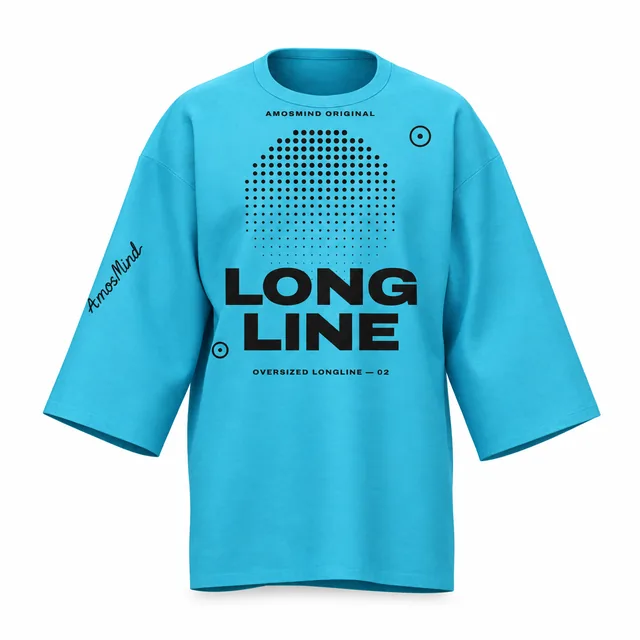
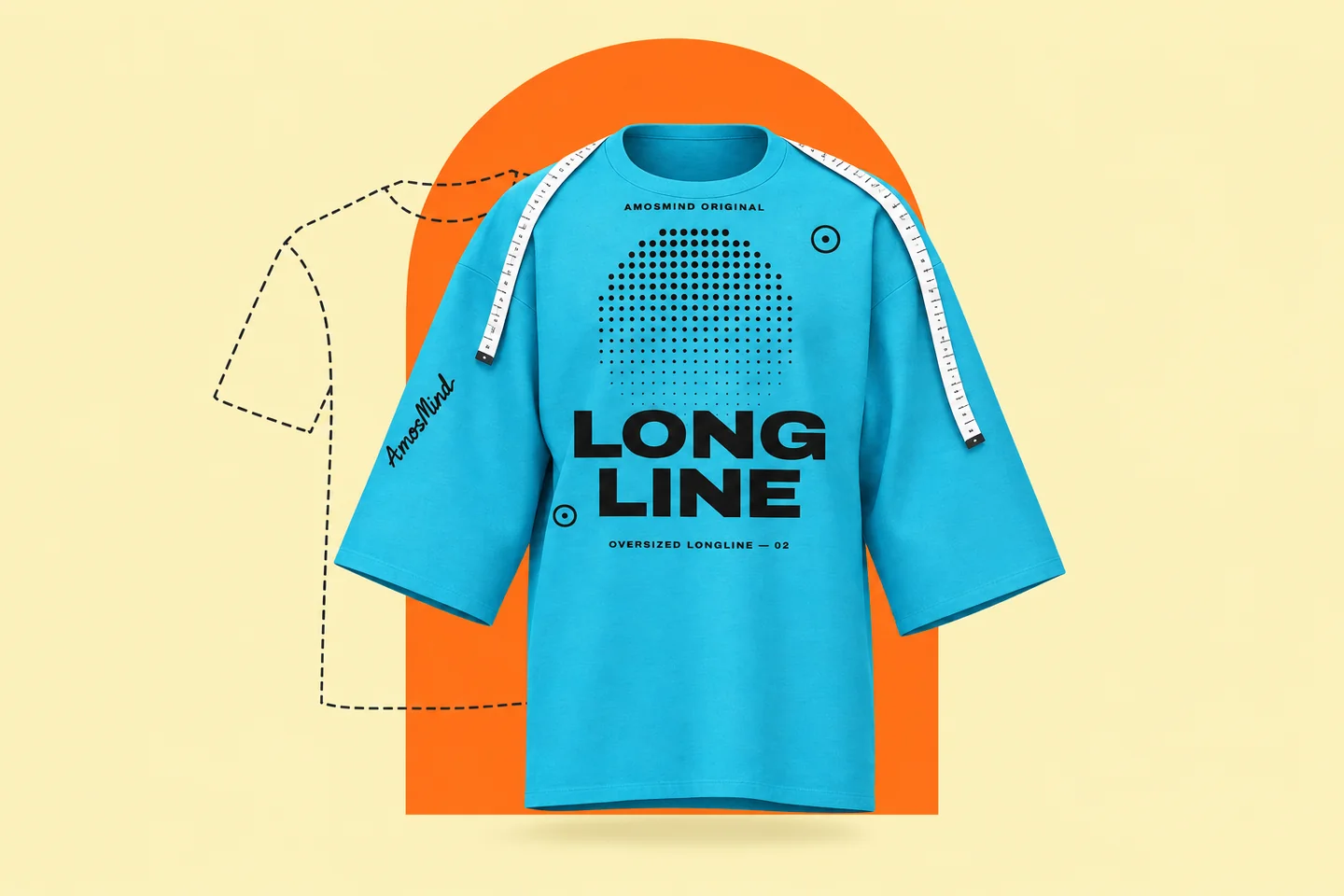
Oversized longline T-shirt mockup
Details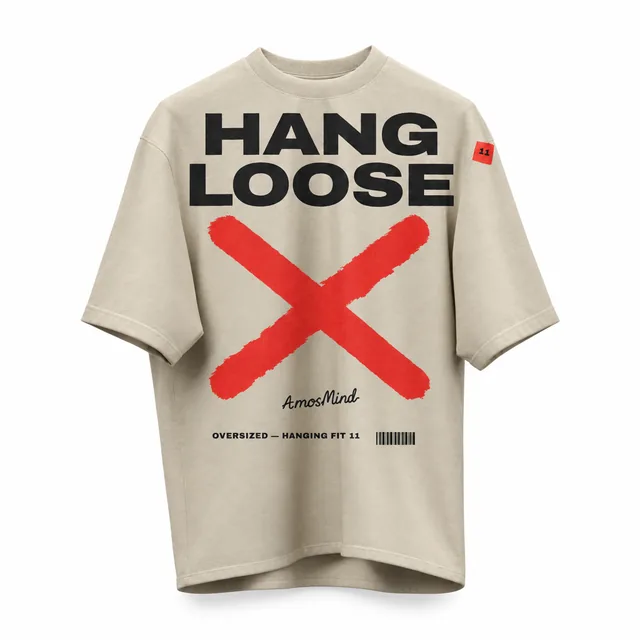
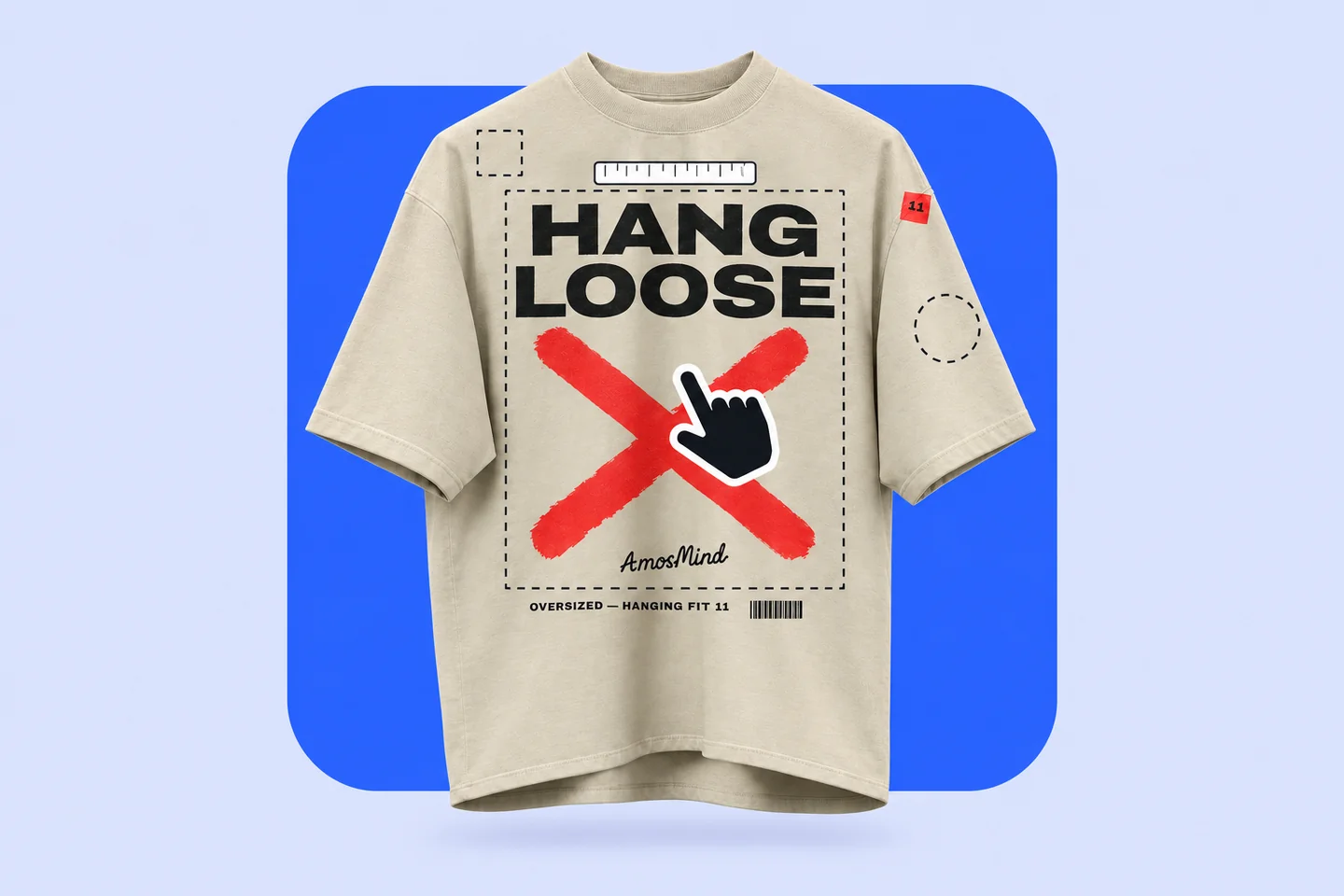
Oversized hanging T-shirt mockup
Details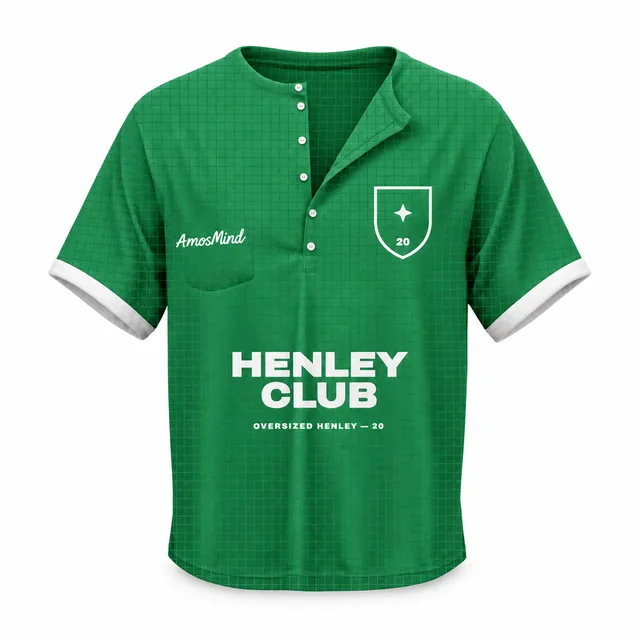
Oversized Henley shirt mockup
Details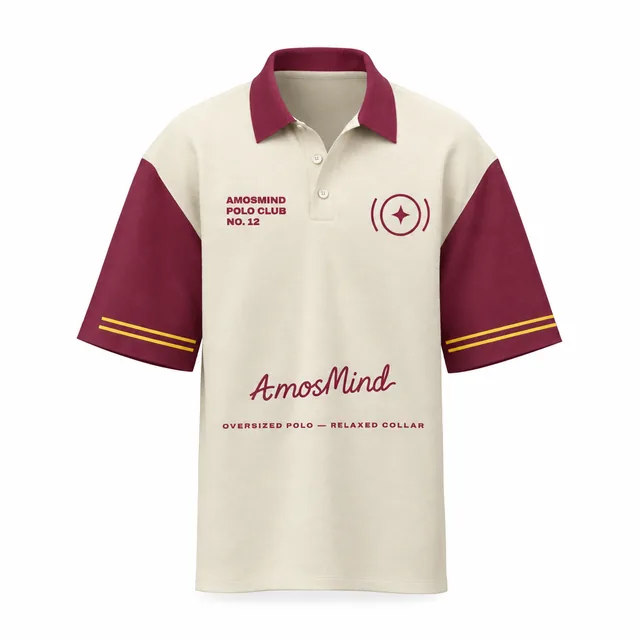
Oversized polo shirt mockup
Details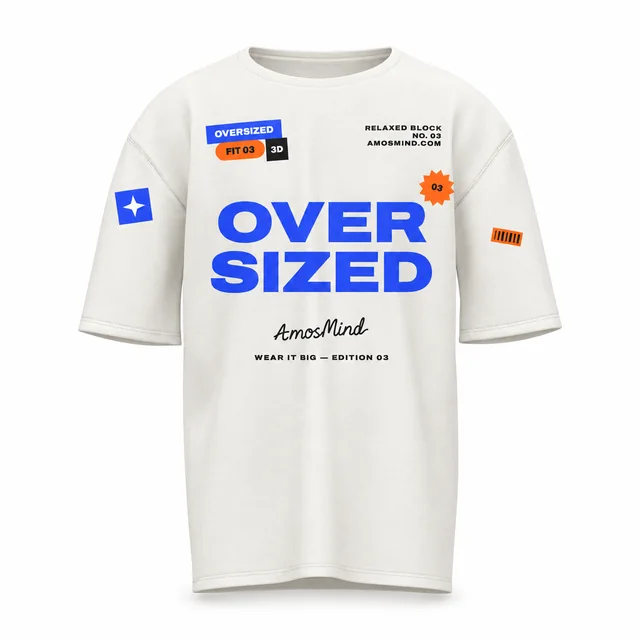
White oversized T-shirt mockup
Details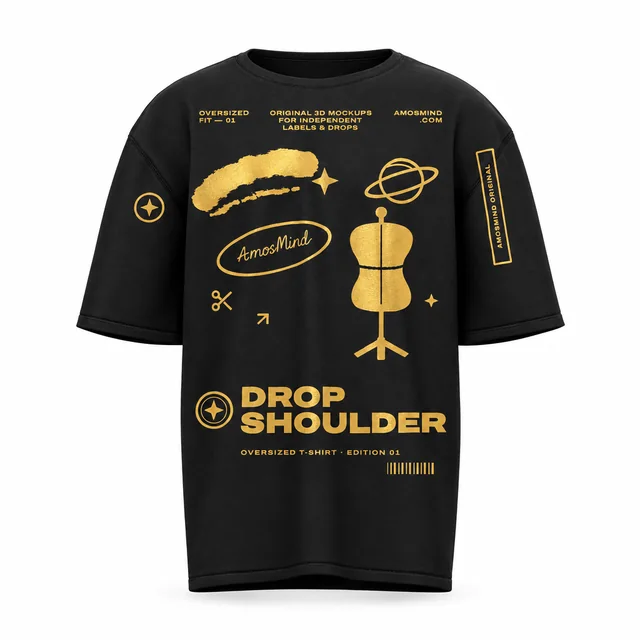
Black oversized T-shirt mockup
Details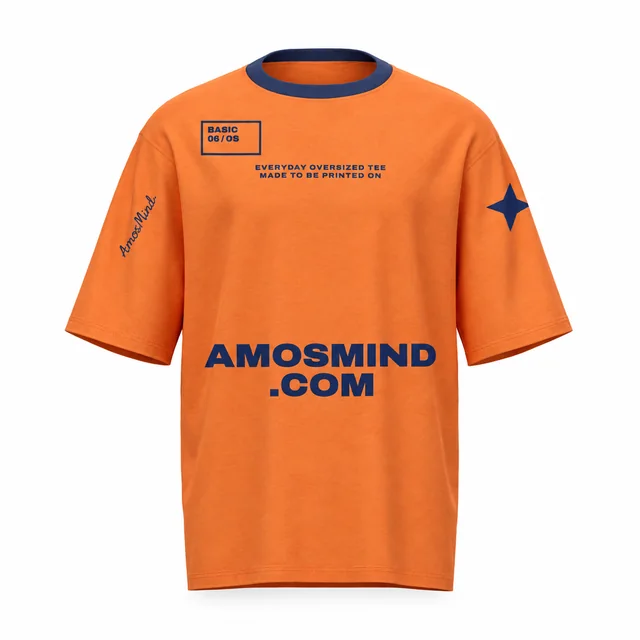
Basic oversized T-shirt mockup
Details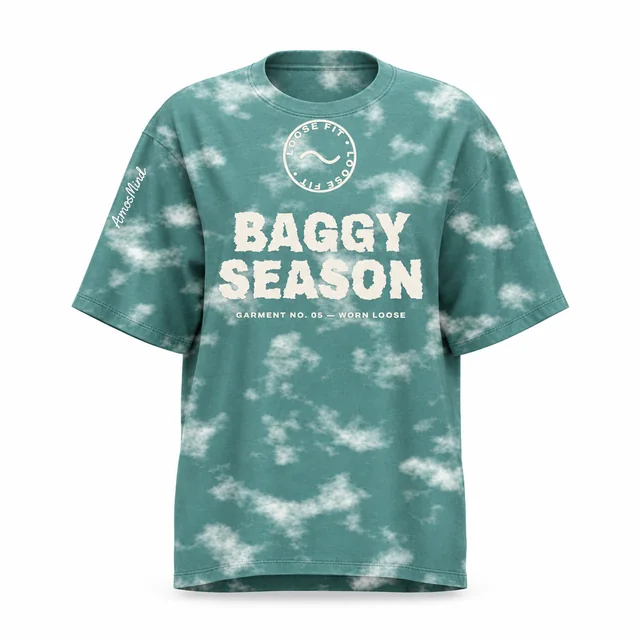
Baggy oversized T-shirt mockup
Details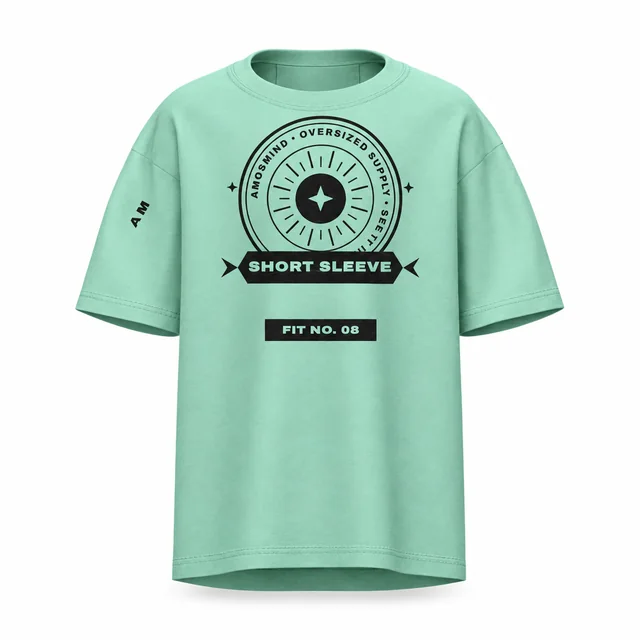
Oversized short-sleeve T-shirt mockup
Details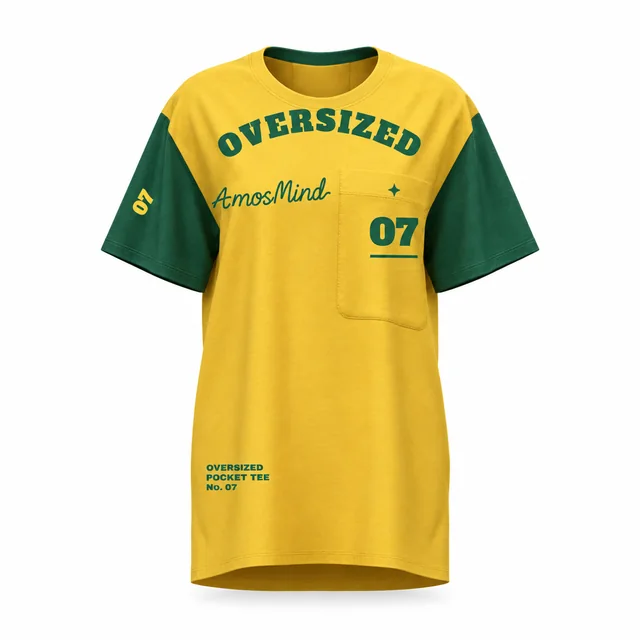
Oversized pocket T-shirt mockup
Details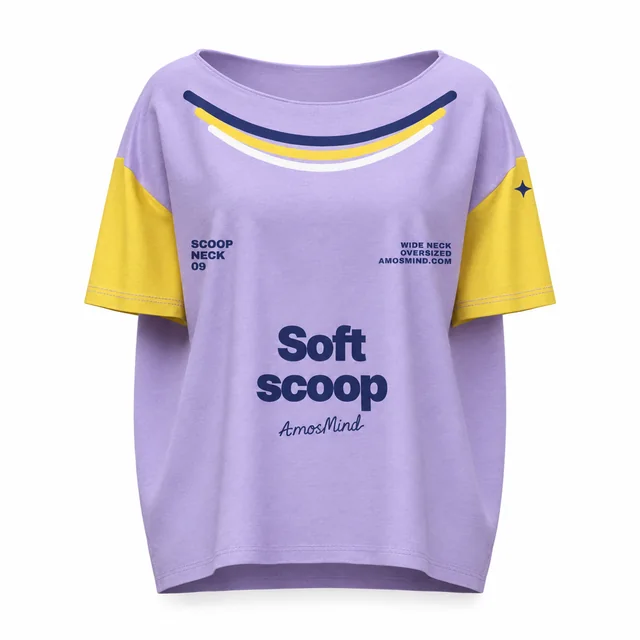
Oversized scoop-neck T-shirt mockup
Details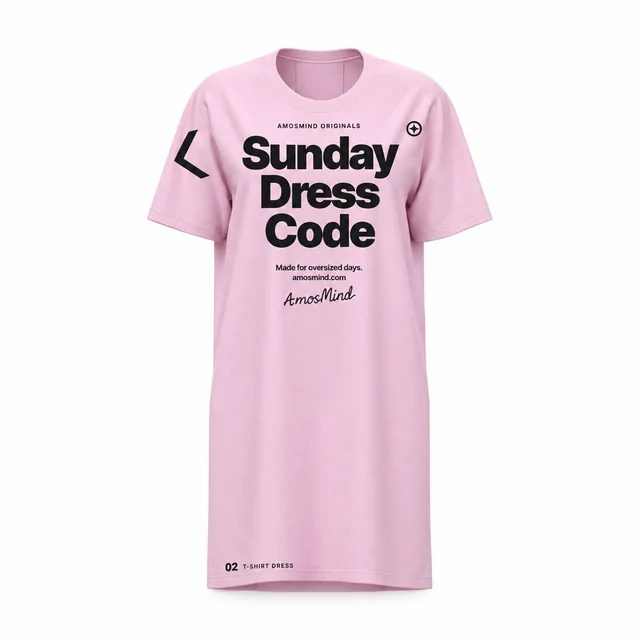
Oversized T-shirt dress mockup
Details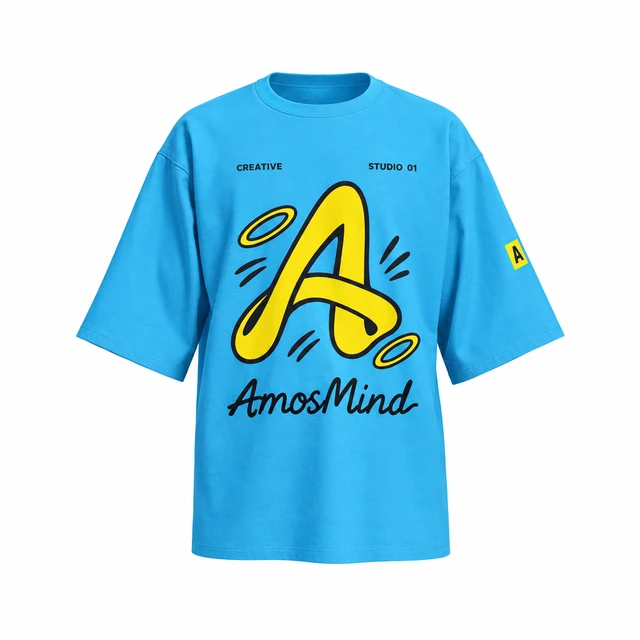
Oversized drop-shoulder T-shirt mockup
Details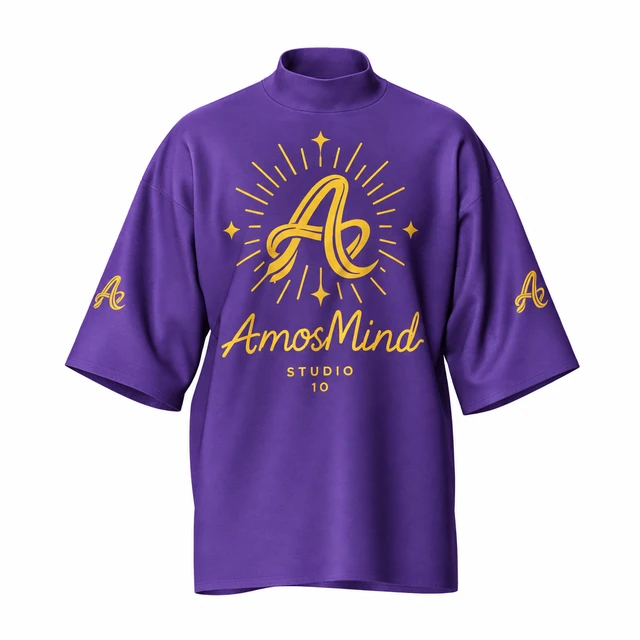 Add your design
Mock-neck relaxed T-shirt mockup
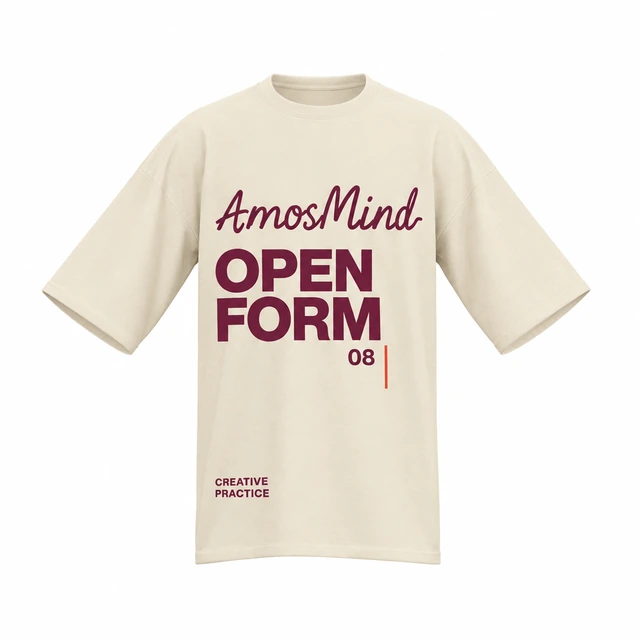 Add your design
Oversized crew-neck T-shirt mockup
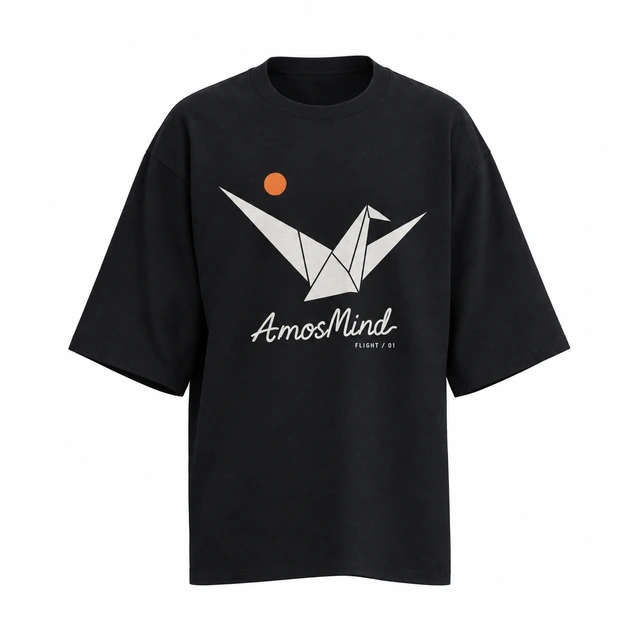 Add your design
Wide-sleeve crew-neck T-shirt mockup
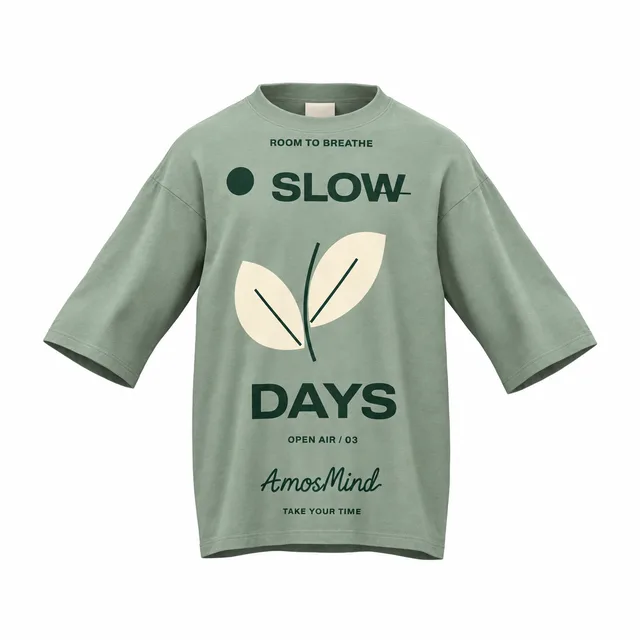 Add your design
Oversized relaxed T-shirt mockup
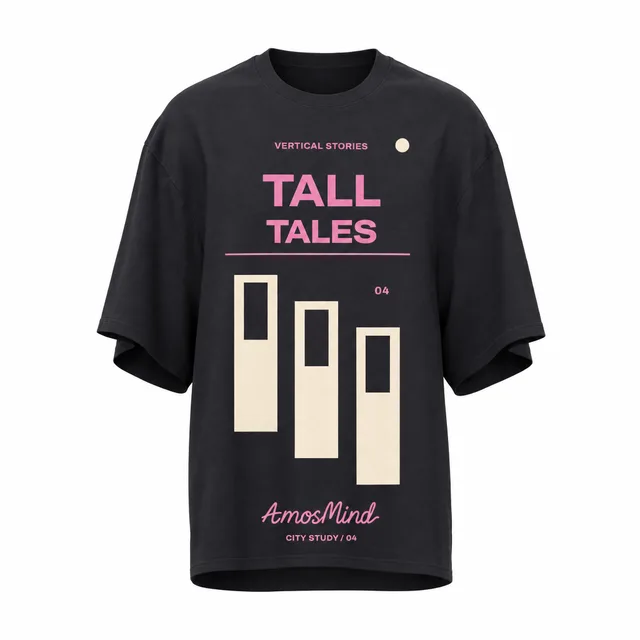 Add your design
Oversized long-body T-shirt mockup
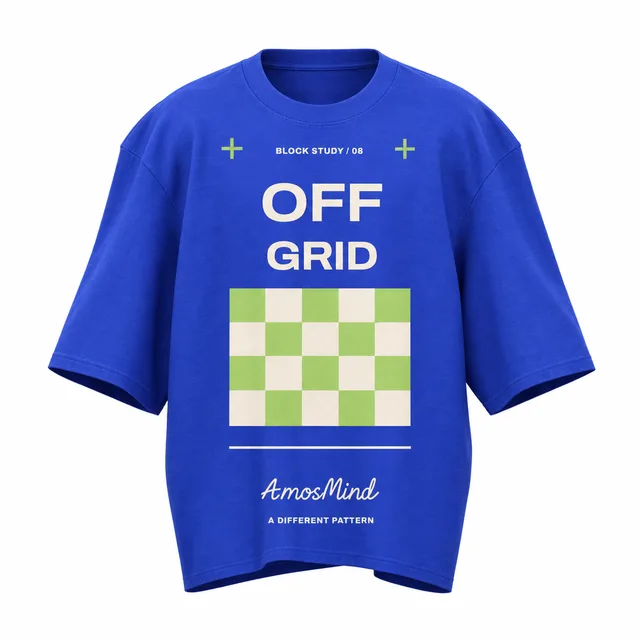 Add your design
Wide boxy T-shirt mockup
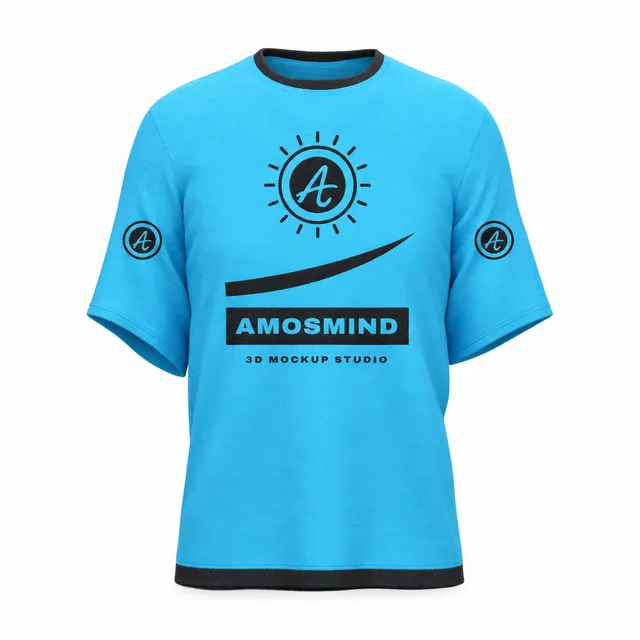 Add your design
Relaxed drop-shoulder T-shirt mockup
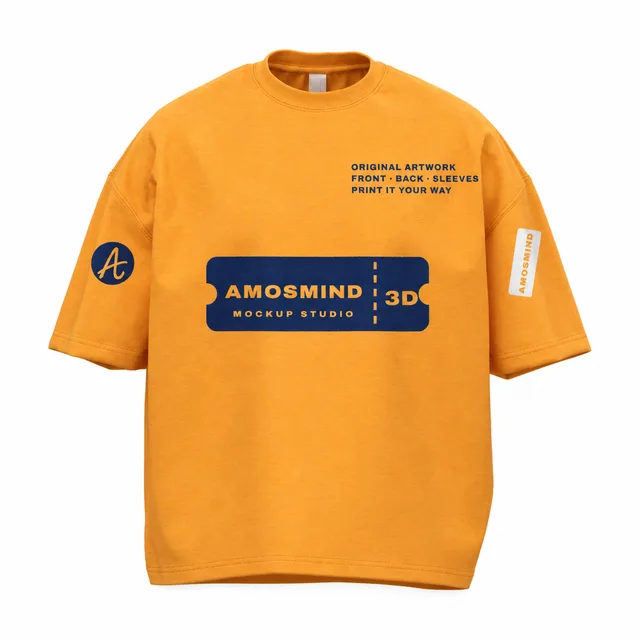 Add your design
Drop-shoulder boxy T-shirt mockup
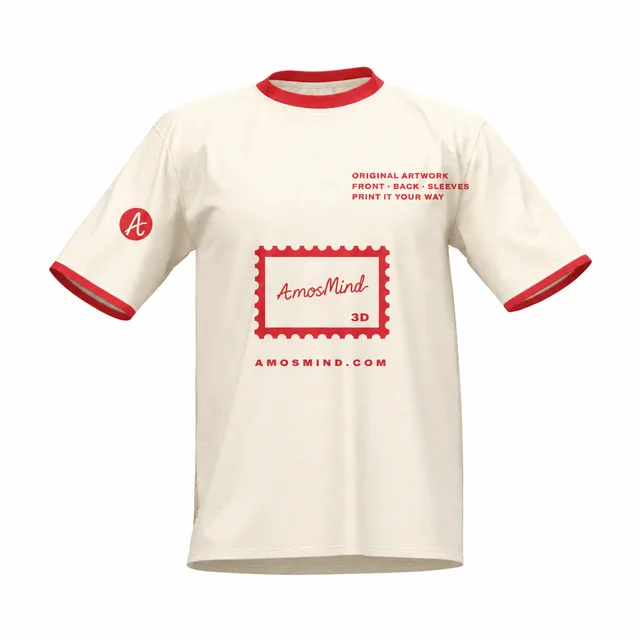 Add your design
Wide crew-neck T-shirt mockup
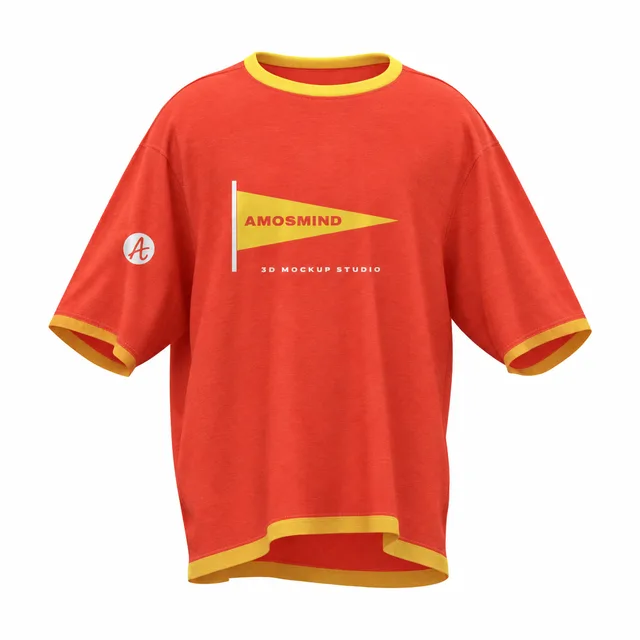 Add your design
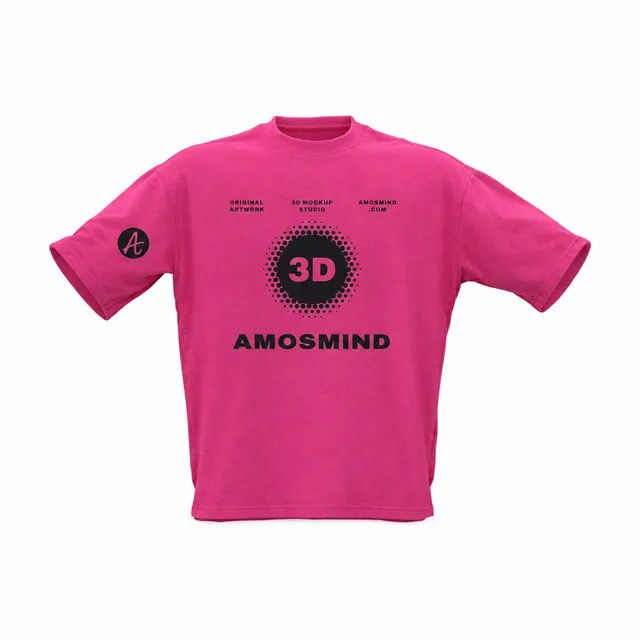
Boxy contrast-trim T-shirt mockup
 Add your design
Loose-fit boxy T-shirt mockup
What makes a T-shirt oversized
Oversized is a cut, not just a bigger size. The shoulder seam drops down the arm, the body gets wider and the sleeves reach toward the elbow. Each style on this page shows one version of that cut in 3D.
The shoulder seam drops
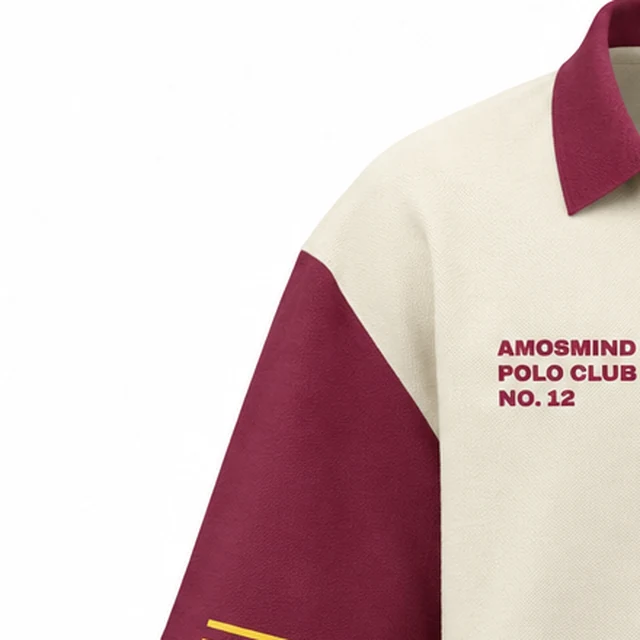
Seen on: Oversized polo shirt
It sits on the upper arm instead of the shoulder point, so the neckline and chest look lower and wider.
The body goes wide or boxy
Seen on: Boxy oversized T-shirt
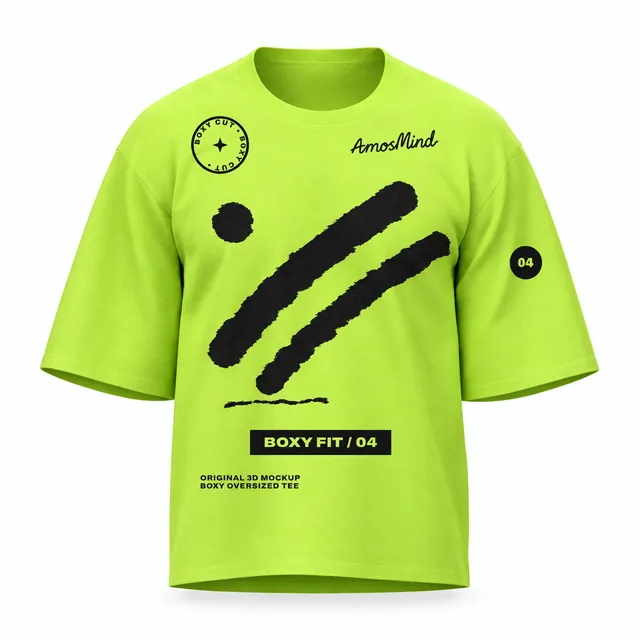
A boxy cut is about as wide across the sleeves as it is long, with a short, straight hem.
The hem moves up or down
Seen on: Boxy oversized T-shirt and Oversized longline T-shirt
Boxy cuts stop at the hip, longline styles run past it, and a curved hem, like the Henley's, sits lower at the front than at the sides.
The sleeves get longer and wider
Seen on: Oversized longline T-shirt
Half sleeves toward the elbow are part of the look, which leaves more room for sleeve prints.
Measured on the front of the 3D models on this page, length to hem width: boxy about 1.8 : 1, Henley 2 : 1, longline 2.1 : 1, polo 2.2 : 1.
Print placement on oversized T-shirts
A chest print that works on a regular tee can look small and high on an oversized one. Scale it up and check it on the 3D shirt, not on a flat template.
Center chest
Start the top of the print 3 to 5 inches below the collar, as on a regular tee, then check it against the dropped shoulder line.
Scale up 10 to 15%
Print guides suggest enlarging a standard 8 to 10 inch chest graphic by about 10 to 15% so it doesn't look small on a wider body.
Full back print
Large back graphics are common on oversized tees. A 12 × 16 inch print about 3 to 4 inches below the collar is a typical starting point.
Left chest logo
A small logo still works. Check it in 3D, because the lower shoulder seam changes where the chest sits.
Sleeves
Elbow-length sleeves leave room for a vertical word or a small logo. Turn the shirt so it isn't hidden in a fold.
Longline lengths
On a longline tee the chest print sits well above the middle of the garment; keep back prints clear of the hem.
Oversized T-shirt terms, explained
The style names on this page use the words people search for. Here is what each one means on the 3D model.
Drop shoulder
The shoulder seam sits down on the upper arm instead of on the shoulder point.
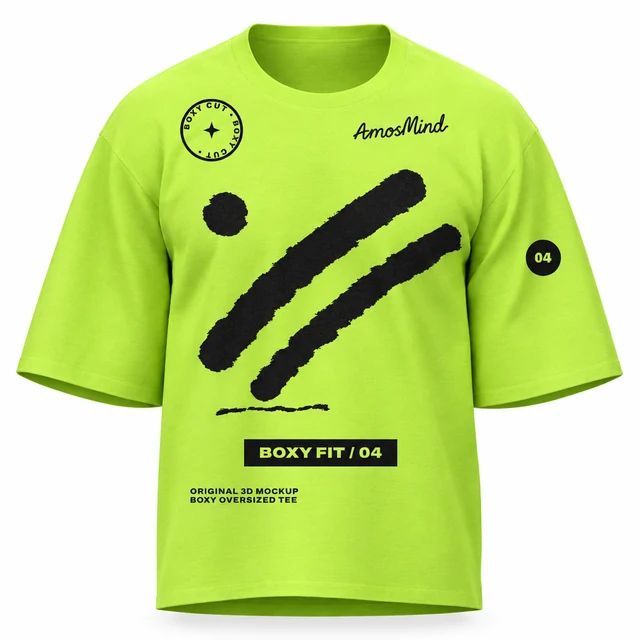
Boxy
Square and straight, nearly as wide as it is long.
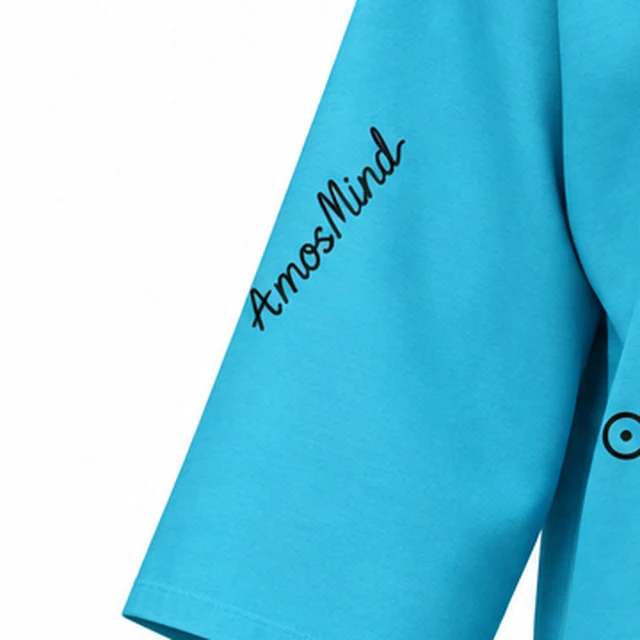
Wide sleeves
Half sleeves cut wide and long, reaching toward the elbow.
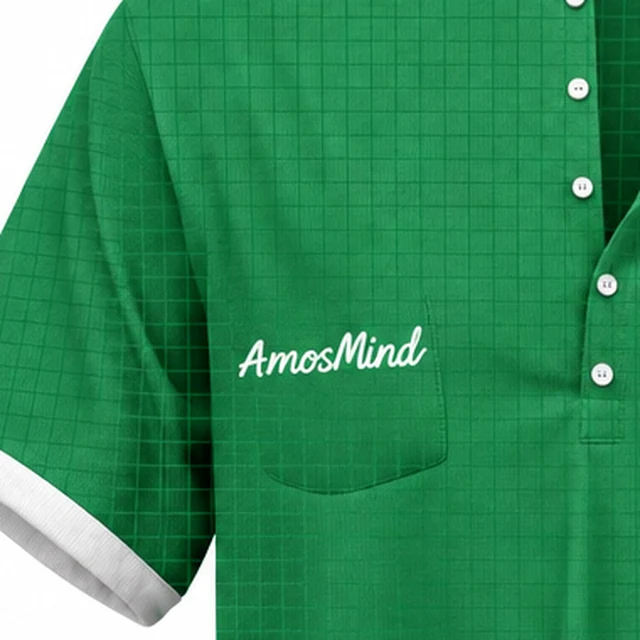
Chest pocket
A patch pocket sewn onto the chest.
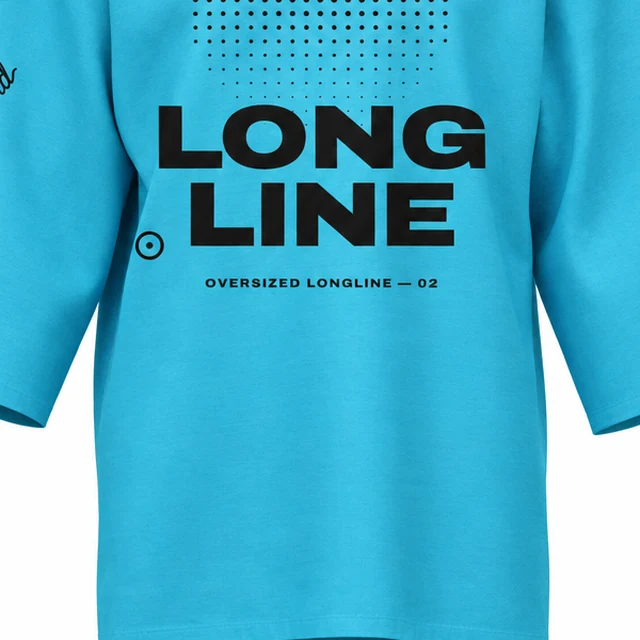
Longline
Longer than a standard tee, reaching past the hip.
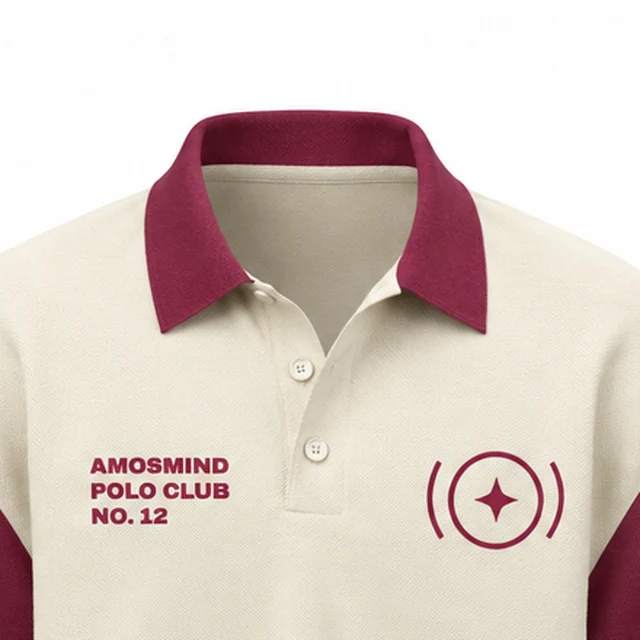
Polo collar
A folded knit collar above a short buttoned placket.
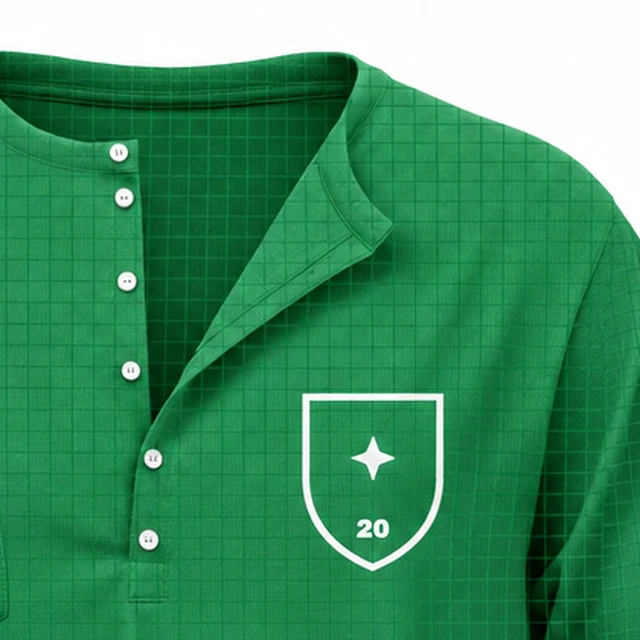
Henley
A collarless neckline with a buttoned placket.
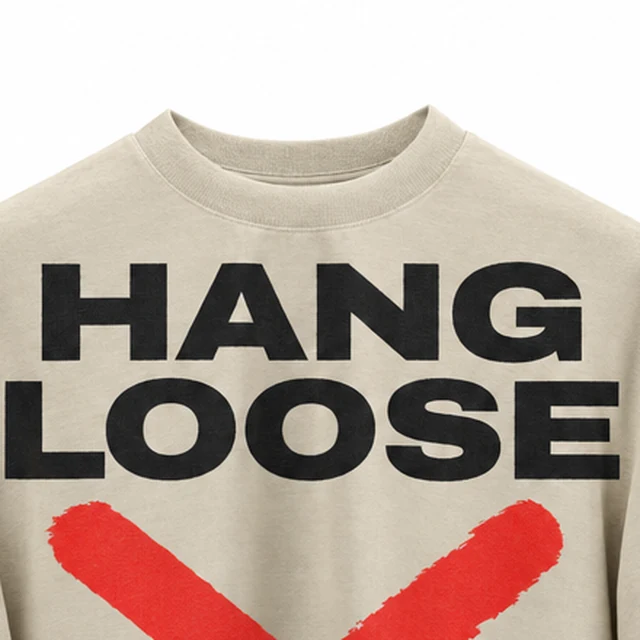
Crew neck
A round, close-fitting ribbed neckline.
How to make an oversized T-shirt mockup
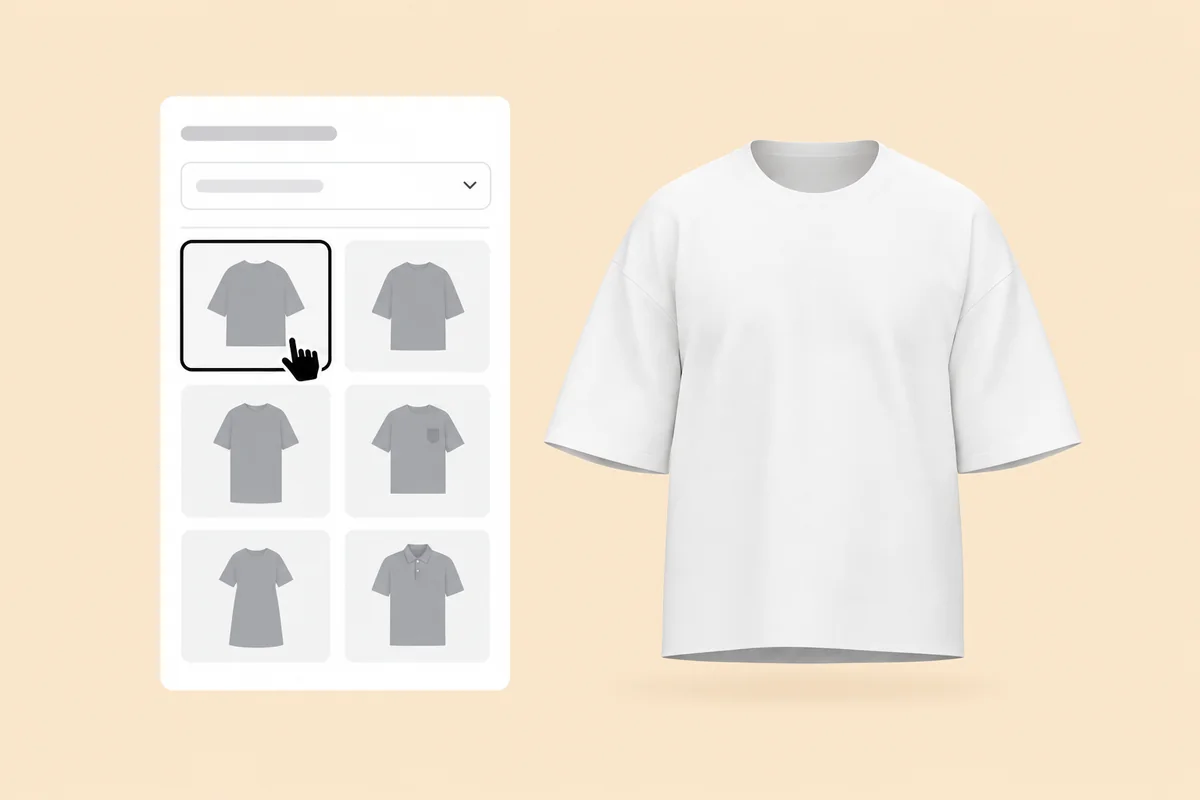
Pick an oversized fit
Choose a boxy, longline, Henley or polo style on this page. It opens in the 3D editor.
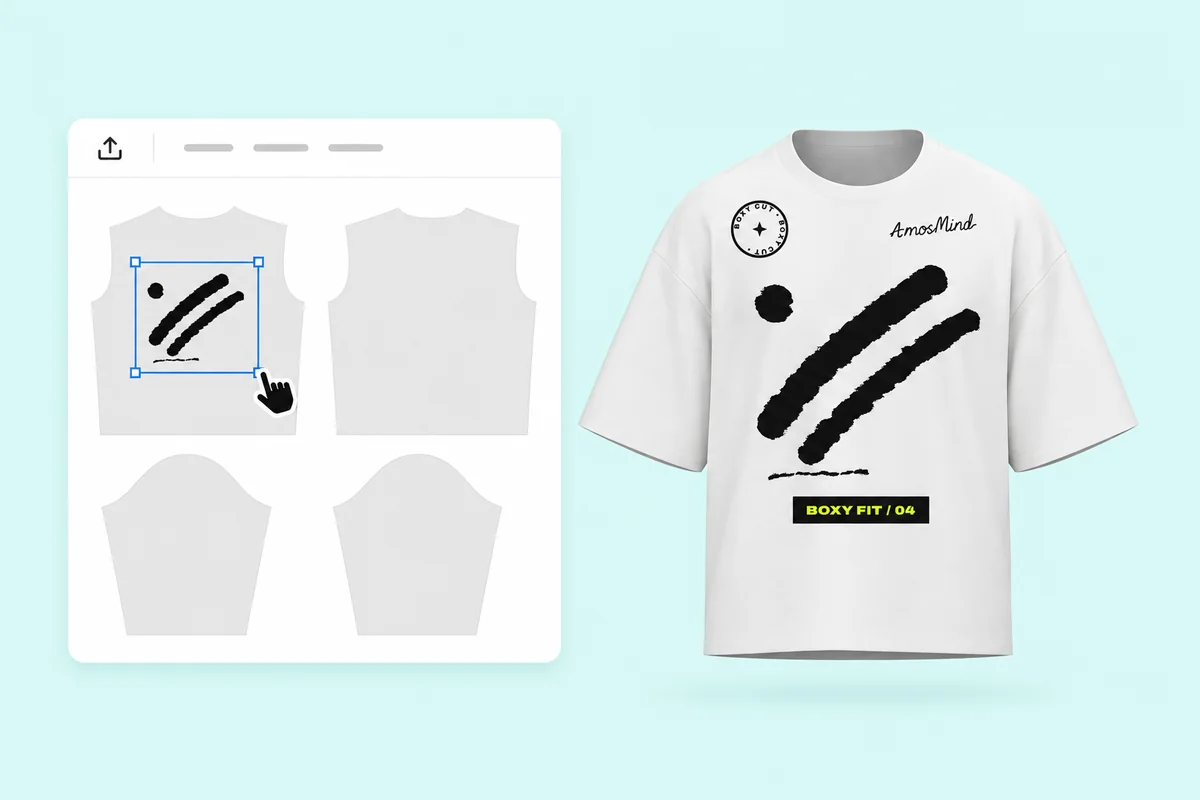
Place your artwork
Click Upload artwork and add a PNG, JPG, WebP or SVG. Drag it onto the front, back or a sleeve, and scale it up for the wider body.
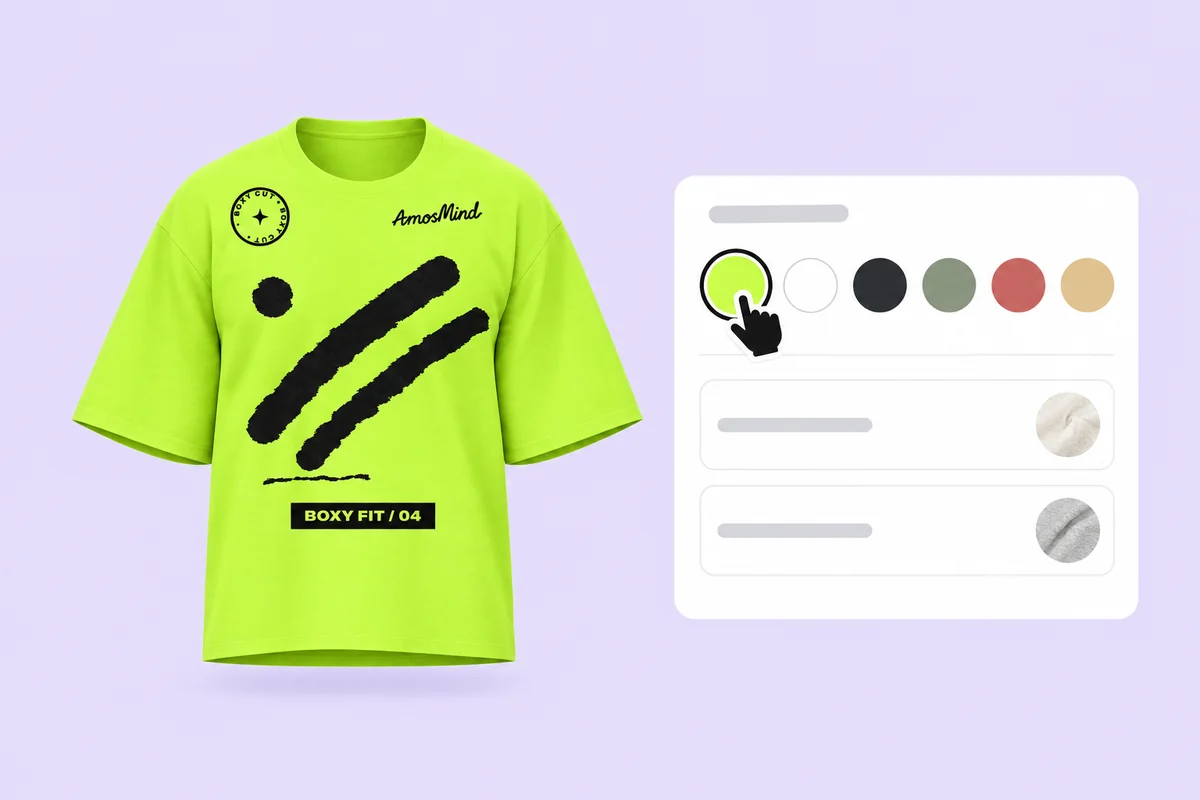
Set color and fabric
Pick a Garment color or type your blank's hex, choose a Fabric, and turn the shirt to check the dropped shoulders and the hem.
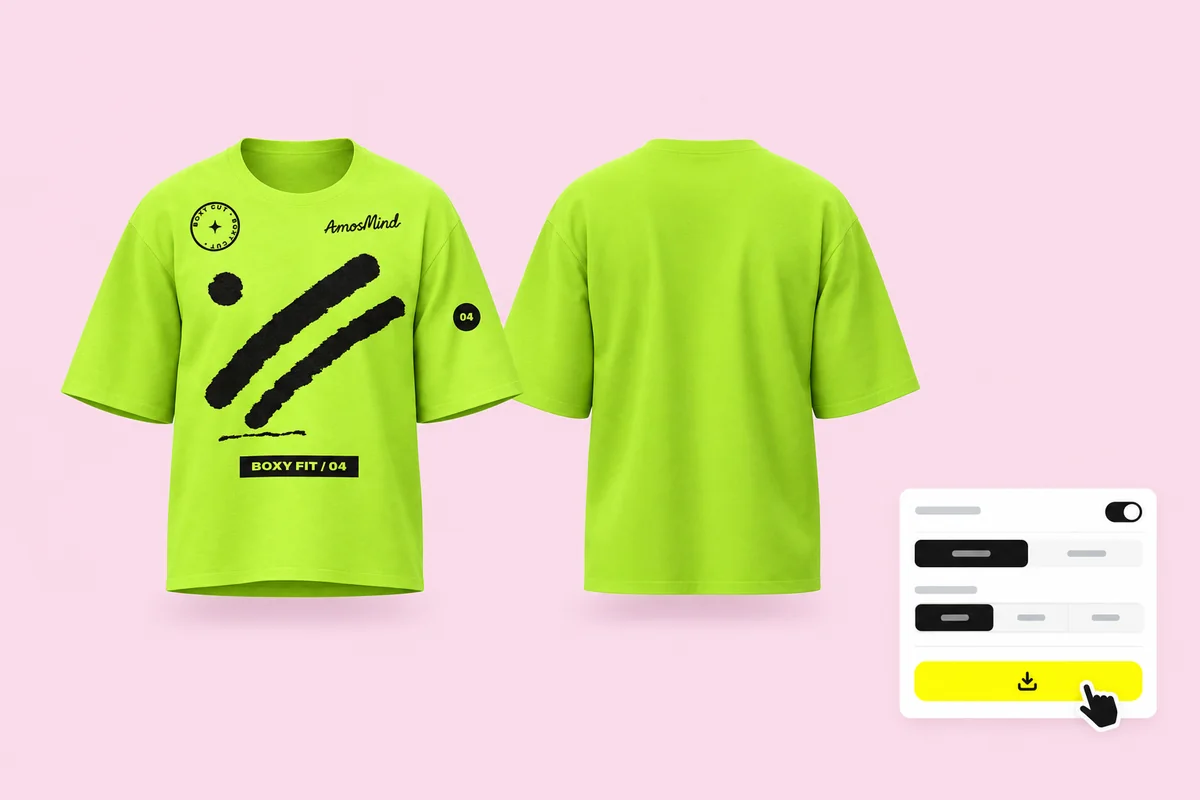
Render the front and back
Export 2K or 4K, or choose Transparent in the Background panel for a PNG you can place on your own background.
More T-shirt mockups
Regular fits, and the same T-shirts set up in white, black, red and blue.
Where oversized T-shirt mockups get used
Oversized tees sell on shape as much as on the print, so the mockup has to show the fit.
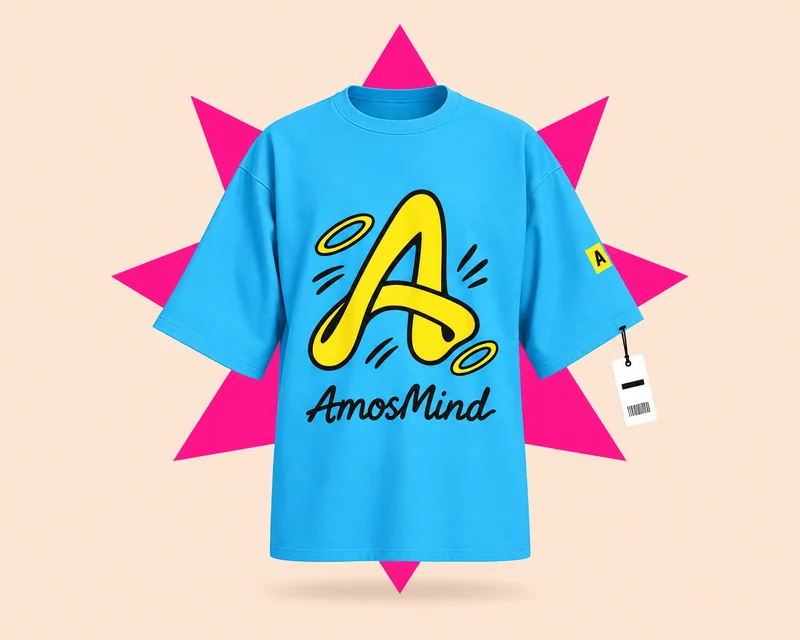
Streetwear drops
Streetwear labels release oversized tees in small drops. A boxy or drop-shoulder mockup shows buyers the fit they are paying for.
- Large back prints
- Front and back renders
- The same shirt in every colorway
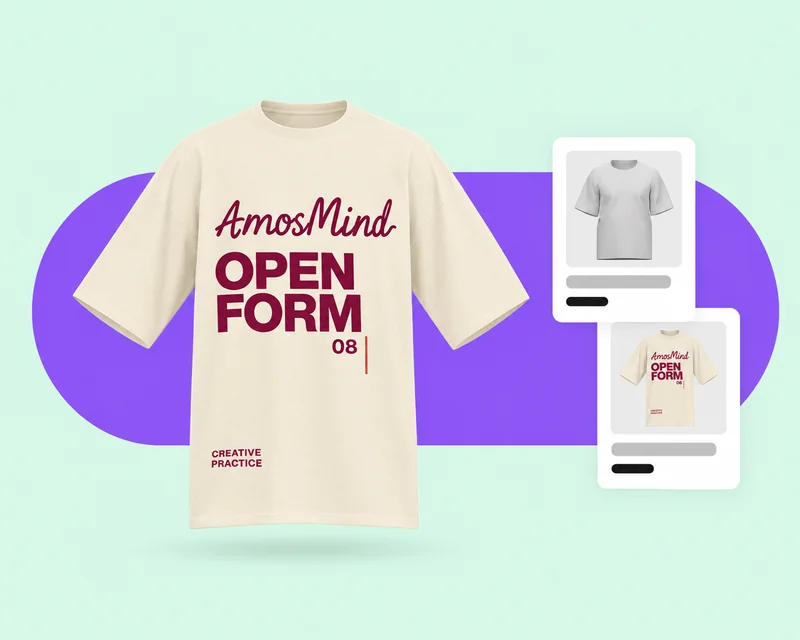
Print-on-demand listings
Oversized blanks sit next to regular tees in the same store. Show the dropped shoulder and the longer sleeve so buyers can tell them apart.
- One light setup for every color
- Transparent PNG for your own background
- 2K or 4K downloads
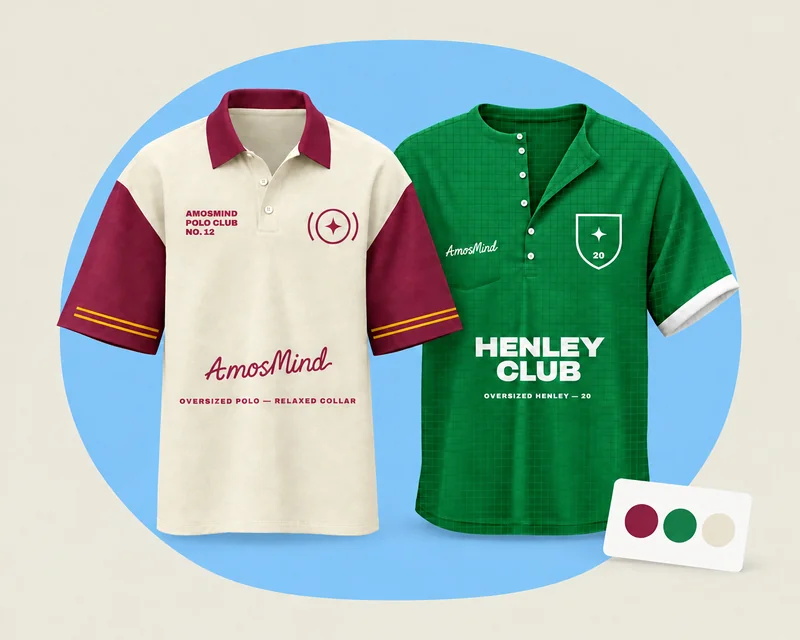
Polo and Henley lines
Oversized ranges now go past crew necks. Polos and Henleys sell on the collar, placket and buttons as much as on the print.
- Collar, placket and buttons in their own colors
- Chest and sleeve logos
- Crew-neck, polo and Henley sets
Oversized T-shirt mockup questions, answered
Answers about fit, print size and exports for boxy, longline, Henley and polo styles.
What is an oversized T-shirt mockup?
A mockup of a T-shirt cut wider than a regular tee, with dropped shoulders and a longer or boxier body, so buyers see how the fit changes your print. Each style on this page is a 3D model you can turn.
How is an oversized mockup different from a regular T-shirt mockup?
The shoulder seam sits on the upper arm, the body is wider and the sleeves are longer, so a chest print lands lower and looks smaller than on a regular tee. Scale the artwork up and check it in 3D.
Where can I find a free 3D T-shirt mockup?
Start on this page: every oversized style opens in the 3D editor. Adding your artwork and previewing it in 3D is free, and the export panel shows any cost before you render a download.
Do mockup generators accurately show oversized fit?
Only if the model itself is oversized. A regular template stretched wider keeps its high shoulder seam, while every style here is modeled with its own shoulder line, sleeve length and hem.
How big should a print be on an oversized T-shirt?
Print guides suggest scaling a standard 8 to 10 inch chest graphic up by about 10 to 15%. Check it on the 3D shirt, because the dropped shoulder makes the chest sit lower.
Can I show the front and back of an oversized T-shirt?
Yes. Put artwork on the front and the back of the same shirt, then render each view as its own image with the same light.
Can I download an oversized T-shirt mockup with a transparent background?
Yes. Choose Transparent in the Background panel and the shirt downloads as a PNG, ready to place on your own store background.
Can I make an oversized polo or Henley mockup?
Yes. The Oversized polo shirt and Oversized Henley shirt open in the same 3D editor. Color the collar, placket and buttons as their own parts, and put a logo on the chest or sleeve.