
Tablet mockups in real-time 3DiPad Pro, iPad mini and more
Show an app, a magazine page or any artwork on a 3D tablet. Turn it to any angle and render it as an image up to 4K.

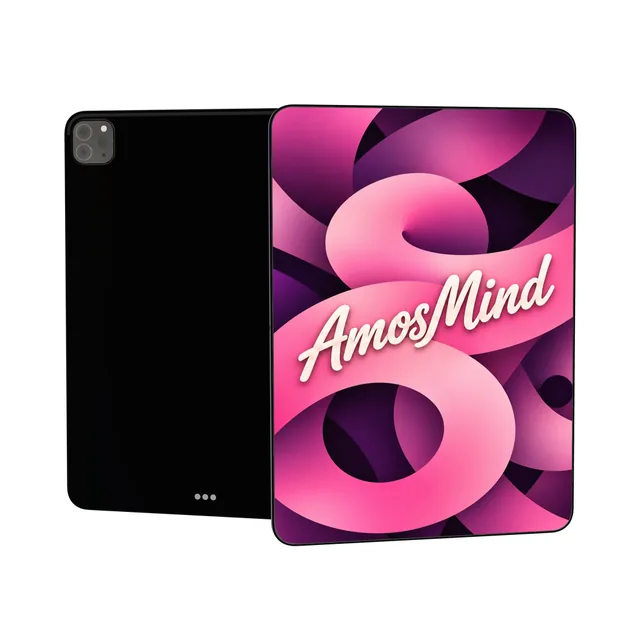
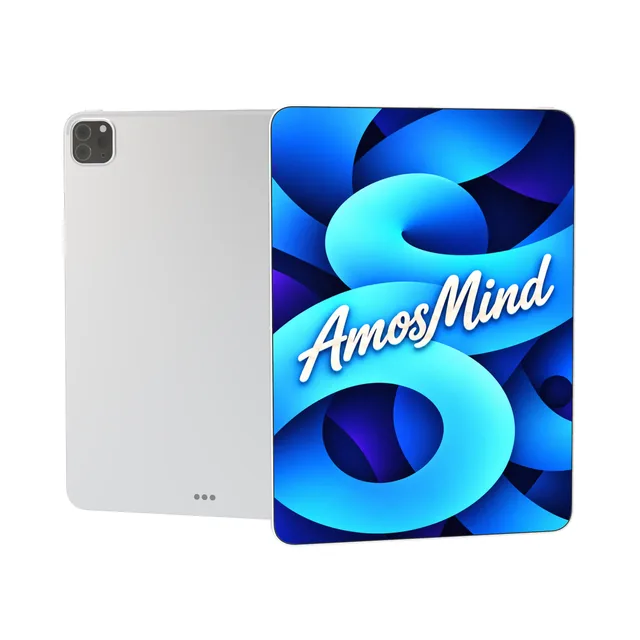
Tablet screen sizes for mockup artwork
Make your screen image at the tablet's native resolution and it fills the display edge to edge.
| Artwork size | Display | Models |
|---|---|---|
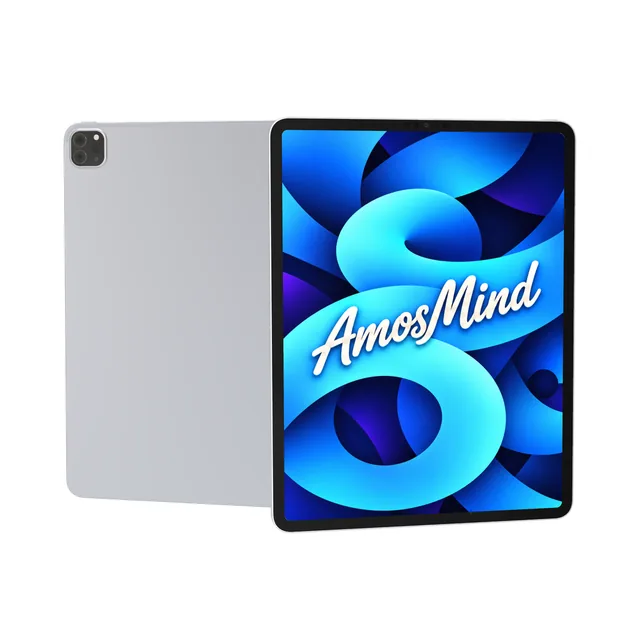
| 2048 × 2732 px (portrait) | 12.9-inch, 264 ppi | iPad Pro 12.9-inch M1 |
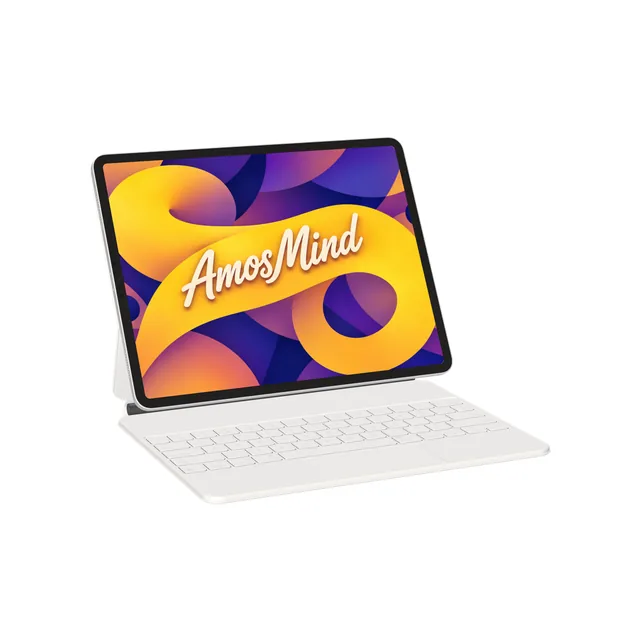
| 2732 × 2048 px (landscape) | 12.9-inch, 264 ppi | iPad Pro with Magic Keyboard |
| 1668 × 2388 px (portrait) | 11-inch, 264 ppi | iPad Pro 11-inch 2018 |
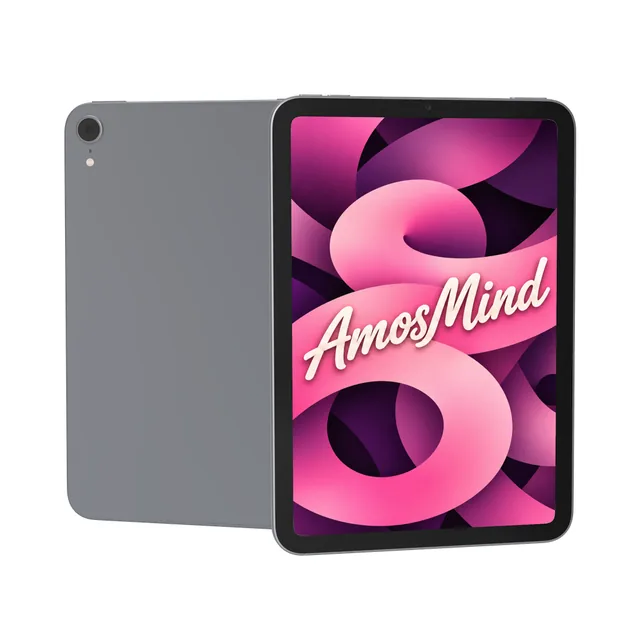
| 1488 × 2266 px (portrait) | 8.3-inch, 326 ppi | iPad mini 6 |
Resolutions from Apple's technical specifications. Your image covers the screen and is cropped at the edges, never stretched. The unbranded tablets have no official resolution; a 1668 × 2388 px image fits them with a slight crop.
Portrait, or landscape on a keyboard
The tablets on this page stand upright. The landscape one is iPad Pro on its Magic Keyboard.
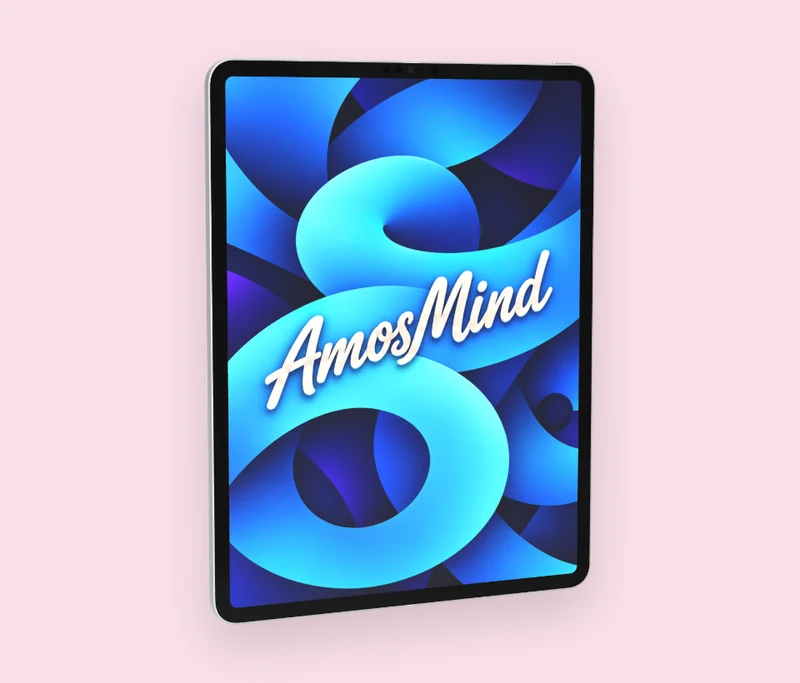
Portrait
iPad Pro, iPad mini and the unbranded tablets stand in portrait. Make your artwork taller than it is wide.
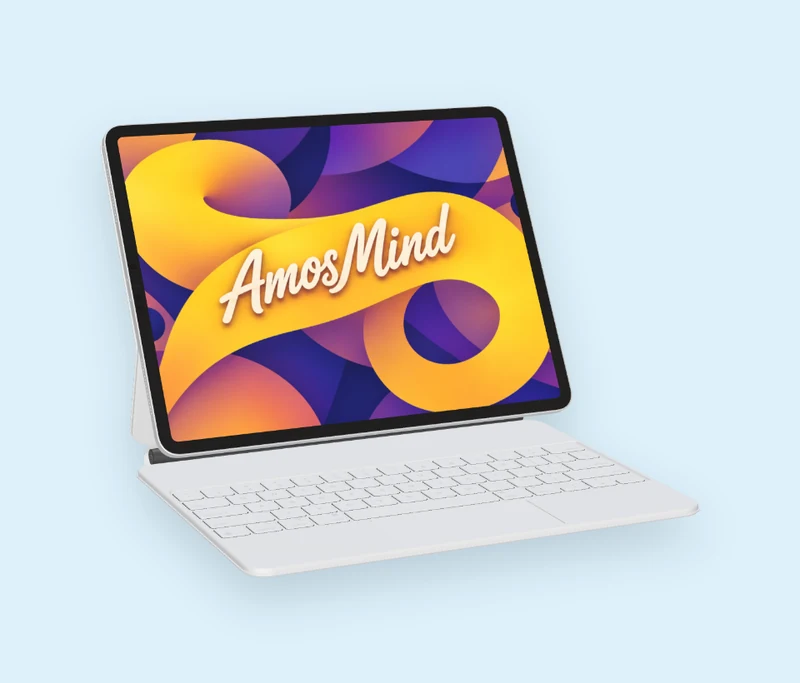
Landscape on a keyboard
iPad Pro with Magic Keyboard sits in landscape above its keys. Make your artwork 2732 × 2048 px.
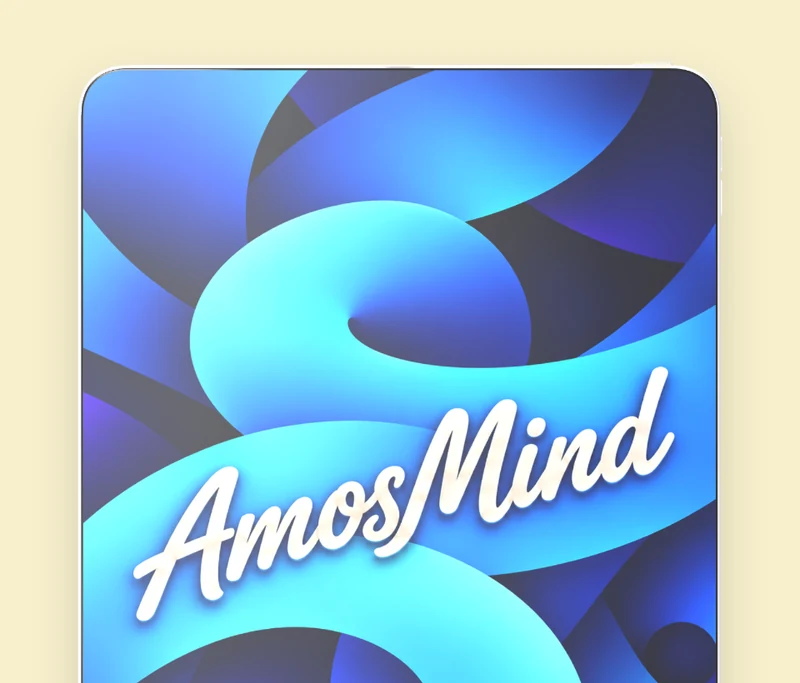
Edge to edge
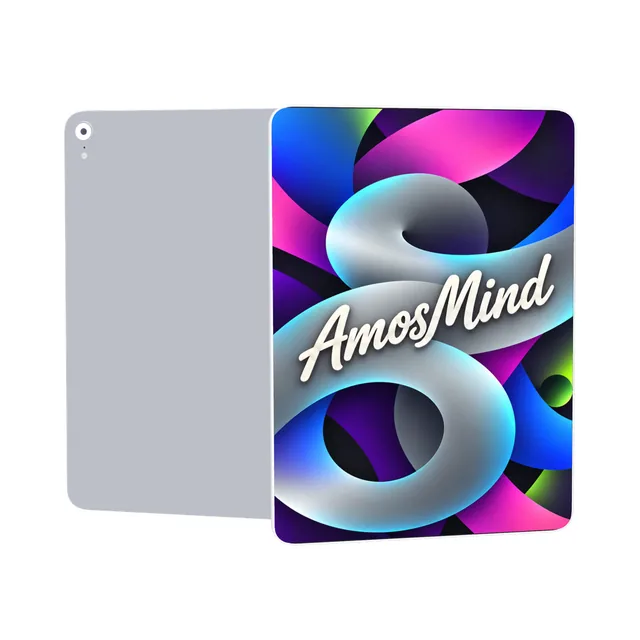
On Bezel-less tablet the picture runs to the edge of the body. The other tablets keep an even border around the screen.
Pick a tablet
Three kinds of tablet, each with its own screen shape.
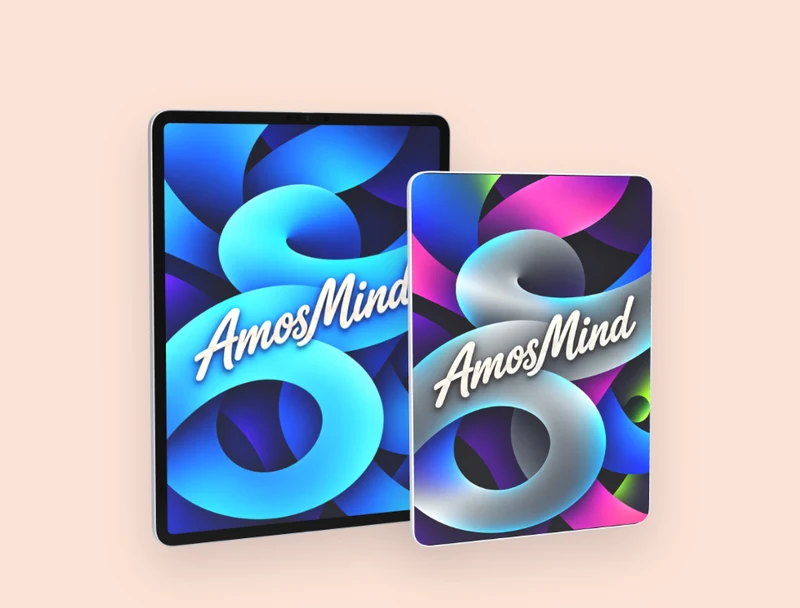
iPad Pro
12.9-inch M1 and 11-inch 2018, and the 12.9-inch on a Magic Keyboard
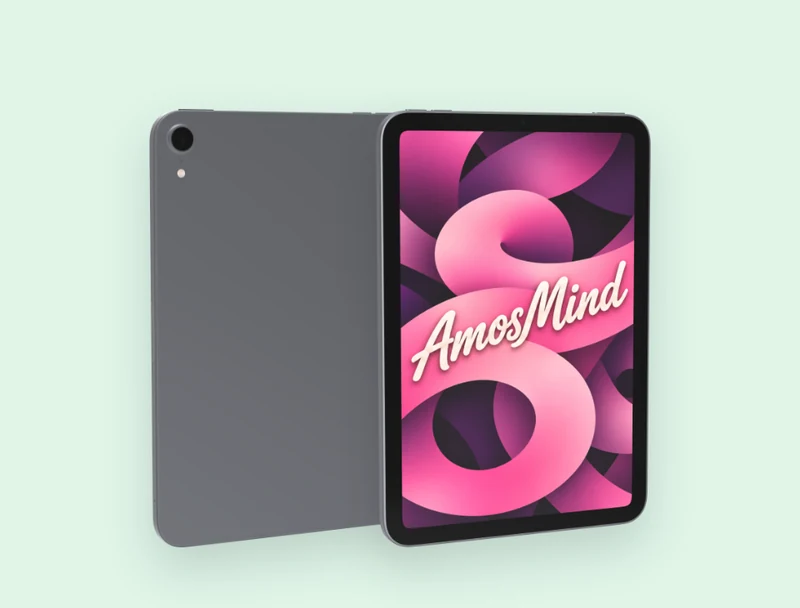
iPad mini
iPad mini 6, with an 8.3-inch display
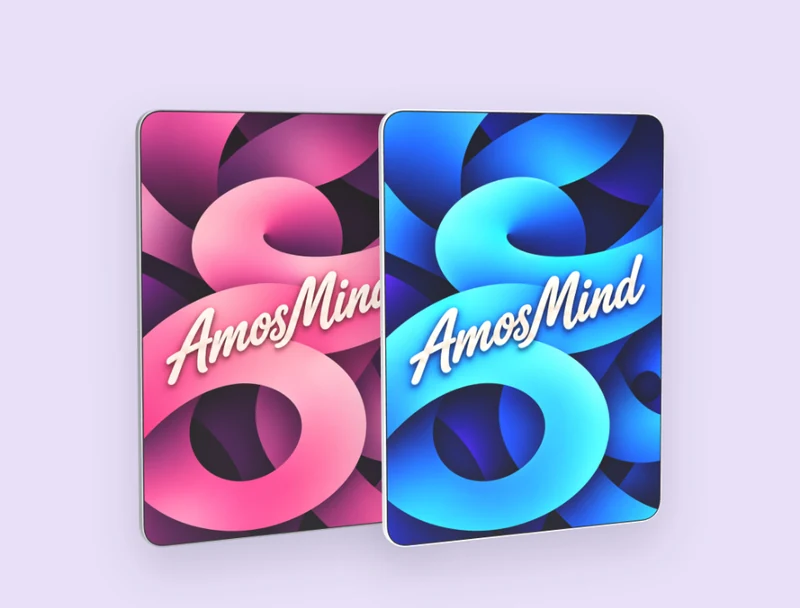
Unbranded tablets
Generic tablet and Bezel-less tablet, with no logo on the back
How to make a tablet mockup
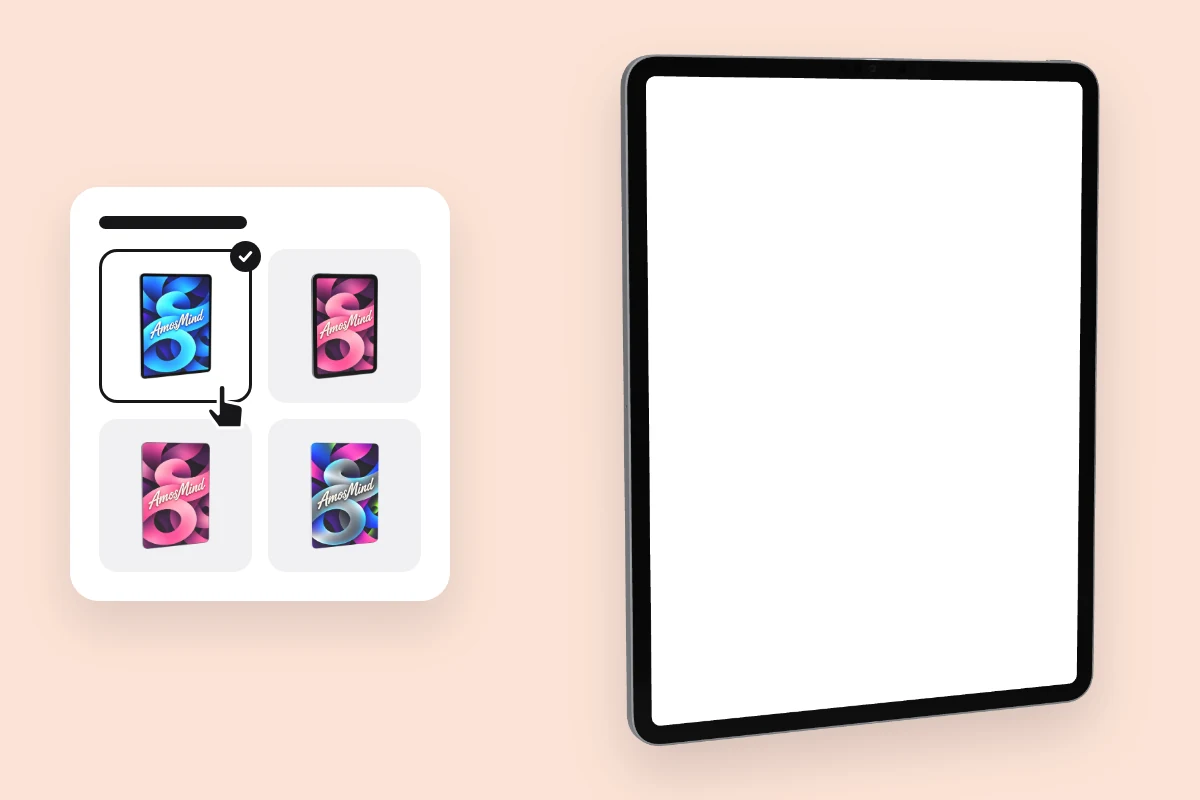
Pick a tablet
Choose a model from the list above. It opens as a full 3D tablet in your browser.
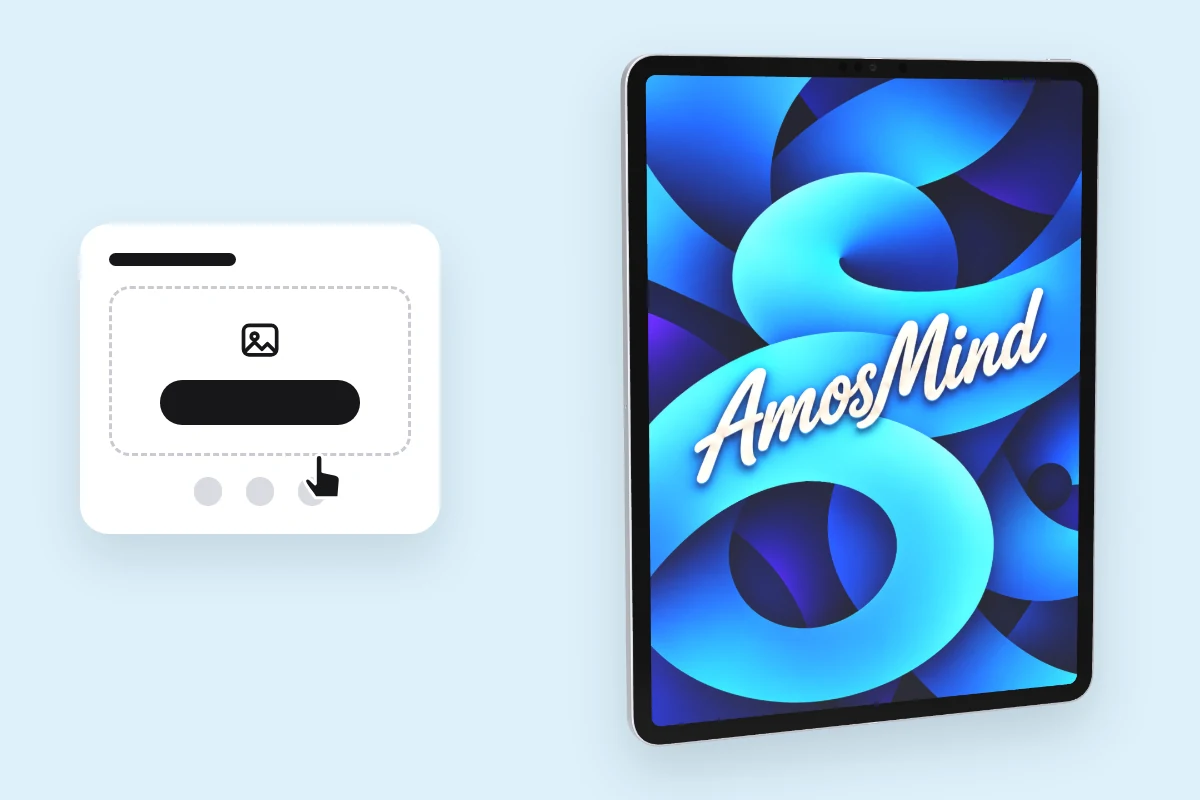
Add your screen
Click Upload artwork and add a PNG, JPG, WebP or SVG. Make it at the tablet's screen size and nothing gets cropped.
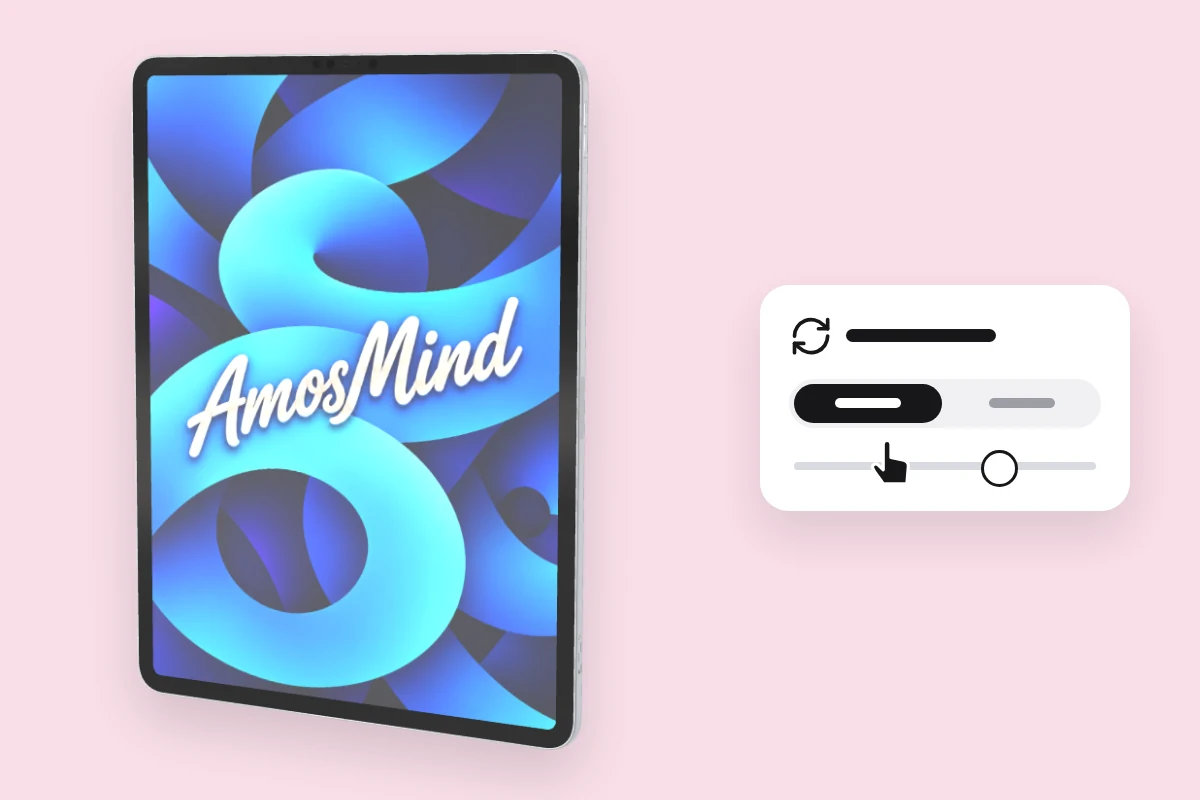
Choose an angle
Drag to turn the tablet, or click Front or Back.
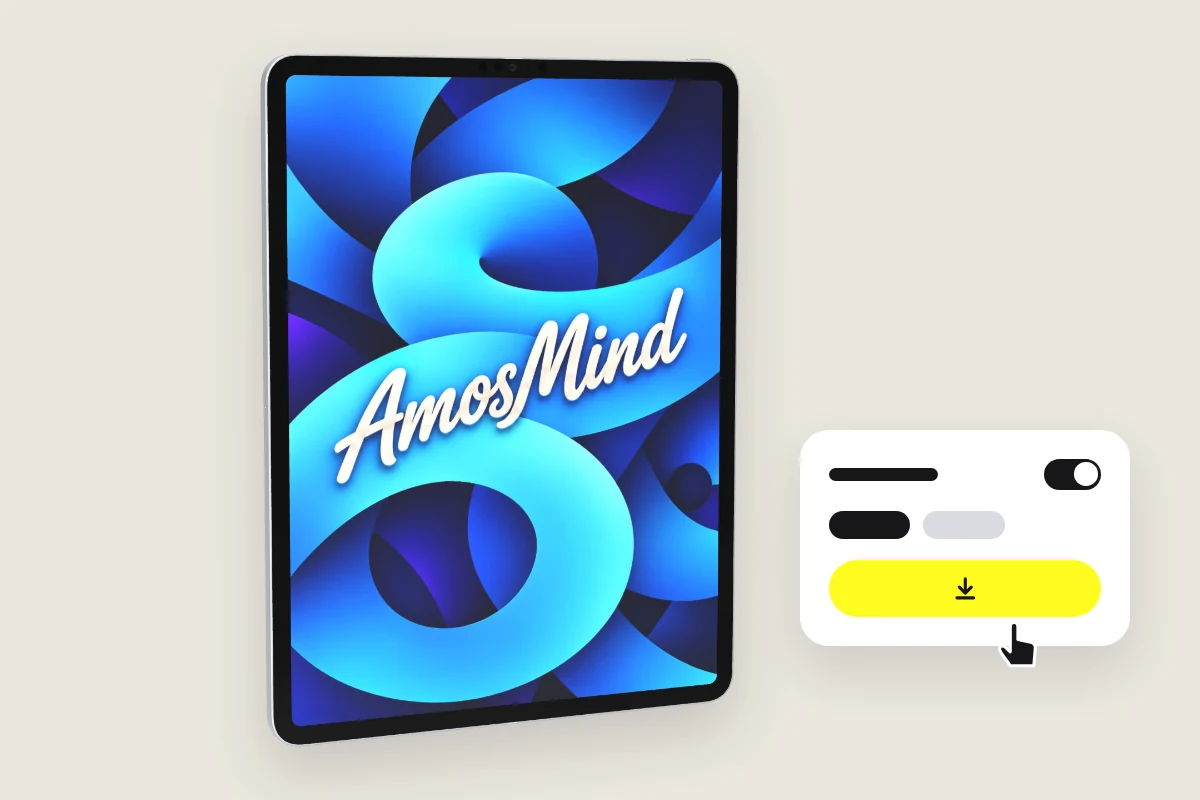
Export the image
Export 2K or 4K, or choose Transparent in the Background panel for a PNG you can place on your own layout.
Explore more device mockups
Every mockup opens in the same live 3D editor.
Where tablet mockups get used
A tablet frames a page the way readers hold it: upright, in two hands.
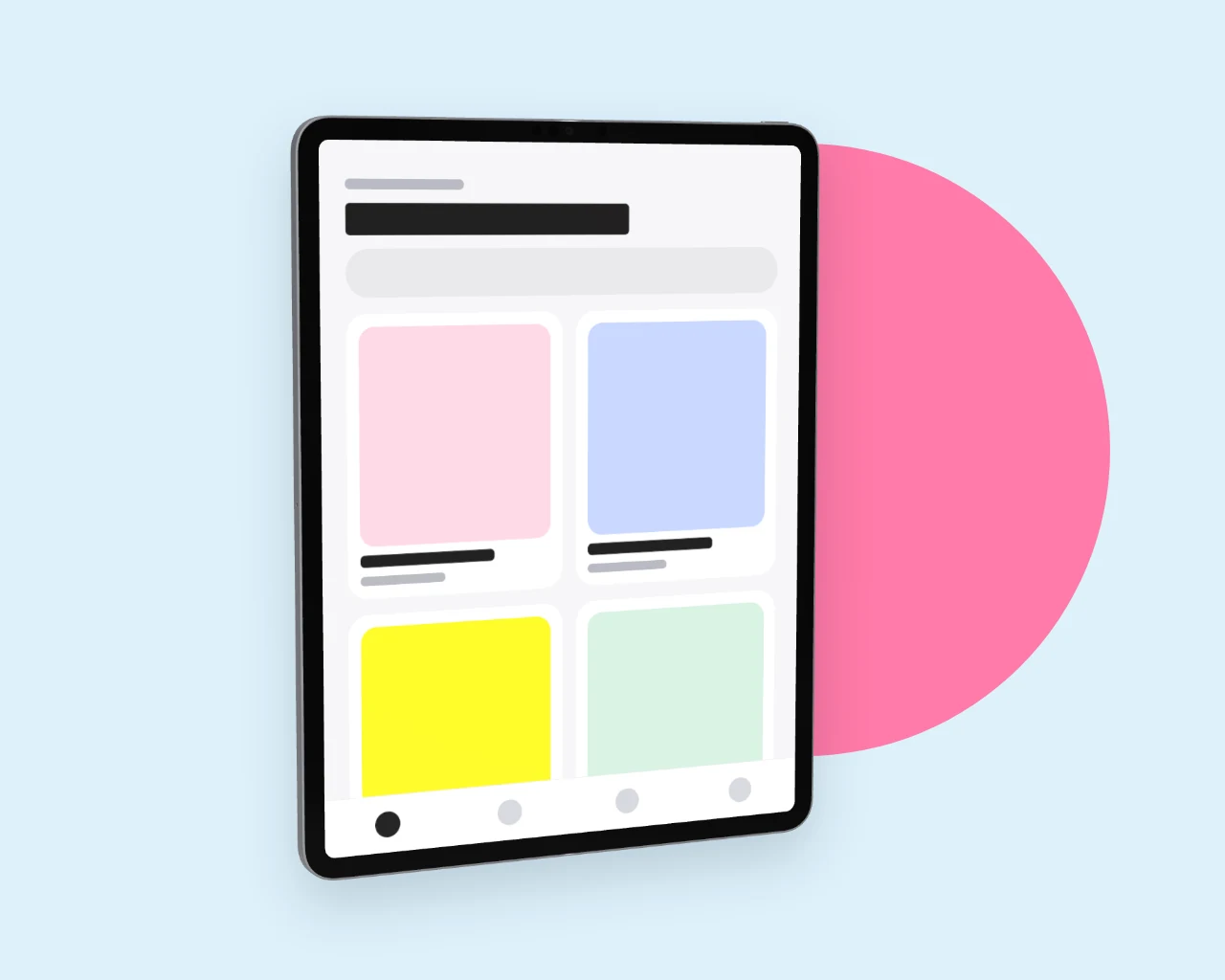
Tablet apps and games
Show the layout your app uses when it has room, not a stretched phone screen.
- Screens at native resolution
- Front and three-quarter views
- Transparent PNG for your own layout
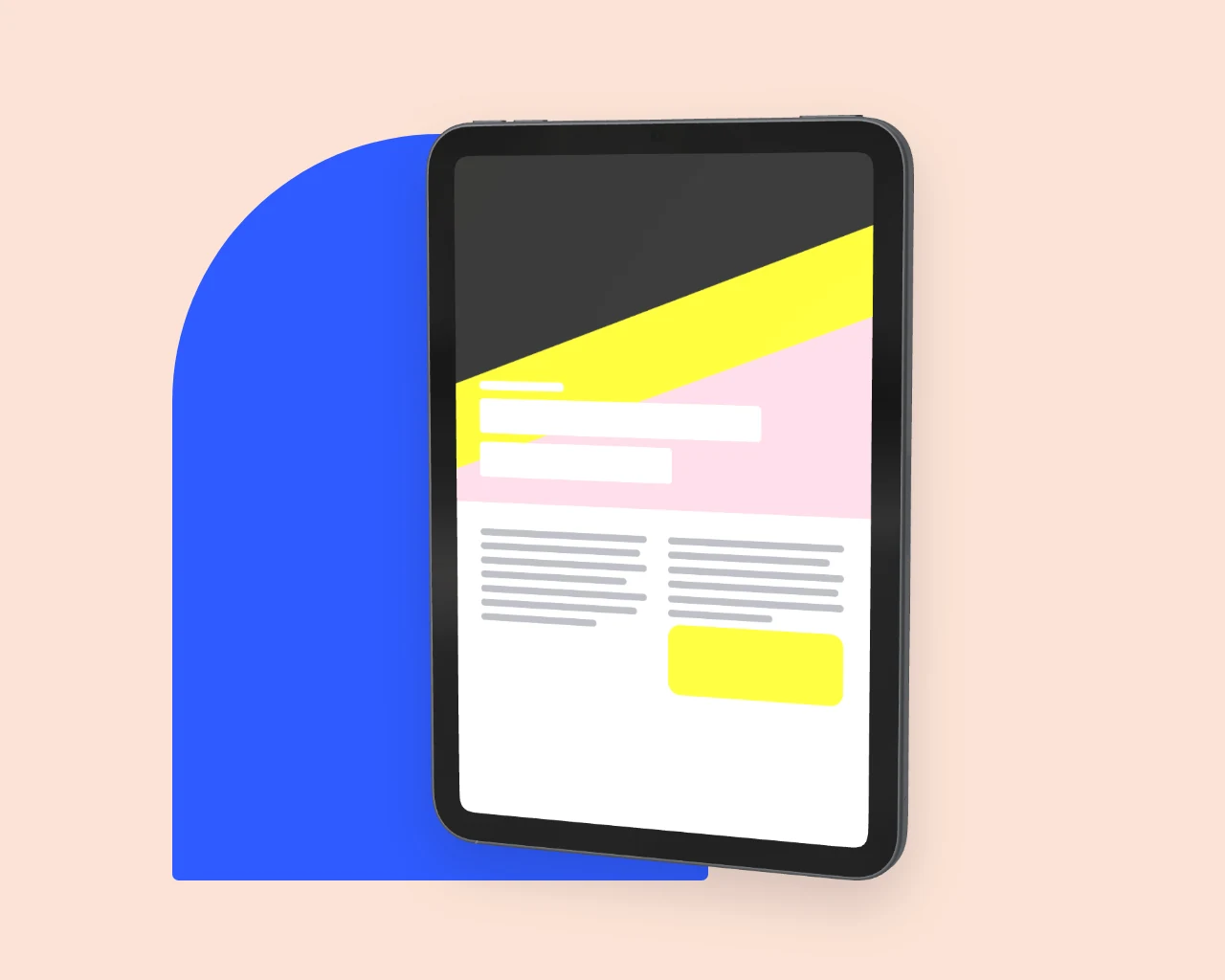
Magazines, books and catalogs
A portrait page fills a portrait tablet with nothing left over.
- Upright, like a printed page
- 4K for large feature images
- The same light across every shot
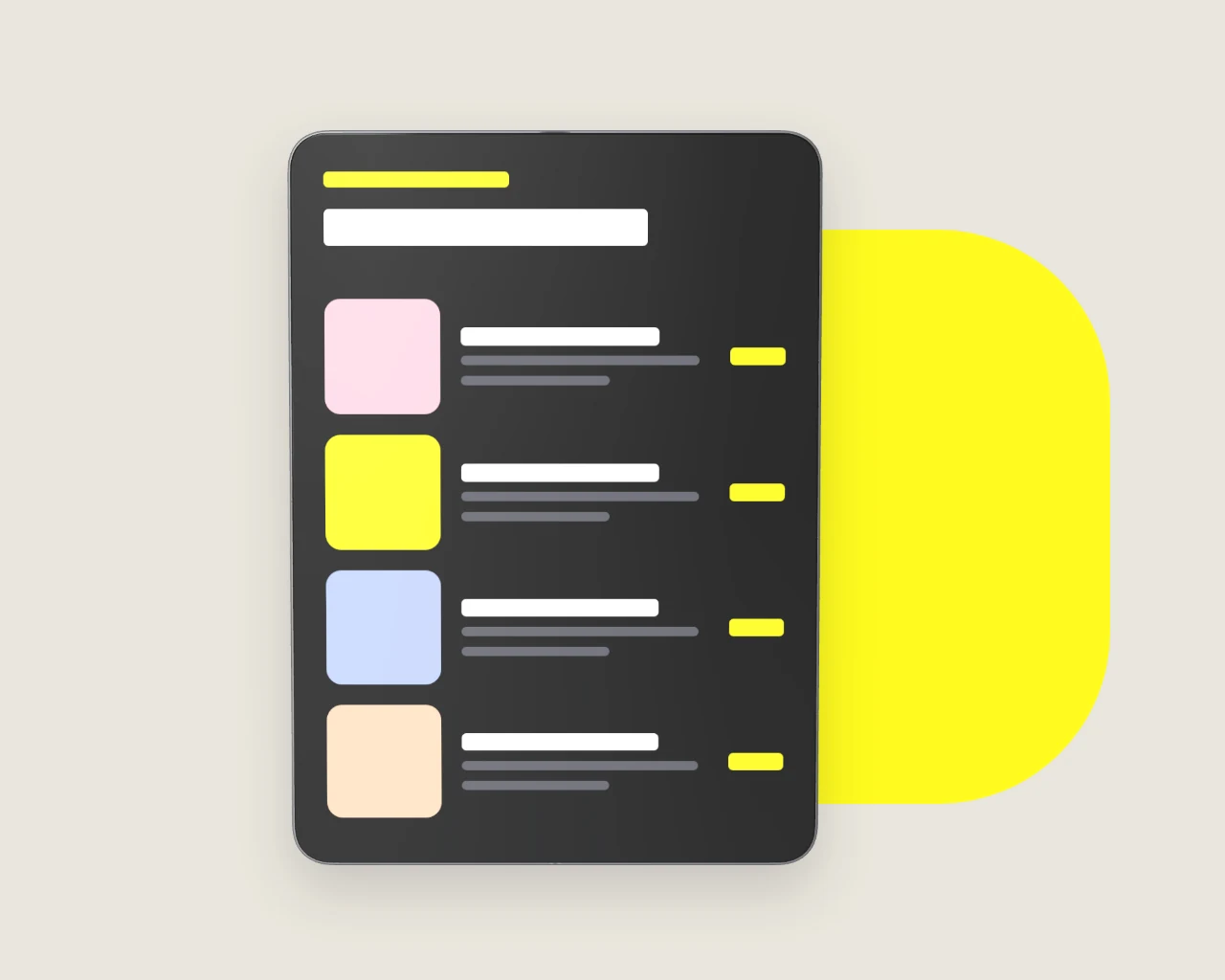
Menus and order screens
Present a menu or a checkout screen on a tablet with no brand on it.
- Unbranded tablets with no logo
- Front view, square to the camera
- JPG or PNG export
Tablet mockup questions, answered
Answers about screen sizes, orientation and exports for every tablet on AmosMind.
What is a tablet mockup?
It shows an app, a page or artwork on a realistic tablet screen. Here the tablet is a 3D model you can turn, not a fixed photo.
What resolution should my screen design be for a tablet mockup?
Use the tablet's native resolution from the table above, for example 2048 × 2732 px for the 12.9-inch iPad Pro or 1488 × 2266 px for iPad mini 6. Another size still works: the image covers the screen and is cropped at the edges.
What's the difference between an iPad mockup and a generic tablet mockup?
An iPad mockup copies one Apple model, with its camera, buttons and screen shape. Generic tablet and Bezel-less tablet carry no logo, so the picture does not point at any maker.
How do I add my design to a tablet mockup?
Pick a tablet on this page, click Upload artwork and add your screen. It lands on the display straight away; then choose an angle and export.
Can I make a landscape tablet mockup?
Use iPad Pro with Magic Keyboard: it sits in landscape and takes 2732 × 2048 px artwork. The other tablets on this page stand in portrait.
What file formats can I upload to my tablet mockup?
PNG, JPG, WebP or SVG. Exports are JPG or PNG, at 2K or 4K.
Can I download a tablet mockup as a transparent PNG?
Yes. Choose Transparent in the Background panel and the tablet downloads as a PNG with no background, ready to drop into your own layout.
Is this tablet mockup free?
Browsing the tablets and turning them in 3D is free. Log in with an email code or Google to upload a screen, save projects and render images; the export panel shows any cost before you render.