
Rectangle box mockups in real-time 3DLong, tall or flat, in your size
Most products are longer one way than the other, and so are their boxes. Pick a long, tall or flat rectangular box, type in the three dimensions your product needs and place your artwork on each face.
Rectangle box mockups
12 mockups
 Add your design
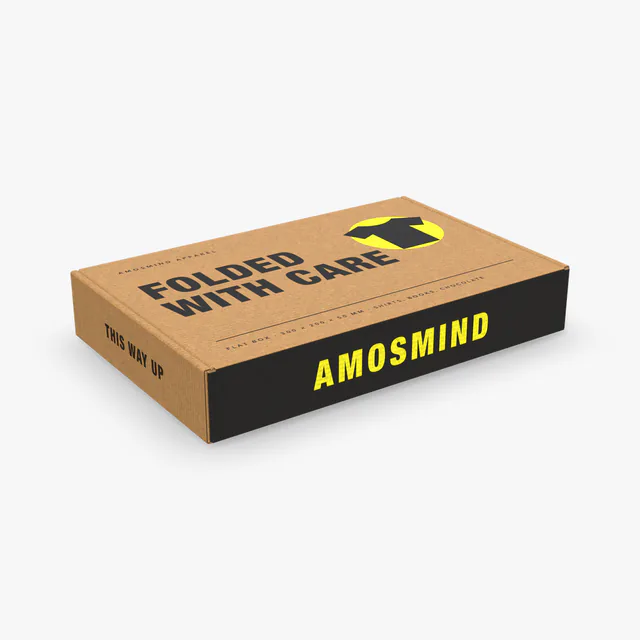
Flat box mockup
 Add your design
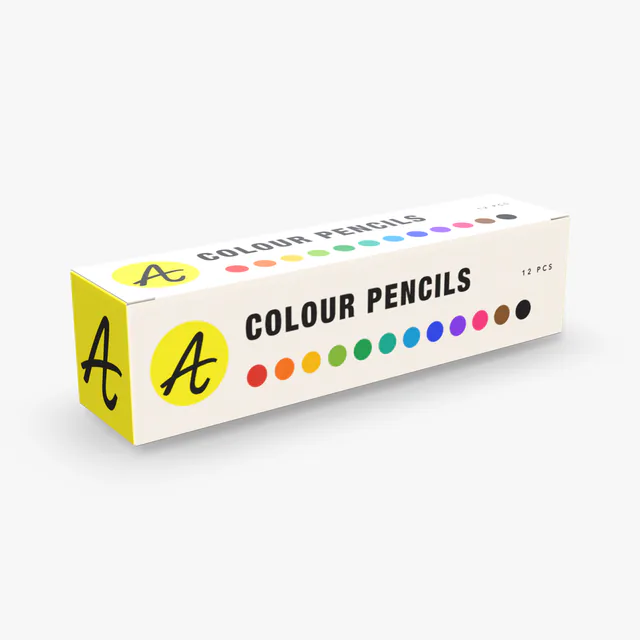
Long box mockup
 Add your design
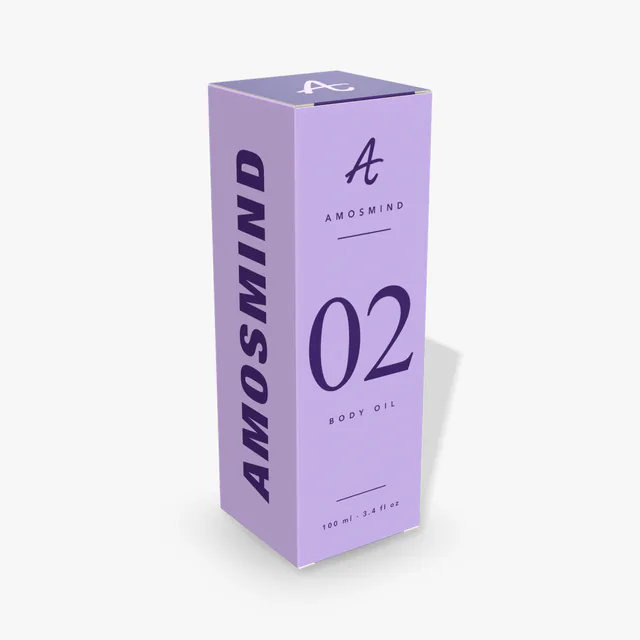
Tall box mockup
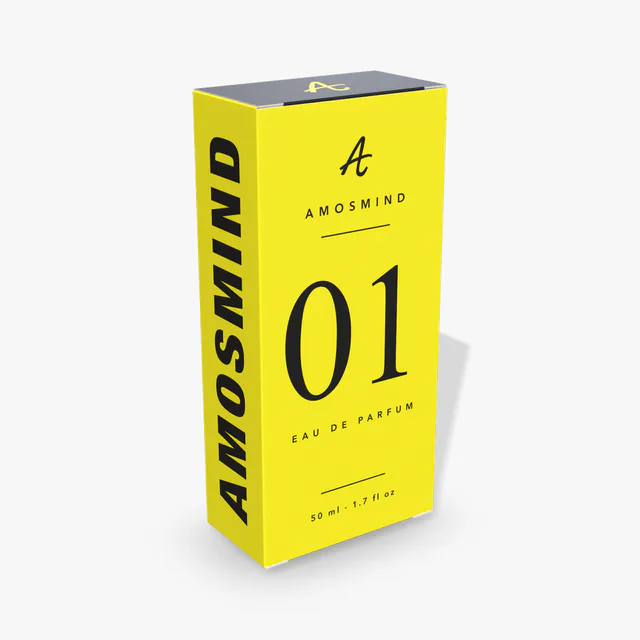
Perfume box mockup
Details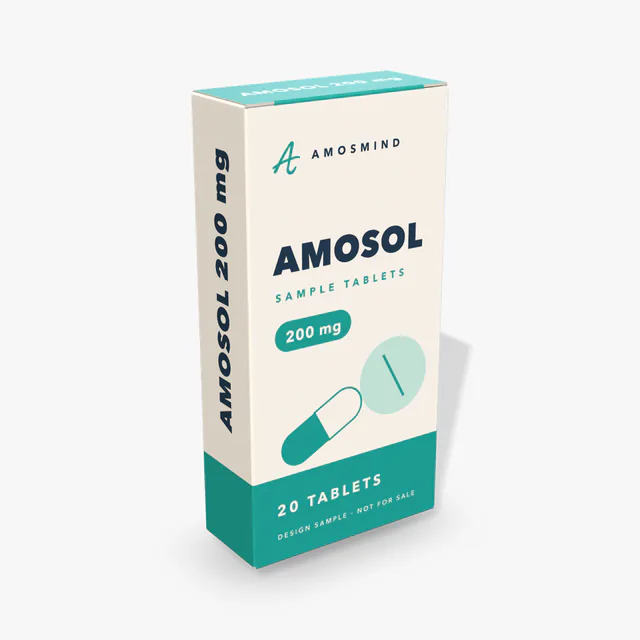
Medicine box mockup
Details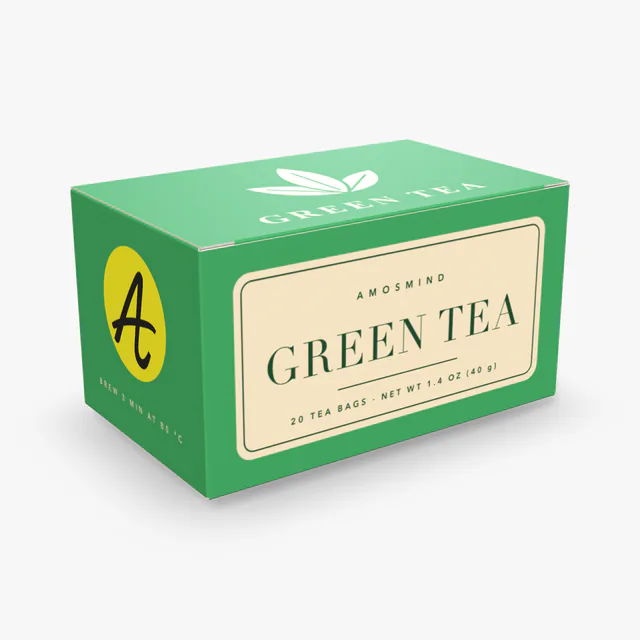
Tea box mockup
Details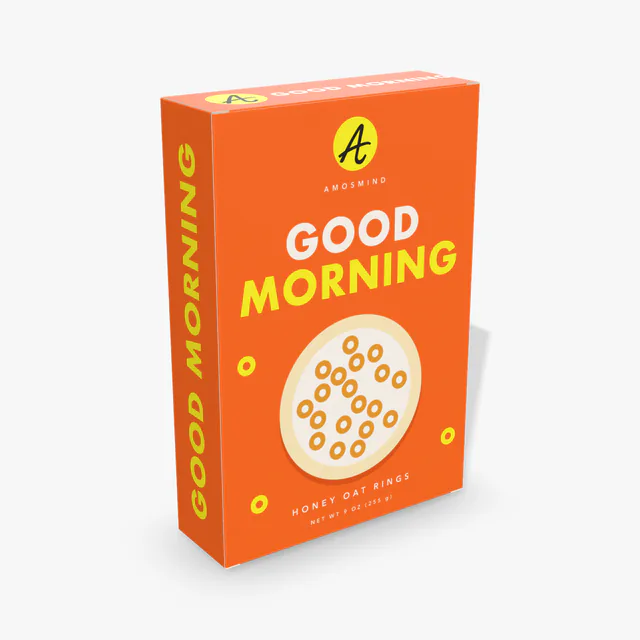
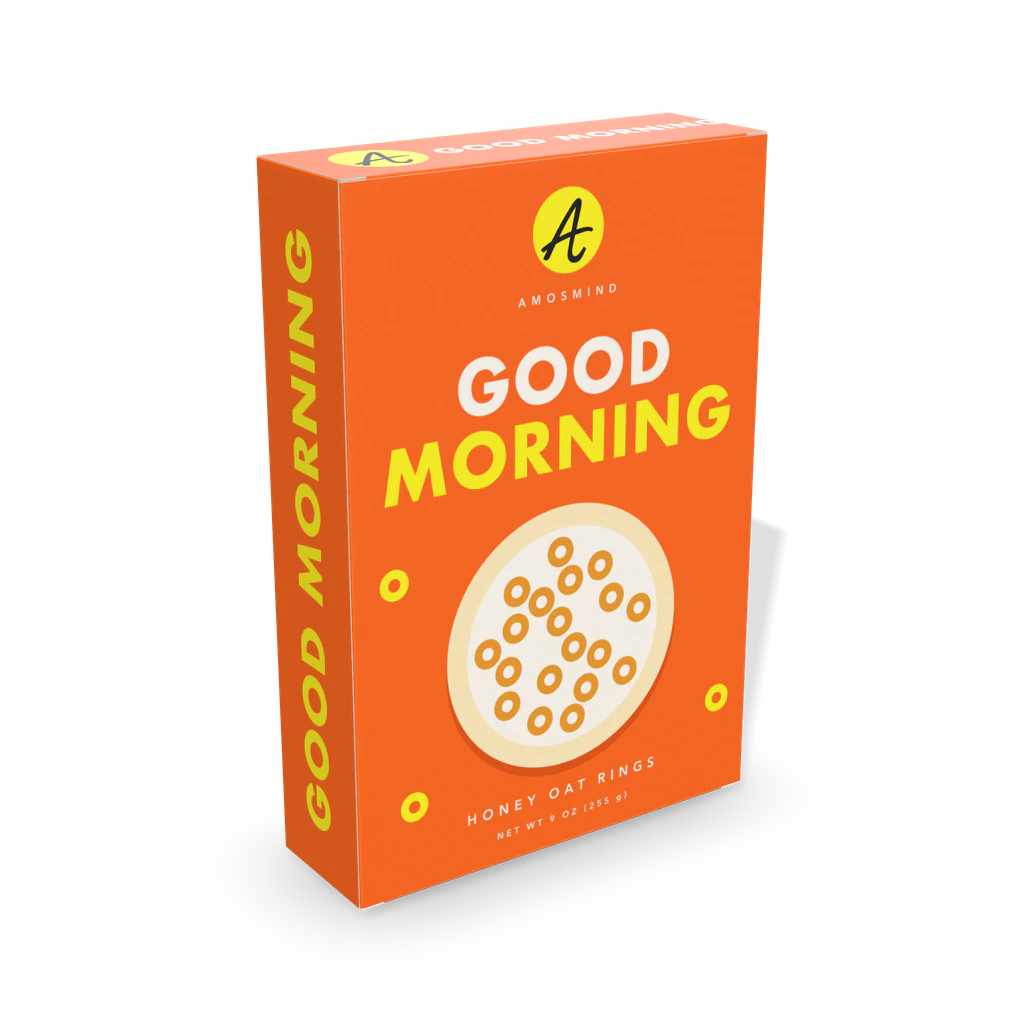
Cereal box mockup
Details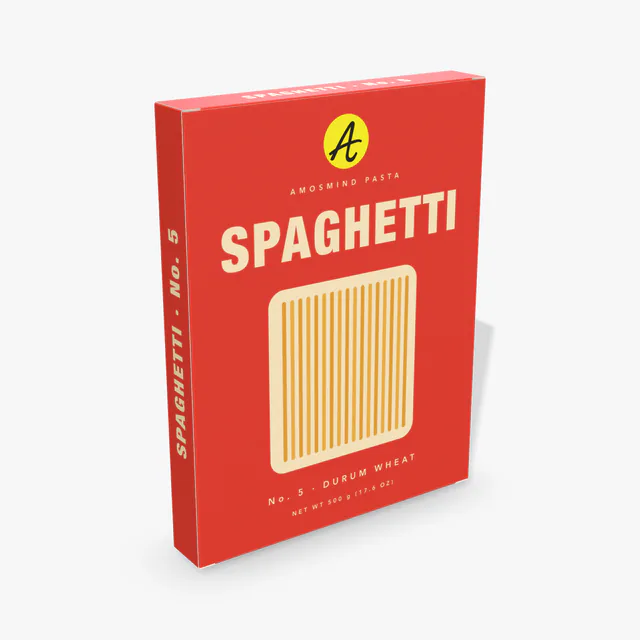 Add your design
Slim box mockup
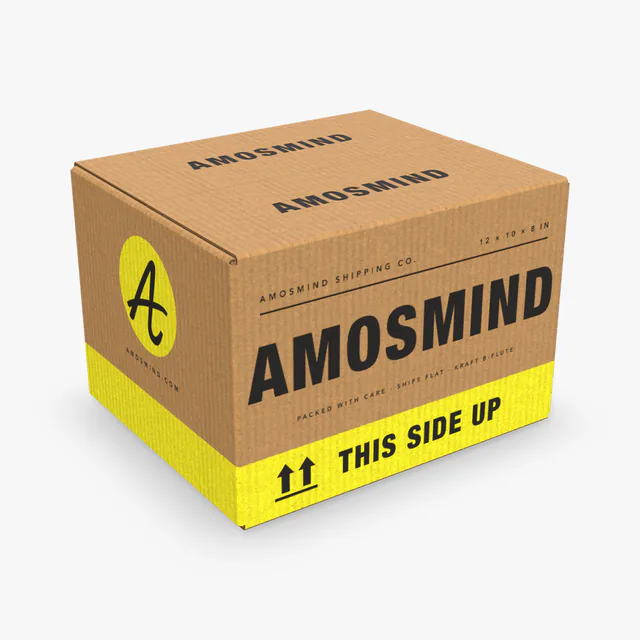
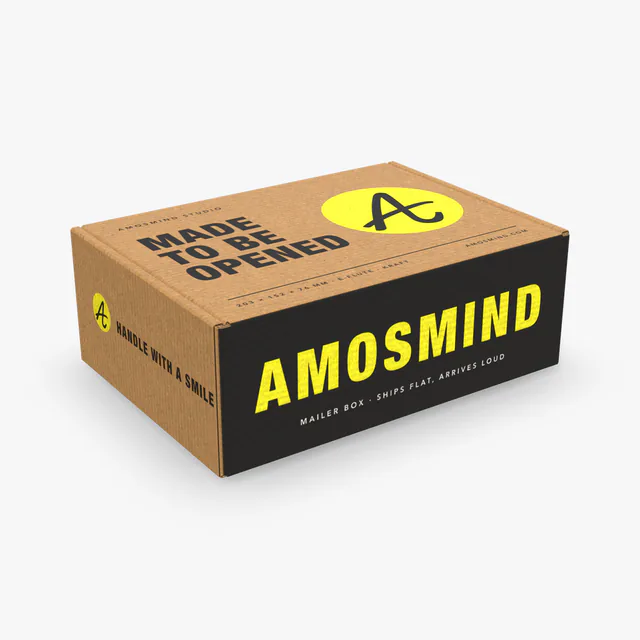
Shipping box mockup
Details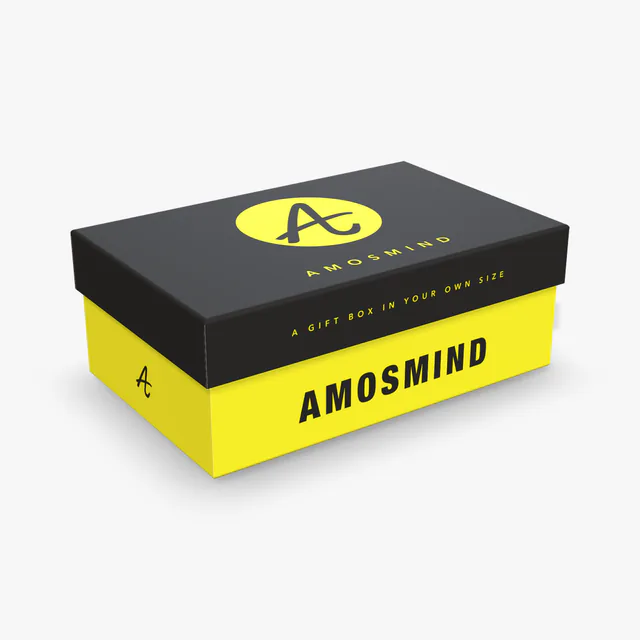
Rigid box mockup
Details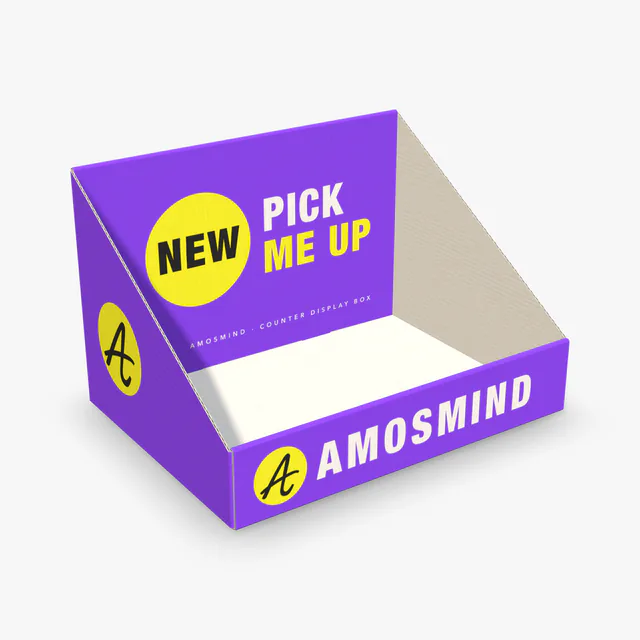 Add your design
Counter display box mockup
Rectangle box sizes
Three numbers describe a rectangular box: length, width and height. Which one is the largest decides how the box looks and what fits in it.
| Box | Starts at (inside) | In inches | Proportion |
|---|---|---|---|
| Long box | 200 × 45 × 50 mm | 7.9 × 1.77 × 2.0 in | Long: length is more than four times the width |
| Tall box | 60 × 60 × 180 mm | 2.4 × 2.4 × 7.1 in | Tall: height is three times the side |
| Slim box | 200 × 30 × 260 mm | 7.9 × 1.2 × 10.24 in | Tall and thin: a wide front, a narrow side |
| Perfume box | 75 × 40 × 160 mm | 3.0 × 1.6 × 6.3 in | Tall |
| Medicine box | 60 × 25 × 120 mm | 2.4 × 1 × 4.72 in | Tall, small |
| Tea box | 130 × 80 × 70 mm | 5.1 × 3.1 × 2.76 in | Wide: length is the largest |
| Cereal box | 190 × 60 × 280 mm | 7.5 × 2.4 × 11 in | Tall and thin |
| Flat box | 300 × 200 × 50 mm | 11.8 × 7.9 × 2.0 in | Flat: height is a sixth of the length |
| Mailer box | 203 × 152 × 76 mm | 8 × 6 × 3 in | Flat |
| Shipping box | 305 × 254 × 203 mm | 12 × 10 × 8 in | Close to a cube |
| Rigid box | 203 × 127 × 76 mm | 8 × 5 × 3 in | Flat, with a lid |
| Display box | 250 × 180 × 160 mm | 9.8 × 7.1 × 6.3 in | An open tray, lower at the front |
Length is the longer side of the opening, width the shorter side, height the distance from the bottom to the top closure. The editor shows the outside dimensions as well.
Long, tall or flat
The same rectangular box reads differently depending on which dimension leads.
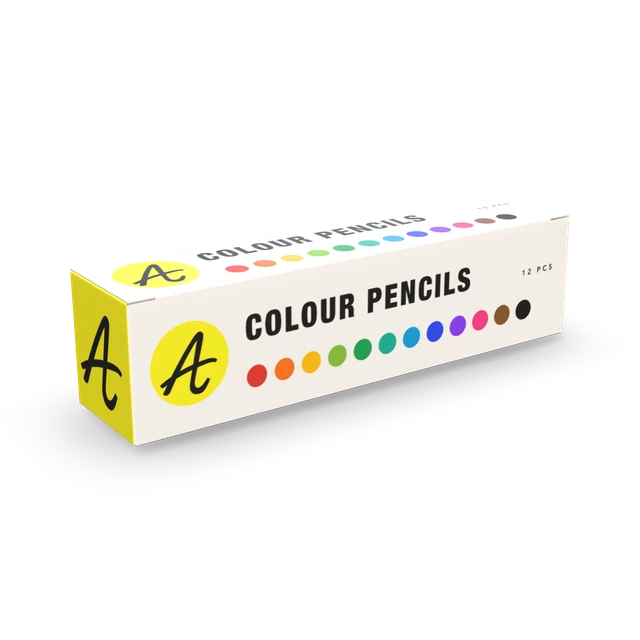
Long
Length far greater than width and height. Used for toothpaste, pens, tubes and incense.
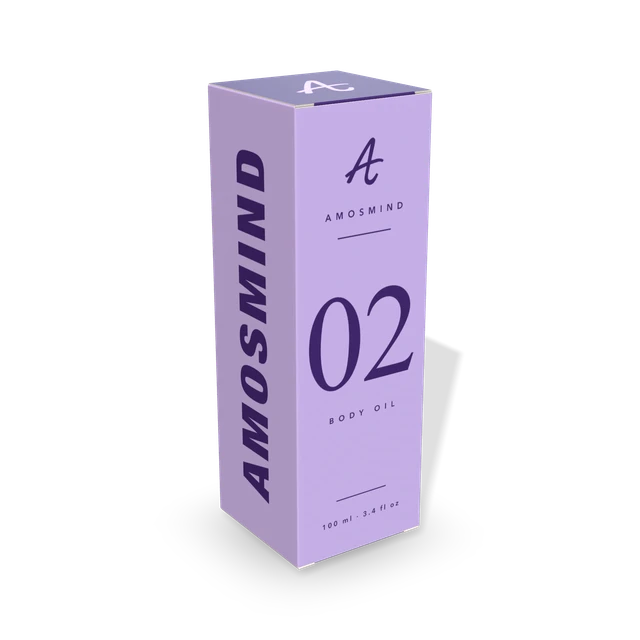
Tall
Height is the largest number. Used for bottles, cosmetics and cereal.
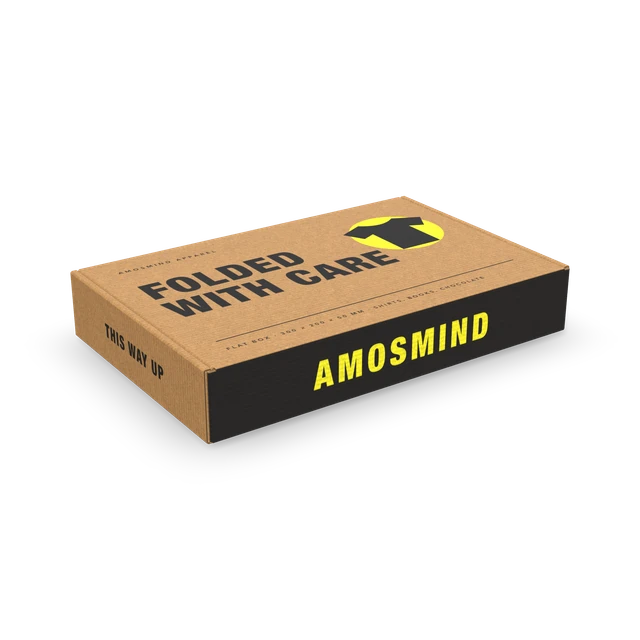
Flat
Height is the smallest number. Used for clothing, books and chocolate.
Rectangular boxes by how they are made
Six constructions, all rectangular.
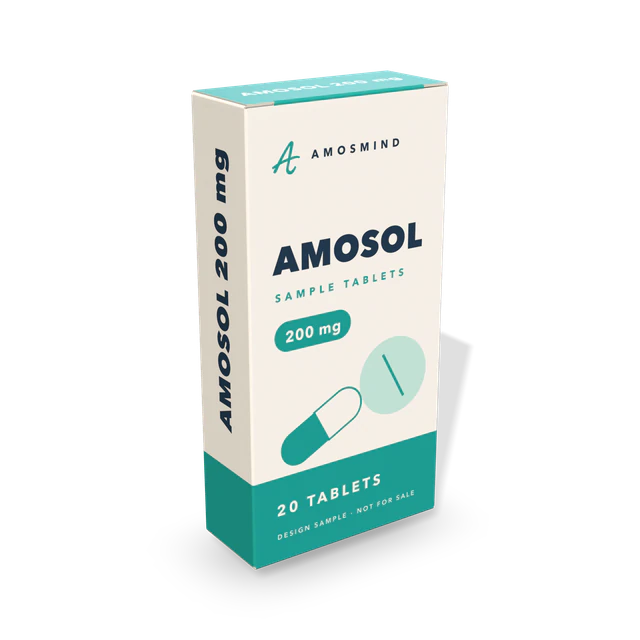
Tuck end carton
Thin paperboard with a tuck flap at each end: perfume, medicine and tea boxes.
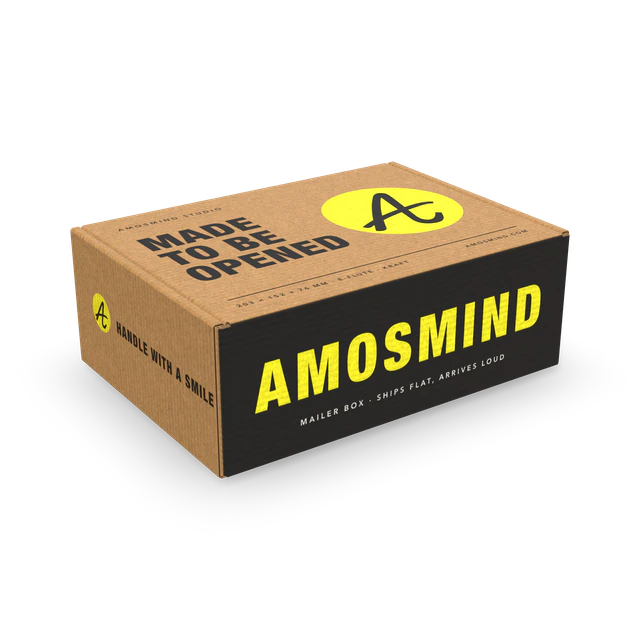
Mailer box
One-piece corrugated box with a tuck-front lid.
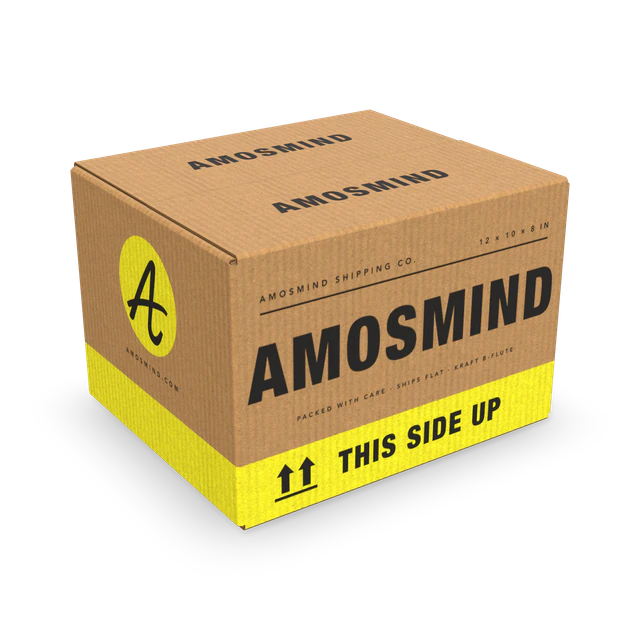
Shipping box
A corrugated carton taped at the top and bottom.
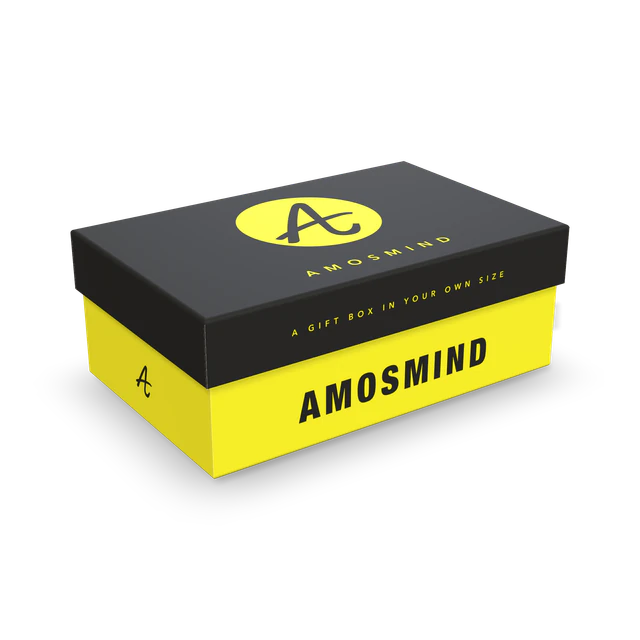
Rigid box
Grey board base with a lift-off lid.
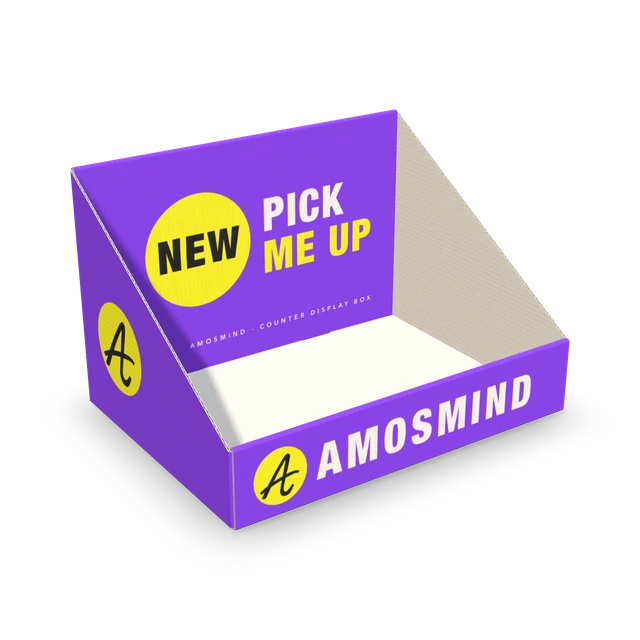
Display box
An open corrugated tray for the shop counter.
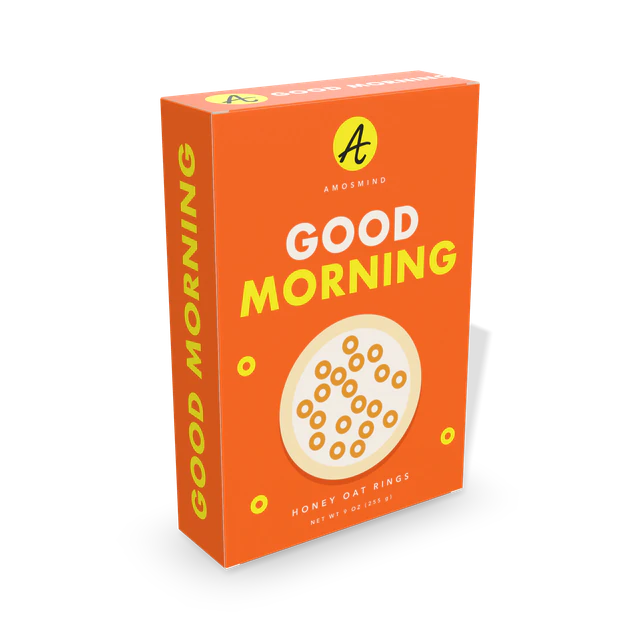
Cereal box
A tall, thin carton with a wide front.
How to make a rectangle box mockup
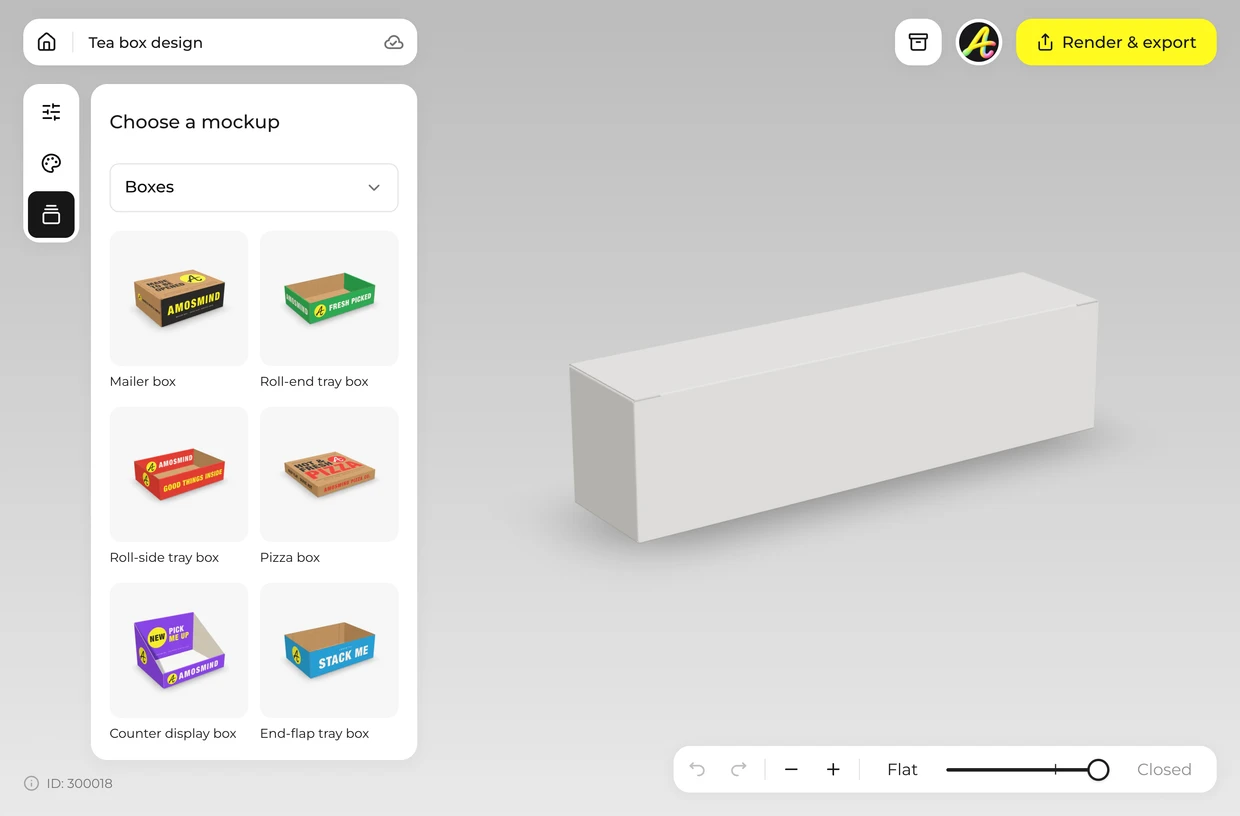
Pick a rectangular box
Choose a long, tall or flat box from the list above.
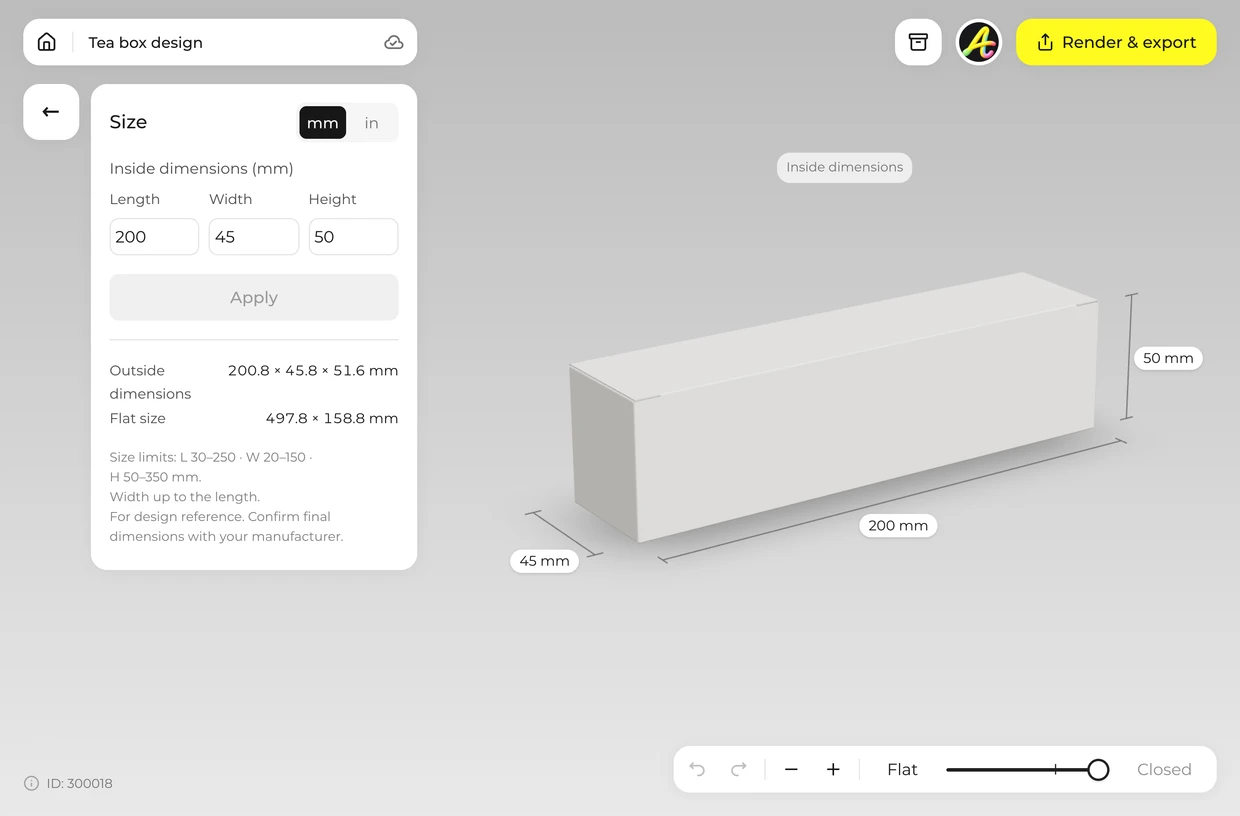
Type three dimensions
Open Size and enter length, width and height, in millimetres or inches.
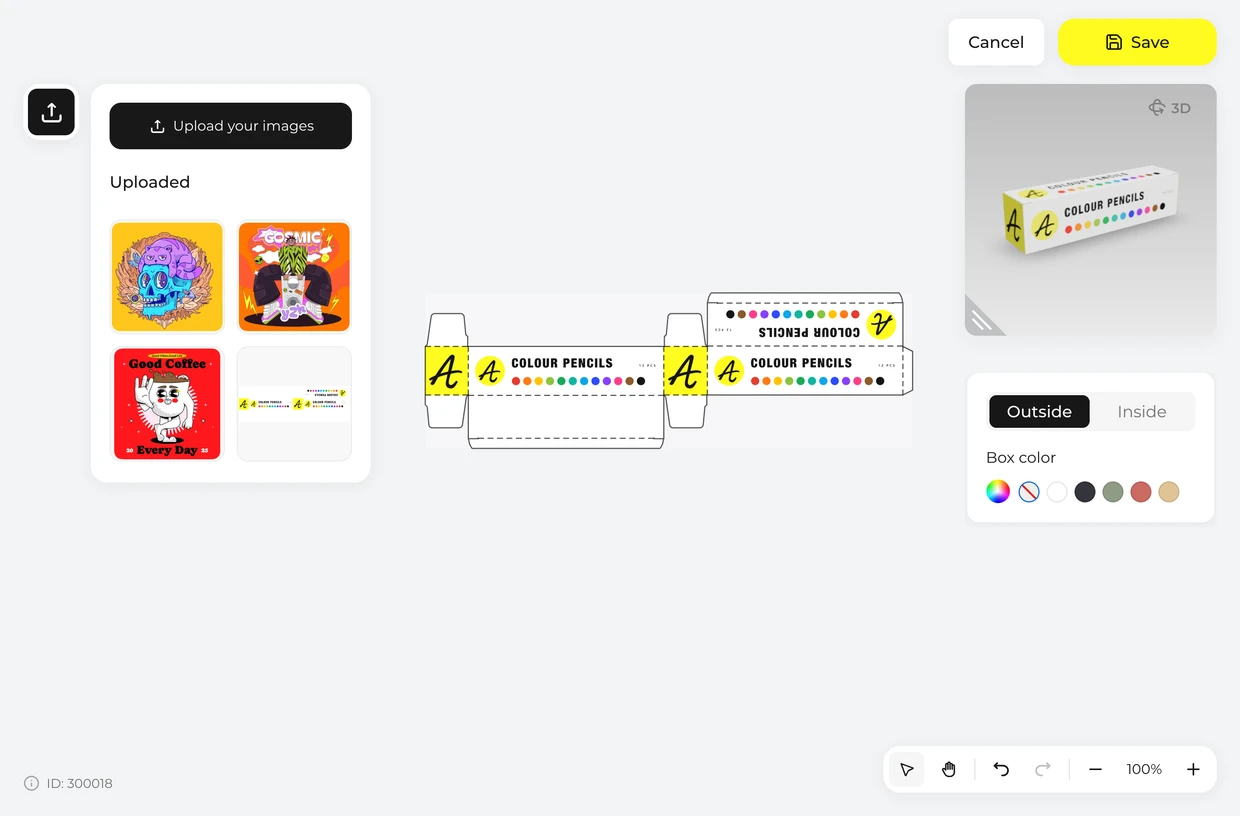
Add your artwork
Click Upload artwork and place your design on the dieline. The front and the back are the two widest panels.
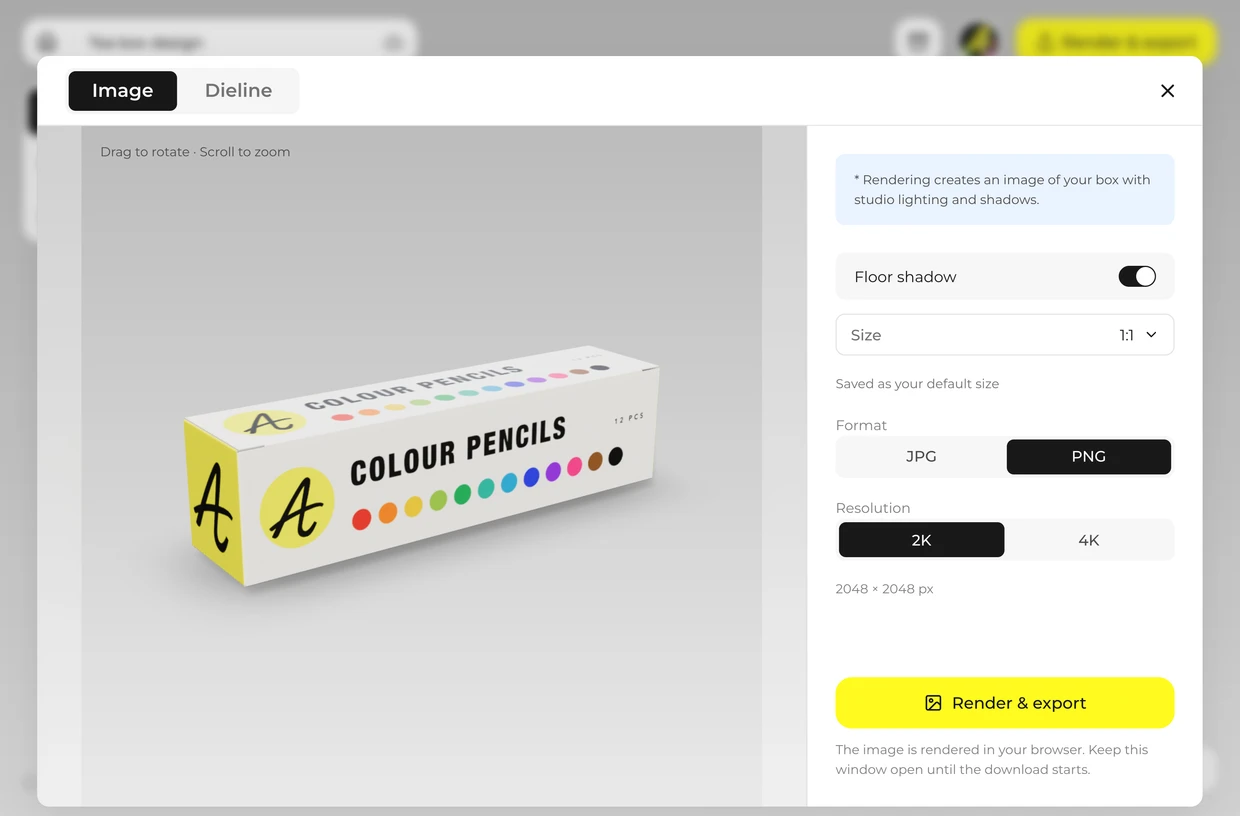
Export
Render a 2K or 4K image from any angle, or a PNG with no background.
Explore more box mockups
Every box opens in the same live 3D editor.
Which face is the front
On a tuck end carton the four walls are printed as one strip. Knowing which panel is which keeps a logo off a side and a barcode off the front.
| Panel | Size on this carton | What usually goes there |
|---|---|---|
| Front | 60 × 120 mm | Brand, product name, strength |
| Back | 60 × 120 mm | Directions, ingredients, warnings |
| Two sides | 25 × 120 mm each | Barcode, batch and expiry, short claims |
| Top and bottom | 60 × 25 mm each | Product name again, so it reads when stacked |
| Glue flap and dust flaps | Hidden | Nothing: they are covered when the carton is closed |
Sizes are for the Medicine box at its starting size; the panels follow whatever size you type. The glue flap and the dust flaps are hidden when the carton is closed.
Rectangle box mockup FAQ
Short answers about sizes, views and files.
Can I change the box size to fit my product?
Yes. Type the inside length, width and height your product needs, in millimetres or inches. The box and its dieline are redrawn each time.
How do I make a rectangle box mockup online?
Pick a long, tall or flat box, type its length, width and height, click Upload artwork and place your design on the dieline, then render the image. It runs in your browser.
Rectangle box or square box: what is the difference?
A square box has equal length and width. A rectangular box is longer one way, which suits most products and stacks more tightly. Here they are the same boxes with different numbers typed in.
Can I make a long rectangle box mockup?
Yes. Start from the Long box, or type a large length with a small width and height on any tuck end carton.
Can I edit my rectangle box mockup in 3D?
Yes. The box is a live 3D model: turn it to any angle, open it and lay it flat before you render.
Can I get a dieline for printing?
Yes. Export the dieline as a PDF or SVG at full size, with cut lines, crease lines and your artwork in place; on a tuck end carton the four walls are one strip. Ask your printer to check the file against their own board and machines and to make a sample before the full run.
Can I use my rectangle box mockup on my online store?
Yes. Render a JPG, or a PNG with a transparent background to place over your own product photo or page color.
Can I design a rectangle box mockup for free?
Browsing the boxes and turning them in 3D is free. Log in with an email code or Google to upload artwork, save projects and render images. Exporting a rendered image or a dieline needs a free account; rendering and downloads are free right now.