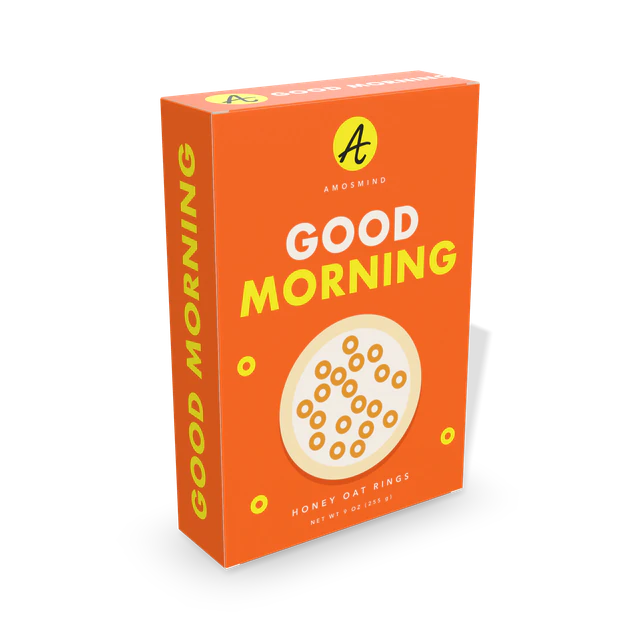
Food startups
Put the carton in a buyer deck before the first production run exists.
- Your carton size
- All four faces shown
- Images up to 4K
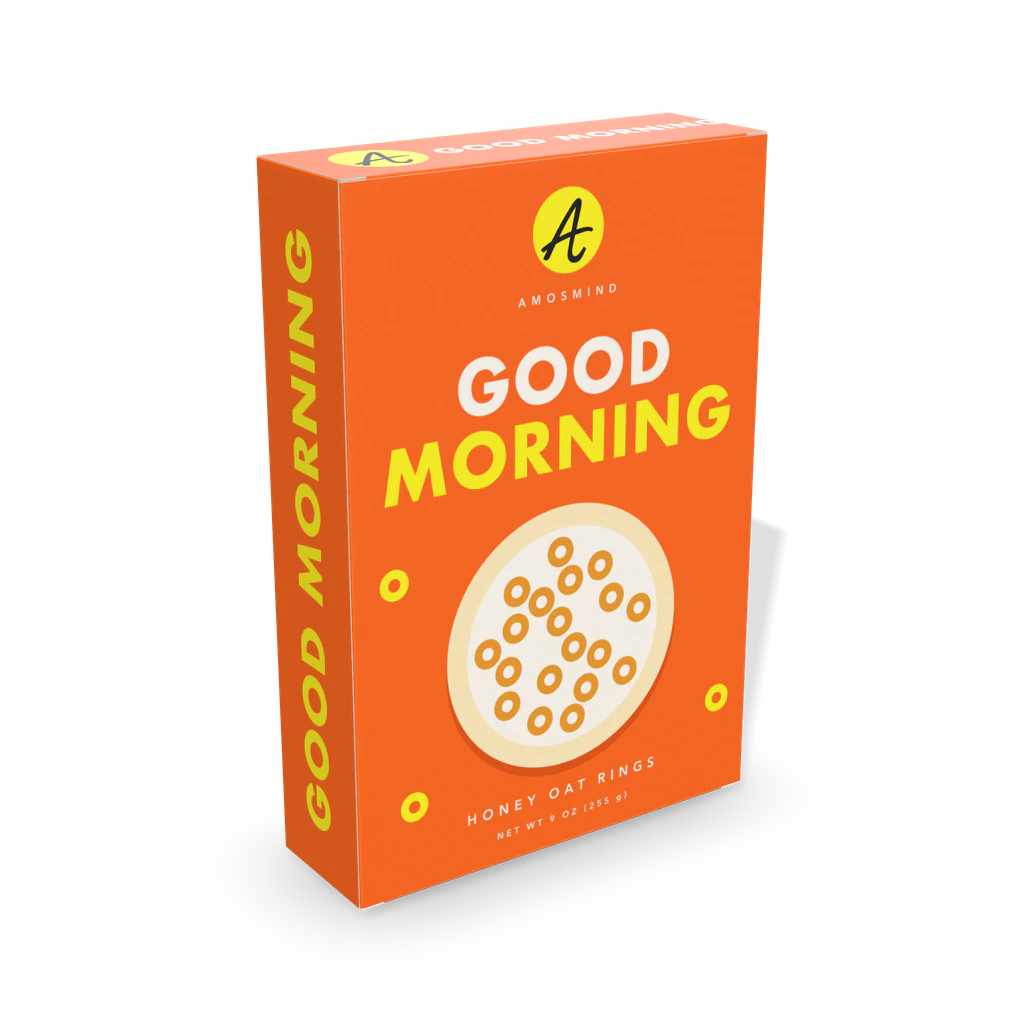
A 3D mockup of a cereal box: a tall, thin folding carton with a large front and back. Set its size, wrap your artwork around all four sides and turn it to see the front, the back and the nutrition panel.
In the editor you can
Sizes are inside dimensions. The mockup shows the board color and your artwork; print color, coatings and foil are confirmed on a printed sample.
Wiki
A cereal box is a tall folding carton of paperboard with a wide front and back and narrow sides. The cereal sits in a sealed bag inside; the carton is there to stand on a shelf and carry the print. Retail cereal cartons are glued shut at both ends; a tuck end version, like this one, is what short runs and prototypes use.
The four walls are one strip of paperboard glued along a seam, so the carton is delivered flat and springs into a tube. Each end has a closure panel with a tuck flap and two small dust flaps. Our model has 13 panels and 12 crease lines, with a glue seam down one corner.
Cereal cartons grow with the net weight, mostly in height and width, while the depth stays between about 2.3 and 3.7 inches. This one starts at 190 × 60 × 280 mm (7.5 × 2.4 × 11 in); at that size the flat sheet measures 508 × 422 mm. The board is usually coated recycled paperboard with a white printing face, 16 pt (0.4 mm) or thicker.
The front is the poster, the back is for stories and games, one side carries the nutrition facts and the other the ingredients. Everything is printed in full color in one pass on the outside.
There is no official cereal box size. These are real retail cartons by net weight.
| Carton | Size, in millimetres | In inches |
|---|---|---|
| About 9 oz | 190 × 60 × 280 mm | 7.5 × 2.4 × 11 in. The size this mockup starts at. |
| 18 oz | about 206 × 84 × 308 mm | 8.1 × 3.3 × 12.1 in, measured on a retail carton |
| 24 oz | about 240 × 94 × 346 mm | 9.45 × 3.7 × 13.6 in, as listed by a retailer |
There is no official cereal box size, and net weight does not fix it: two 18 oz cartons can differ by an inch. Measure the box you are matching.
From school projects to shelf pitches, the cereal box is the carton everyone knows.
Put the carton in a buyer deck before the first production run exists.
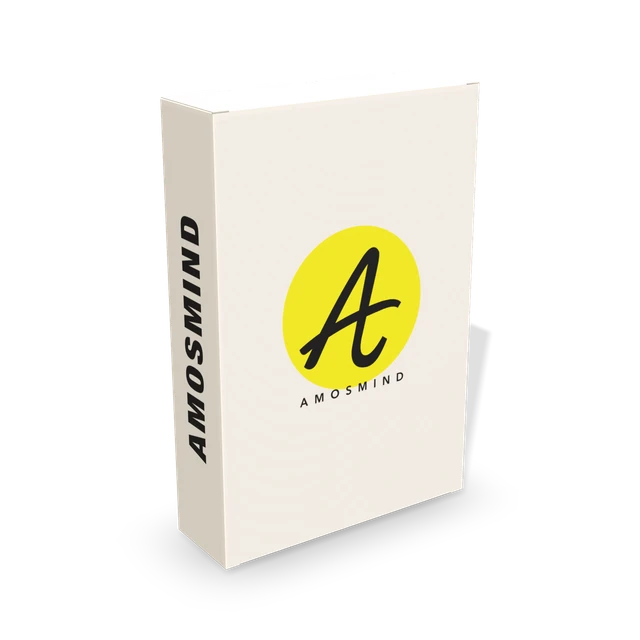
See how the artwork wraps from the front onto the side.
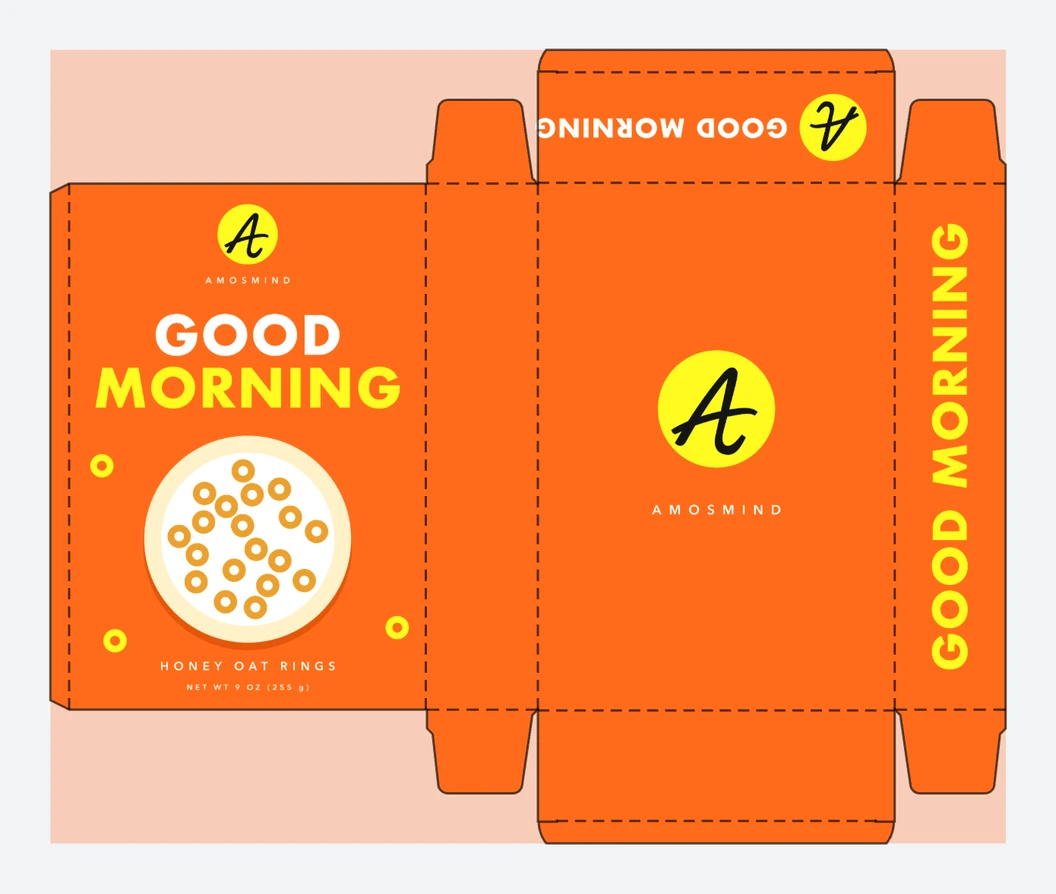
Design a cereal box for class and print the dieline to cut and fold.
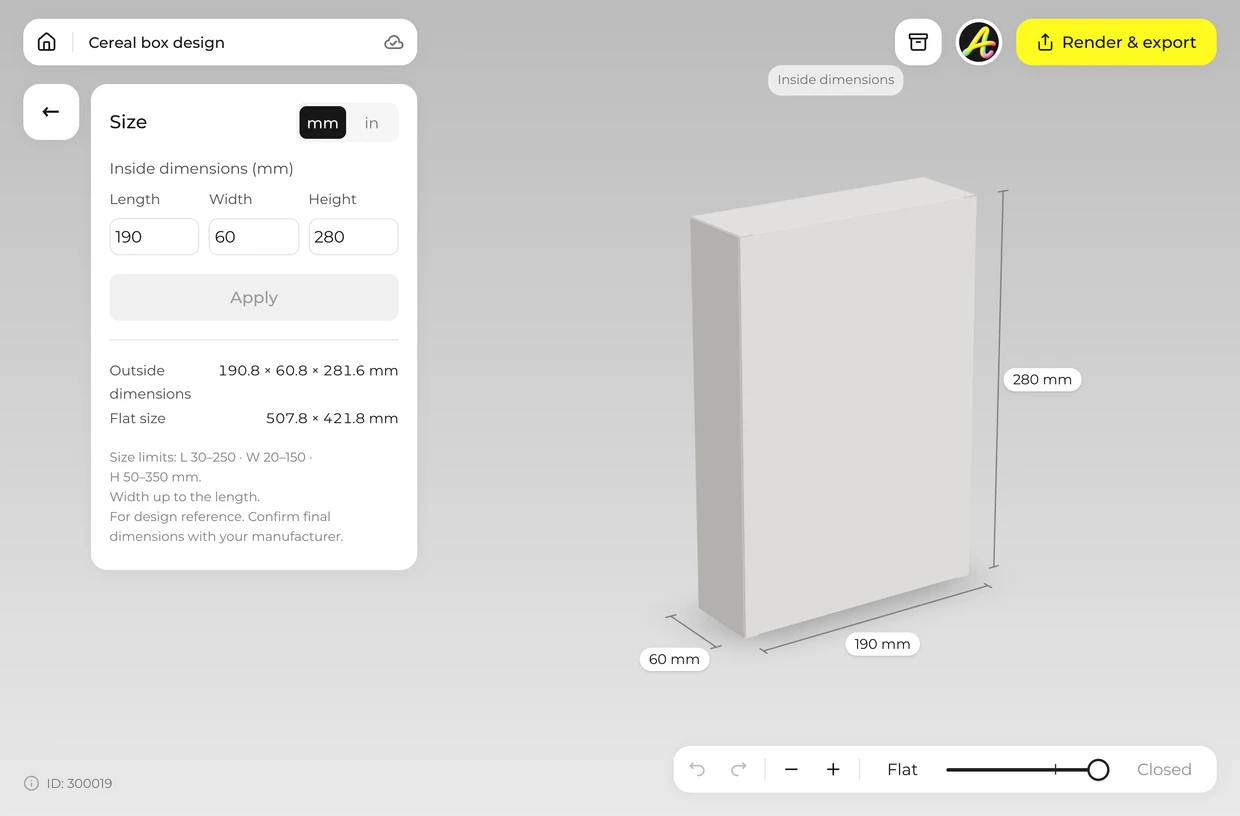
Type the inside length (the width of the front), the width (the depth of the box) and the height. The editor accepts 30–250 × 20–150 × 50–350 mm. Width can be up to the length.
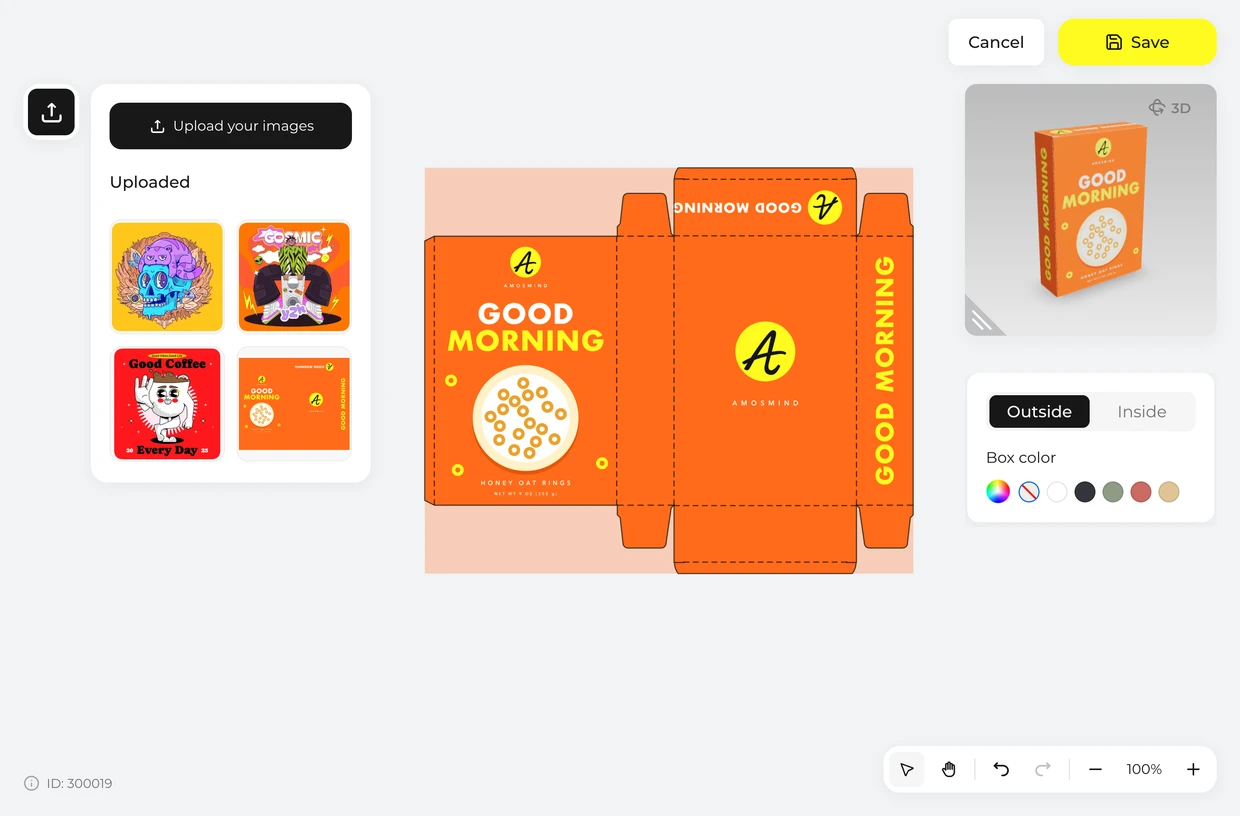
Click Upload artwork and drop your design on the flat sheet. The front, a side, the back and the other side run in one strip, so artwork can wrap around a corner.
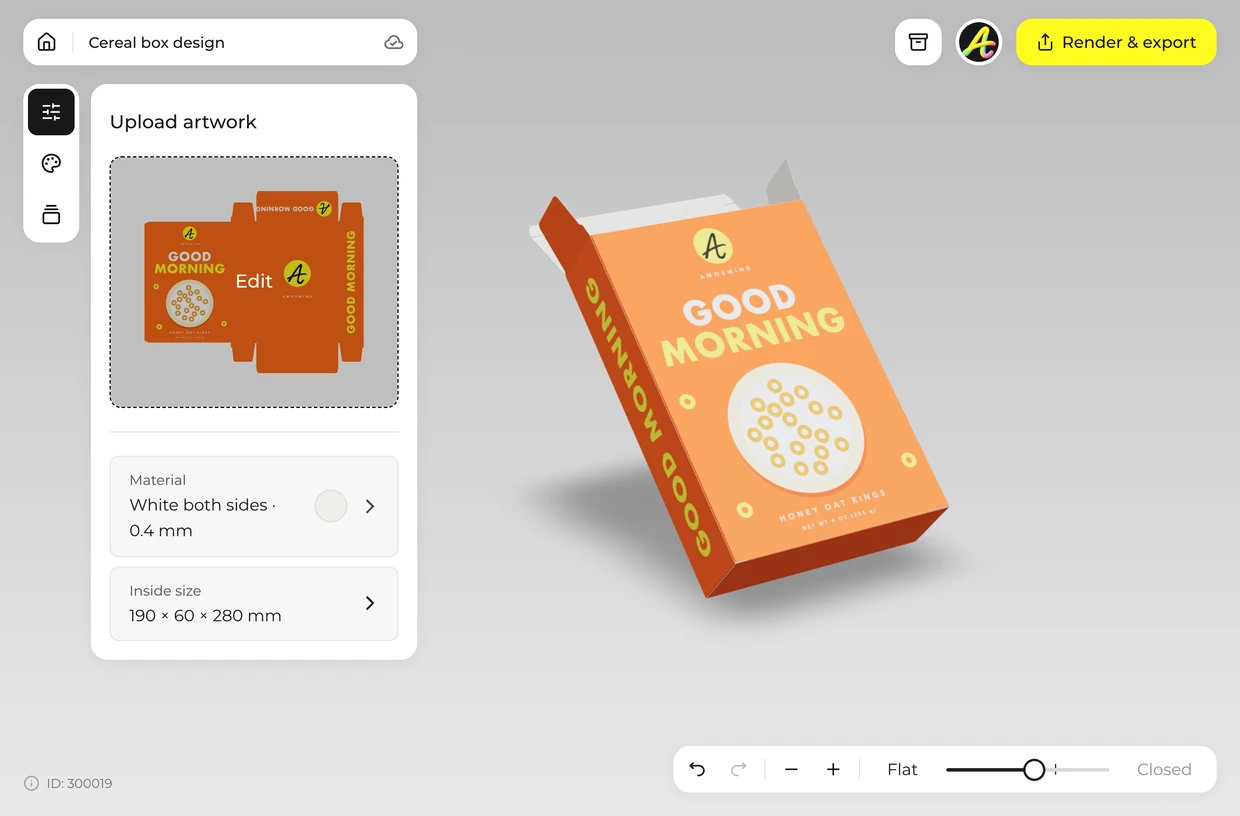
Drag the Fold slider to close the carton, then turn it to check each face in order: front, side, back, side.
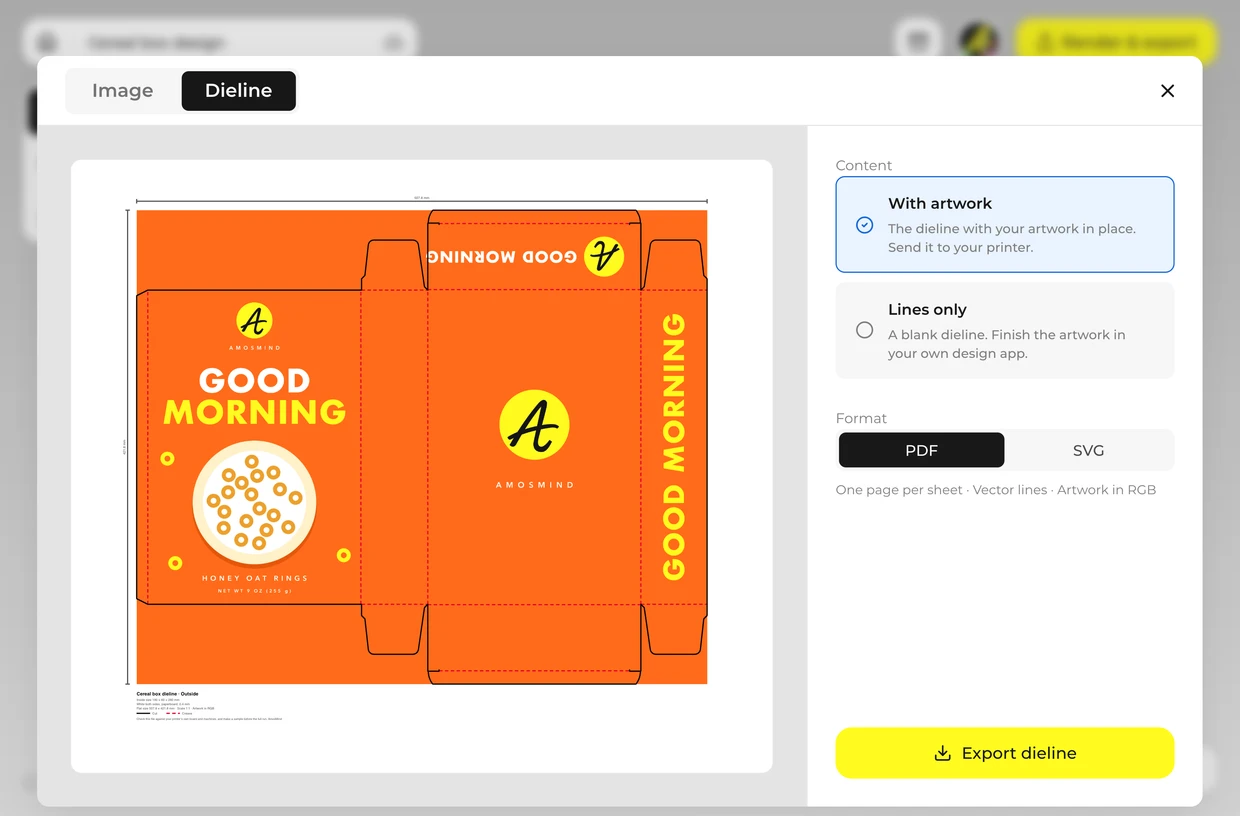
Render a JPG or PNG up to 4K for a pitch or a class project. Export the dieline as a PDF or SVG at full size and send it to your carton printer. Ask them to check it against their own board and machines and to make a sample before the full run: board thickness, tolerances and glue areas differ from one factory to the next.
Every box opens in the same live 3D editor.
Three kinds of file come out of the same project. The picture is for showing the box; the dieline is for making it.
| File | Format | Use it for |
|---|---|---|
| Image | JPG or PNG, 2K or 4K | Store pages, pitch decks, social posts |
| Cut-out | PNG with a transparent background | Your own layouts and product photos |
| Dieline | PDF or SVG at full size, 508 × 422 mm at the starting size | Your printer or box maker: cut lines, crease lines and your artwork in place |
The dieline is drawn from the size and board you set. It is a starting file for your printer, who will check it against their own board, machines and glue areas and make a sample before a full run.
Short answers about sizes, materials and files.
There is no official size. A carton of about 9 oz is roughly 190 × 60 × 280 mm, and an 18 oz carton about 206 × 84 × 308 mm (8.1 × 3.3 × 12.1 in). This mockup starts at 190 × 60 × 280 mm and takes any size within 30–250 × 20–150 × 50–350 mm. Width can be up to the length.
Set the size, click Upload artwork and place your design on the dieline, then render the image. It runs in your browser.
Yes. Export the dieline as a PDF or SVG at full size, with cut and crease lines. Ask them to check it against their own board and machines and to make a sample before the full run: board thickness, tolerances and glue areas differ from one factory to the next.
Yes, for a model. Export the dieline, print it on card, cut along the solid lines and score along the dashed ones. A carton larger than your paper has to be printed in tiles or at a reduced scale.
Yes. Your artwork goes on all four faces and both ends, and you can turn the carton to any angle before you render it.
Yes. Choose Transparent in the Background panel and the box downloads as a PNG with no background, ready to drop into your own layout.
Browsing the boxes and turning them in 3D is free. Log in with an email code or Google to upload artwork, save projects and render images. Exporting a rendered image or a dieline needs a free account; rendering and downloads are free right now.