
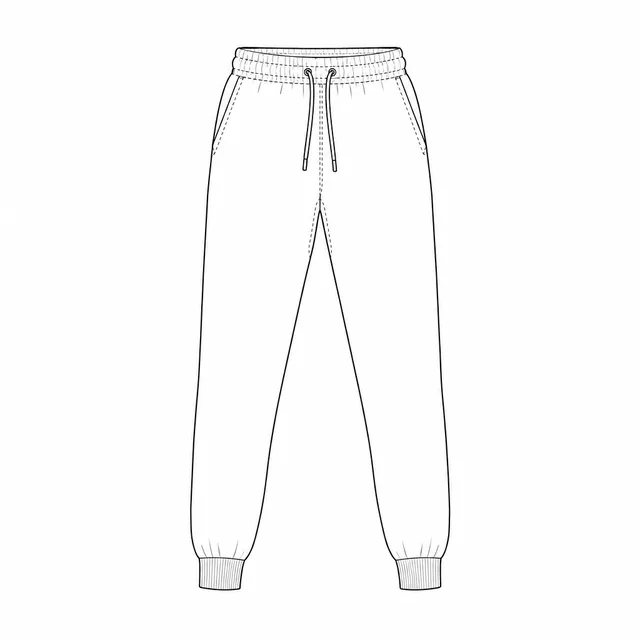
Sweatpants
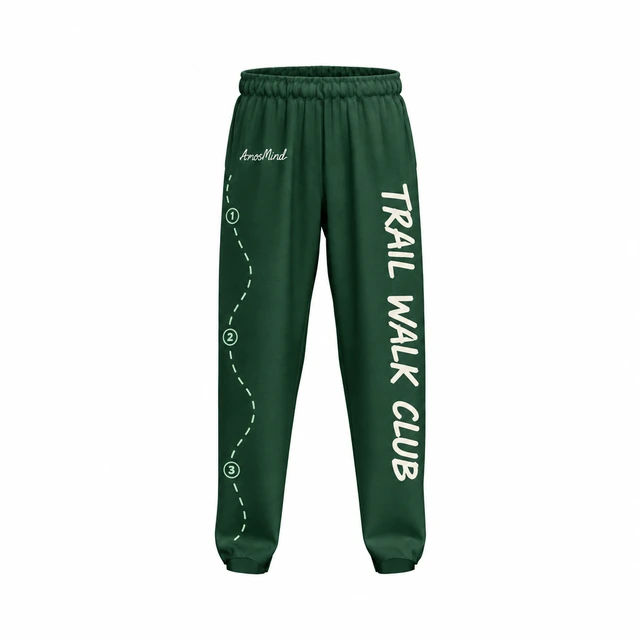
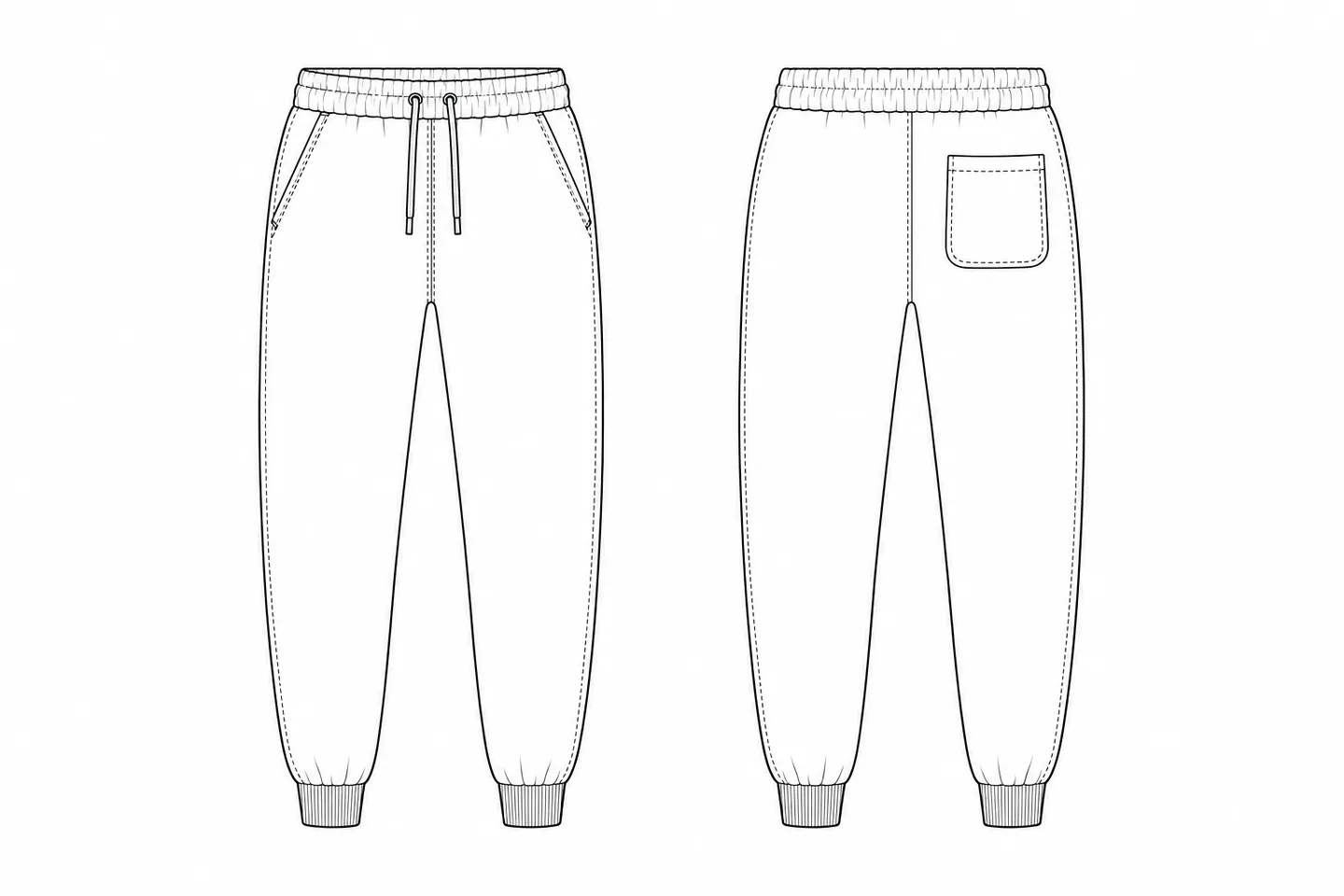
Relaxed legs that gather into rib cuffs, with a drawstring waist. The base for loungewear and sweatsuits.
Best for loungewear and sweatsuit drops
Put artwork on either leg, the pockets or down the side, color the waistband, drawstrings and cuffs, and turn the pants to check the front, sides and back. Render the views you need as images up to 4K.

12 mockups
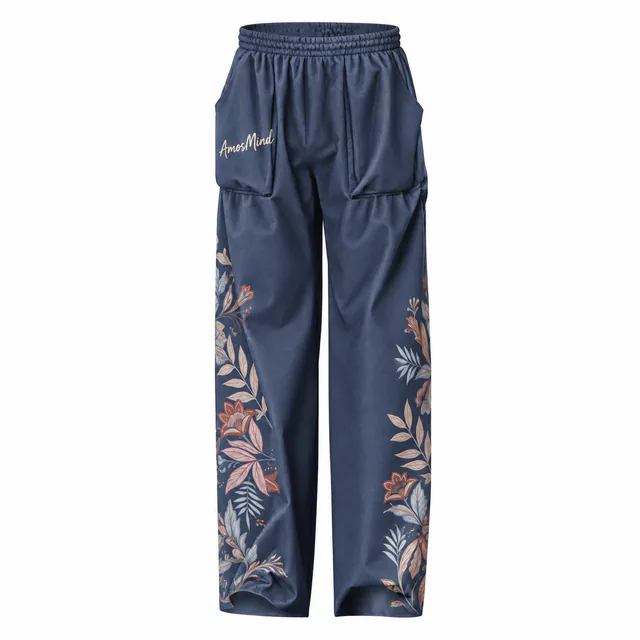 Add your design
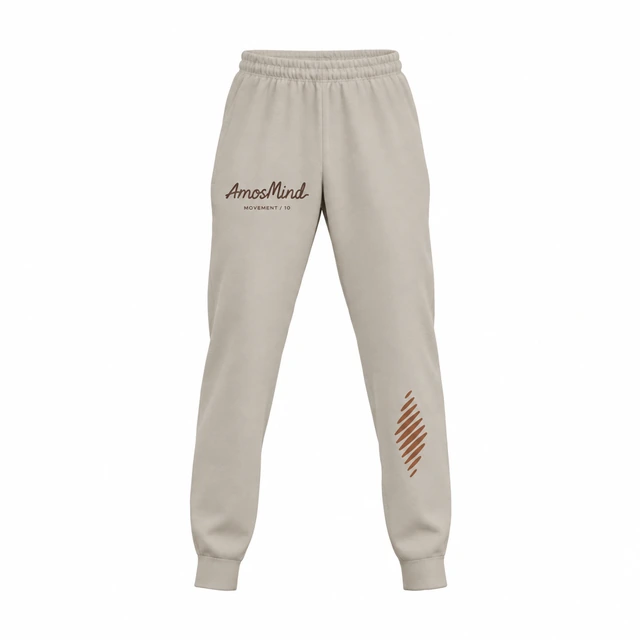 Add your design
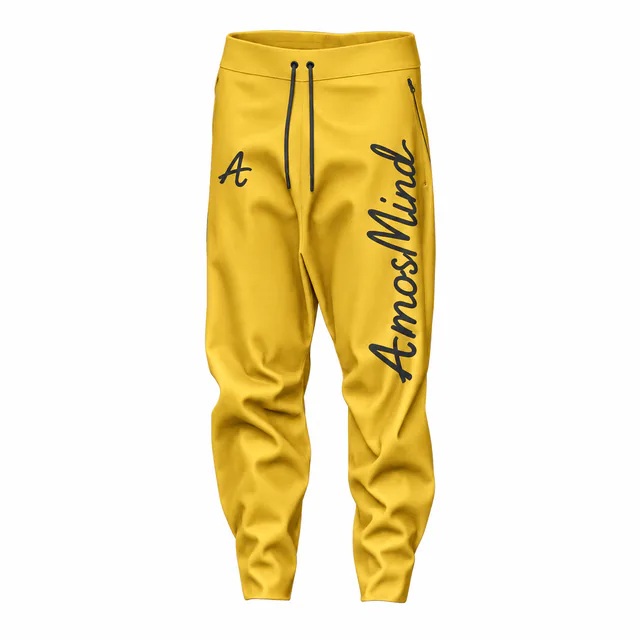 Add your design
 Add your design
 Add your design
 Add your design
 Add your design
 Add your design
 Add your design
 Add your design
 Add your design
 Add your design
The cut decides where a design can go. Cuffs gather a print at the ankle, cargo pockets break up the thigh, and wide legs give you the most room. Start from the cut your customers wear.
Relaxed legs that gather into rib cuffs, with a drawstring waist. The base for loungewear and sweatsuits.
Best for loungewear and sweatsuit drops
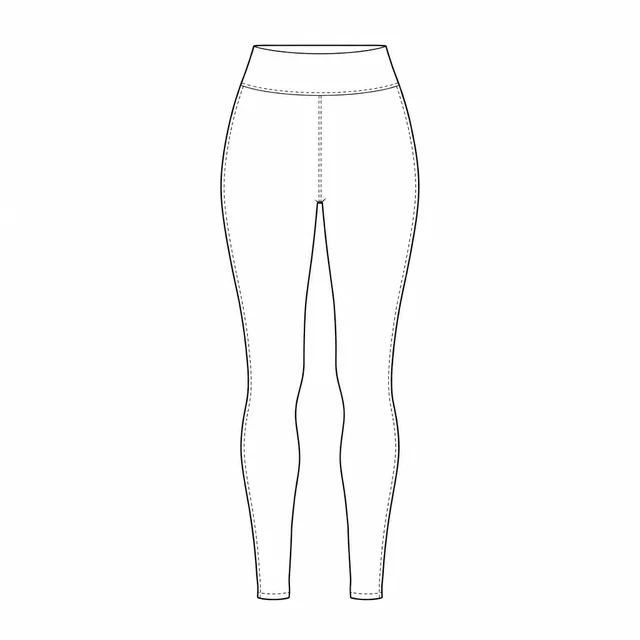
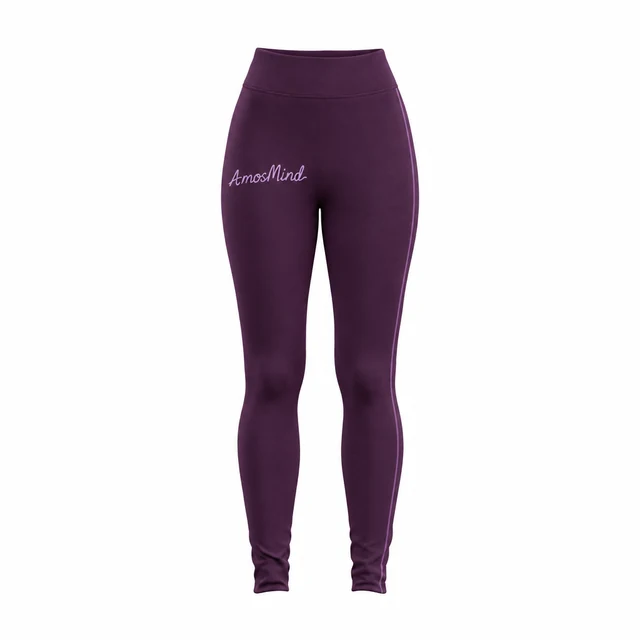
Slim legs close to the body from hip to ankle, with a high elastic waist.
Best for team warm-ups and training
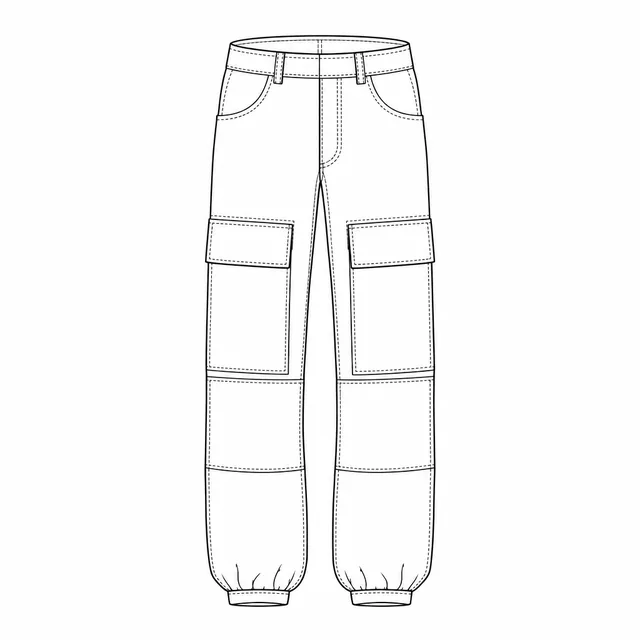
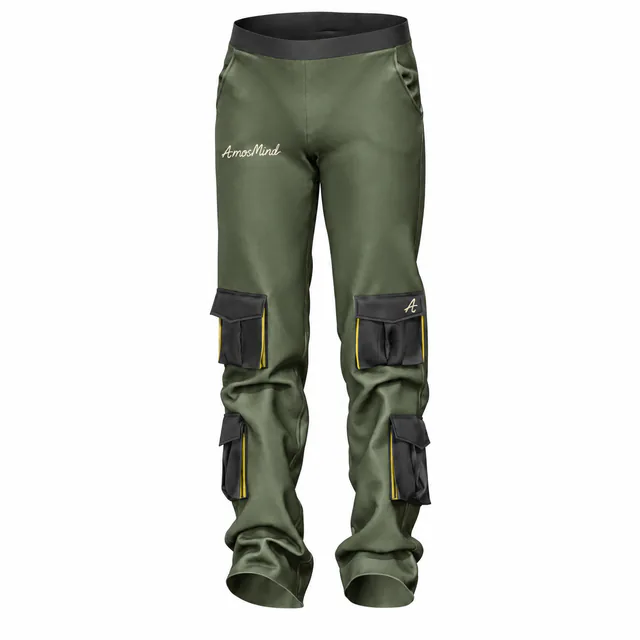
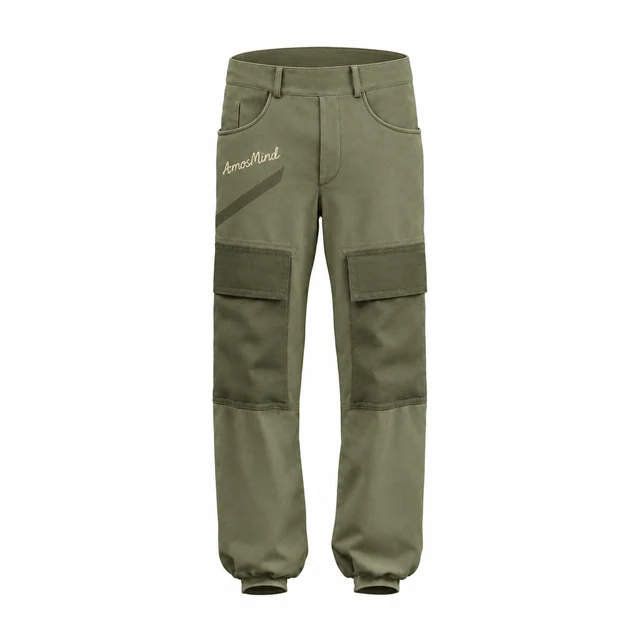
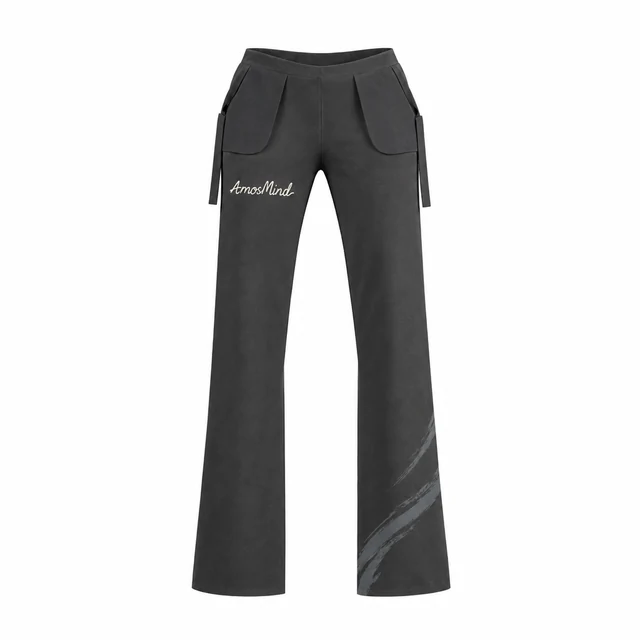
Straight legs with flapped thigh pockets and knee panels. The pockets are the design feature.
Best for workwear and streetwear
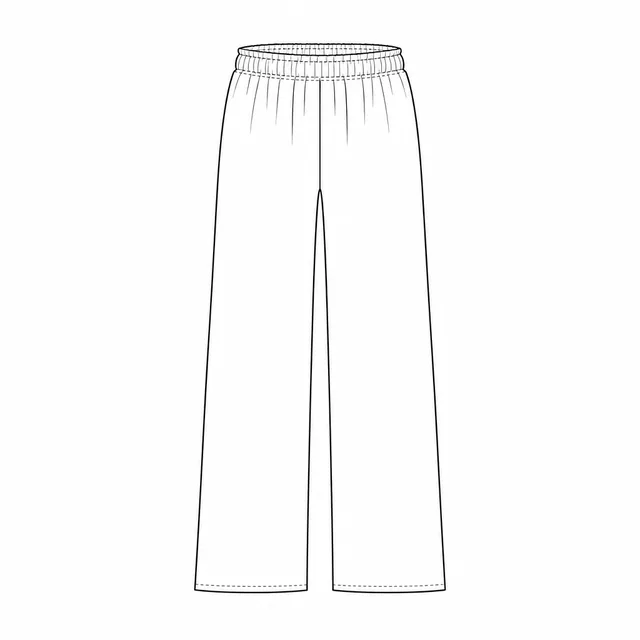
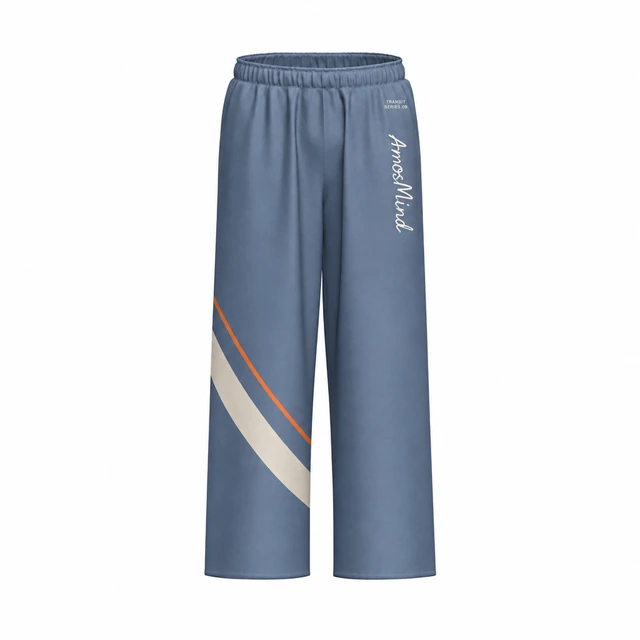
Very wide straight legs to the hem, with plenty of room for tall prints.
Best for lounge and resort lines
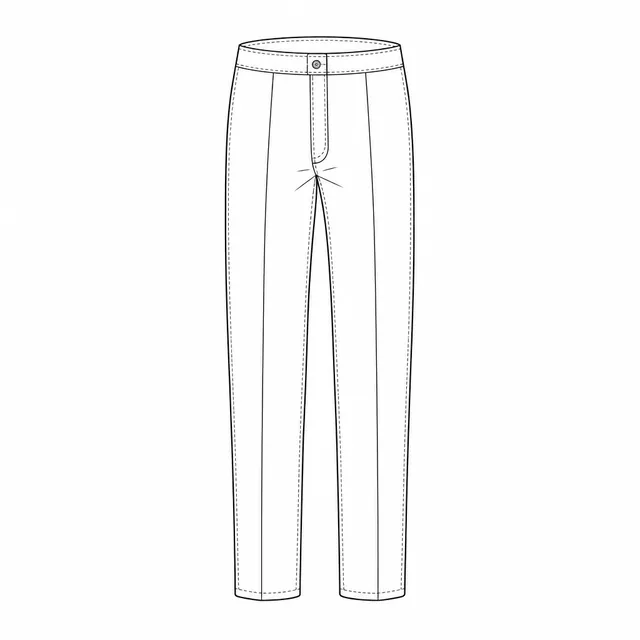
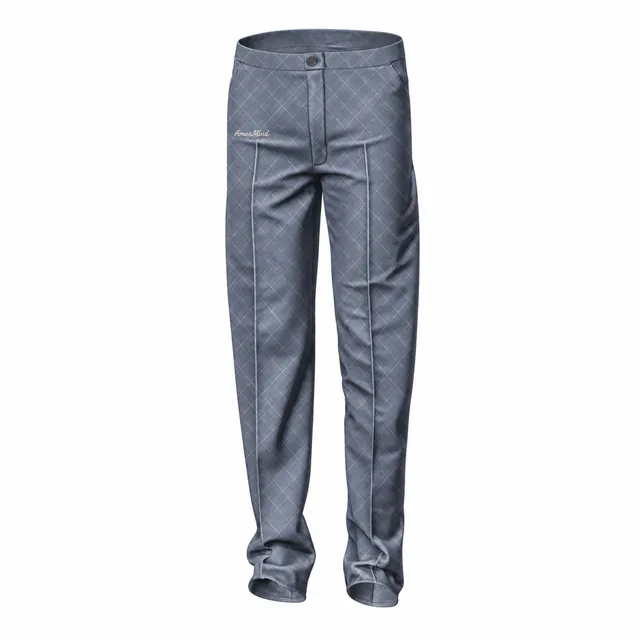
A tailored waistband and a pressed front crease. They read smart, so keep prints small.
Best for tailoring and uniforms
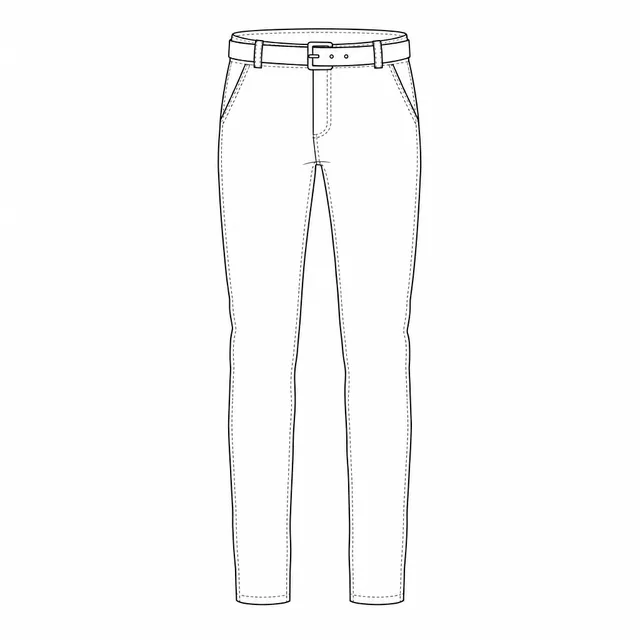
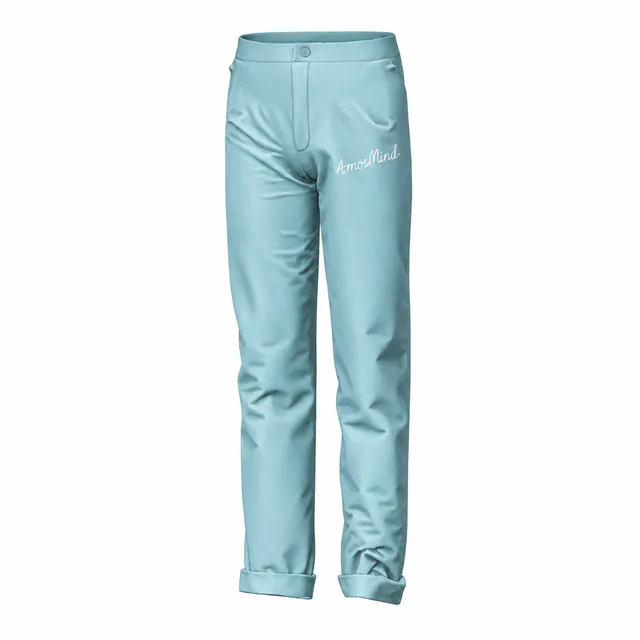
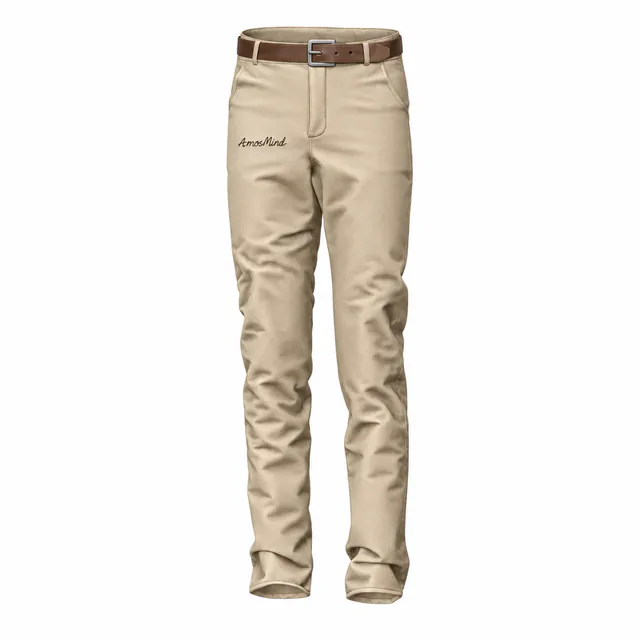
Slim legs, slanted pockets and a belt through the loops.
Best for chinos and casual lines
Pants are cut from separate leg pieces, so every placement belongs to one piece: a thigh logo sits on the front of one leg, a side stripe crosses the front and back pieces, and a pocket print stays on the pocket.
About 4 × 4 in (10 × 10 cm)
Logos and small marks, usually on the left thigh
Up to about 3 × 28 in (7.5 × 70 cm)
Vertical words and side stripes
Inside the pocket panel
Small tags, on styles with a printable pocket
About 6 × 2 in (15 × 5 cm) below the waistband
Brand names
Every pants style here has four leg pieces: left front, right front, left back and right back. A stripe down the side seam is placed on the front and back pieces separately and lined up with exact X and Y values. Sizes are common print-shop limits for adult pants; your print provider's limits come first.
Beyond the legs, every style has its own trims. These are the parts you can color on their own in Garment parts, and the pockets that take a print.
| Style | Waistband | Drawstrings | Cuffs or hems | Pocket print area | Also colorable |
|---|---|---|---|---|---|
| Cuffed sweatpants | Cuffs | — | Pocket trim | ||
| Drawstring joggers | — | — | Gusset, hardware | ||
| Relaxed cuffed joggers | Waistband and lining | — | — | — | — |
| Slim-fit track pants | — | — | — | — | |
| Cargo pants | — | — | Details | ||
| Paneled cargo pants | — | Cuffs | Cargo pocket | Fly and loops, front and rear pockets | |
| Elastic-waist wide-leg pants | — | Hems | — | ||
| Wide-leg pants | — | — | Fly, side strips, hip trim | ||
| Straight-hem wide-leg pants | Waistband and lining | — | — | — | — |
| Belted slim-fit pants | — | — | Belt and buckle | ||
| Creased straight-leg pants | — | — | — | Button | |
| Cuffed casual pants | — | Cuffs | — | Button |
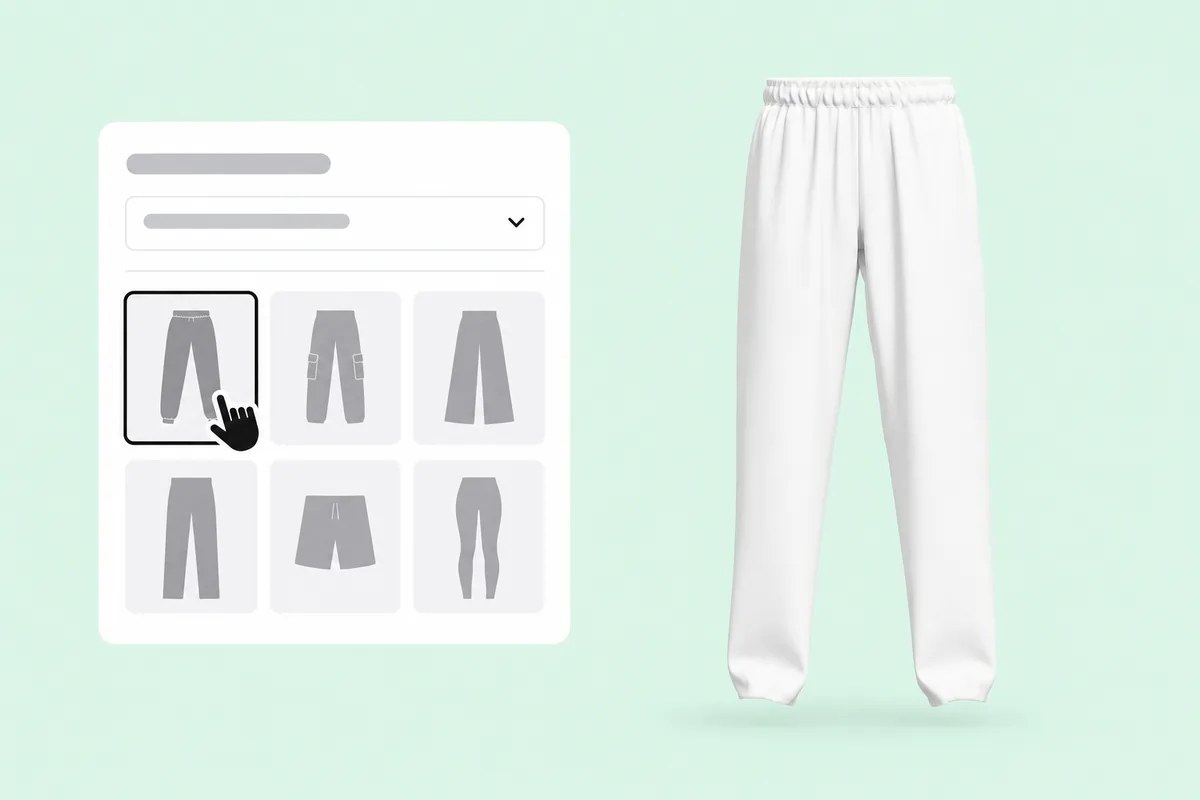
Open joggers from the list above. Every pair loads as a full 3D garment you can turn.
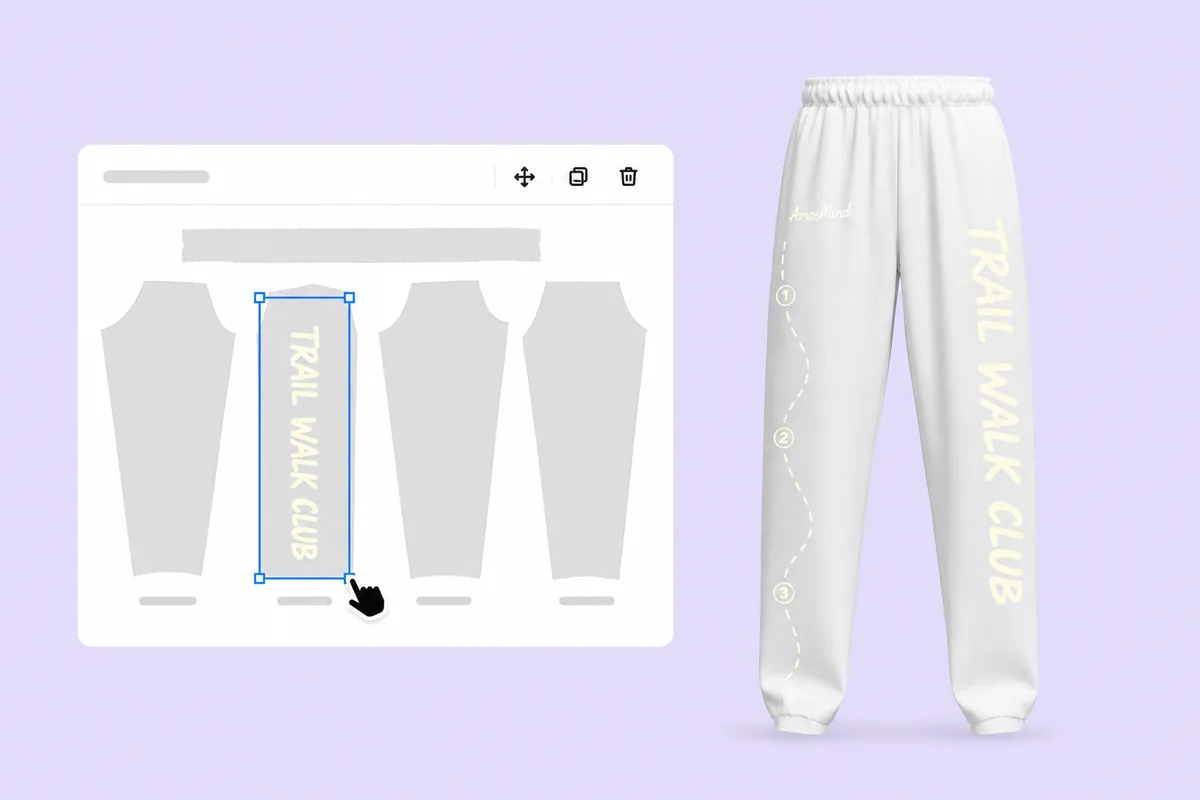
Upload a PNG, JPG, WebP or SVG and drop it on one leg piece. Rotate it to run down the leg; the 3D pants update as you move it.
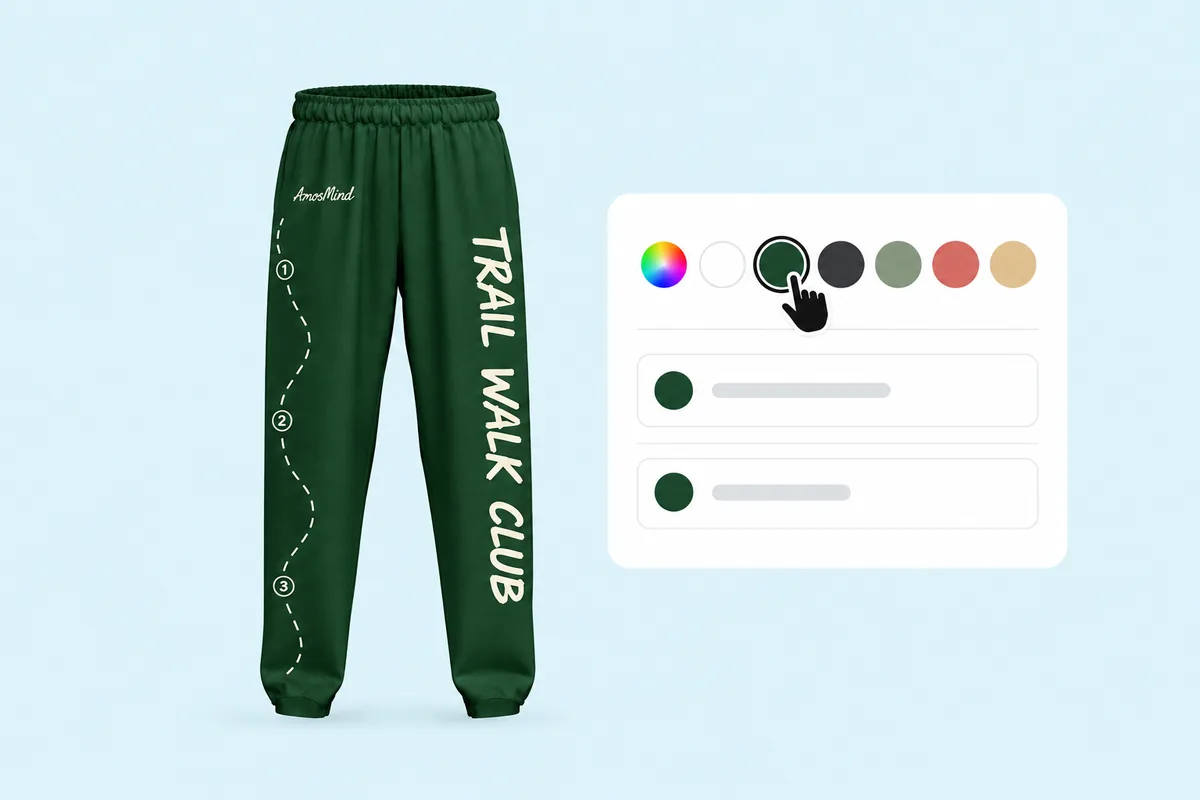
Pick the garment color, then set the waistband apart in Garment parts. Styles with drawstrings and cuffs let you color those too.
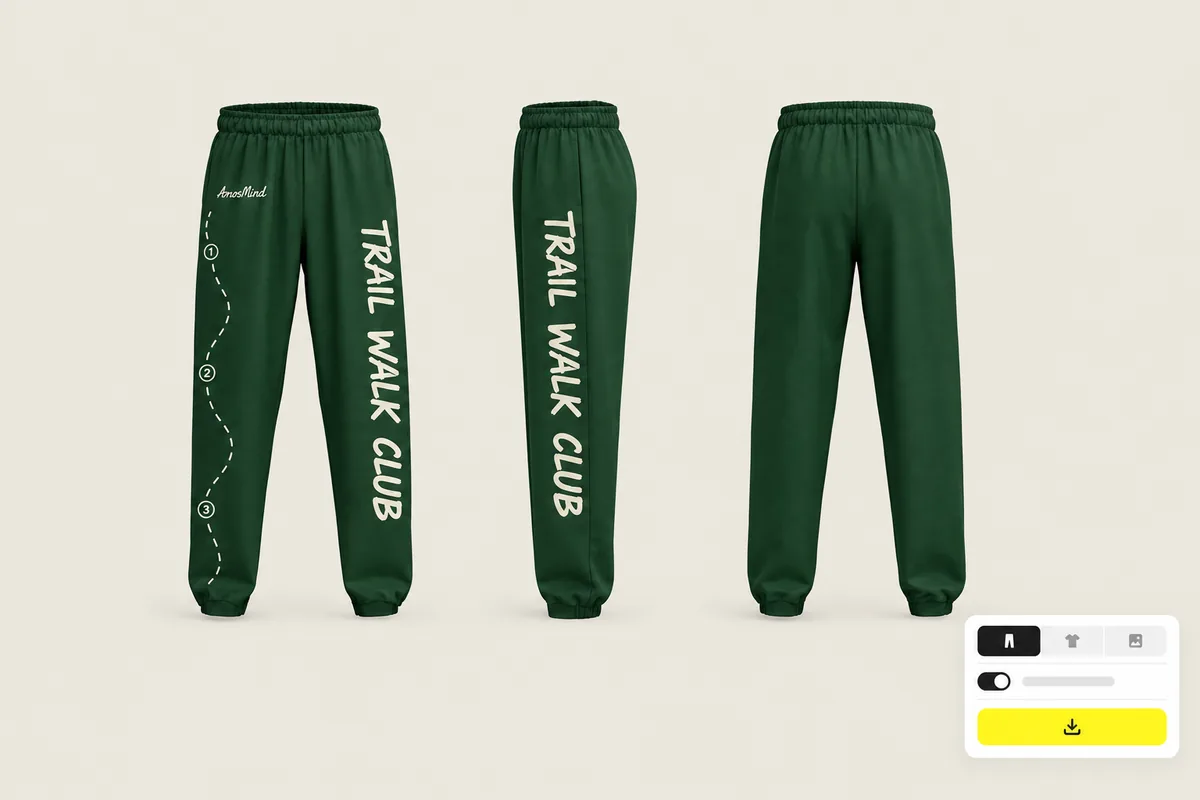
Turn the pants to each view and export at 2K or 4K, with a transparent background if you need a PNG.
Every category below opens the same live 3D editor. Start with the garment you actually sell.
Each style here starts in the fabric it is usually made in: fleece for sweatpants, denim twill for cargos, herringbone for trousers and stretch for track pants. Switch the look to see how your print sits on it.
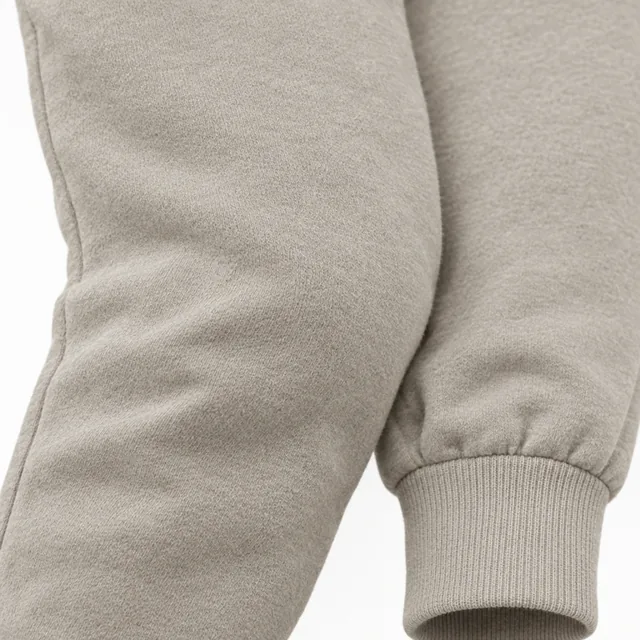
The sweatpants start here: a soft nap and a matte surface.
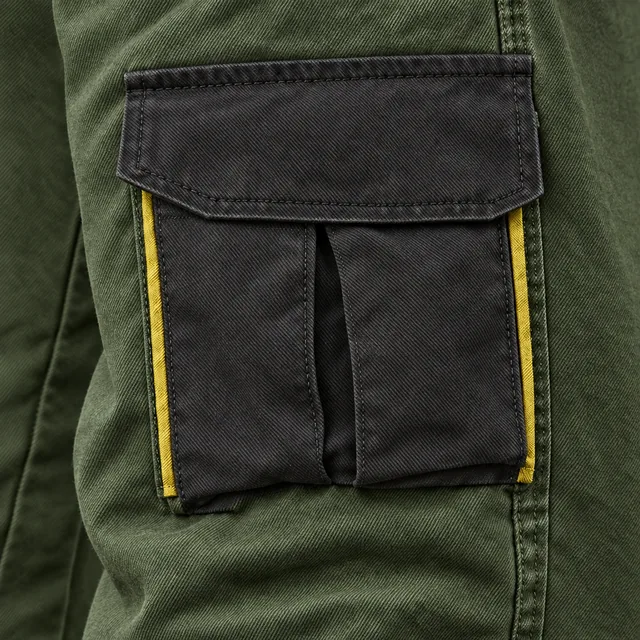
Clear diagonal lines. The cargo and casual pants start in this look.
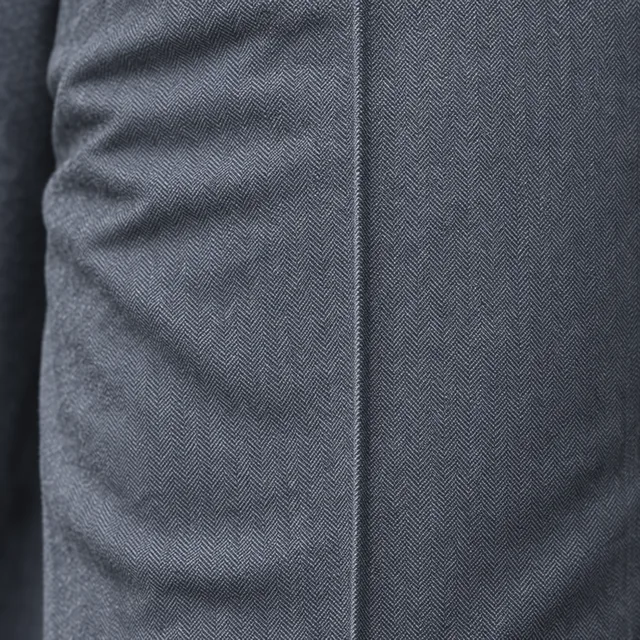
A fine zigzag weave for the pressed trousers.
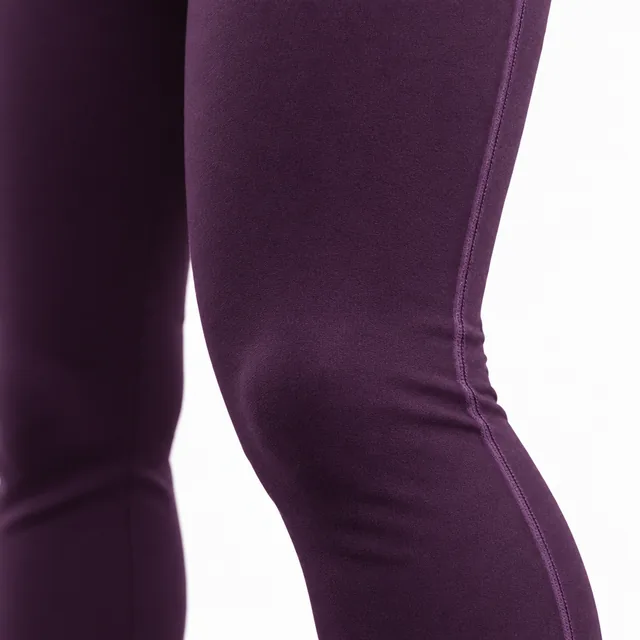
Smooth with a soft sheen, for the track pants and wide legs.
Fabric looks change the texture and sheen in the preview. They are visual presets, not a fabric simulation.
Answers about legs, trims and prints on pants and sweatpants. For general questions, see the clothing mockup FAQ on the homepage.
Pick the sweatpants or joggers above, upload your artwork and place it on a leg, the thigh or the back. Color the waistband, drawstrings and cuffs, then render the front, side and back.
Start from the cut you want to sell, place your design on the leg pieces or pockets, choose a fabric look and colors, and render the views you need. No pattern cutting or sample sewing is needed for the mockup.
Yes. Each leg is split into a front and a back piece, and every piece takes its own artwork, so the two legs can carry different designs.
Yes. Set the body color, then color the waistband, drawstrings and cuffs separately on the styles that have them.
Browsing the pants and previewing them in 3D is free. Log in with an email code or Google to upload artwork, save projects and render images. Only use artwork you own or have permission to use.
For printing, prepare artwork at 300 DPI at the final size: 1200 × 1200 px for a 4 × 4 in thigh logo, or about 900 × 8400 px for a 3 × 28 in print down the leg. Uploads can be up to 50 MB.
Yes. Turn the pants in 3D and render the side or back as its own image, which matters for prints that run down the leg or sit on the back pocket.
Not yet. The cargo pants and cuffed casual pants start in a denim twill look, but there is no five-pocket jean in the library today.