
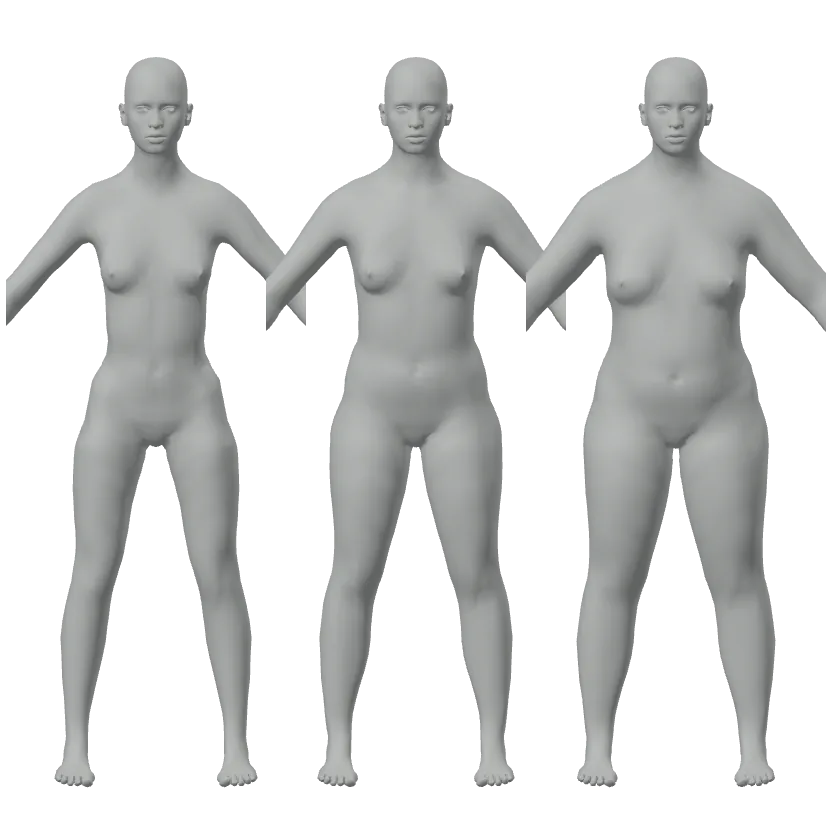
See a goal weight
Enter your height and the weight you are working toward, and look at that body from every side. Add a waist or chest measurement to make it yours.
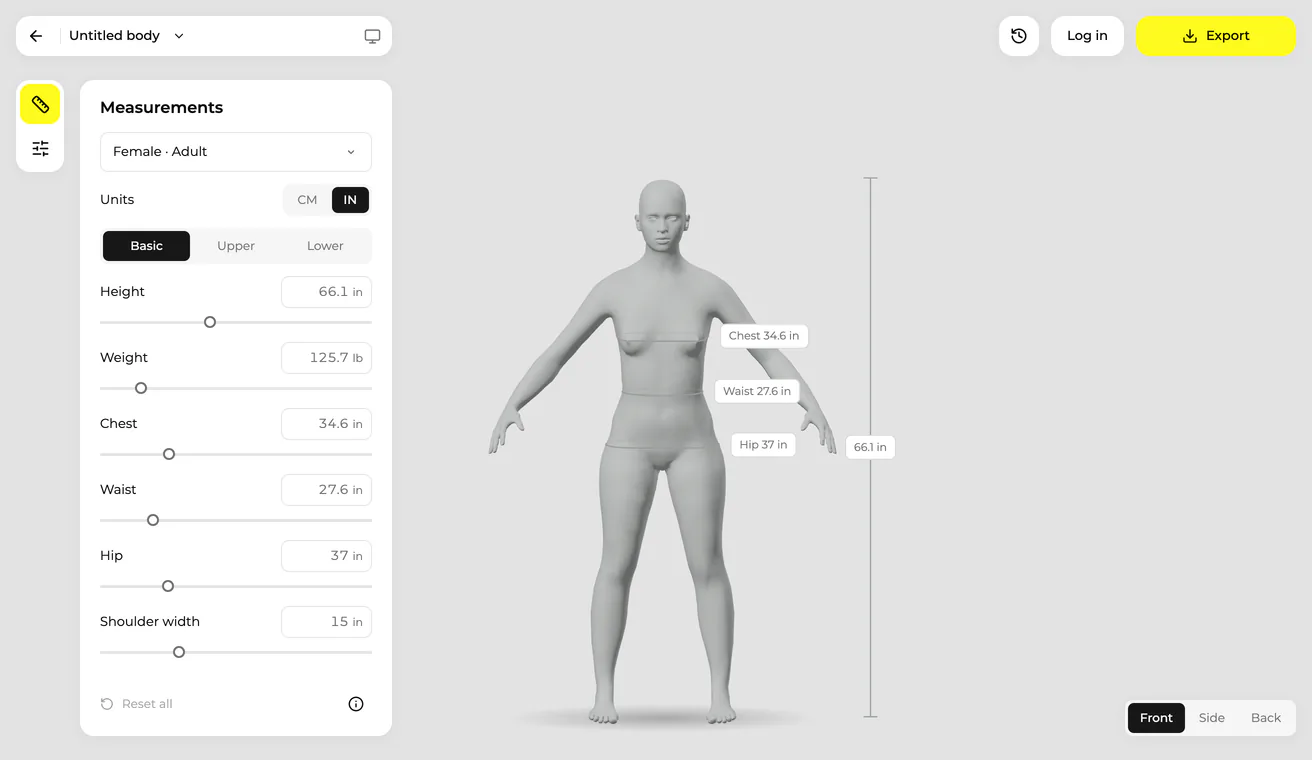
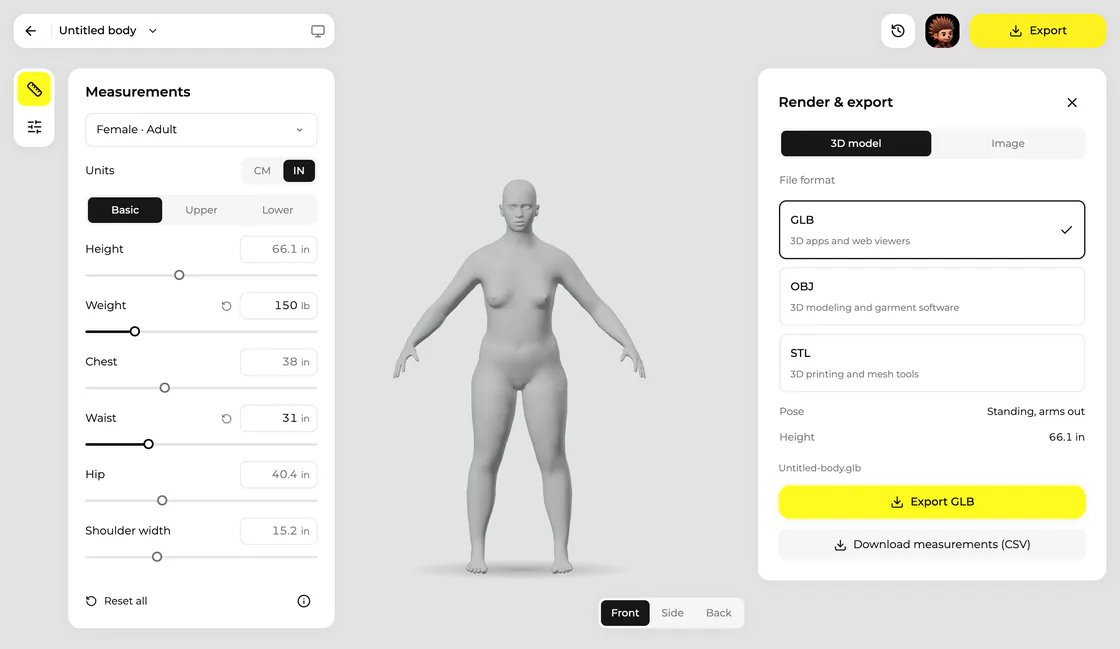
Enter your height and weight and see that body in 3D as you type. Add any of 16 tape measurements to refine it, then log in to download the model as GLB, OBJ or STL. Free to use, and your measurements stay in your browser.
The body visualizer needs a screen at least 720 pixels wide. Open this page on a computer, or on a tablet held sideways.
The body is saved in this browser only. Nothing is uploaded.
Open full screenEverything happens on this page. Nothing to install.
Start from the adult female or male body. Work in centimeters and kilograms or in inches and pounds, and switch at any time.
The body takes that height and that weight at once, and every other measurement follows. Then type any tape measurement you know: it is kept exactly.
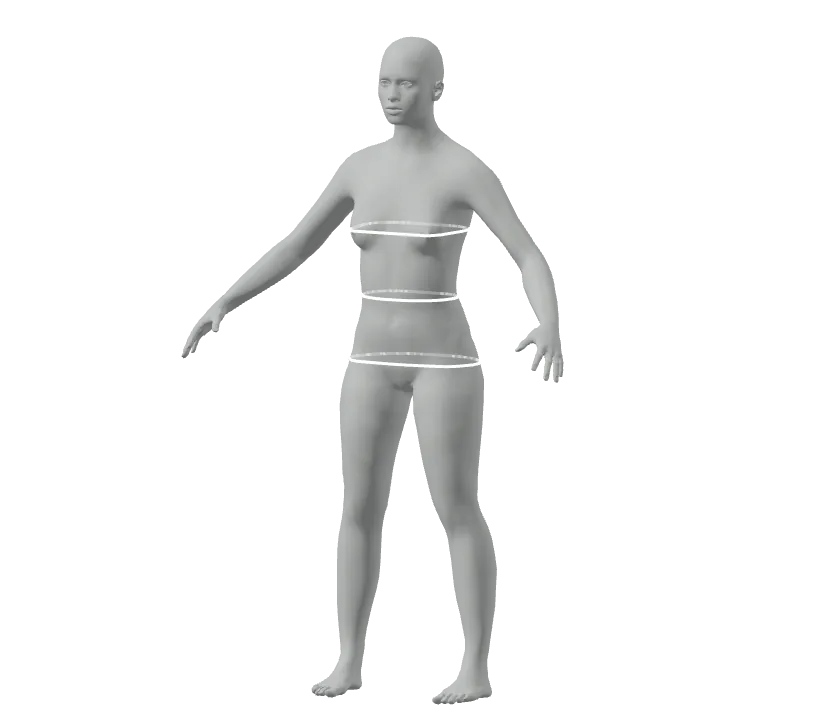
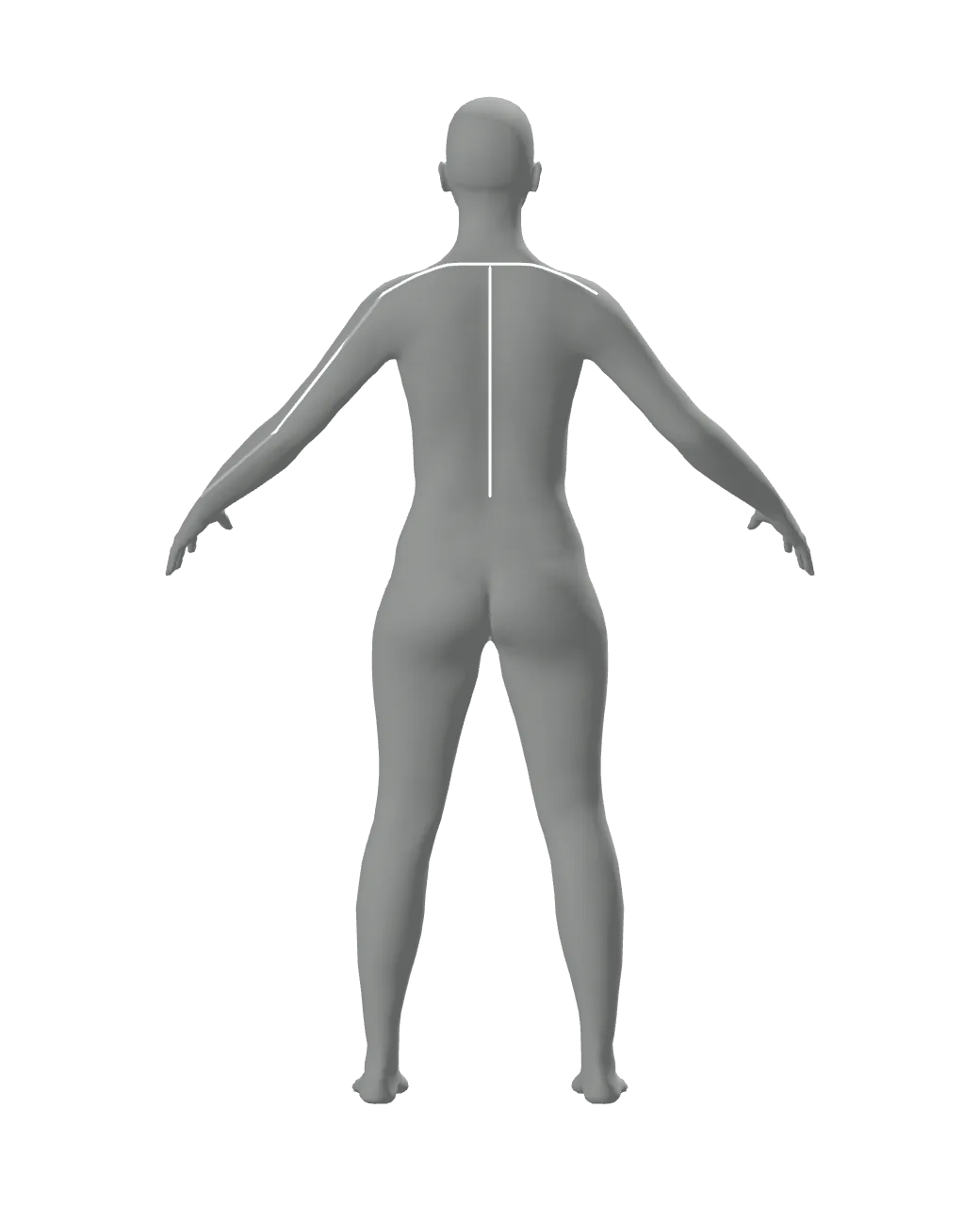
Select a measurement to see where its tape runs. When the shape is right, log in and export the 3D model, a picture or the measurement sheet.
Four common reasons to turn numbers into a body.
Enter your height and the weight you are working toward, and look at that body from every side. Add a waist or chest measurement to make it yours.
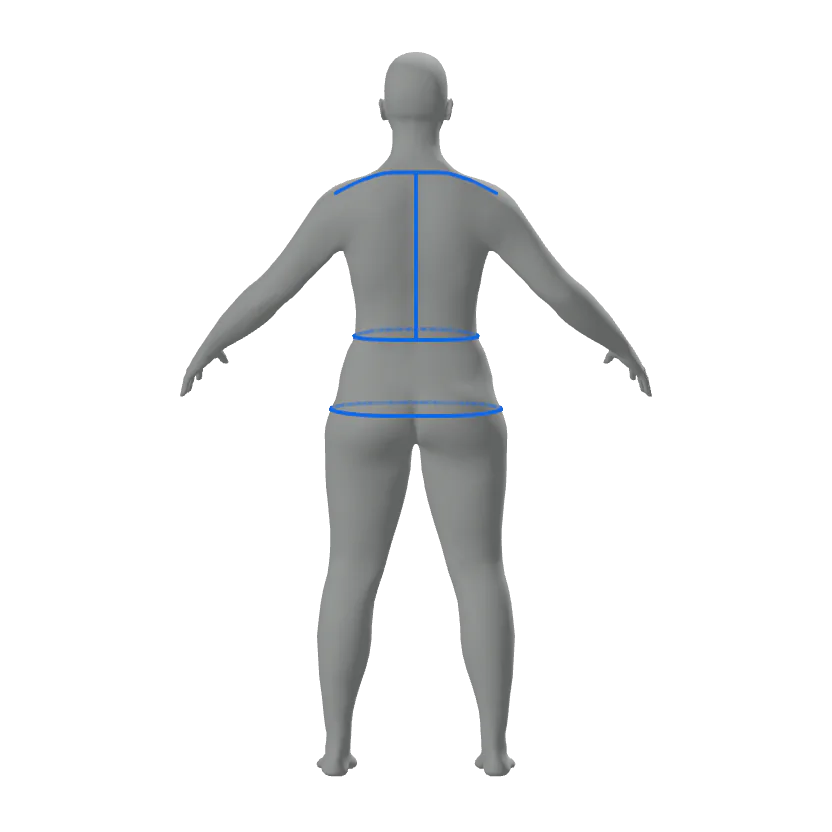
Check your shoulder width, back length and hip on a body before you cut fabric, and keep the measurement sheet beside the pattern.
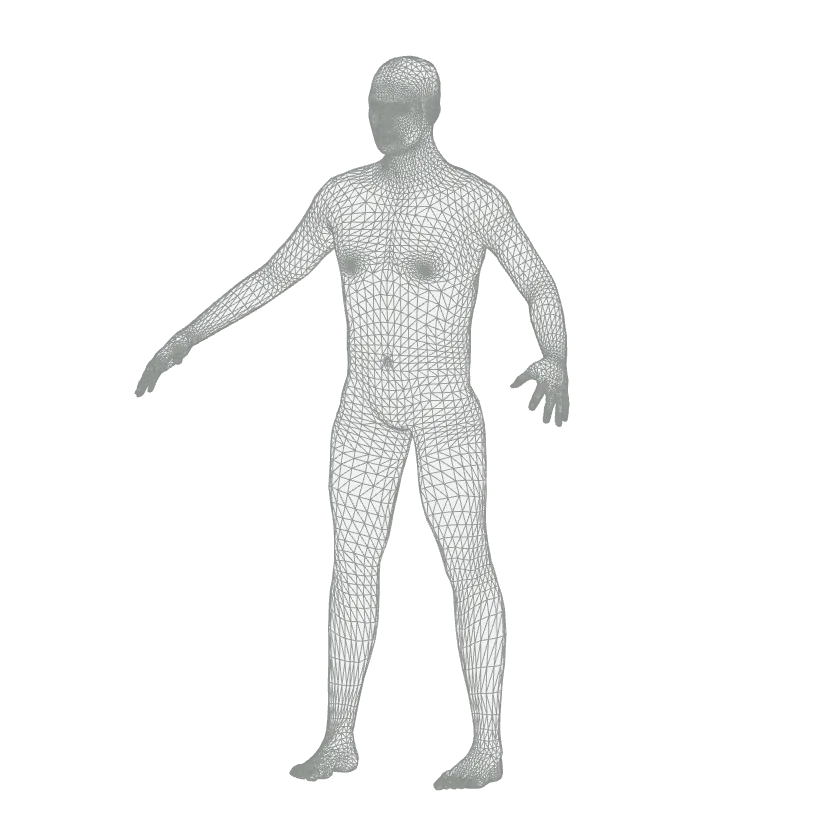
Download the body in your size as OBJ or GLB for the 3D program you design garments in, or as STL to print a dress form.
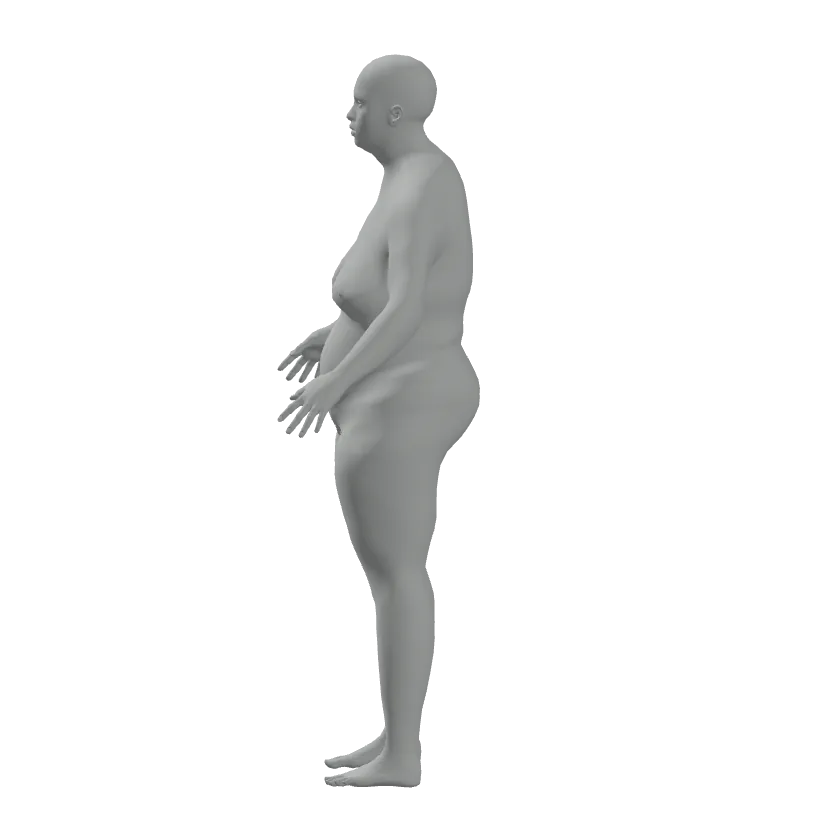
Set the build you have in mind, turn it to any angle and save the view as a picture to draw from.
Each value is measured on the 3D body itself, the way a tape would take it. What you enter is what the body, and any file you export, measures.
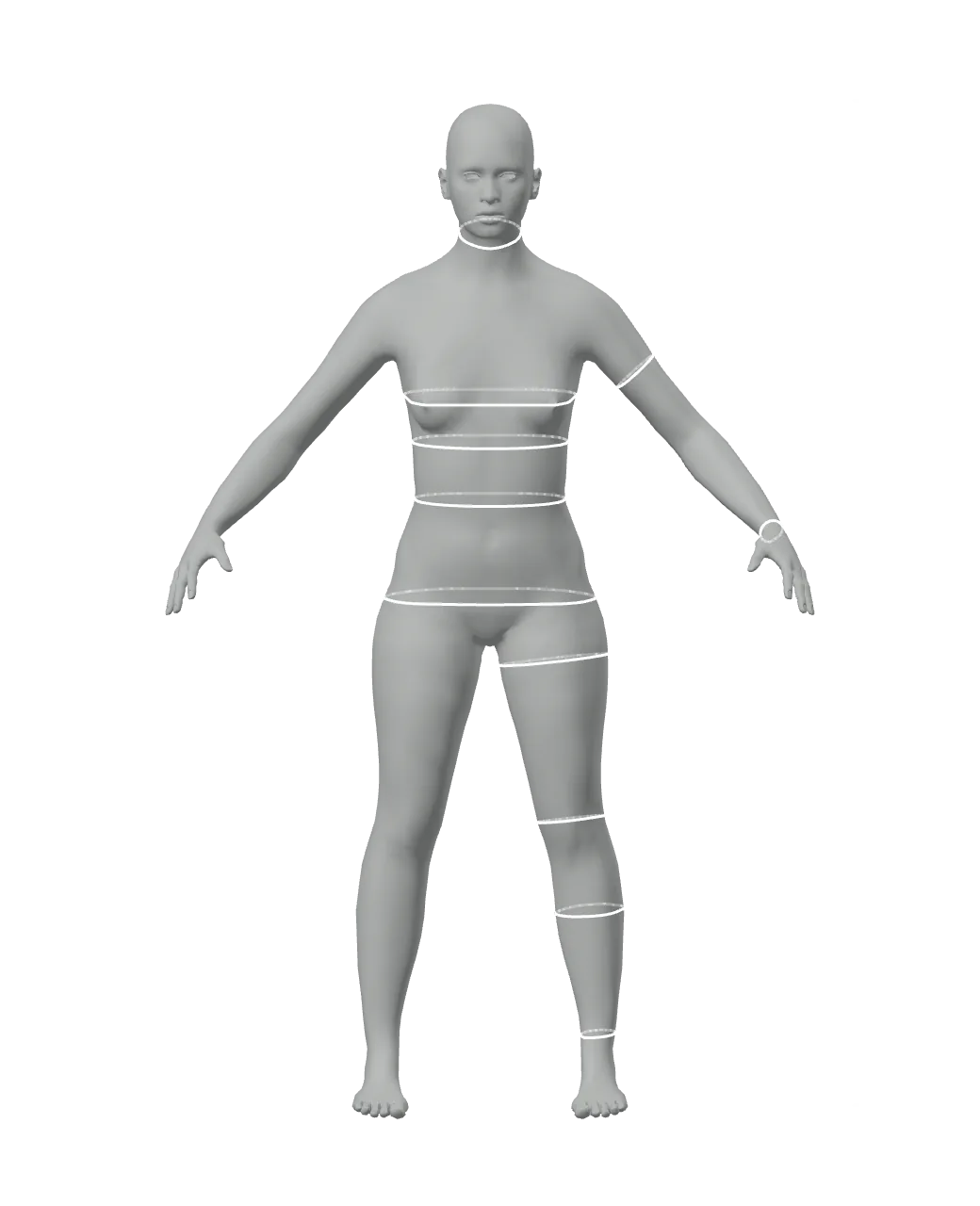
Log in, then take it with you as a 3D model, a picture or a list of numbers.
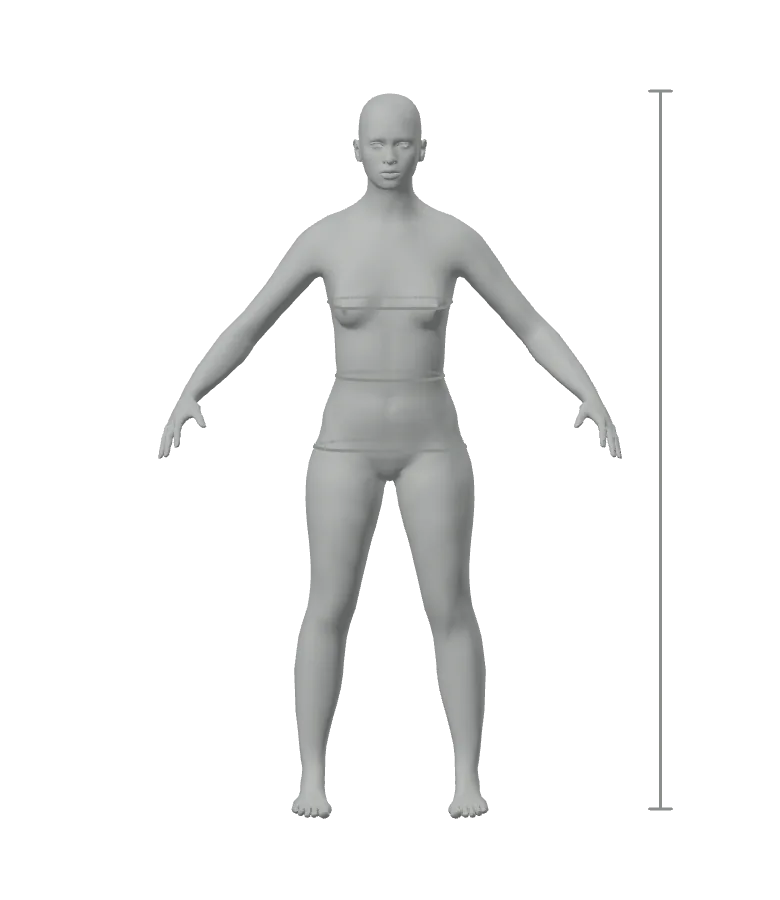
The model is a single mesh at full size, standing with the arms out. It has no skeleton, so keep the body file to change it here later.
It depends on which numbers are yours.
Each measurement you type is reached on the 3D body to within half a millimeter, and an entered weight is the weight of the body itself. Exported files measure the same.
Values you leave out follow how the measurements of about 6,000 measured adults go together. They are a sensible starting point, not a prediction of one person.
The body is calculated on your device. Your measurements are saved in this browser only and are not sent to a server, also when you are logged in.
When values cannot exist together, such as a weight that does not go with the girths you entered, your measurements are kept and the body shows what it has instead.
What to know before you rely on the shape you see.
Yes. Building a body is free and needs no account. Downloading the 3D model, the picture and the measurement sheet is free as well, once you log in. There is no watermark.
Yes. Enter both and the body takes that height and weighs that much; every other measurement is estimated to match. Two people of the same height and weight can still look different, so add a chest, waist or hip measurement when you have one.
The measurements you enter are reached to within half a millimeter on the mesh. The shape between the tapes comes from an open base body, so you see a body with your measurements, not a scan of you.
No. It shows a shape, not a health reading. It does not estimate body fat and is not a medical tool.
Only the gray, estimated values move, because they follow what you have entered. A value you typed or dragged stays exactly where you put it.
Yes, as GLB, OBJ or STL, once you are logged in. It is one closed mesh at real size, standing with the arms out, without a skeleton, textures or clothing. Any program that opens OBJ or GLB can load it.
No photo and no upload: the body is calculated in your browser and saved on this device only. You can build a body without logging in. To download it, log in with your email address or your Google account.
Not yet. The editor needs a screen at least 720 pixels wide, so use a computer or a tablet held sideways.
Adult female and male bodies from 140 to 210 cm tall (4 ft 7 in to 6 ft 11 in) and from 35 to 200 kg (77 to 440 lb), from very slim to very heavy. It does not make children, faces, hair or poses.