
MacBook mockups in real-time 3DFrom MacBook Neo to MacBook Pro
Add your screen to a MacBook Air, a MacBook Pro or the MacBook Neo, each with its own display size. Turn it to any angle and render it as an image up to 4K.

MacBook mockups
10 mockups
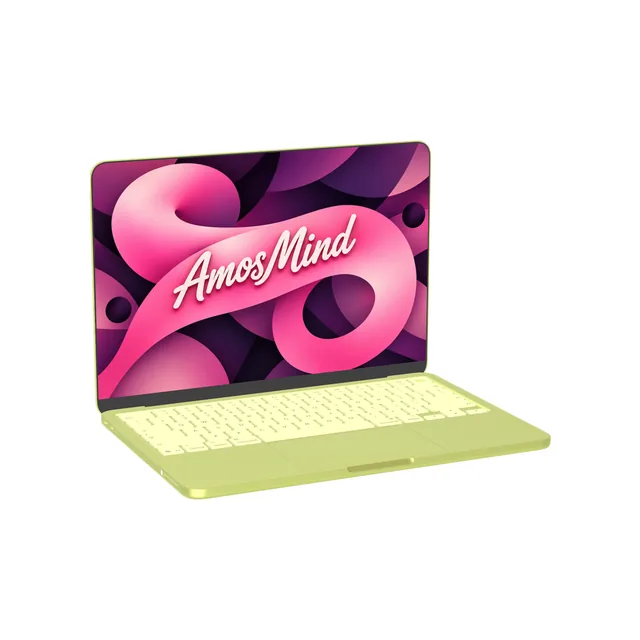
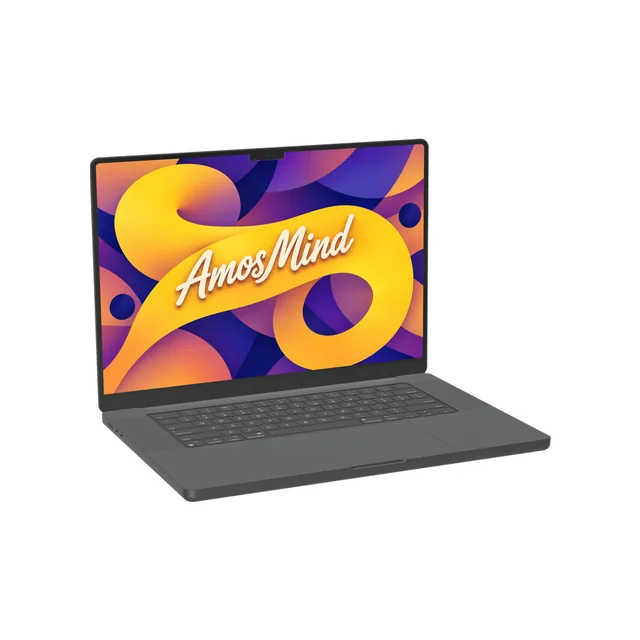
MacBook Pro 16-inch M3 mockup
Details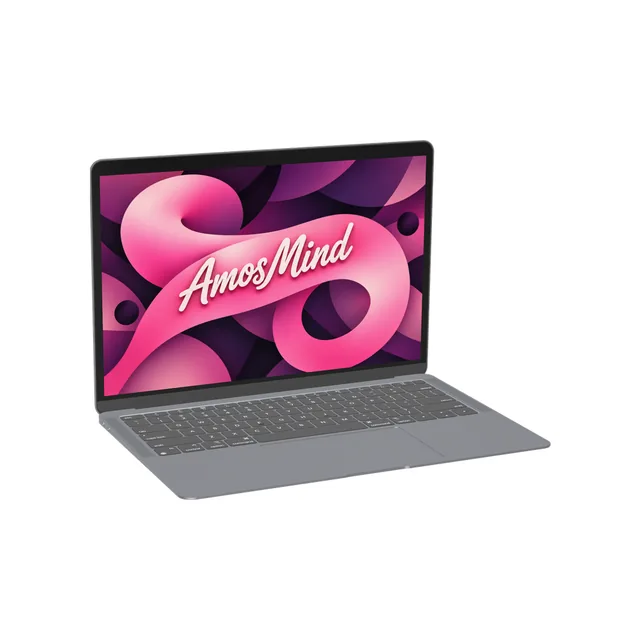
MacBook Air 13-inch M1 mockup
Details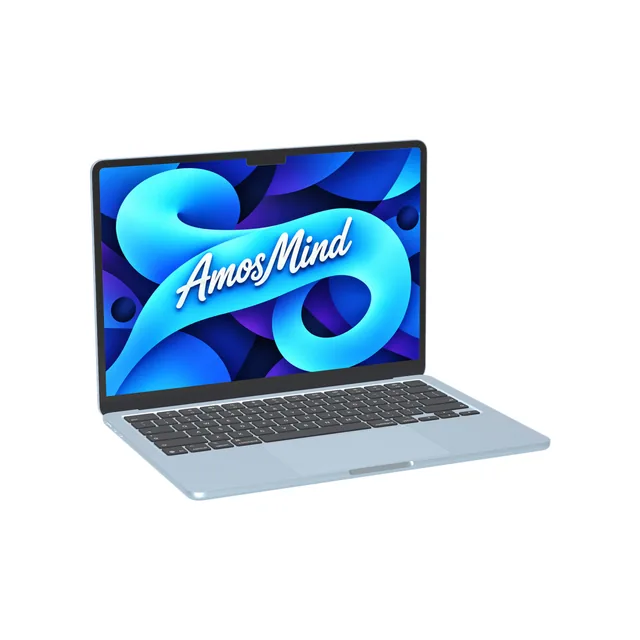
MacBook Air 13-inch M4 mockup
Details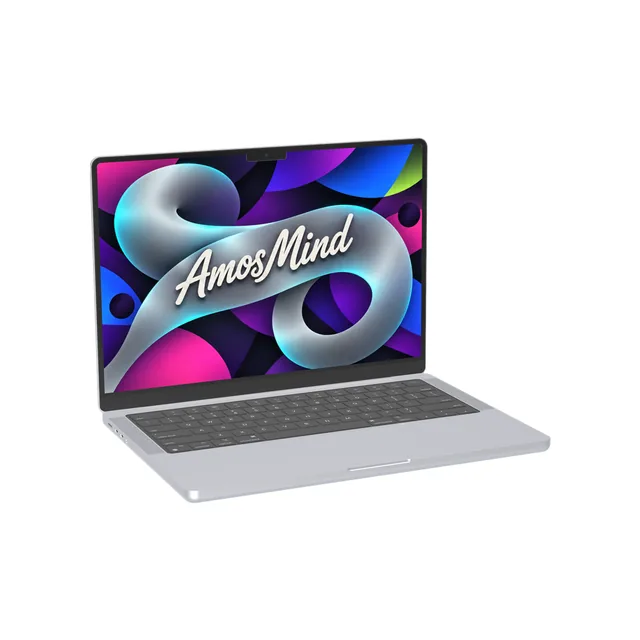
MacBook Pro 14-inch M3 mockup
Details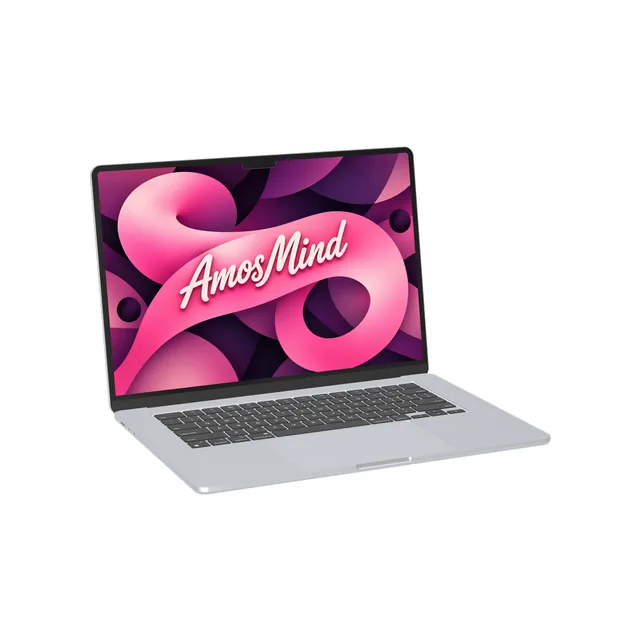
MacBook Air 15-inch M2 mockup
Details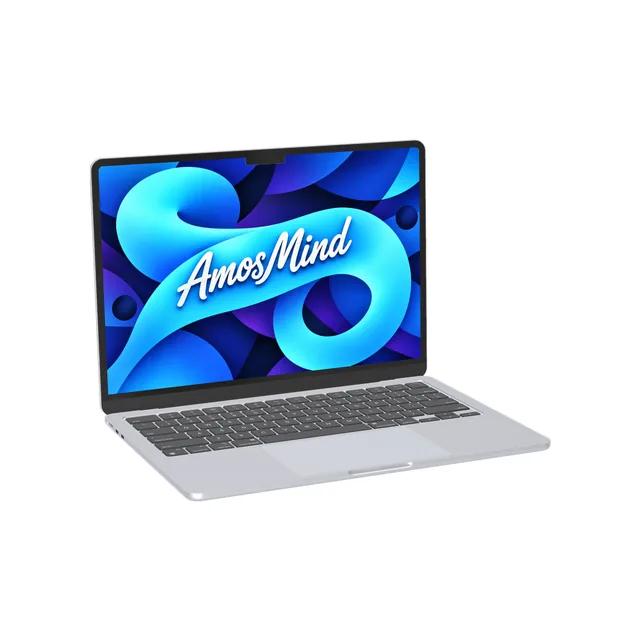
MacBook Air 13-inch M2 mockup
Details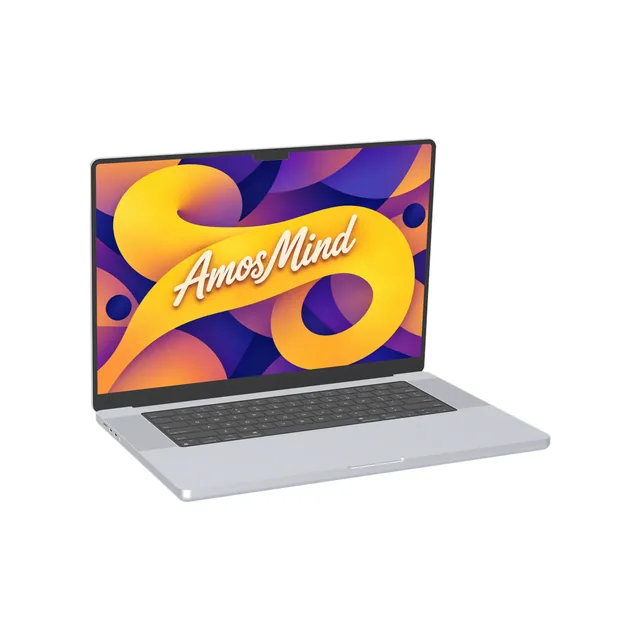
MacBook Pro 16-inch M1 mockup
Details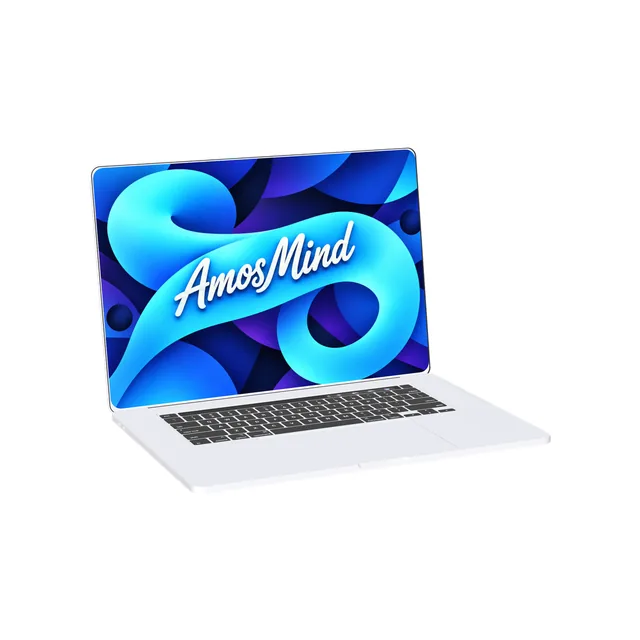
MacBook Pro 16-inch 2019 mockup
Details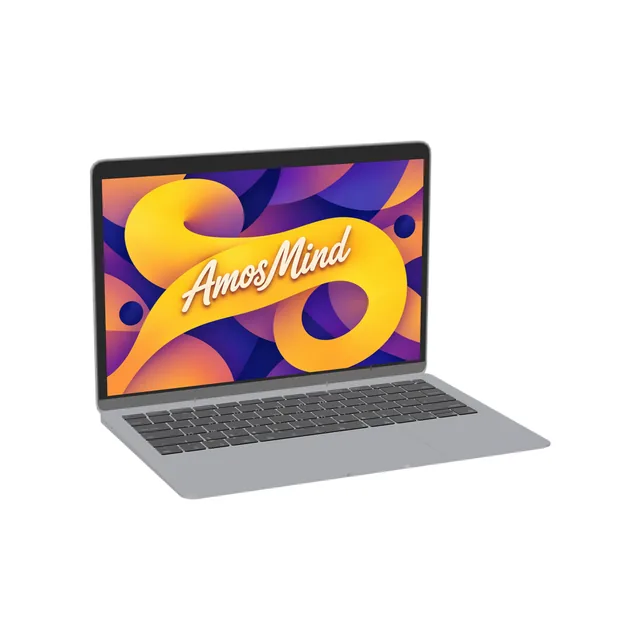
MacBook Air 13-inch 2018 mockup
DetailsMacBook display sizes, model by model
Each MacBook has its own resolution. Match your screenshot to the model and it fills the display without a crop.
| Model | Year | Display | Artwork size (landscape) | Top of the screen |
|---|---|---|---|---|
| MacBook Neo | 2026 | 13-inch | 2408 × 1506 px | No notch |
| MacBook Air 13-inch M4 | 2025 | 13.6-inch | 2560 × 1664 px | Notch |
| MacBook Pro 16-inch M3 | 2023 | 16.2-inch | 3456 × 2234 px | Notch |
| MacBook Pro 14-inch M3 | 2023 | 14.2-inch | 3024 × 1964 px | Notch |
| MacBook Air 15-inch M2 | 2023 | 15.3-inch | 2880 × 1864 px | Notch |
| MacBook Air 13-inch M2 | 2022 | 13.6-inch | 2560 × 1664 px | Notch |
| MacBook Pro 16-inch M1 | 2021 | 16.2-inch | 3456 × 2234 px | Notch |
| MacBook Air 13-inch M1 | 2020 | 13.3-inch | 2560 × 1600 px | No notch |
| MacBook Pro 16-inch 2019 | 2019 | 16-inch | 3072 × 1920 px | No notch |
| MacBook Air 13-inch 2018 | 2018 | 13.3-inch | 2560 × 1600 px | No notch |
Resolutions from Apple's technical specifications. The year is the year the model went on sale.
How to tell these MacBooks apart
Four body shapes cover every MacBook on this page.
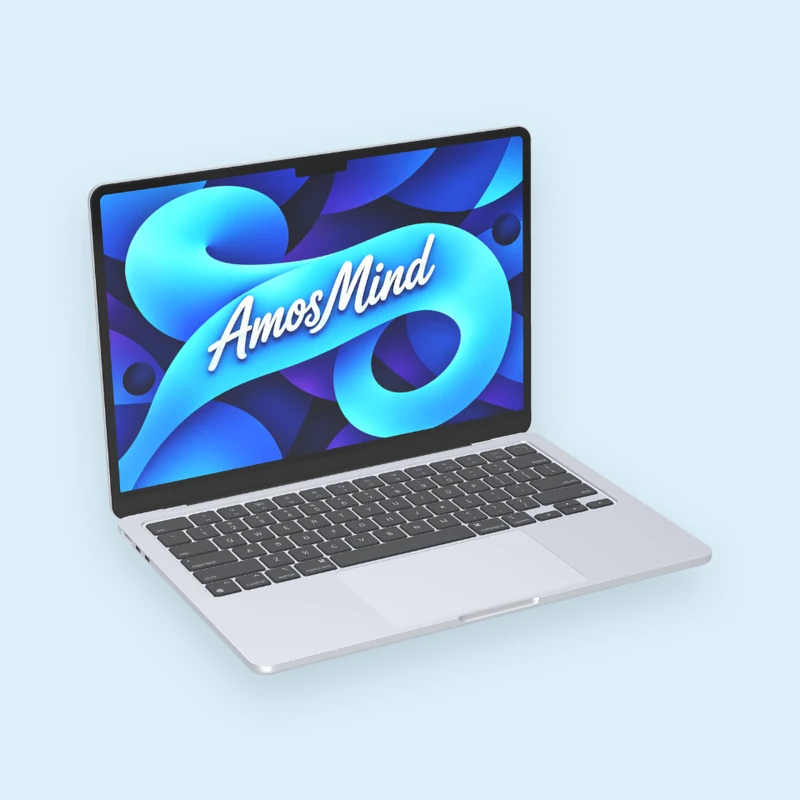
Flat lid and a notch
A flat, even body with a camera housing at the top of the display.
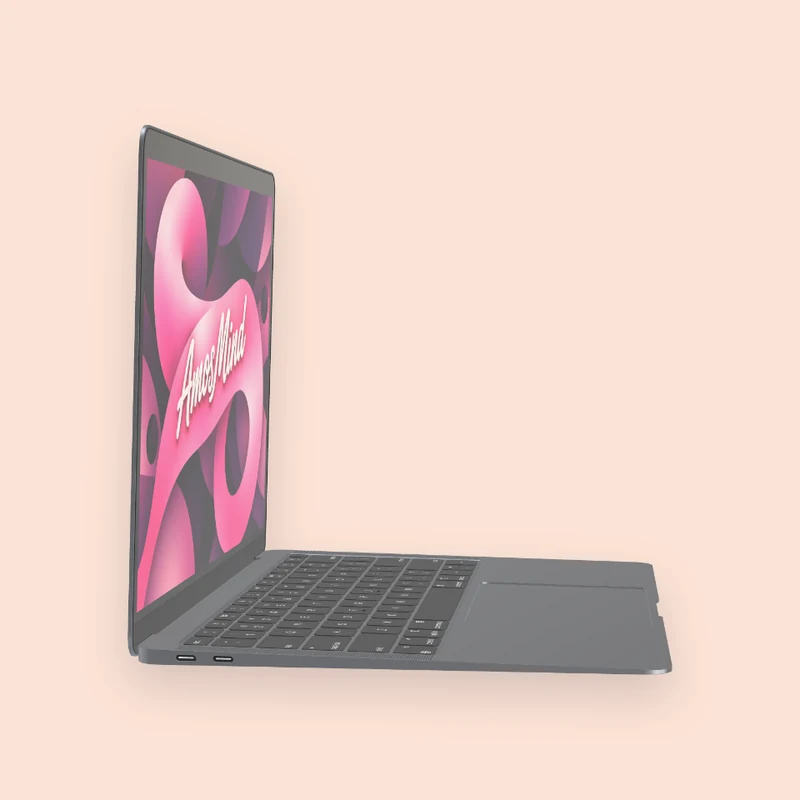
Wedge
The body gets thinner toward the front edge, and the display is a plain rectangle.
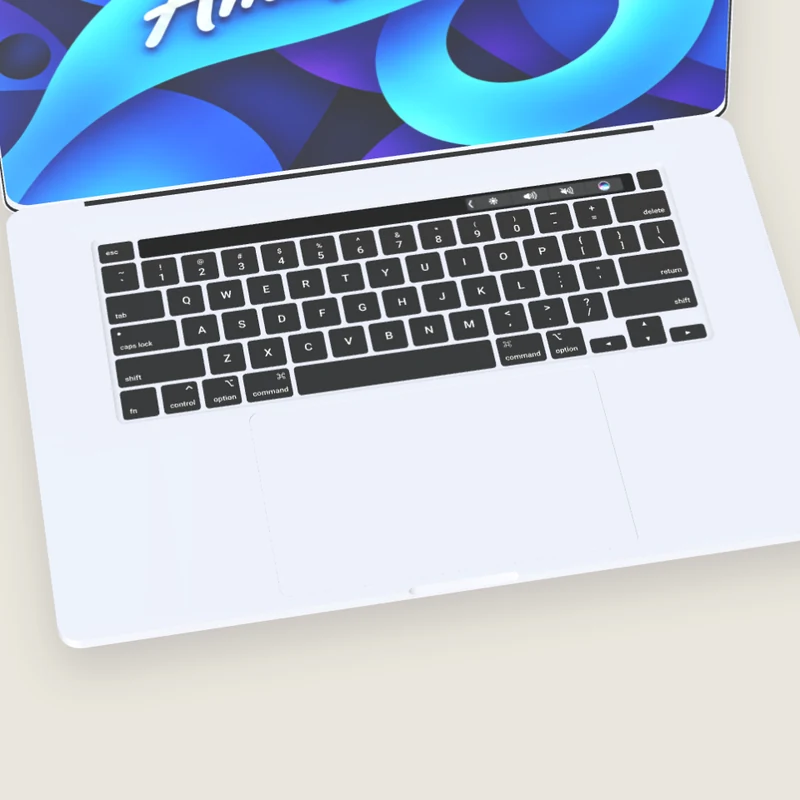
Touch Bar
A touch strip above the keyboard in place of the function keys.
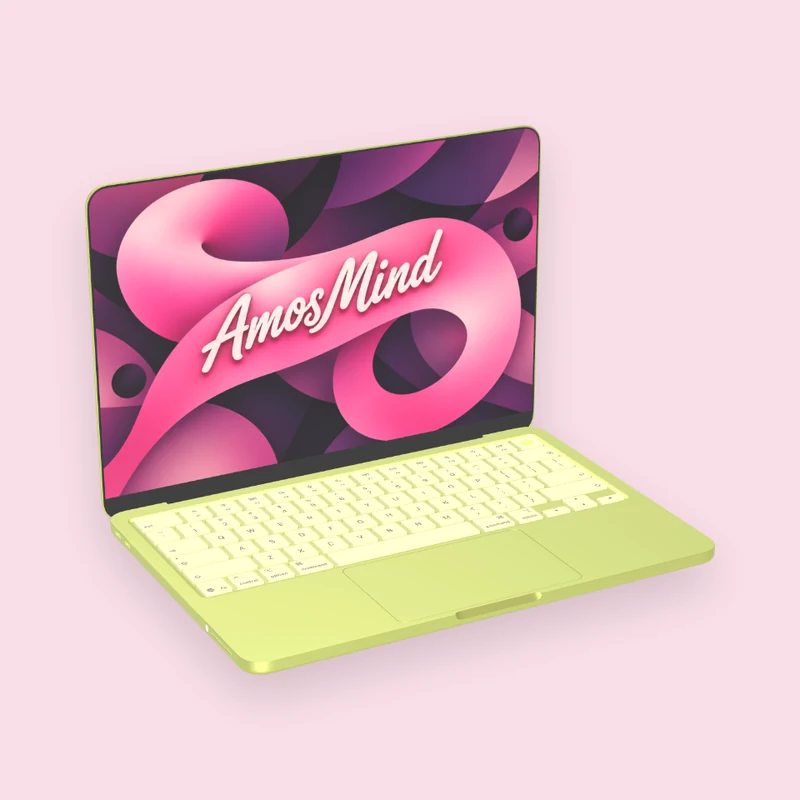
Plain display, light keys
Soft rounded corners, no notch, and keys in a lighter shade of the body color.
Air, Pro or Neo
Three lines, each with its own sizes.
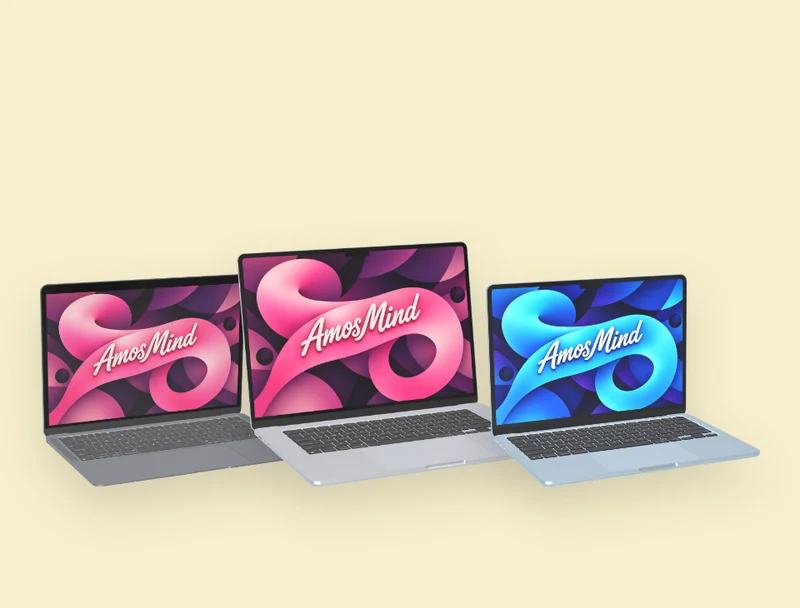
MacBook Air
13-inch 2018, M1, M2 and M4, and the 15-inch M2
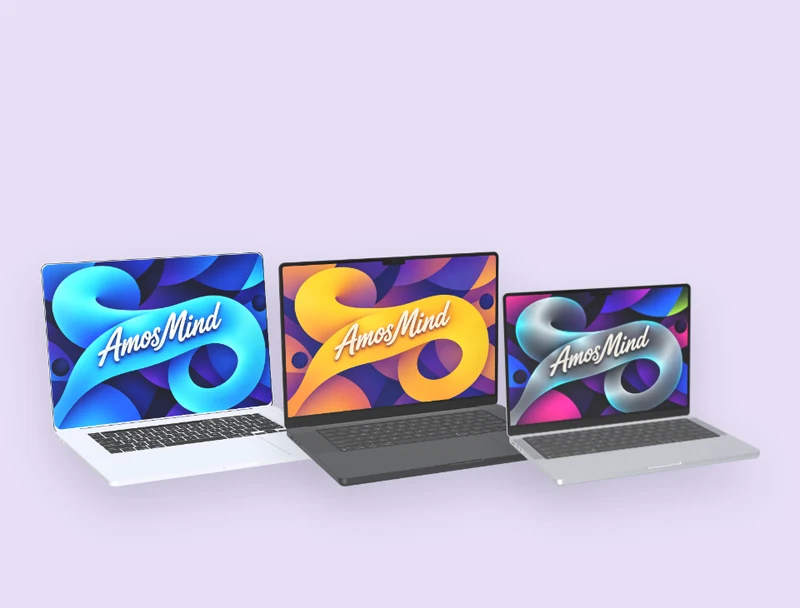
MacBook Pro
14-inch M3, and 16-inch M3, M1 and 2019
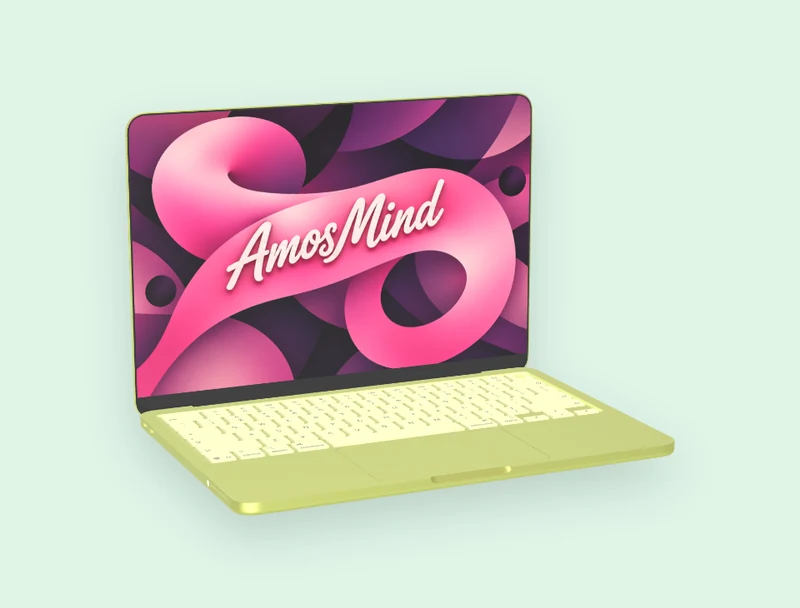
MacBook Neo
13-inch, 2408 × 1506 px
The M3 and M1 in the 16-inch names mark the generation: Apple sold those models with M3 Pro or M3 Max, and M1 Pro or M1 Max.
How to make a MacBook mockup
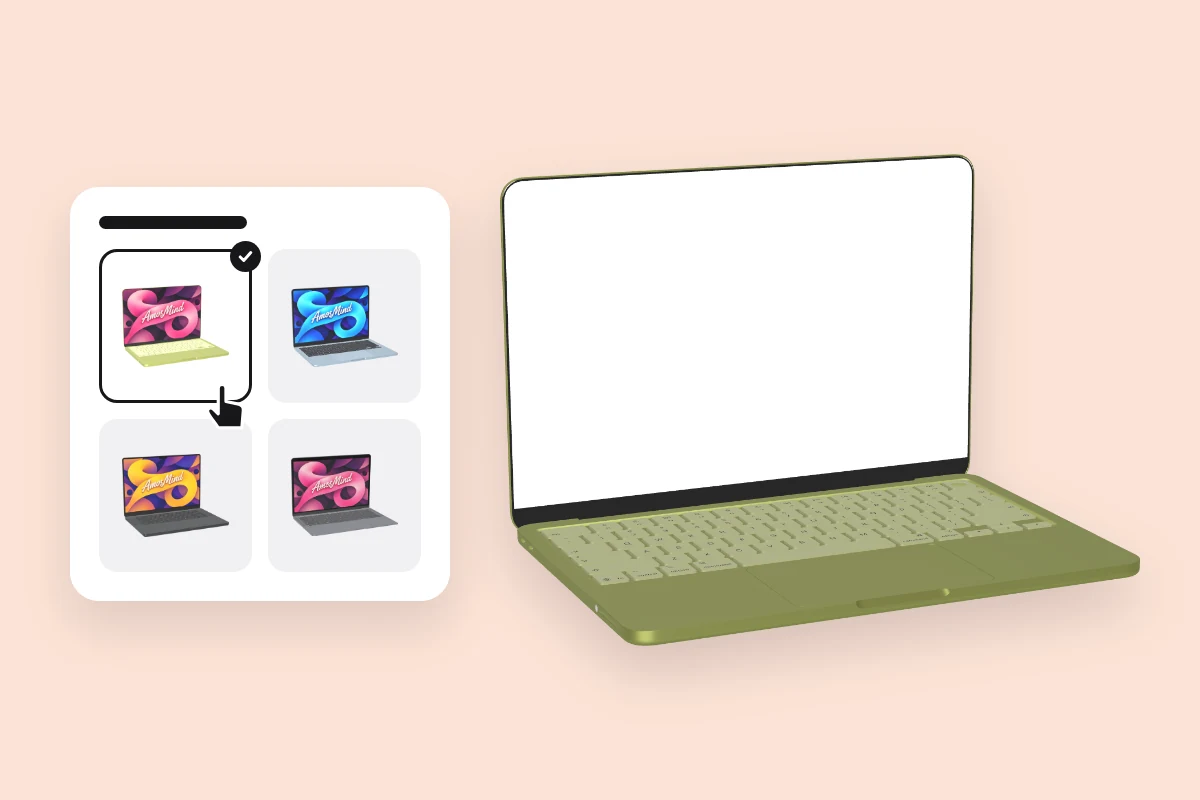
Pick a MacBook
Choose a model from the list above. It opens as a full 3D MacBook in your browser.
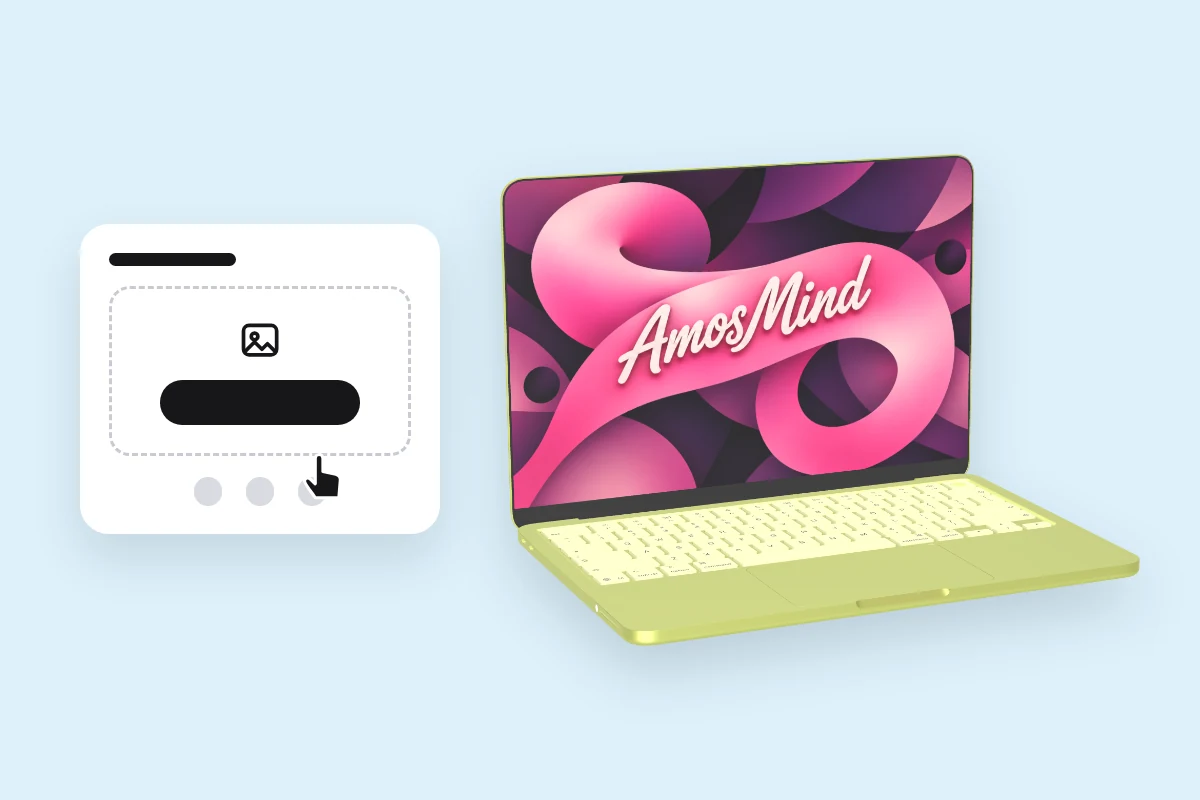
Add your screen
Click Upload artwork and add a PNG, JPG, WebP or SVG. Make it at the model's size from the table above.
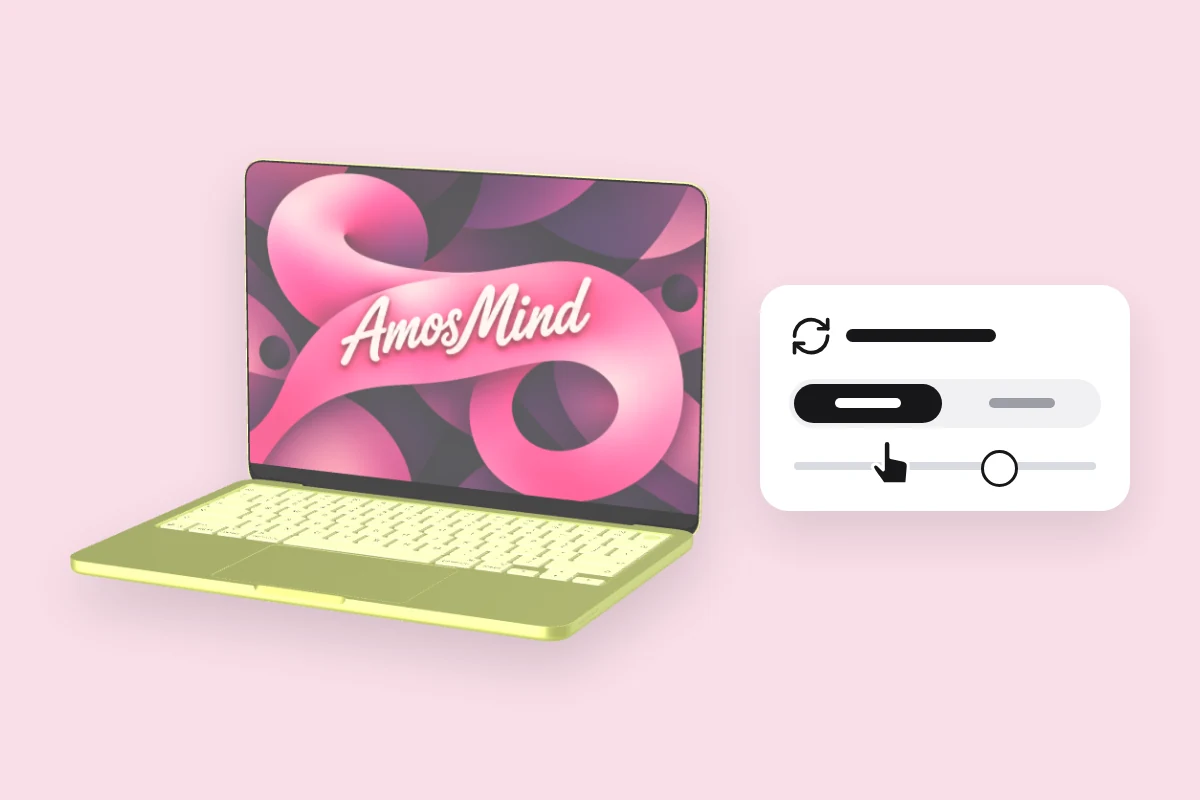
Choose an angle
Drag to turn the MacBook, or click Front or Back.
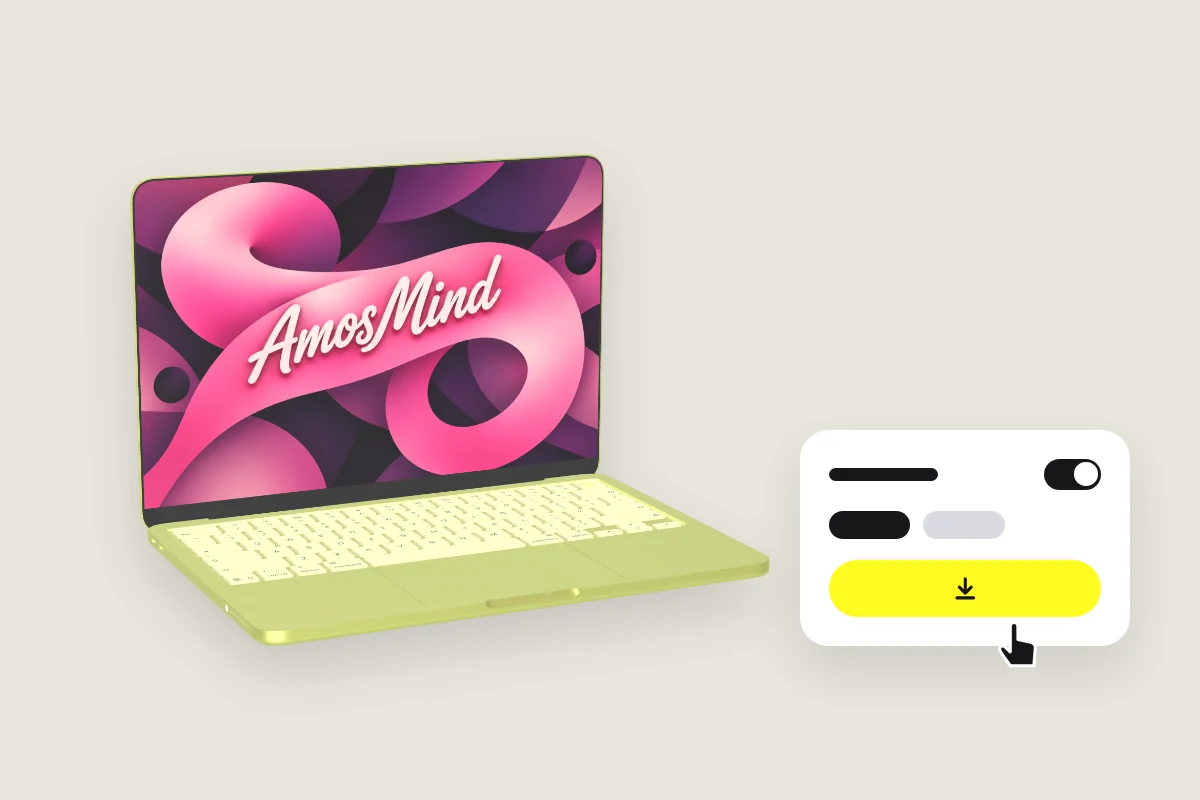
Export the image
Export 2K or 4K, or choose Transparent in the Background panel for a PNG you can place on your own layout.
Explore more device mockups
Every mockup opens in the same live 3D editor.
The notch and your screenshot
On a MacBook with a notch, the display is a little taller than 16:10. Capture the full display, or add the missing rows to a 16:10 screenshot, and nothing is cropped.
| Model | Full display | 16:10 at the same width | Difference in height |
|---|---|---|---|
| MacBook Air 13-inch M4, MacBook Air 13-inch M2 | 2560 × 1664 px | 2560 × 1600 px | 64 px |
| MacBook Pro 16-inch M3, MacBook Pro 16-inch M1 | 3456 × 2234 px | 3456 × 2160 px | 74 px |
| MacBook Pro 14-inch M3 | 3024 × 1964 px | 3024 × 1890 px | 74 px |
| MacBook Air 15-inch M2 | 2880 × 1864 px | 2880 × 1800 px | 64 px |
A 16:10 image still covers these screens; the editor crops its left and right edges to fit.
MacBook mockup questions, answered
Answers about models, the notch and exports for every MacBook on AmosMind.
What is a MacBook mockup?
It shows a website, an app or artwork on a MacBook screen, so a design reads as a finished product. Here each MacBook is a 3D model you can turn to any angle.
Should I use a MacBook Pro mockup or a MacBook Air mockup?
Go by the screen your audience uses. The 16-inch MacBook Pro takes 3456 × 2234 px and gives the largest picture; the 13-inch MacBook Air takes 2560 × 1664 px. MacBook Neo, MacBook Air M1 and the two Intel models have no notch.
How do I add my design to a MacBook mockup?
Pick a MacBook on this page, click Upload artwork and add your screenshot. It lands on the display straight away; then choose an angle and export.
Does the notch cover part of my screenshot?
On the models with a notch, yes: the camera housing sits over the middle of the top edge, as on the real MacBook. Keep logos and text out of that spot, or use the menu bar row for it.
Which MacBook models can I mock up?
MacBook Neo, MacBook Air 13-inch from 2018, M1, M2 and M4, MacBook Air 15-inch M2, MacBook Pro 14-inch M3, and MacBook Pro 16-inch from 2019, M1 and M3.
What angles work best for presenting website designs in MacBook mockups?
A front view when the page itself has to be read, and a three-quarter view with the keyboard for a hero image. Click Front, or drag the MacBook to the angle you want.
Can I use MacBook mockups alongside iPhone and iPad mockups?
Yes. iPhones and iPads are on their own pages. Each device exports as its own image, with a transparent background if you choose, so you can arrange them in one layout.
Where can I find free MacBook mockups?
Browsing the MacBooks and turning them in 3D is free. Log in with an email code or Google to upload a screen, save projects and render images; the export panel shows any cost before you render.