
iPhone mockups in real-time 3DFrom iPhone 8 to iPhone Duo
Upload an app screen or any artwork, drop it on the display and turn the phone to show the front, the back or any angle in between. Each model comes in the colors Apple sold it in, and renders as an image up to 4K.

iPhone mockups
32 mockups
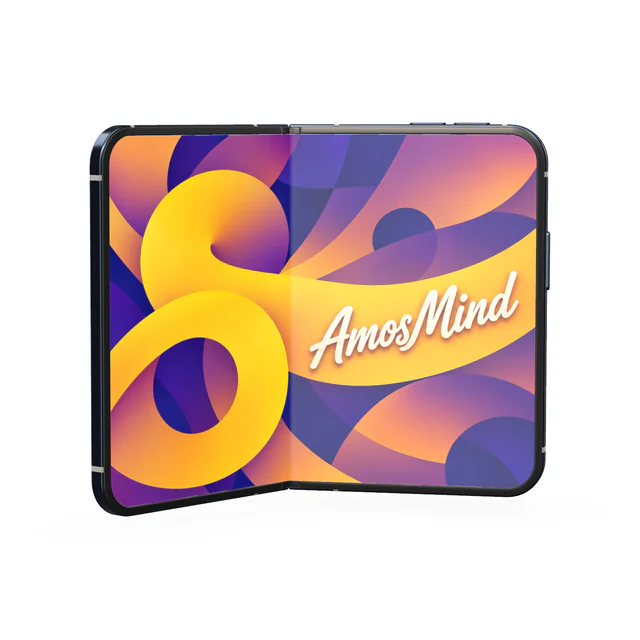
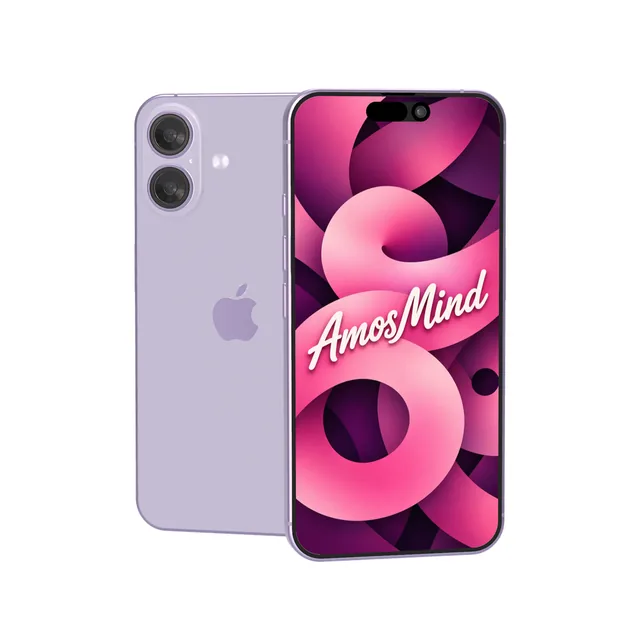
iPhone 17 mockup
Details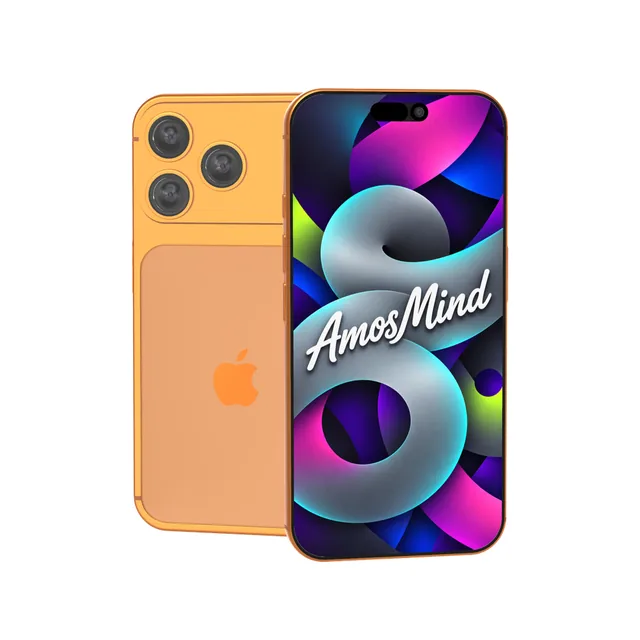
iPhone 17 Pro Max mockup
Details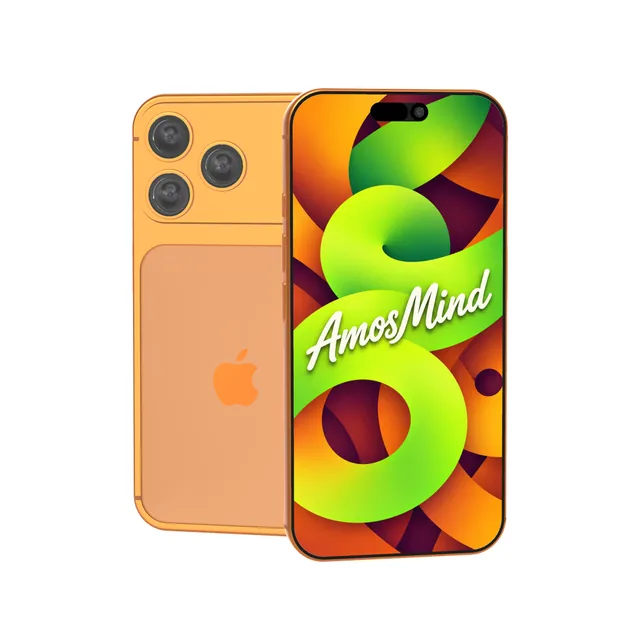
iPhone 17 Pro mockup
Details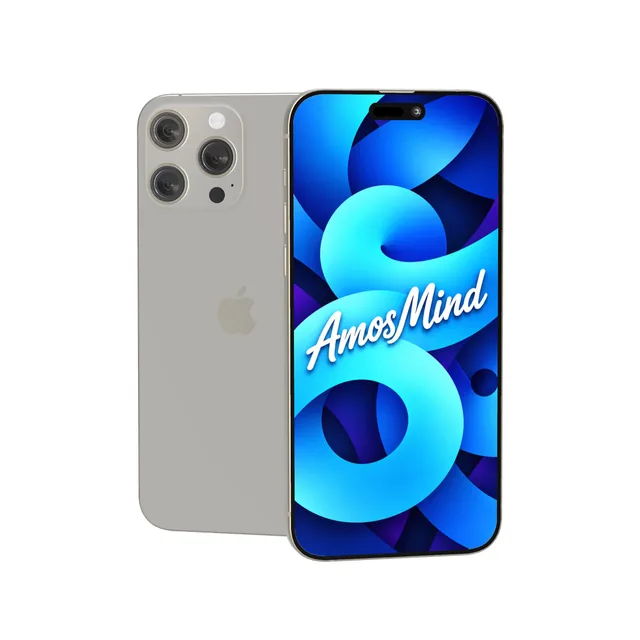
iPhone 16 Pro Max mockup
Details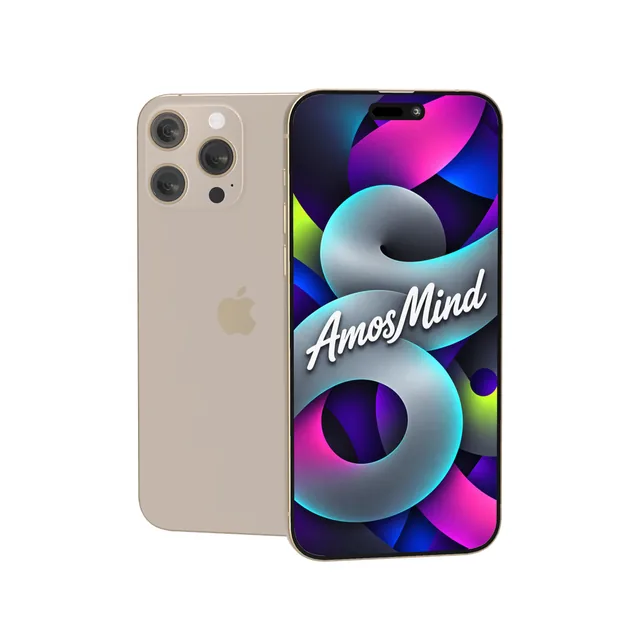
iPhone 16 Pro mockup
Details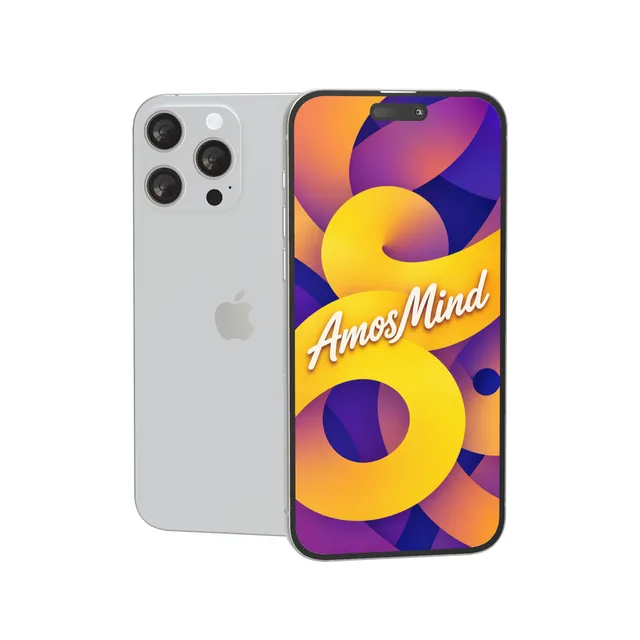
iPhone 15 Pro Max mockup
Details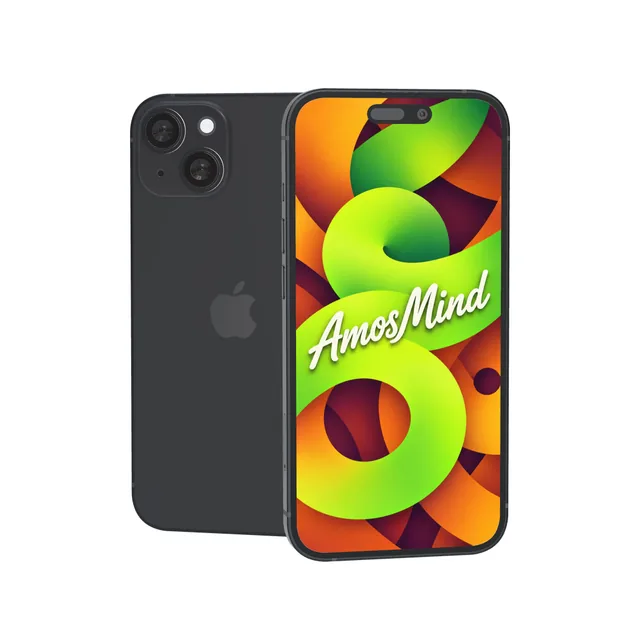
iPhone 15 mockup
Details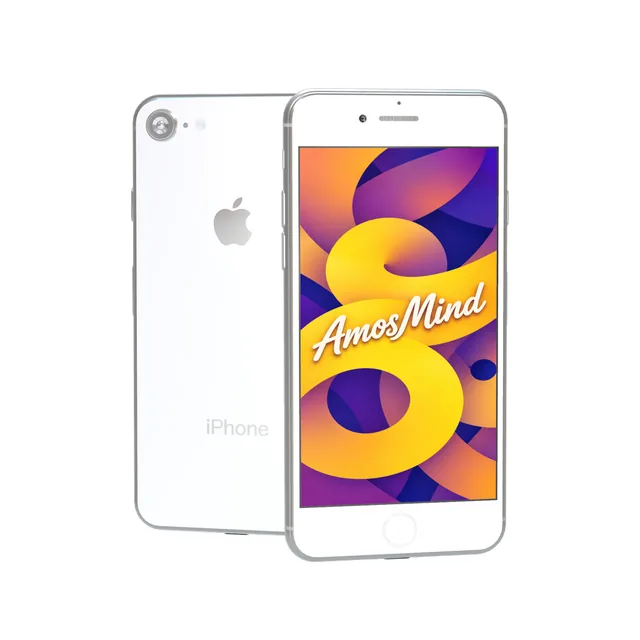
iPhone 8 mockup
Details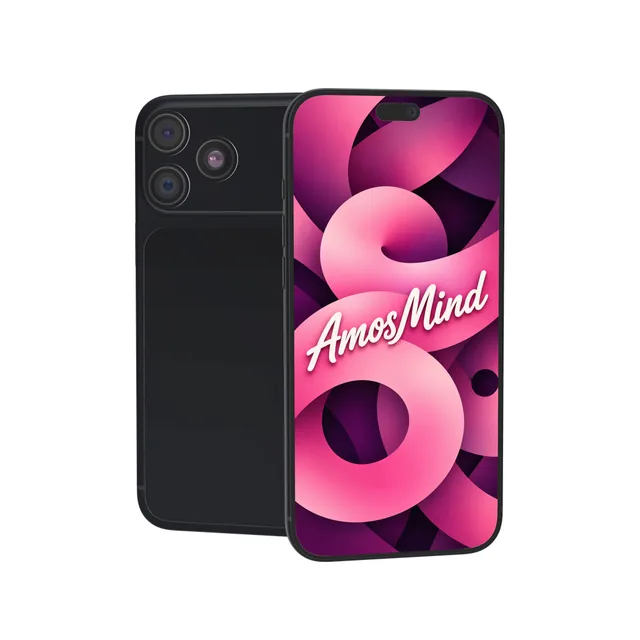
iPhone 18 Pro Max mockup
Details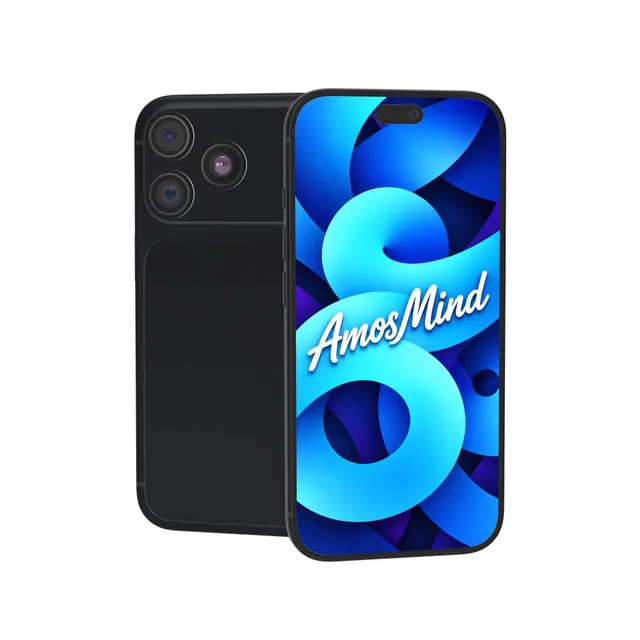
iPhone 18 Pro mockup
Details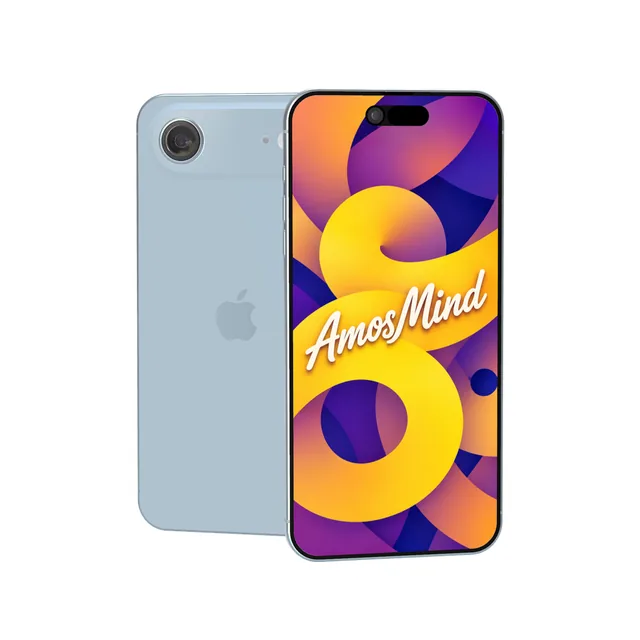
iPhone Air mockup
Details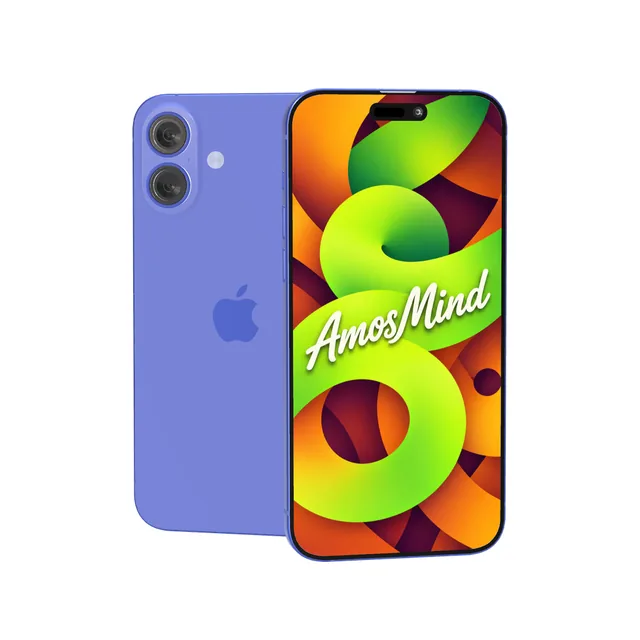
iPhone 16 Plus mockup
Details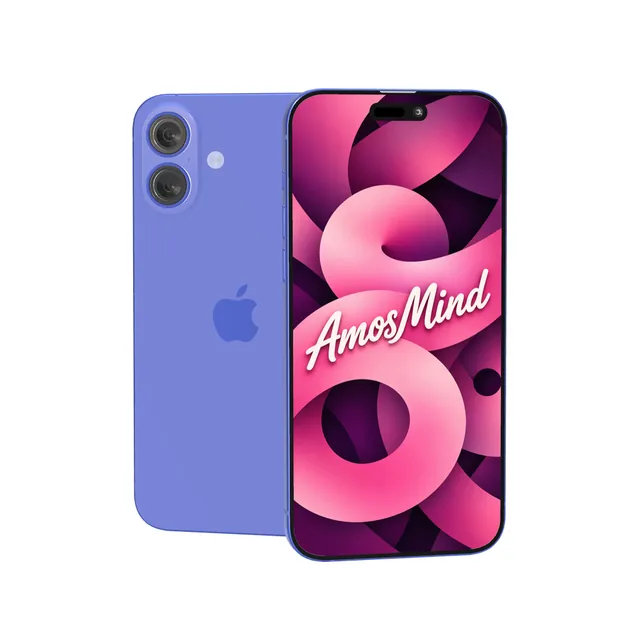
iPhone 16 mockup
Details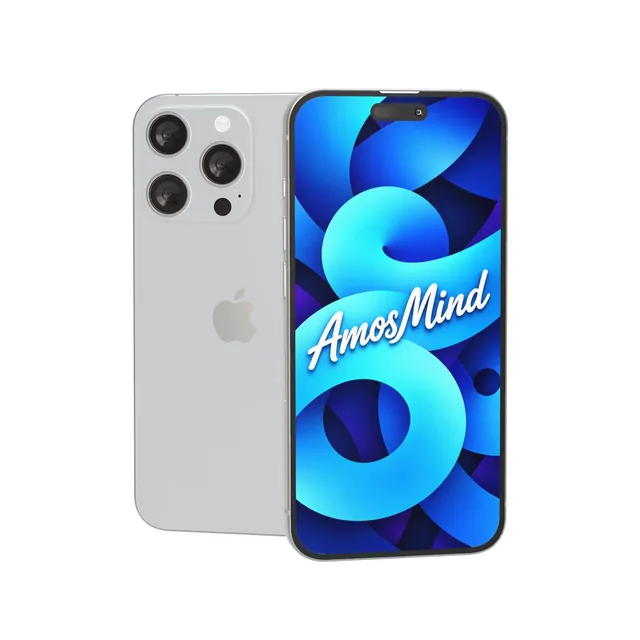
iPhone 15 Pro mockup
Details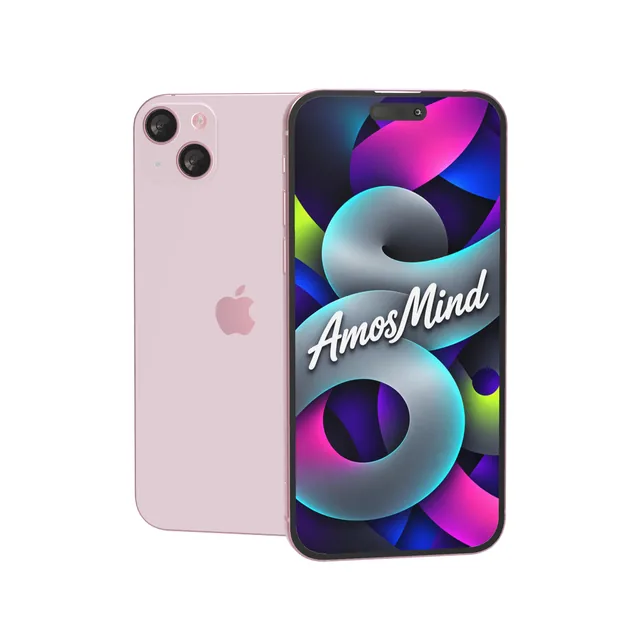
iPhone 15 Plus mockup
Details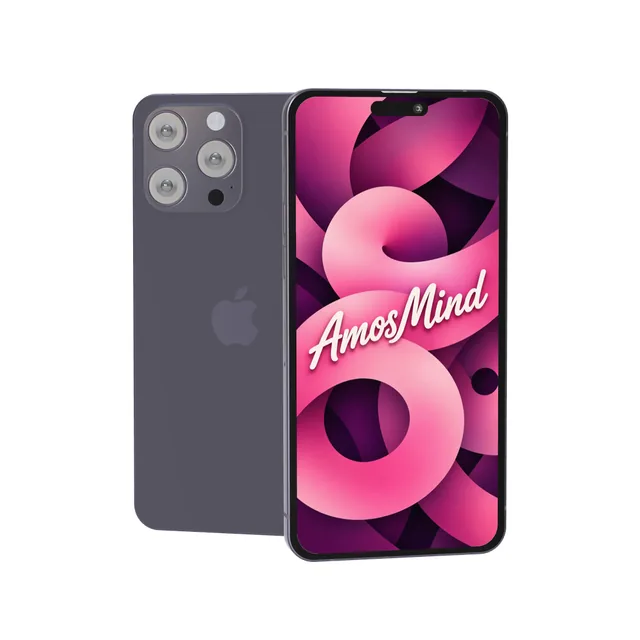
iPhone 14 Pro Max mockup
Details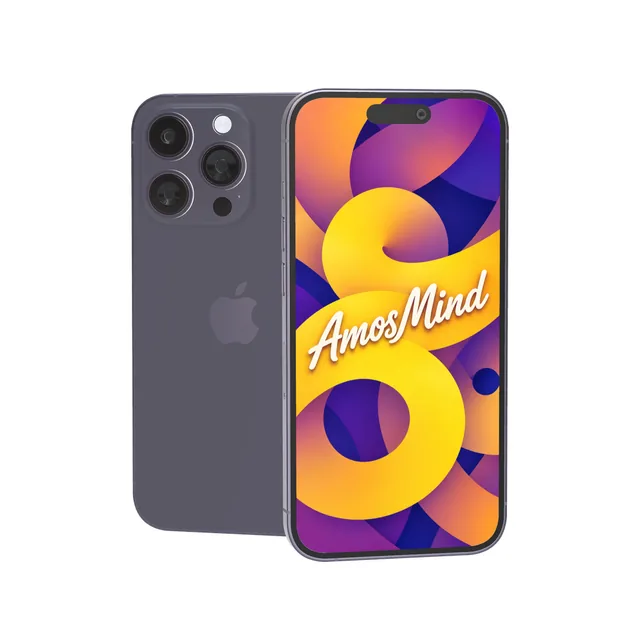
iPhone 14 Pro mockup
Details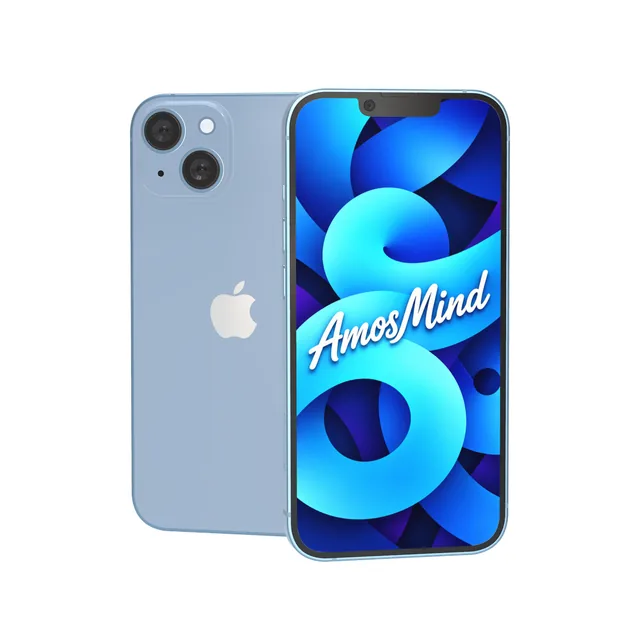
iPhone 14 Plus mockup
Details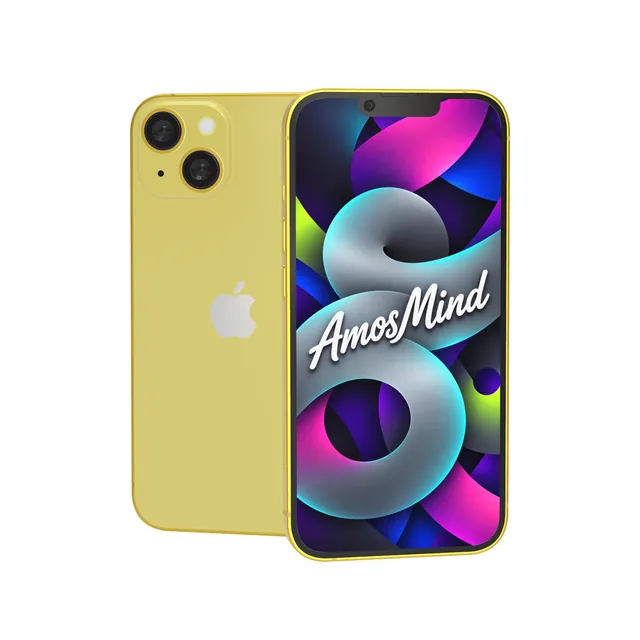
iPhone 14 mockup
Details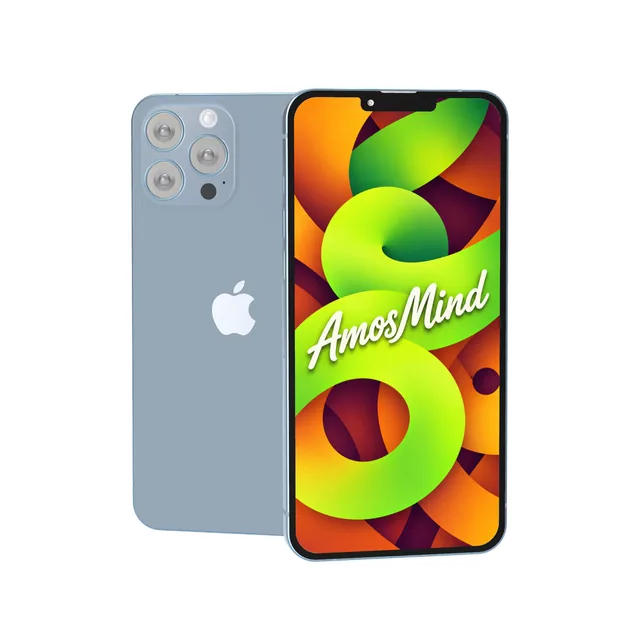
iPhone 13 Pro Max mockup
Details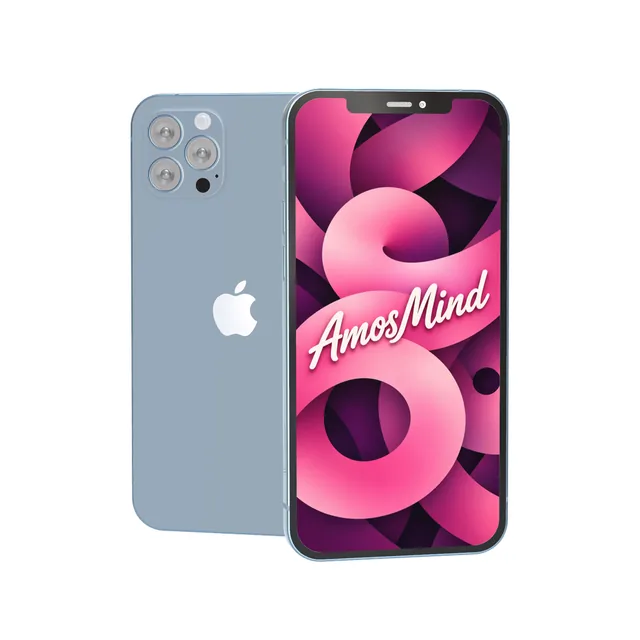
iPhone 13 Pro mockup
Details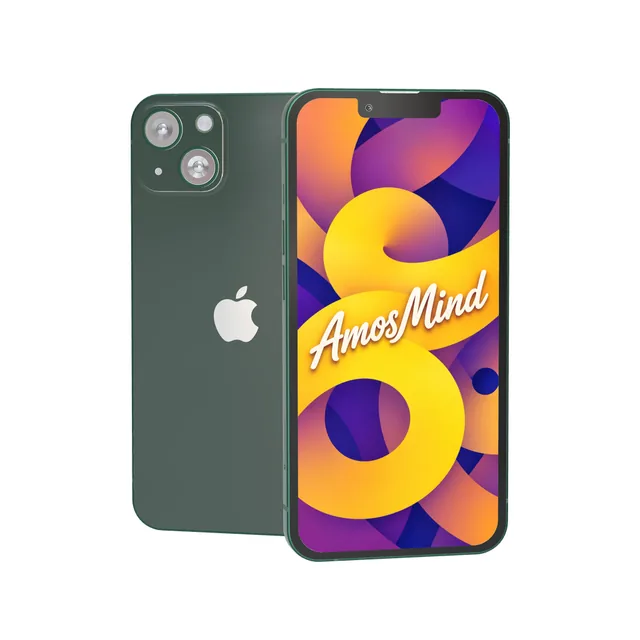
iPhone 13 mockup
Details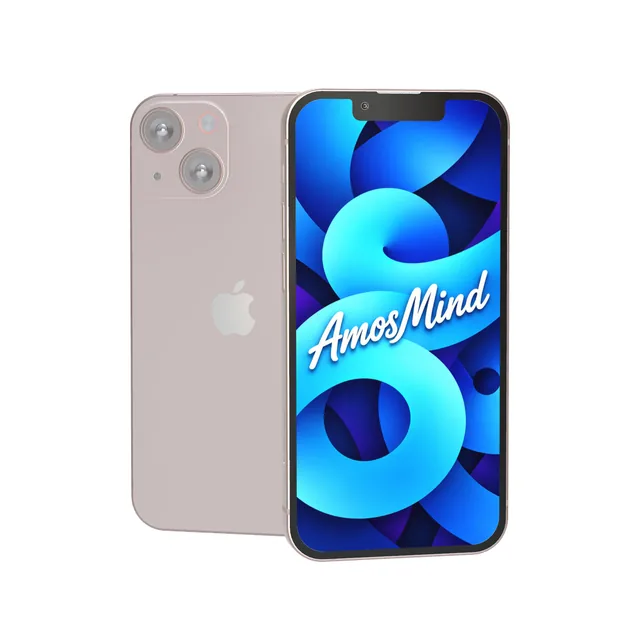
iPhone 13 mini mockup
Details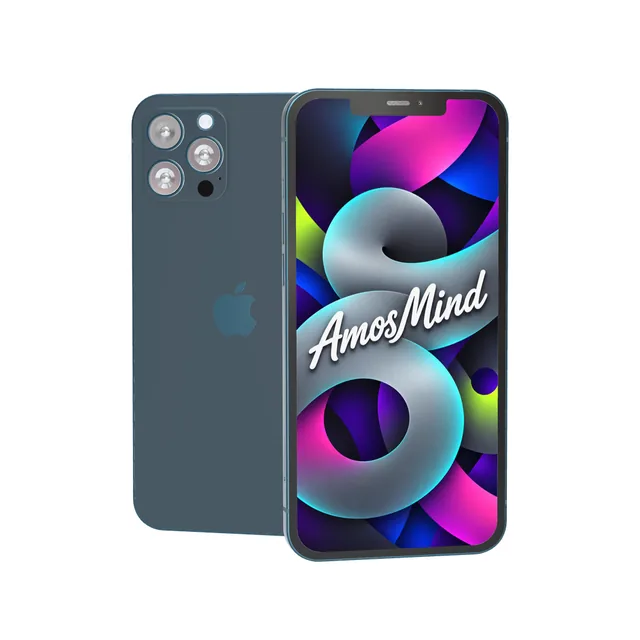
iPhone 12 Pro Max mockup
Details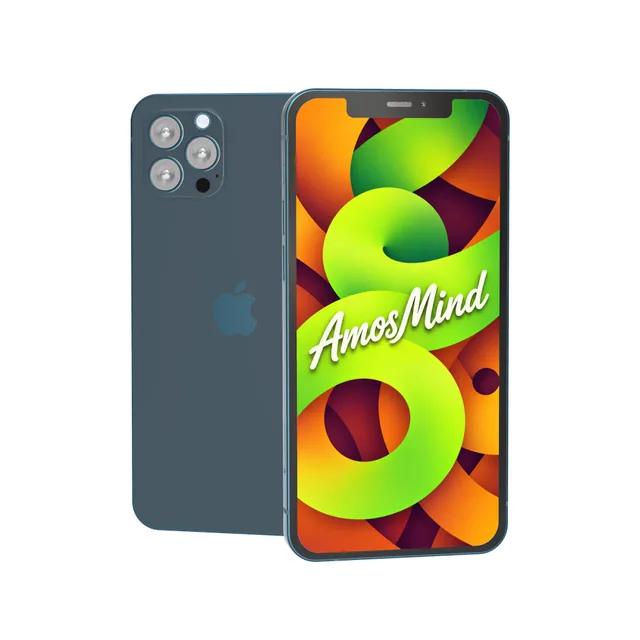
iPhone 12 Pro mockup
Details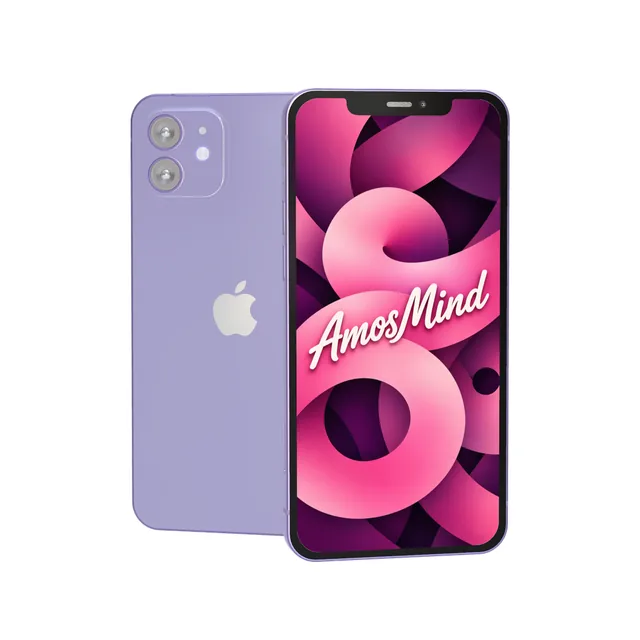
iPhone 12 mockup
Details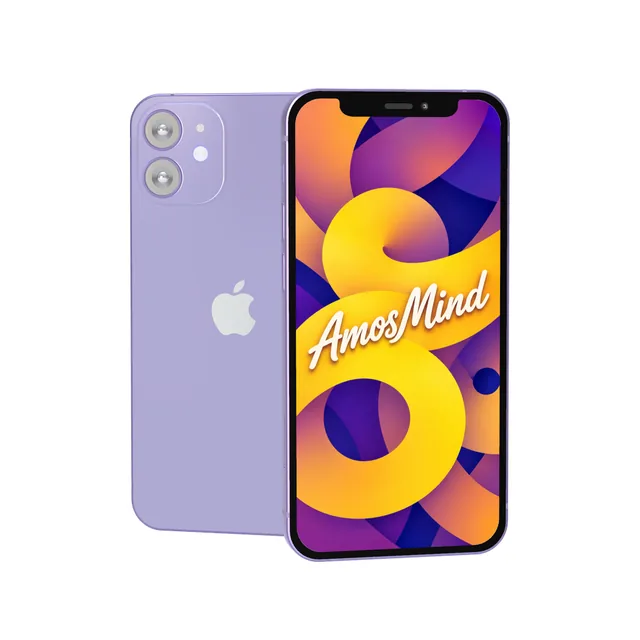
iPhone 12 mini mockup
Details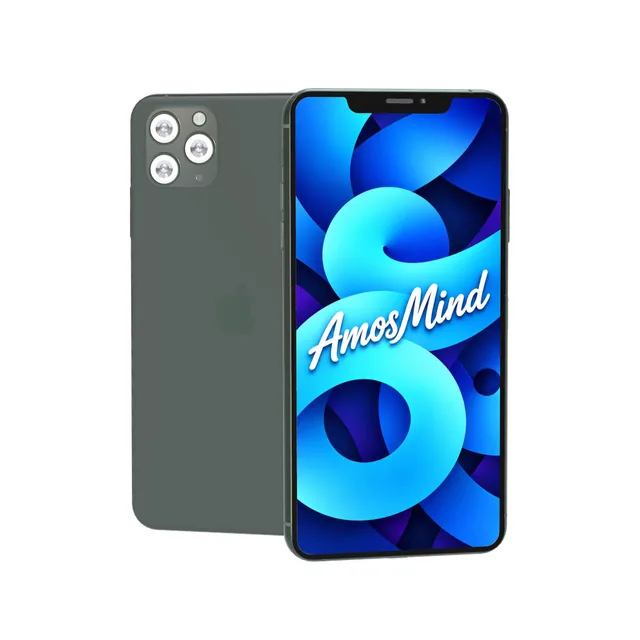
iPhone 11 Pro Max mockup
Details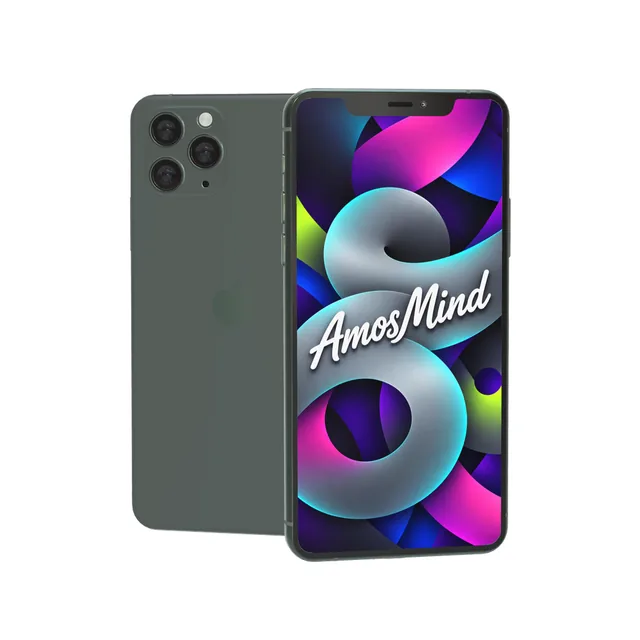
iPhone 11 Pro mockup
Details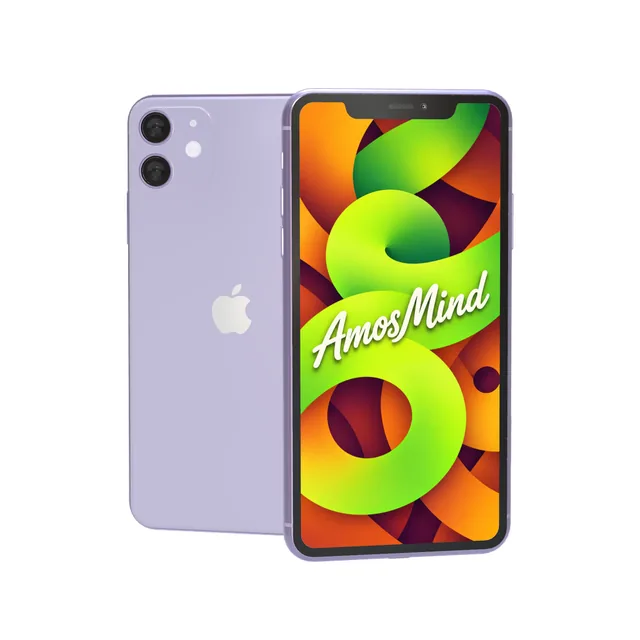
iPhone 11 mockup
Details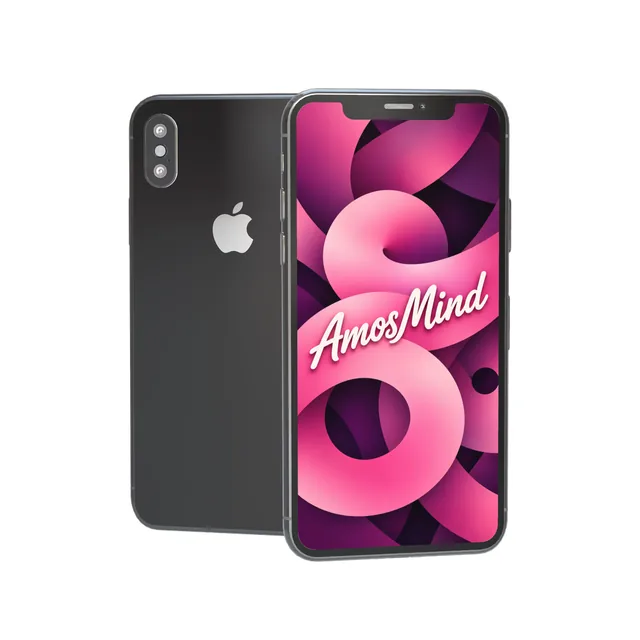
iPhone X mockup
DetailsiPhone screen sizes for mockup artwork
Make your screen image at the phone's native resolution and it fills the display edge to edge. Many iPhones share a resolution, so one file often fits several models.
| Artwork size (portrait) | Display | Models |
|---|---|---|
| 1320 × 2868 px | 6.9-inch, 460 ppi | iPhone 18 Pro Max, iPhone 17 Pro Max, iPhone 16 Pro Max |
| 1206 × 2622 px | 6.3-inch, 460 ppi | iPhone 18 Pro, iPhone 17, iPhone 17 Pro, iPhone 16 Pro |
| 1260 × 2736 px | 6.5-inch, 460 ppi | iPhone Air |
| 1290 × 2796 px | 6.7-inch, 460 ppi | iPhone 16 Plus, iPhone 15 Plus, iPhone 15 Pro Max, iPhone 14 Pro Max |
| 1179 × 2556 px | 6.1-inch, 460 ppi | iPhone 16, iPhone 15, iPhone 15 Pro, iPhone 14 Pro |
| 1284 × 2778 px | 6.7-inch, 458 ppi | iPhone 14 Plus, iPhone 13 Pro Max, iPhone 12 Pro Max |
| 1170 × 2532 px | 6.1-inch, 460 ppi | iPhone 14, iPhone 13, iPhone 13 Pro, iPhone 12, iPhone 12 Pro |
| 1080 × 2340 px | 5.4-inch, 476 ppi | iPhone 13 mini, iPhone 12 mini |
| 1242 × 2688 px | 6.5-inch, 458 ppi | iPhone 11 Pro Max |
| 1125 × 2436 px | 5.8-inch, 458 ppi | iPhone 11 Pro, iPhone X |
| 828 × 1792 px | 6.1-inch, 326 ppi | iPhone 11 |
| 750 × 1334 px | 4.7-inch, 326 ppi | iPhone 8 |
| 2670 × 1878 px + 1398 × 2034 px | 7.6-inch inner + 5.4-inch cover | iPhone Duo |
Dynamic Island, notch or home button
The top of the screen is the quickest way to tell iPhone generations apart. Match it to the phones your users hold, or to the screenshots you already have.
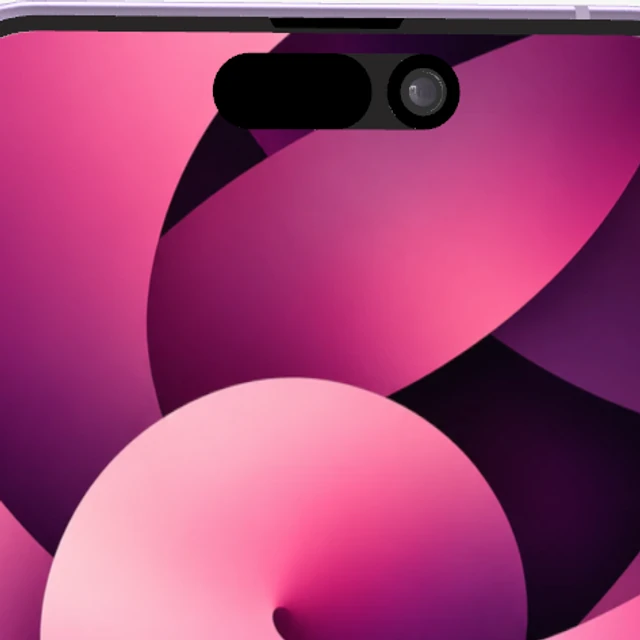
Dynamic Island
A pill-shaped cutout at the top of the display that holds the front camera.
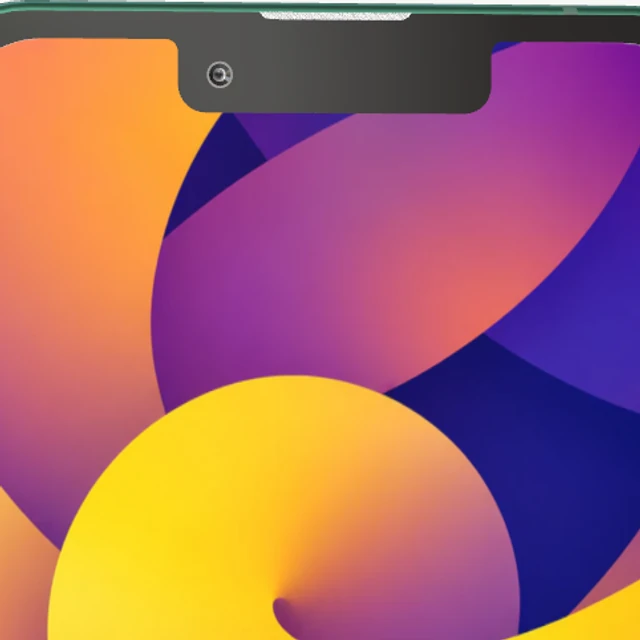
Notch
A wider cutout across the top edge of the screen.
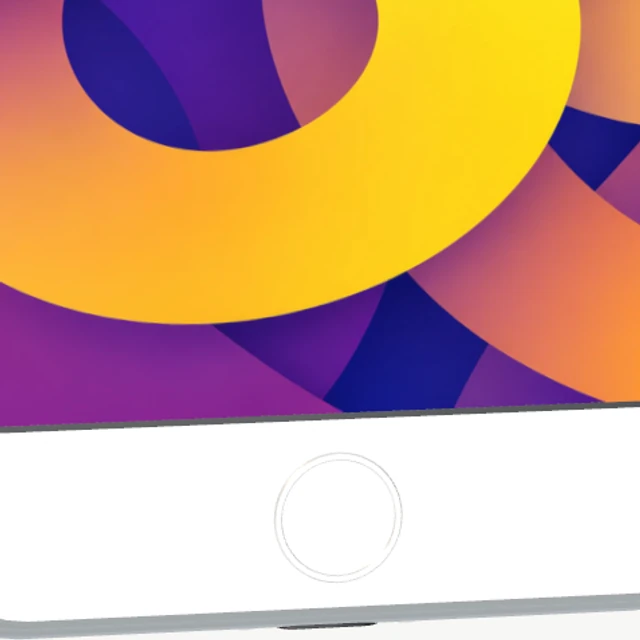
Home button
A round button under the screen, with a border above and below the display.
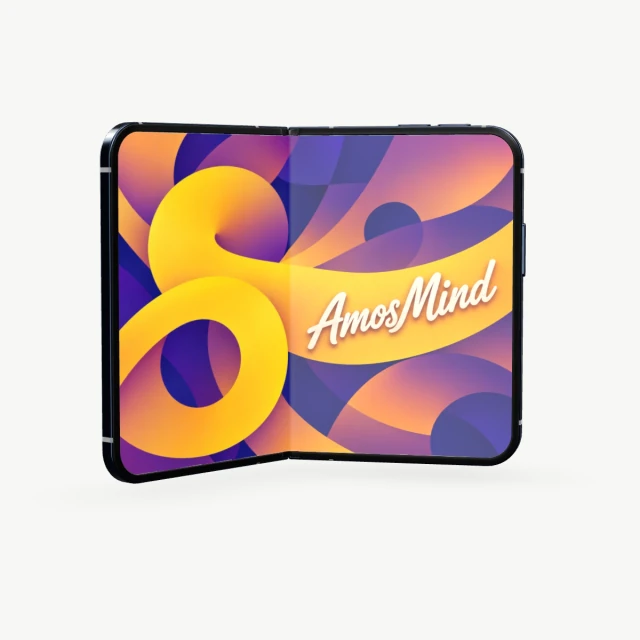
Two screens
A 7.6-inch inner display that opens like a book, plus a 5.4-inch cover display.
The colors Apple sold, on every model
Each iPhone comes in its own finishes under Apple's names, from Cosmic Orange on iPhone 17 Pro to (PRODUCT)RED on iPhone 8. Switch colors and your screen stays in place.
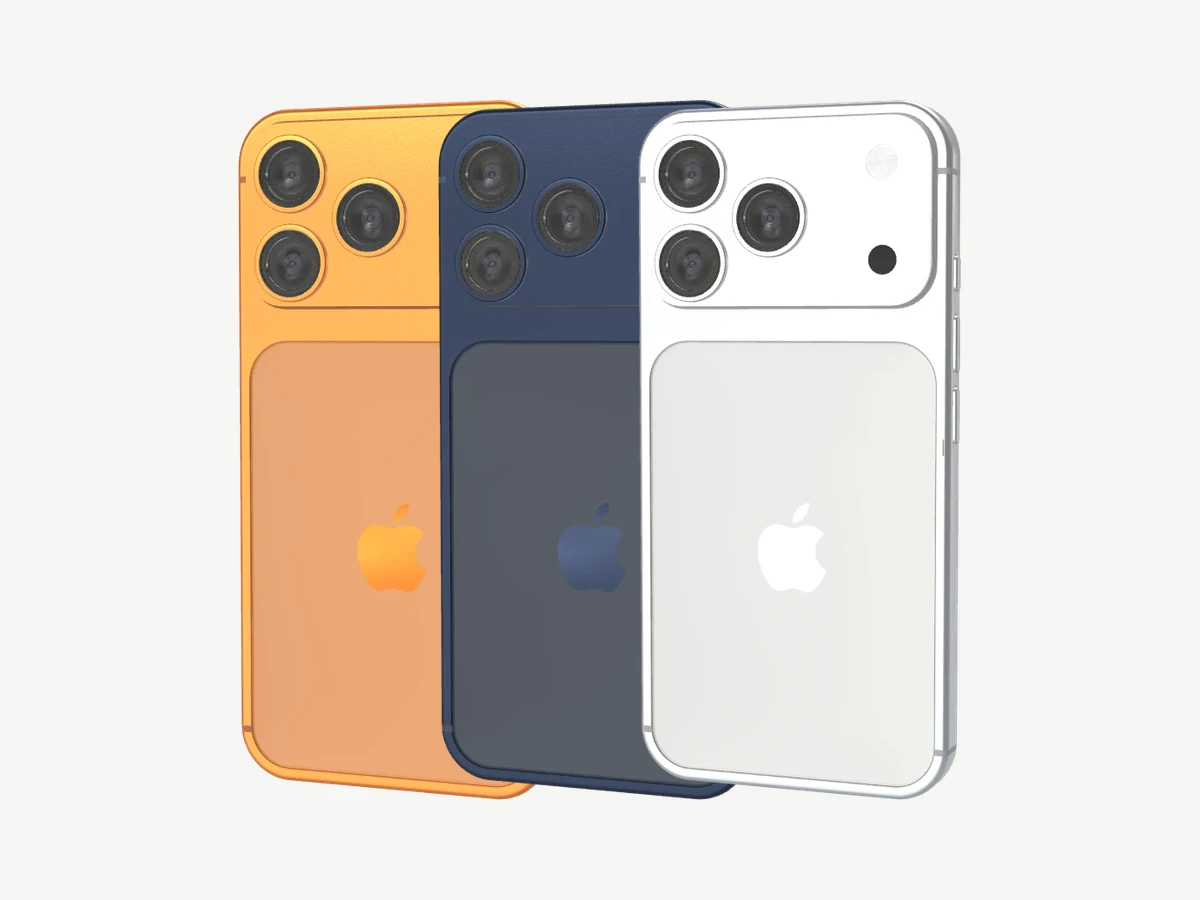
iPhone 17 Pro and 17 Pro Max
Silver, Cosmic Orange, Deep Blue
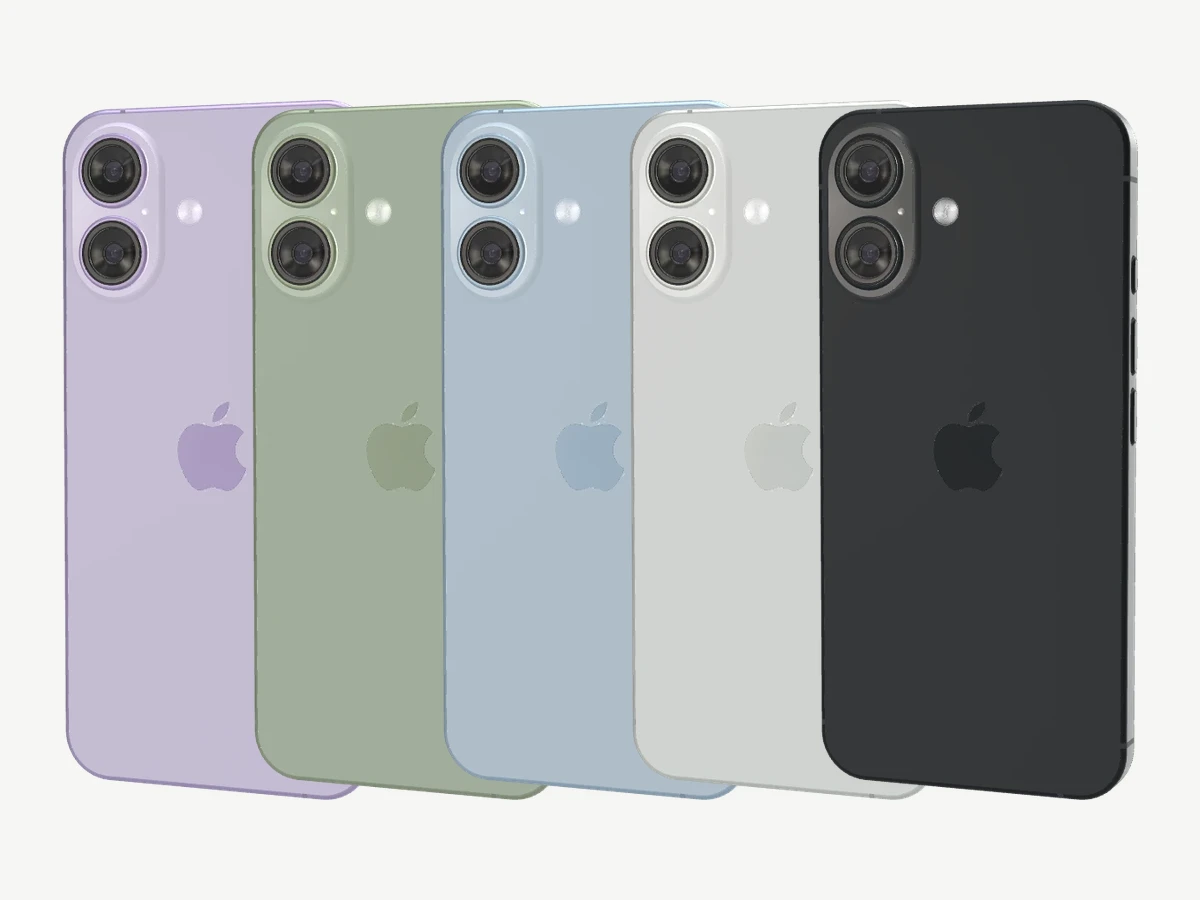
iPhone 17
Black, White, Mist Blue, Sage, Lavender
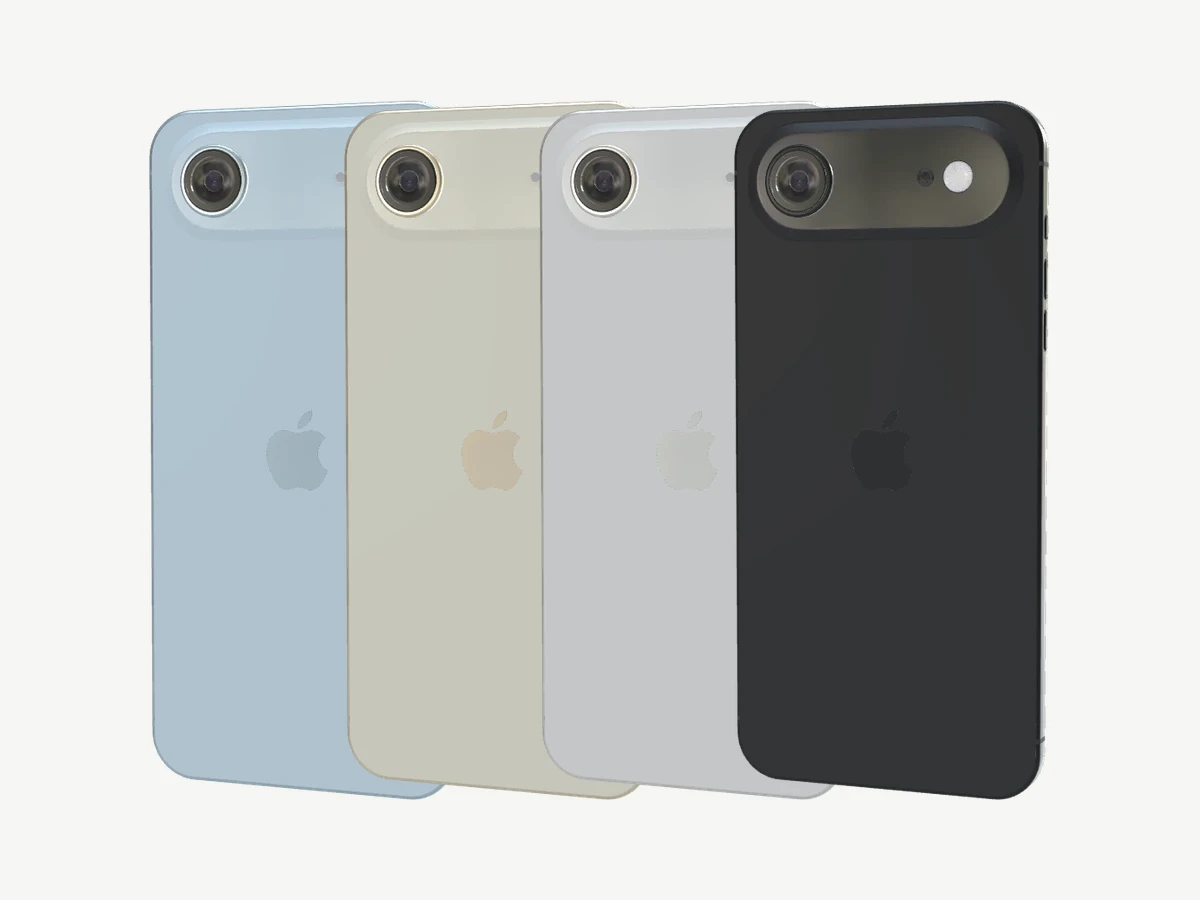
iPhone Air
Space Black, Cloud White, Light Gold, Sky Blue
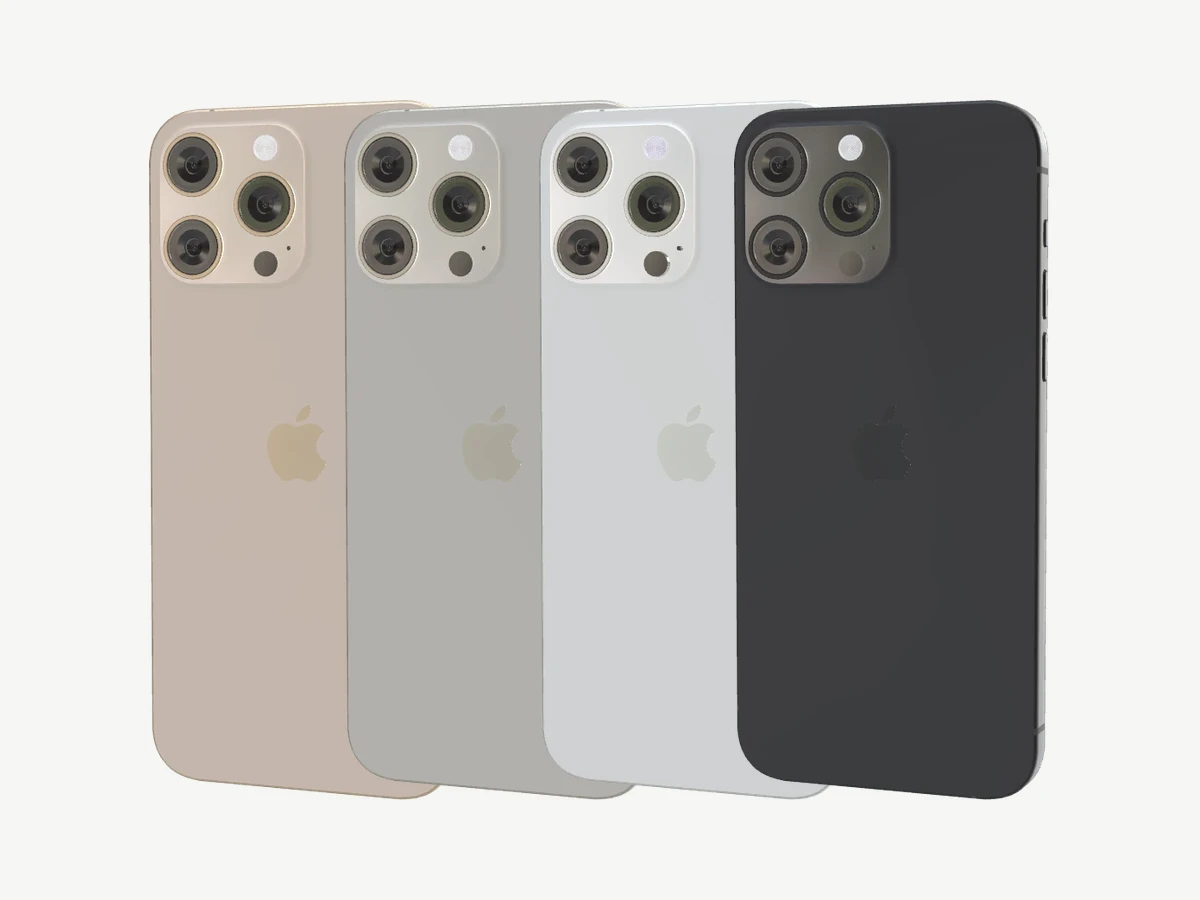
iPhone 16 Pro and 16 Pro Max
Black, White, Natural and Desert Titanium
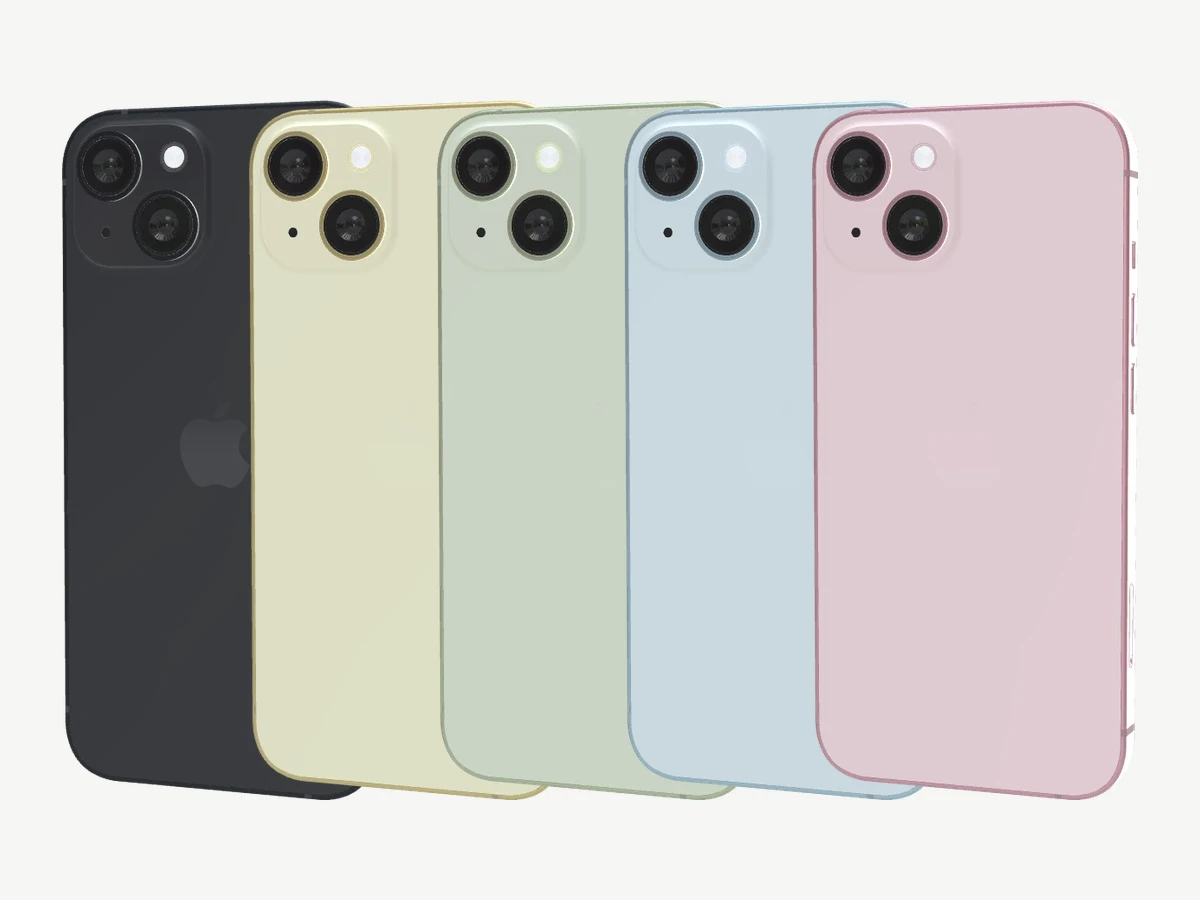
iPhone 15 and 15 Plus
Black, Blue, Green, Yellow, Pink
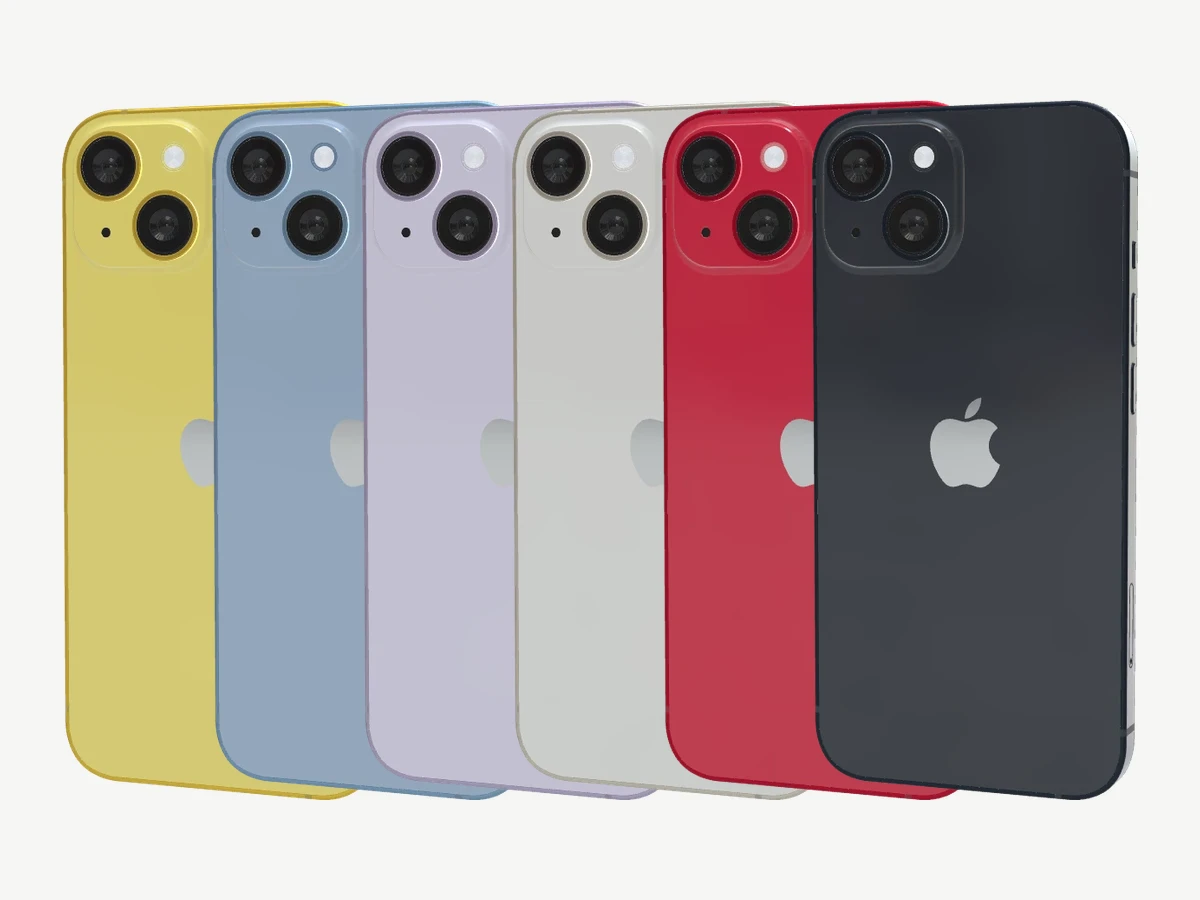
iPhone 14 and 14 Plus
Midnight, Starlight, (PRODUCT)RED, Blue, Purple, Yellow
Finishes are visual presets, not measured paint colors.
How to make an iPhone mockup
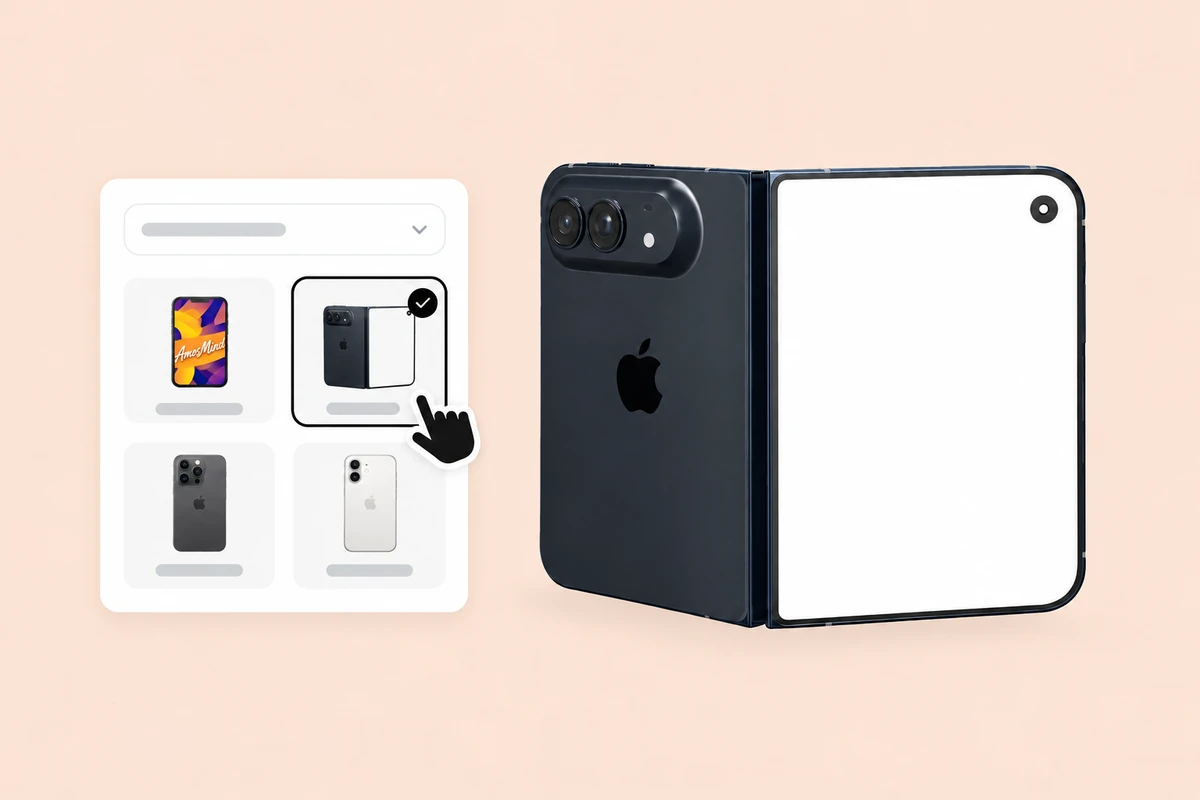
Pick an iPhone
Choose a model from the list above. It opens as a full 3D phone in your browser.
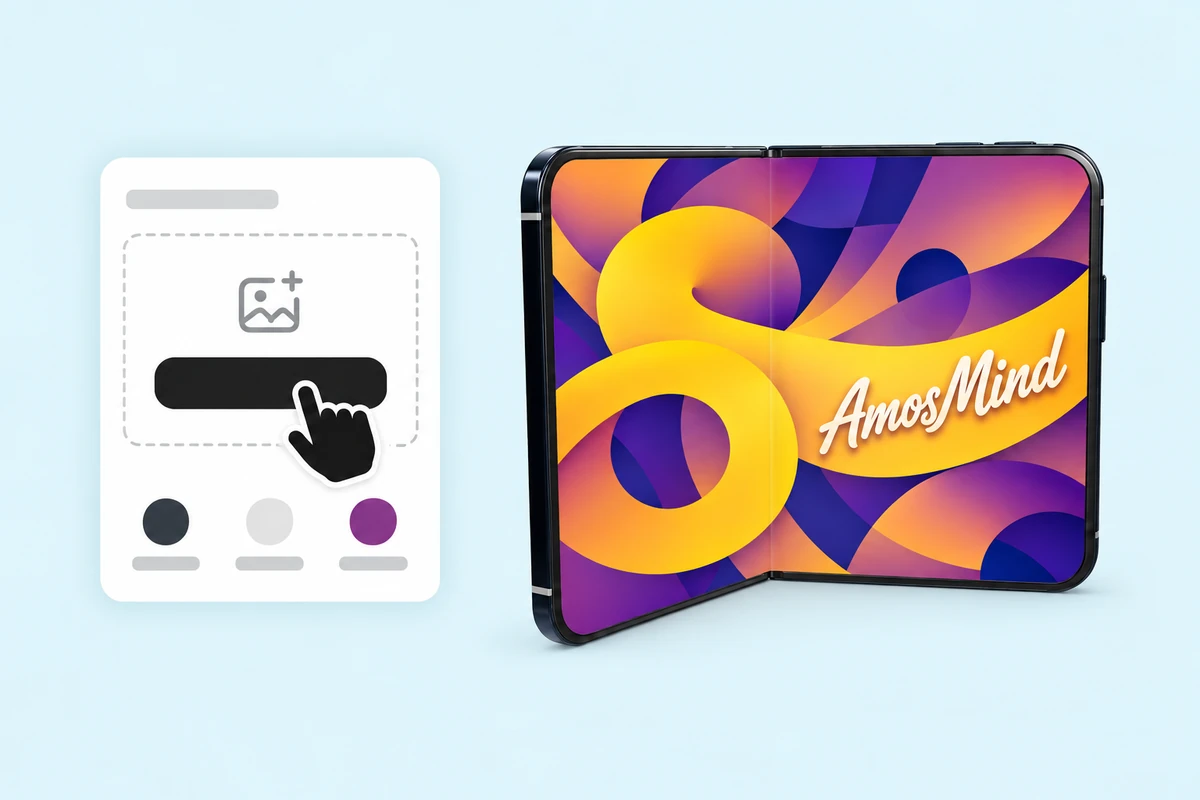
Add your screen
Click Upload artwork and add a PNG, JPG, WebP or SVG. Make it at the phone's screen size and it fills the display.
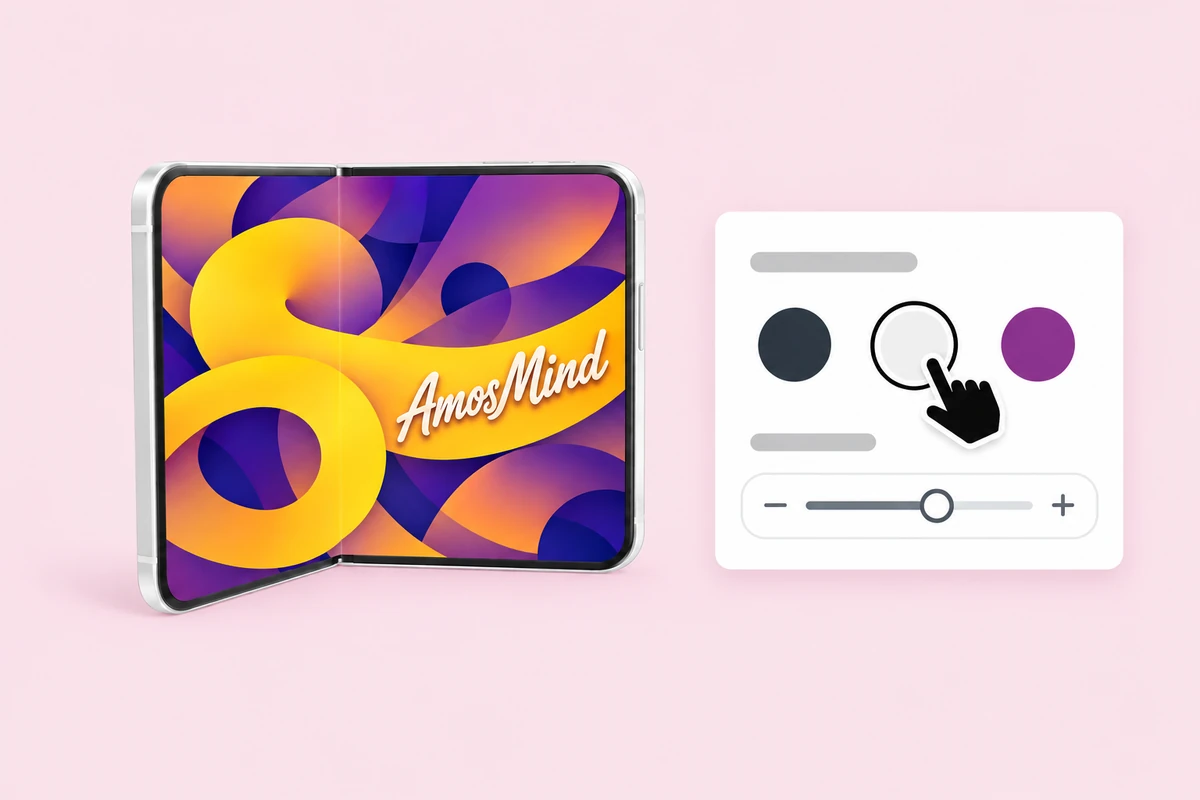
Choose a color and an angle
Pick one of Apple's finishes, then drag to turn the phone or click Front or Back.
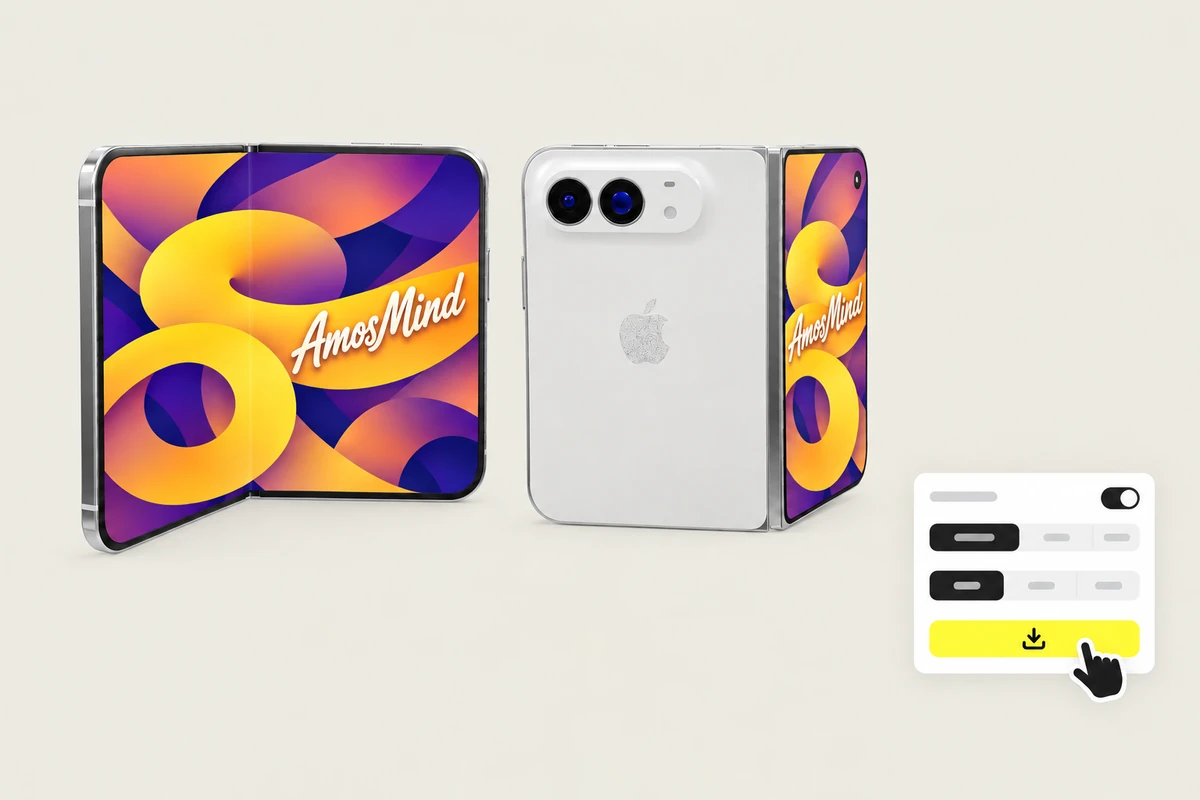
Export the image
Export 2K or 4K, or choose Transparent in the Background panel for a PNG you can place on your own layout.
Explore mockups by garment
Every category below opens the same live 3D editor. Start with the garment you actually sell.
Where iPhone mockups get used
A screen inside a real phone reads as a product, not a screenshot.
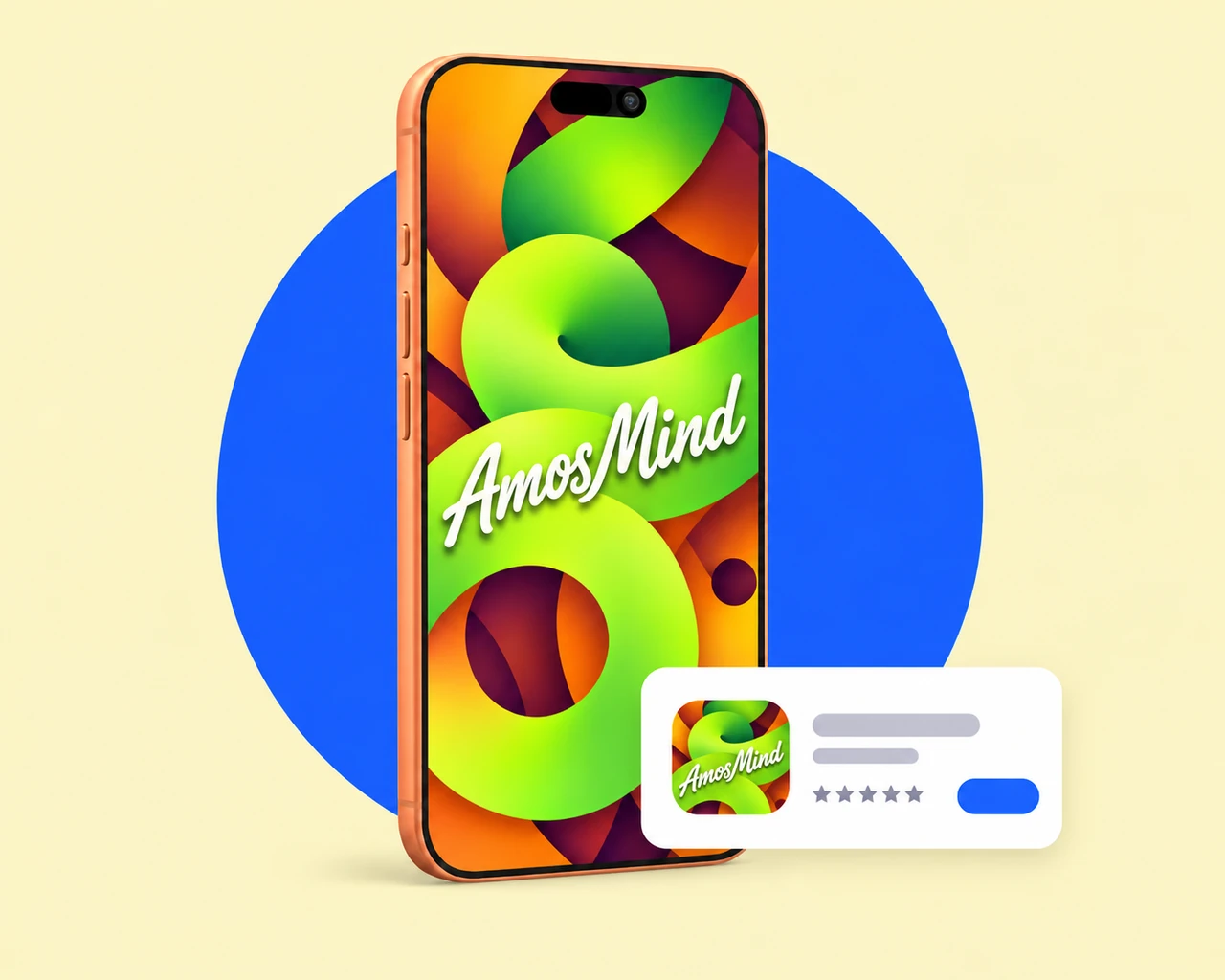
App Store and app landing pages
Put your app on the phones your users actually carry, from the newest Pro to an older model.
- Screens at native resolution
- Front and three-quarter views
- Transparent PNG for your own layout
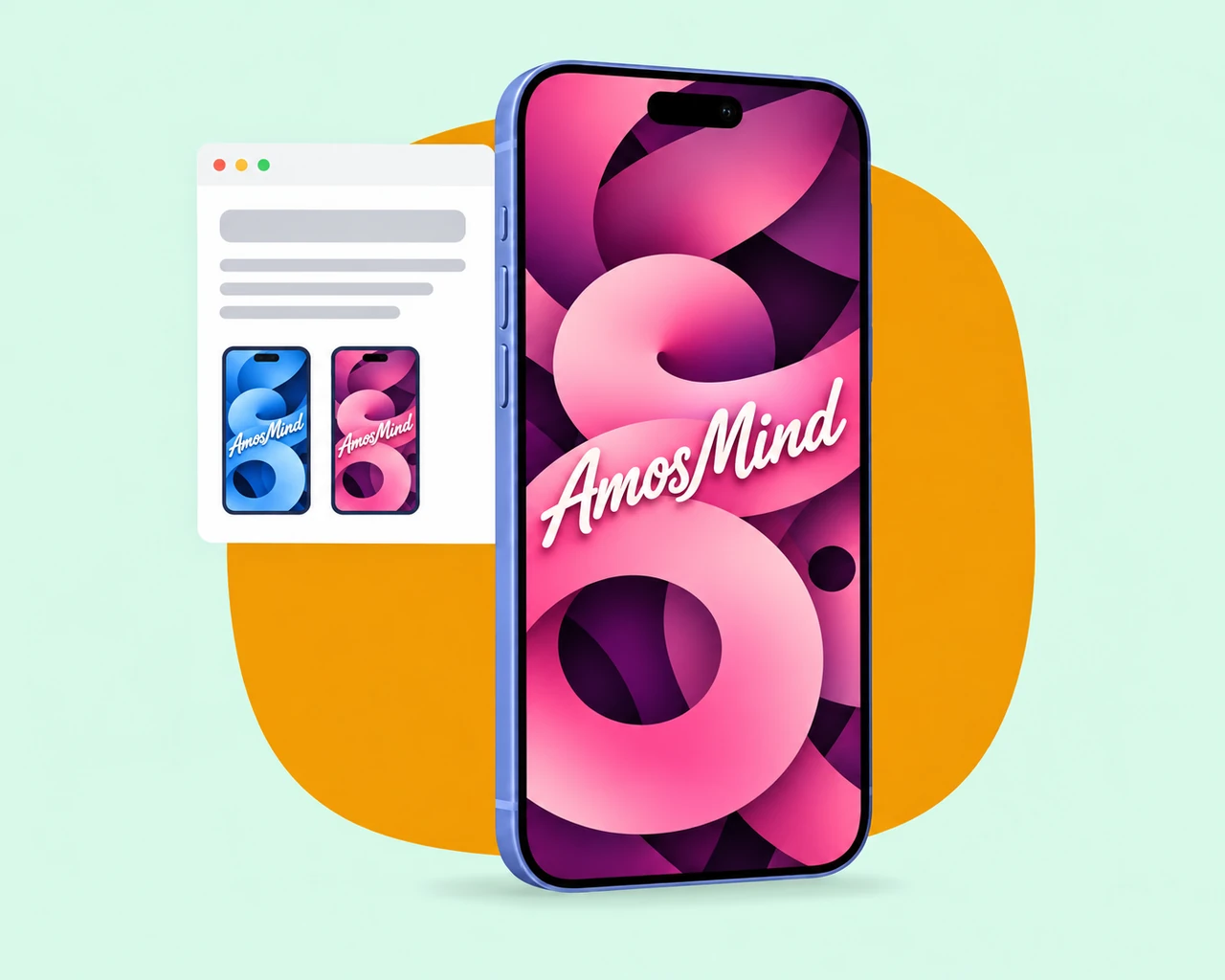
UI and UX portfolios
Case studies look finished when each screen sits in a device instead of floating on the page.
- One file fits phones with the same resolution
- The same light across every shot
- 4K for large hero images
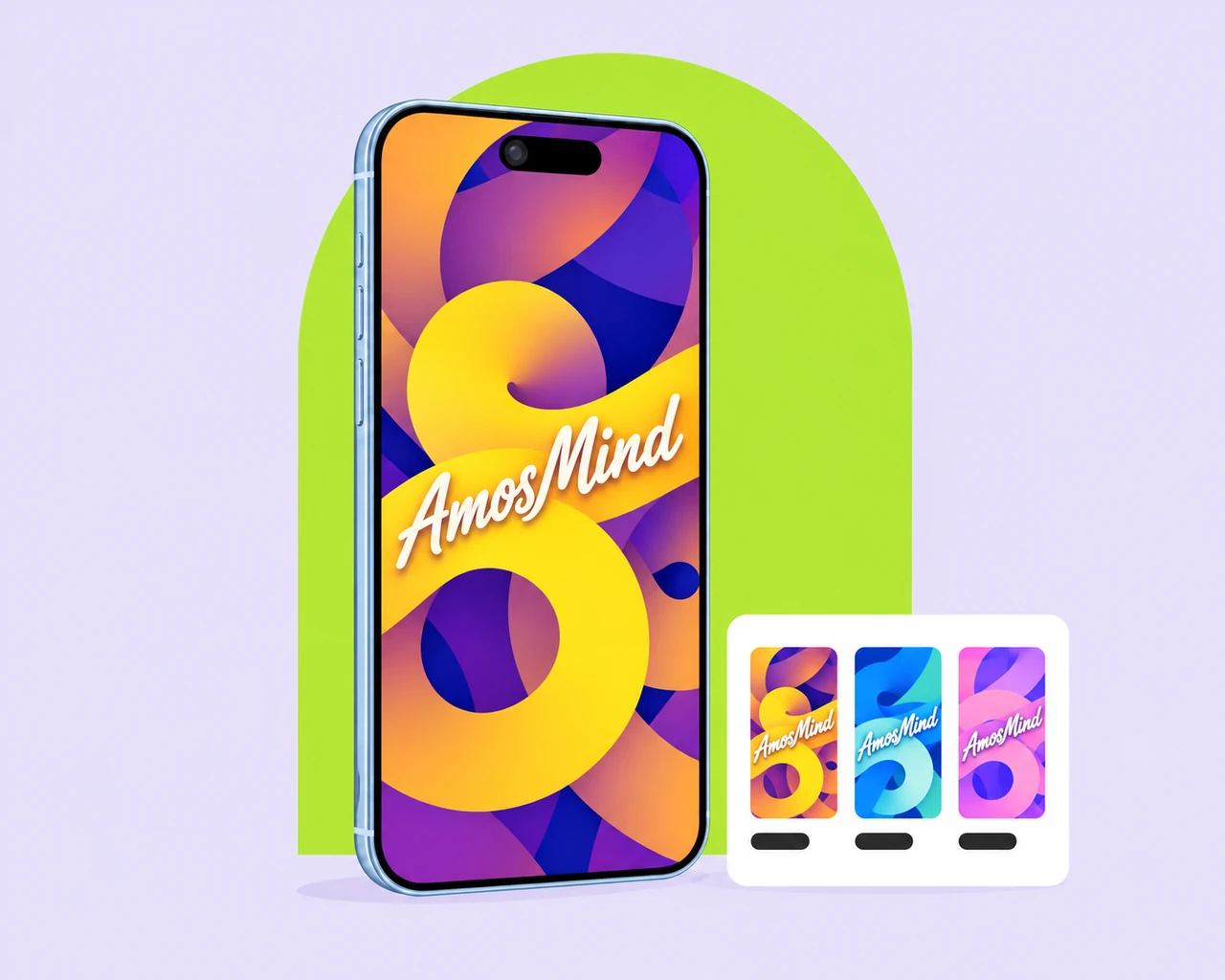
Wallpapers and phone art
Sell wallpapers or lock-screen art? Show each design full screen on the models buyers own.
- Every screen size from iPhone 8 up
- Apple colors behind the art
- Front and back views
iPhone mockup questions, answered
Answers about screen sizes, colors and exports for every iPhone on AmosMind.
How do I make an iPhone mockup?
Pick an iPhone on this page, click Upload artwork and add your screen, then choose a color and an angle and export the image. It all runs in your browser, so you don't need Photoshop.
What is an iPhone mockup used for?
It shows an app screen, a website or artwork inside a realistic iPhone, for App Store pages, landing pages, portfolios and social posts, so people see the design the way they'd hold it.
How do I get my screen to fit an iPhone mockup?
Make the image at the phone's native resolution from the table above, for example 1206 × 2622 px for iPhone 17. Keep text away from the top edge, because the Dynamic Island or the notch covers part of the screen, as on the phone itself.
Which iPhone models can I mock up?
iPhone 8 and iPhone X, the iPhone 11 to iPhone 17 families with their mini, Plus, Pro and Pro Max models, iPhone 18 Pro and iPhone 18 Pro Max, iPhone Air and the foldable iPhone Duo.
Can I download an iPhone mockup as a transparent PNG?
Yes. Choose Transparent in the Background panel and the phone downloads as a PNG, ready to drop into your own layout.
Do I need Photoshop or a PSD file to make an iPhone mockup?
No. Each phone is a 3D model that opens in your browser, and you export finished JPG or PNG images. There's no PSD file to edit.
Is this iPhone mockup free?
Browsing the iPhones and turning them in 3D is free. Log in with an email code or Google to upload a screen, save projects and render images; the export panel shows any cost before you render.
Should I keep the status bar in my screenshot?
The phone shows your image exactly as you upload it and doesn't add a clock or a status bar. Keep the status bar for a screen that looks live, or crop it for a clean artwork view.