
DTG (direct to garment)
Navy and royal get pretreatment and a white underbase, like black. Semi-transparent pixels can print as a pale haze on them.
Navy, royal and light blue print and photograph very differently: navy can pass for black on camera, and white ink nearly vanishes on light blue. Add your artwork and turn the shirt in 3D to check every side.

62 mockups
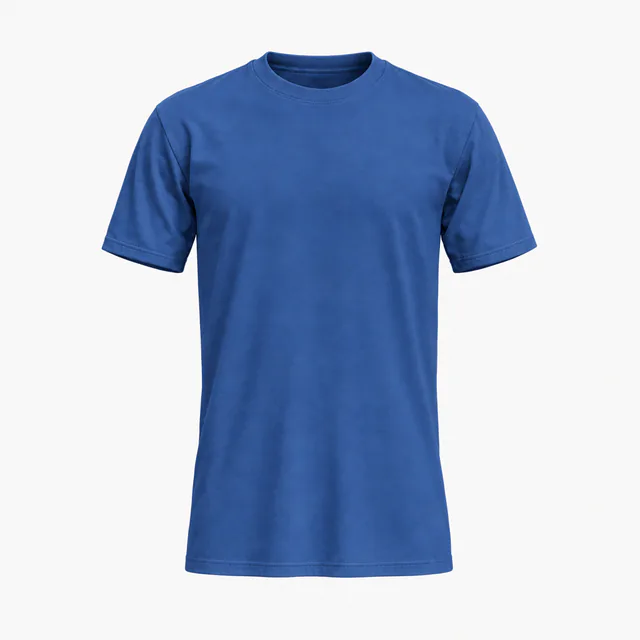 Add your design
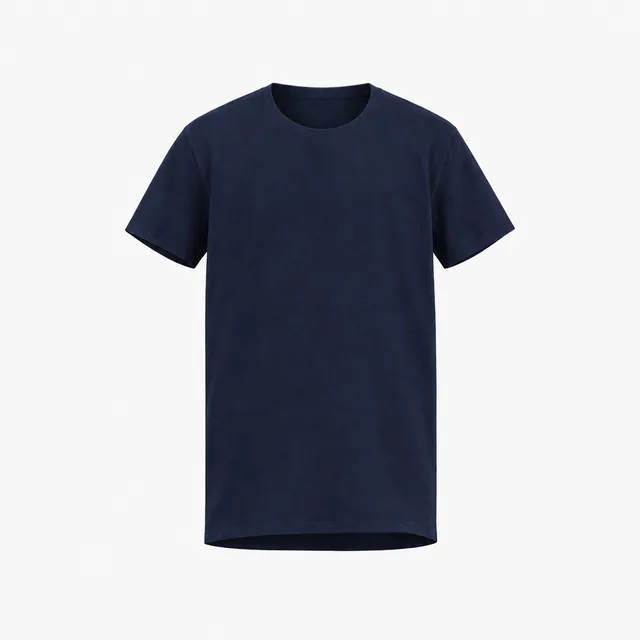 Add your design
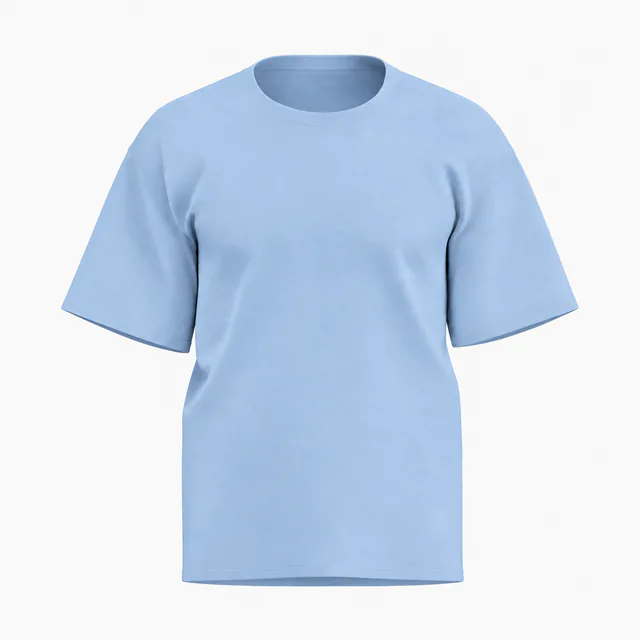 Add your design
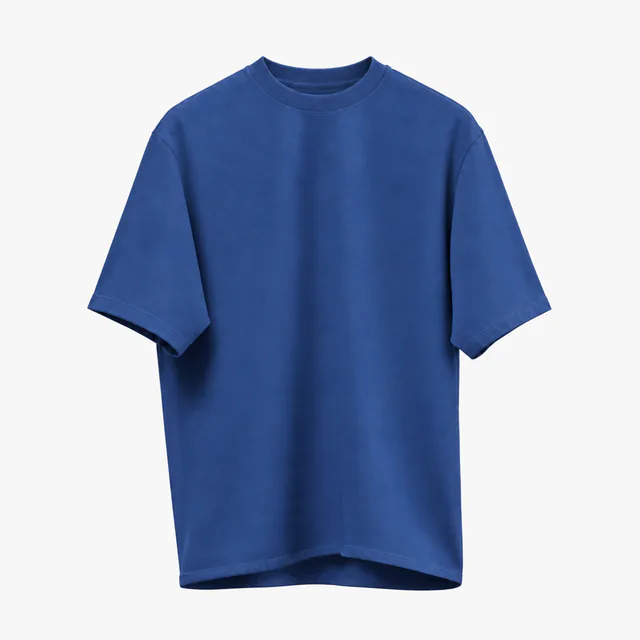 Add your design
 Add your design
 Add your design
 Add your design
 Add your design
 Add your design
 Add your design
 Add your design
 Add your design
 Add your design
 Add your design
 Add your design
 Add your design
 Add your design
 Add your design
 Add your design
 Add your design
 Add your design
 Add your design
 Add your design
 Add your design
 Add your design
 Add your design
 Add your design
 Add your design
 Add your design
 Add your design
 Add your design
 Add your design
 Add your design
 Add your design
 Add your design
 Add your design
 Add your design
 Add your design
 Add your design
 Add your design
 Add your design
 Add your design
 Add your design
 Add your design
 Add your design
 Add your design
 Add your design
 Add your design
 Add your design
 Add your design
 Add your design
 Add your design
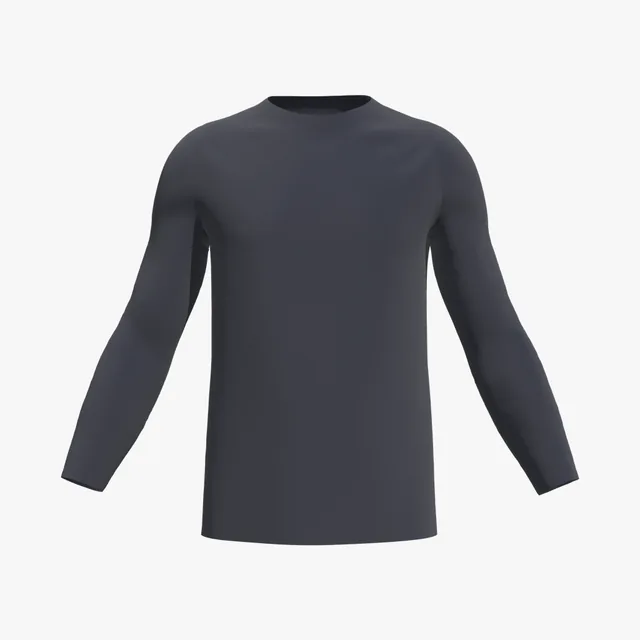 Add your design
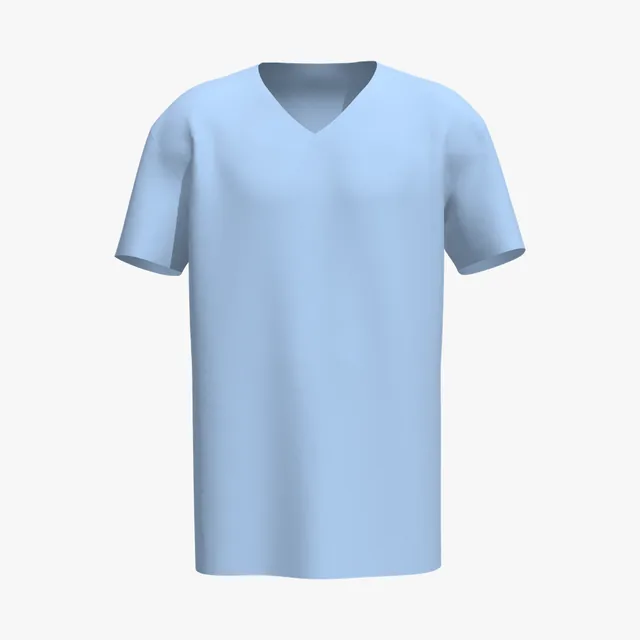 Add your design
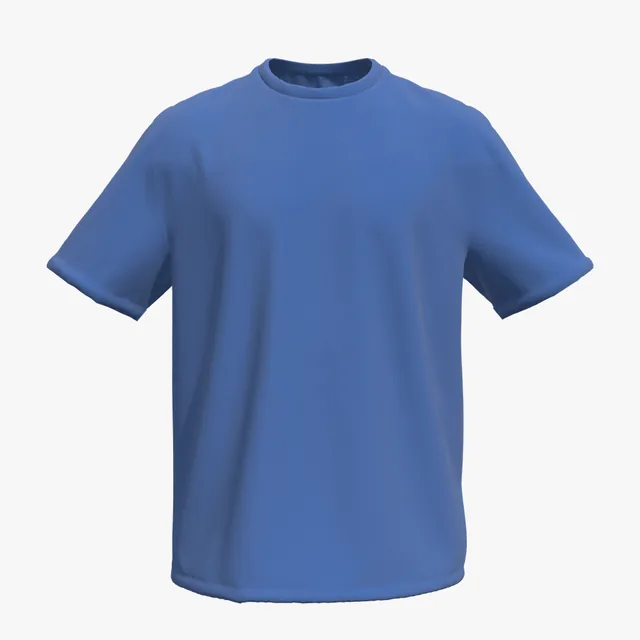 Add your design
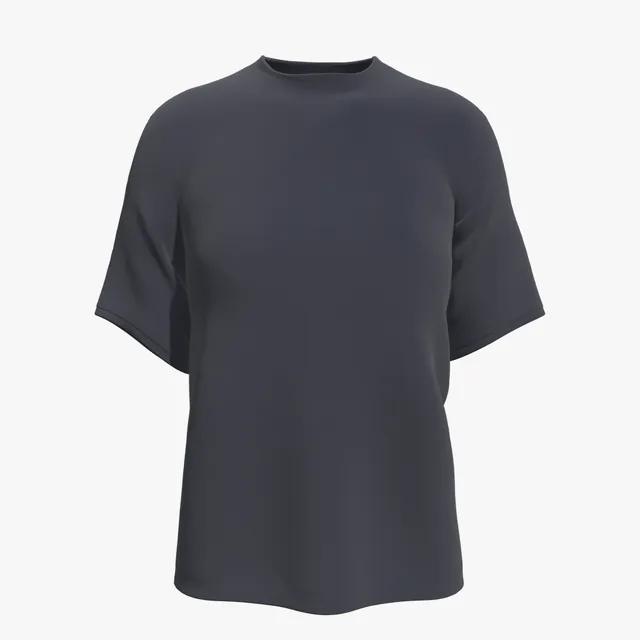 Add your design
 Add your design
 Add your design
 Add your design
 Add your design
 Add your design
 Add your design
What reads well depends on which blue you pick. On navy and royal, white, gold and bright orange stand out. On light blue, white nearly disappears and darker art works better. Check your palette on the 3D shirt before it goes to print.
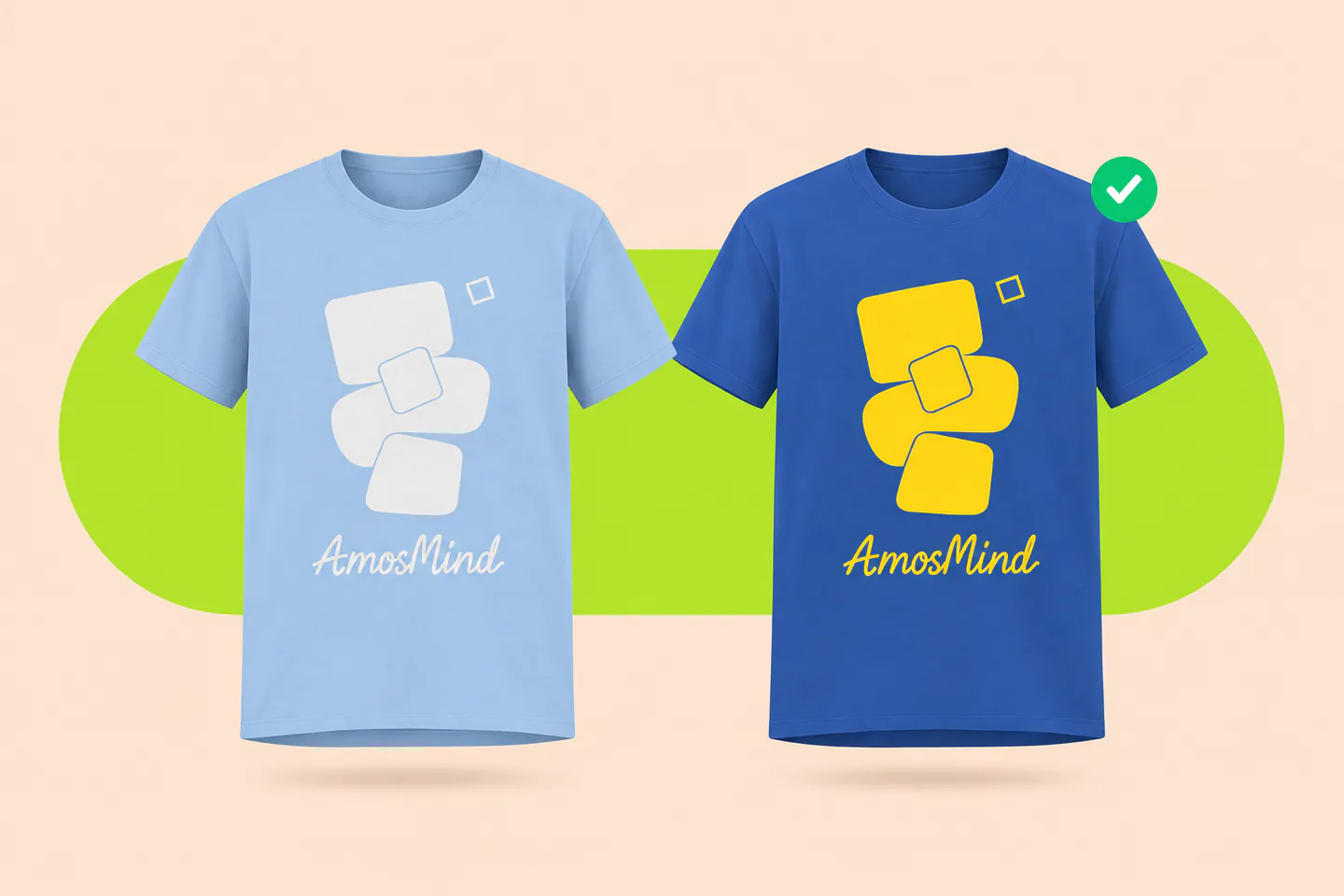
Dark blues want light art; light blues want dark
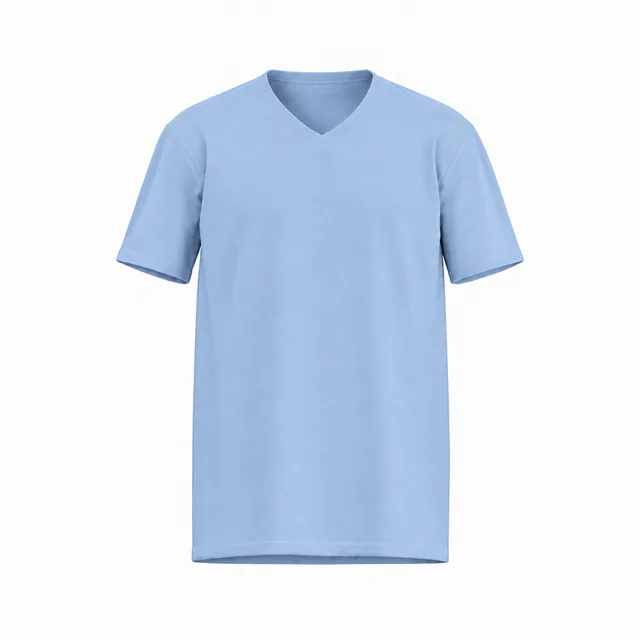
White on light blue is barely legible
Orange is the complement of royal blue
Gold gives a crisp team or collegiate look
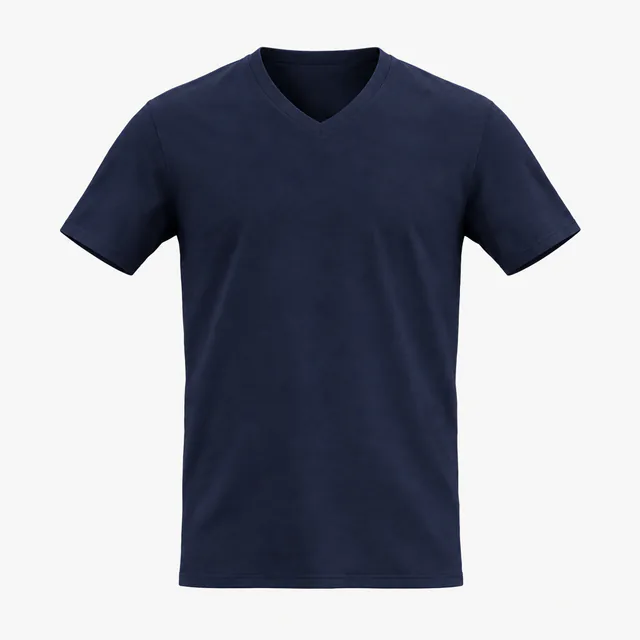
Navy can read as black on camera
Black details on navy fade almost completely
Ink is translucent, so fabric tints it
Some printers lay white under light blue, some don't
The 3D preview shows how your colors read against blue fabric under studio light. It does not simulate ink thickness or how a specific printer handles light blue.
Navy and royal blue are printed like dark shirts, with white laid under the colors. Light blue sits in between, and printers treat it differently. Which method you use changes how you should prepare the file.
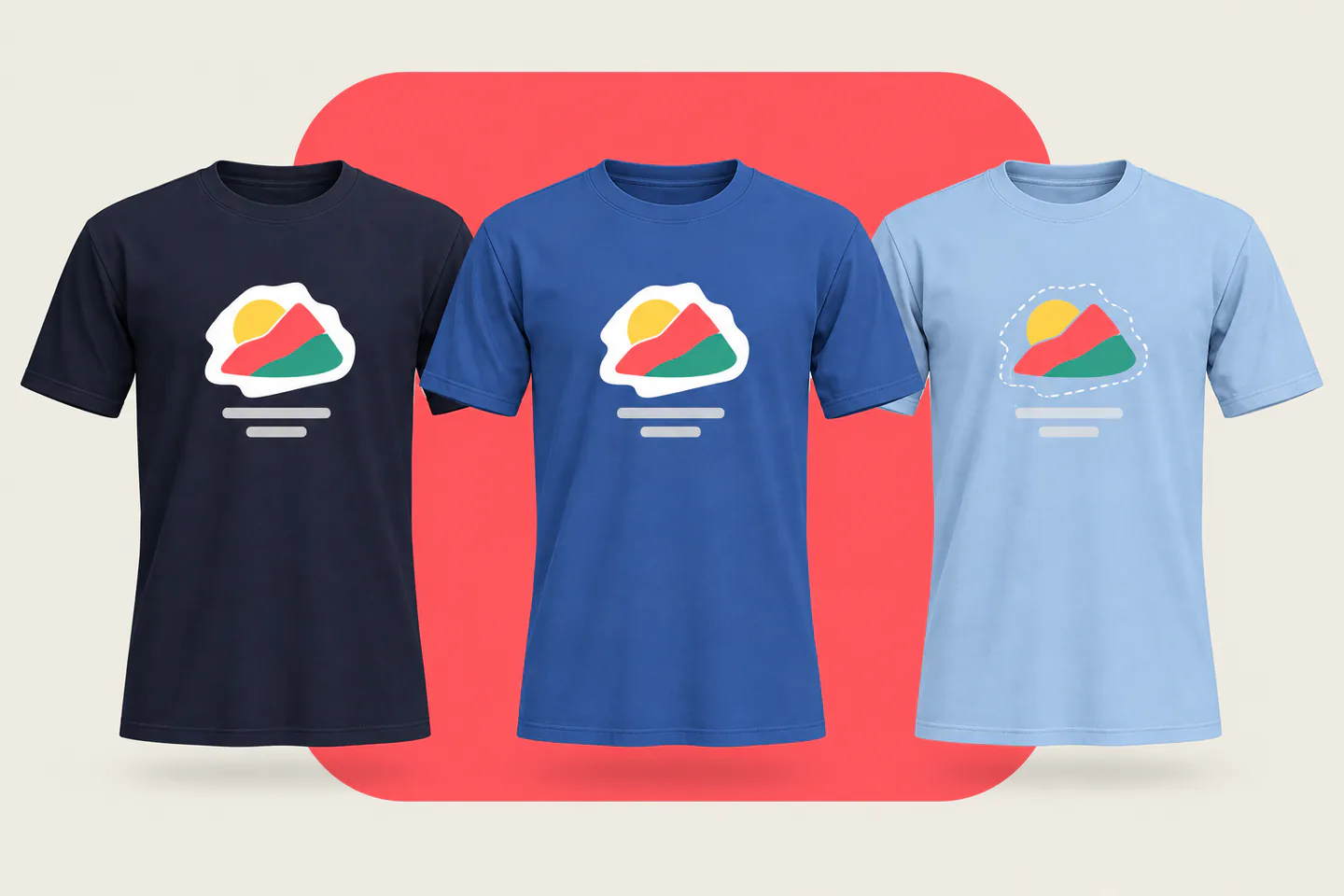
Navy and royal get pretreatment and a white underbase, like black. Semi-transparent pixels can print as a pale haze on them.
Some printers print light blue like a light shirt, with no underbase; others underbase every non-white shirt. Ask before you design.
On navy and royal a white underbase is printed and flash-dried first, which adds a screen. Fewer colors keep the cost down.
A white layer on the film blocks the fabric color, so the same transfer looks the same on navy, royal and light blue.
Pigment-dyed blues such as washed denim shades vary slightly between dye batches. Check the blank before you match colors to it.
Tell your printer which blue you are using. Your mockup should show the colors the chosen method can reproduce on that shade.
Navy ranks right behind black and white in print-on-demand color lists, while royal blue is a classic team color. Match the blue of the shirt you will ship, so your mockups don't promise a brighter or darker shade than customers receive.
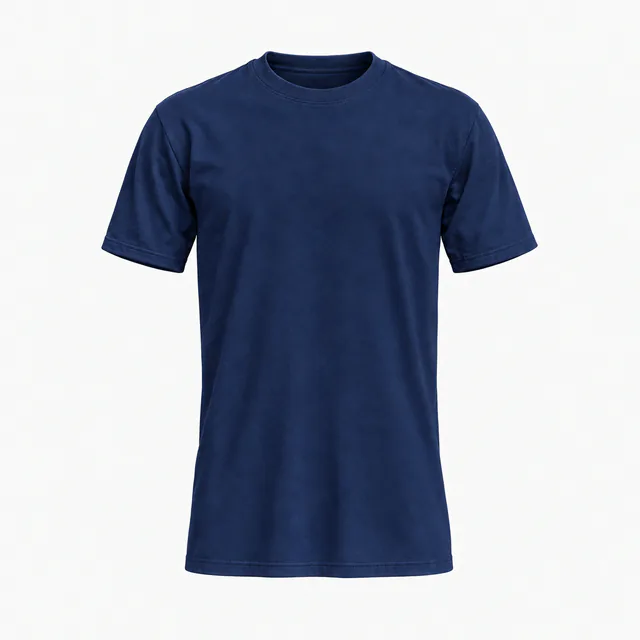
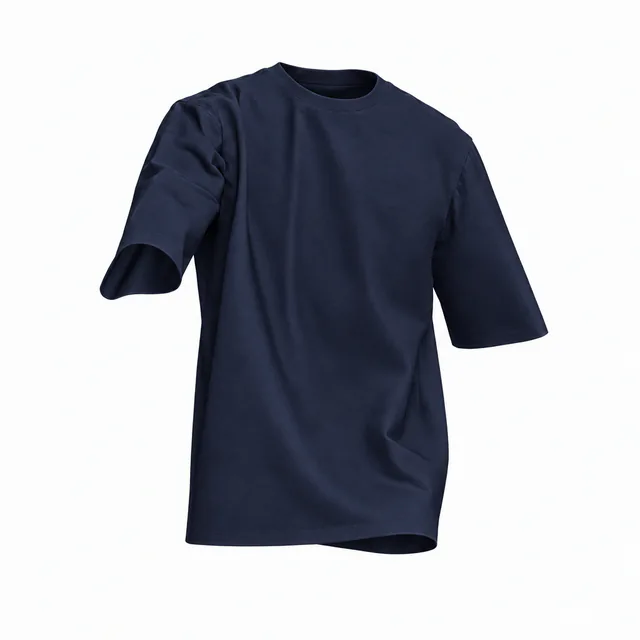
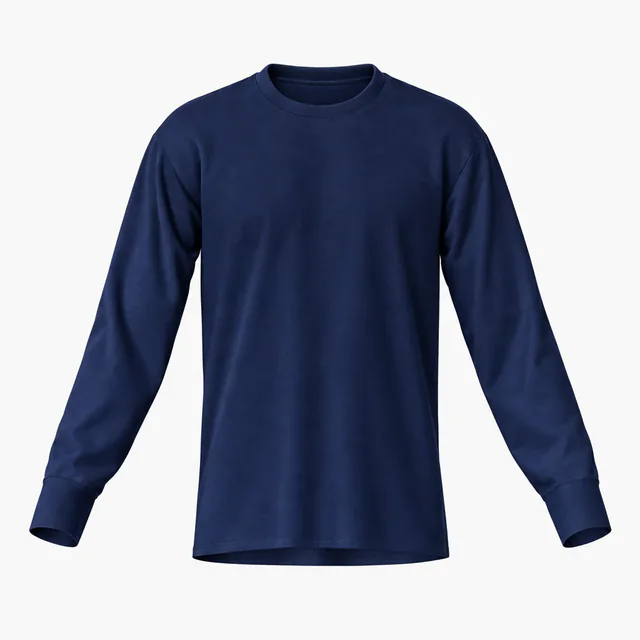
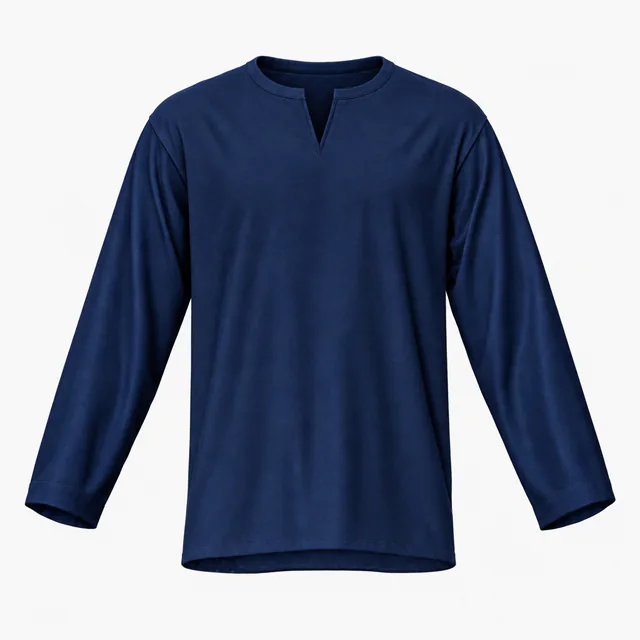
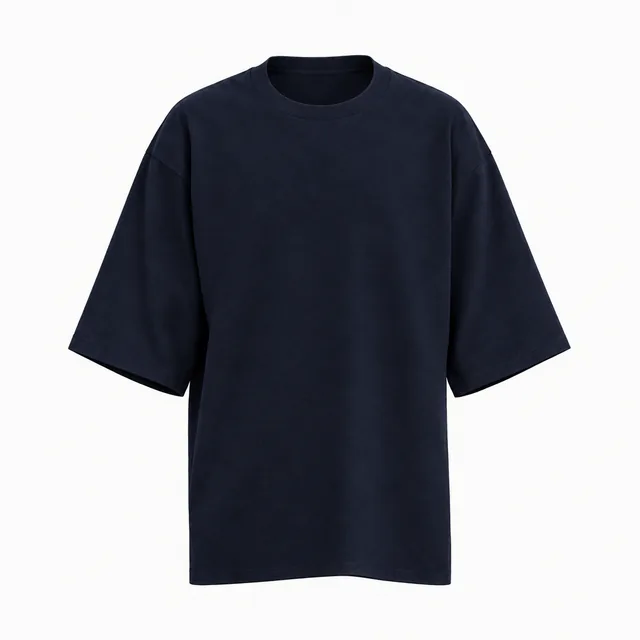
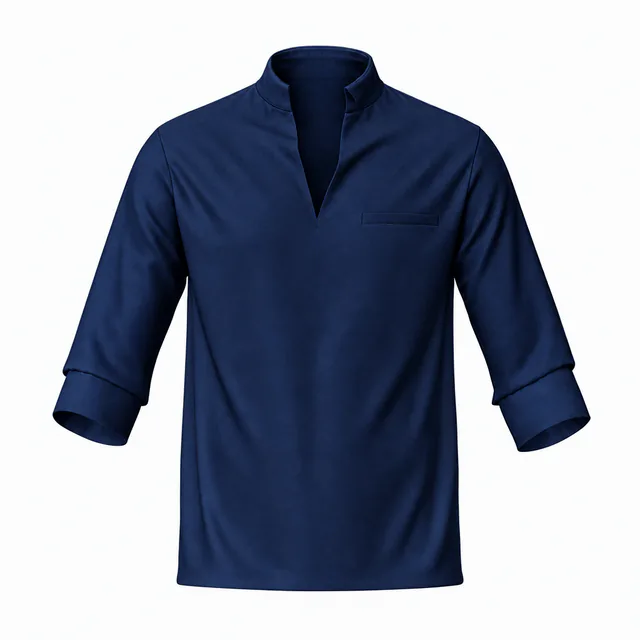
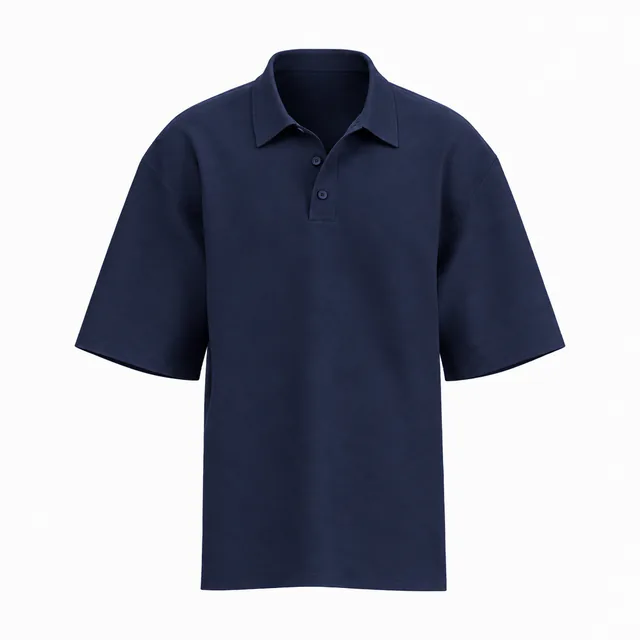
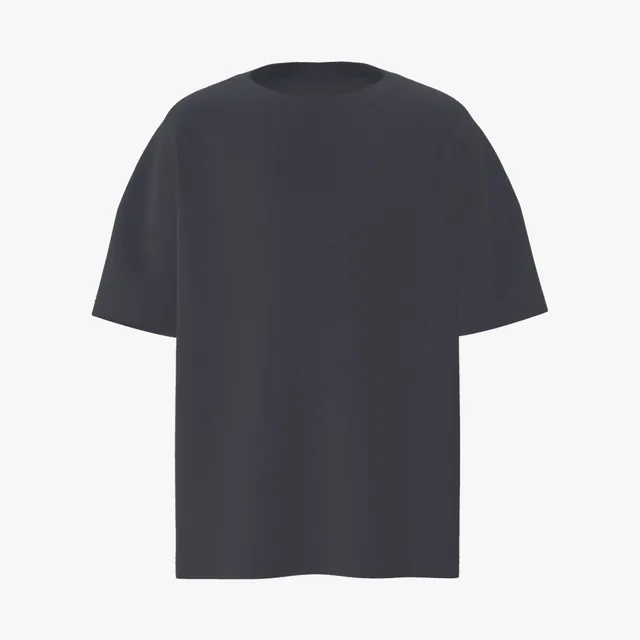
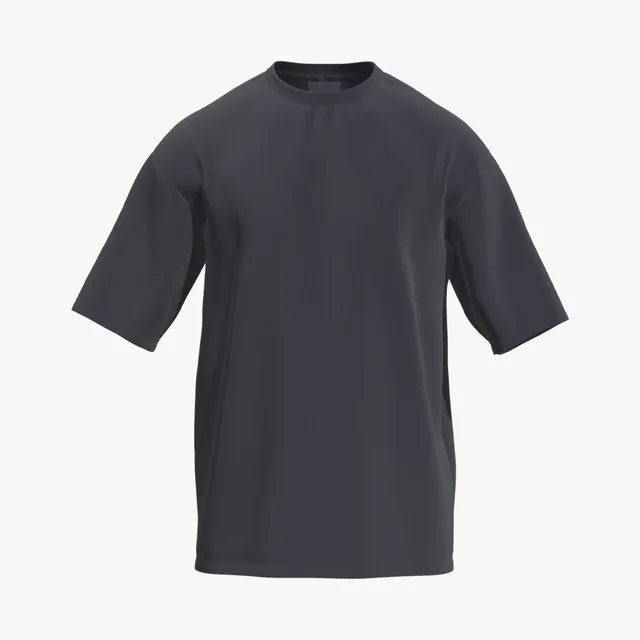
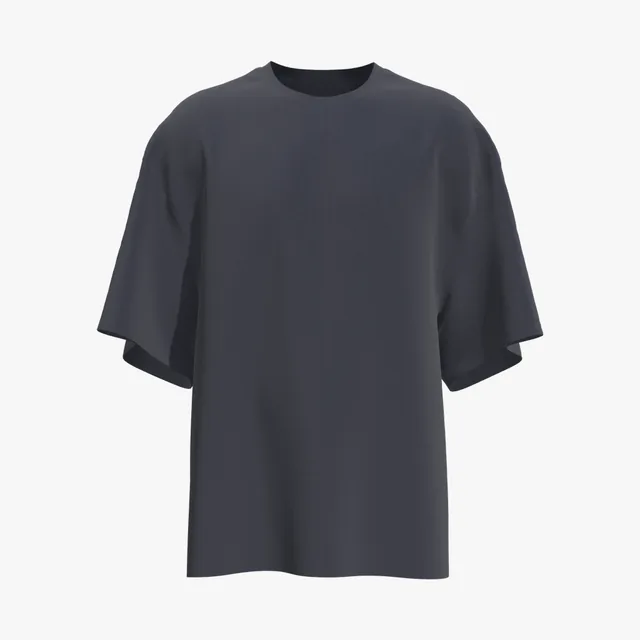
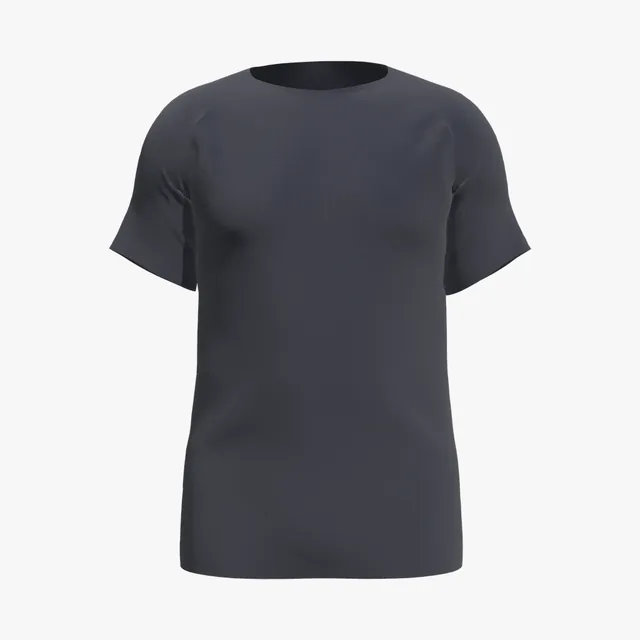
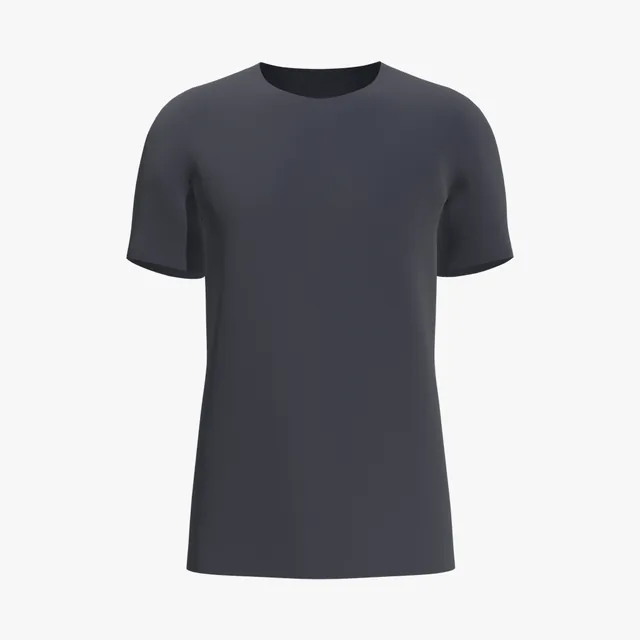
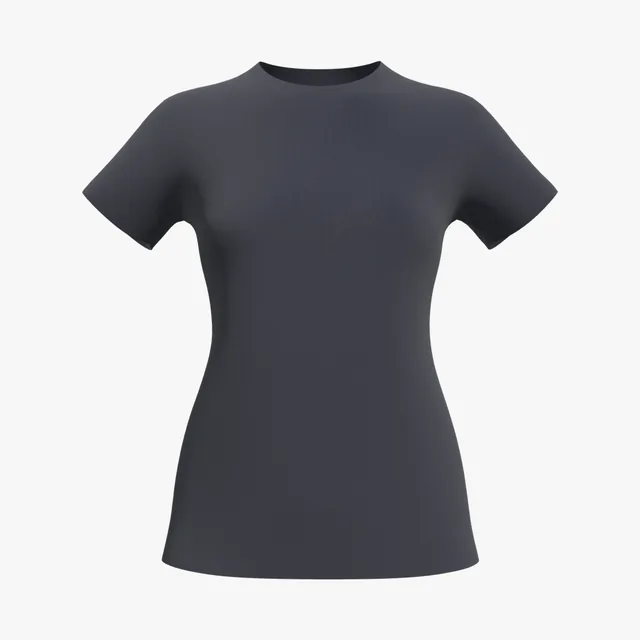
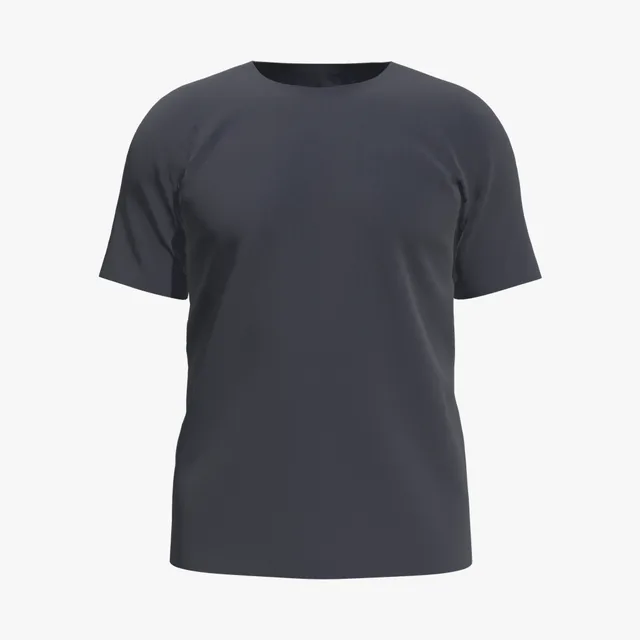
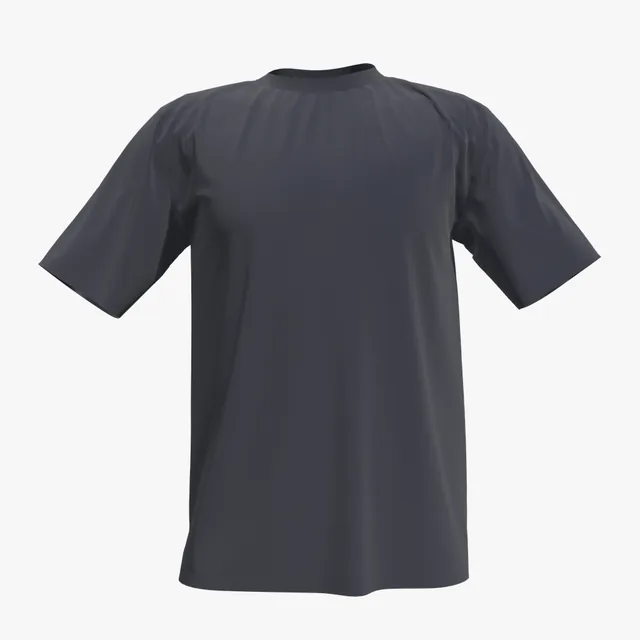
A deep navy filed with American Apparel's core darks; on camera, navy this deep can read as black.
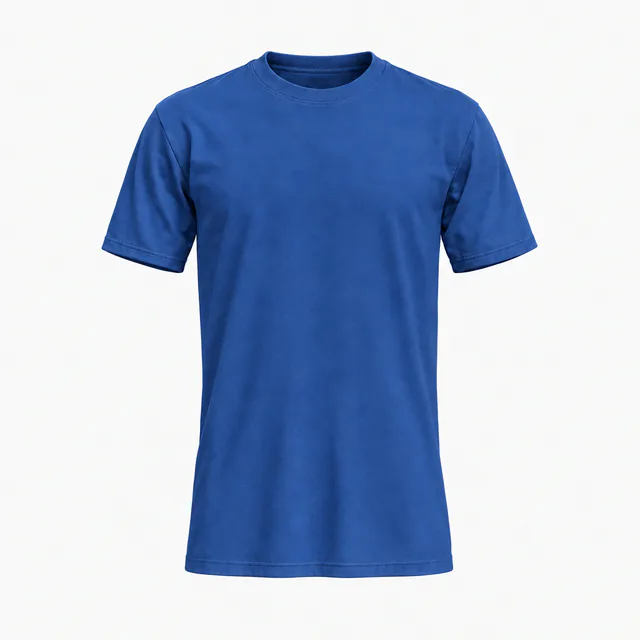
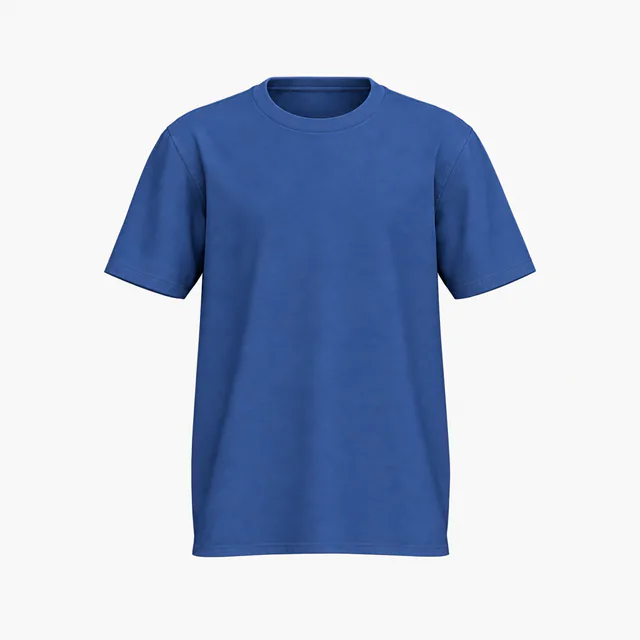
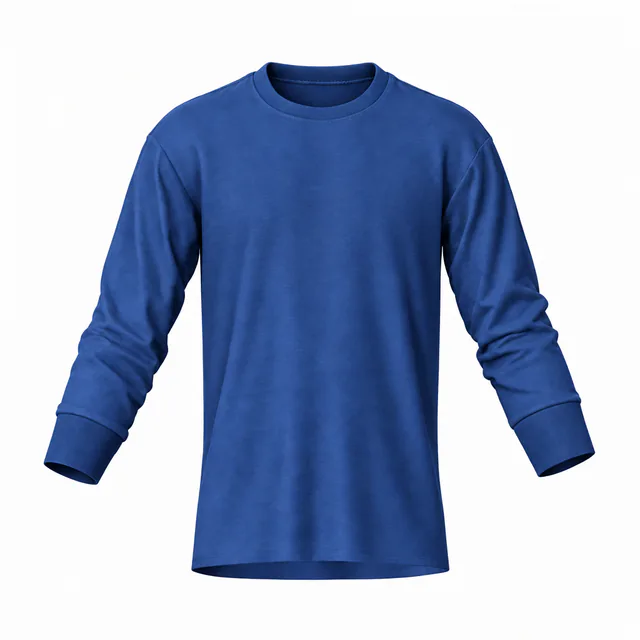
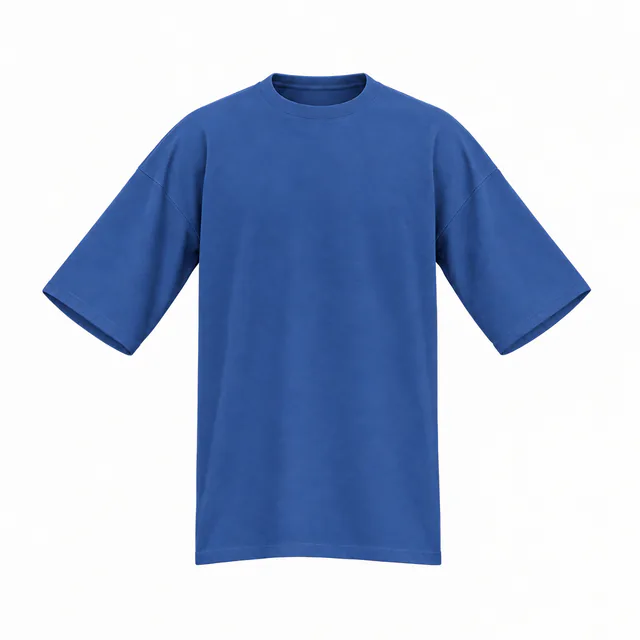
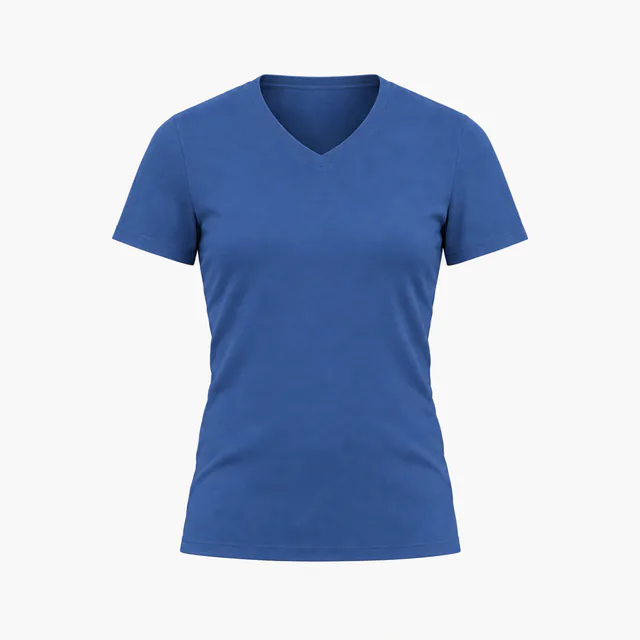
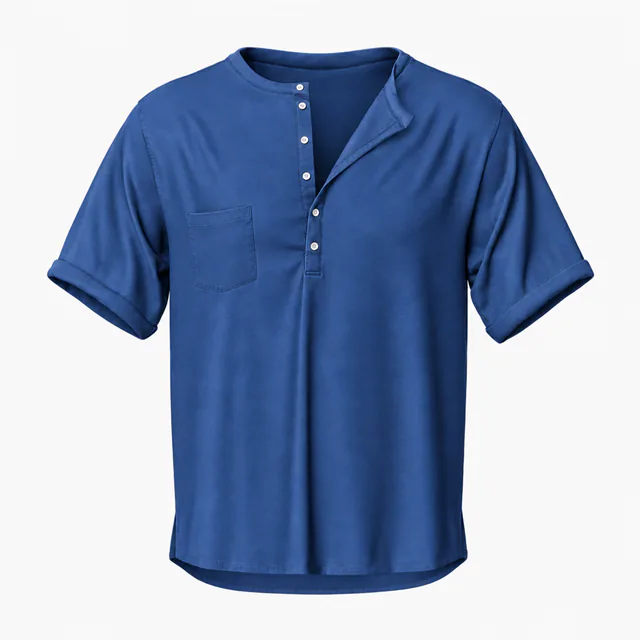
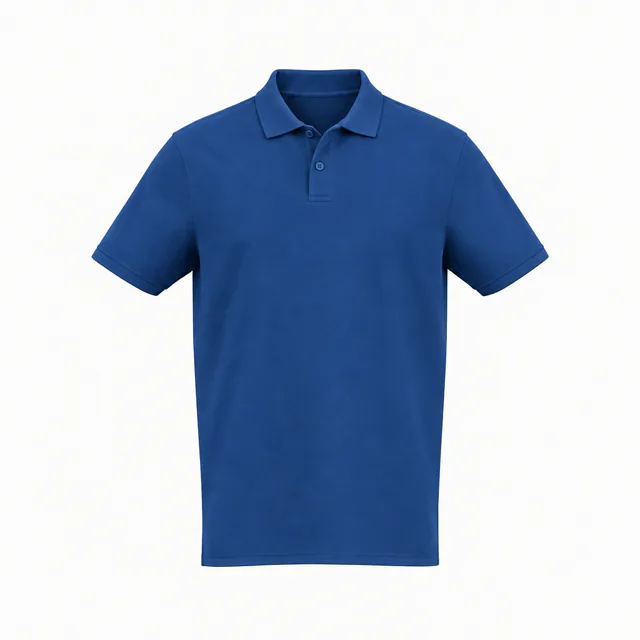
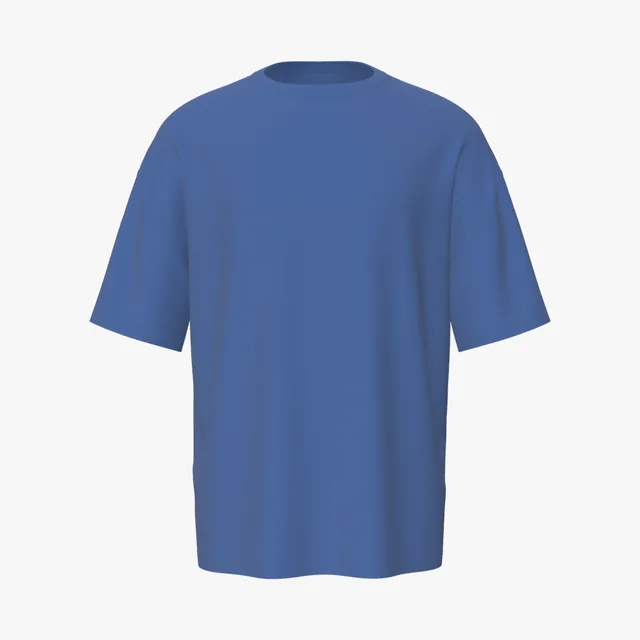
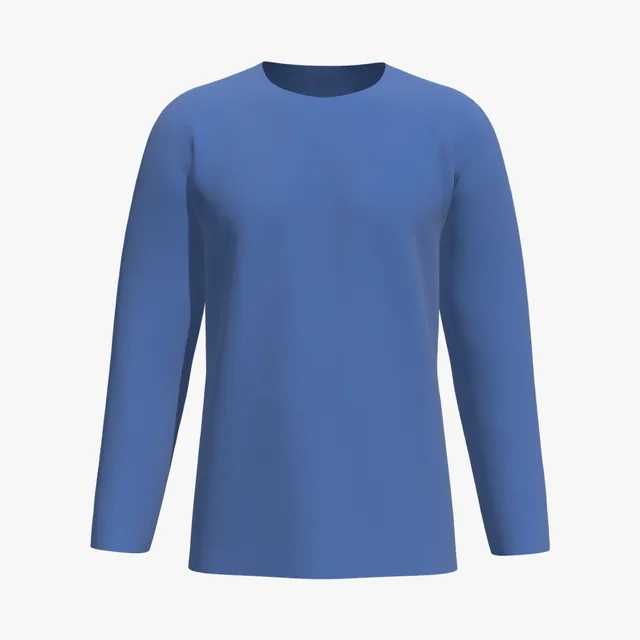
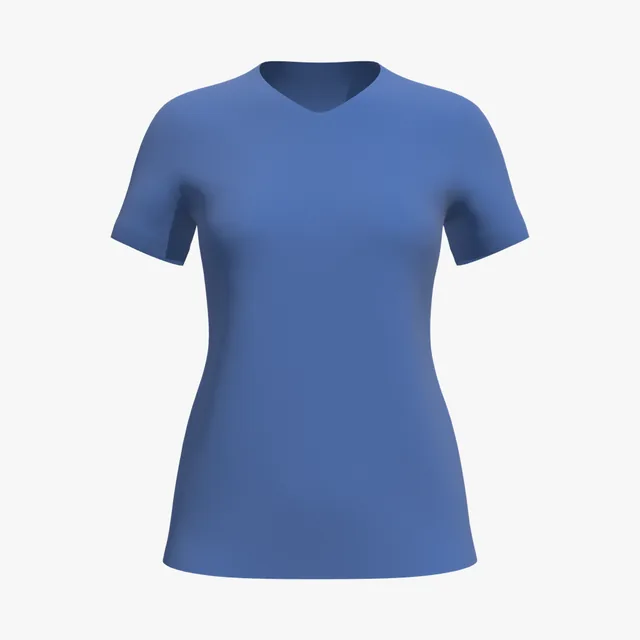
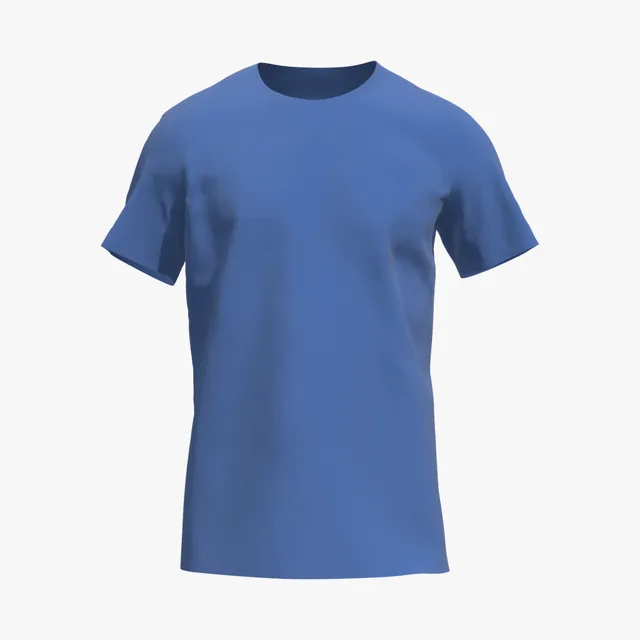
A saturated royal on 100% combed cotton; Printful ranks True Royal its 10th most popular tee color.
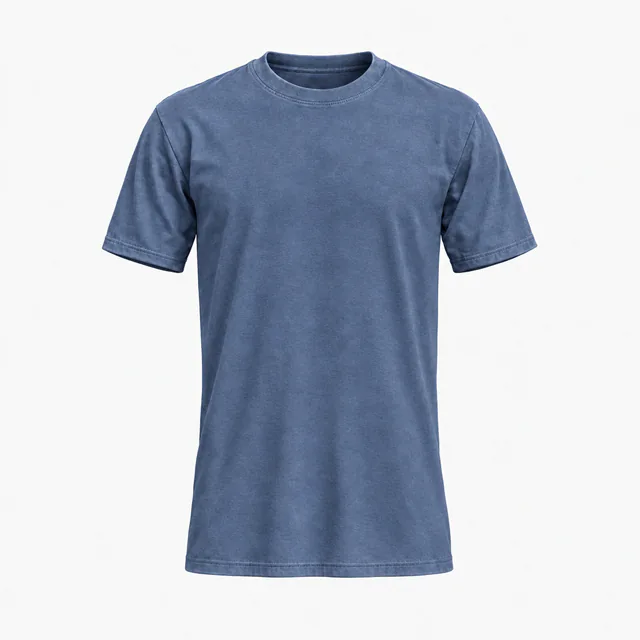
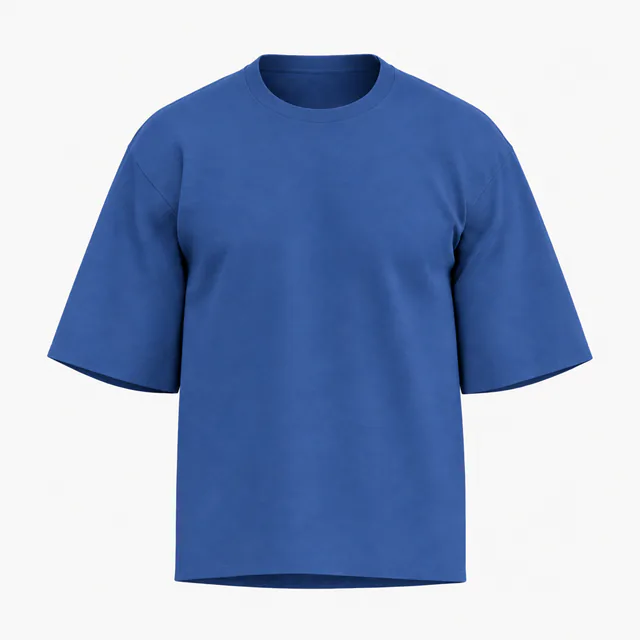
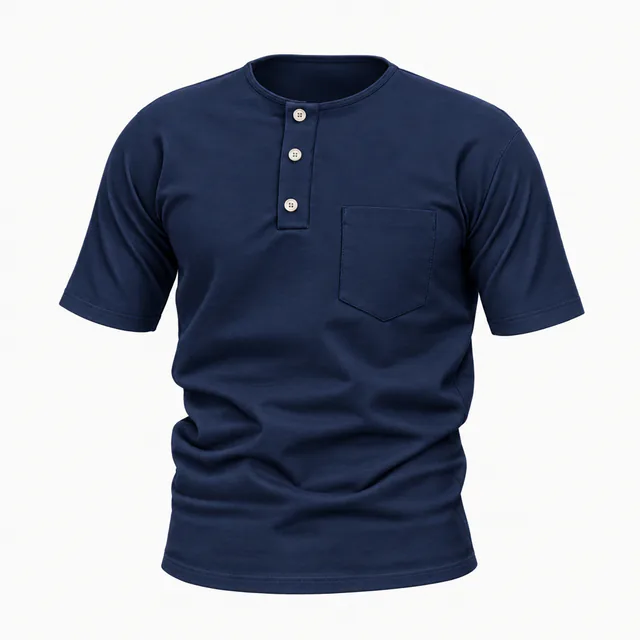
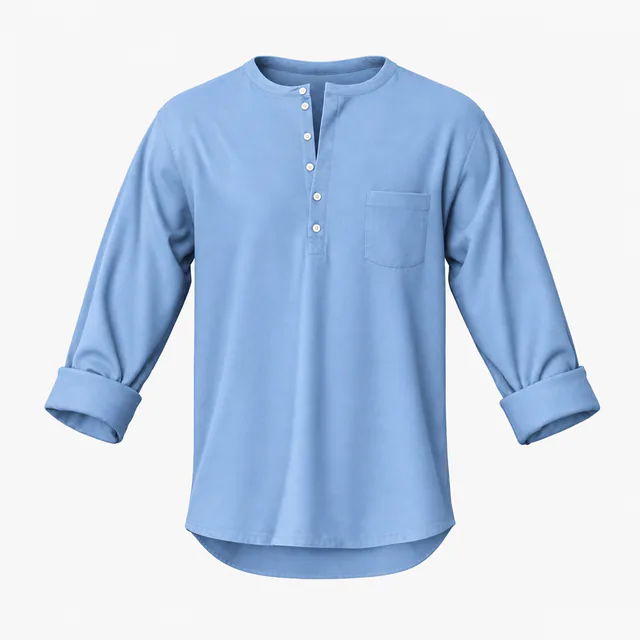
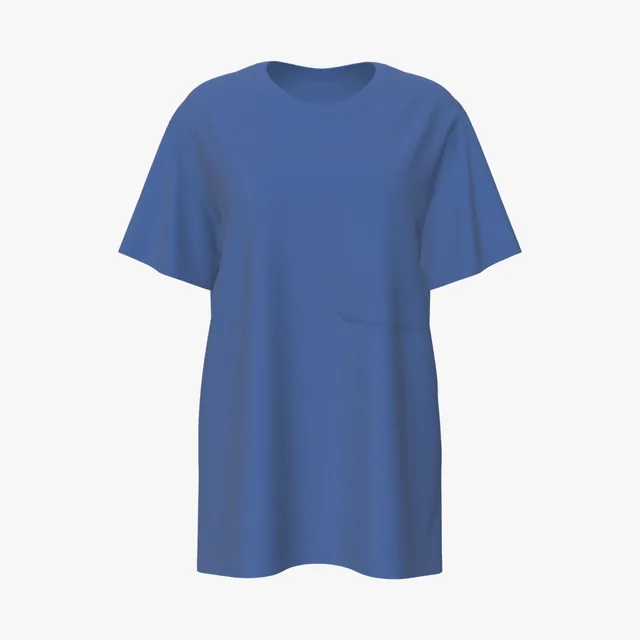
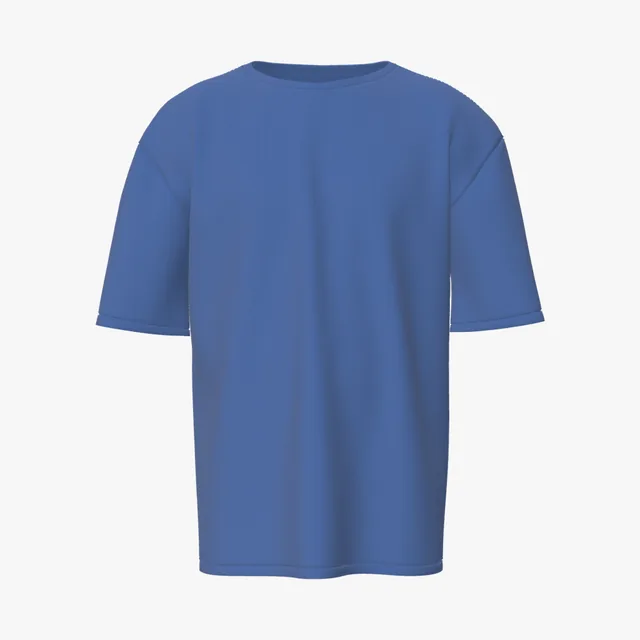
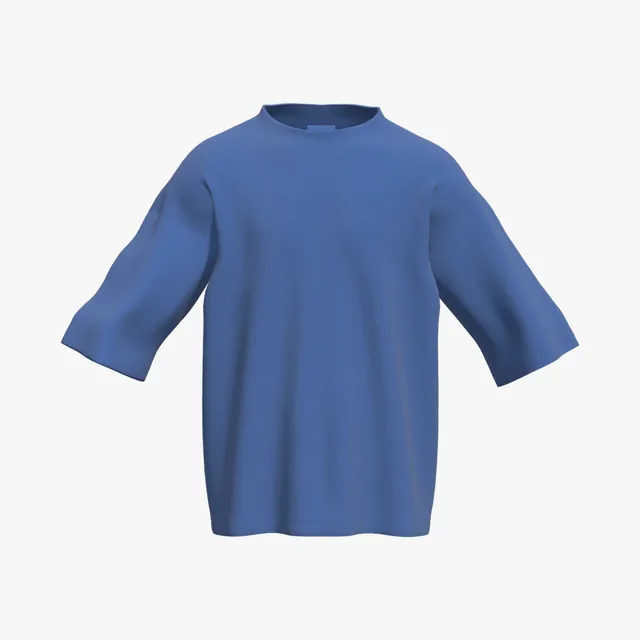
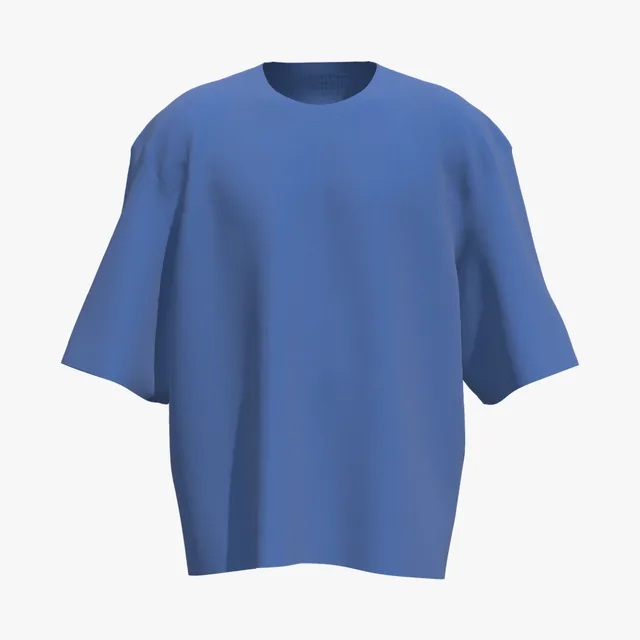
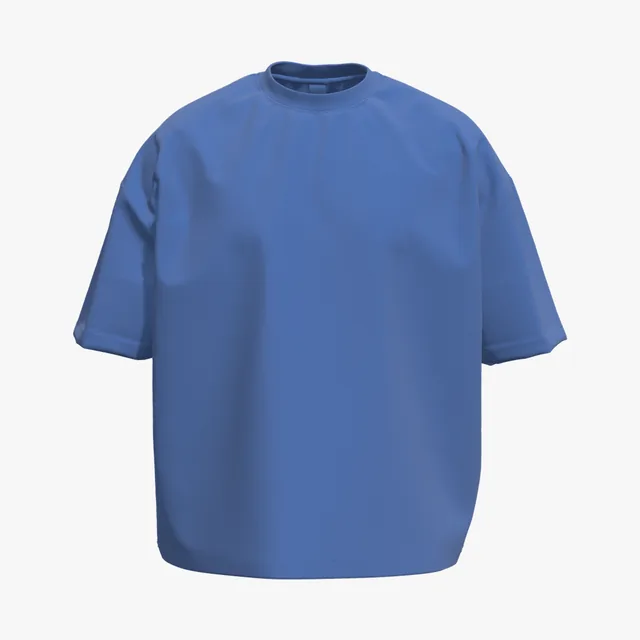
Pigment garment-dyed denim blue with a washed, vintage look; shades vary slightly between batches.
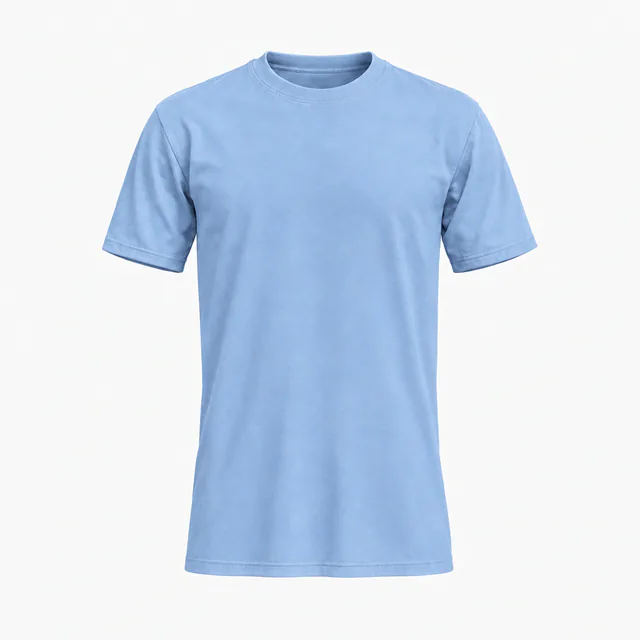
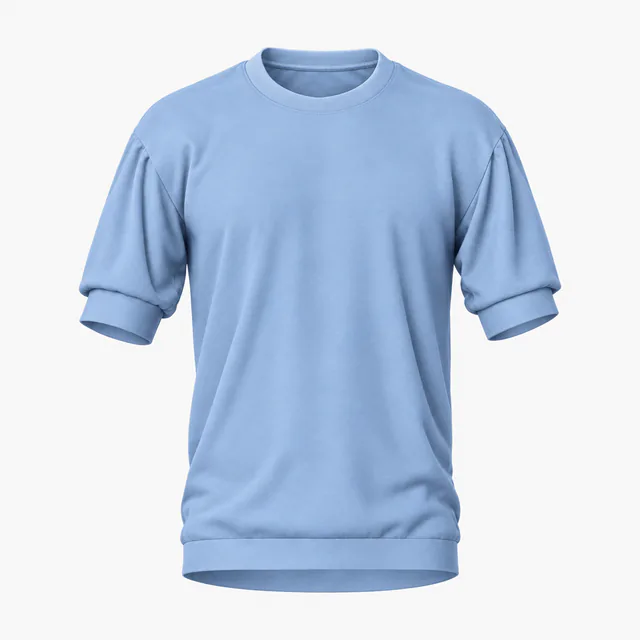
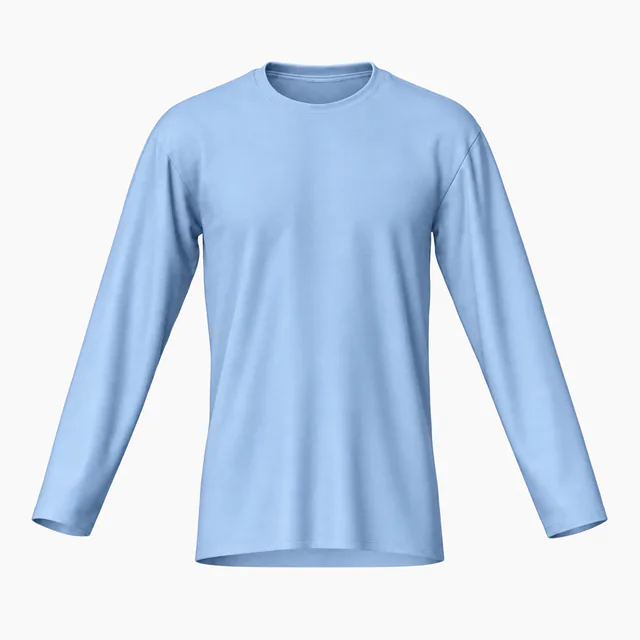
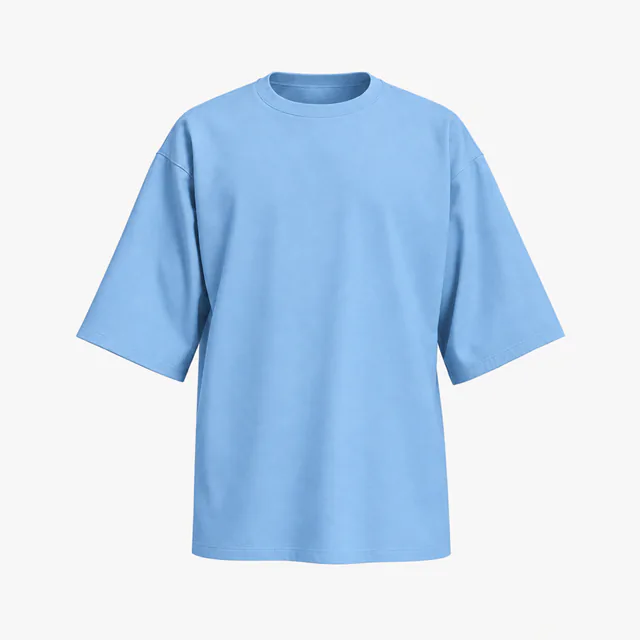
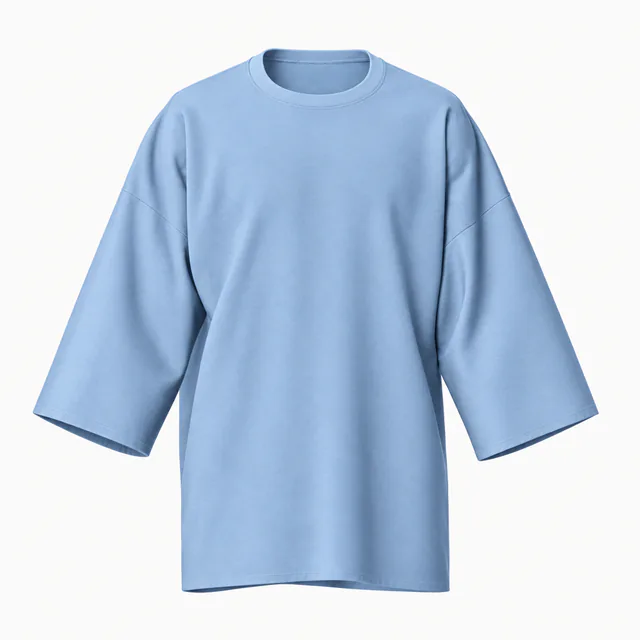
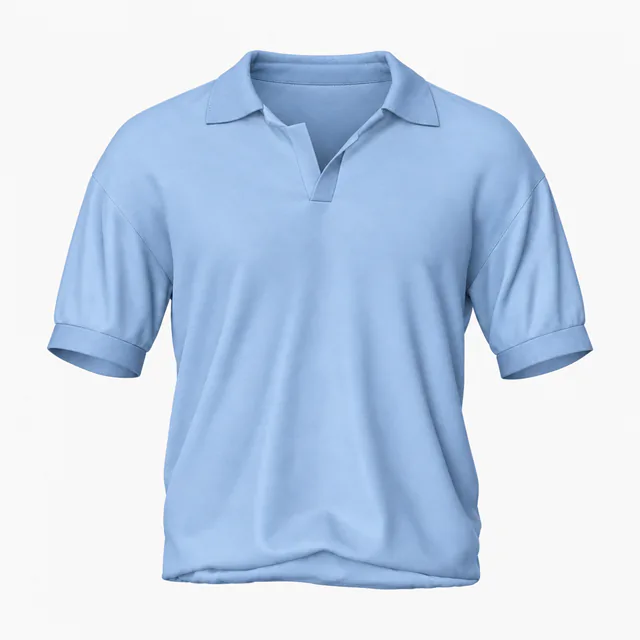
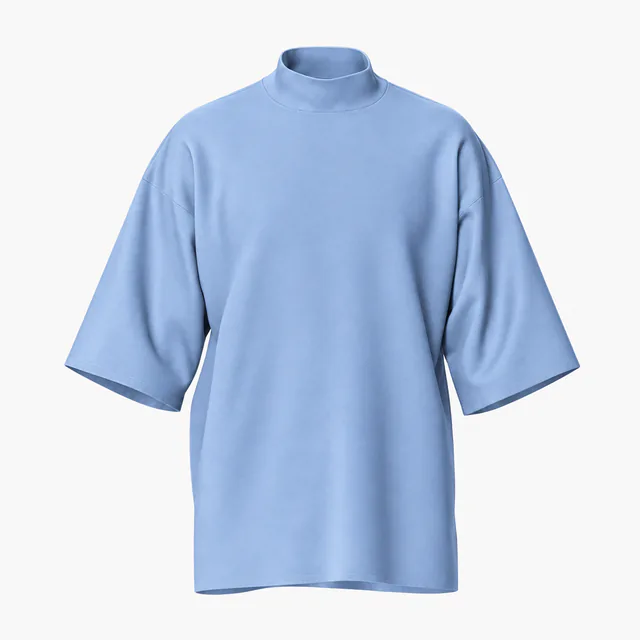
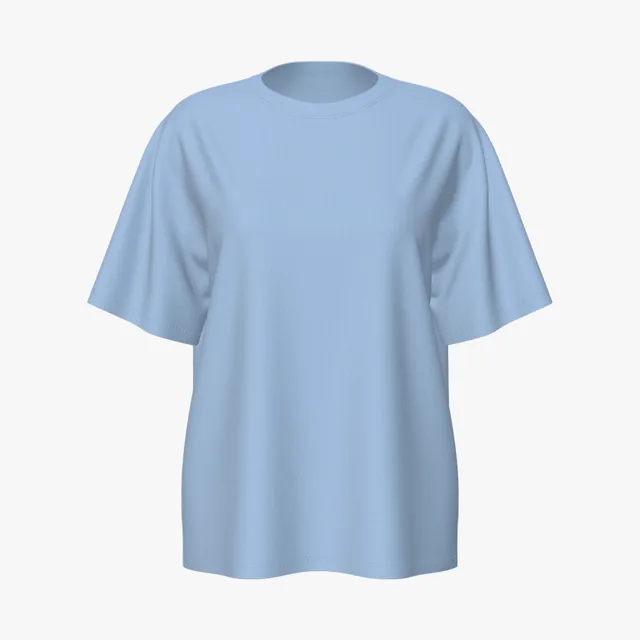
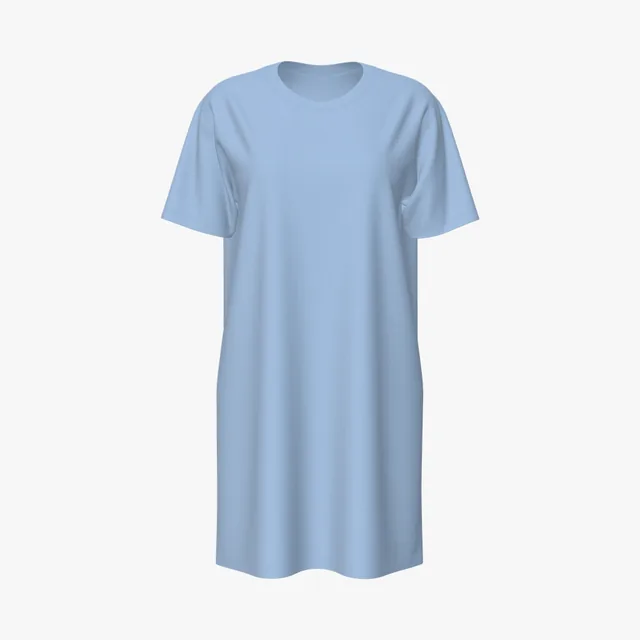
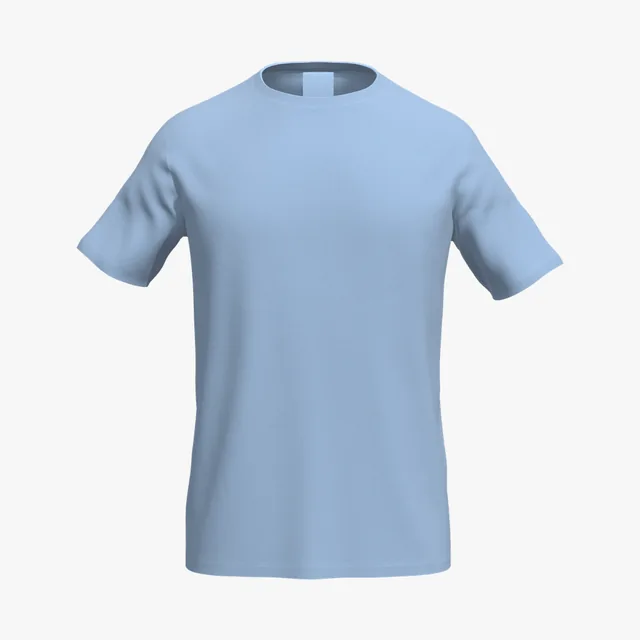
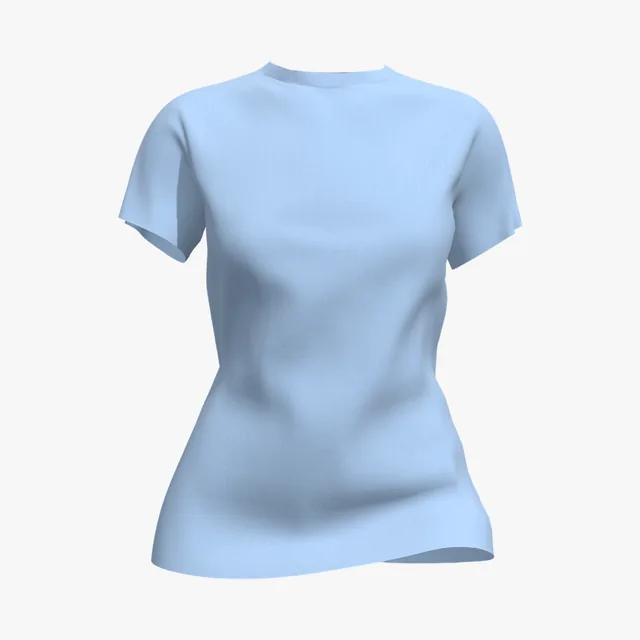
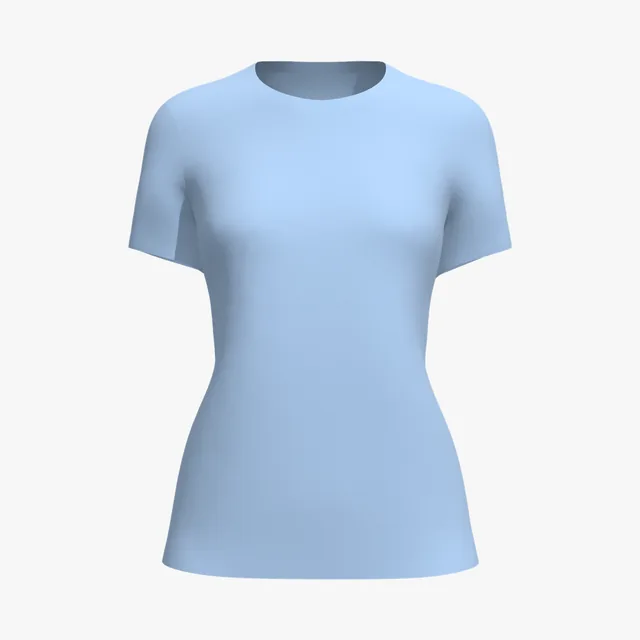
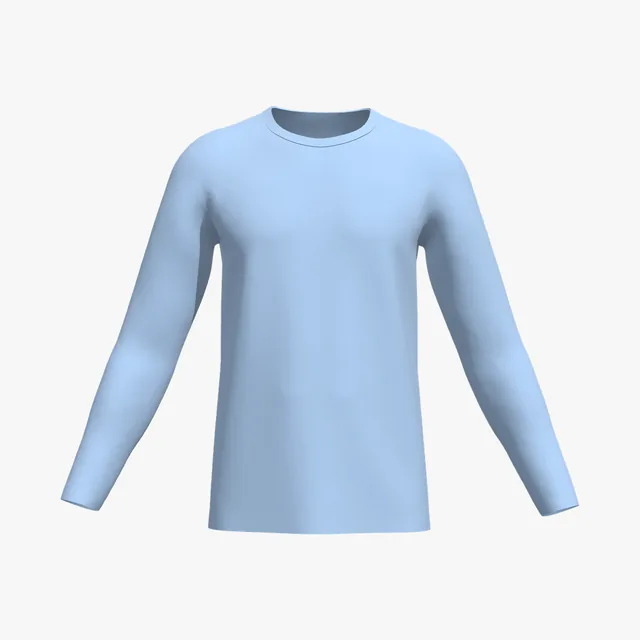
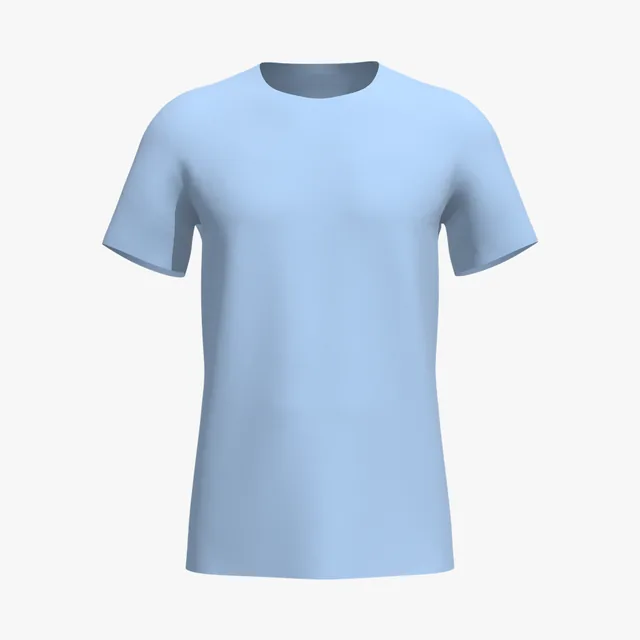
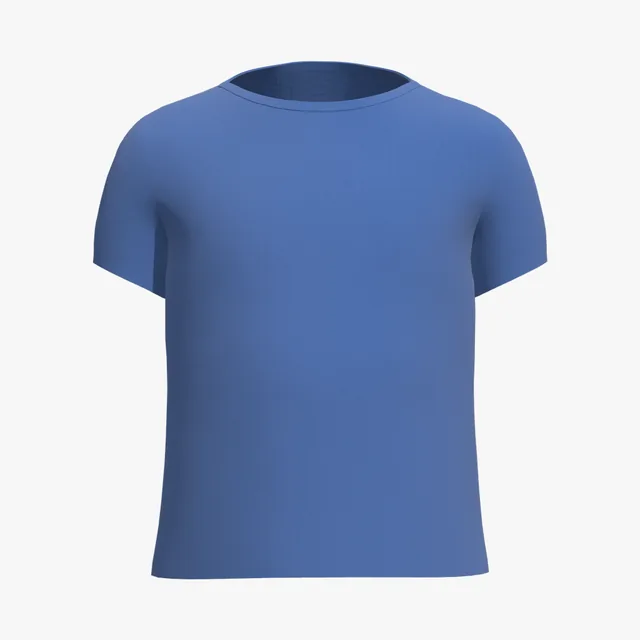
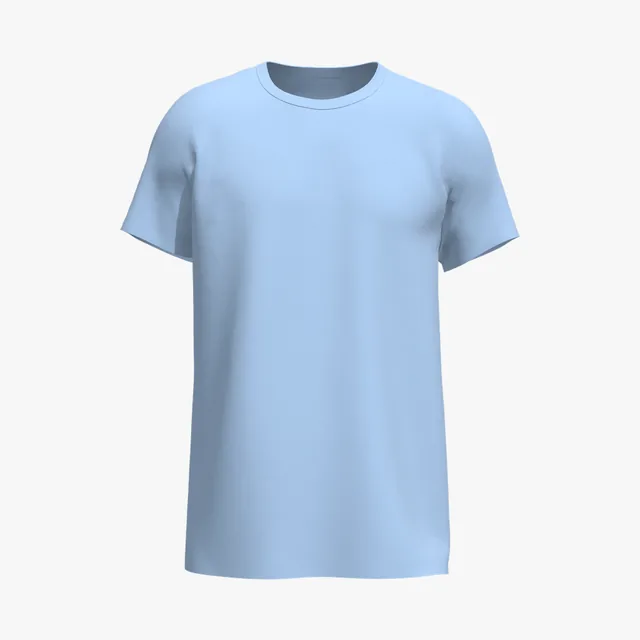
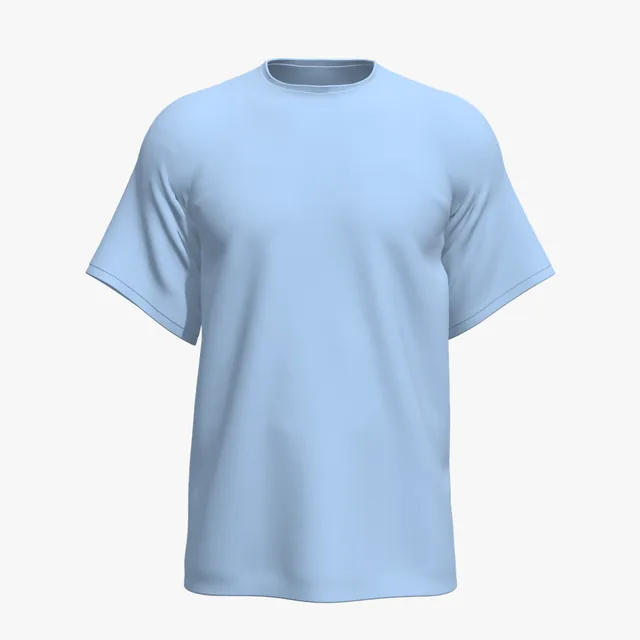
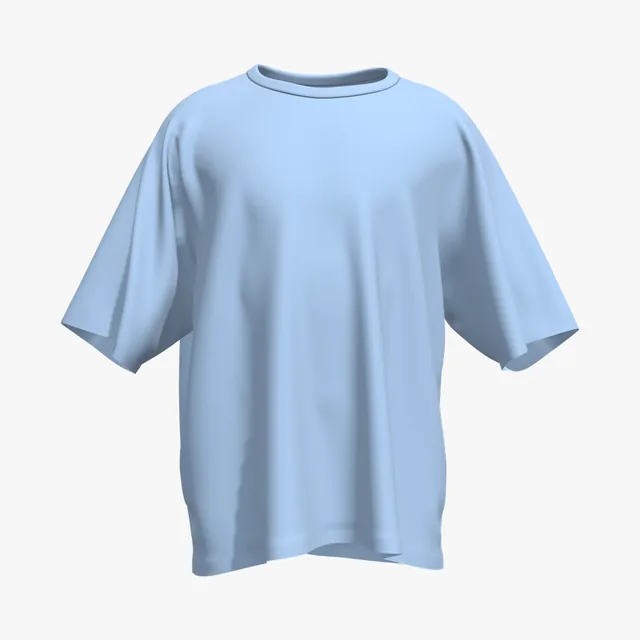
A pale sky blue on 5.3 oz combed cotton; white ink nearly vanishes on it, so use darker art.
Colors are on-screen approximations of each brand's published color or swatch. Shirts on this page open in True Royal (#385E9D), Navy (#202332) or Carolina Blue (#A0BFE2), as shown on each card; type your blank's hex into Garment color to match yours. Fabric looks are visual presets, not a fabric simulation.
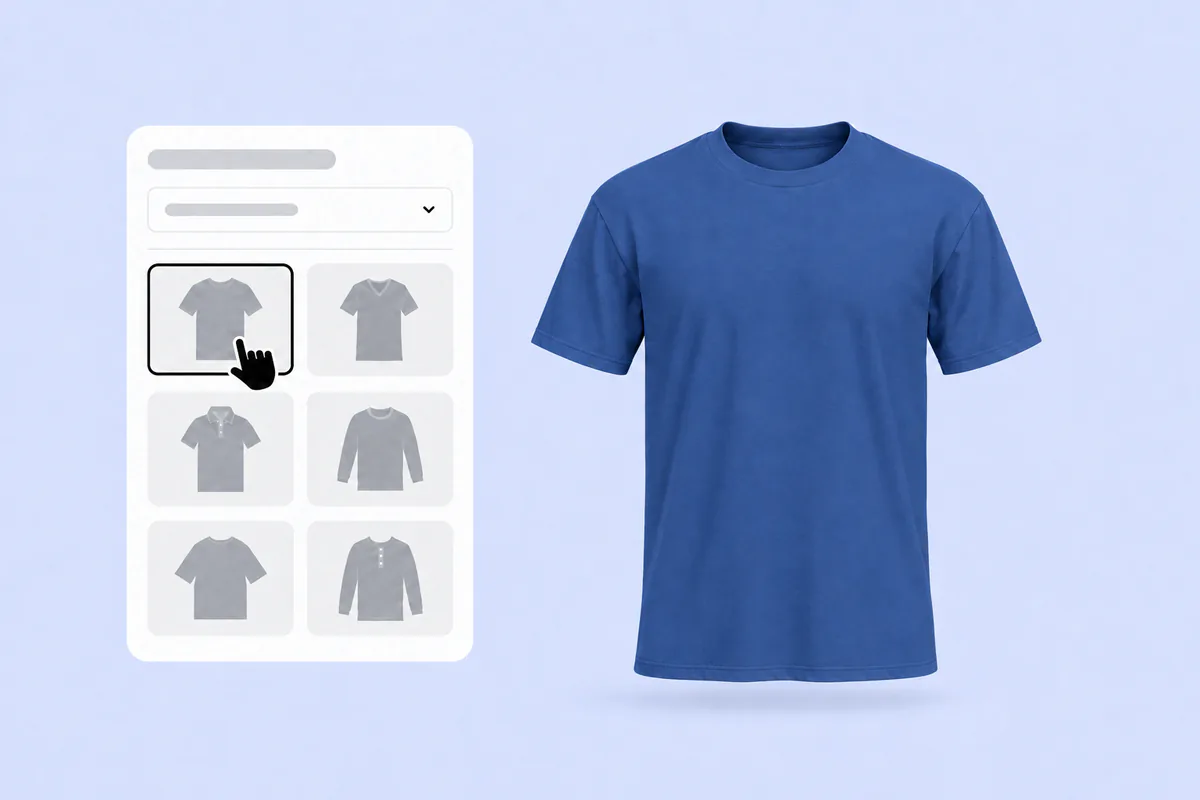
Pick any T-shirt on this page. It opens in the 3D editor in the blue shown on its card: royal, navy or light blue. Type your blank's hex into Garment color to match it exactly.
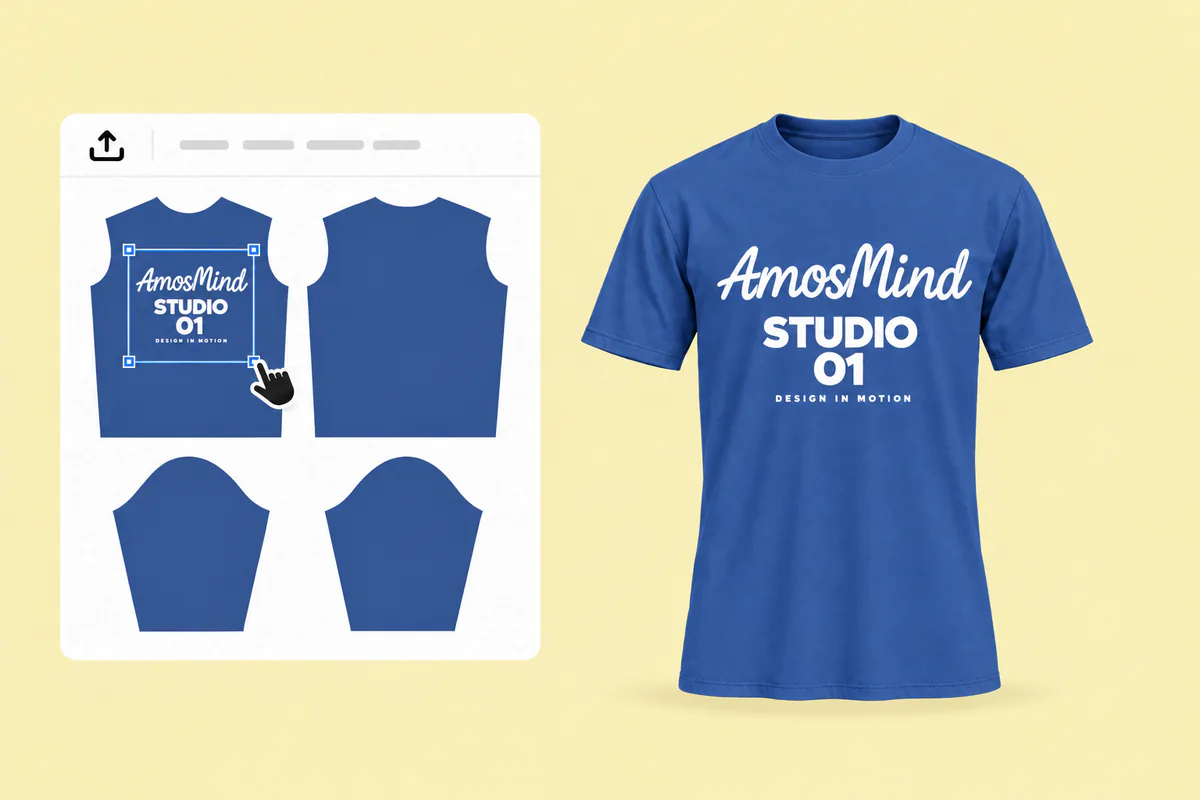
Click Upload artwork and add a PNG, JPG, WebP or SVG. Drag it onto the front, back or a sleeve: light art for navy and royal, darker art for light blue.
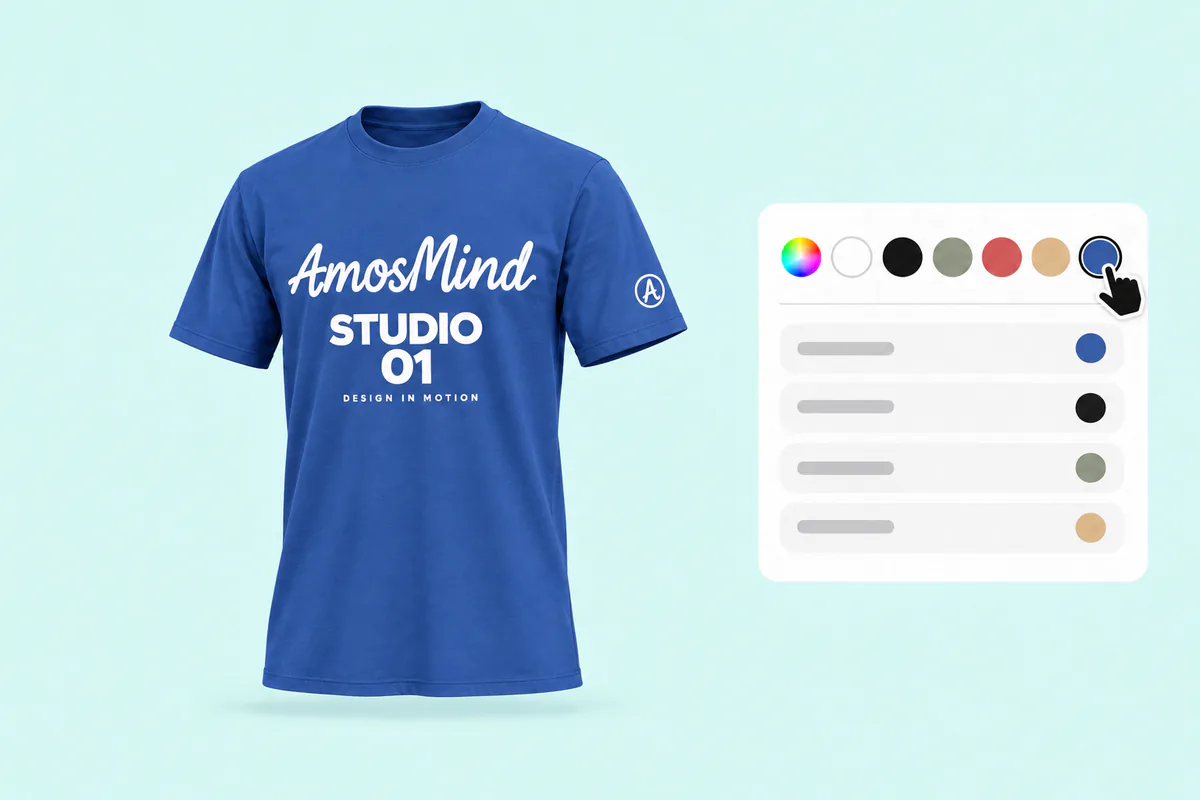
Turn the shirt and zoom into folds and seams. On navy, check that dark details don't fade into what looks like black.
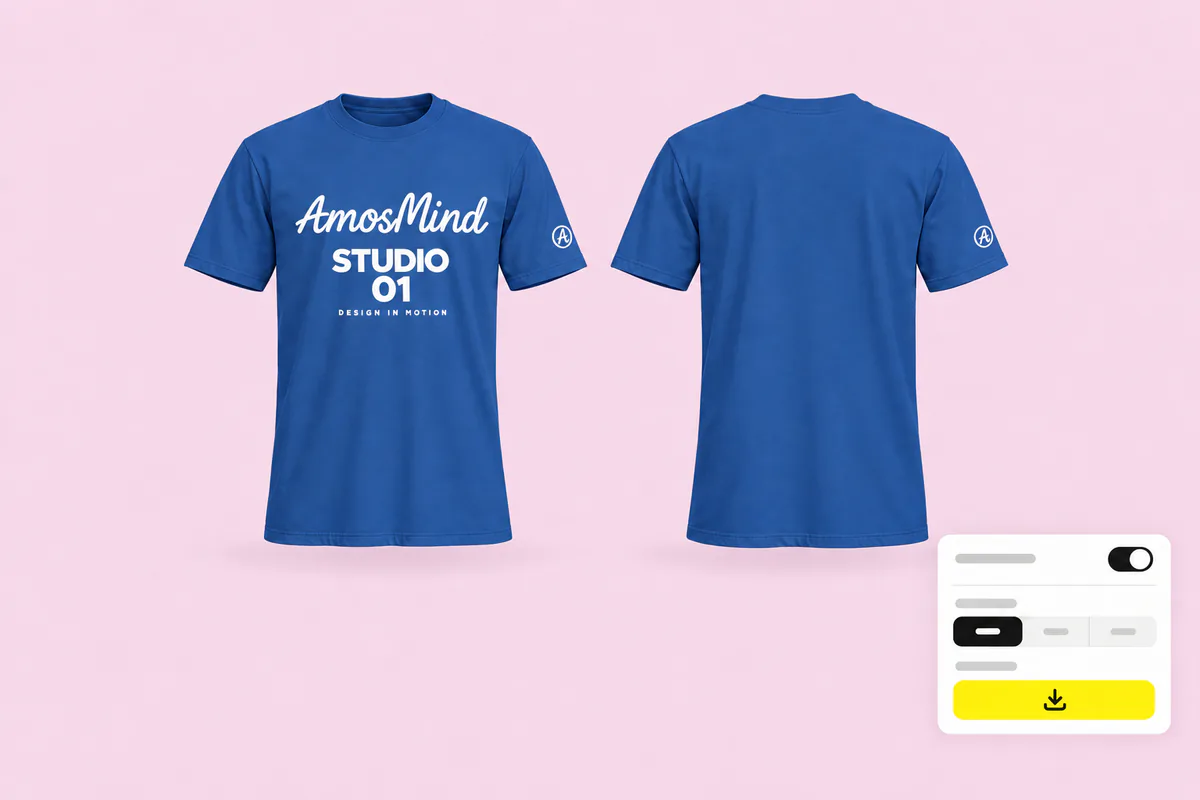
Export 2K or 4K, or choose Transparent in the Background panel for a PNG. Compare navy renders with your blank's swatch, so buyers don't mistake the shirt for black.
The same styles, set up for other shirt colors. Or go back to all T-shirt mockups and choose any color in the editor.
Each blue has its own job, and each needs a different kind of mockup.
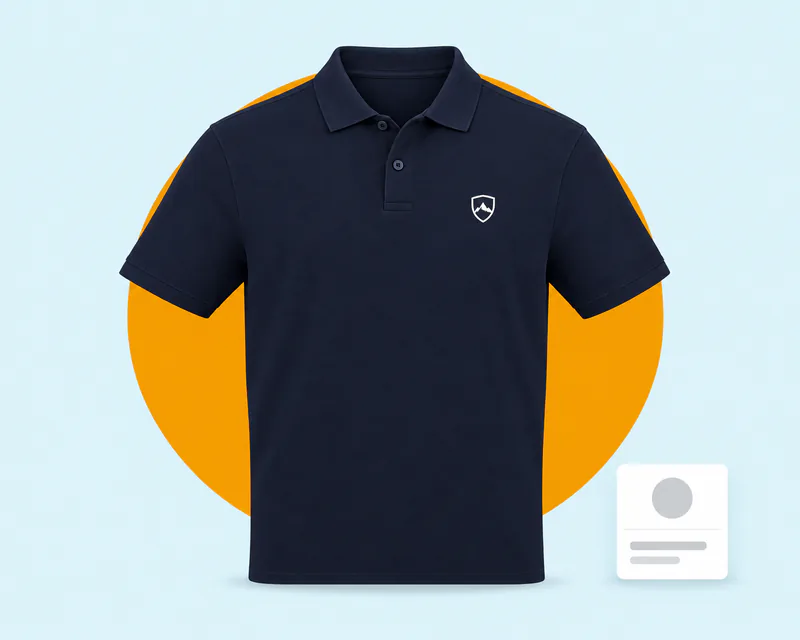
Navy sits between formal branding and casual wear, which makes it a staple for schools and companies.
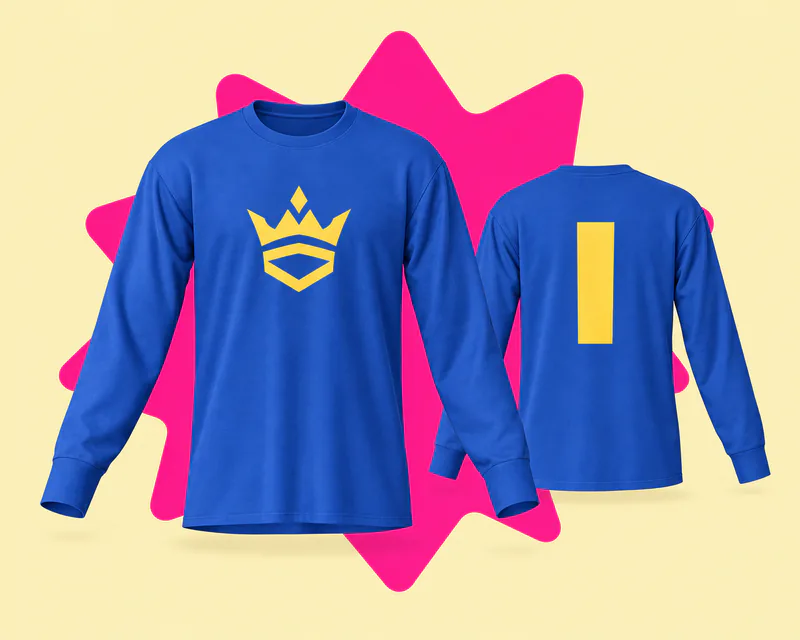
Royal blue is the main color of many teams, from baseball's Kansas City Royals to Schalke 04.
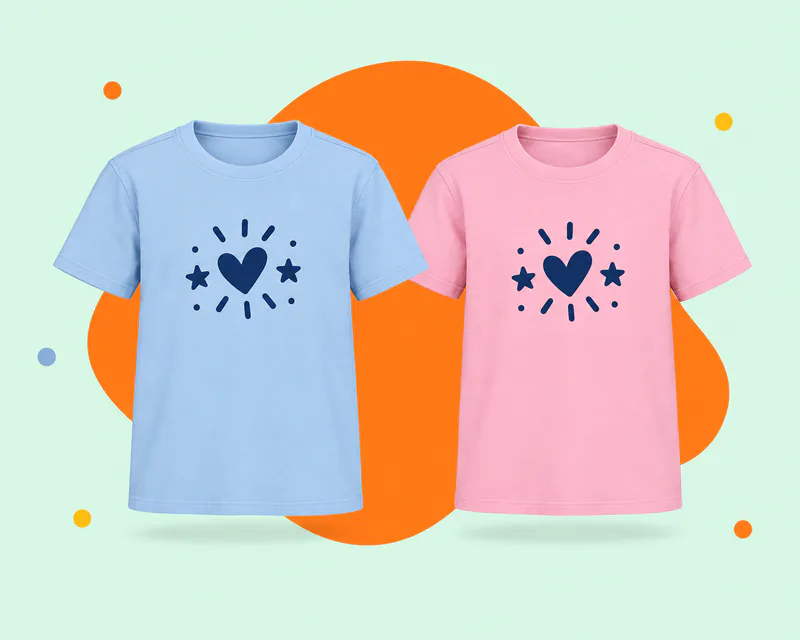
Light and baby blue are the traditional colors for boys, a staple of gender reveal parties.
Answers about artwork, printing and exports on navy, royal and light blue shirts. For every other color and general T-shirt questions, see the T-shirt mockups page.
Start on this page: every style opens in the 3D editor already set to plain royal, navy or light blue. Adding your artwork and previewing it in 3D is free, and the export panel shows any cost before you render a download. Log in with an email code or Google to upload artwork and render images.
Pick a T-shirt above, upload your artwork and drag it onto the front, back or a sleeve. Turn the shirt to check contrast on every side, then render the view you need. There is no PSD or smart object to edit.
On navy and royal, white, gold and bright orange stand out. On light blue, white nearly disappears, so use navy, black or other dark colors.
No, but navy can read as black in photos and on screens. Compare renders with your blank's swatch, and name the color in your listing so buyers know what they get.
On navy and royal, yes: DTG and screen printing lay white under the colors. On light blue it depends on the printer, so ask before you design.
Yes. Choose Transparent in the Background panel and the blue shirt downloads as a PNG, ready to place on your own store background.
Yes. Put artwork on the front and the back of the same blue shirt, then render each view as its own image, with the same light and the same shade of blue.
Yes. Garment color takes any six-digit hex, so you can try the same design on navy, light blue or any other shade. The white, black and red T-shirt pages start those colors for you.