
T-shirt mockups in real-time 3DFrom classic crew necks to boxy crops
Upload your artwork, place it on the chest, back or sleeves, and turn the shirt to check every side. Render the views you need as images up to 4K.

T-shirt mockups
63 mockups
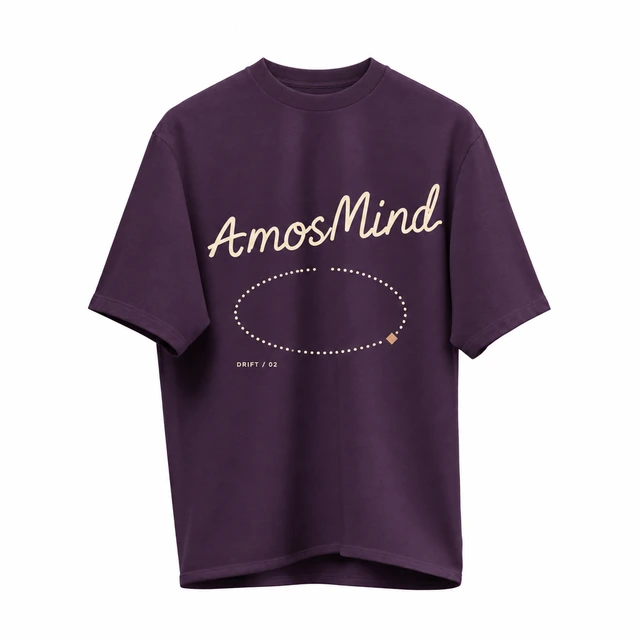
Suspended crew-neck T-shirt mockup
Details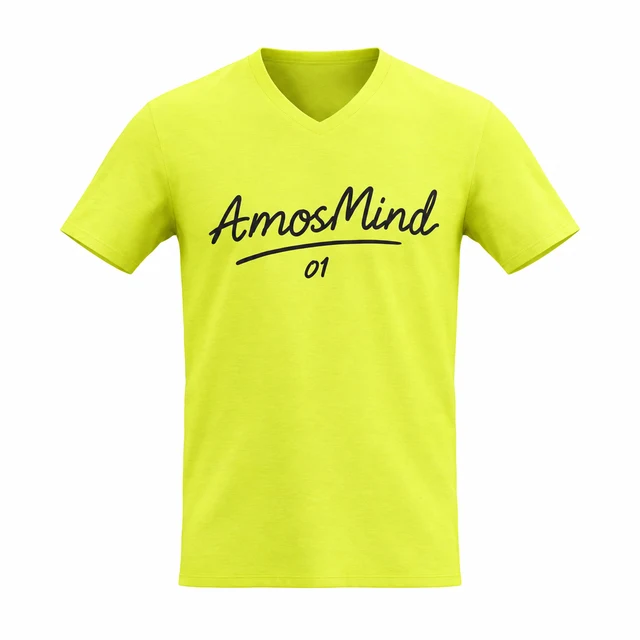
V-neck T-shirt mockup
Details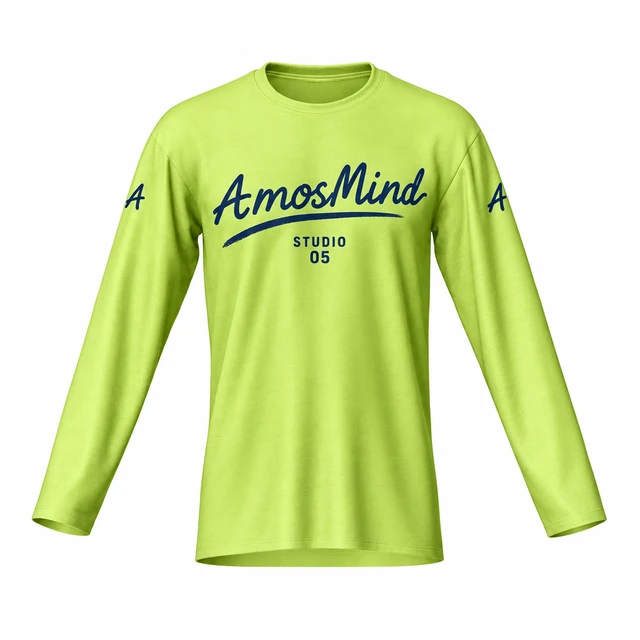 Add your design
Narrow crew-neck long-sleeve T-shirt mockup
 Add your design
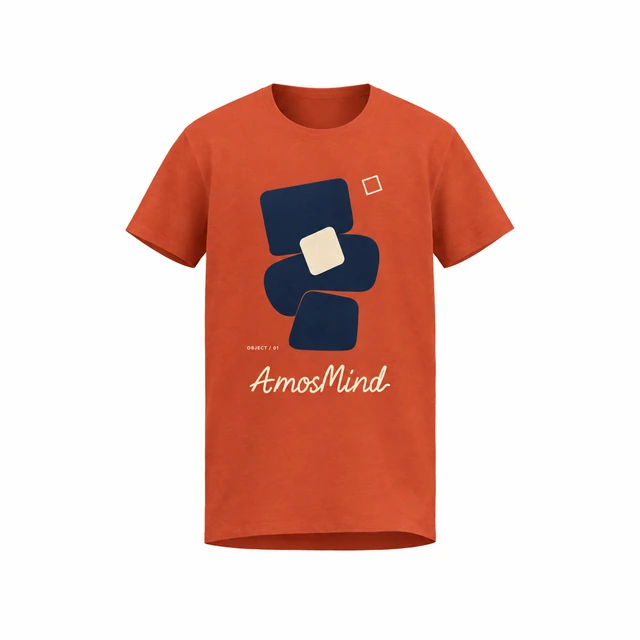
Relaxed crew-neck T-shirt mockup
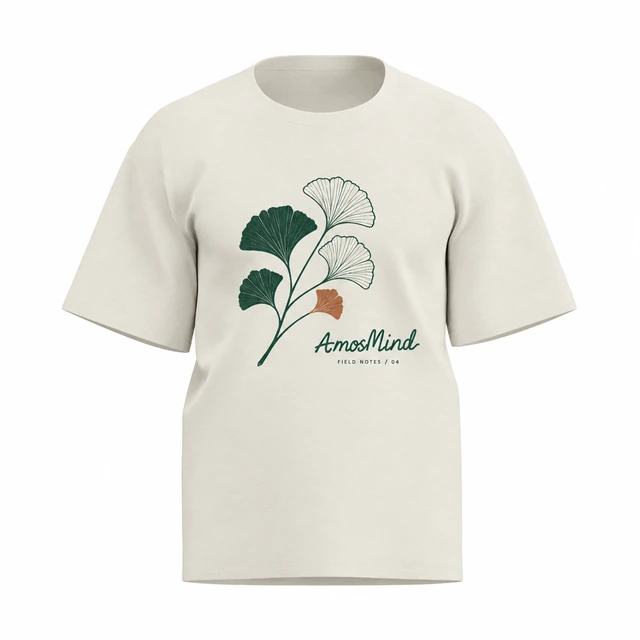 Add your design
Straight-fit crew-neck T-shirt mockup
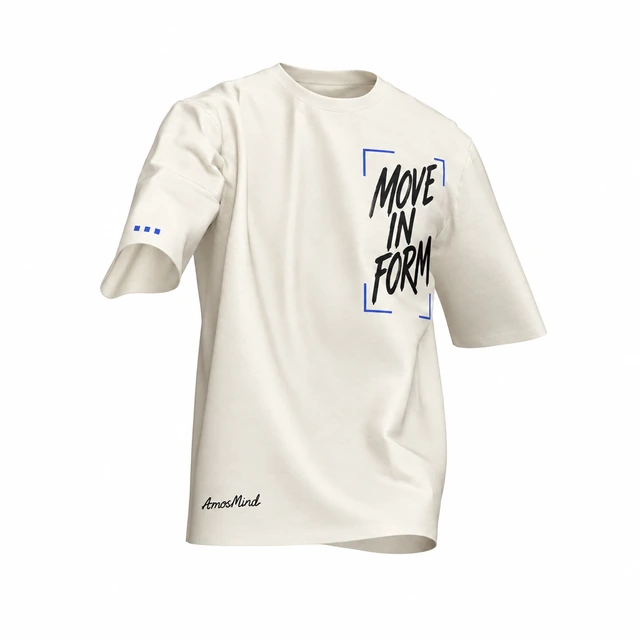 Add your design
Draped crew-neck T-shirt mockup
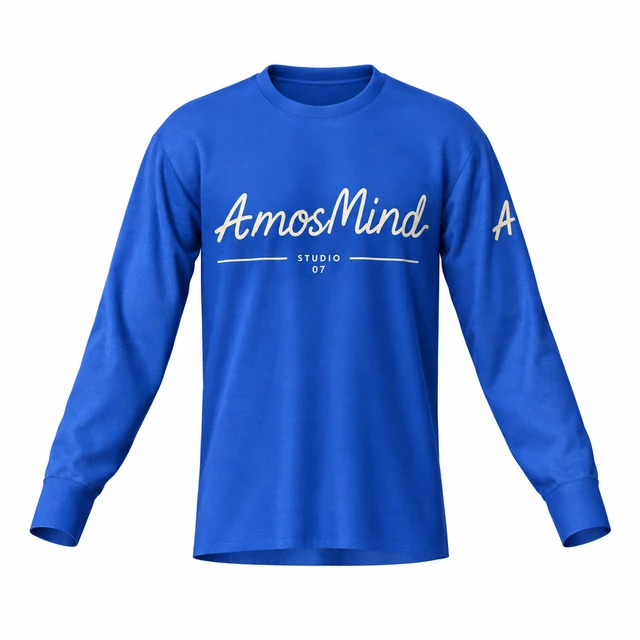 Add your design
Crew-neck long-sleeve T-shirt mockup
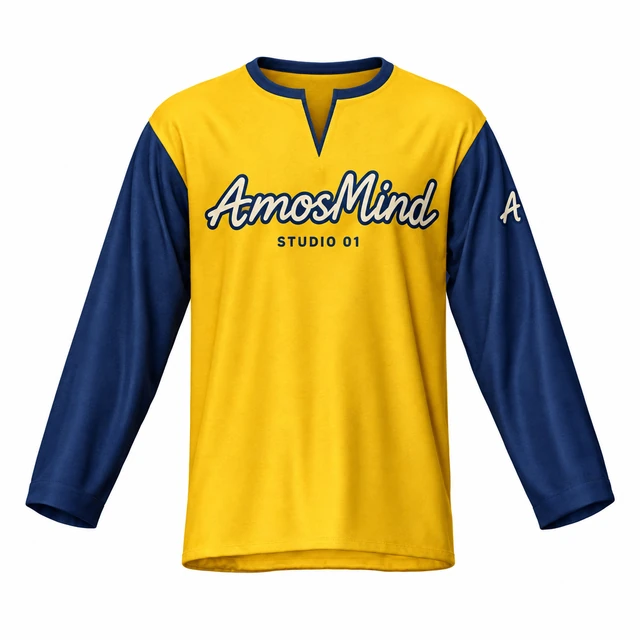 Add your design
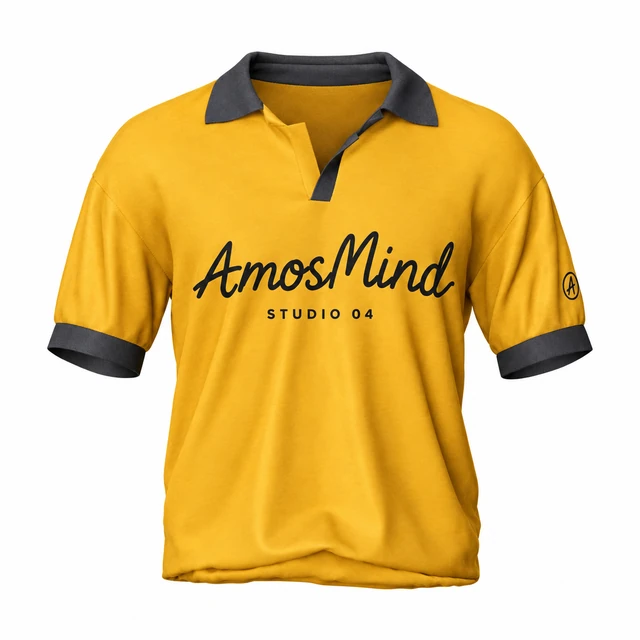
Notched crew-neck T-shirt mockup
 Add your design
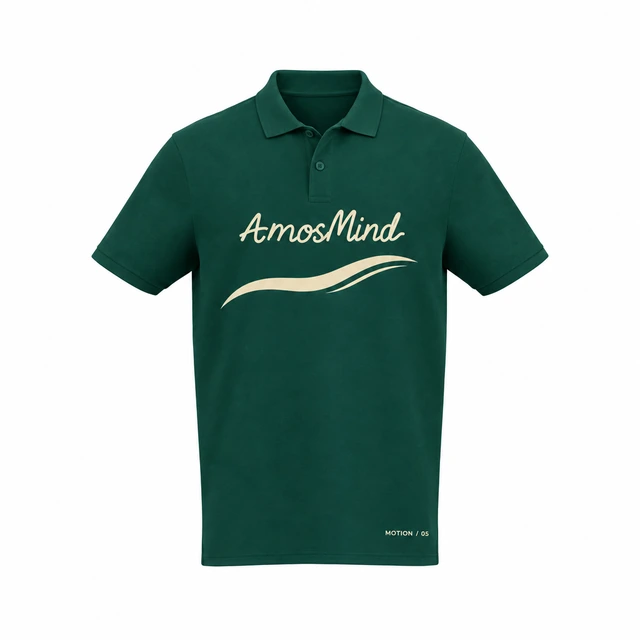
Short-sleeve polo shirt mockup
 Add your design
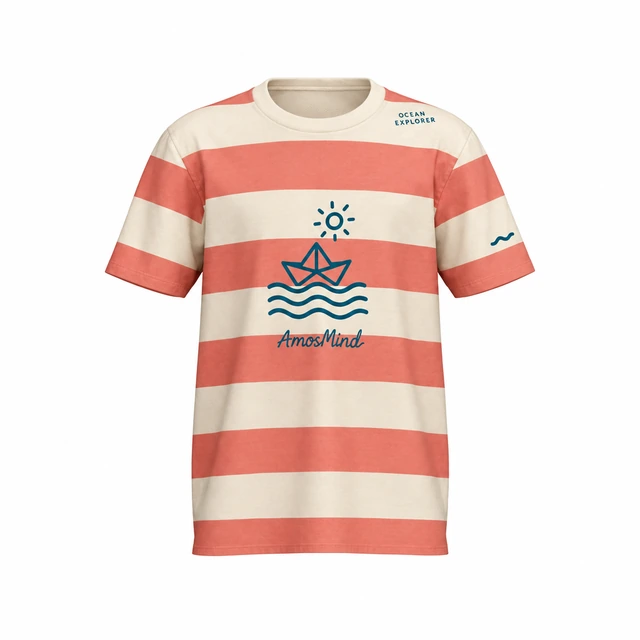
Classic polo shirt mockup
 Add your design
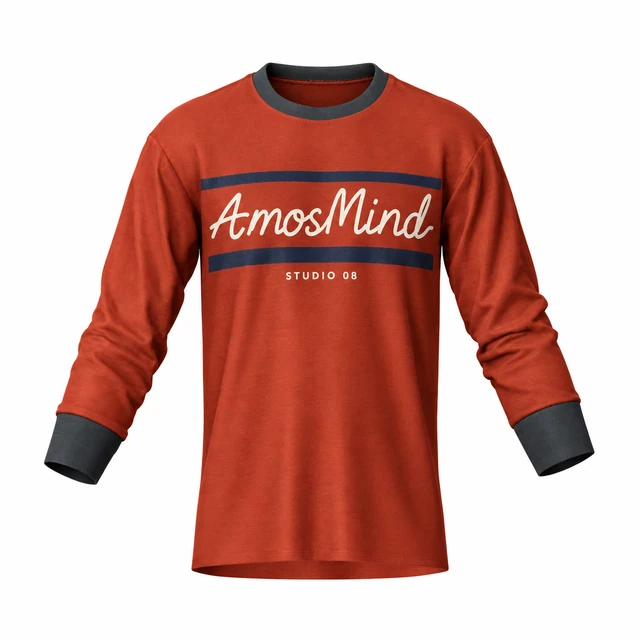
Youth crew-neck T-shirt mockup
 Add your design
Crew-neck banded-sleeve T-shirt mockup
Oversized drop-shoulder T-shirt mockup
Details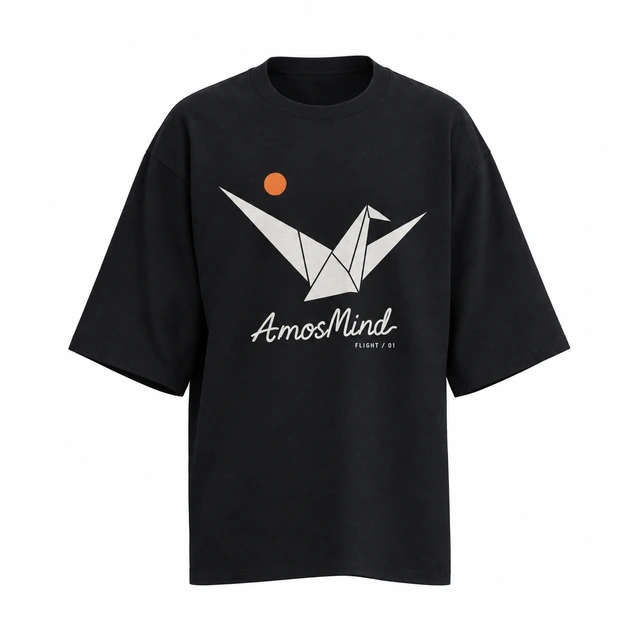 Add your design
Wide-sleeve crew-neck T-shirt mockup
Boxy cropped T-shirt mockup
Details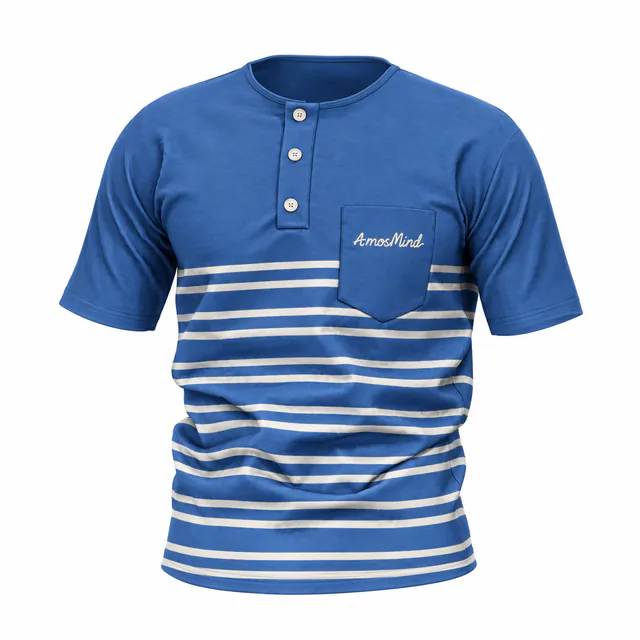 Add your design
Short-sleeve pocket Henley mockup
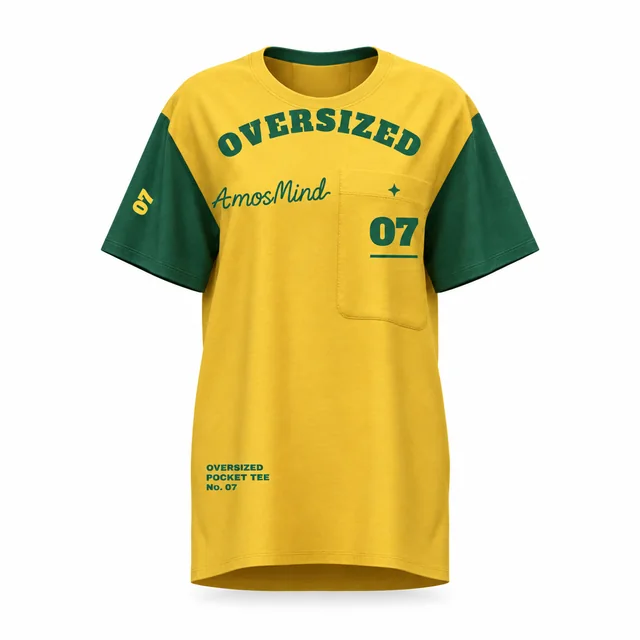
Oversized pocket T-shirt mockup
Details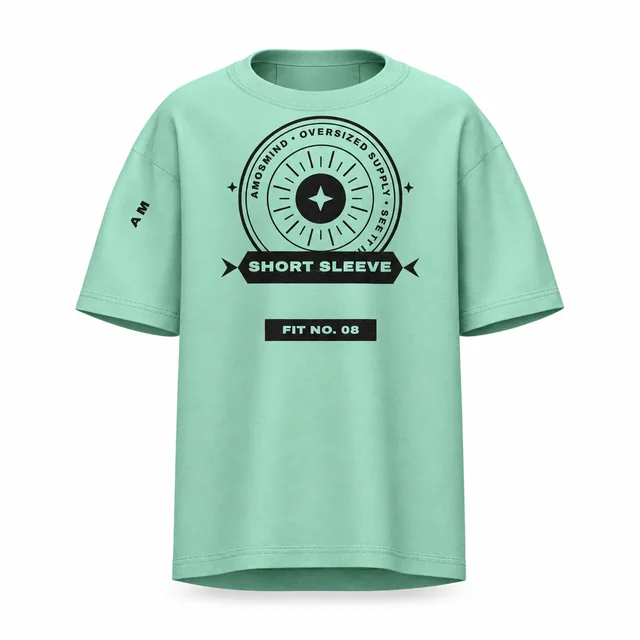
Oversized short-sleeve T-shirt mockup
Details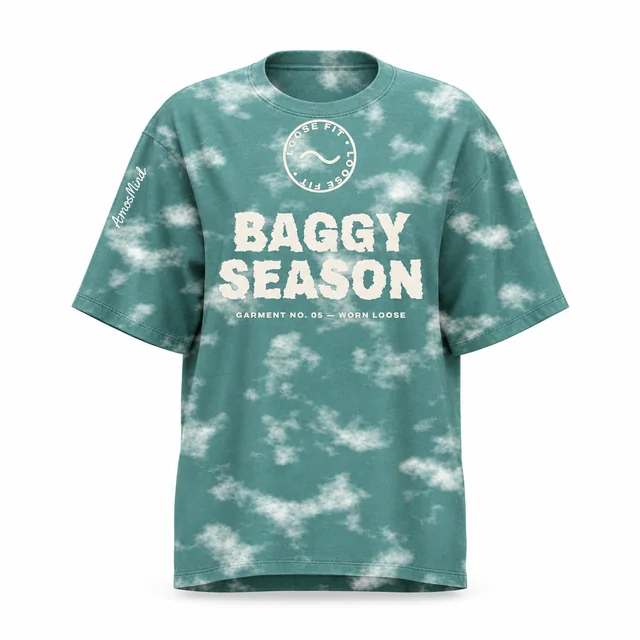
Baggy oversized T-shirt mockup
Details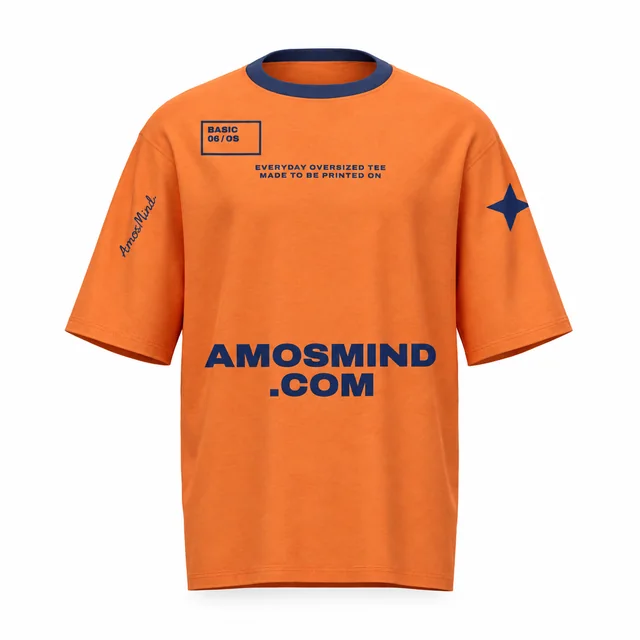
Basic oversized T-shirt mockup
Details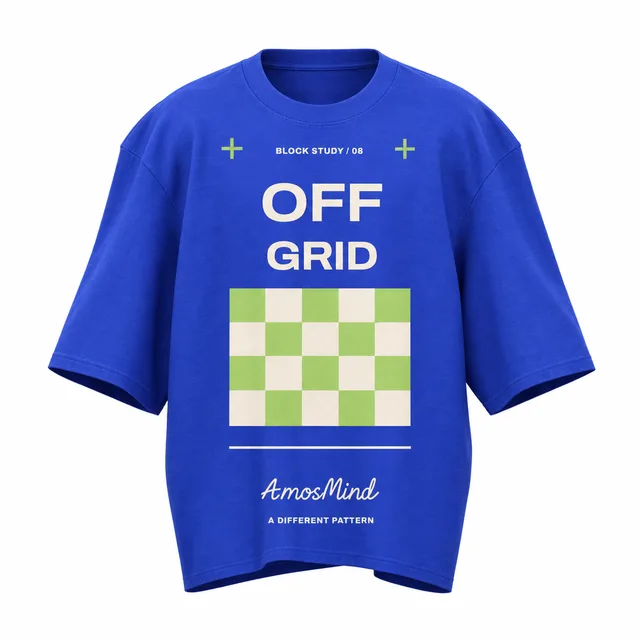 Add your design
Wide boxy T-shirt mockup
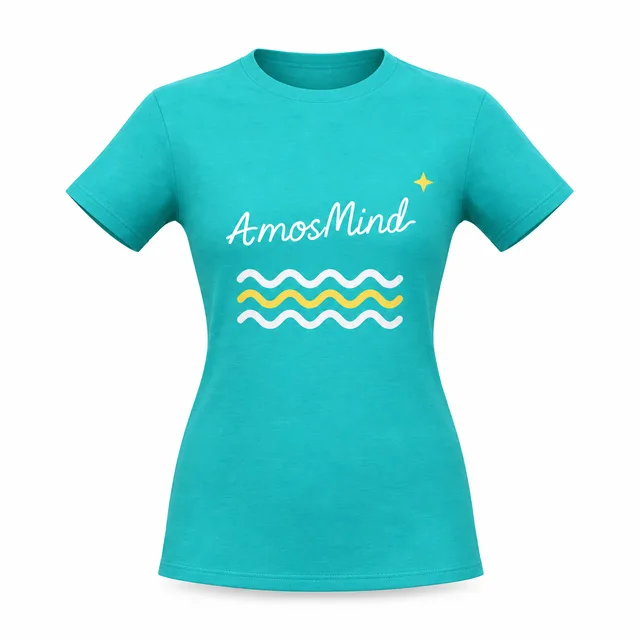 Add your design
Women's cap-sleeve T-shirt mockup
 Add your design
Crew-neck banded short-sleeve top mockup
 Add your design
Oversized crew-neck T-shirt mockup
Longline wide-sleeve crew-neck T-shirt mockup
Details Add your design
Regular-fit V-neck T-shirt mockup
 Add your design
Fitted V-neck T-shirt mockup
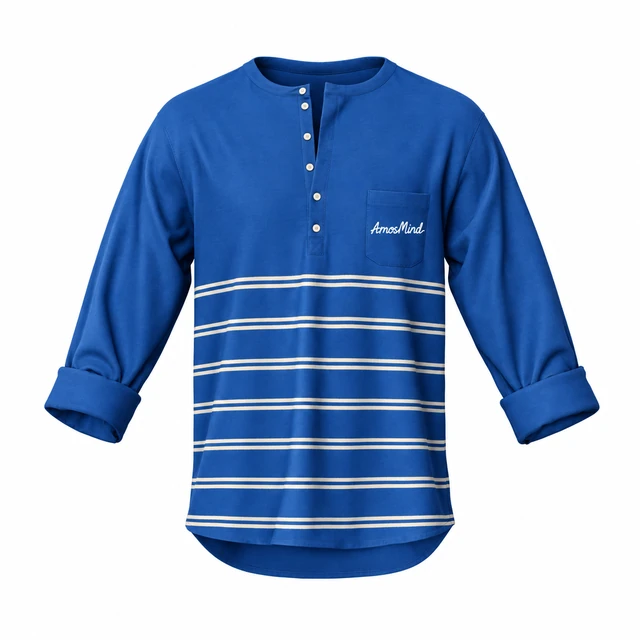 Add your design
Six-button pocket Henley with rolled sleeves mockup
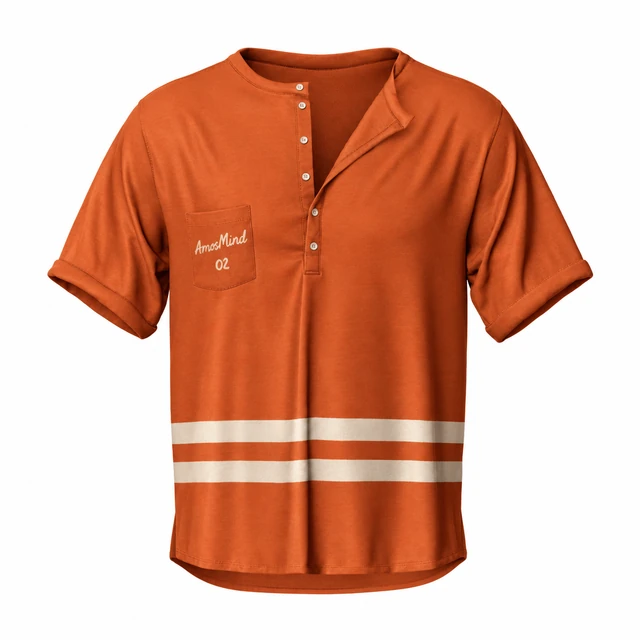
Deep-placket pocket Henley T-shirt mockup
Details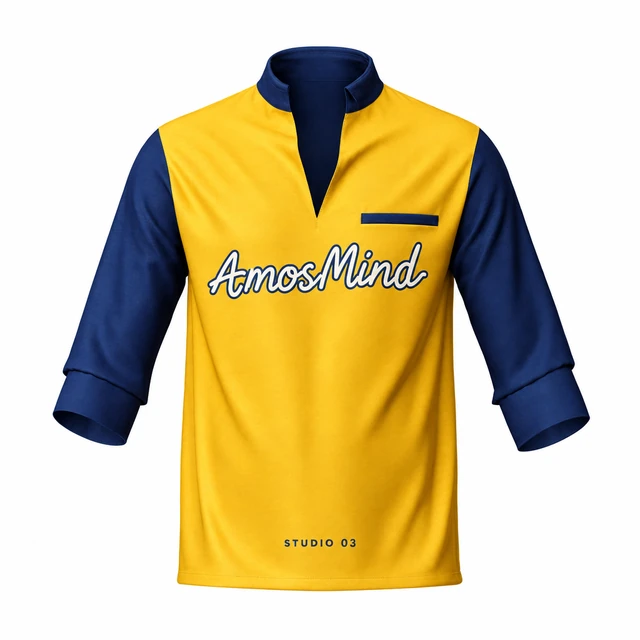 Add your design
Stand-collar placket T-shirt with rolled sleeves mockup
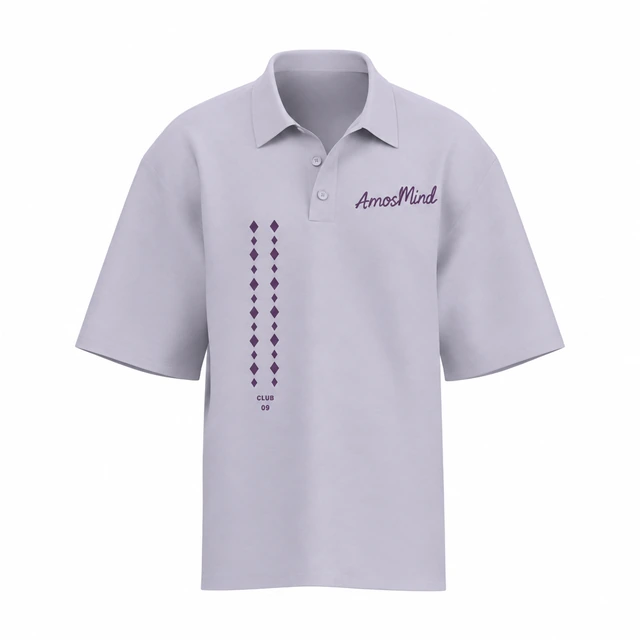
Oversized short-sleeve polo shirt mockup
Details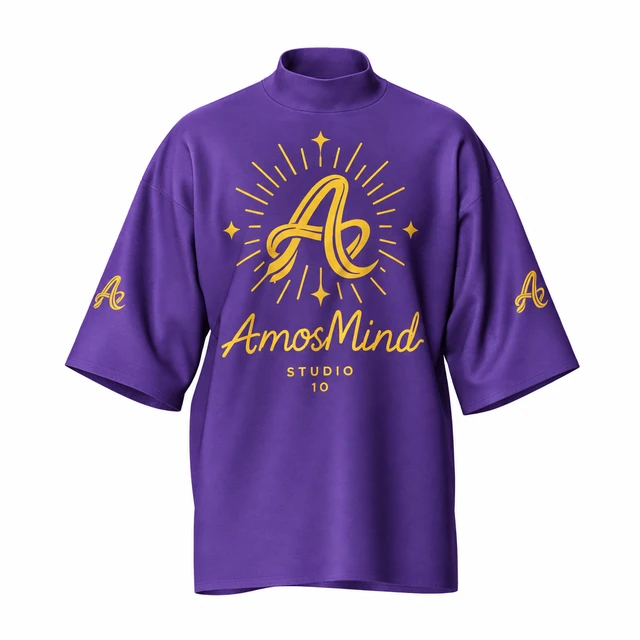 Add your design
Mock-neck relaxed T-shirt mockup
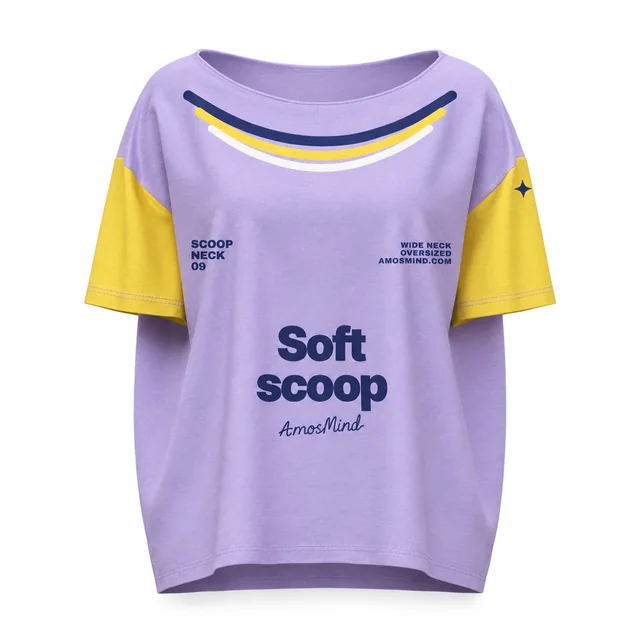
Oversized scoop-neck T-shirt mockup
Details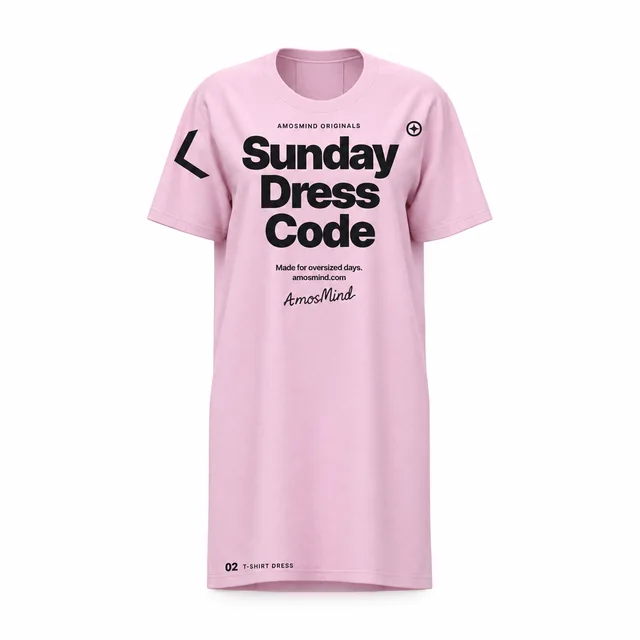
Oversized T-shirt dress mockup
Details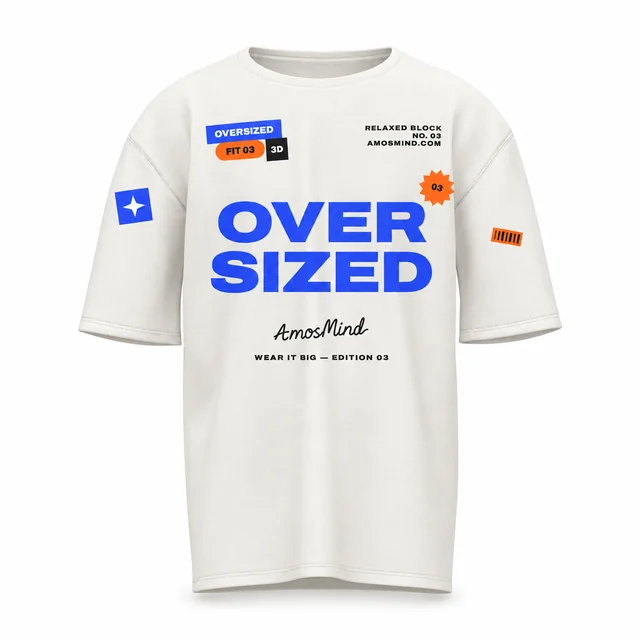
White oversized T-shirt mockup
Details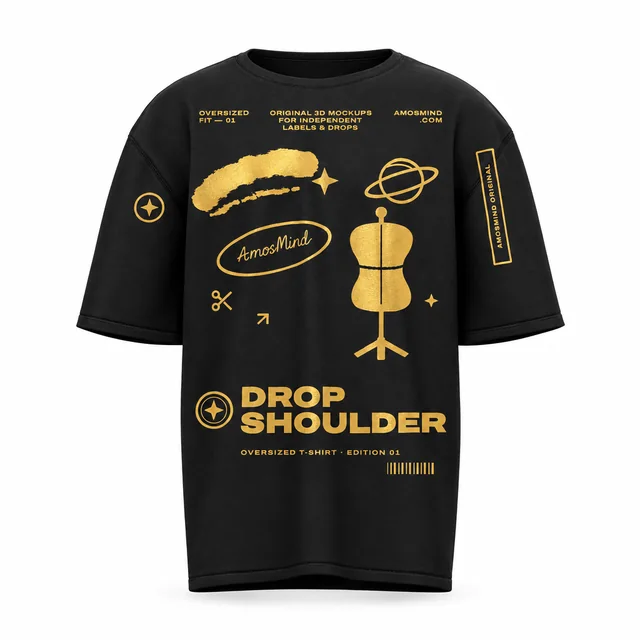
Black oversized T-shirt mockup
Details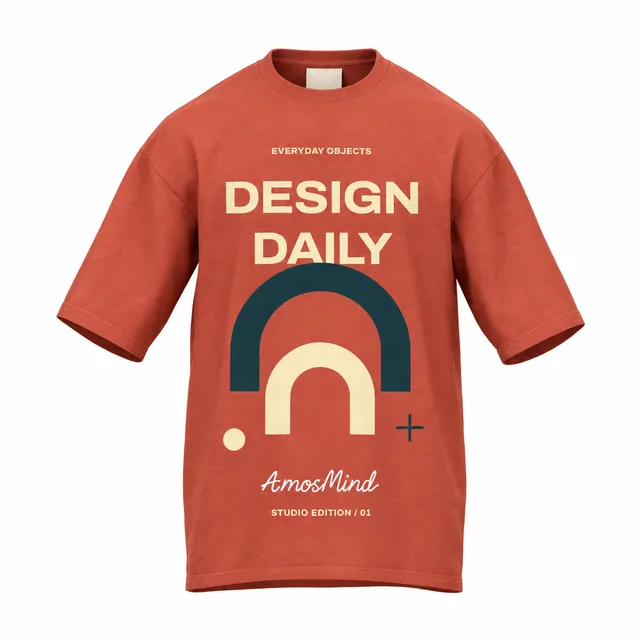 Add your design
Regular-fit T-shirt mockup
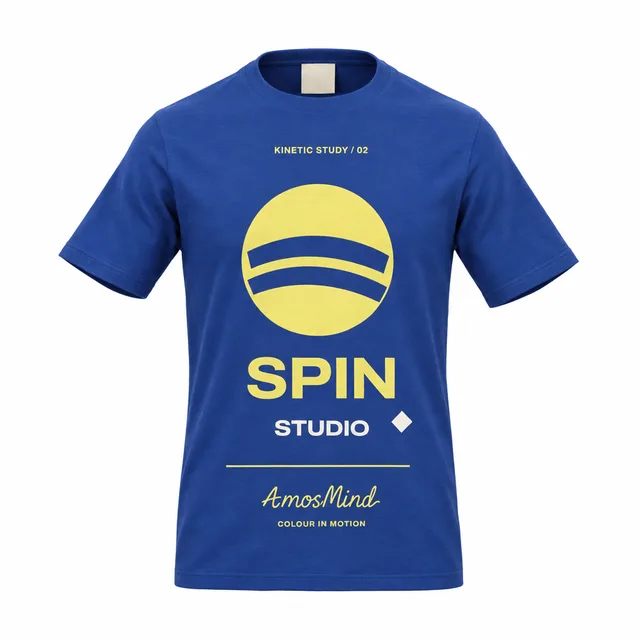 Add your design
Fitted T-shirt mockup
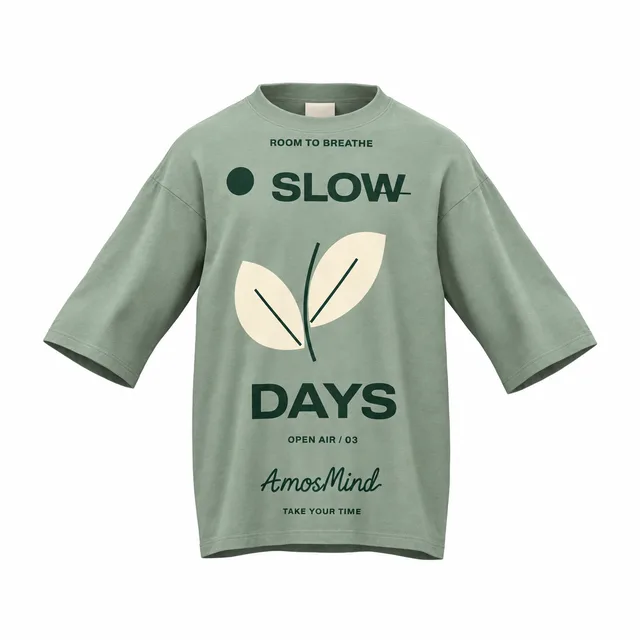 Add your design
Oversized relaxed T-shirt mockup
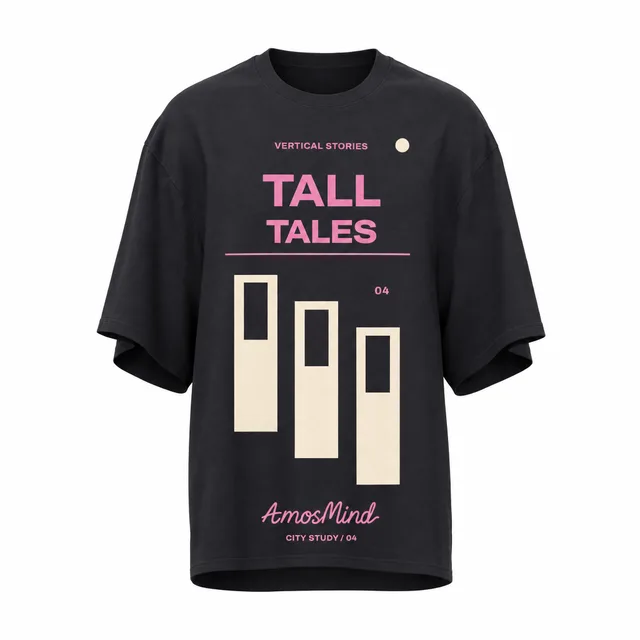 Add your design
Oversized long-body T-shirt mockup
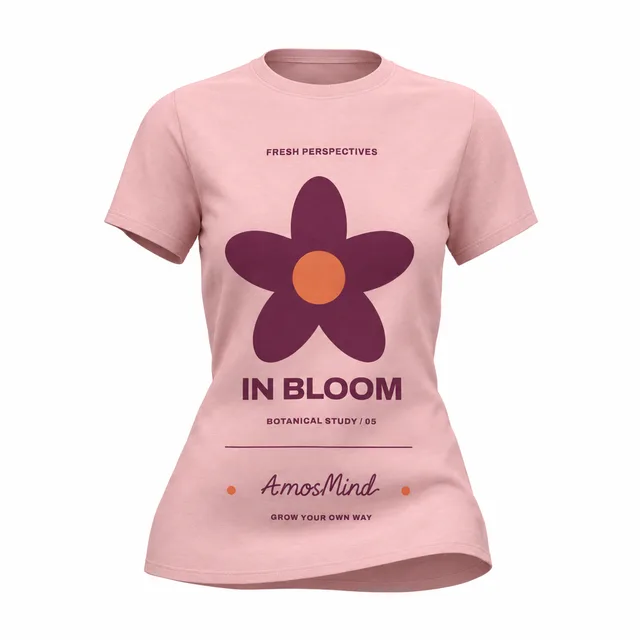 Add your design
Women's fitted T-shirt mockup
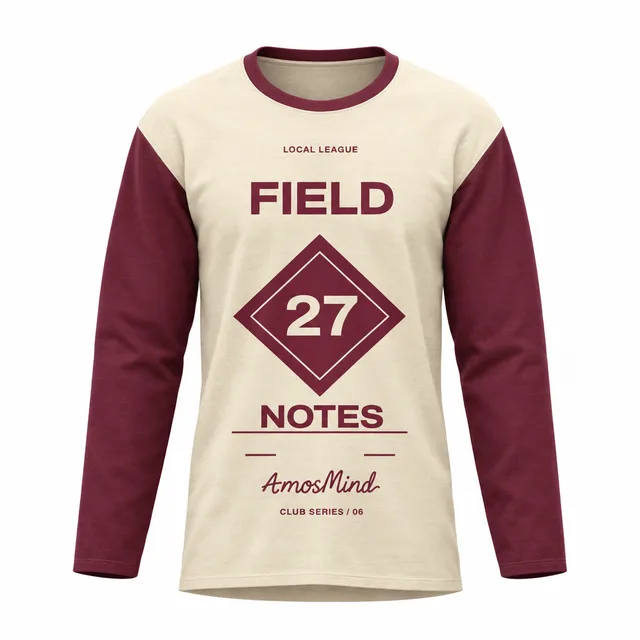 Add your design
Raglan long-sleeve T-shirt mockup
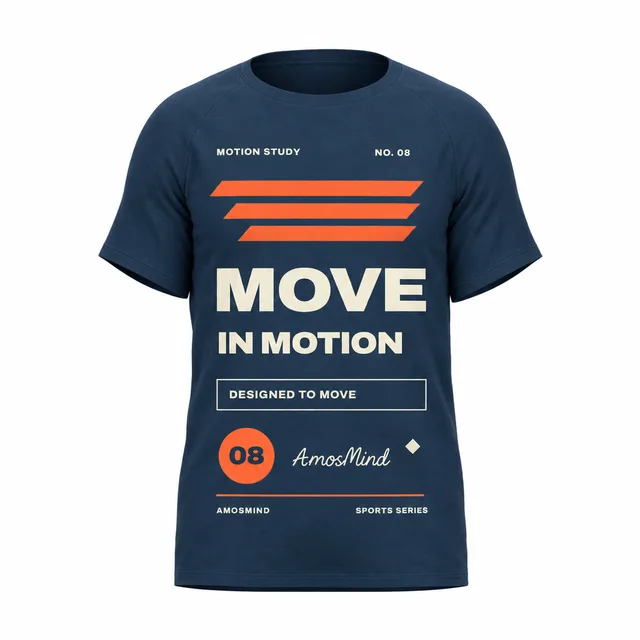
Sports T-shirt mockup
Details Add your design
Women's crew-neck T-shirt mockup
 Add your design
Slim raglan T-shirt mockup
 Add your design
Relaxed long-sleeve T-shirt mockup
 Add your design
Women's V-neck T-shirt mockup
 Add your design
Wide-neck T-shirt mockup
 Add your design
Boxy T-shirt mockup
Raglan T-shirt mockup
Details Add your design
Standard crew-neck T-shirt mockup
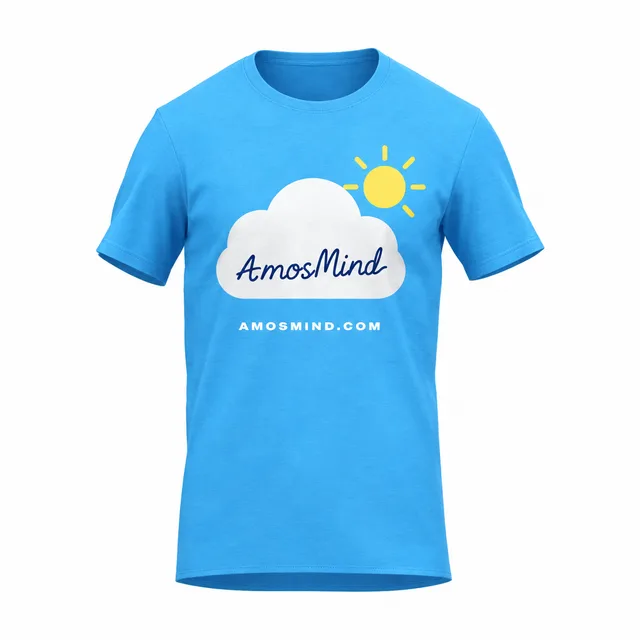 Add your design
Shoulder-panel T-shirt mockup
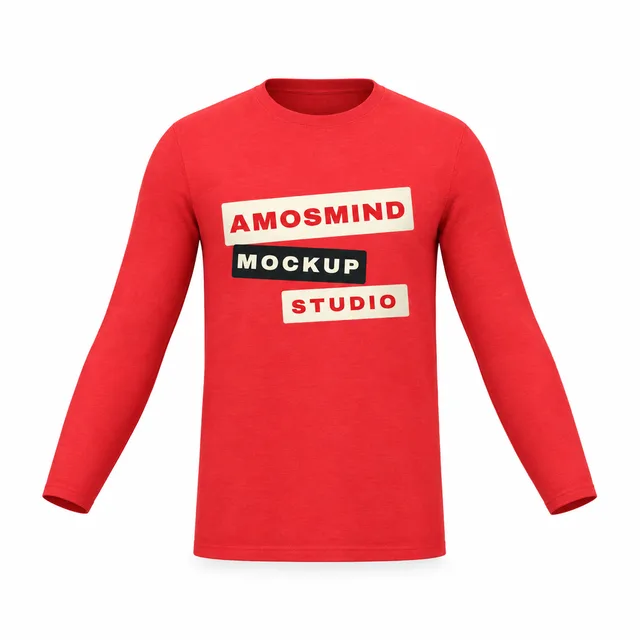 Add your design
Fitted long-sleeve T-shirt mockup
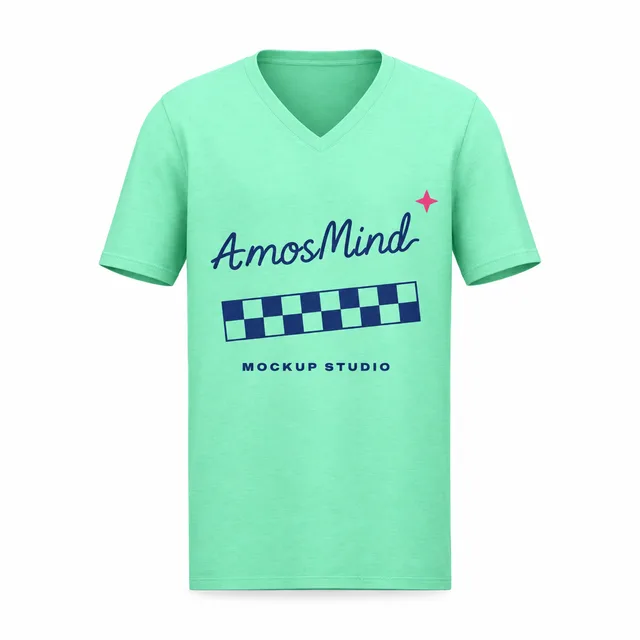 Add your design
Straight V-neck T-shirt mockup
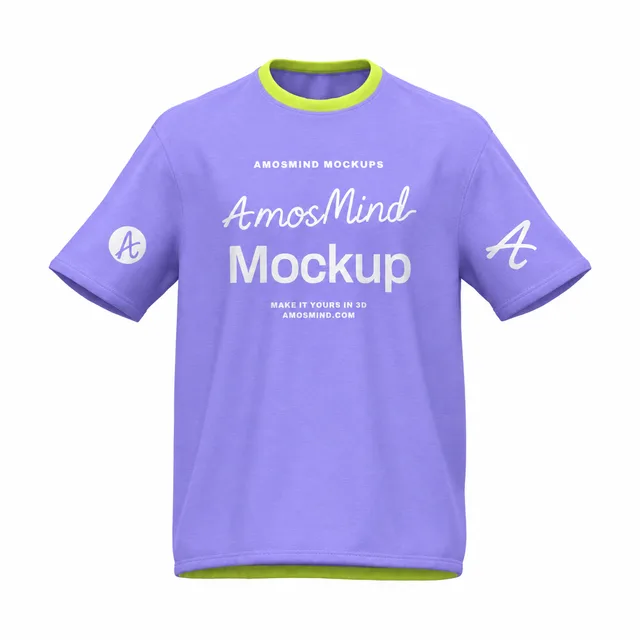 Add your design
Boxy rolled-sleeve T-shirt mockup
 Add your design
Relaxed drop-shoulder T-shirt mockup
Ringer T-shirt mockup
Details Add your design
Drop-shoulder boxy T-shirt mockup
 Add your design
Wide crew-neck T-shirt mockup
 Add your design
Boxy contrast-trim T-shirt mockup
 Add your design
Boxy crew-neck T-shirt mockup
 Add your design
Loose-fit boxy T-shirt mockup
Where to put your design on a T-shirt
T-shirts on AmosMind have four separate print areas: the front, the back and each sleeve. The pocket Henleys add a fifth, and two styles, the Ringer T-shirt and the Relaxed drop-shoulder T-shirt, print on the front and back only. Size your artwork the way print shops usually do, then check the placement on the 3D shirt before you order samples.
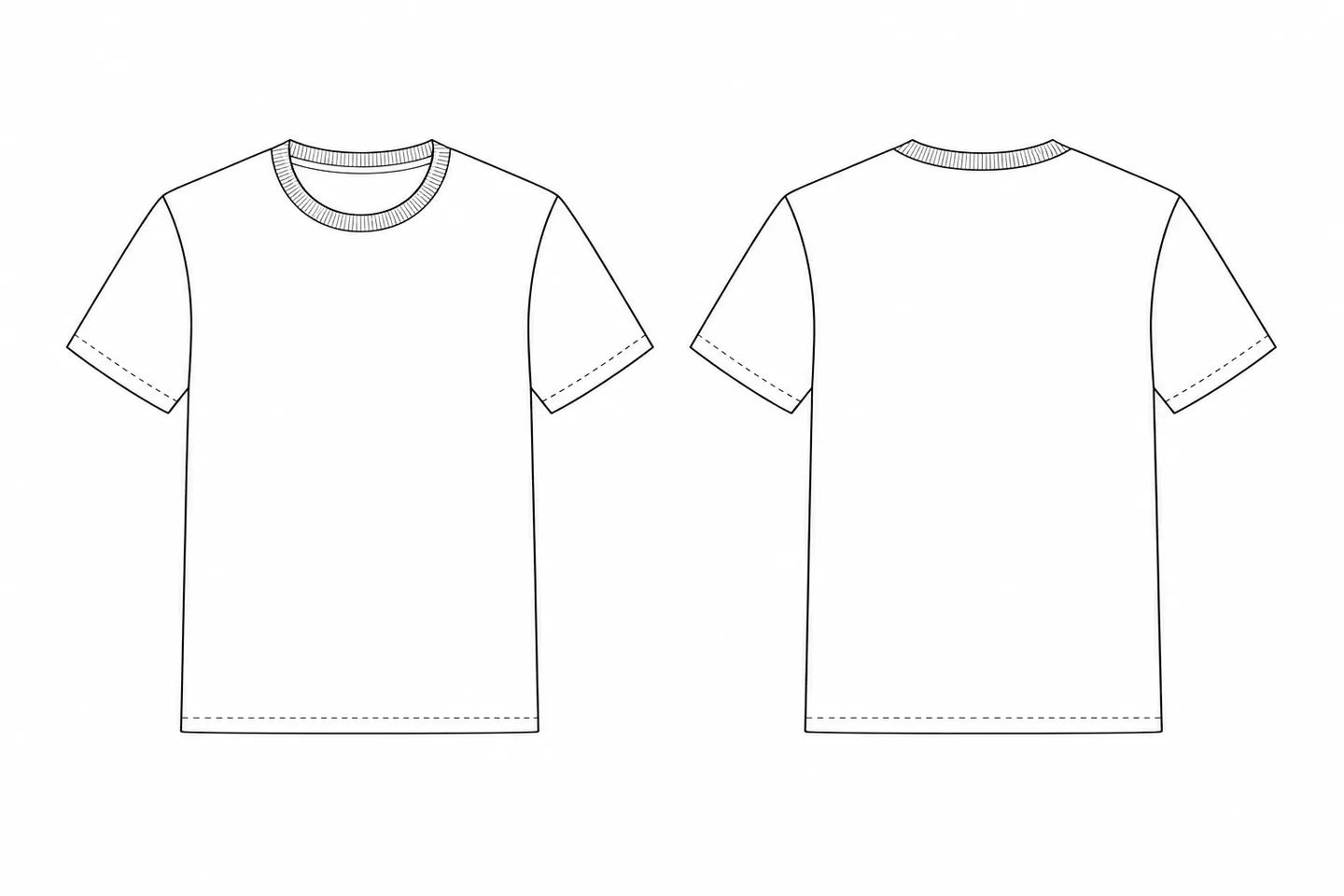
Full front
Up to 12 × 16 in (30 × 40 cm)
Graphic tees, band and event merch
Left chest
3.5–4 in (9–10 cm) wide
Logos, uniforms, small brand marks
Sleeve
Up to about 3.5 × 3.5 in (9 × 9 cm)
Icons, flags, drop dates
Upper back
10–12 in wide, 2–4 in tall
Brand names, web addresses, short lines
Full back
Up to 12 × 16 in (30 × 40 cm)
Tour dates, team names and numbers
Sizes are common DTG and screen-print limits for adult shirts; your print provider's limits come first. Export print files at 300 DPI at print size — 3600 × 4800 px for a 12 × 16 in print.
Choose the right T-shirt fit
Fit decides where a print lands on the body. A chest graphic on a boxy crop sits closer to the hem than on a longline tee. Pick the silhouette your customers will actually wear, then place the design on that exact shape.
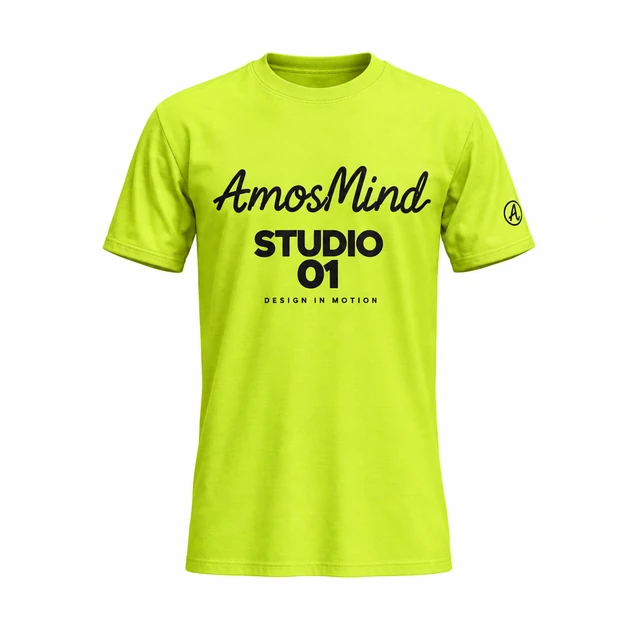
Classic
Set-in shoulders, a straight body and hip length. The safe default for merch and basics.
Fitted
Closer through the chest and waist. A graphic reads larger on a fitted shirt, so scale it down.
Relaxed
A little extra room through the body while the shoulder seam stays on the shoulder.
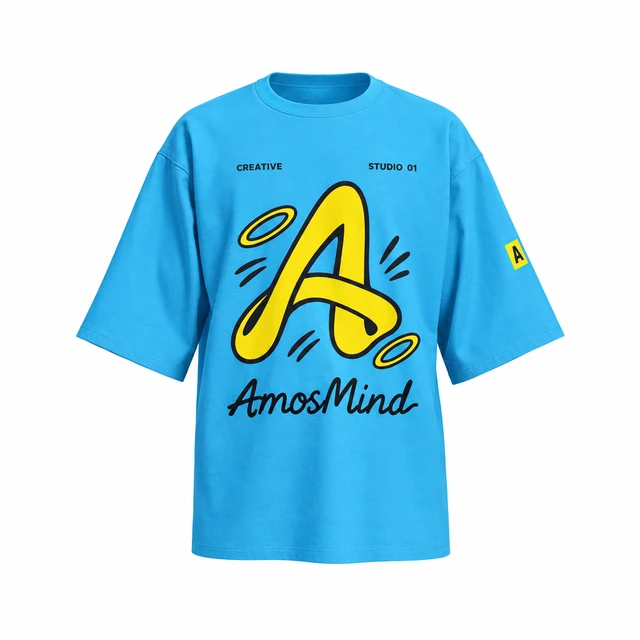
Oversized
Shoulder seams drop onto the upper arm, with a wider body and longer sleeves. The streetwear standard.
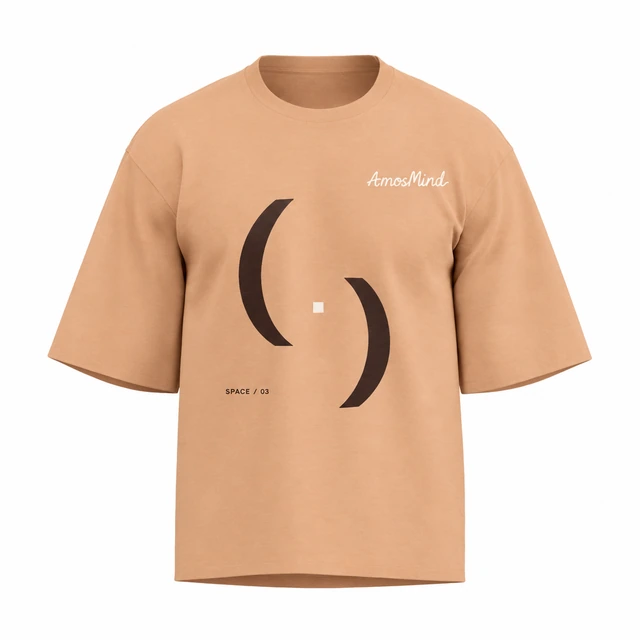
Boxy cropped
Wide and short. The chest sits closer to the hem, so keep front prints compact and high.
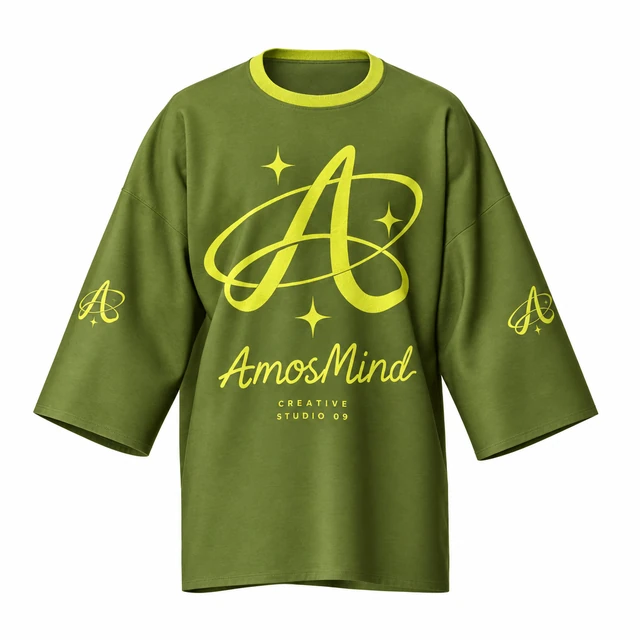
Longline
Extra body length and wide sleeves leave room for tall back prints.
White, black or heather: pick your T-shirt color
White and black T-shirts need opposite artwork, and heather fabric changes how fine detail looks. Preview the same design on each color before you commit. In the editor you can set any color by hex code.
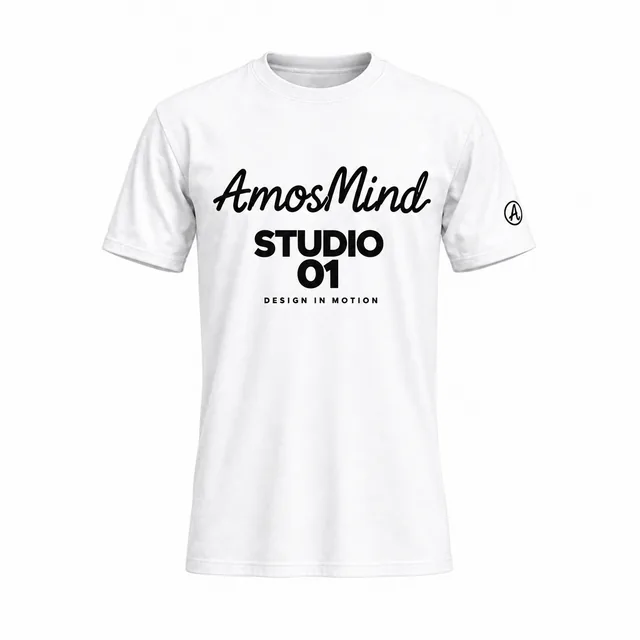
White
Dark inks and full-color art print as designed.
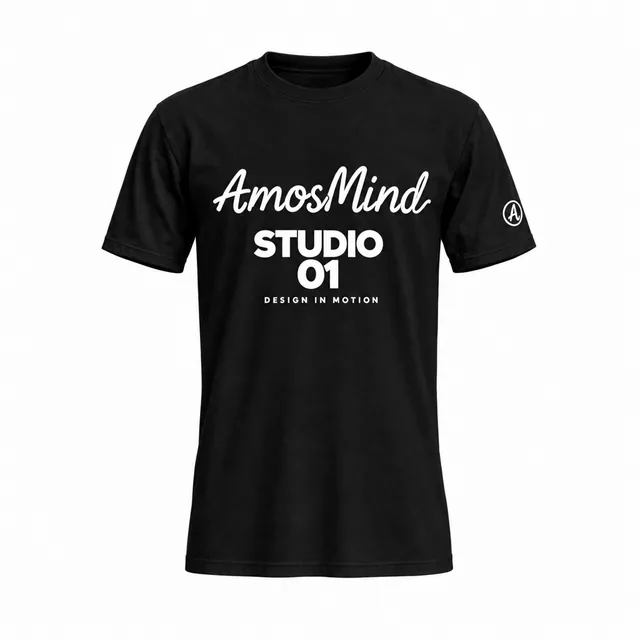
Black
Use white or light artwork; thin dark lines disappear.
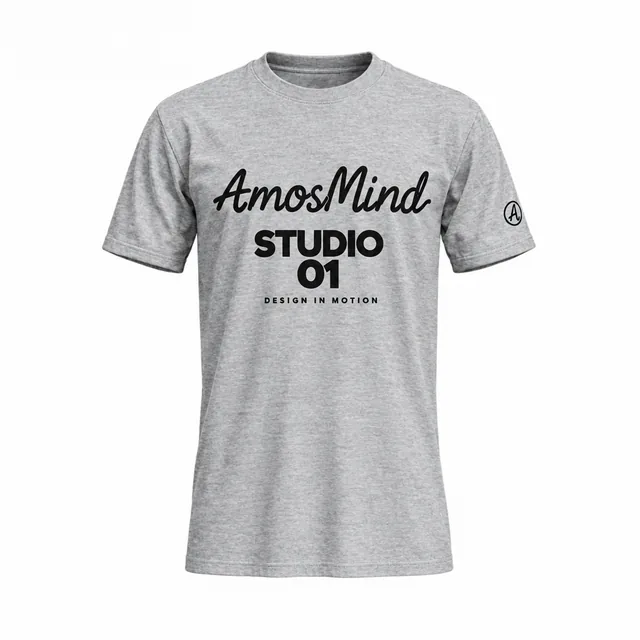
Heather grey
The speckled yarn softens fine lines and small text.
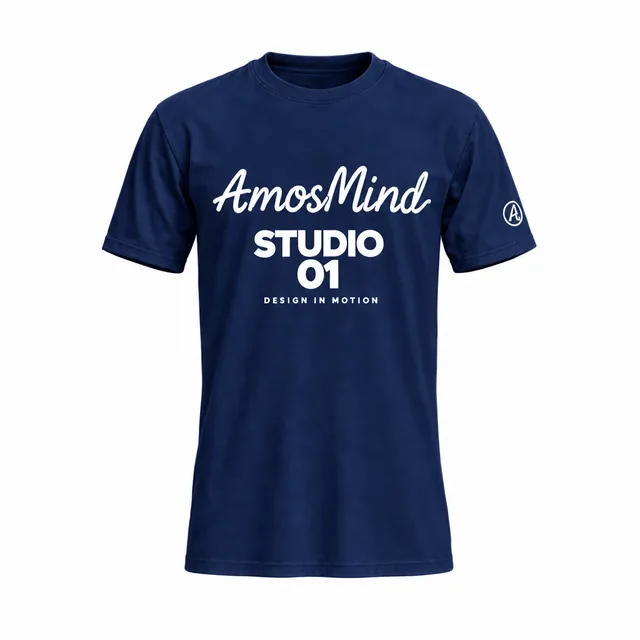
Navy
Reads as dark: plan light artwork, like on black.
Lime
Carries black artwork well and stands out in a feed.
Fabric looks for T-shirts
- Cotton jersey
- Heather jersey
- Stretch polyester
- Sports mesh
Fabric looks change the texture and sheen in the preview. They are visual presets, not a fabric simulation.
How to make a T-shirt mockup, front and back
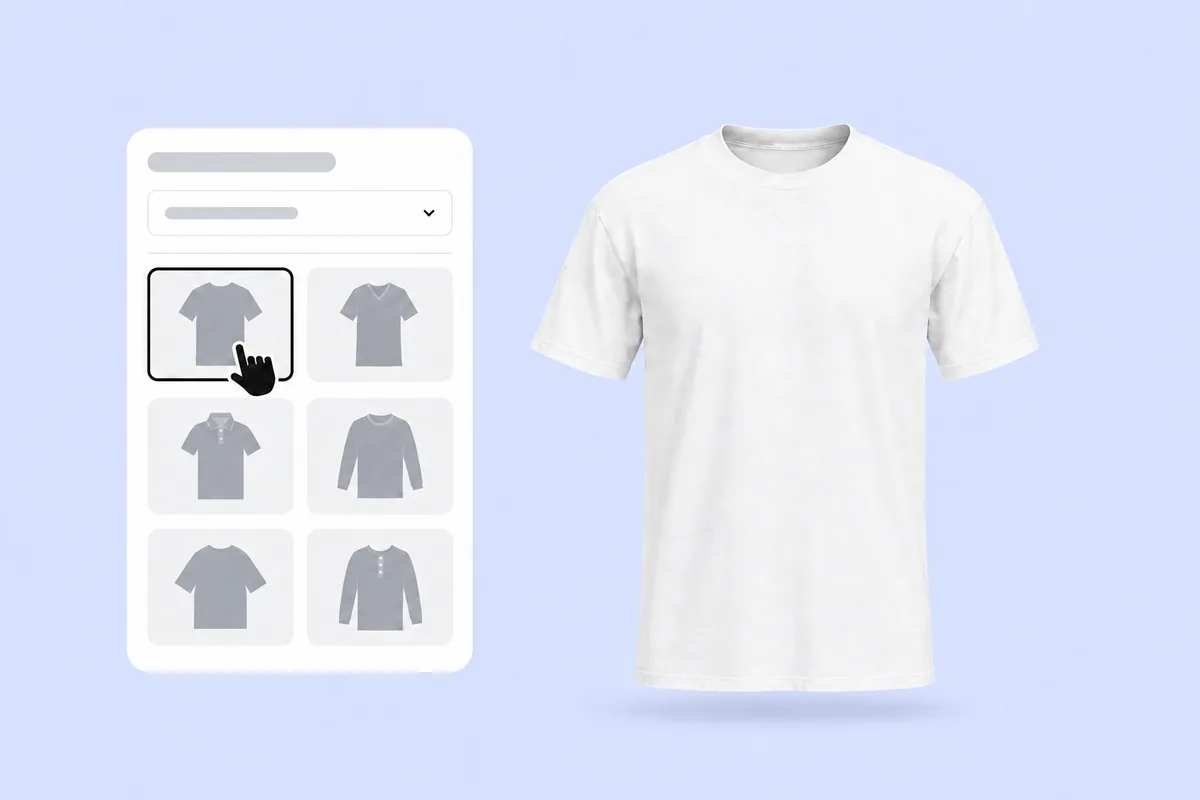
Pick a T-shirt style
Open a T-shirt from the list above: crew neck, V-neck, Henley, polo, long sleeve, oversized or boxy. It loads as a full 3D shirt in your browser.
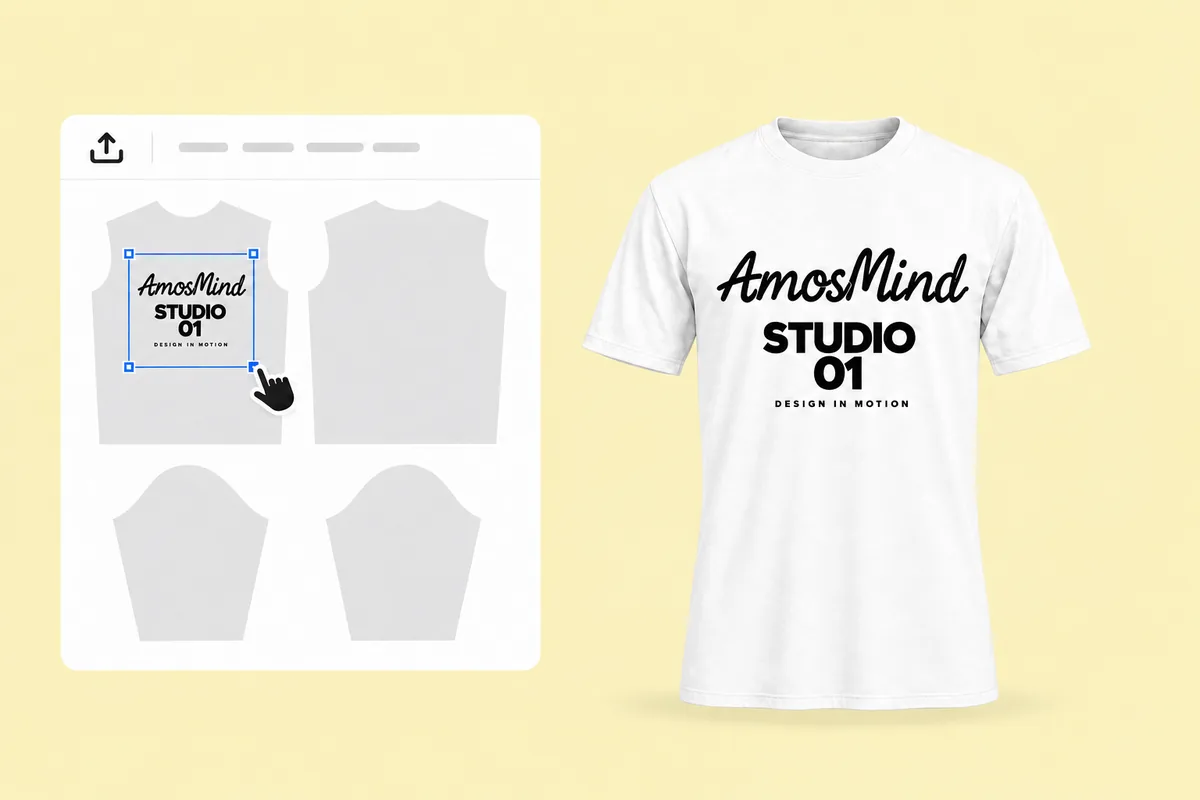
Place your artwork
Click Upload artwork and add a PNG, JPG, WebP or SVG. Drag it onto the flat front, back or sleeve piece and scale it; the 3D shirt updates as you go.
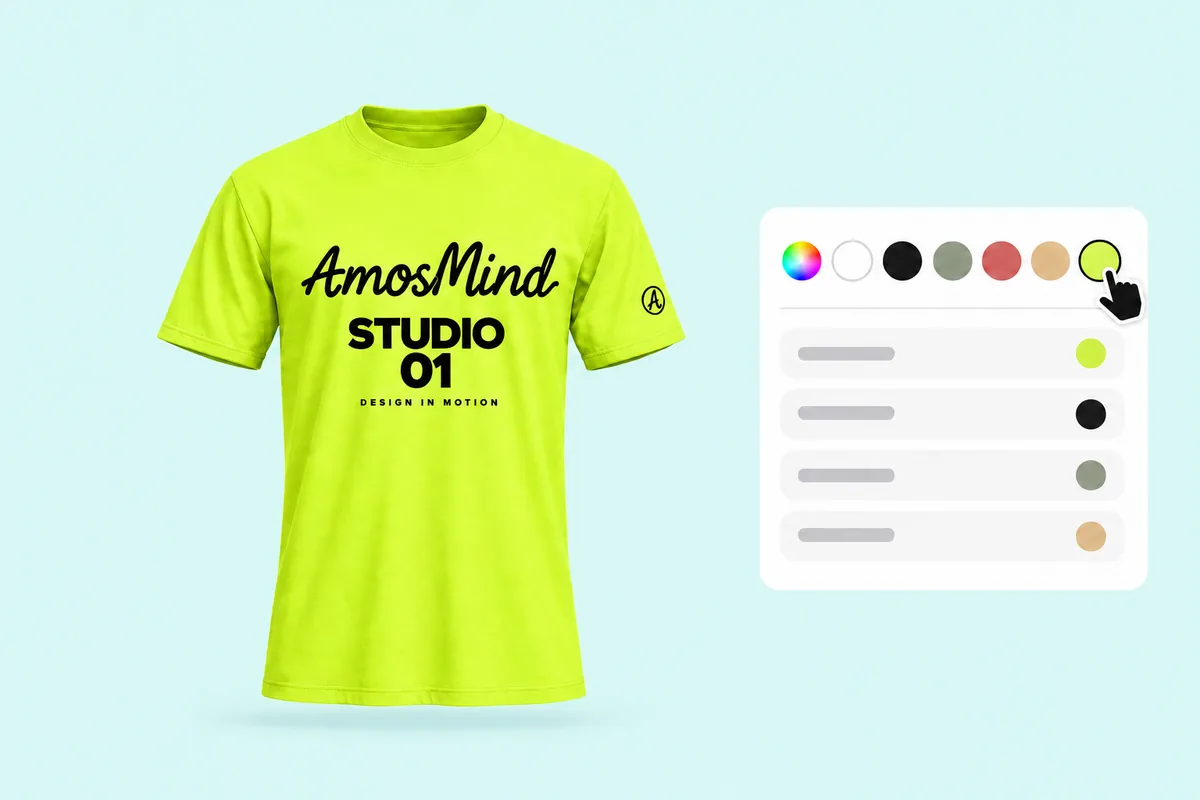
Pick colors and fabric
Choose a garment color, or color the neckline, front, back and sleeves one by one for a contrast look. Switch the fabric look to cotton, heather or stretch.
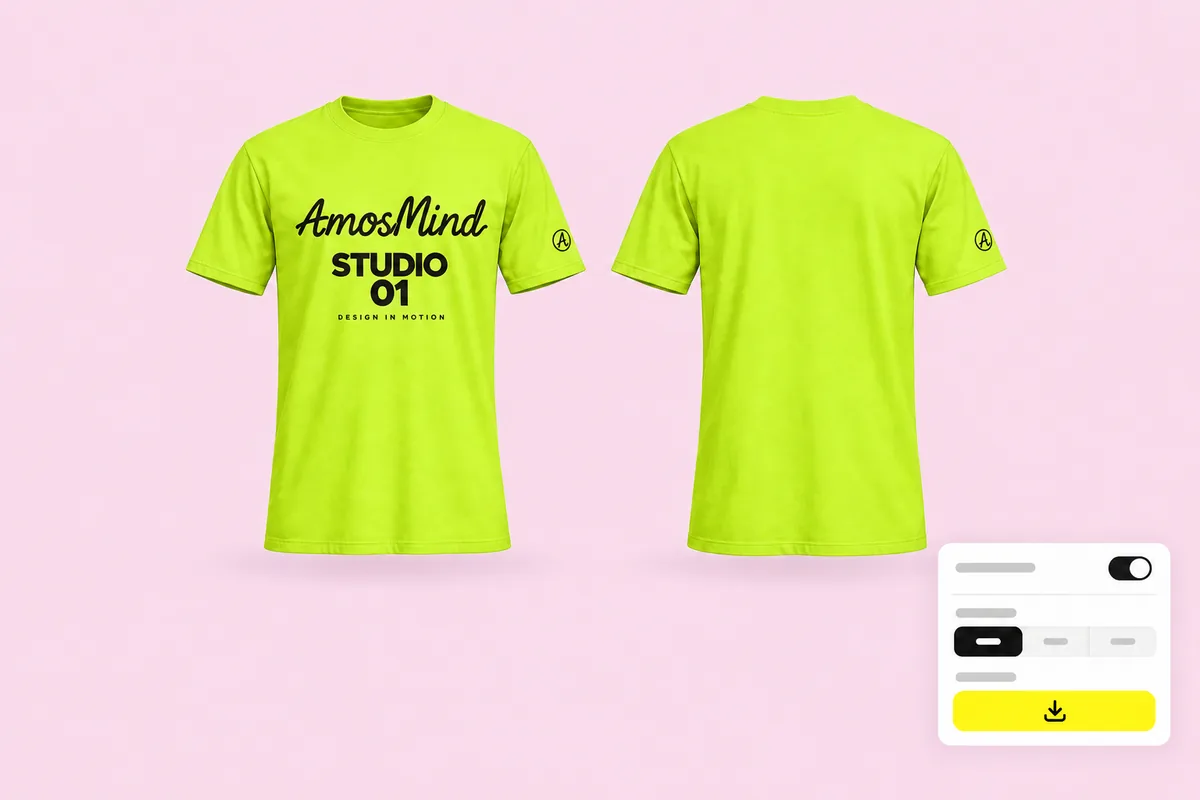
Render the front and back
Pick a background in the Background panel, then click Export and choose 2K or 4K. Turn the shirt to render the back too, or choose Transparent for a PNG.
Explore mockups by garment
Every category below opens the same live 3D editor. Start with the garment you actually sell.
What people make with T-shirt mockups
Three jobs come up again and again: selling print-on-demand designs, launching merch, and approving uniforms.
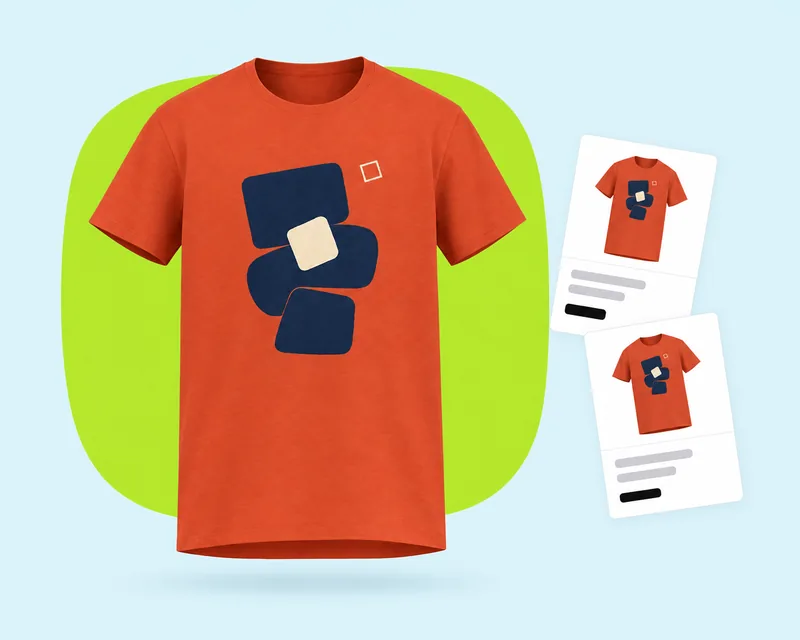
Print-on-demand listings
Show the front and back of every design before a single shirt is printed.
- Same studio light across a whole collection
- Transparent PNGs for marketplace templates
- 1:1 and 3:4 images for product pages
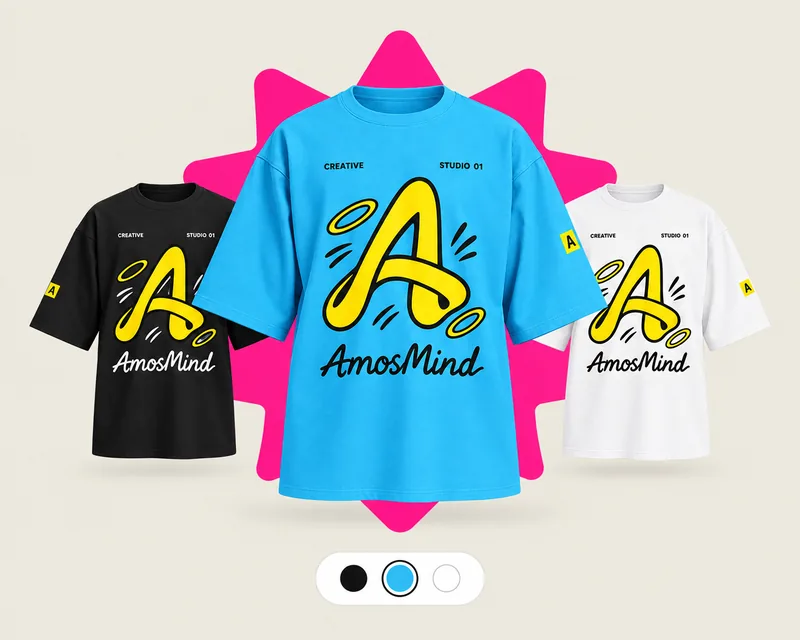
Merch drops and events
Test colorways and back prints for a tour, launch or club tee before you order stock.
- One design on black, white and bright shirts
- Back prints for dates and city lists
- 9:16 renders for Stories and Reels
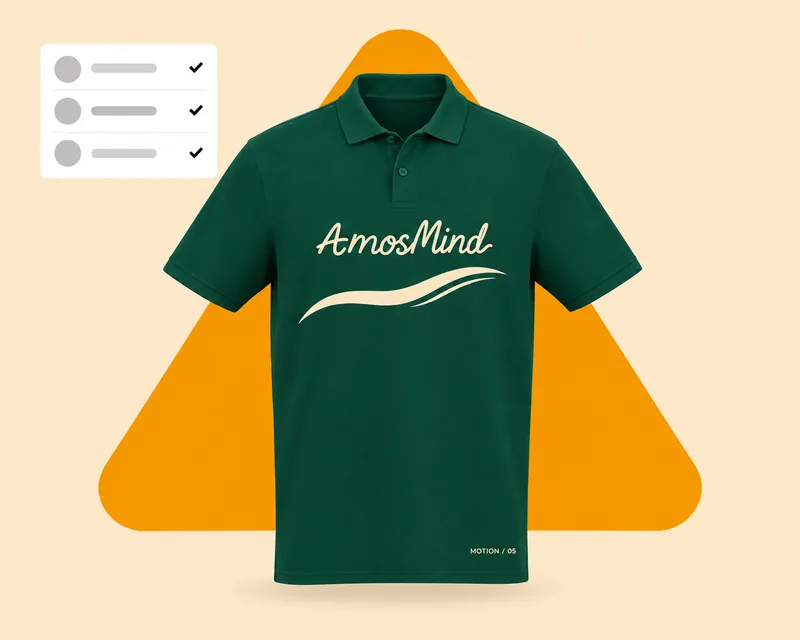
Team and staff uniforms
Agree on logo size and placement across polos and tees before the order goes in.
- Left-chest and sleeve logos
- Collar and placket colors on polos
- Clean renders for approval decks
T-shirt mockup questions, answered
Answers about print areas, file sizes and exports for T-shirts. For general questions, see the clothing mockup FAQ on the homepage.
How do I make my own T-shirt mockup?
Choose a T-shirt above, upload your artwork and drag it onto the front, back or a sleeve. Set the shirt color, turn the shirt to the view you want, then render the image. There is no Photoshop file or smart object to edit.
Are T-shirt mockups free to use?
Browsing the T-shirts and previewing them in 3D is free. Log in with an email code or Google to upload artwork, save projects and render images. Only use artwork you own or have permission to use.
How can I create a 3D shirt mockup?
Start from a 3D shirt rather than a photo template. Every T-shirt here is a 3D model you can rotate in the browser, so your artwork wraps around the body and you can render any angle, including the back and sleeves.
Can I show the front and back of the same T-shirt?
Yes. Put artwork on the front and the back of one shirt, then render each view as its own image. Both come from the same design, with the same light and color.
What size should my T-shirt design be?
For printing, prepare artwork at 300 DPI at the final print size, for example 3600 × 4800 px for a 12 × 16 in front print. For the mockup itself, a smaller file previews fine; uploads can be up to 50 MB.
Can I download a T-shirt mockup with a transparent background?
Yes. Choose Transparent in the Background panel and the render downloads as a PNG, ready to drop onto a store template or a colored banner.
Can I put a design on the sleeve or the pocket?
Each sleeve is its own print area on every T-shirt except the Ringer T-shirt and the Relaxed drop-shoulder T-shirt, which print on the front and back. The short-sleeve pocket Henley, the six-button pocket Henley and the deep-placket pocket Henley also have a printable pocket.
Which T-shirt styles can I mock up?
Crew necks, long sleeves, oversized and boxy fits, V-necks, Henley and placket styles, polos and a mock neck, including a youth crew-neck tee.