
DTG (direct to garment)
Red counts as a colored shirt, so a white underbase goes under your colors. Bright reds are among the hardest hues for DTG to hit.
Red is the hardest shirt color to predict: screen reds look brighter than ink, and polyester reds can bleed into white prints. Add your artwork and turn the shirt in 3D to check the front, back and sleeves.

62 mockups
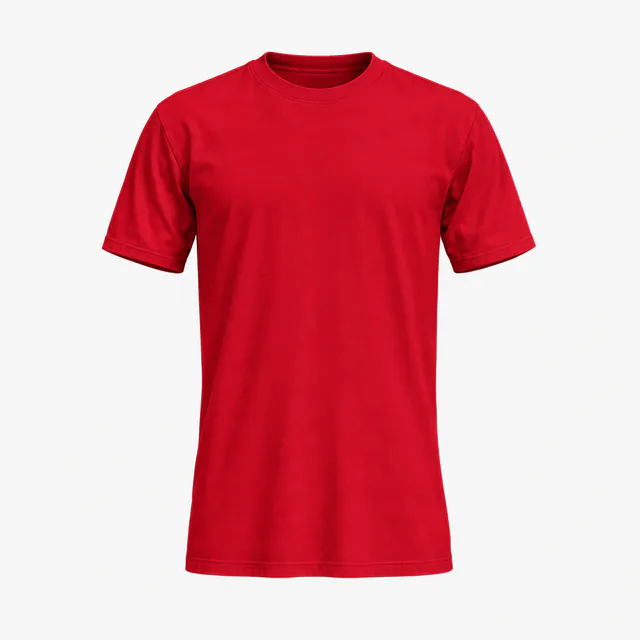 Add your design
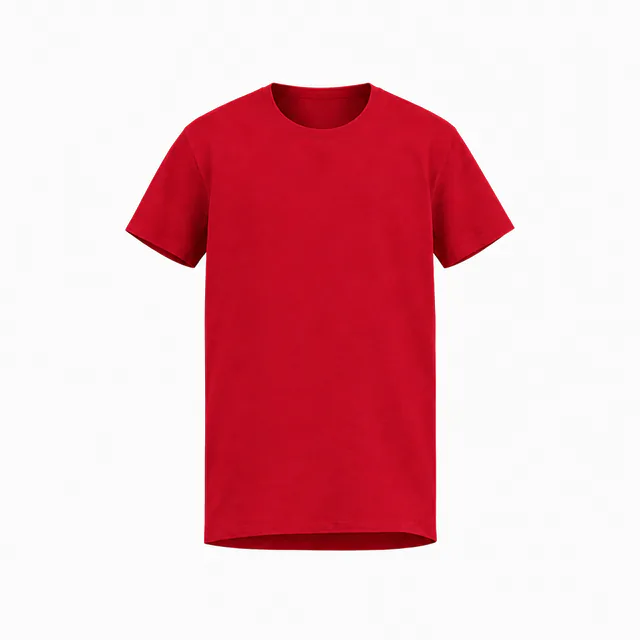 Add your design
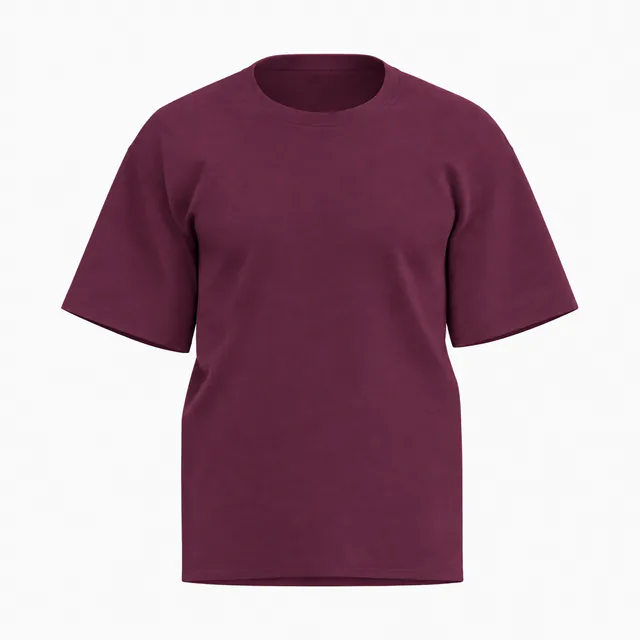 Add your design
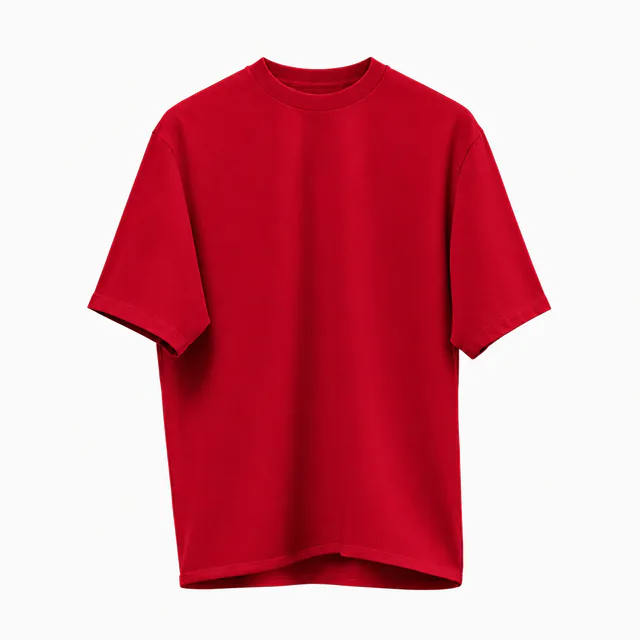 Add your design
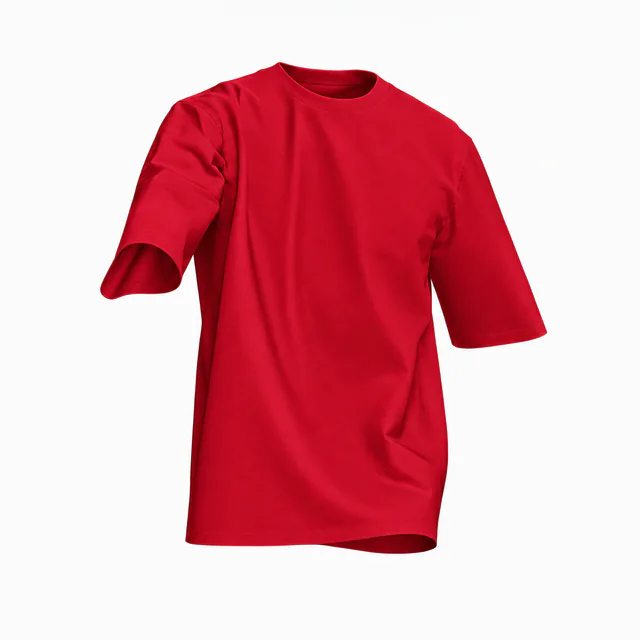 Add your design
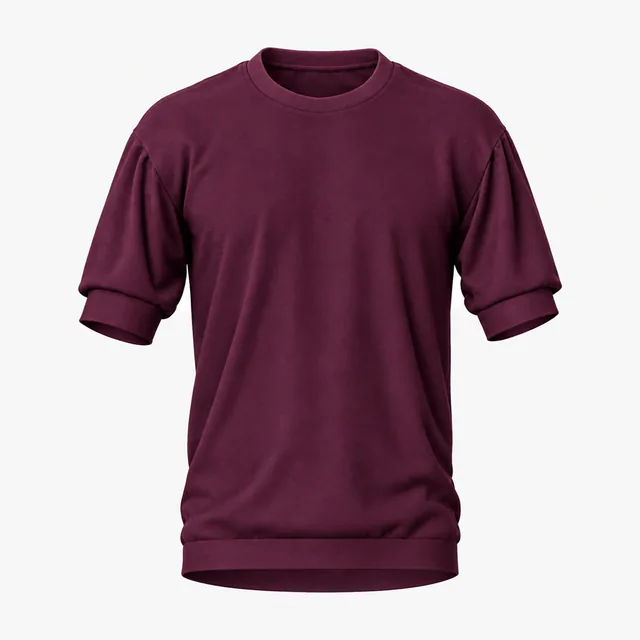 Add your design
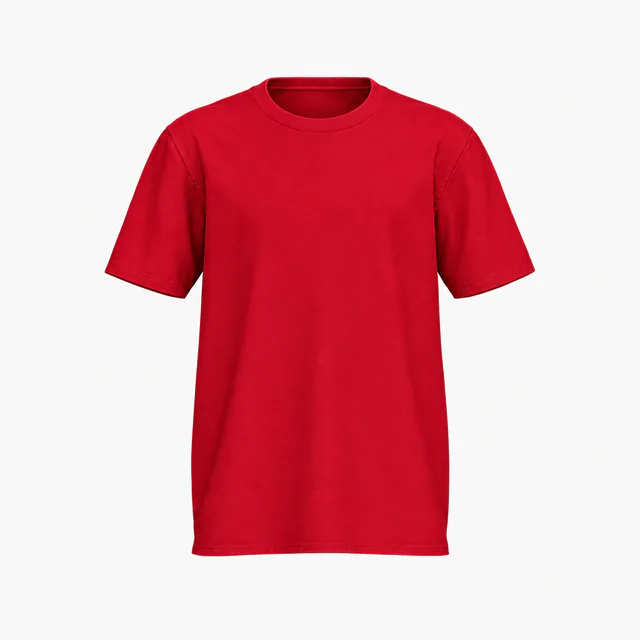 Add your design
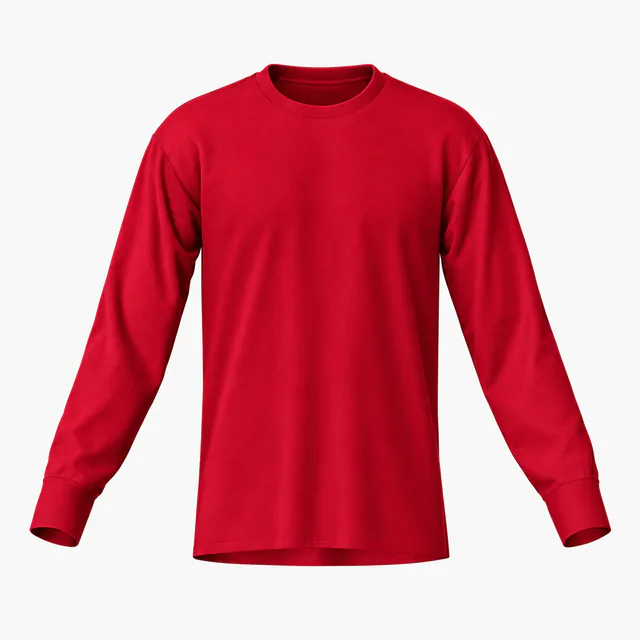 Add your design
 Add your design
 Add your design
 Add your design
 Add your design
 Add your design
 Add your design
 Add your design
 Add your design
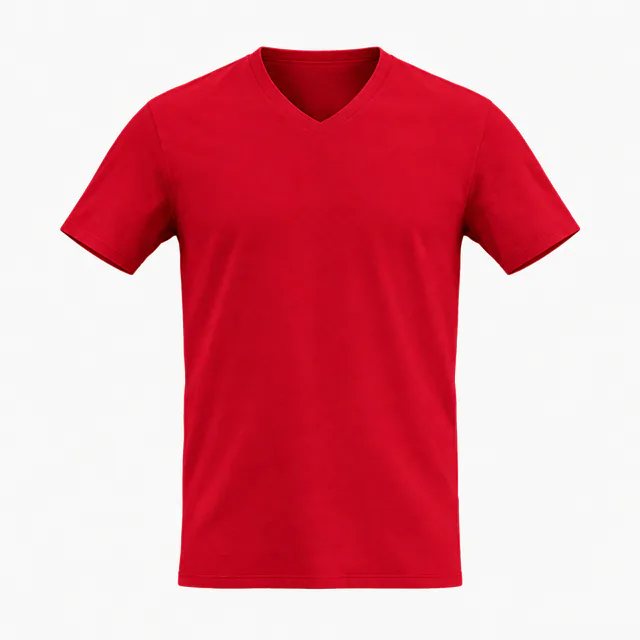 Add your design
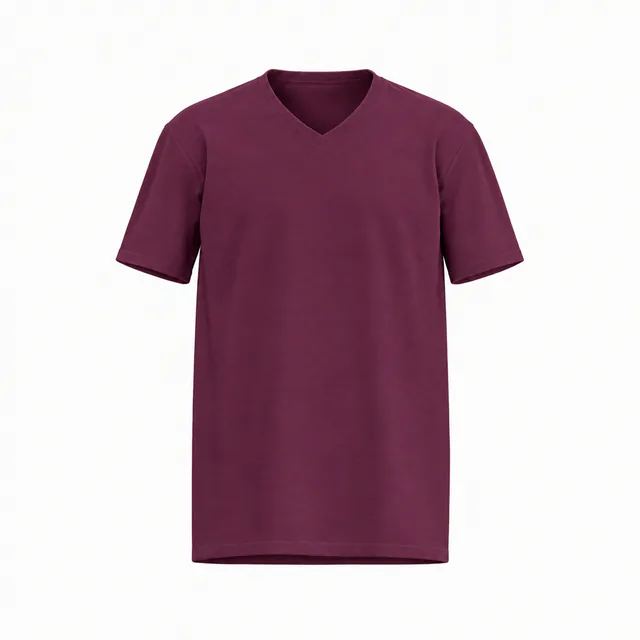 Add your design
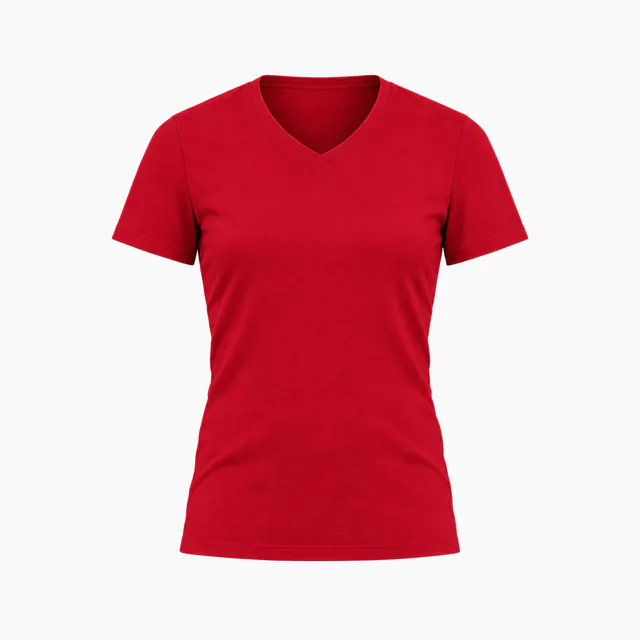 Add your design
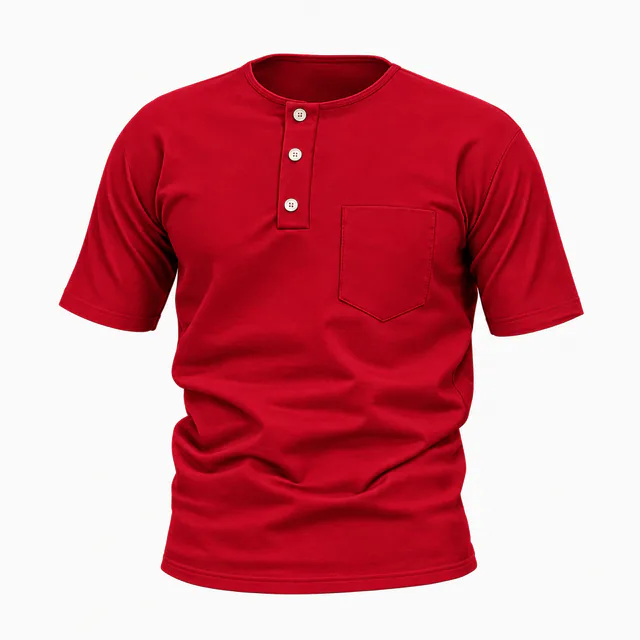 Add your design
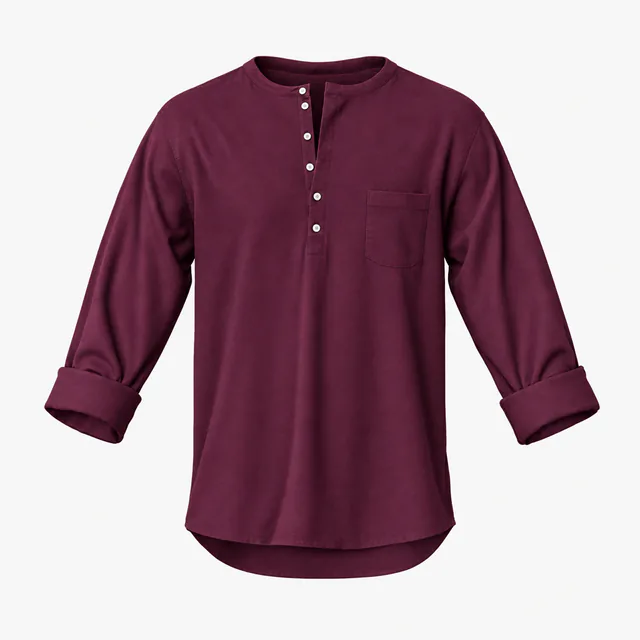 Add your design
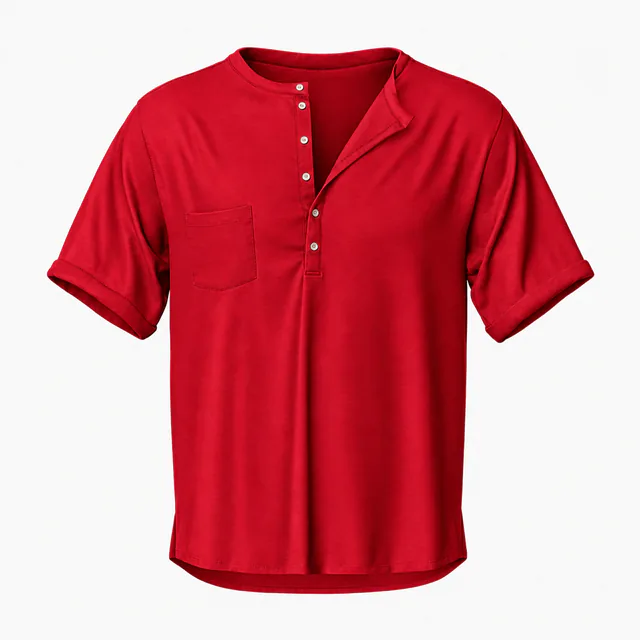 Add your design
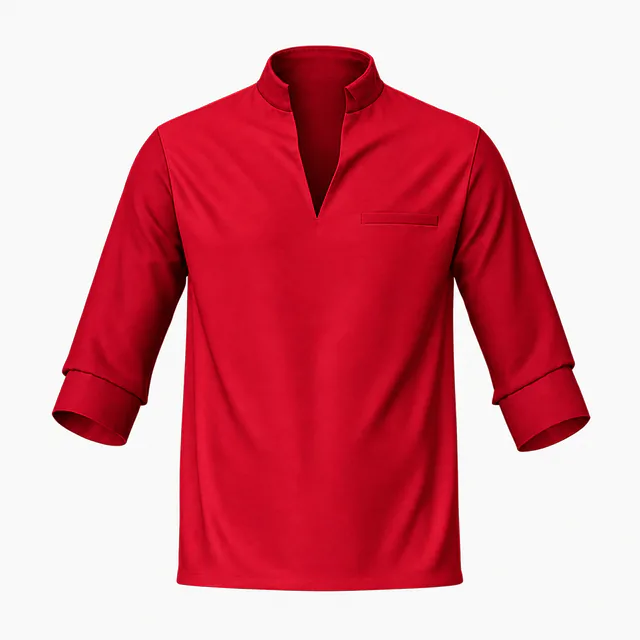 Add your design
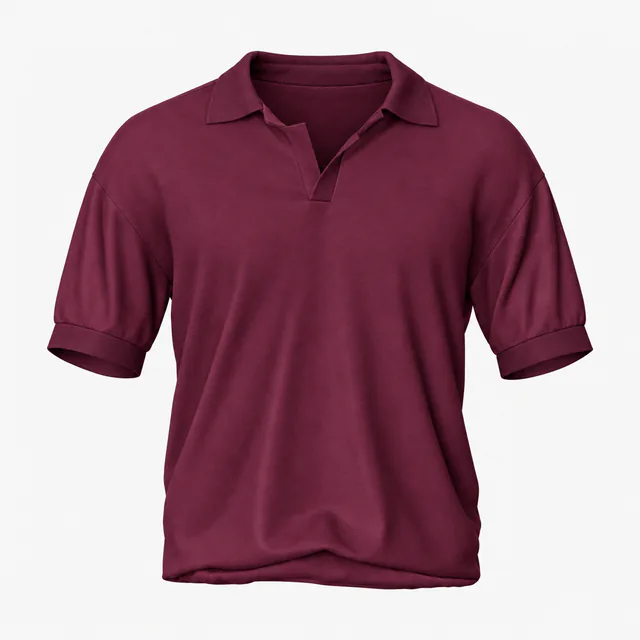 Add your design
 Add your design
 Add your design
 Add your design
 Add your design
 Add your design
 Add your design
 Add your design
 Add your design
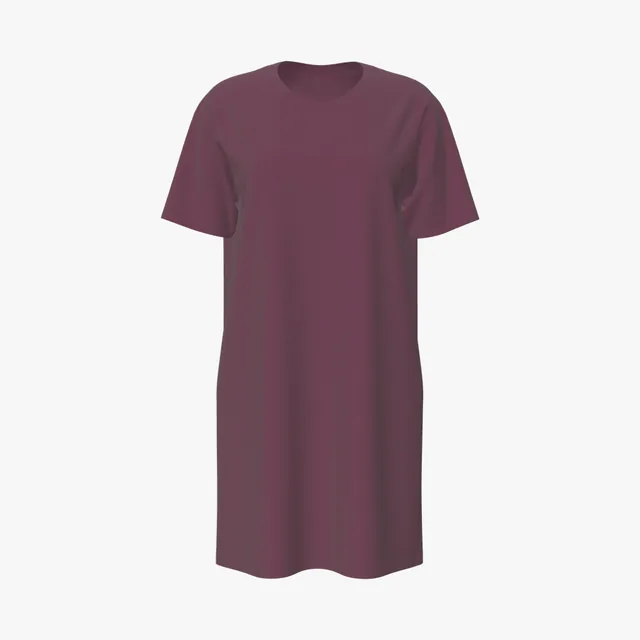 Add your design
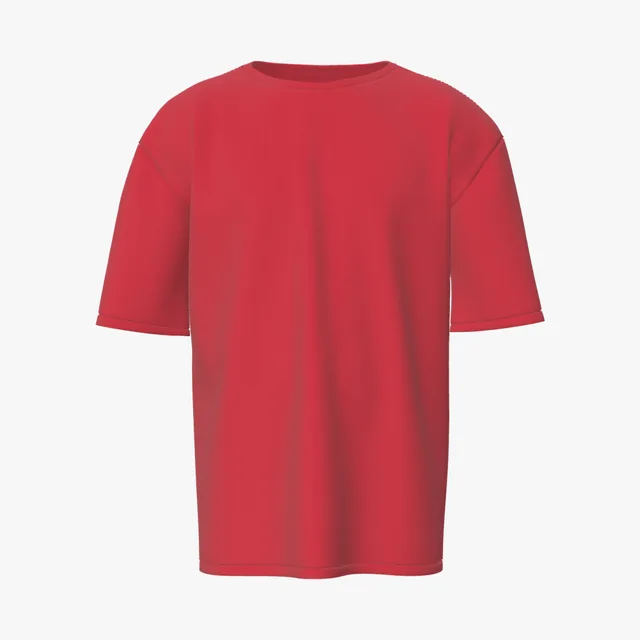 Add your design
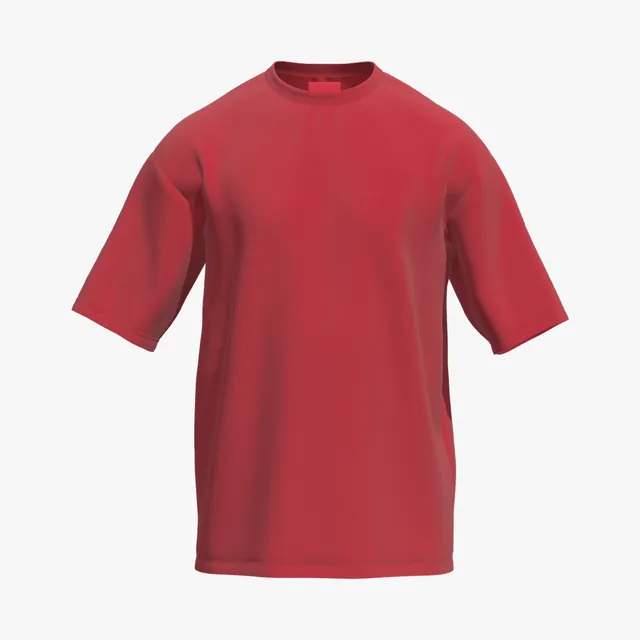 Add your design
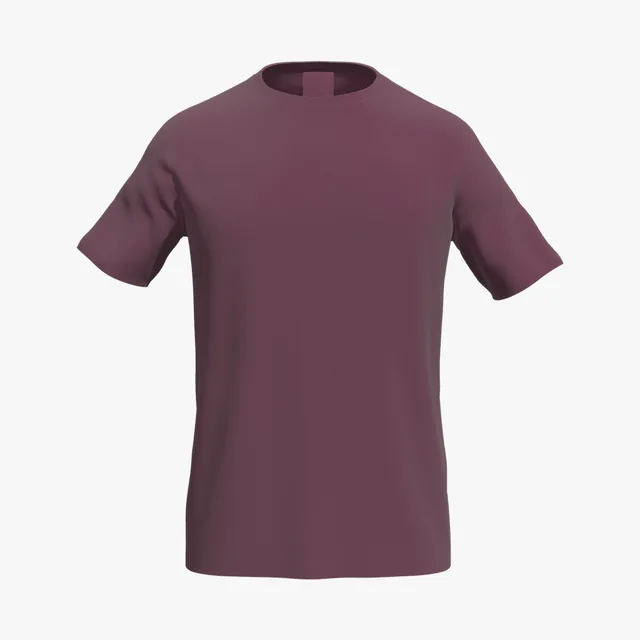 Add your design
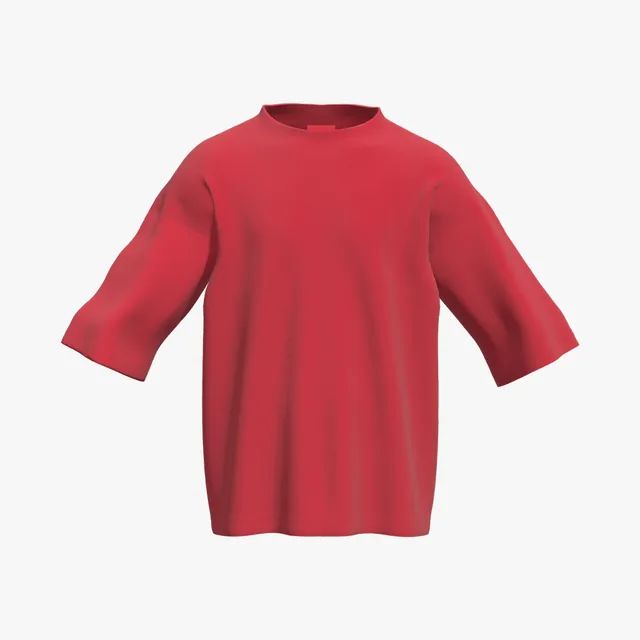 Add your design
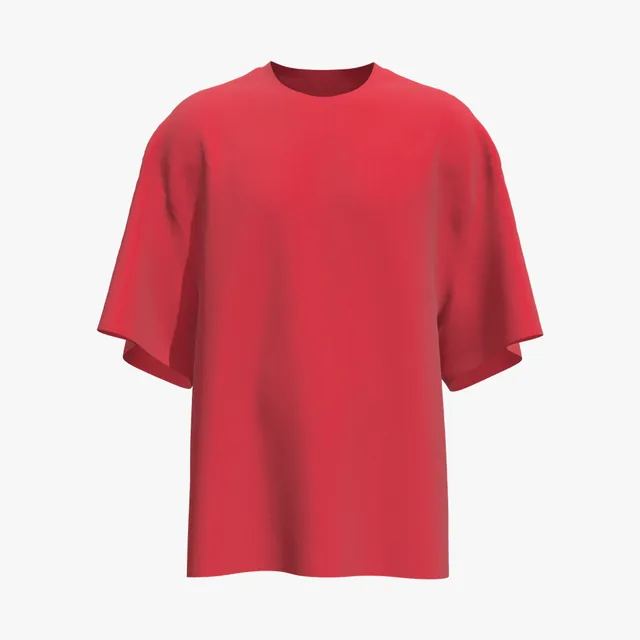 Add your design
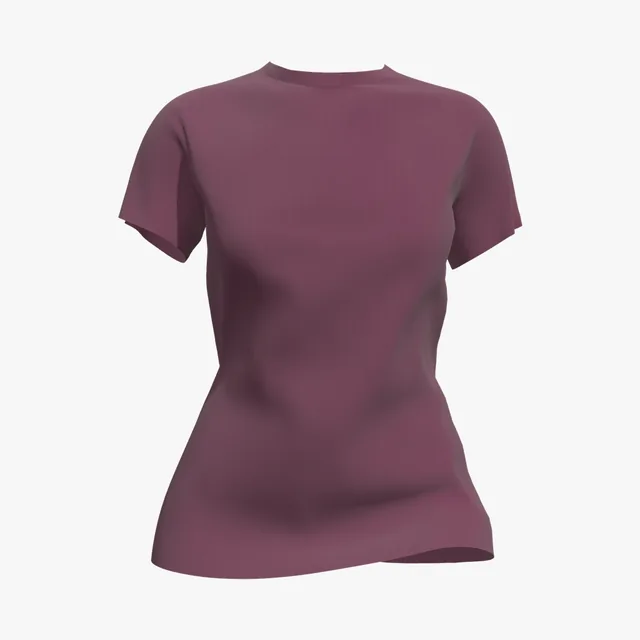 Add your design
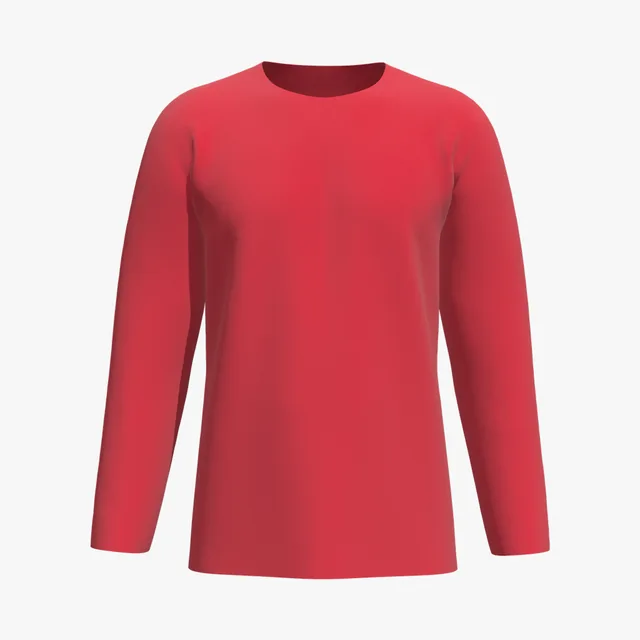 Add your design
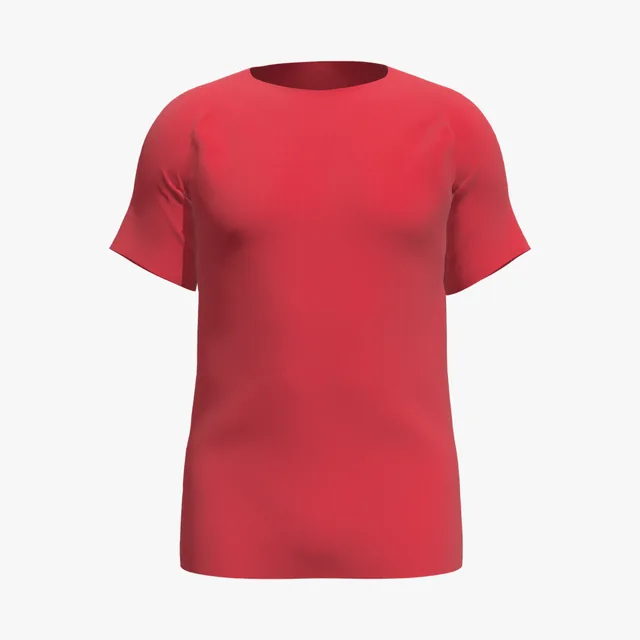 Add your design
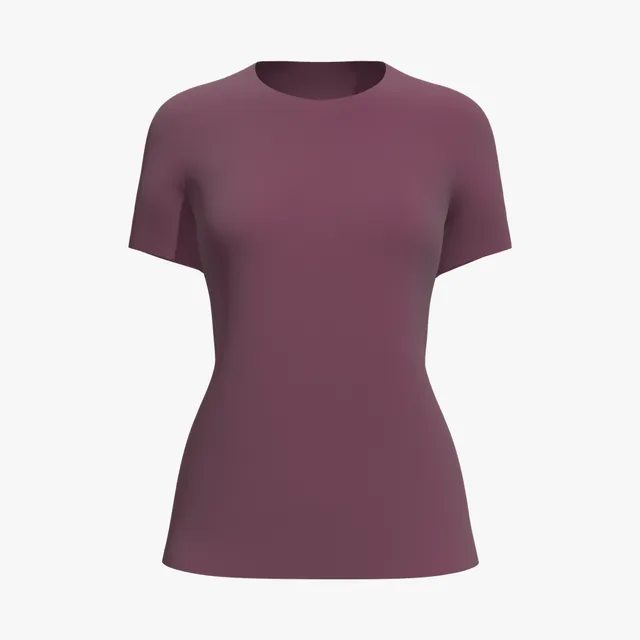 Add your design
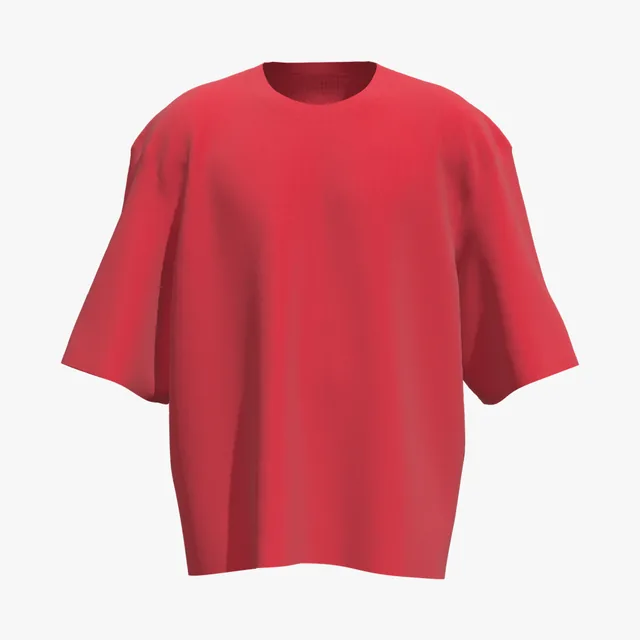 Add your design
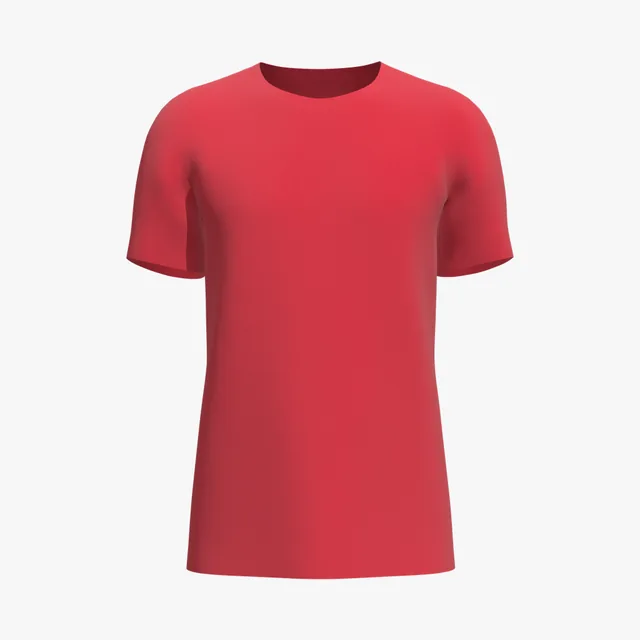 Add your design
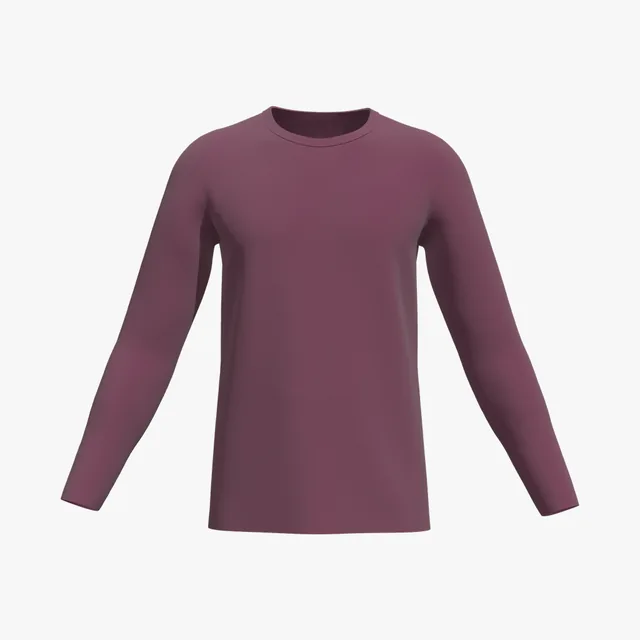 Add your design
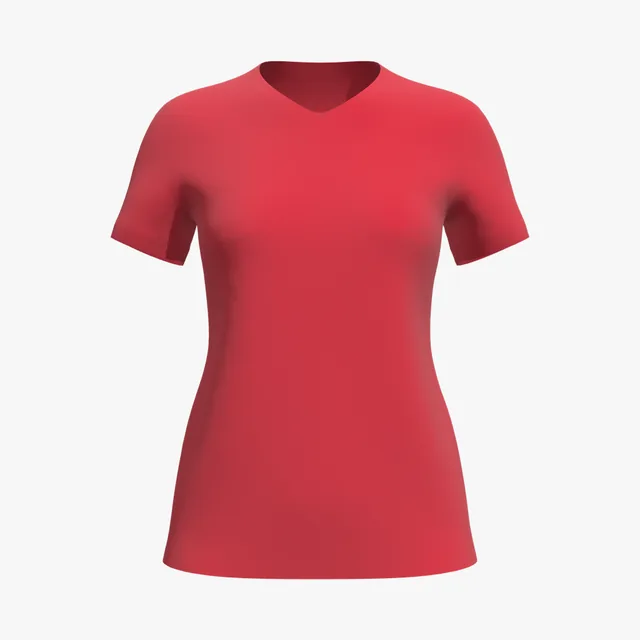 Add your design
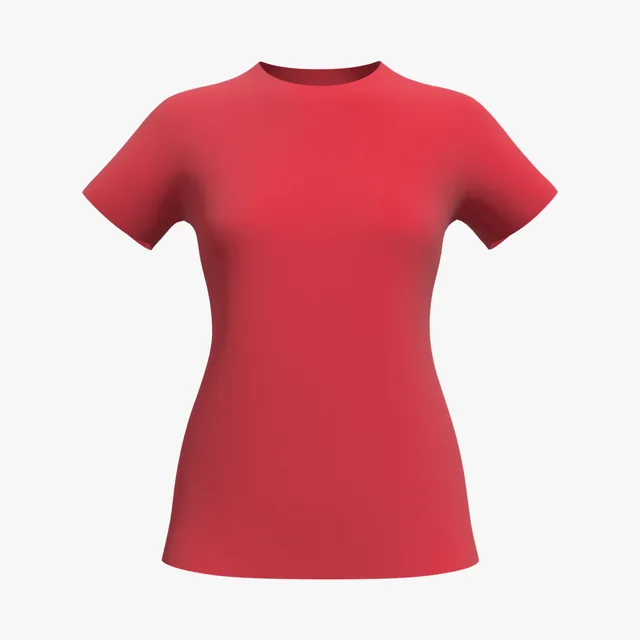 Add your design
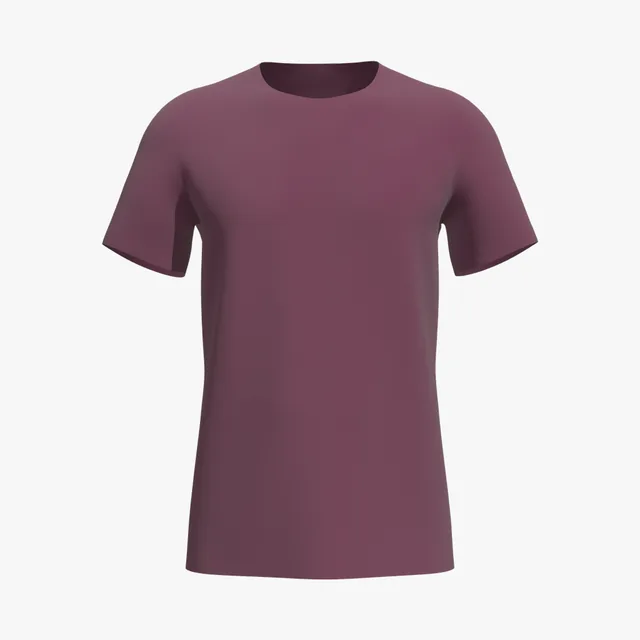 Add your design
 Add your design
 Add your design
 Add your design
 Add your design
 Add your design
 Add your design
 Add your design
 Add your design
 Add your design
 Add your design
 Add your design
 Add your design
 Add your design
 Add your design
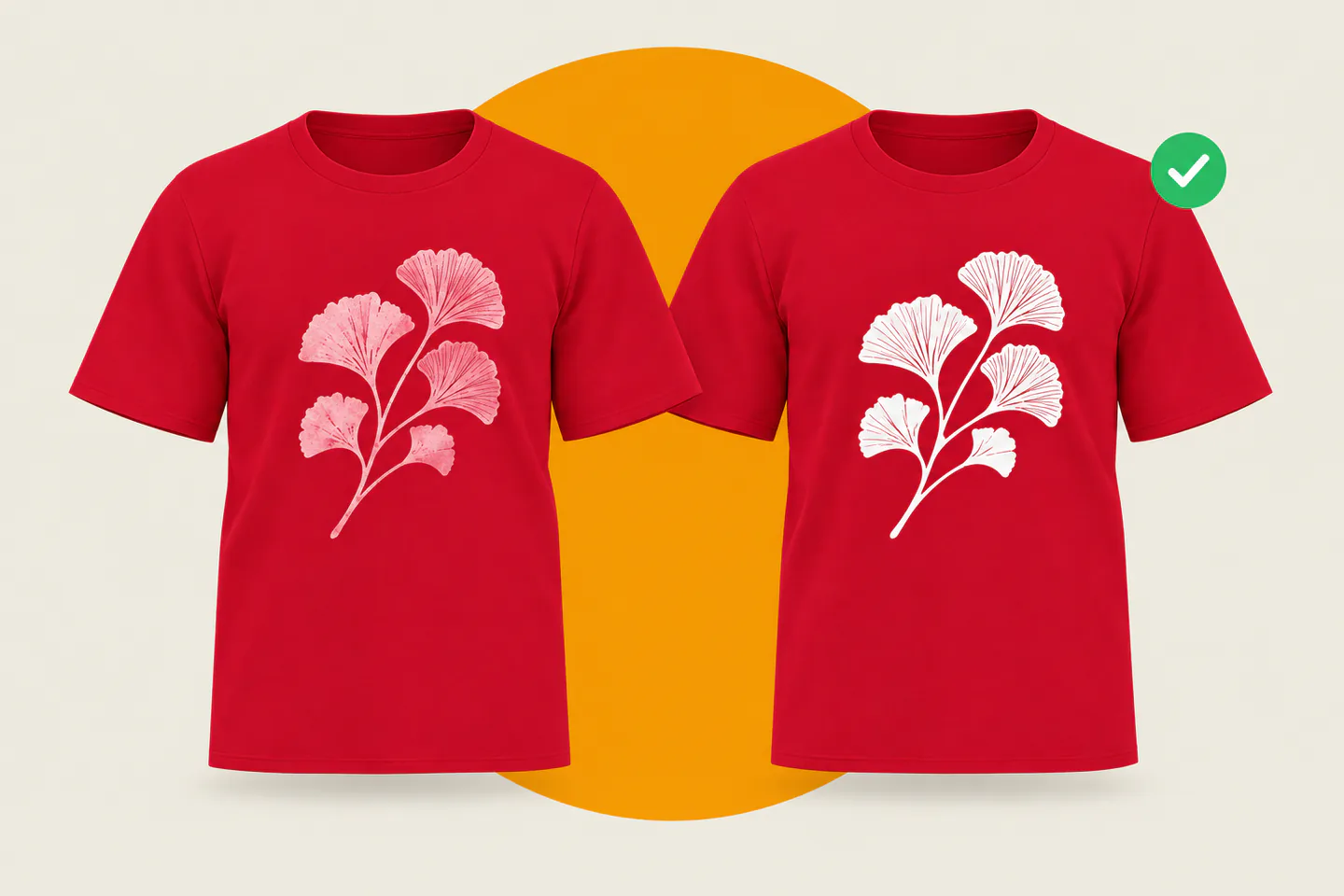
On a red shirt, colors close to red disappear: orange-reds, pinks and maroon blend into the fabric. White holds strongest, and black, navy and metallics contrast well. Check your palette on the 3D shirt before it goes to print.
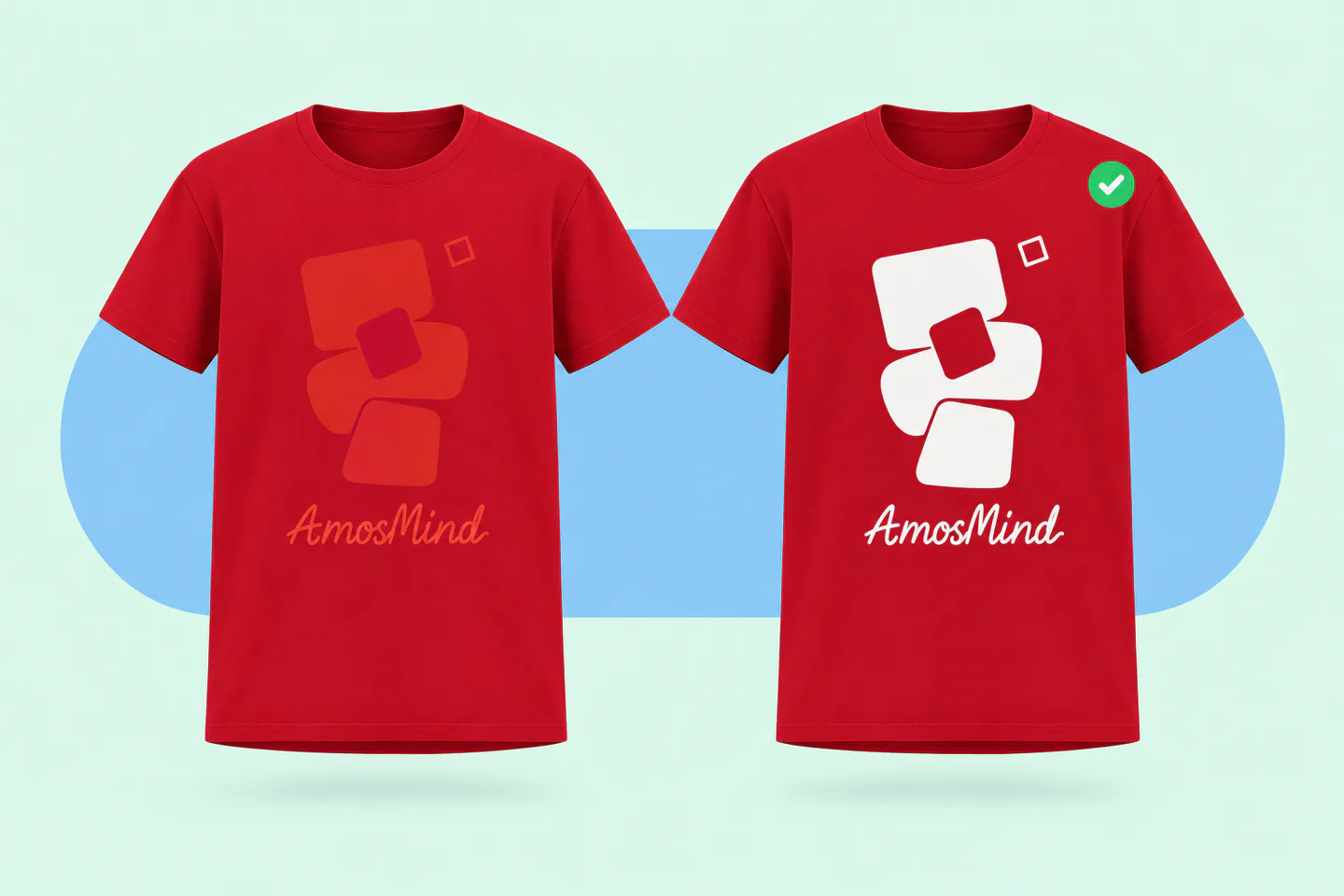
White ink holds strongest against red
Black, navy and metallic golds also contrast well
Colors close to red sink into it
Shift them much lighter or darker, or outline them
Red-green is the most common color blindness
Keep a clear light-dark difference between them
Screen reds go beyond what ink can print
Export in sRGB and expect printed reds to look flatter
The 3D preview shows how your colors read against red fabric under studio light. Screen reds look brighter than print, so check a physical swatch before you approve.
Printers treat red as a colored garment: most methods lay white under the design, and red polyester has a problem of its own. Which method you use changes how you should prepare the file.
Red counts as a colored shirt, so a white underbase goes under your colors. Bright reds are among the hardest hues for DTG to hit.
Mixed spot inks can match a brand red closely. On polyester and blends, printers switch to low-bleed inks and a blocker base.
Curing heat can pull dye out of red polyester into the ink, turning white prints pink, even on 90/10 blends. Ask for low-cure, low-bleed inks.
Not on red. Sublimation dye is transparent, so the red mixes into every color. Press white sublimation vinyl first, or use DTF or DTG.
DTG and DTF approximate Pantone with CMYK, so a brand red can shift. For an exact match, screen print with a mixed spot ink.
Tell your printer the fabric blend and your brand red before you design. Your mockup should show colors the chosen method can reproduce.
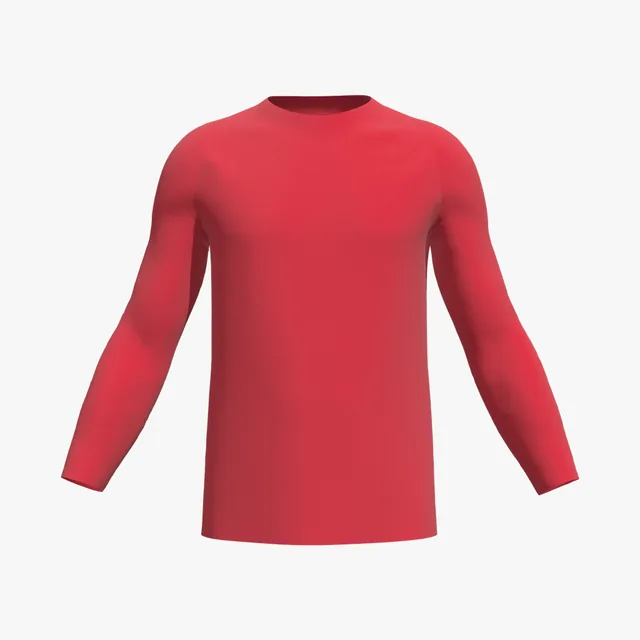
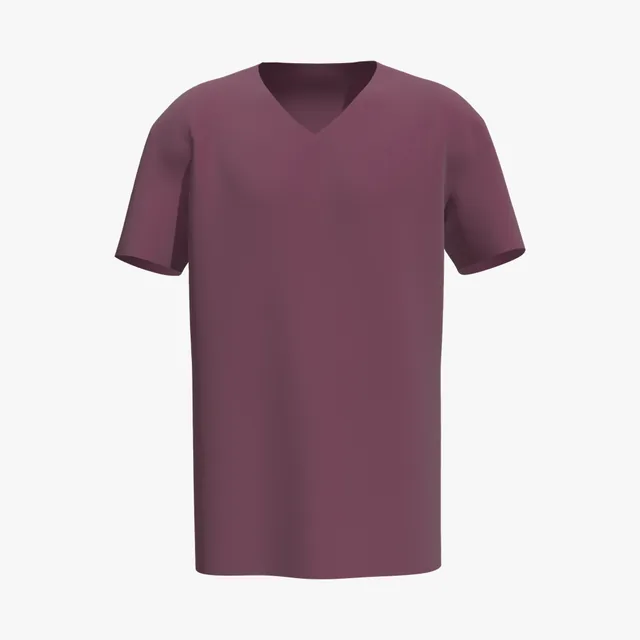
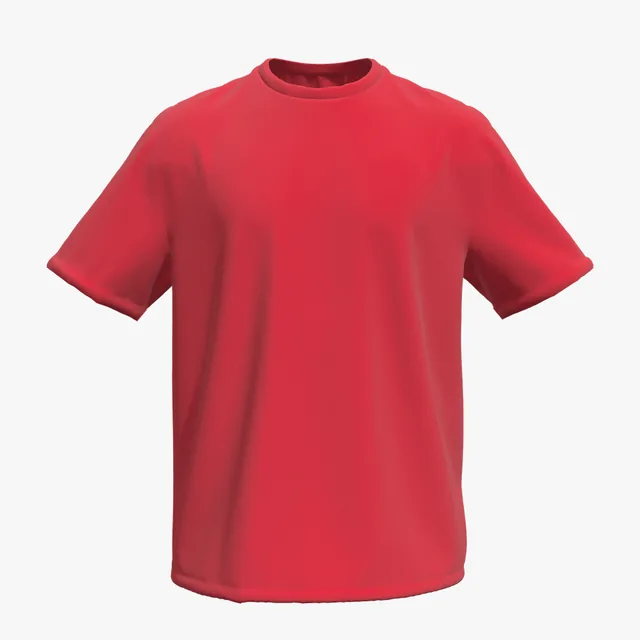
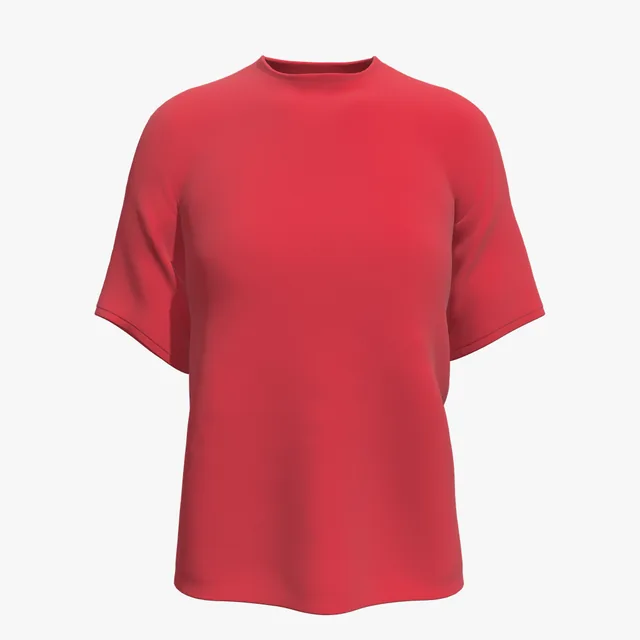
Blank brands' reds run from bright, orange-leaning reds to deep maroon, and heather and garment-dyed reds look softer again. Match the red of the shirt you will ship, because screens show reds brighter than fabric.
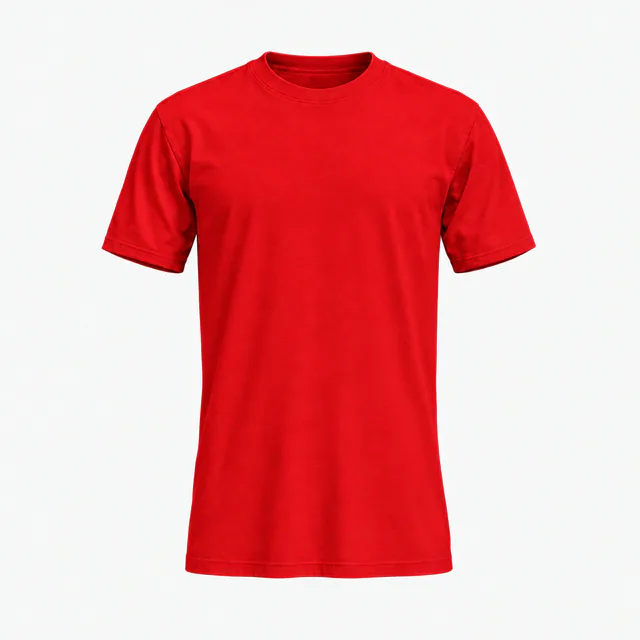
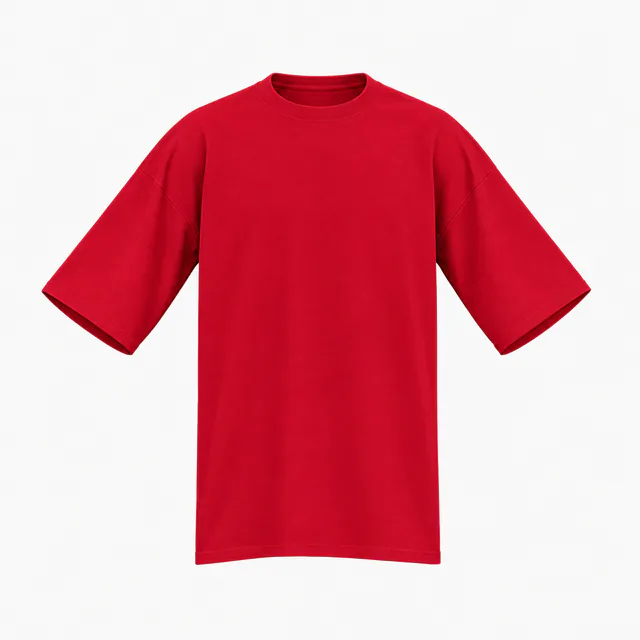
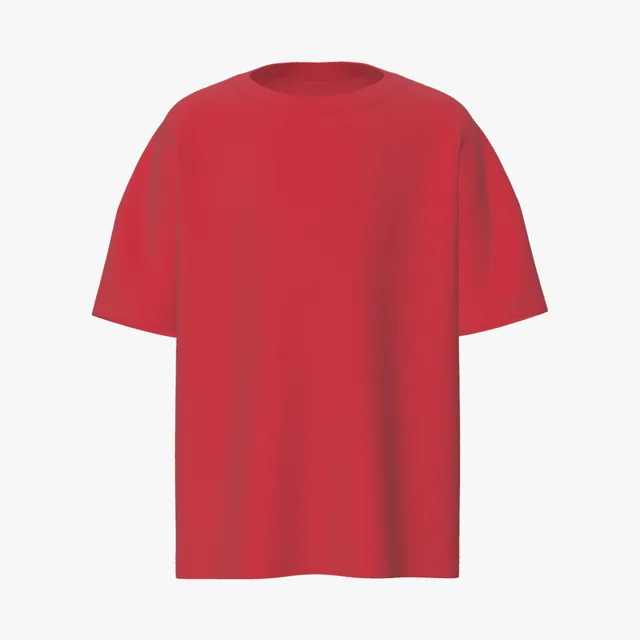
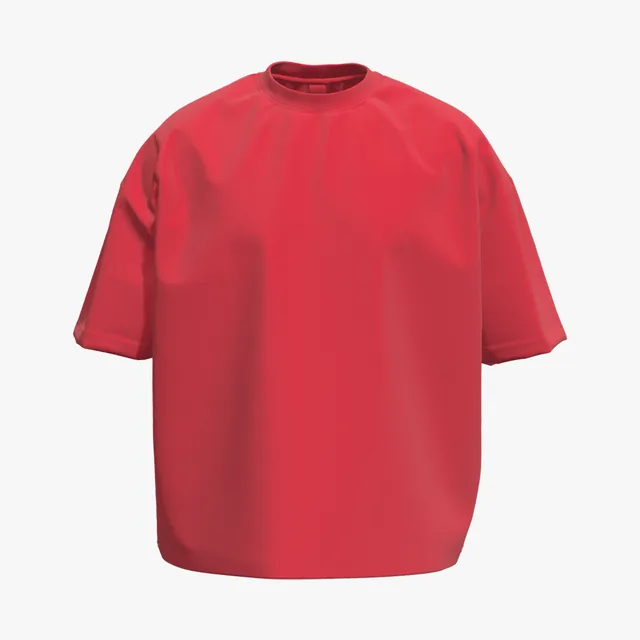
The brightest red here: a vivid, orange-leaning shade on 100% combed ring-spun cotton.
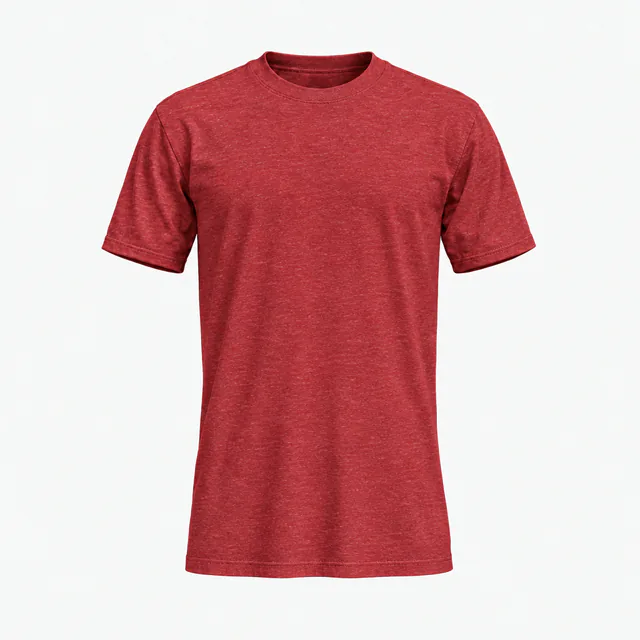
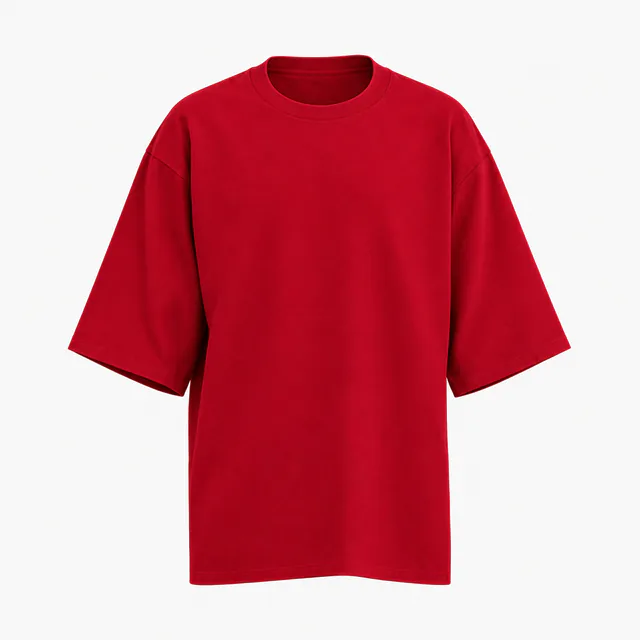
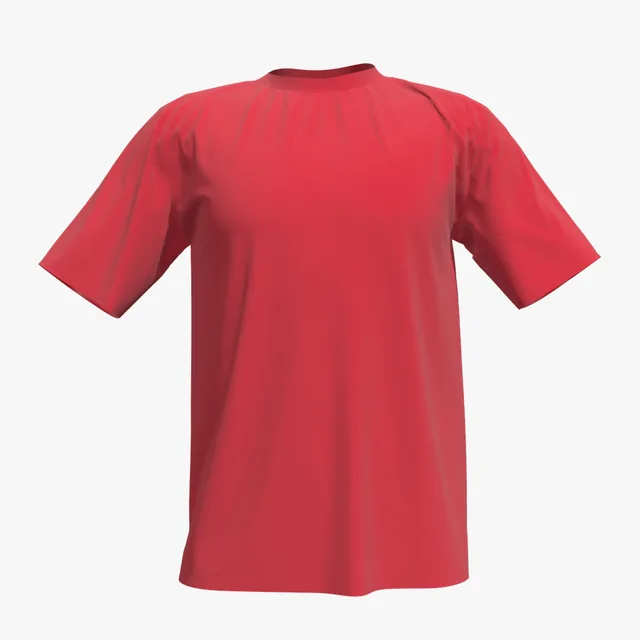
A 52/48 cotton-polyester heather gives a flecked red; its polyester dye can bleed into white ink.
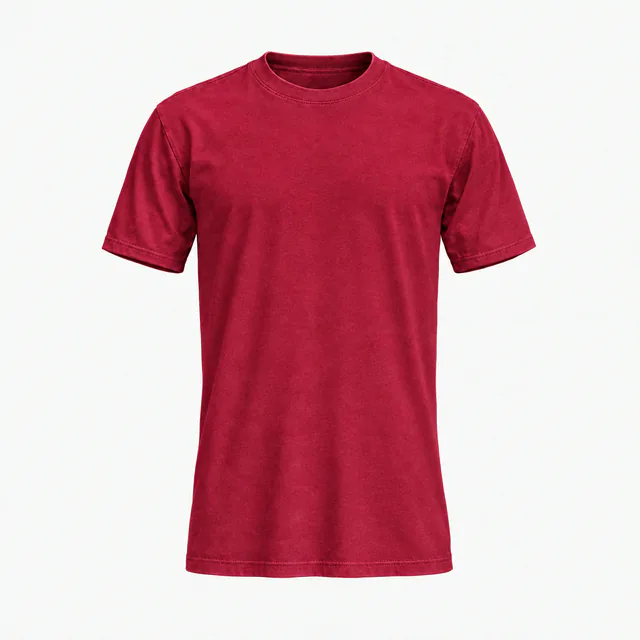
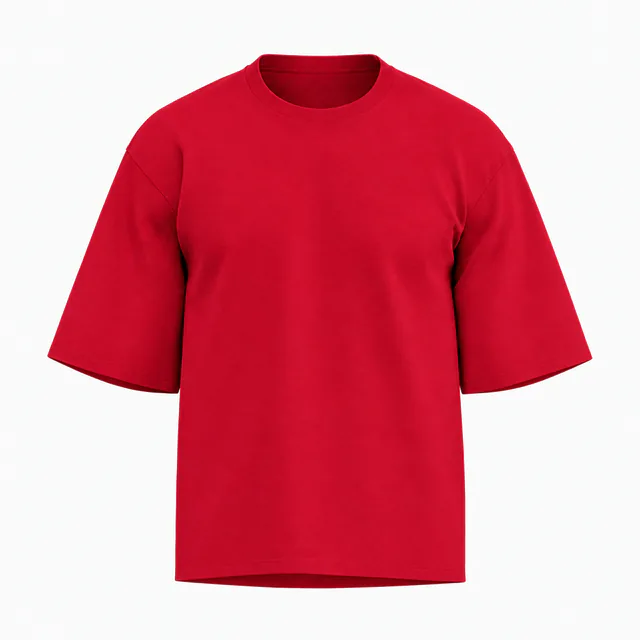
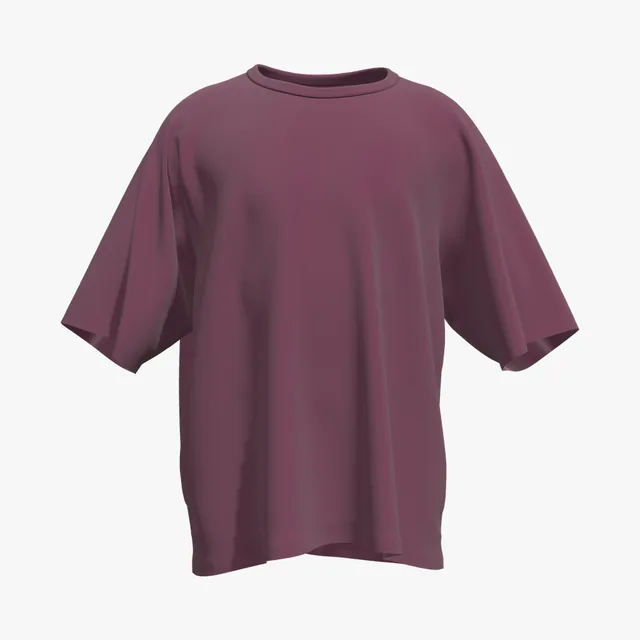
Pigment garment-dyed, so it looks softer and more washed than its swatch; shades vary by batch.
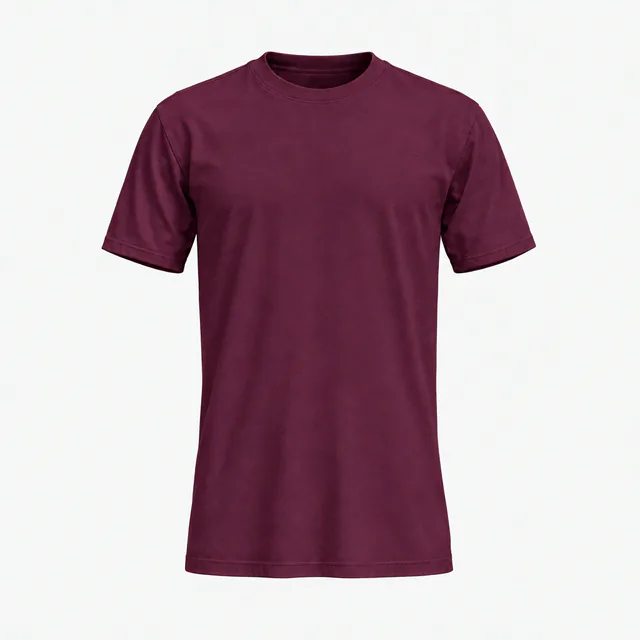
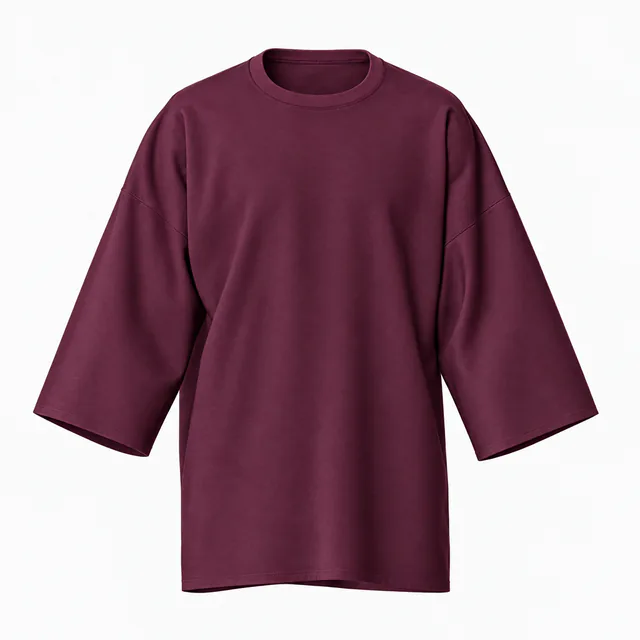
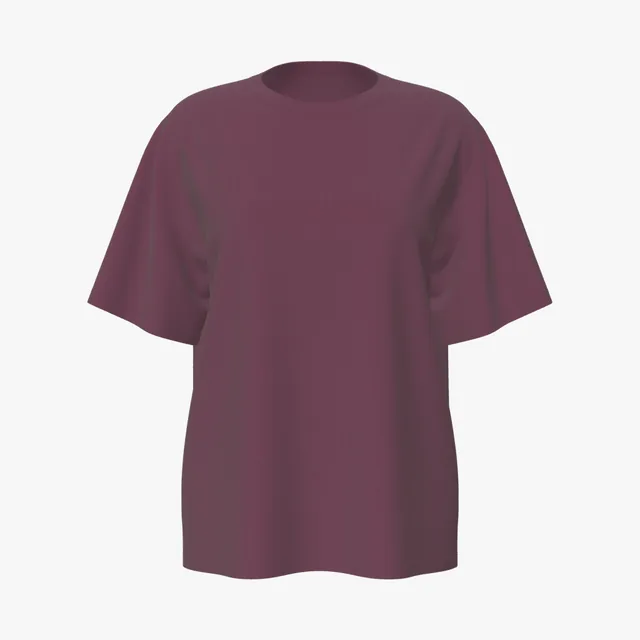
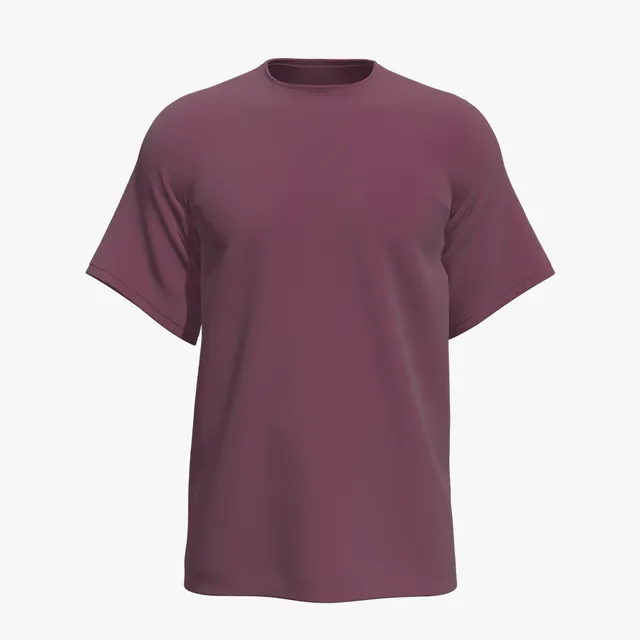
The darkest of these: a purple-leaning deep red on 100% combed ring-spun cotton.
Colors are on-screen approximations of each brand's published color or swatch. Shirts on this page open in Comfort Colors Red (#C8102E) or Bella+Canvas Maroon (#672E47), as shown on each card; type your blank's hex into Garment color to match yours. Fabric looks are visual presets, not a fabric simulation.
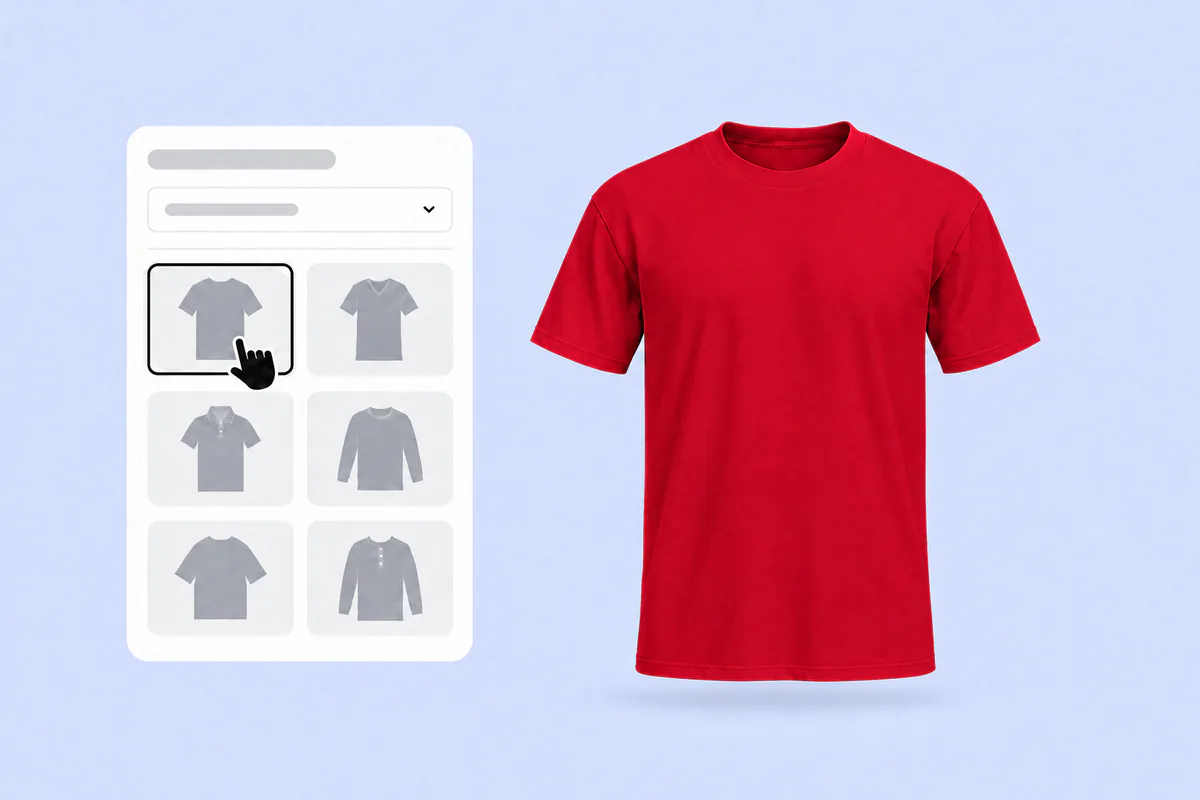
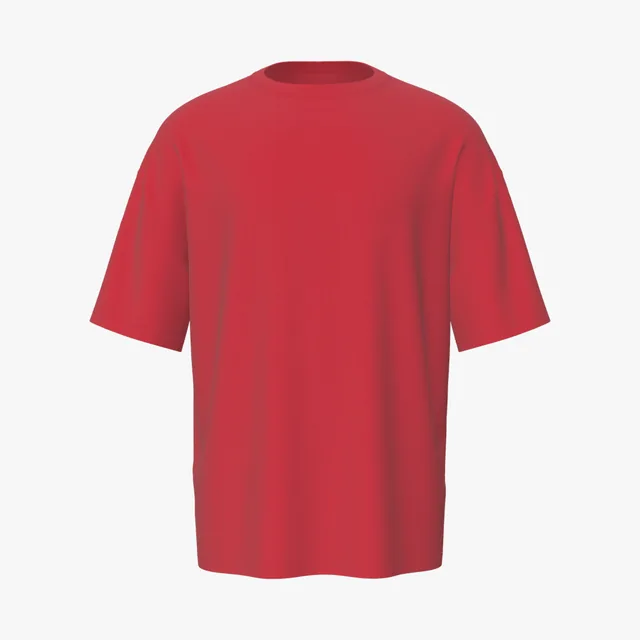
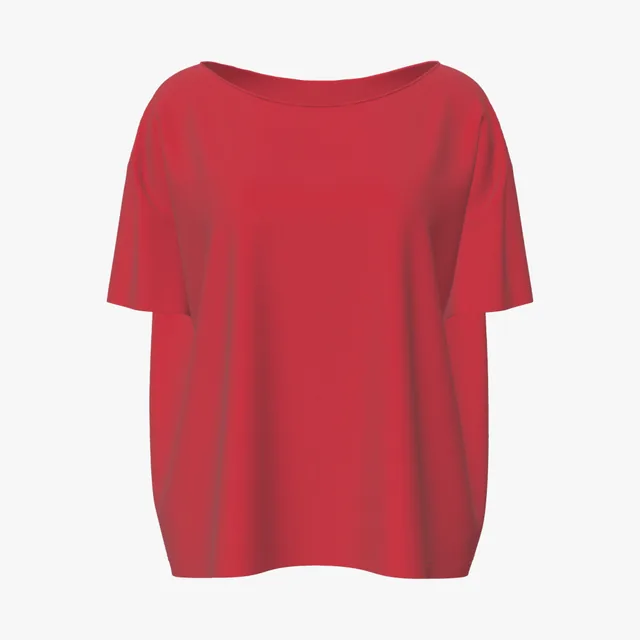
Pick any T-shirt on this page. It opens in the 3D editor in the red shown on its card: true red (#C8102E) or maroon (#672E47). Type your blank's hex into Garment color to match it exactly.
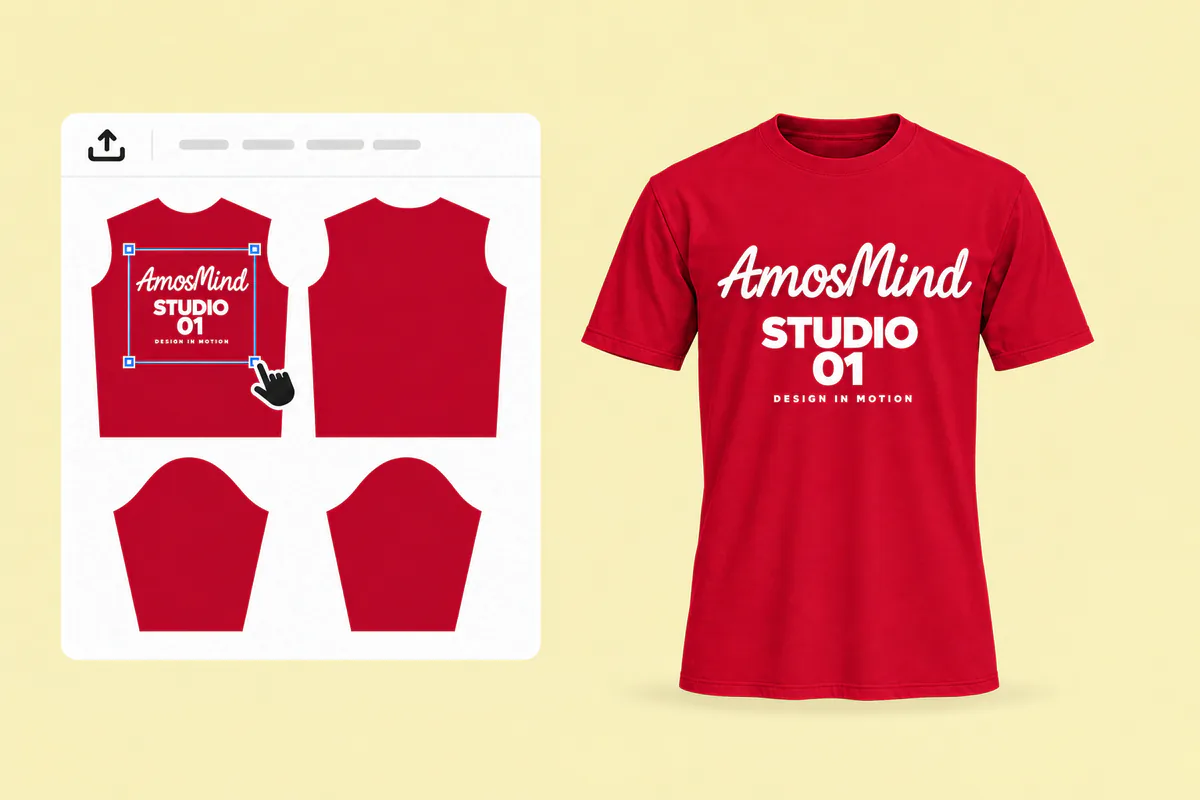
Click Upload artwork and add a PNG, JPG, WebP or SVG. Drag it onto the front, back or a sleeve, and move reds and pinks in your art away from the shirt color.
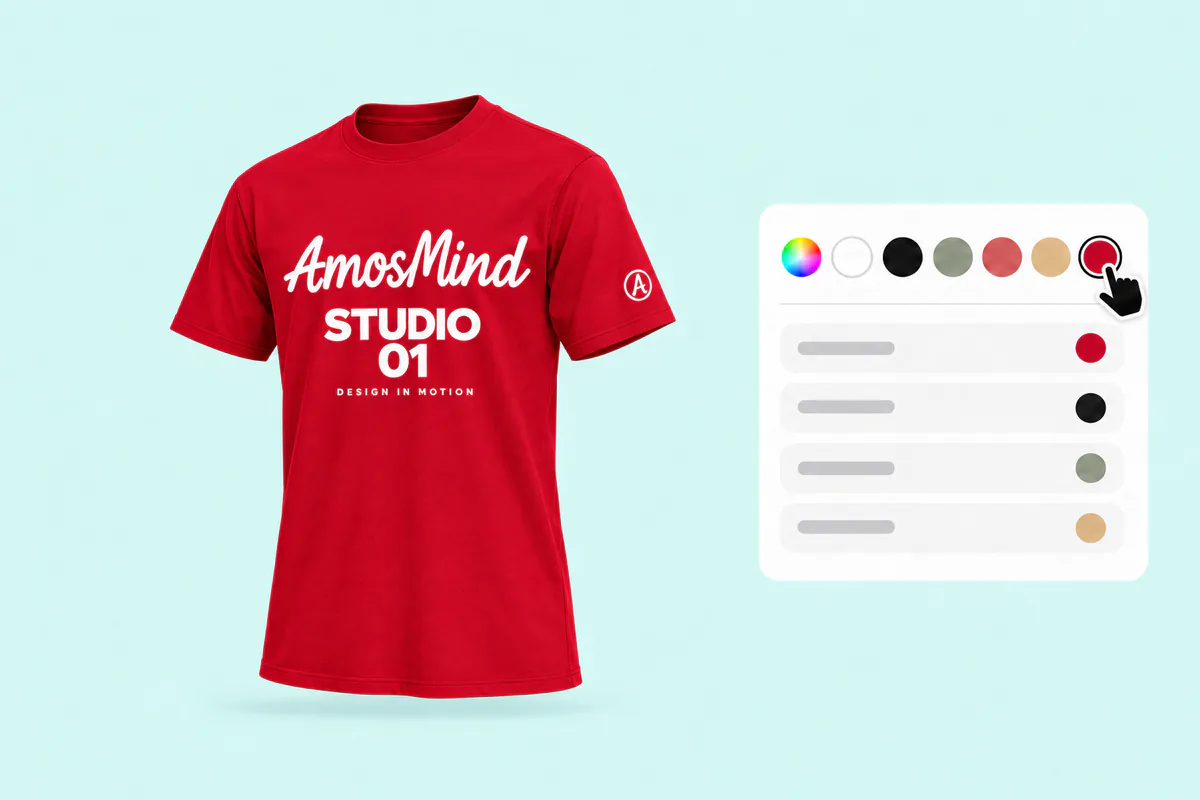
Turn the shirt and zoom into folds and seams, where shadowed red darkens and close colors blend in. Type your blank's hex if it isn't a true red.
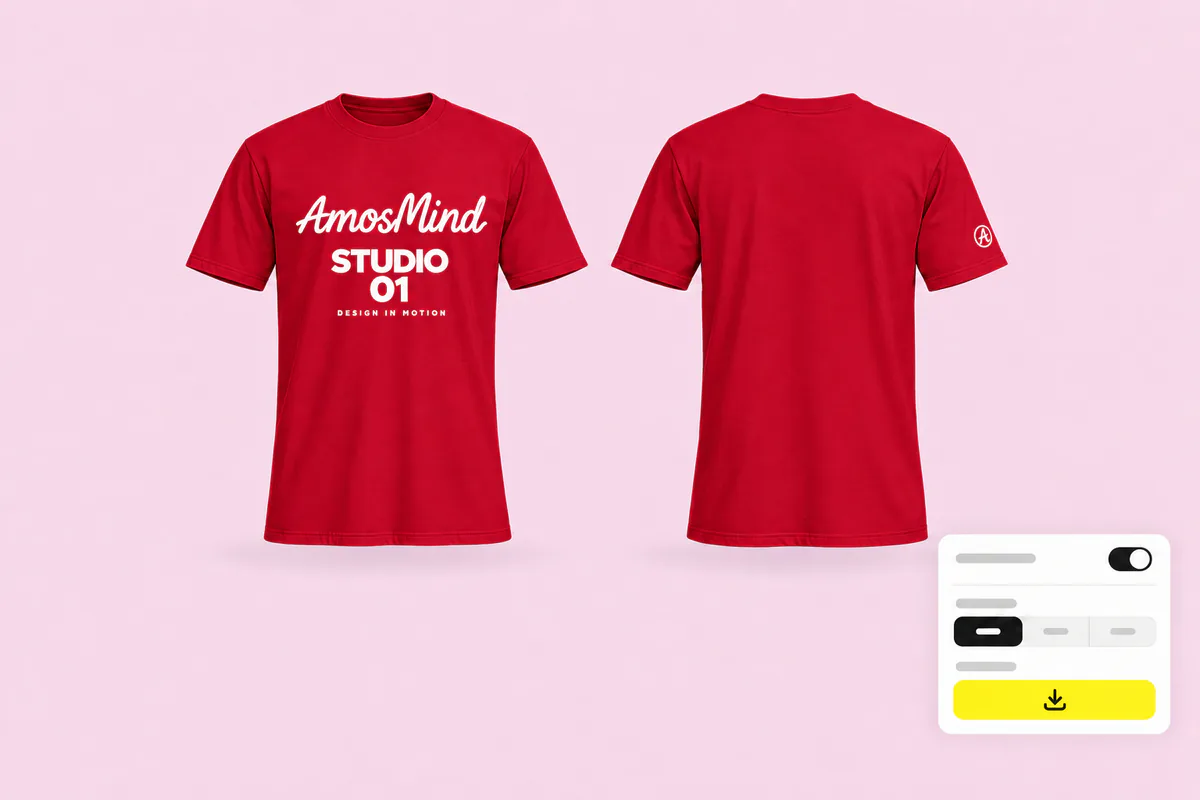
Export 2K or 4K, or choose Transparent in the Background panel for a PNG. Screens show reds brighter than fabric, so compare the render with your blank's physical swatch before approving.
The same styles, set up for other shirt colors. Or go back to all T-shirt mockups and choose any color in the editor.
Red is the shirt people wear to be seen together, and each occasion needs a different kind of mockup.
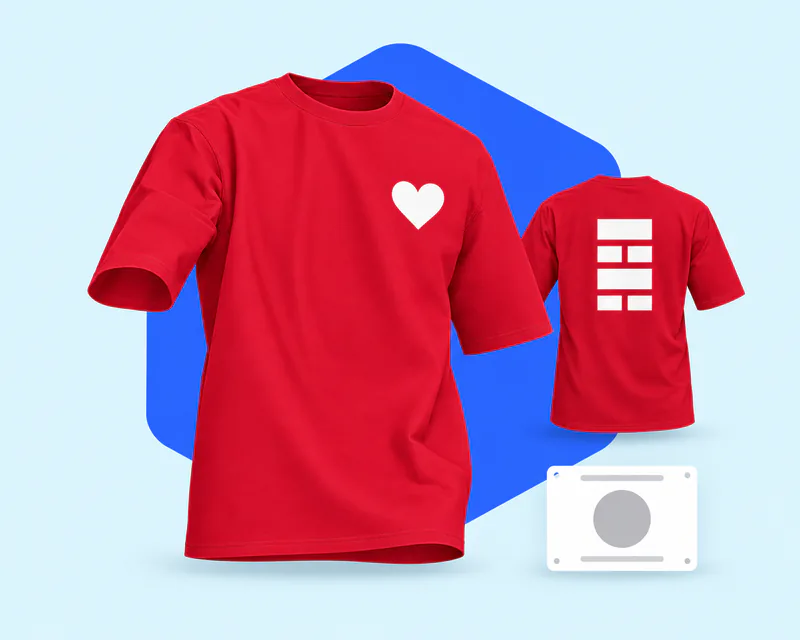
National Wear Red Day falls on the first Friday of February, and charity runs dress whole teams in red.
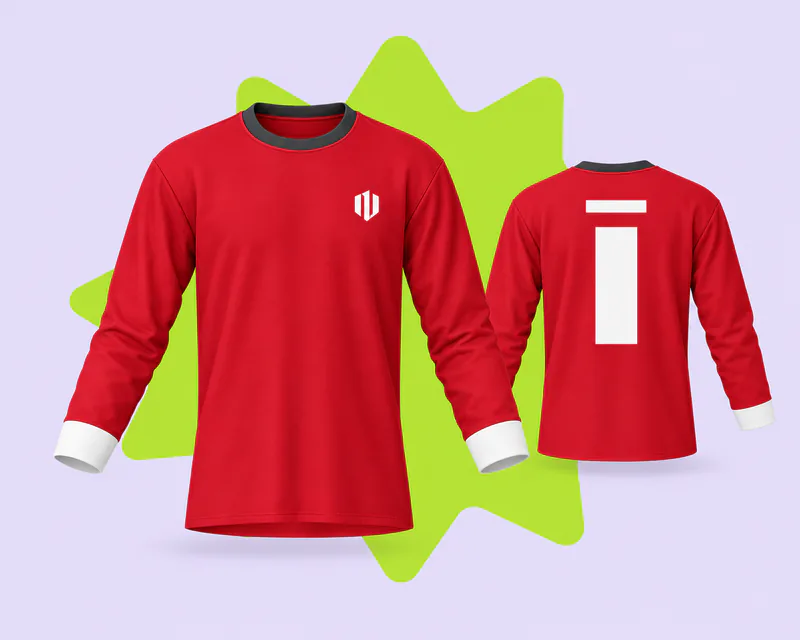
Clubs with red colors need names, numbers and crests placed the same way on every shirt.

Christmas and Valentine's designs lean on red shirts, often with green or pink art that needs careful contrast.
Answers about artwork, printing and exports on red shirts. For every other color and general T-shirt questions, see the T-shirt mockups page.
Start on this page: every style opens in the 3D editor already set to plain red or maroon. Adding your artwork and previewing it in 3D is free, and the export panel shows any cost before you render a download. Log in with an email code or Google to upload artwork and render images.
Pick a T-shirt above, upload your artwork and drag it onto the front, back or a sleeve. Turn the shirt to check contrast on every side, then render the view you need. There is no PSD or smart object to edit.
White gives the strongest contrast on red, and black, navy and metallic golds work well too. Avoid orange-reds, pinks and maroon, which blend into the fabric.
That is dye migration. Curing heat can lift dye out of red polyester and blends into the ink. Printers prevent it with low-cure, low-bleed inks and a blocker base.
Not directly. Sublimation dye is transparent and has no white, so the red mixes into every color of your design. Press white sublimation vinyl first, or print with DTF or DTG.
Not always. Screens can show reds that ink can't print, and DTG approximates Pantone with CMYK. Export in sRGB, and screen print with a mixed spot ink for an exact brand red.
Yes. Put artwork on the front and the back of the same red shirt, then render each view as its own image, with the same light and the same shade of red.
Yes. Garment color takes any six-digit hex, so you can try the same design on white, black or navy. The white, black and blue T-shirt pages start those colors for you.