Which software is best for clothing design?
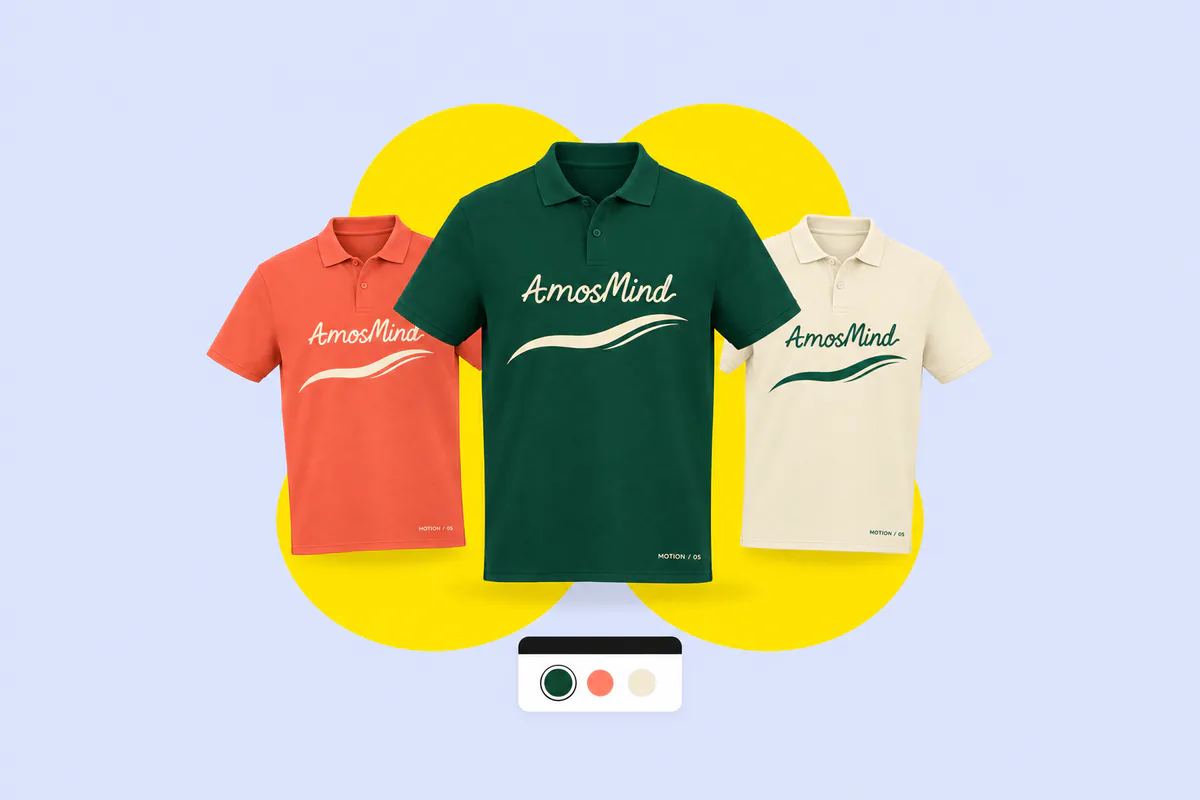
It depends on the job. To develop patterns, fit and construction, designers use pattern-based 3D software such as CLO or Browzwear. To create artwork and flat sketches, they use graphics tools such as Adobe Illustrator. AmosMind covers a different step: seeing artwork and colors on a 3D garment in the browser, and rendering images of it.
Is there an app that helps me design my own clothes?
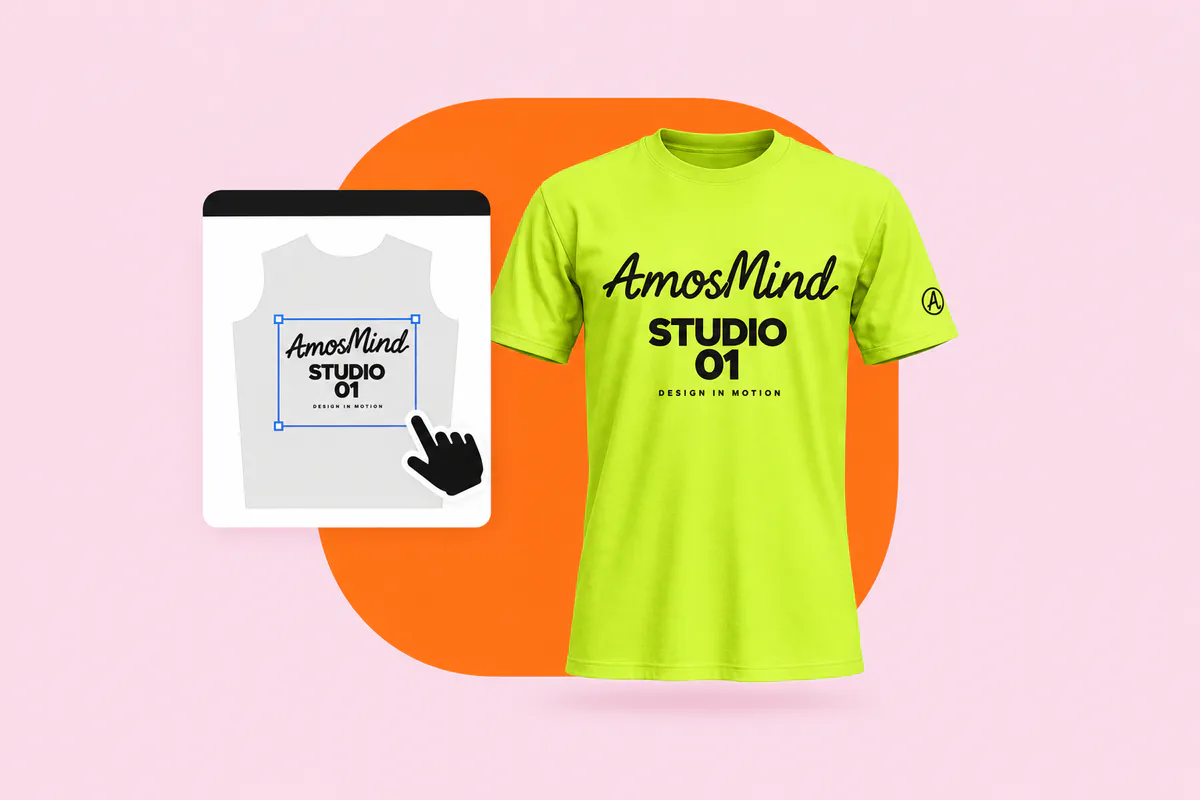
AmosMind is a web app. Open it in a desktop browser, choose a garment, upload your artwork and change the colors. There is nothing to download. The 3D editor needs a larger screen, so it is not built for phones. AmosMind shows you the design; it does not print or produce the garment.
What software can I use to design clothes patterns?
For sewing patterns you need pattern-making software such as CLO, Browzwear or Seamly. AmosMind does not create or export sewing patterns. It works on ready-made 3D garments, so you can see artwork and colors without drafting anything.
Can I use Canva to design clothing?
You can create artwork in Canva, or in any graphics tool, and export it as a PNG, JPG or PDF. Upload that file to AmosMind to see it on a 3D garment, adjust its position and size, and render an image.
Which garments can I design?
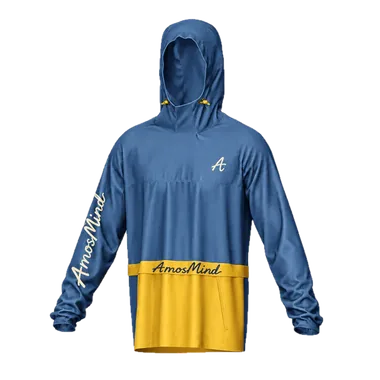
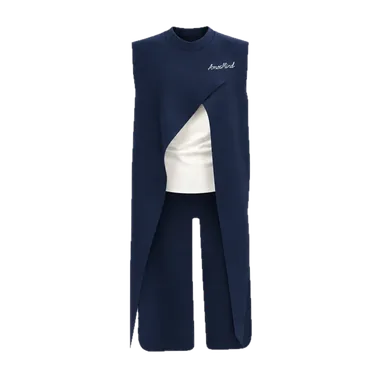
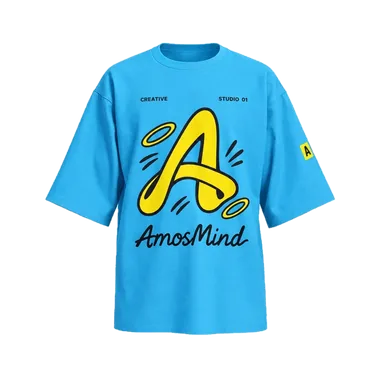
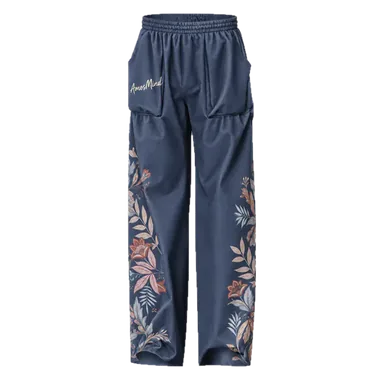
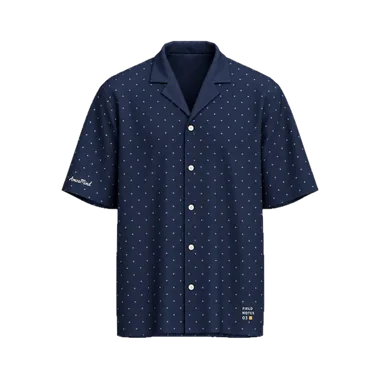
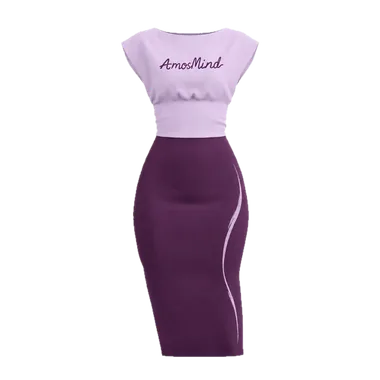
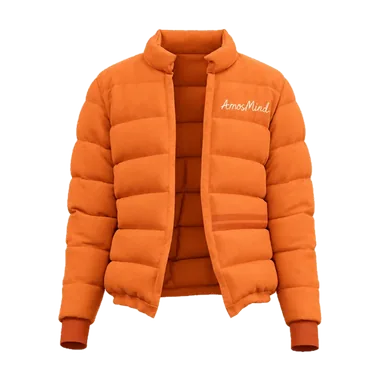
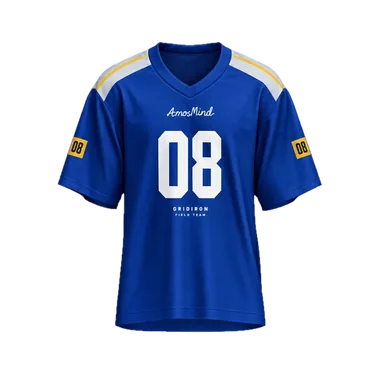
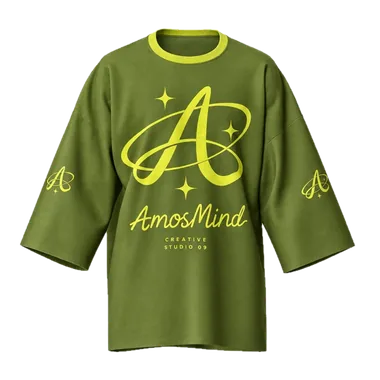
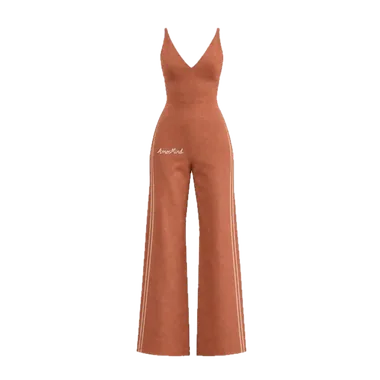
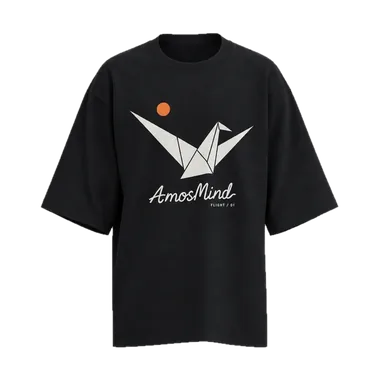
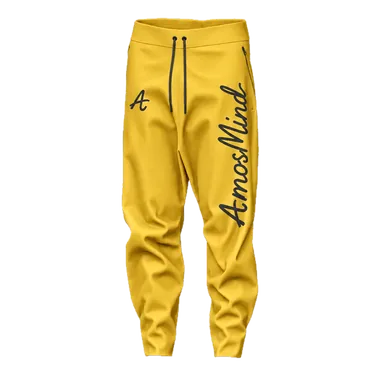
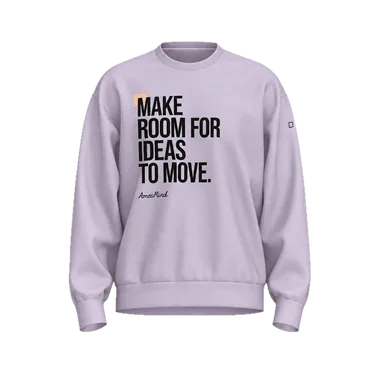
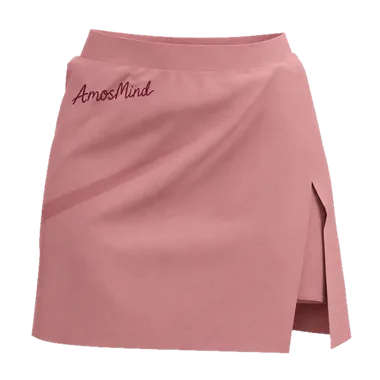
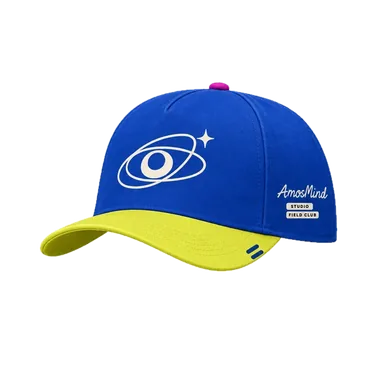
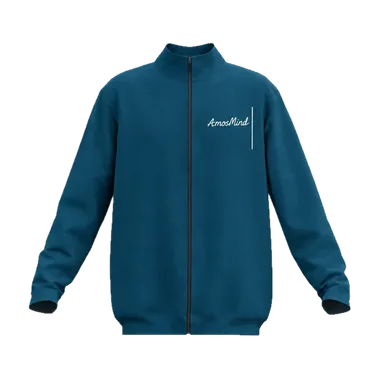
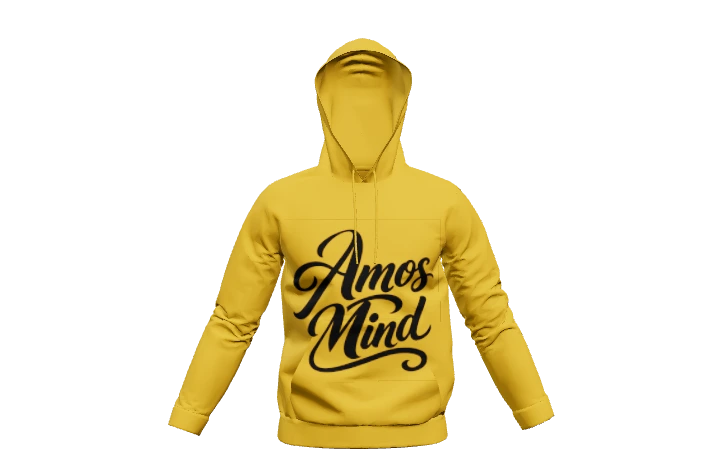
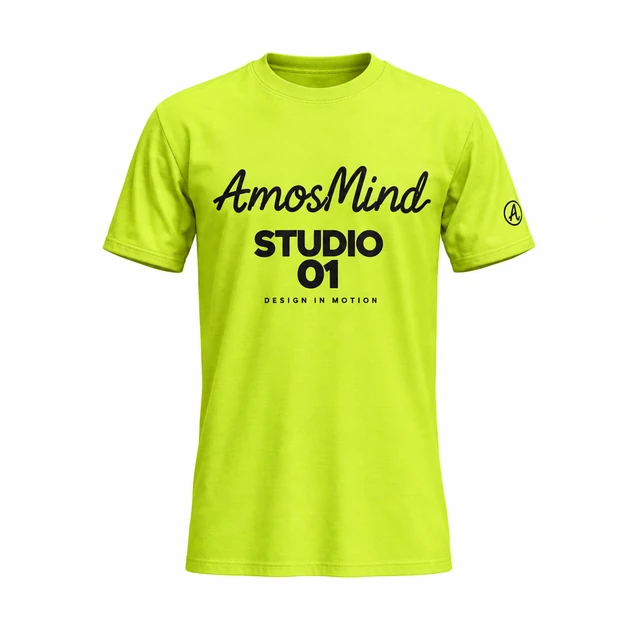
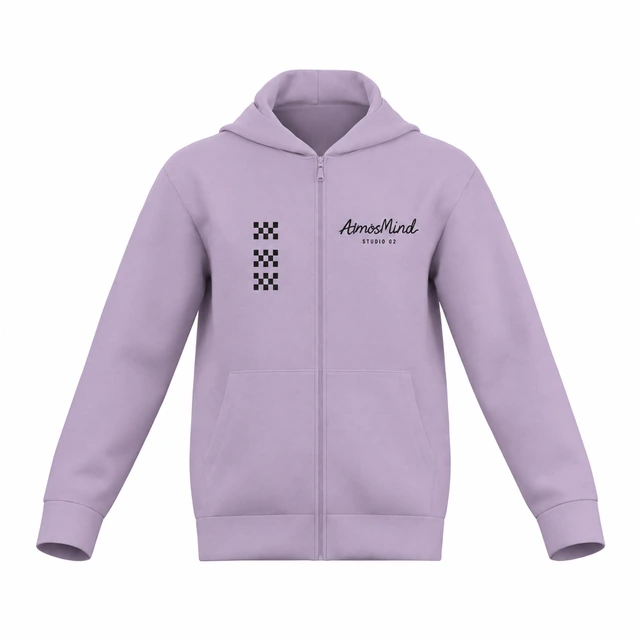
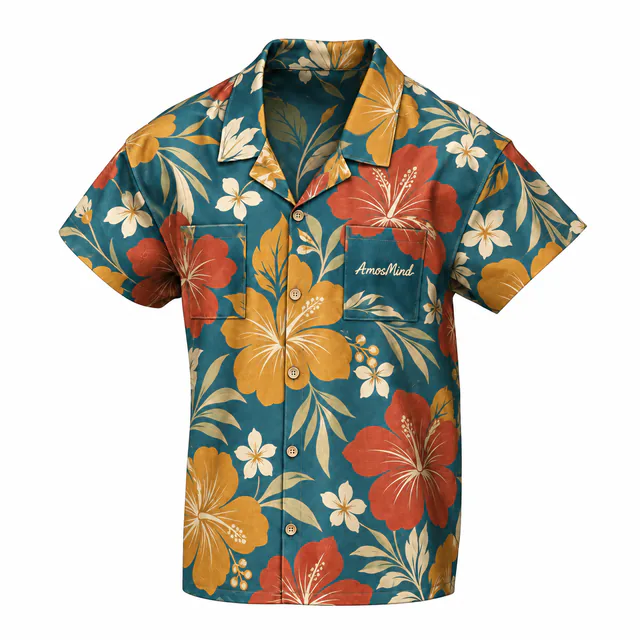
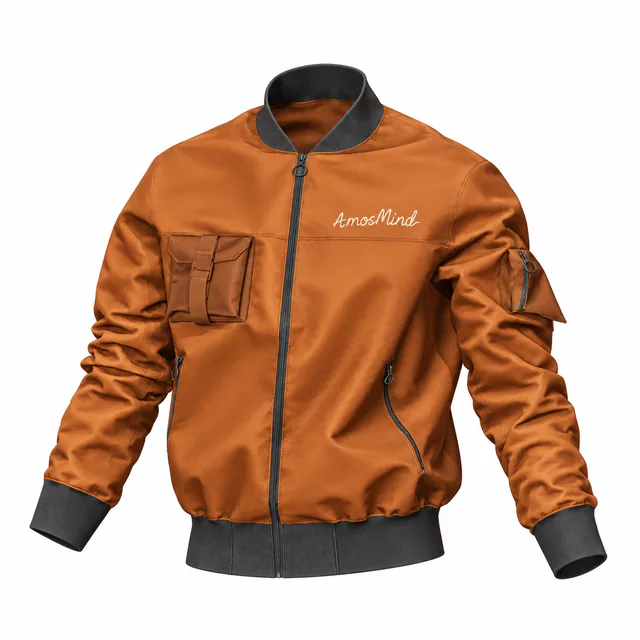
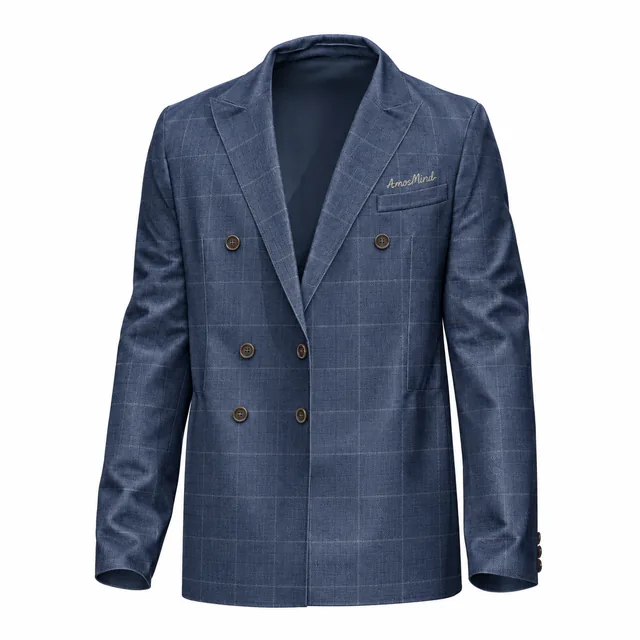
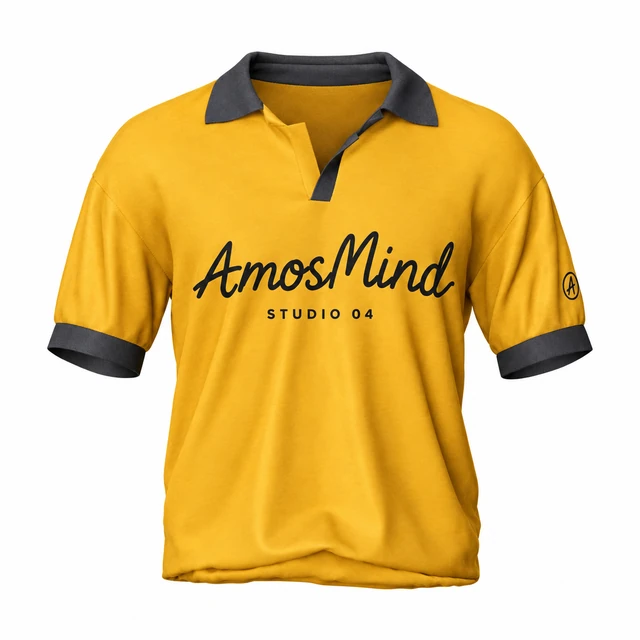
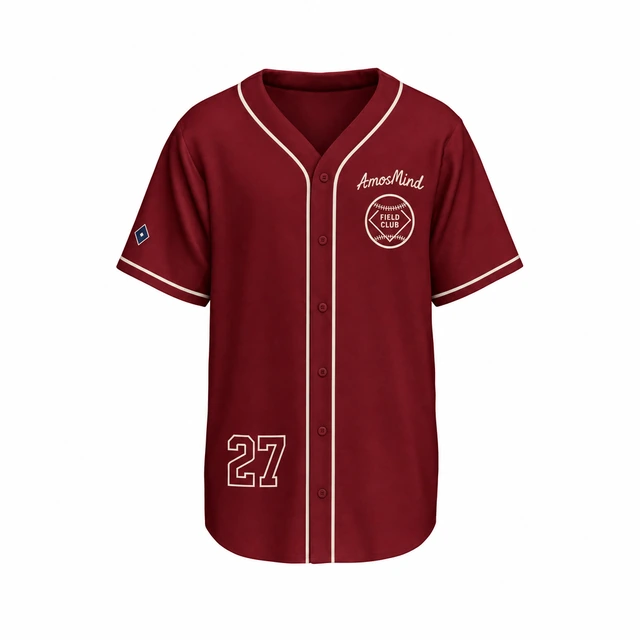
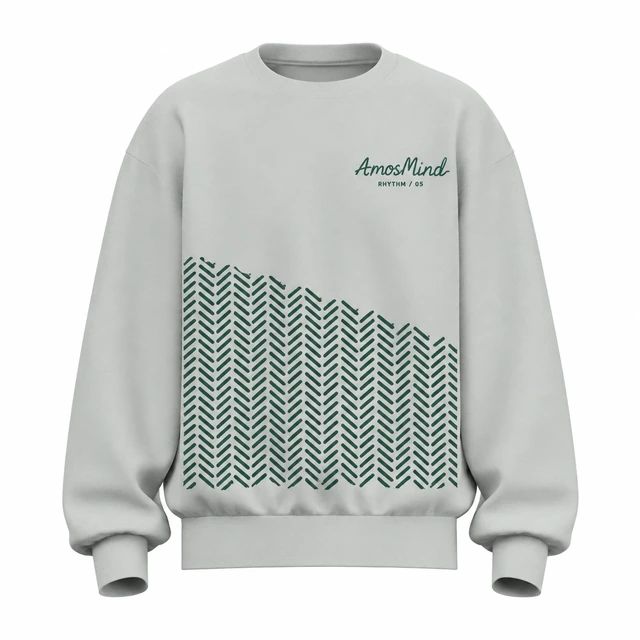
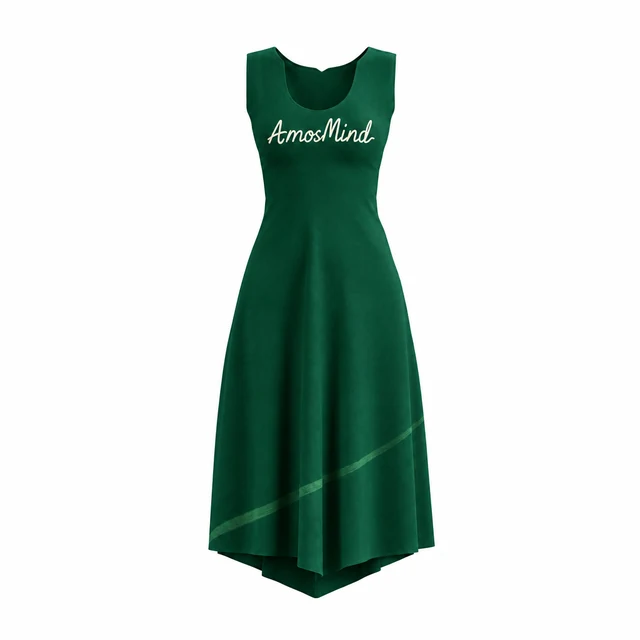
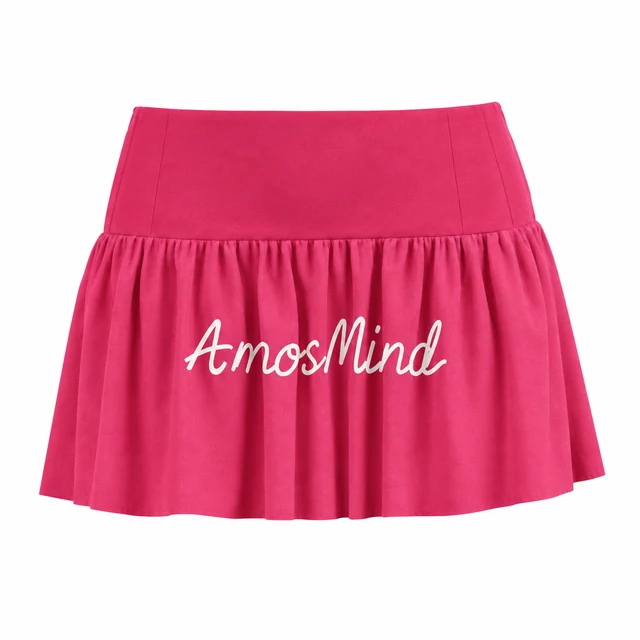
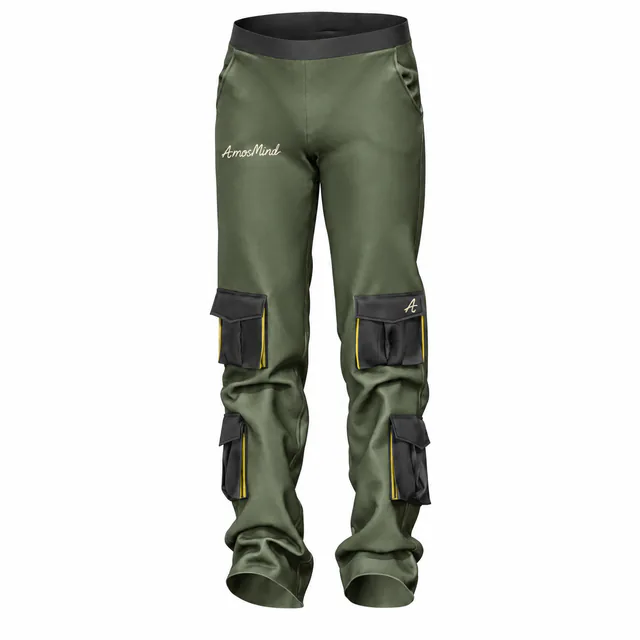
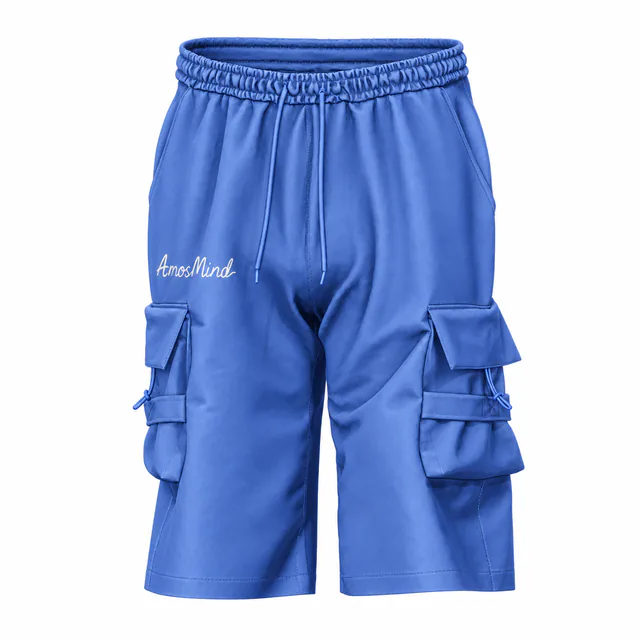
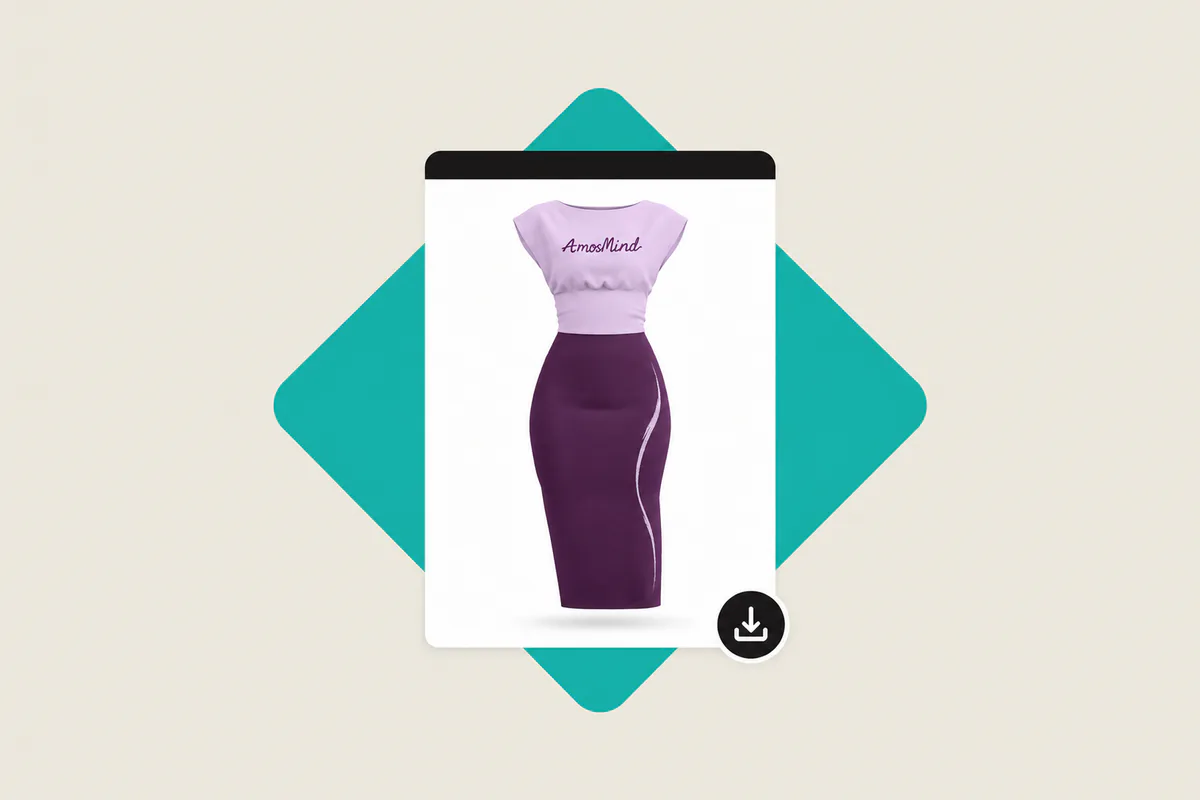
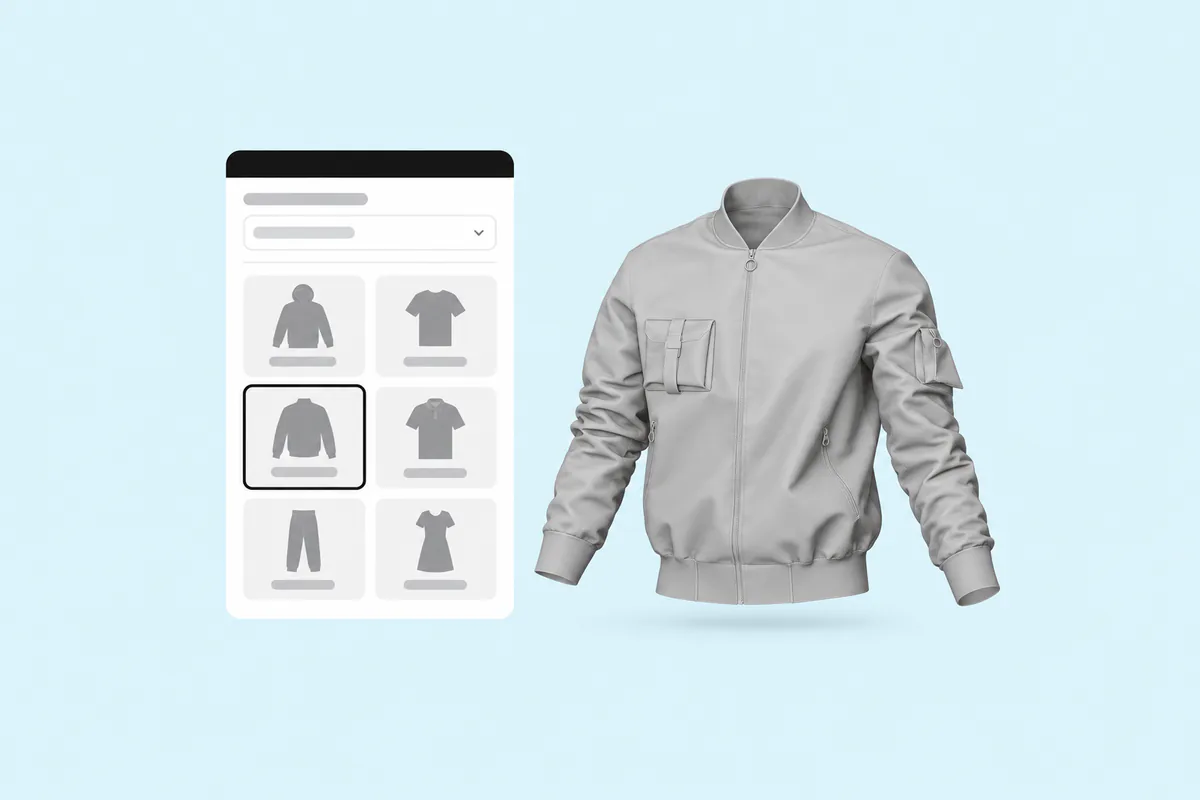
T-shirts, hoodies, sweatshirts, shirts, jackets, blazers, pants, shorts and more. Each one is a 3D garment with parts you can place artwork on.
What files can I upload, and what do I get?
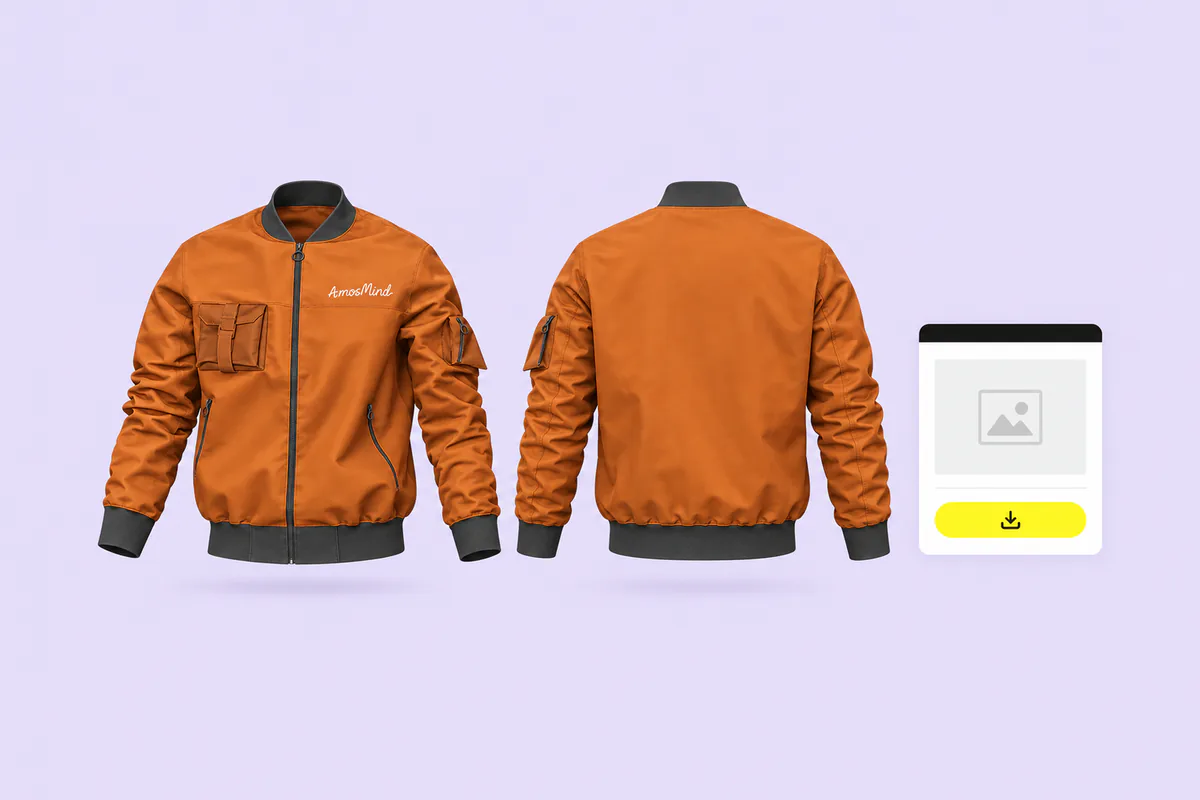
Upload artwork as PNG, JPG, SVG, PSD or PDF, among other formats, up to 50 MB per file. You get rendered images in 2K or 4K, as PNG or JPG. A PNG can have a transparent background.