
Box mockups in real-time 3DSet your own size, print every side
Pick a box, type in the length, width and height you need and place your artwork on its dieline, outside and inside. Fold it shut in 3D, render an image up to 4K and export the dieline for your printer.
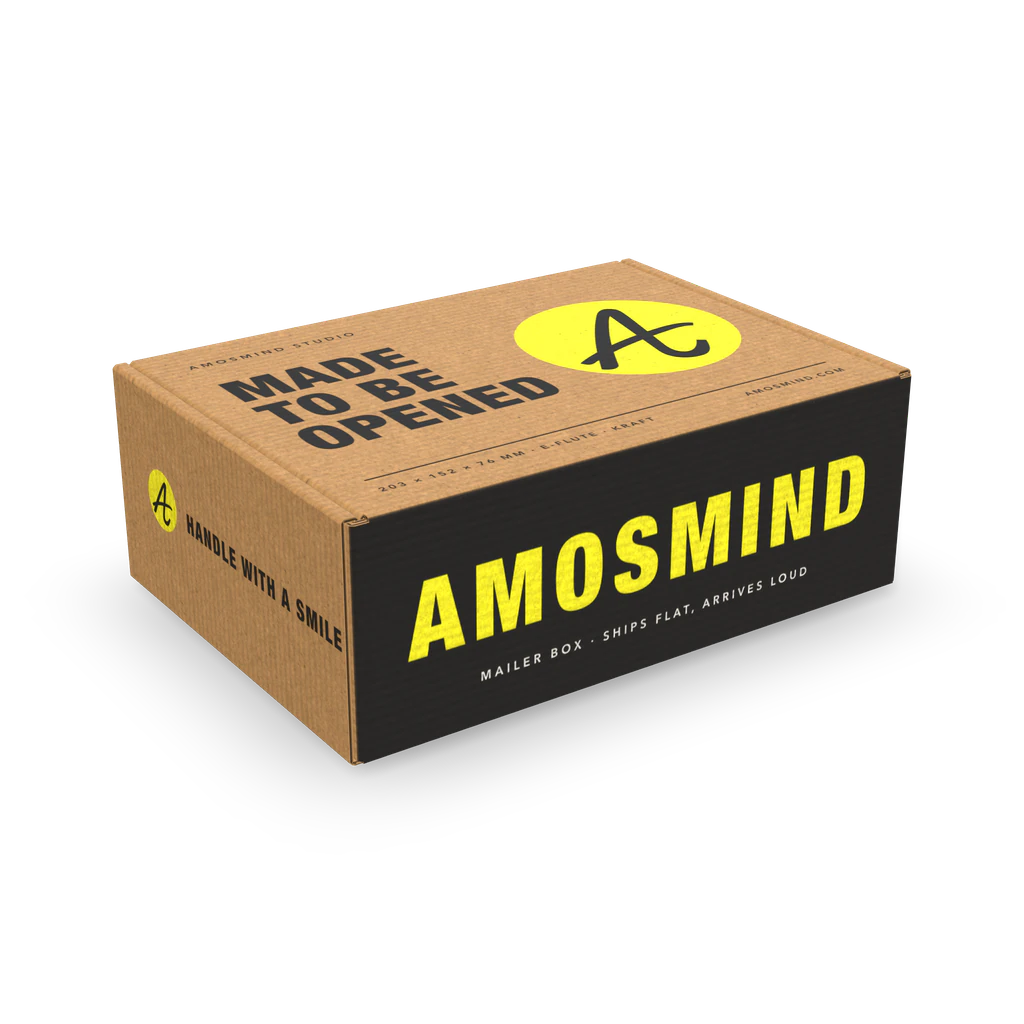
Box mockups
23 mockups
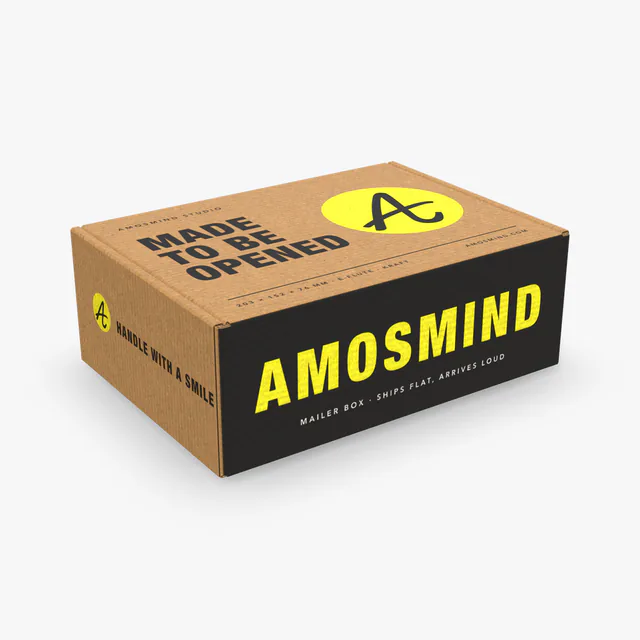
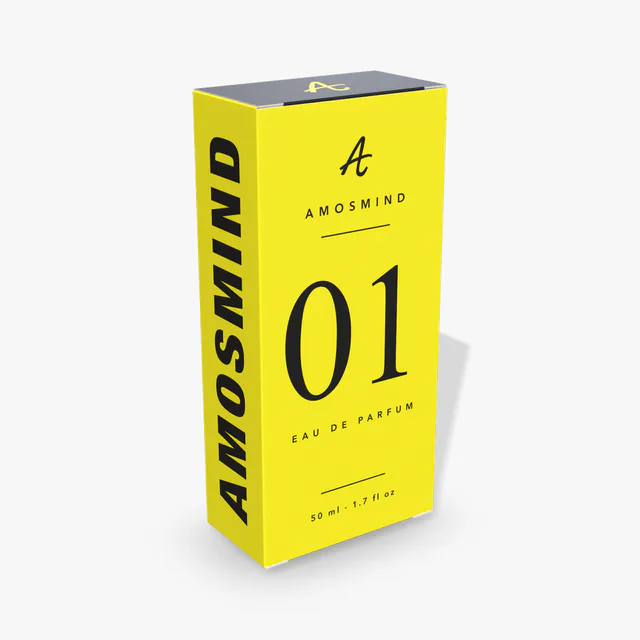
Perfume box mockup
Details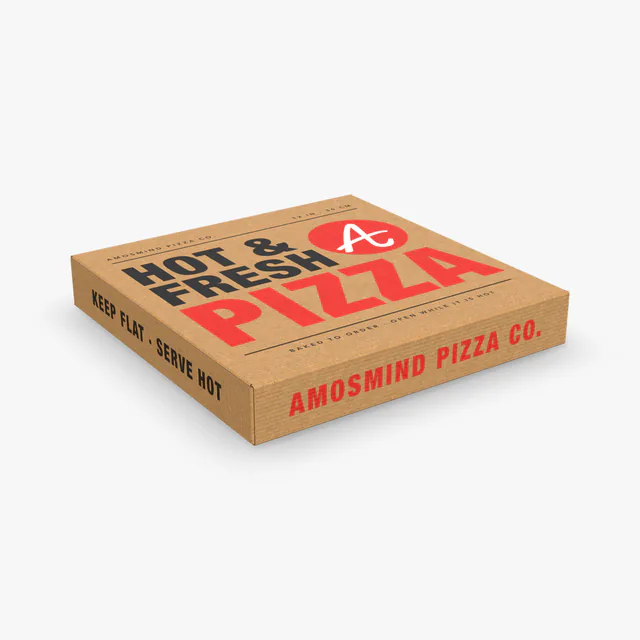
Pizza box mockup
Details
Cereal box mockup
Details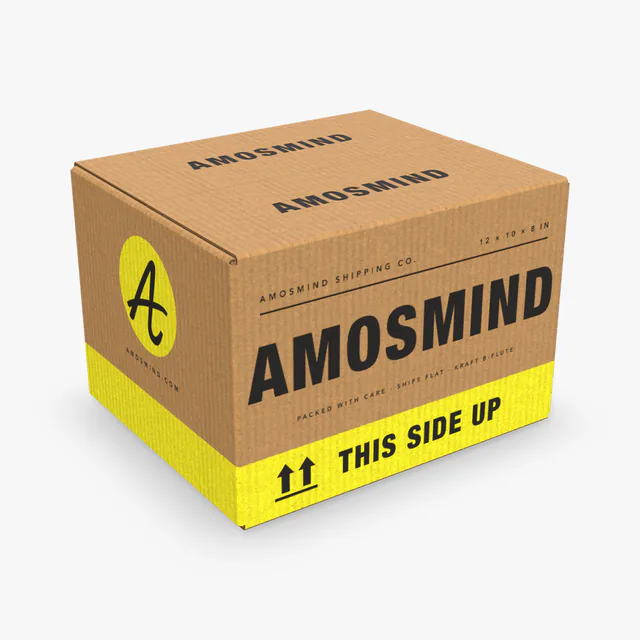
Shipping box mockup
Details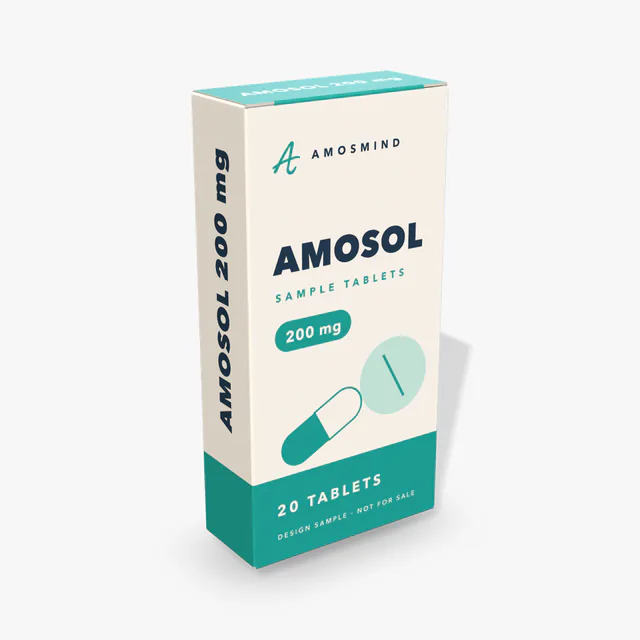
Medicine box mockup
Details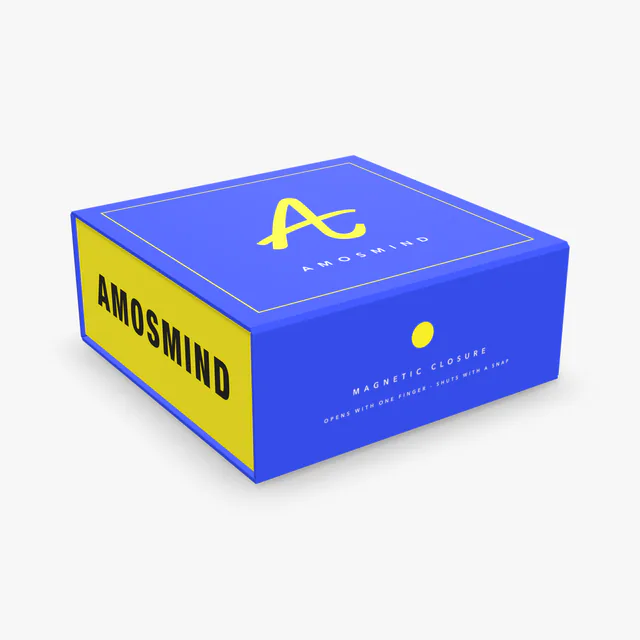
Magnetic box mockup
Details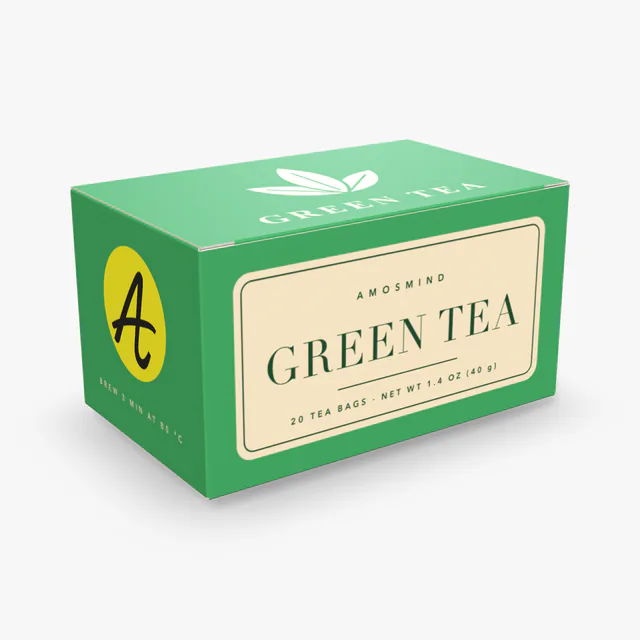
Tea box mockup
Details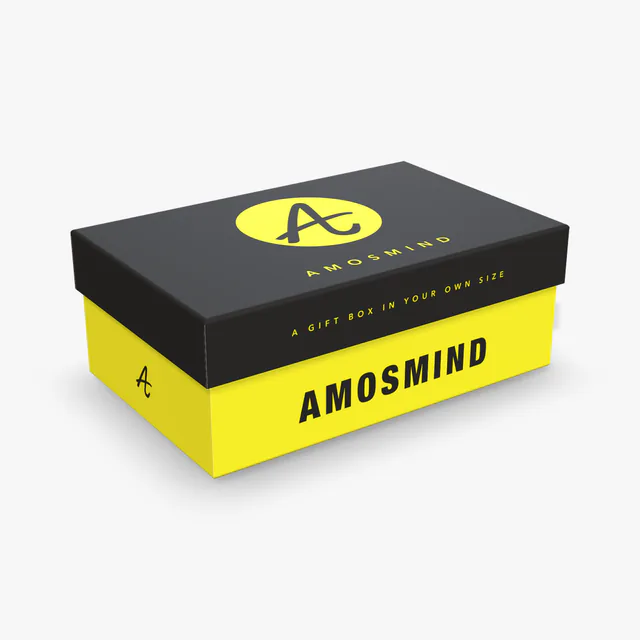
Rigid box mockup
Details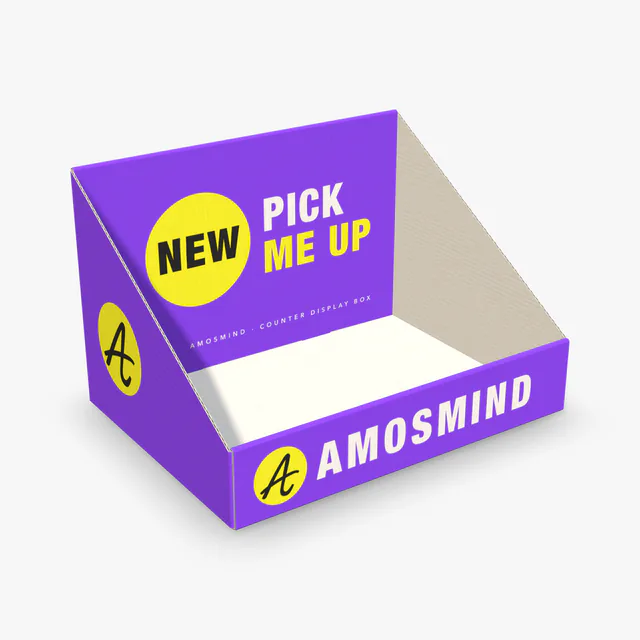 Add your design
Counter display box mockup
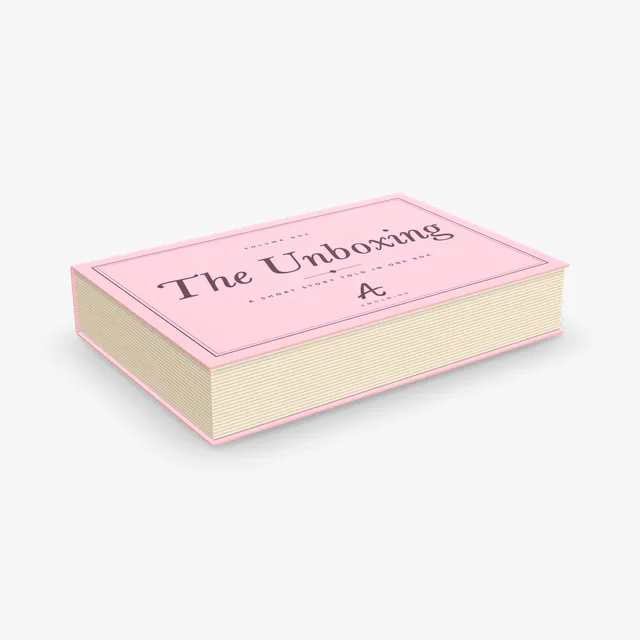 Add your design
Book-style box mockup
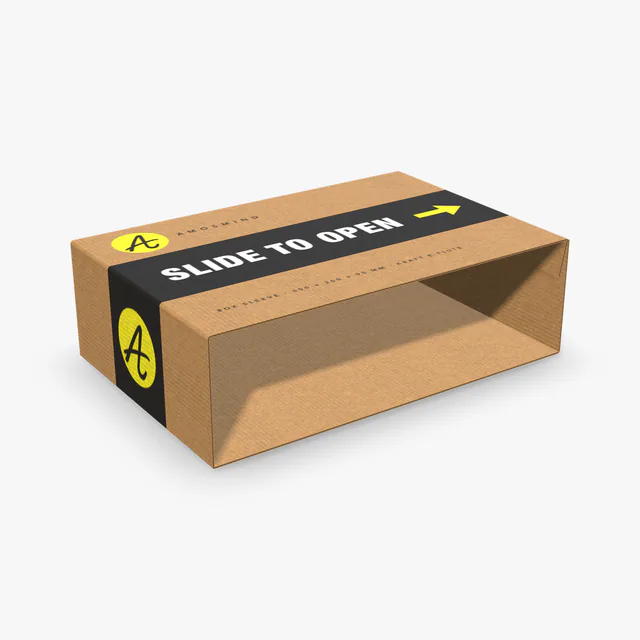 Add your design
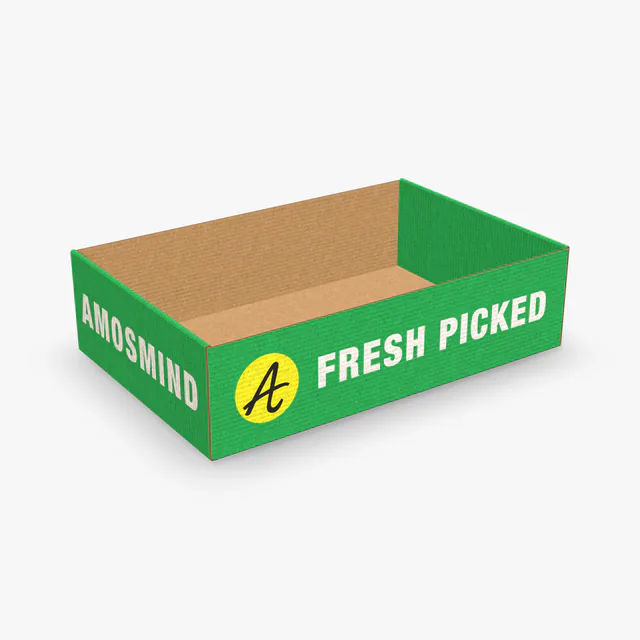
Box sleeve mockup
 Add your design
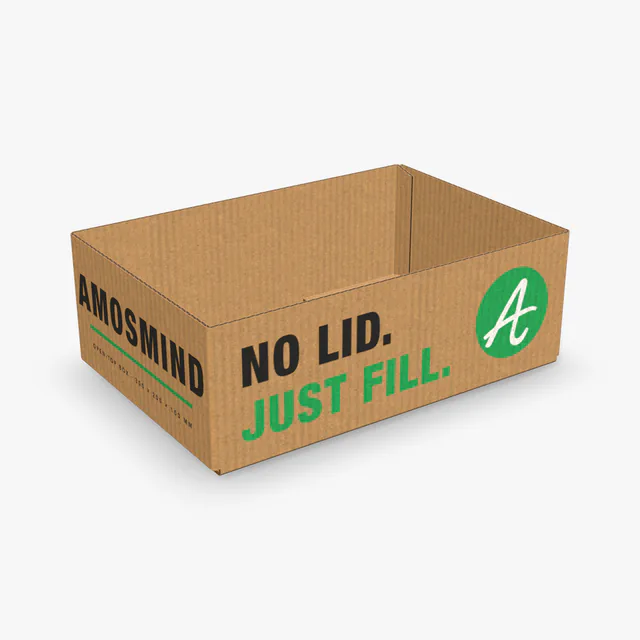
Open-top box mockup
 Add your design
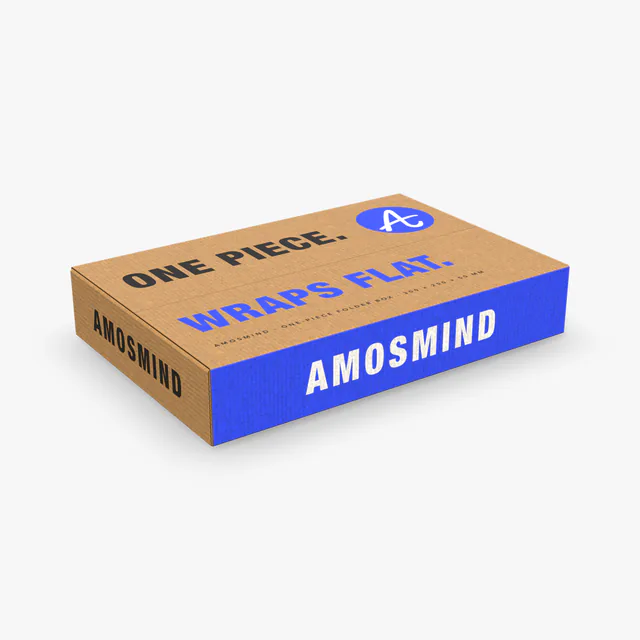
One-piece folder box mockup
 Add your design
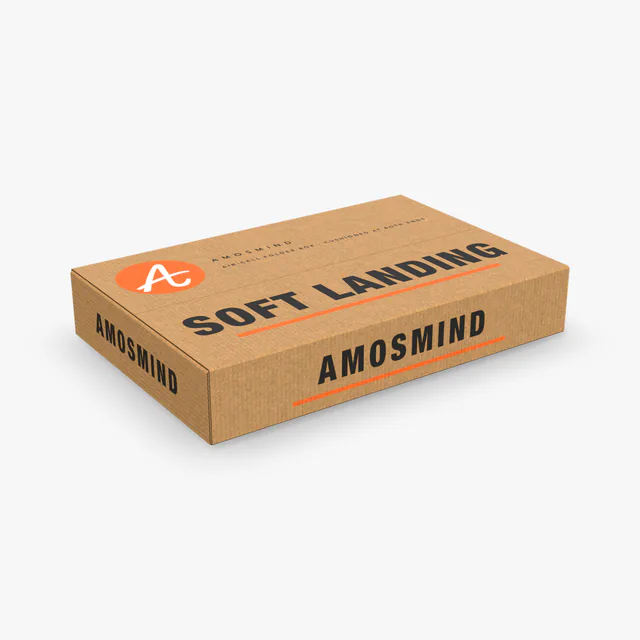
Air-cell one-piece folder box mockup
 Add your design
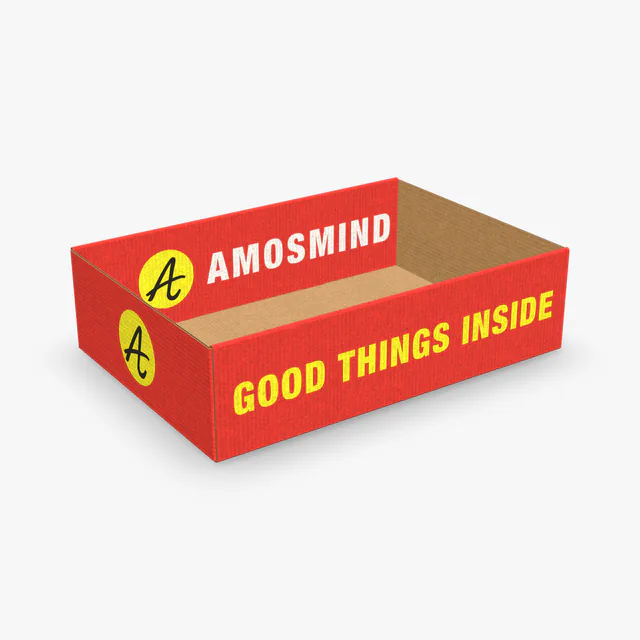
Roll-end tray box mockup
 Add your design
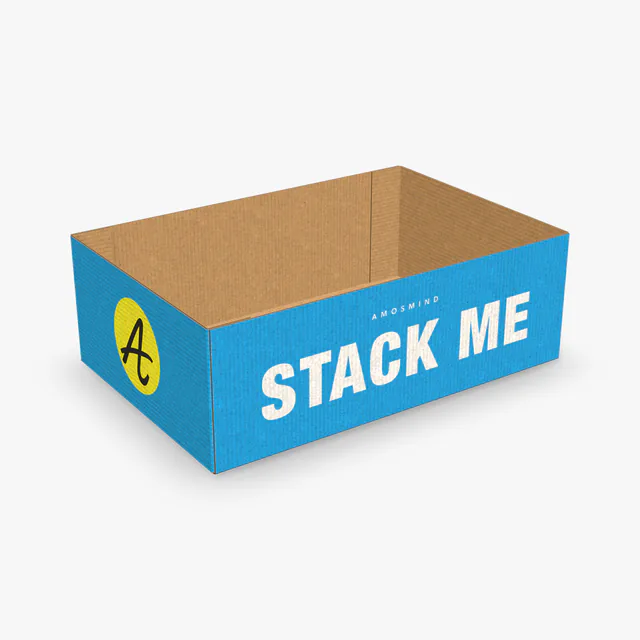
Roll-side tray box mockup
 Add your design
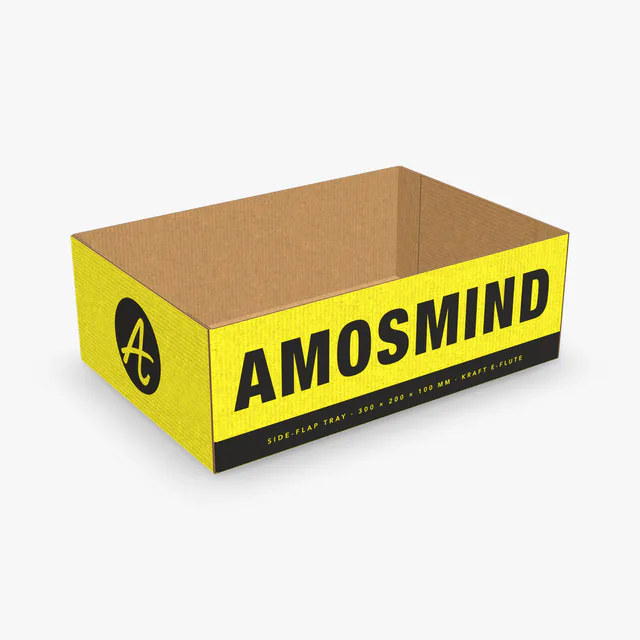
End-flap tray box mockup
 Add your design
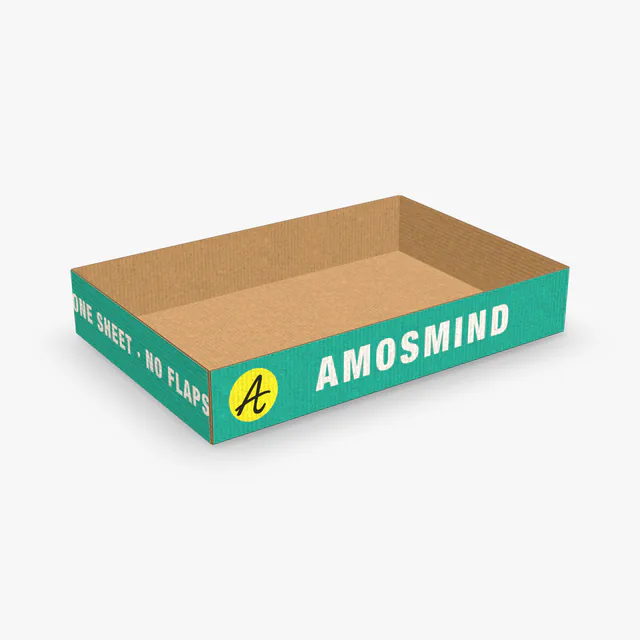
Side-flap tray box mockup
 Add your design
Flapless tray box mockup
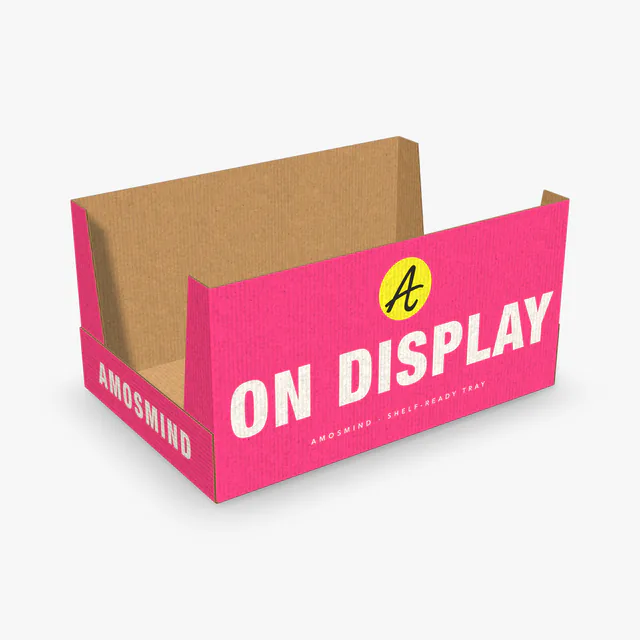 Add your design
High-sided tray box mockup
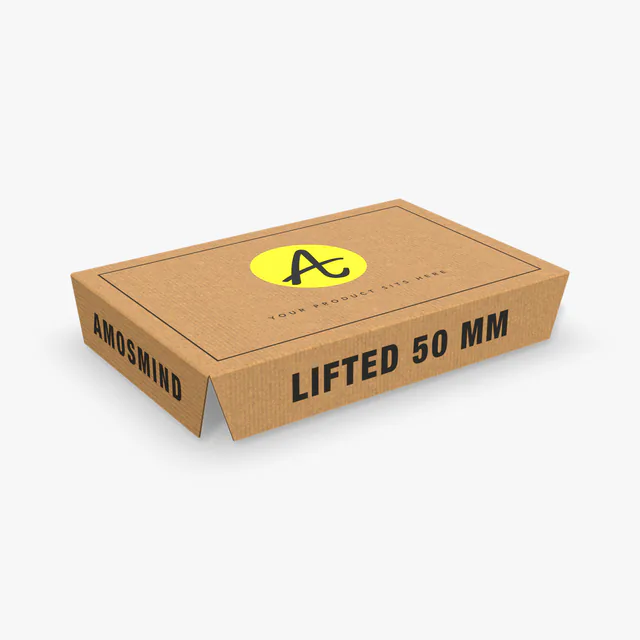 Add your design
Platform box insert mockup
 Add your design
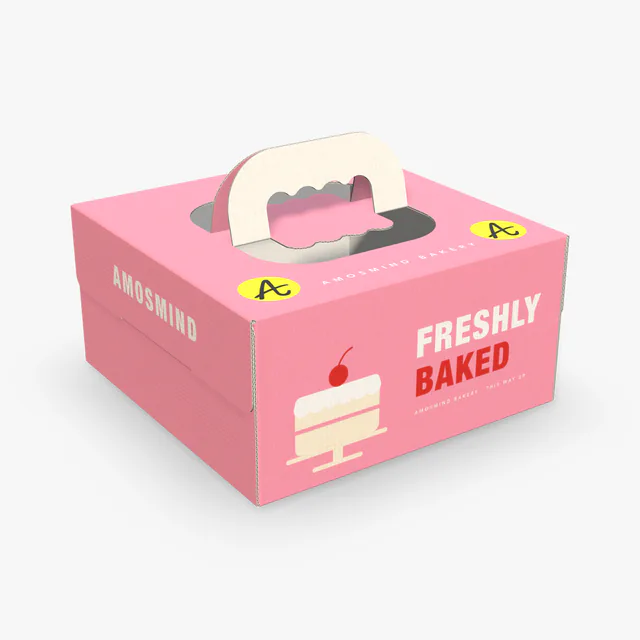
Cake box with handle mockup
Box styles and the sizes you can set
Every box here is built from a standard construction: FEFCO styles for corrugated boxes, ECMA styles for folding cartons. Type any size inside the range and both the dieline and the 3D box are redrawn to match.
| Box | Standard style | Made of | Inside size you can set (L × W × H) |
|---|---|---|---|
| Mailer box | FEFCO 0427 | Corrugated board | 180–500 × 120–350 × 35–140 mm |
| Shipping box | FEFCO 0201 | Corrugated board | 150–600 × 100–400 × 50–600 mm |
| Pizza box | FEFCO 0426 | Corrugated board | 180–500 × 120–500 × 30–140 mm |
| Display box | FEFCO 0802 | Corrugated board | 120–600 × 100–350 × 60–250 mm |
| Perfume box | ECMA A20.20.01.01 | Paperboard | 30–250 × 20–150 × 50–350 mm |
| Medicine box | ECMA A20.20.01.03 | Paperboard | 30–250 × 20–150 × 50–350 mm |
| Tea box | ECMA A20.20.03.01 | Paperboard | 30–250 × 20–150 × 50–350 mm |
| Cereal box | ECMA A20.20.03.03 | Paperboard | 30–250 × 20–150 × 50–350 mm |
| Rigid box | Two-piece set-up box | Grey board, wrapped | 60–500 × 40–400 × 20–200 mm |
| Magnetic box | Hinged-lid rigid box | Grey board, wrapped | 80–450 × 60–350 × 20–150 mm |
Sizes are inside dimensions in millimetres; the editor also works in inches and shows the outside dimensions and the flat size of the sheet. The display box also has a front height (25–225 mm) and the rigid box a lid height (15–150 mm). The ranges are what this editor accepts, not limits of the box styles themselves. Within them, width can be up to the length on every box but the mailer, pizza and display boxes; height can be up to 55% of the width on the mailer and pizza boxes, up to 90% of it on the display box, and up to the width on the magnetic box.
Corrugated, paperboard or rigid
The three kinds of board make three kinds of box. Each card on this page starts in the material that box is usually made of, and you can switch it in the Material panel.
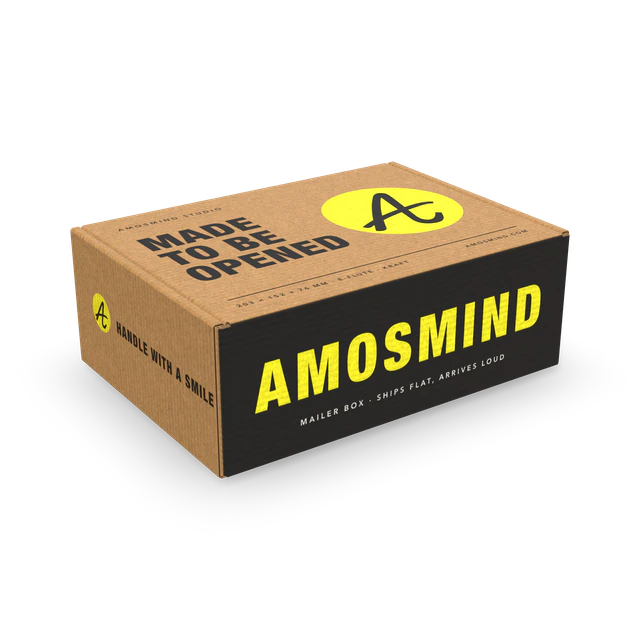
Corrugated
Fluted board for boxes that travel: mailer, shipping and pizza boxes, trays.
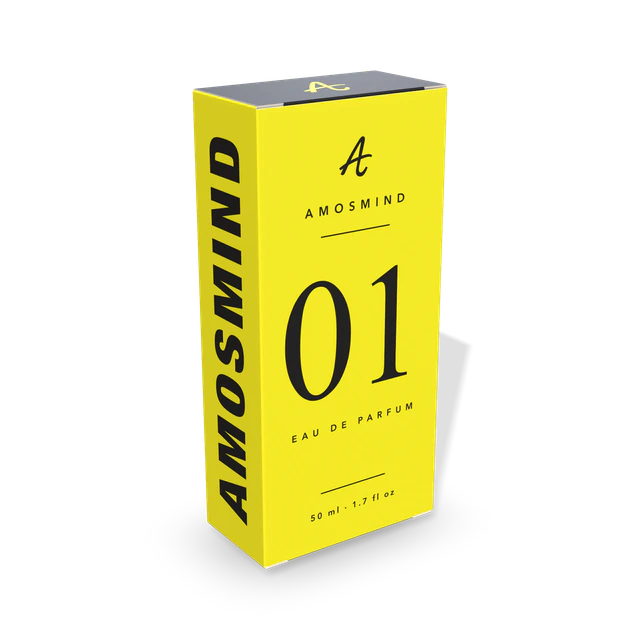
Paperboard
Thin folding-carton board for boxes that sit on a shelf: perfume, medicine, tea and cereal boxes.
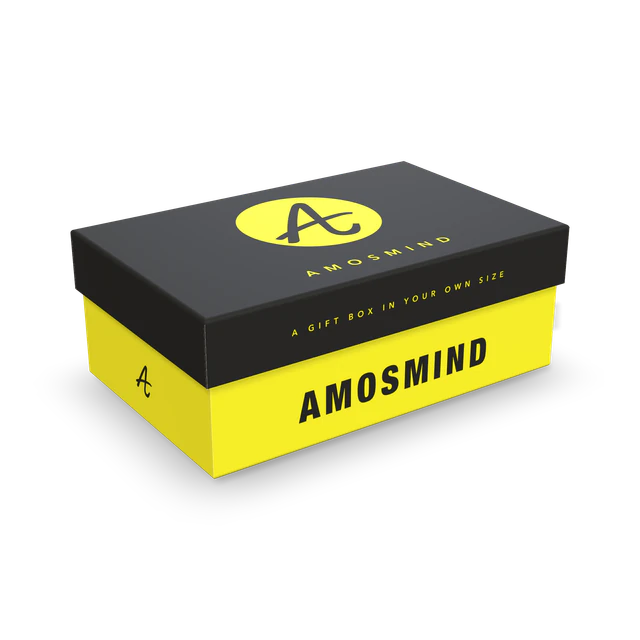
Rigid
Thick grey board wrapped in printed paper, for gift boxes that keep their shape.
Thicknesses are the options in this editor. Real board varies by mill and by country; your printer will tell you what they stock.
Boxes by what they carry
Start from the job the box has to do. Five of these have their own page with common sizes and a size you can change; the display box opens in the 3D editor.
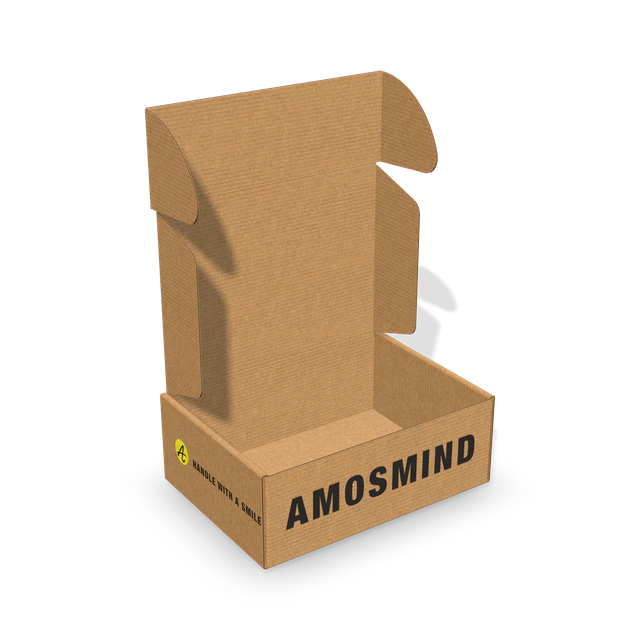
Mailer box
Online orders and subscription boxes. One piece, no tape.
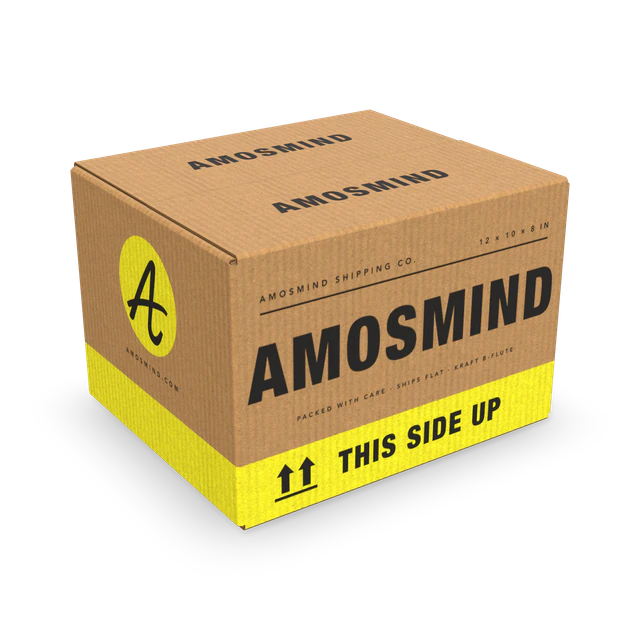
Shipping box
The taped carton for parcels and wholesale.
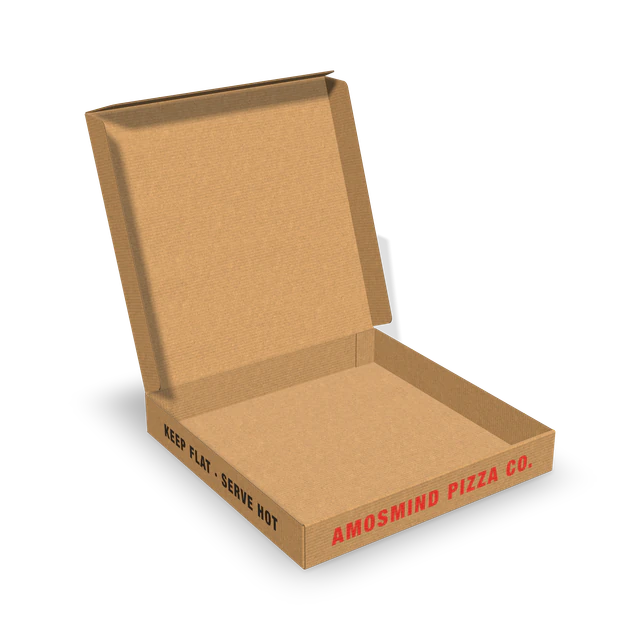
Pizza box
Flat and square, 10 to 16 inch.
Perfume box
A tall carton for a bottle; also fits cosmetics.
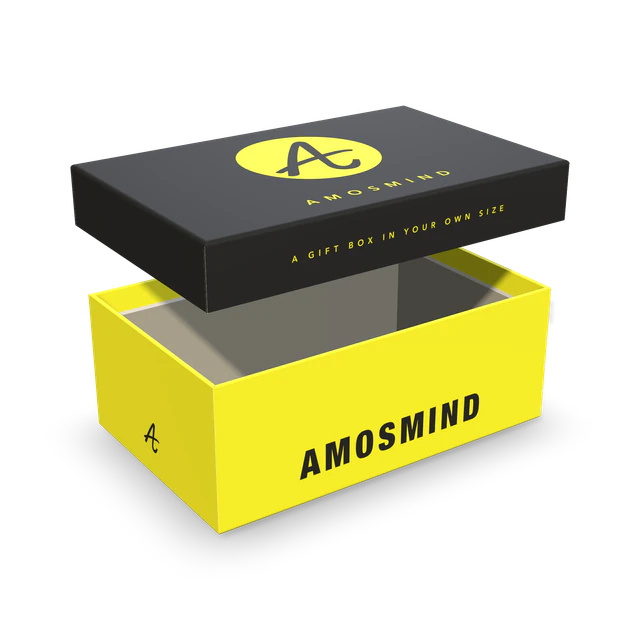
Rigid box
Lid and base for gifts and luxury goods.
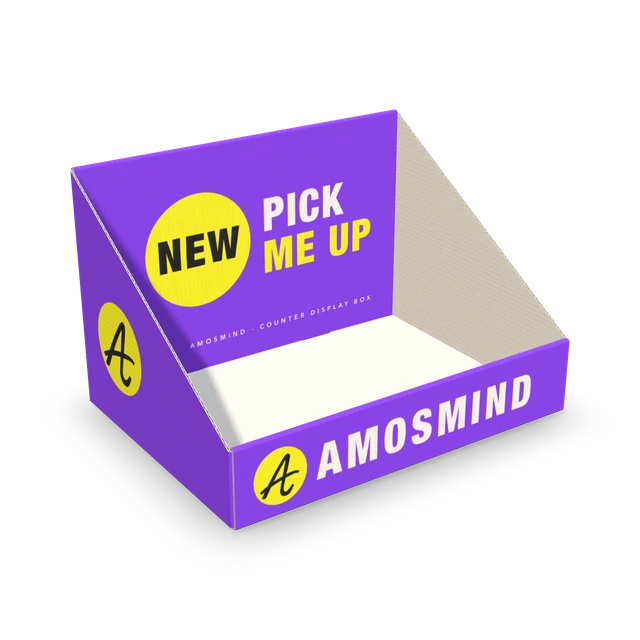
Display box
An open tray for the shop counter.
How to make a box mockup
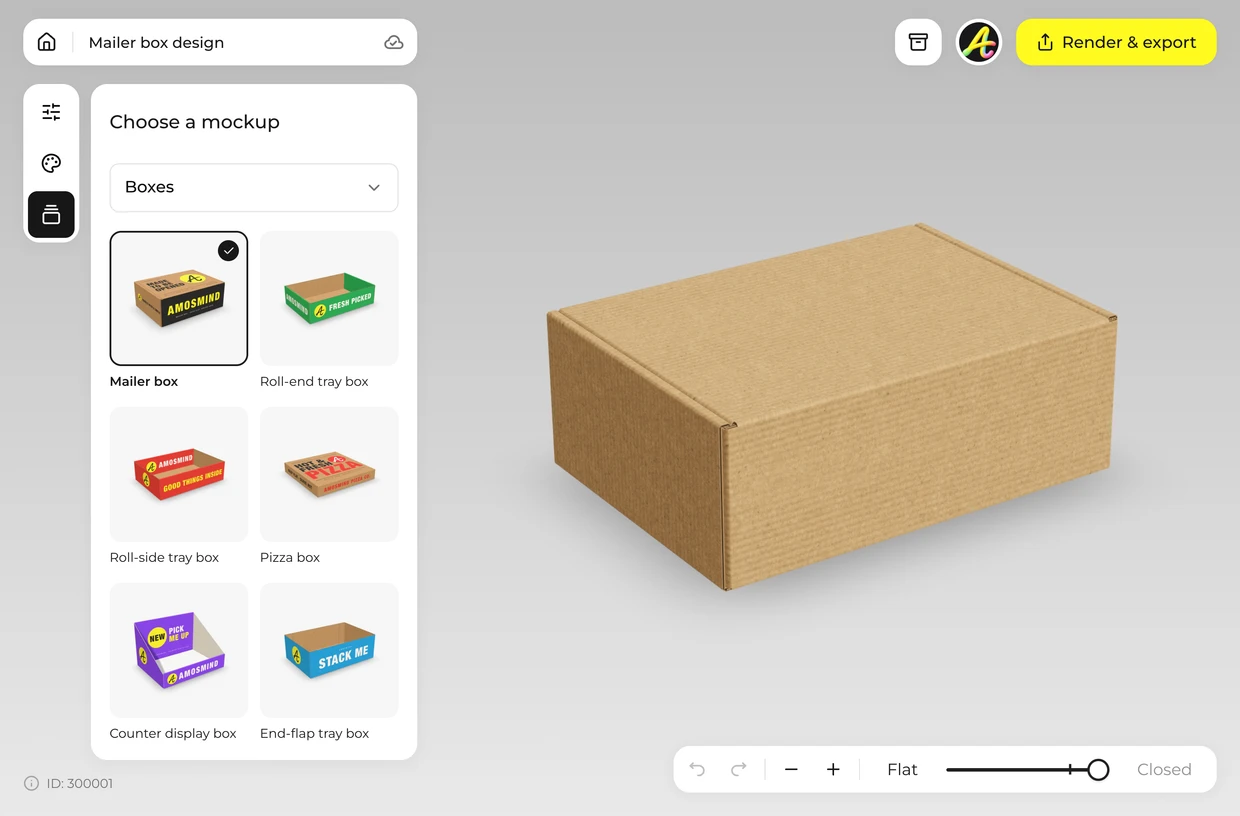
Pick a box
Choose a box from the list above. It opens as a full 3D box in your browser.
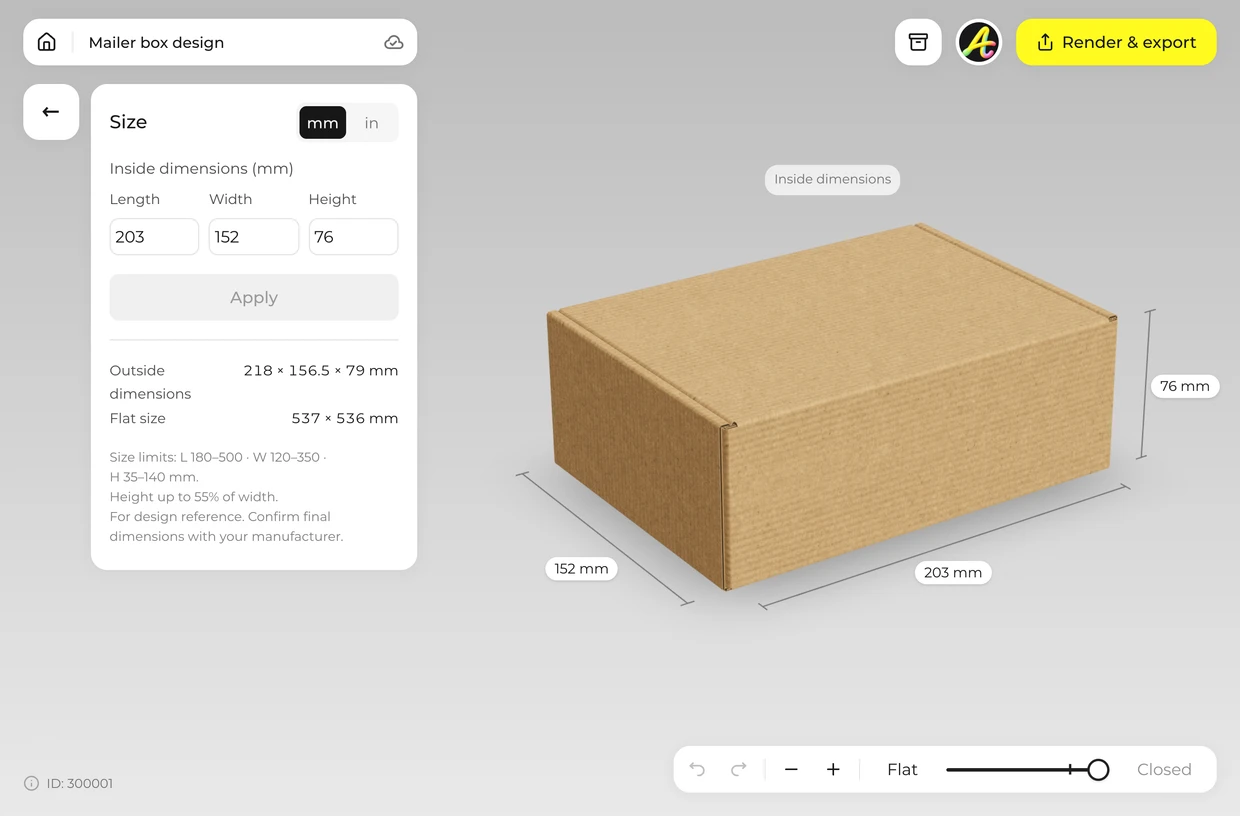
Set the size
Open Size and type the inside length, width and height, in millimetres or inches. The box and its dieline are redrawn.
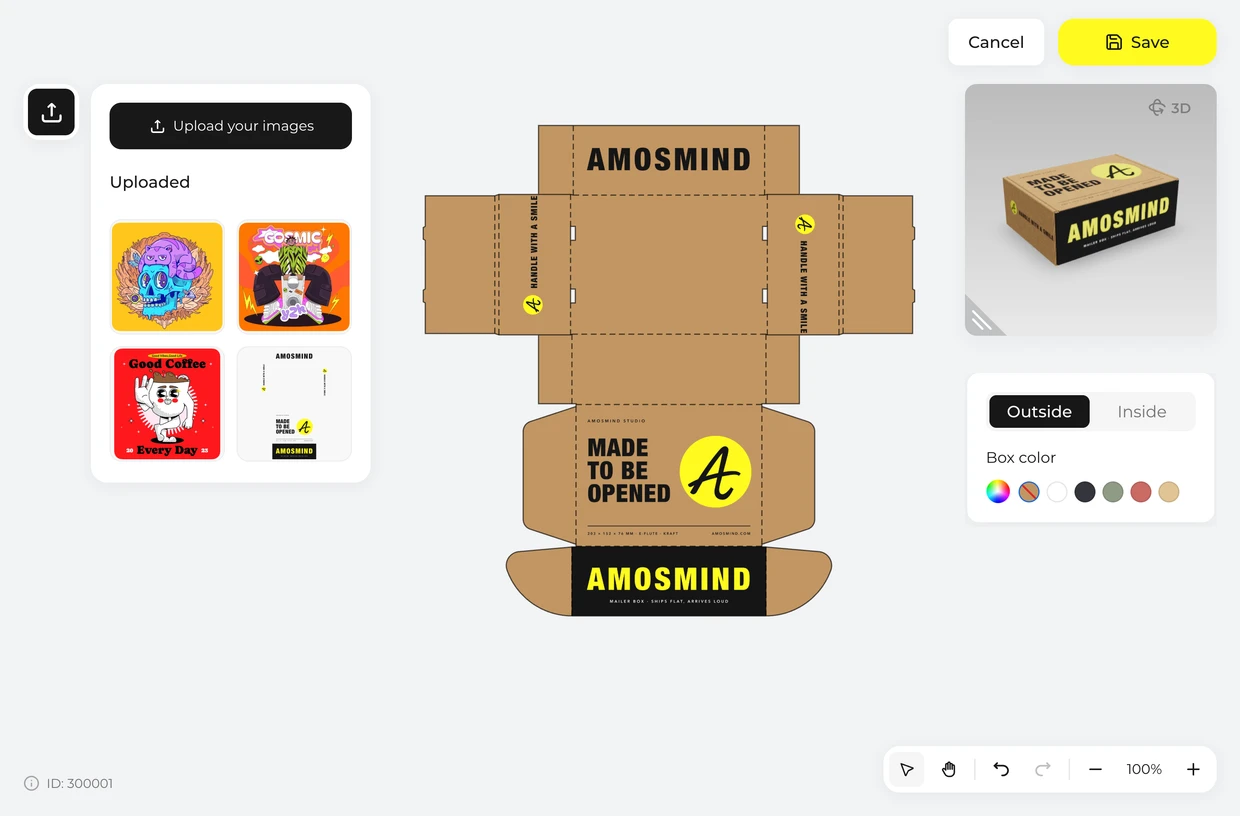
Add your artwork
Click Upload artwork and place a PNG, JPG, WebP or SVG on the flat dieline, on the Outside or the Inside.
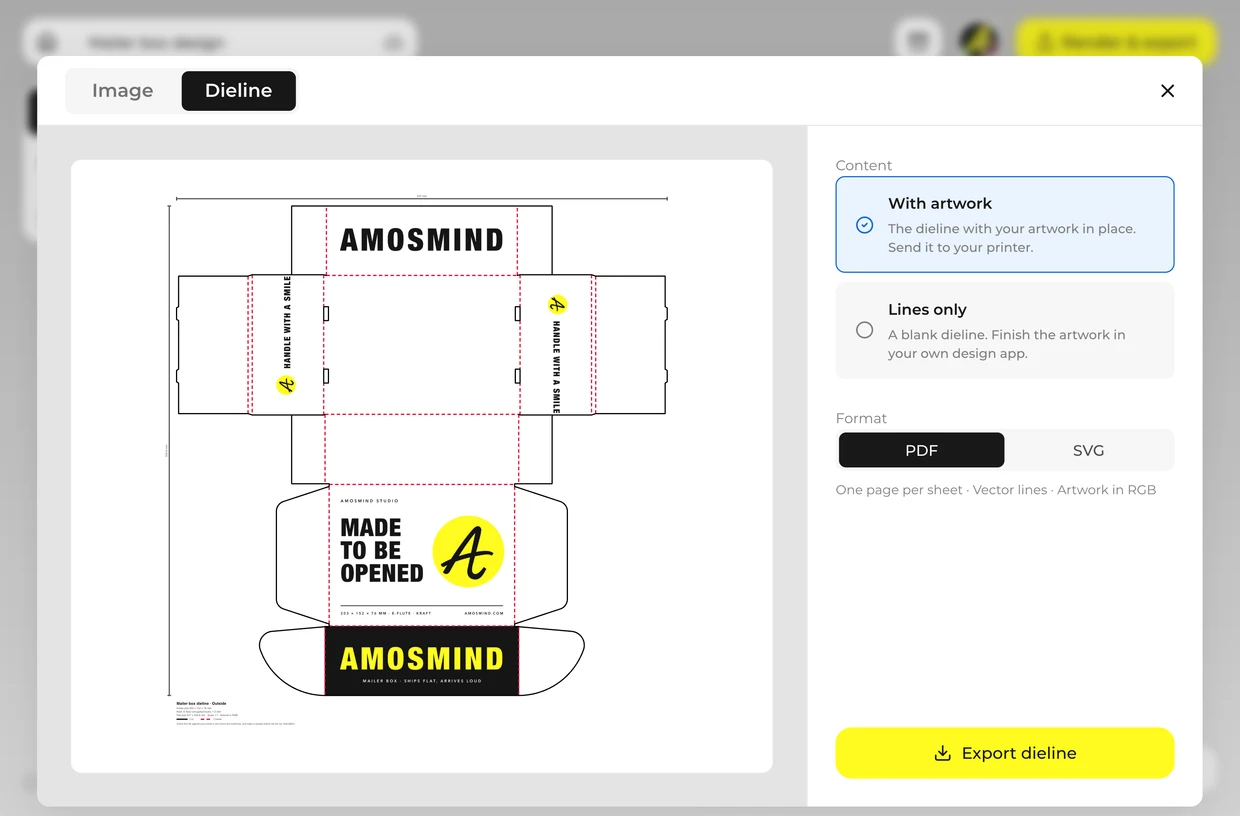
Export
Render a 2K or 4K image, or a PNG with no background. Export the dieline as a PDF or SVG for your printer.
Explore more box mockups
Every box opens in the same live 3D editor.
Who makes box mockups here
A flat PSD shows one box from one angle. These three groups need more than that.
Designers presenting to clients
Show the client their own box size, closed, open and flat.
- Any angle, not one fixed shot
- The real dimensions of the job
- Images up to 4K for the deck
Brands ordering their first boxes
See your artwork folded before you pay for a print run.
- Type in your product size
- Check every printed side
- Send the dieline for a quote
Packaging suppliers and print shops
Answer an inquiry with a picture and a dieline, without CAD.
- FEFCO and ECMA constructions
- Inside, outside and flat sizes
- Cut and crease lines drawn
Box mockup FAQ
Short answers about sizes, materials, files and cost.
How do I make a box mockup?
Pick a box, type a length, width and height inside its range, click Upload artwork and place your design on the dieline, then render the image. It runs in your browser, with nothing to install.
Can I change the size of the box?
Yes. Every box takes its own inside length, width and height, in millimetres or inches, within the ranges in the table above. The dieline and the 3D box are redrawn each time.
Can I get a dieline for the box?
Yes. Export the dieline as a PDF or SVG at full size for the length, width and height you typed, with cut lines, crease lines and your artwork in place. Ask your printer to check the file against their own board and machines and to make a sample before the full run.
What box styles are available?
Corrugated mailer, shipping and pizza boxes, trays and a counter display; paperboard tuck end cartons for perfume, medicine, tea and cereal; rigid boxes with a lift-off or a magnetic lid.
Do I need Photoshop to make a box mockup?
No. Each box, corrugated, paperboard or rigid, is a 3D model that opens in your browser, and you export finished JPG or PNG images and the dieline. There's no PSD file to edit.
What file formats can I export?
Images as JPG or PNG at 2K or 4K, PNG with a transparent background, and the dieline as PDF or SVG.
What is the difference between a mockup and a sample?
A mockup is a picture of the box with your artwork on it. A sample is a real box made by the printer. Use the mockup to settle the design and the size, then order a sample before the full run.
Can I create a box mockup for free?
Browsing the boxes and turning them in 3D is free. Log in with an email code or Google to upload artwork, save projects and render images. Exporting a rendered image or a dieline needs a free account; rendering and downloads are free right now.