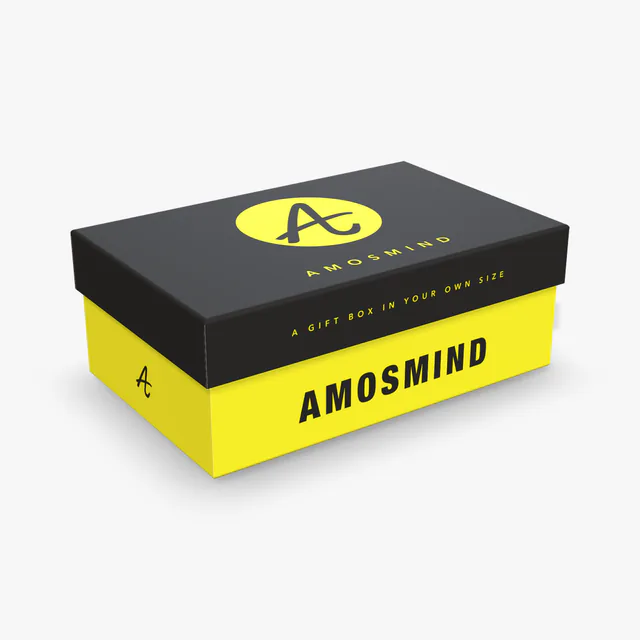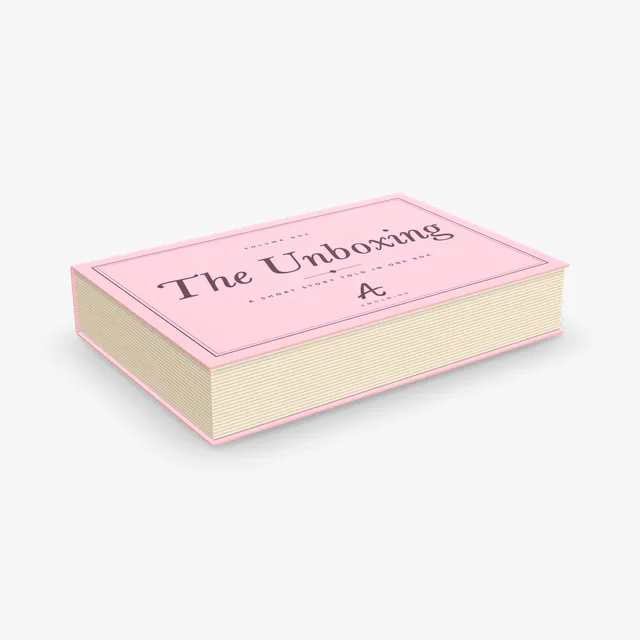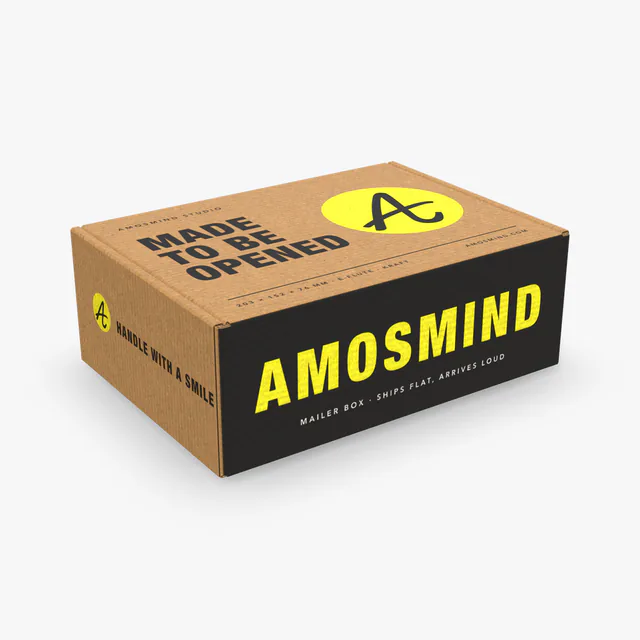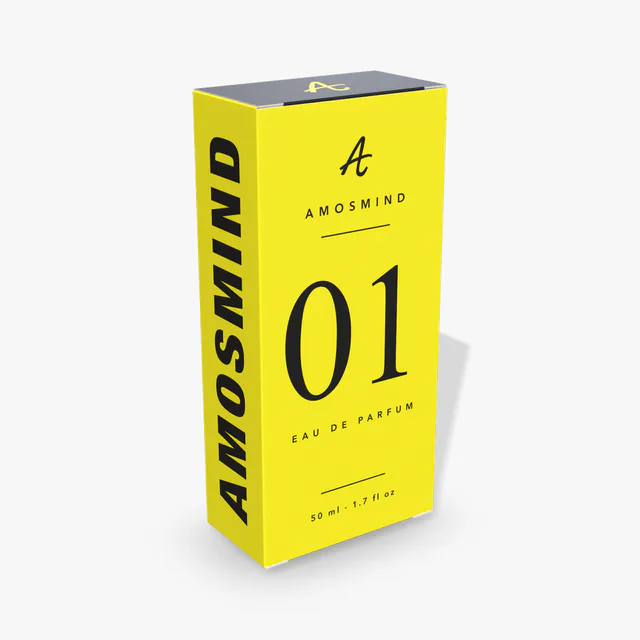
Brands building a gift set
See the box open and closed in your size before a sample is made.
- Outside and inside of the lid
- White, black or kraft wrap
- Images up to 4K
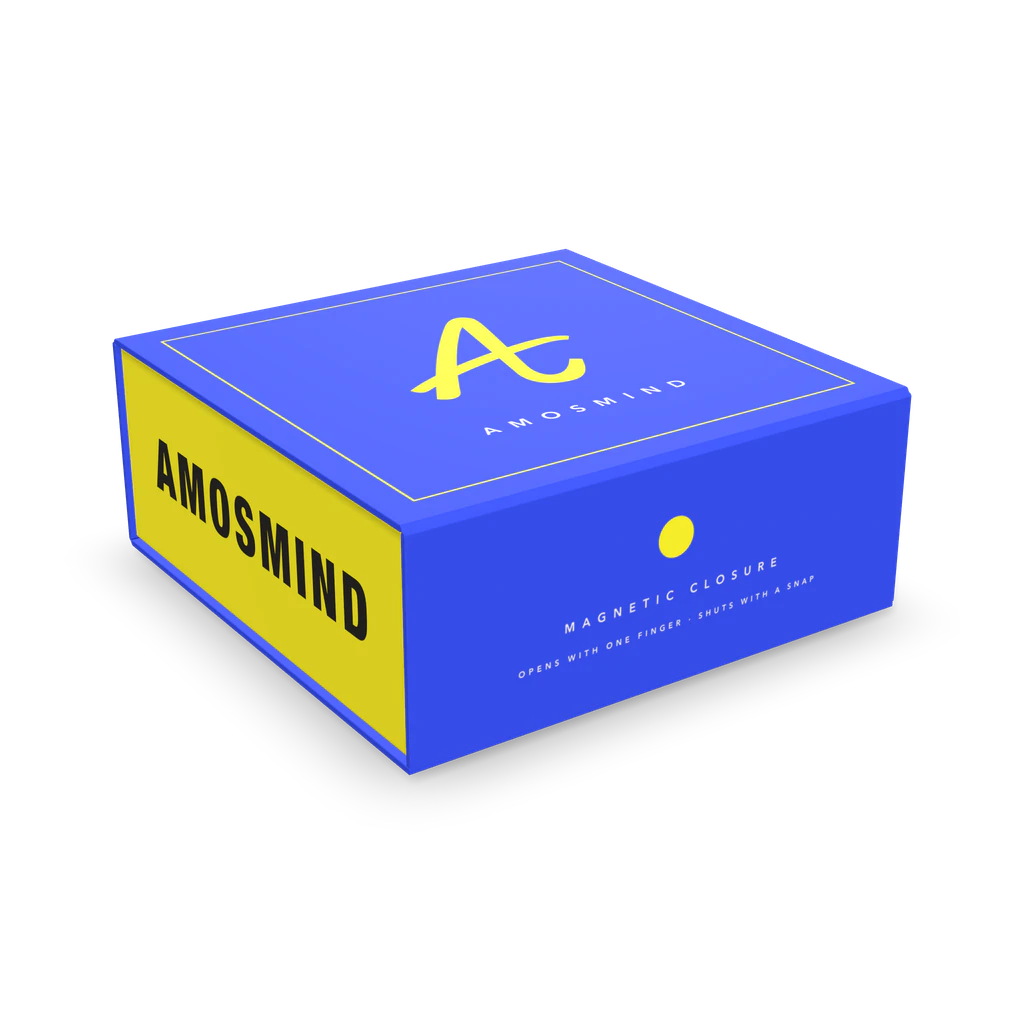
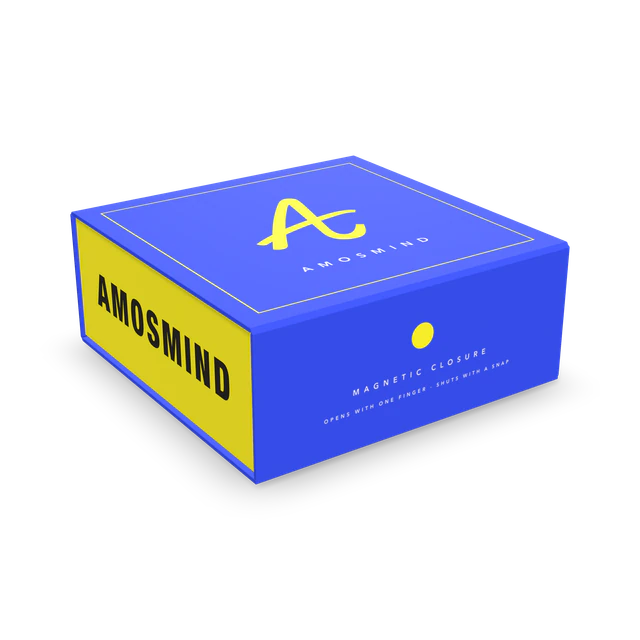
A 3D mockup of a magnetic box: a rigid gift box whose lid is hinged at the back and closes with a front flap. Set its size, choose a white, black or kraft wrap and print the outside and the inside of the lid.
In the editor you can
Sizes are inside dimensions. The mockup shows the board color and your artwork; print color, coatings and foil are confirmed on a printed sample.
Wiki
A magnetic box is a rigid box with a one-piece lid: the lid, the spine and the front flap are part of a board case that wraps around a tray. Magnets hidden under the paper hold the front flap shut. It is the box used for gift sets, electronics and press kits.
A tray of grey board is glued into a case made of four boards: base, spine, lid and front flap. Paper hinges between the boards let the lid swing open. In the editor the printed sheets are Case wrap, Case liner and Tray wrap.
A magnetic box is sized to its contents; stock sizes are mostly square and wider than they are tall. This one starts at 203 × 203 × 79 mm inside; with 2 mm board the outside is 212 × 213 × 87 mm. The board in stock boxes is about 2 mm thick.
The case wrap carries the outside artwork across the lid, the spine and the base in one piece, so a design can run over the hinge. The case liner is the inside of the lid, the surface people see when the box is opened.
These are sizes that magnetic gift boxes are stocked in.
| Size, in millimetres | In inches | What it suits |
|---|---|---|
| 152 × 152 × 70 mm | 6 × 6 × 2.76 in | Perfume, candles |
| 203 × 203 × 79 mm | 8 × 8 × 3.1 in | The size this mockup starts at. Electronics, gift sets |
| 254 × 254 × 114 mm | 10 × 10 × 4.5 in | Bowls and homeware |
| 330 × 273 × 140 mm | 13 × 10.75 × 5.5 in | Shoes |
These are stock sizes of magnetic gift boxes, most of which are square. Type different numbers for length and width to make a rectangular one.
Gift sets and press kits are sold on the moment the lid opens.
See the box open and closed in your size before a sample is made.
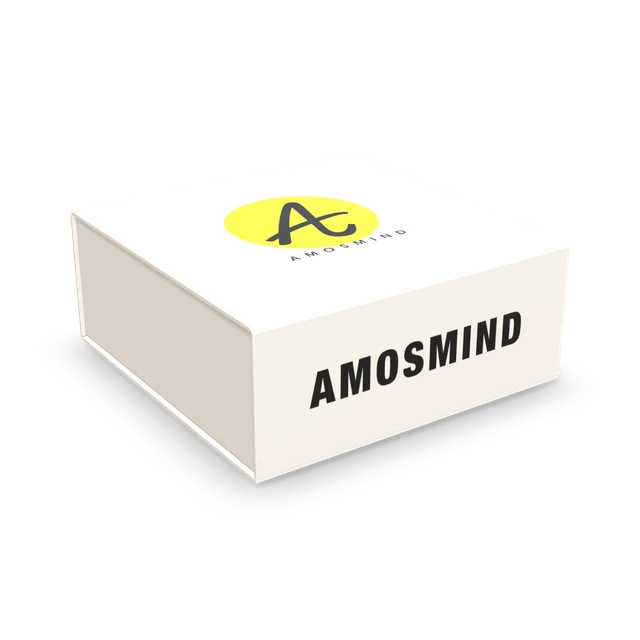
Show the reveal: lid closed, then open with the inside print.
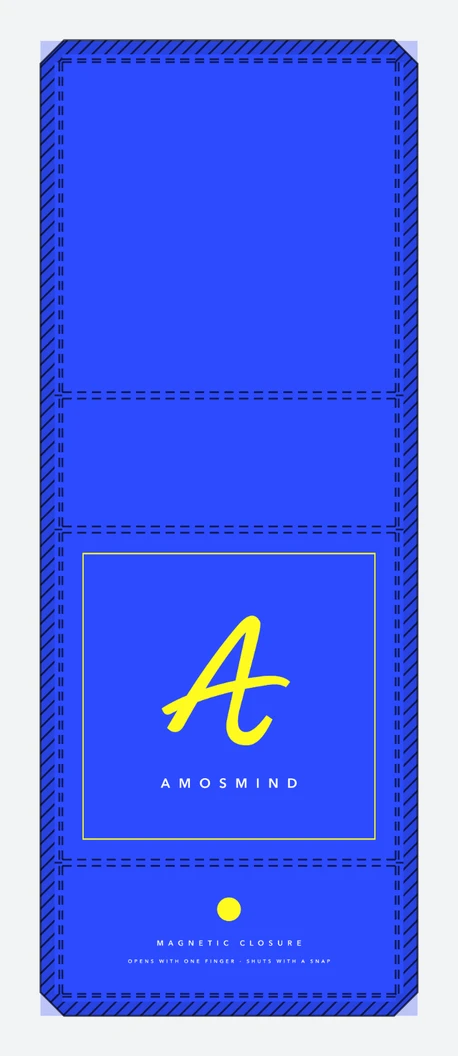
Agree the size and the wrap artwork with the customer before cutting board.
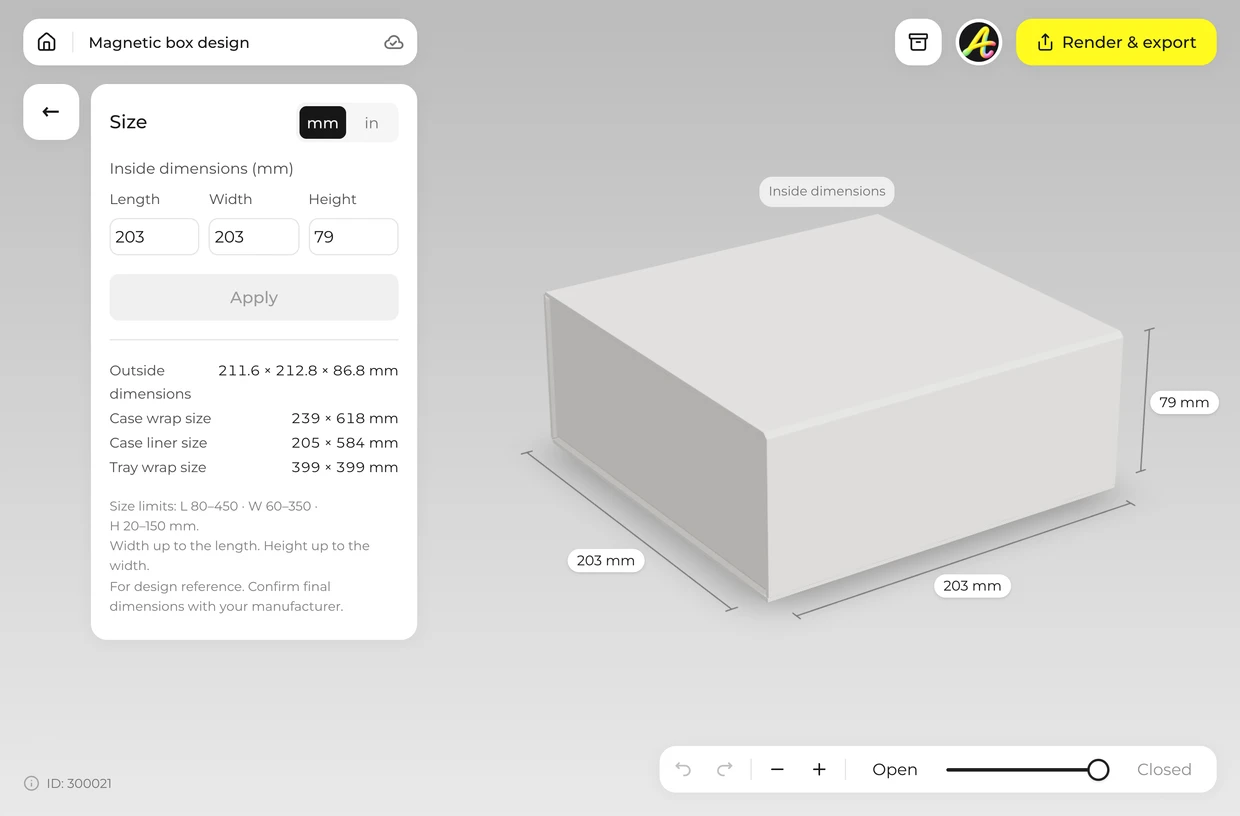
Type the inside length, width and height. The editor accepts 80–450 × 60–350 × 20–150 mm. Width can be up to the length, and height up to the width.
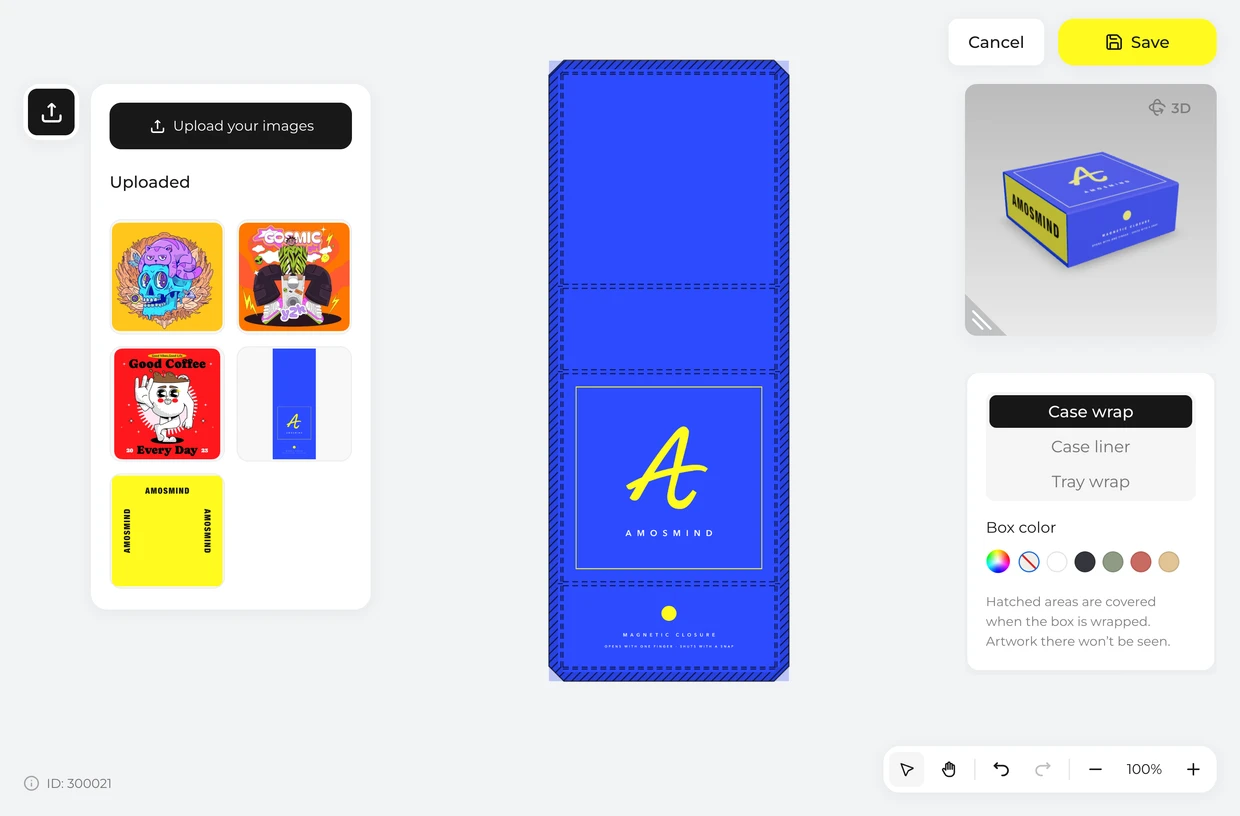
Click Upload artwork and place your design on the Case wrap for the outside or the Case liner for the inside of the lid. On the Case liner, hatched areas are covered by the tray.
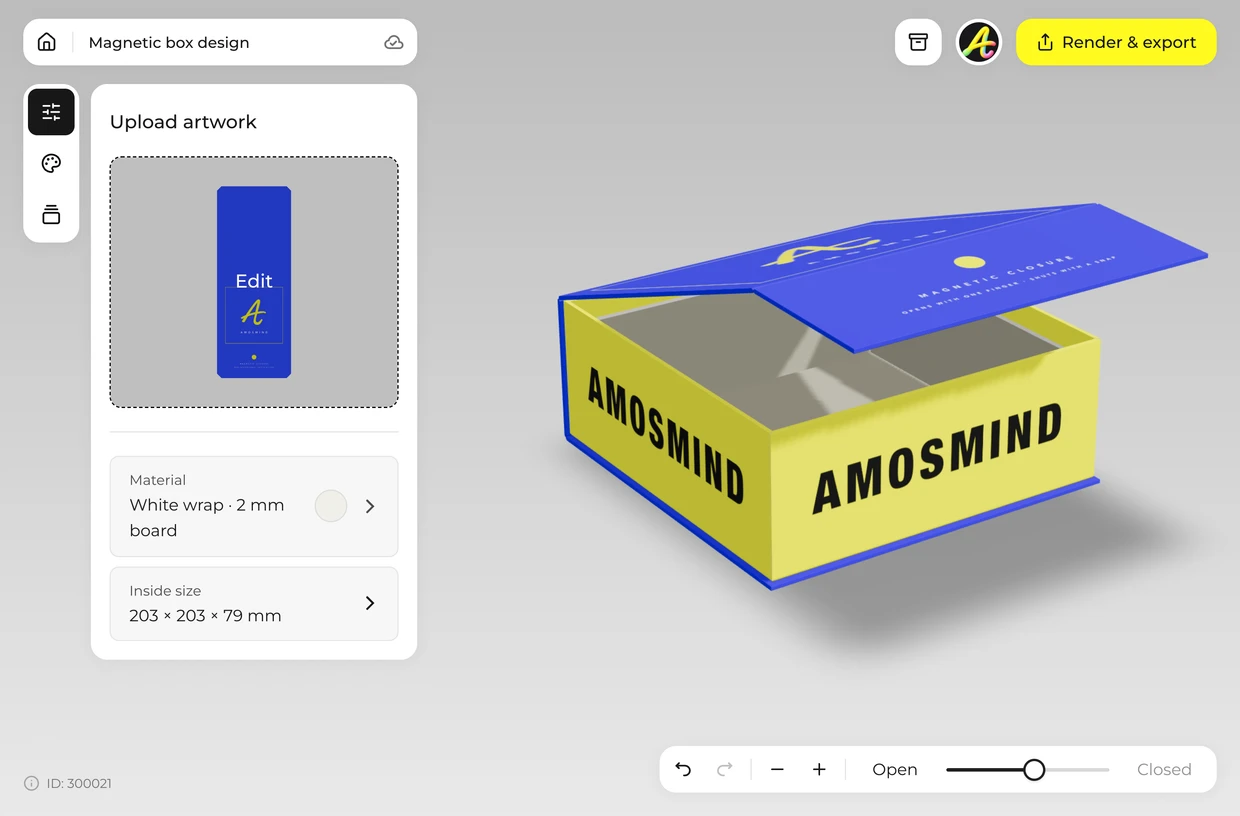
Drag the Lid slider from Open to Closed to swing the lid over and fold the front flap down.
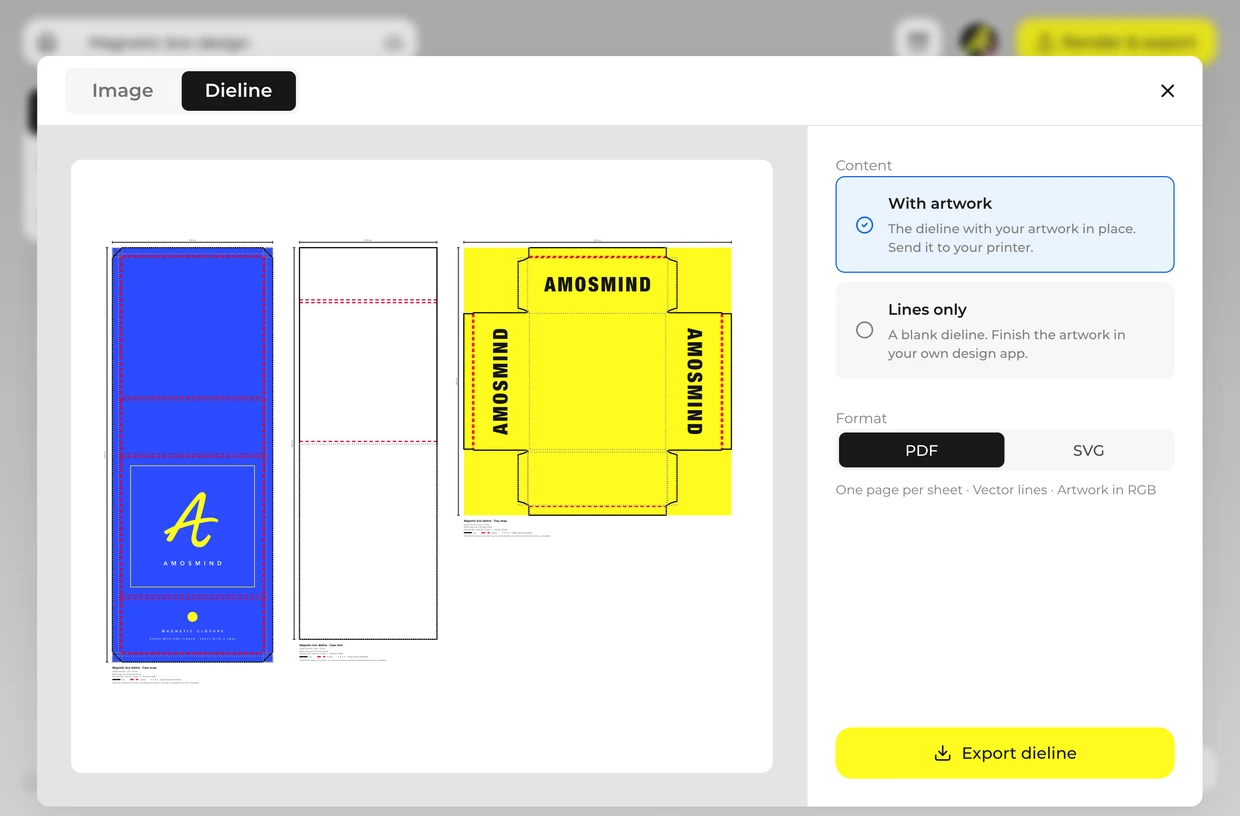
Render a JPG or PNG up to 4K for a client or a product page. Export the wrap layouts from the Dieline tab as a PDF or SVG at full size and send them to your box maker. Ask them to check it against their own board and machines and to make a sample before the full run: board thickness, tolerances and glue areas differ from one factory to the next.
Every box opens in the same live 3D editor.
Three kinds of file come out of the same project. The picture is for showing the box; the dieline is for making it.
| File | Format | Use it for |
|---|---|---|
| Image | JPG or PNG, 2K or 4K | Store pages, pitch decks, social posts |
| Cut-out | PNG with a transparent background | Your own layouts and product photos |
| Wrap layouts | PDF or SVG at full size, from the Dieline tab | Your printer or box maker: each wrap with its fold lines and your artwork |
The dieline is drawn from the size and board you set. It is a starting file for your printer, who will check it against their own board, machines and glue areas and make a sample before a full run.
Short answers about sizes, materials and files.
A rigid gift box with a hinged lid that closes with a front flap. Small magnets under the paper hold the flap shut.
Set the size, click Upload artwork and place your design on the case wrap, then render the image. It runs in your browser.
Yes. The inside of the lid is the Case liner sheet. Place artwork on it and open the lid in 3D to see it.
Yes, it starts square. Type different numbers for length and width to make a rectangular one.
No. The page shows the box itself. Ribbons, foam and card inserts are not part of the model.
Yes. Choose Transparent in the Background panel and the box downloads as a PNG with no background, ready to drop into your own layout.
Browsing the boxes and turning them in 3D is free. Log in with an email code or Google to upload artwork, save projects and render images. Exporting a rendered image or the wrap layouts needs a free account; rendering and downloads are free right now.