
Packaging mockups in real-time 3DFrom dieline to folded box
Design packaging on a real box structure instead of a flat picture. Choose corrugated, paperboard or rigid, set the size, place your artwork on the dieline and see it folded in 3D before anything is printed.
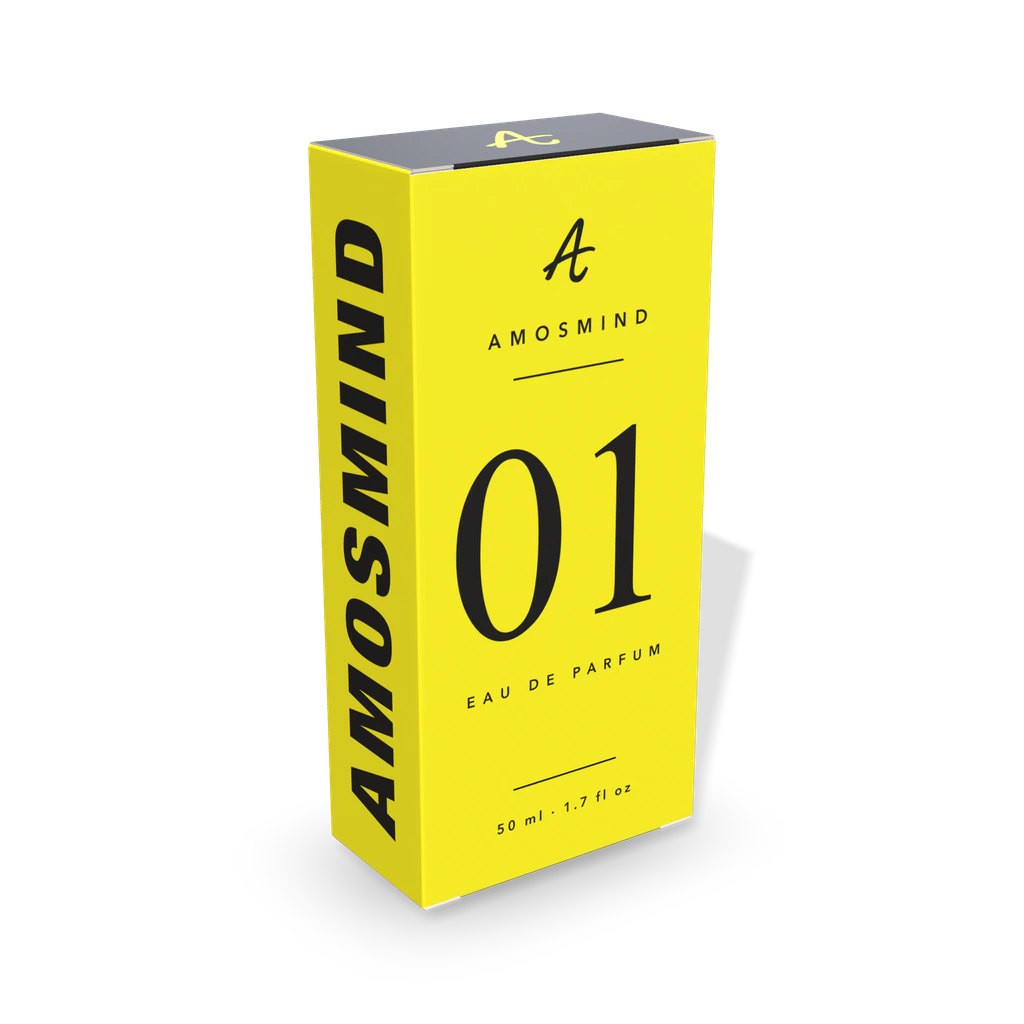
Packaging mockups
23 mockups
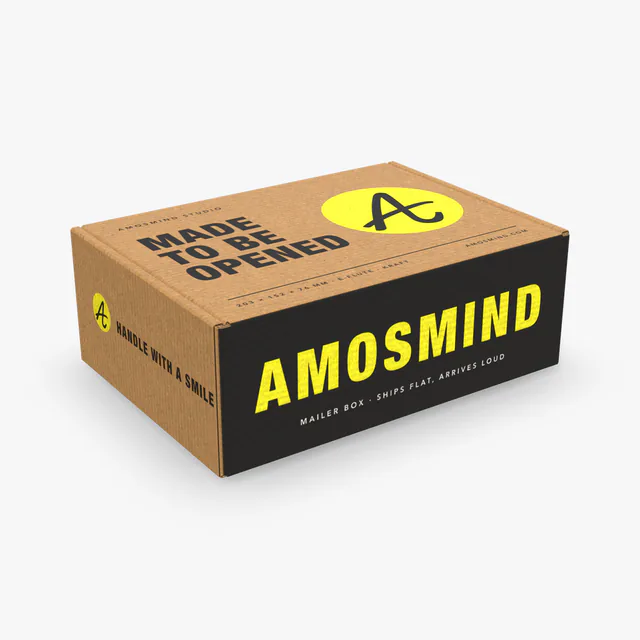
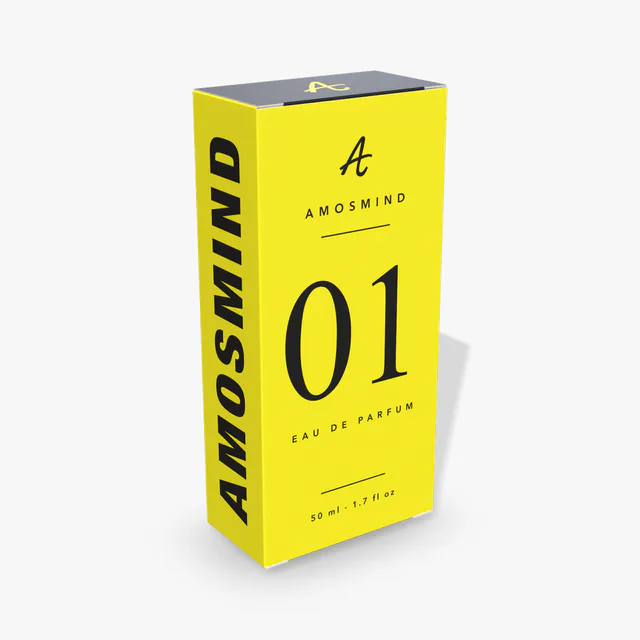
Perfume box mockup
Details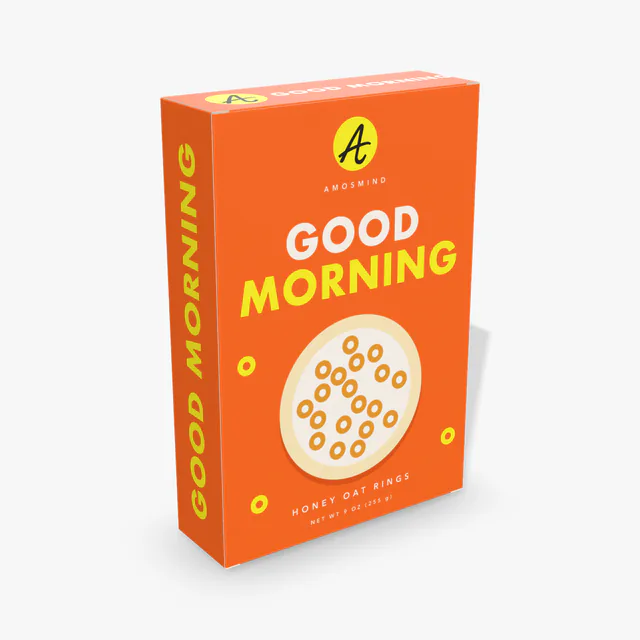
Cereal box mockup
Details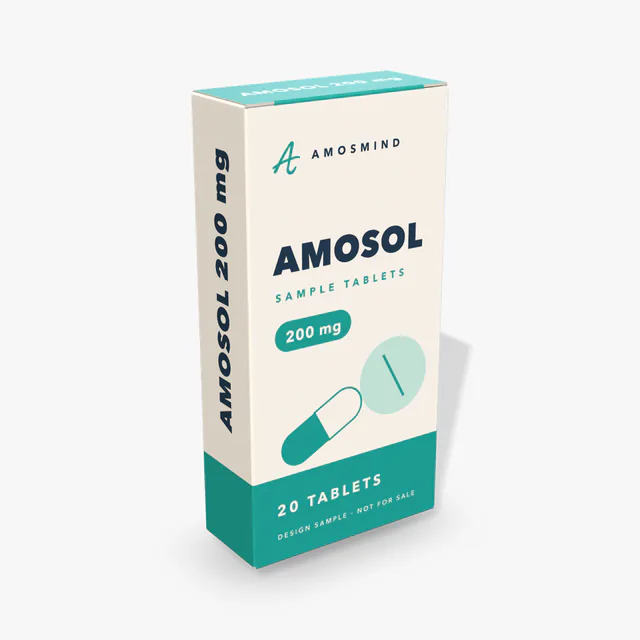
Medicine box mockup
Details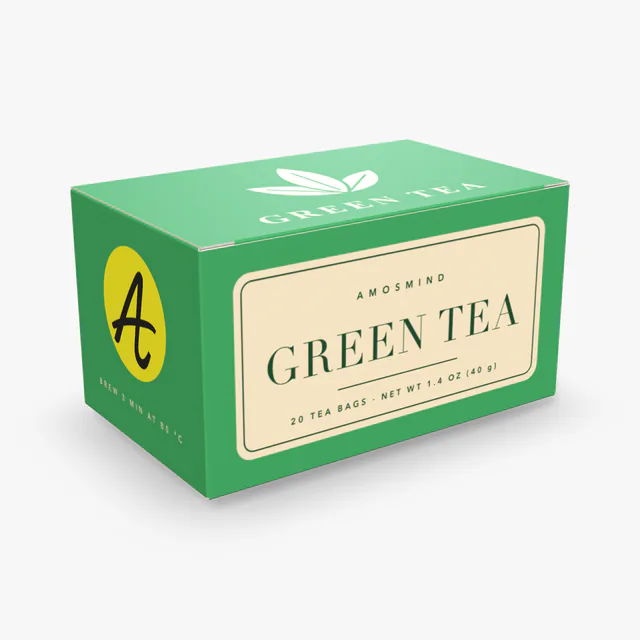
Tea box mockup
Details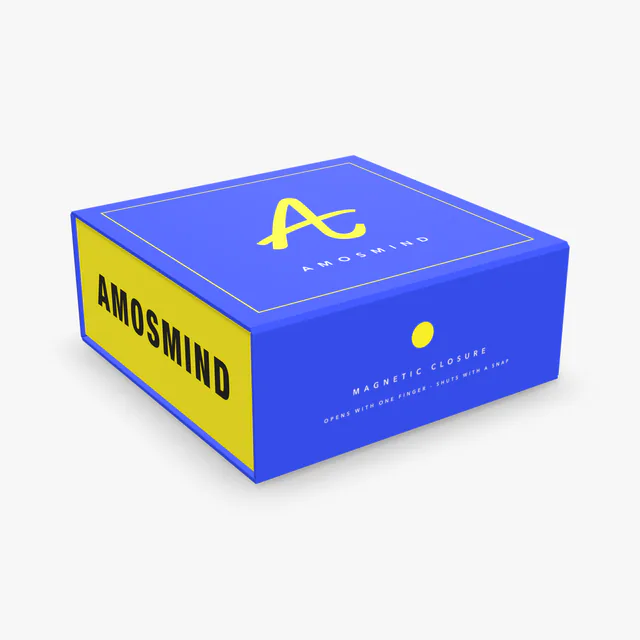
Magnetic box mockup
Details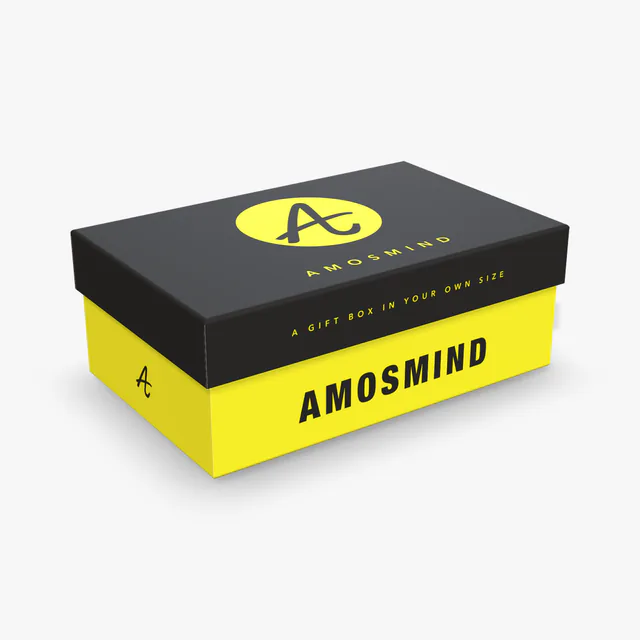
Rigid box mockup
Details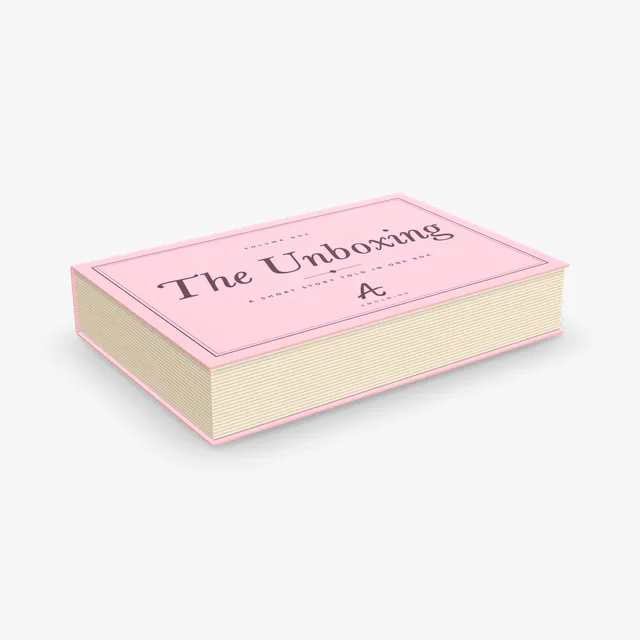 Add your design
Book-style box mockup
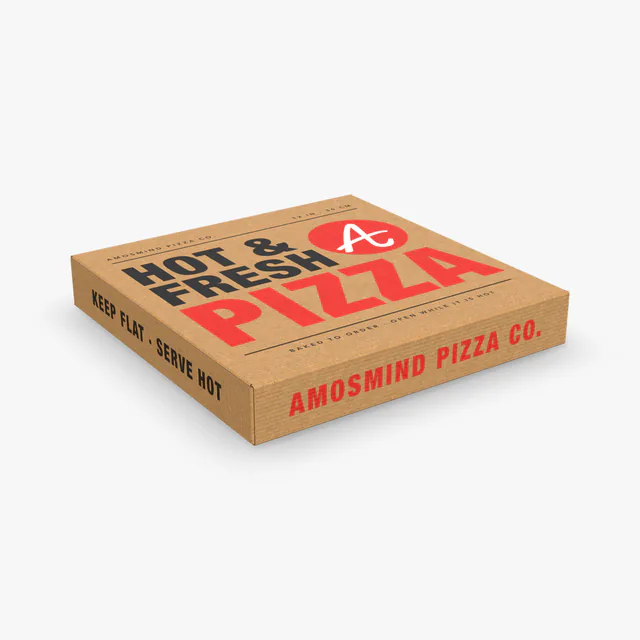
Pizza box mockup
Details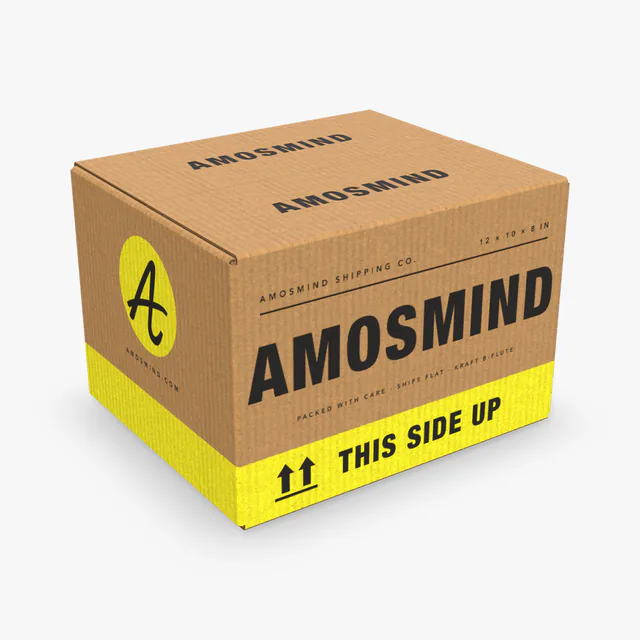
Shipping box mockup
Details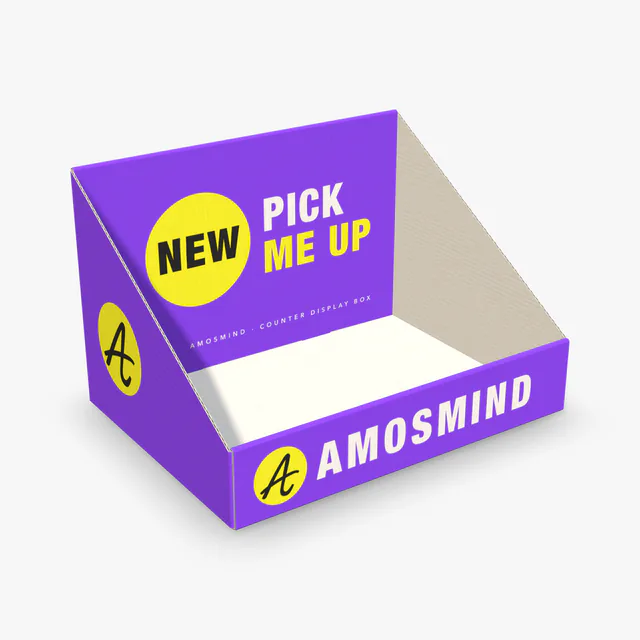 Add your design
Counter display box mockup
 Add your design
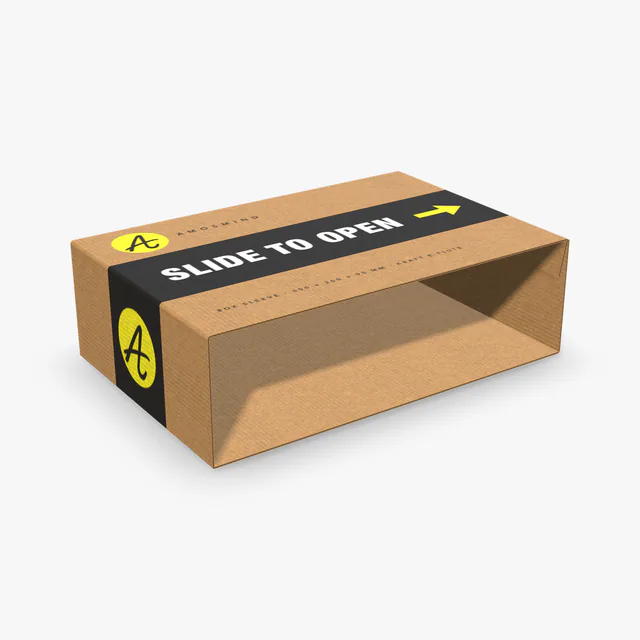
Box sleeve mockup
 Add your design
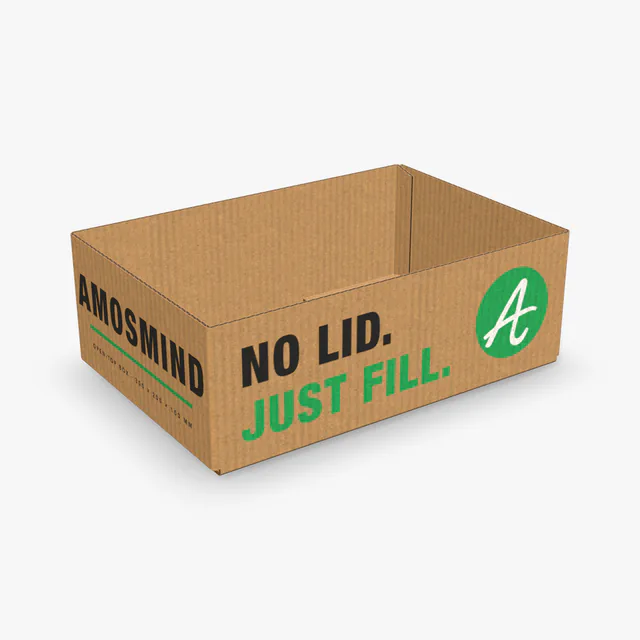
Open-top box mockup
 Add your design
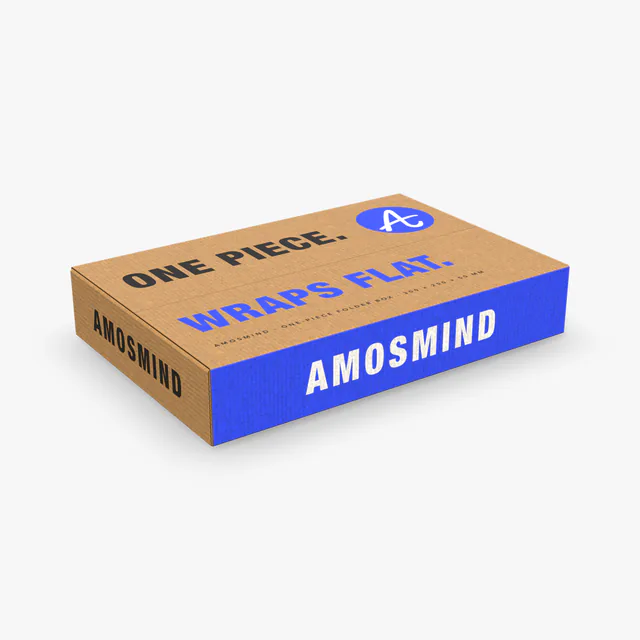
One-piece folder box mockup
 Add your design
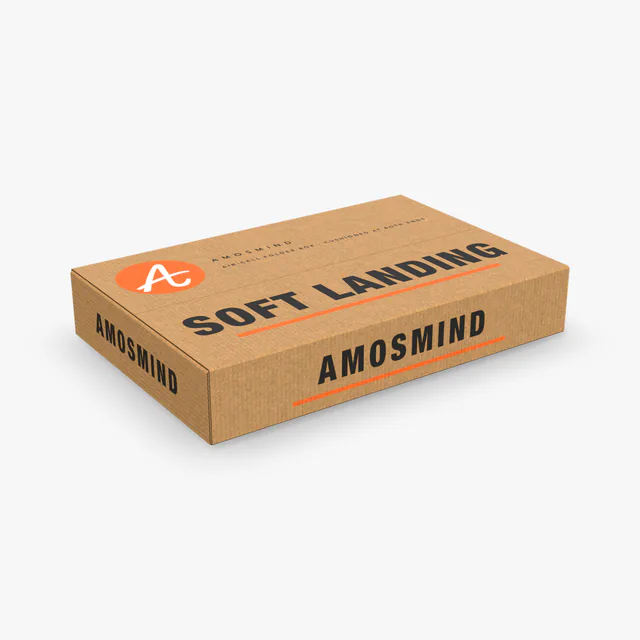
Air-cell one-piece folder box mockup
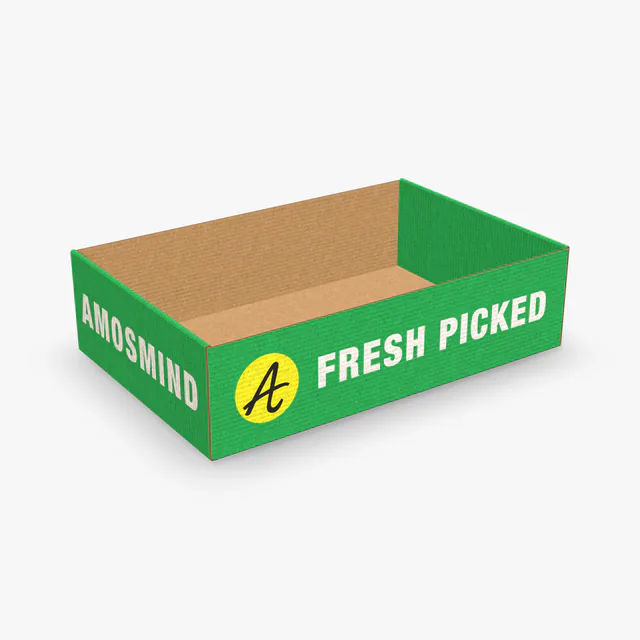 Add your design
Roll-end tray box mockup
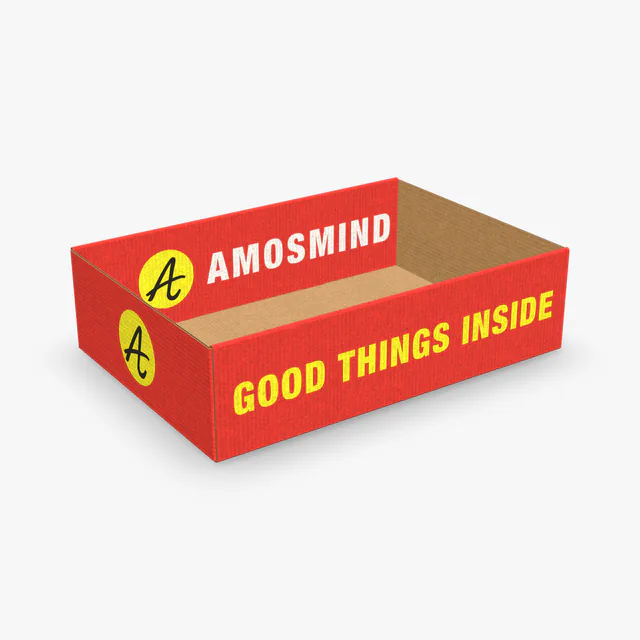 Add your design
Roll-side tray box mockup
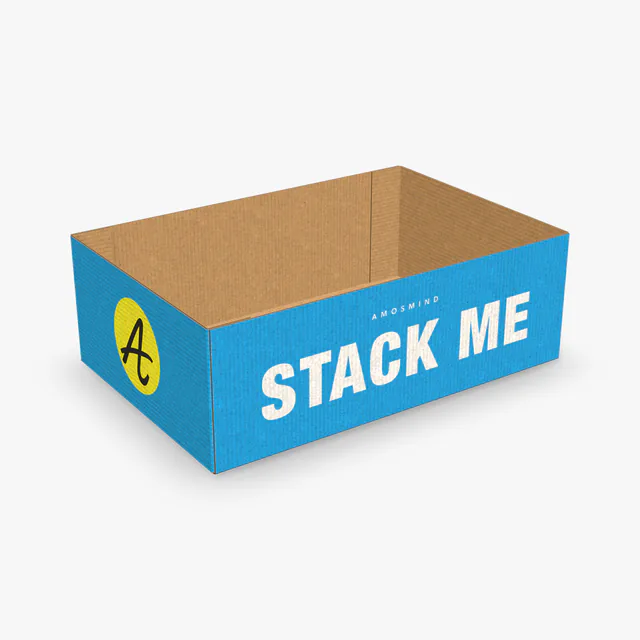 Add your design
End-flap tray box mockup
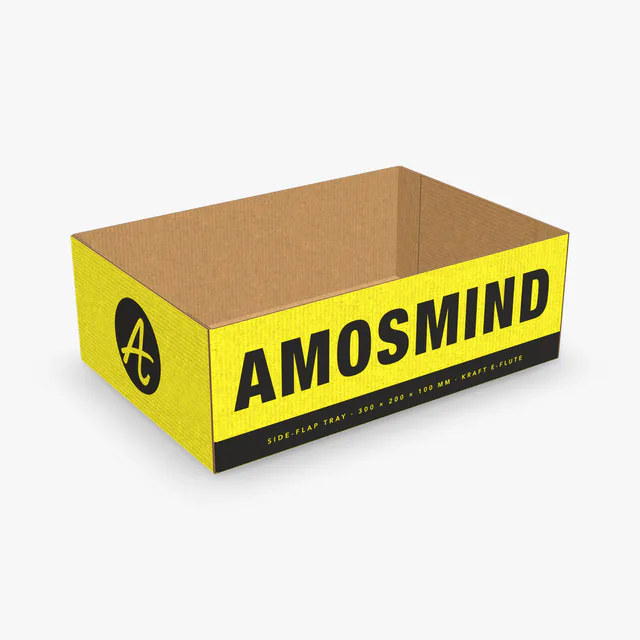 Add your design
Side-flap tray box mockup
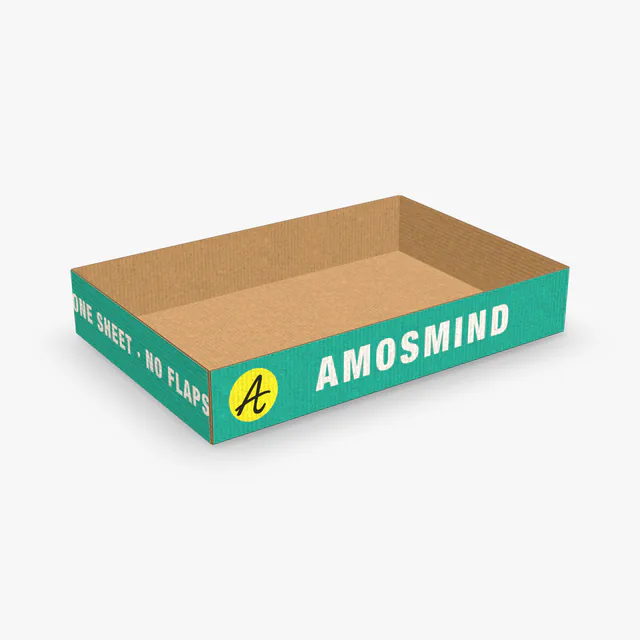 Add your design
Flapless tray box mockup
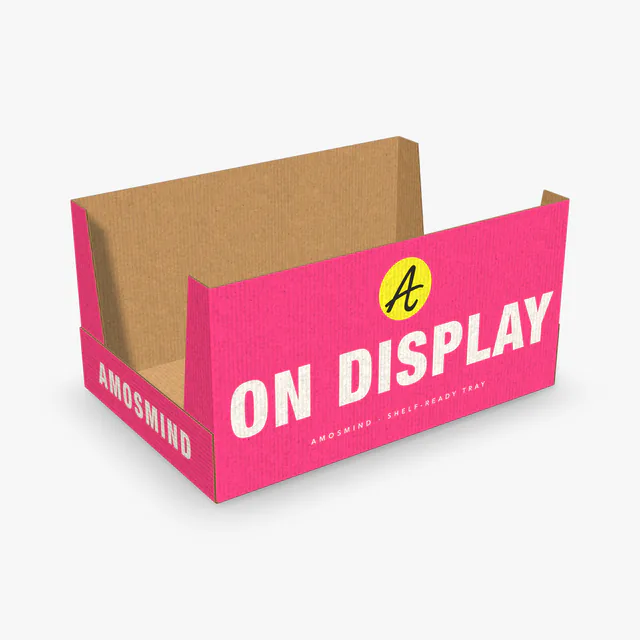 Add your design
High-sided tray box mockup
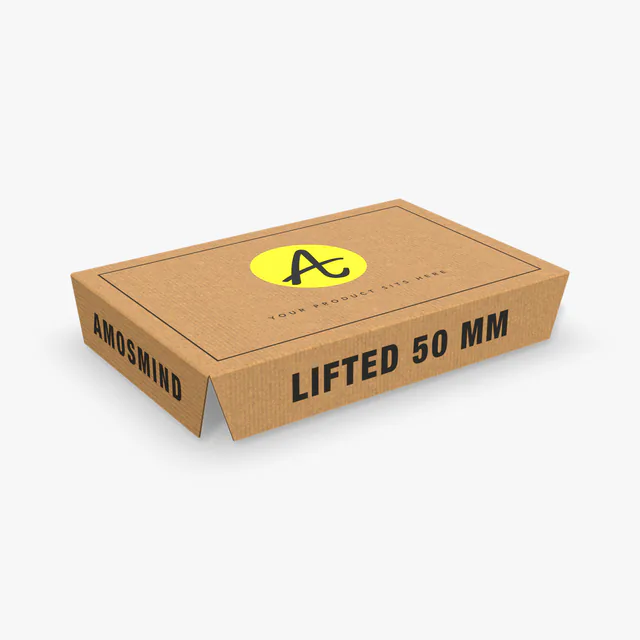 Add your design
Platform box insert mockup
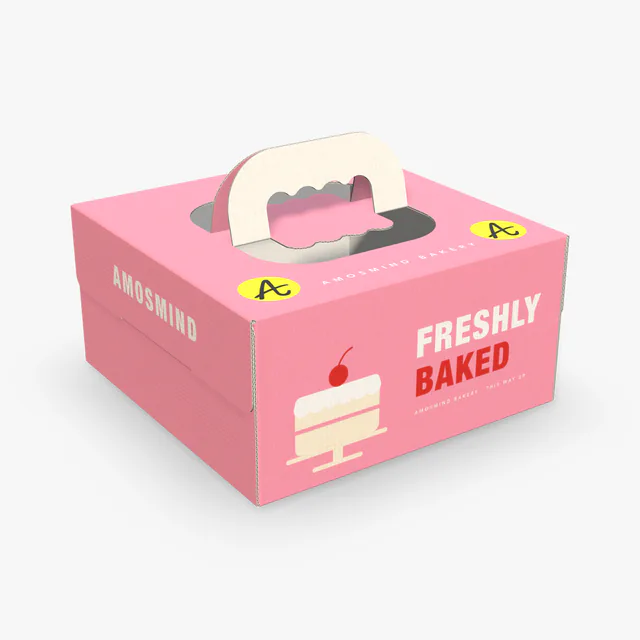 Add your design
Cake box with handle mockup
What a printer needs from your packaging file
A mockup sells the design; a printer needs a file. These are the things packaging manufacturers ask for in their artwork guidelines, and what you can check here before you send anything.
| What they ask for | Usual requirement | Here |
|---|---|---|
| File format | Vector PDF or AI, with text converted to outlines | The dieline exports as PDF or SVG |
| Dieline | Kept on its own layer, unchanged and not flattened into the artwork | Cut and crease lines are drawn from the size you set |
| Bleed | 3 to 6 mm (1/8 to 1/4 in) past the cut line; 1/4 in is usual on corrugated boxes | See where your artwork meets each cut edge on the flat sheet |
| Safe zone | Text and logos 3 to 8 mm (1/8 to 5/16 in) inside cut and crease lines | Crease lines are shown while you place artwork |
| Color | CMYK. Some printers also take Pantone spot colors; many digital printers do not | A screen preview only; color is confirmed on a printed sample |
| Images | 300 dpi at the printed size | Upload PNG, JPG, WebP or SVG |
| Small text | From 6 pt on paperboard to 10 pt on corrugated board | Zoom in on the 3D box to judge whether it reads |
| Size tolerance | About 3 mm (1/8 in) either way on a corrugated box | Sizes are exact on screen: leave room for the tolerance |
| Proof | A digital proof to approve before production; a printed sample on request | The 3D box is the first check, before either |
Taken from the artwork guidelines of six packaging manufacturers. They differ from one to the next: always follow the guideline your own printer sends you.
Dieline, crease, bleed and flute
Four words you will meet as soon as packaging goes to print.
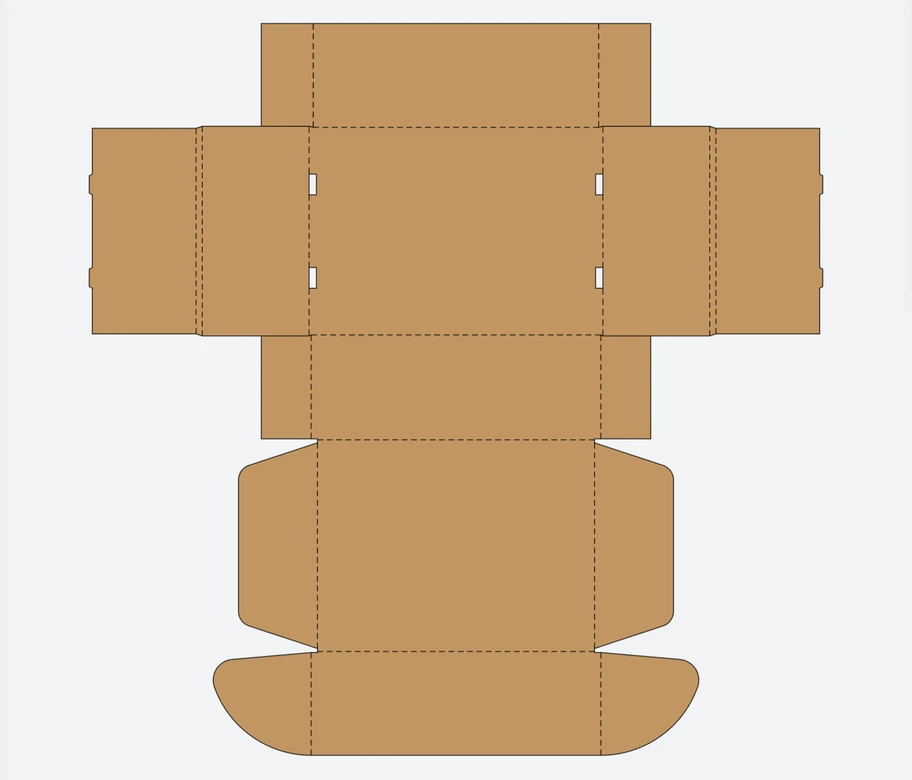
Dieline
The flat outline of the box before it is folded: where the board is cut and where it is creased.
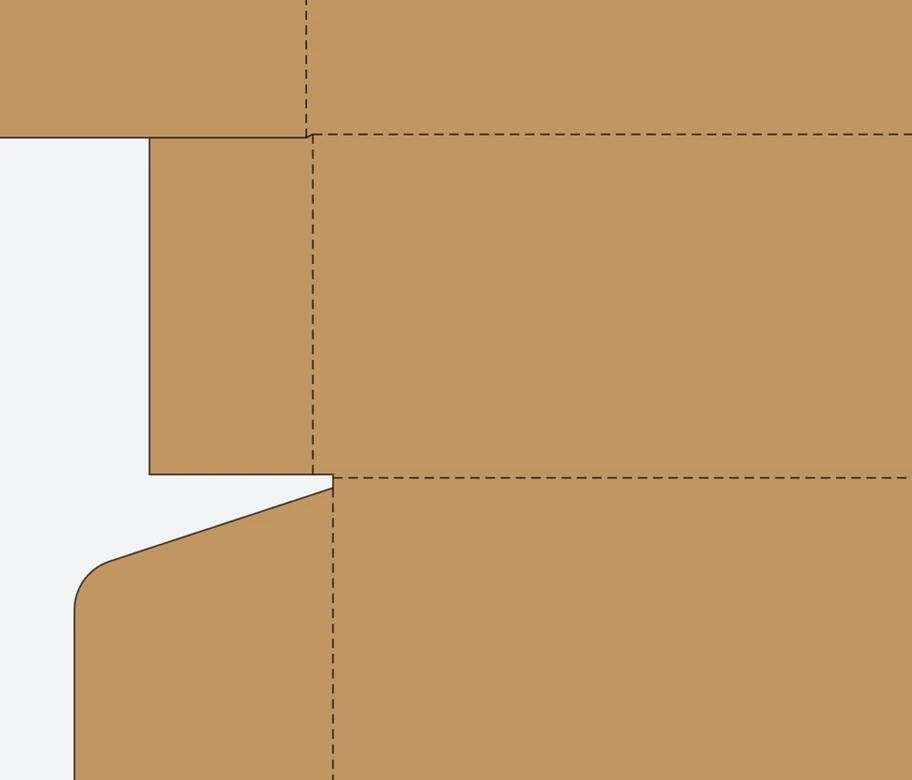
Crease
A fold line pressed into the board. Shown dashed on the dieline; artwork crossing it will bend around a corner.
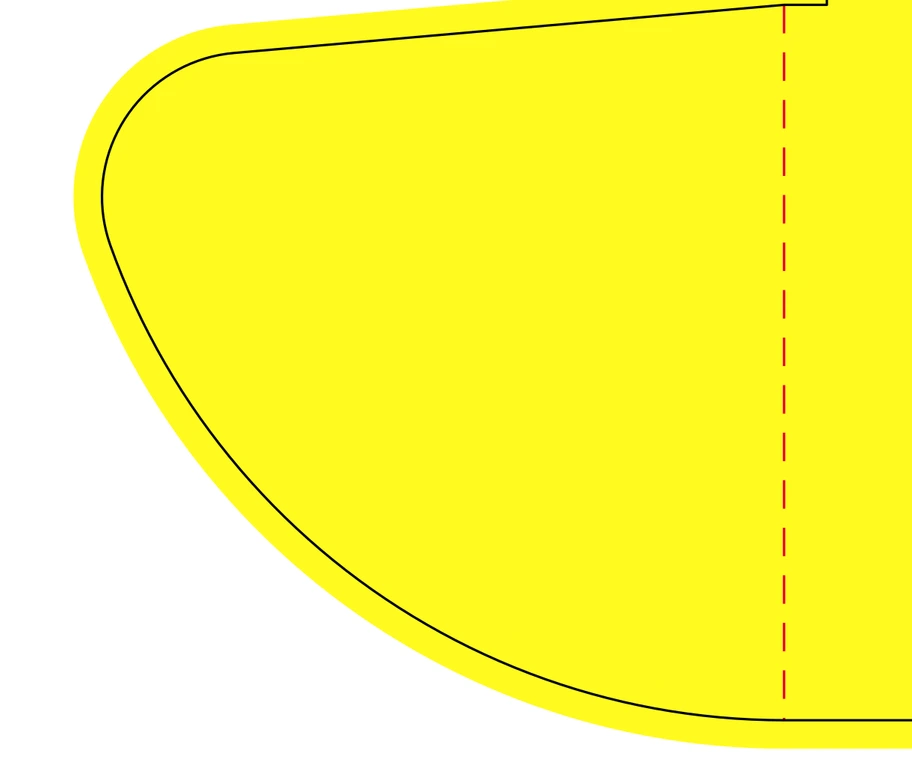
Bleed
Artwork that runs past the cut line, usually 3 to 6 mm, so no white edge shows if the cut is slightly off.
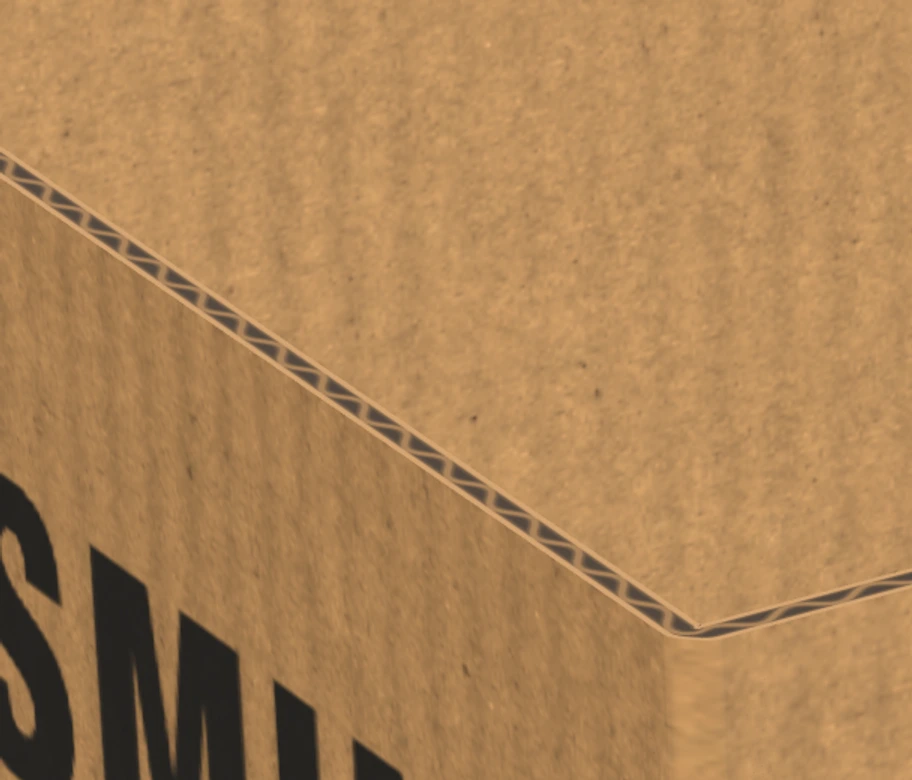
Flute
The wave of paper inside corrugated board. E-flute is about 1.5 mm thick, B-flute about 3 mm.
Packaging by material
Three families of box, each with its own way of being made and printed.
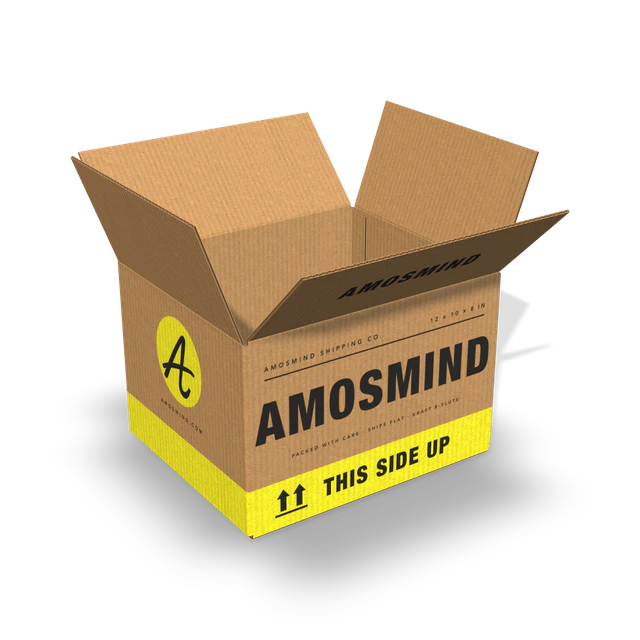
Corrugated boxes
Mailer box, shipping box, pizza box, counter display and trays. Printed directly on the board, kraft or white.
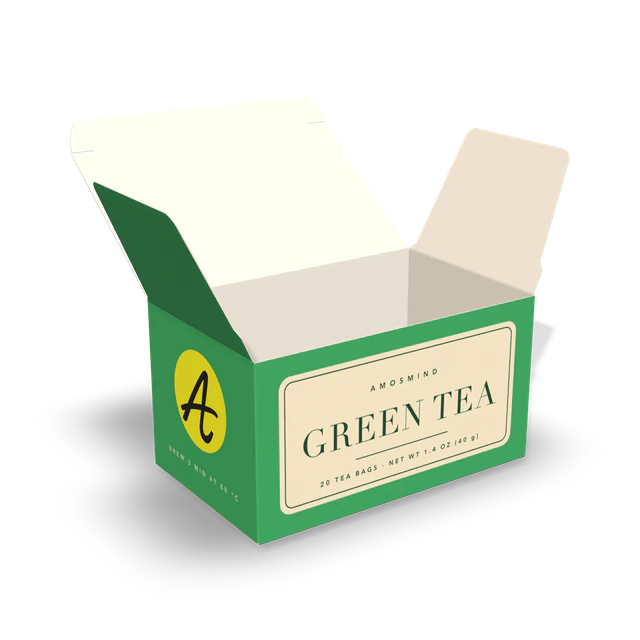
Folding cartons
Perfume, medicine, tea and cereal boxes. Thin paperboard, printed in full color and shipped flat.
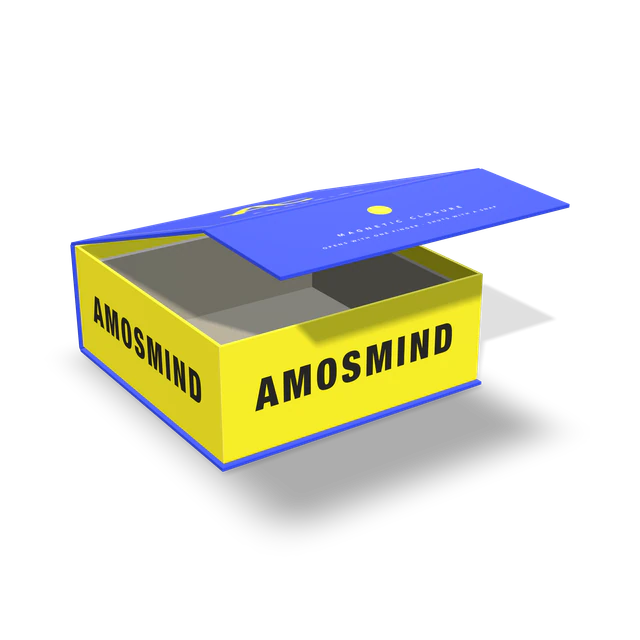
Rigid boxes
Lid and base, magnetic and book-style boxes. Grey board wrapped in printed paper.
This page has boxes. It has no bottles, pouches, bags or cans.
How to make a packaging mockup
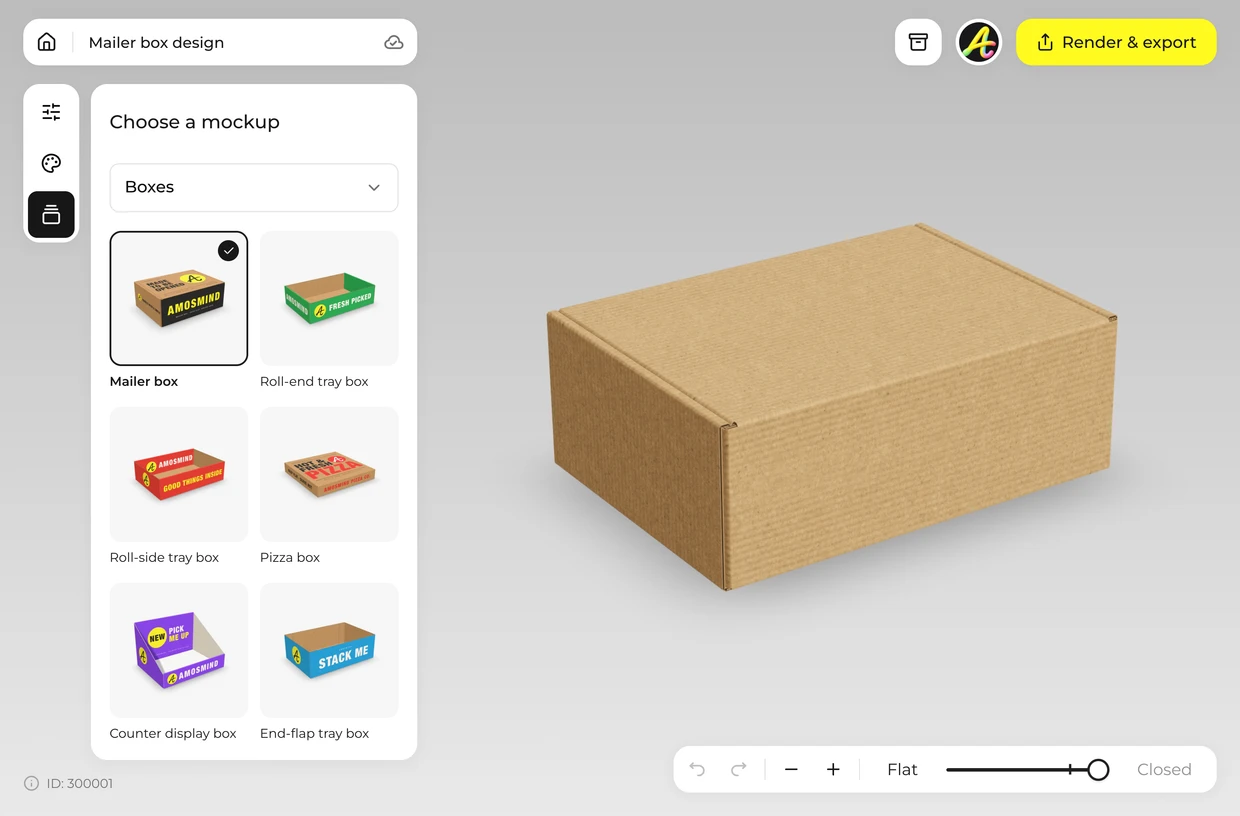
Choose the packaging
Pick a corrugated box, a folding carton or a rigid box from the list above.
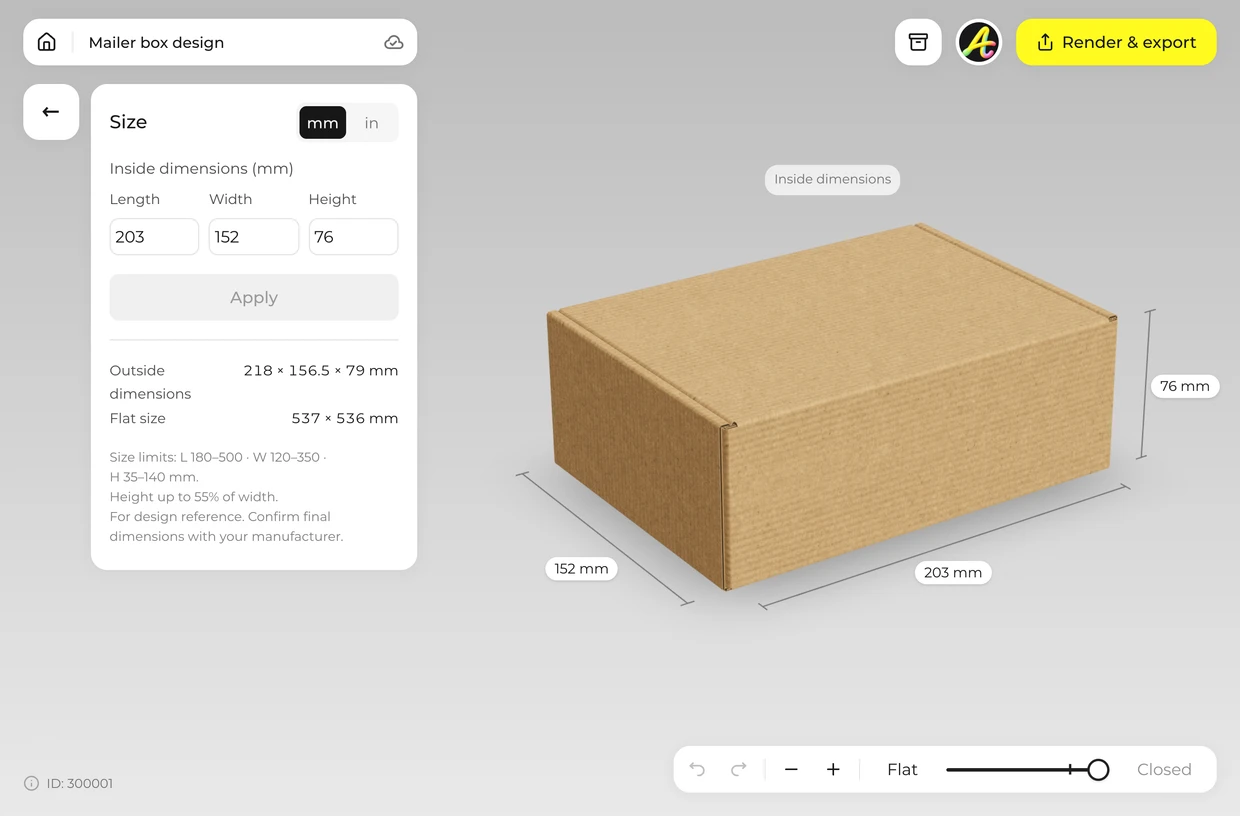
Match it to your product
Open Size and type the inside dimensions. Open Material to switch the board.
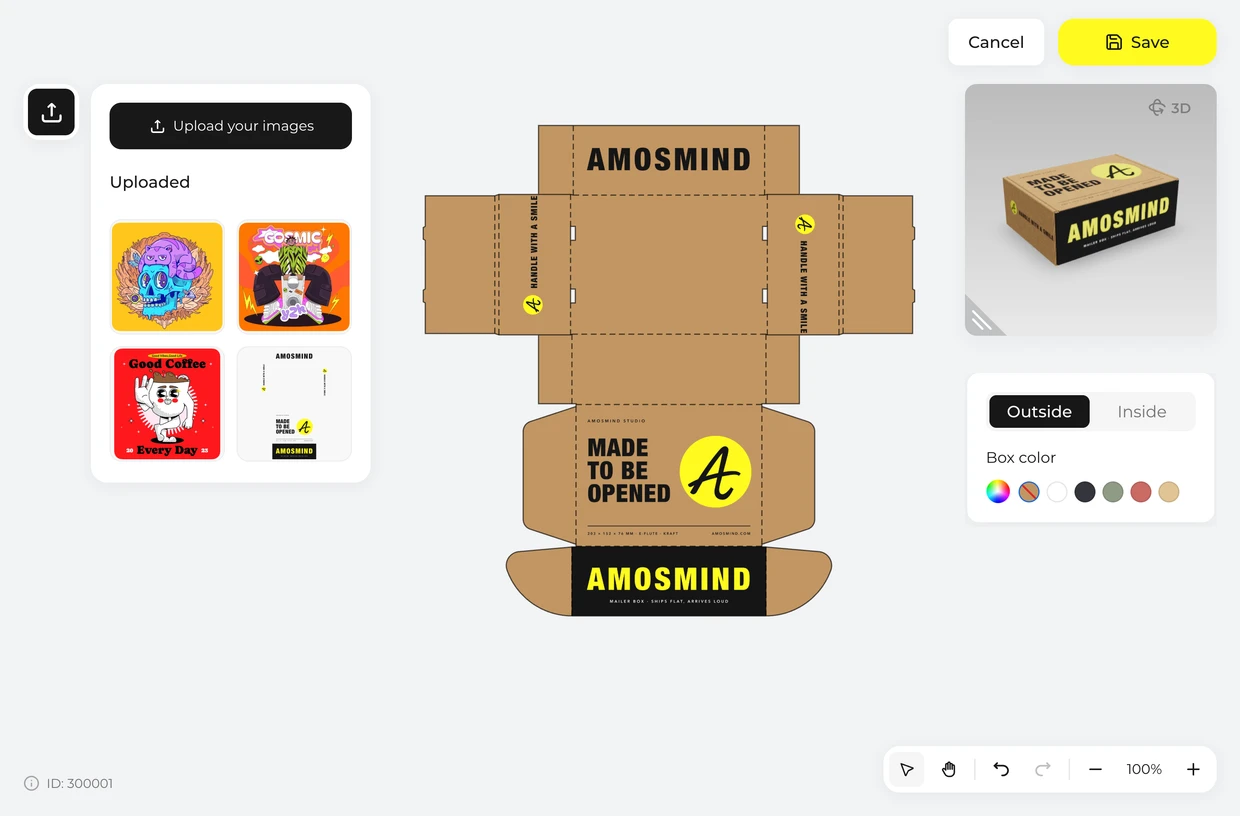
Add your artwork
Click Upload artwork and place your design on the dieline, outside and inside.
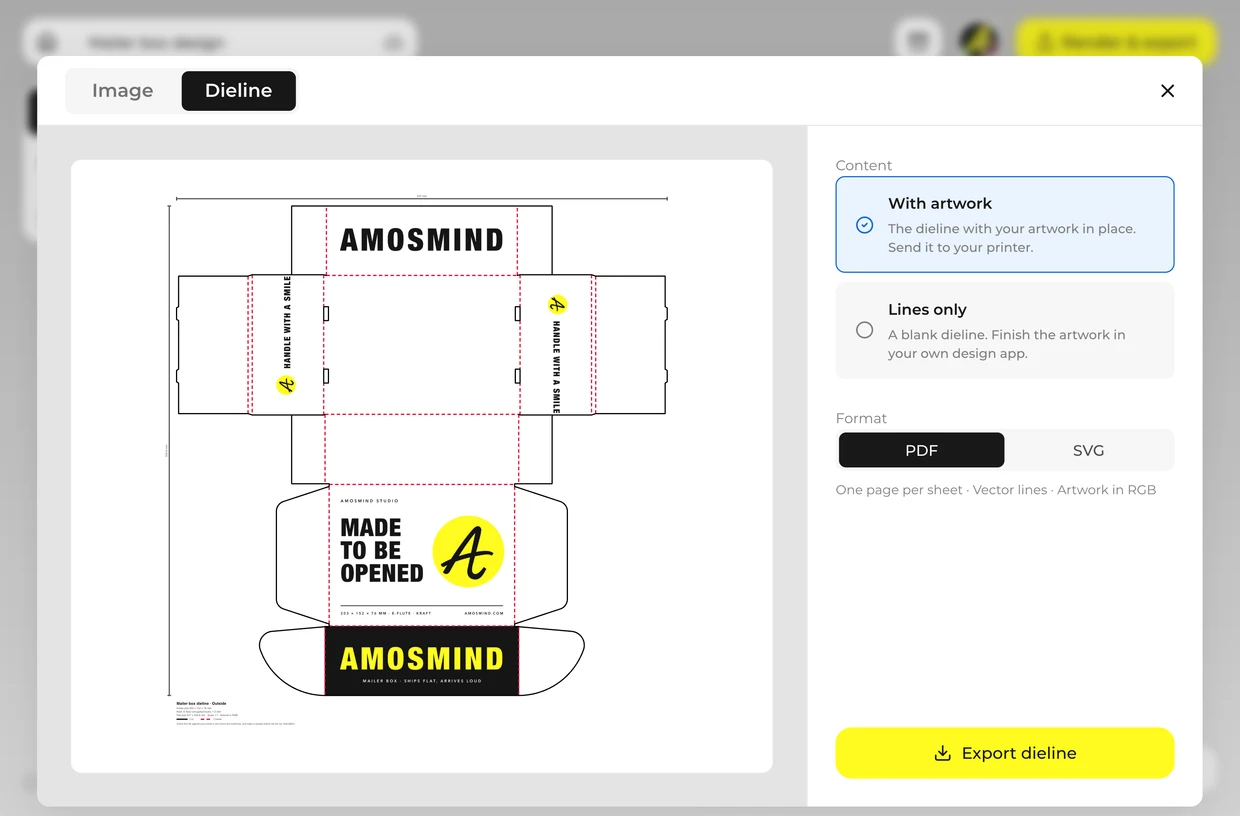
Export
Render an image up to 4K, or export the dieline as a PDF or SVG for your printer.
Explore more box mockups
Every box opens in the same live 3D editor.
3D mockup, PSD mockup or printed sample
Three ways to see packaging before a full print run. Most projects use more than one.
| Compare | 3D mockup here | PSD mockup | Printed sample |
|---|---|---|---|
| Box size | Your own dimensions | Fixed by the file | Your own dimensions |
| Viewing angle | Any angle; closed, open or flat | One angle per file | The real object |
| Material | Kraft, white, rigid wraps | Painted into the file | The real board |
| Matches a dieline | Yes, drawn from the same size | No | Yes |
| Time | Minutes | Minutes, with Photoshop | Days to weeks |
| Shows real print color | No | No | Yes |
A screen cannot show how ink sits on kraft or how a coating feels. Order a printed sample before a full run.
Packaging mockup FAQ
Short answers about what is here and what you can do with it.
What is a packaging mockup?
A realistic picture of a package with your design on it, made before the package exists. It is used to approve a design, to pitch it and to show a product online.
How do I make a packaging mockup?
Pick a corrugated box, a folding carton or a rigid box, set its size, click Upload artwork and place your design on the dieline, then render the image. It runs in your browser.
Can I change the size of the packaging?
Yes. Every box takes its own inside length, width and height, in millimetres or inches. The dieline and the 3D box are redrawn each time.
Can I get a dieline for my packaging?
Yes. Export the dieline as a PDF or SVG at full size, with cut lines, crease lines and your artwork in place; a rigid box exports its wrap layouts instead. Ask your printer to check the file against their own board and machines and to make a sample before the full run.
Which kinds of packaging are on this page?
Boxes: corrugated mailer, shipping and pizza boxes and trays, paperboard folding cartons, and rigid gift boxes. There are no bottles, pouches, bags or cans.
Is a mockup the same as a prototype?
No. A mockup is a picture. A prototype, or sample, is a real package you can hold. The mockup settles how it looks; the sample confirms how it prints and fits.
Do I need Photoshop to make a packaging mockup?
No. Each box is a 3D model that opens in your browser; you set your own dimensions, turn it to any angle and export finished JPG or PNG images and the dieline. There's no PSD file to edit.
Is the packaging mockup generator free?
Browsing the boxes and turning them in 3D is free. Log in with an email code or Google to upload artwork, save projects and render images. Exporting a rendered image or a dieline needs a free account; rendering and downloads are free right now.