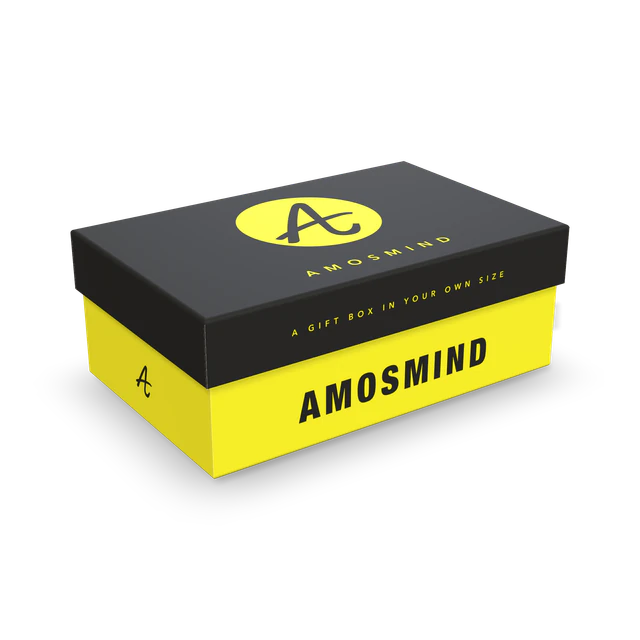
Gift and luxury brands
See the box in your size and your color before a sample is made.
- White, black or kraft wrap
- Shallow or full-depth lid
- Images up to 4K
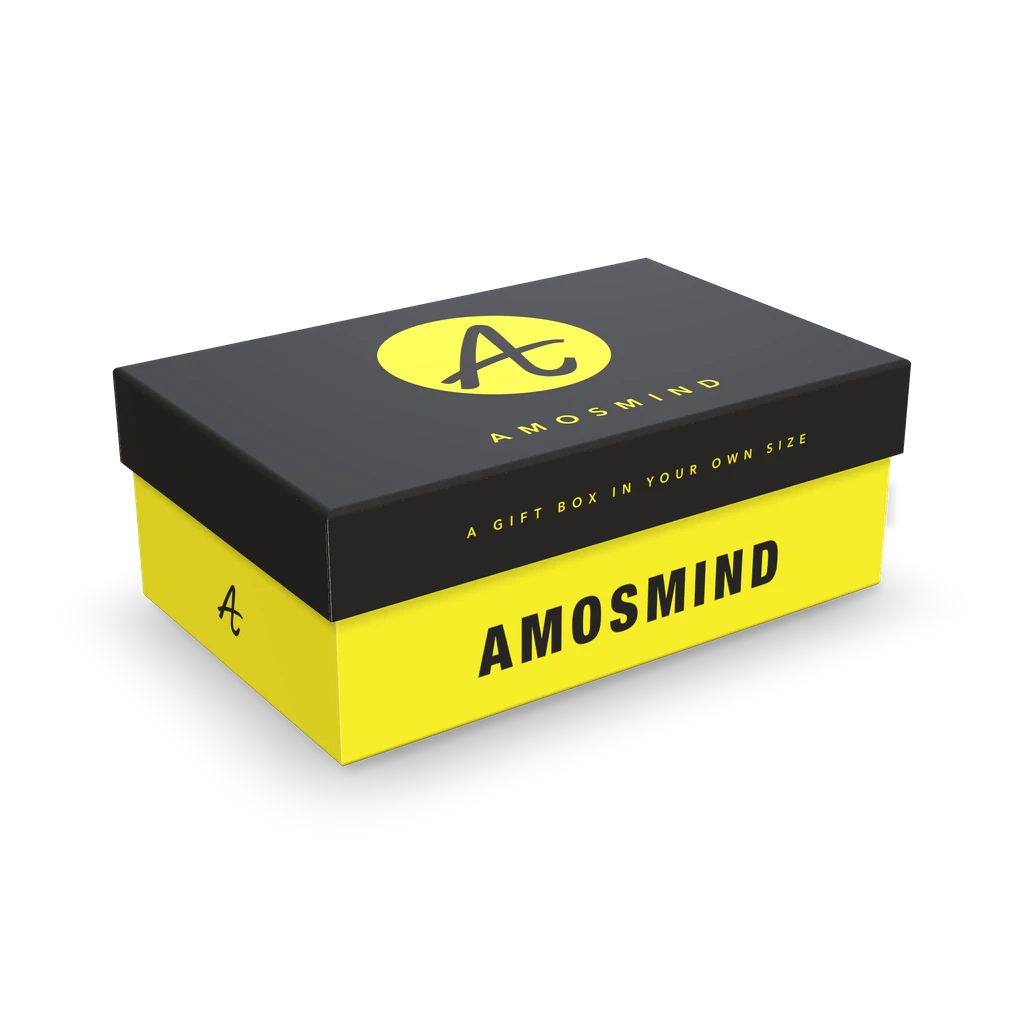
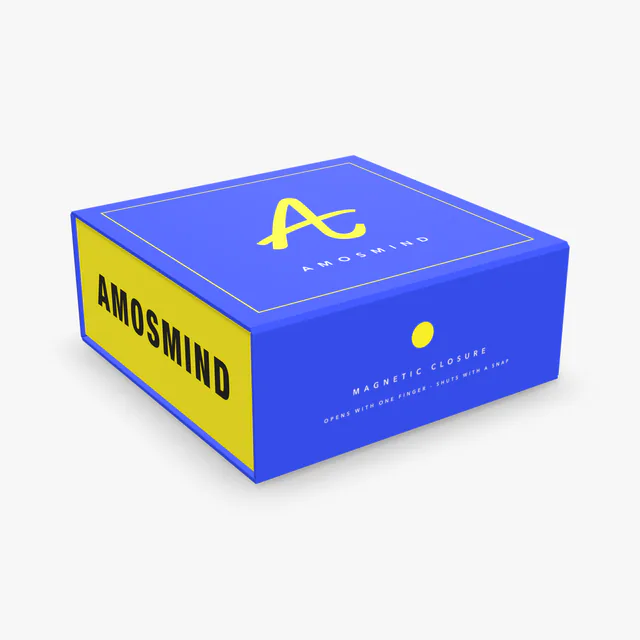
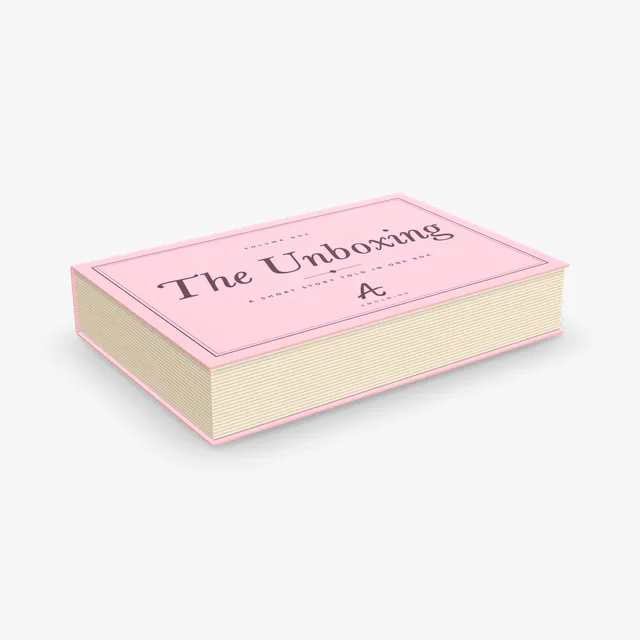
A 3D mockup of a rigid box: a base and a lift-off lid made of thick board wrapped in printed paper. Set the length, width and both heights, choose a white, black or kraft wrap and print the lid and the base.
In the editor you can
Sizes are inside dimensions. The mockup shows the board color and your artwork; print color, coatings and foil are confirmed on a printed sample.
Wiki
A rigid box, or set-up box, is made of thick grey board that does not fold flat. Each piece is cut, formed into a tray and covered with a sheet of printed paper called the wrap. The two-piece version, a base with a lift-off lid, is the classic gift and luxury box.
The base and the lid are separate trays of grey board, each with its own wrap. The wrap is cut larger than the tray, glued on and turned in over the rim, so the board is never seen. In the editor each wrap is a sheet of its own: Lid wrap and Base wrap.
A rigid box is sized to its contents, with the lid a little larger so it slides over the base. This one starts at 203 × 127 × 76 mm, lid 30 mm inside; with 2 mm board the outside is 213 × 137 × 81 mm. Grey board for boxes like this is usually 2 to 3 mm thick.
The artwork is printed on the wrap paper, not on the board, and the wrap is often finished with foil, embossing or a soft-touch coating. The corner flaps and the ends of the turn-ins are hidden in the finished box; the editor marks them with hatching.
Rigid boxes are made to order, so any size is possible. These are sizes that box makers keep in stock.
| Size, in millimetres | In inches | What it suits |
|---|---|---|
| 127 × 127 × 51 mm | 5 × 5 × 2 in | Jewellery, candles, small gifts |
| 203 × 127 × 76 mm | 8 × 5 × 3 in | The size this mockup starts at. Cosmetics sets, accessories |
| 200 × 200 × 90 mm | 7.9 × 7.9 × 3.5 in | Gift sets; a deeper lid, 40 mm |
| 280 × 200 × 100 mm | 11 × 7.9 × 3.9 in | Clothing and hampers |
These are stock sizes sold by rigid box makers. Lid height is a separate number: stock lids run from about 24 to 50 mm, and this one starts at 30 mm.
A rigid box is the expensive kind, so it is approved on screen first.
See the box in your size and your color before a sample is made.
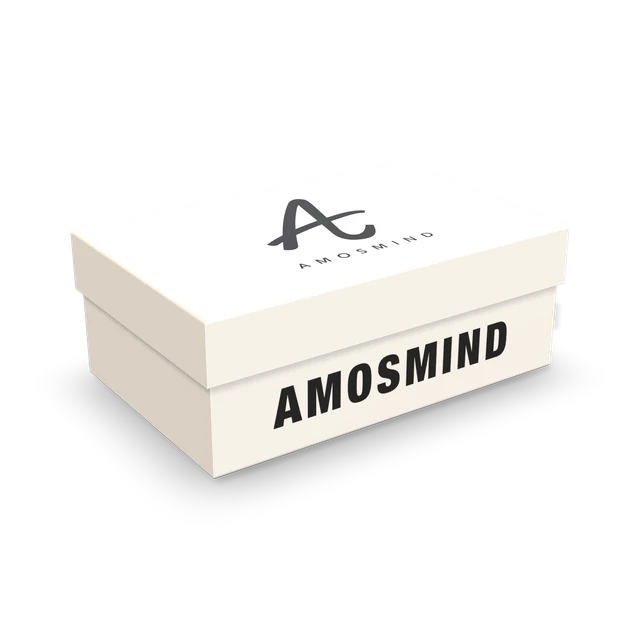
Present the lid and the base together, open and closed.
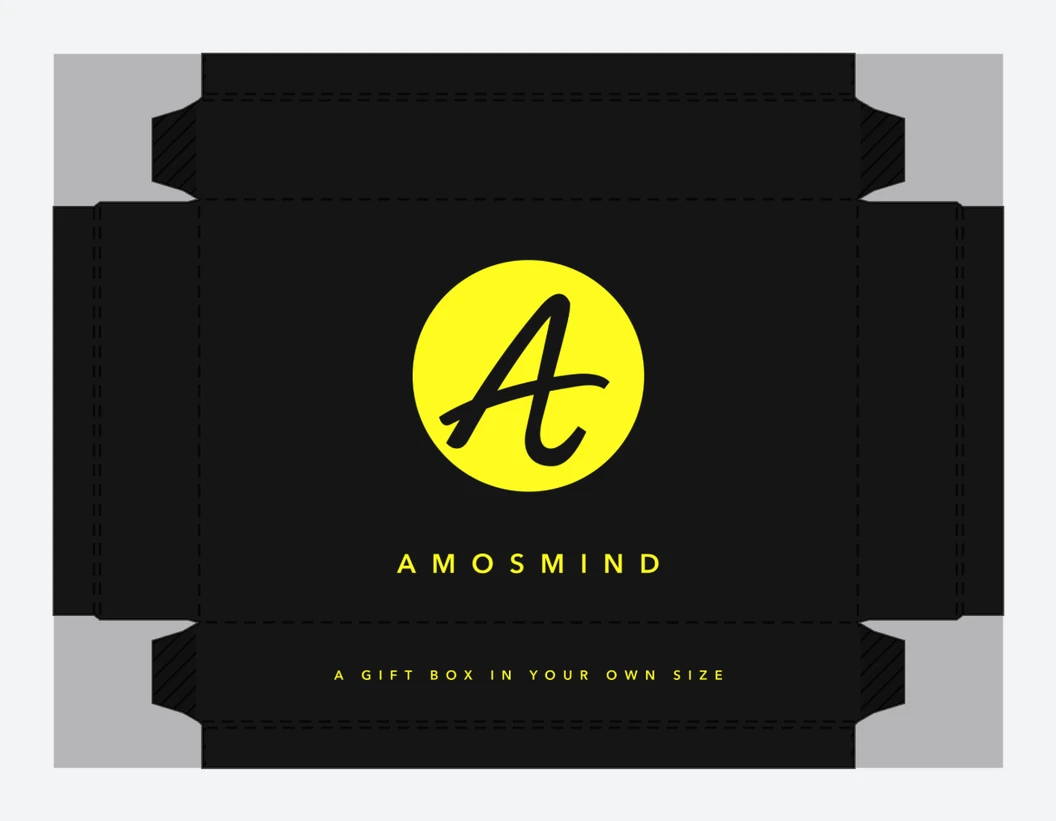
Confirm the size and the wrap artwork with a customer before cutting board.
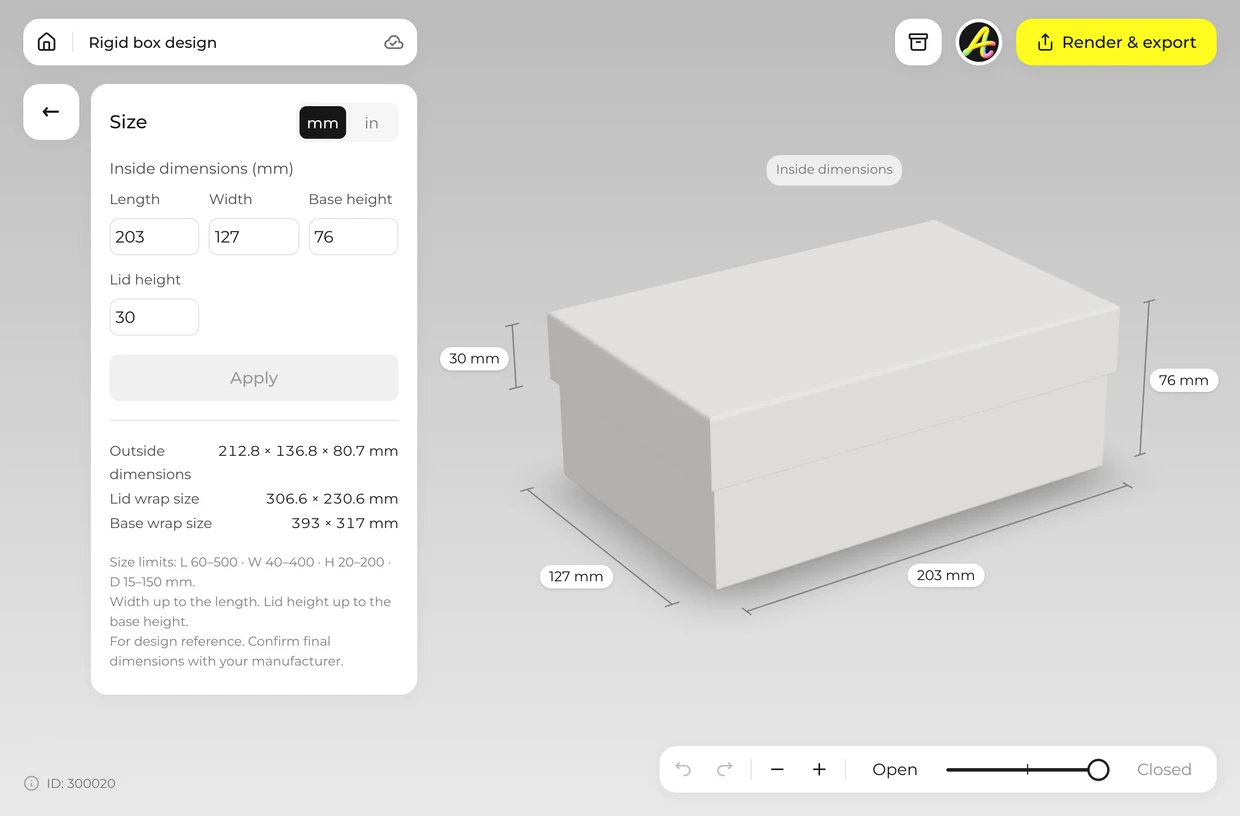
Type the inside length and width, the base height and the lid height. The editor accepts 60–500 × 40–400 × 20–200 mm; a full-depth lid is as tall as the base. Width can be up to the length. Lid height from 15 to 150 mm.
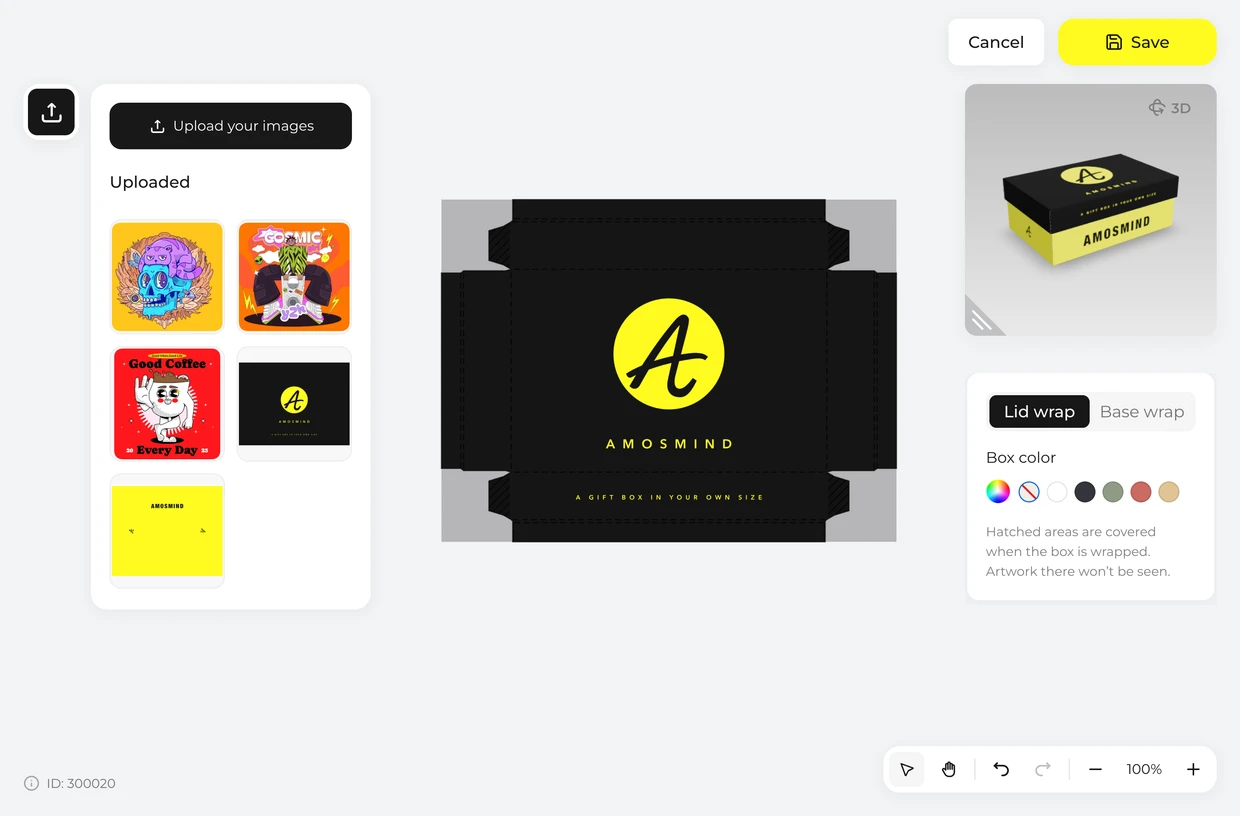
Click Upload artwork and place your design on the Lid wrap or the Base wrap. Hatched areas are covered when the box is wrapped, so keep artwork off them.
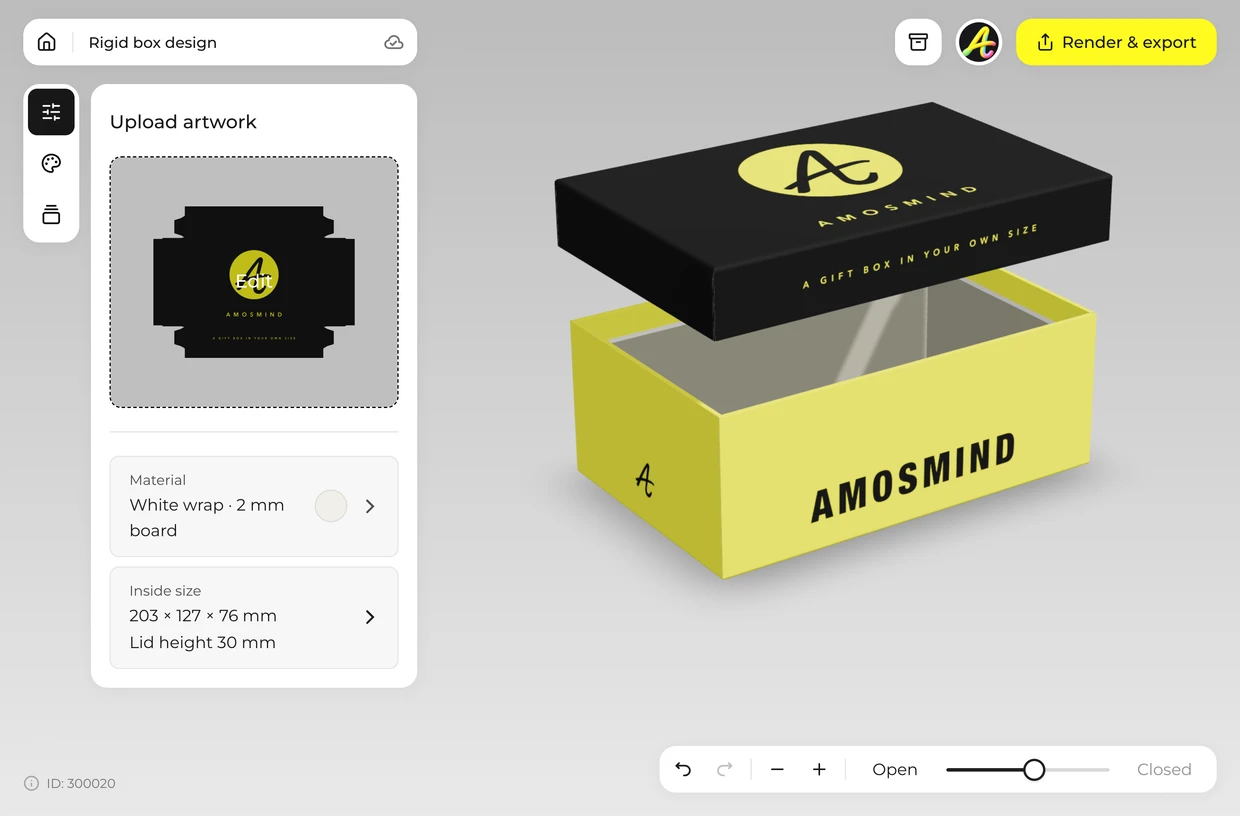
Drag the Lid slider from Open to Closed to lower the lid onto the base. Stop at Lifted to see both pieces at once.
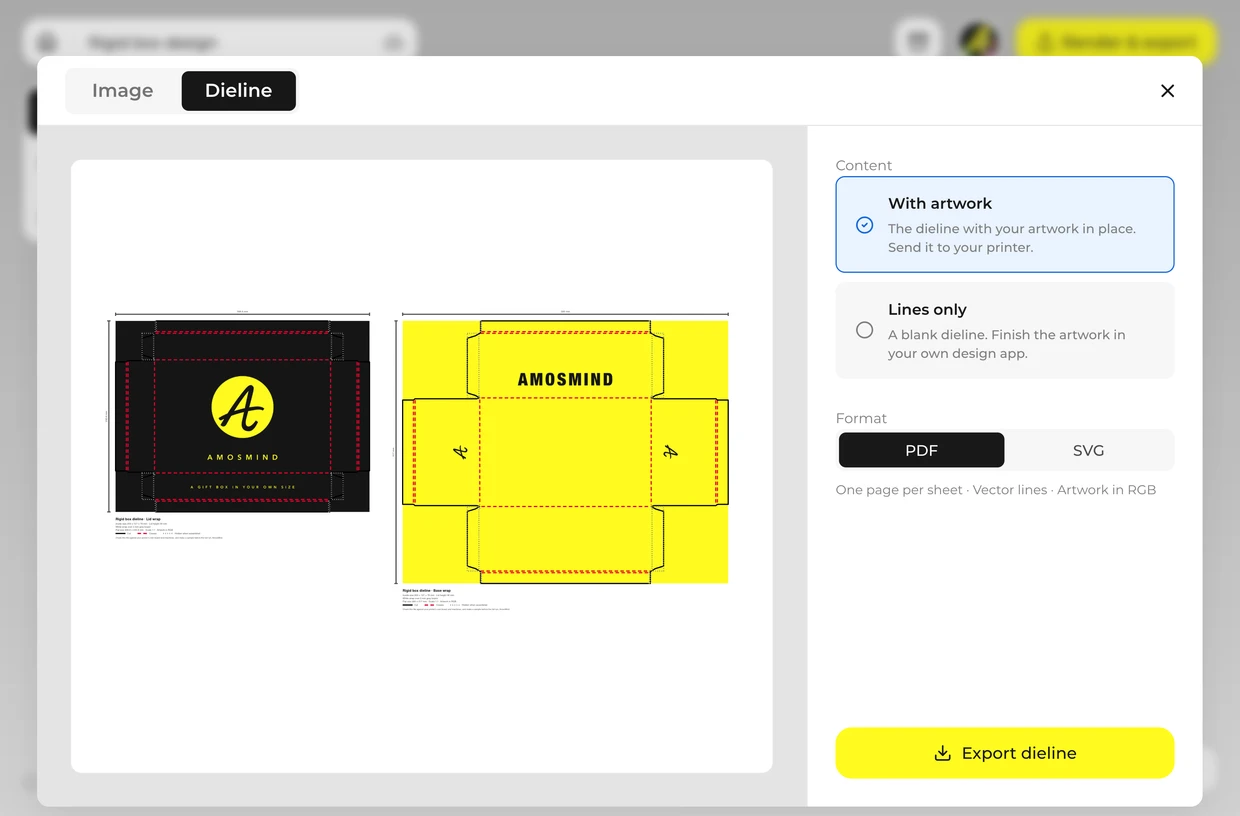
Render a JPG or PNG up to 4K for a client or a product page. Export the wrap layouts from the Dieline tab as a PDF or SVG at full size and send them to your box maker. Ask them to check it against their own board and machines and to make a sample before the full run: board thickness, tolerances and glue areas differ from one factory to the next.
Every box opens in the same live 3D editor.
Three kinds of file come out of the same project. The picture is for showing the box; the dieline is for making it.
| File | Format | Use it for |
|---|---|---|
| Image | JPG or PNG, 2K or 4K | Store pages, pitch decks, social posts |
| Cut-out | PNG with a transparent background | Your own layouts and product photos |
| Wrap layouts | PDF or SVG at full size, from the Dieline tab | Your printer or box maker: each wrap with its fold lines and your artwork |
The dieline is drawn from the size and board you set. It is a starting file for your printer, who will check it against their own board, machines and glue areas and make a sample before a full run.
Short answers about sizes, materials and files.
A box made of thick grey board covered with printed paper. It does not fold flat, which is why it is also called a set-up box. Phone boxes, watch boxes and many gift boxes are rigid boxes.
A folding carton is thin paperboard that ships flat and is folded into shape. A rigid box is thick board formed once and wrapped in paper; it keeps its shape and costs more to make and to ship.
Set the size, click Upload artwork and place your design on the lid wrap or the base wrap, then render the image. It runs in your browser.
Yes. Lid height is its own field, from a shallow lid to one as tall as the base.
Yes. The Material panel has White, Black and Kraft wraps, and you can give each wrap any color of your own.
Yes. Choose Transparent in the Background panel and the box downloads as a PNG with no background, ready to drop into your own layout.
Browsing the boxes and turning them in 3D is free. Log in with an email code or Google to upload artwork, save projects and render images. Exporting a rendered image or the wrap layouts needs a free account; rendering and downloads are free right now.