
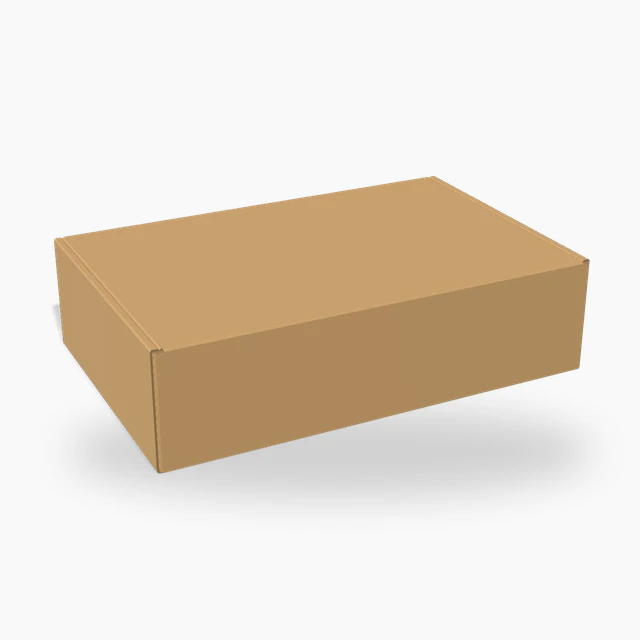
On the box
Check where the barcode sits and how large it is on a 3D box before the packaging goes to print.
Create UPC-A, EAN-13, Code 128, Code 39, ITF-14, Data Matrix and other barcodes. Enter your data, set the size and colors, then download a PNG or SVG. Free to use, with no sign-up.
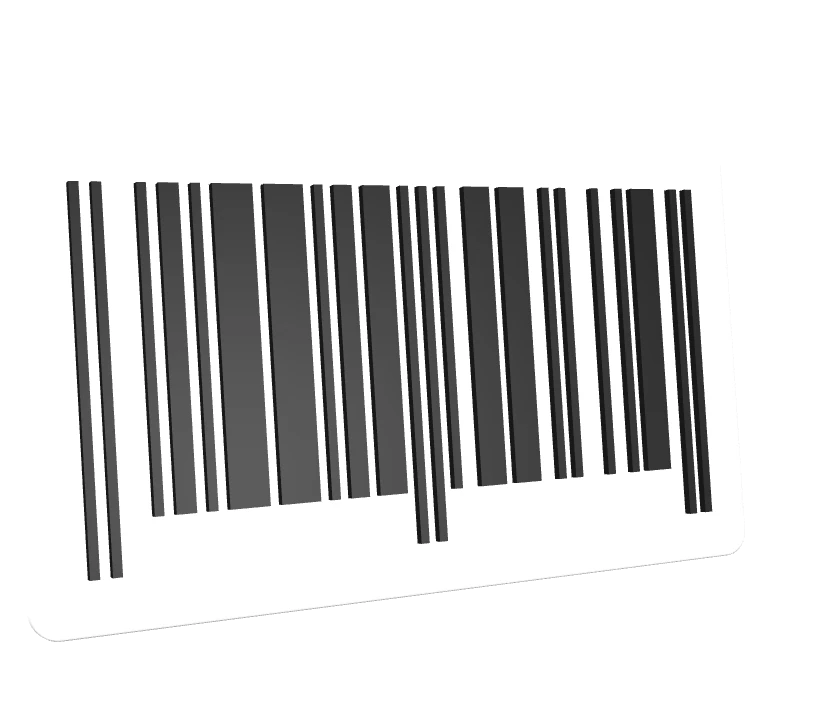
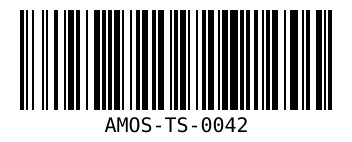
Enter your data to create a barcode.
Everything happens on this page. Nothing to install.
Pick the format your retailer, marketplace or scanner expects. Code 128 works for most internal labels.
Type the number or text to encode. For UPC and EAN codes, the generator checks the length and adds the check digit.
Download a PNG or an SVG. Print one sample at final size and scan it before a full print run.
A barcode ends up on a box, a label or a listing. Your barcode is placed on each mockup as you edit.
Check where the barcode sits and how large it is on a 3D box before the packaging goes to print.
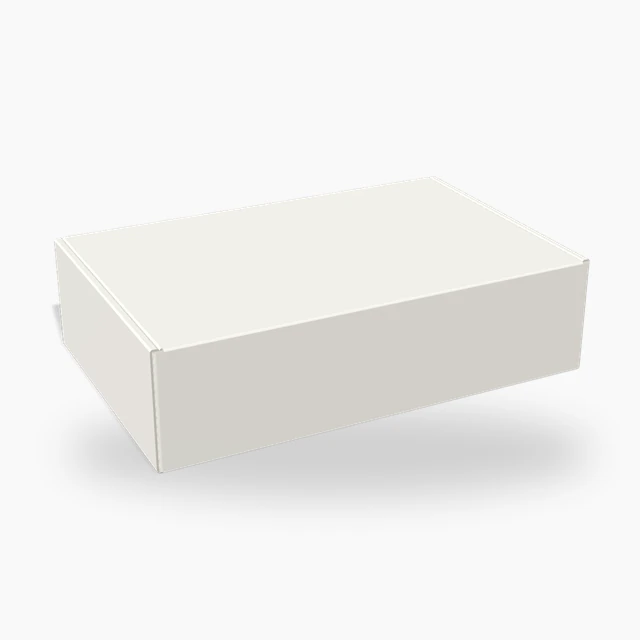
Dark bars on a light surface scan best. See the contrast on the box you plan to use.
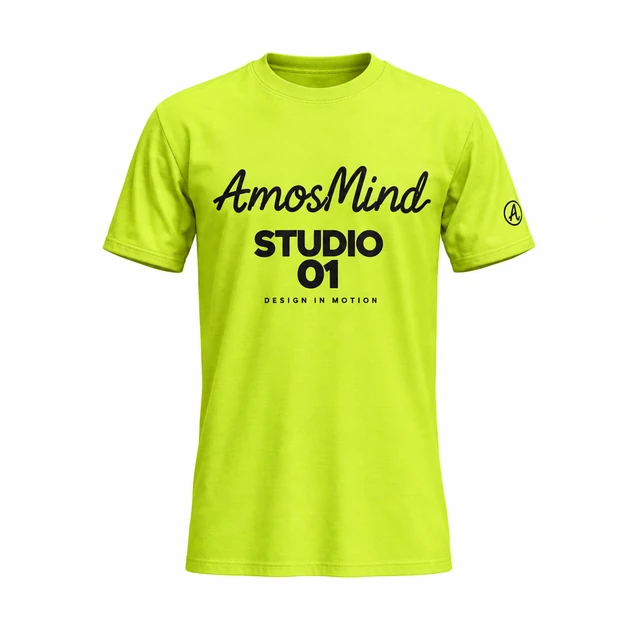
A listing needs a code that scans and an image that sells. Create the image with a 3D mockup.
The type decides what you can encode and who can scan it. These are the ones people ask for most.
| Sample | Type | Used for | Data |
|---|---|---|---|
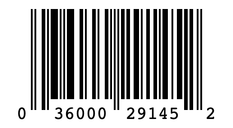 | UPC-A | Retail products in the United States and Canada | 12 digits |
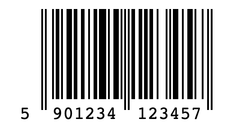 | EAN-13 | Retail products in most other countries | 13 digits |
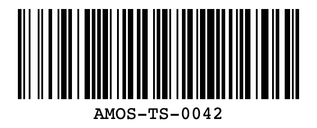 | Code 128 | Shipping labels, inventory and order numbers | Letters, digits and symbols |
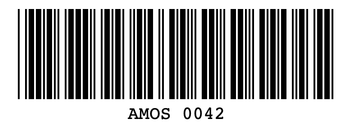 | Code 39 | Asset tags, ID badges and industrial labels | Capital letters, digits and a few symbols |
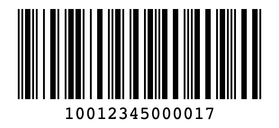 | ITF-14 | Cartons and outer cases | 14 digits |
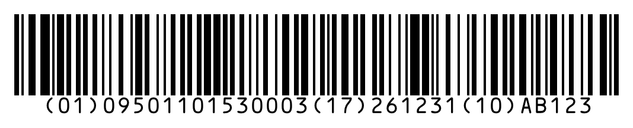 | GS1-128 | Logistics labels that carry a batch, an expiry date or a weight | Application identifiers and data |
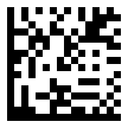 | Data Matrix | Small parts, electronics and healthcare items | Text or GS1 data in a square 2D code |
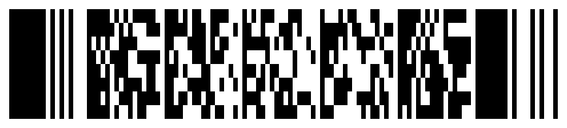 | PDF417 | ID cards, boarding passes and shipping documents | Longer text in a stacked 2D code |
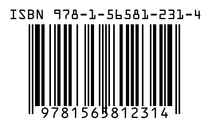 | ISBN | Books | 13 digits starting with 978 or 979 |
A barcode that is too small, too tight or the wrong color will not scan at the checkout.
This generator turns data into bars. Where the data comes from depends on how you will use the barcode.
It turns a number or text you already have into bars that a scanner can read.
To sell in stores, or on marketplaces that check product numbers, license your UPC or EAN numbers from GS1 first.
For stock rooms, assets and order numbers, define your own scheme and encode it with Code 128 or Code 39.
What to know before you print your barcode.
Yes. Creating and downloading barcodes is free, with no sign-up and no watermark. Product numbers for retail still come from GS1, which charges for them.
The image will scan, but retailers also need the number to be registered to your company. License UPC or EAN numbers from GS1, then draw them here.
UPC-A has 12 digits and is used mainly in the United States and Canada. EAN-13 has 13 digits and is used in most other countries. Most scanners read both.
Code 128. It encodes letters, digits and symbols in a compact width.
Use SVG for labels and packaging, because it stays sharp at any size. Use PNG for documents and screens.
No. A barcode is a picture of your data. It keeps working as long as the number is valid in the system that scans it.