
Android mockups in real-time 3DGalaxy, Pixel and OnePlus
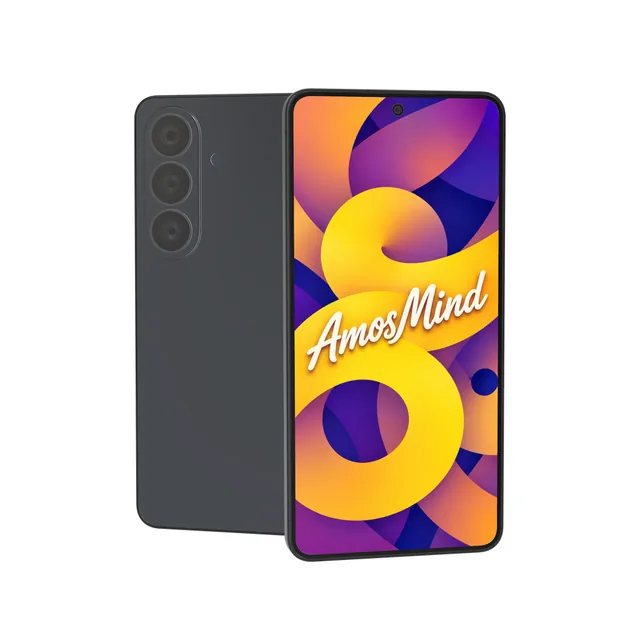
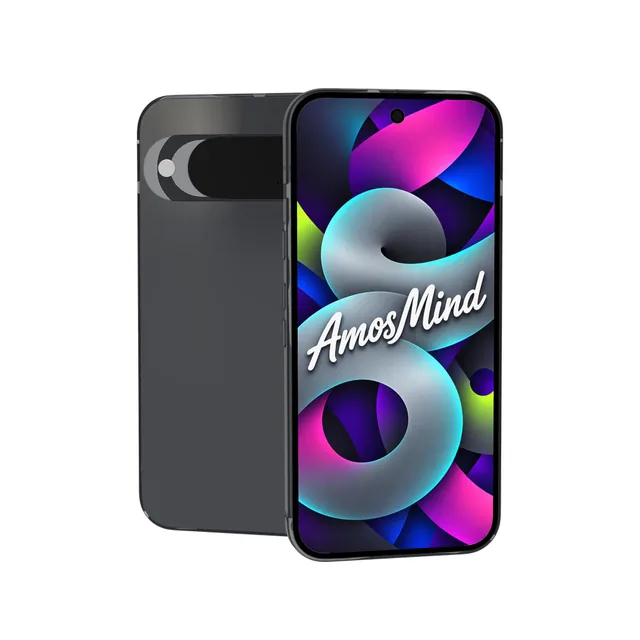
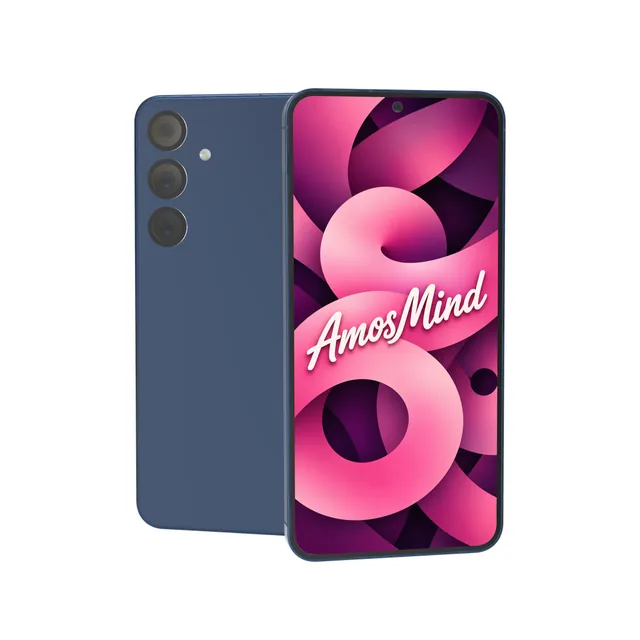
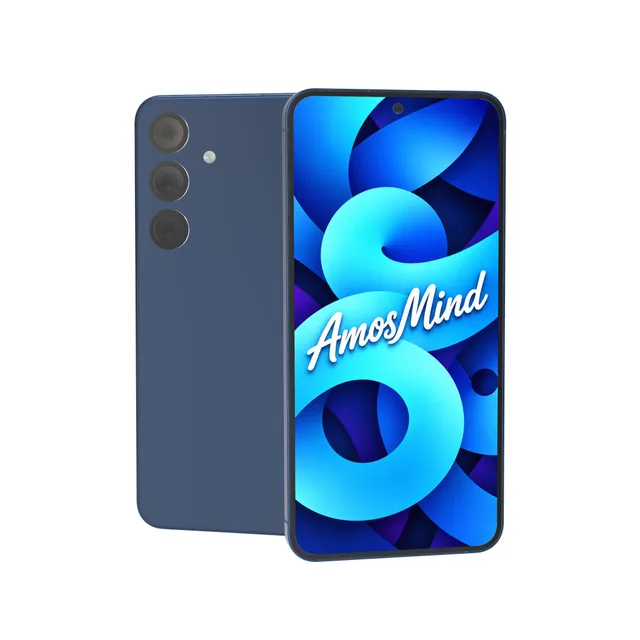
Put your app screen on a 3D Android phone: Samsung Galaxy, Google Pixel or OnePlus. Turn it to any angle and render it as an image up to 4K.

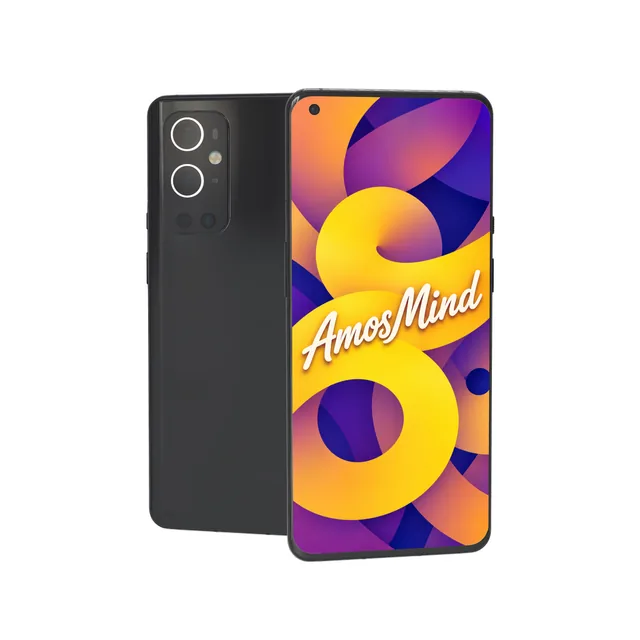
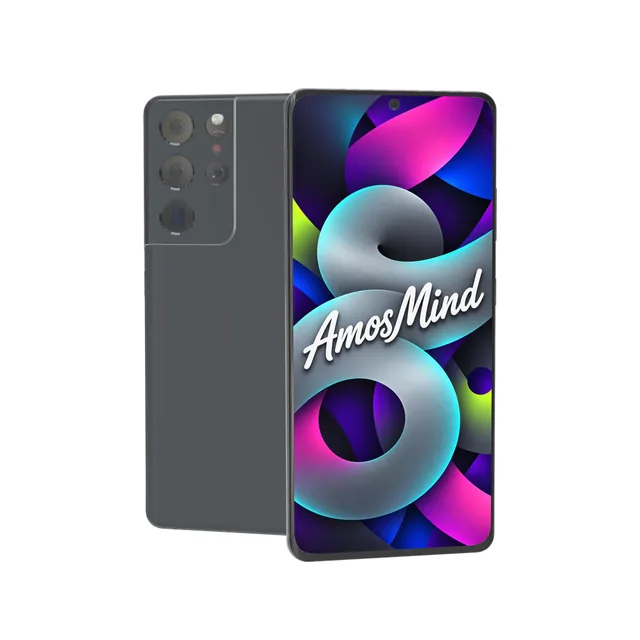
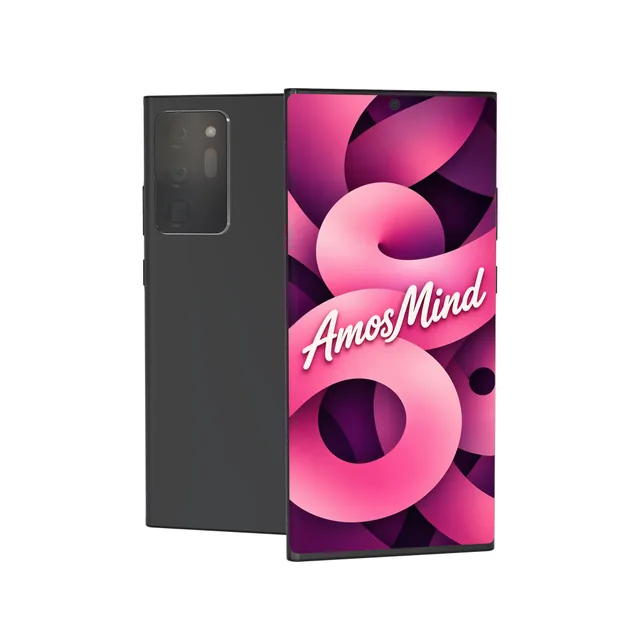
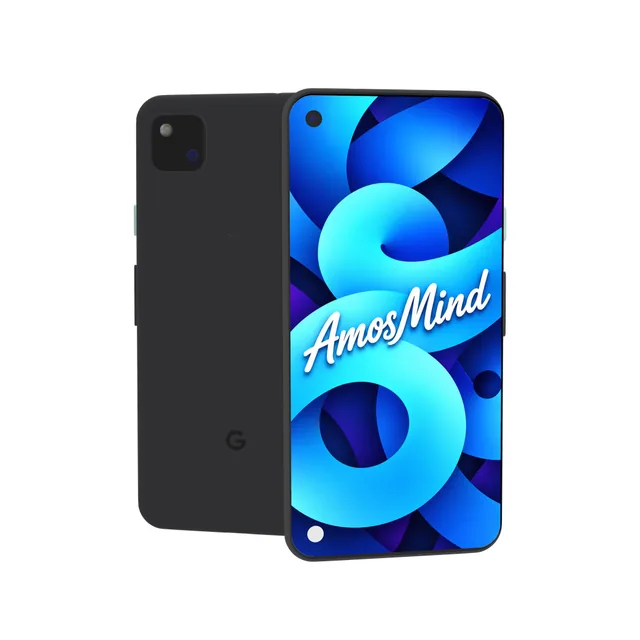
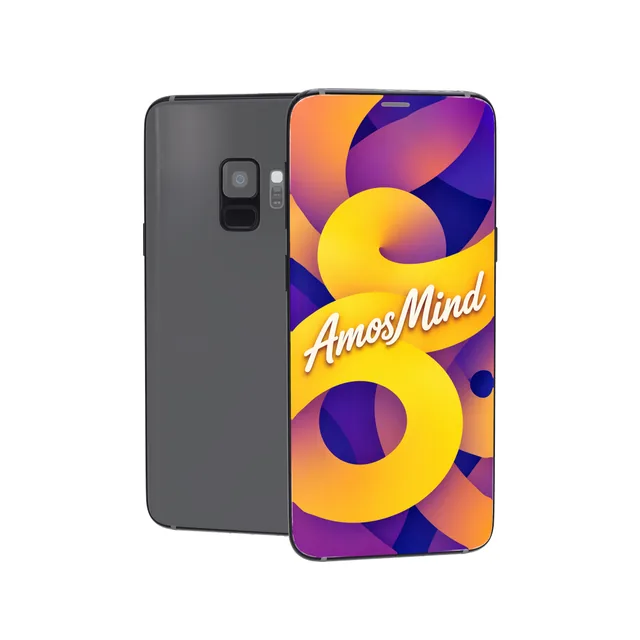
Android screen sizes, model by model
Android phones do not share one screen size. Match your screenshot to the model and it fills the display without a crop.
| Model | Year | Display | Artwork size (portrait) | Front camera |
|---|---|---|---|---|
| Samsung Galaxy S26 | 2026 | 6.3-inch | 1080 × 2340 px | Punch-hole, centered |
| Google Pixel 10 | 2025 | 6.3-inch | 1080 × 2424 px | Punch-hole, centered |
| Samsung Galaxy S25+ | 2025 | 6.7-inch | 1440 × 3120 px | Punch-hole, centered |
| Samsung Galaxy S25 | 2025 | 6.2-inch | 1080 × 2340 px | Punch-hole, centered |
| OnePlus 9 Pro | 2021 | 6.7-inch | 1440 × 3216 px | Punch-hole, corner |
| Samsung Galaxy S21 | 2021 | 6.2-inch | 1080 × 2400 px | Punch-hole, centered |
| Samsung Galaxy Note20 Ultra | 2020 | 6.9-inch | 1440 × 3088 px | Punch-hole, centered |
| Google Pixel 4a | 2020 | 5.8-inch | 1080 × 2340 px | Punch-hole, corner |
| Samsung Galaxy S9 | 2018 | 5.8-inch | 1440 × 2960 px | None |
Resolutions from Samsung's, Google's and OnePlus's own pages; where a maker's page is gone, from GSMArena. The year is the year the phone went on sale.
How to tell these phones apart from the back
On an Android phone the camera layout says which maker and which generation it is.
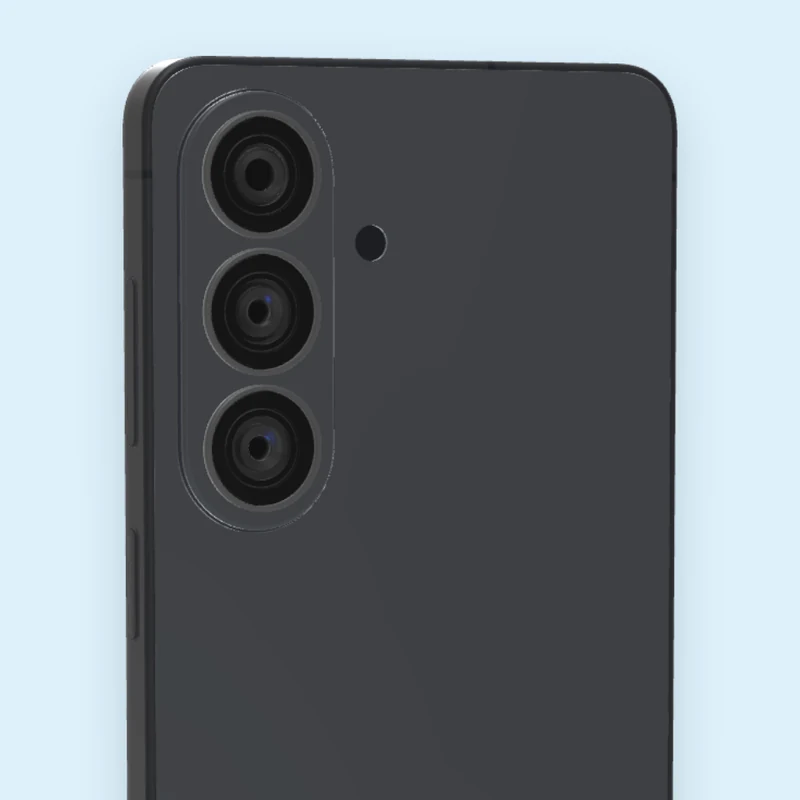
Three lenses in a line
Three separate camera rings stacked down the left side, with the flash beside them.
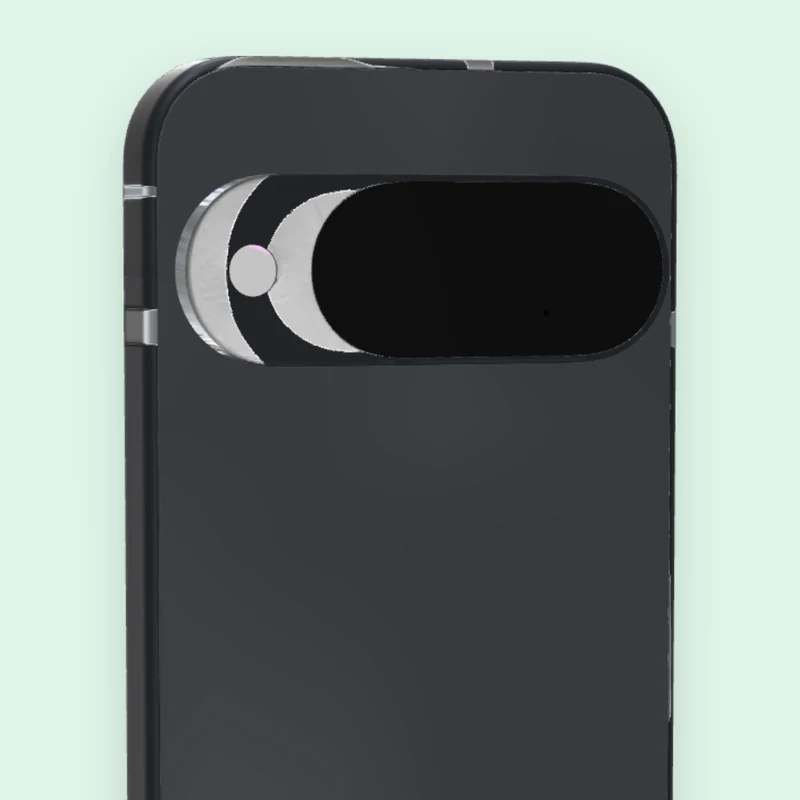
Camera bar
One wide bar across the back that holds every lens.
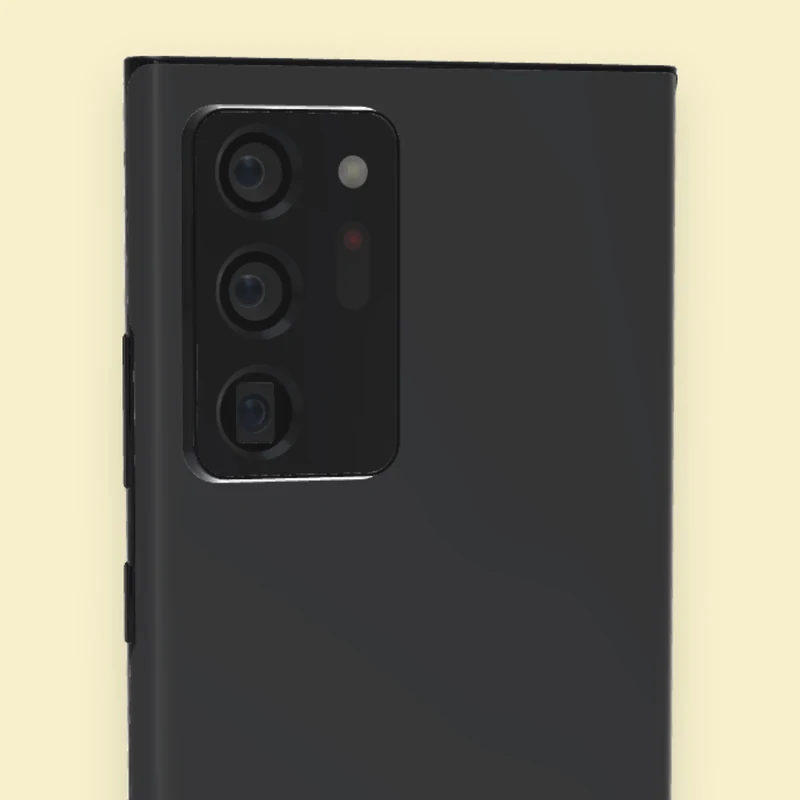
Corner camera block
A raised block in the top corner with the lenses inside it.
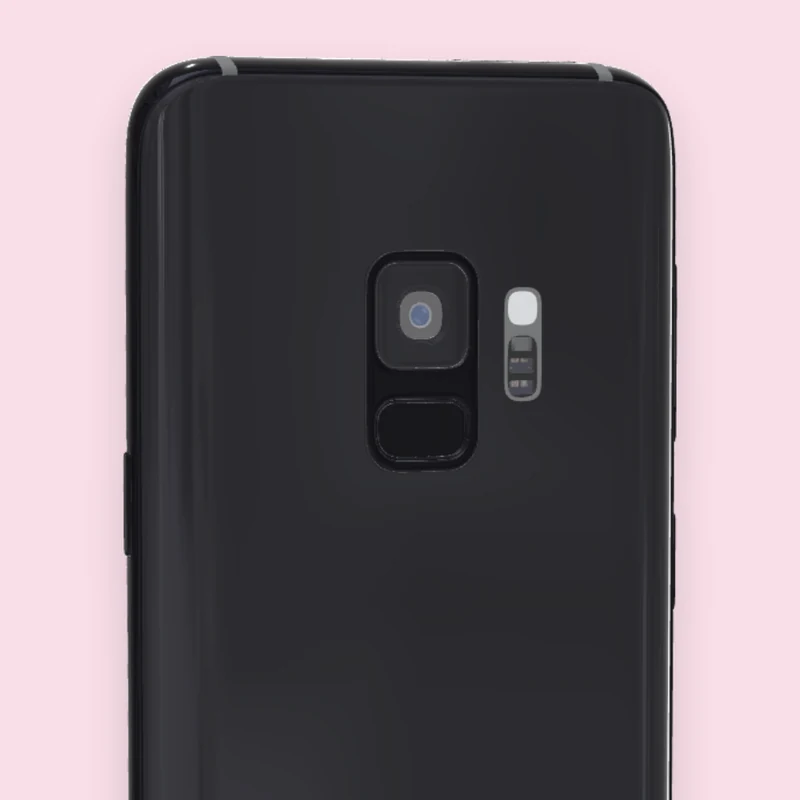
Center camera
One camera in the middle of the back, with the fingerprint sensor under it.
From 2018 to 2026
Pick the generation your users still carry, not only the newest one.
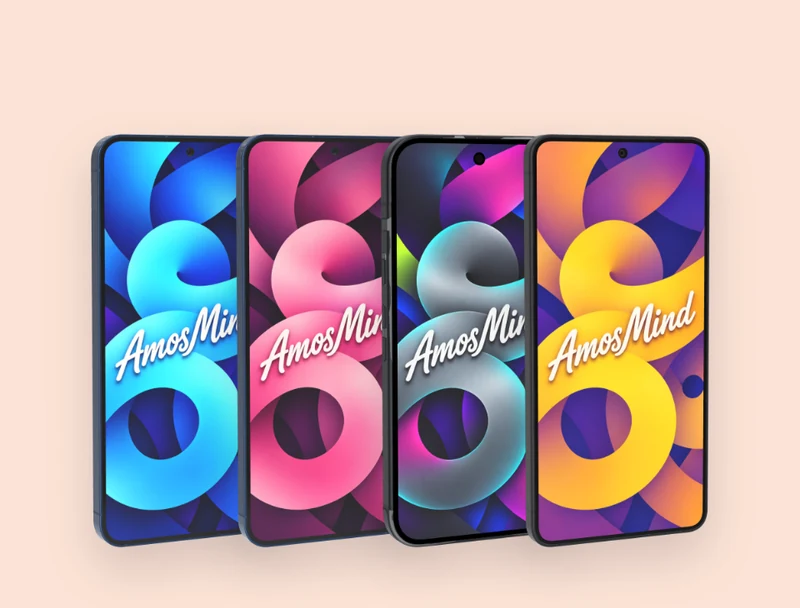
2025 and 2026
Galaxy S26, Galaxy S25, Galaxy S25+ and Pixel 10
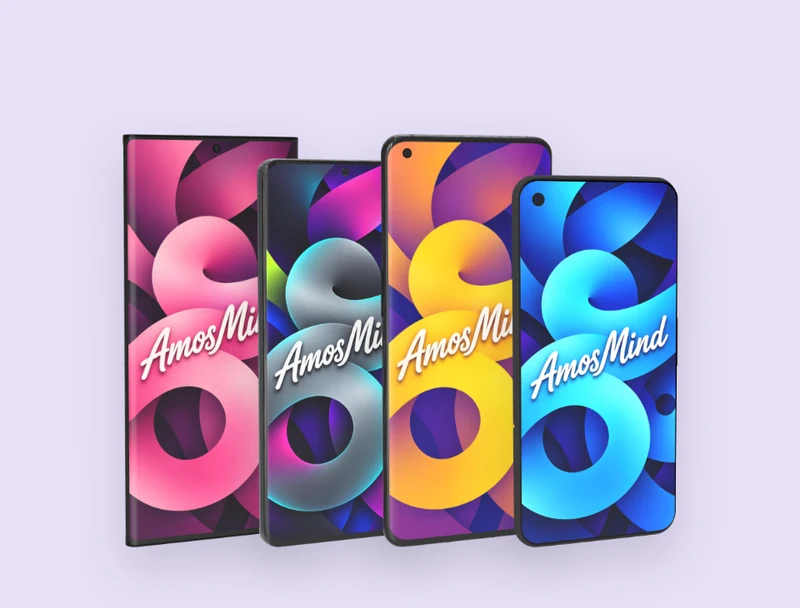
2020 and 2021
Galaxy S21, Galaxy Note20 Ultra, OnePlus 9 Pro and Pixel 4a
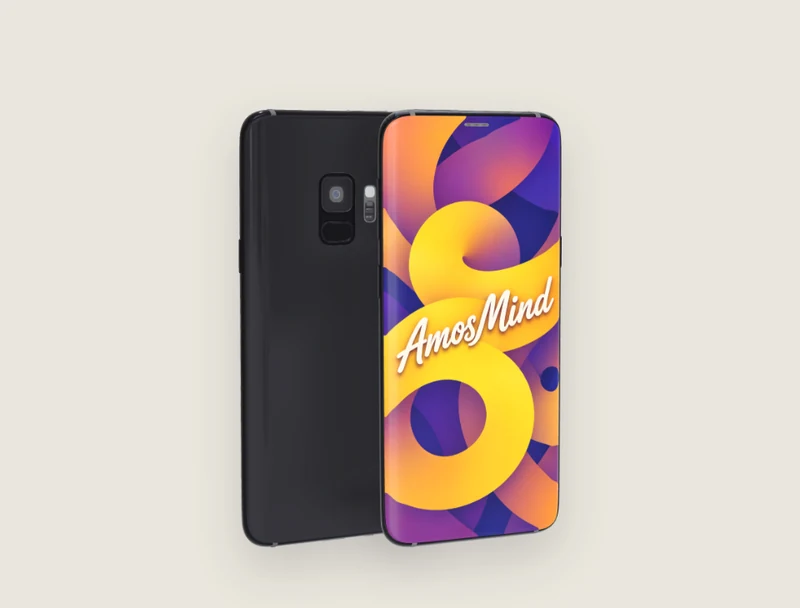
2018
Galaxy S9, with a curved screen and no camera cutout
How to make an Android phone mockup
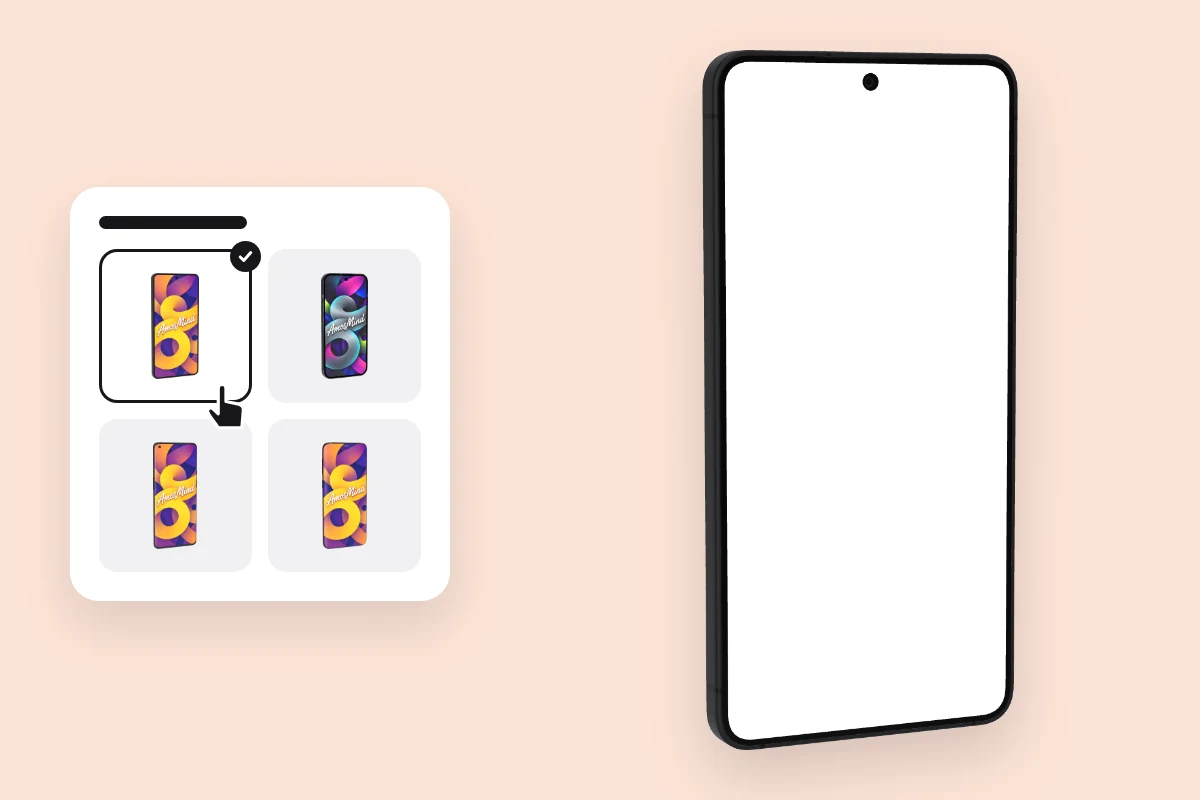
Pick an Android phone
Choose a model from the list above. It opens as a full 3D Android phone in your browser.
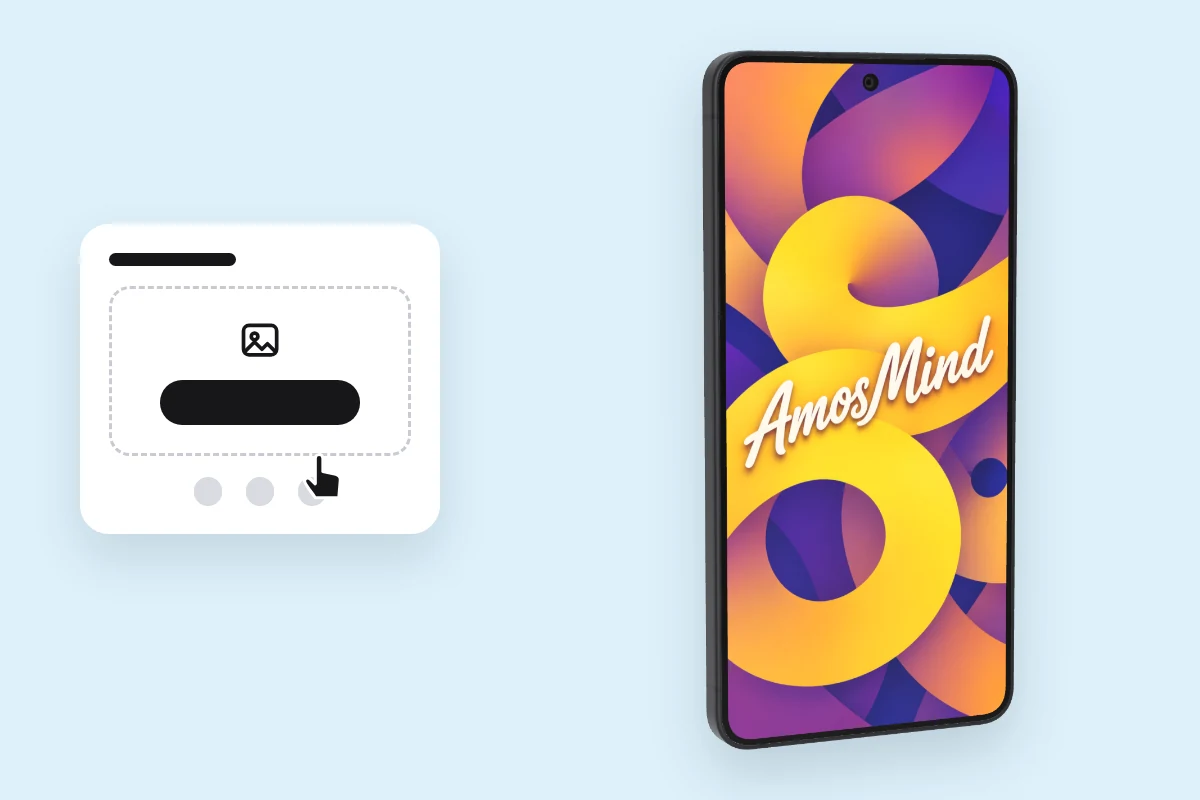
Add your screen
Click Upload artwork and add a PNG, JPG, WebP or SVG. Make it at the model's size from the table above.
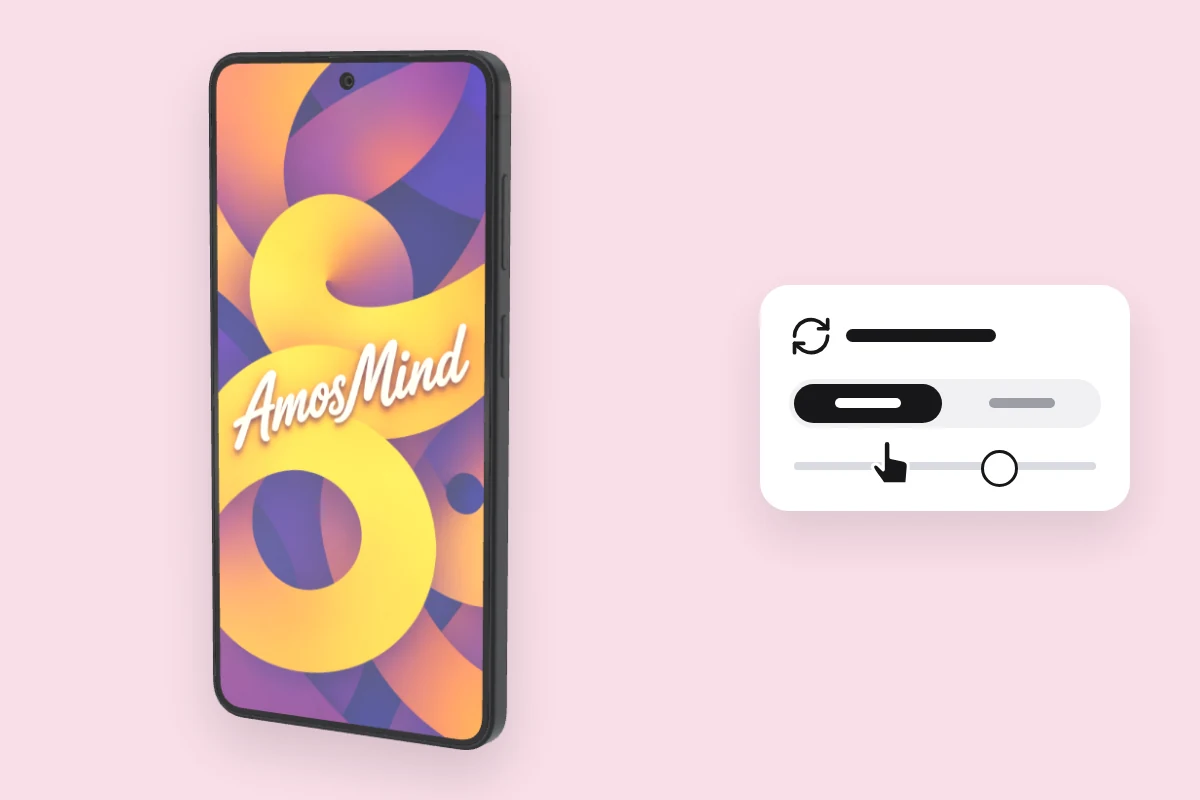
Choose an angle
Drag to turn the Android phone, or click Front or Back.
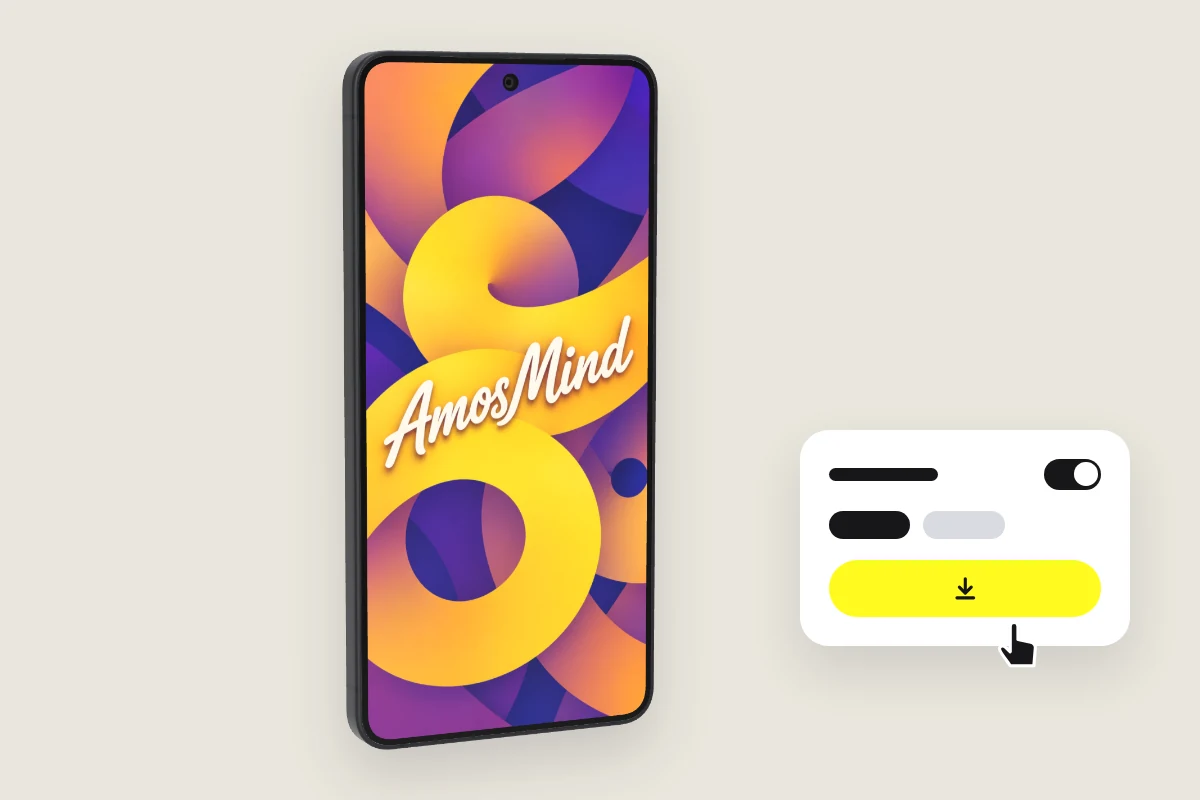
Export the image
Export 2K or 4K, or choose Transparent in the Background panel for a PNG you can place on your own layout.
Explore more device mockups
Every mockup opens in the same live 3D editor.
One screenshot on every Android phone
A 1080 × 2400 px screenshot is 20:9, the shape of Galaxy S21. The other phones are a little wider or narrower, so the editor crops it to fit.
| Model | Screen | A 1080 × 2400 px screenshot |
|---|---|---|
| Samsung Galaxy S26 | 1080 × 2340 px | About 3% of its height is cropped |
| Google Pixel 10 | 1080 × 2424 px | About 1% of its width is cropped |
| Samsung Galaxy S25+ | 1440 × 3120 px | About 3% of its height is cropped |
| Samsung Galaxy S25 | 1080 × 2340 px | About 3% of its height is cropped |
| OnePlus 9 Pro | 1440 × 3216 px | Fits; under 1% is cropped |
| Samsung Galaxy S21 | 1080 × 2400 px | Fits exactly |
| Samsung Galaxy Note20 Ultra | 1440 × 3088 px | About 3% of its height is cropped |
| Google Pixel 4a | 1080 × 2340 px | About 3% of its height is cropped |
| Samsung Galaxy S9 | 1440 × 2960 px | About 8% of its height is cropped |
To avoid the crop, export a screenshot at each model's own size.
Android mockup questions, answered
Answers about models, screen sizes and exports for every Android phone on AmosMind.
Which Android phones are available as mockups?
Samsung Galaxy S26, S25, S25+, S21 and S9, Galaxy Note20 Ultra, Google Pixel 10 and Pixel 4a, and OnePlus 9 Pro. Each one is its own 3D model with its own screen size.
What size should an Android mockup screenshot be?
It depends on the phone: 1080 × 2340 px for Galaxy S26 and Galaxy S25, 1080 × 2424 px for Pixel 10, 1440 × 3120 px for Galaxy S25+. The table at the top of this section lists every model.
How do I make an Android mockup?
Pick a phone on this page, click Upload artwork and add your screenshot, then choose an angle and export the image. It runs in your browser.
Can I use an Android mockup in Figma?
There is no Figma file or PSD to download. Export the phone as a PNG with a transparent background and place that image in your Figma file.
Does the mockup add an Android status bar?
No. The phone shows your image exactly as you upload it. Keep the status bar in your screenshot if you want it in the picture.
Can I make Play Store screenshots with an Android mockup?
You can export the phone with your screenshot on it, on a plain or transparent background, and use that picture in your own layout. This page does not resize images for Google Play, so check the store's current requirements before you upload.
Can I download an Android mockup as a transparent PNG?
Yes. Choose Transparent in the Background panel and the phone downloads as a PNG with no background, ready to drop into your own layout.
Is this Android mockup free?
Browsing the Android phones and turning them in 3D is free. Log in with an email code or Google to upload a screen, save projects and render images; the export panel shows any cost before you render.