
No software to download
Open AmosMind in a supported desktop browser, upload your artwork and start designing. No desktop application is required.
Open the editor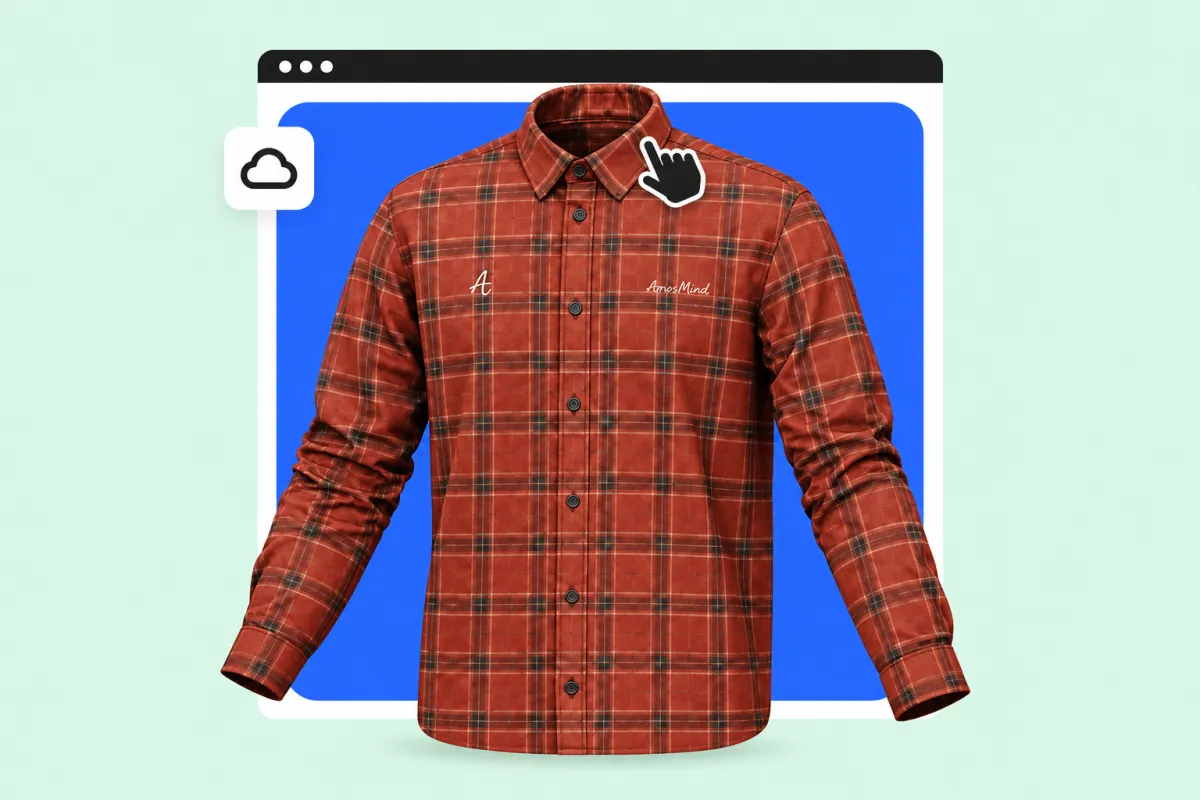
Pick a mockup, upload your design, and see it on a real 3D model in seconds.
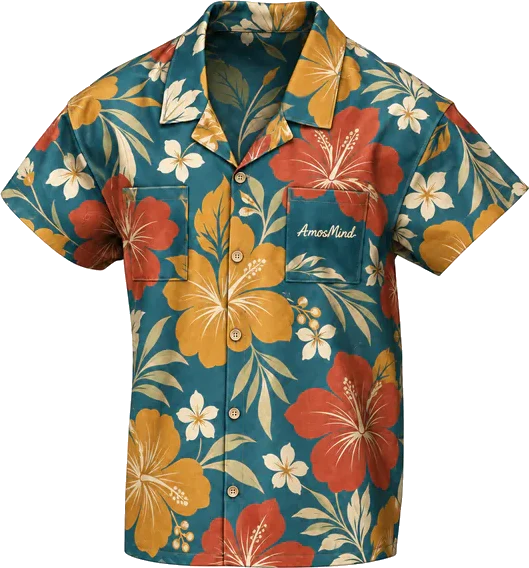 The model rotates automatically. Drag or use the arrow keys to turn it, and press Home to return to the front.
35 mockups
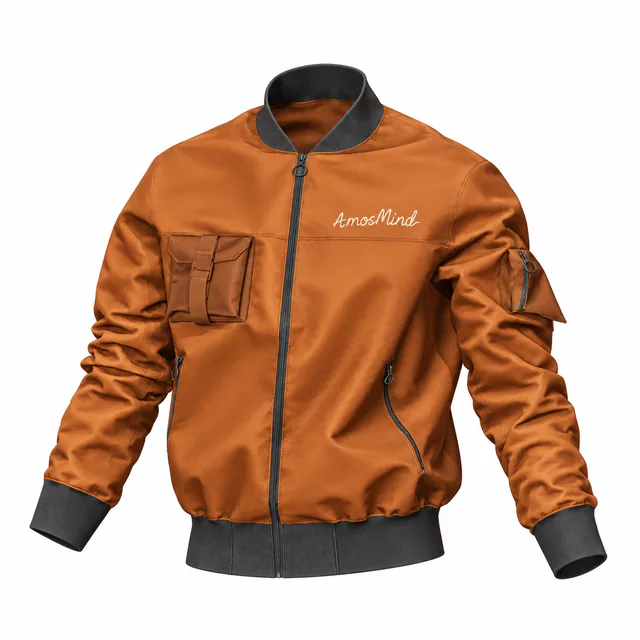 Add your design
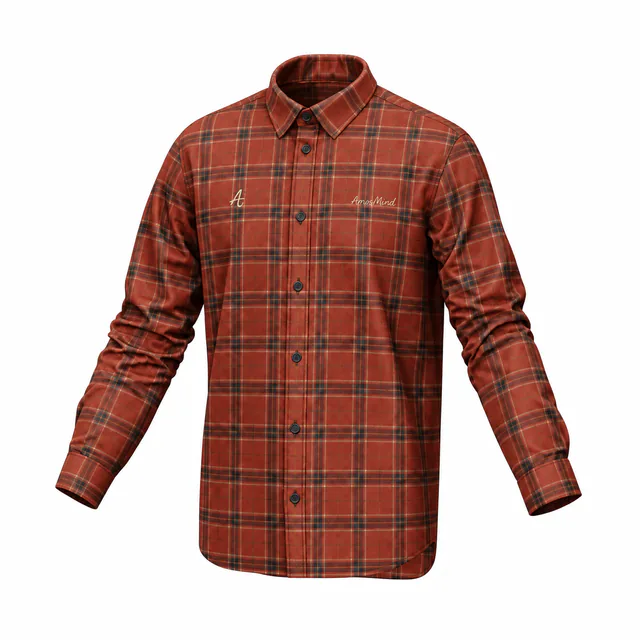 Add your design
 Add your design
 Add your design
 Add your design
 Add your design
 Add your design
 Add your design
 Add your design
 Add your design
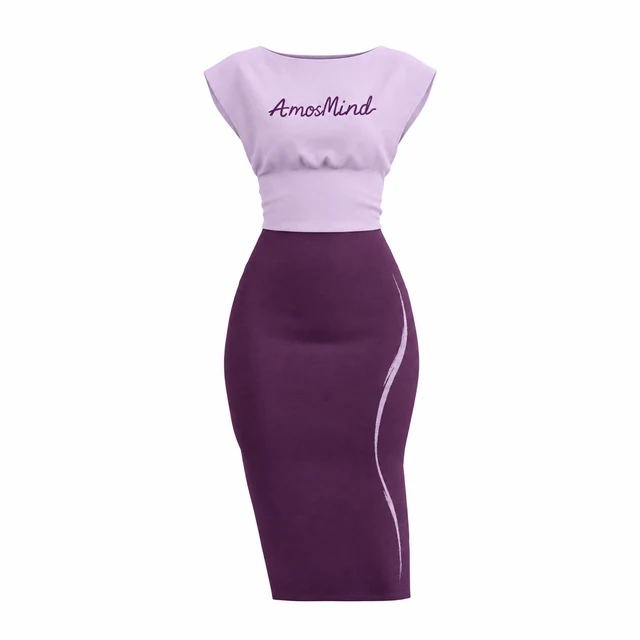 Add your design
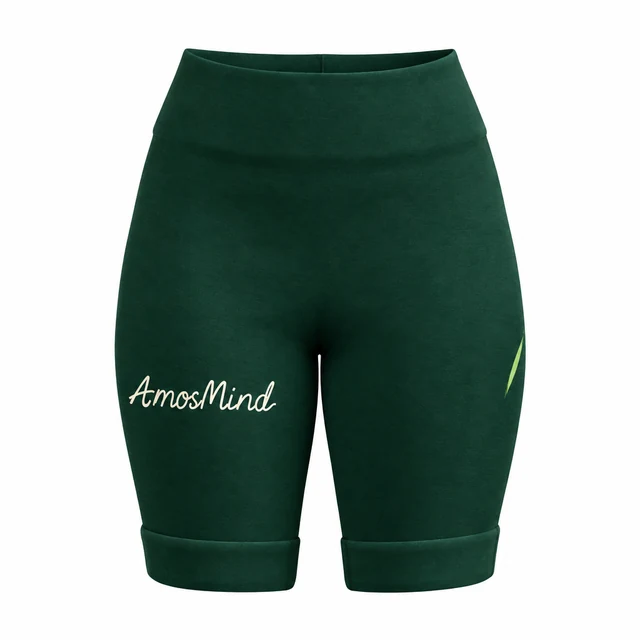 Add your design
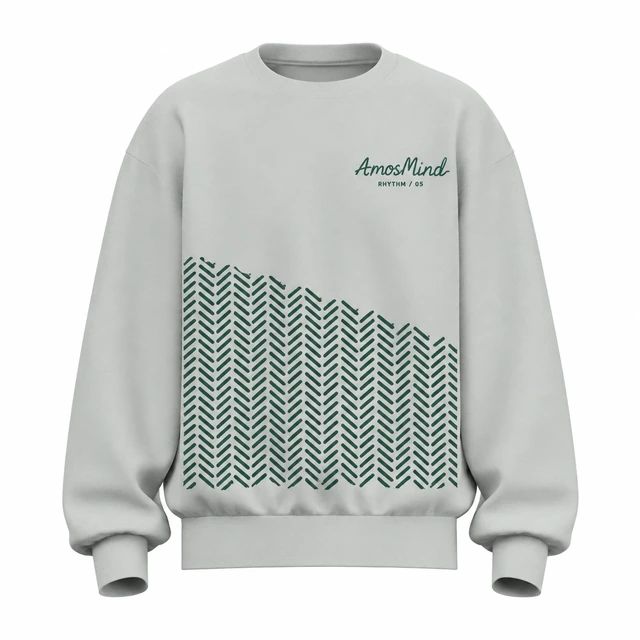 Add your design
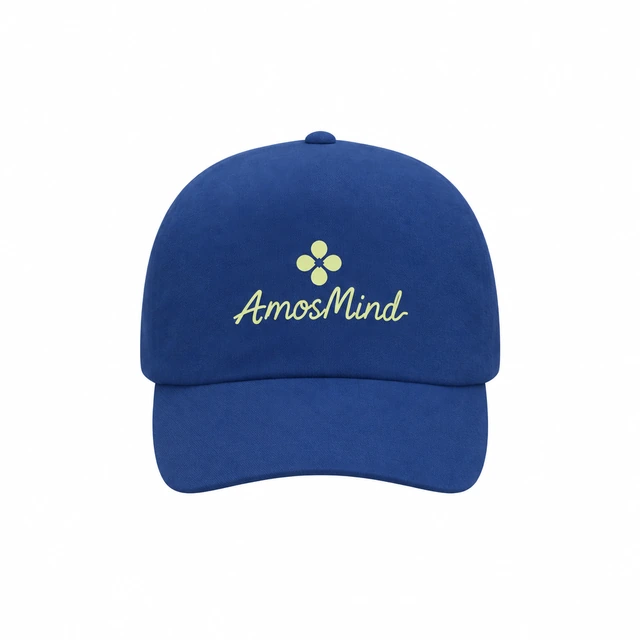 Add your design
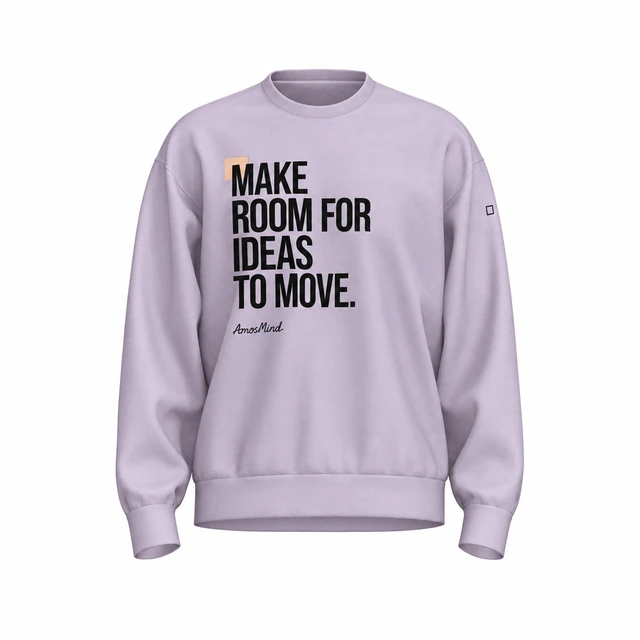 Add your design
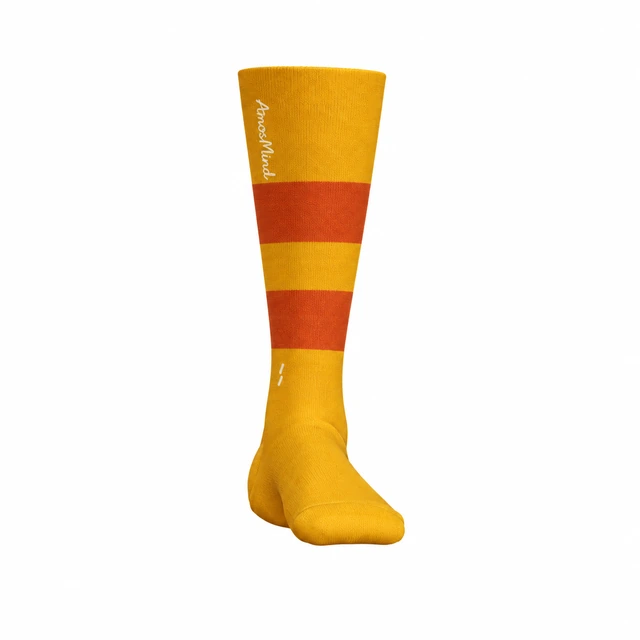 Add your design
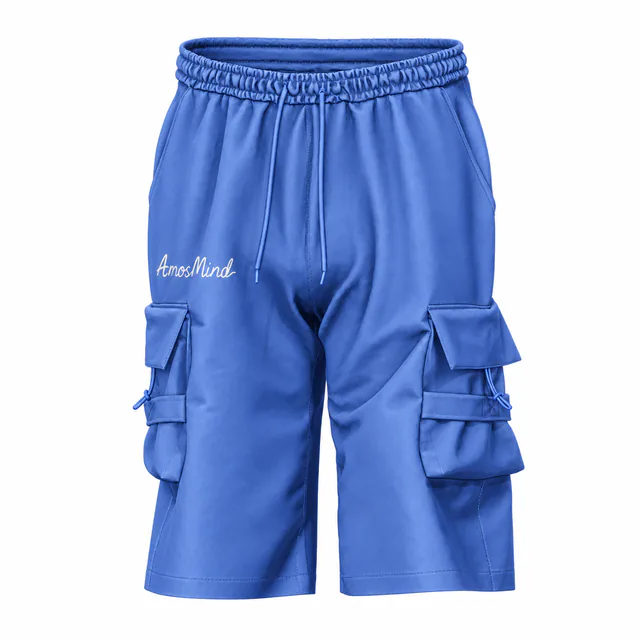 Add your design
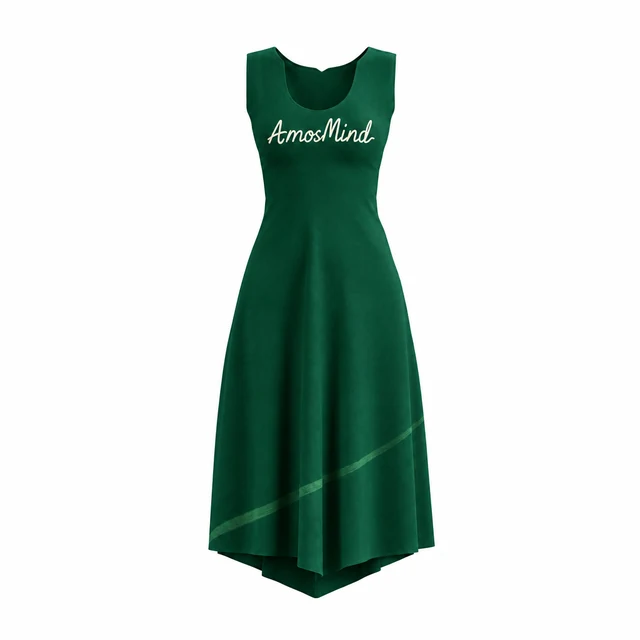 Add your design
Choose a T-shirt, hoodie, jacket or pair of pants. Upload your artwork, adjust colors and review it on a 3D garment in your browser.
Open AmosMind in a supported desktop browser, upload your artwork and start designing. No desktop application is required.
Open the editorRotate the garment, zoom into a seam, and check how your print wraps around a sleeve or a hood. Every AmosMind mockup is a real 3D garment, not a photo with a smart-object layer, so you see the front, back, and sides of the same design.
Preview in 3D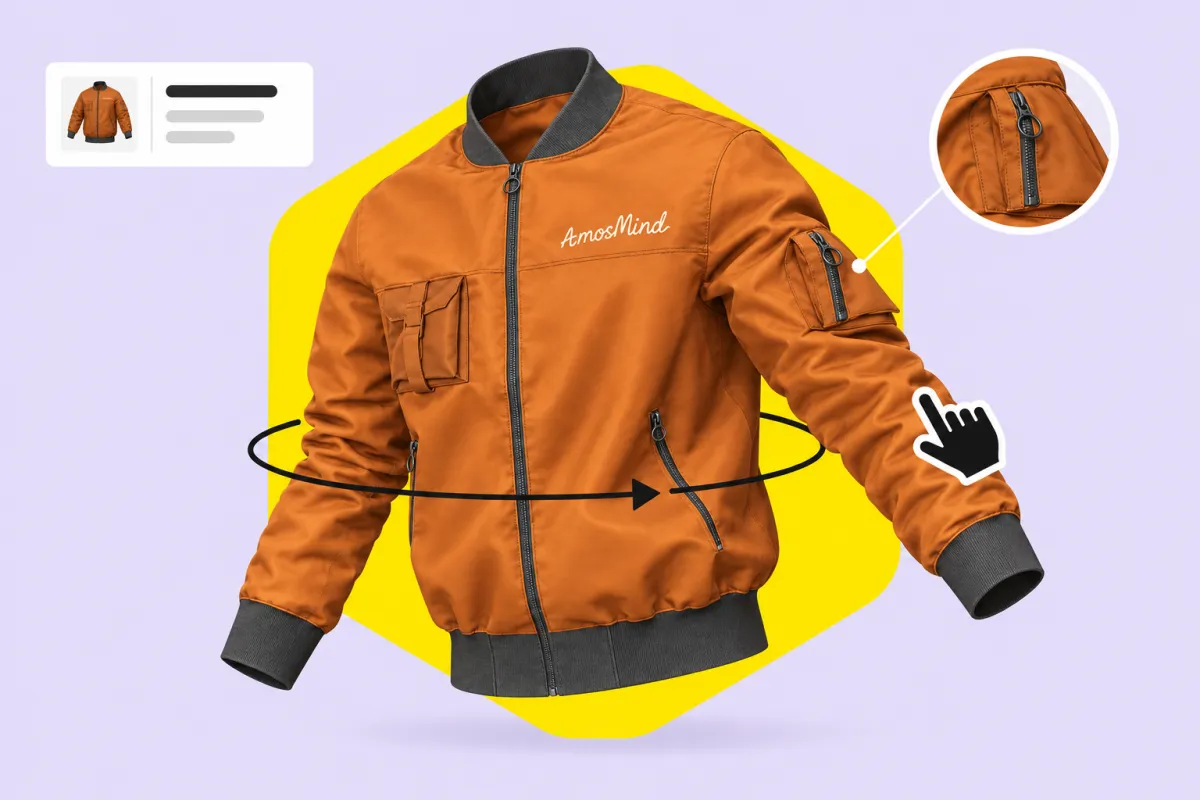
Upload your artwork, then position and scale it on the garment. Adjust the garment color and preview your design in 3D.
Upload your artwork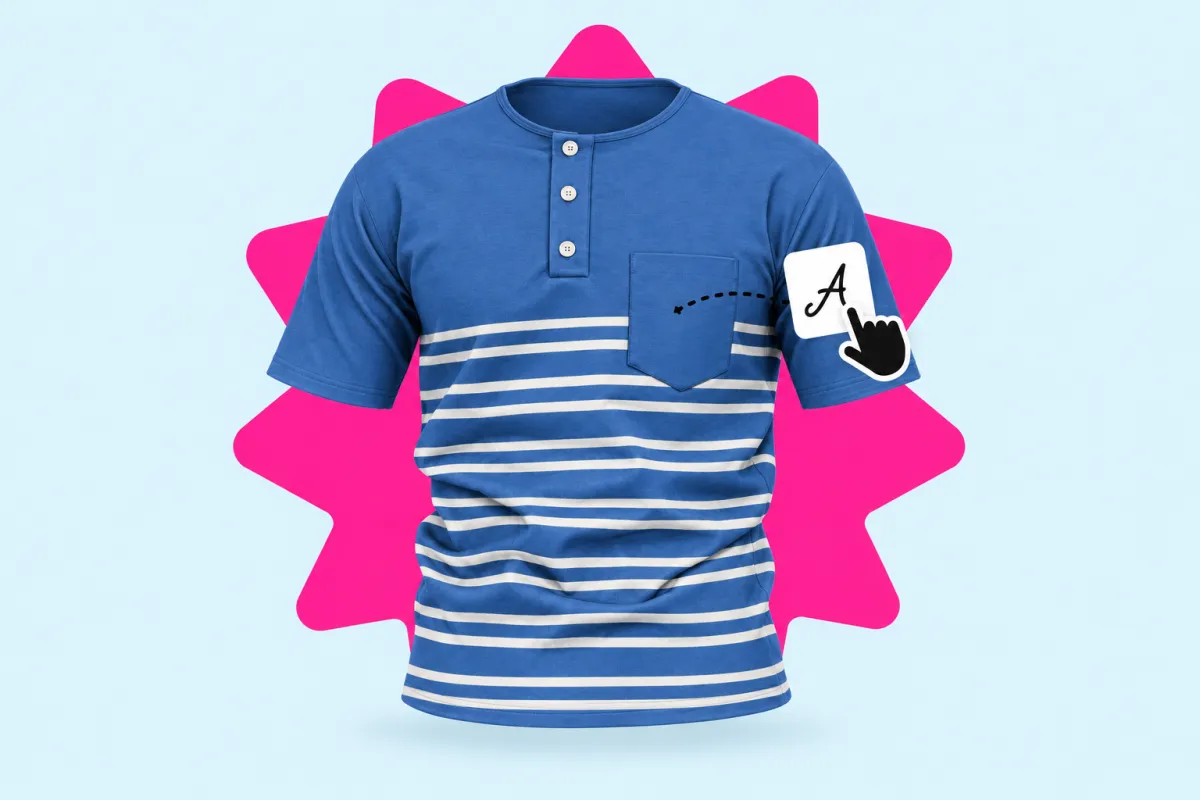
Rotate the garment and review colors and artwork placement before exporting. Check the final image before sharing it.
Rotate a mockup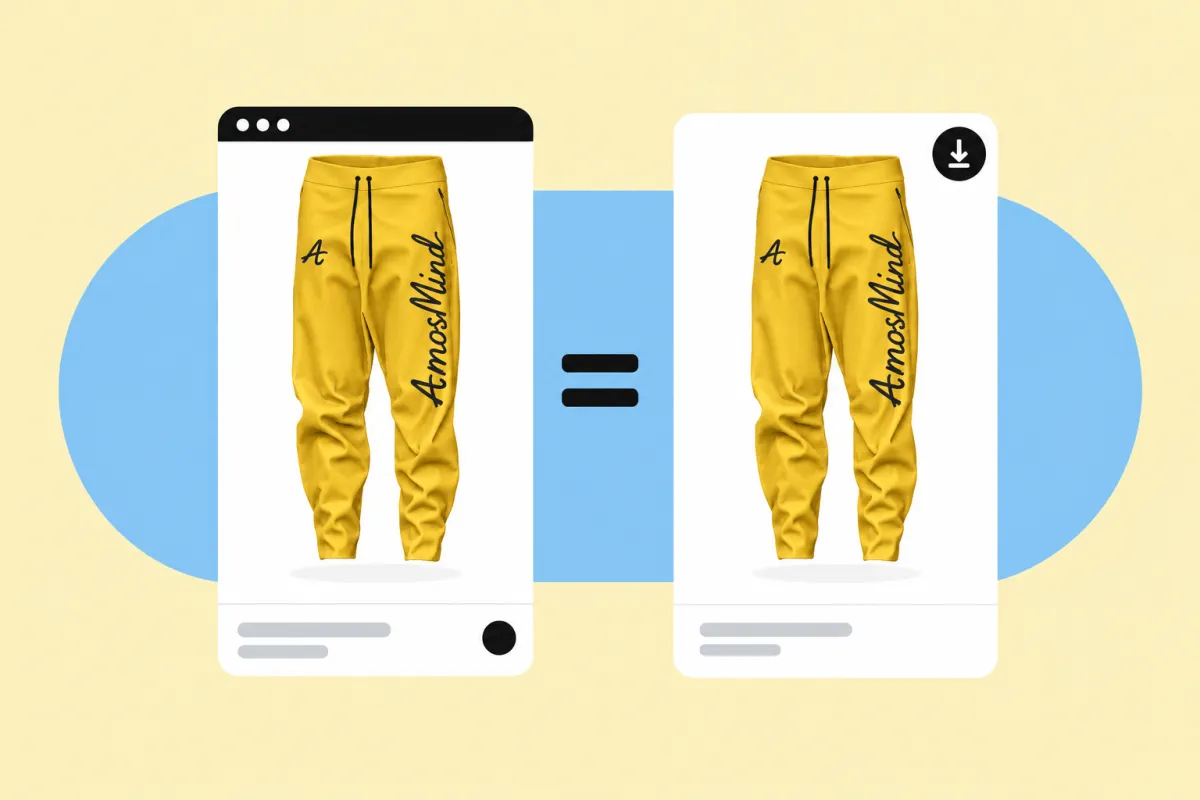
Create rendered images of your clothing designs. Check the available formats and resolutions in the export panel.
Render an image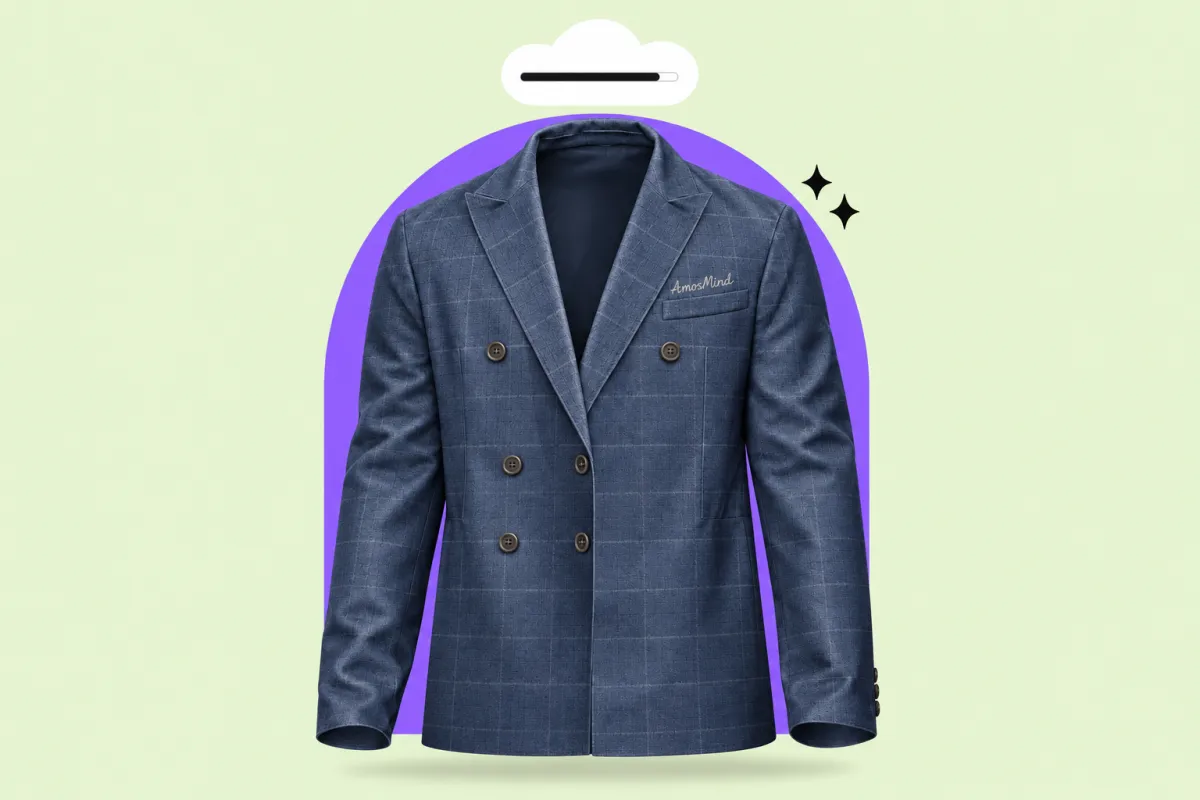
One mockup library, three very different jobs. Every garment in AmosMind works the same way: upload, preview in 3D, render in the cloud.
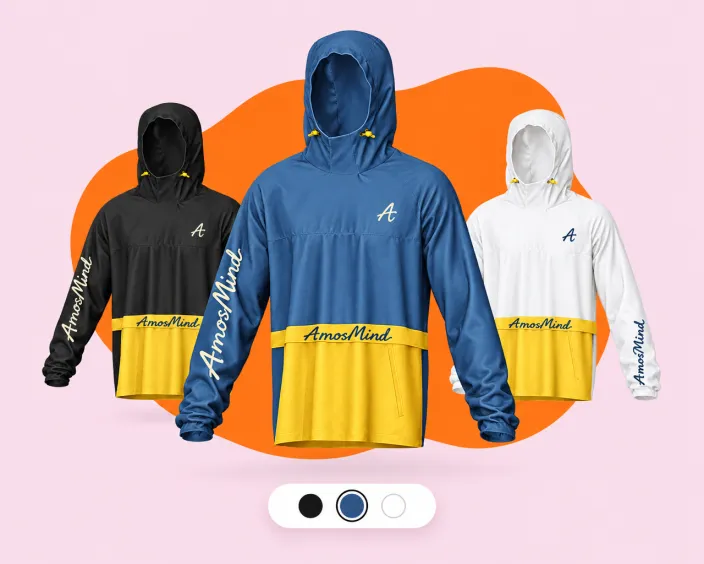
Explore colorways and print placement on a 3D garment before ordering physical samples.
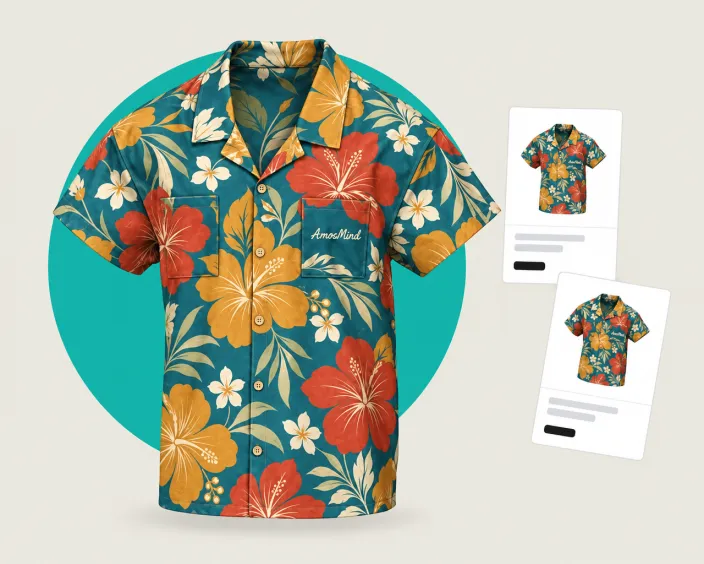
Create visual concepts for tees, hoodies and more. Choose the closest available garment and review the result against your product.
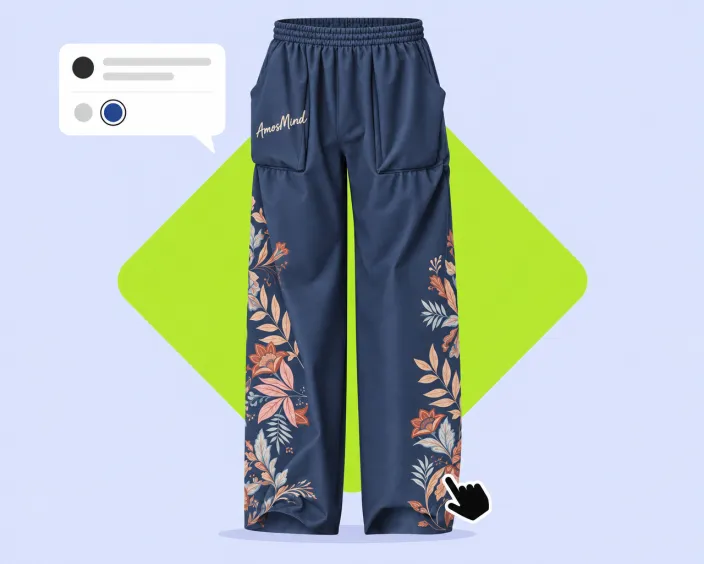
Present concepts as 3D mockups clients understand at a glance, then change a color or a logo live during the review call.
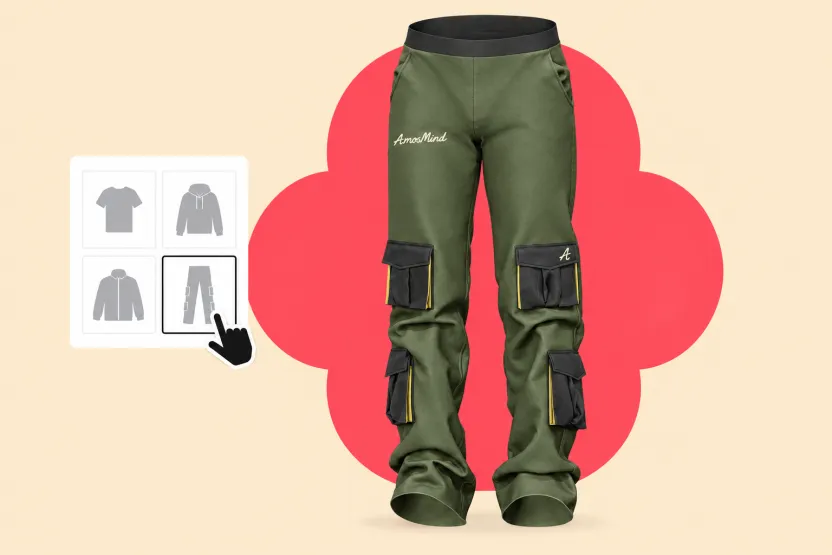
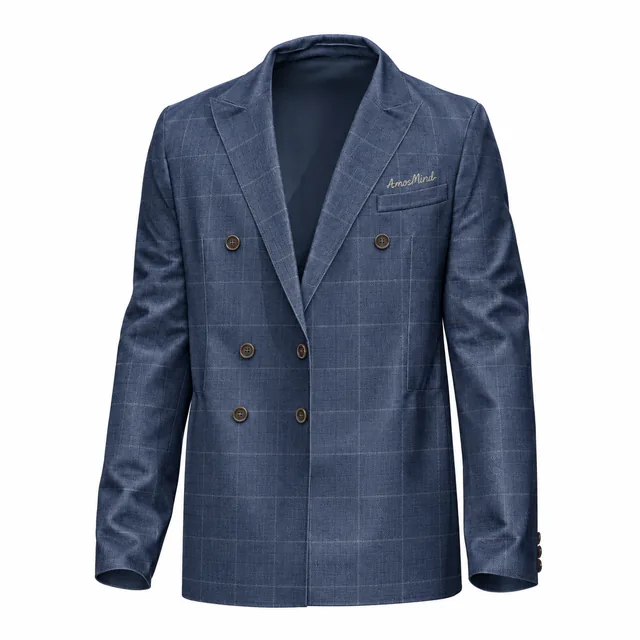
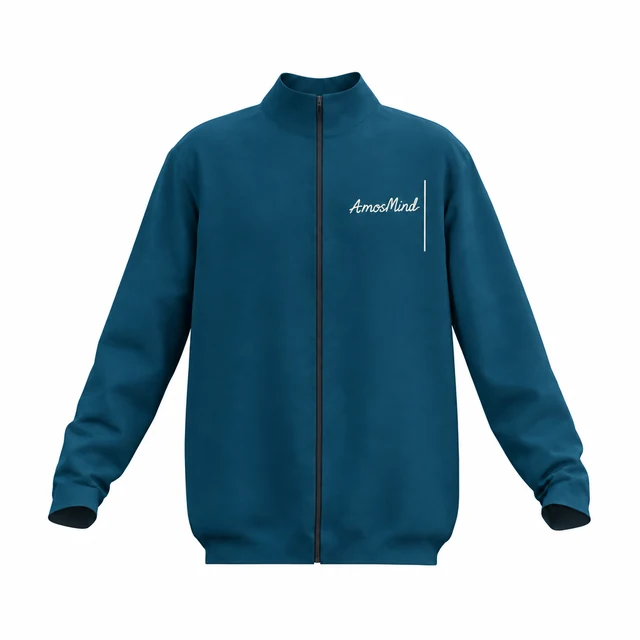
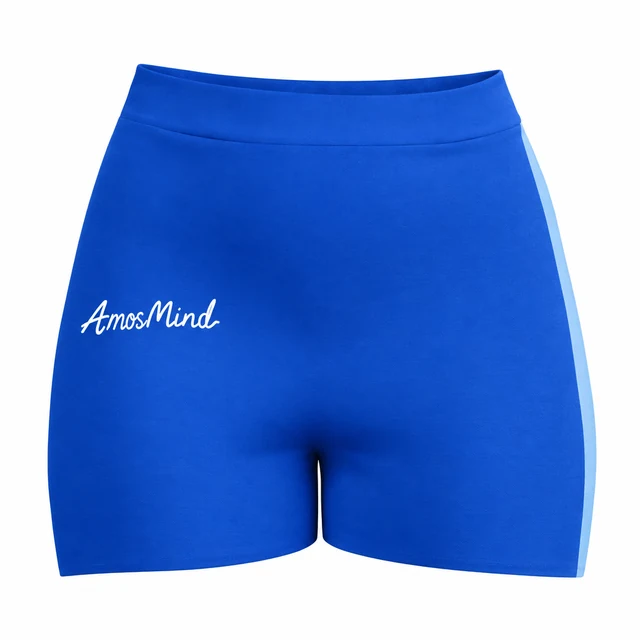
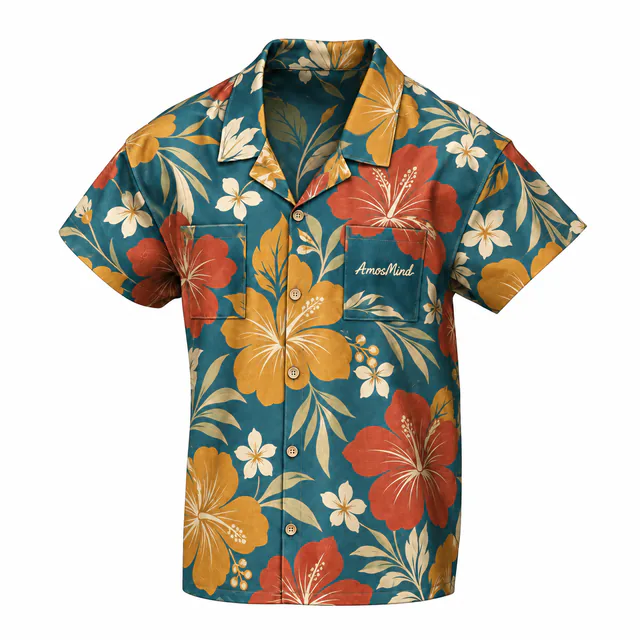
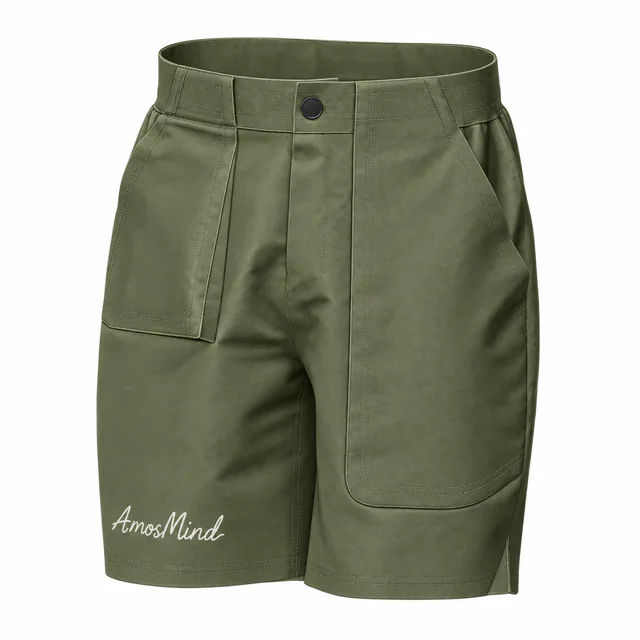
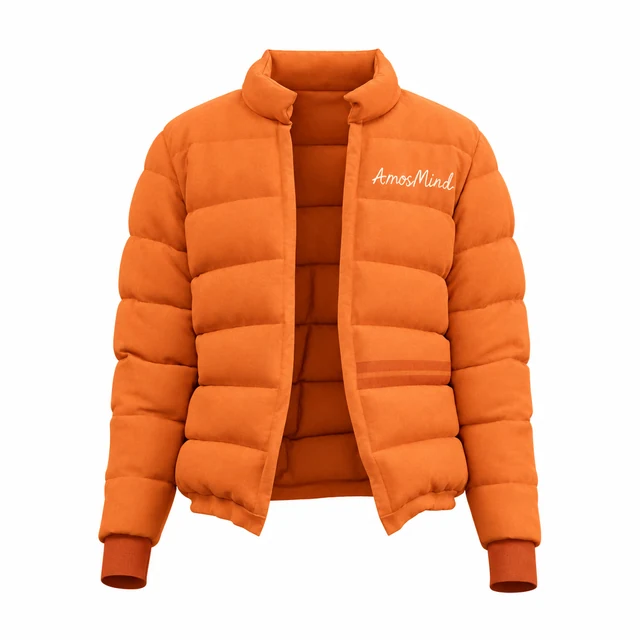
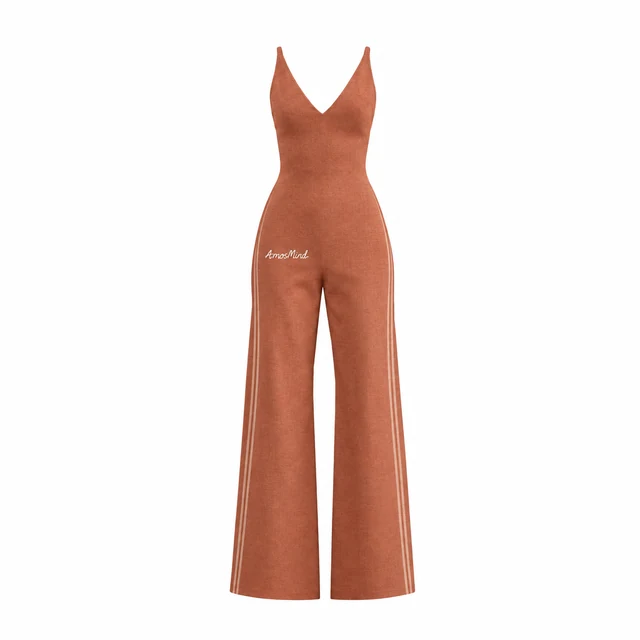
Browse T-shirts, hoodies, shirts, jackets, blazers, pants and shorts. Filter by garment type to find a starting point.
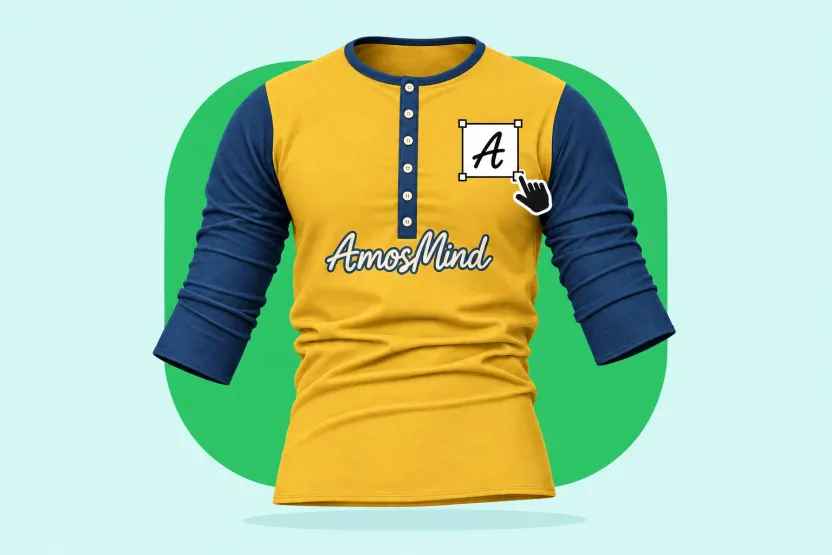
Upload a PNG or JPG, then position and scale your artwork on the garment. Change the garment color and preview the result in 3D.
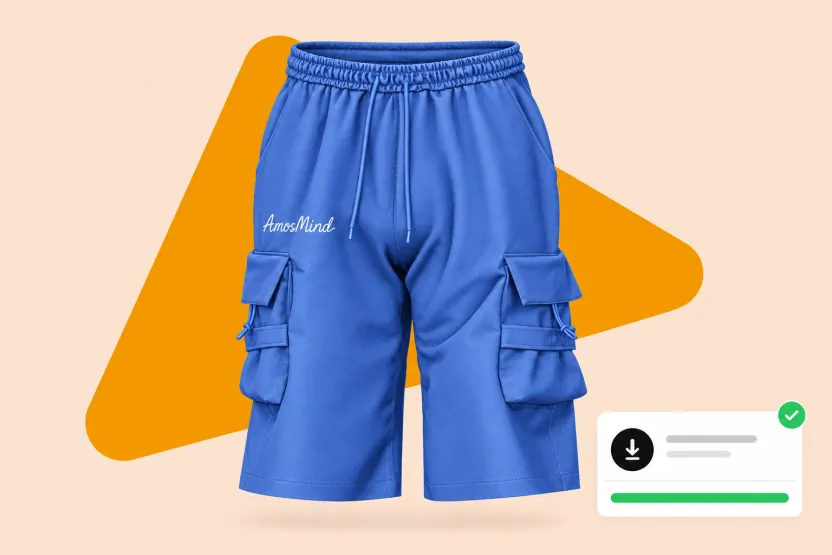
Rotate the garment to check every angle, then render in the cloud and download a high-resolution image for product listings, pitch decks, or social posts.
Every category below opens the same live 3D editor. Start with the garment you actually sell.
Compare the workflows for creating and reviewing clothing images.
RECOMMENDED
ALTERNATIVE
ALTERNATIVE
The questions people ask most before they make their first mockup.
A clothing mockup is a realistic picture of a garment with your design on it, made before the garment exists. Brands use mockups to check colors and print placement, sell pre-orders, and brief factories. AmosMind mockups are 3D, so you can turn the garment instead of looking at one fixed photo.
Open a garment in the AmosMind mockup library, upload your artwork as a PNG or JPG, and drag it into place on the 3D model. Change the fabric color, rotate to check the back and sides, then render and download. Nothing is installed and there are no layers or smart objects to manage.
Choose a garment above and open it in the editor. Log in with an email code or Google to upload artwork, save projects and download renders.
It depends on what you need. PSD template sites suit designers who already live in Photoshop. AmosMind is built for people who want a real 3D preview in the browser, live edits, and a rendered image in minutes, with no software to download.
Browse the available tops and bottoms above, including T-shirts, hoodies, shirts, jackets, blazers, pants and shorts.
Yes. Each mockup is a full 3D garment, not a single photo, so you can rotate it freely, zoom in on seams and prints, and render whichever angle you need.
Upload PNG or JPG artwork, including transparent PNGs for logos. Downloads are high-resolution images rendered on AmosMind's cloud, ready for product listings, presentations, and social media.
Use artwork you own or have permission to use. Check the applicable asset and service terms before using exports commercially.