
DTG (direct to garment)
Only CMYK inks, with no white underbase, so ink costs less and colors stay crisp. Pretreatment is usually optional on white; ask your printer.
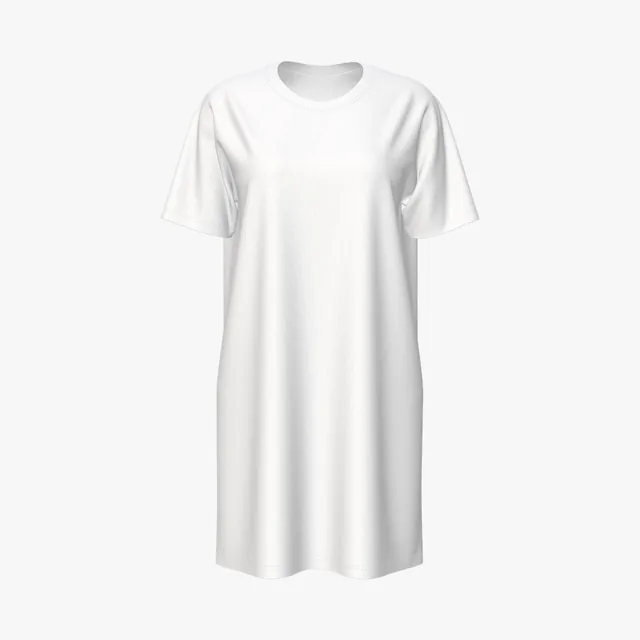
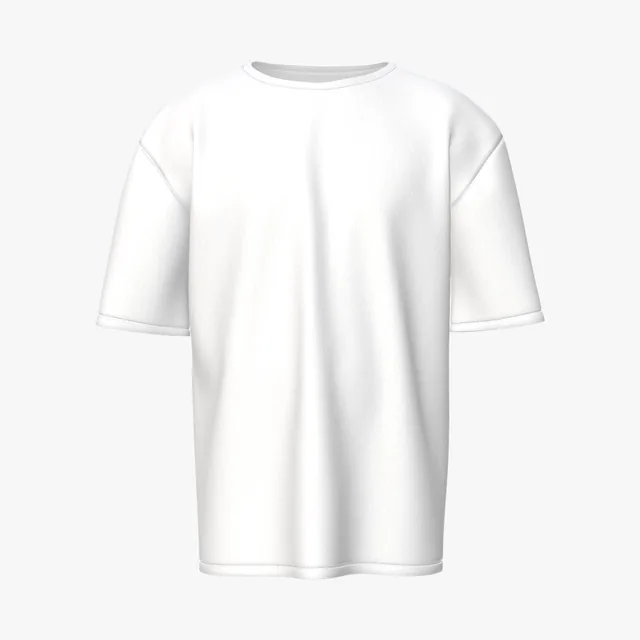
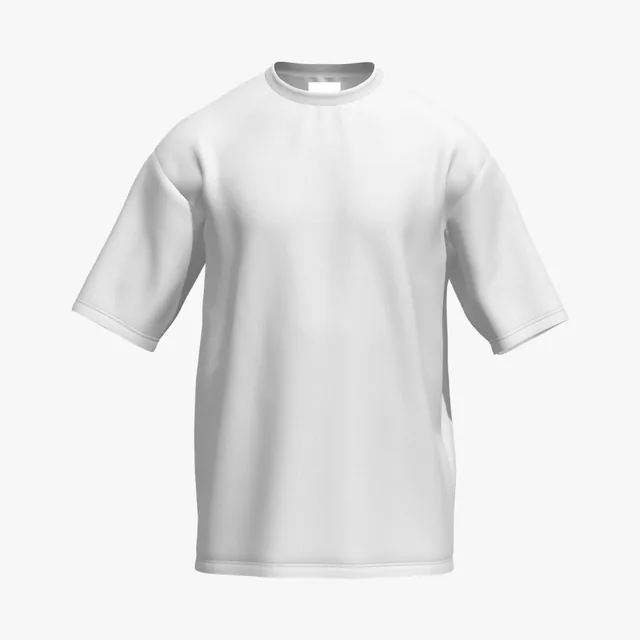
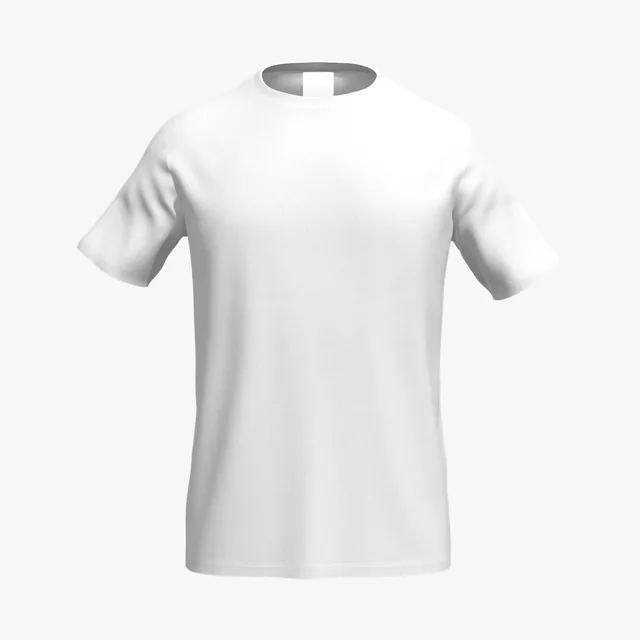
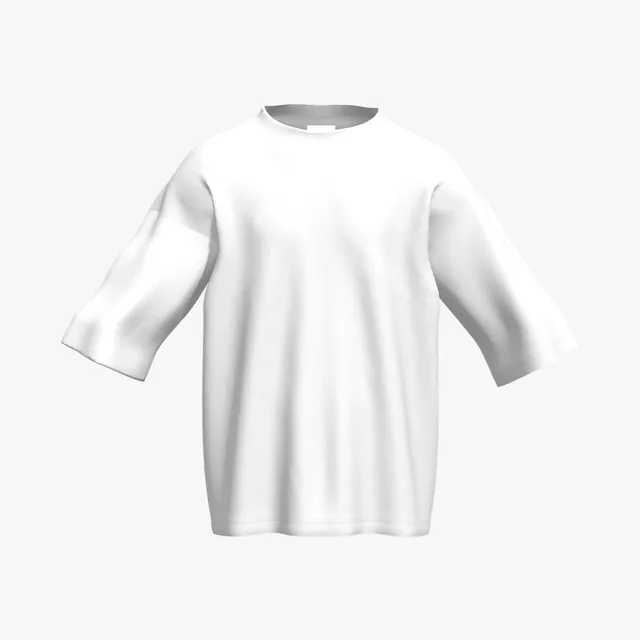
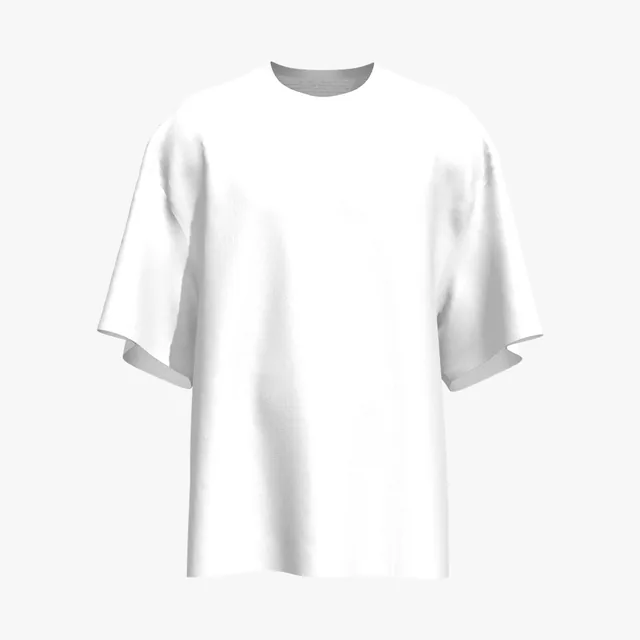
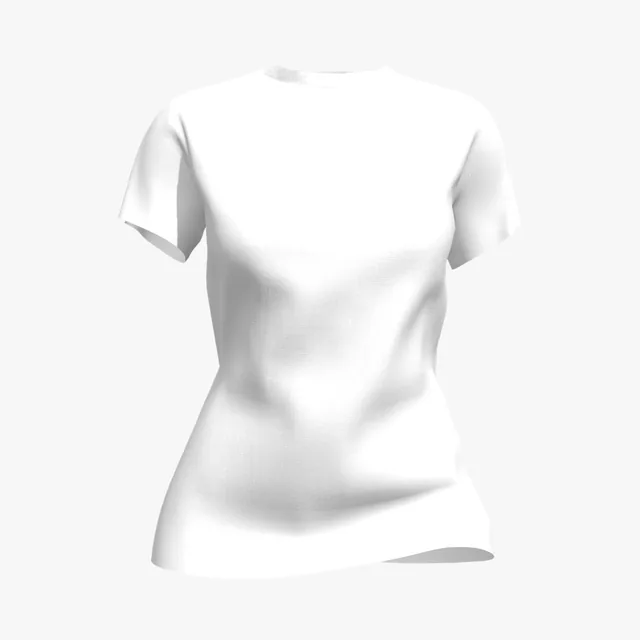
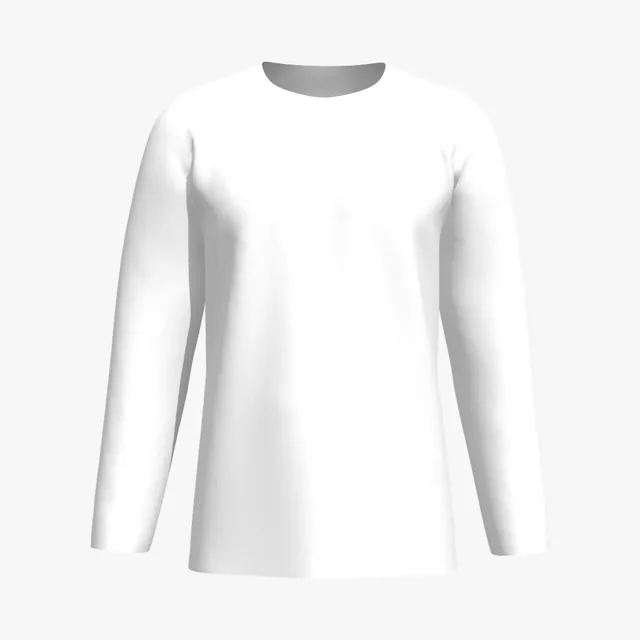
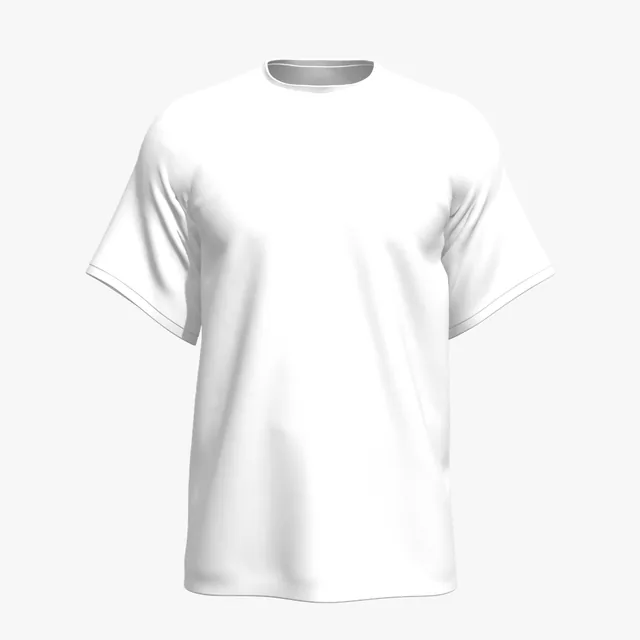
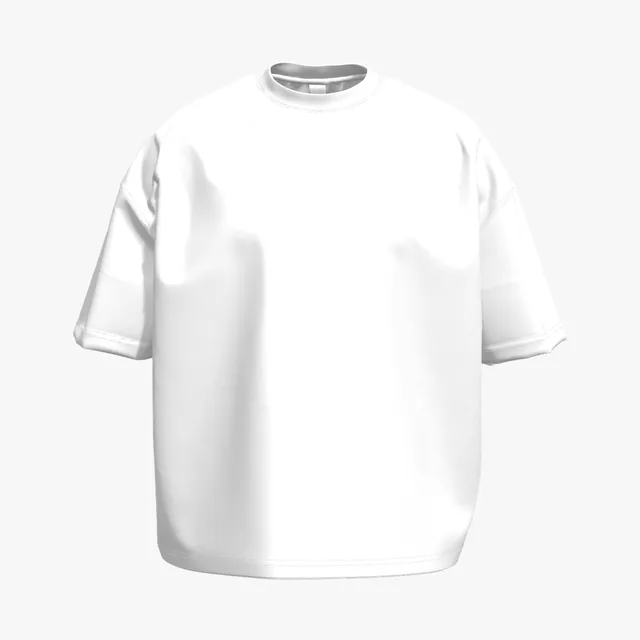
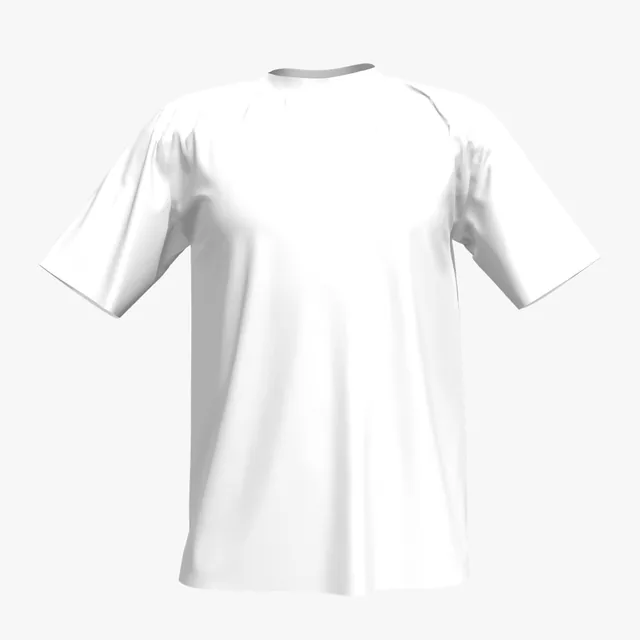
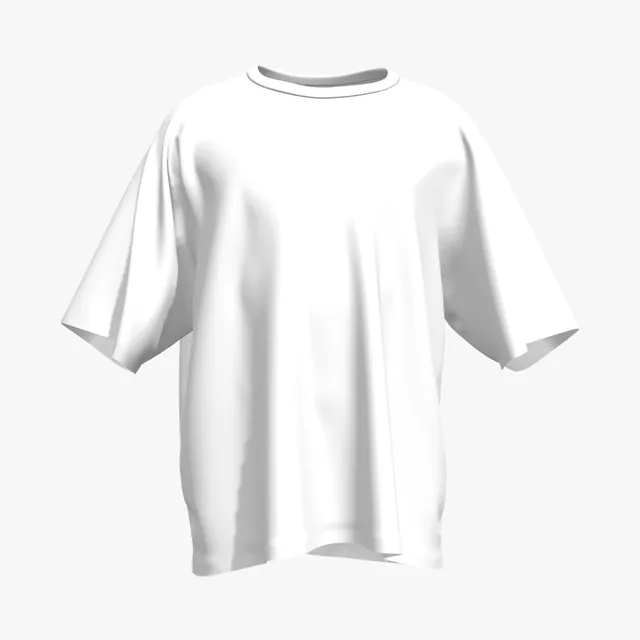
White fabric bounces light, so photo mockups often flatten folds into one bright sheet. Add your artwork and turn the shirt in 3D to see shadows, seams and colors on the front, back and sleeves.

62 mockups
 Add your design
 Add your design
 Add your design
 Add your design
 Add your design
 Add your design
 Add your design
 Add your design
 Add your design
 Add your design
 Add your design
 Add your design
 Add your design
 Add your design
 Add your design
 Add your design
 Add your design
 Add your design
 Add your design
 Add your design
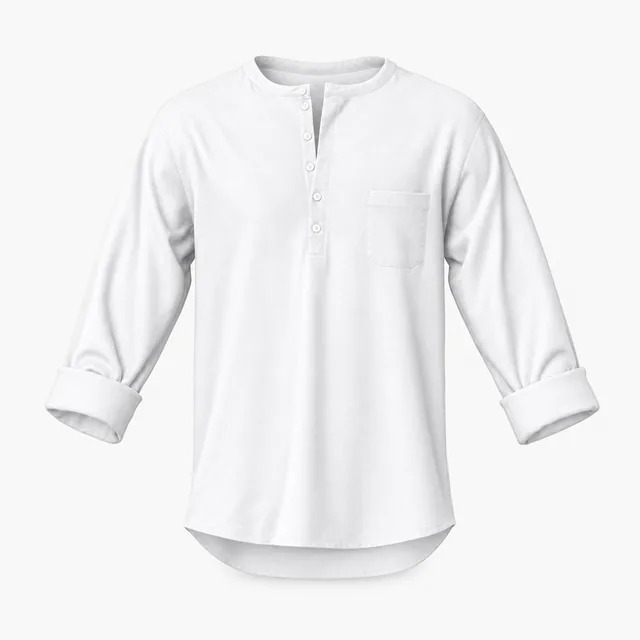 Add your design
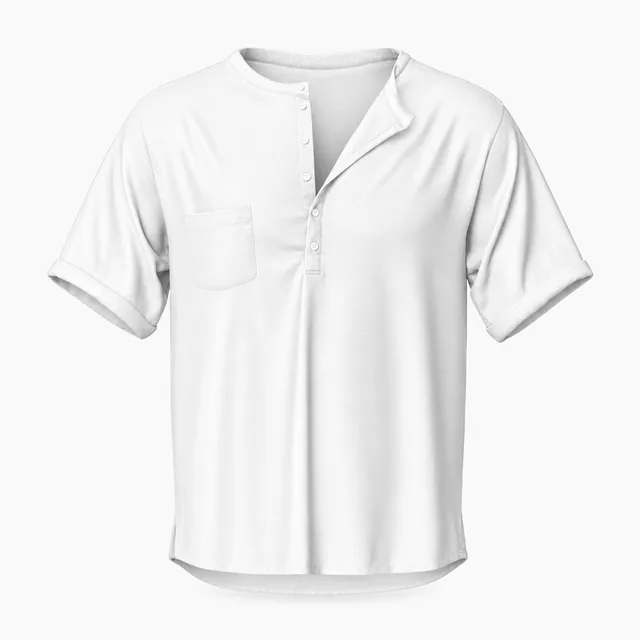 Add your design
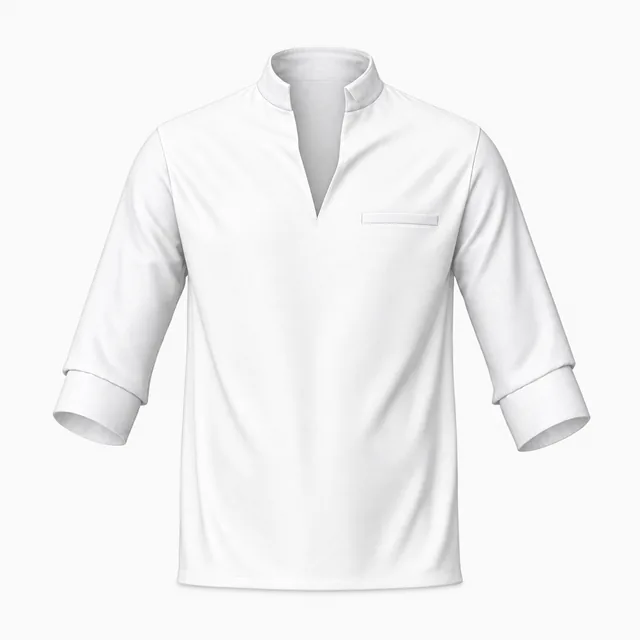 Add your design
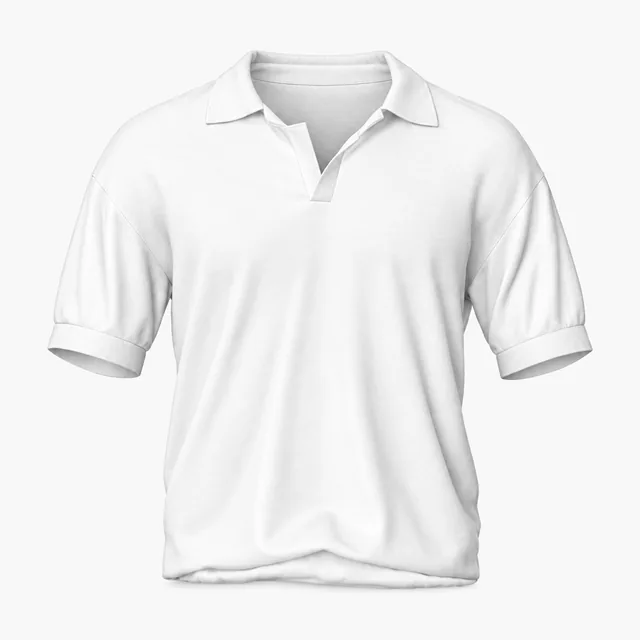 Add your design
 Add your design
 Add your design
 Add your design
 Add your design
 Add your design
 Add your design
 Add your design
 Add your design
 Add your design
 Add your design
 Add your design
 Add your design
 Add your design
 Add your design
 Add your design
 Add your design
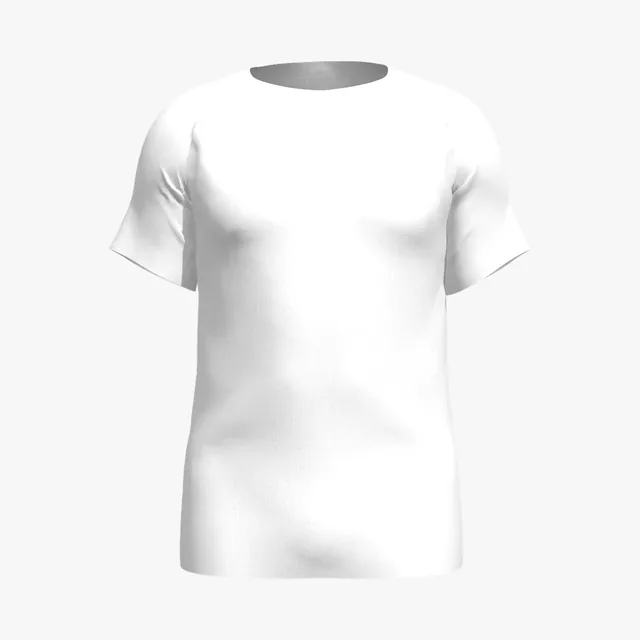 Add your design
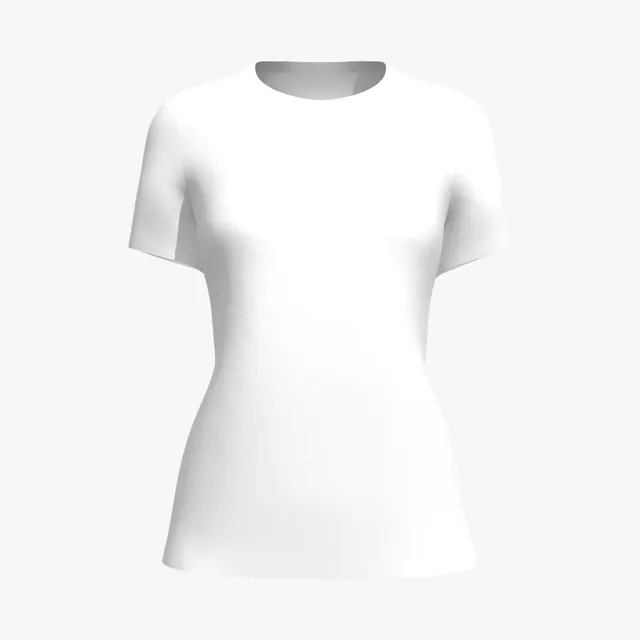 Add your design
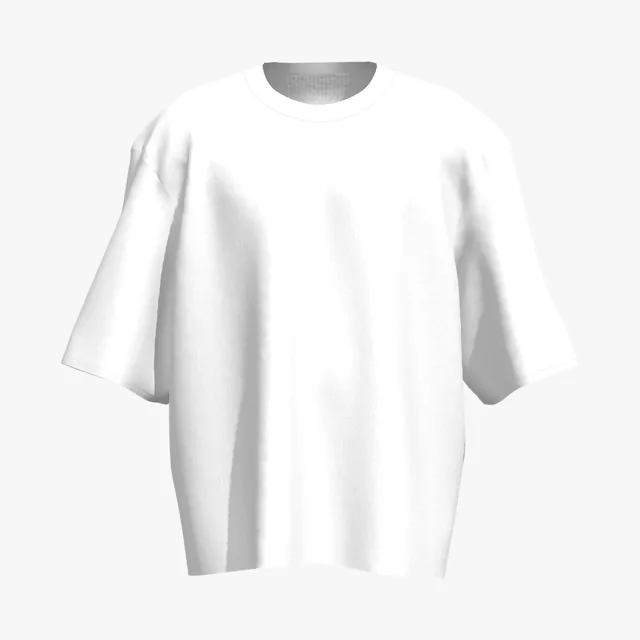 Add your design
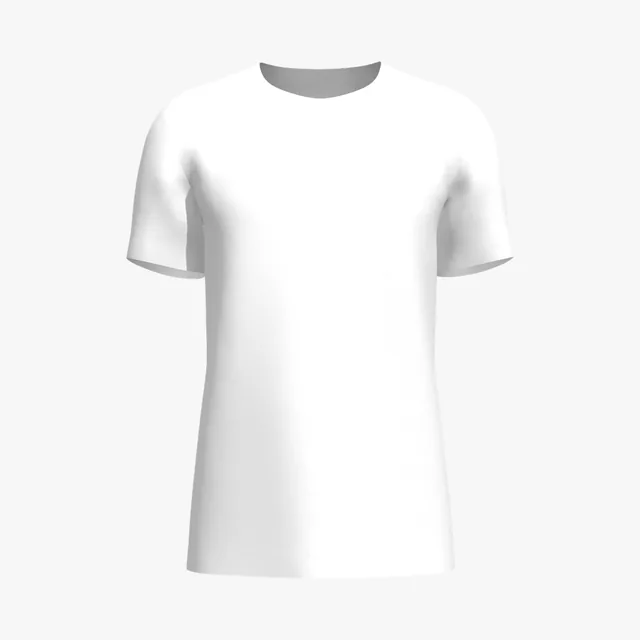 Add your design
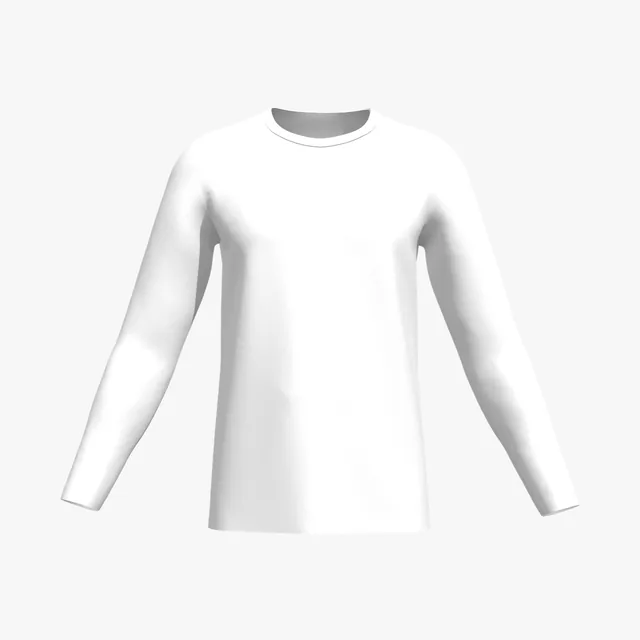 Add your design
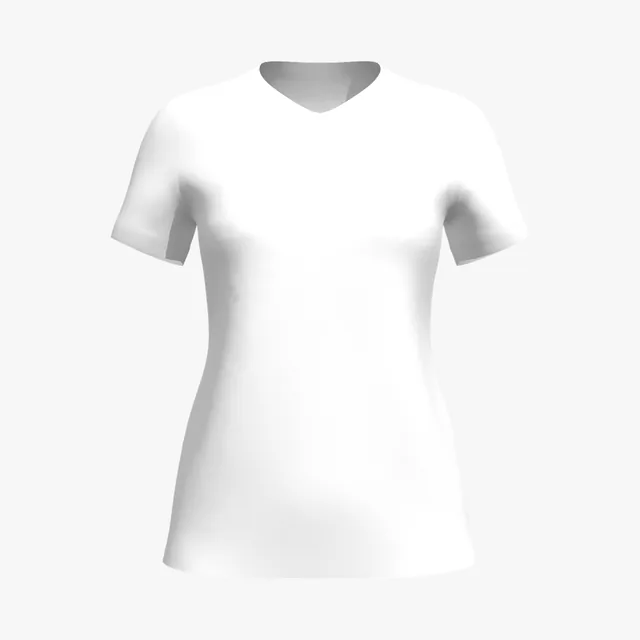 Add your design
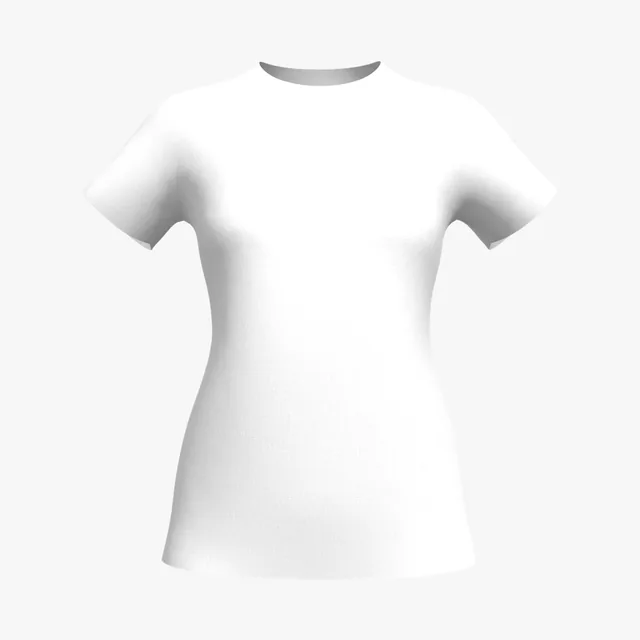 Add your design
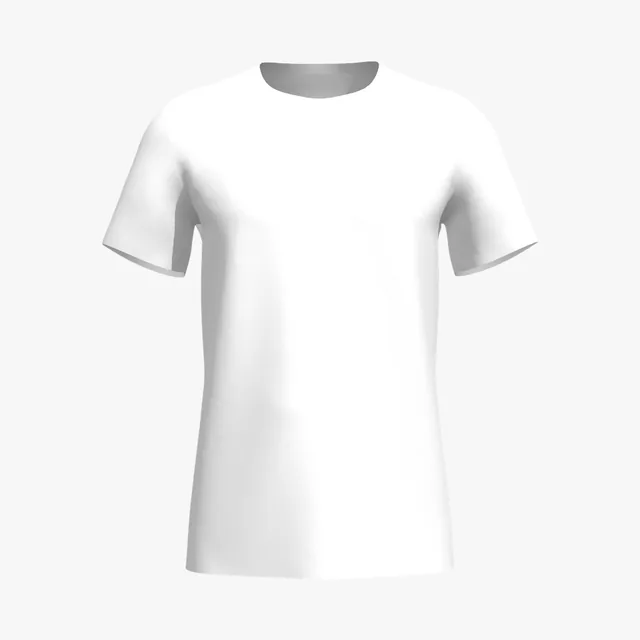 Add your design
 Add your design
 Add your design
 Add your design
 Add your design
 Add your design
 Add your design
 Add your design
 Add your design
 Add your design
 Add your design
 Add your design
 Add your design
 Add your design
 Add your design
On a white shirt the fabric is the lightest color in your design. White areas of your art print as bare fabric, and pale yellows, pastels and light greys barely show. Check the contrast on the 3D shirt before it goes to print.
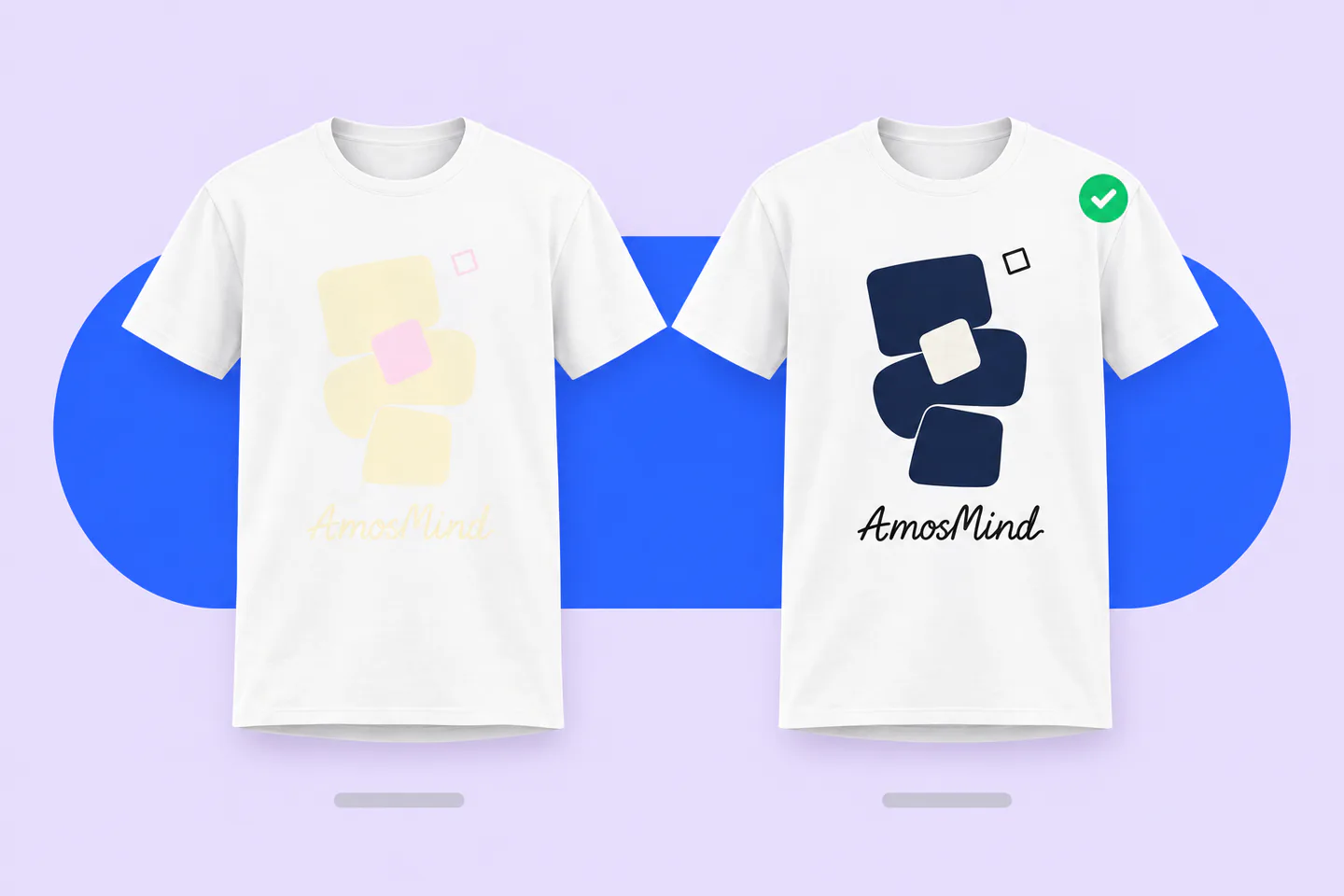
White in your art prints as bare fabric
Remove white boxes and backgrounds before you upload
Light yellow, pastels and light grey fade
Push them darker or add an outline so they read
No white underbase is needed on white
Bold reds and photos print at their most saturated
Thin, loose-knit whites can look see-through
A denser knit hides skin and seams better than weight alone
The 3D preview shows how your colors read against white fabric under studio light. It does not simulate ink thickness or how see-through a fabric is.
White is the easiest shirt to print on: most methods skip the white underbase and print straight onto the fabric. That keeps prints cheaper, but it also changes what your file can contain.
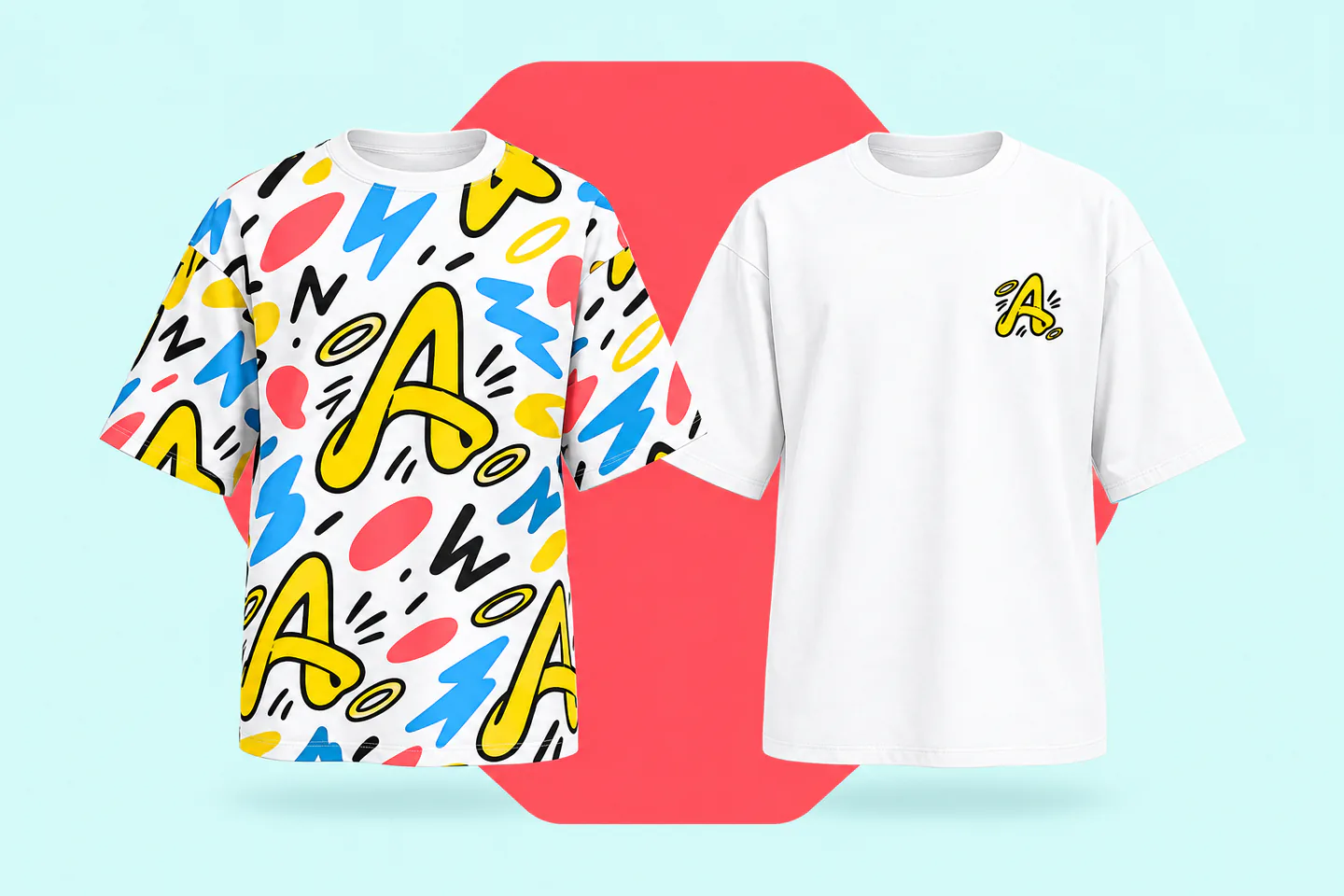
Only CMYK inks, with no white underbase, so ink costs less and colors stay crisp. Pretreatment is usually optional on white; ask your printer.
No white underbase screen is needed, so the same design often costs less on white than on a dark shirt. Pale inks need extra contrast.
Works only on white or very light polyester. Sublimation has no white ink, so the fabric itself becomes the background of the print.
Prints edge to edge on white polyester. White and transparent areas of your design show as bare fabric.
Thread colors read clearly on white, which suits small, minimal logos on the chest.
Ask your printer before you design. Cotton tees suit DTG and screen printing; sublimation and all-over prints need polyester.
Blank brands sell bright whites, natural off-whites and creamy ivories, and a triblend white drapes differently from cotton. Match the white of the shirt you will ship, so your mockups don't promise a brighter or colder white than customers receive.
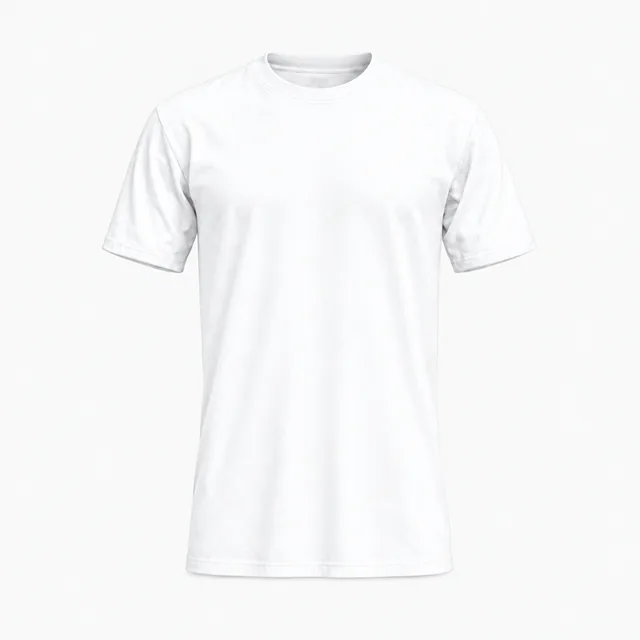
A bright, near-pure white on lightweight 4.3 oz combed ring-spun cotton, the thinnest base here.
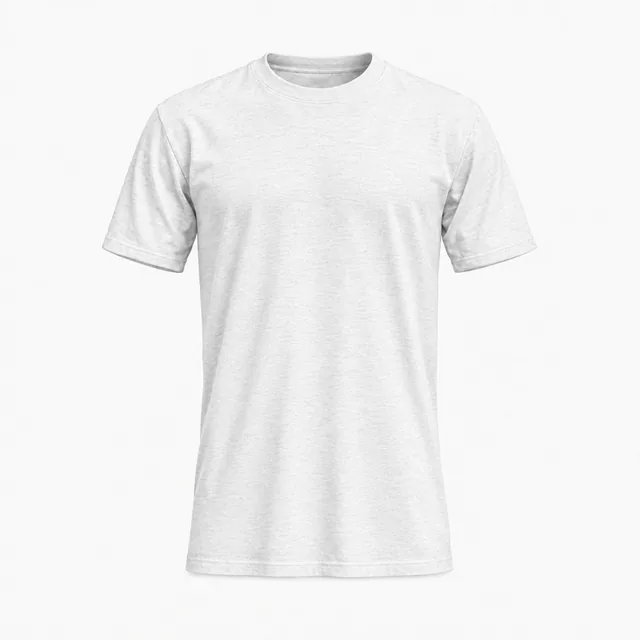
White in a 3.8 oz, 50% polyester triblend with rayon; softer and drapier than all-cotton whites.
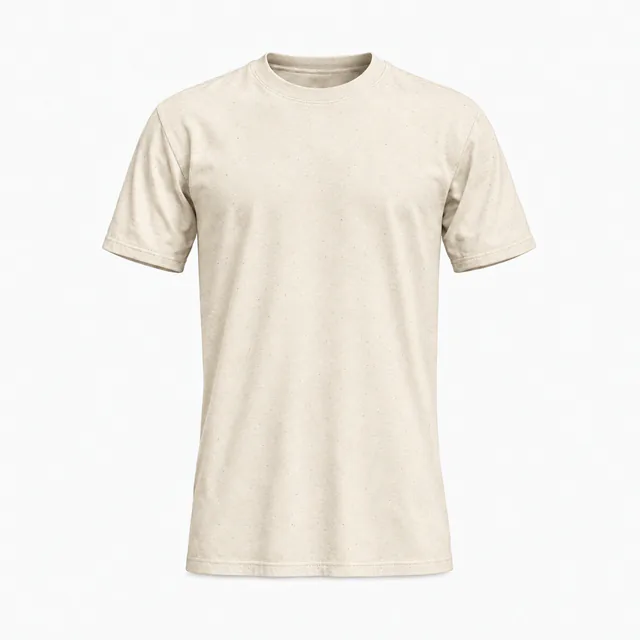
Unprocessed cotton gives this off-white small black flecks and a warmer, beige-leaning tone.
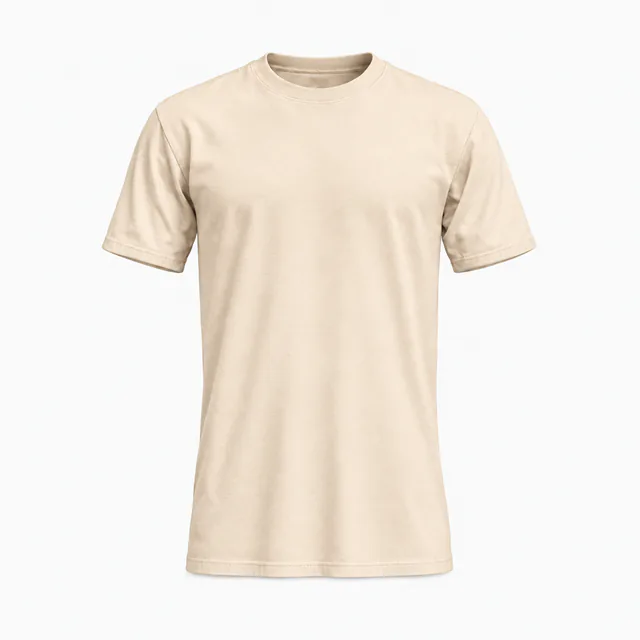
A warm, creamy ivory on 6.1 oz heavyweight ring-spun cotton, the heaviest base of the four.
Colors are on-screen approximations of each brand's published color or swatch. Type the hex into Garment color to match your blank. Fabric looks change texture and sheen in the preview; they are visual presets, not a fabric simulation.
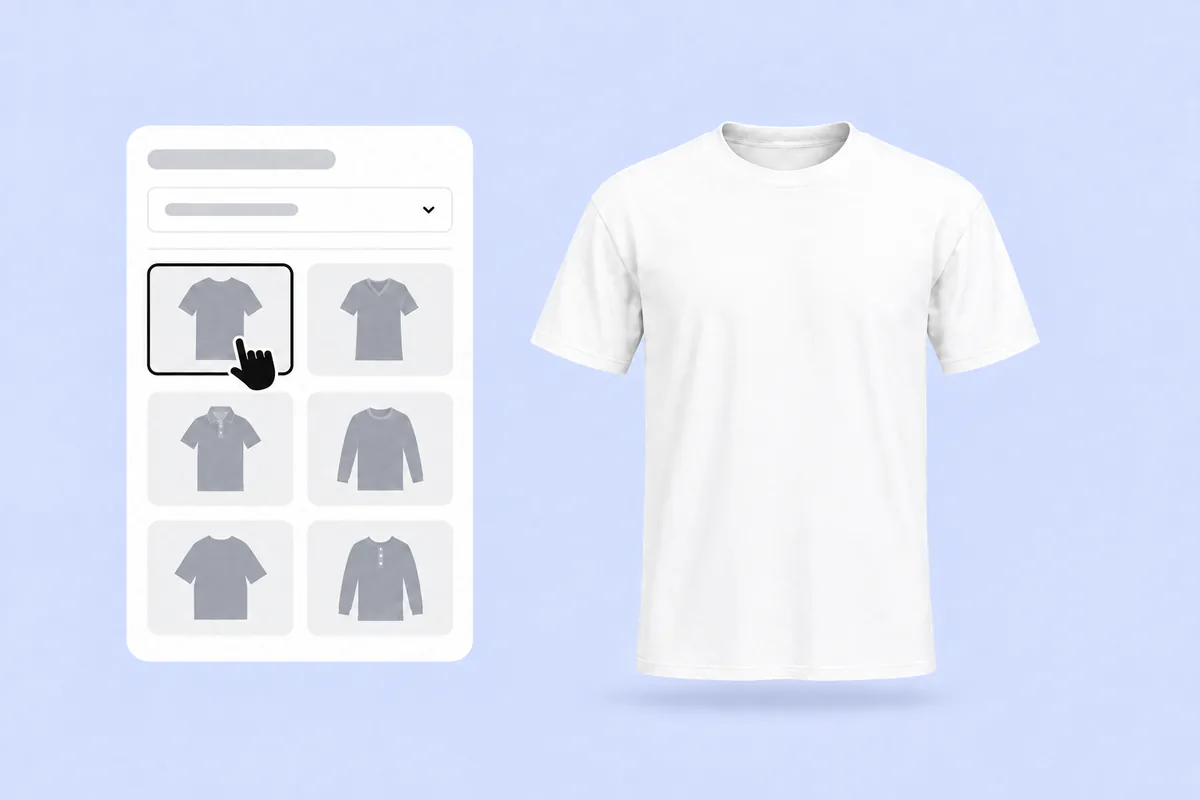
Pick any T-shirt on this page. It opens in the 3D editor with the fabric already set to white, so there is nothing to recolor first.
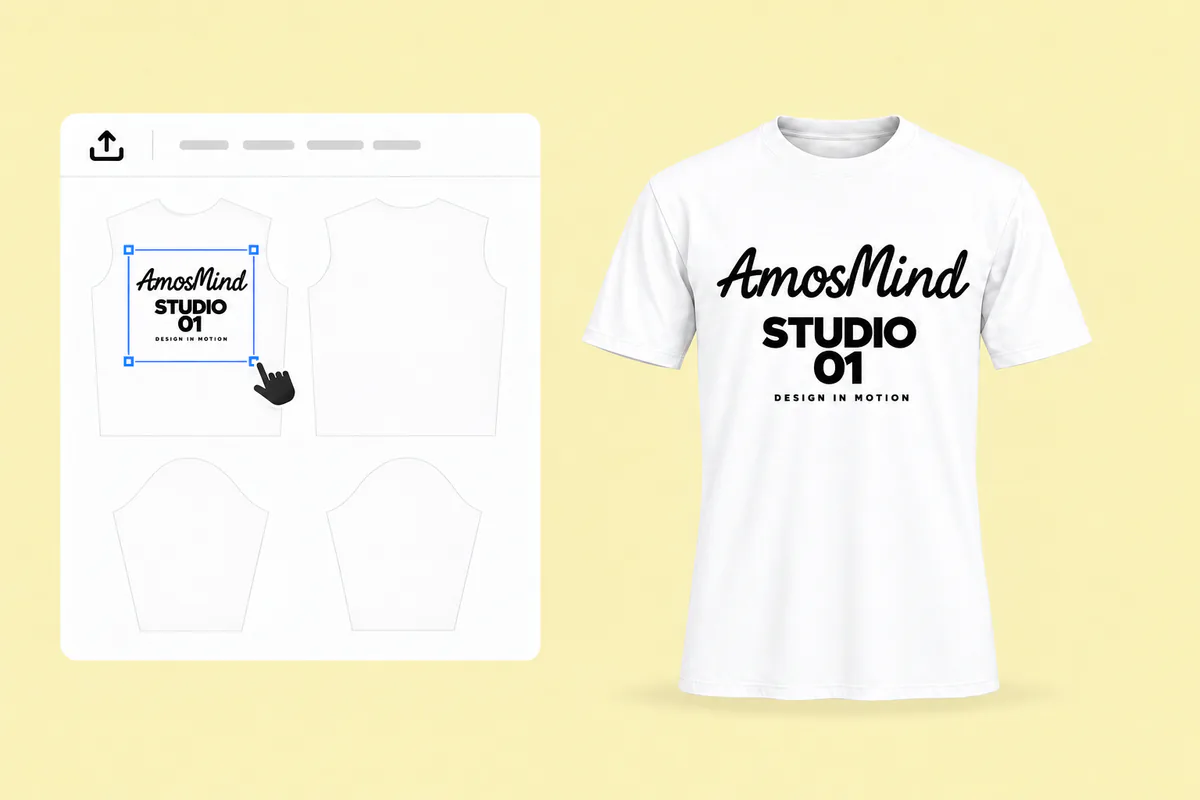
Click Upload artwork and add a PNG, JPG, WebP or SVG. Drag it onto the front, back or a sleeve, and remove any white box around your design.
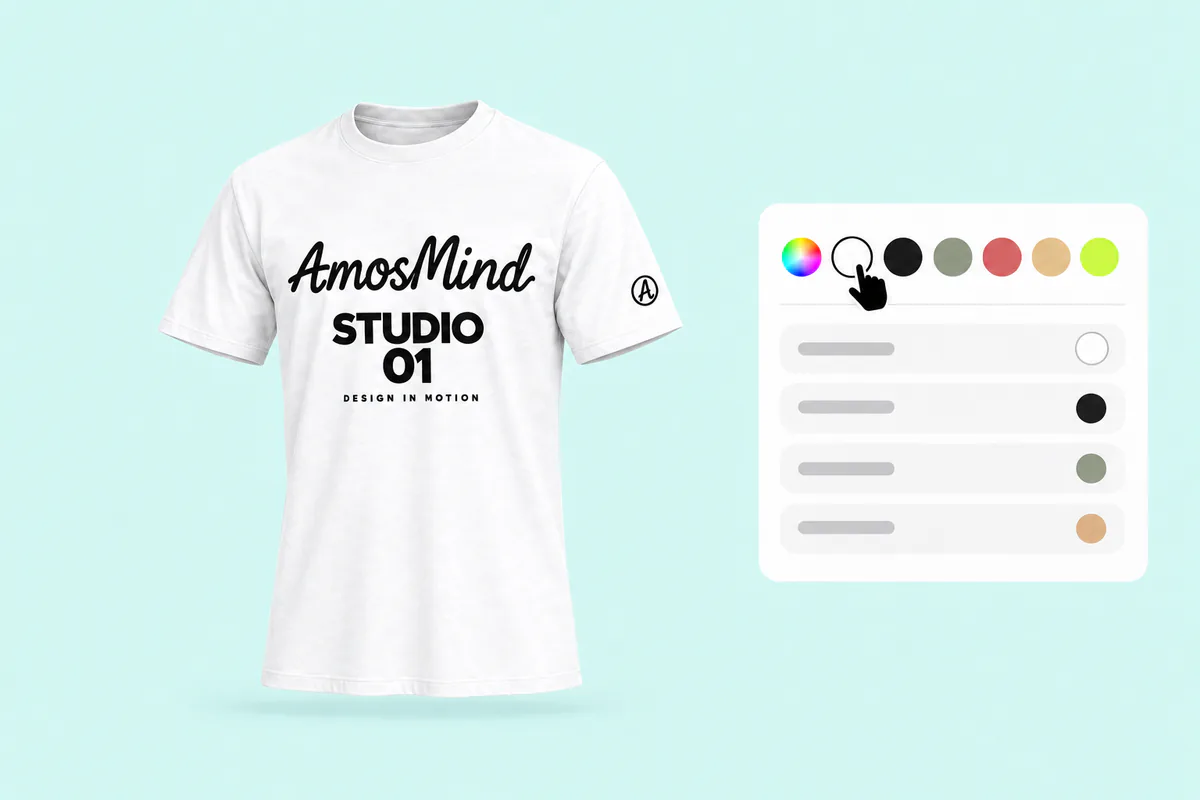
Turn the shirt and zoom into folds and seams, where shadows fall across your print. Look closely at pale colors, which fade first on white.
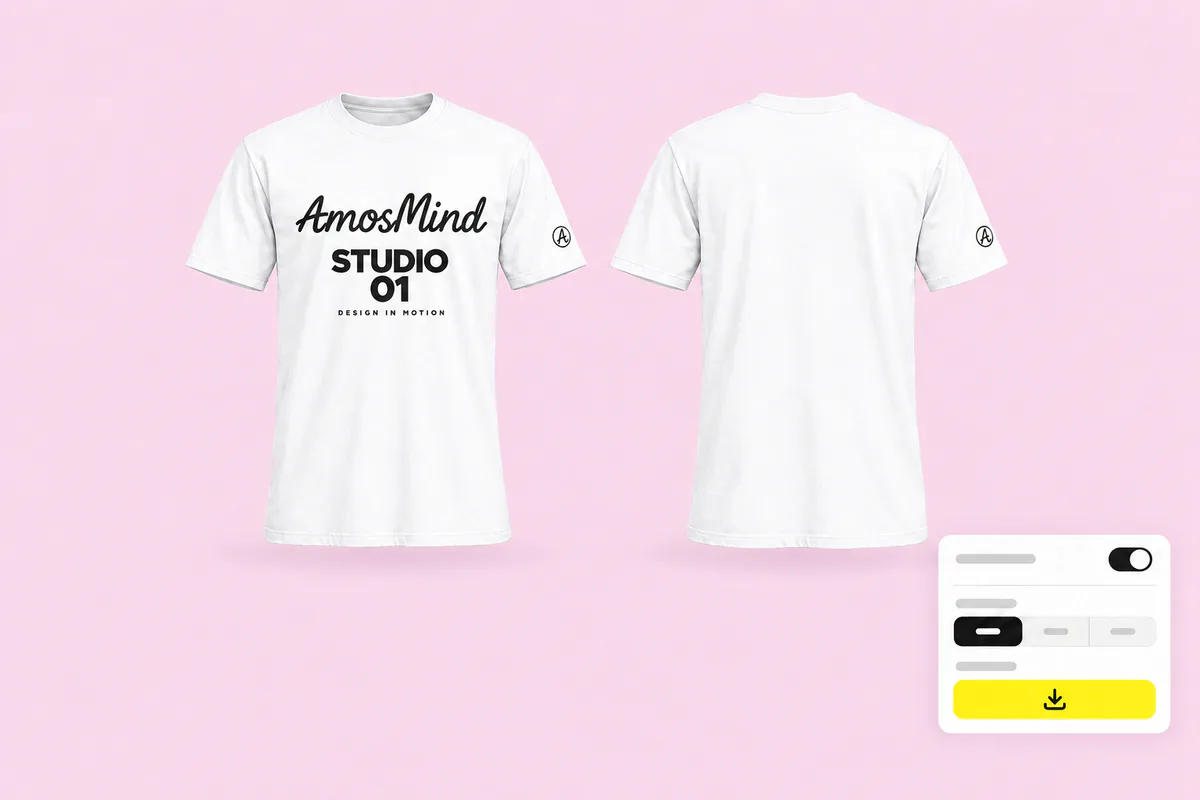
A white shirt disappears on a pure white background. Pick a light grey or colored one in the Background panel, or choose Transparent, then export at 2K or 4K.
The same styles, set up for other shirt colors. Or go back to all T-shirt mockups and choose any color in the editor.
White is the base for work no other shirt color can do, and each job needs a different kind of mockup.
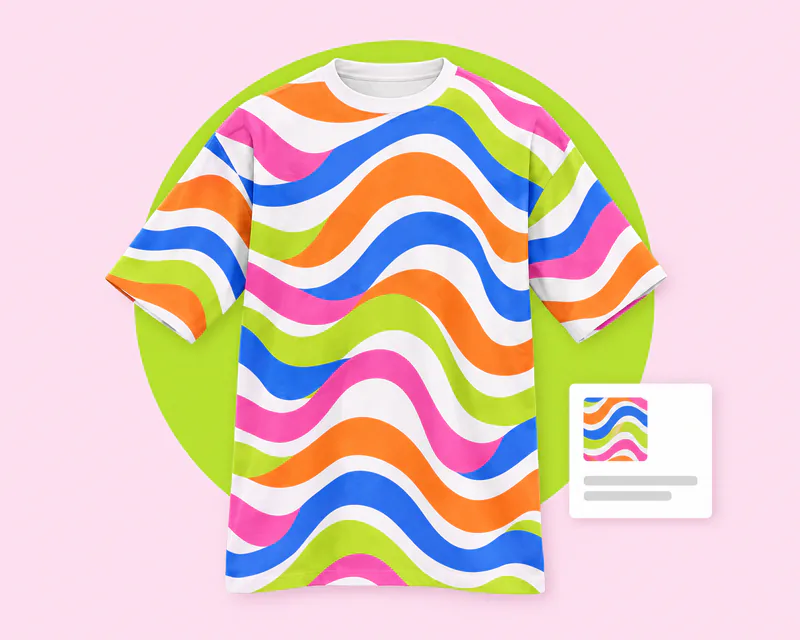
Full-color, edge-to-edge designs only work on white polyester, so every sublimated tee starts white.
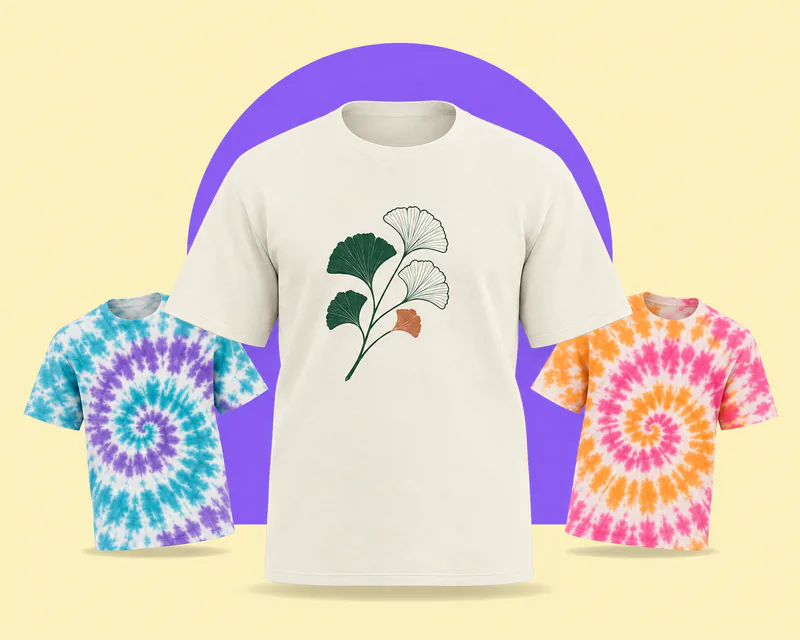
Dye shops start from off-white cotton blanks made for dyeing, then show buyers the finished colorways.
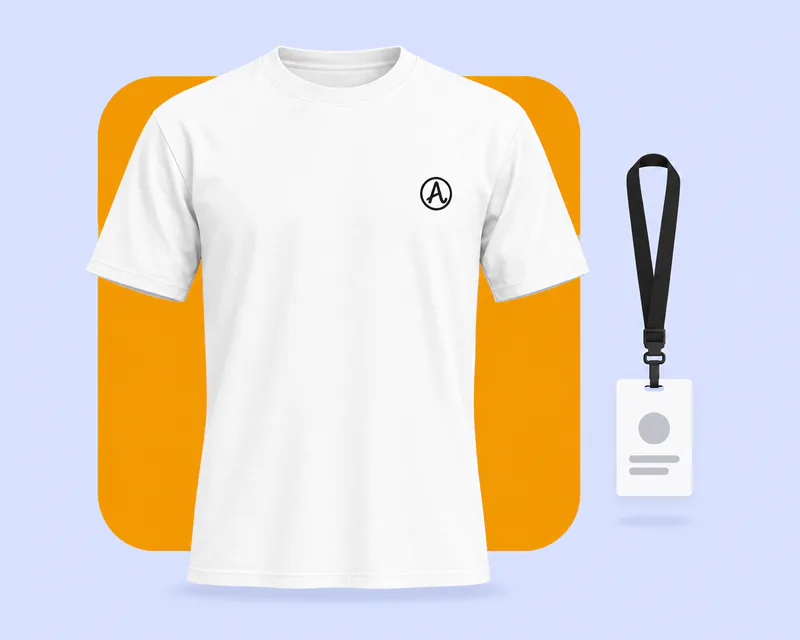
White sells just behind black in print-on-demand, from casual basics to company uniforms and gifts.
Answers about artwork, printing and exports on white shirts. For every other color and general T-shirt questions, see the T-shirt mockups page.
Start on this page: every style opens in the 3D editor already set to plain white. Adding your artwork and previewing it in 3D is free, and the export panel shows any cost before you render a download. Log in with an email code or Google to upload artwork and render images.
Pick a T-shirt above, upload your artwork and drag it onto the front, back or a sleeve. Turn the shirt to check shadows and contrast, then render the view you need. There is no PSD or smart object to edit.
On white fabric, printers skip white ink, so any white in your design shows as bare shirt. Remove white boxes and backgrounds, and give white lettering a darker outline or background.
Dark and saturated colors: black, navy and bold reds print at full strength. Pale yellow, pastels and light grey have little contrast, so darken them or add an outline.
Yes, if the shirt is 100% polyester or a high-polyester blend. Sublimation has no white ink and needs polyester, which is why sublimated tees are white polyester.
White on white has no edge. Pick a light grey or colored background in the Background panel, or choose Transparent and place the PNG on your own store background.
Yes. Put artwork on the front and the back of the same white shirt, then render each view as its own image, with the same light and the same white.
Yes. Garment color takes any six-digit hex, so you can try the same design on black, red or navy. The black, red and blue T-shirt pages start those colors for you.