
Front and back T-shirt mockups in 3DOne shirt, both sides, matching renders
A T-shirt mockup, front and back, should show one shirt from two sides, not two different templates. Put artwork on both sides of a 3D tee, turn it, and render each view with the same light and color.

T-shirt mockups, front and back
62 mockups
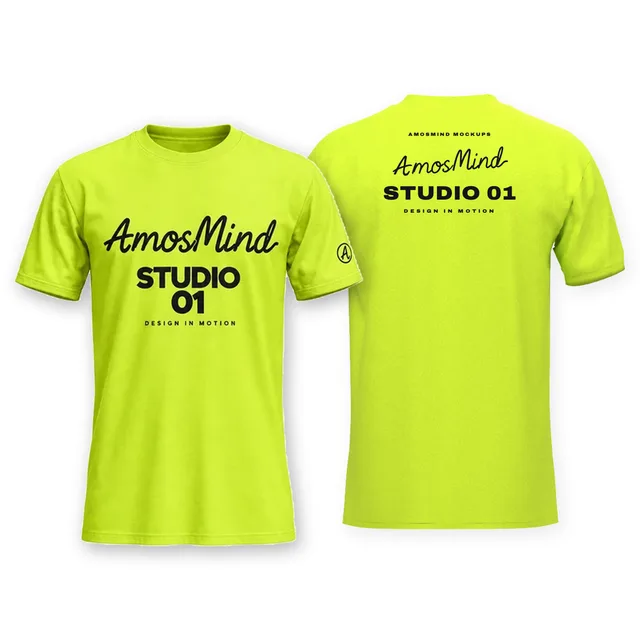
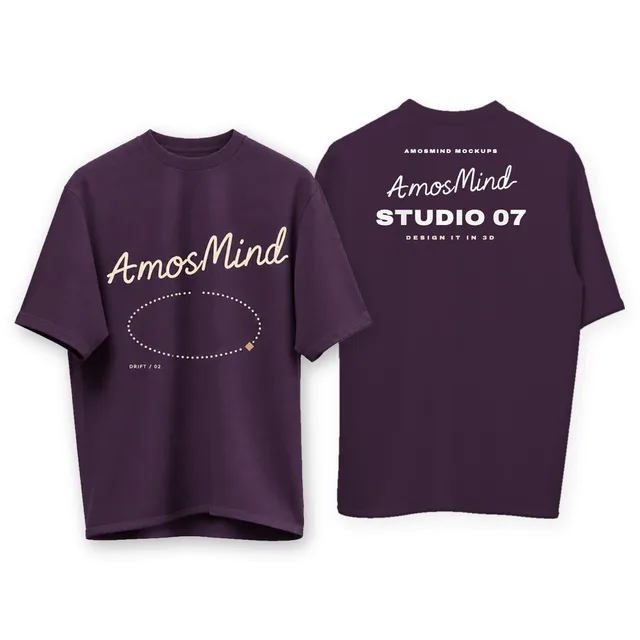
Suspended crew-neck T-shirt front and back mockup
Details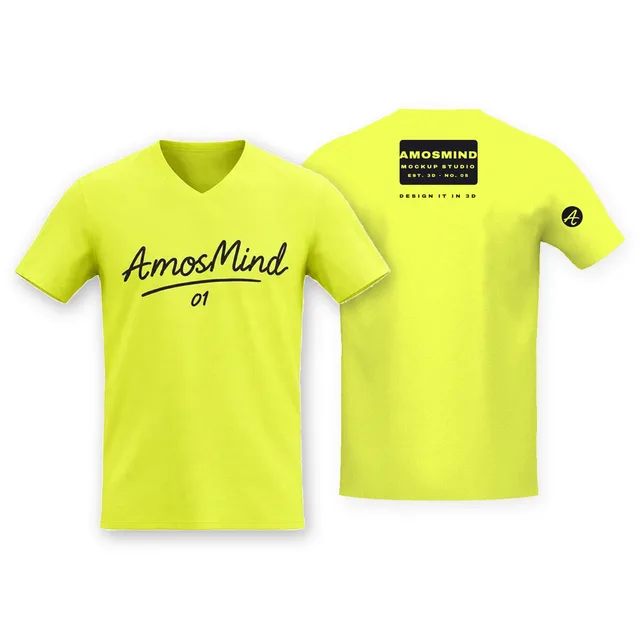
V-neck T-shirt front and back mockup
Details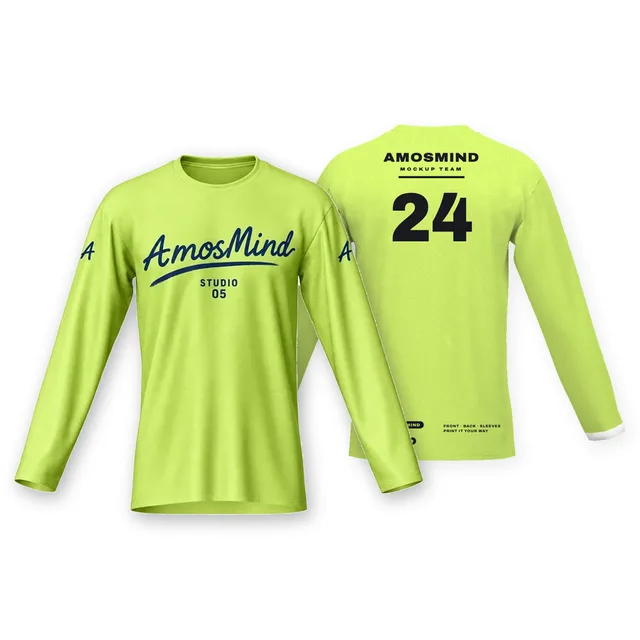 Add your design
Narrow crew-neck long-sleeve T-shirt front and back mockup
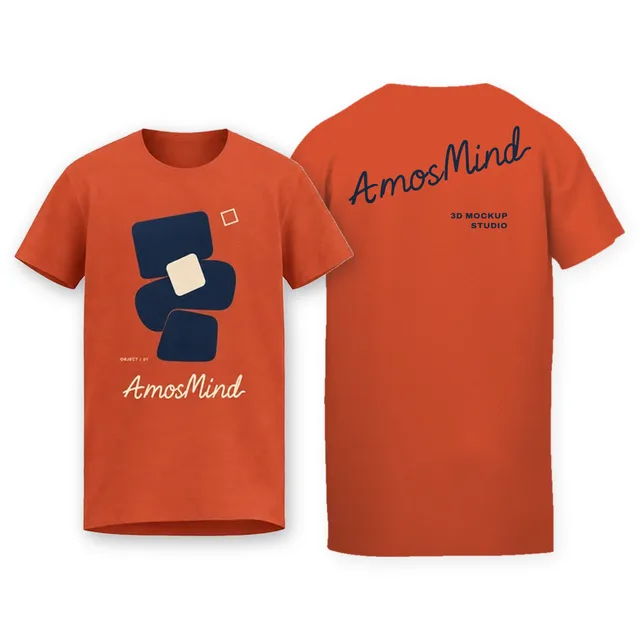 Add your design
Relaxed crew-neck T-shirt front and back mockup
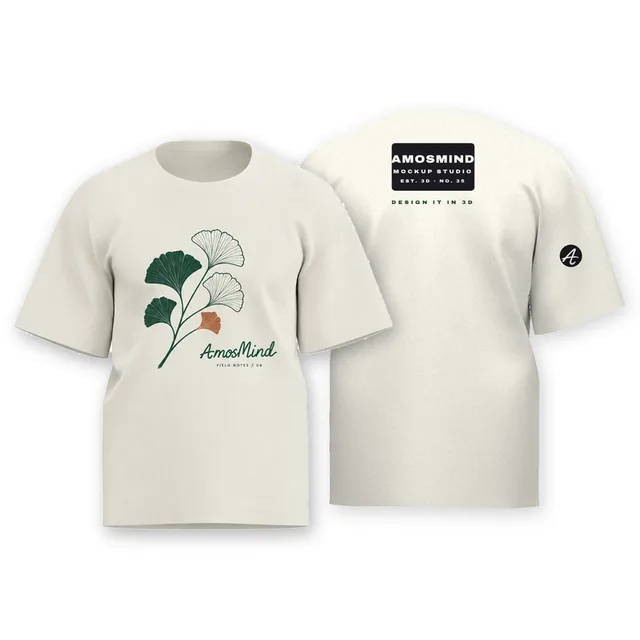 Add your design
Straight-fit crew-neck T-shirt front and back mockup
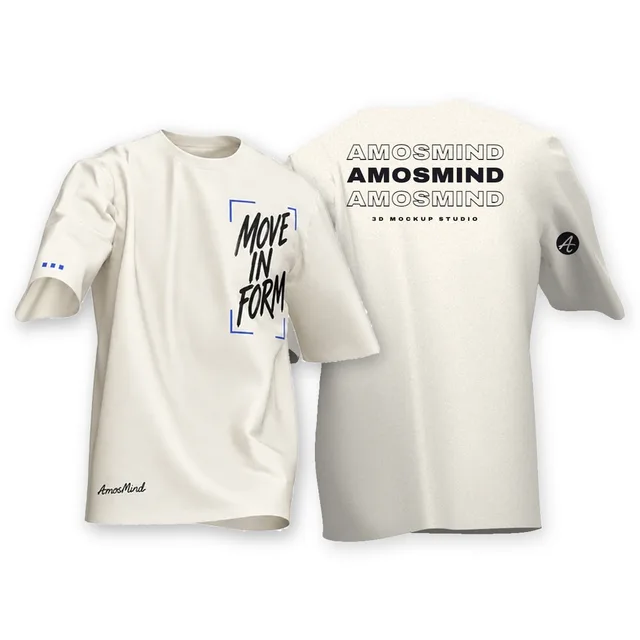 Add your design
Draped crew-neck T-shirt front and back mockup
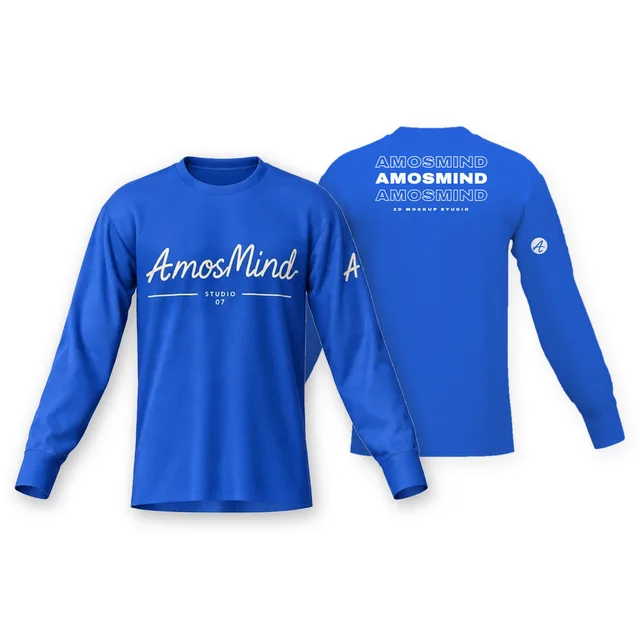 Add your design
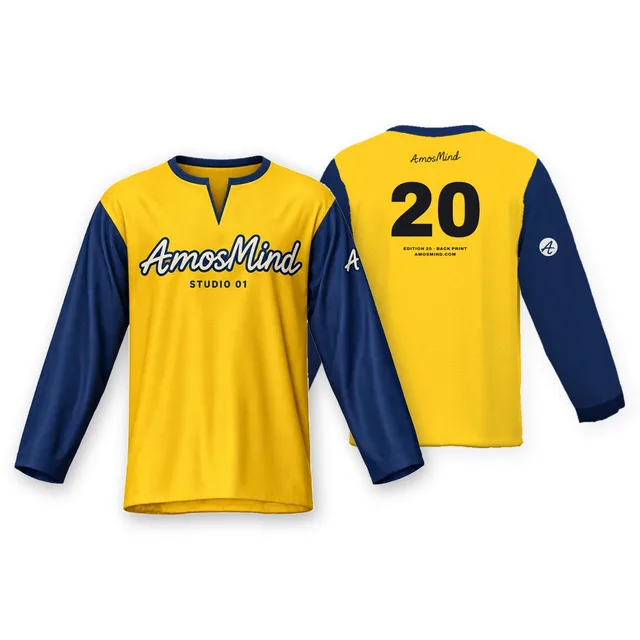
Crew-neck long-sleeve T-shirt front and back mockup
 Add your design
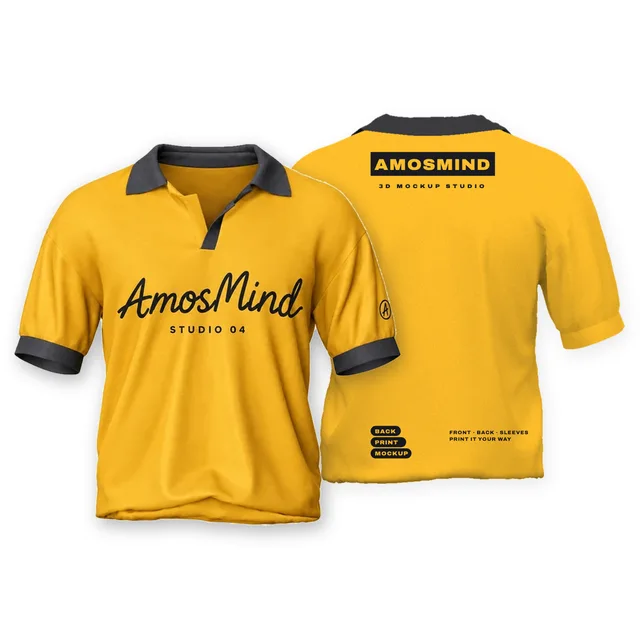
Notched crew-neck T-shirt front and back mockup
 Add your design
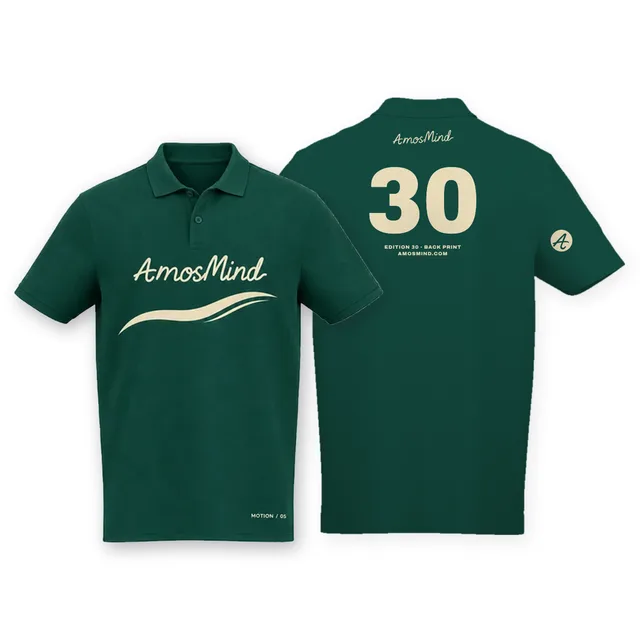
Short-sleeve polo shirt front and back mockup
 Add your design
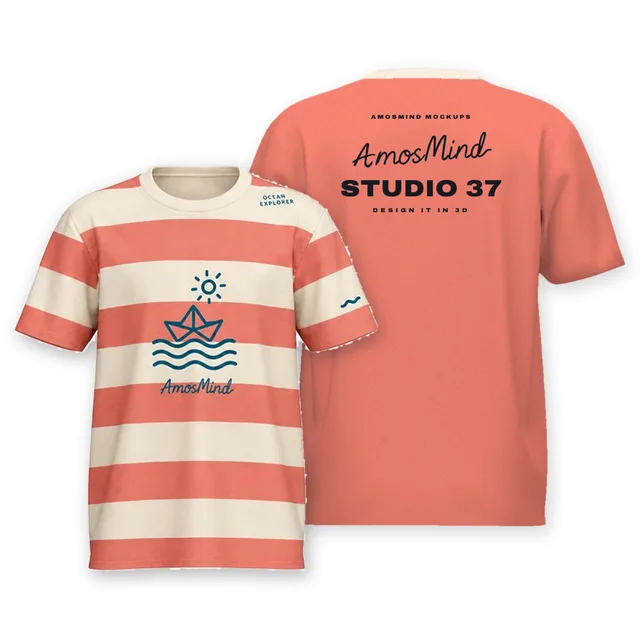
Classic polo shirt front and back mockup
 Add your design
Youth crew-neck T-shirt front and back mockup
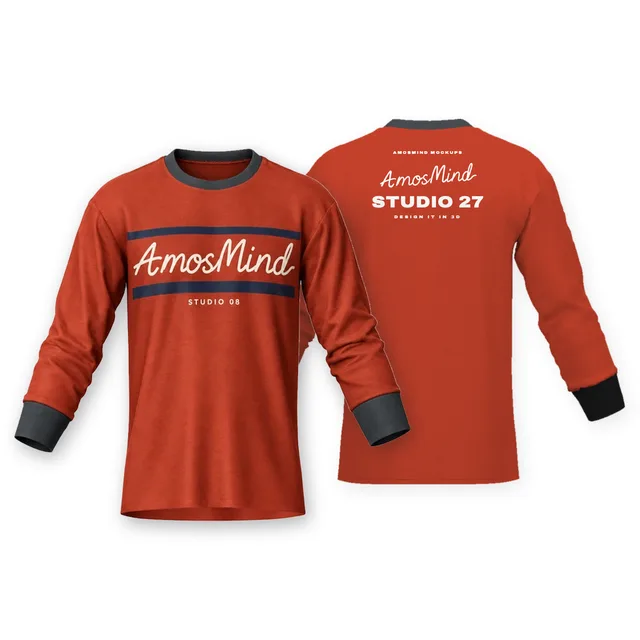 Add your design
Crew-neck banded-sleeve T-shirt front and back mockup
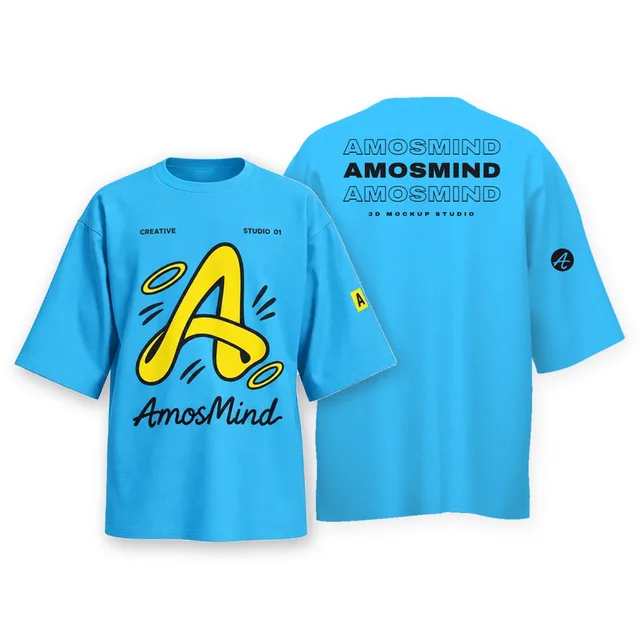
Oversized drop-shoulder T-shirt front and back mockup
Details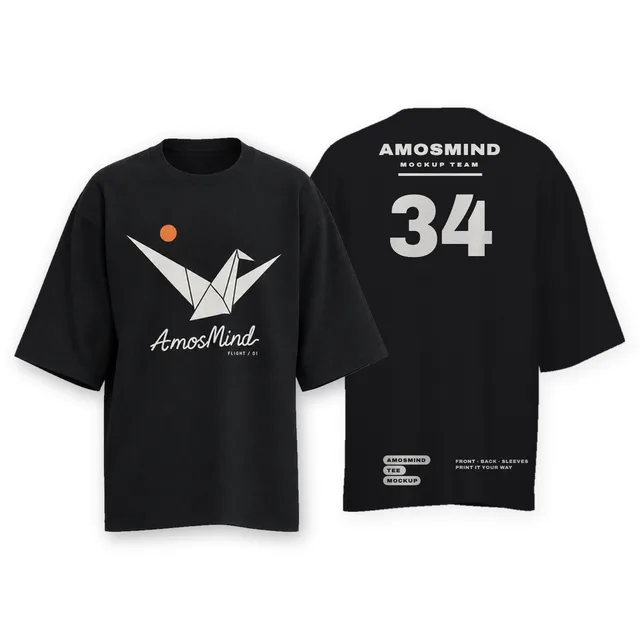 Add your design
Wide-sleeve crew-neck T-shirt front and back mockup
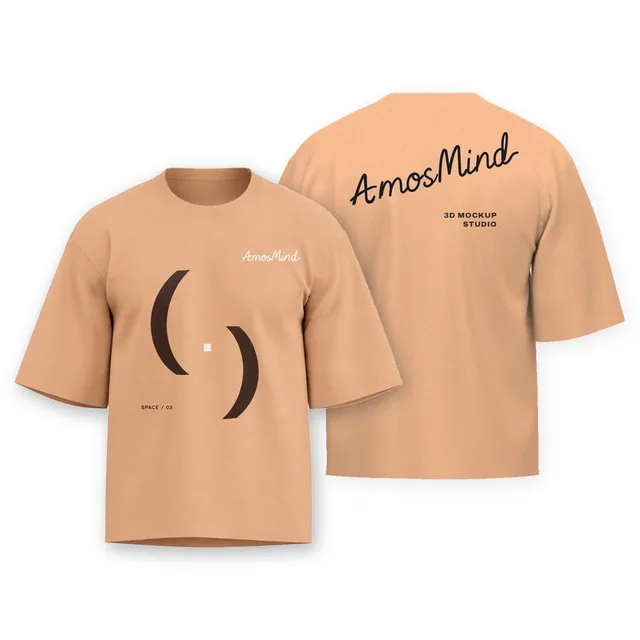
Boxy cropped T-shirt front and back mockup
Details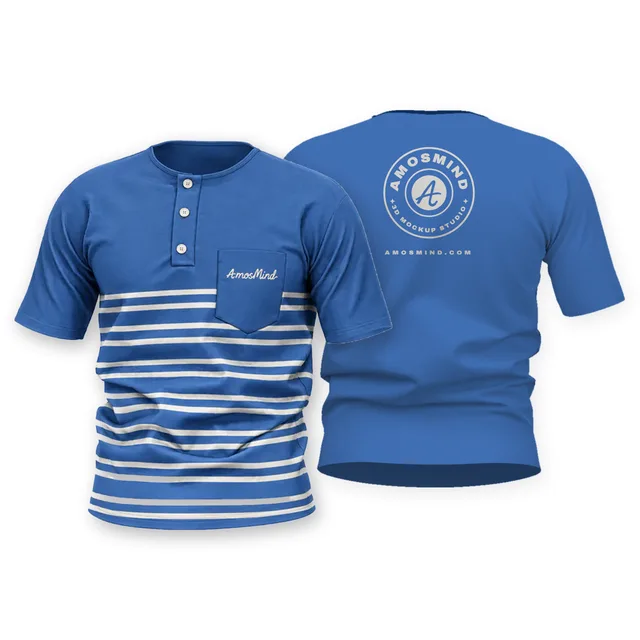 Add your design
Short-sleeve pocket Henley front and back mockup
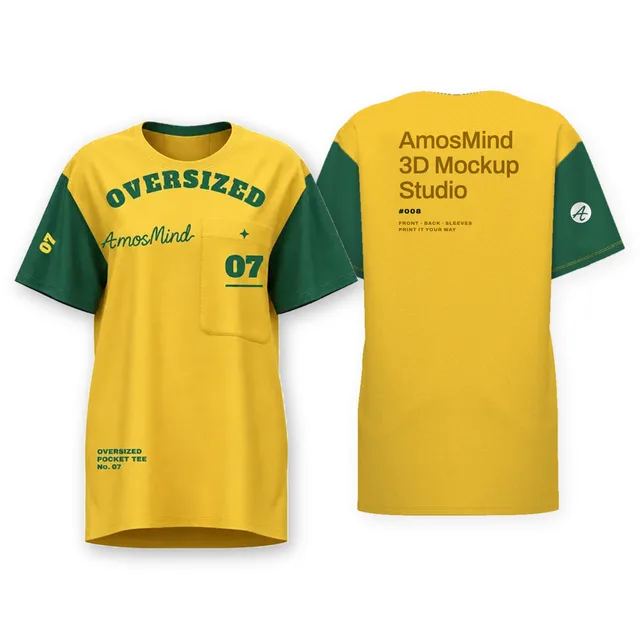
Oversized pocket T-shirt front and back mockup
Details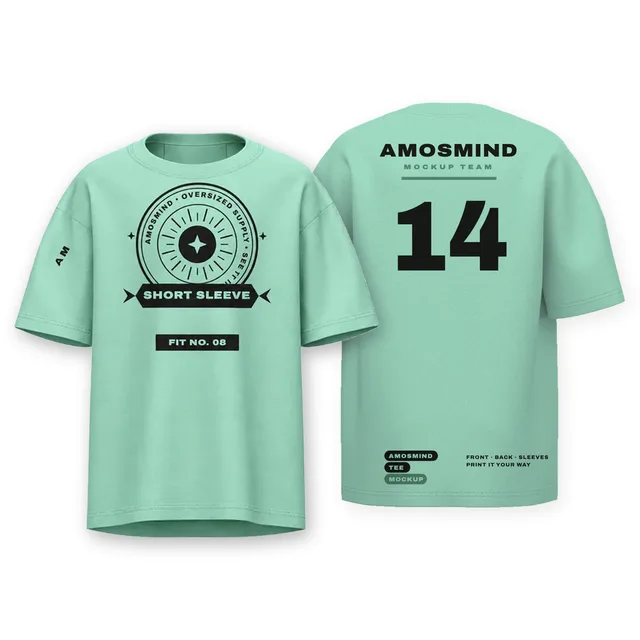
Oversized short-sleeve T-shirt front and back mockup
Details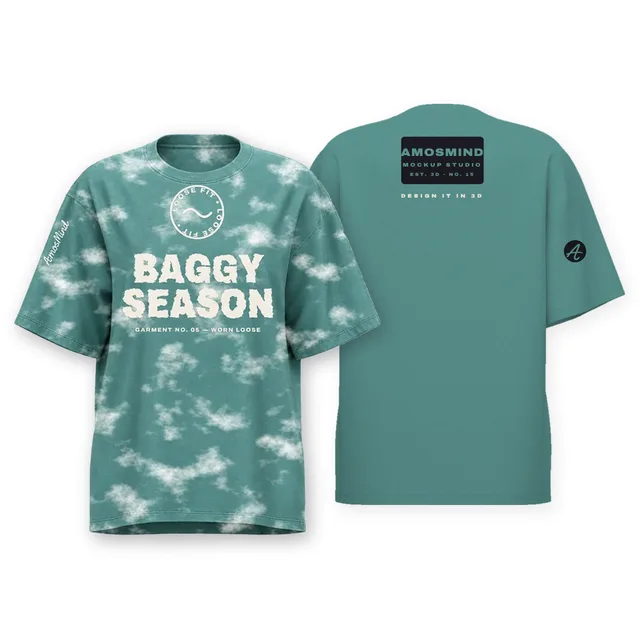
Baggy oversized T-shirt front and back mockup
Details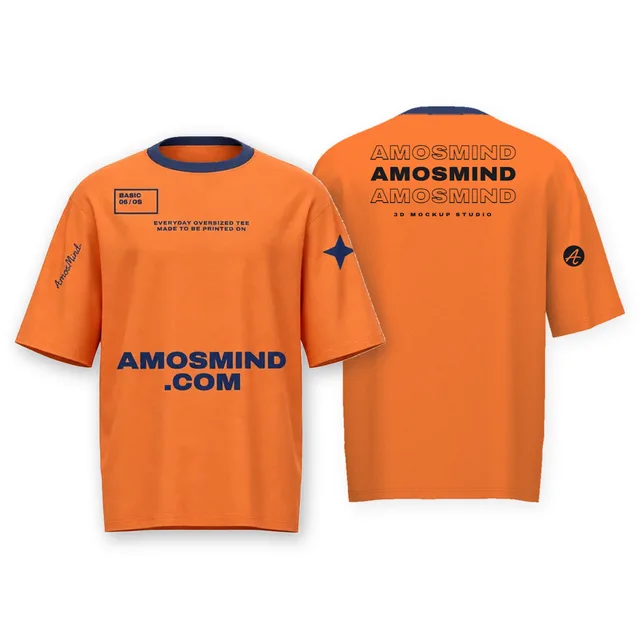
Basic oversized T-shirt front and back mockup
Details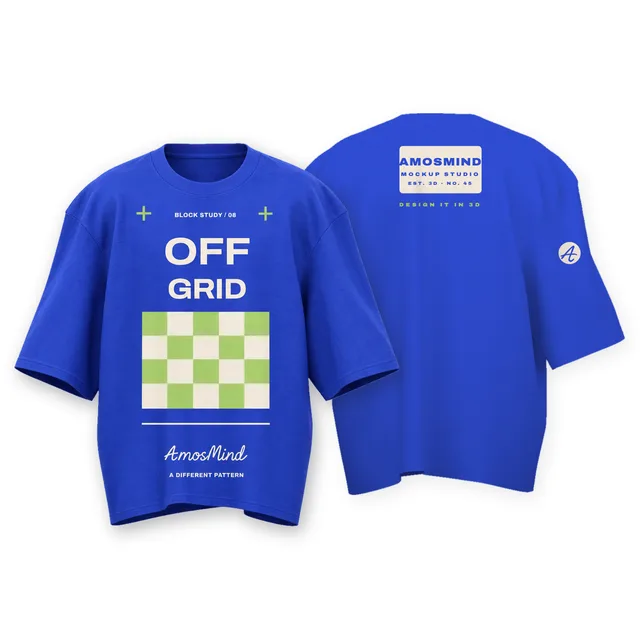 Add your design
Wide boxy T-shirt front and back mockup
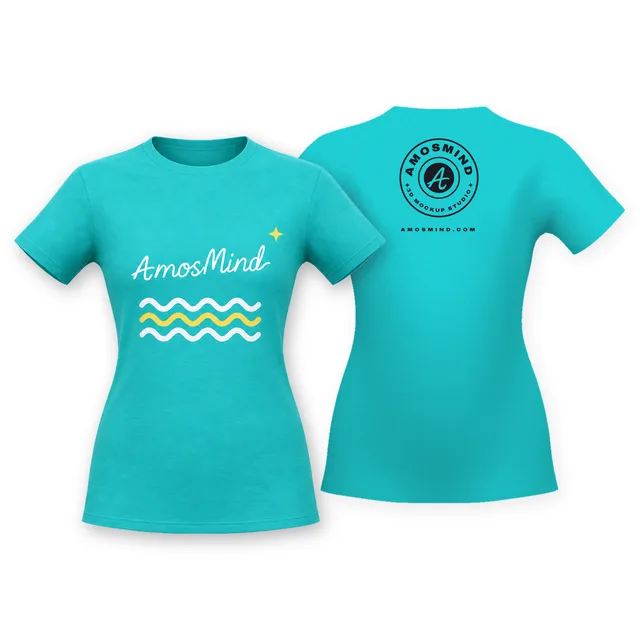 Add your design
Women's cap-sleeve T-shirt front and back mockup
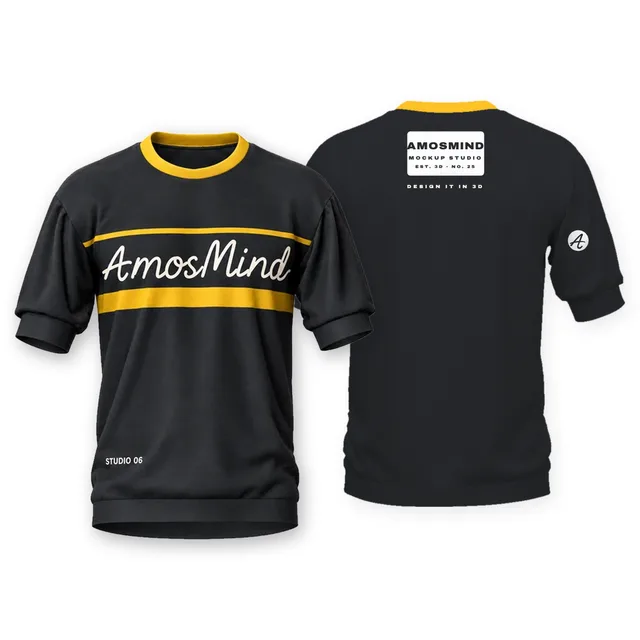 Add your design
Crew-neck banded short-sleeve top front and back mockup
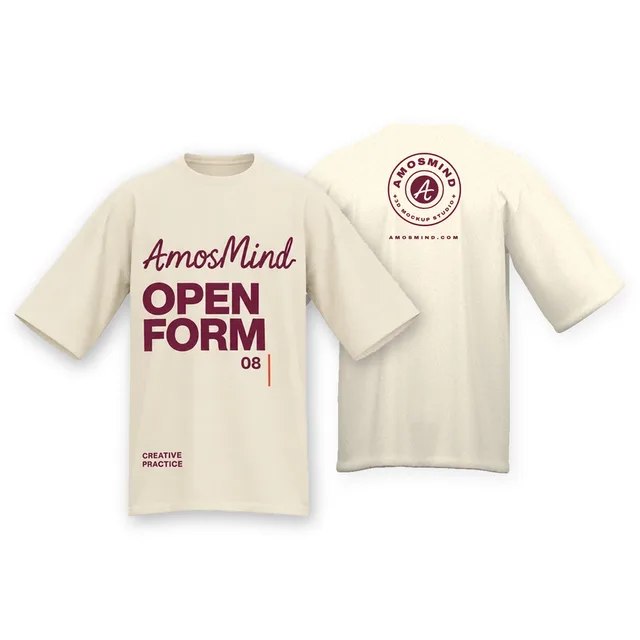 Add your design
Oversized crew-neck T-shirt front and back mockup
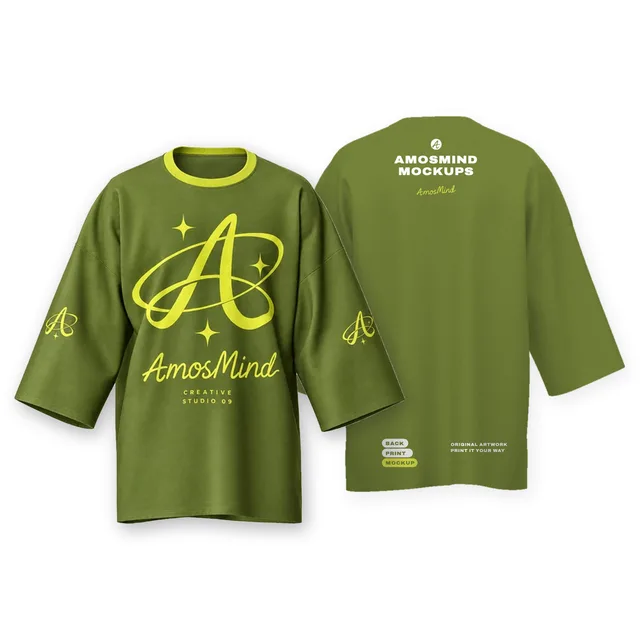
Longline wide-sleeve crew-neck T-shirt front and back mockup
Details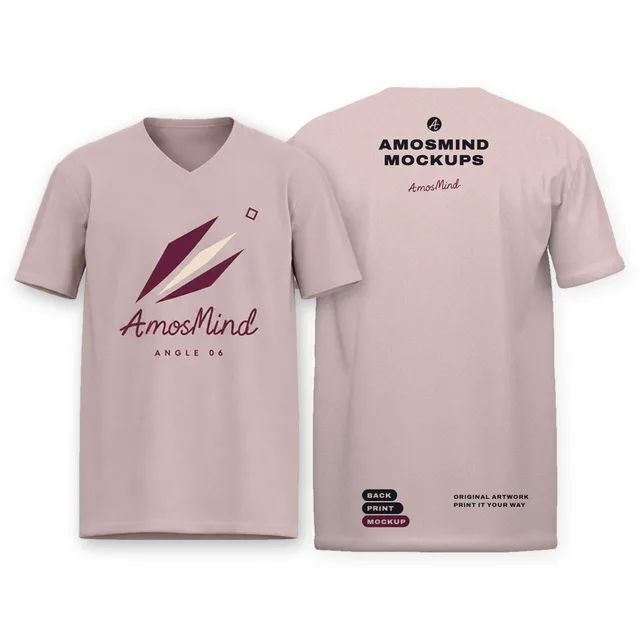 Add your design
Regular-fit V-neck T-shirt front and back mockup
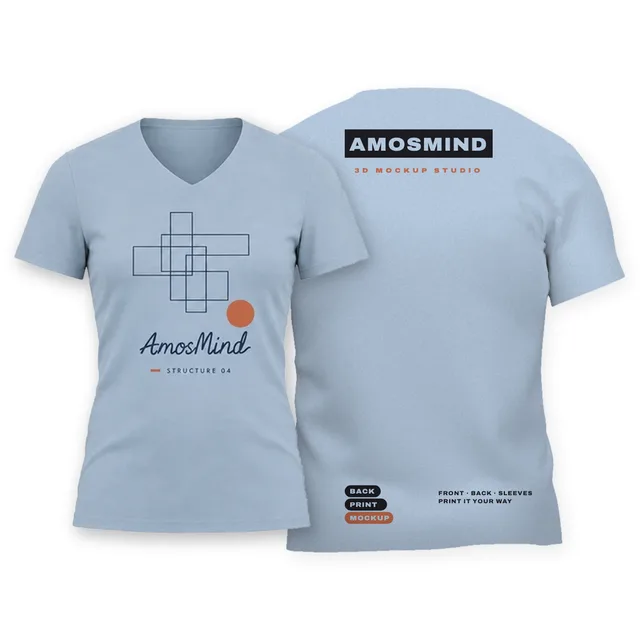 Add your design
Fitted V-neck T-shirt front and back mockup
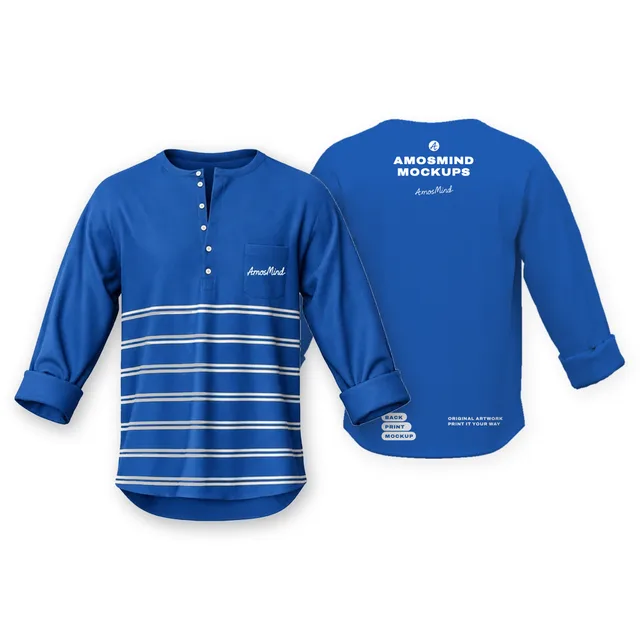 Add your design
Six-button pocket Henley with rolled sleeves front and back mockup
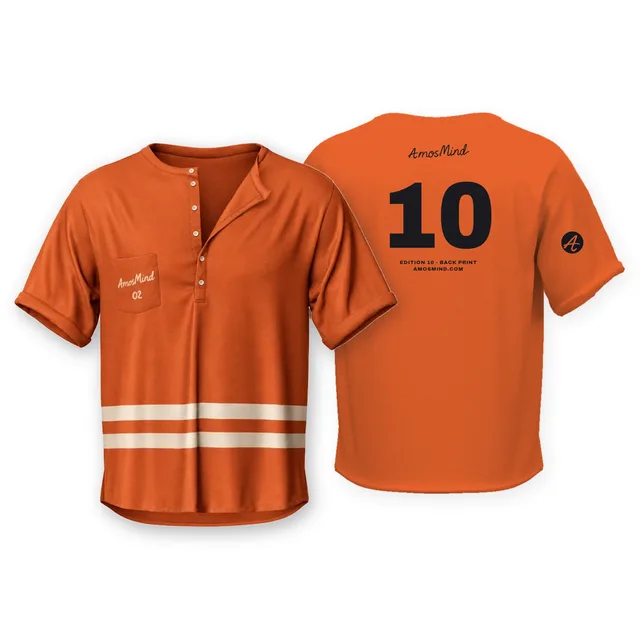
Deep-placket pocket Henley T-shirt front and back mockup
Details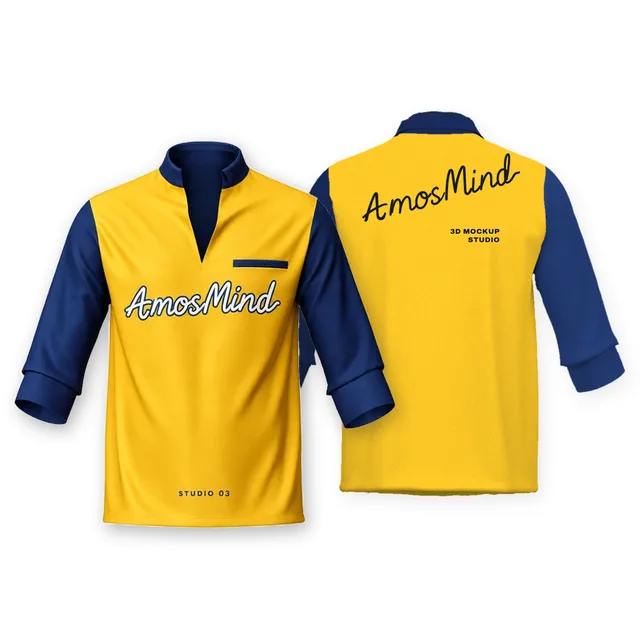 Add your design
Stand-collar placket T-shirt with rolled sleeves front and back mockup
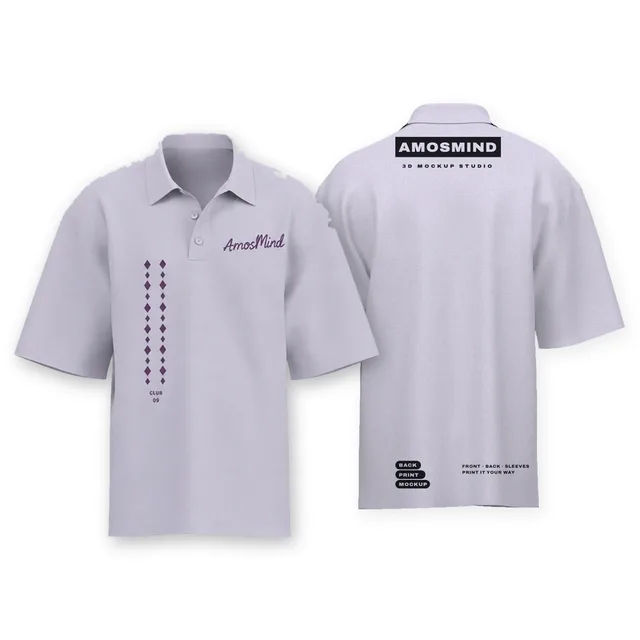
Oversized short-sleeve polo shirt front and back mockup
Details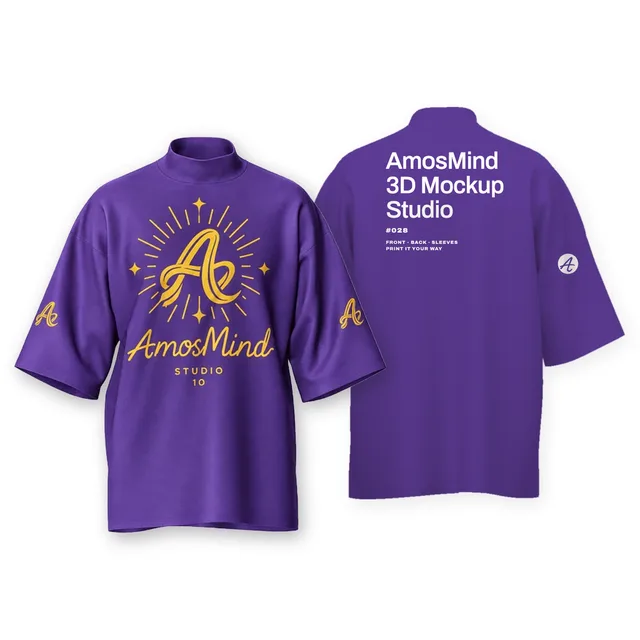 Add your design
Mock-neck relaxed T-shirt front and back mockup
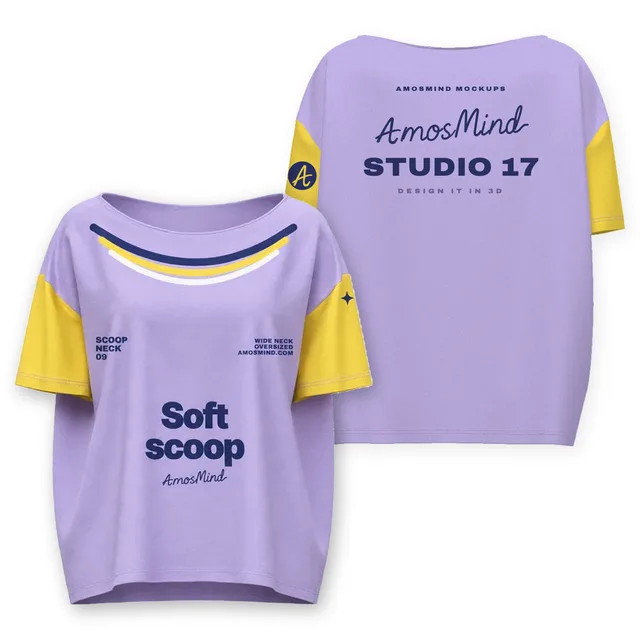
Oversized scoop-neck T-shirt front and back mockup
Details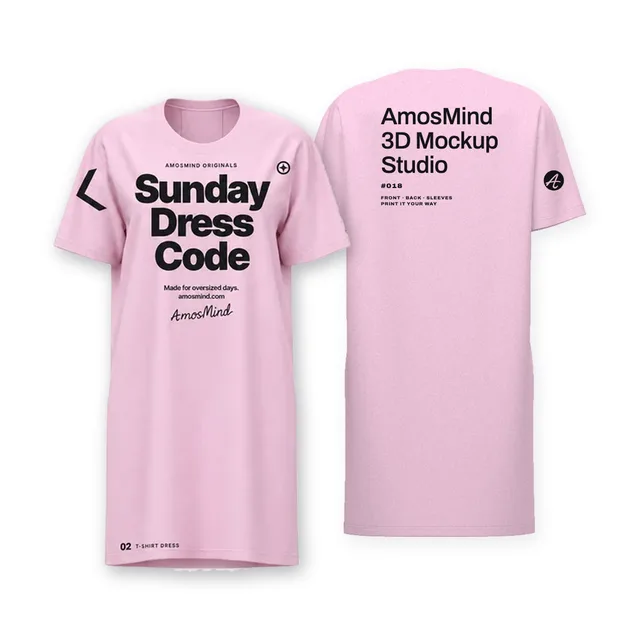
Oversized T-shirt dress front and back mockup
Details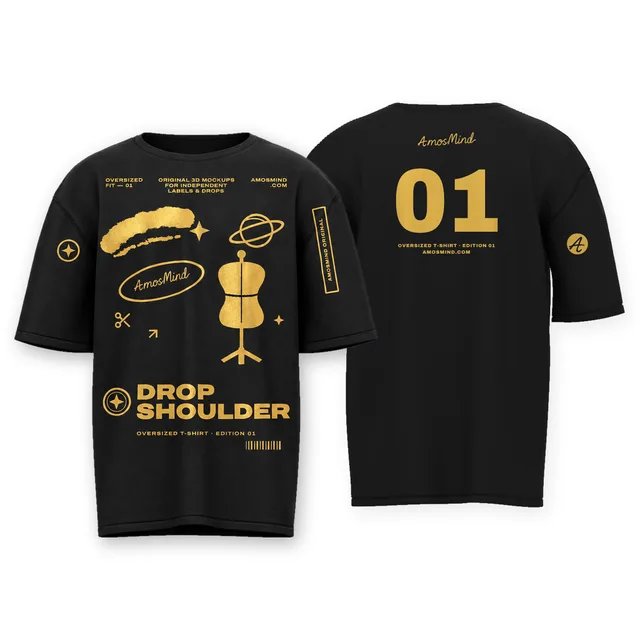
Oversized T-shirt front and back mockup
Details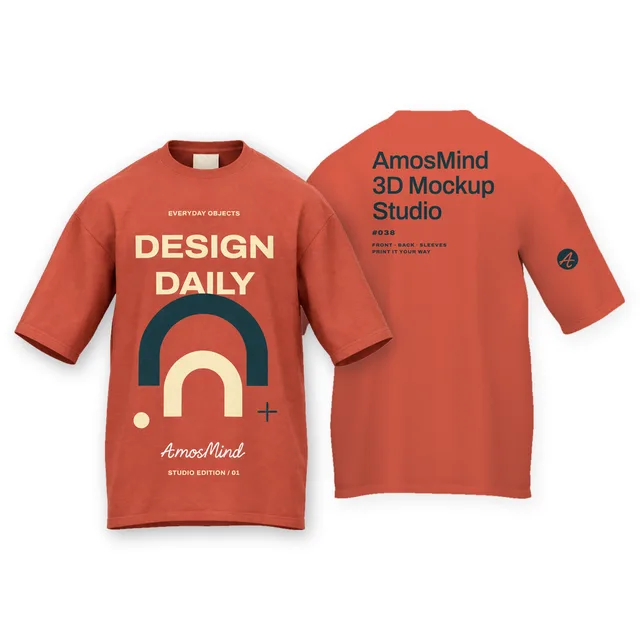 Add your design
Regular-fit T-shirt front and back mockup
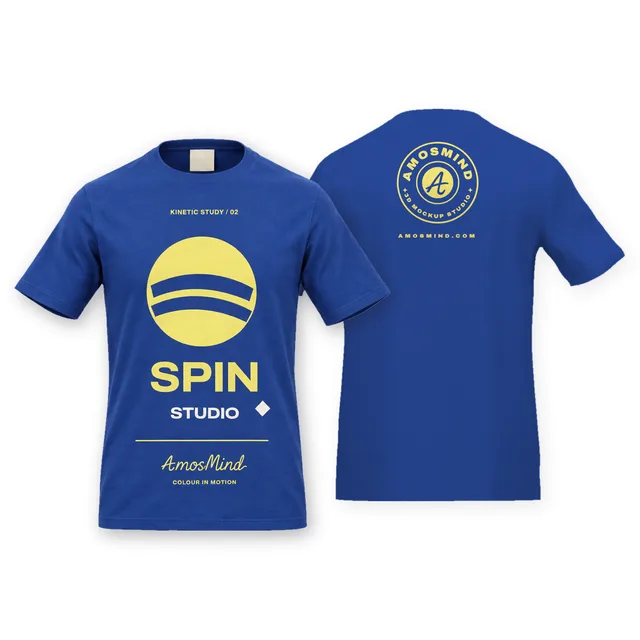 Add your design
Fitted T-shirt front and back mockup
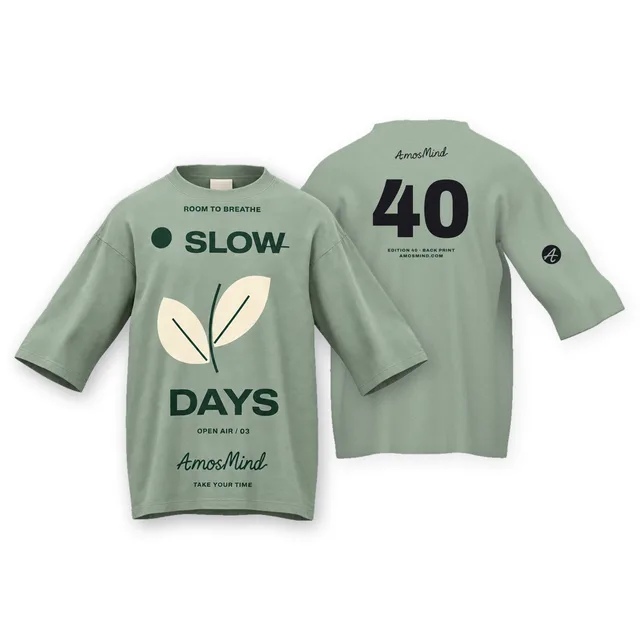 Add your design
Oversized relaxed T-shirt front and back mockup
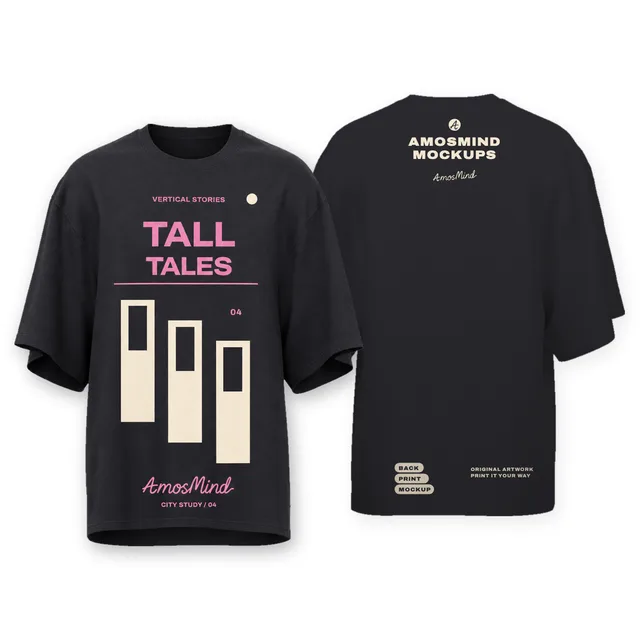 Add your design
Oversized long-body T-shirt front and back mockup
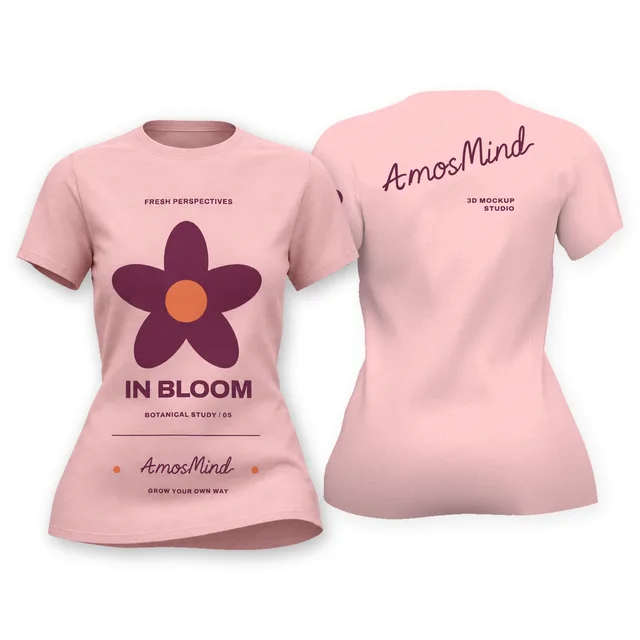 Add your design
Women's fitted T-shirt front and back mockup
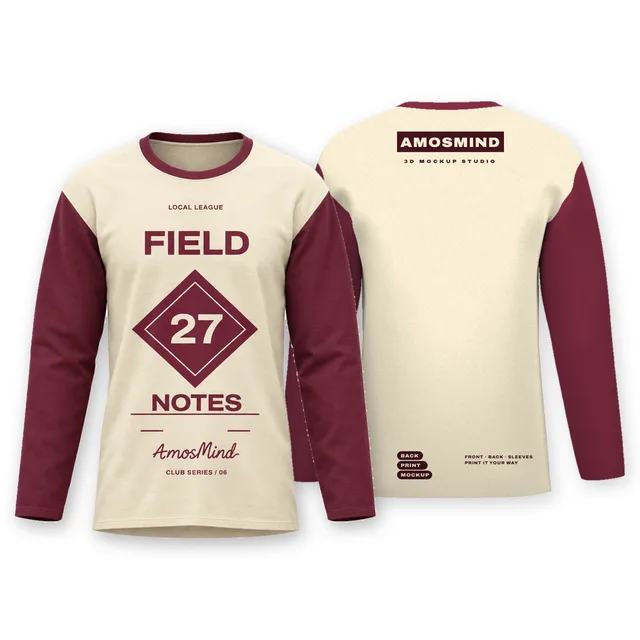 Add your design
Raglan long-sleeve T-shirt front and back mockup
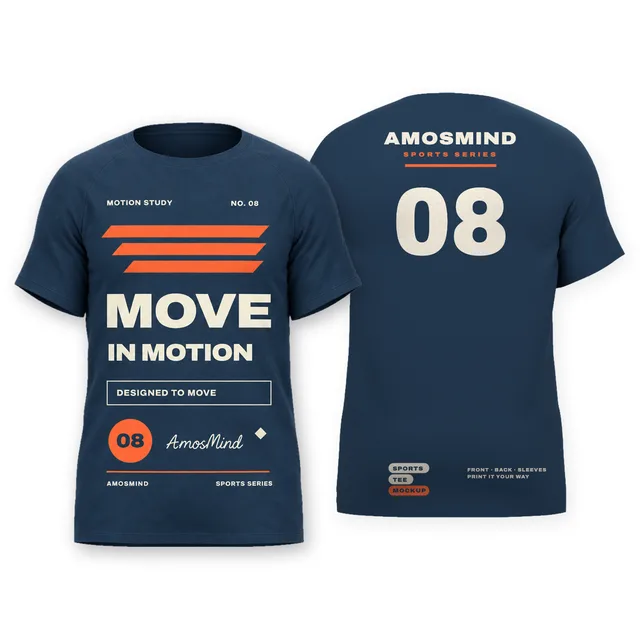
Sports T-shirt front and back mockup
Details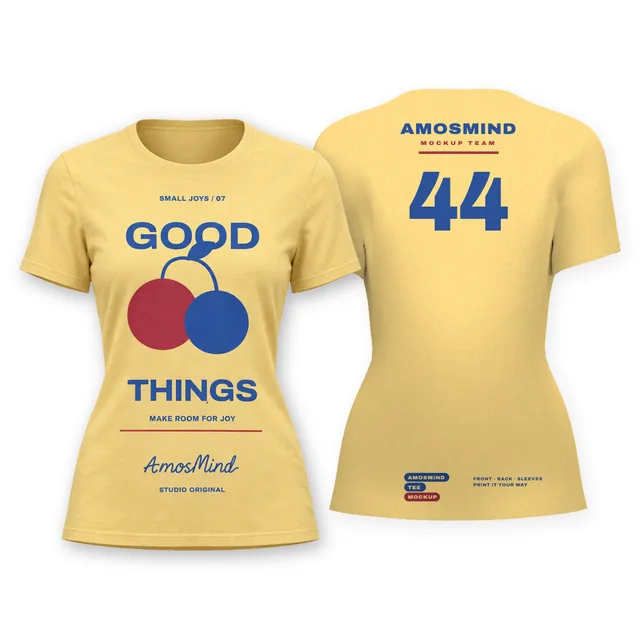 Add your design
Women's crew-neck T-shirt front and back mockup
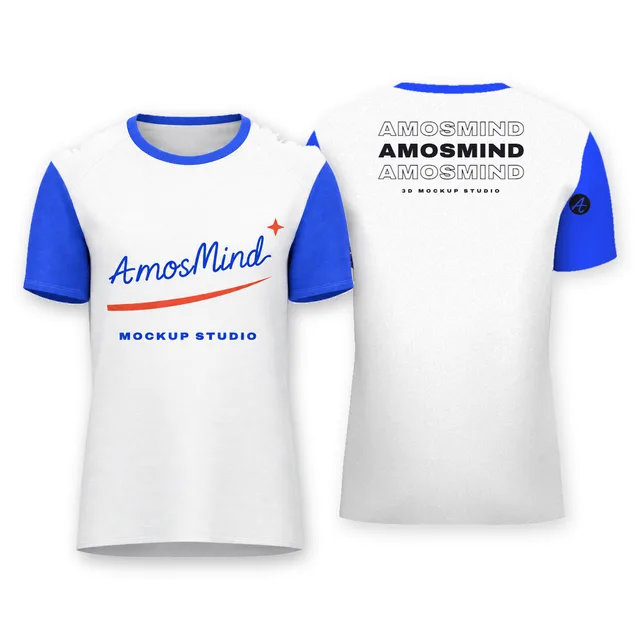 Add your design
Slim raglan T-shirt front and back mockup
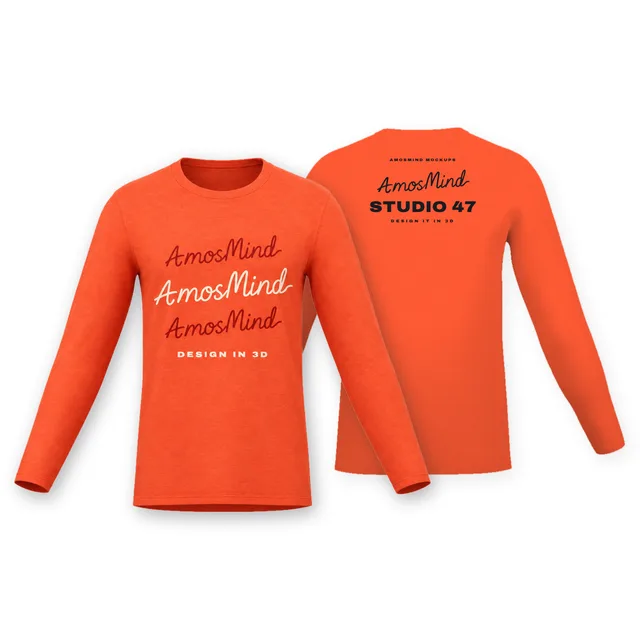 Add your design
Relaxed long-sleeve T-shirt front and back mockup
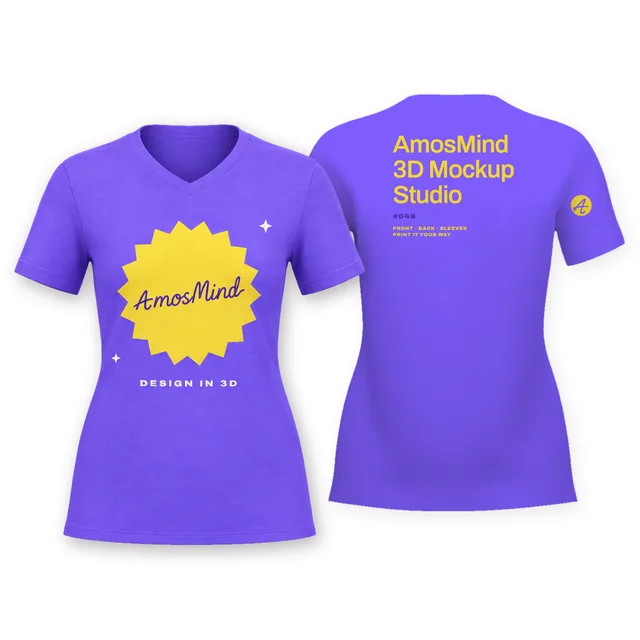 Add your design
Women's V-neck T-shirt front and back mockup
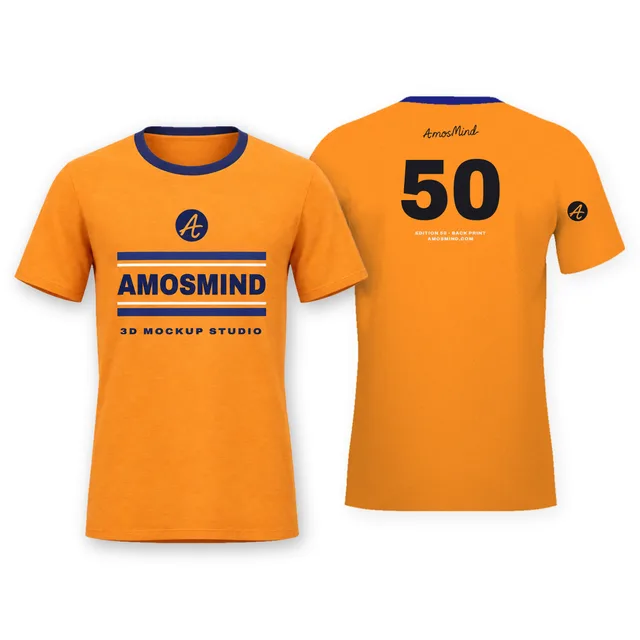 Add your design
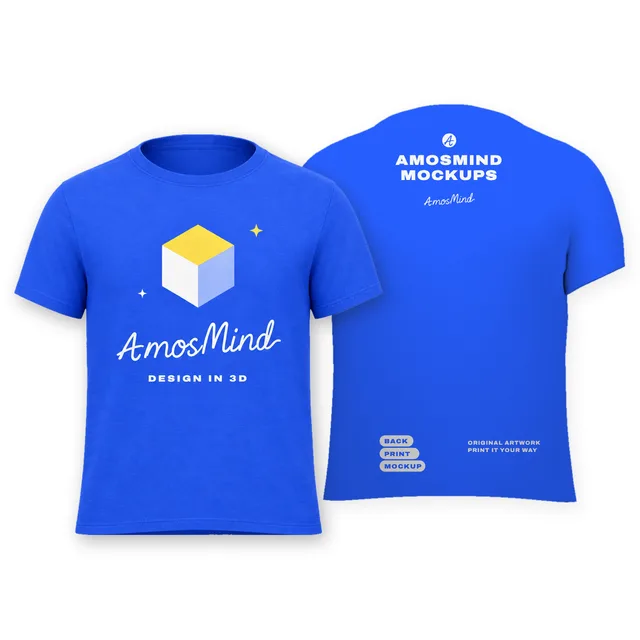
Wide-neck T-shirt front and back mockup
 Add your design
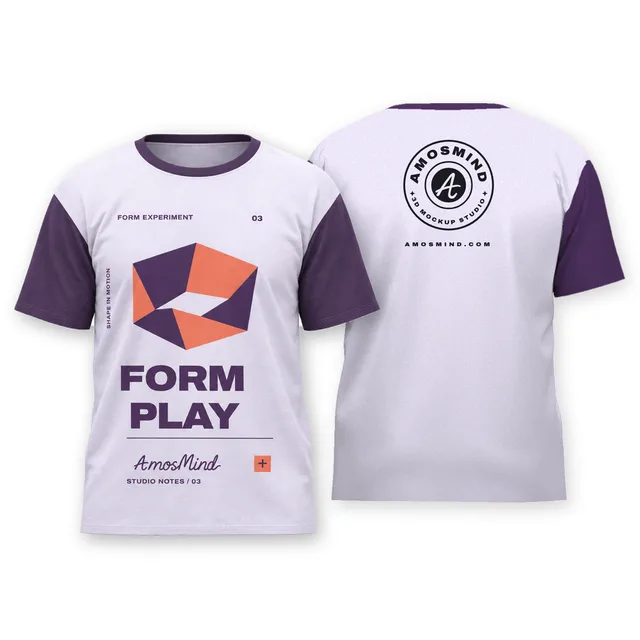
Boxy T-shirt front and back mockup
Raglan T-shirt front and back mockup
Details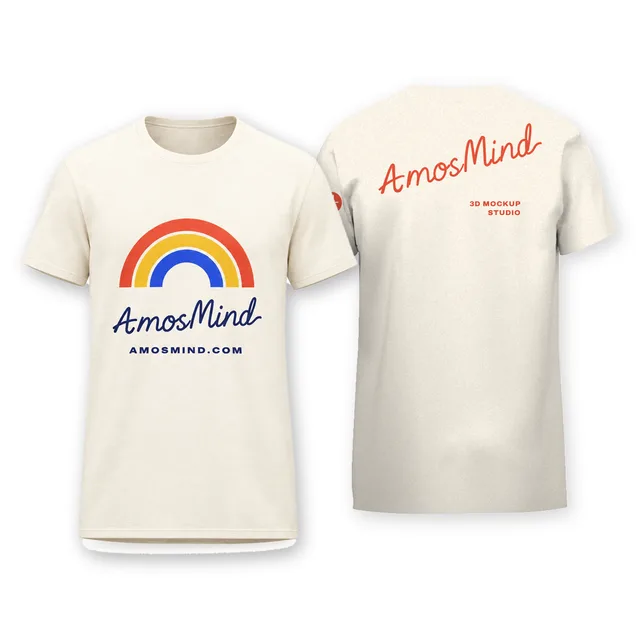 Add your design
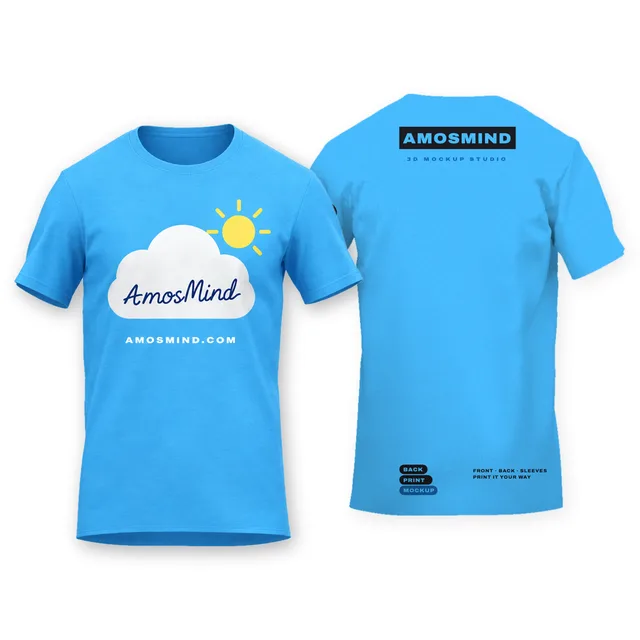
Standard crew-neck T-shirt front and back mockup
 Add your design
Shoulder-panel T-shirt front and back mockup
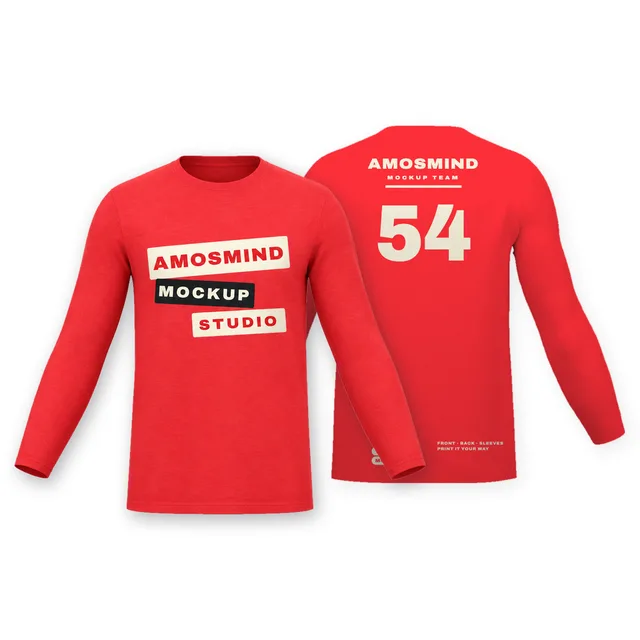 Add your design
Fitted long-sleeve T-shirt front and back mockup
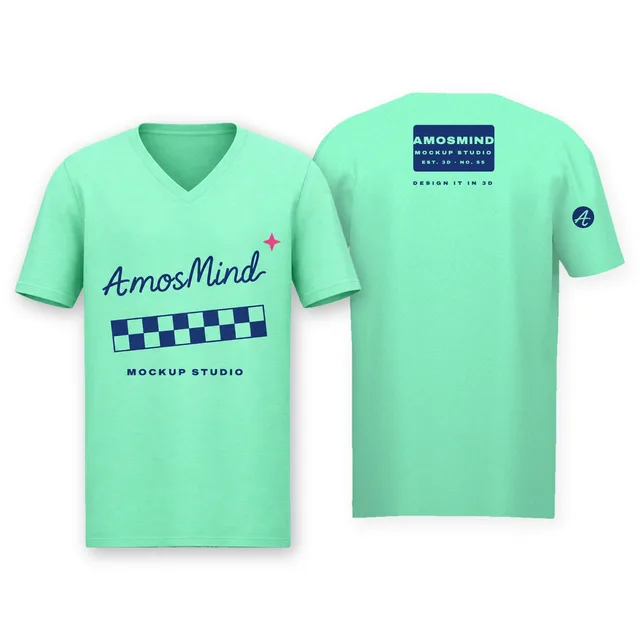 Add your design
Straight V-neck T-shirt front and back mockup
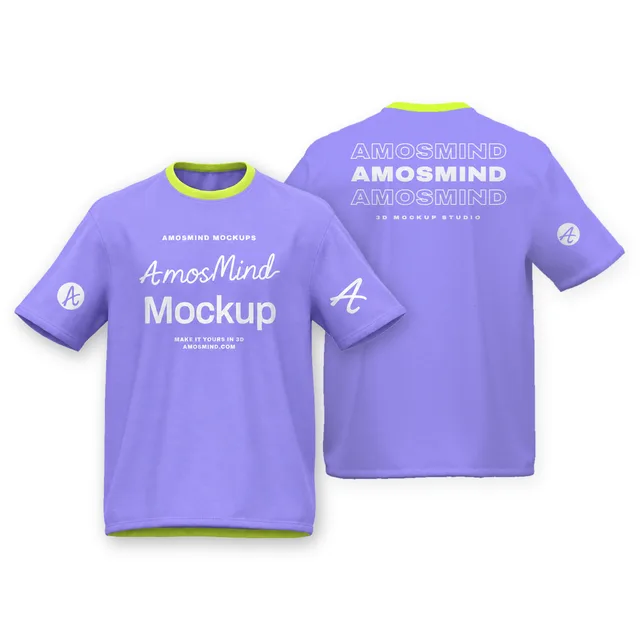 Add your design
Boxy rolled-sleeve T-shirt front and back mockup
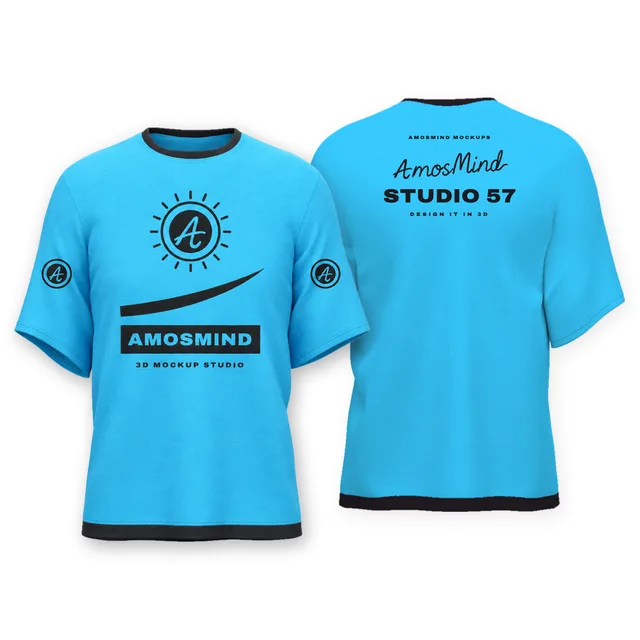 Add your design
Relaxed drop-shoulder T-shirt front and back mockup
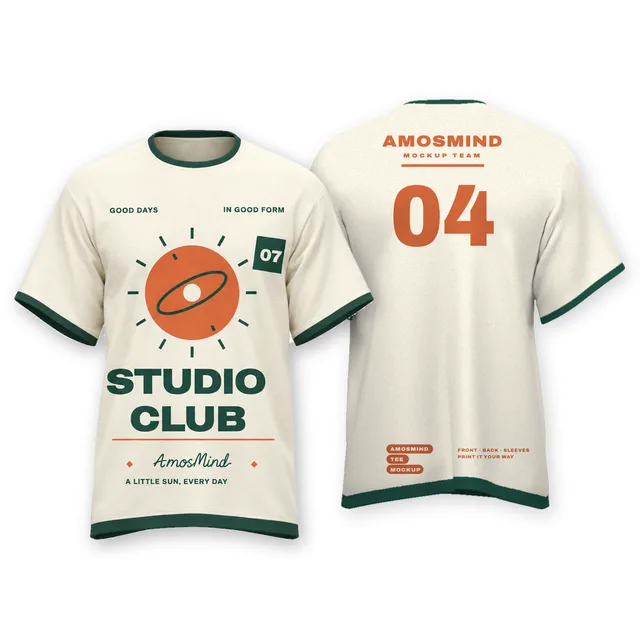
Ringer T-shirt front and back mockup
Details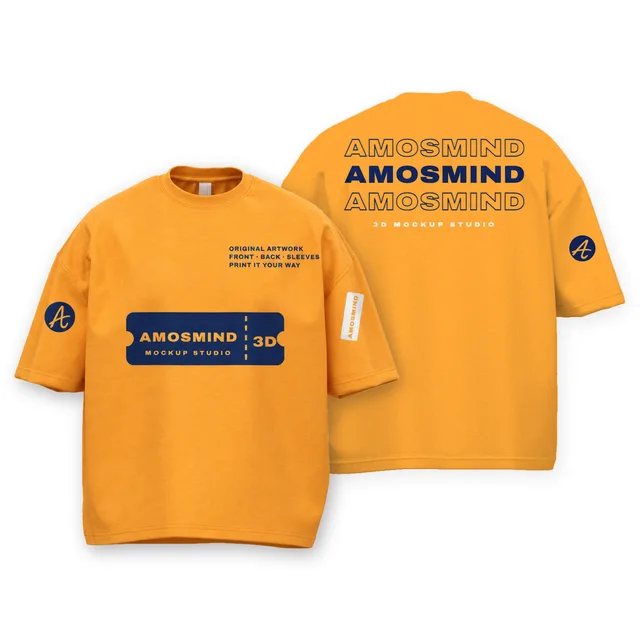 Add your design
Drop-shoulder boxy T-shirt front and back mockup
 Add your design
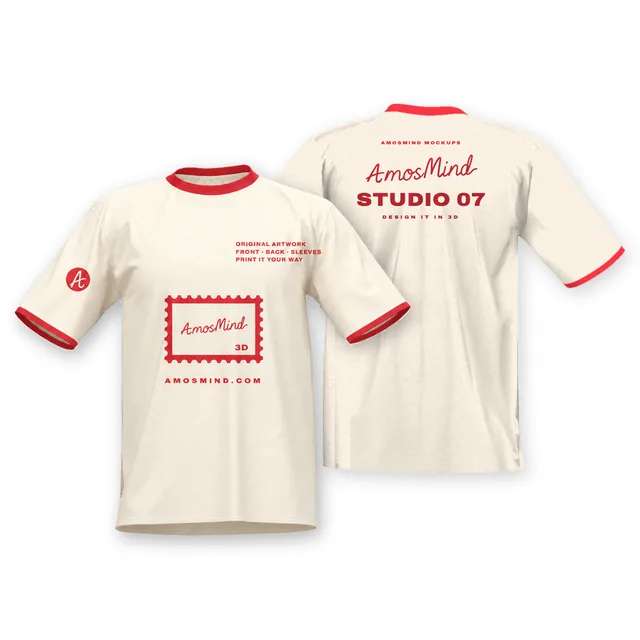
Wide crew-neck T-shirt front and back mockup
 Add your design
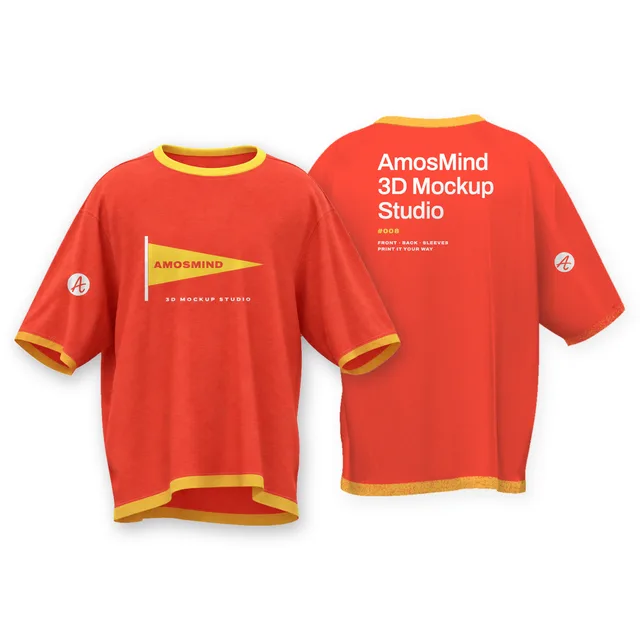
Boxy contrast-trim T-shirt front and back mockup
 Add your design
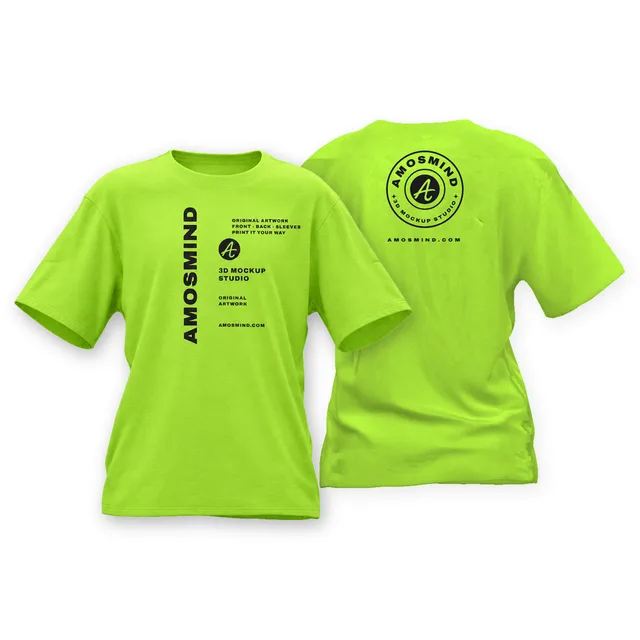
Boxy crew-neck T-shirt front and back mockup
 Add your design
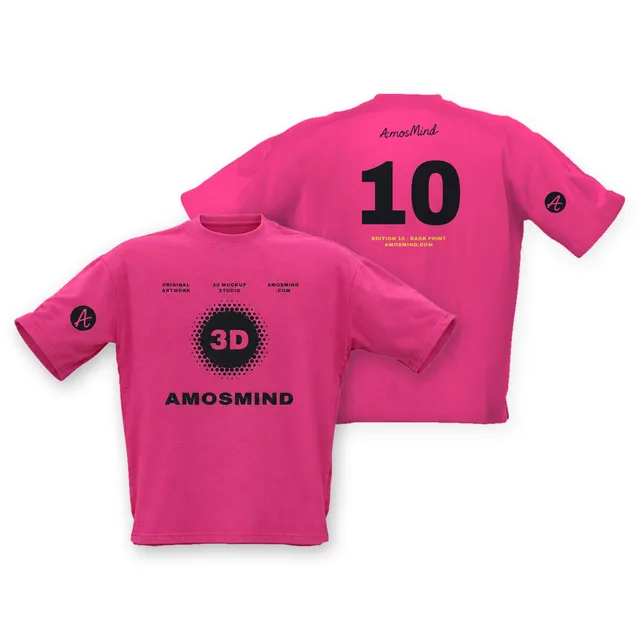
Loose-fit boxy T-shirt front and back mockup
Front and back pairings that work
A two-sided shirt is one design in two places. Most of them use one of four pairings, and each has a reason behind it.
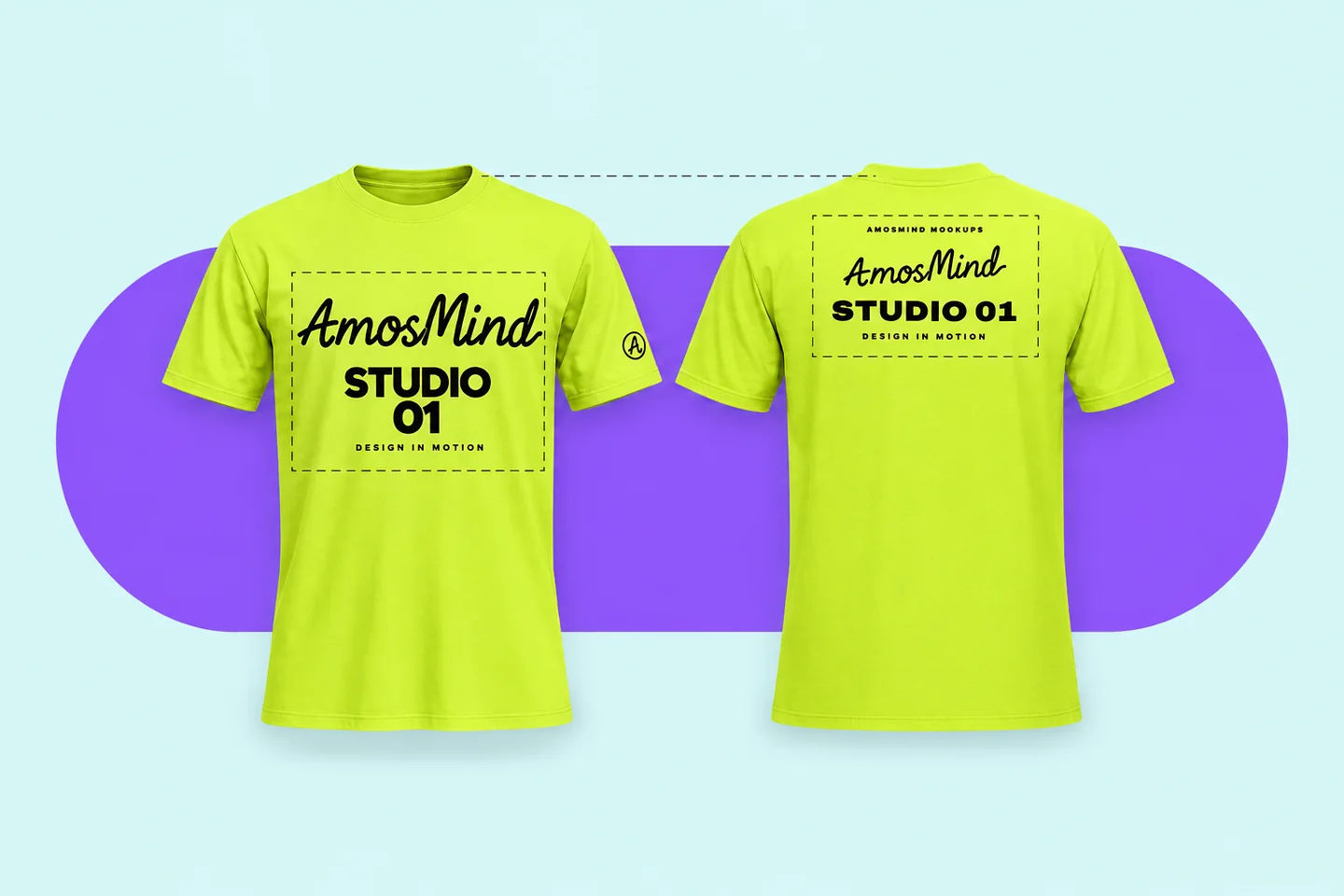
Left chest + full back
The classic pairing
A small mark on the chest for face-to-face moments, the main artwork on the back where a crowd sees it. Common on brand, crew and business shirts.
Large back + small front
The retail look
A big back graphic with a smaller front print reads like a store-bought tee. Keep the two in the same colors and type so they belong together.
Art in front, list on the back
Tour and event shirts
Concert shirts have long put the artwork on the front and the tour dates on the back. The same layout suits event schedules and sponsor rows.
Full back + back collar
Two prints on one side
A small mark about 1 in below the back collar can sit above a full back print, with 2–3 in between them.
The back print usually starts lower than the front one. One trade guide puts a large front print about 2 in below the collar and a full back about 4 in below; other guides give 3–4 in for both. Compare the two views with each other, not one at a time.
What a second print adds: cost, passes and balance
Printing both sides is two jobs, not one. Before you commit to a two-sided design, find out what the second print adds at your printer.
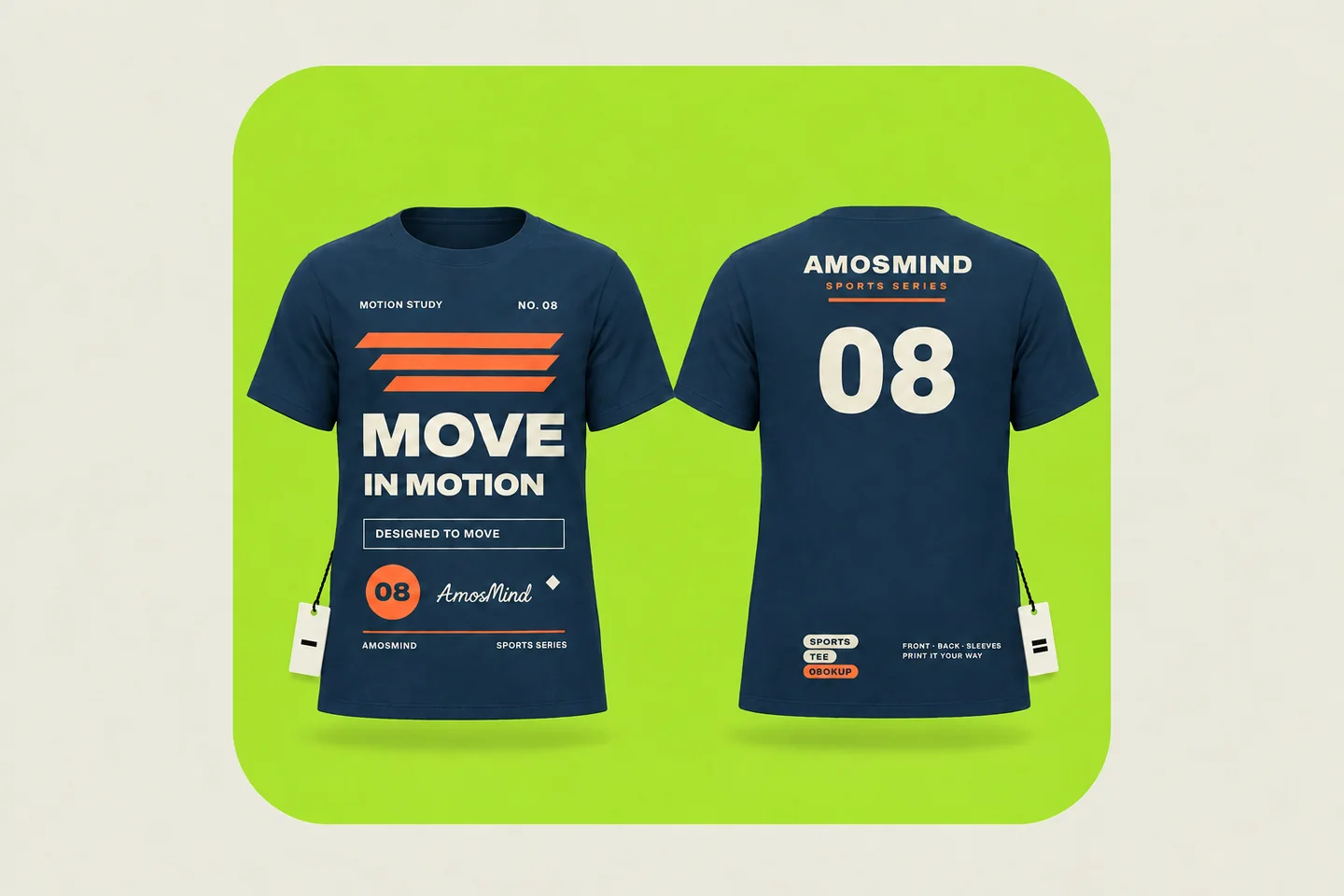
Print-on-demand
The base price covers the blank and one print. A back print is an added placement with its own fee, which varies by provider and by product.
DTG
The shirt is repositioned and printed again for the second side, so every added location costs more.
Screen printing
Every color needs its own screen, and a back print adds screens and setup of its own. Fewer colors on the second side keep the price down.
Front-to-back balance
Printed at the same distance from the collar, the two sides can look uneven once the shirt is worn. Printers often set the back a little lower.
Labels and back prints
Some providers cannot combine an outside neck label with a back print. Check which placements go together before you design both.
If the budget allows one side
Front prints are seen in photos and face to face. Back prints are seen in lines, at runs and across a trade-show floor. Print the side people will look at.
Front and back by fit: where the two prints land
The same pairing sits differently on each cut. Open the fit you sell and check both sides on that shape.
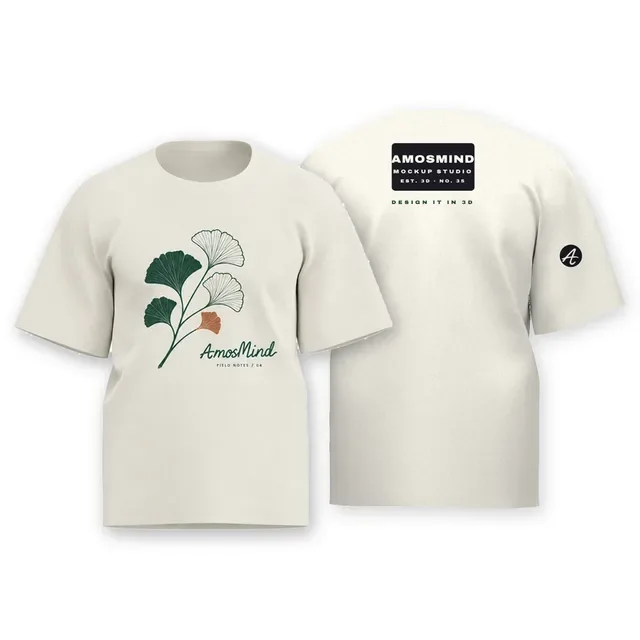
Classic
Up to about 12 × 16 in on each side at most printers. The safest canvas for a first two-sided design.
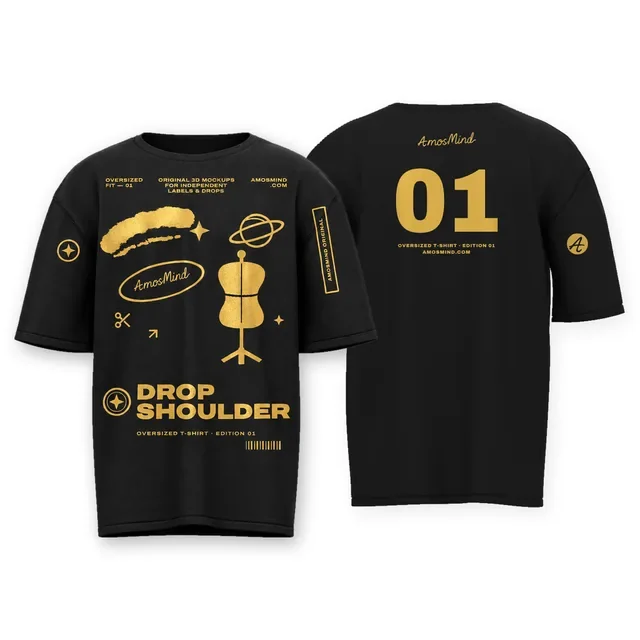
Oversized
Large back graphics are common on oversized tees, usually with a small chest print. The dropped shoulder moves both prints lower.
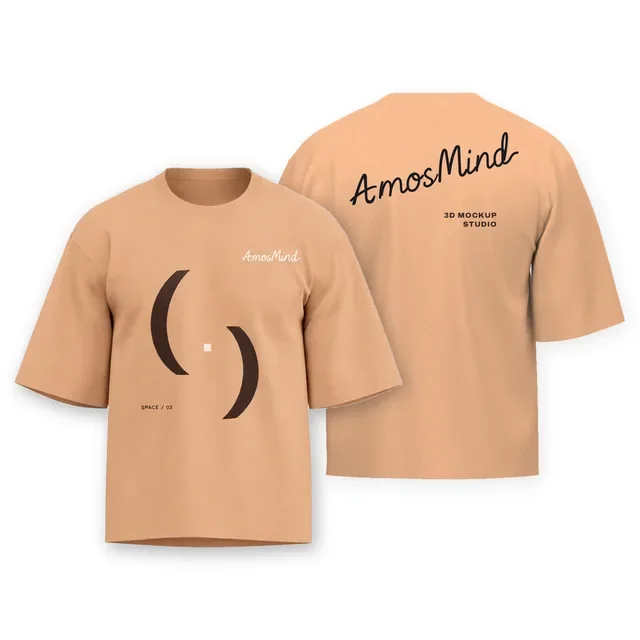
Boxy and cropped
A short body leaves less height, so front and back graphics stay in the upper part of the shirt.
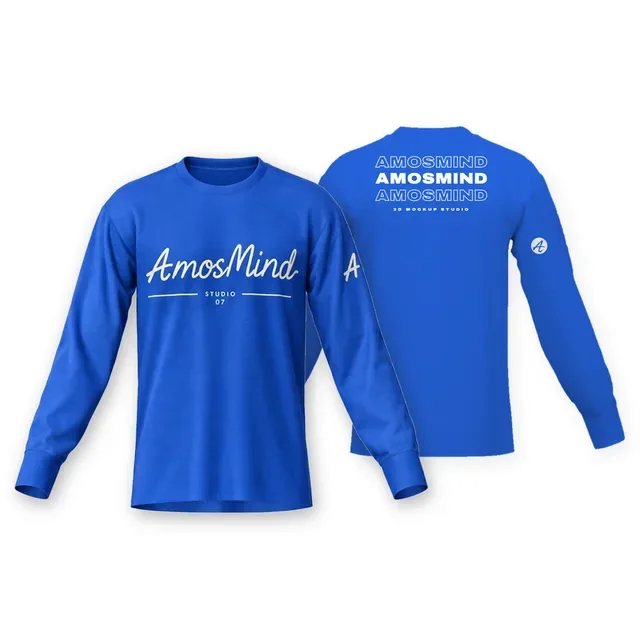
Long sleeve
Sleeve text is part of the design, so render a side view along with the front and the back.
How to make a front and back T-shirt mockup
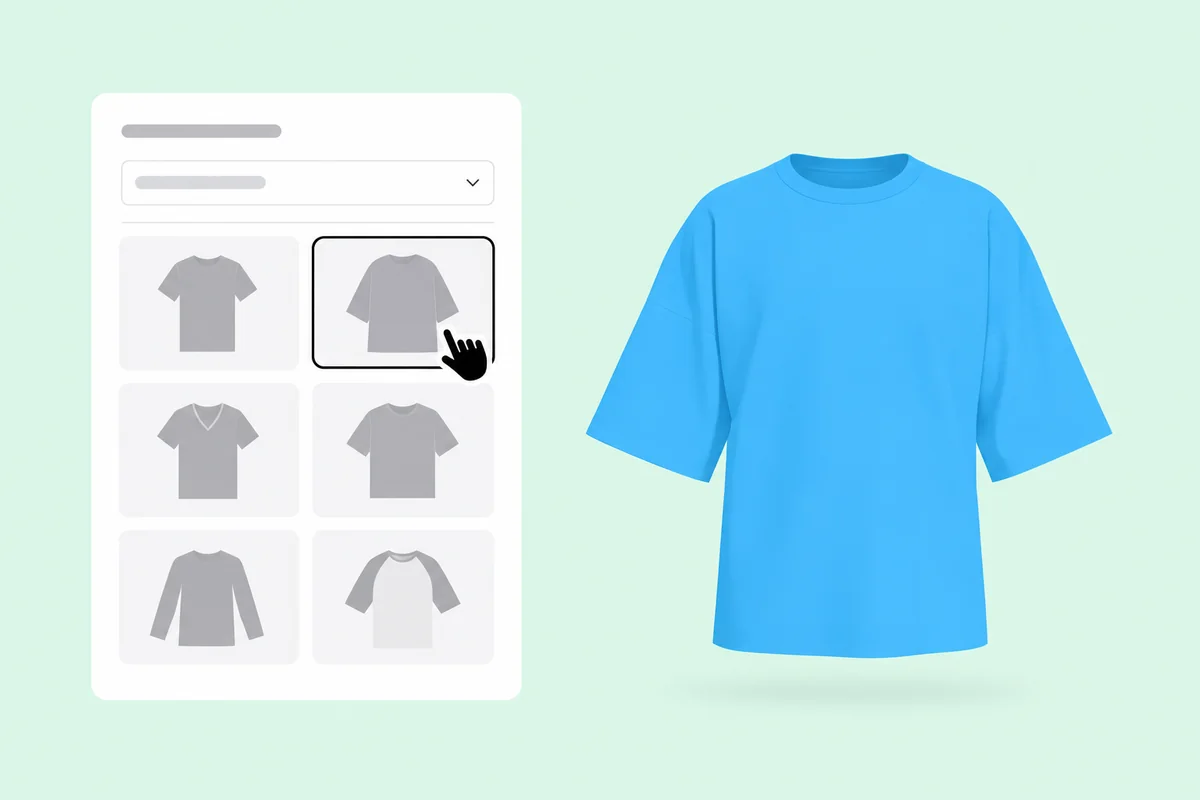
Pick a T-shirt style
Open any T-shirt on this page. Each one is a full 3D shirt, so the front and the back are the same garment, not two templates.
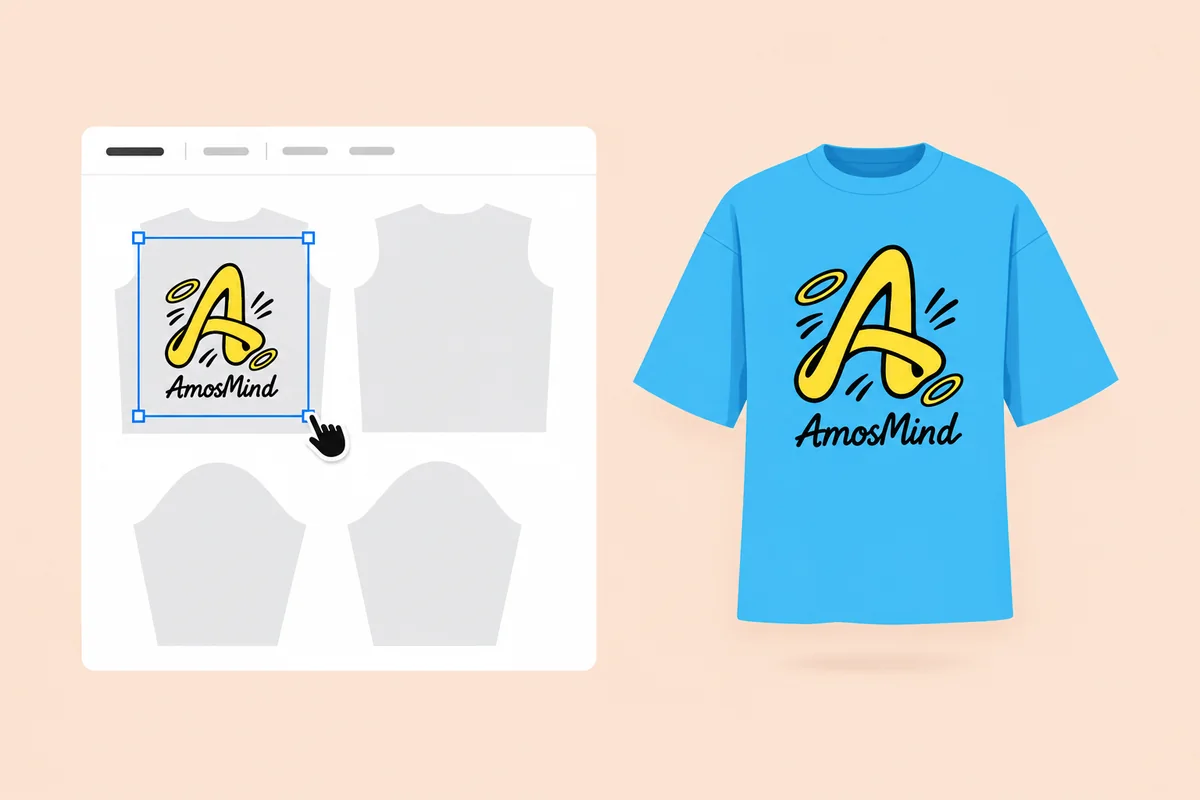
Place the front artwork
Click Upload artwork and add a PNG, JPG, WebP or SVG. Drag it onto the front and set its size and how far below the collar it sits.
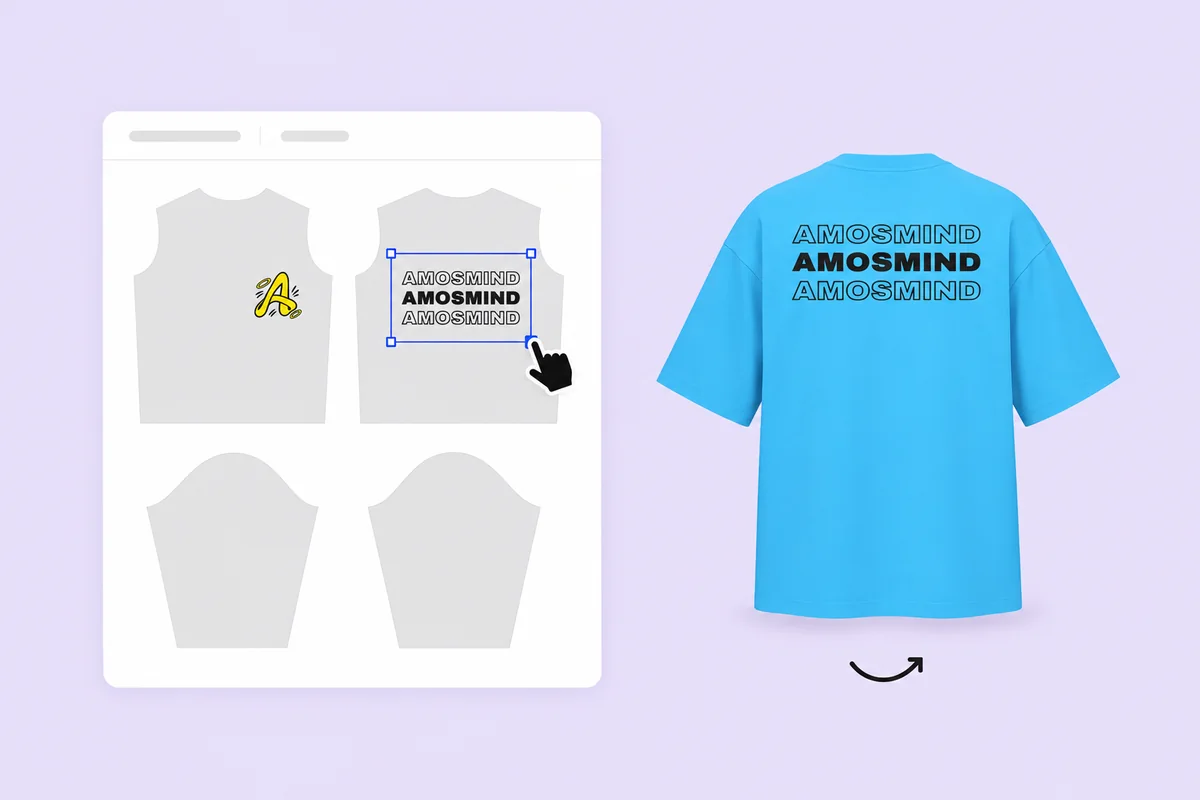
Add the back artwork
Upload the second file and drag it onto the back. Click Back to turn the shirt, compare the two prints, and move the back one down a little if it needs it.
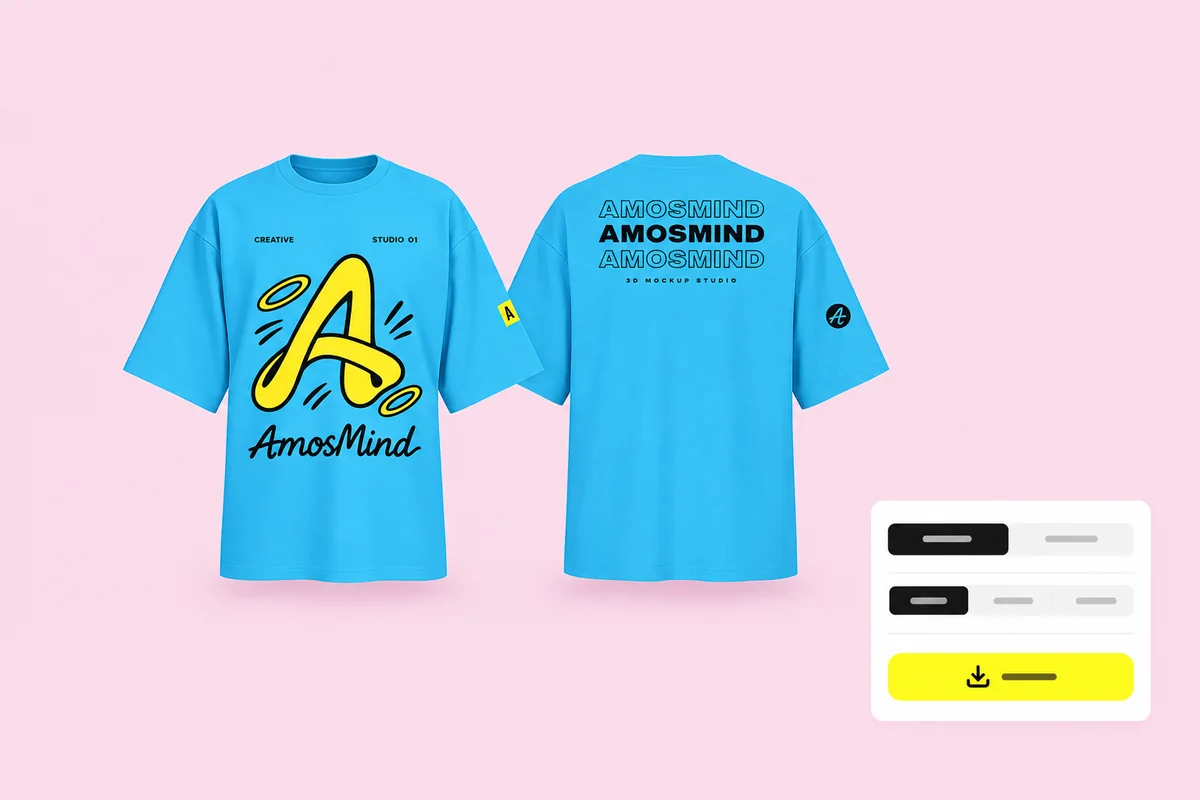
Render both views
Click Render & export with the front facing you, then click Back and render again. Keep the same ratio and background so the two images match.
More T-shirt mockups
Back-only views, the same T-shirts set up in black and white, and the fits mentioned above.
Where front and back mockups go
You get two images of one shirt. Where they are going decides how you use them.
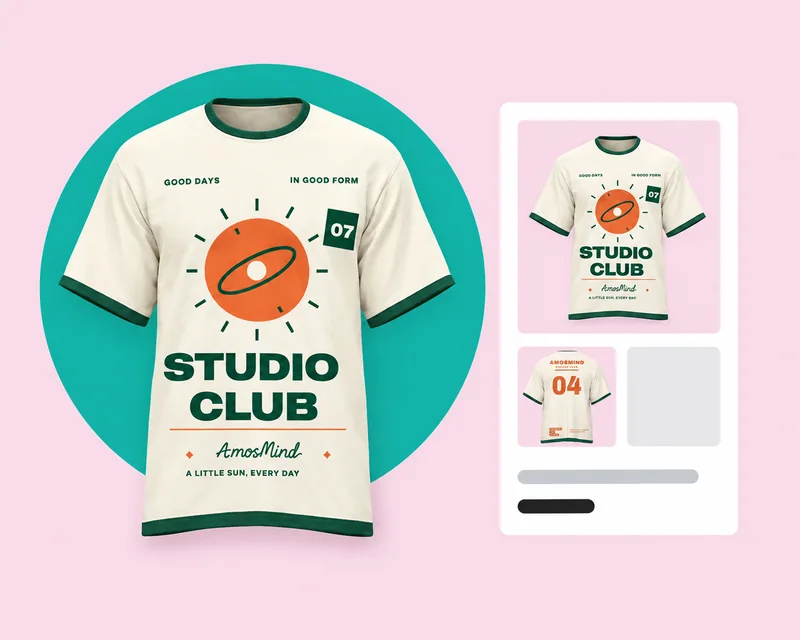
Marketplace listings
Give each view its own image. Amazon's clothing style guide asks for a clear front and a clear back image, and does not accept a main image that combines several views.
- Front as the main image, back as the second
- 1:1 renders for square product grids
- The same light and color in both
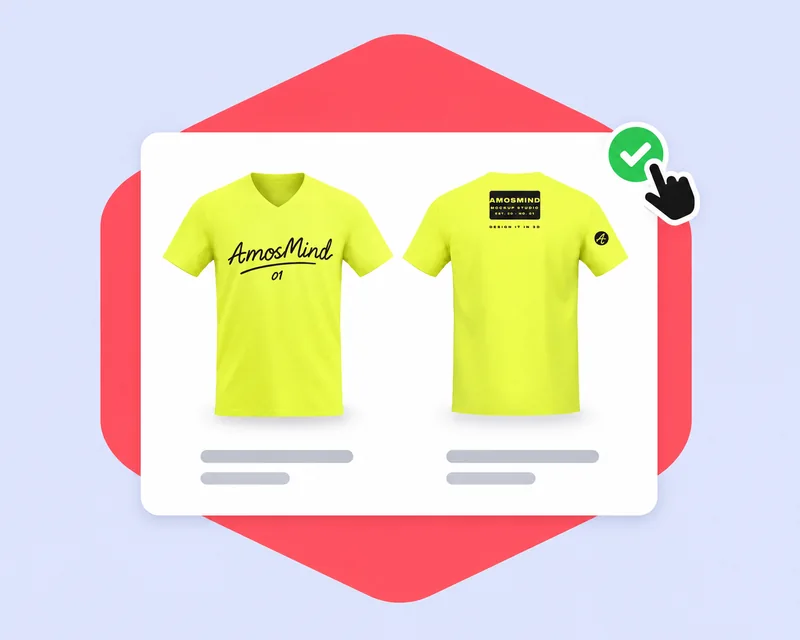
Client and team approvals
Put both renders on one sheet so the whole shirt is signed off at once, with the pairing and both print positions in view.
- Transparent PNGs to place side by side
- 4:3 or 16:9 renders for slides
- Both views from the same saved design
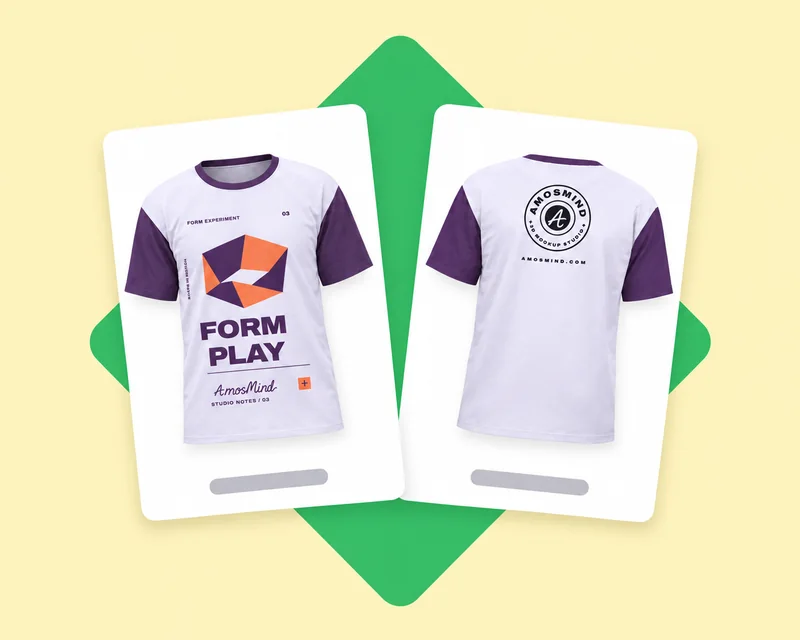
Social posts and ads
A two-sided design needs two frames. Lead with the side that carries the main artwork, then show the other.
- 9:16 renders for Stories and Reels
- 1:1 renders for feed posts
- The same shirt in every colorway
Front and back T-shirt mockup questions, answered
Answers about pairing, showing and exporting both sides of one shirt. For back print positions and sizes, see the T-shirt back mockups page.
Can I design my own t-shirt front and back?
Yes. Open a T-shirt above, upload one file for the front and one for the back, and drag each onto its side of the shirt. Both belong to the same design, so a color change applies to the whole shirt.
Is it better to have a design on the front or back of a shirt?
It depends on where people will see it. Front prints show in photos and face to face; back prints show in lines, at runs and across a room. Many shirts use both: a small chest mark and a large back print.
Do I get the front and back in one image?
Each render is one view, so you get two images: the front and the back of the same shirt, with the same light, color and background. To show them side by side, export both as transparent PNGs and place them on one canvas.
Should a listing show the front and back together or separately?
Separately is the safer default. Amazon's clothing style guide, for example, asks for a clear front and a clear back image and does not accept a main image that combines several views. Check the current image rules of the marketplace you sell on.
Does the back print go at the same height as the front?
Not always. Many guides give 3 to 4 inches below the collar for both, but printers often set a full back slightly lower, because matching distances can look uneven when the shirt is worn. Compare both views in 3D.
Does printing on both sides cost more?
Yes. Print-on-demand prices cover one print, and a second placement adds a fee. In screen printing the back needs its own screens and setup. Ask your printer for the price of the second location before you finalize the design.
Can I make a black or white T-shirt mockup, front and back?
Yes. Set the Garment color to any hex and both views change together. The black and white T-shirt pages open every style in that color and explain which artwork works on each.
Can I download front and back mockups with a transparent background?
Yes. Choose Transparent in the Background panel and each view downloads as a PNG, ready to place side by side on your own background.