
DTG (direct to garment)
The shirt is pretreated, then a white underbase is printed under the colors. Send a full-color PNG at 300 DPI; semi-transparent pixels can print as a pale haze.
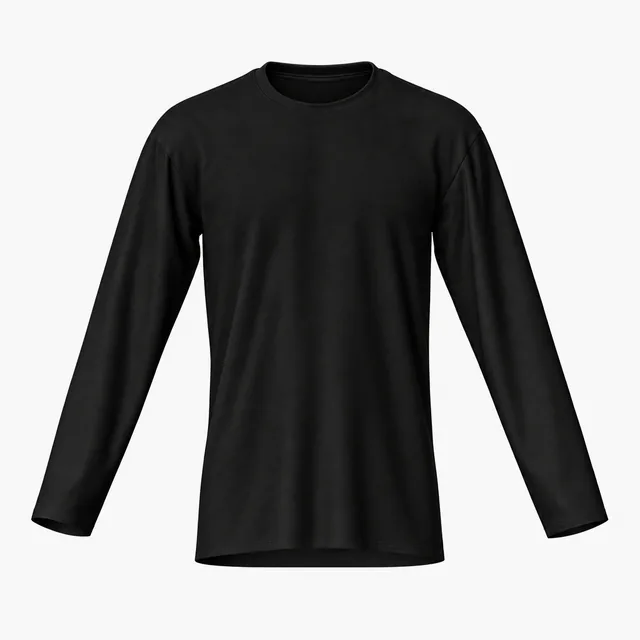
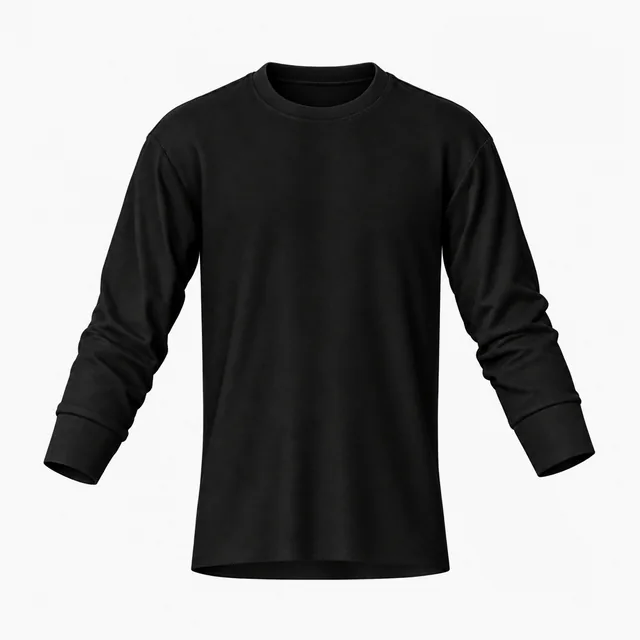
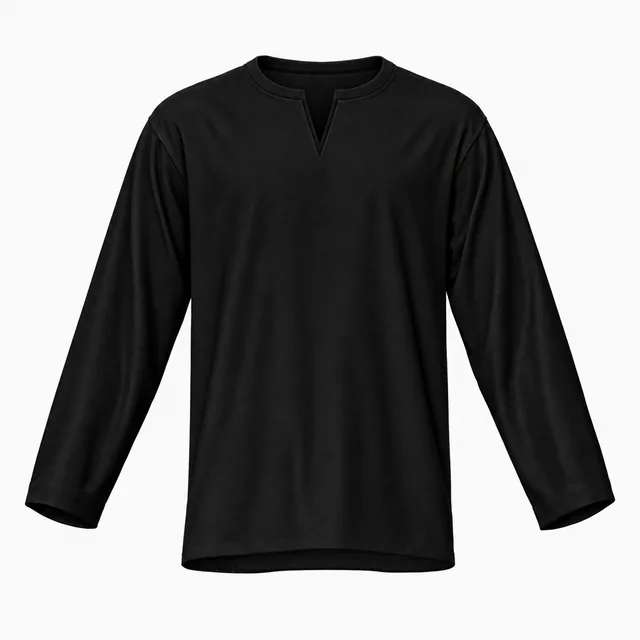
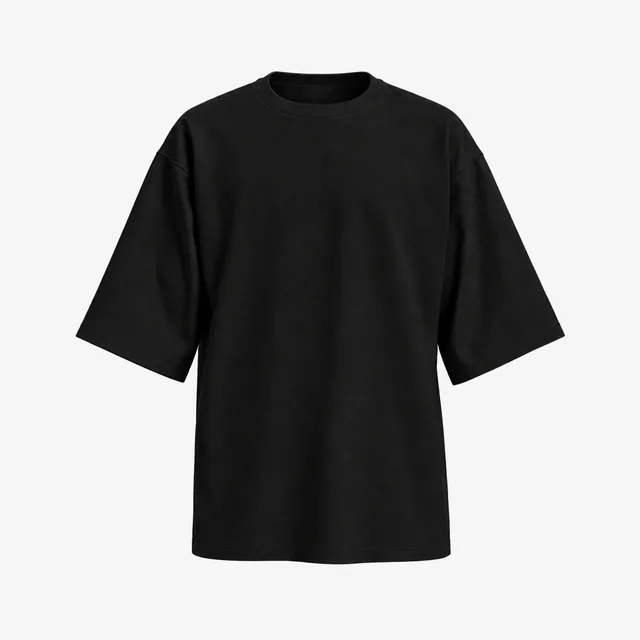
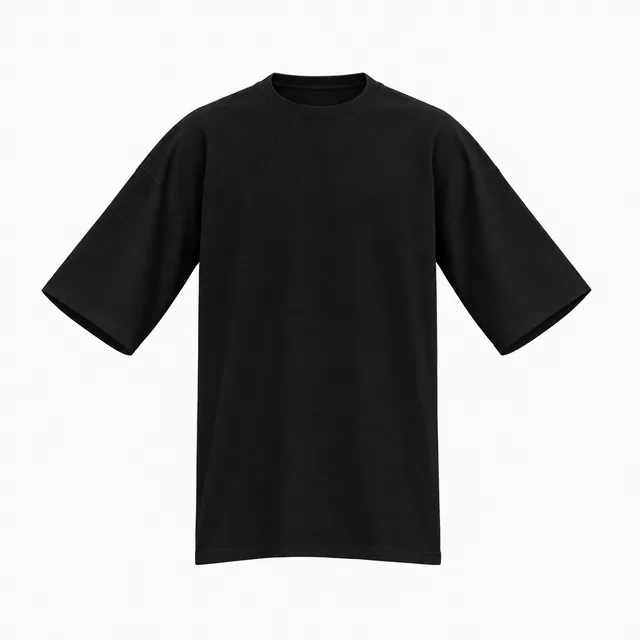
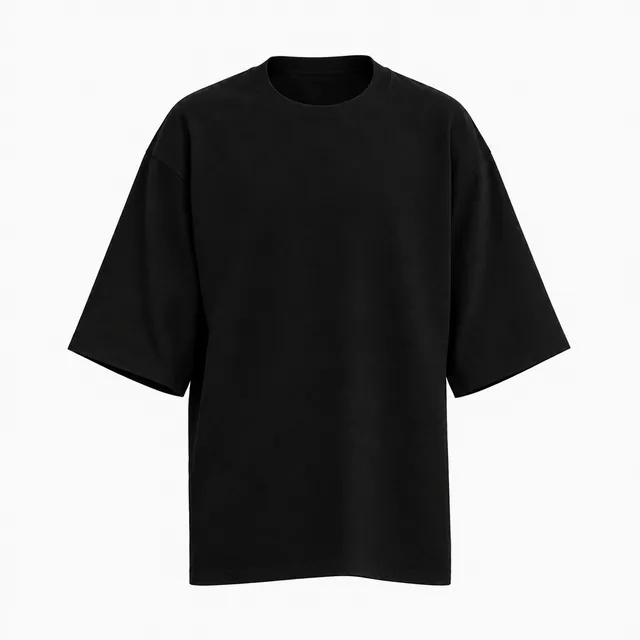
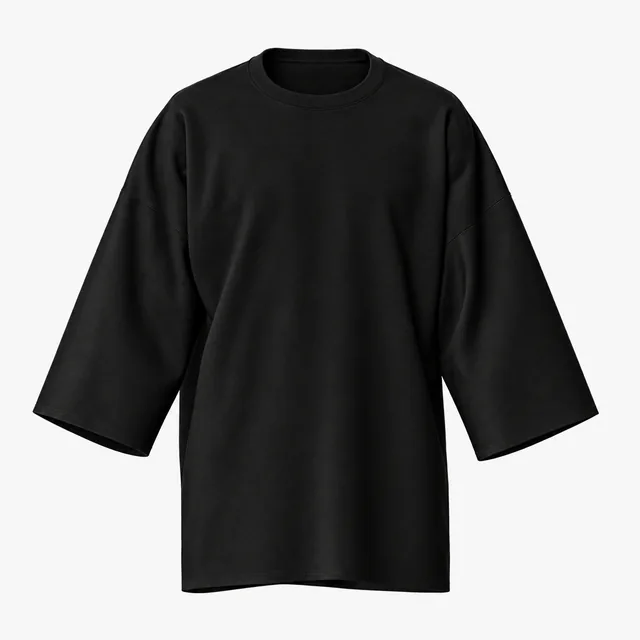
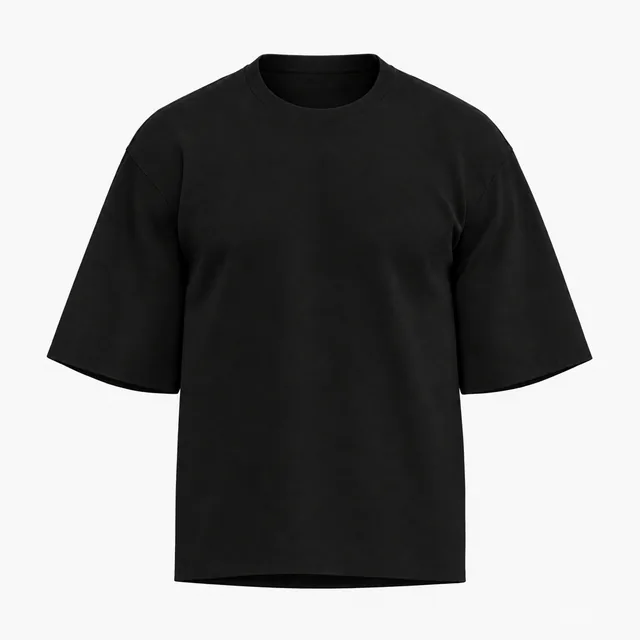
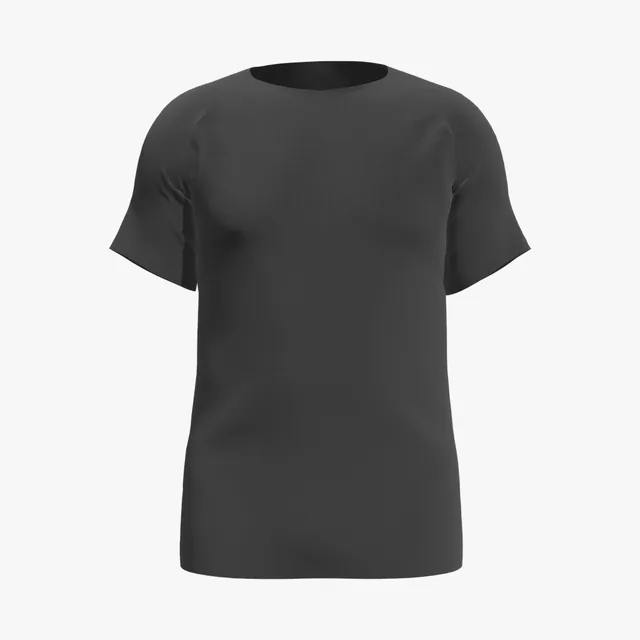
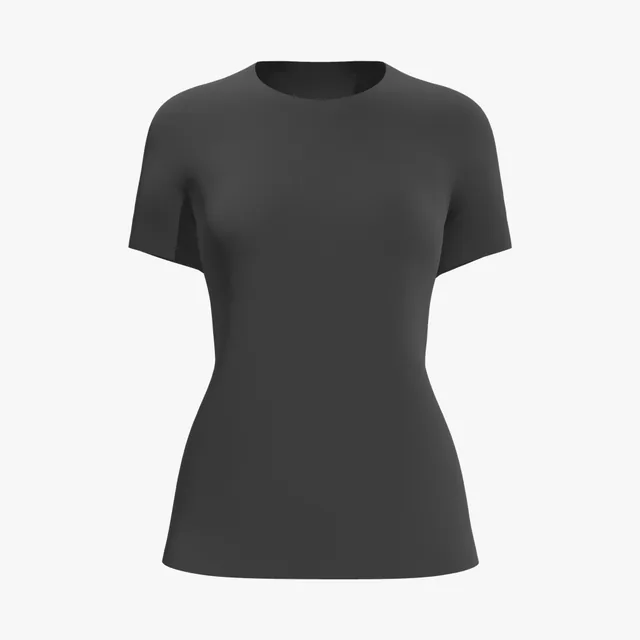
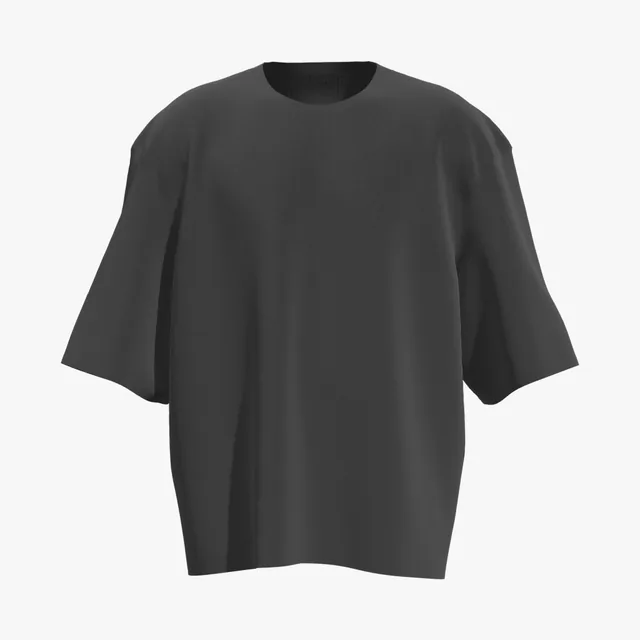
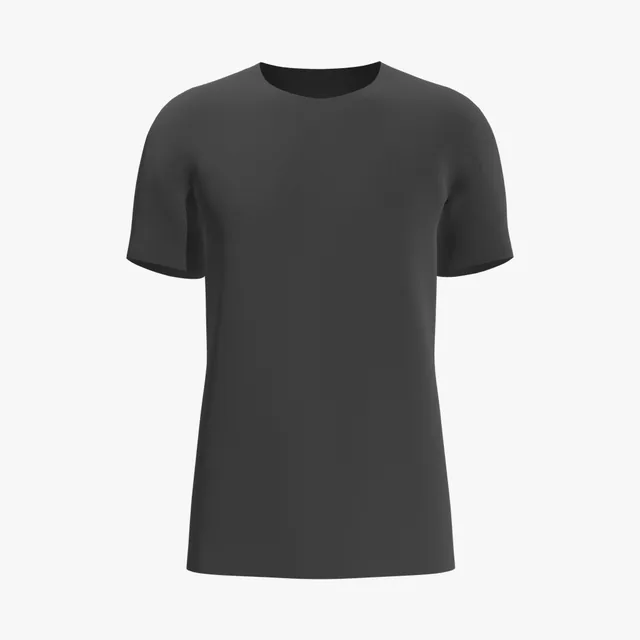
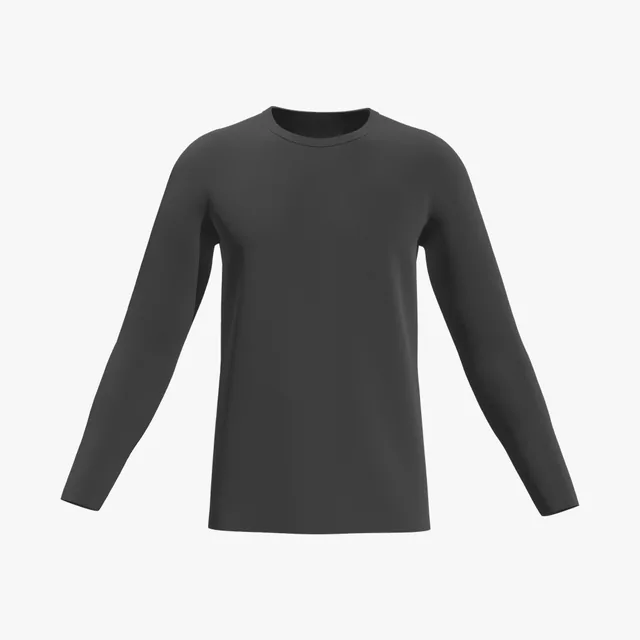
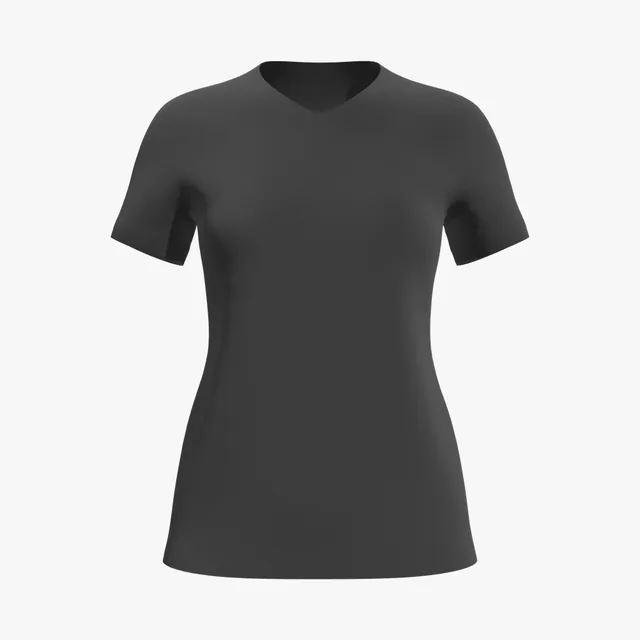
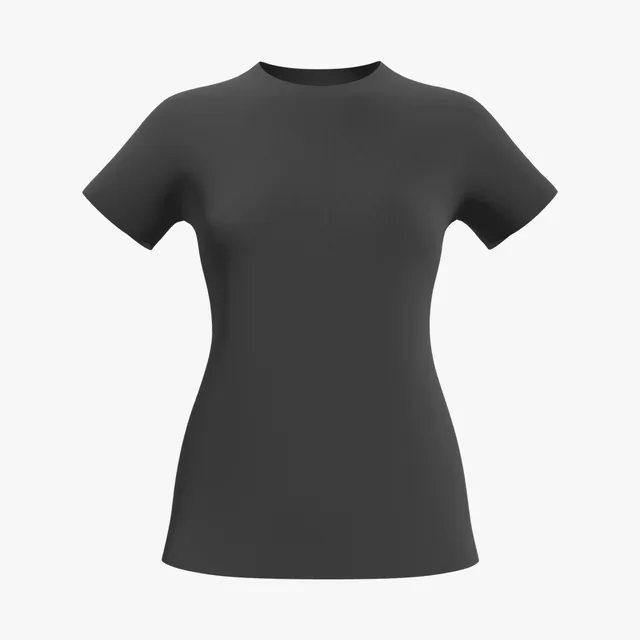
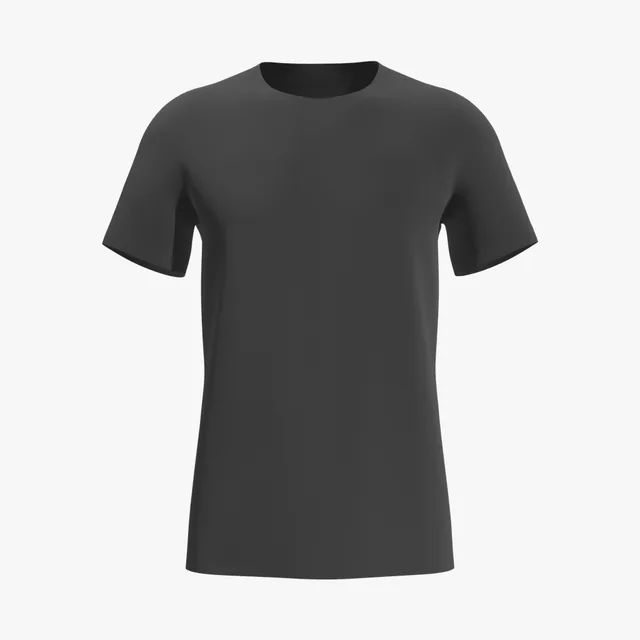
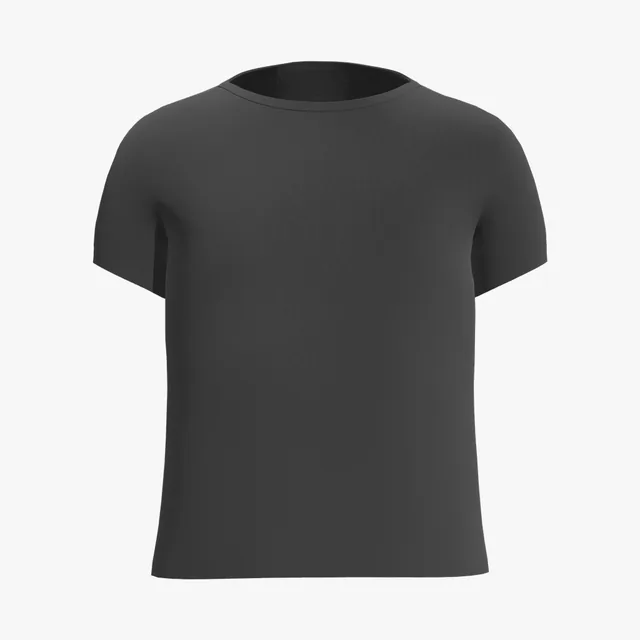
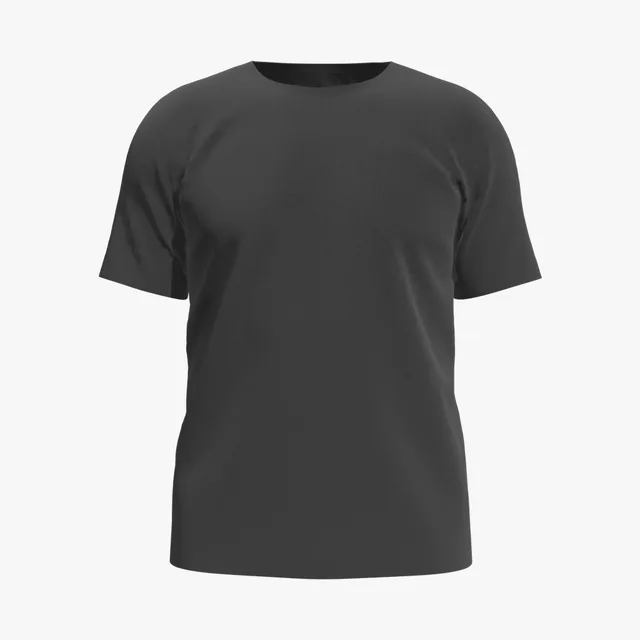
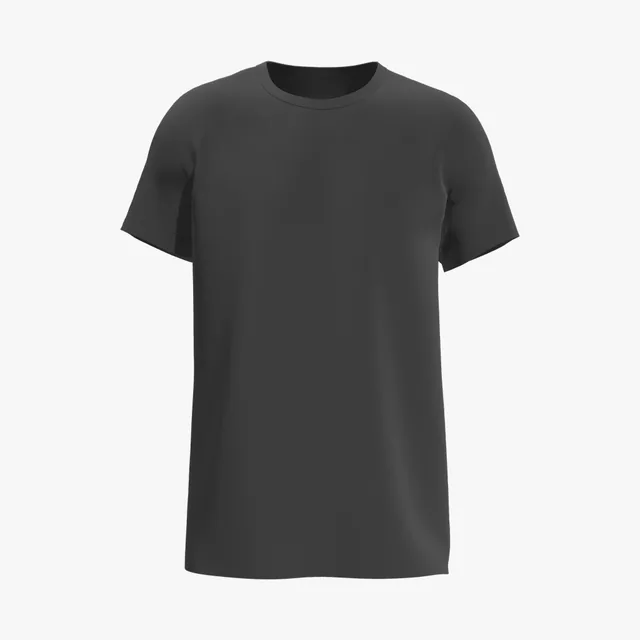
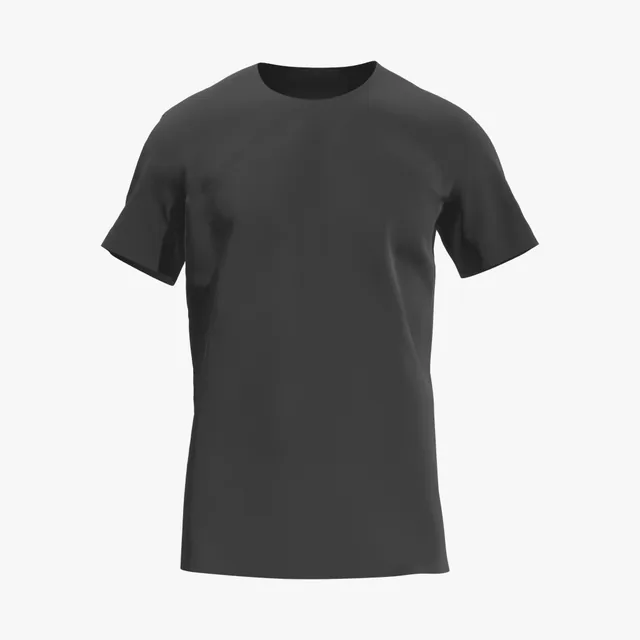
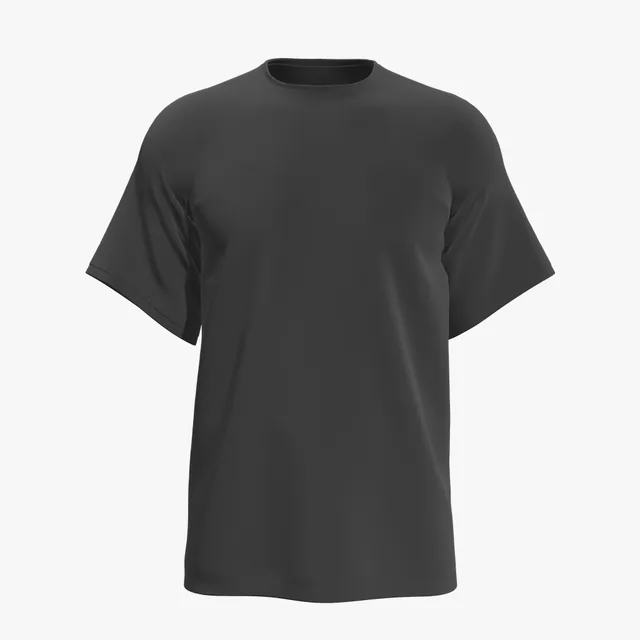
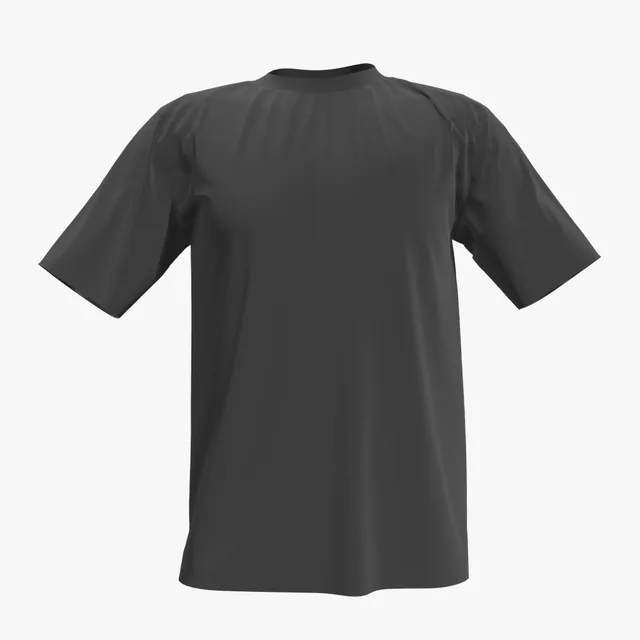
Black fabric swallows light, so photo mockups lose folds and dark details fade into the shirt. Add your artwork and turn the shirt in 3D to check the front, back and sleeves.

62 mockups
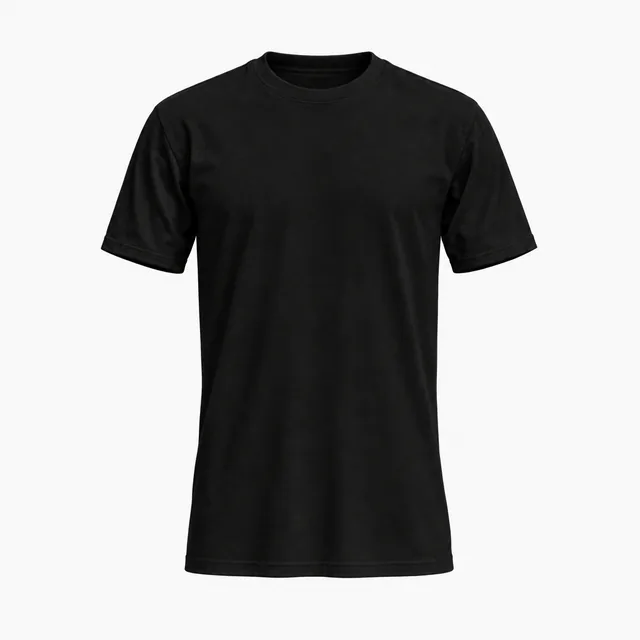 Add your design
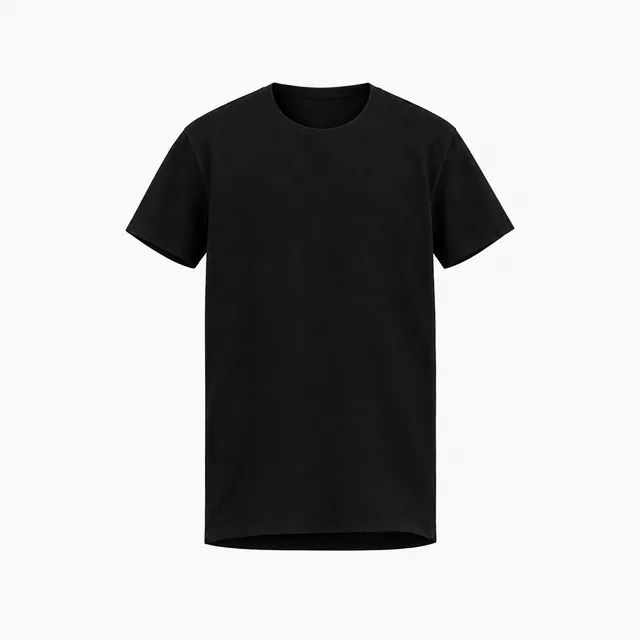 Add your design
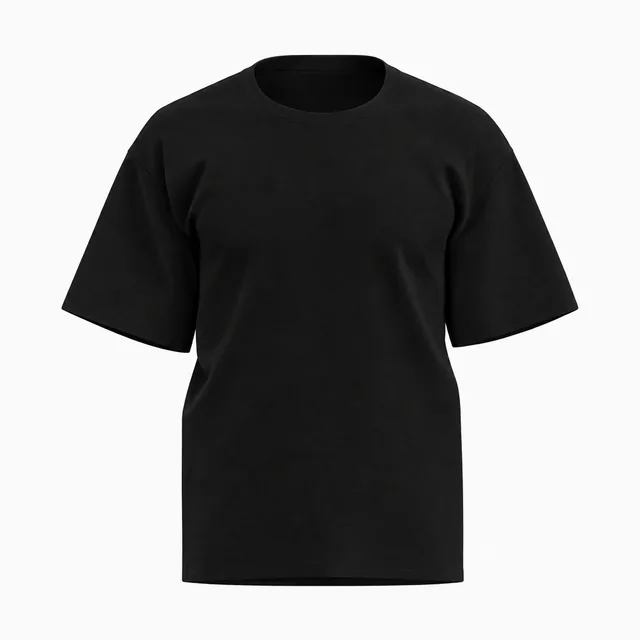 Add your design
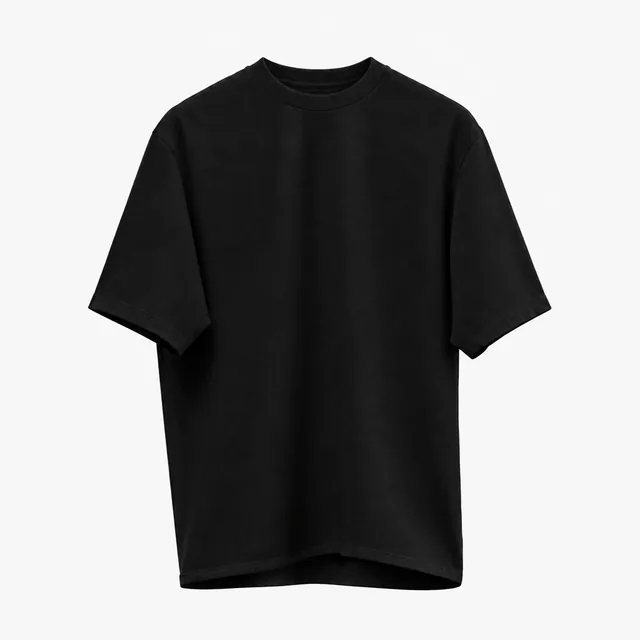 Add your design
 Add your design
 Add your design
 Add your design
 Add your design
 Add your design
 Add your design
 Add your design
 Add your design
 Add your design
 Add your design
 Add your design
 Add your design
 Add your design
 Add your design
 Add your design
 Add your design
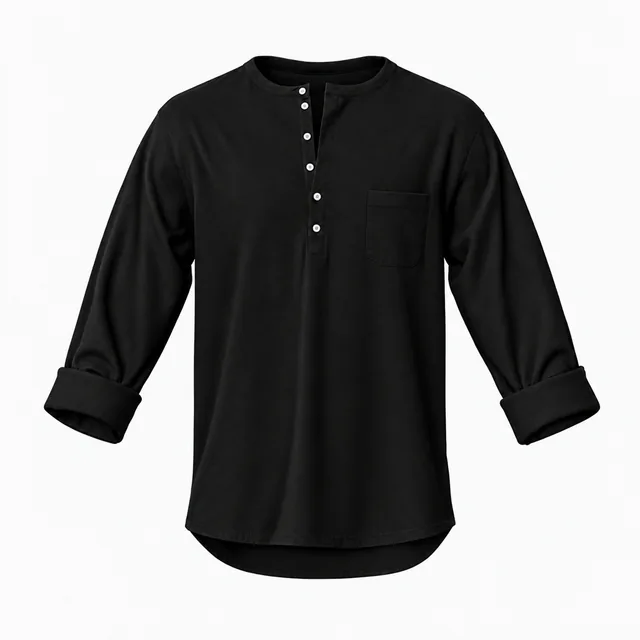 Add your design
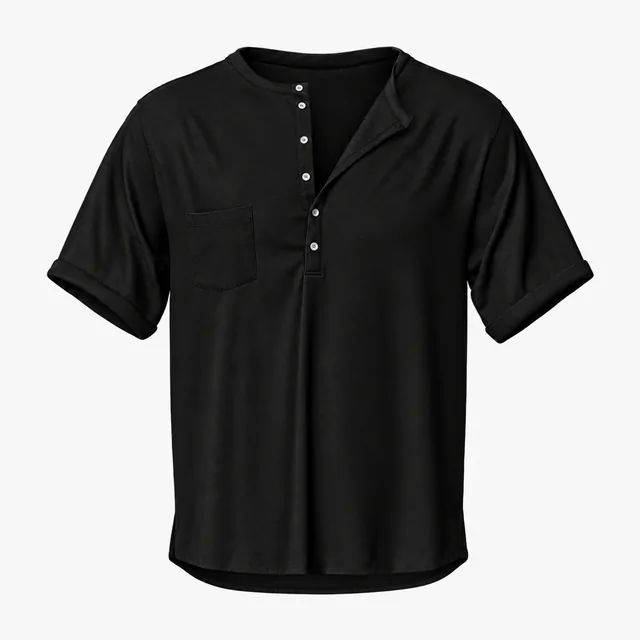 Add your design
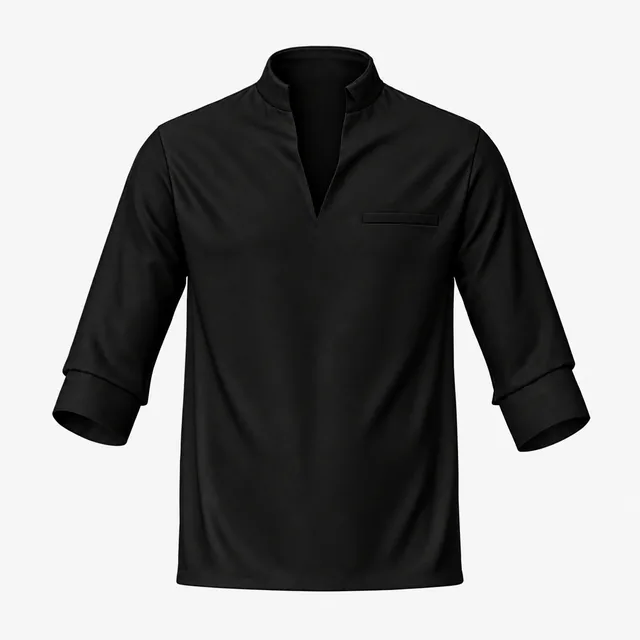 Add your design
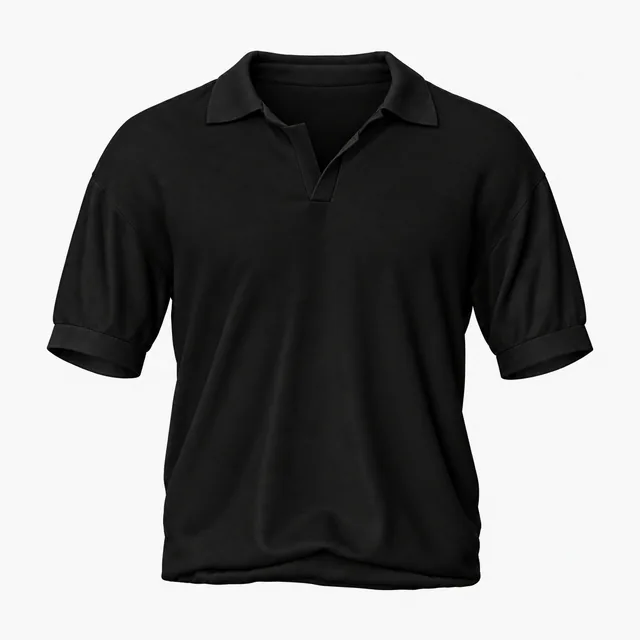 Add your design
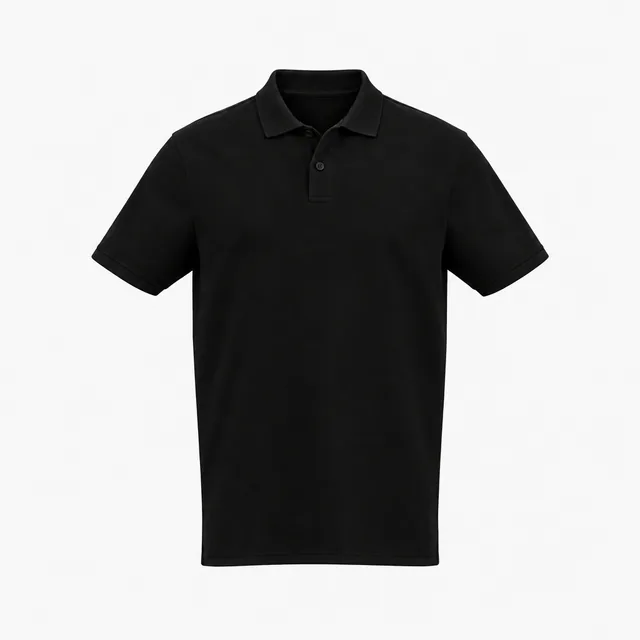 Add your design
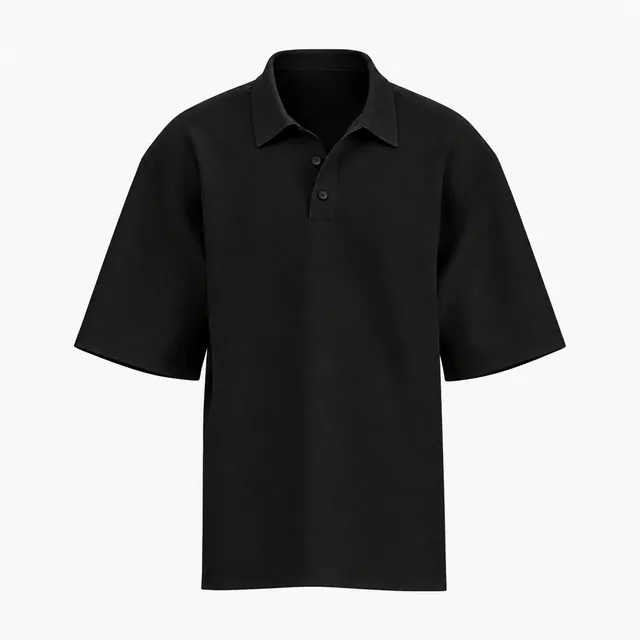 Add your design
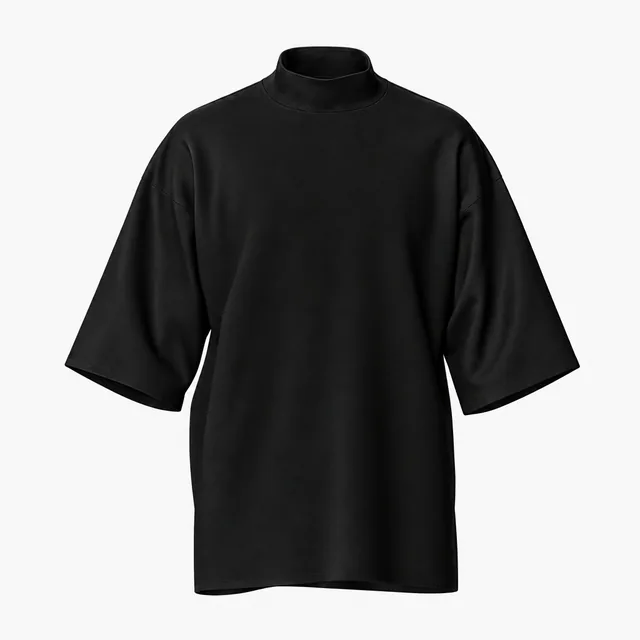 Add your design
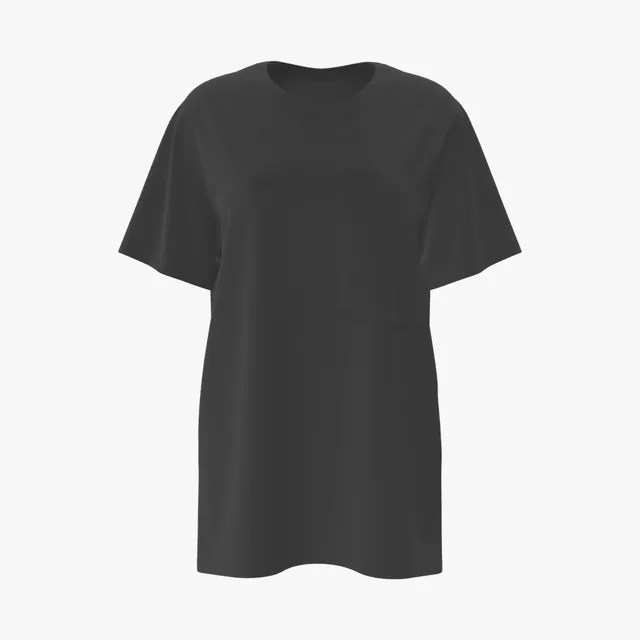 Add your design
 Add your design
 Add your design
 Add your design
 Add your design
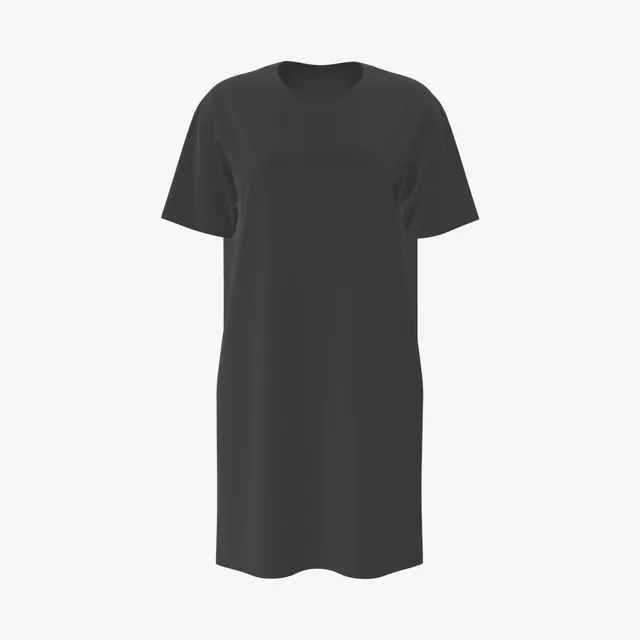 Add your design
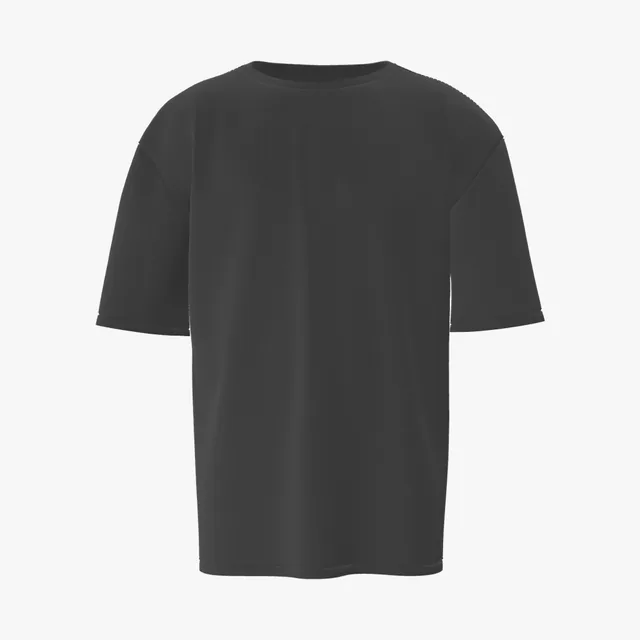 Add your design
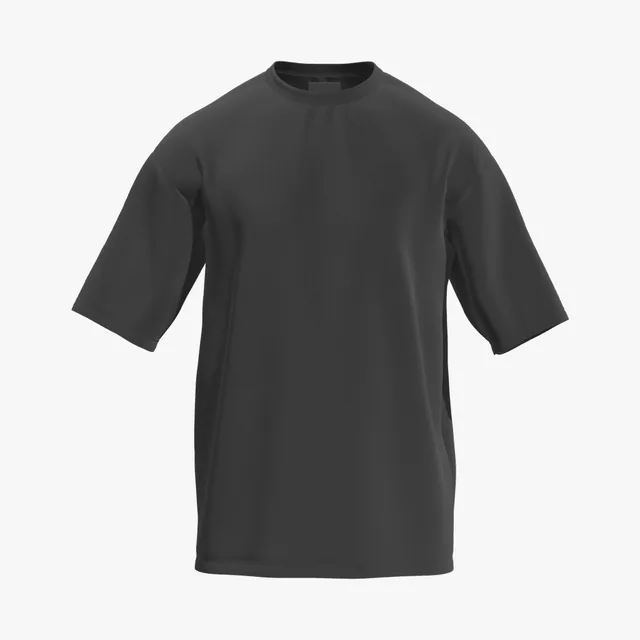 Add your design
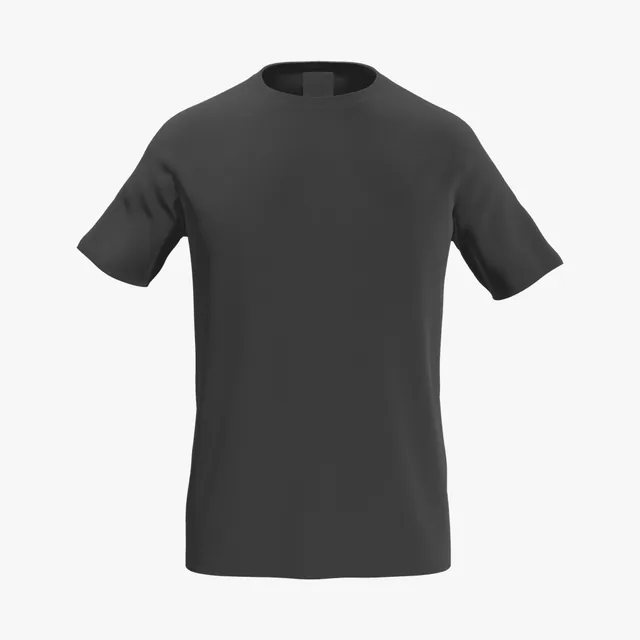 Add your design
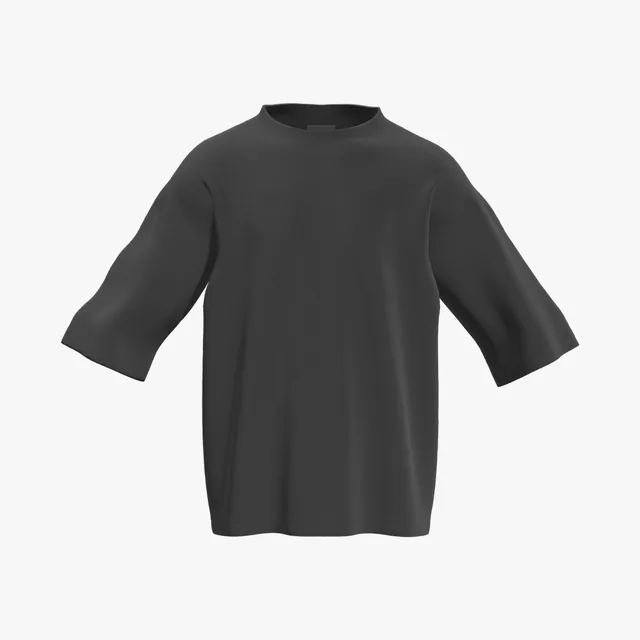 Add your design
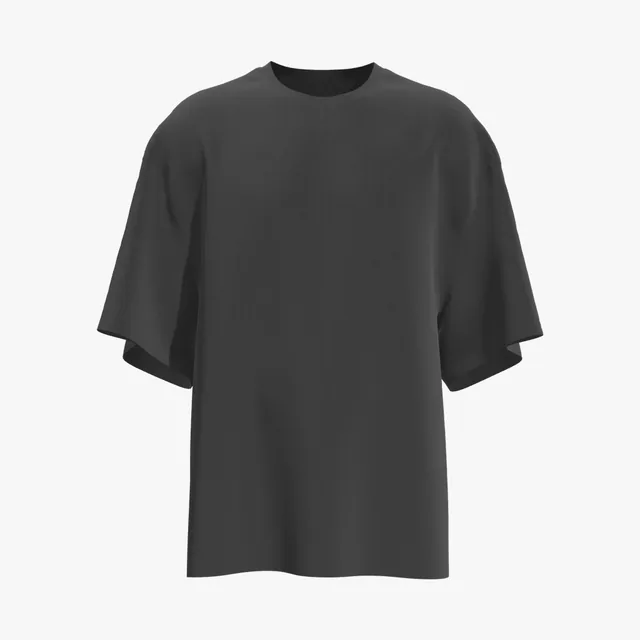 Add your design
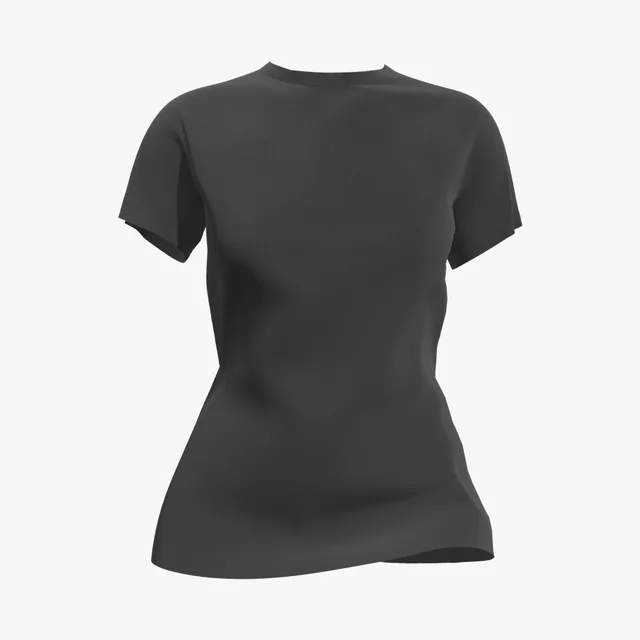 Add your design
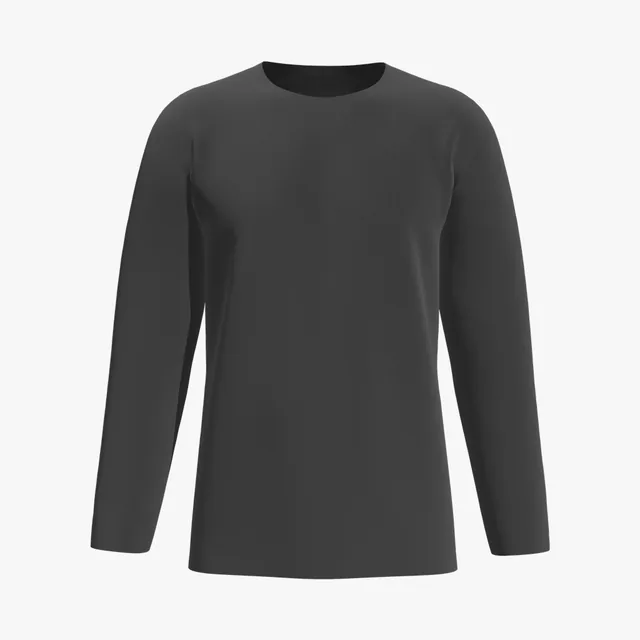 Add your design
 Add your design
 Add your design
 Add your design
 Add your design
 Add your design
 Add your design
 Add your design
 Add your design
 Add your design
 Add your design
 Add your design
 Add your design
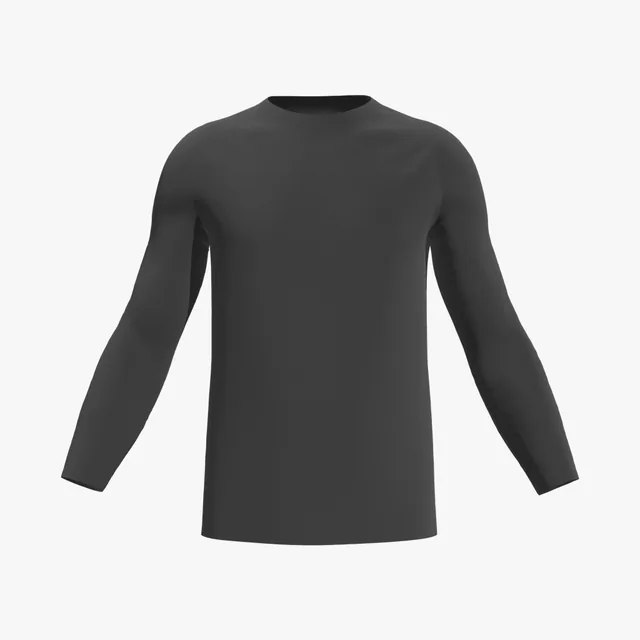 Add your design
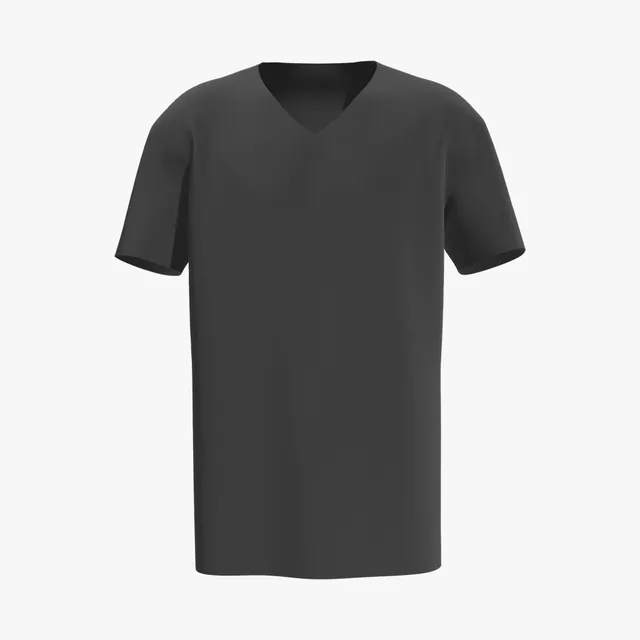 Add your design
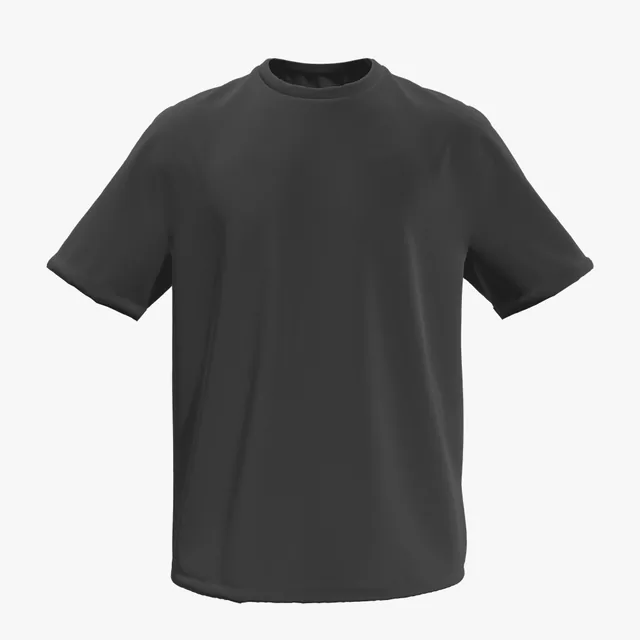 Add your design
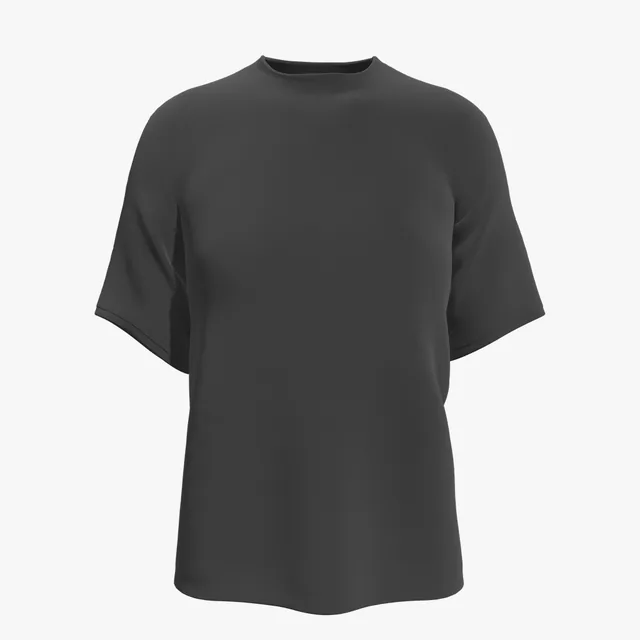 Add your design
 Add your design
 Add your design
 Add your design
 Add your design
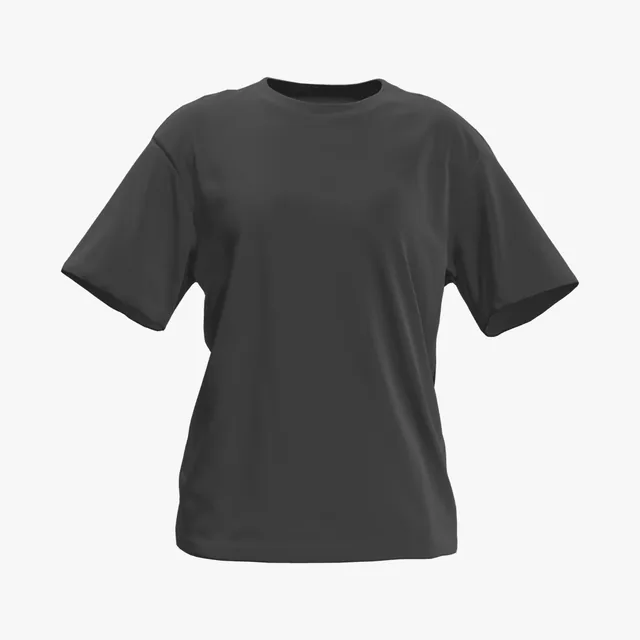 Add your design
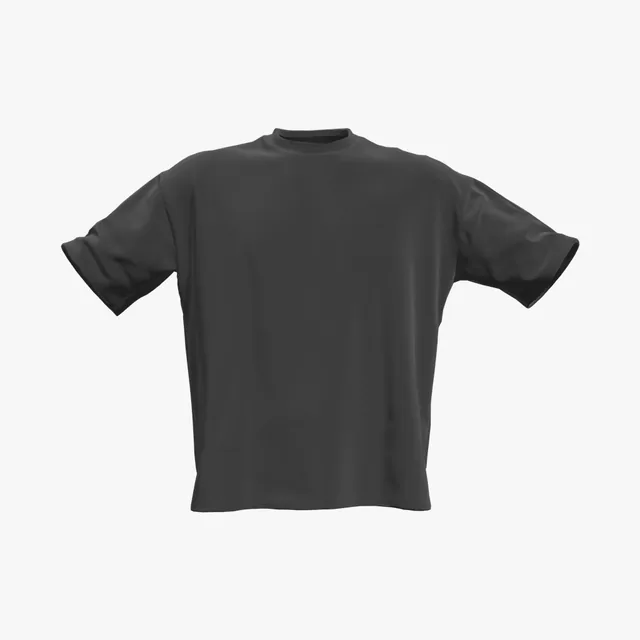 Add your design
On a black shirt the fabric is the darkest color in your design, so anything close to it drops out: navy, dark grey, brown and thin black outlines. A print that looks finished on white can look half missing on black. Check it on the 3D shirt, from every side, before it goes to print.
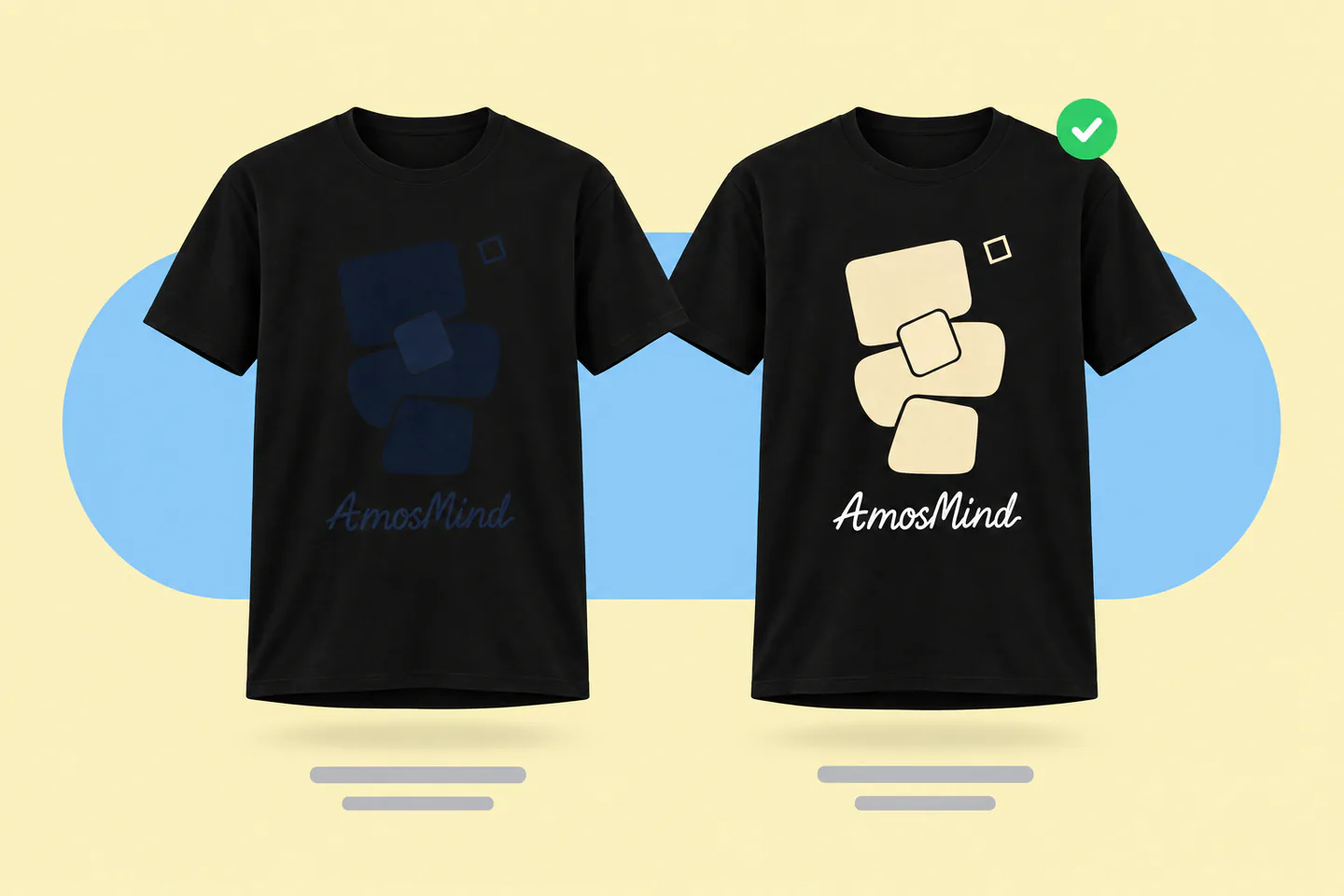
Navy, brown, dark grey → white, cream or a bright accent
Keep black only where the shirt should show through
Hairlines and small type fade first
Thicken strokes and enlarge text more than you would on white
Glows, feathered shadows, low-opacity pixels
Printers put white under them, so they print as a chalky halo
Leave black areas of the art empty
The shirt fills them in, with less white underneath and a softer print
The 3D preview shows how your colors read against black fabric under studio light. It does not simulate ink thickness or how much a print fades after washing.
Ink printed straight onto black fabric sinks in and looks dull, so most methods lay something light underneath first. Which method your printer uses changes how you should prepare the file.
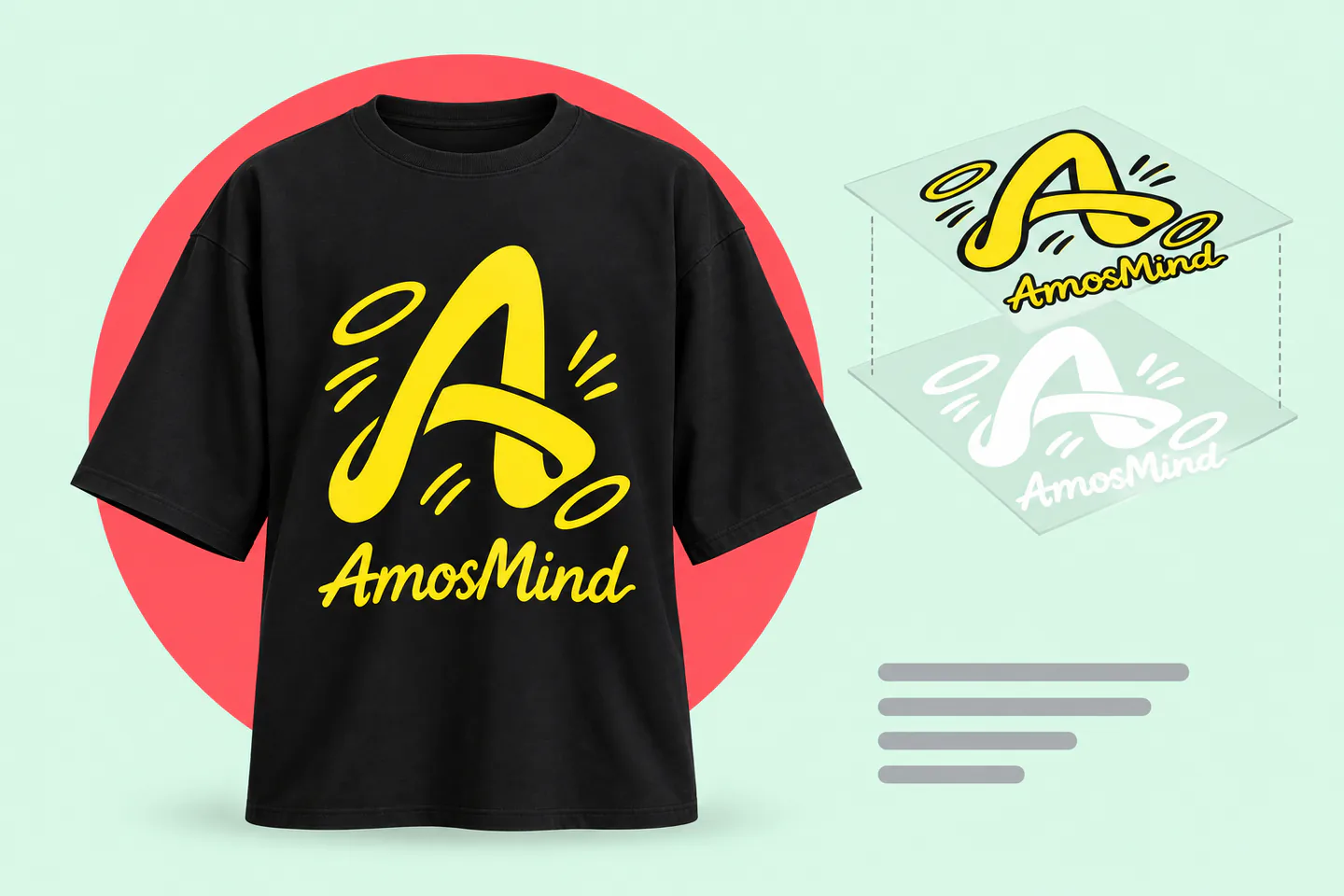
The shirt is pretreated, then a white underbase is printed under the colors. Send a full-color PNG at 300 DPI; semi-transparent pixels can print as a pale haze.
A white underbase is printed and flash-dried before the colors, which adds one screen. Fewer colors keep the cost down; separate them cleanly.
The design is printed on film with a white layer behind it, then heat-pressed. Fine detail holds up well; transparent PNG edges must be clean.
Opaque vinyl sits on top of the fabric, so it covers black completely. Best for names, numbers and simple shapes in one or two colors.
Removes dye from cotton instead of covering it, so the print feels soft. Results vary by shirt, and colors can shift, so ask for a test print.
Ask your printer before you design. Your mockup should show the colors the chosen method can actually reproduce on black.
Blank brands dye their blacks differently, and garment-dyed shirts carry a softer, washed look. Match the shade of the shirt you will actually ship, so your product photos don't promise a deeper black than customers receive.
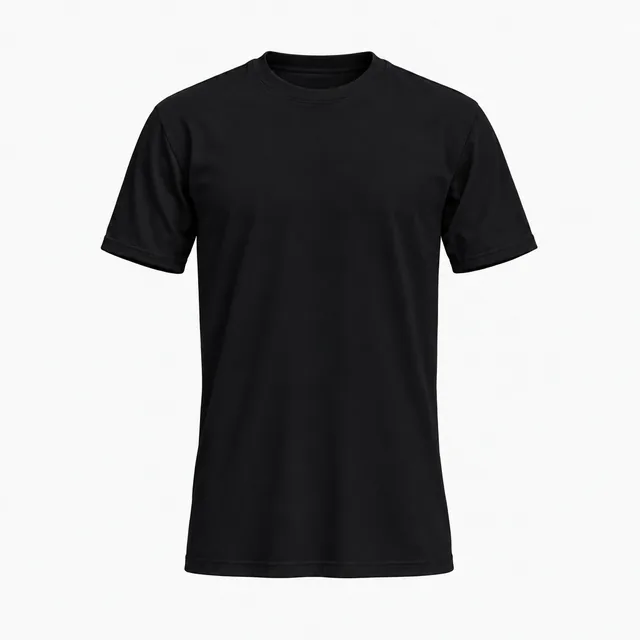
Solid black on 100% combed ring-spun cotton. The deepest, flattest black of these four.
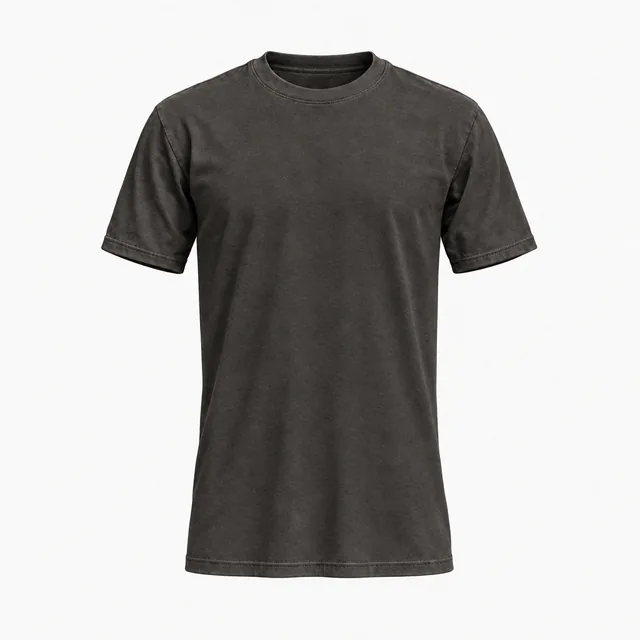
Pigment garment-dyed for a lasting washed, vintage look. Shades vary slightly between batches.
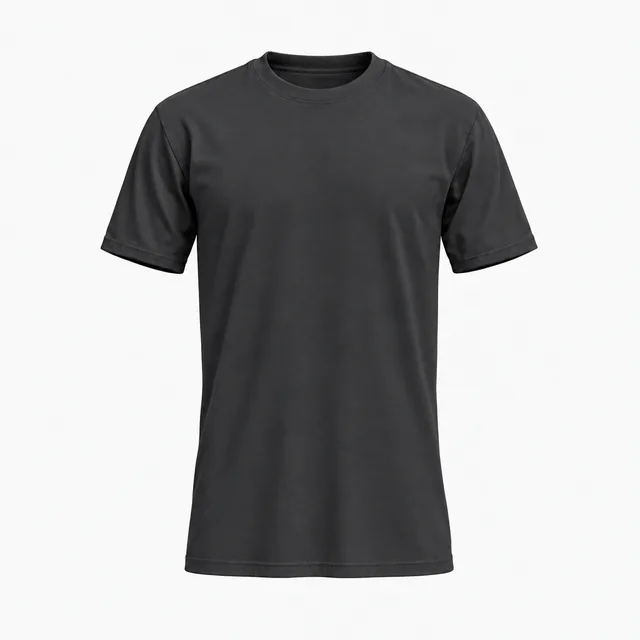
A solid charcoal in the same cotton as 3600 Black, with no heather fleck. Still needs light artwork.
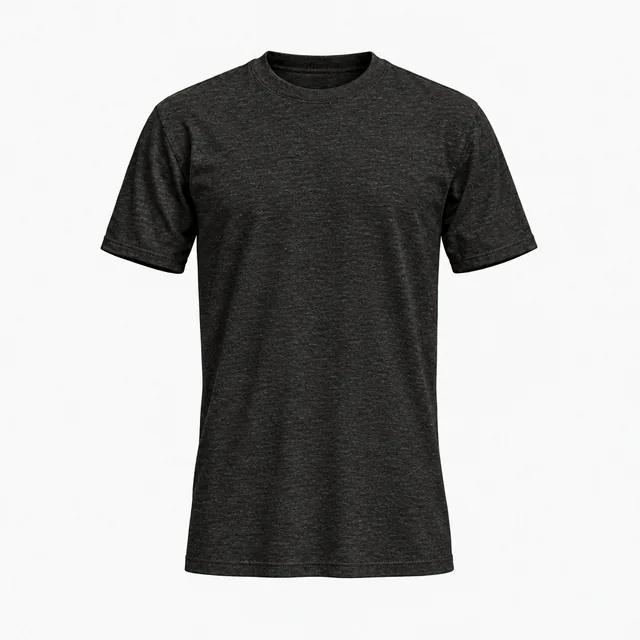
90% cotton, 10% polyester heather yarn gives a softly flecked black. Pair it with the Heather jersey look.
Colors are on-screen approximations of each brand's published color or swatch. Type the hex into Garment color to match your blank. Fabric looks change texture and sheen in the preview; they are visual presets, not a fabric simulation.
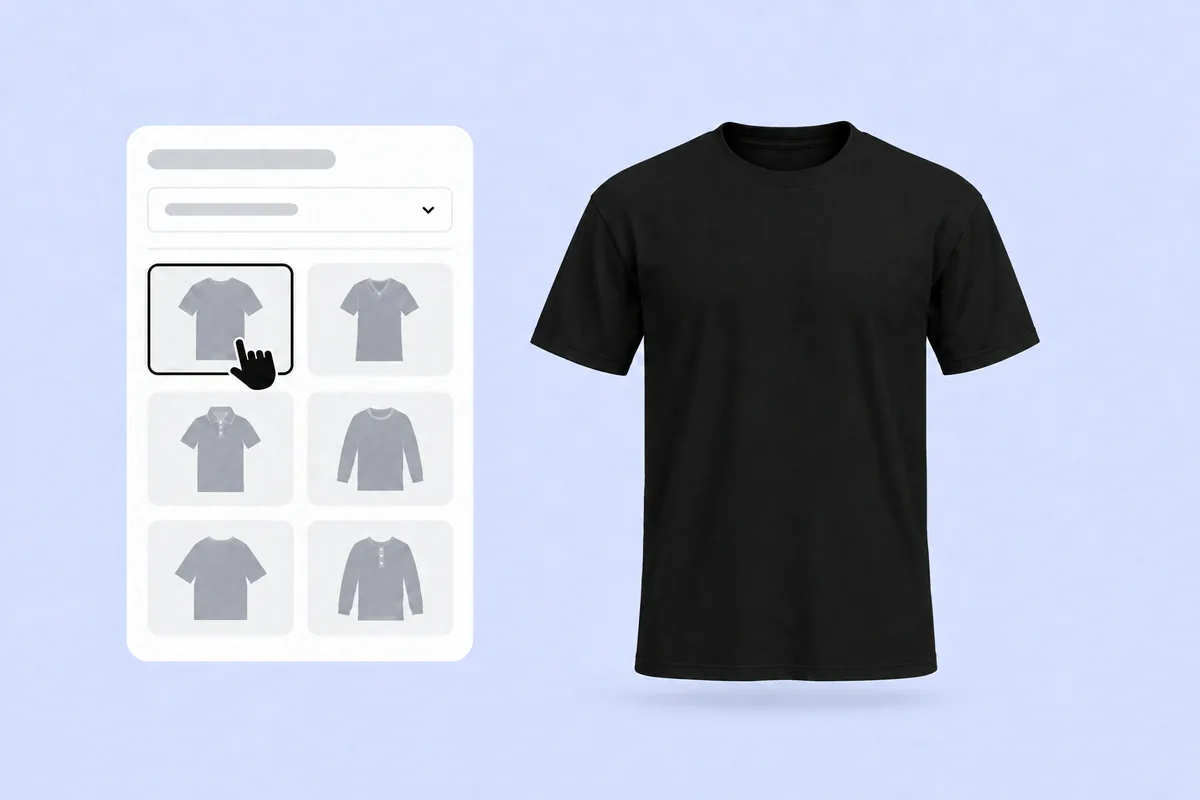
Pick any T-shirt on this page. It opens in the 3D editor with the fabric already set to black, so there is nothing to recolor first.
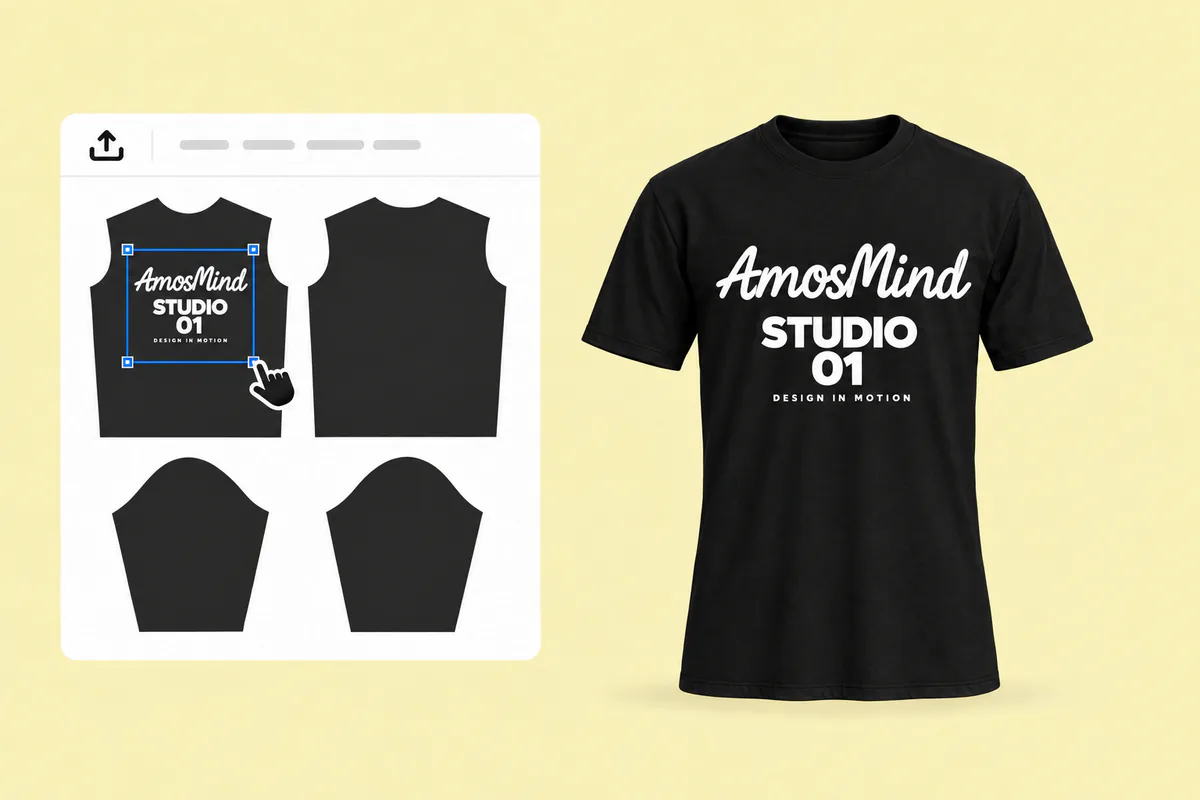
Click Upload artwork and add a PNG, JPG, WebP or SVG. Drag it onto the front, back or a sleeve, and swap dark elements for light ones as you go.
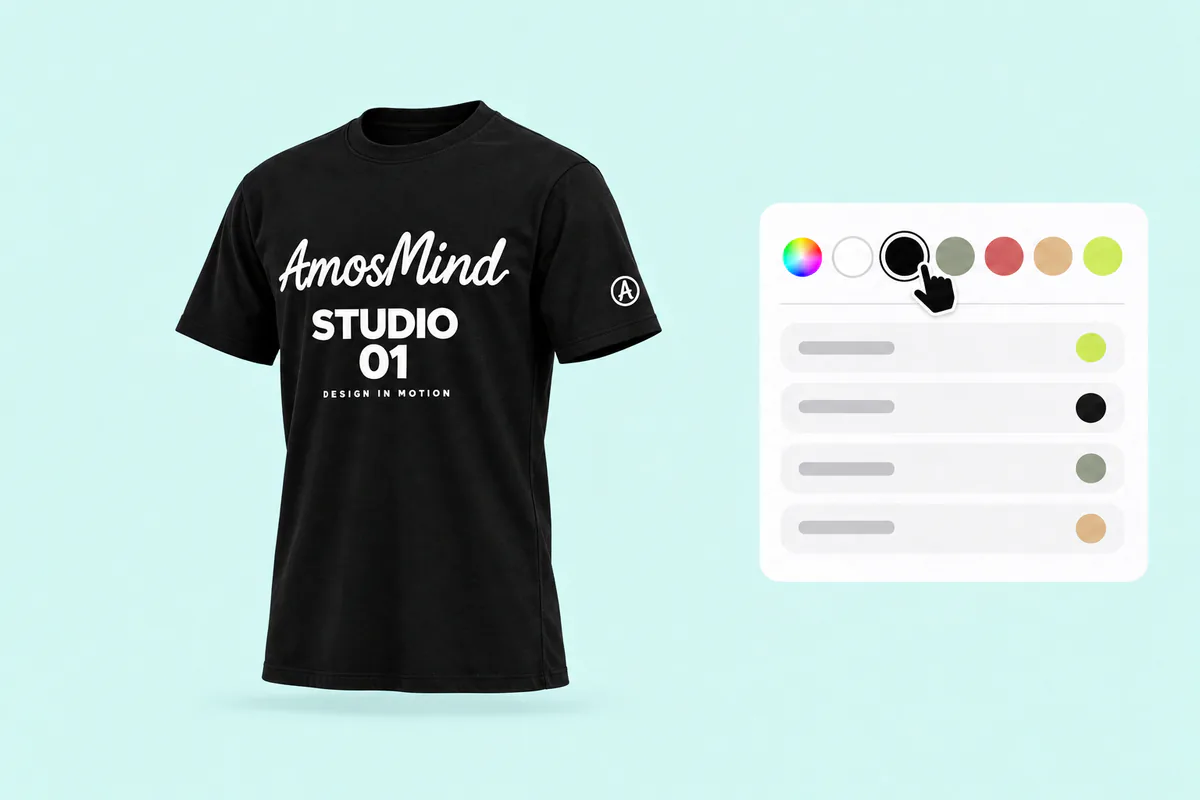
Turn the shirt and zoom into folds, seams and the collar, where dark details disappear first. Switch to Heather jersey if your blank is heathered.
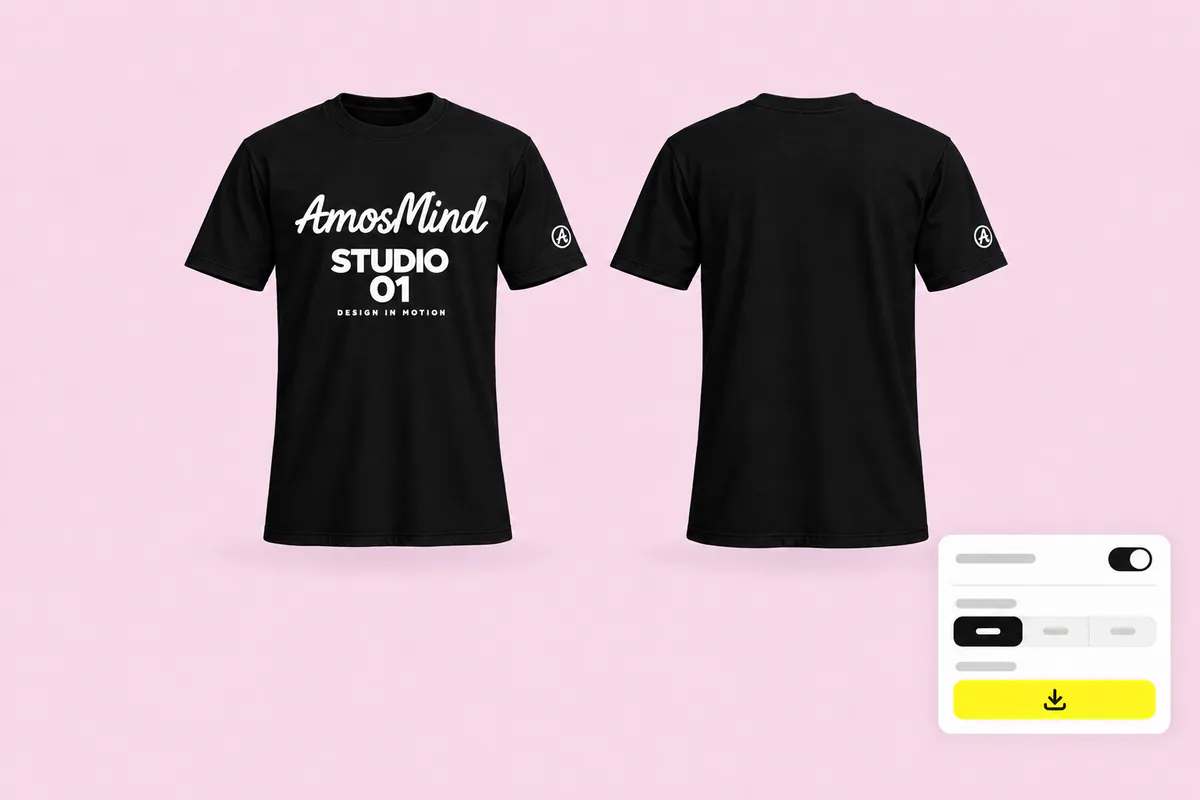
Pick a light or mid-grey background in the Background panel; a black shirt separates best from it. Export 2K or 4K, or choose Transparent for a PNG.
The same styles, set up for other shirt colors. Or go back to all T-shirt mockups and choose any color in the editor.
Black is the default shirt for a few kinds of work, and each one needs a different kind of mockup.
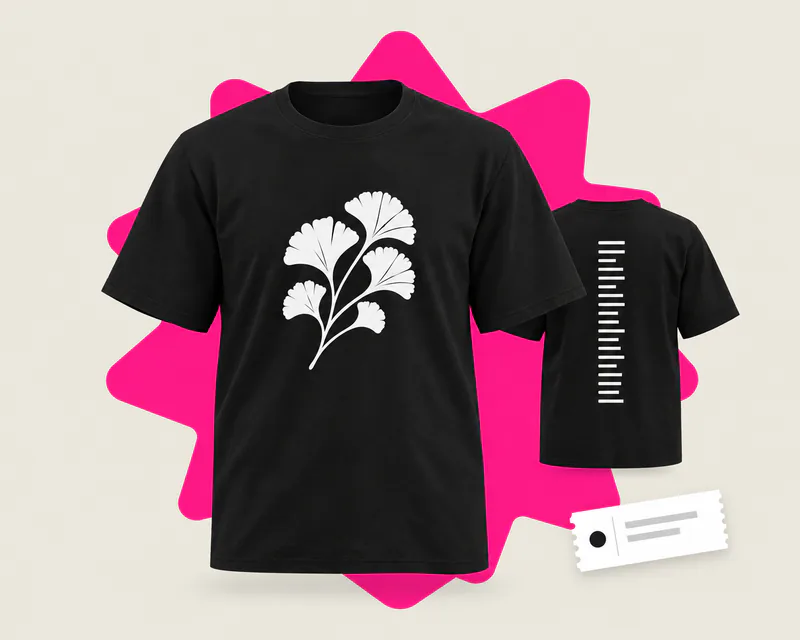
A big front graphic and a list of dates on the back, usually in white plus one accent color.
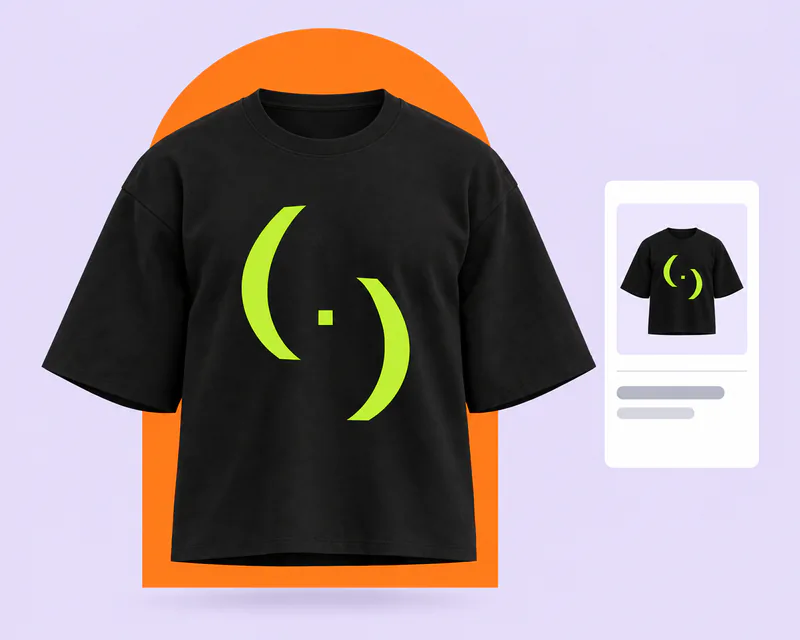
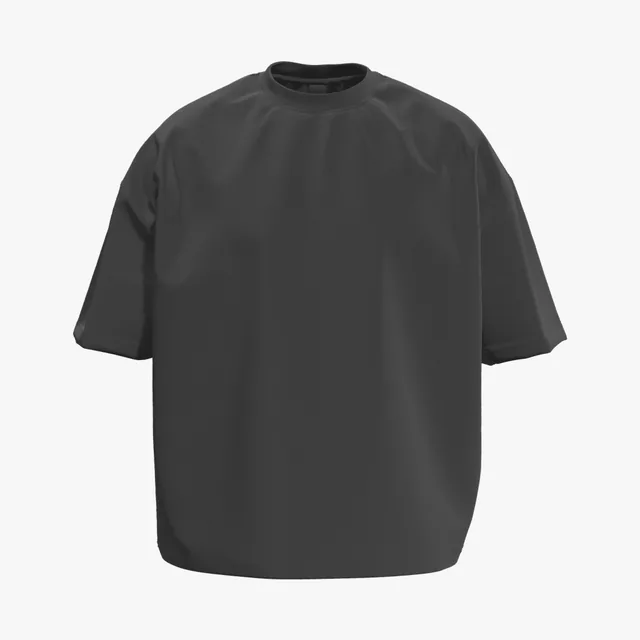
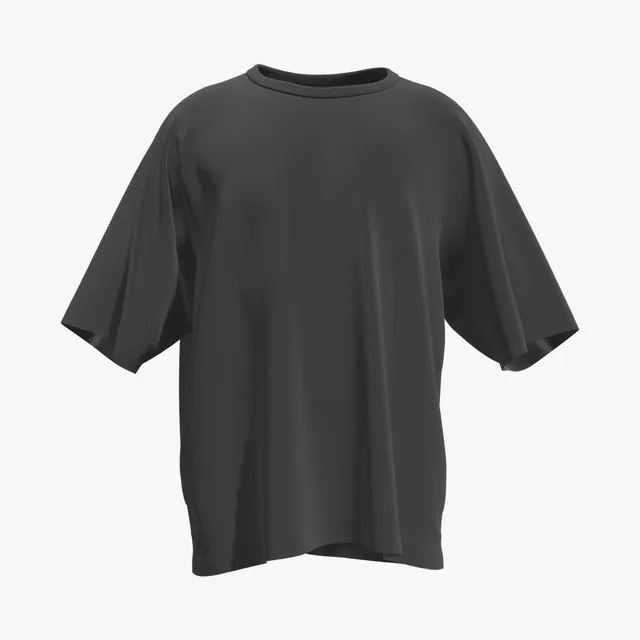
Oversized and boxy black tees carry bright, heavy graphics that need to pop in a feed.
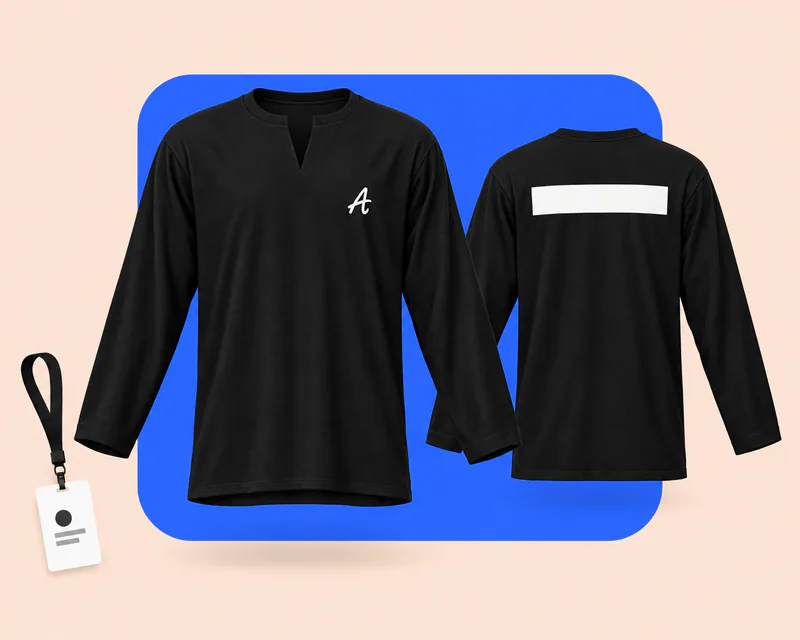
Stage and venue crews wear black to stay out of sight: a small chest logo in front, STAFF or CREW across the back.
Answers about artwork, printing and exports on black shirts. For every other color and general T-shirt questions, see the T-shirt mockups page.
Start on this page: every style opens in the 3D editor already set to black. Adding your artwork and previewing it in 3D is free, and the export panel shows any cost before you render a download. Log in with an email code or Google to upload artwork and render images.
Pick a T-shirt above, upload your artwork and drag it onto the front, back or a sleeve. Turn the shirt to check contrast on every side, then render the view you need. There is no PSD or smart object to edit.
White and light colors give the strongest contrast, and bright accents stand out well. Navy, dark grey and brown fade into black, so make a light version of dark logos rather than adding a white box behind them.
Glows, feathered shadows and low-opacity pixels are the usual cause. Printers lay white ink under anything that isn't fully transparent, so soft edges print as a pale halo. Use solid edges, or halftone dots for fades.
For most methods, yes. DTG and screen printing lay down white before the colors, and DTF transfers carry their own white layer. Most neon inks are translucent and need it too. Heat transfer vinyl for dark fabrics does not.
Yes. Choose Transparent in the Background panel and the black shirt downloads as a PNG, ready to place on your own store background. A light background is the other good choice for black.
Yes. Put artwork on the front and the back of the same black shirt, then render each view as its own image, with the same light and the same shade of black.
Yes. Garment color takes any six-digit hex, so you can try the same design on white, red or navy. The white, red and blue T-shirt pages start those colors for you.