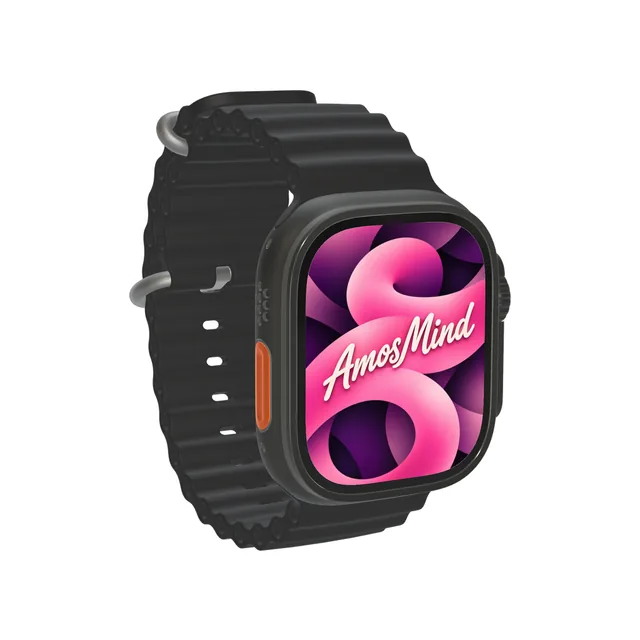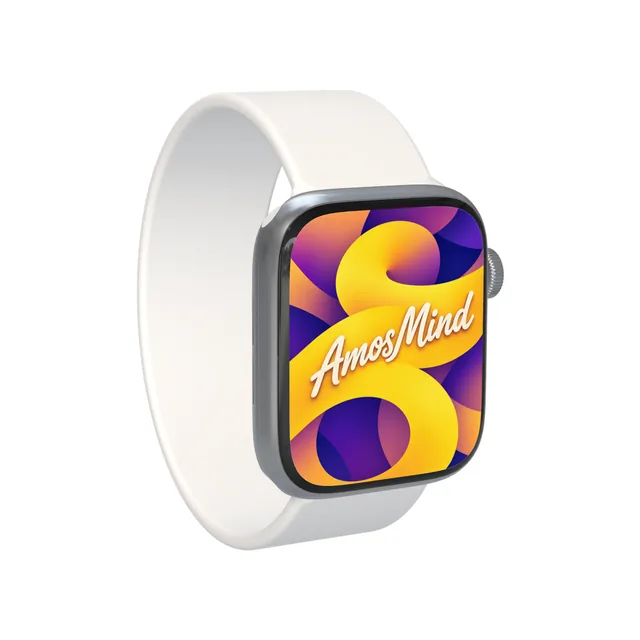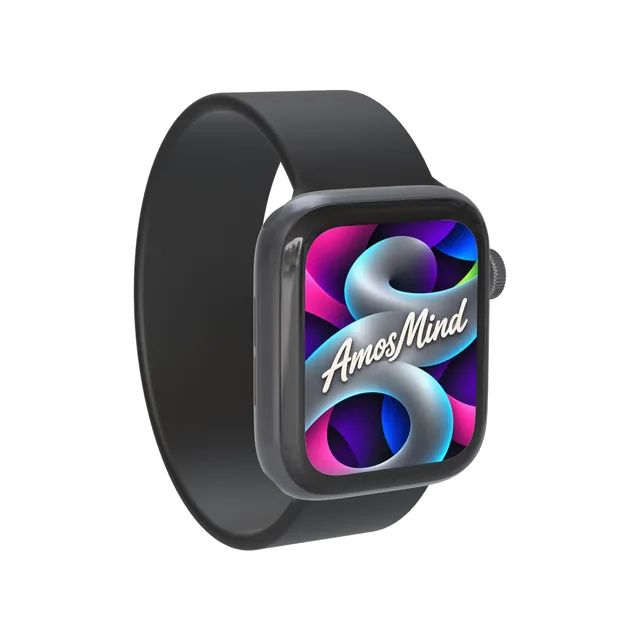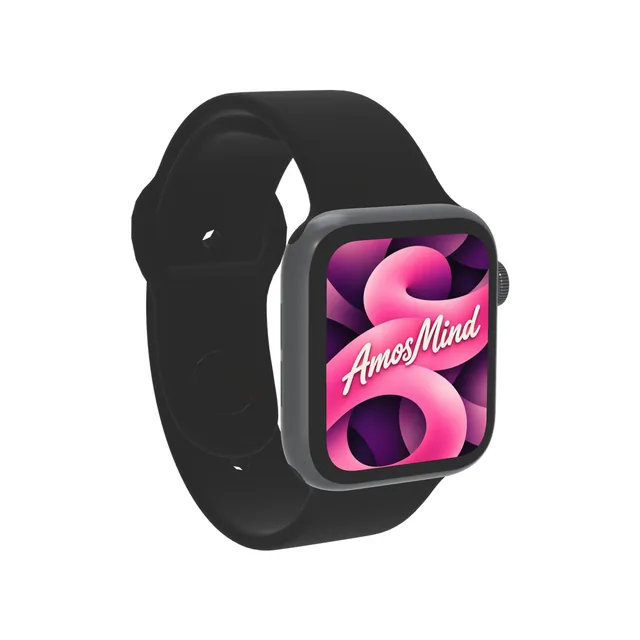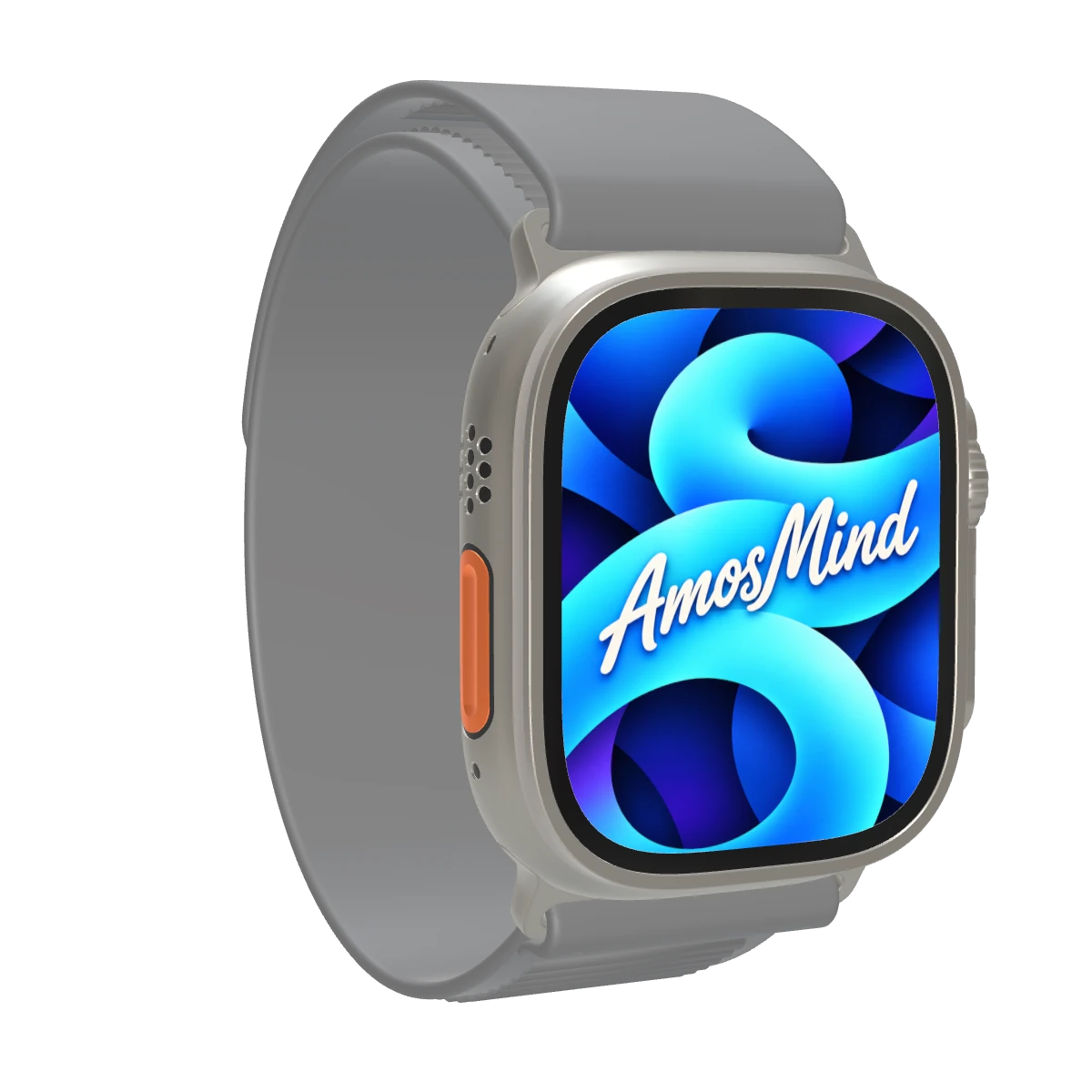
Apple Watch Ultra 2 mockup
A 3D mockup of Apple Watch Ultra 2, the 49mm titanium watch with a 3000-nit display that Apple introduced in September 2023. Preview a screen on it here, then place your own 410 × 502 watch face or app screen on the display in the 3D editor.
Customize in the 3D editor
In the editor you can
- Upload artwork or app screens to the display
- Turn the watch to any angle and render it
- Export 2K or 4K images, transparent PNG included
- Device
- Watch49 mm case
- Screen artwork
- 410 × 502 pxPortrait, full screen
- Views
- Front, BackAny angle in the editor
- Colors
- 2Apple finish names
- Model year
- 2023Released in September
- Render
- Up to 4KJPG or PNG
Apple Watch is a trademark of Apple Inc. AmosMind is not affiliated with Apple.
Wiki
Apple Watch Ultra 2
Apple Watch Ultra 2 is a 49mm titanium Apple Watch, the follow-up to the first Apple Watch Ultra, announced on September 12, 2023 and released on September 22.[1][2] It introduced the S9 SiP, a double tap gesture and a display that reaches 3000 nits; a black titanium finish followed in September 2024.[1][3]
Display
The Always-On Retina LTPO2 OLED display measures 410 × 502 pixels at 326 pixels per inch, with a display area of 1185 sq mm, under a flat sapphire crystal.[2] Brightness ranges from 1 nit to a maximum of 3000 nits.[1][2] For full-screen art, work at 410 × 502 pixels in portrait and keep important content away from the corners: Apple's developer documentation notes that most watches have rounded corners that may clip content.[2][4]
Case and finishes
The case is Grade 5 titanium and measures 49mm high, 44mm wide and 12mm deep.[2] On September 9, 2024 Apple introduced a black titanium finish next to the natural one, made with a custom blasting process and a diamond-like carbon coating over the titanium.[3] Apple lists the weight as 61.4 grams in natural and 61.8 grams in black.[2] Apple's user guide describes Ultra models as having a corrosion-resistant titanium case, a flat sapphire crystal face and a raised Crown Guard.[5]
Action button, Digital Crown and side button
Apple Watch Ultra models have a third button not found on other Apple Watch models, the customizable Action button.[5] It can be set to start a workout, and from watchOS 11 pressing and holding it switches between actions such as Stopwatch, Backtrack and Flashlight.[3] The other controls are the Digital Crown, which has haptic feedback, and the side button.[2] The double tap gesture, tapping the index finger and thumb together twice, controls the watch without touching the display.[1]
References
- Apple Newsroom Apple unveils Apple Watch Ultra 2 (opens in a new tab)
- Apple Support Apple Watch Ultra 2 – Tech Specs (opens in a new tab)
- Apple Newsroom Apple Watch Ultra 2 now available in black titanium (opens in a new tab)
- Apple Developer Supporting multiple watch sizes (opens in a new tab)
- Apple Support Apple Watch Ultra, built for the outdoors – Apple Watch User Guide (watchOS 26) (opens in a new tab)