
How do light-colored logos read on a white cap?
Poorly on their own. Add a dark outline or a solid shape behind the design in your artwork file, then check the 3D preview to see whether it still reads at a distance.
Every white cap mockup here starts on a plain white crown, the lightest base for dark or full-color artwork. Compare baseball, low profile, snapback and trucker shapes, then try waffle, chunky knit or quilted looks.
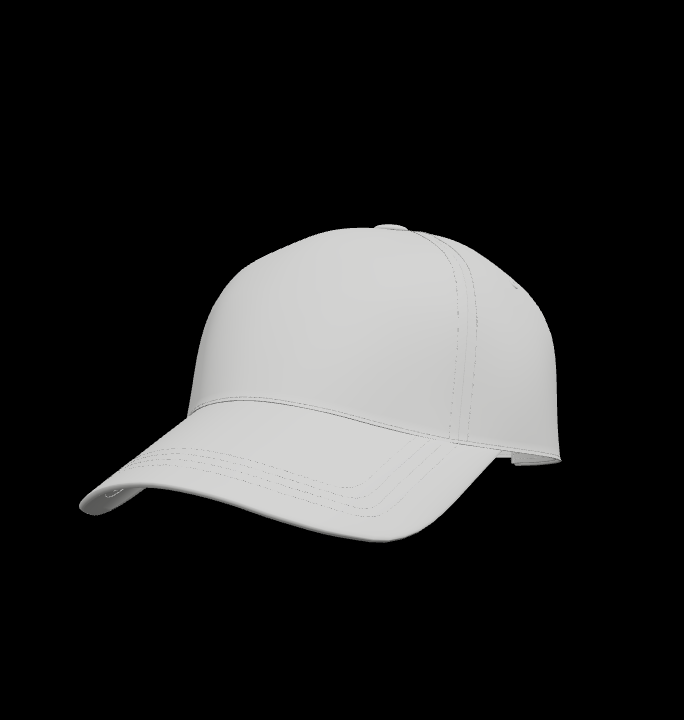
6 mockups
Tips for getting white caps to look right.
Poorly on their own. Add a dark outline or a solid shape behind the design in your artwork file, then check the 3D preview to see whether it still reads at a distance.
Jersey keeps white smooth and flat, canvas and twill add a fine weave, and corduroy adds lines of light and shadow. The fabric you choose covers the whole cap.
Nothing to download or open in Photoshop. You switch cap styles with the same artwork, change the brim and back colors, and render whichever angle you turn to.
The lighting adds soft shading, so parts of the crown can look gray. Pick the brightest white in the palette for the main color and render on a light or transparent background.
Each style below opens in white.
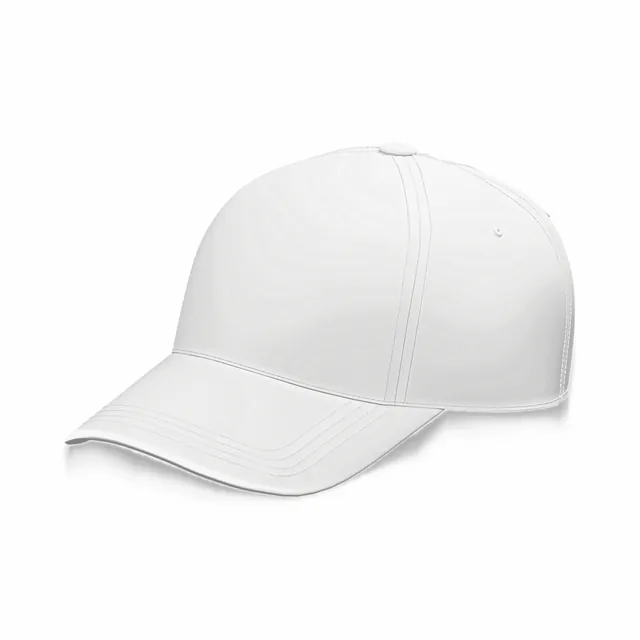
The everyday baseball cap; the curved brim frames a front logo.
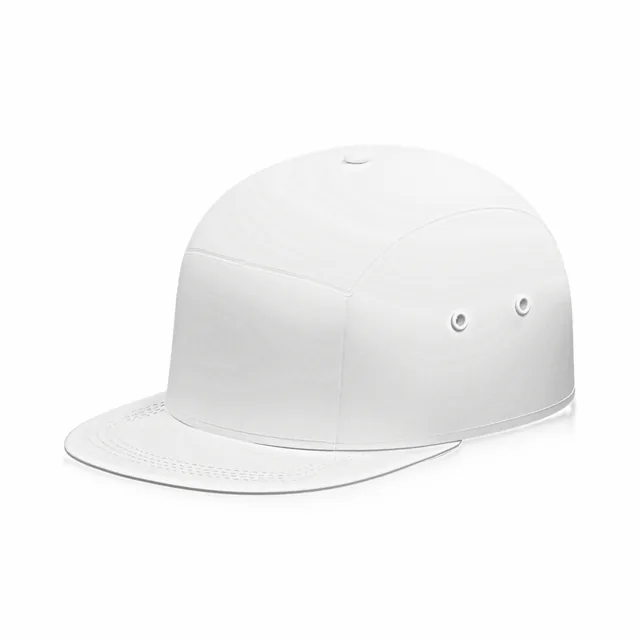
Sits low on the head, good for small, centered marks.
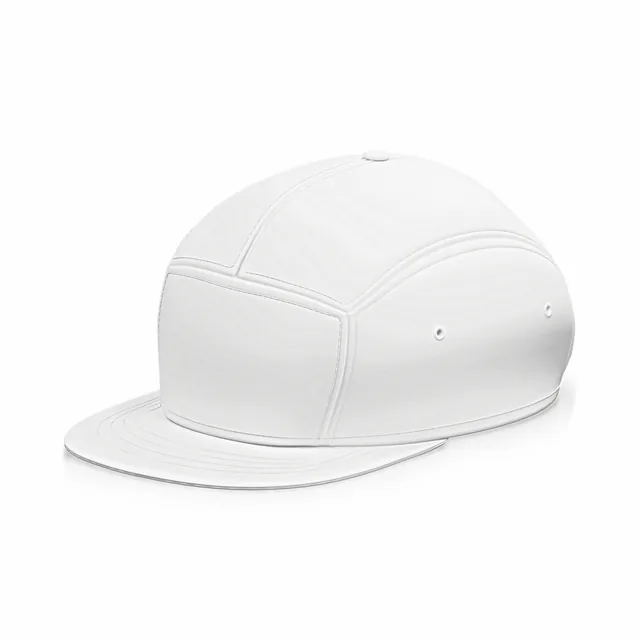
A shorter peak that keeps the crown in view in front-on shots.
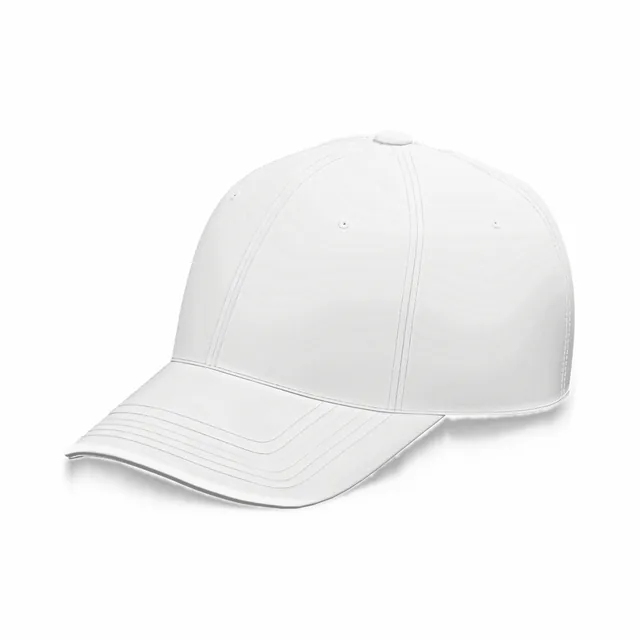
Six stitched panels and an adjustable snap at the back.
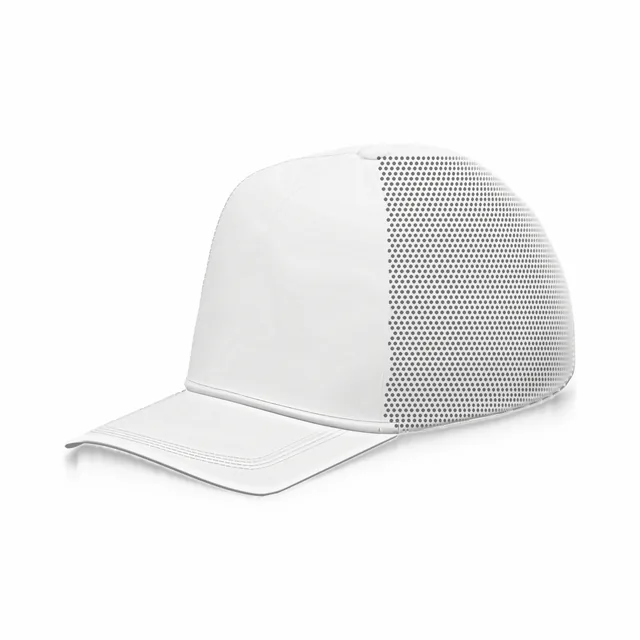
White foam front, mesh-look back and a curved peak.
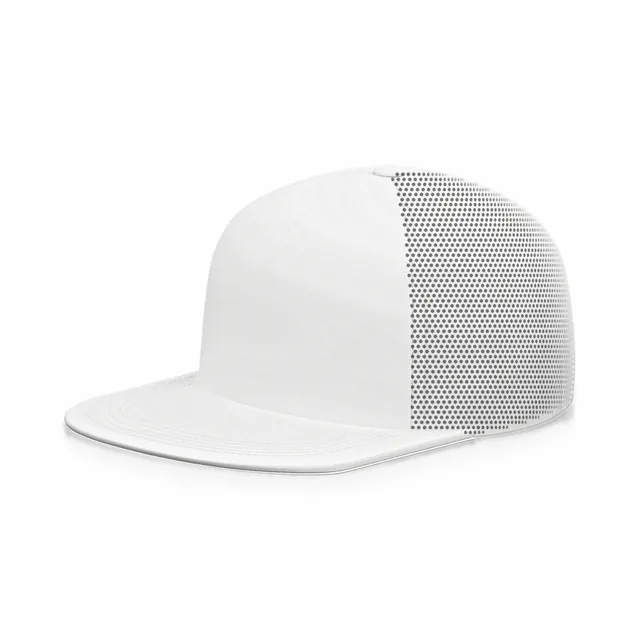
A straight brim and a tall white front panel for big graphics.
Each cap here has one front print area. On white, the edges of a design are easy to see, so position matters.
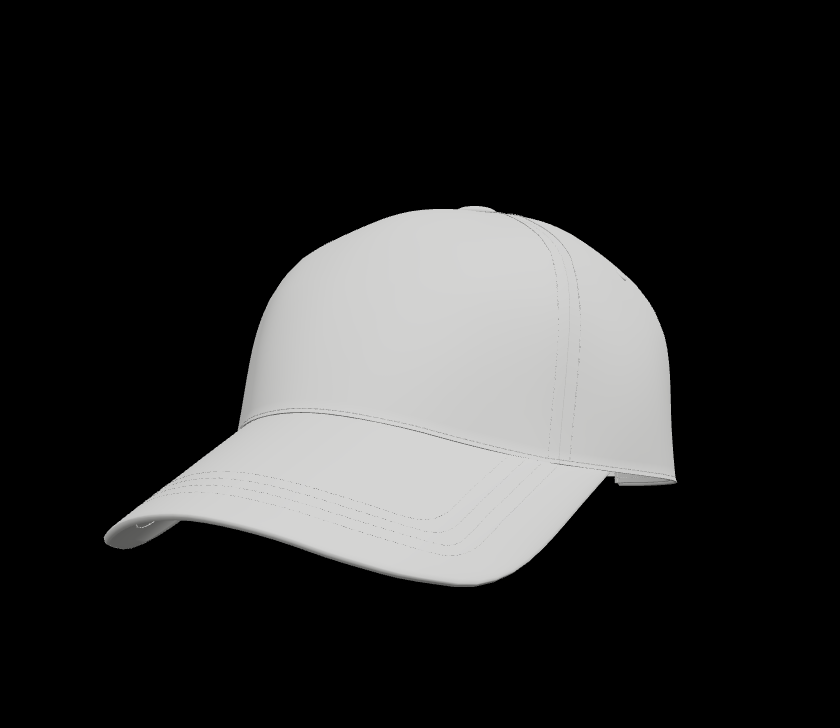
Centered on the crown above the brim. Leave a margin around the artwork so it does not crowd the brim.
Brim, button and back colors are set in Garment parts. The print area is a preview, not a production template.
The same white reads differently on each surface. Fabric covers the whole cap.
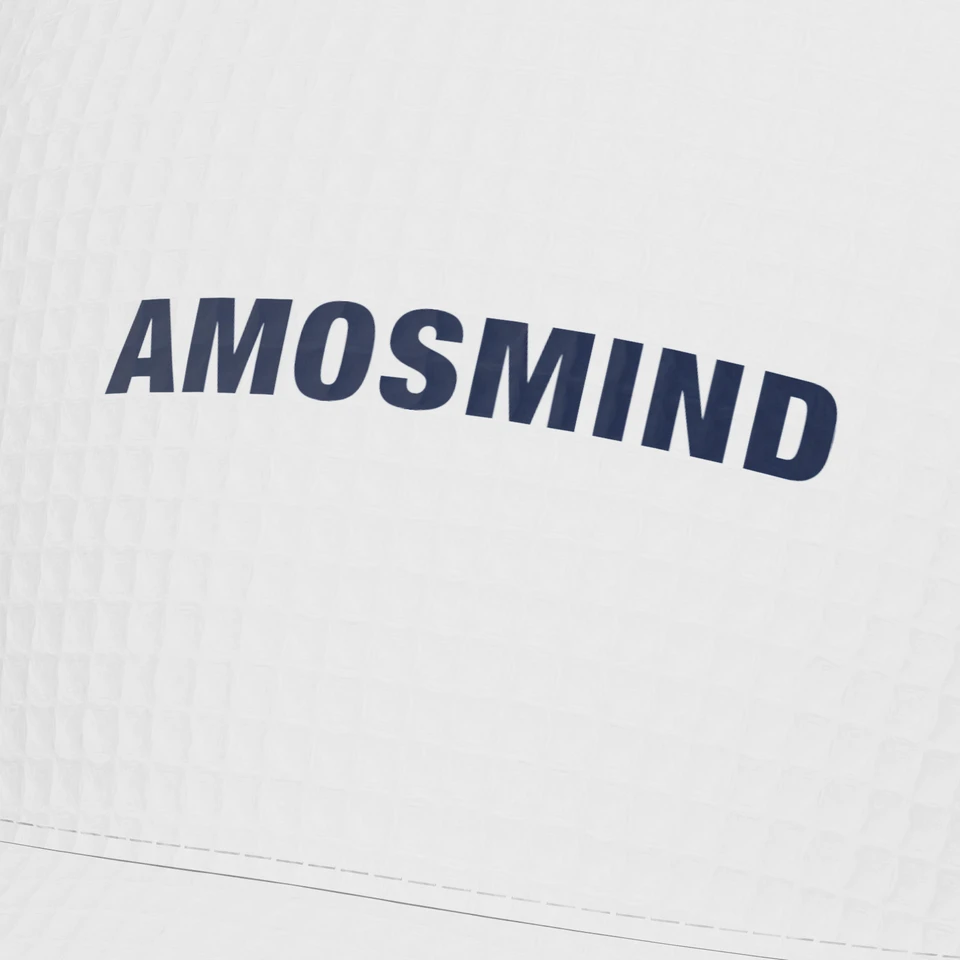
A small square grid gives the white crown a sporty, textured feel.
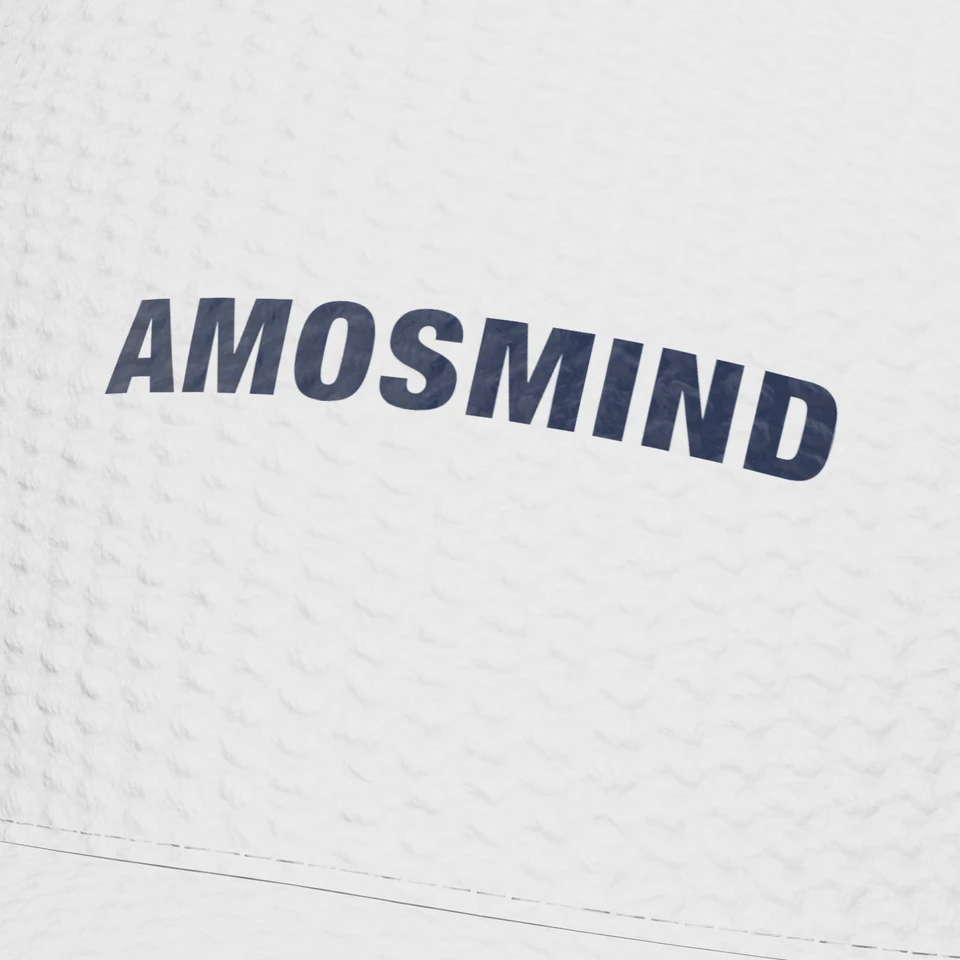
Rounded knit bumps add depth and shadow to a plain white cap.
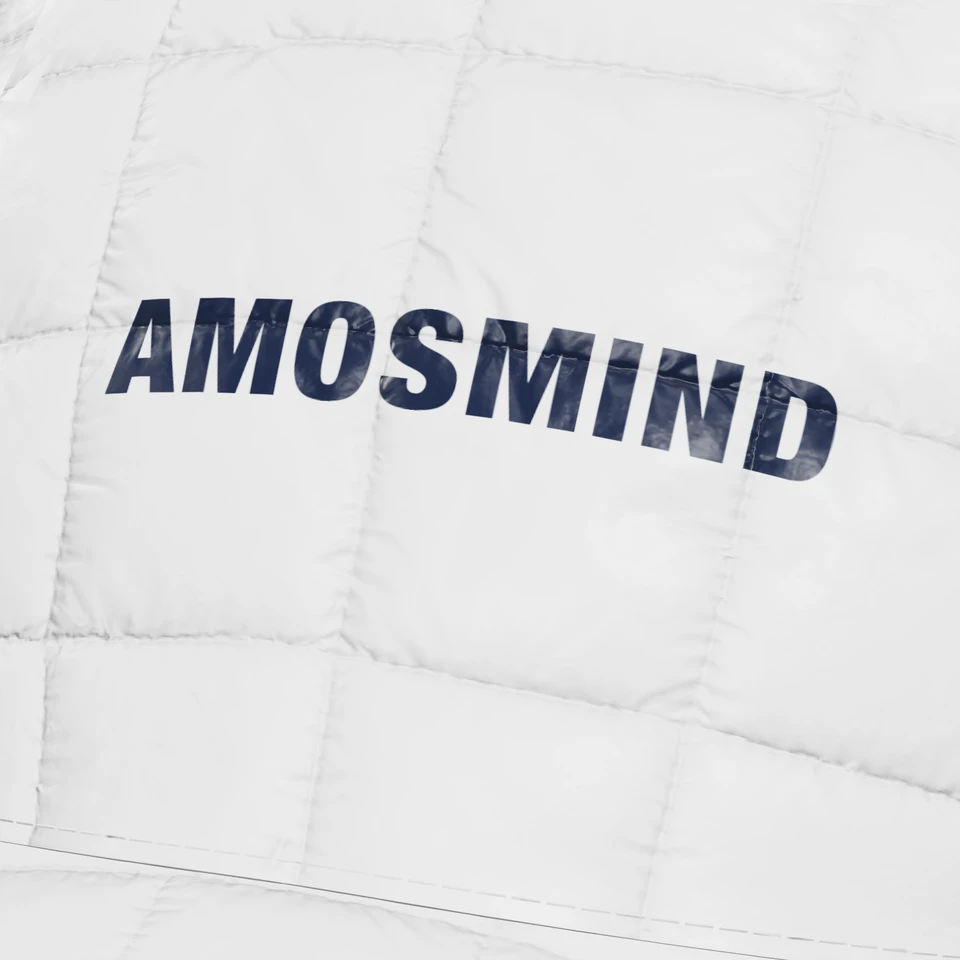
Stitched, padded squares for a warm white winter cap.
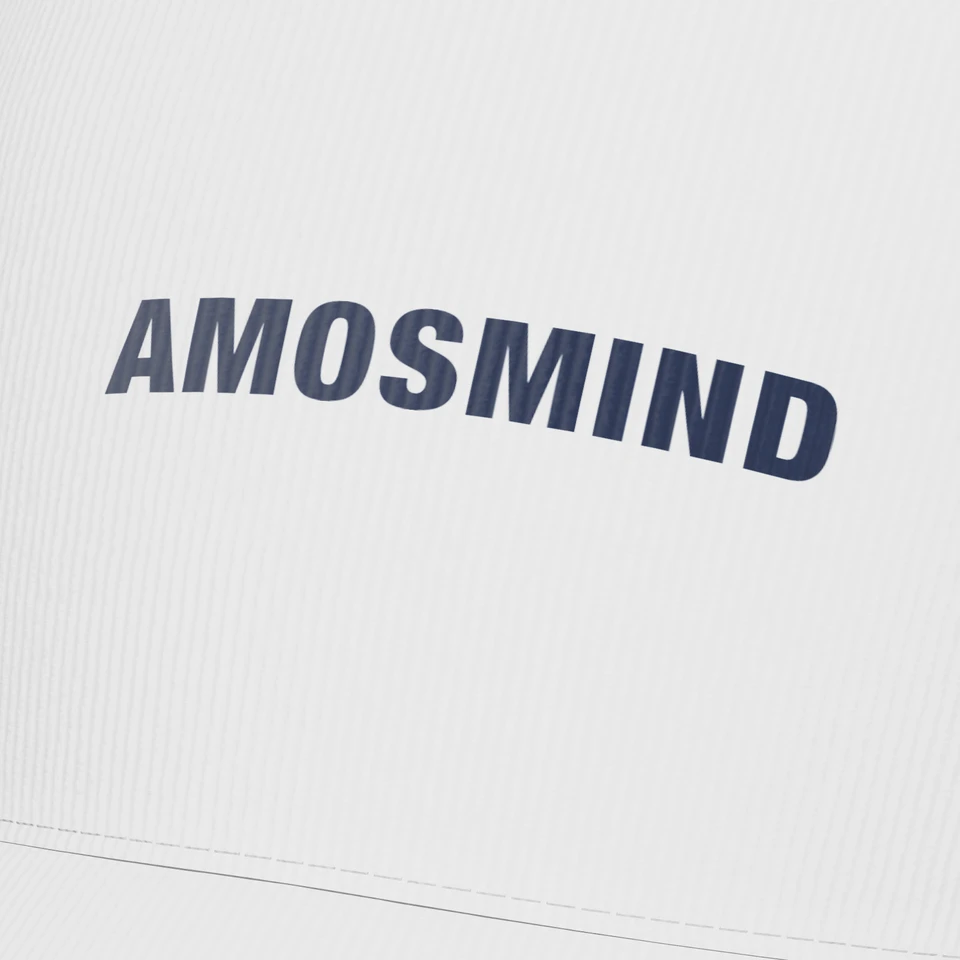
Ribbed lines that catch light and shadow on a white crown.
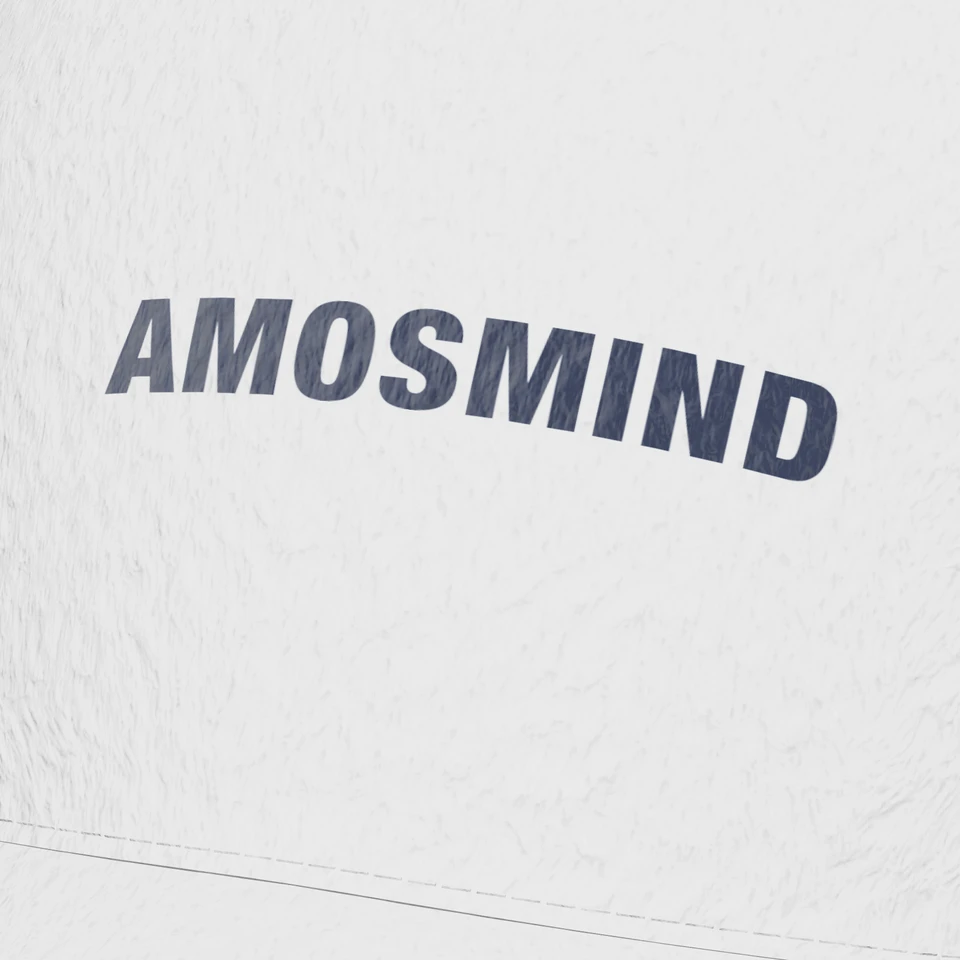
A fluffy pile that makes a white cap look soft and cozy.
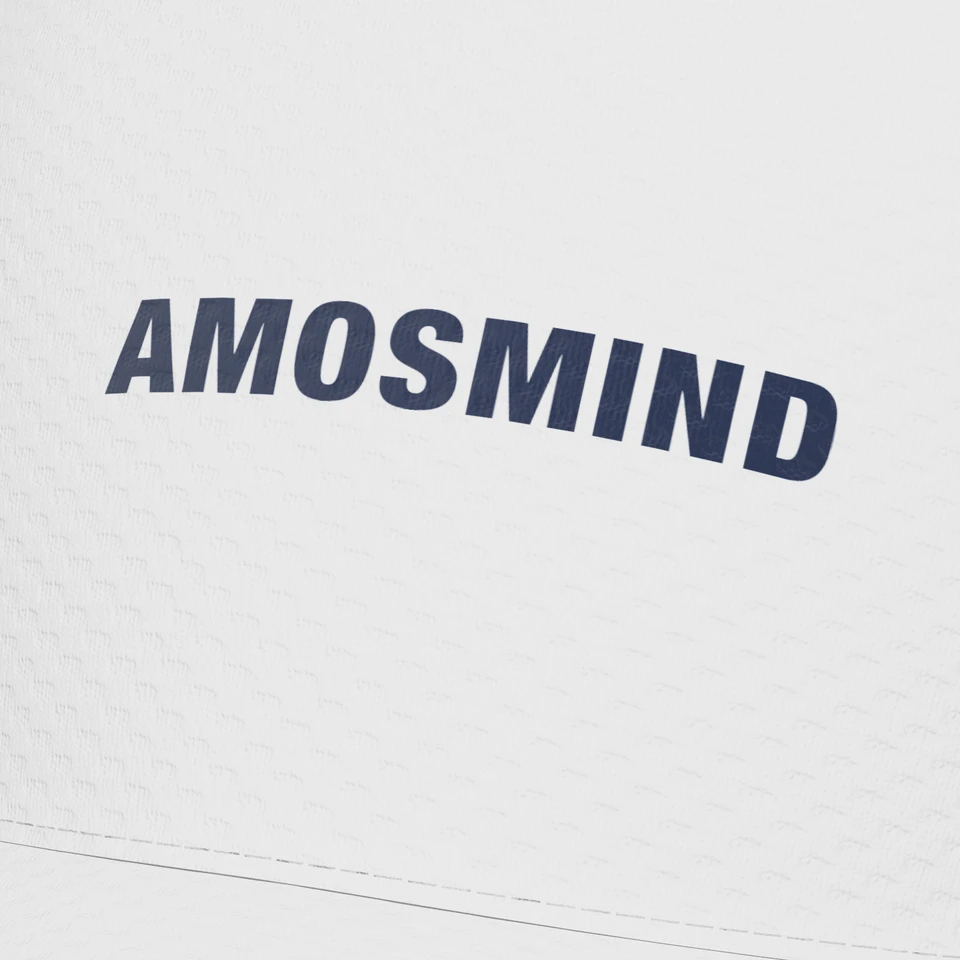
A dotted performance look that stays opaque in the editor.
Full-color artwork can lose contrast against white. Check the flat file next to the 3D cap.
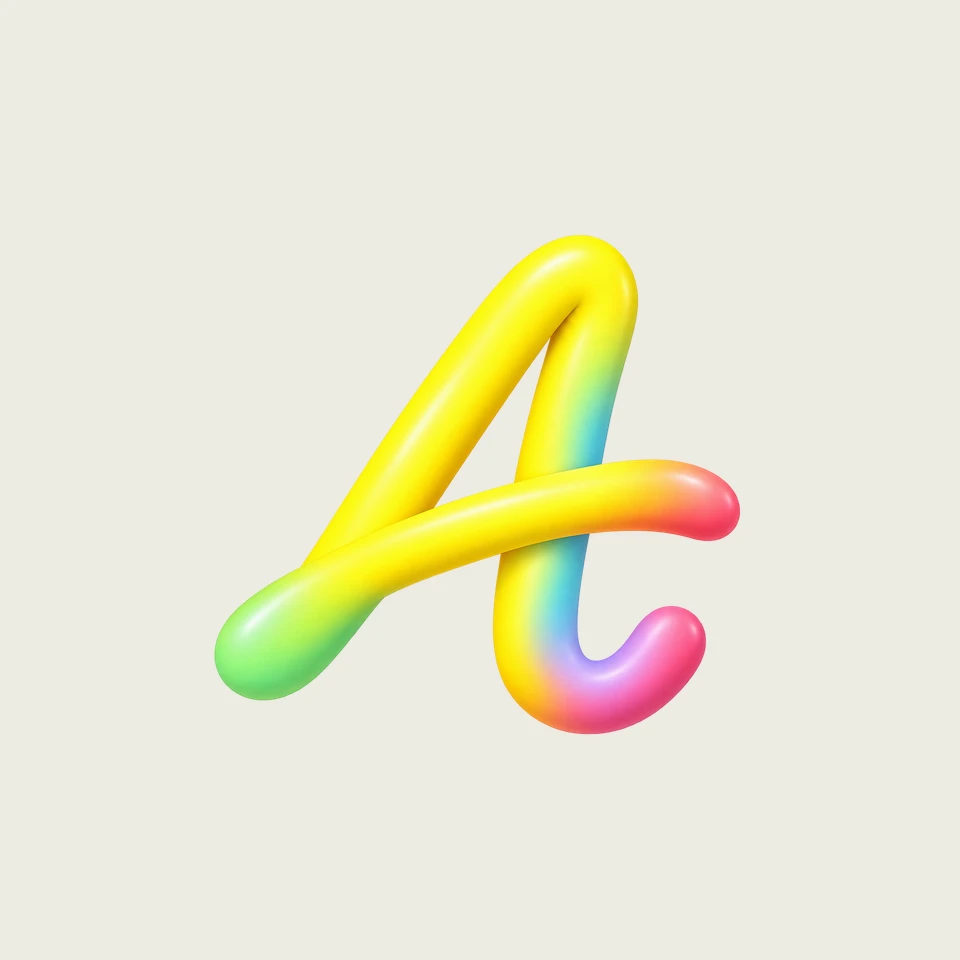
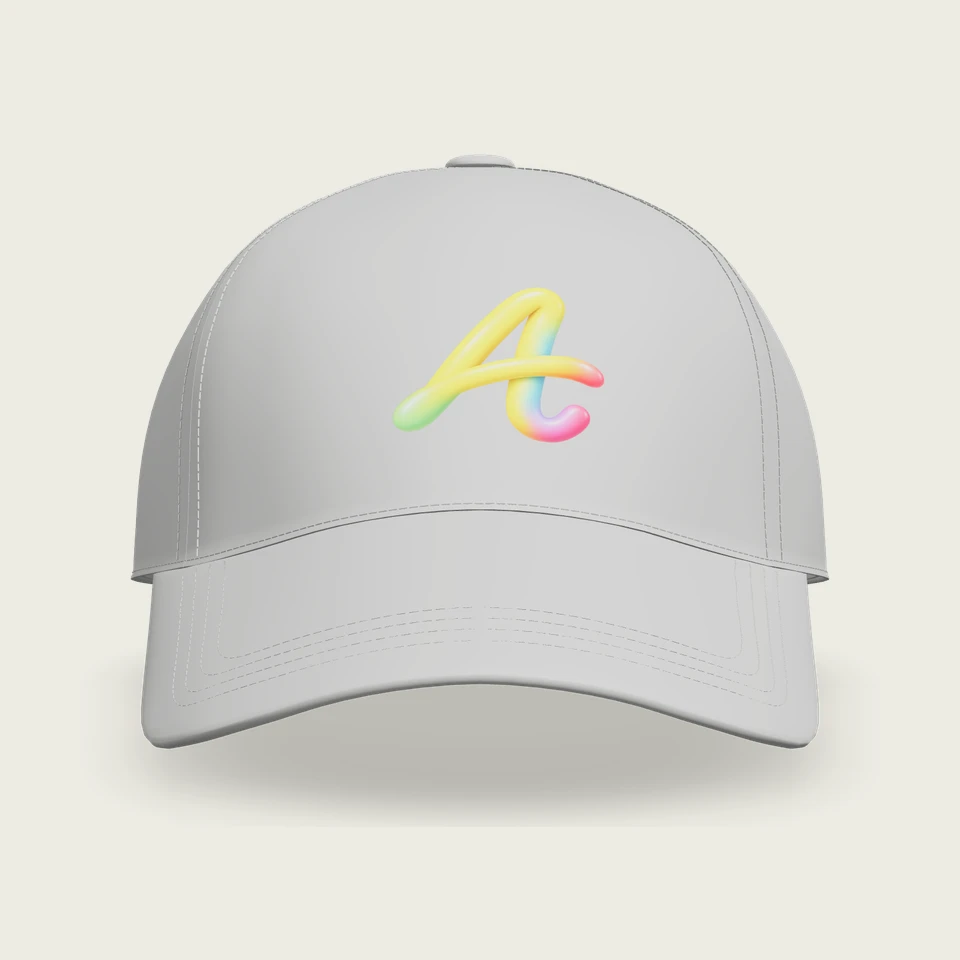
Most white cap mockups online come from template generators or downloaded PSDs.
| What you need | 3D white cap mockup | Template generator or PSD |
|---|---|---|
| Cap shape | Baseball, snapback and trucker styles | Fixed per template |
| Angle | Turn the cap freely | Set by the photo |
| Fabric look | Change the surface of the whole cap | Fixed by the photo |
| Brim and back colors | Set per part | Limited to the template's layers |
| Download | PNG or JPG at 2K or 4K, transparent PNG | Varies by site and plan |