
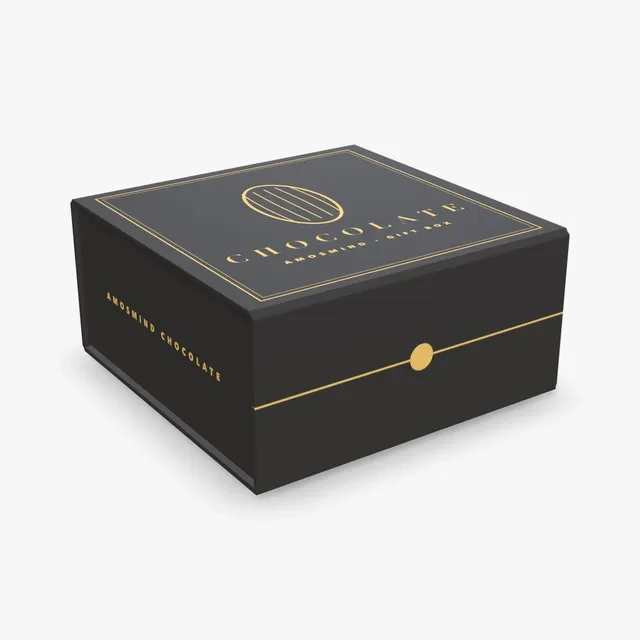
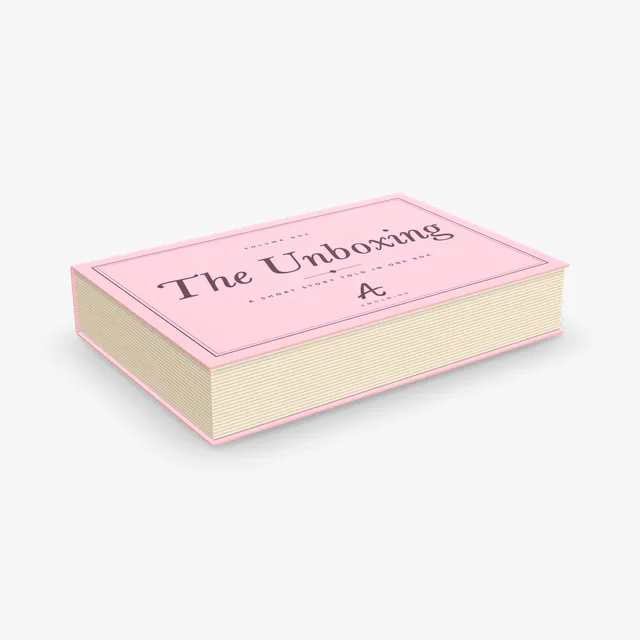
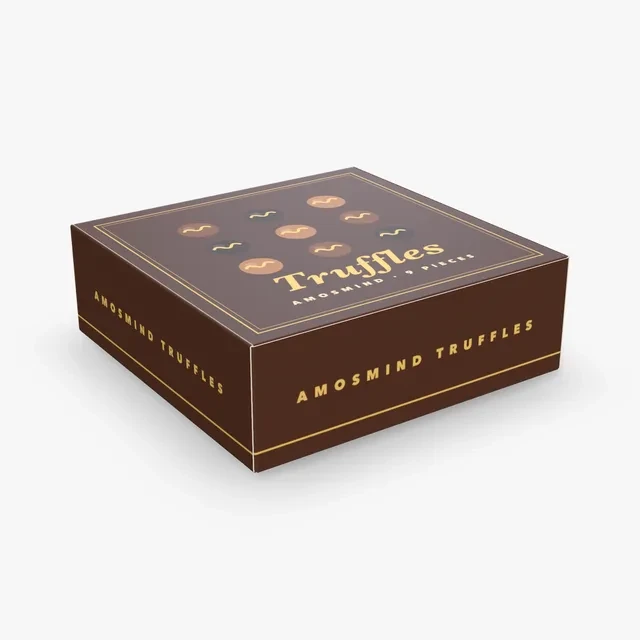
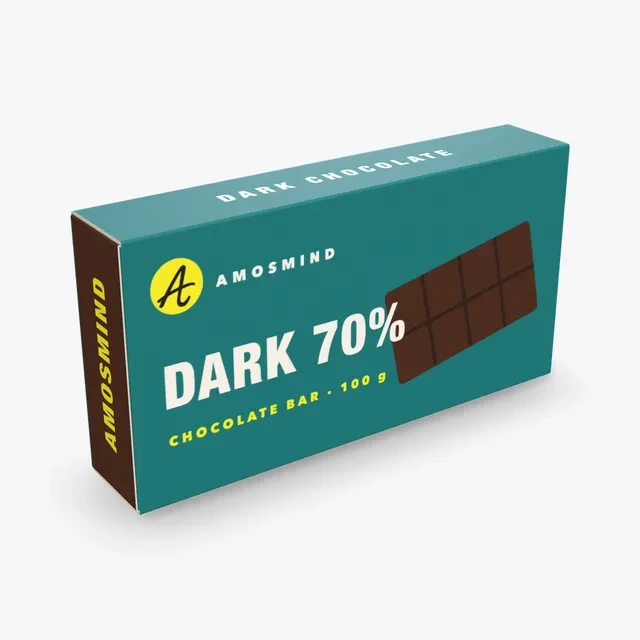
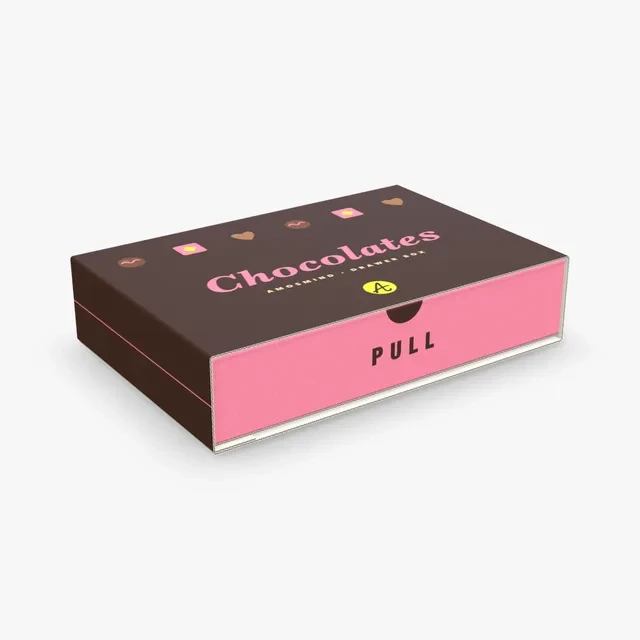
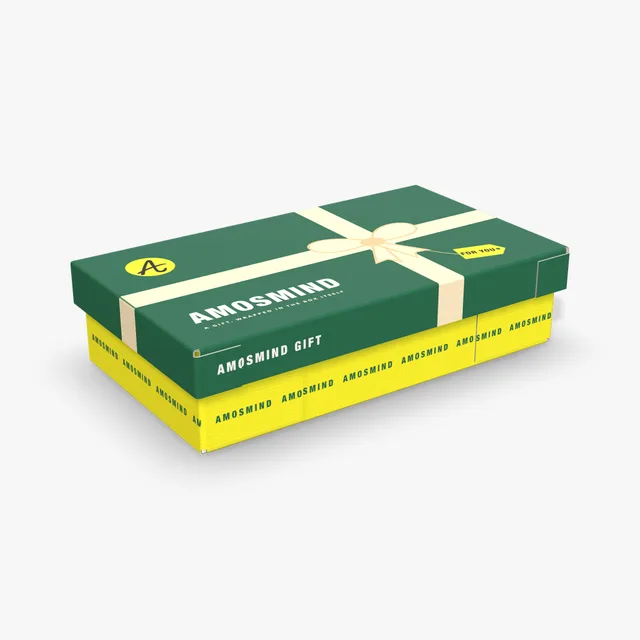
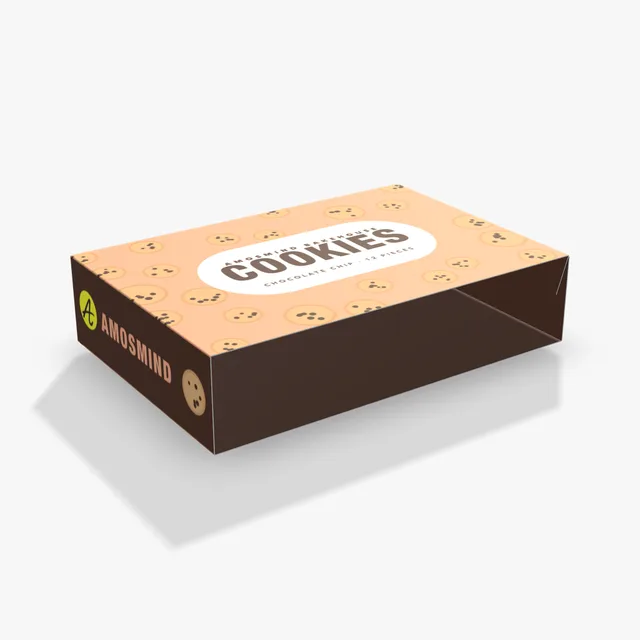
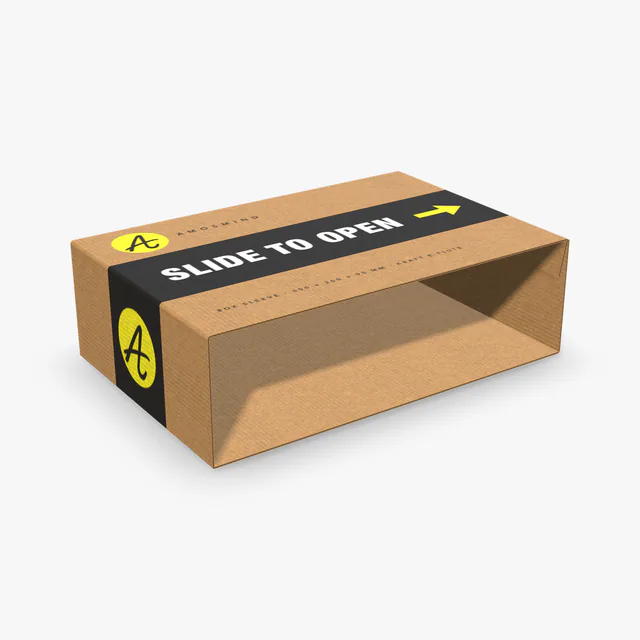
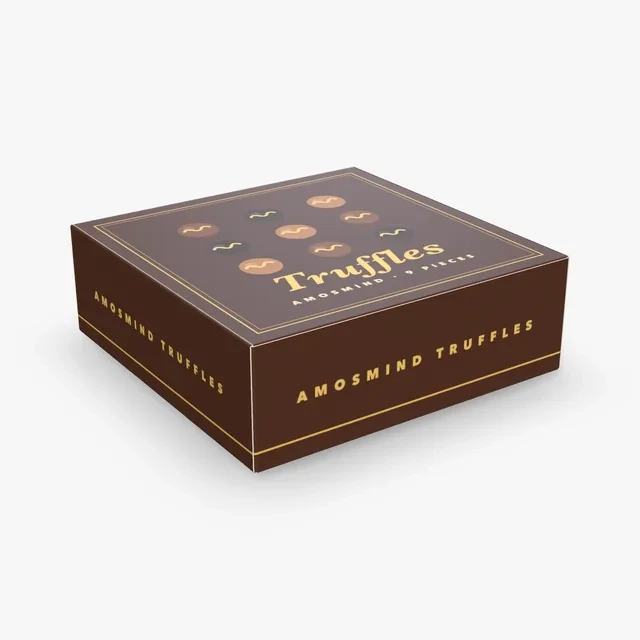
Closed
The lid or the sleeve carries the brand. This is the view on a shelf or in a product photo.
Choose a chocolate box mockup by what goes inside: a bar, a few pieces, an assortment or a drawer. Type the inside size, print the lid and the inside, and open it in 3D.
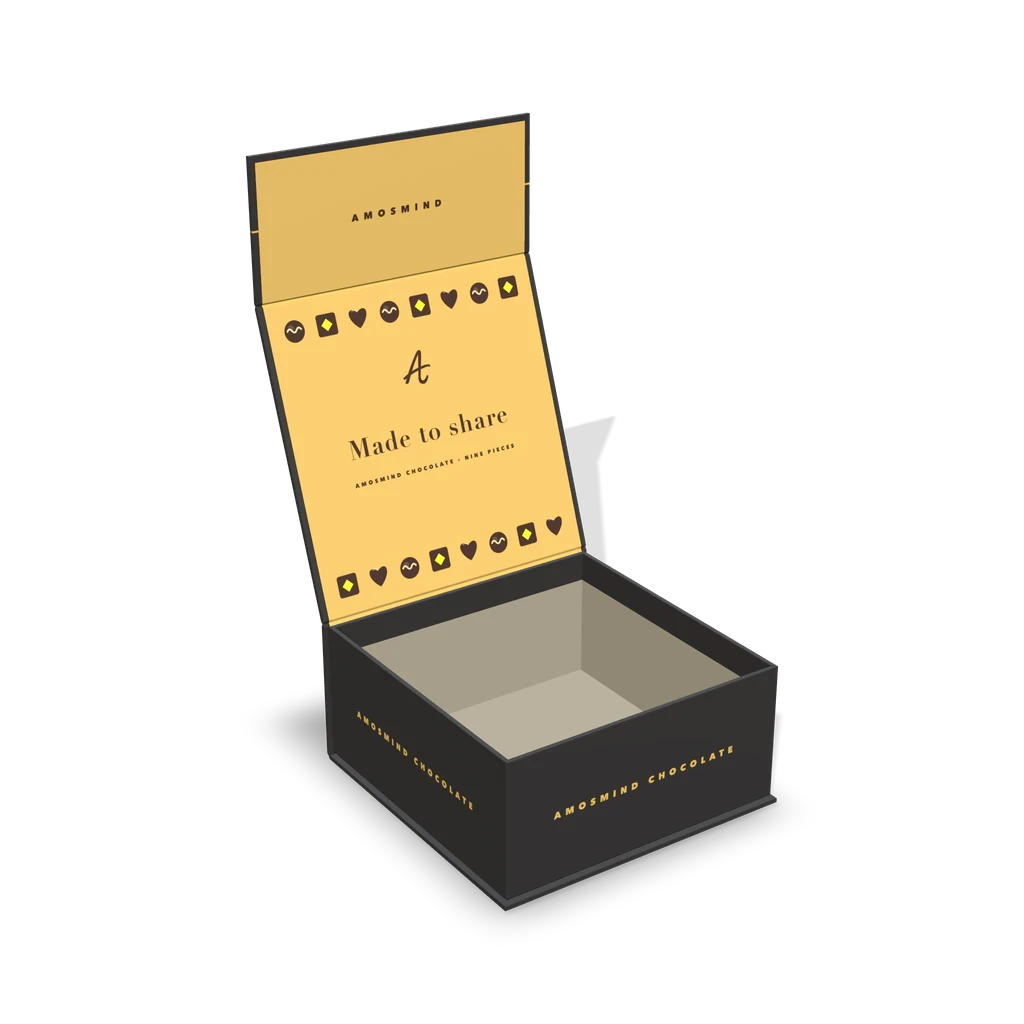
8 mockups
Start from what goes in the box. A single bar, a few pieces and a full assortment each need a different shape and a different way to open.
| Format | Box on this page | How it opens | Shown at |
|---|---|---|---|
| A bar | Chocolate bar box | Both ends glued shut | 160 × 30 × 80 mm |
| A few truffles | Truffle box | Hinged lid with a tongue that tucks in | 152 × 152 × 51 mm |
| A gift of pralines | Chocolate gift box | Hinged lid, front flap folds down | 152 × 152 × 70 mm |
| An assortment | Book-style box | Lid opens like a book cover | Starts at 300 × 200 × 50 mm |
| A drawer of pieces | Chocolate drawer box | Drawer slides out of a sleeve | 300 × 200 × 60 mm |
| A lid over a base | Telescope box | Lift-off lid | Starts at 400 × 220 × 100 mm |
These are inside sizes; every box takes any size inside its own range.
A chocolate box is seen three ways: on the shelf, in the hand and with a sleeve over it.
The lid or the sleeve carries the brand. This is the view on a shelf or in a product photo.
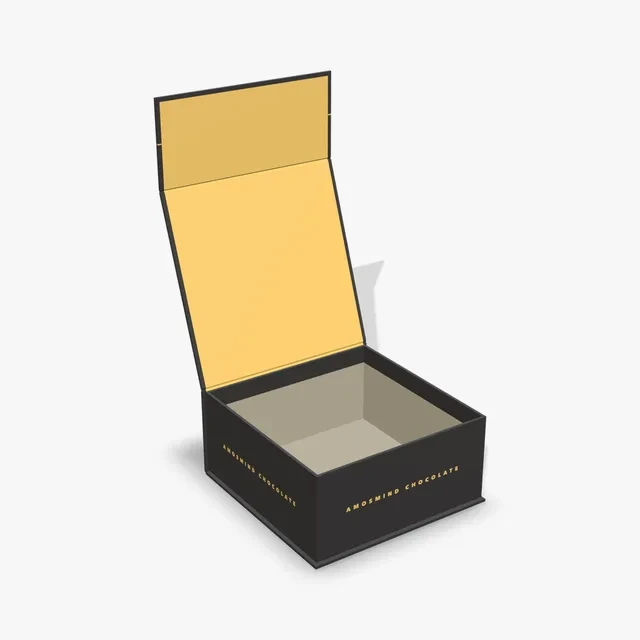
The inside shows. On the Magnetic box that is the Case liner, on the drawer box the inside of the Drawer.
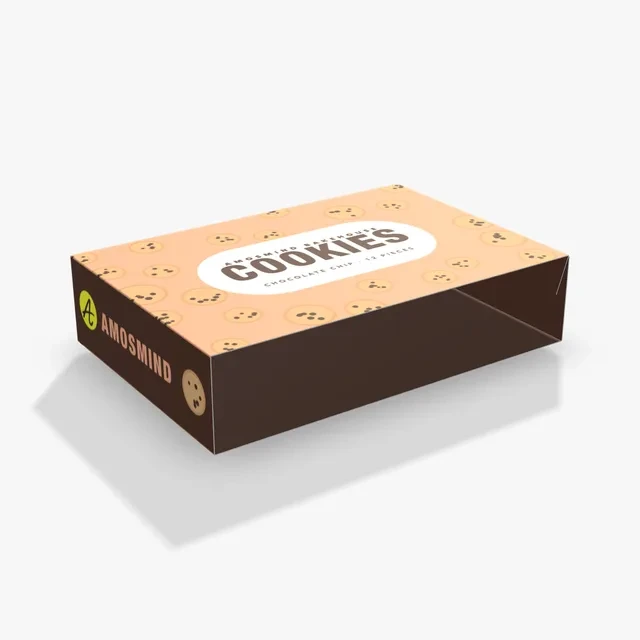
A printed Tube sleeve or Box sleeve goes over a plain box, so one box serves many flavors.
Each one opens at a size that suits chocolate, and each can be resized.
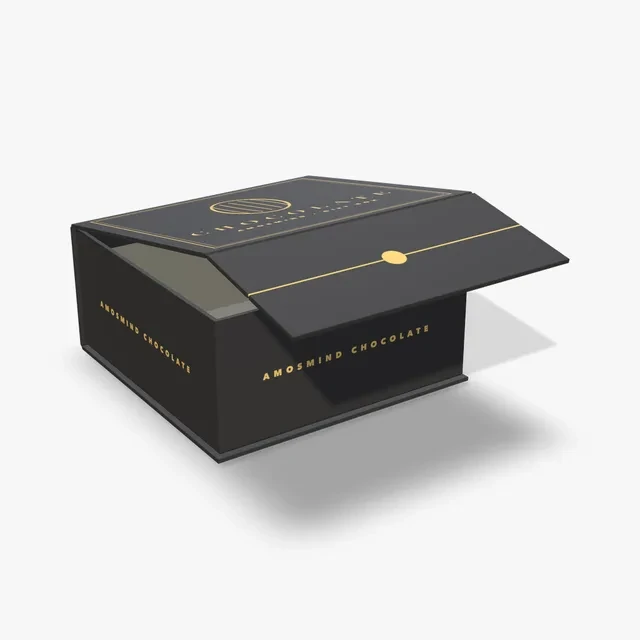
The Magnetic box at 152 × 152 × 70 mm in a black wrap, shown with the lid open.
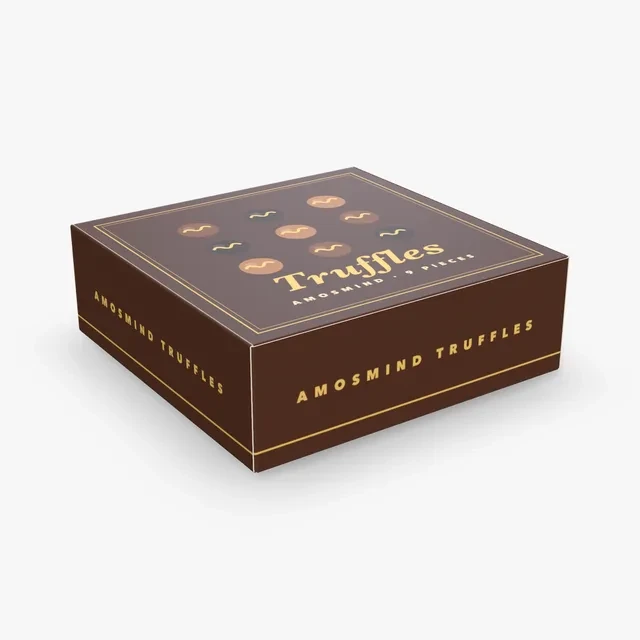
The Hinged lid box at 152 × 152 × 51 mm in 0.5 mm paperboard. The lid's tongue tucks into the front wall.
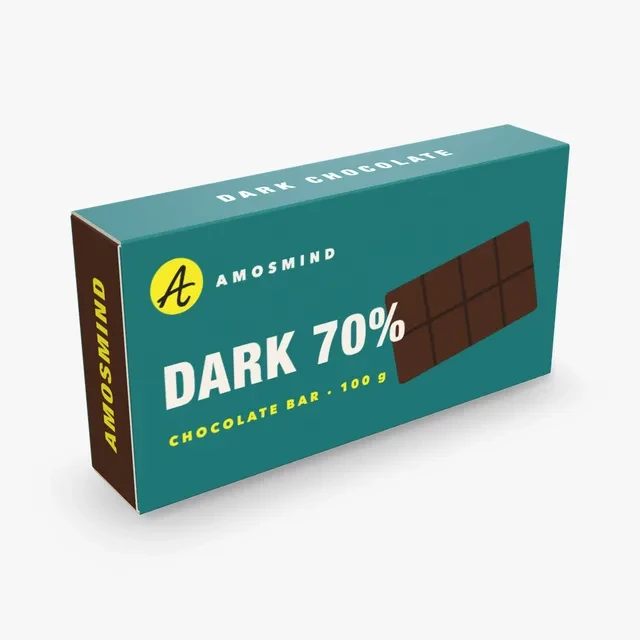
The Pasta box at 160 × 30 × 80 mm: a paperboard carton with both ends glued shut.
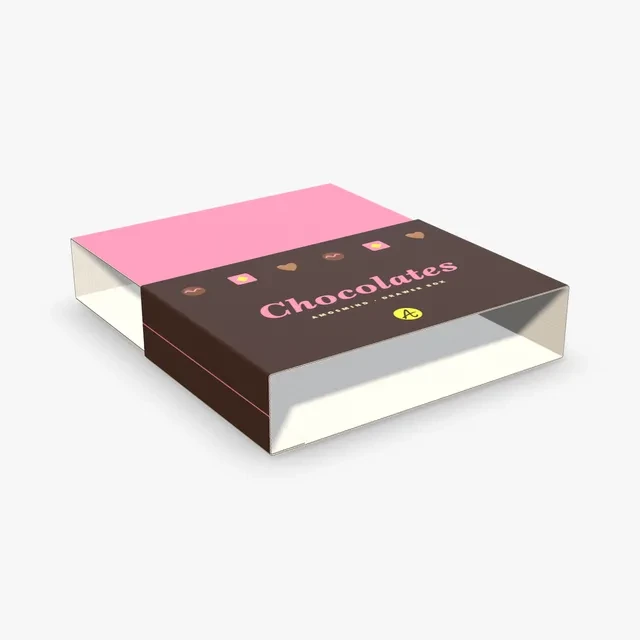
The Sliding box at 300 × 200 × 60 mm: a drawer in an outer sleeve. The Sleeve and the Drawer are printed separately.
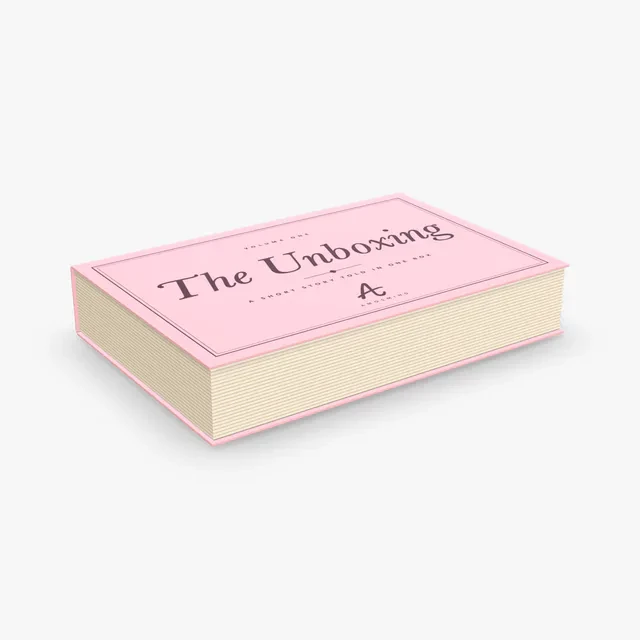
A rigid case of three boards. The lid opens like a book cover, with no front flap.
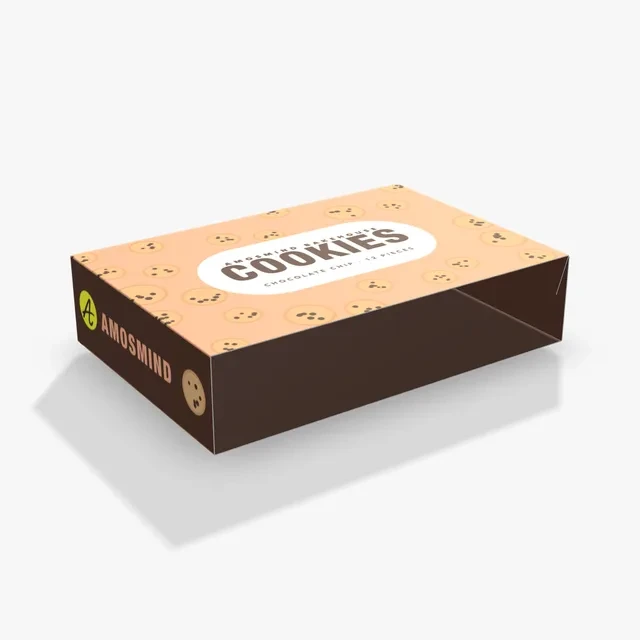
A paperboard tube open at both ends that slides over a box or tray. Outside artwork goes on the top panel.
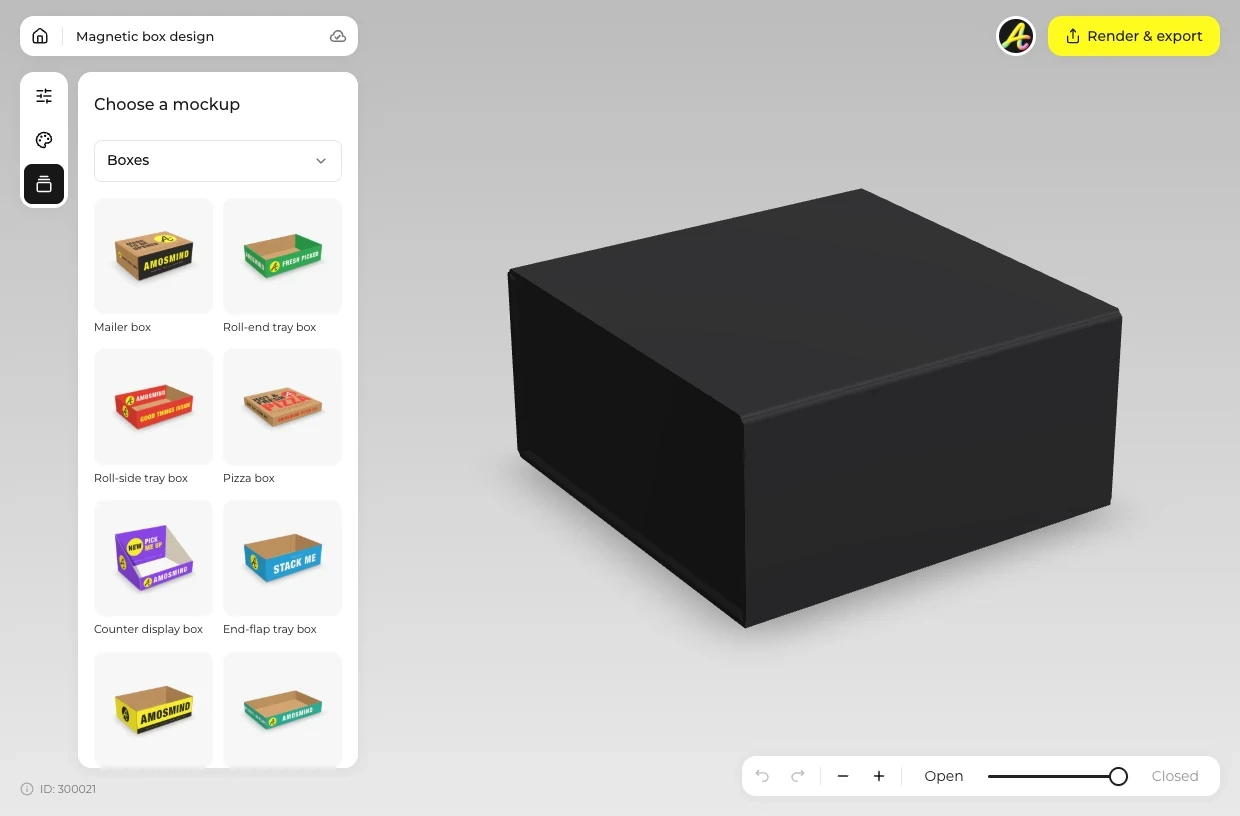
Choose a box by what it holds: a bar, a few pieces, an assortment or a drawer.
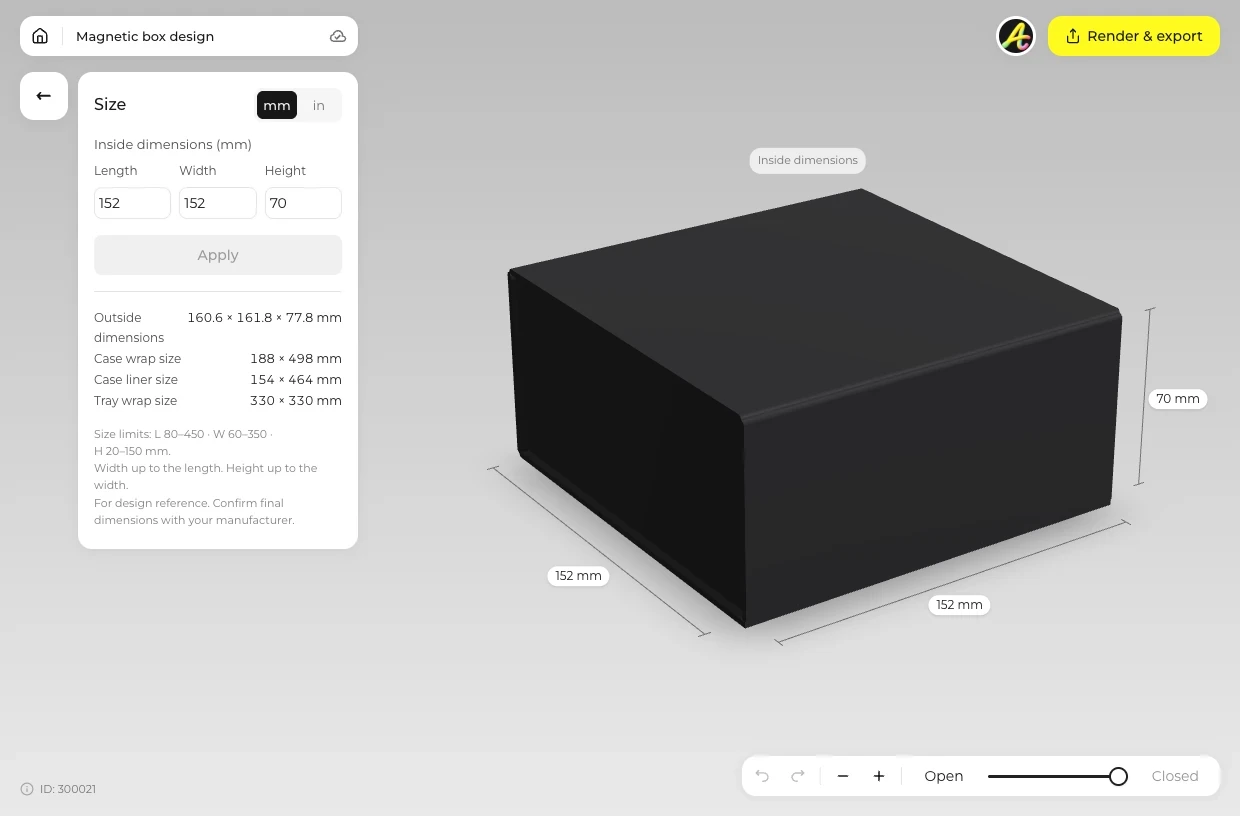
Open Size and type the inside length, width and height. Use Material for the wrap on a rigid box or the board on the others.
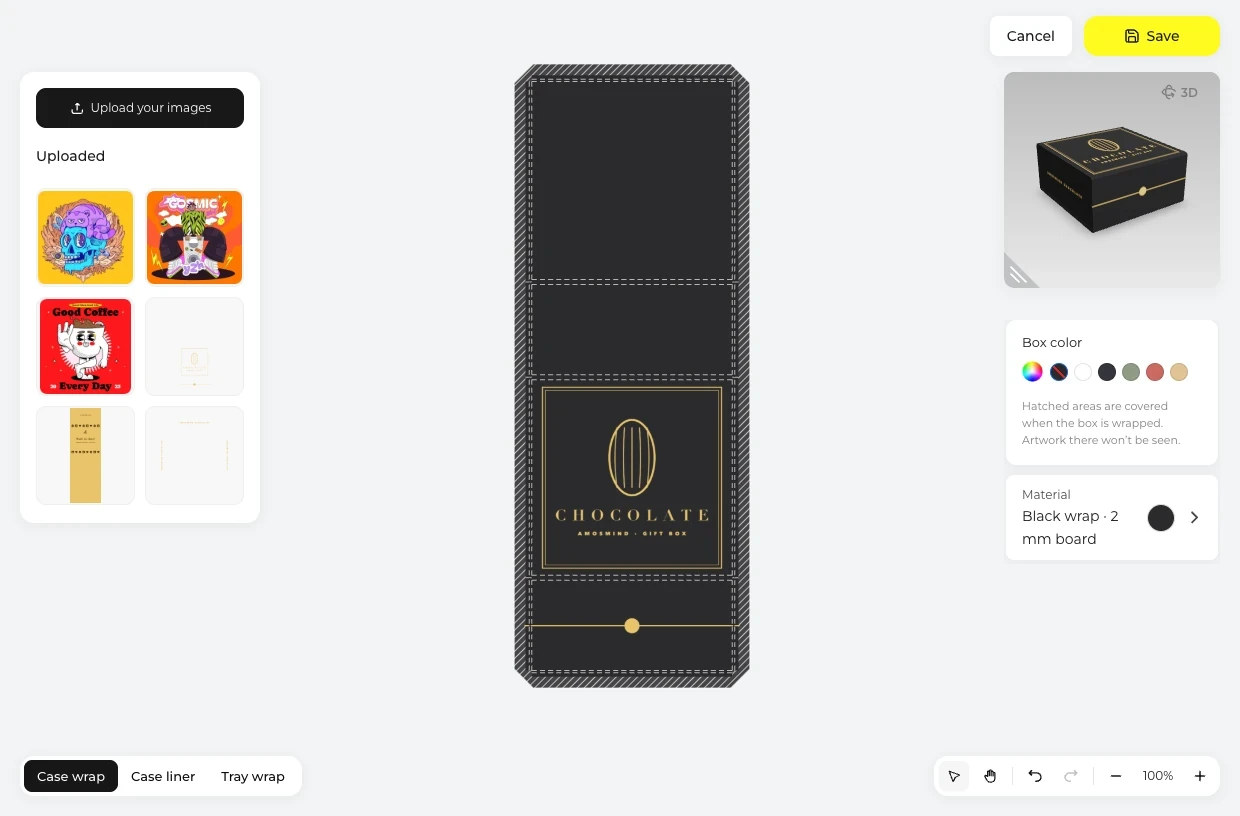
Click Upload artwork and start with the lid or the sleeve. Then switch to Inside, or use the Case liner on a rigid box.
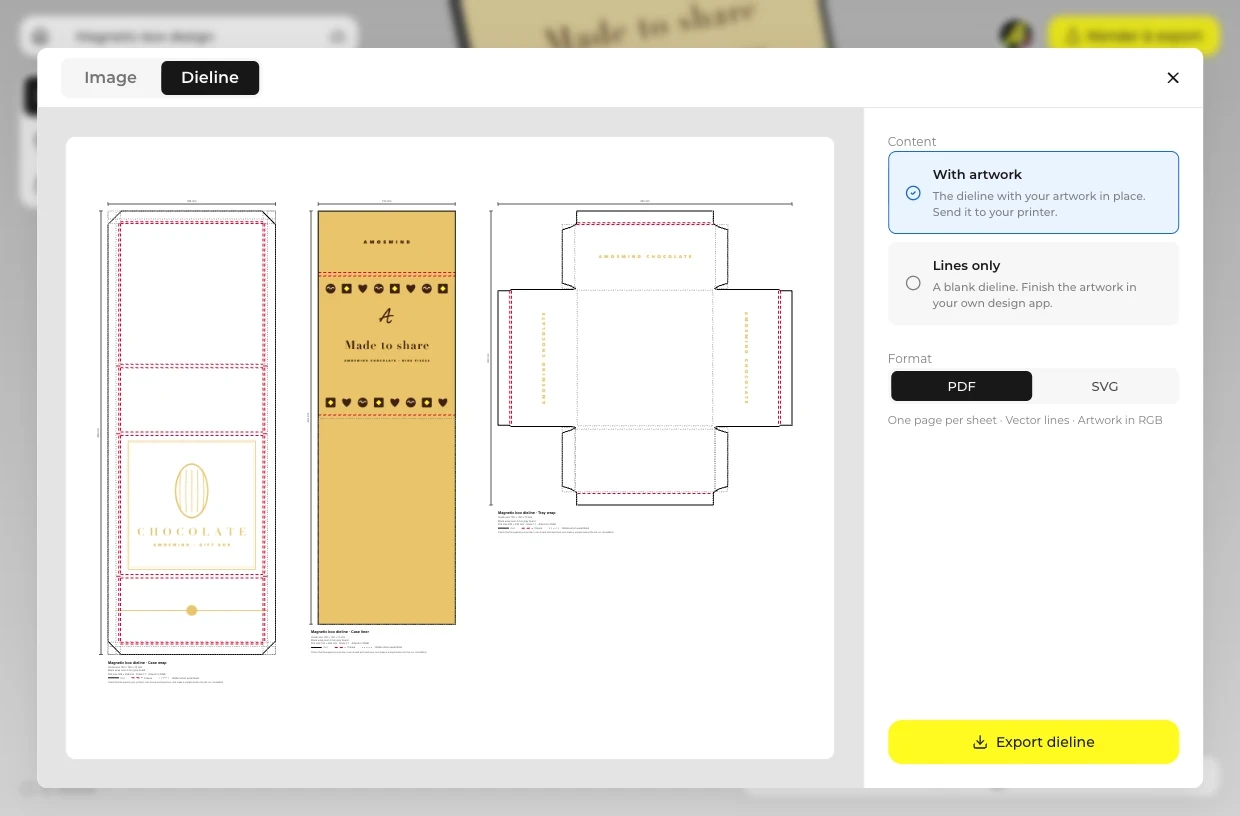
Move the fold slider to open the box, then use Render & export for an Image at 2K or 4K. The Dieline tab gives the dieline, or the wrap layouts of a rigid box, as a PDF or SVG.
Every box opens in the same live 3D editor.
Each box gives you its own sheets to print. Here is the part of the box each one covers when it is shut and when it is open.
| Box | What you print | Seen closed | Seen opened |
|---|---|---|---|
| Chocolate gift box | Case wrap, Case liner, Tray wrap | Case wrap: the outside of the case, lid, spine, base and front flap | Case liner inside the lid; Tray wrap on the tray (both shown at Open) |
| Book-style box | Case wrap, Case liner, Tray wrap | Case wrap round the case, lid, spine and base | Case liner inside the lid; Tray wrap on the tray (both shown at Open) |
| Truffle box | Outside and Inside of one sheet | Outside artwork lands on the lid | Inside artwork lands on the floor |
| Chocolate drawer box | Sleeve and Drawer | The Sleeve; its artwork lands on the top | The Drawer, shown at Formed |
| Telescope box | Lid and Base | The Lid | The Base, shown at Lifted with the lid raised |
| Tube sleeve | Outside and Inside | Outside artwork lands on the top panel | Nothing to open: it slides off the box |
Areas that end up glued or under the tray show hatched in the editor, so keep text out of them.
Short answers about formats, sleeves and files.
Choose the box by the format of the chocolate, type the inside size and place your artwork on the lid and the inside. Export the dieline, or the wrap layouts of a rigid box, as a PDF or SVG for a box maker, and ask for a printed sample before production.
A picture of a box with your design on it, made before any box is produced. Here it is a 3D box you can turn, open and close, so you can check the lid and the inside before you order a sample.
For a chocolate box: pick the box, type its size, click Upload artwork for the lid and then the inside, open it with the fold slider and render the image. Everything runs in the browser.
Yes. The Tube sleeve and the Box sleeve are boxes of their own: set the sleeve's inside size to the outside size of the box it goes over, which the editor shows. They are separate models, so render each one and combine them in your own layout.
Yes. The Chocolate bar box is the Pasta box at 160 × 30 × 80 mm, a 0.5 mm paperboard carton with both ends glued shut. Foil and paper wrappers are not made.
No. The models have no inserts or cavity trays. Render the box open and add the chocolates in your own image editor if you need them.
The rigid boxes, the Magnetic box and the Book-style box, in a Black or White wrap, with a printed Case liner and one light logo on the lid. Paperboard boxes such as the Truffle box suit everyday ranges.
Browsing the boxes and turning them in 3D is free. Log in with an email code or Google to upload artwork, save projects and render images. Exporting a rendered image or a dieline needs a free account; rendering and downloads are free right now.