
Kraft board
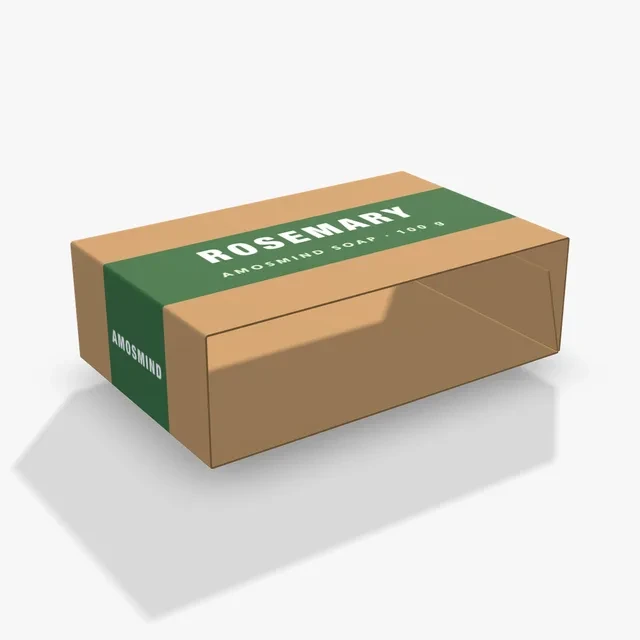
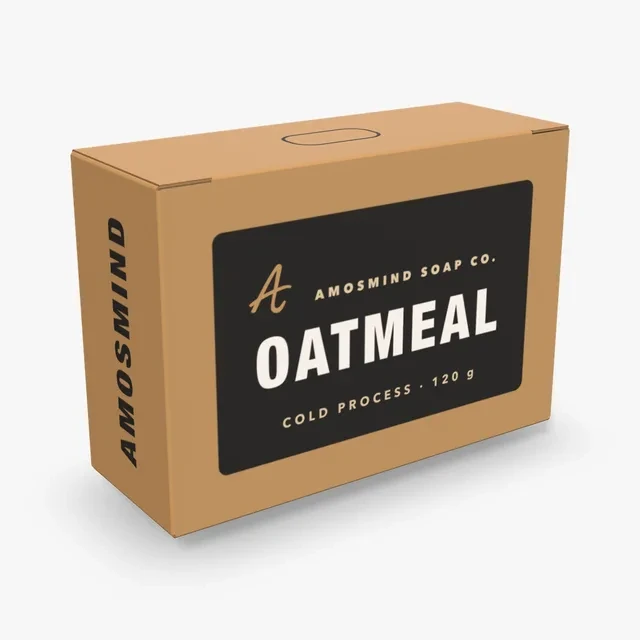
Brown outside and inside. Set a Box color on Outside or Inside to print over the brown, or pick No print to see it bare.
Make a soap box mockup that fits your bar, not a stock size. Measure the bar, type the size, choose kraft or white and place the name, scent and ingredients on the front and back.
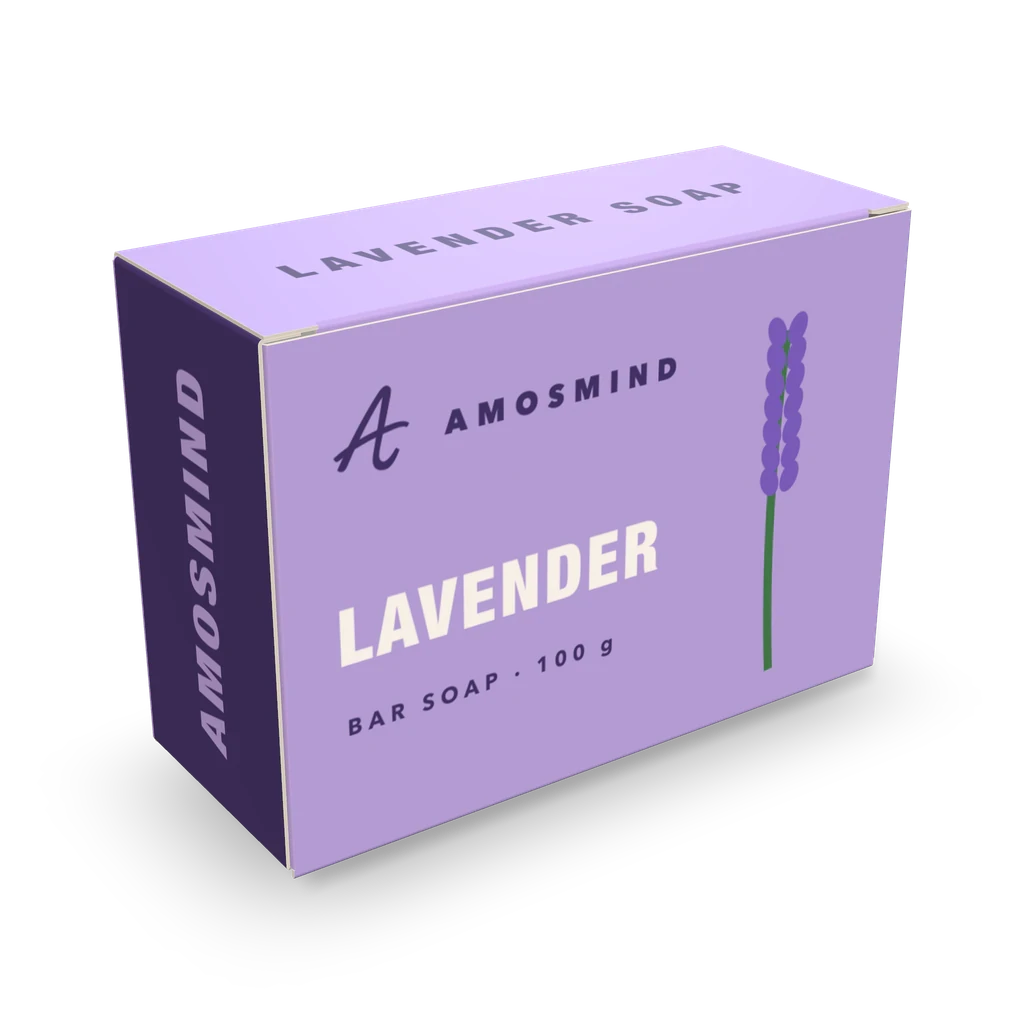
Packaging for bar soap starts with the bar itself. Each card below opens at a size for one bar, or for several in the gift box, and you can type your own numbers in millimetres or inches.
| Card | Box | Inside size | For |
|---|---|---|---|
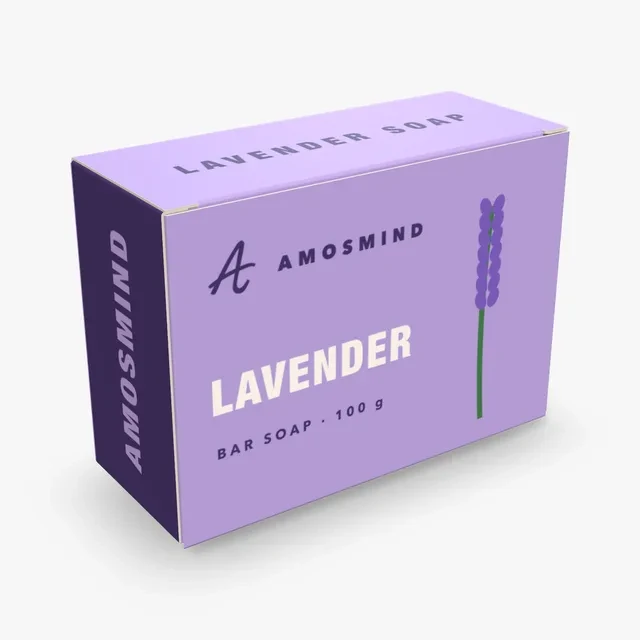
| Bar soap box | Tuck top box | 100 × 40 × 70 mm | A bar up to about 95 × 35 × 65 mm |
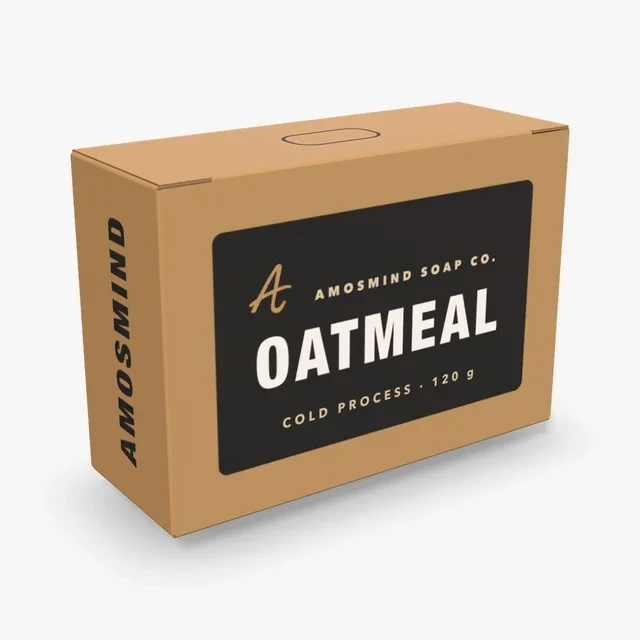
| Kraft soap box | Medicine box | 95 × 35 × 65 mm | A bar a little smaller |
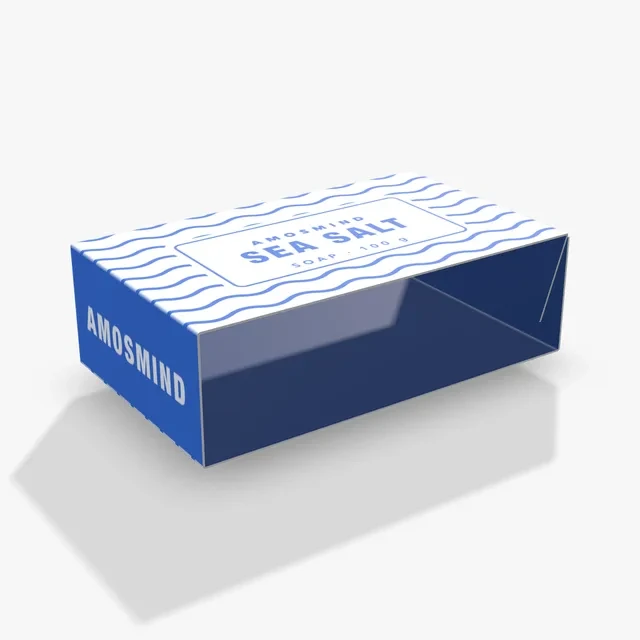
| Soap sleeve | Tube sleeve | 100 × 60 × 30 mm | Slides over a bar or a thin box |
| Soap belly band | Belly band | 100 × 65 × 30 mm | A band round a wrapped bar |
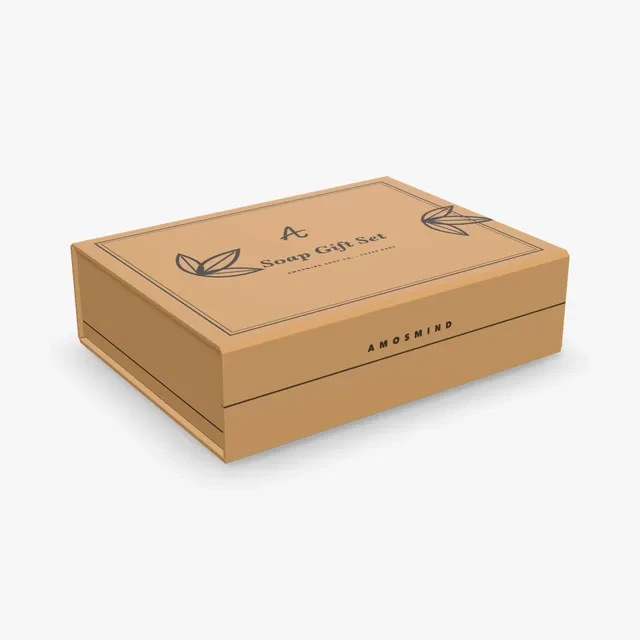
| Soap gift box | Magnetic box | 203 × 152 × 51 mm | Several bars side by side |
Skip the weight and measure the bar instead: length, width and thickness, then add a millimetre or two each way.
Material switches the board on the folded soap boxes. The Soap gift box is wrapped instead, in White, Black or Kraft. Box color prints any color over the board on the face shown, and No print shows the bare board.
Brown outside and inside. Set a Box color on Outside or Inside to print over the brown, or pick No print to see it bare.
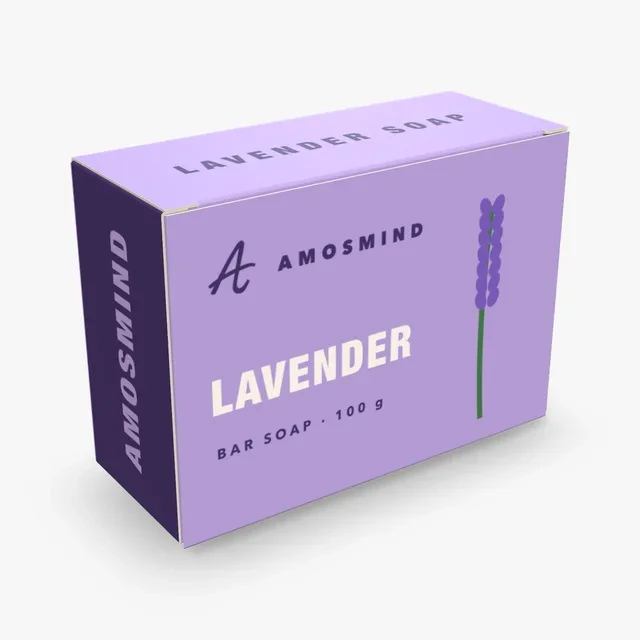
White outside and inside, so both faces start white. Box color prints over whichever face is shown.
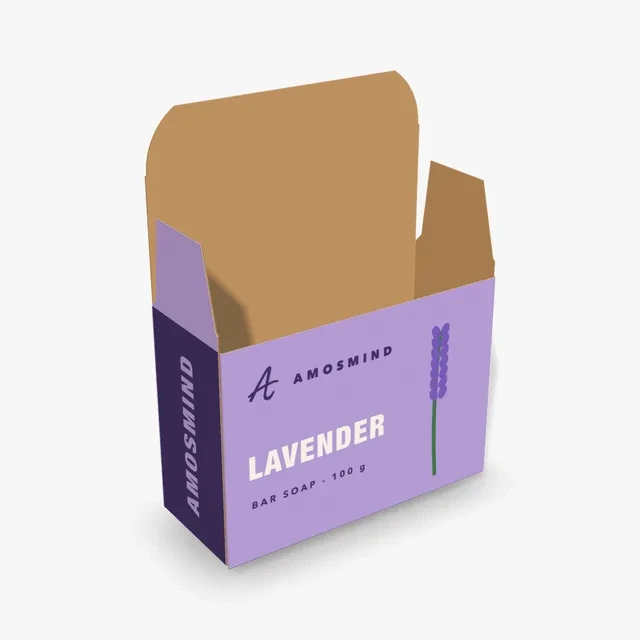
A white outer face over a kraft inside. When the box is opened, the inside is brown unless you set a Box color on Inside.
Boxes, a sleeve, a band and a gift box, each set to a soap size.
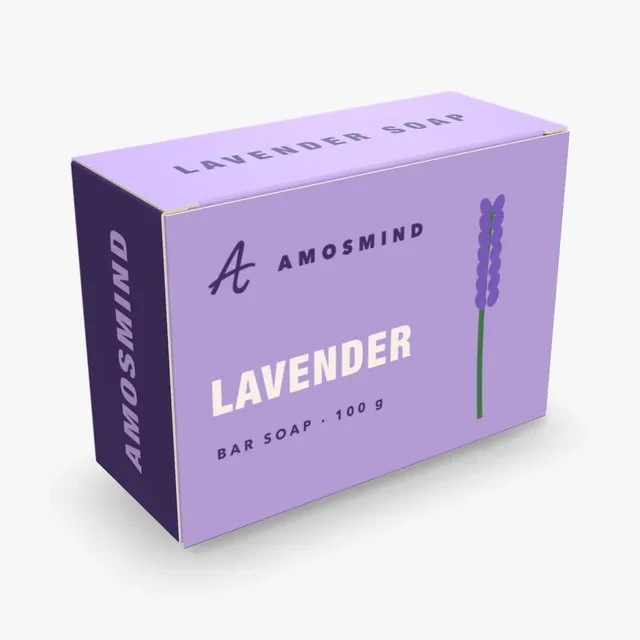
A Tuck top box at 100 × 40 × 70 mm. A tuck lid on top and a glued bottom, in 0.5 mm paperboard.
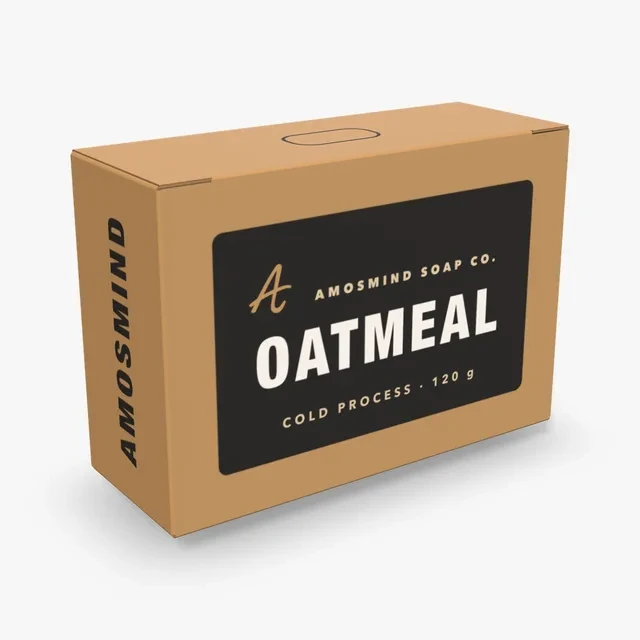
A Medicine box at 95 × 35 × 65 mm in Kraft. The top lid is hinged on the back wall, the bottom lid on the front.
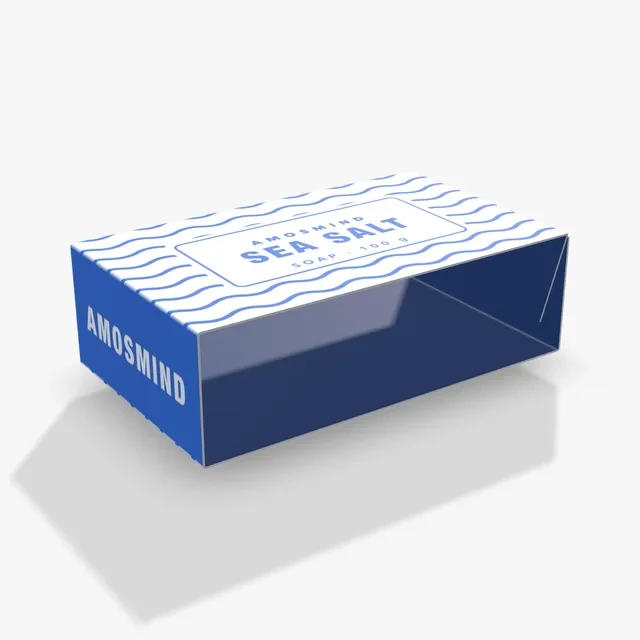
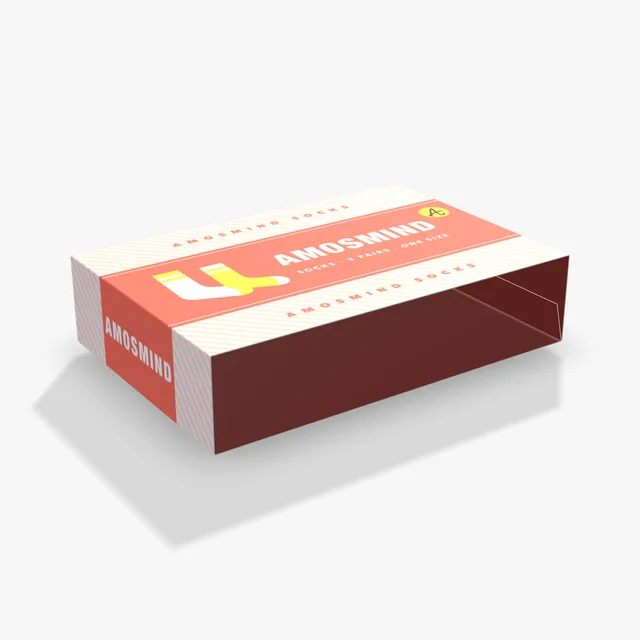
A paperboard tube open at both ends. It slides over a wrapped bar or a thin box.
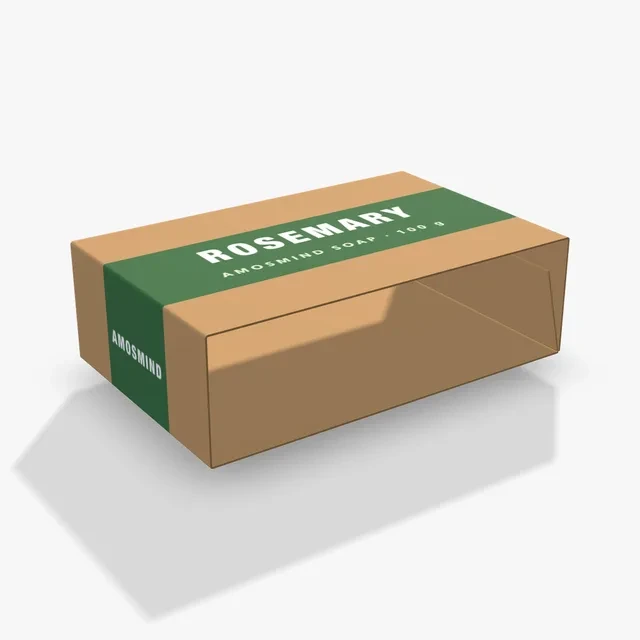
A narrow band glued round the middle of a wrapped bar, so most of the bar shows.
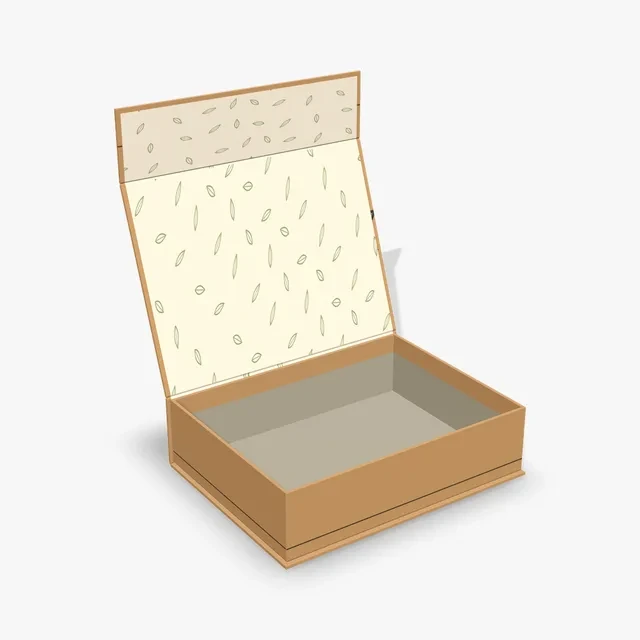
A Magnetic box at 203 × 152 × 51 mm with a kraft wrap. The lid swings up and the front flap folds down to close.
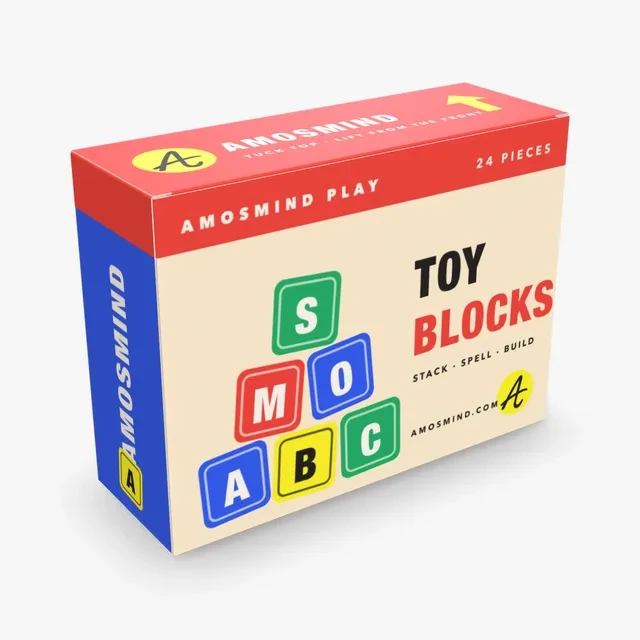
The same carton at its starting size, 190 × 65 × 140 mm, for anything wider than one bar.
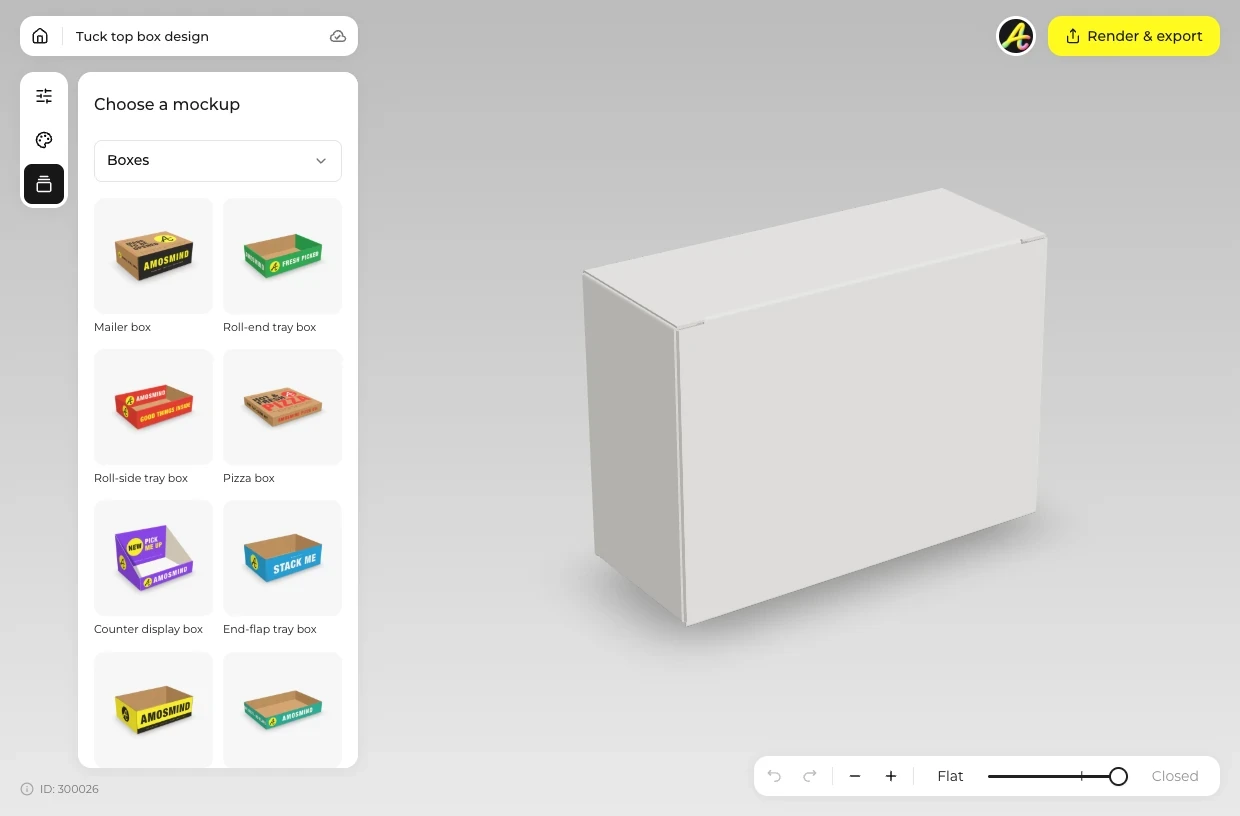
Choose a box, a sleeve or a belly band from the list above.
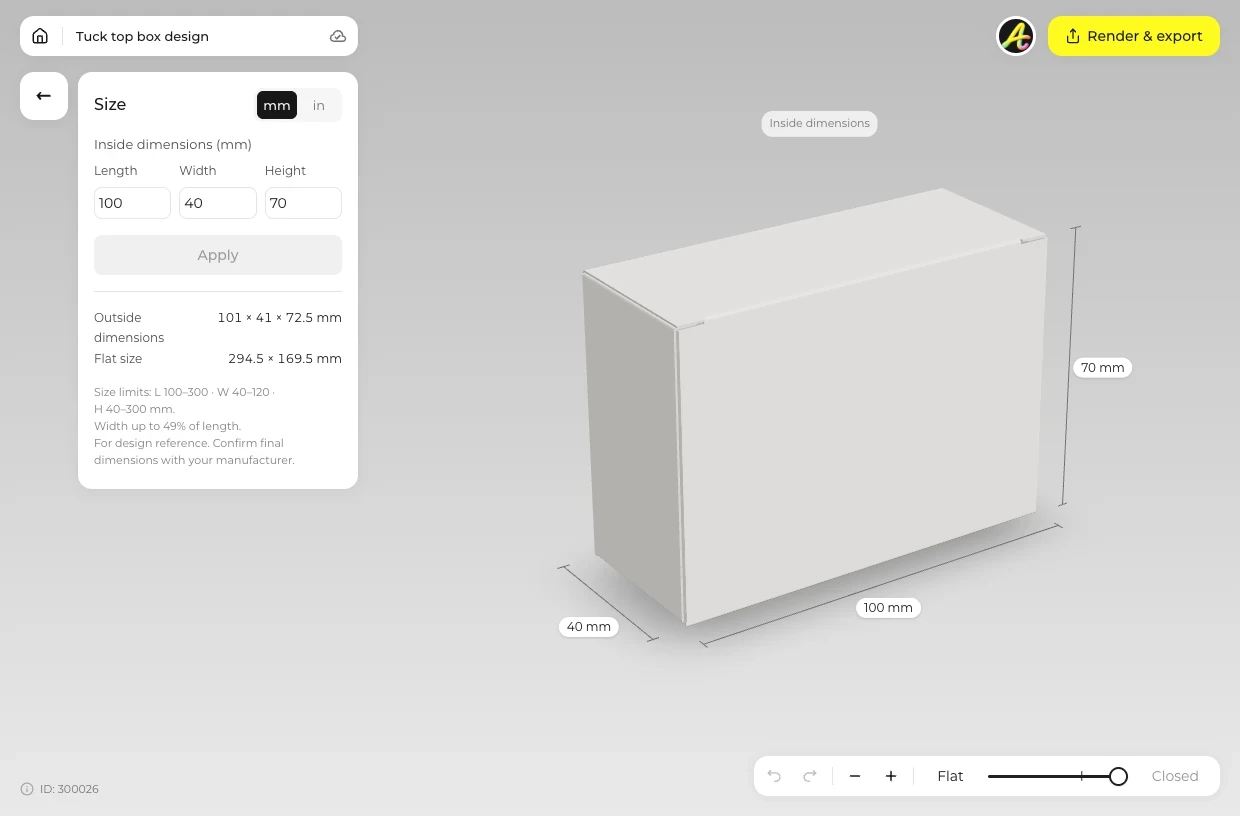
Open Size and type the bar's length, width and thickness plus a little room. Open Material to choose Kraft or a white board.
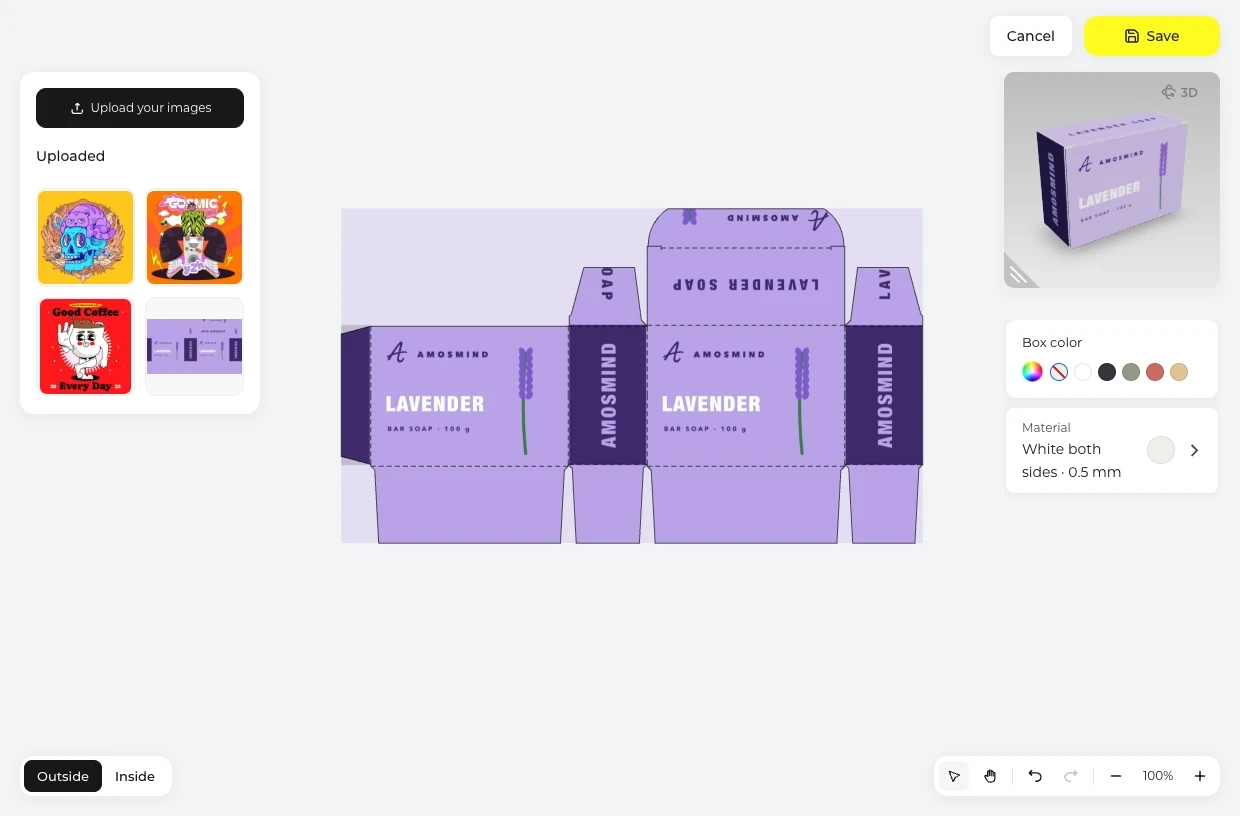
Click Upload artwork and place your design on the Outside of the dieline: name and scent on the front, ingredients and net weight on the back.
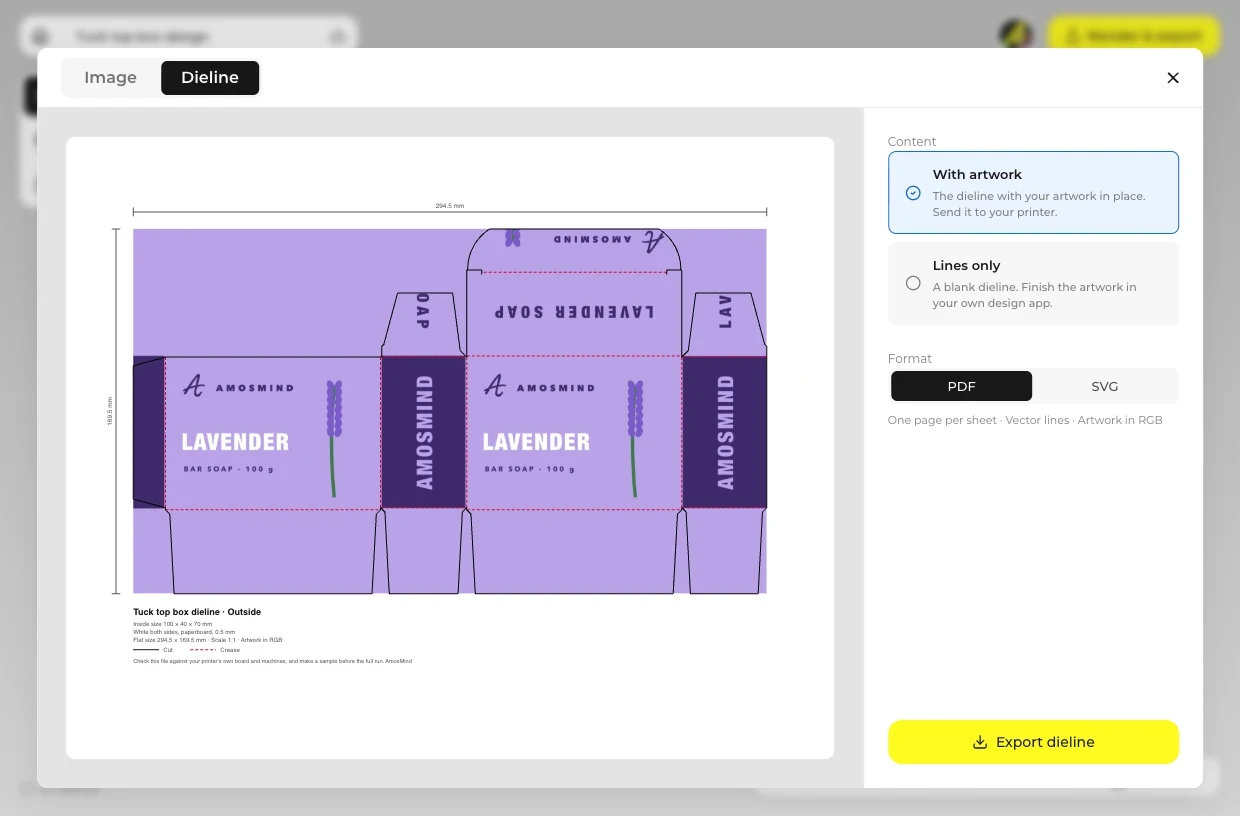
Open Render & export. Use the Image tab for a picture for your shop, or the Dieline tab for a PDF or SVG for your printer.
Every box opens in the same live 3D editor.
The build, board and size range behind each soap box.
| Box | Built on | Board | Sizes you can set |
|---|---|---|---|
| Bar soap box | Tuck top box, ECMA A1020: tuck lid on top, glued bottom | Paperboard 0.5 mm | 100–300 × 40–120 × 40–300 mm, width under half the length |
| Kraft soap box | Medicine box, ECMA A20.20.01.03 reverse tuck end | Paperboard 0.3, 0.4, 0.5 or 0.6 mm | 30–250 × 20–150 × 50–350 mm, width up to the length |
| Soap sleeve | Tube sleeve, ECMA A0101, open at both ends | Paperboard 0.5 mm | 100–400 × 60–300 × 30–120 mm |
| Soap belly band | Belly band, FEFCO 0501 | Paperboard 0.5 mm | 100–400 × 60–300 × 30–120 mm |
| Soap gift box | Magnetic box: rigid, hinged lid and front flap | Grey board 1.5, 2 or 3 mm in a wrap | 80–450 × 60–350 × 20–150 mm, height up to the width |
Sizes are inside length × width × height in millimeters, and the editor also works in inches.
Short answers about sizes, boards and labels.
Measure the bar, type that size plus a millimetre or two into a box here and place your artwork on the dieline. Export the dieline as a PDF or SVG and have a printer print, cut and crease it. Ask for a printed sample before the full run.
It follows the bar. The Bar soap box starts at 100 × 40 × 70 mm and the Kraft soap box at 95 × 35 × 65 mm, and you can type any size within each box's range, such as 100–300 × 40–120 × 40–300 mm on the Tuck top box.
Decide between a box, a sleeve and a belly band: a band shows most of the soap and uses the least board. Render the mockup as an image for your shop, then export the dieline for the printer.
A box closes the bar in on every side. A sleeve is open at both ends and slides over a wrapped bar or a thin box, and a belly band covers only a strip round the middle, so most of the bar stays in view.
Yes. Choose Kraft in the Material panel, or start from the Kraft soap box card, which opens in Kraft. Light colors print darker on the brown board.
Most soap boxes carry the name and scent on the front and the ingredients and net weight on the back. Add all text to your design file before you upload it, because the editor places artwork rather than typing it. Labeling rules vary by country, so check the ones that apply to you.
Yes. Turn the box until it faces you straight on, set the Background to Transparent and render a PNG to place on your shop page.
Browsing the boxes and turning them in 3D is free. Log in with an email code or Google to upload artwork, save projects and render images. Exporting a rendered image or a dieline needs a free account; rendering and downloads are free right now.