
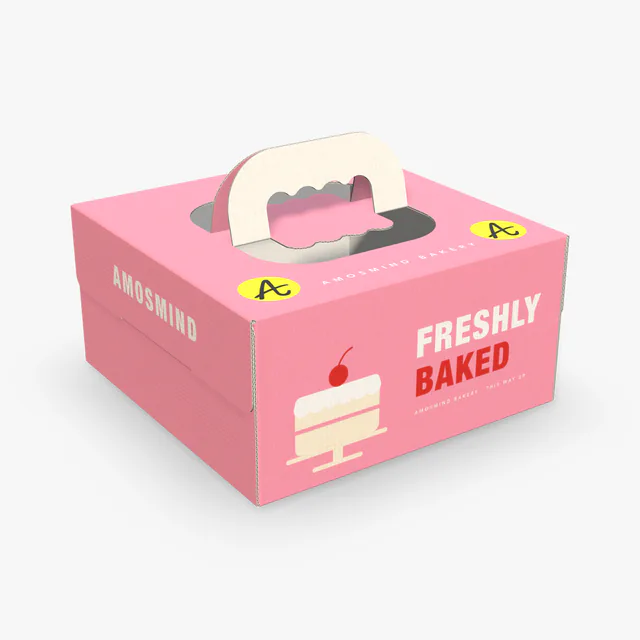
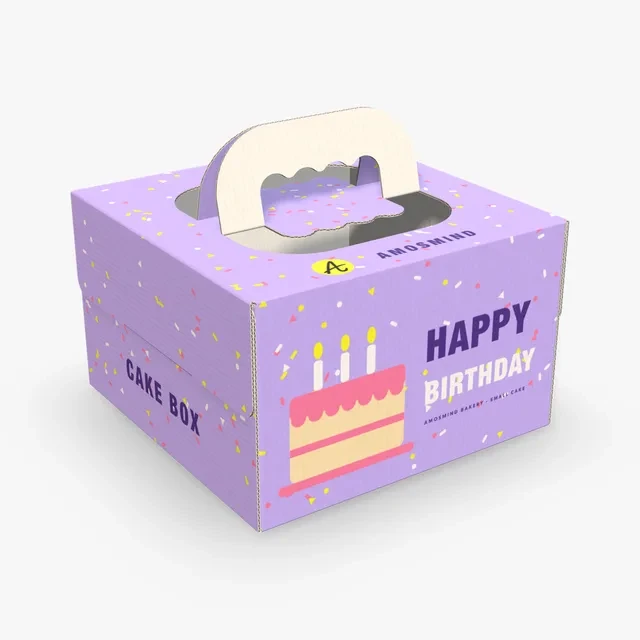
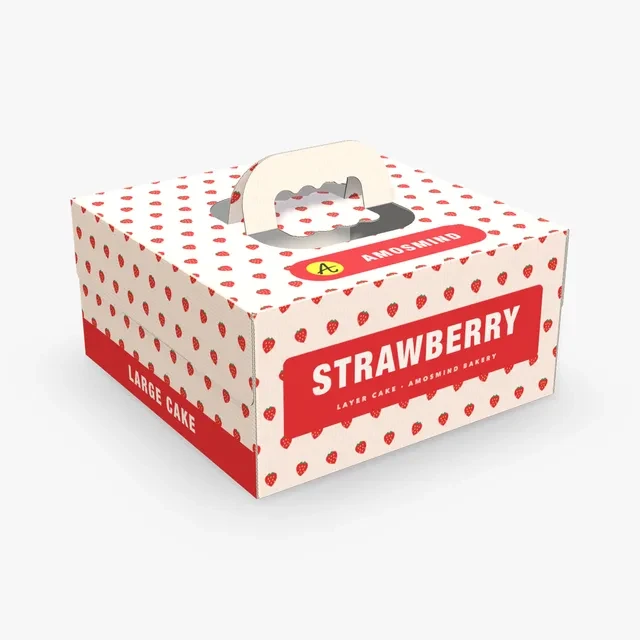
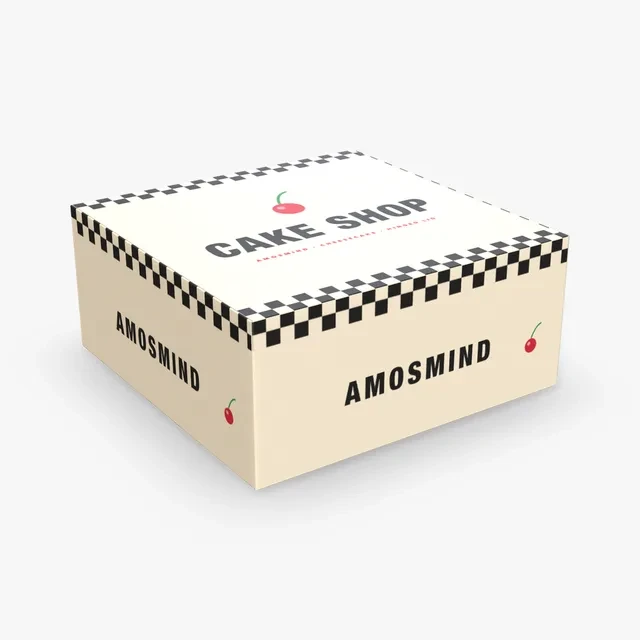
Front wall
The box rests facing the front wall, so the shop name and logo go there. It is the face seen on the counter and in photos.
Make a cake box mockup that fits the cake you bake. Measure it on its board, type the inside size and put your bakery name on the front wall, where the box faces the customer.
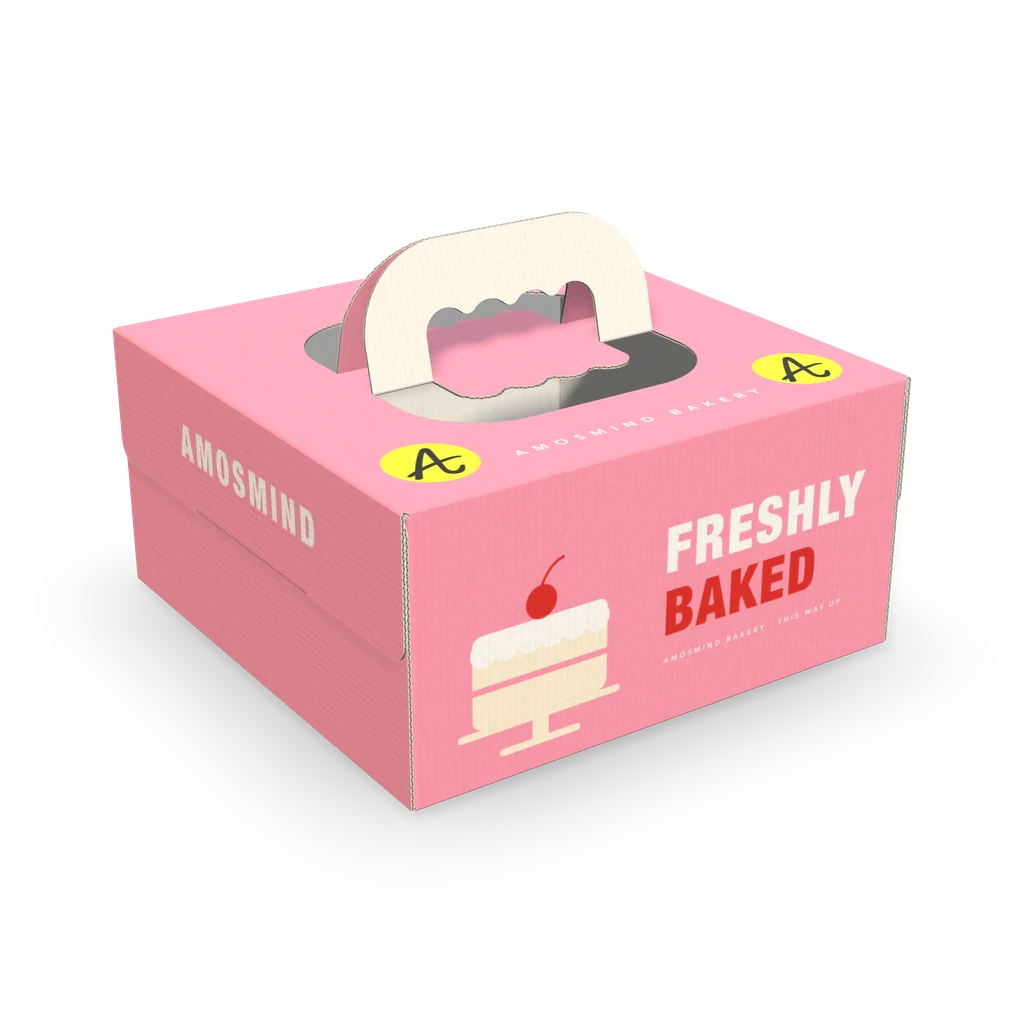
Cake boxes are sold by inside size: length × width × height, in inches. Height matters as much as the footprint, because a tall cake or a piped top needs room above it.
| Box | Inside size | In millimetres | For |
|---|---|---|---|
| Small cake box | 8 × 8 × 5 in | 203 × 203 × 127 | A single-layer cake that fits inside 8 in square |
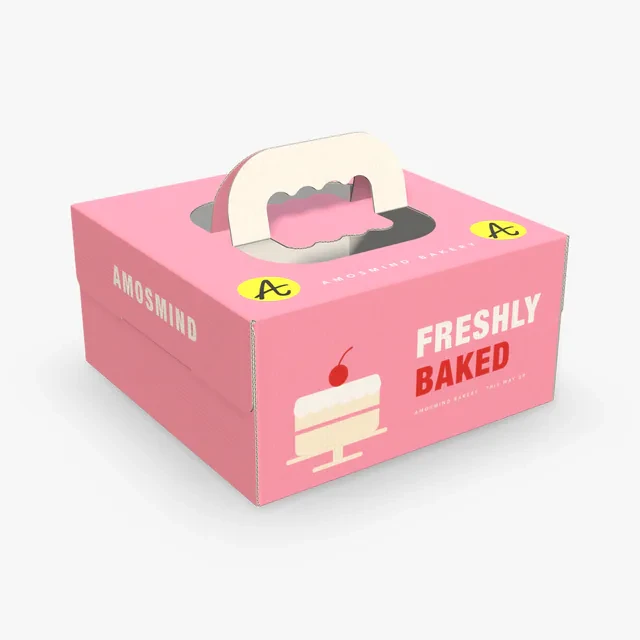
| Cake box with handle | 10 × 10 × 5 in | 254 × 254 × 127 | Where the handled box starts: a cake that fits inside 10 in square |
| Large cake box | 12 × 12 × 6 in | 305 × 305 × 152 | A taller cake that fits inside 12 in square |
| Cake box with hinged lid | 10 × 10 × 4.5 in | 254 × 254 × 114 | A lower cake that fits inside 10 in square |
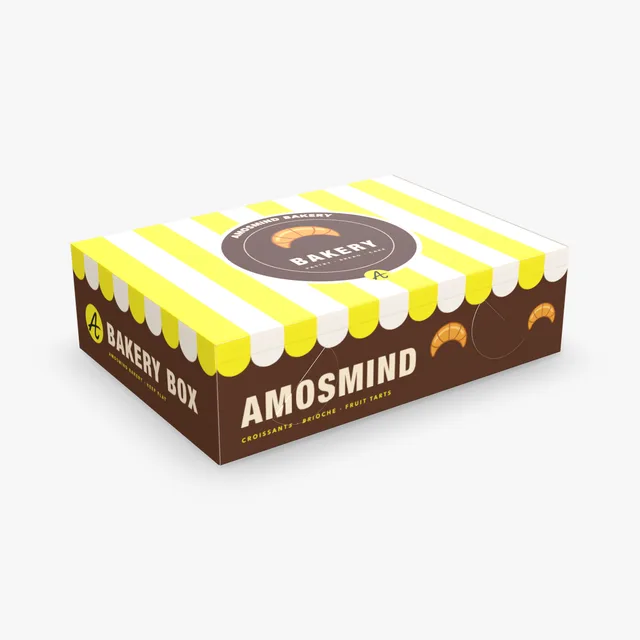
| Bakery box | 14 × 10 × 4 in | 356 × 254 × 102 | Where it starts: a low, wide bake |
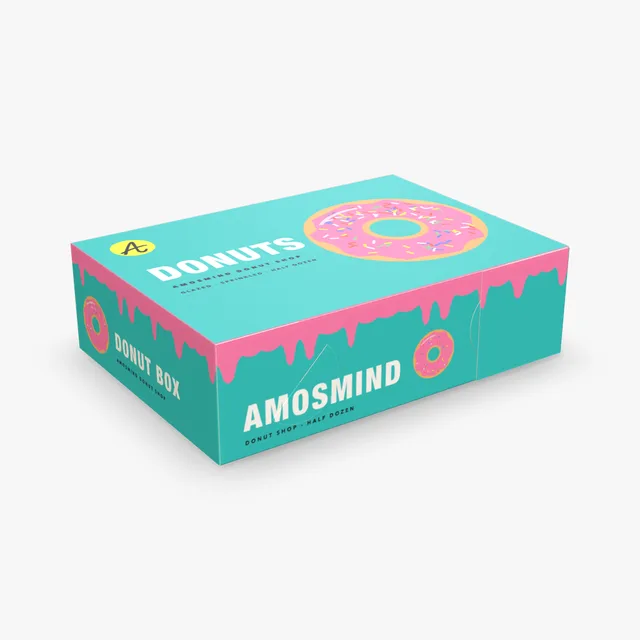
| Donut box | 14 × 10 × 4 in | 356 × 254 × 102 | Where it starts: donuts or pastries in rows |
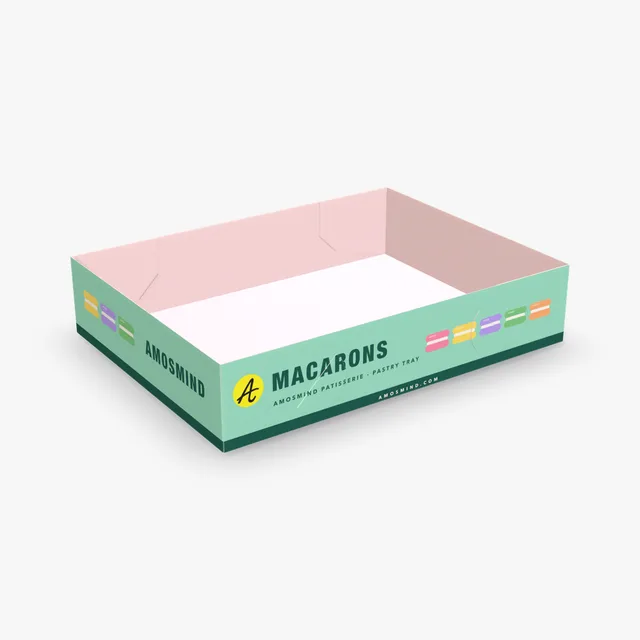
| Pastry tray | 12 × 9 × 2.5 in | 305 × 229 × 64 | Where it starts: an open tray of pastries |
The Cake box with handle takes any inside size from 200 to 500 mm long, 170 to 400 mm wide and 80 to 250 mm high, while the Bakery and Donut boxes stay 90 to 110 mm high; for any box, measure the cake on its board and add room on every side and above.
Three surfaces carry your design on the Cake box with handle. Each one is seen at a different moment.
The box rests facing the front wall, so the shop name and logo go there. It is the face seen on the counter and in photos.
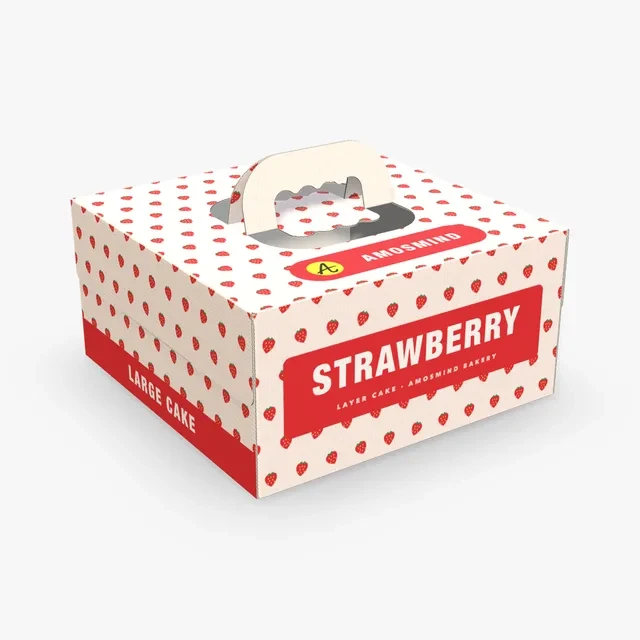
The two halves of the handle are cut out of the top and meet when raised. Keep lettering and logos clear of the cut.
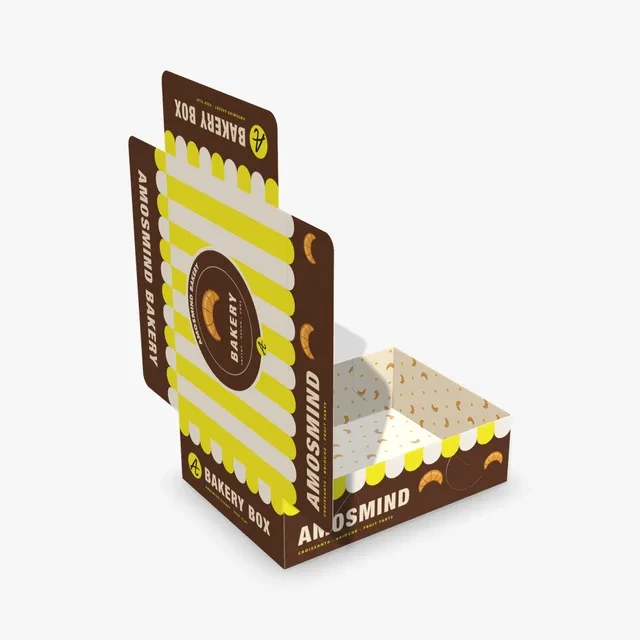
The inside artwork goes on the floor of the box. It shows when the box is open and the cake is lifted out.
Start from the handled box in a small, standard or large size, or from a paperboard tray with a lid.
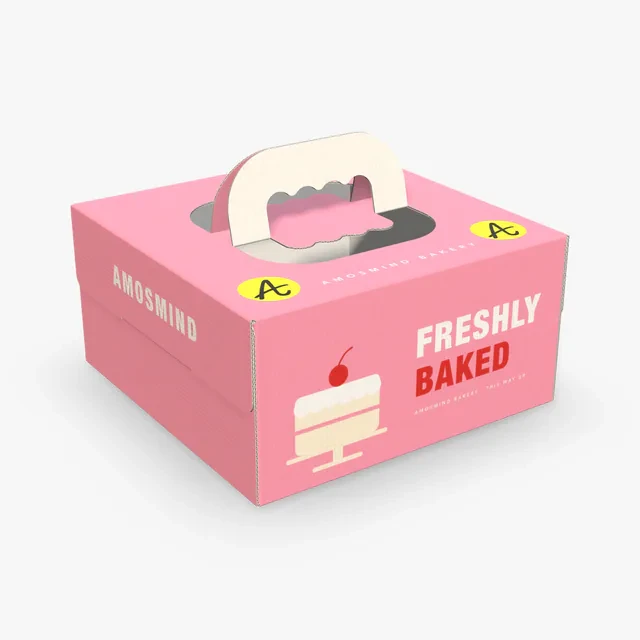
One corrugated sheet folded round the length, with a handle cut from the top. Starts at 10 × 10 × 5 in.
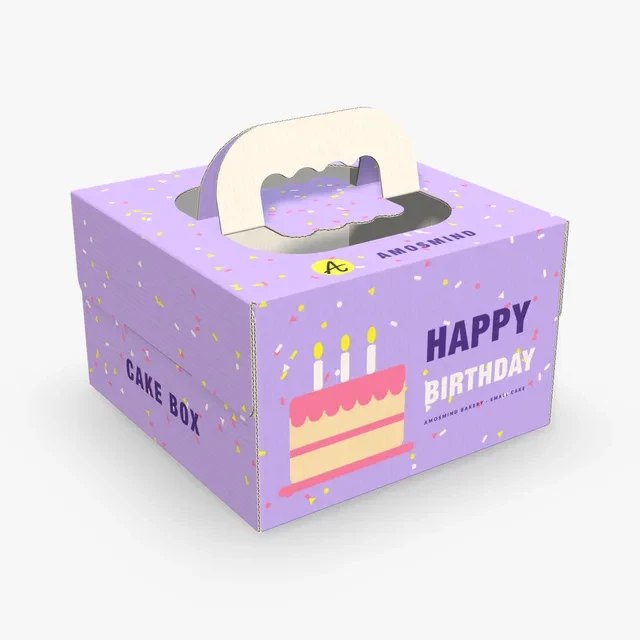
The handled box set to 8 × 8 × 5 in. Sized for a single-layer cake.
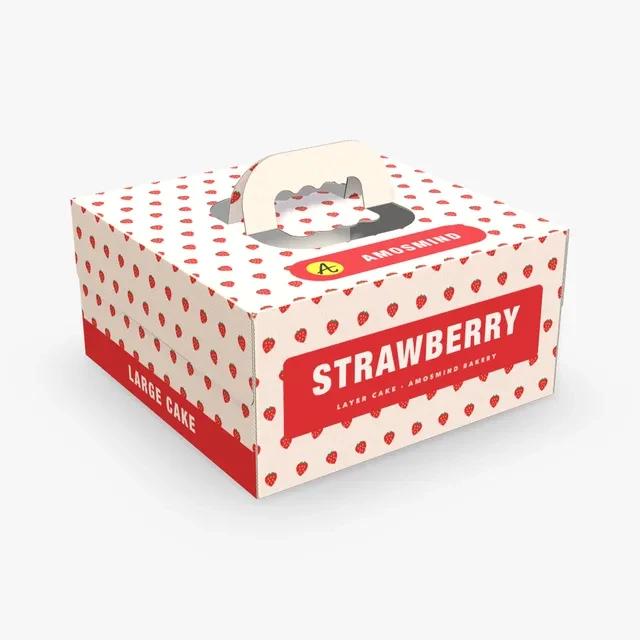
The handled box set to 12 × 12 × 6 in. The extra inch of height leaves room for a taller cake.
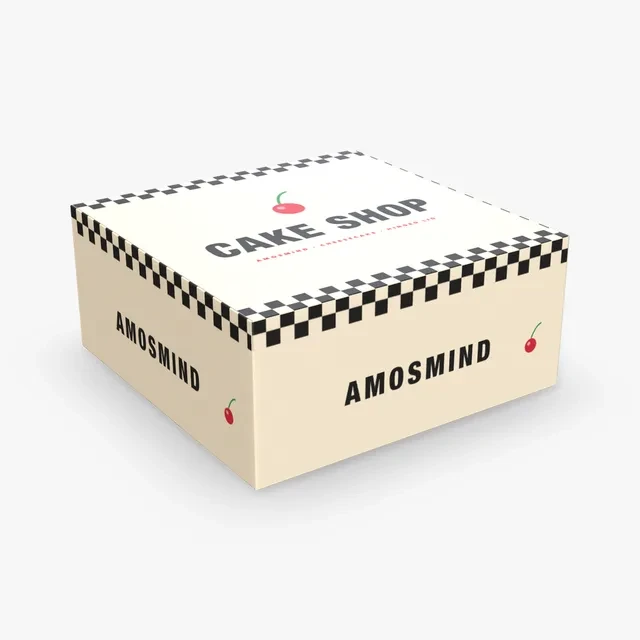
A four-corner paperboard tray with a hinged lid whose tongue tucks into the front wall. Shown at 10 × 10 × 4.5 in.
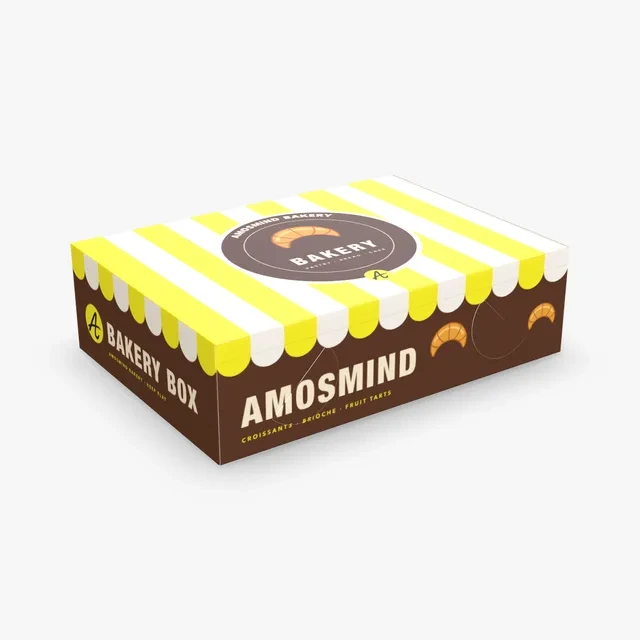
A lock-corner paperboard tray with a hinged lid. Starts at 14 × 10 × 4 in and stays 90 to 110 mm high.
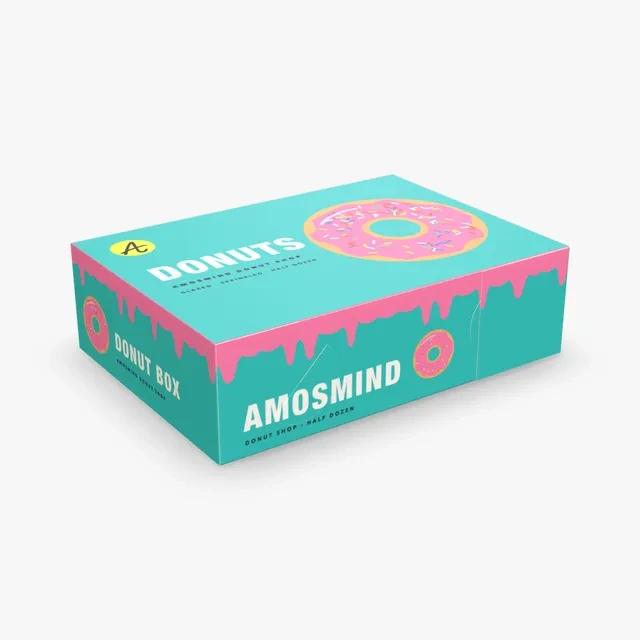
A lock-corner tray with a hinged lid and a front tuck. Starts at 14 × 10 × 4 in.
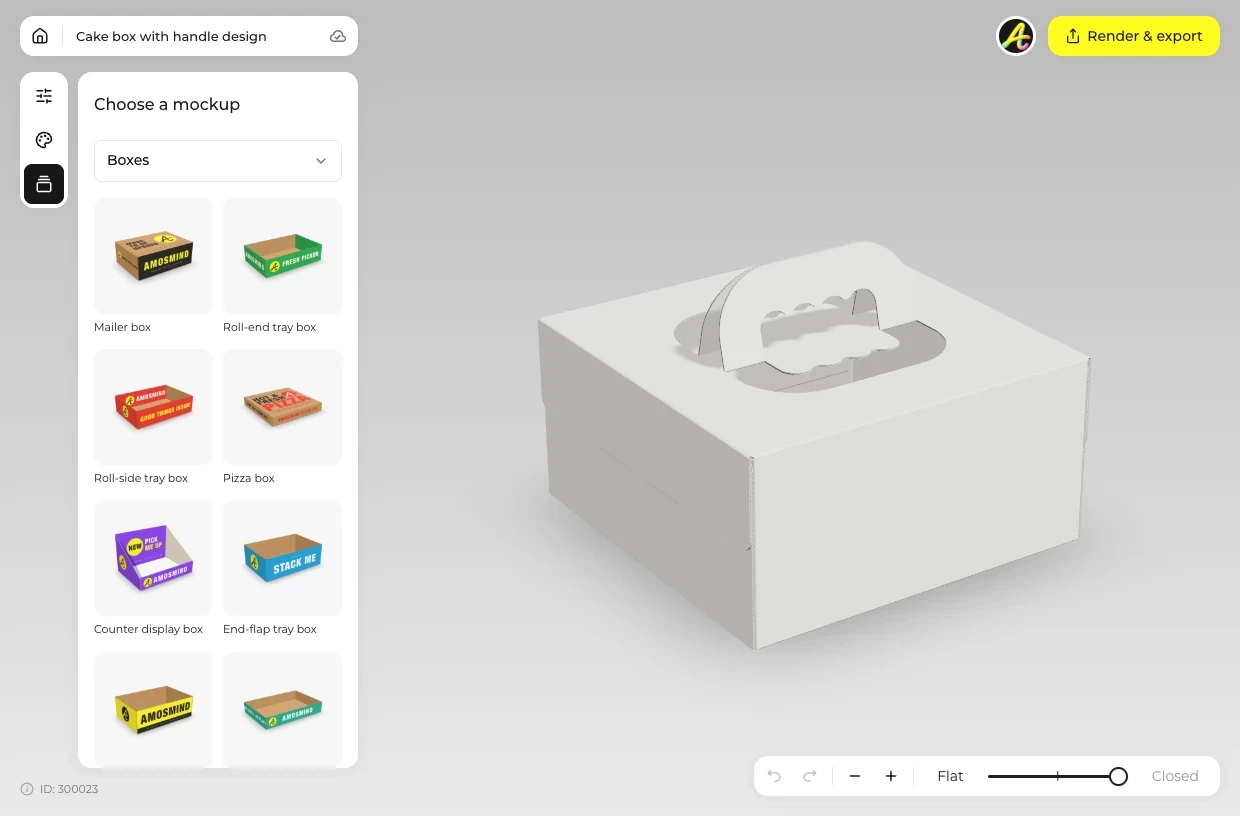
Choose a cake box from the list above.
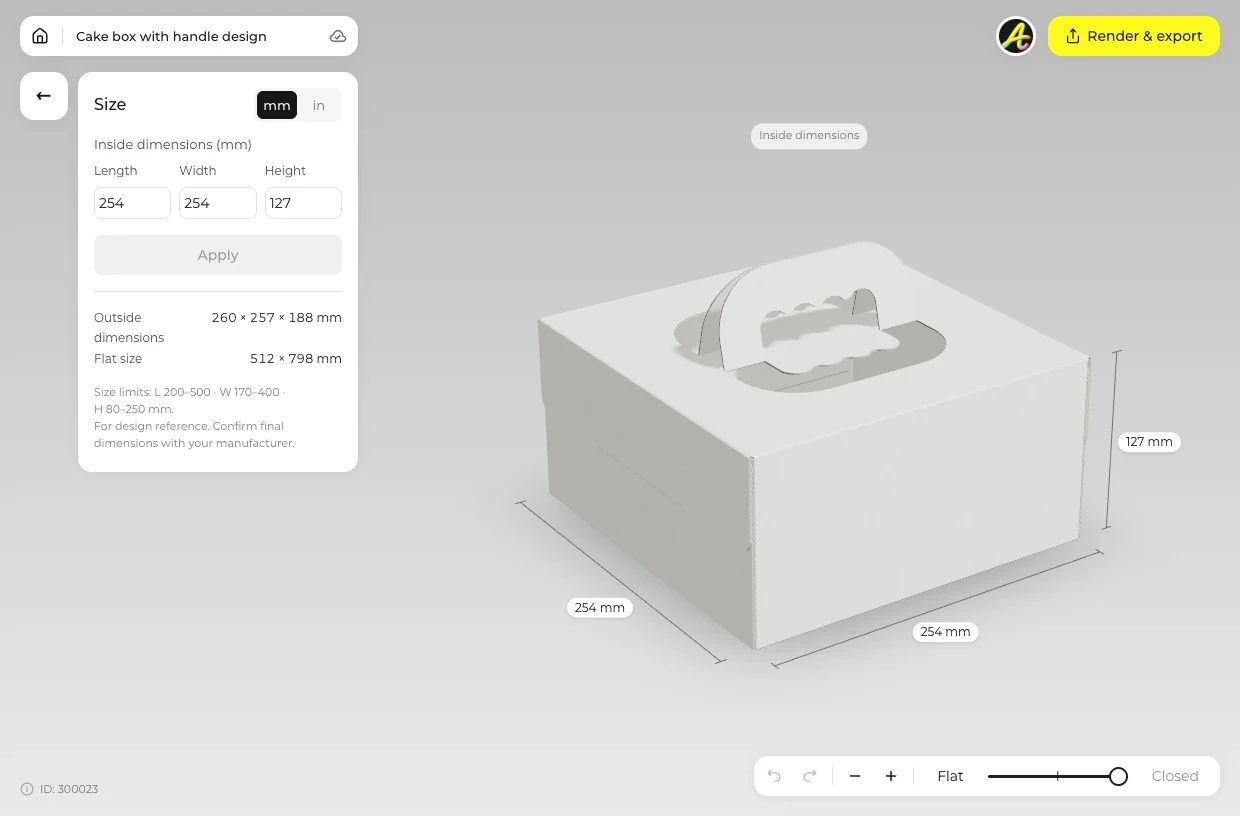
Open Size and enter the inside length, width and height that fit the cake, in millimetres or inches.
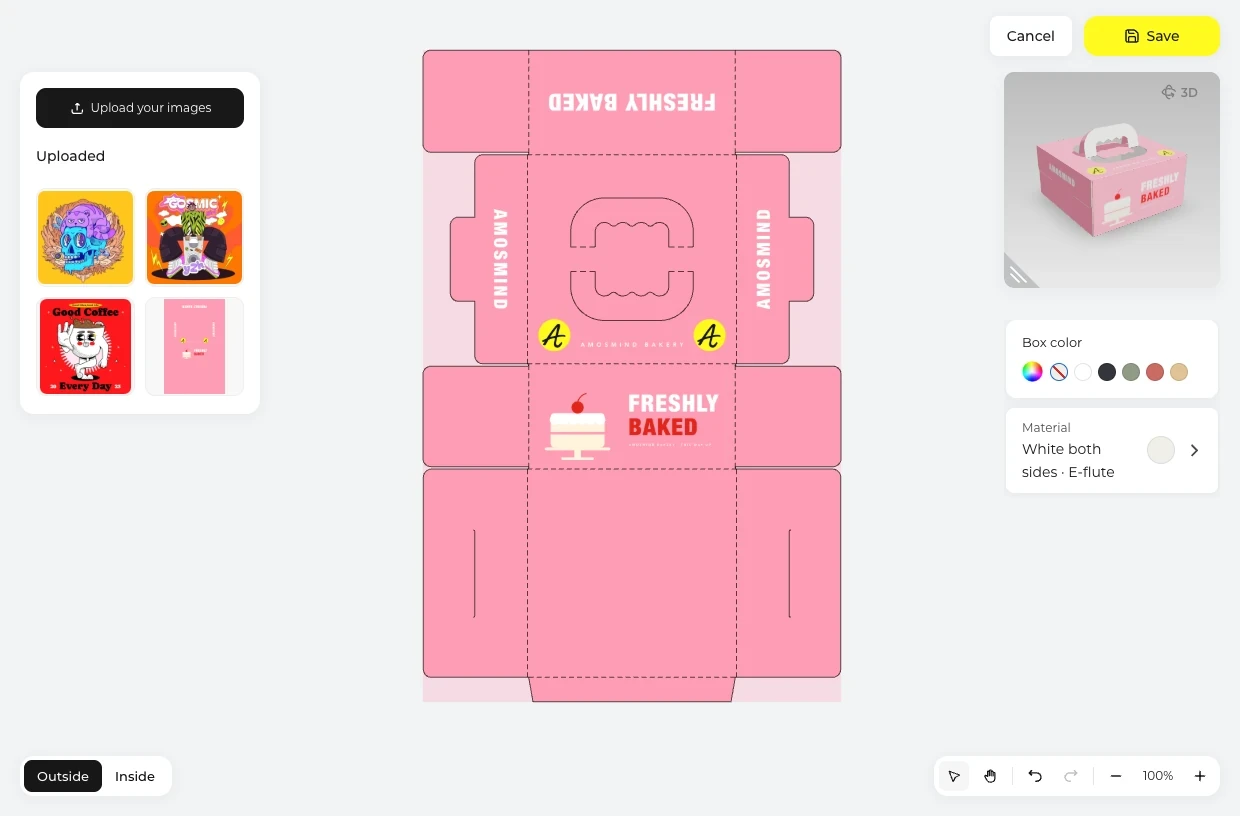
Click Upload artwork. On the handled box, place the front wall design on the Outside and the floor design on the Inside.
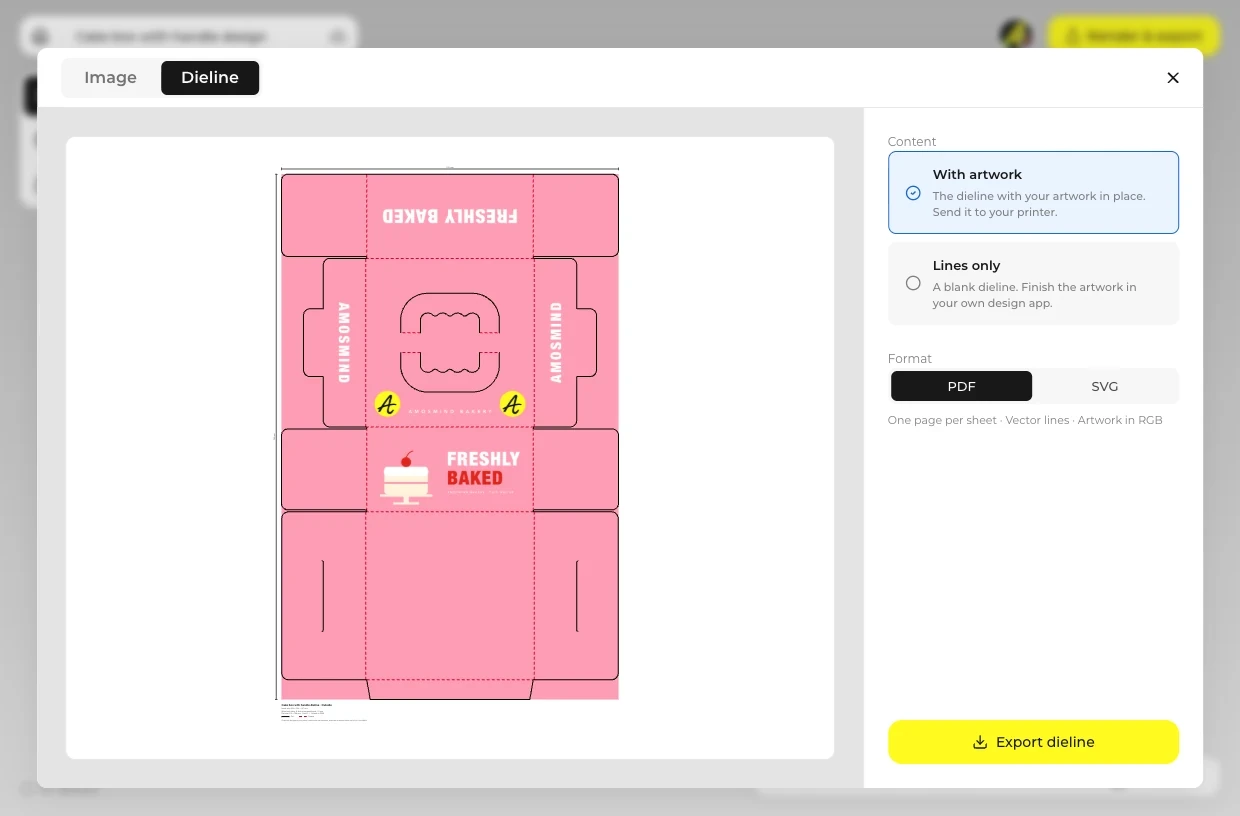
Use the slider to close the box or open it, then use Render & export for an Image or the Dieline.
Every box opens in the same live 3D editor.
Choose by how the cake leaves the shop.
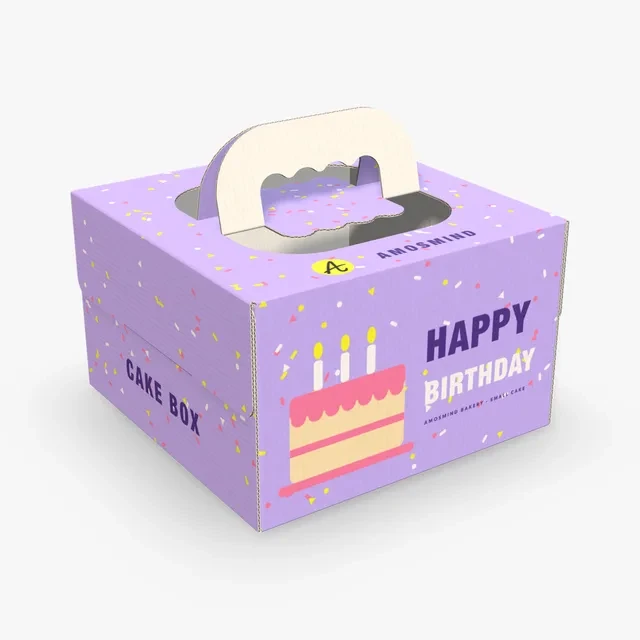
A whole cake leaves the shop carried by its handle.
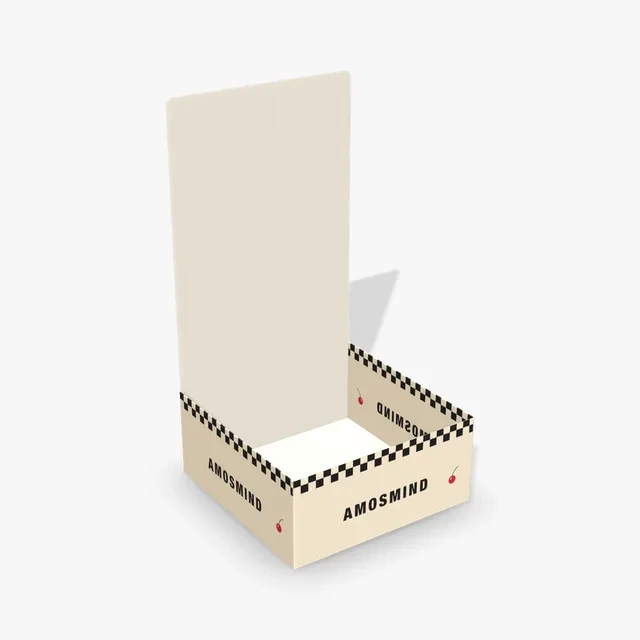
The lid lifts so the customer sees the cake before it is closed.
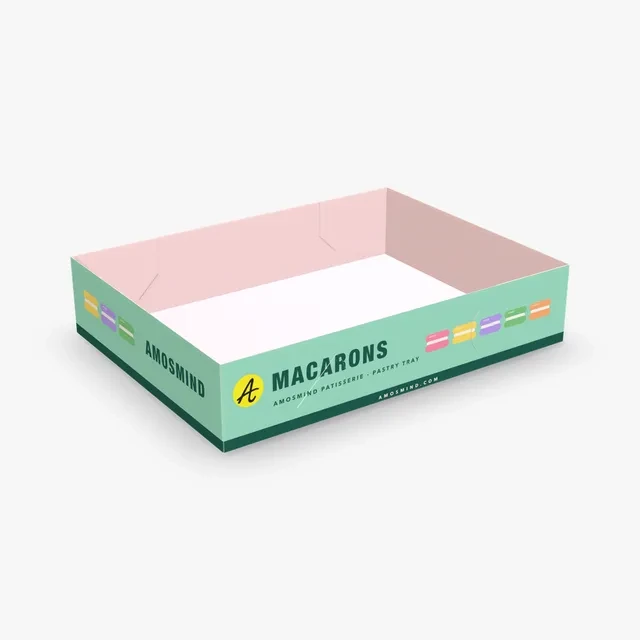
Smaller bakes go out in rows, under a lid or in an open tray.
Short answers about sizes, height and print files.
Set a cake box to the inside size your cake needs, add your artwork and export the dieline as a PDF or SVG. A box maker cuts, creases and prints from that file; order a sample first, because board and machines differ between makers.
Print the floor inside so the customer sees it when the box opens, or run one pattern all the way round the walls. A Kraft box with a one-color logo looks handmade, and a matching Donut box or Pastry tray can carry the same artwork as a set.
Measure the cake on its board, add room on each side and above, and type that as the inside size. Cake boxes are sold by inside size in inches, such as 8 × 8 × 5, 10 × 10 × 5 and 12 × 12 × 6 in.
A few centimetres taller than the highest point of the cake, decorations included. The Cake box with handle takes any inside height from 80 to 250 mm.
The handle is cut out of the top, so artwork on the top runs onto its two halves and is split by the cut. Put the logo on the front wall, which is the side the box rests facing.
The Cake box with handle is 1.5 mm corrugated board, E-flute, starting in White both sides, with Kraft and White outside in the Material panel. The Cake box with hinged lid, Bakery box, Donut box and Pastry tray are 0.5 mm paperboard.
Yes. Open the Dieline tab in Render & export and download a PDF or SVG at the size you typed, with your artwork in place or lines only. The handle cut is drawn as part of the dieline.
Browsing the boxes and turning them in 3D is free. Log in with an email code or Google to upload artwork, save projects and render images. Exporting a rendered image or a dieline needs a free account; rendering and downloads are free right now.