
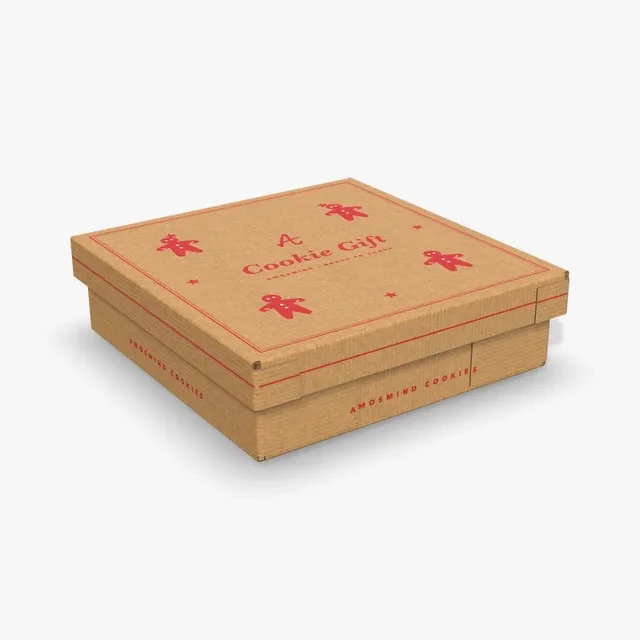
Holidays
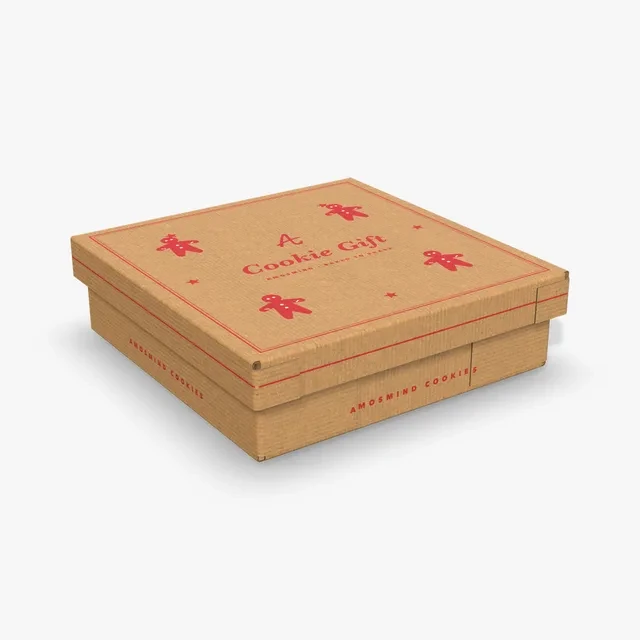
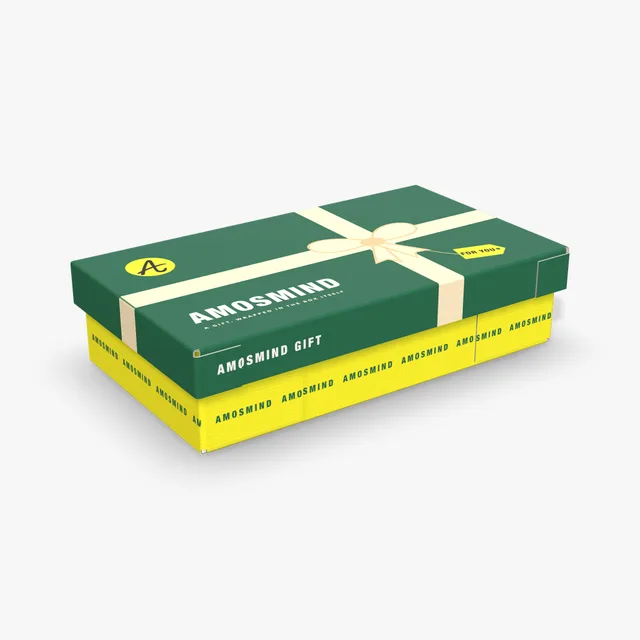
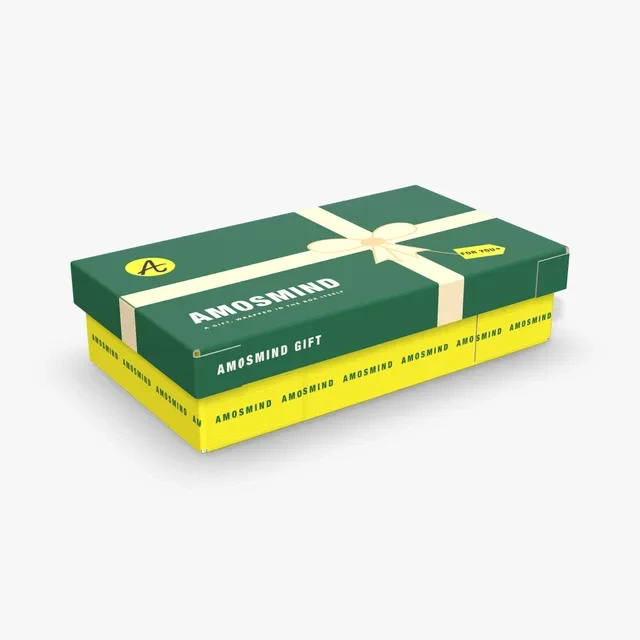
A lid that lifts off a base turns opening the box into part of the gift. Put a seasonal pattern on the lid for holiday cookies.
Make a cookie box mockup that opens the way your cookies are sold: a hinged lid, an open tray or a lid that lifts off a base. Type the size that fits one or two layers and print the lid and the inside.
8 mockups
A cookie box is sized by how the cookies lie inside, flat in one layer or stacked in two. In the UK the same box is called a biscuit box. Each size below is a starting point you can change.
| Box | Inside size | In inches | Opens |
|---|---|---|---|
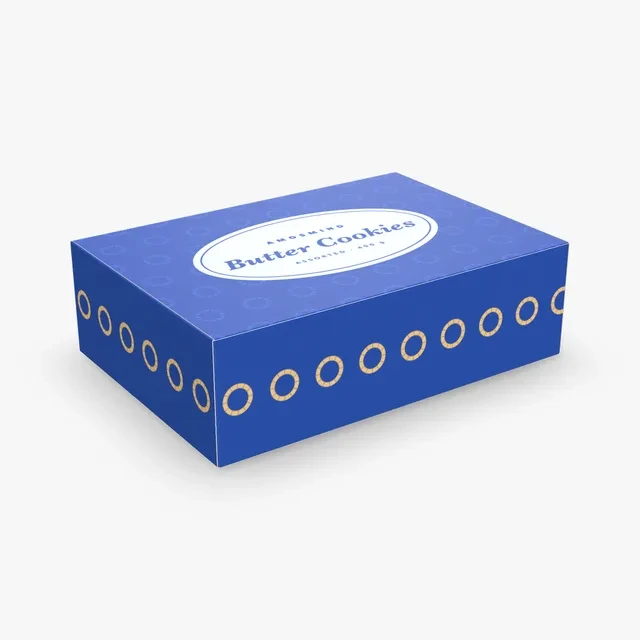
| Hinged lid cookie box | 254 × 178 × 76 mm | 10 × 7 × 3 in | hinged lid |
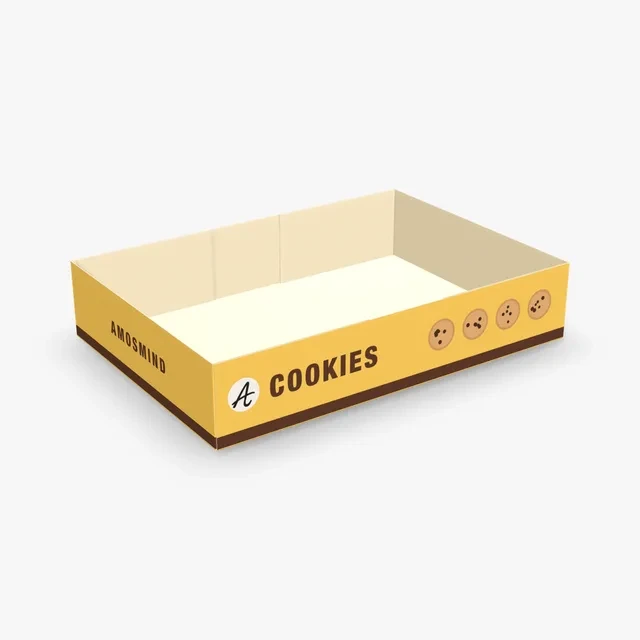
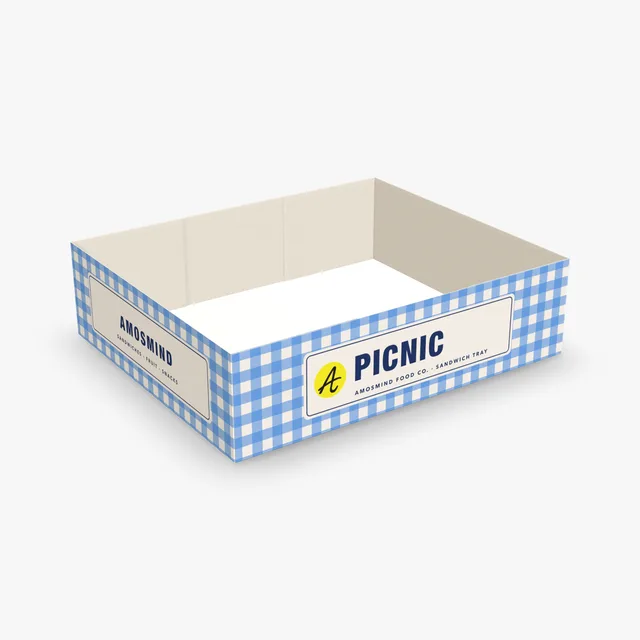
| Cookie tray | 254 × 178 × 51 mm | 10 × 7 × 2 in | open tray |
| Cookie gift box | 254 × 254 × 76 mm | 10 × 10 × 3 in | lid lifts off |
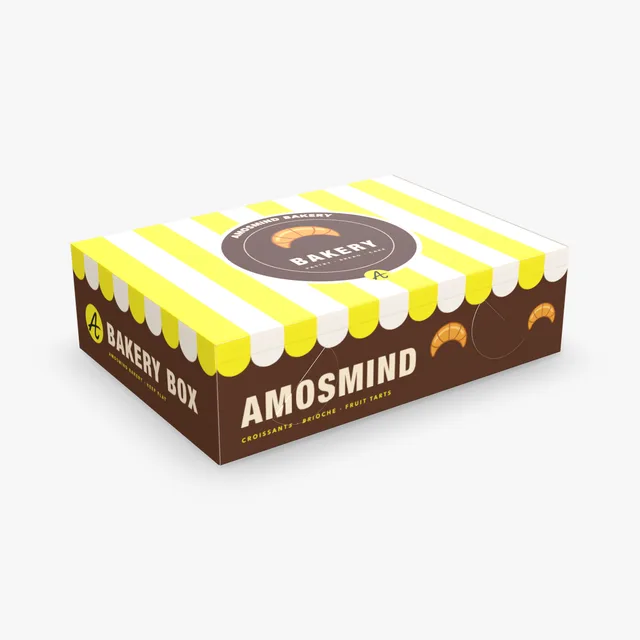
| Bakery box | 356 × 254 × 102 mm | 14 × 10 × 4 in | hinged lid (where it starts) |
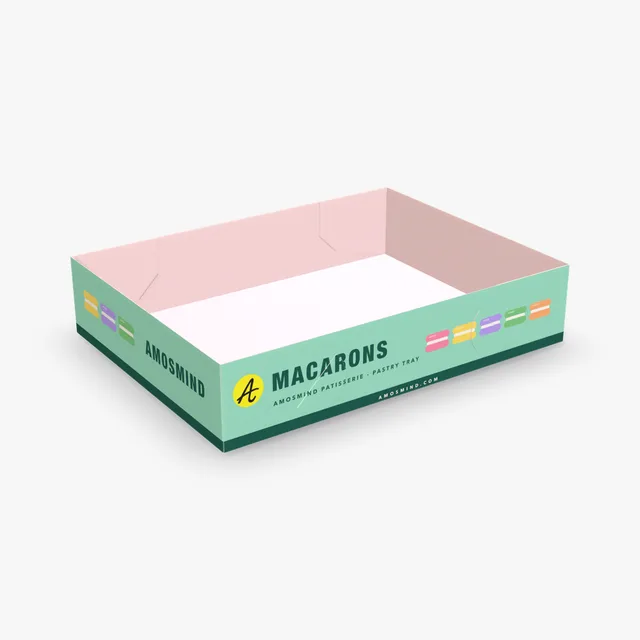
| Pastry tray | 305 × 229 × 64 mm | 12 × 9 × 2.5 in | open tray (where it starts) |
Lay the cookies out in one or two layers, measure the length, width and height, and add a little room on each side and above.
The occasion decides how the box opens and how much of it you print.
A lid that lifts off a base turns opening the box into part of the gift. Put a seasonal pattern on the lid for holiday cookies.
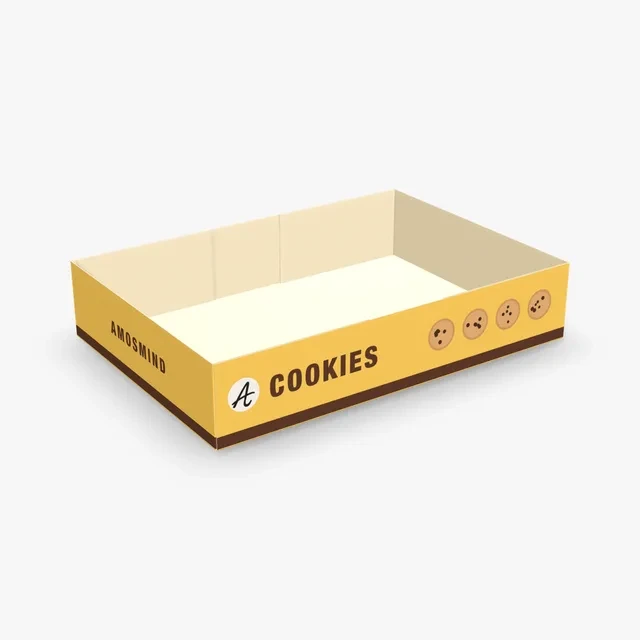
For a bake sale or a market stall, a Kraft box with a one-color logo is quick to brand. A tray shows the cookies; a hinged lid keeps them covered.
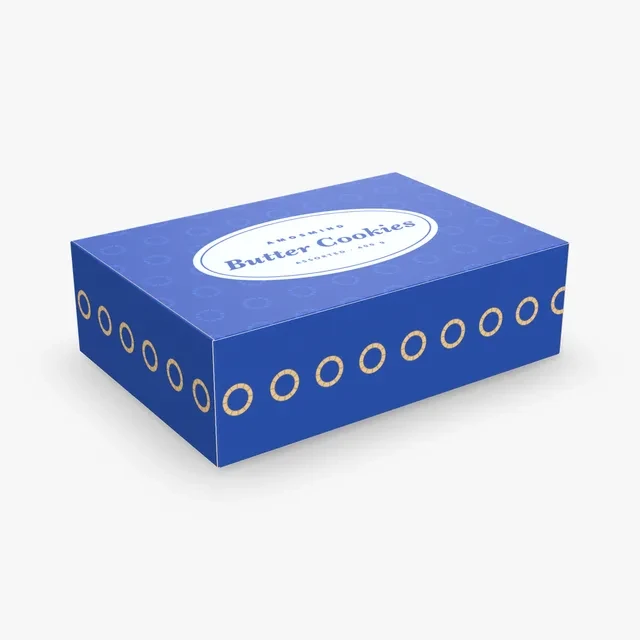
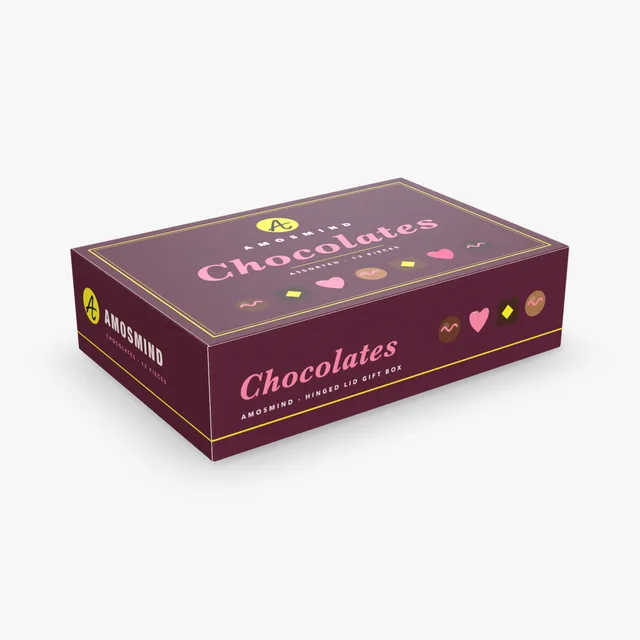
A larger box with a hinged lid and the client logo printed on the front wall.
Three ways to open, in paperboard or corrugated board.
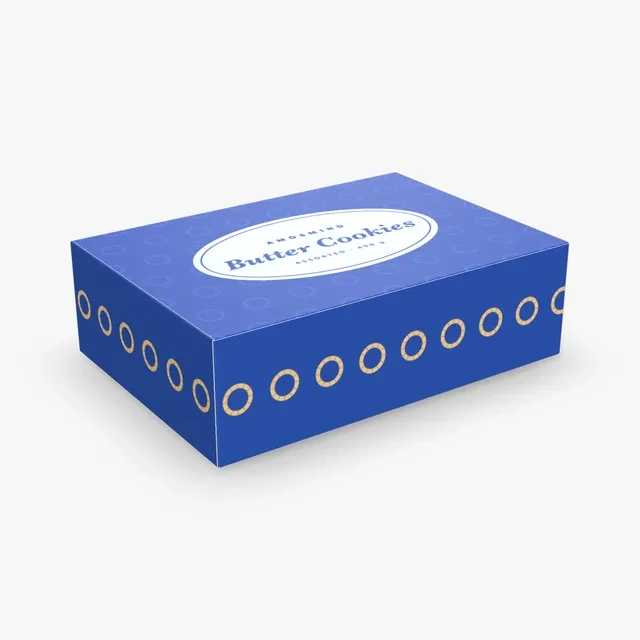
A four-corner tray with a hinged lid whose tongue tucks into the front wall, in 0.5 mm paperboard.
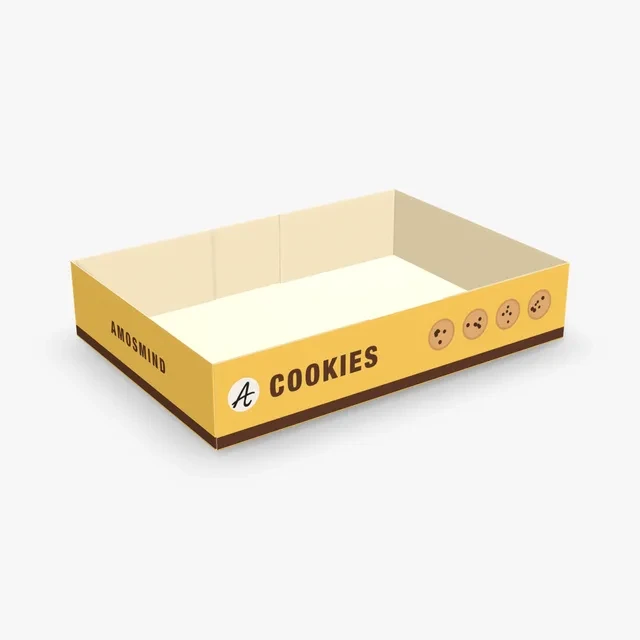
An open tray with four glued corners and no lid, so the cookies stay in view.
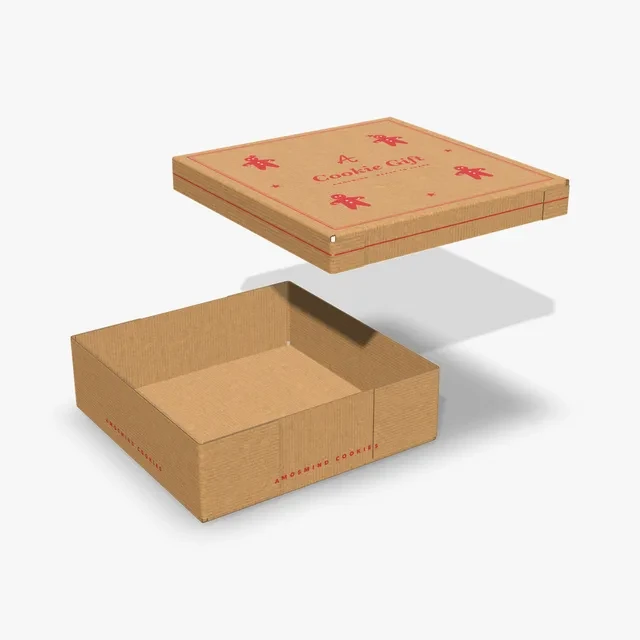
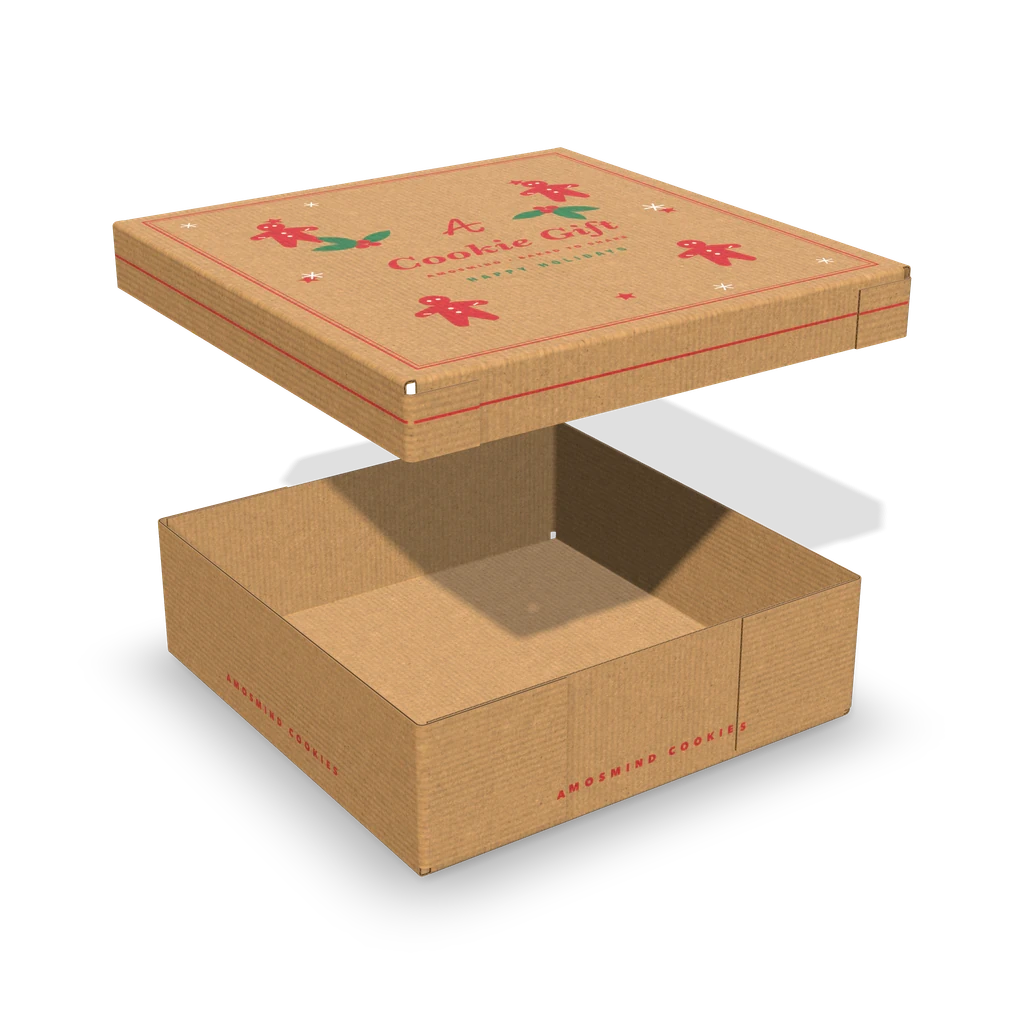
A base and a shallower lid that goes down over it, in corrugated board. Shown here with the lid lifted.
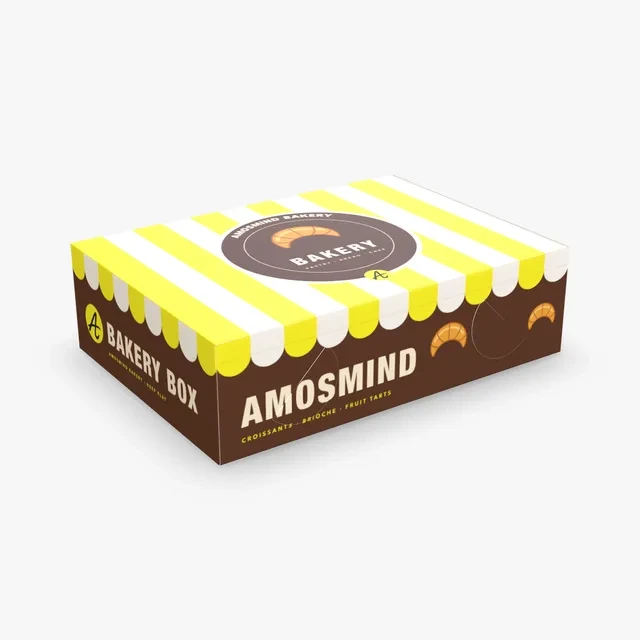
A lock-corner tray with a hinged lid. Its inside height runs from 90 to 110 mm.
The lid-and-base box at any inside size from 240 × 132 × 60 mm to 600 × 330 × 150 mm.
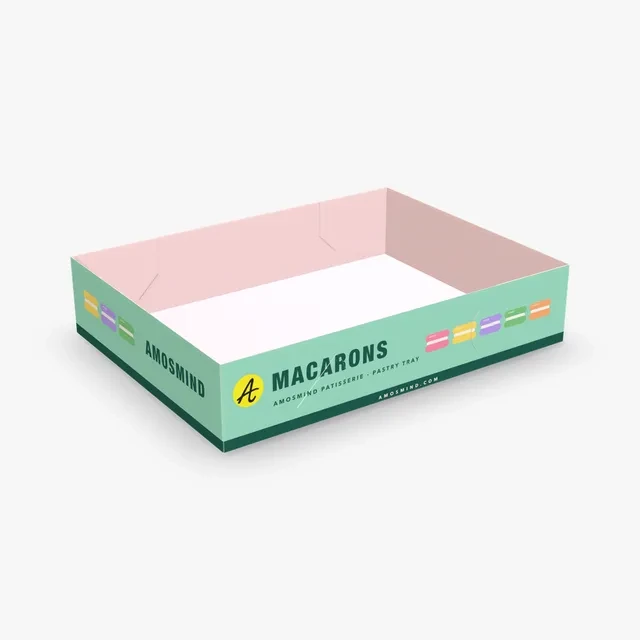
An open tray whose corners lock without glue, no lid.
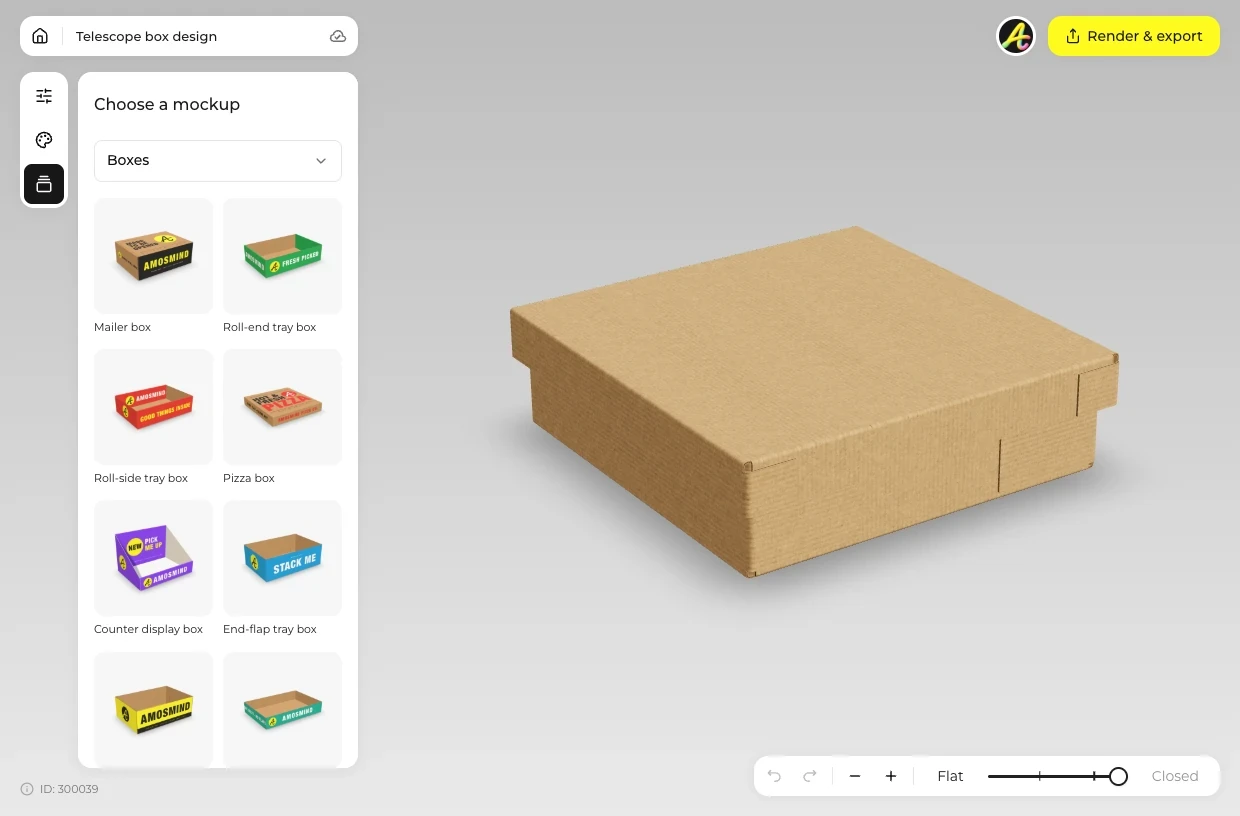
Choose a hinged lid box, a tray or the Cookie gift box from the list above.
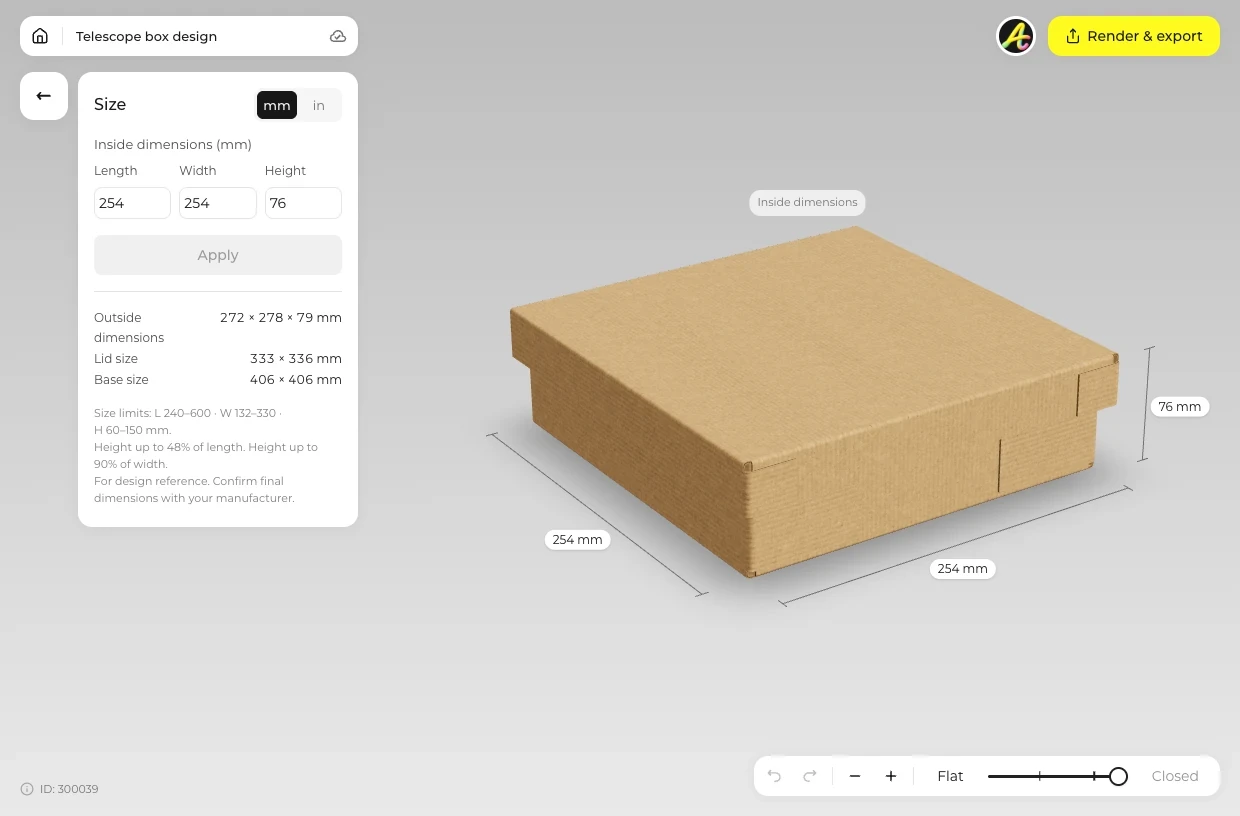
Open Size and type the inside length, width and height that hold the cookies in one or two layers. Use Material to switch to Kraft or white board.
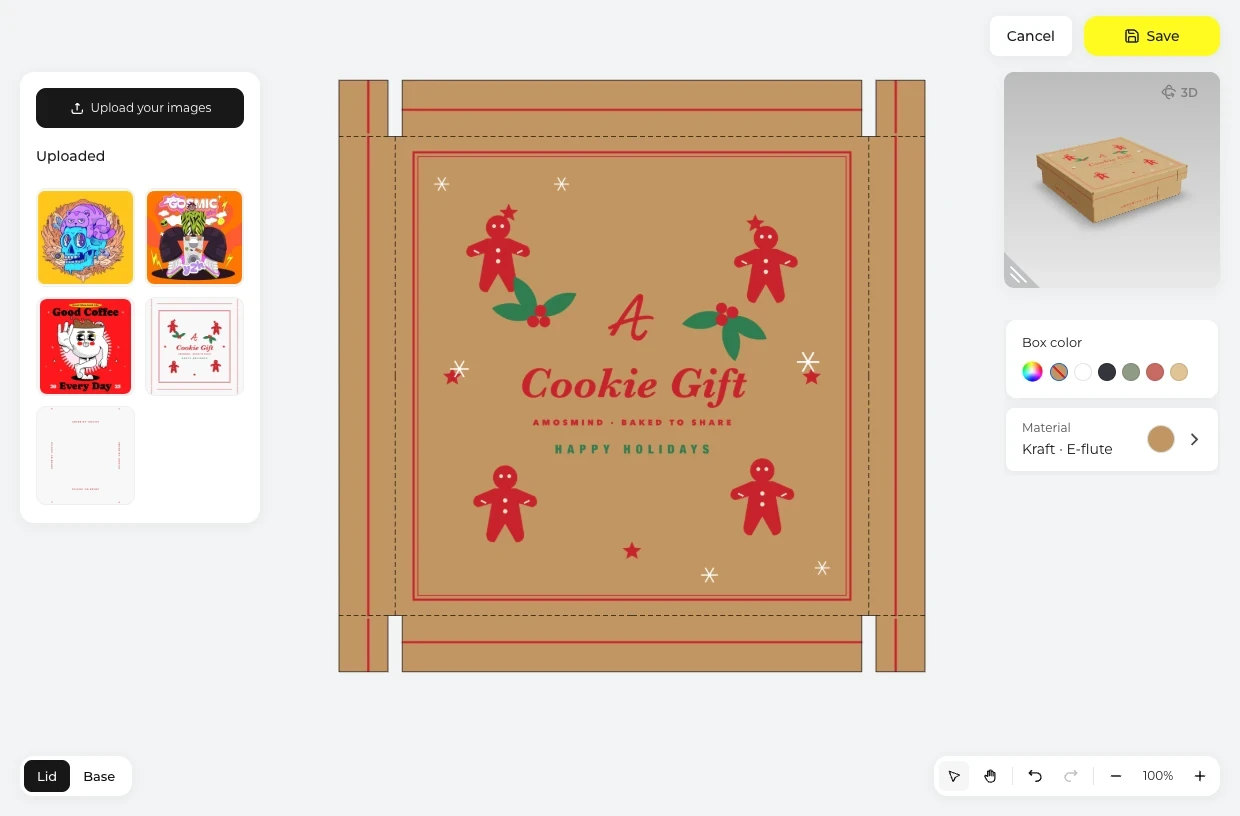
Click Upload artwork and place the lid design on the Outside of the dieline. Then switch to Inside for what shows when the box opens.
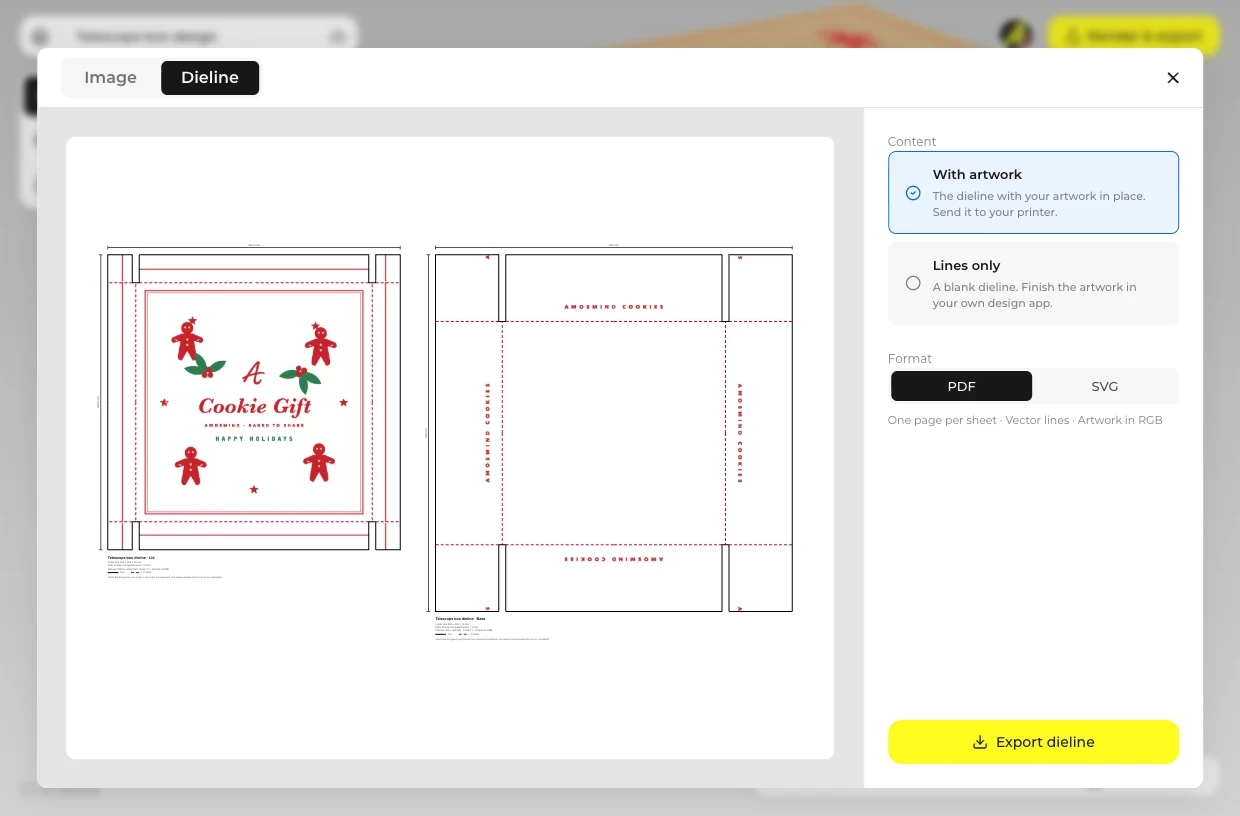
Close it, open it or lift the lid with the fold slider, then click Render & export. Under Image, set Background to Transparent for a PNG, or open Dieline for the print file.
Every box opens in the same live 3D editor.
One box, three moments. Render each one from the same design.
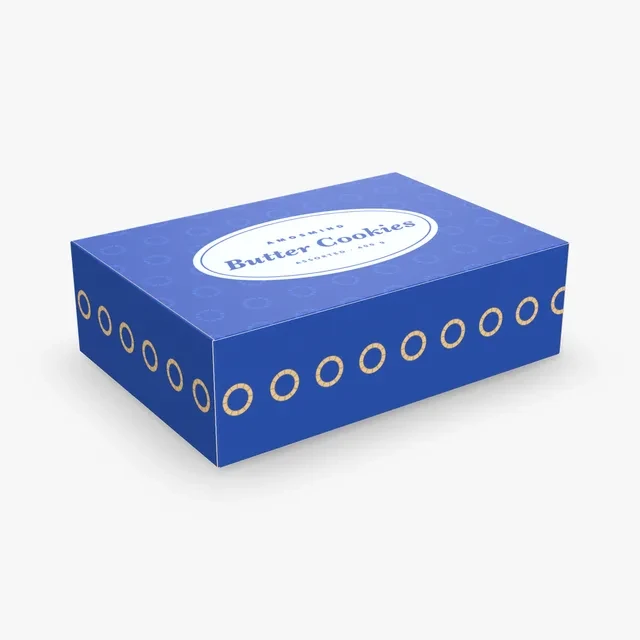
The box sits shut on a counter or goes into a bag, so the lid is the face most people see.
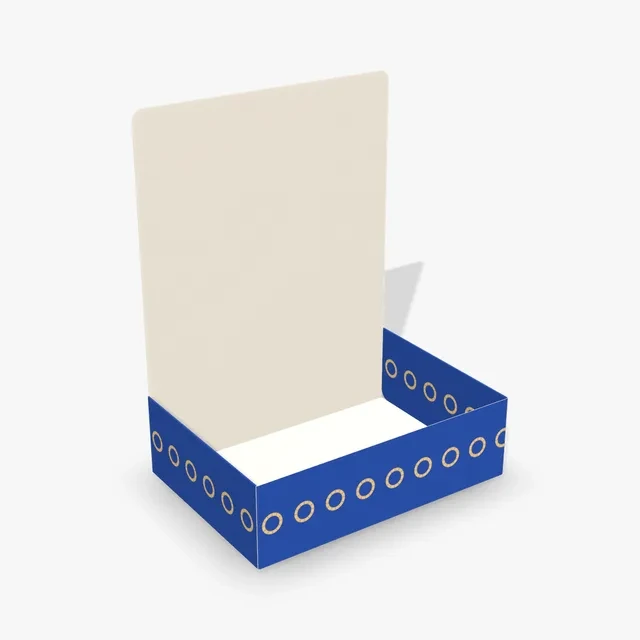
The hinged lid stands up and the customer looks down into the box.
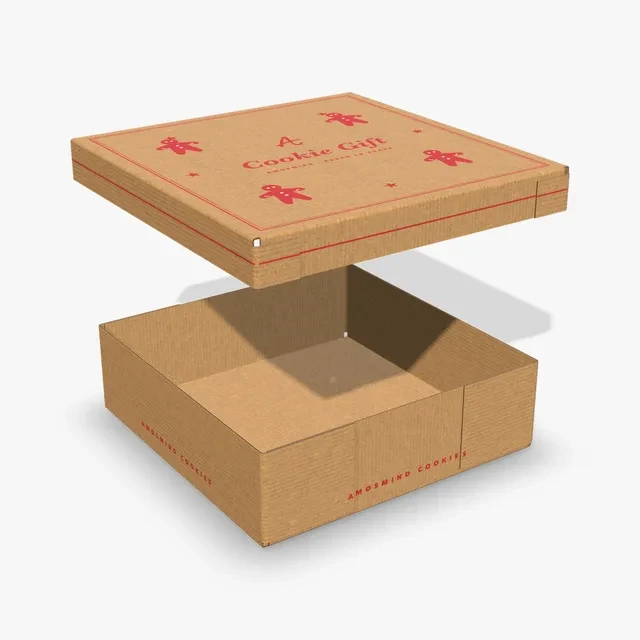
The lid is held above the base of the Cookie gift box or Telescope box, as it is when a gift is opened.
Short answers about fit, opening and printing.
Lay the cookies out in one or two layers, measure them, add a little room and type that as the inside size. Choose how the box opens, print the lid and the inside, and check it closed and open in 3D. Then export the dieline and order a printed sample before the full run.
Print the inside so a message appears when the box opens, run a seasonal pattern round the lid of a lid-and-base box, or keep it to Kraft with a one-color logo. A tray can also slide into a printed sleeve; sleeves are on the Box sleeves page.
Design the box here at the size you need, then open the Dieline tab in Render & export and download a PDF or SVG at full size. Print it on card and cut and fold it yourself, or send the file to a box maker.
Pick a hinged lid when the box is opened and closed quickly, a tray when the cookies should be on show, and a lid over a base when the box is a gift. The Bakery box gives you a hinged lid at a larger starting size.
Yes. Put any seasonal pattern in your artwork; on the Cookie gift box and the Telescope box the lid lifts off, so you can render the moment it opens. Colors are printed, with no foil effect.
The Hinged lid box, Food tray box, Bakery box and Pastry tray are 0.5 mm paperboard. The Telescope box and the Cookie gift box start in 1.5 mm corrugated board and can also be 3 mm corrugated or 0.5 mm paperboard. Switch between Kraft, White outside and White both sides in the Material panel.
No. The boxes have no window cut-outs. Render the box open or with the lid lifted, or use the Cookie tray or Pastry tray to show the inside.
Browsing the boxes and turning them in 3D is free. Log in with an email code or Google to upload artwork, save projects and render images. Exporting a rendered image or a dieline needs a free account; rendering and downloads are free right now.