
Jewelry box mockups in real-time 3DSmall boxes, sized by the piece
Make a jewelry box mockup at the size of the piece it holds. Start from a small rigid, magnetic or book-style box, choose a White, Black or Kraft wrap and put your logo in the middle of the lid.
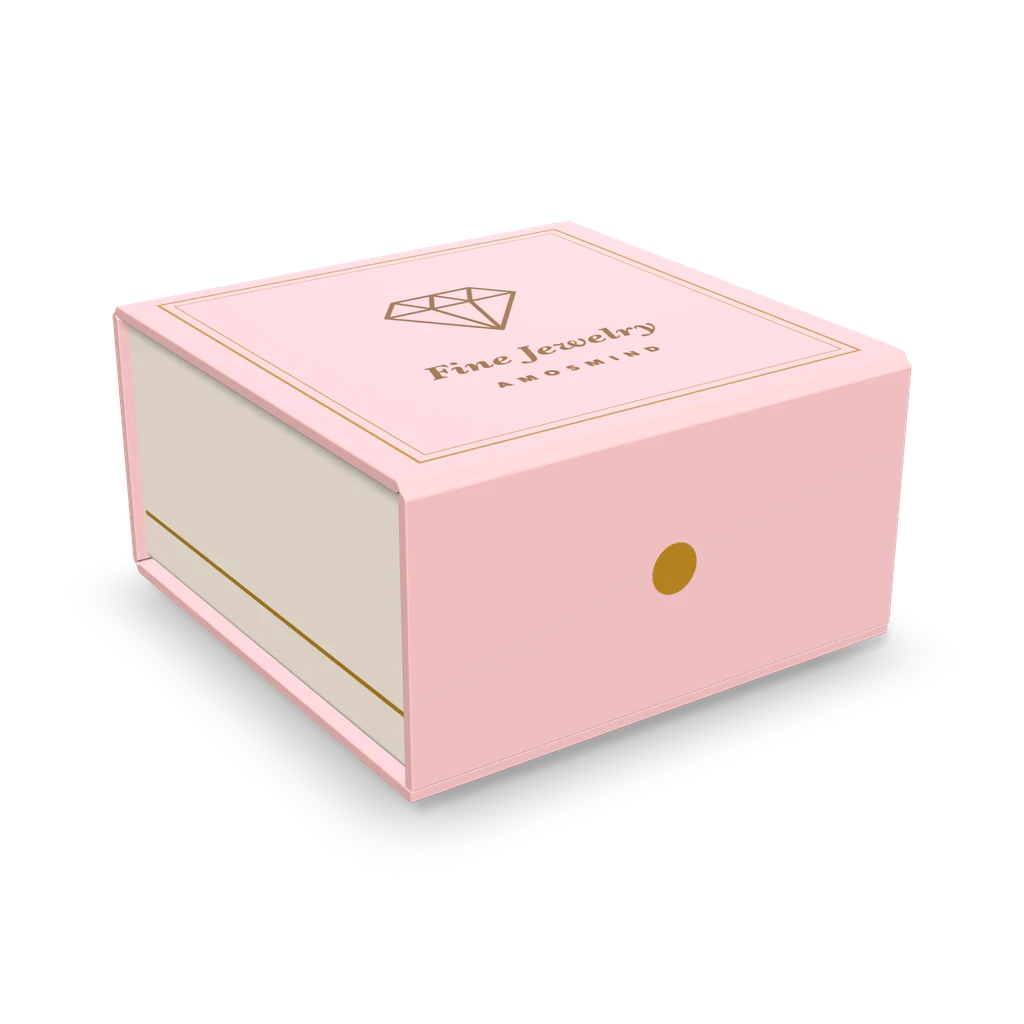
Jewelry box mockups
11 mockups
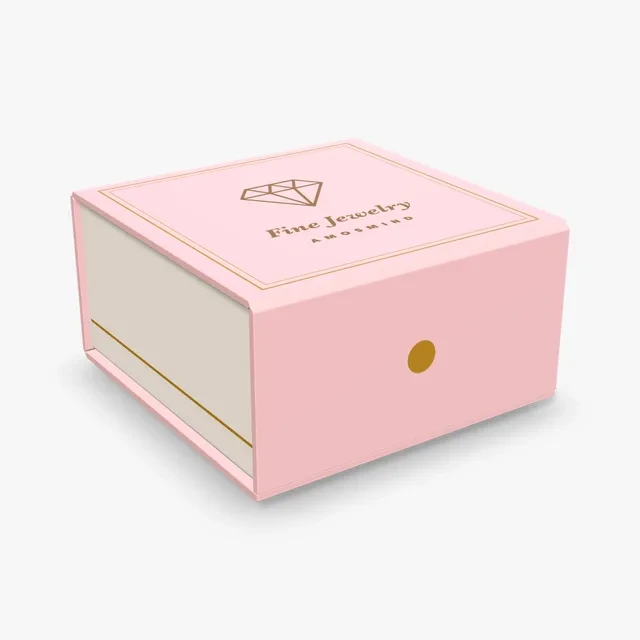 Add your design
Magnetic jewelry box mockup
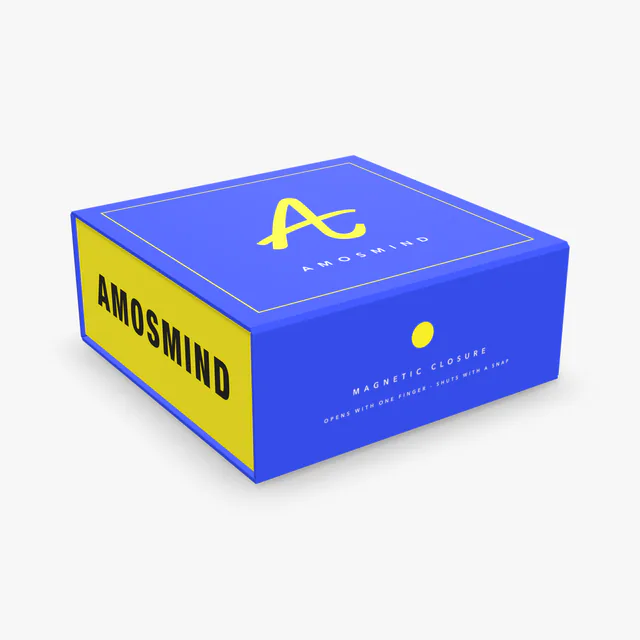
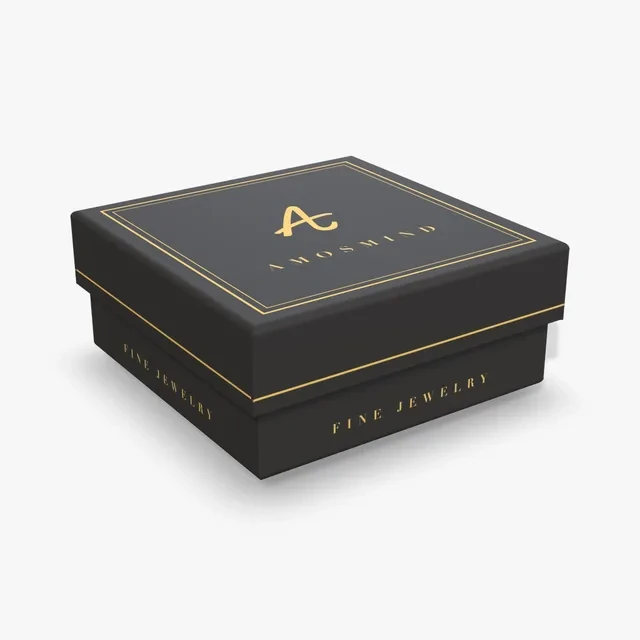 Add your design
Small jewelry box mockup
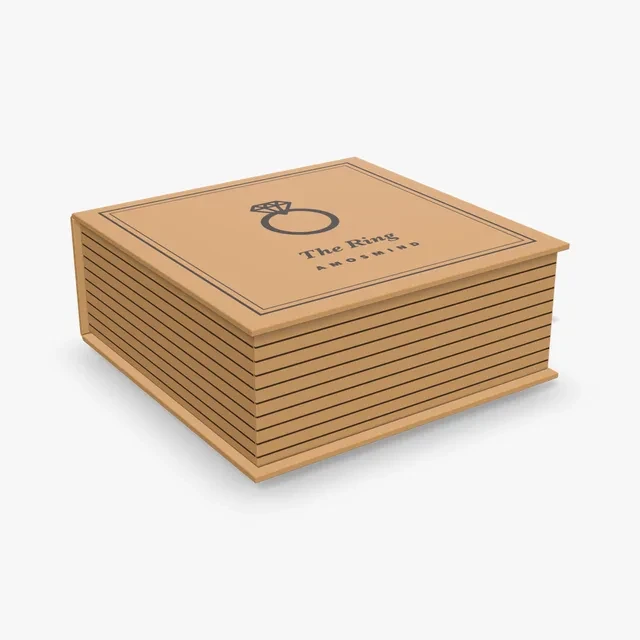 Add your design
Book-style jewelry box mockup
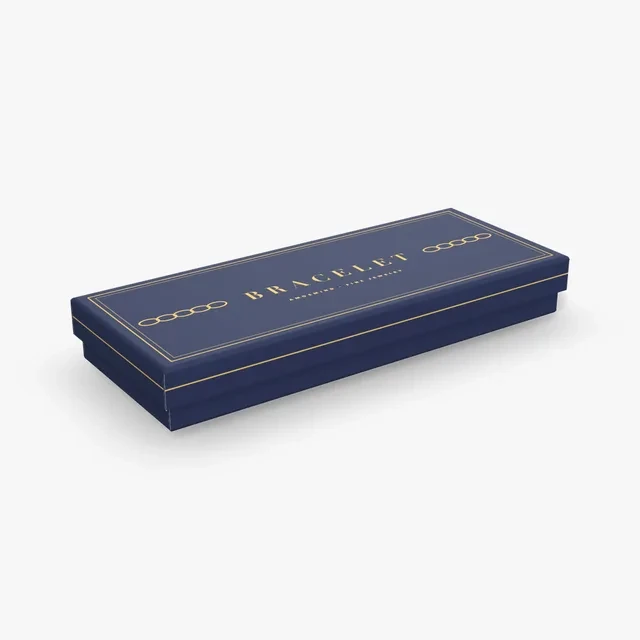 Add your design
Bracelet box mockup
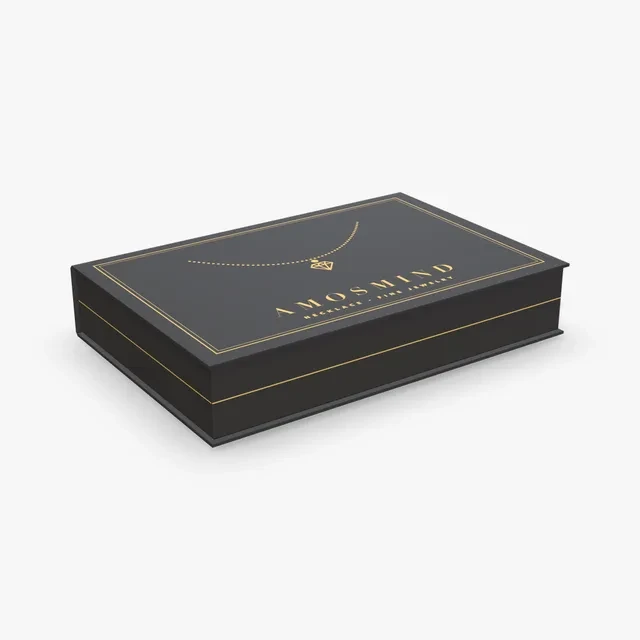 Add your design
Necklace box mockup
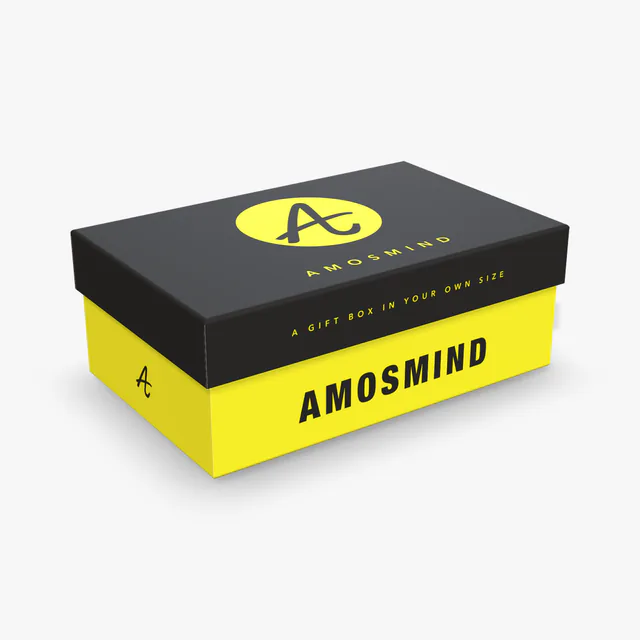
Rigid box mockup
Details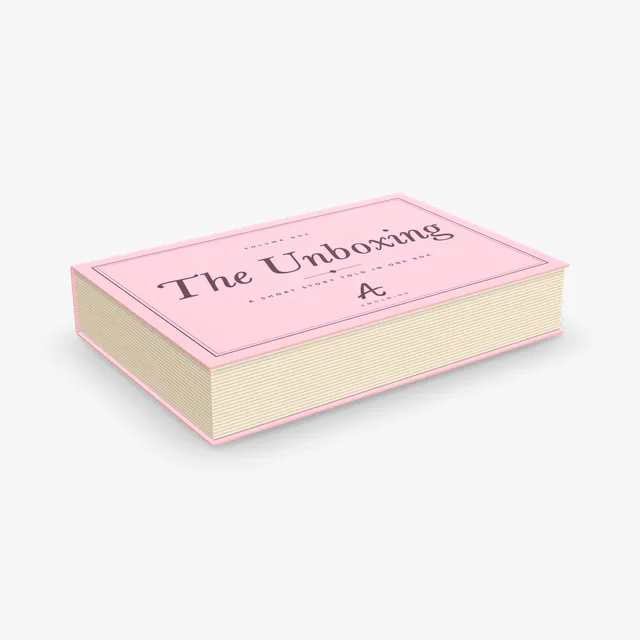 Add your design
Book-style box mockup
 Add your design
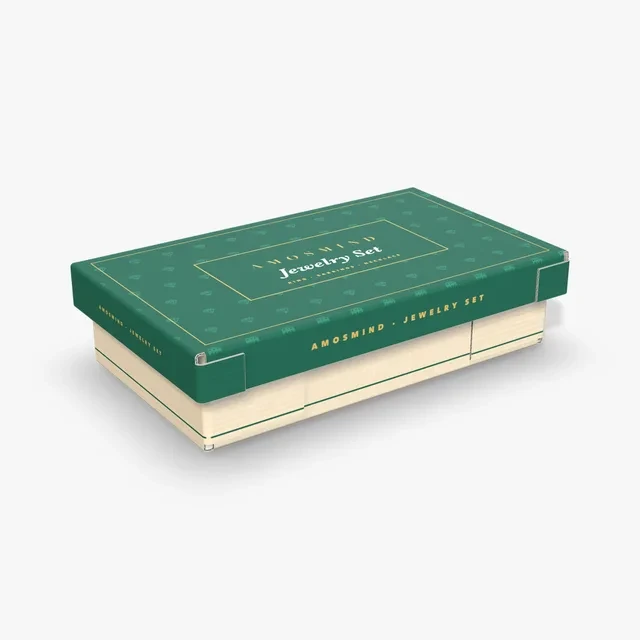
Jewelry set box mockup
 Add your design
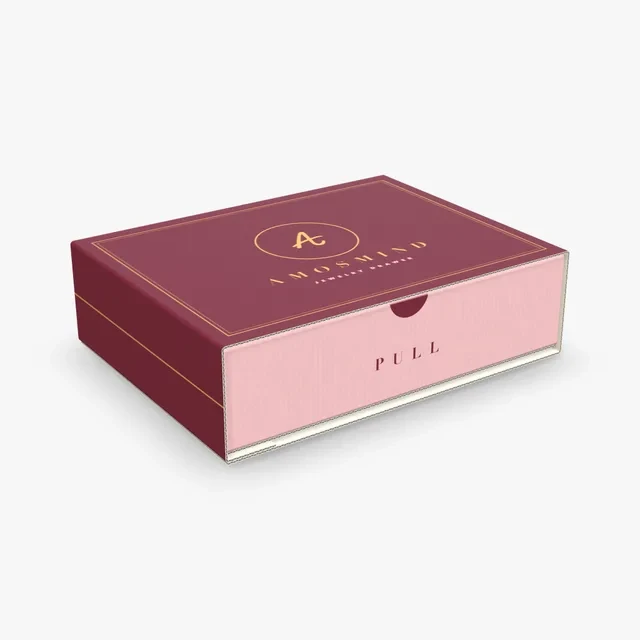
Jewelry drawer box mockup
 Add your design
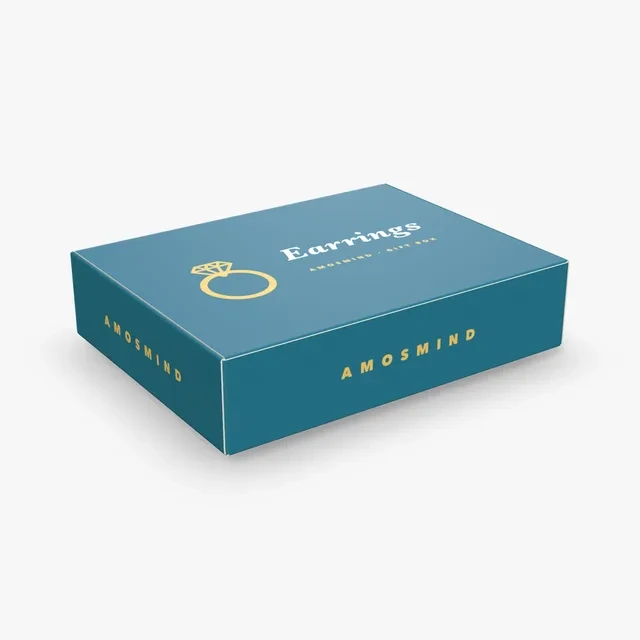
Small hinged lid box mockup
How small each jewelry box goes
Jewelry is small, so the first question is how far down each box can be sized. These are the smallest inside sizes you can type.
| Box | How it closes | Made of | Smallest inside size |
|---|---|---|---|
| Rigid box | Lift-off lid that goes down over the base | Grey board in a wrap | 60 × 40 × 20 mm |
| Magnetic box | Hinged lid, front flap folds down | Grey board in a wrap | 80 × 60 × 20 mm |
| Book-style box | Hinged lid that opens like a book cover | Grey board in a wrap | 80 × 60 × 20 mm |
| Hinged lid box | Hinged lid, tongue tucks into the front wall | Paperboard | 130 × 100 × 30 mm |
| Telescope box | Shallower lid that goes down over the base | Corrugated or 0.5 mm paperboard | 240 × 132 × 60 mm |
| Sliding box | Drawer that slides out of a sleeve | Corrugated or 0.5 mm paperboard | 240 × 180 × 60 mm |
The rigid boxes go smallest, so the smallest pieces sit in them; the Telescope and Sliding boxes start at 240 mm long and suit sets and long pieces.
Lift-off, hinged or drawer
Jewelry boxes are usually named by how the lid works.
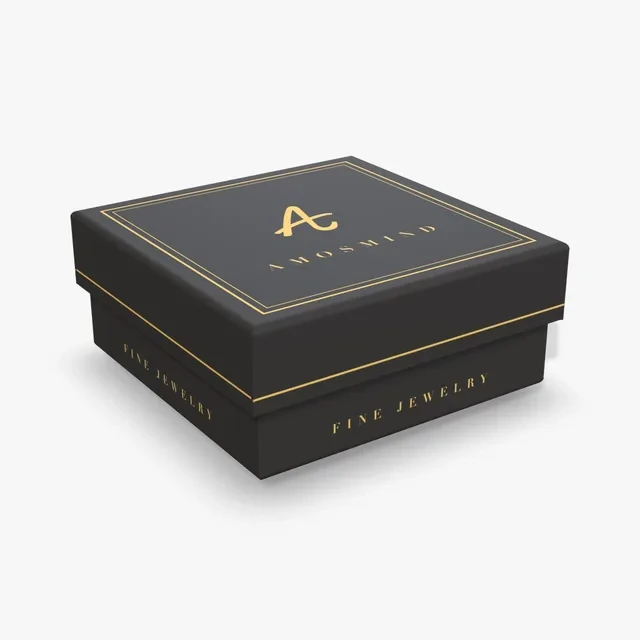
Lift-off lid
The lid comes off a separate base. On the Rigid box you set the lid height yourself.
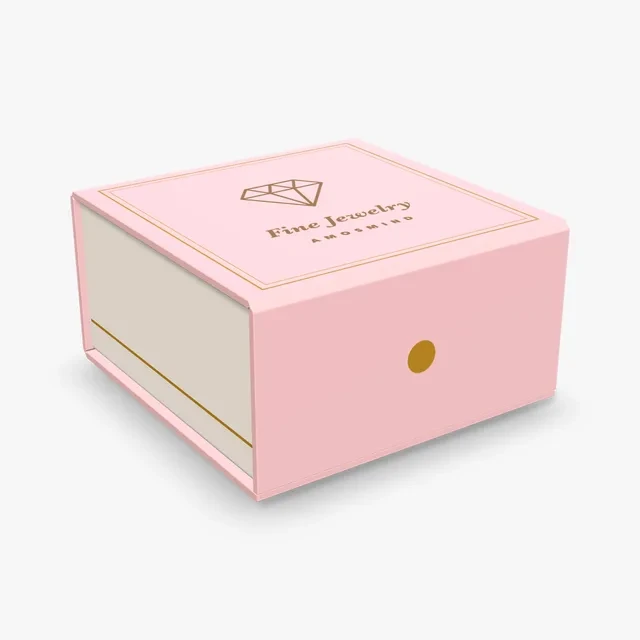
Hinged lid
The lid stays attached on a hinge and swings up to open.
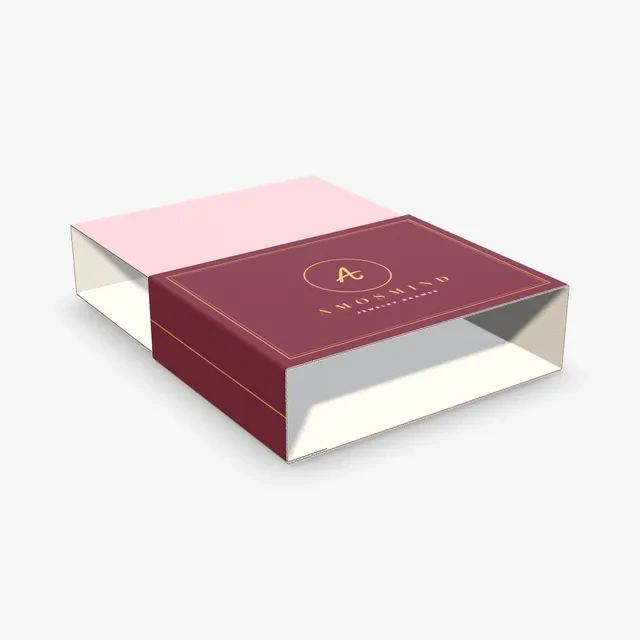
Drawer
The Drawer slides out of an outer sleeve. Both pieces take their own artwork.
Jewelry boxes to start from
Each one is a real box set to a jewelry size. Change the numbers to fit your own piece.
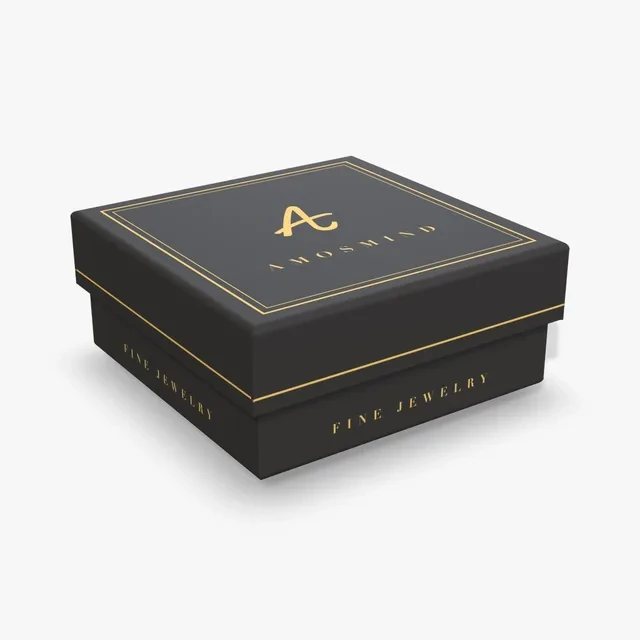
Small jewelry box
Rigid box at 89 × 89 × 38 mm (3.5 × 3.5 × 1.5 in) with a 20 mm lid and a black wrap. Sized for the smallest pieces.
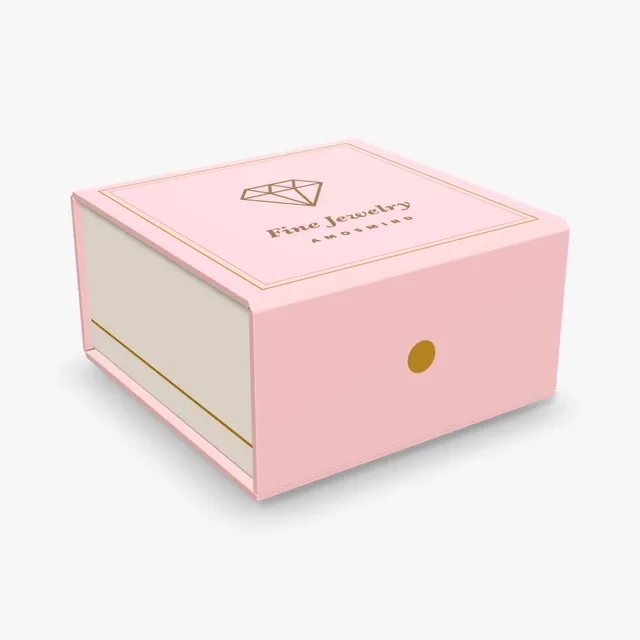
Magnetic jewelry box
Magnetic box at 102 × 102 × 51 mm (4 × 4 × 2 in) in a white wrap. Room for a pendant on its chain.
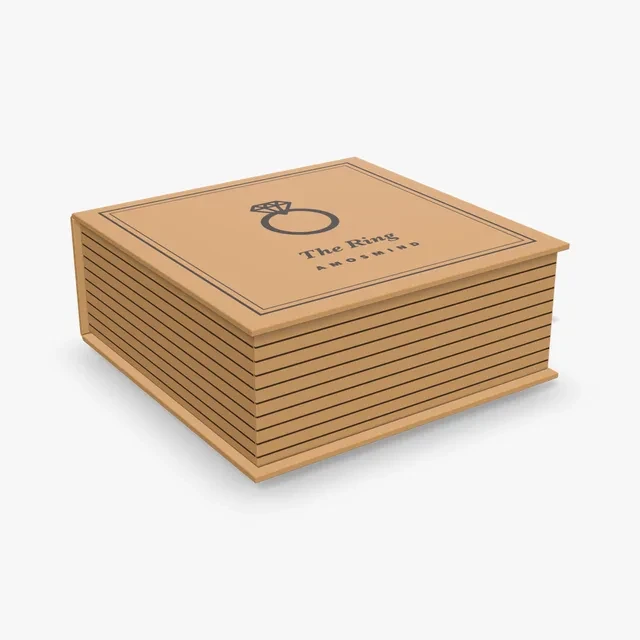
Book-style jewelry box
Book-style box at 102 × 102 × 38 mm (4 × 4 × 1.5 in) in a kraft wrap. The lid opens like a book cover.
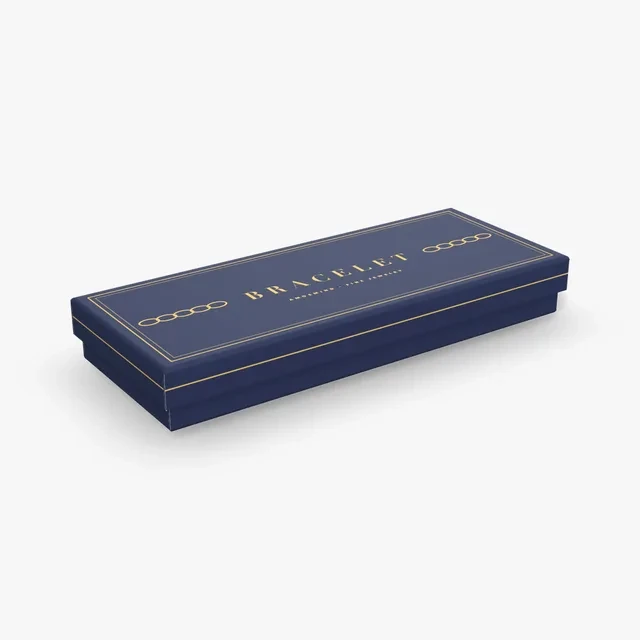
Bracelet box
Rigid box at 203 × 76 × 25 mm (8 × 3 × 1 in) with a 15 mm lid. Long and low, for a bracelet laid flat.
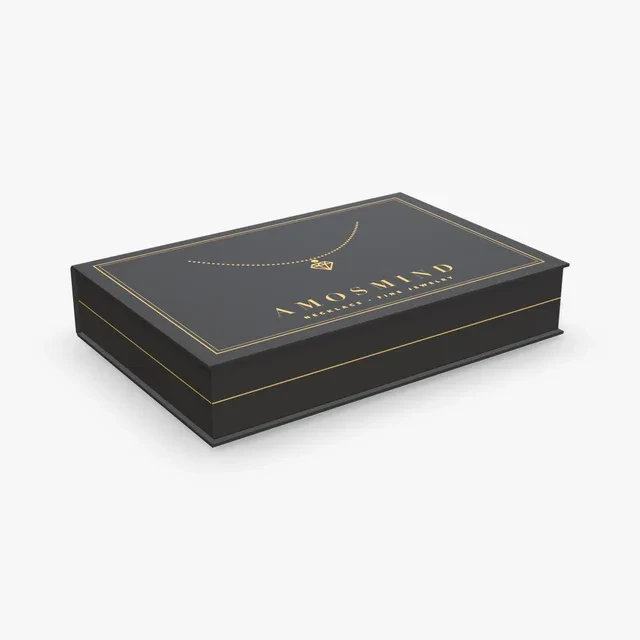
Necklace box
Book-style box at 229 × 152 × 38 mm (9 × 6 × 1.5 in). Wide enough for a long chain laid out flat.
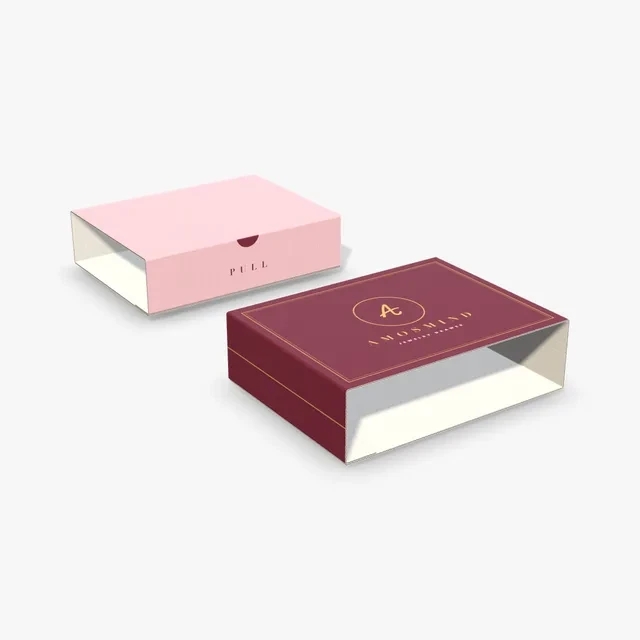
Jewelry drawer box
Sliding box at its smallest size, 240 × 180 × 60 mm, in corrugated board: a drawer in an outer sleeve.
How to make a jewelry box mockup
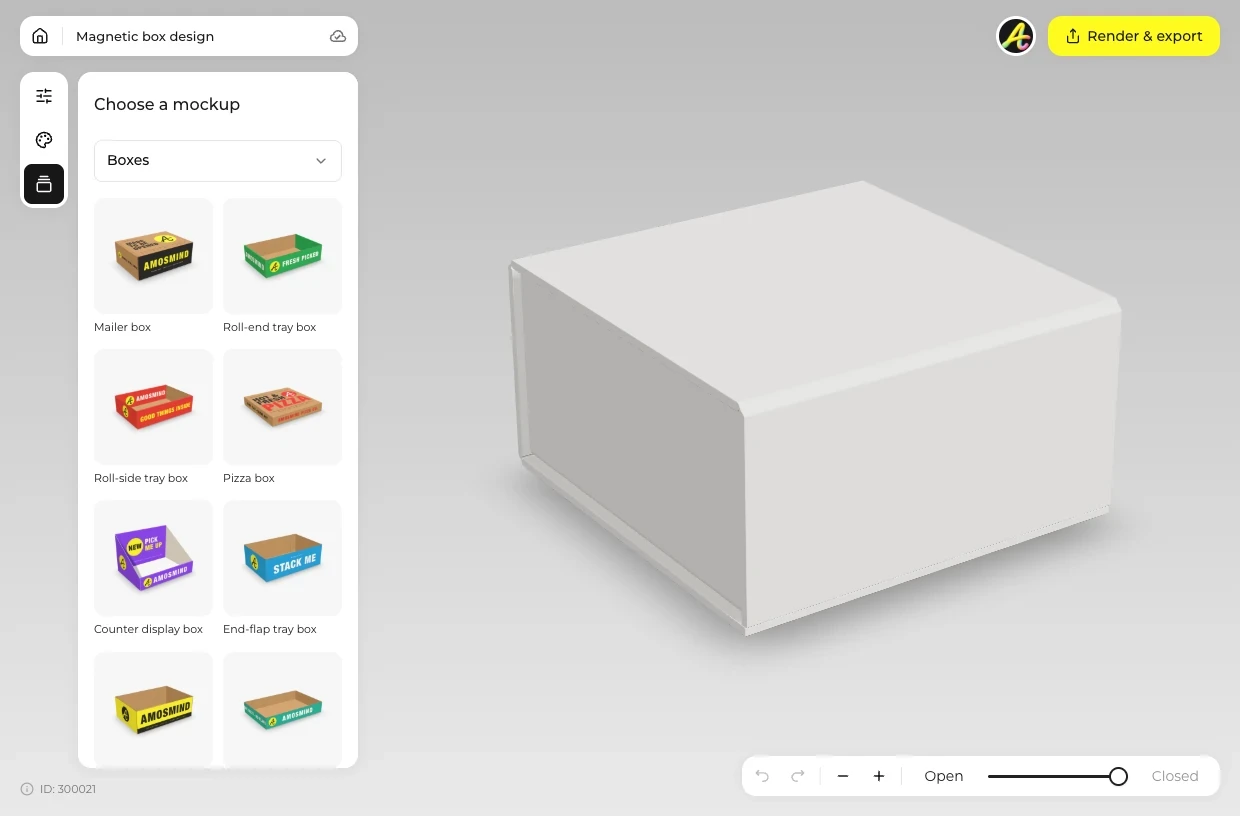
Pick by the piece
Choose a jewelry box from the list above by the piece it holds.
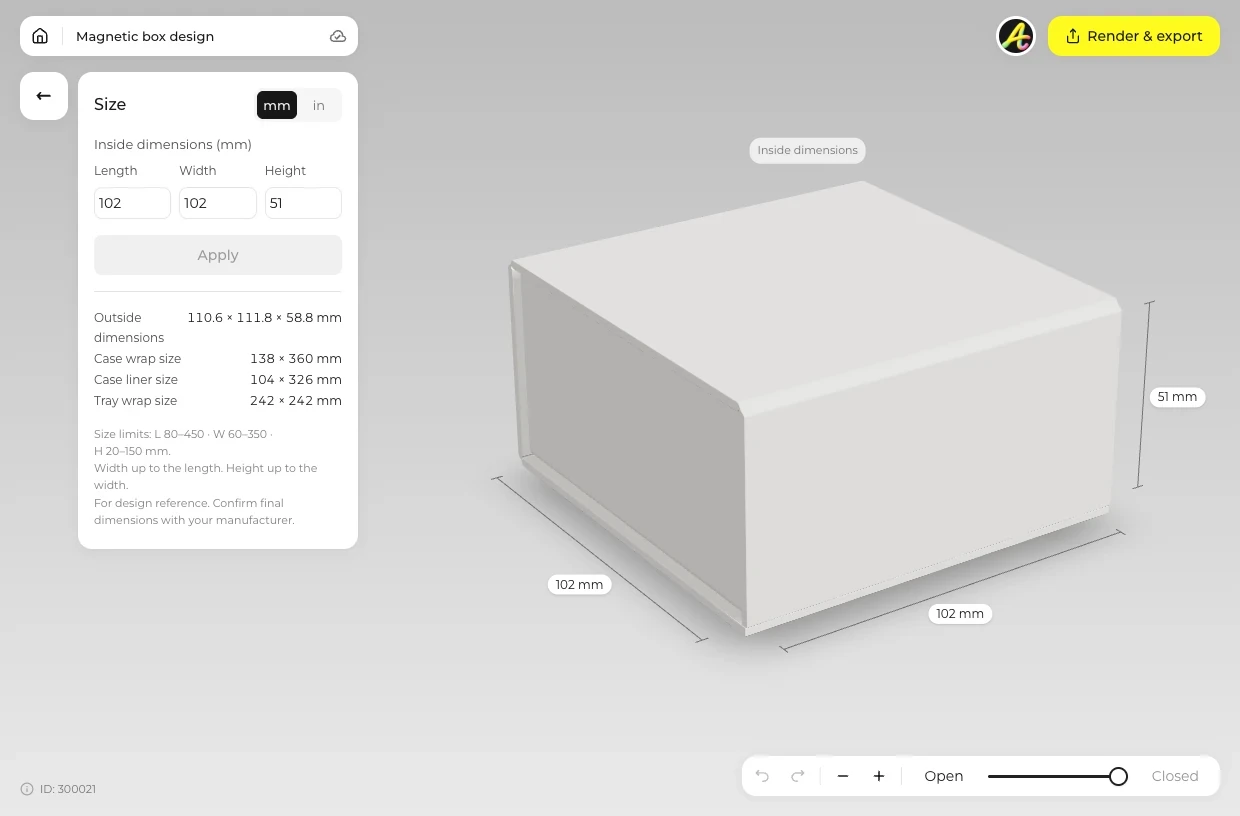
Set size and wrap
Open Size and type a small inside size; on the Rigid box, set the lid height too. Open Material for a White, Black or Kraft wrap.
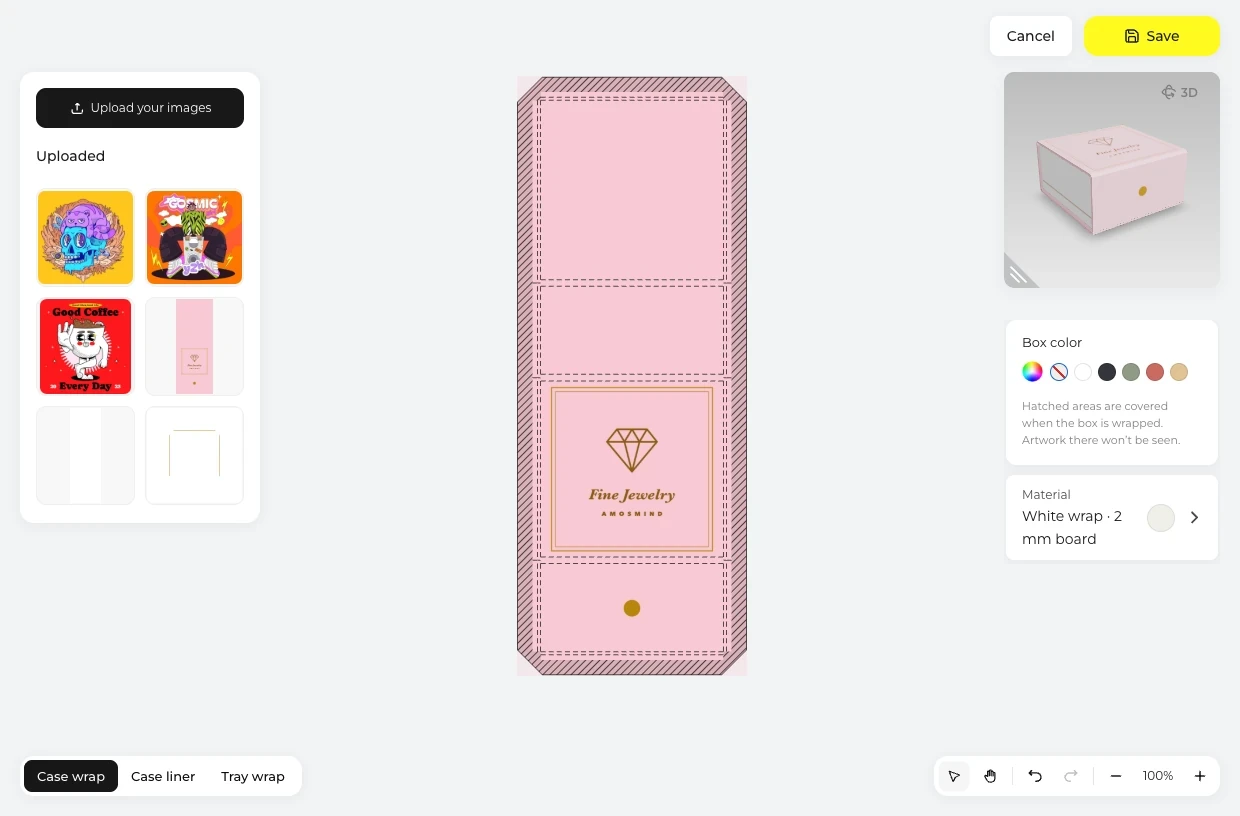
Center the logo
Click Upload artwork and place your logo in the middle of the lid.
Close and render
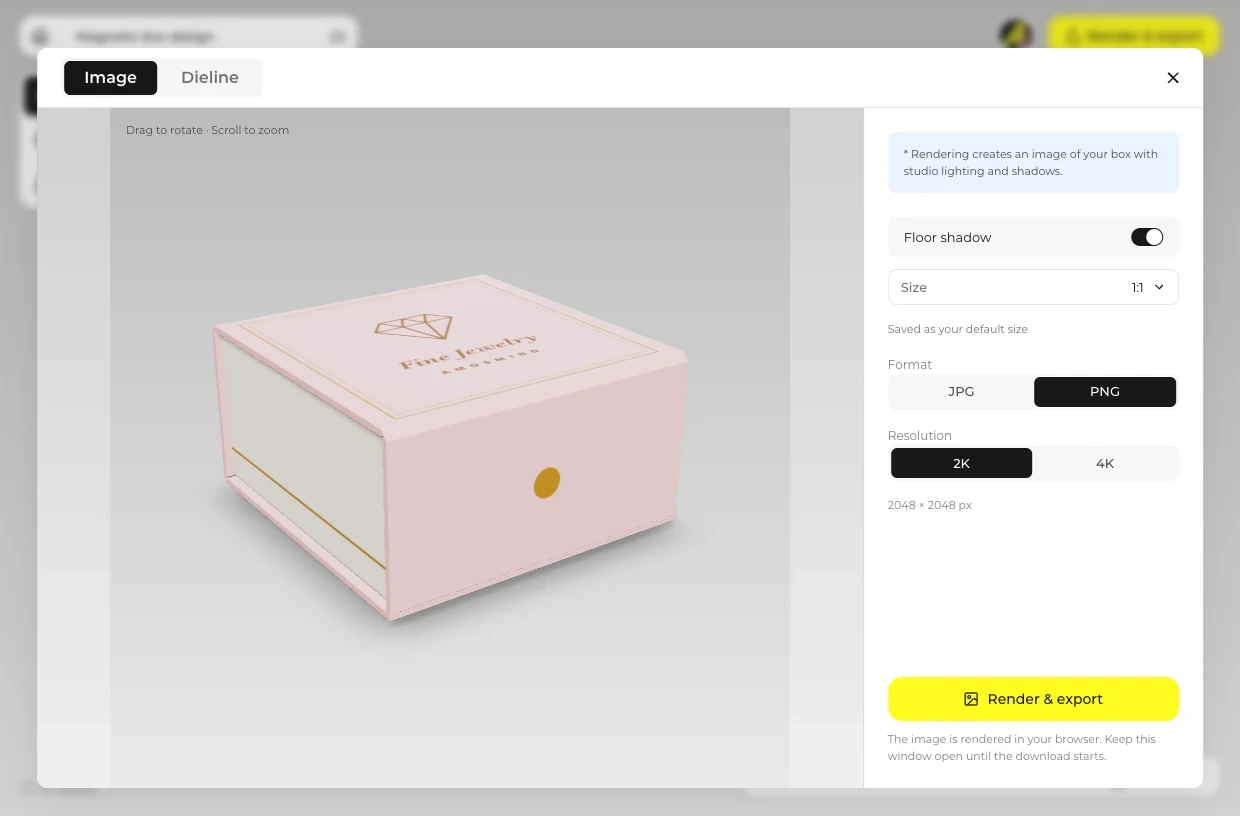
Close the box, turn it to a straight top view or a three-quarter view, then open Render & export and choose Image.
Explore more box mockups
Every box opens in the same live 3D editor.
Jewelry box or gift box: which one
The two pages share some boxes. What changes is the size, what goes inside and how the box is shown.
| Compare | Jewelry box | Gift box |
|---|---|---|
| Size | 3.5 to 9 in boxes on this page | Larger boxes and sets, on the Gift boxes page |
| What it holds | One piece or a small set | Several items |
| How it is shown | Closed, centered, logo on the lid | Opened, inside of the lid printed |
| Boxes | Rigid, Magnetic and Book-style at small sizes; Telescope and Sliding for sets | Magnetic, Book-style, Rigid, Shoe, Three piece and Sliding at larger sizes |
Both pages open the same 3D boxes; the size you type decides which one you are making.
Jewelry box mockup FAQ
Short answers about sizes, wraps and views.
How can I design my own jewelry box?
Pick the box by the piece it holds, type a small inside size and choose a White, Black or Kraft wrap in Material. Click Upload artwork, place your logo on the lid and render the image. Before production, order a printed sample from a box maker.
What are good dimensions for a jewelry box?
Size it by the piece: 3.5 × 3.5 × 1.5 in for a ring or earrings, 4 × 4 in for a pendant, 8 × 3 × 1 in for a bracelet and 9 × 6 × 1.5 in for a necklace. Any inside size within each box's range can be typed, in millimetres or inches.
How can I create a box mockup?
For a jewelry box, choose the Rigid, Magnetic or Book-style box, set a small inside size, place the logo on the lid and render. Everything runs in the browser, with nothing to install.
What is the smallest jewelry box I can make?
The Rigid box goes down to 60 × 40 × 20 mm inside. The Magnetic and Book-style boxes start at 80 × 60 × 20 mm.
Can I add a ring slot or a foam insert?
No. There is no insert or foam part in the model, so the box is shown empty. Add your piece to the picture afterwards in your own image editor.
Which wrap color suits a jewelry box?
The rigid boxes come in a White, Black or Kraft wrap. A light logo reads well on black, and a dark logo on white or kraft. For any other shade of jewellery packaging, set a Box color.
Can I show the jewelry box from the top?
Yes. Turn the 3D box to a straight top view before you render, so the logo on the lid faces the camera. A three-quarter view shows the lid and one side together.
Can I make a jewelry box mockup for free?
Browsing the boxes and turning them in 3D is free. Log in with an email code or Google to upload artwork, save projects and render images. Exporting a rendered image or a dieline needs a free account; rendering and downloads are free right now.