
Plain box
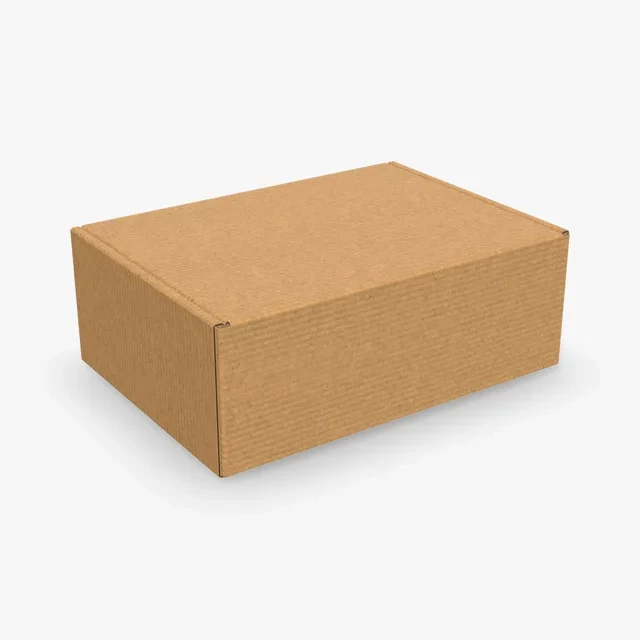
One stock box for every product. Nothing on it tells one product from another.
A box sleeve mockup shows a printed sleeve over a plain box. Pick a full sleeve, a narrow band or a sleeve with a drawer, type the size of the box it goes over and run your artwork round it.
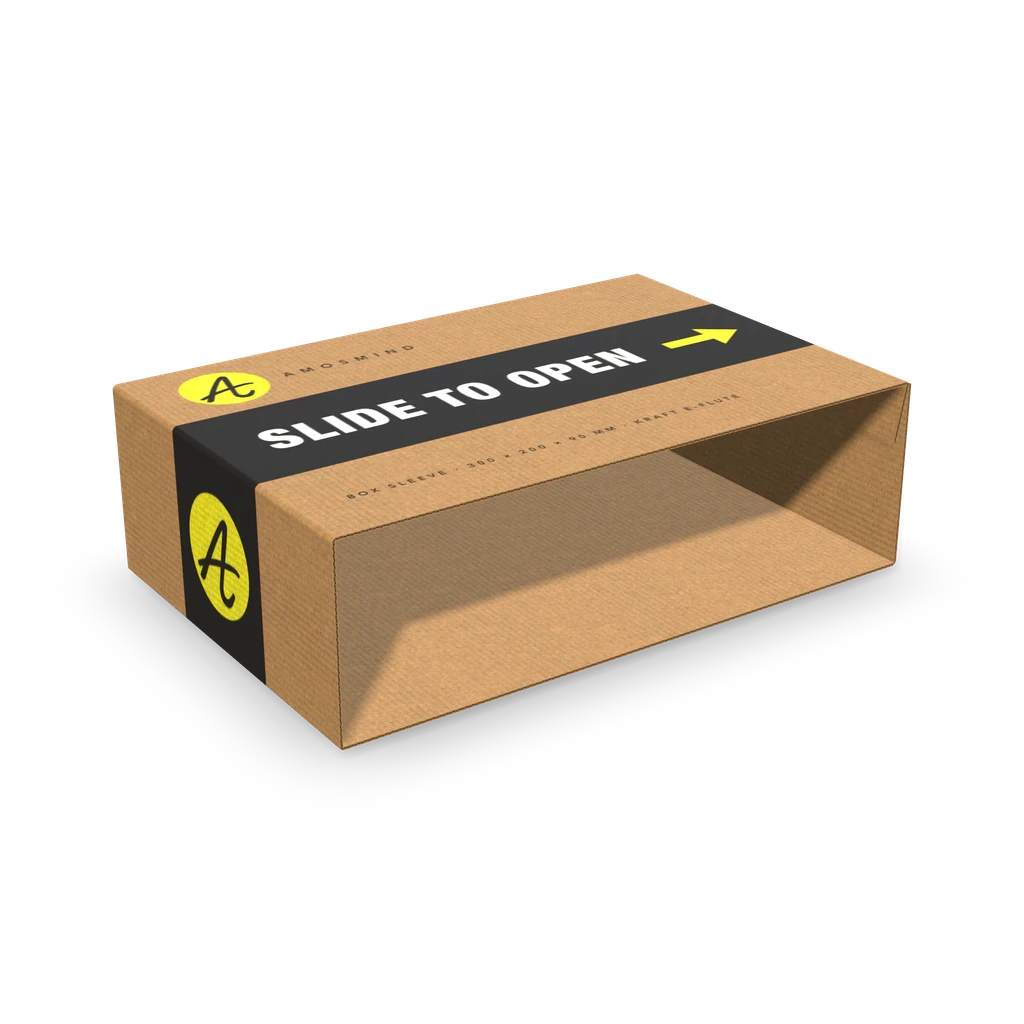
A packaging sleeve is open at both ends and slides over a box. The sleeves differ in how they are made, the board and how large they can go.
| Sleeve | What it is | Board | Inside size you can set |
|---|---|---|---|
| Box sleeve | A flat tube, open at both ends, that slides over a box or tray | Corrugated, 1.5 or 3 mm | 120–550 × 80–550 × 50–200 mm |
| Tube sleeve | A tube glued along one side, open at both ends | Paperboard, 0.5 mm | 100–400 × 60–300 × 30–120 mm |
| Belly band | A band folded round a box and glued, usually narrower than the box | Paperboard, 0.5 mm | 100–400 × 60–300 × 30–120 mm |
| Paper sleeve | A sleeve folded from one creased sheet, open at both ends | Paperboard, 0.5 mm | 100–400 × 60–300 × 30–120 mm |
| Sliding box | Two pieces: an outer sleeve and a drawer that slides out of it | Corrugated (1.5 or 3 mm) or 0.5 mm paperboard | 240–600 × 180–450 × 60–150 mm |
Set a sleeve to the outside size of the box it goes over, plus a little room so it slides on.
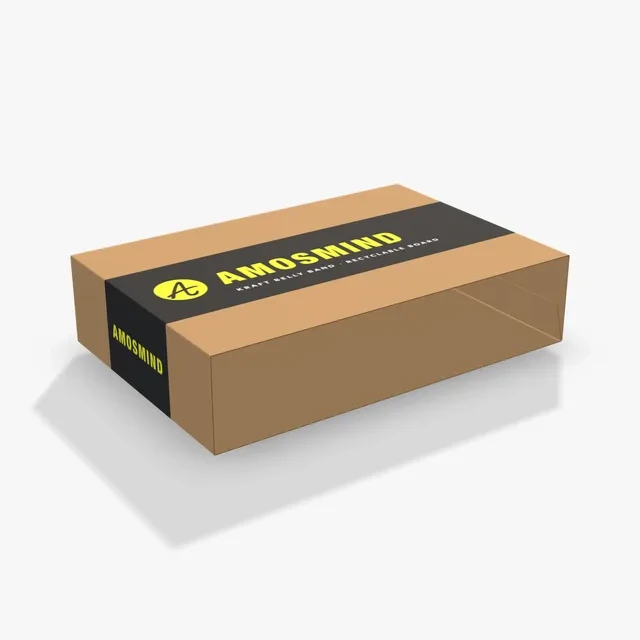
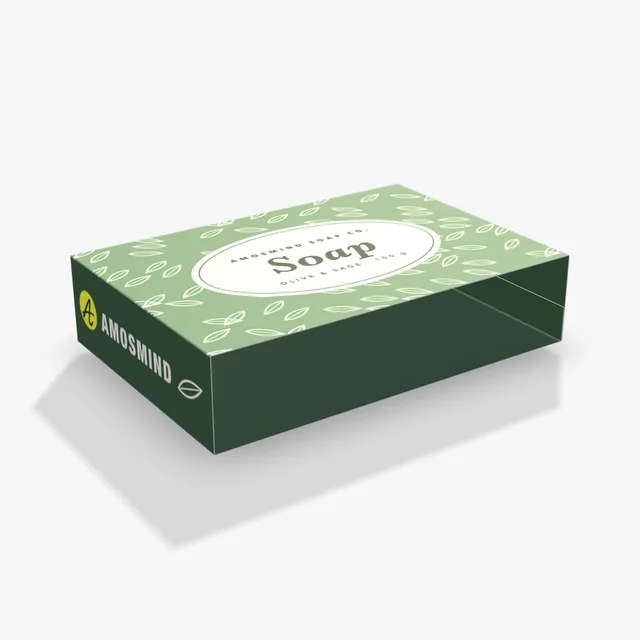
Three ways to dress the same stock box: leave it plain, wrap a band round it or slide on a full sleeve.
One stock box for every product. Nothing on it tells one product from another.
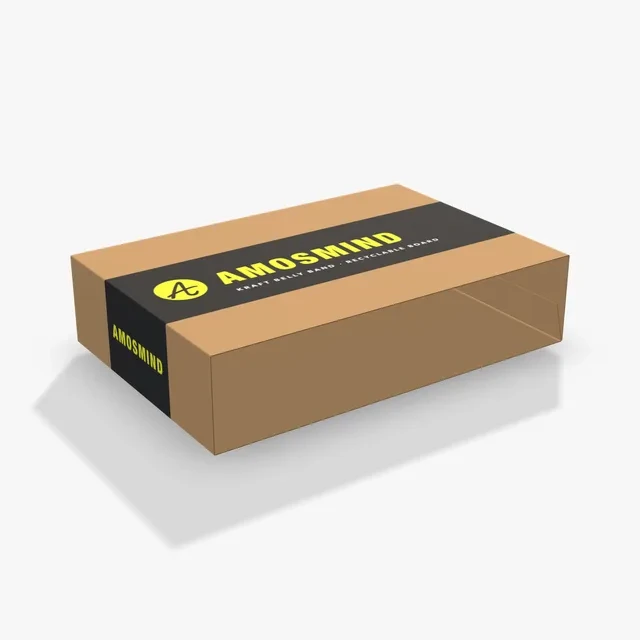
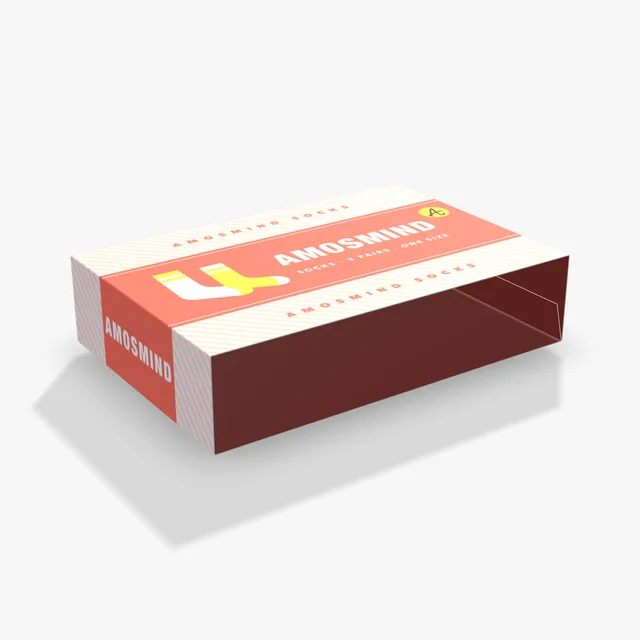
A narrow band round the middle. The box shows above and below it.
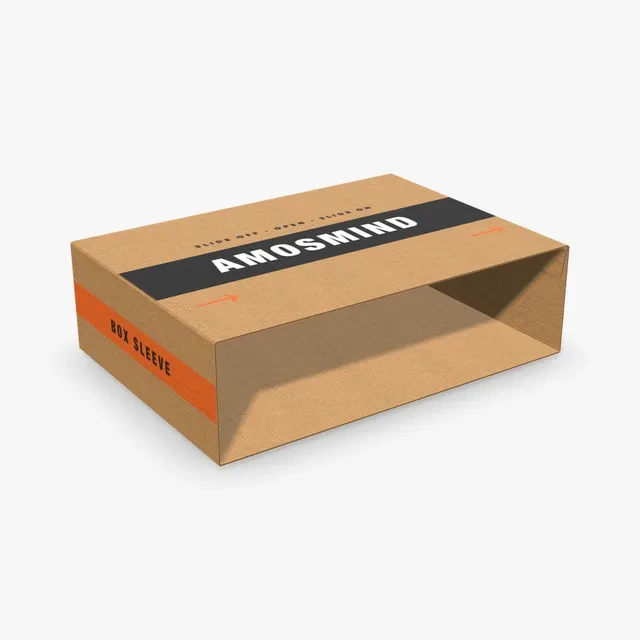
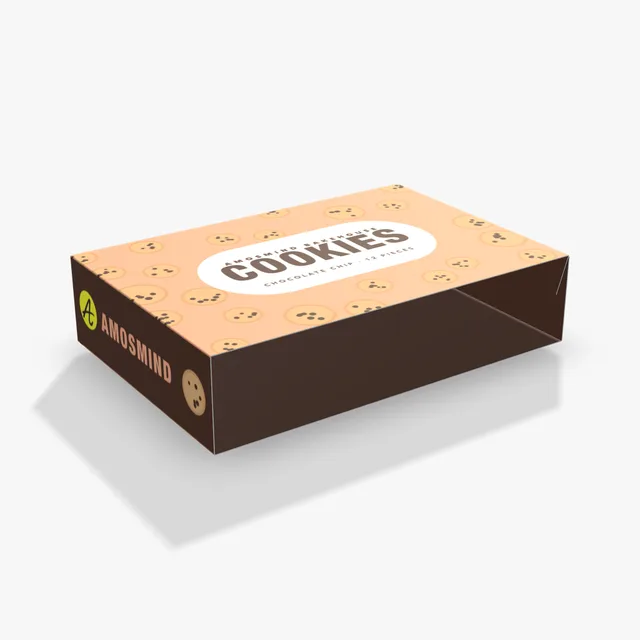
Covers four sides and leaves only the two ends open.
Each one opens at its starting size; change it in Size.
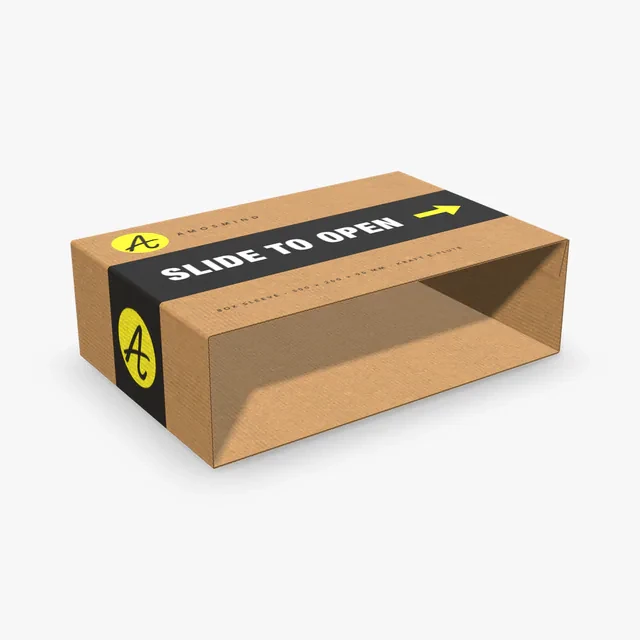
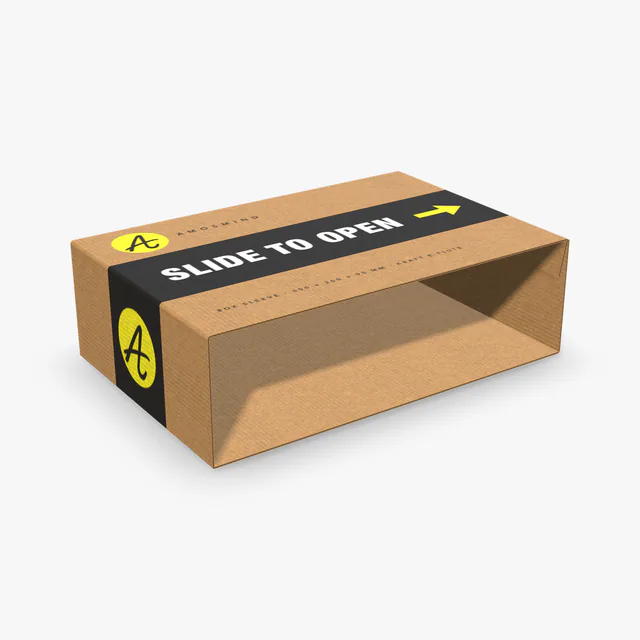
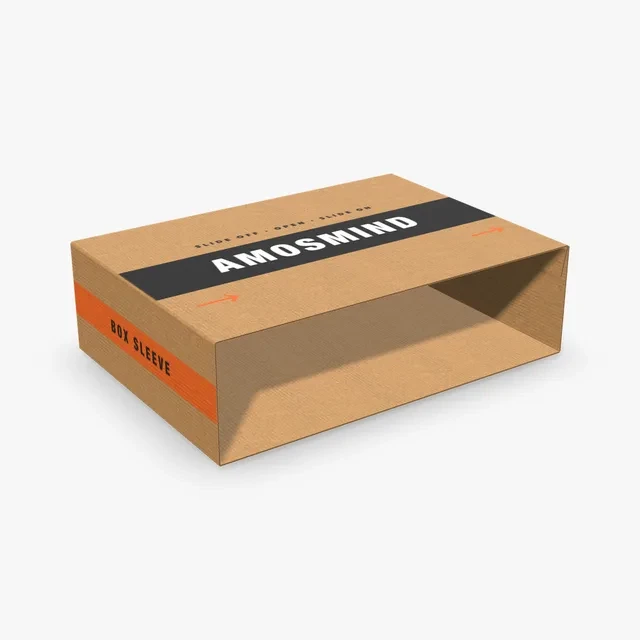
A flat corrugated tube in 1.5 or 3 mm board. Starts at 300 × 200 × 90 mm.
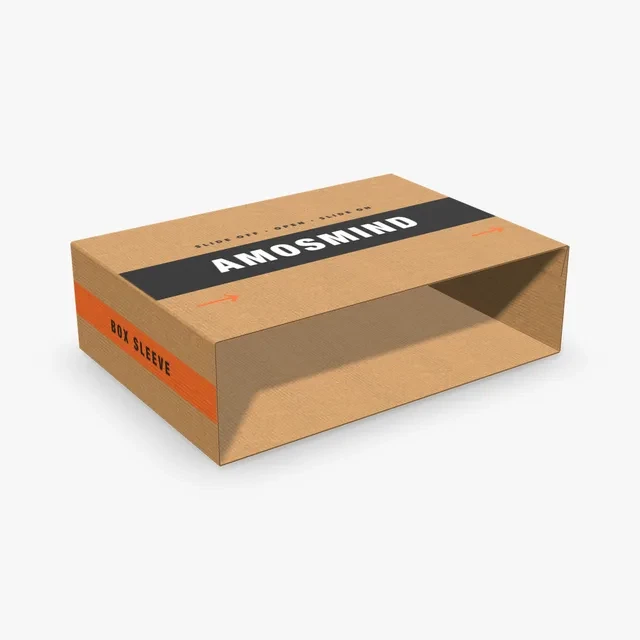
The Box sleeve at 356 × 254 × 102 mm (14 × 10 × 4 in), in Kraft.
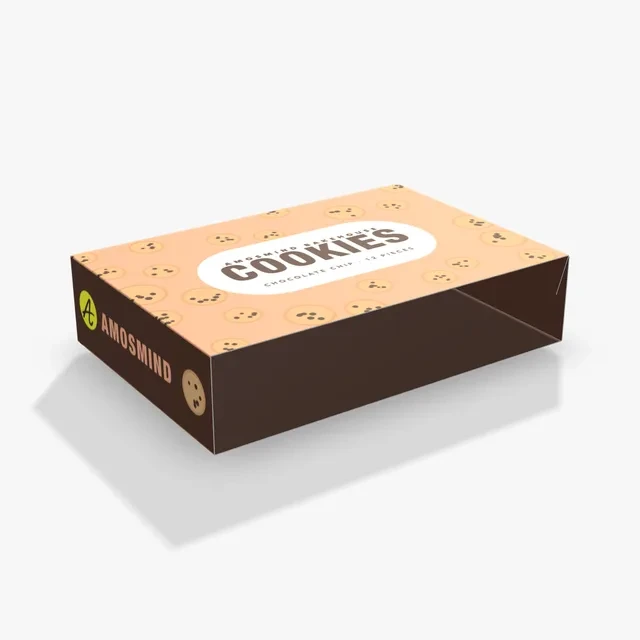
Paperboard glued along one side. Outside artwork goes on the top panel.
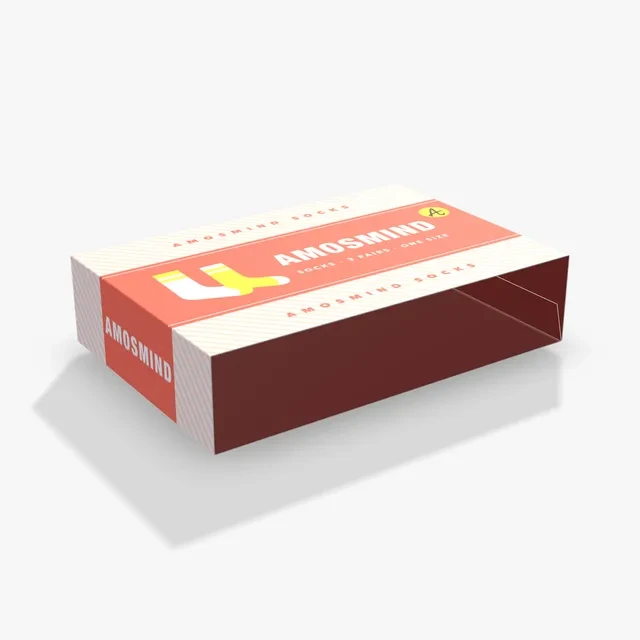
A paperboard band folded round the box, usually narrower than it so the box shows.
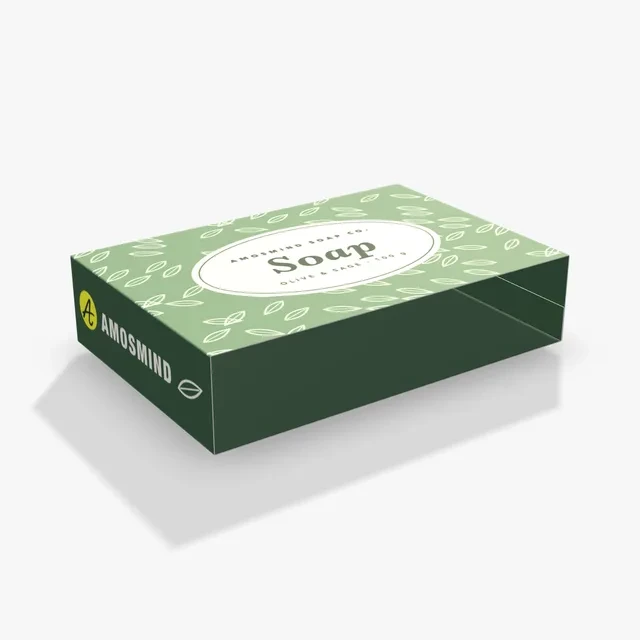
Folded from one creased sheet of 0.5 mm paperboard, open at both ends.
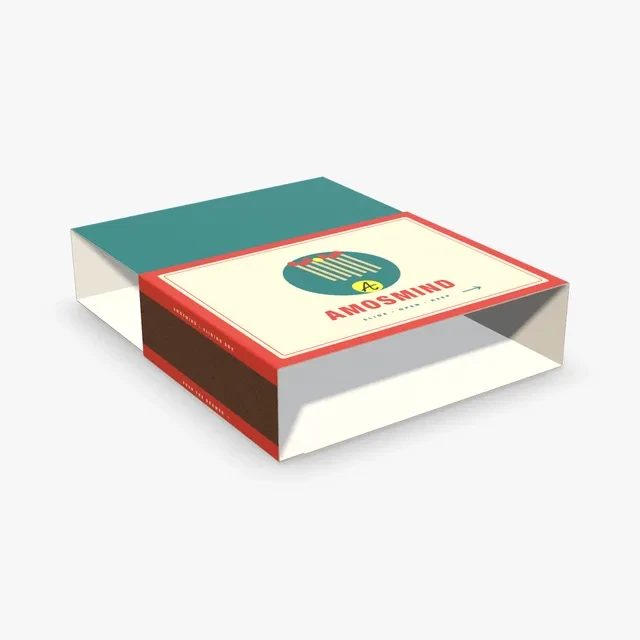
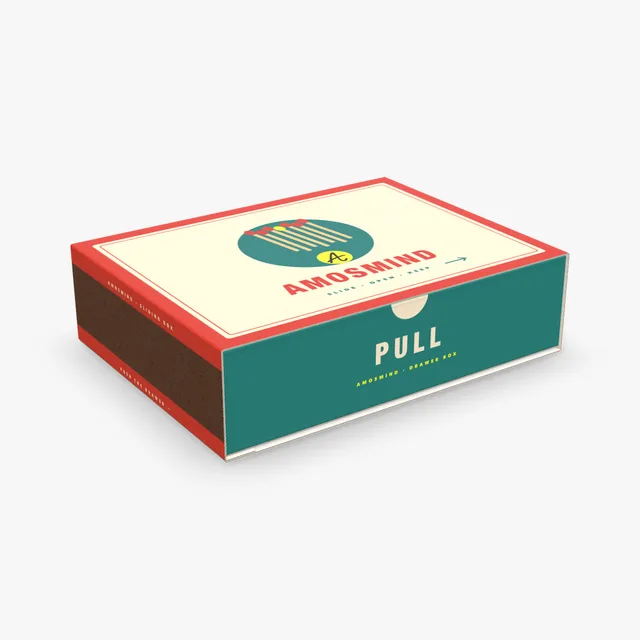
An outer sleeve and a drawer that slides out of it. Each has its own printable sheet.
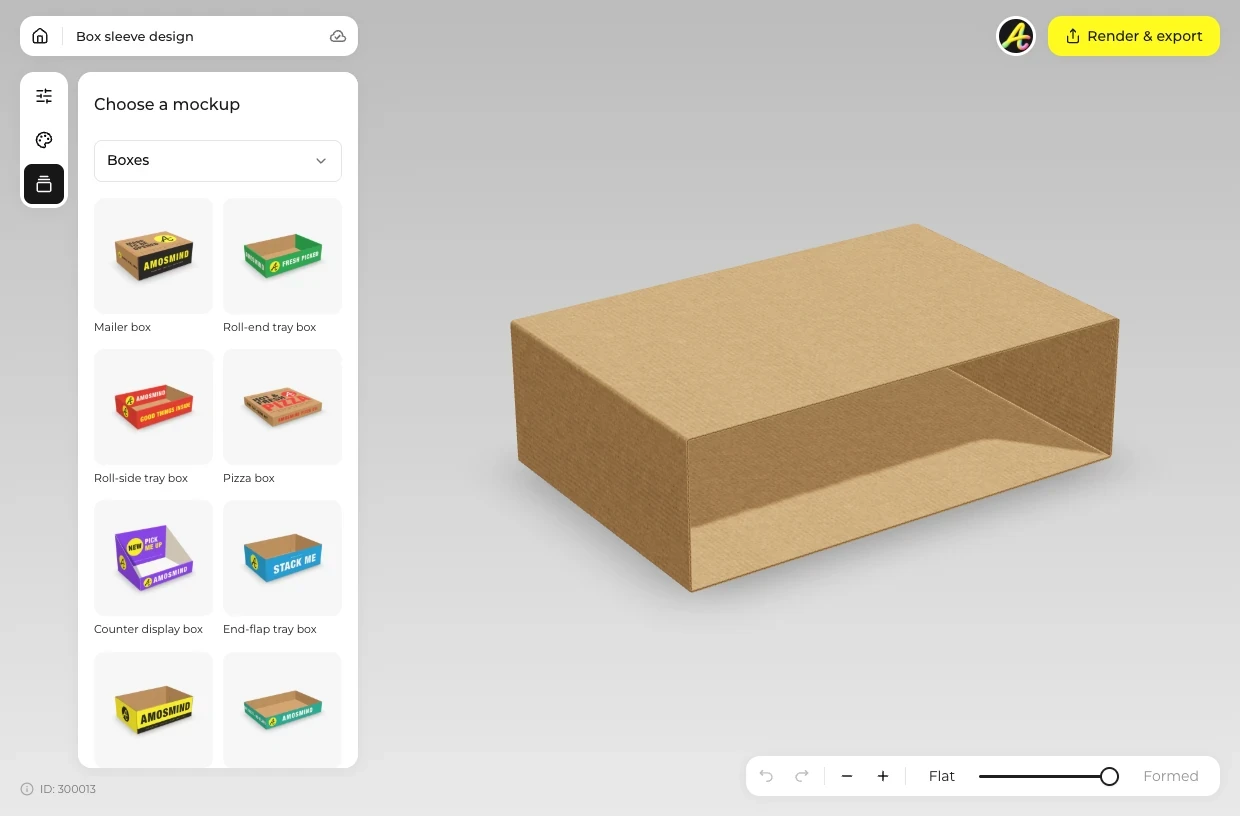
Choose a full sleeve, a band or the Sliding box from the list above.
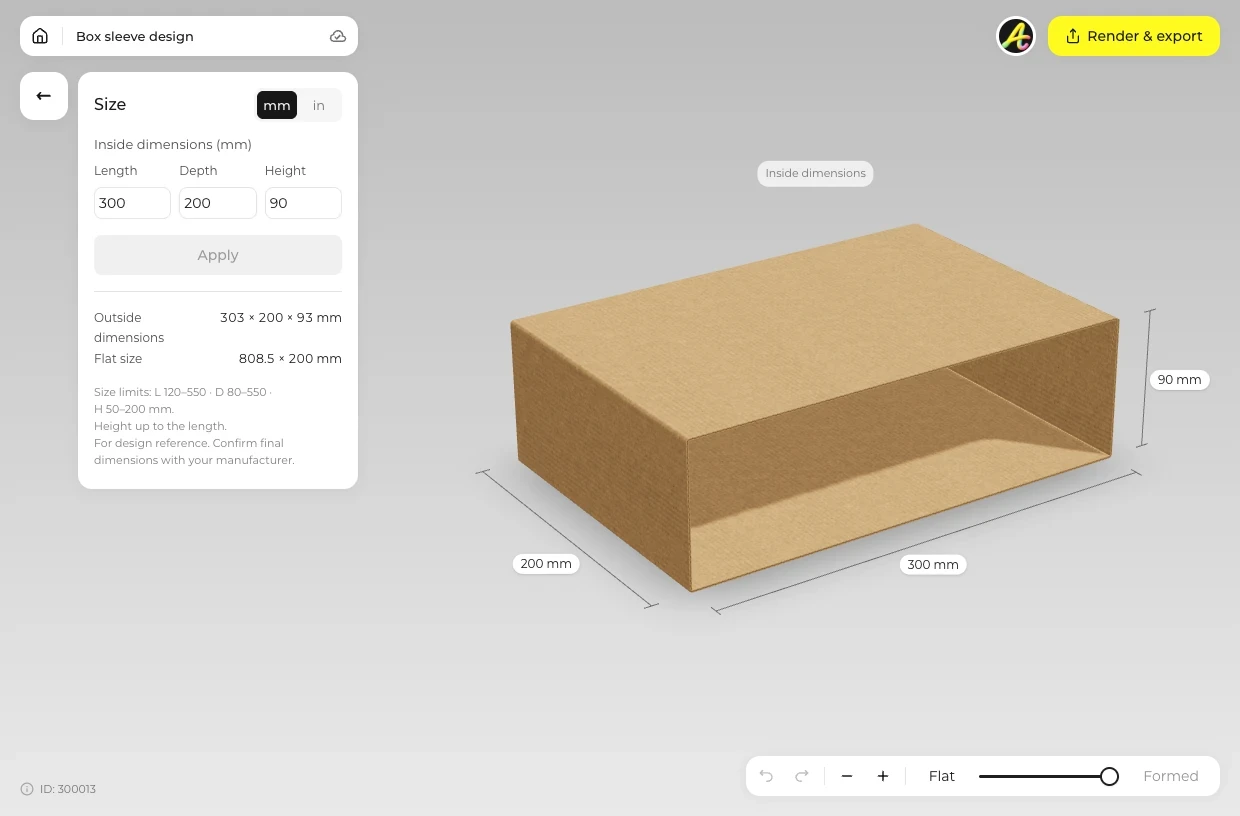
Open Size and type the outside size of the box the sleeve goes over. Switch the board in Material.
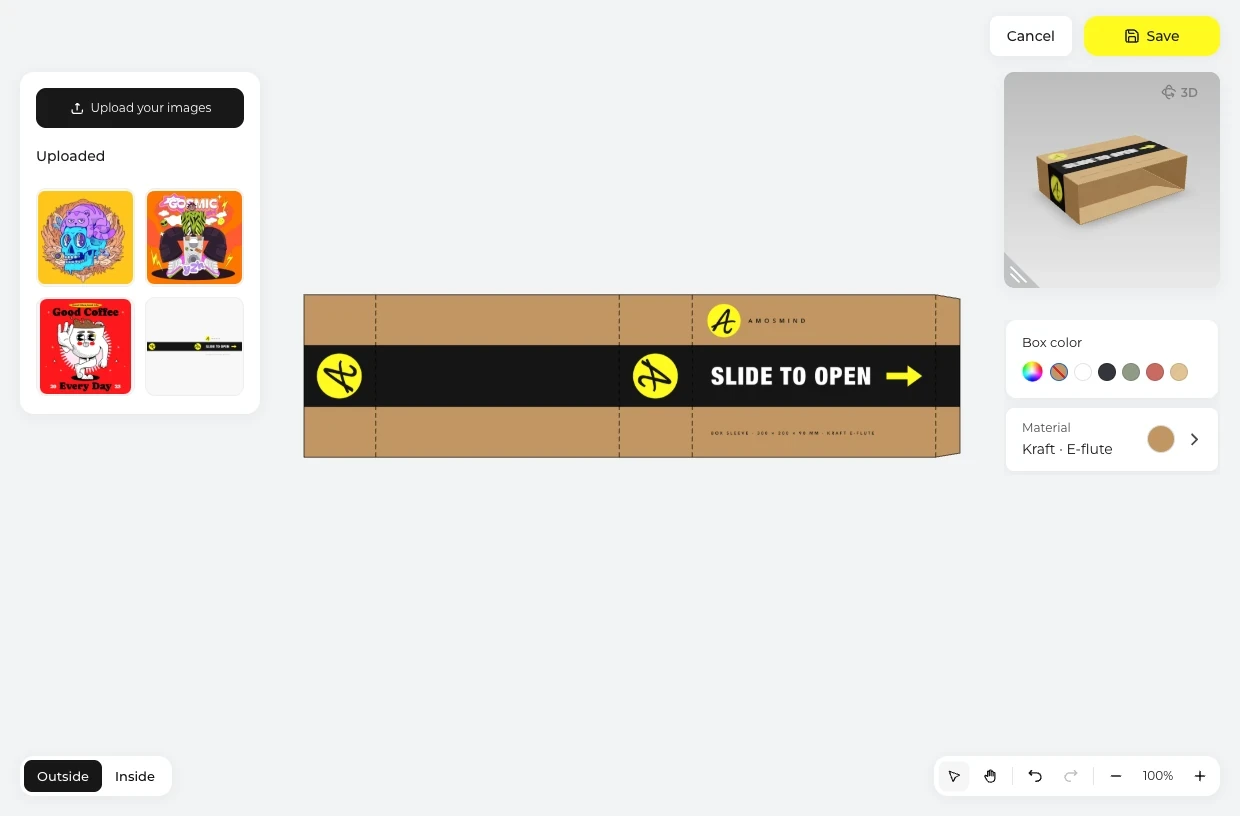
Click Upload artwork and run the design round the sleeve on the dieline, on the Outside. Switch to Inside for the inner face.
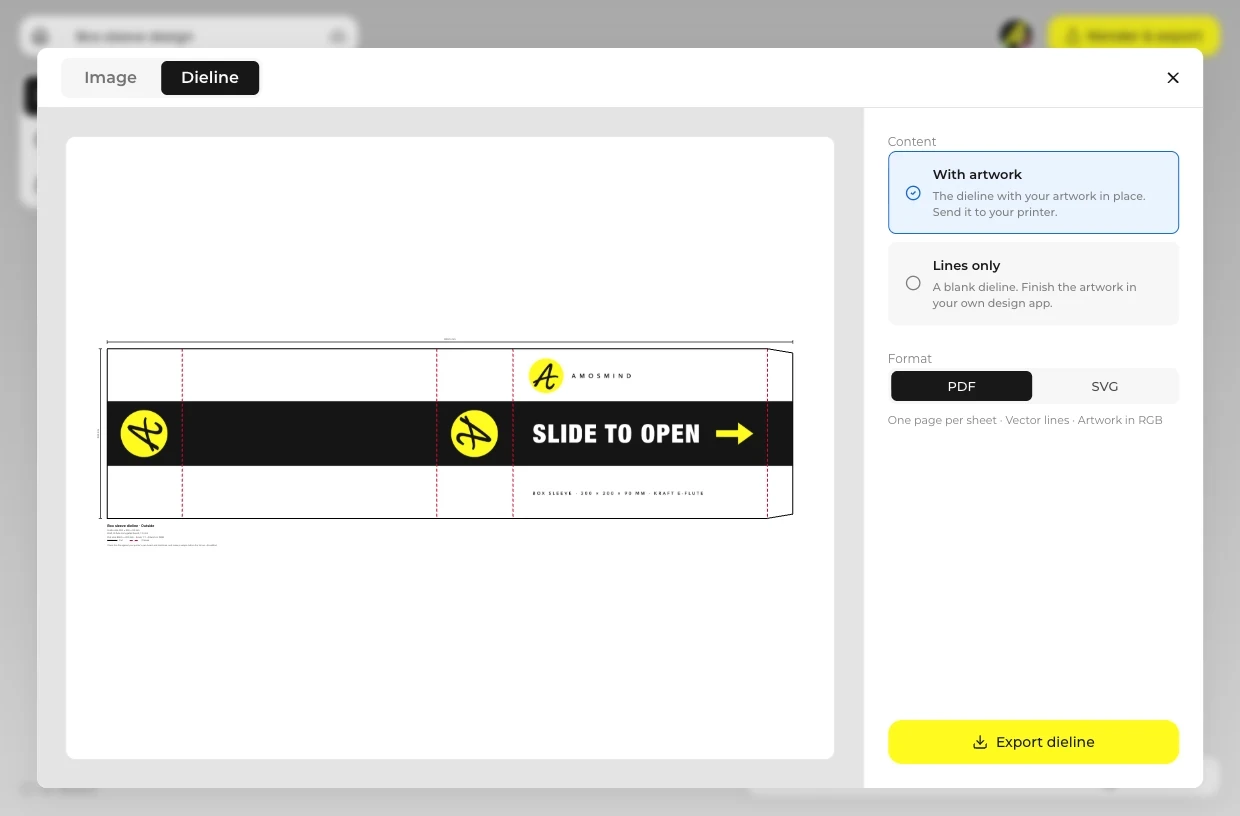
On Image, render a 2K or 4K JPG or PNG, with Transparent in Background for no background. On Dieline, download the sleeve as a PDF or SVG for the printer.
Every box opens in the same live 3D editor.
Match the sleeve board to the box under it. The faces are the same on both.
| Compare | Paperboard sleeves | Corrugated sleeve |
|---|---|---|
| Sleeves here | Tube sleeve, Belly band, Paper sleeve | Box sleeve; the Sliding box sleeve |
| Thickness | 0.5 mm | 1.5 or 3 mm; the Sliding box also 0.5 mm paperboard |
| Goes over | Cartons and rigid boxes | Mailers, trays and shipping boxes |
| Faces in the Material panel | Kraft, White outside, White both sides | The same three |
A sleeve is printed on its own, so the box under it can stay plain.
Short answers about coverage, sizing and printing.
A band or tube of board that slides over a box, open at both ends. Here it comes as a corrugated Box sleeve, a Tube sleeve, a Belly band and a Paper sleeve, plus the Sliding box with its own drawer.
Yes. Open the Dieline tab in Render & export and download the sleeve as a PDF or SVG at full size, with cut and crease lines; the mockup shows how the print runs all round. Ask your printer for a sample before the full run.
A belly band covers a strip round the middle, so the box and any print on it show above and below. A full sleeve covers four sides and leaves only the ends open. Type the size of either one in Size.
Type the outside length, width and height of the box it goes over, plus a little room so it slides on. The Tube sleeve, Belly band and Paper sleeve take 100–400 × 60–300 × 30–120 mm, the Box sleeve 120–550 × 80–550 × 50–200 mm.
Not in one model. The sleeve is a model of its own: render it, render the box separately, then place the two together in your own layout. The Sliding box is the exception, since it shows a sleeve with its drawer.
A sleeve slides over any box you already have. The Sliding box, sometimes called a sleeve box, is a sleeve and its own drawer, printed as two sheets: Sleeve and Drawer.
Yes. Choose Kraft in the Material panel on any sleeve. The Kraft belly band card starts that way.
Browsing the boxes and turning them in 3D is free. Log in with an email code or Google to upload artwork, save projects and render images. Exporting a rendered image or a dieline needs a free account; rendering and downloads are free right now.