
Cosmetic box mockups in real-time 3DCartons sized for each product
Start a cosmetic box mockup from the product it holds. Pick a carton for lipstick, serum, cream or lotion, type its size and see how it closes before you place artwork on the front and back.
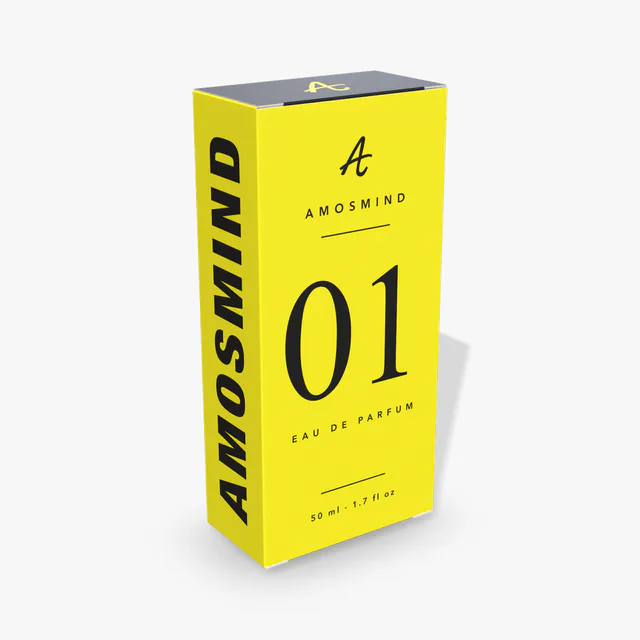
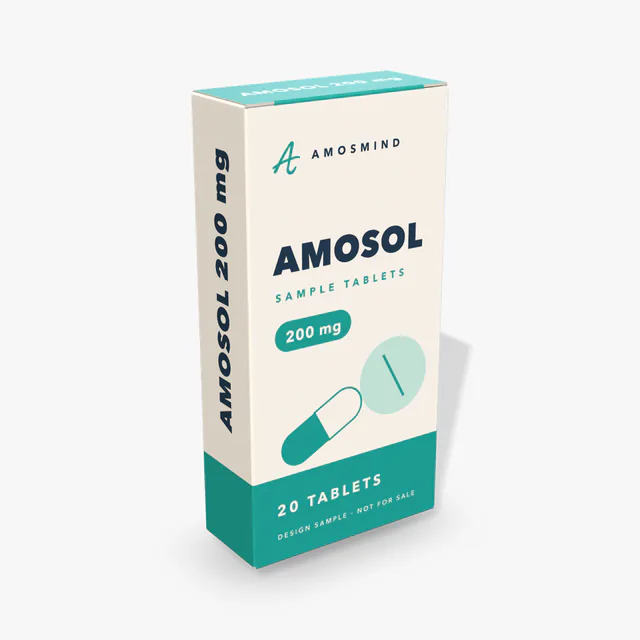
Where artwork goes on a cosmetic carton
Each panel of a carton has a job. Here is what to put on it and when it shows on the 3D model.
| Panel | Put there | Seen in 3D |
|---|---|---|
| Front wall | Brand and product name | Faces you when the carton stands; Upload artwork places your design here first |
| Back wall | Ingredients and directions | When you turn the carton round |
| Side walls | Barcode, batch number, volume | When you turn the carton to its side |
| Top lid | A logo or a pattern | From above, on every carton |
| Tuck flap and dust flaps | Nothing that has to be read | Hidden once closed: the tuck flap goes in behind the front wall and the dust flaps fold in under the lid |
| Inside | A short message | Tuck end cartons (Lipstick, Perfume, Serum, Cream, Medicine): on the inside of the lid, seen at Open with the lid leaning back. Lotion box and Tuck top box: on the floor |
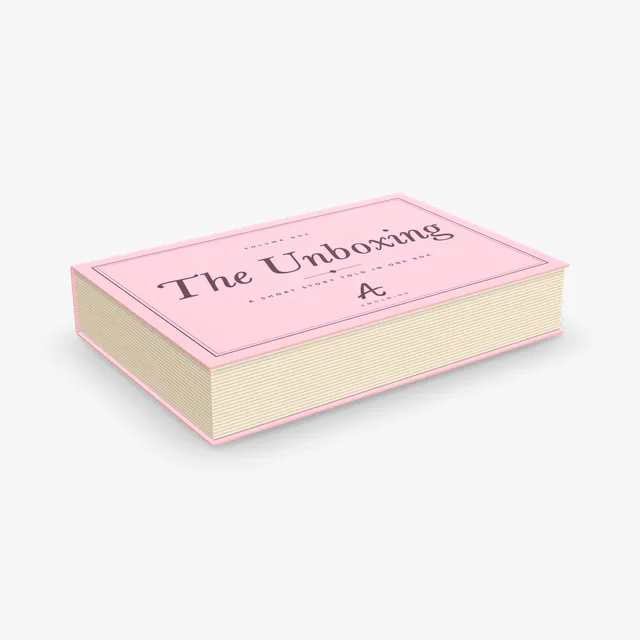
| Magnetic and Book-style boxes | Case wrap, Case liner, Tray wrap | Case wrap when closed; Case liner inside the lid and Tray wrap on the tray at Open; parts covered by the tray show hatched |
Text has to be part of the uploaded artwork, so set it in your design file first.
Three ways a cosmetic carton closes
Every paperboard carton on this page closes in one of three ways. The closure decides which panels stay clean and how the box opens.
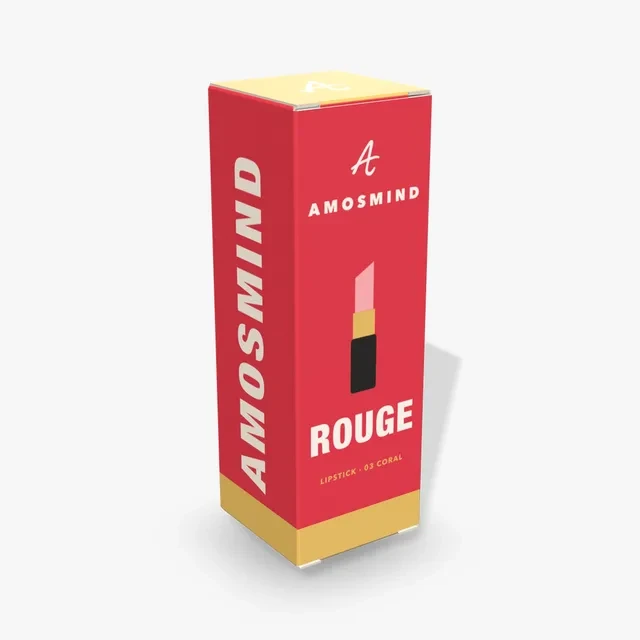
Straight tuck
Both lids hinge on the same wall, the back. The front panel runs clean from top to bottom.
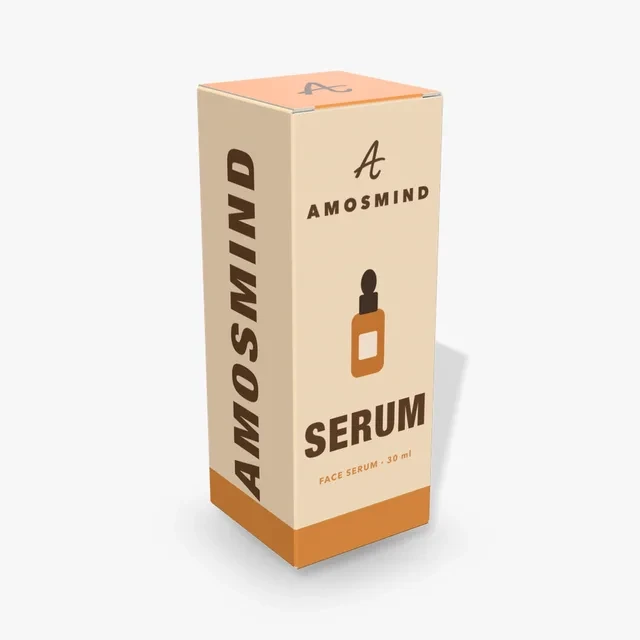
Reverse tuck
The top lid hinges on the back wall and the bottom lid on the front wall.
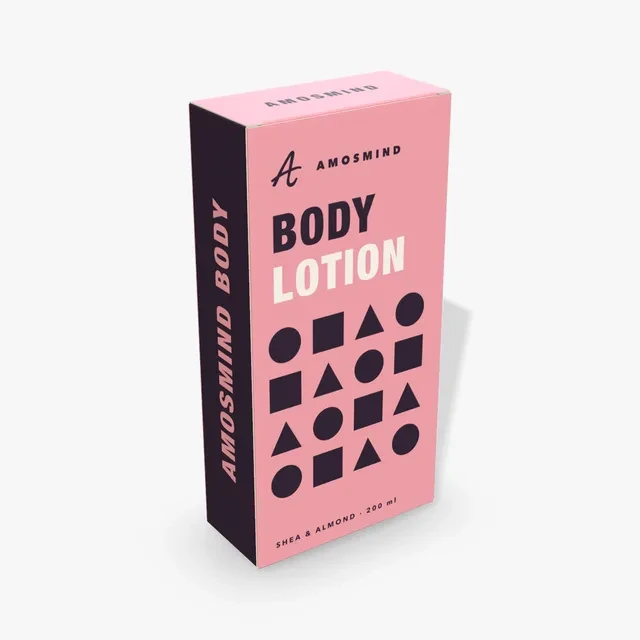
Tuck top
A tuck lid on top and a glued bottom that does not open.
Cosmetic boxes to start from
Each one opens at a size set for its product. Change the numbers to fit yours.
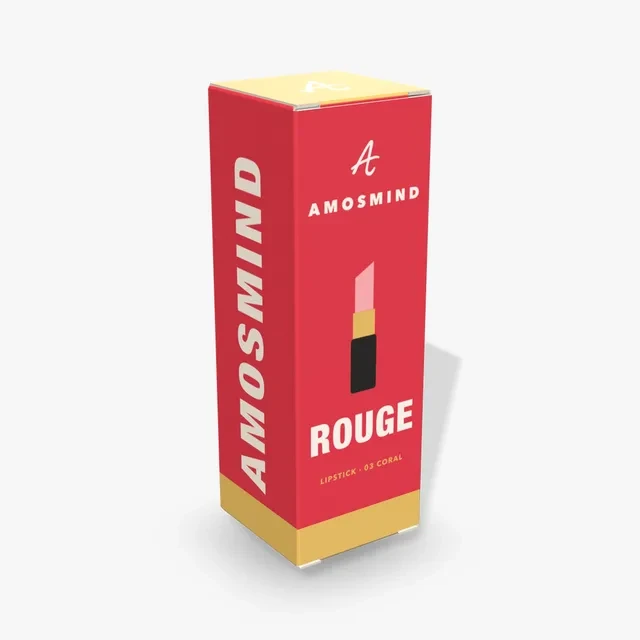
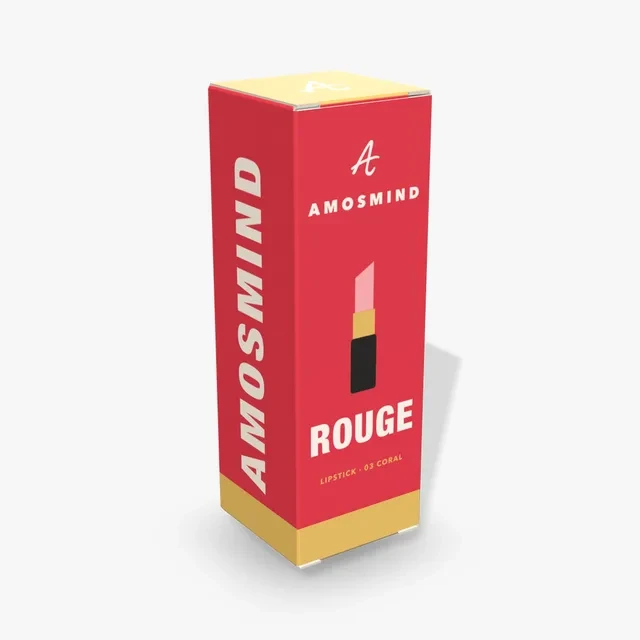
Lipstick box
A straight tuck carton at 30 × 30 × 90 mm, narrow and square in section.
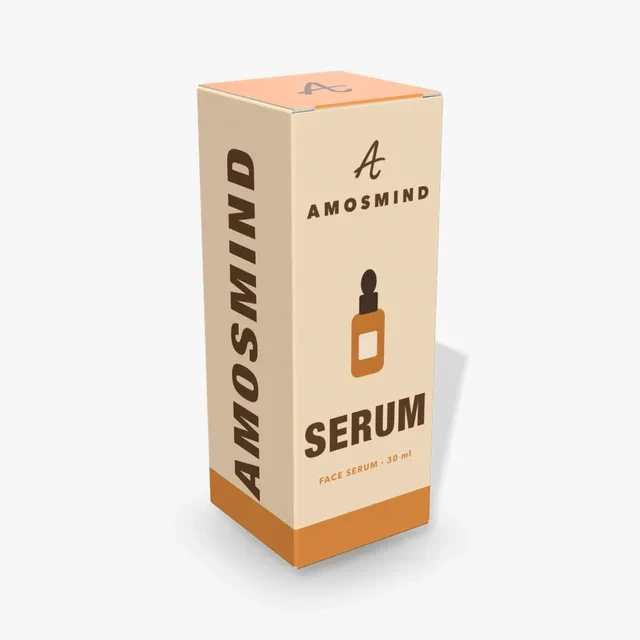
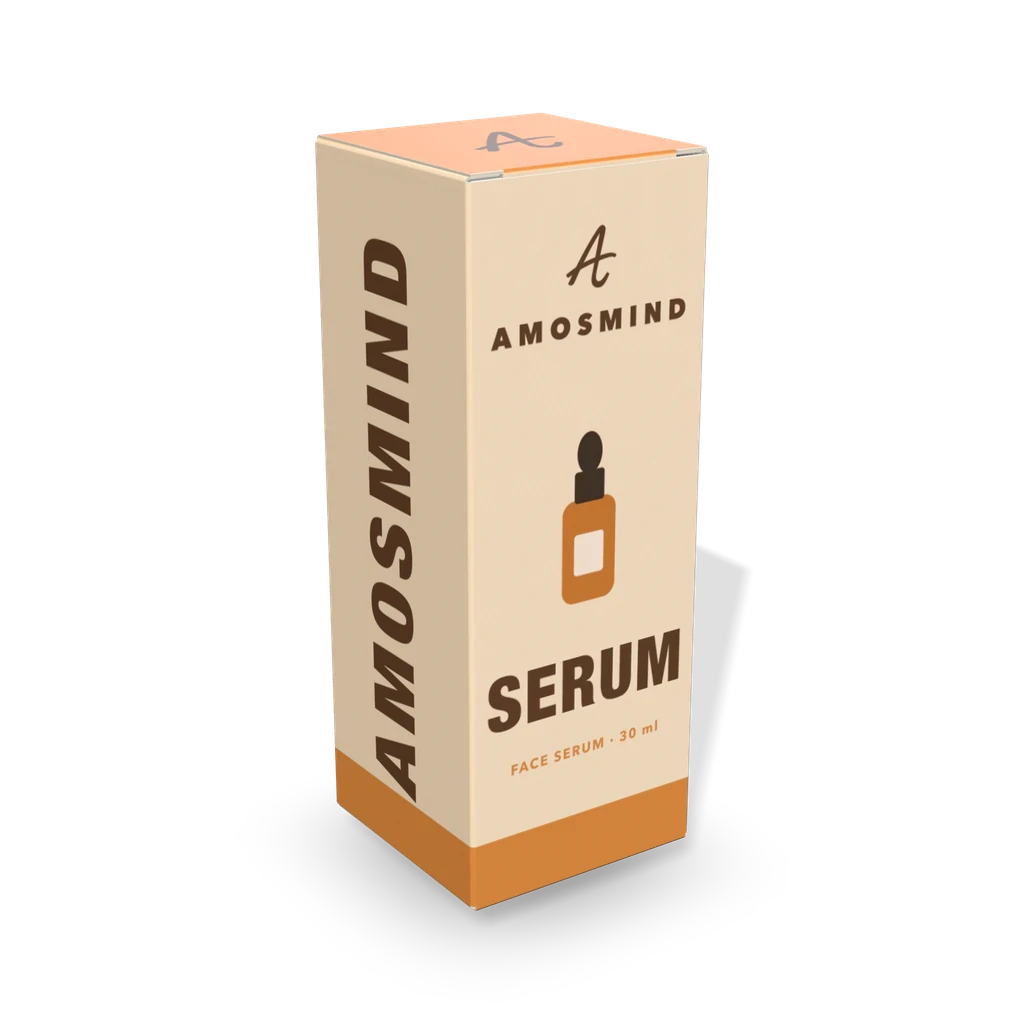
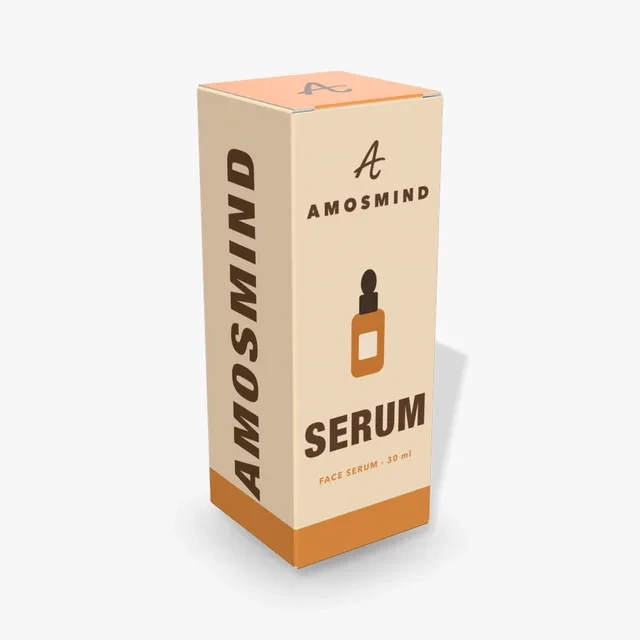
Serum box
A reverse tuck carton at 38 × 38 × 102 mm, sized for a dropper bottle.
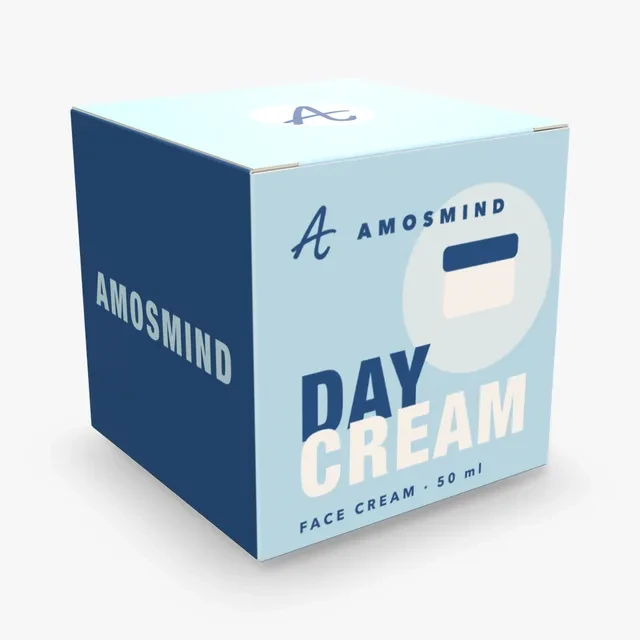
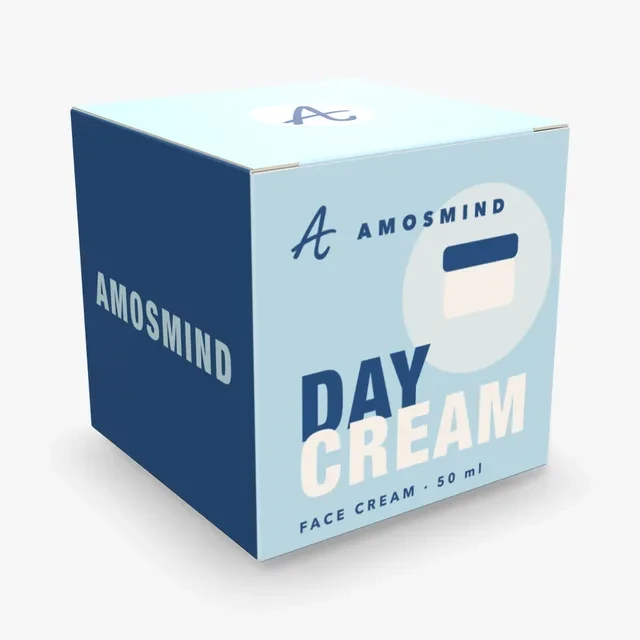
Cream box
A reverse tuck carton at 80 × 80 × 80 mm. A cube that holds a round jar.
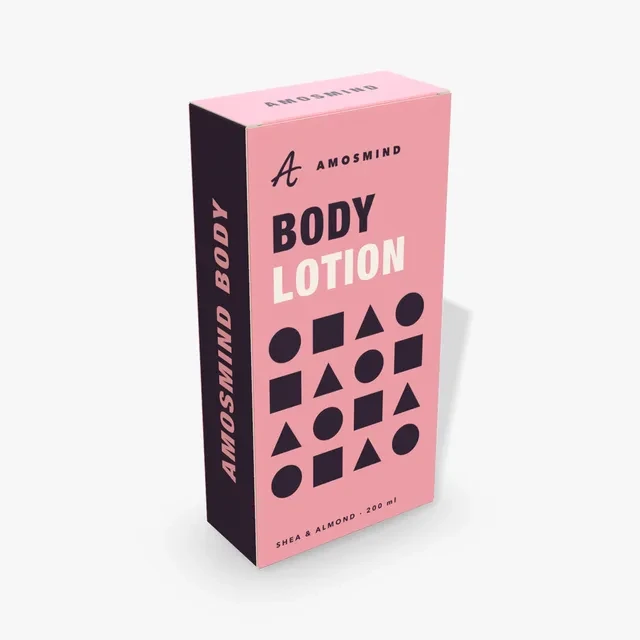
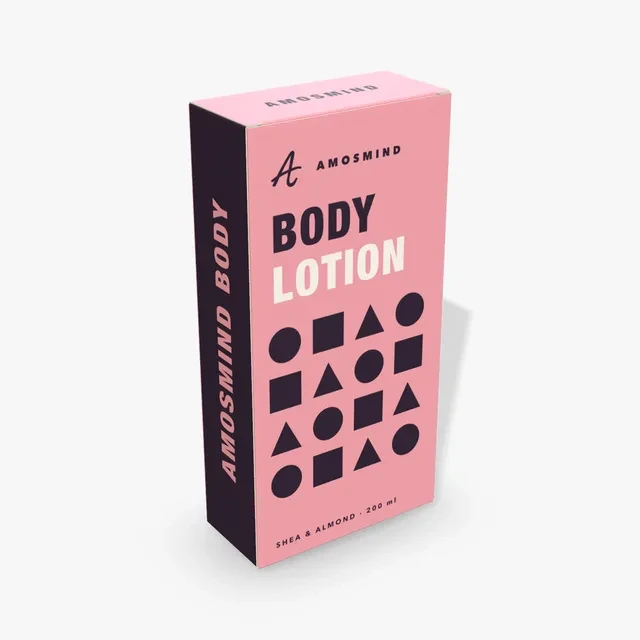
Lotion box
A Tuck top box at 100 × 45 × 200 mm, with a glued bottom under the bottle.
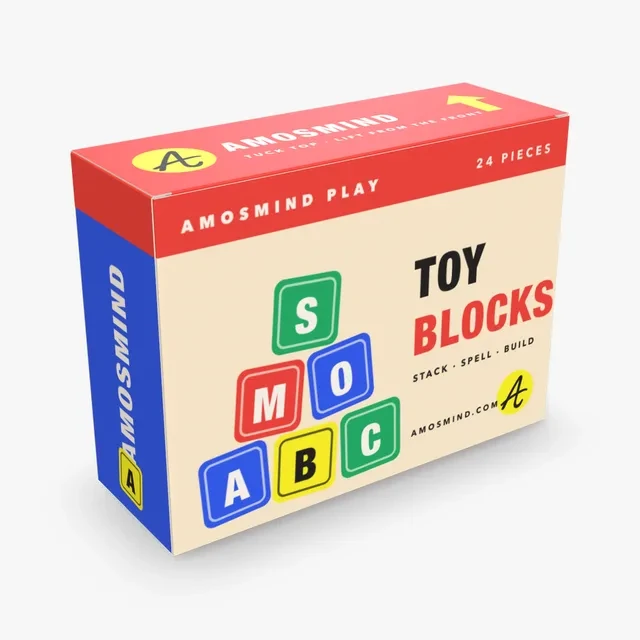
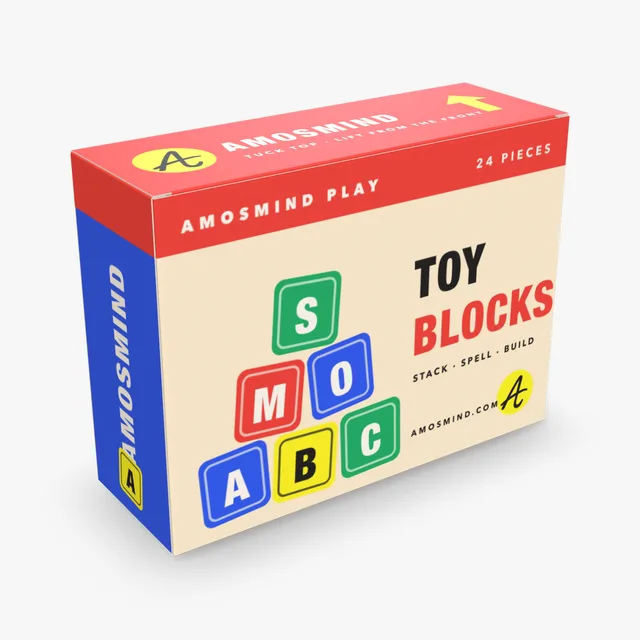
Tuck top box
Wide and flat, starting at 190 × 65 × 140 mm in 0.5 mm paperboard. It suits a palette or a small set.
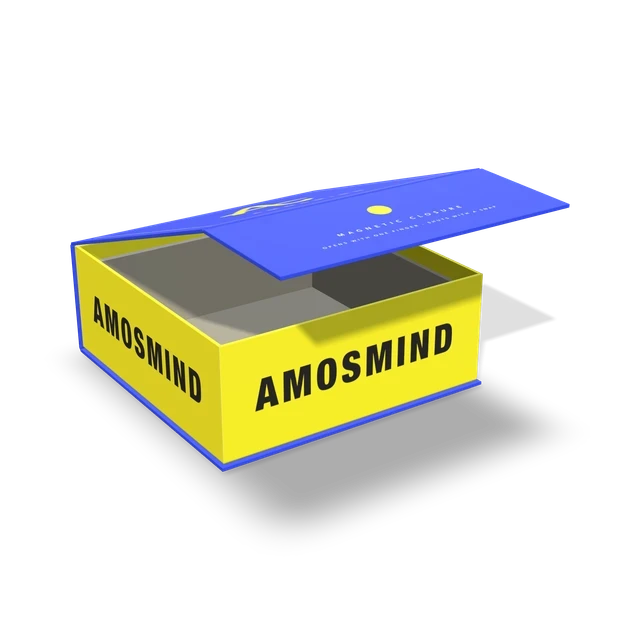
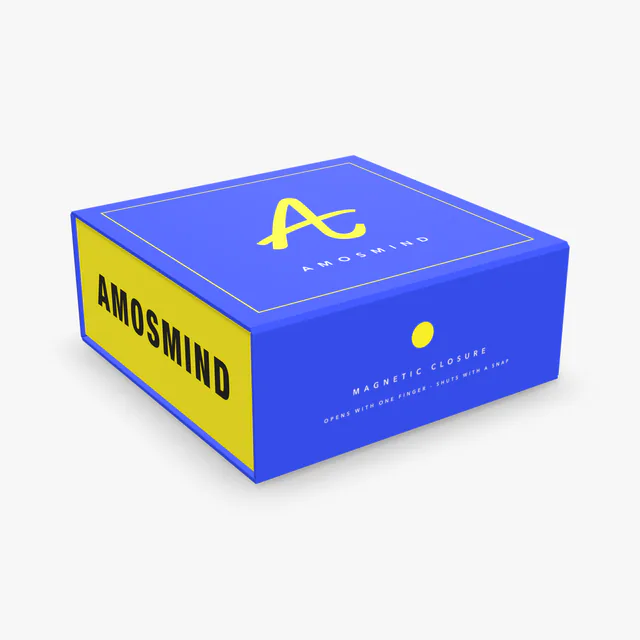
Magnetic box
A grey-board tray inside a wrapped case. The lid swings up and the front flap folds down to close.
How to make a cosmetic box mockup
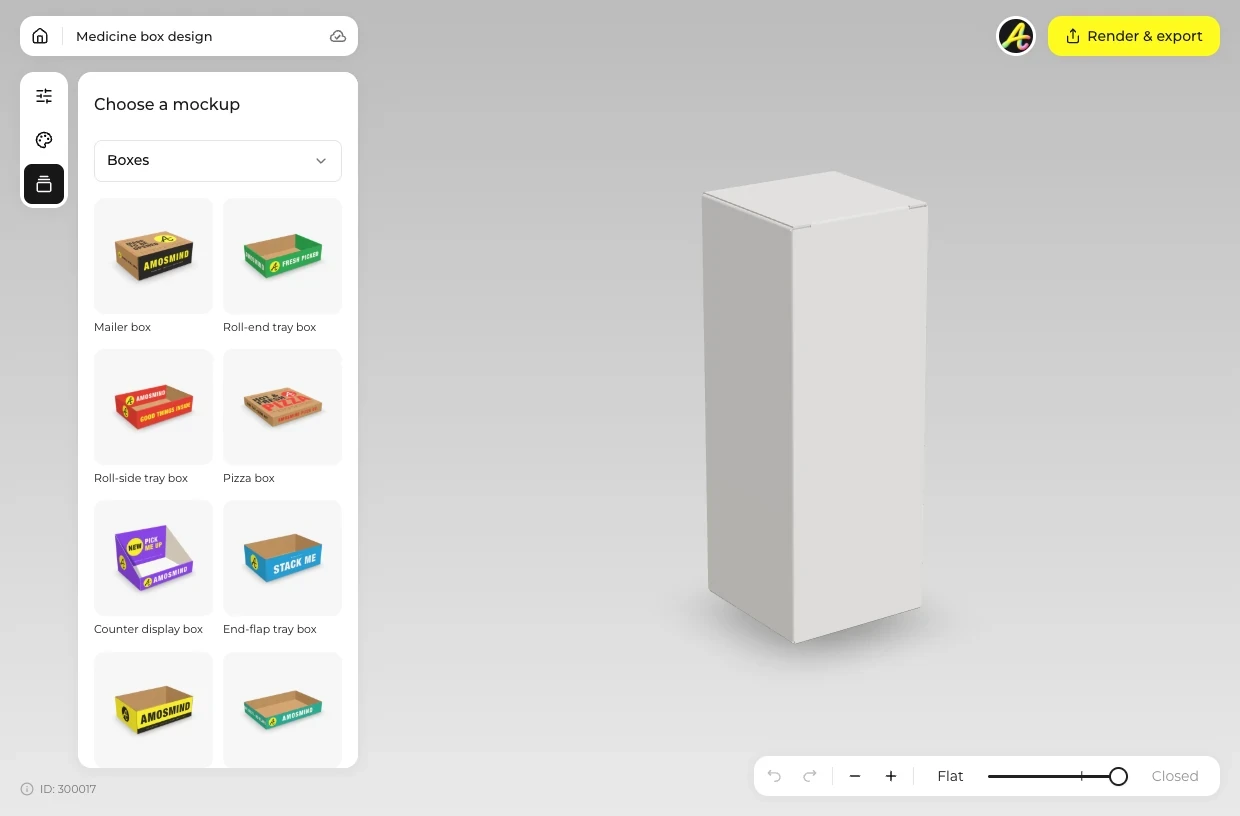
Pick the carton
Choose the box that matches your product from the list above.
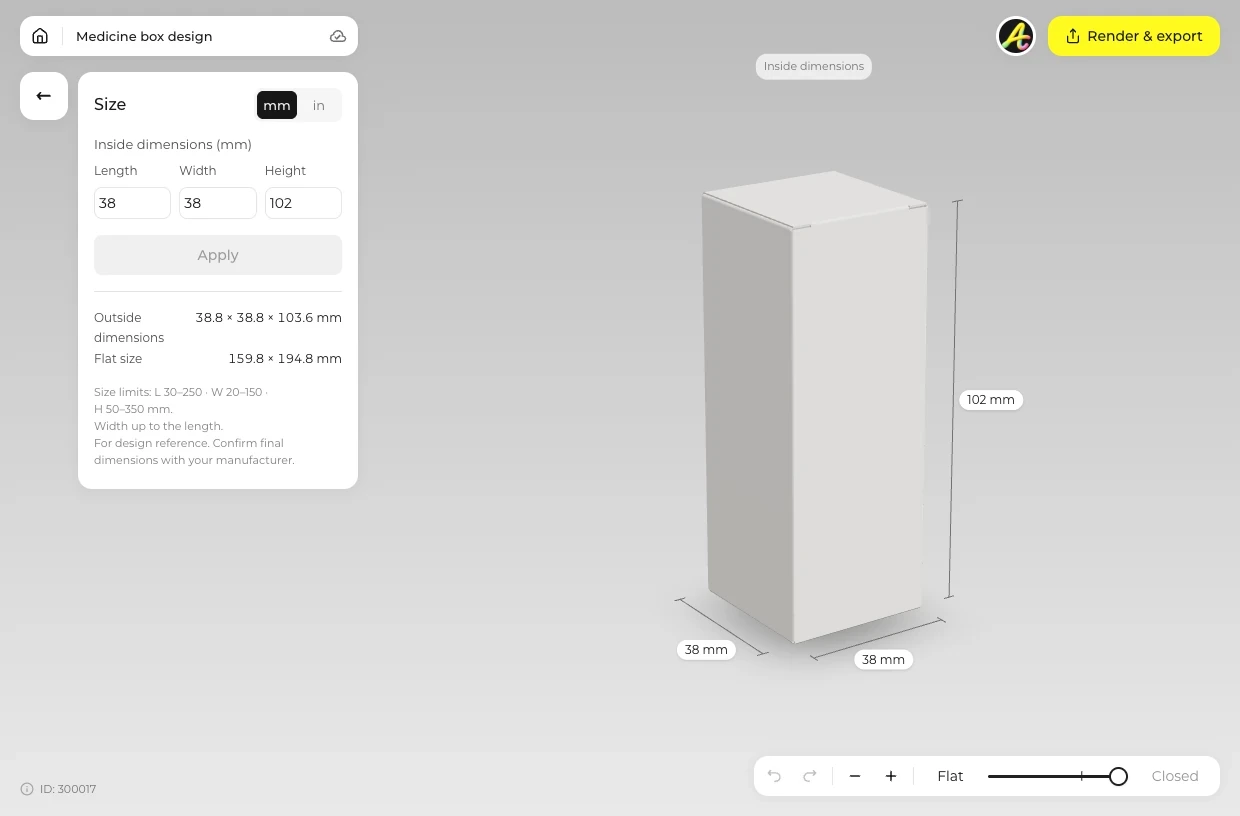
Type the product size
Open Size and type the inside size of the product with its cap. In Material, choose the board and its thickness, 0.3 to 0.6 mm on the tuck end cartons.
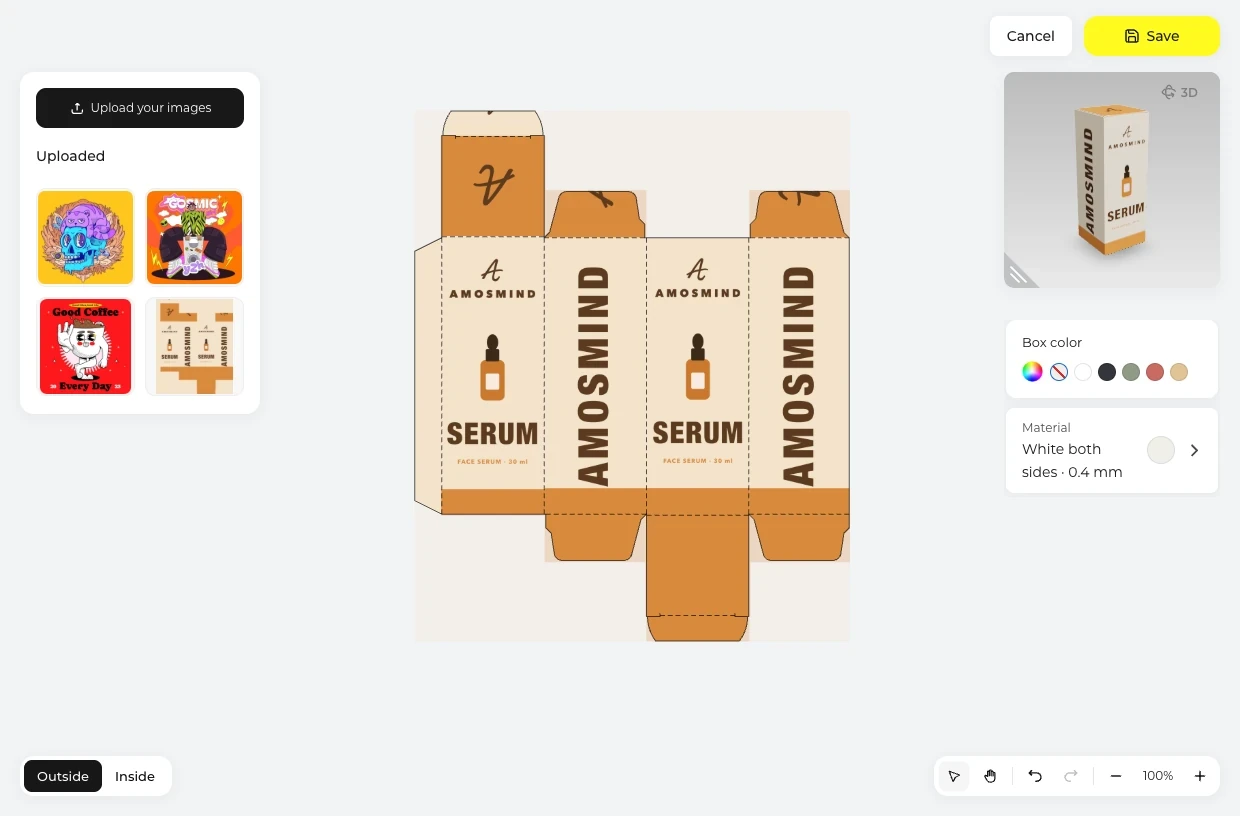
Place the panels
Click Upload artwork and place your design on the Outside of the dieline. Brand and product name go on the front, ingredients on the back, the barcode on a side.
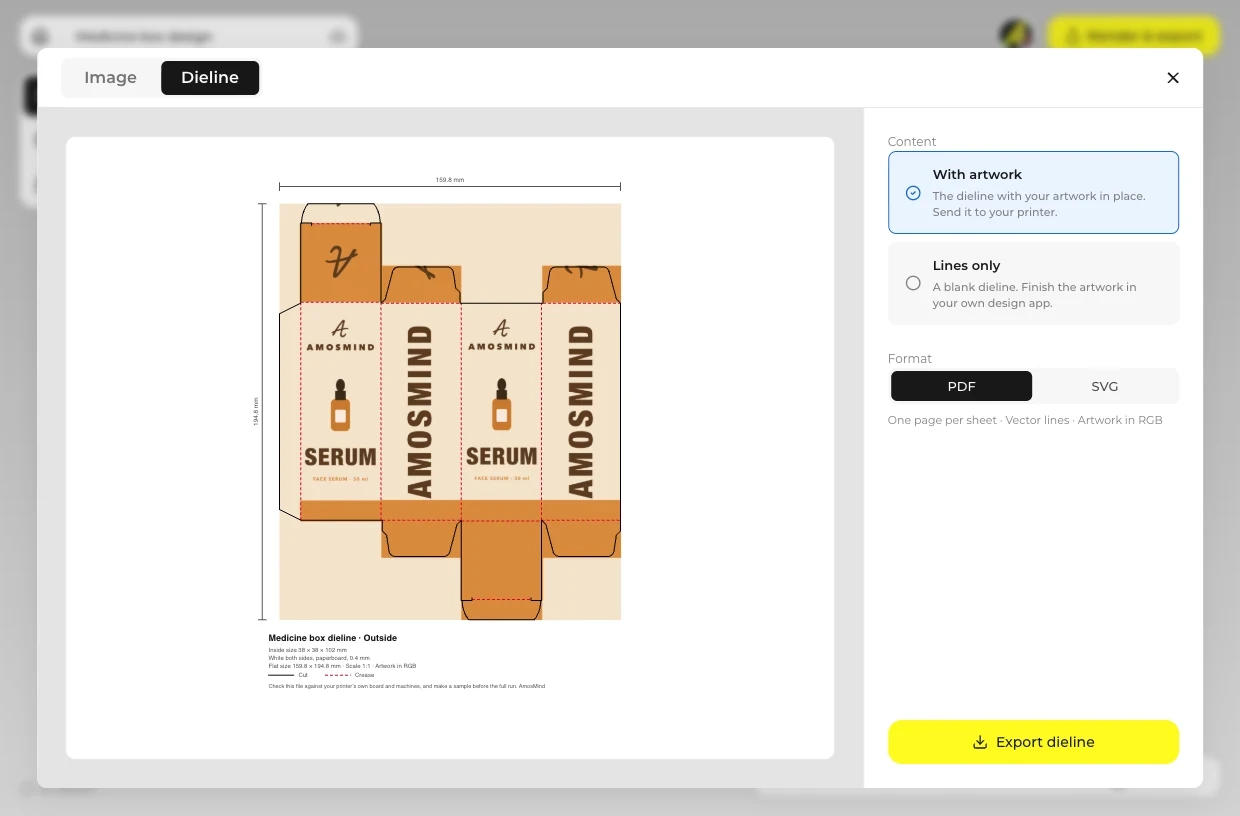
Render & export
On the Image tab, render up to 4K, or set Background to Transparent for a PNG. The Dieline tab gives a PDF or SVG.
Explore more box mockups
Every box opens in the same live 3D editor.
Paperboard choices for cosmetic cartons
The paperboard cartons here come in three boards. This is how each one shows outside, inside and under Box color.
| Compare | White both sides | White outside | Kraft |
|---|---|---|---|
| Outside | White | White | Brown |
| Inside, seen at Open | White | Brown (kraft) | Brown |
| Starts in it | Every carton on this page | Choose it in Material | Choose it in Material |
| Box color | Prints over white on either face | Prints over white outside and brown inside | Prints over brown; No print leaves it bare |
The tuck end cartons come in 0.3 to 0.6 mm and the Tuck top box in 0.5 mm on every board, while the Magnetic and Book-style boxes use a White, Black or Kraft wrap instead.
Cosmetic box mockup FAQ
Short answers about closures, sizes and labels.
How to create a packaging mock up?
For a cosmetic carton, first choose the closure that fits the product: straight tuck, reverse tuck or tuck top. Type the inside size, click Upload artwork and place the brand on the front and the ingredients on the back, then open Render & export.
What are some good mockups for skin care products?
The Serum box, Cream box and Lotion box are set up for droppers, jars and bottles, and a Magnetic box holds a full set. Only the boxes are made here, not the tubes, jars or bottles themselves.
Straight tuck or reverse tuck: which carton should I use?
A straight tuck carton has both lids hinged on the back wall, so the front panel stays clean at both ends. A reverse tuck has the top lid on the back and the bottom lid on the front. Both are paperboard here, and the Tuck top box has a glued bottom that does not open.
What size box do I need for a serum bottle?
Measure the bottle with its dropper in place and add a few millimetres. A 1 oz dropper fits the Serum box at 38 × 38 × 102 mm (1.5 × 1.5 × 4 in), and you can type any size within 30–250 × 20–150 × 50–350 mm.
Where do the ingredients go on a cosmetic box?
Usually on the back panel, with the barcode and batch number on a side. Text has to be part of the artwork you upload. Check the labeling rules with your printer or regulator.
What thickness of board is used for cosmetic cartons?
The tuck end cartons offer 0.3, 0.4, 0.5 or 0.6 mm paperboard (12 to 24 pt), and the Tuck top box is 0.5 mm. The Magnetic and Book-style boxes use 1.5, 2 or 3 mm grey board.
Can I export a cosmetic box mockup with no background?
Yes. Choose Transparent in the Background panel and the carton renders as a PNG with no background, ready for a product page.
Where can I find free mockups for products?
Browsing the boxes and turning them in 3D is free. Log in with an email code or Google to upload artwork, save projects and render images. Exporting a rendered image or a dieline needs a free account; rendering and downloads are free right now.