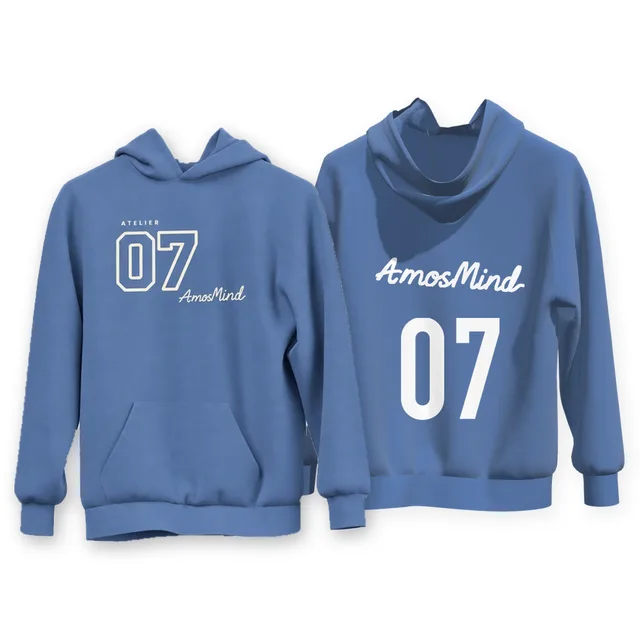
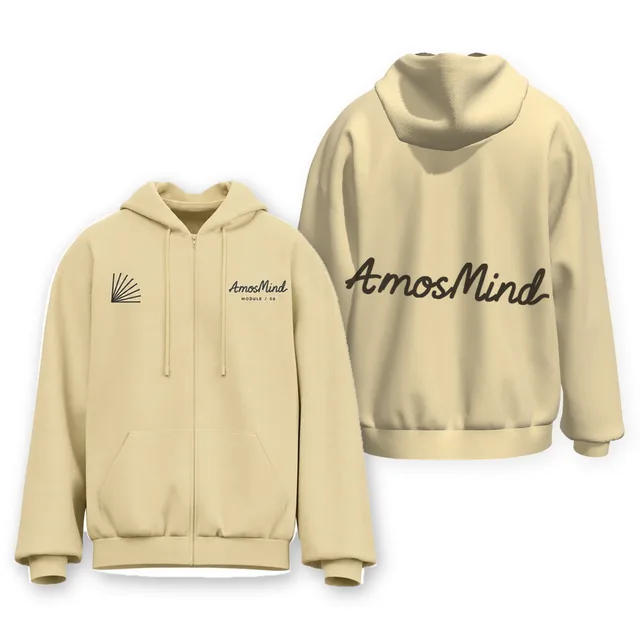
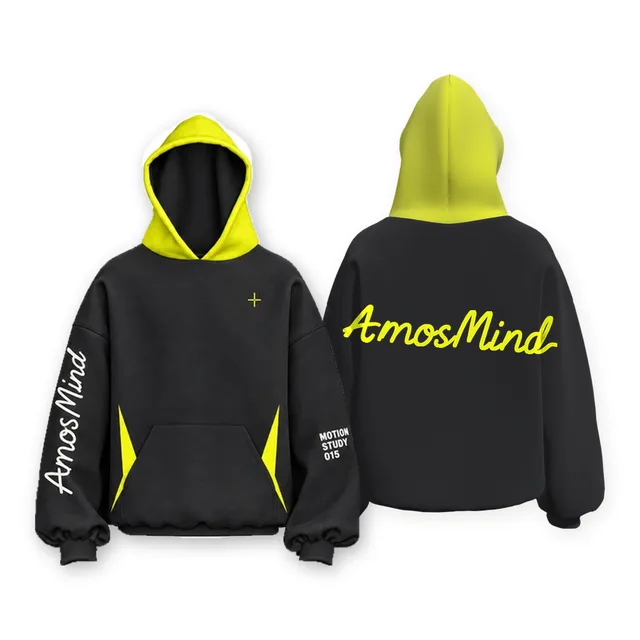
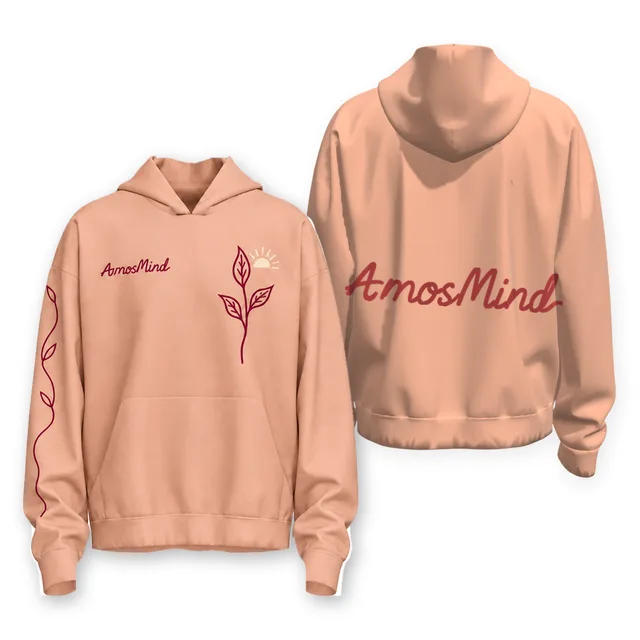
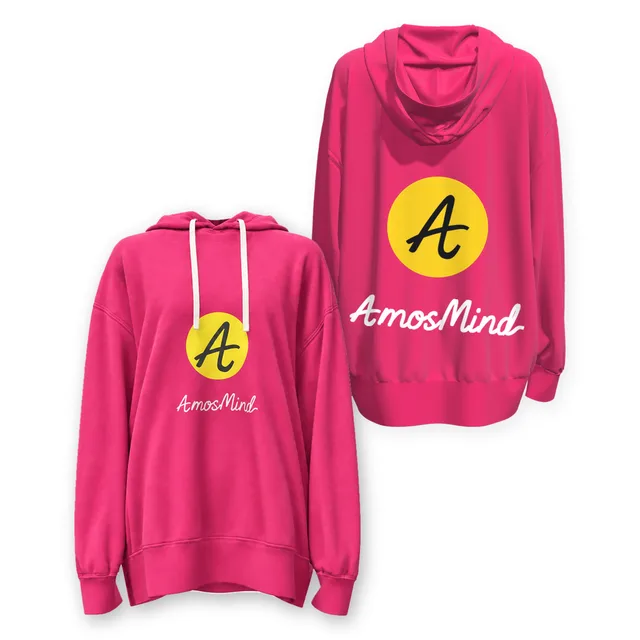
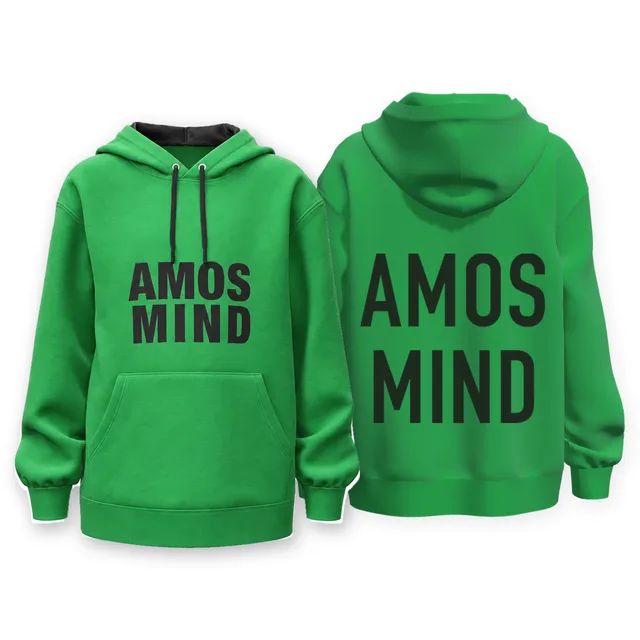
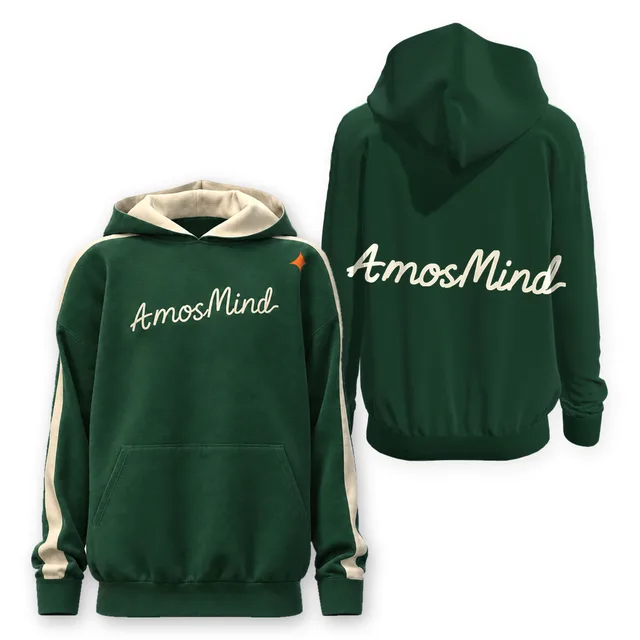
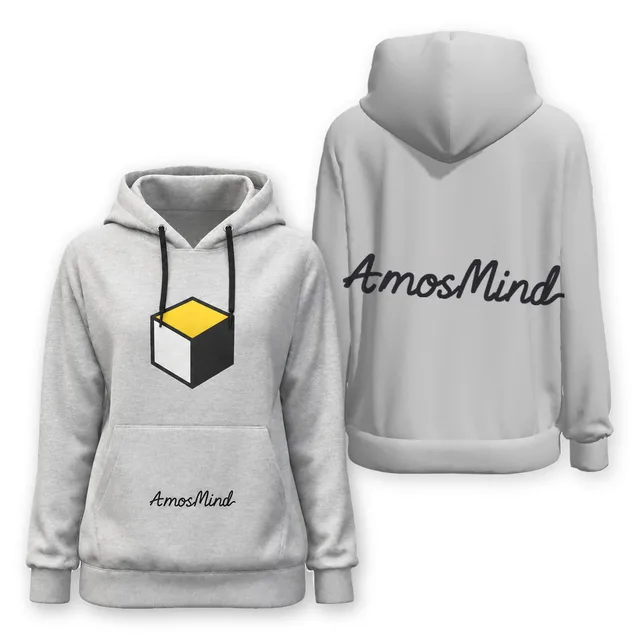
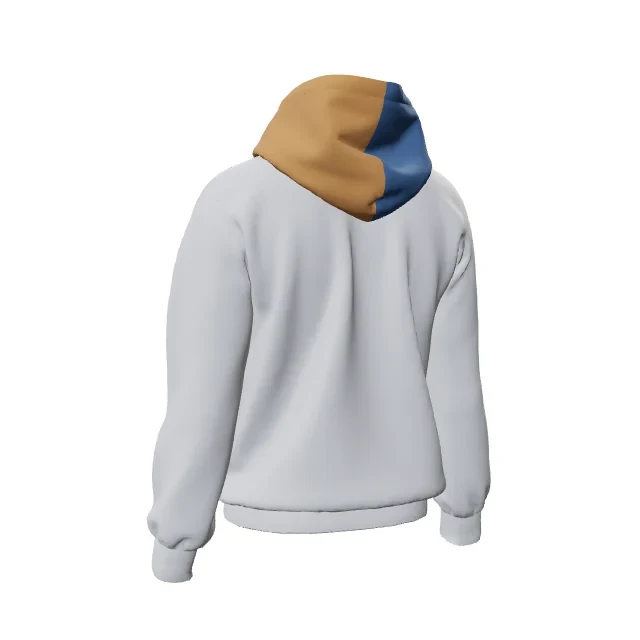
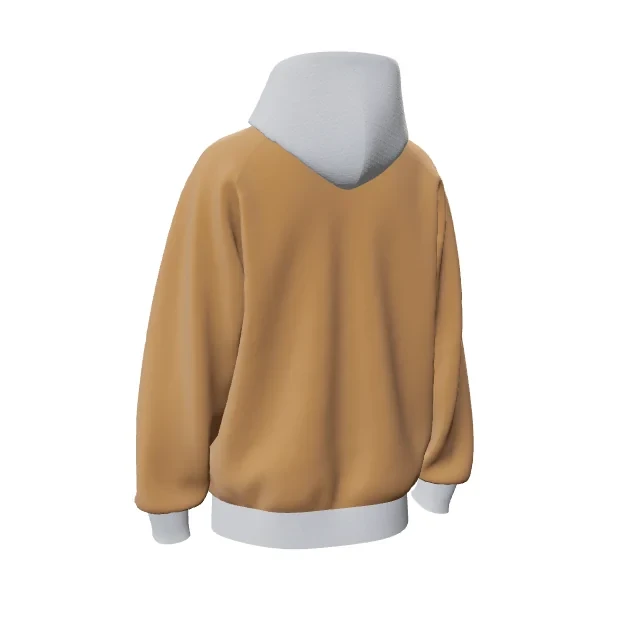
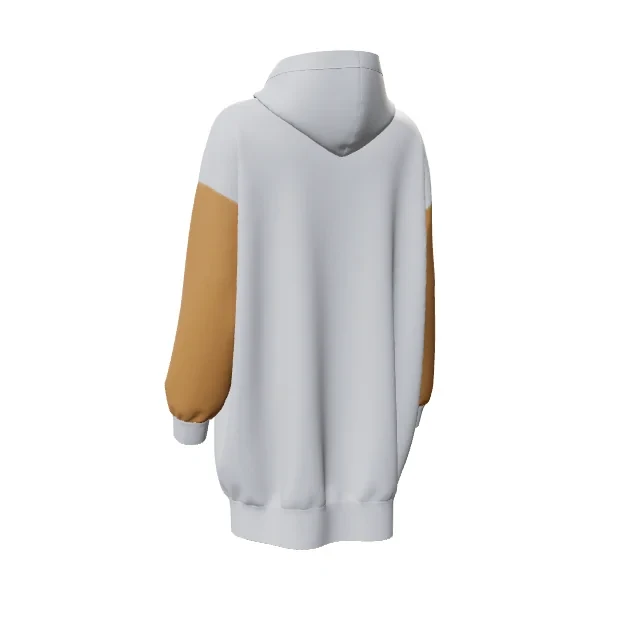
Can I inspect front and back artwork on the same hoodie model?
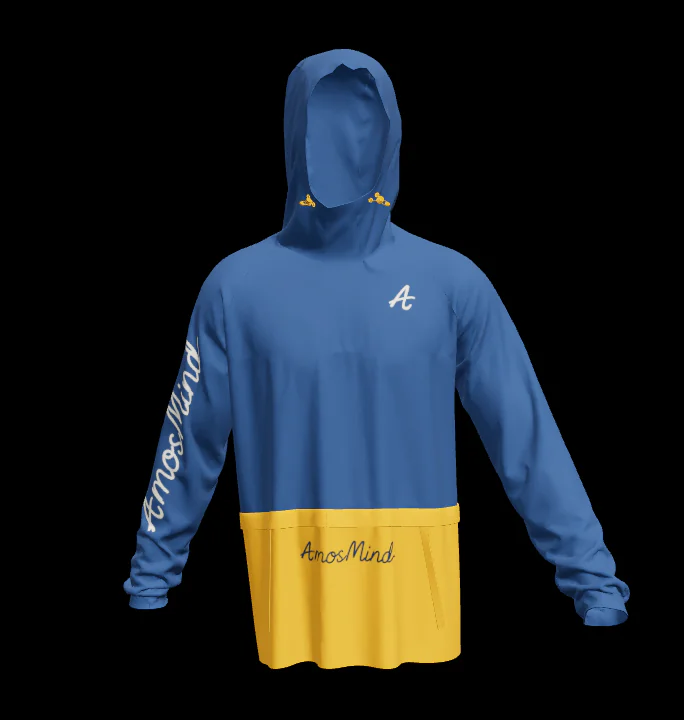
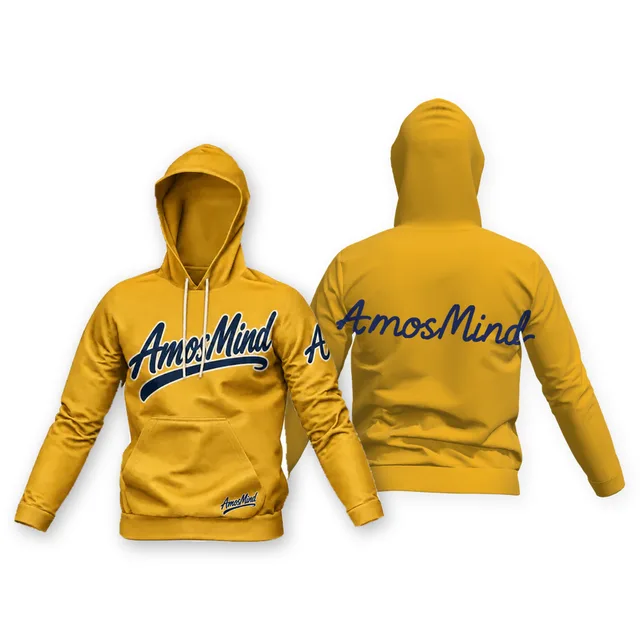
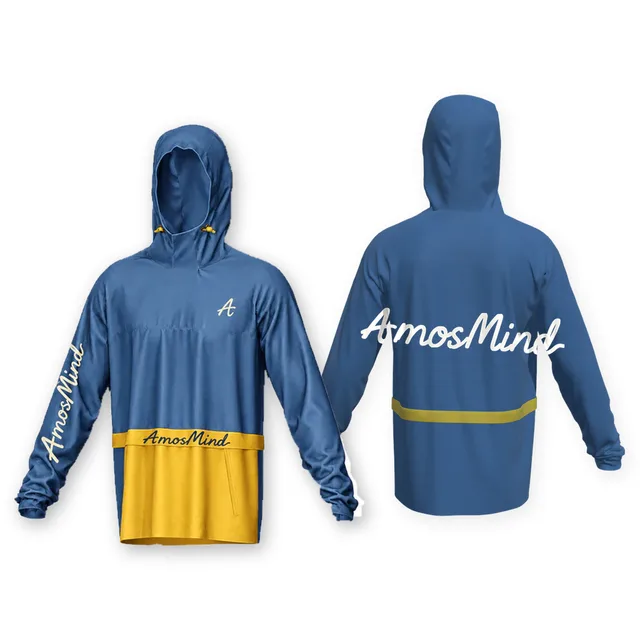
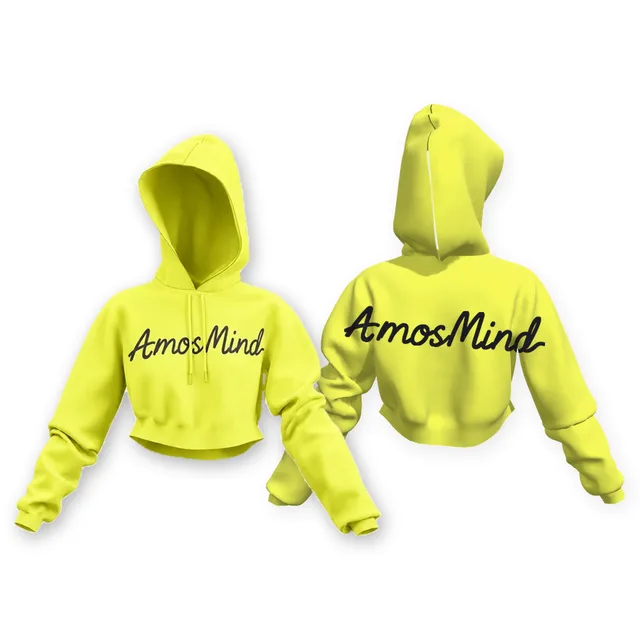
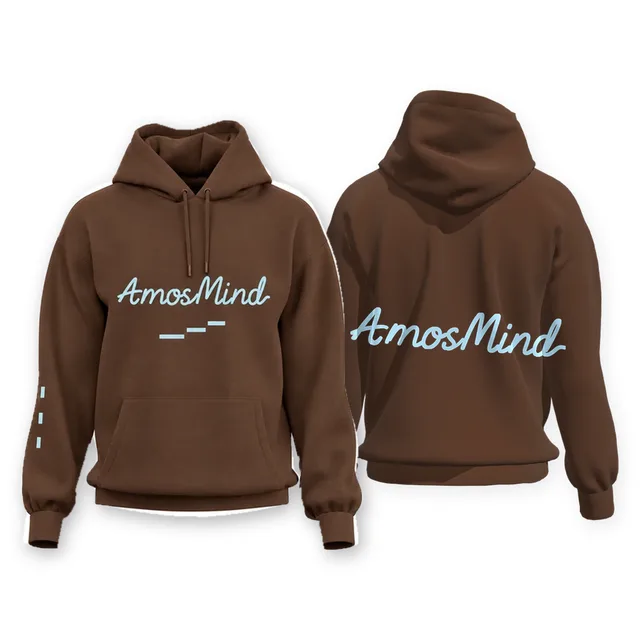
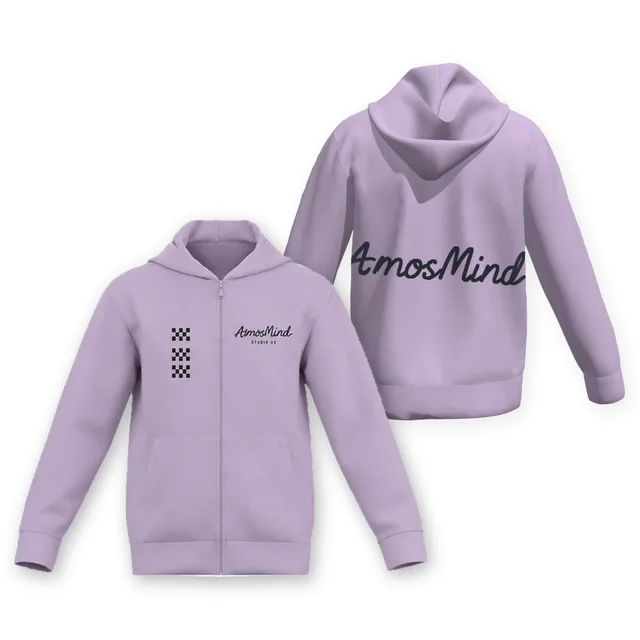
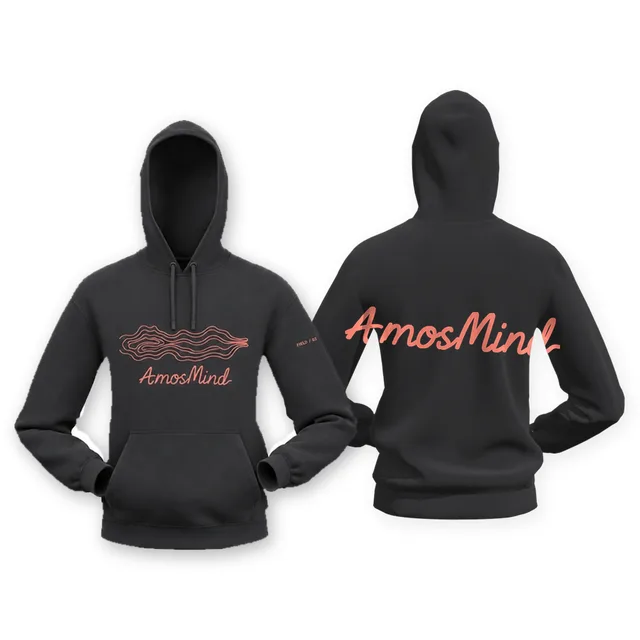
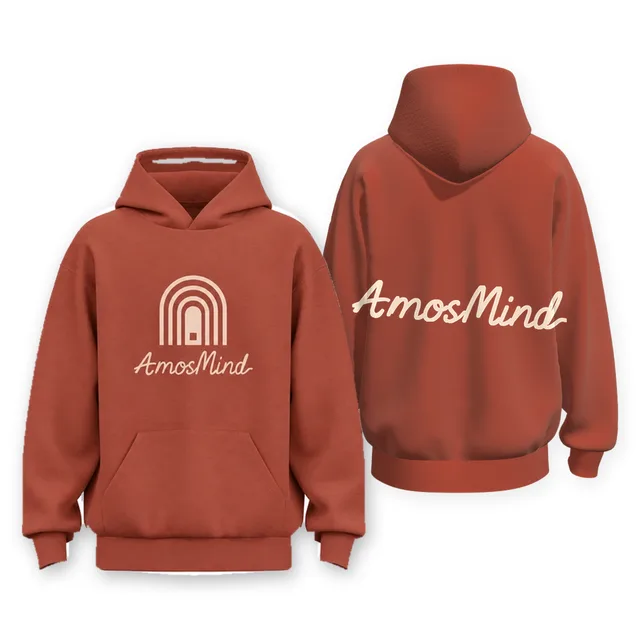
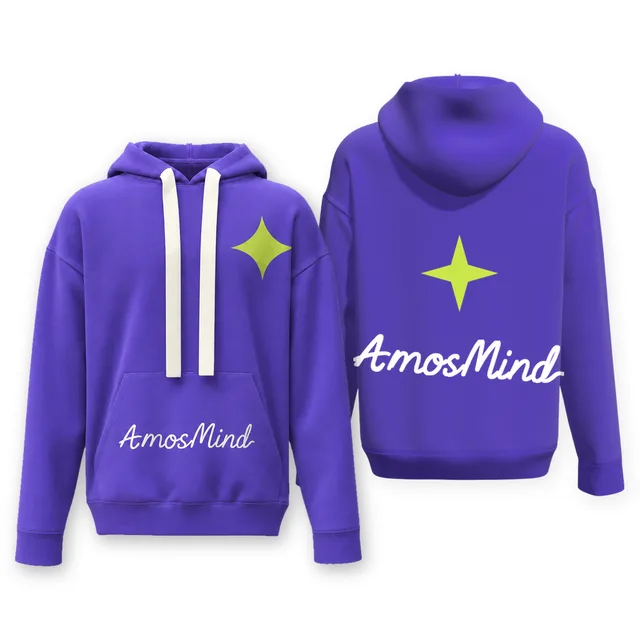
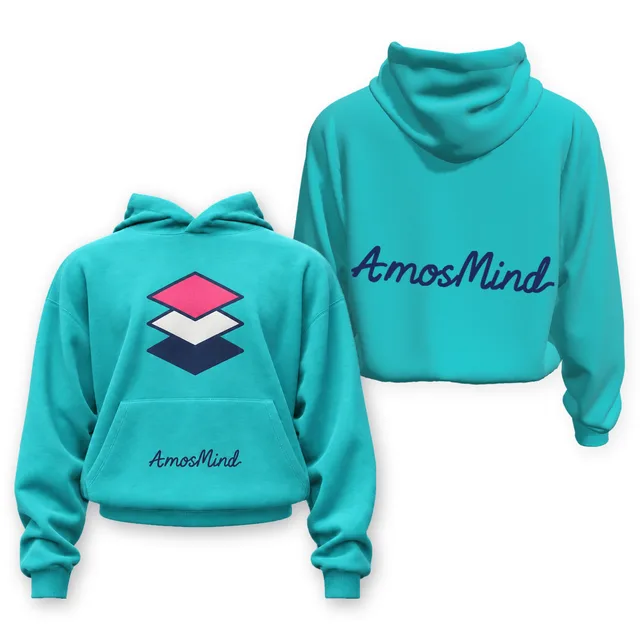
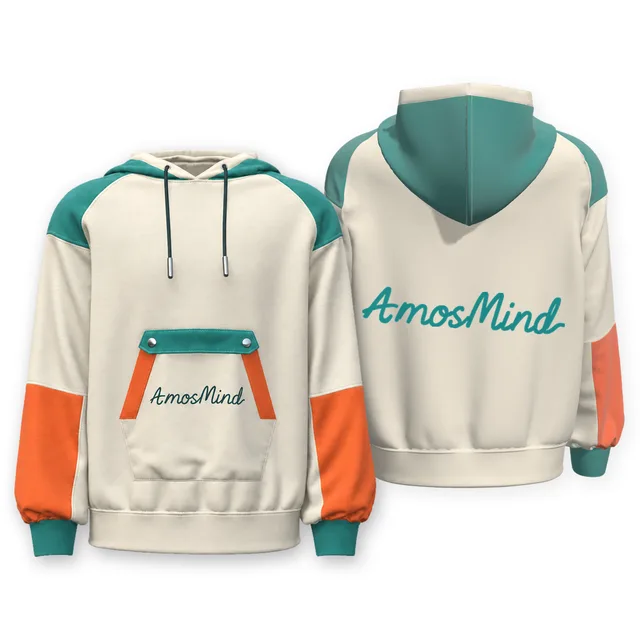
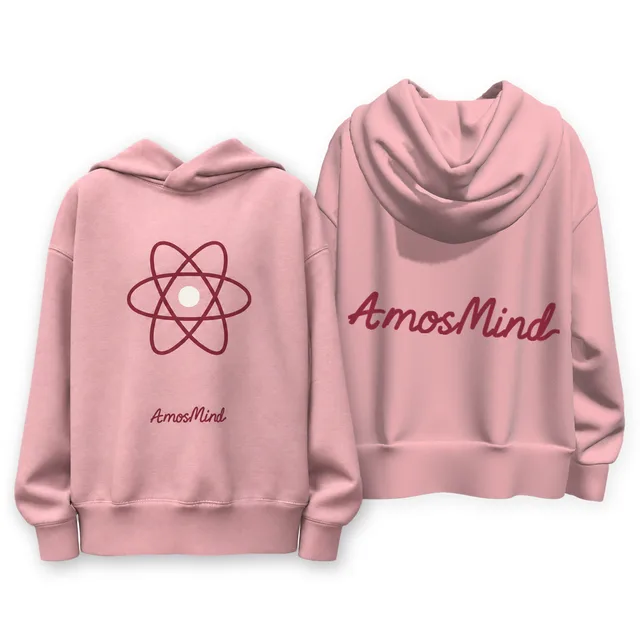
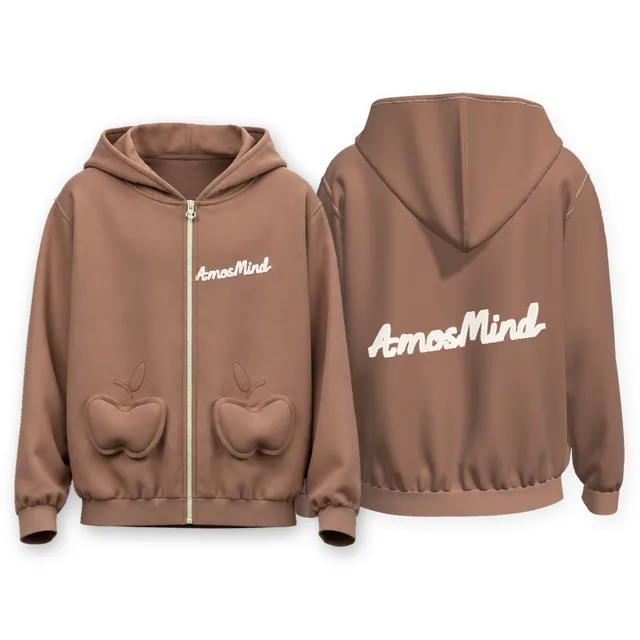
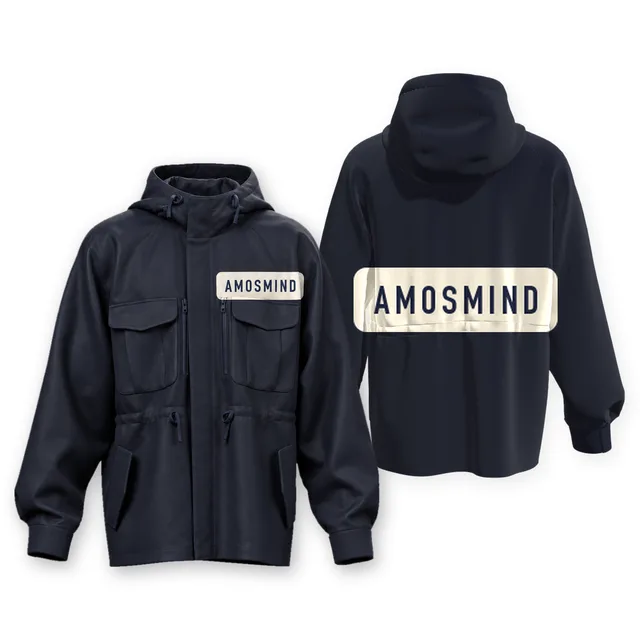
Yes. Each style on this page has a front print area and a back print area on the same model. The cover image shows both sides, so you can review a chest design and a back design as one set.
How do I select the back print region without changing the front design?
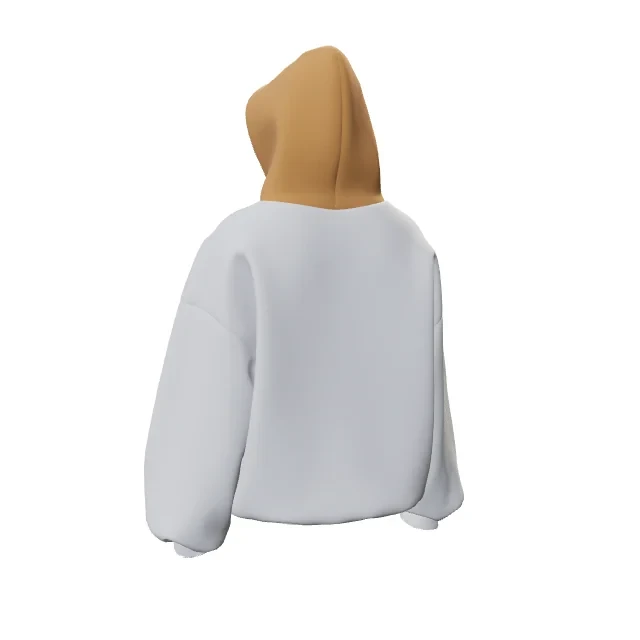
The back is its own print region, separate from the front. Artwork placed on the back stays on the back, and the front design is left as it was. On panelled styles, the back can be split further, for example into a back and a lower back, or into left and right back panels on the open-front cropped style.
What does a front-and-back cover show before I open the editor?
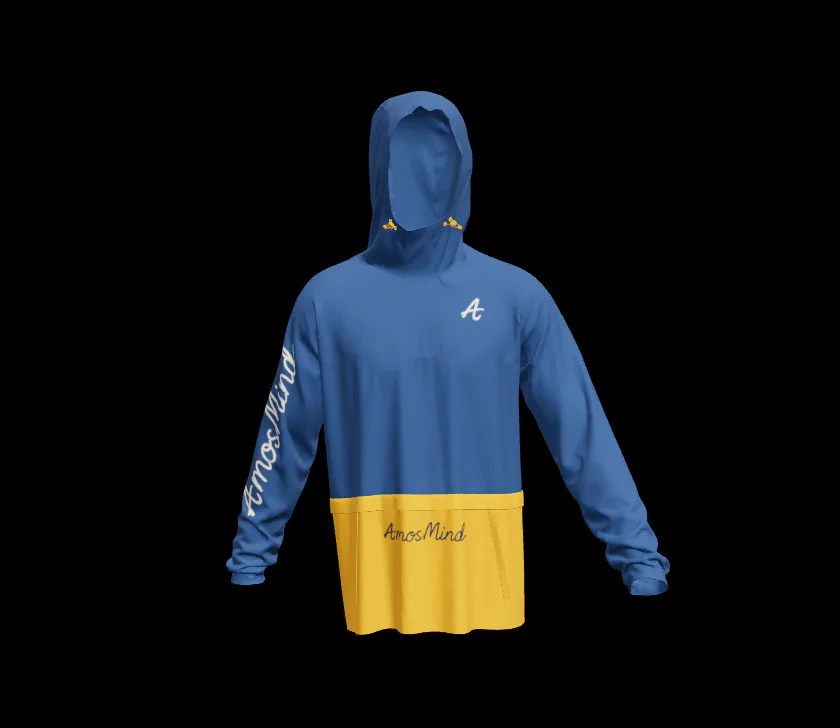
The cover shows the hoodie from the front and the back with sample AmosMind artwork. It is a quick way to compare silhouettes, pockets, zips and hoods. To see which print regions a style supports, open it in the editor.
How can I compare pocketed and clear front panels in a two-sided presentation?
Look at the front half of each cover. Styles such as the classic pullover, kids' pullover and rib-hem grey raglan hoodie have a pocket print region of their own. The boxy, cross-neck and high-neck hoodies keep the front as one clear panel. Zip styles like the heart-pocket and rib-hem classic zip-up hoodies have pocket regions beside the zip.
Can I keep artwork placement consistent while inspecting both sides?
Yes. Because the front and back are separate regions, you can adjust one side and the other side stays where you left it. On zip styles, check the left and right front panels separately so that a split chest design lines up across the zip.