
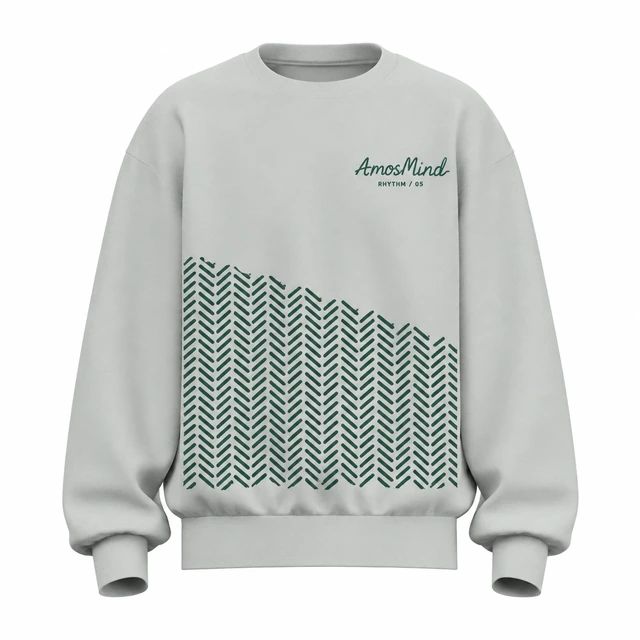
Crew neck
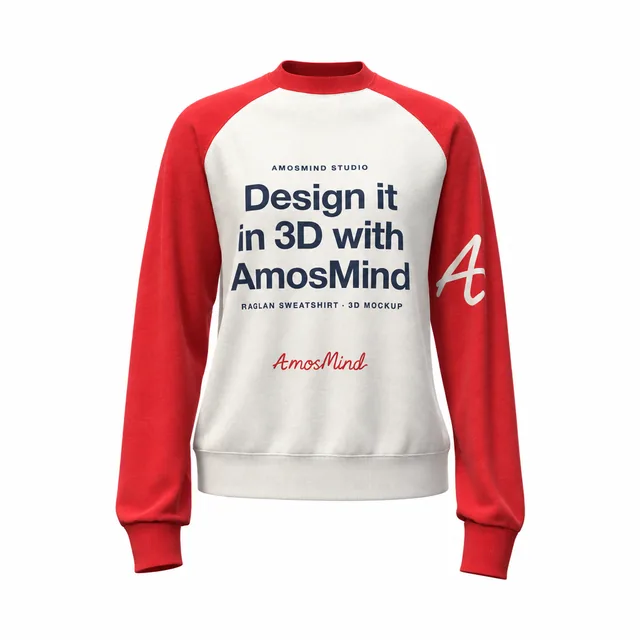
A round neckline leaves a clear central chest. Keep the top edge of artwork below the collar seam.
Create a sweatshirt mockup without a hood covering the upper back. Choose a crew neck or a raised collar, add your design and check how it sits across the body and sleeves.

13 mockups
Add your design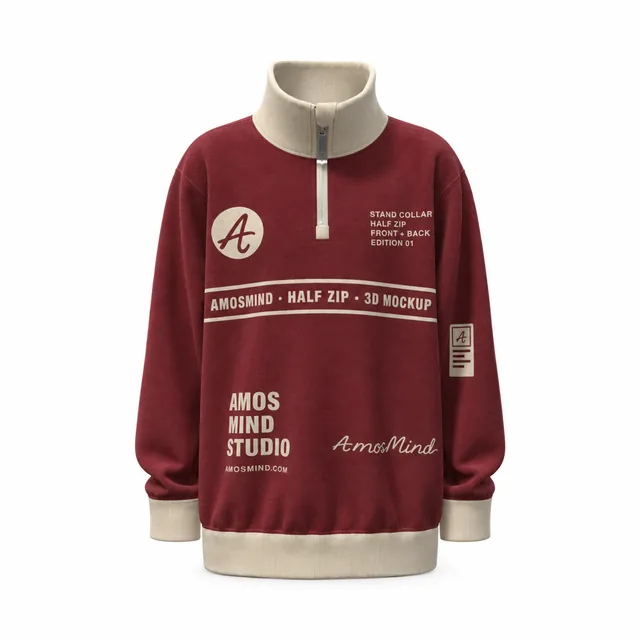 Add your design
 Add your design
 Add your design
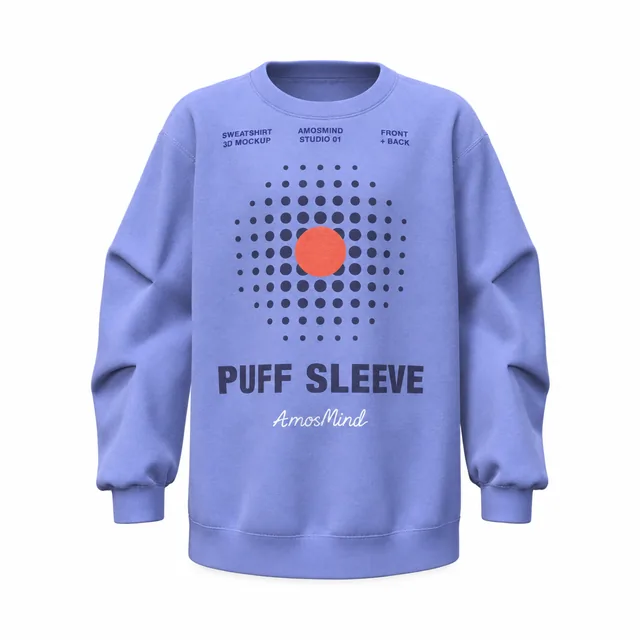 Add your design
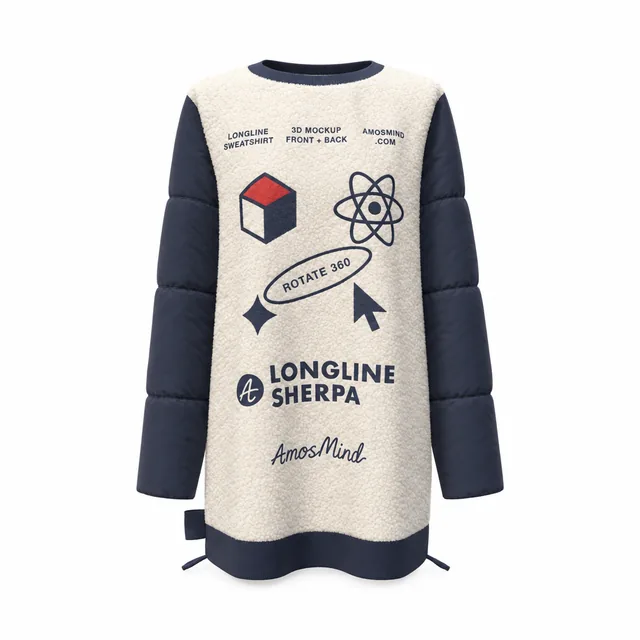 Add your design
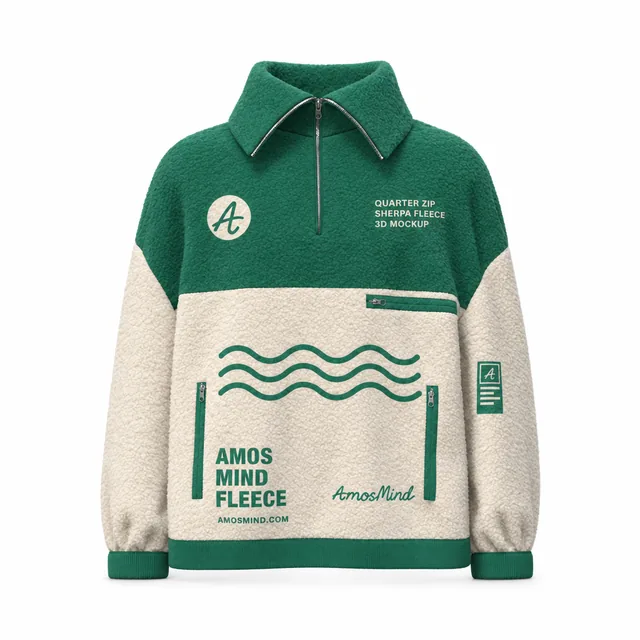 Add your design
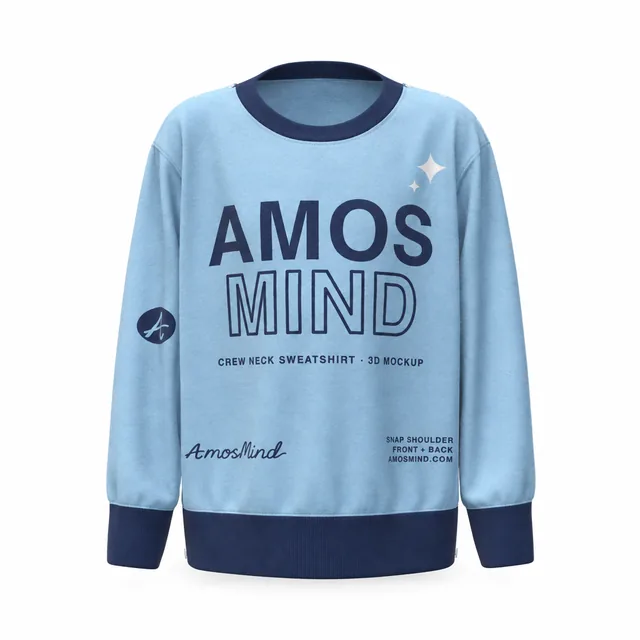 Add your design
 Add your design
 Add your design
 Add your design
 Add your design
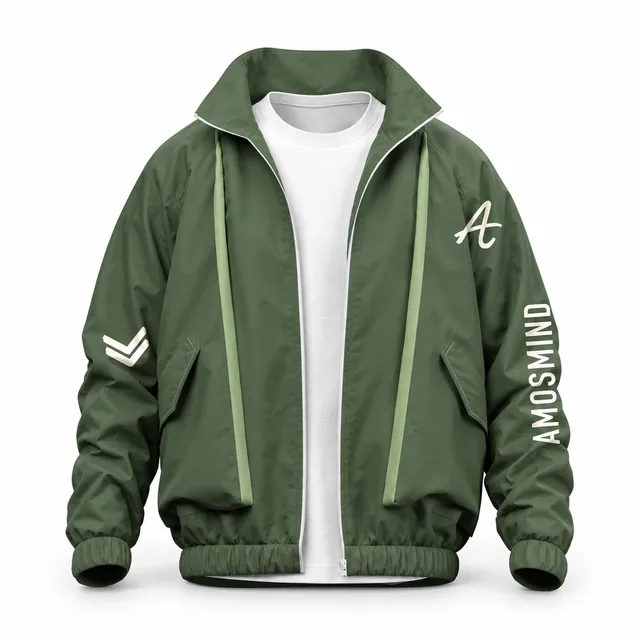 Add your design
The neck opening changes the space around a chest design. Choose the shape before positioning artwork.
A round neckline leaves a clear central chest. Keep the top edge of artwork below the collar seam.
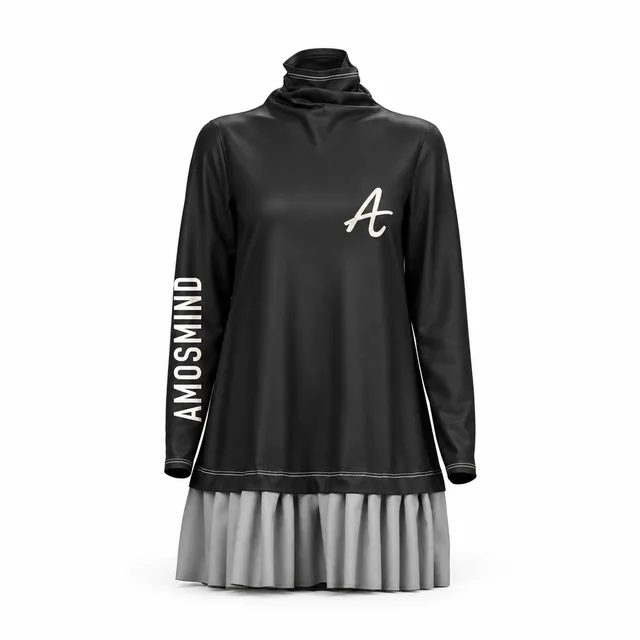
A raised collar frames the neck. A short front opening also changes how high a centered graphic can sit.
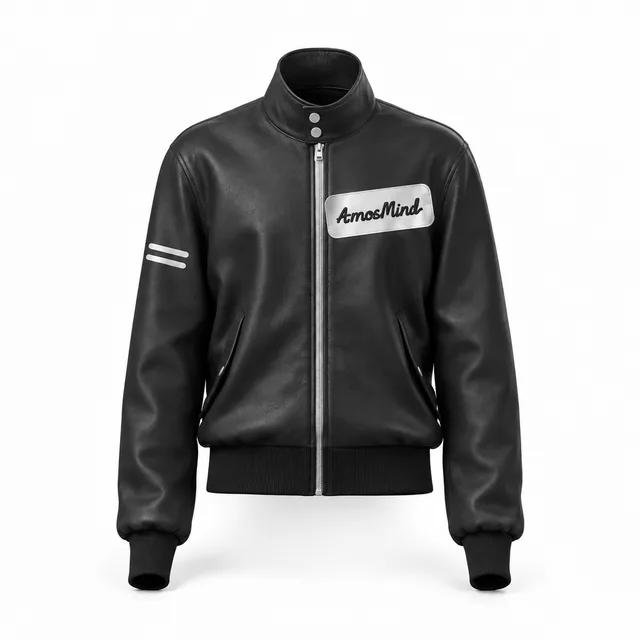
The opening ends above the lower chest. Check a centered design against the end of the zipper.
Use the print areas shown for the selected model. Garment construction determines where an image can go.
| Area | What to check | In the editor |
|---|---|---|
| Chest | Collar and zipper clearance | Use an available front panel; keep the opening clear. |
| Back | Yokes, cutouts and panel seams | Rotate the same design to inspect the back. |
| Sleeves | Shoulder seams and cuffs | Choose the matching left or right sleeve area. |
| Pockets | Pocket edges and overlays | Select the pocket only when it has its own print area. |
The flat editor shows print placement, not a production sewing pattern.
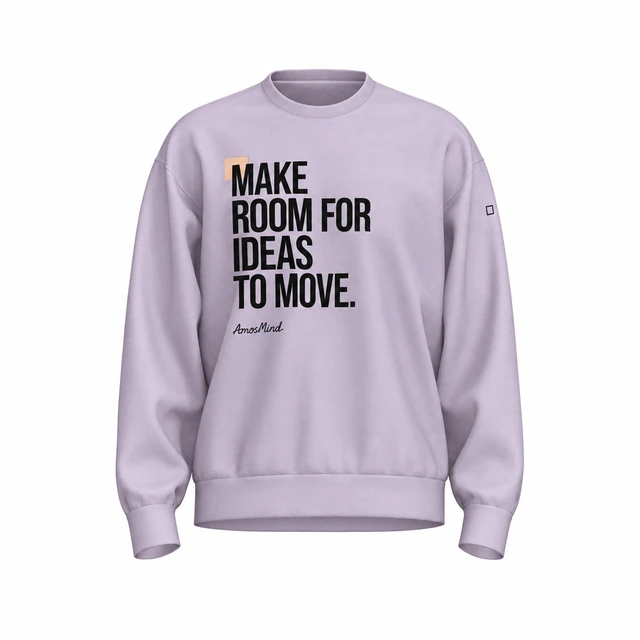
A straight body, a long hem and a shaped sleeve frame the same artwork differently. Inspect the garment silhouette before scaling your image.
The shoulder seam sits farther down the arm. Check sleeve artwork below the seam.
A longer body leaves more fabric below a chest design. Compare its position with the hem in the full view.
Fuller sleeves curve around an image. Rotate the garment to inspect the edges of the print.
Choose the closure that matches the garment you plan to show. A zipper or placket changes the usable center of the chest.
| Construction | Artwork position | Check before export |
|---|---|---|
| Pullover | Center a graphic on the available front area. | Keep artwork inside the print outline. |
| Short zipper | Place the image below or beside the opening. | Check the zipper end in a close view. |
| Full zipper | Use the available left and right front panels. | Check each side separately around the zipper. |
| Button detail | Keep fasteners and overlapping fabric visible. | Rotate to inspect the placket and collar. |
Some sweatshirts have construction details that a straight-on front image cannot explain.
Inspect the cutout from behind before adding a back design. Keep artwork on the supported fabric areas.
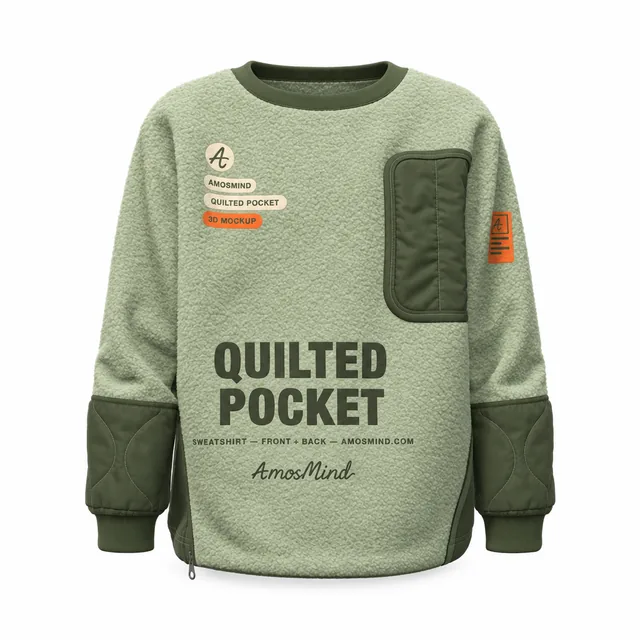
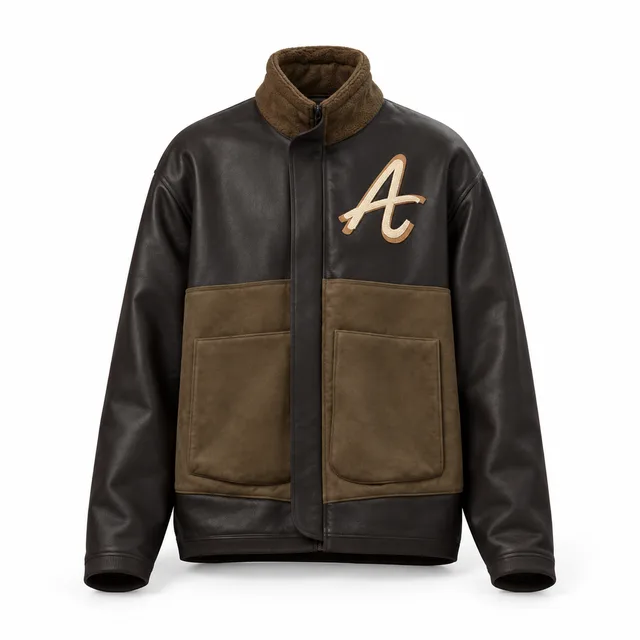
Check how a pocket changes the front surface and where the selected model allows printing.
Keep the collar and fasteners visible when choosing the final angle.
Answers about no-hood styles, neck openings and print placement.
Choose a crew-neck model, open it in the editor and upload your artwork. Use its available front, back or sleeve print areas, then rotate the sweatshirt to check the result.
This category contains styles without a hood. Use the Hoodies category when the garment you need has one.
A full zipper separates the front into panels. Place artwork on the supported panel areas and inspect both sides of the opening; a single centered image may be clipped by the zipper gap.
Open Garment parts to see the parts supported by the selected model. Separate collar and cuff parts can be colored independently.
Rotate the garment or select Back to inspect the same design from behind. A style with a cutout needs its own check around the opening.
Use Fabric to compare the available surface presets on the selected sweatshirt. These change the texture and sheen of the preview, rather than simulating a fabric.
Use a separate pocket print area when the model provides one. An image placed on the body is clipped to that body area and does not automatically continue onto a separate pocket.
The flat view positions artwork on the 3D garment. It does not replace a production pattern or a print provider’s sizing requirements.