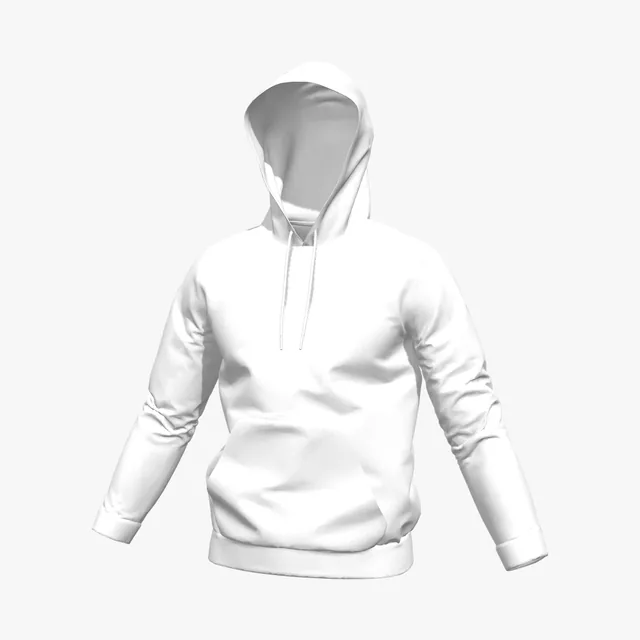
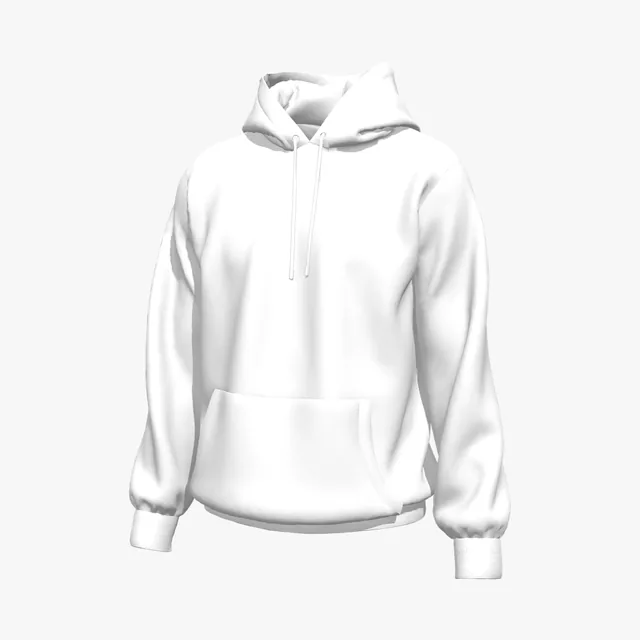
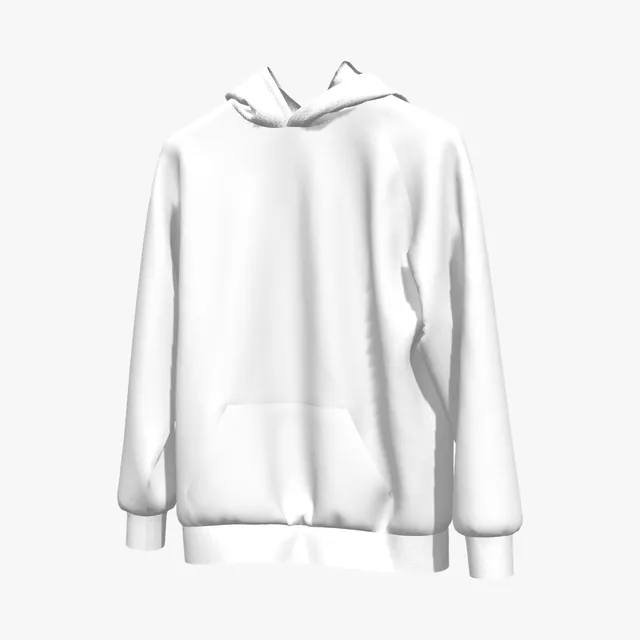
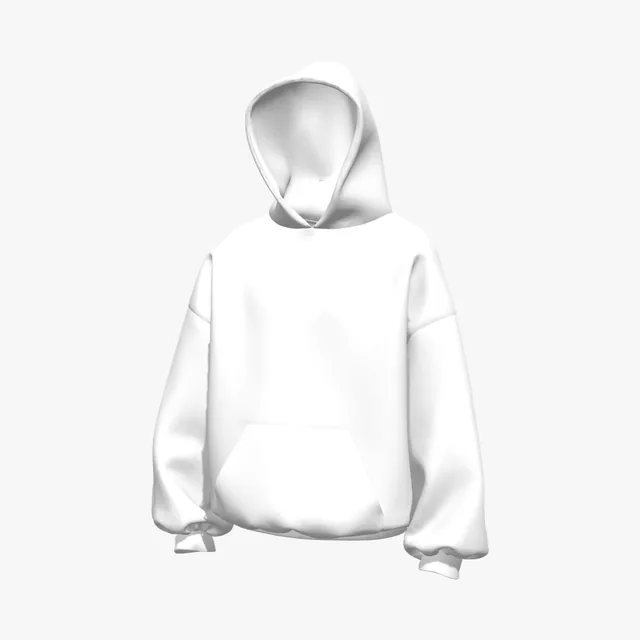
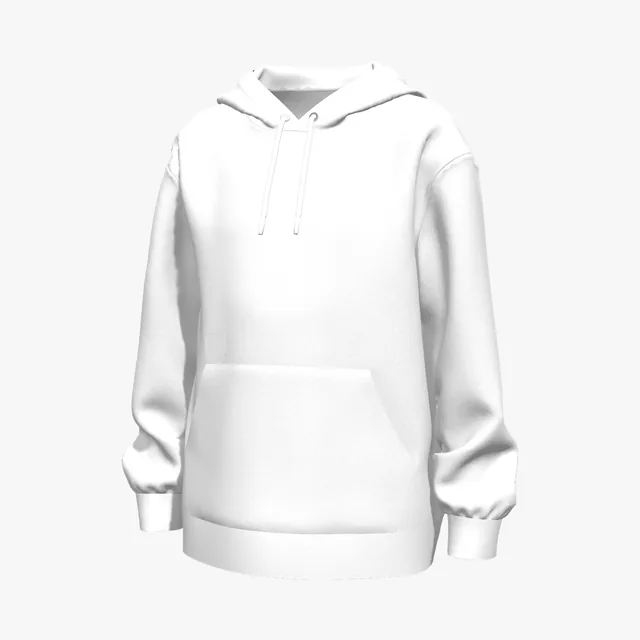
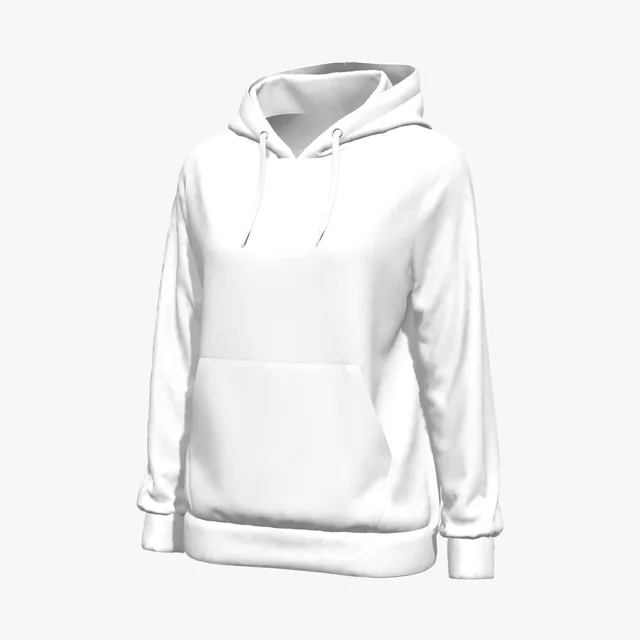
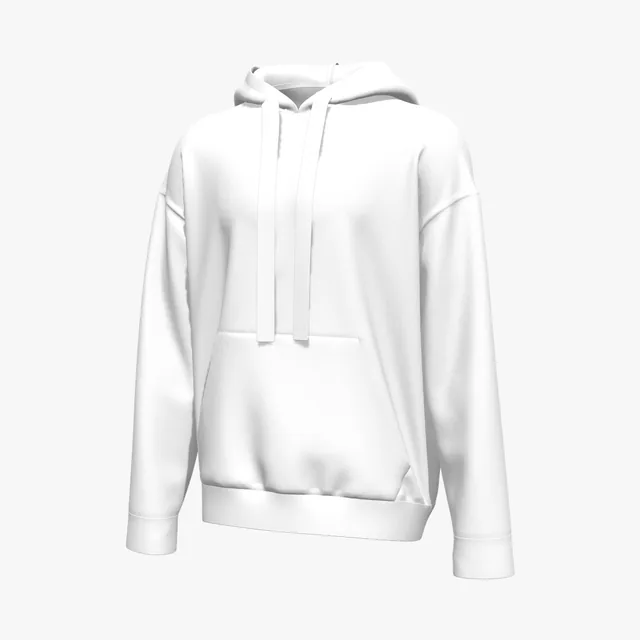
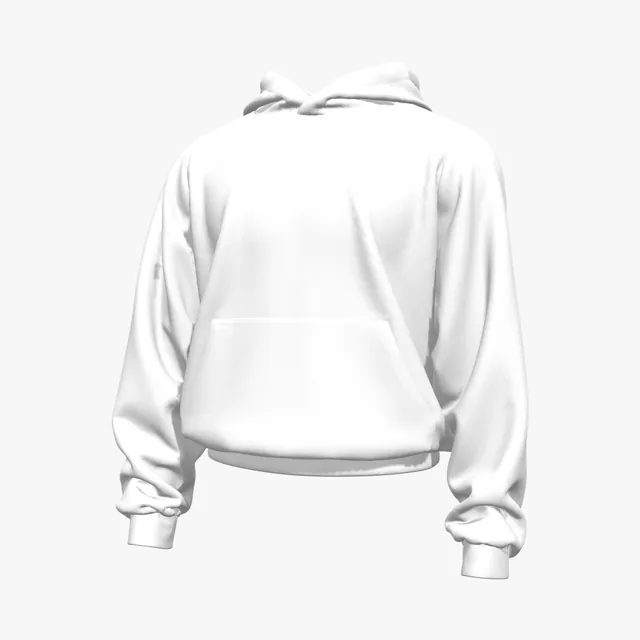
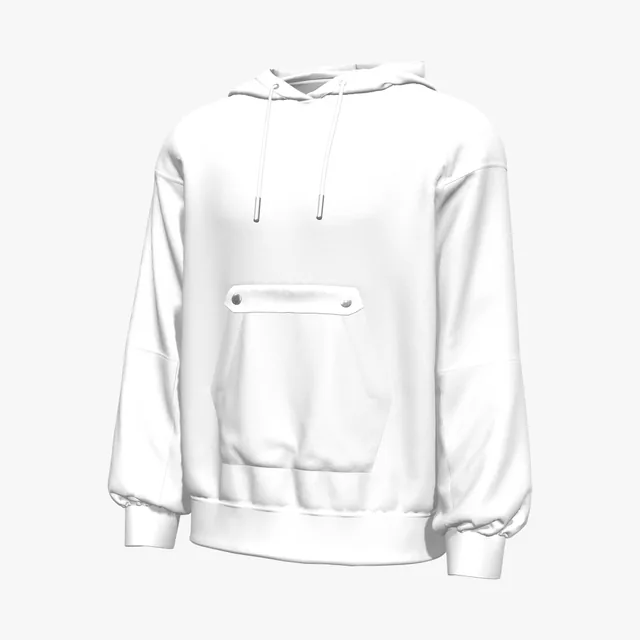
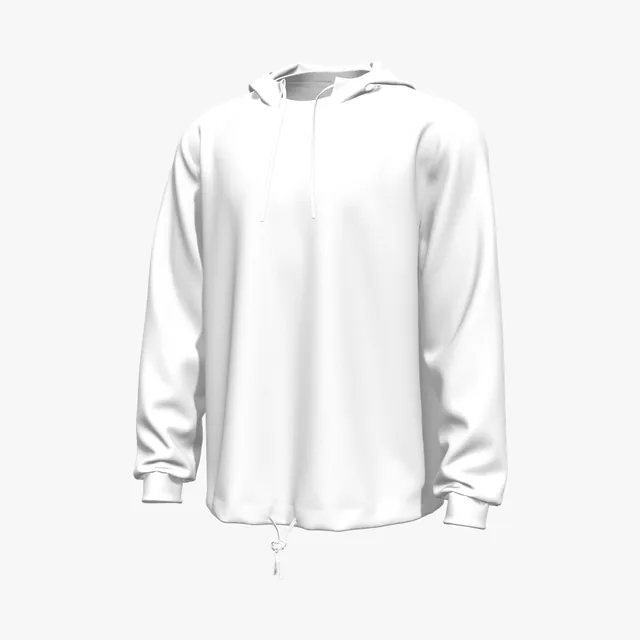
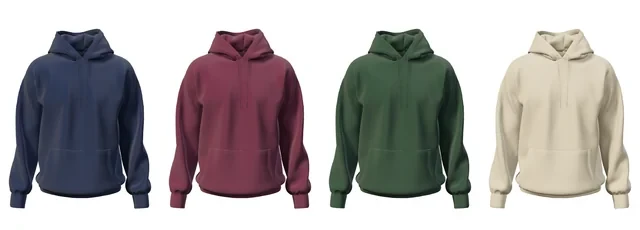
| Pullover with pocket | Drawstring hoodie, Kids' pullover hoodie, Regular-fit pullover hoodie | Front, back, left and right sleeves, hood, pocket |
|---|
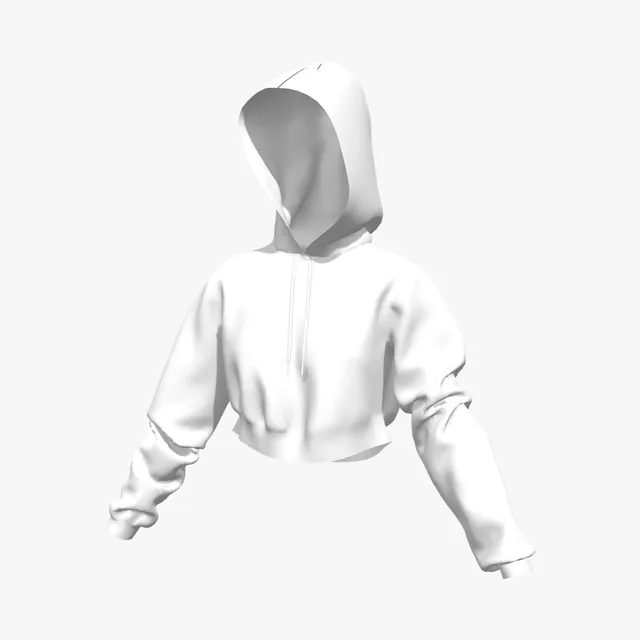
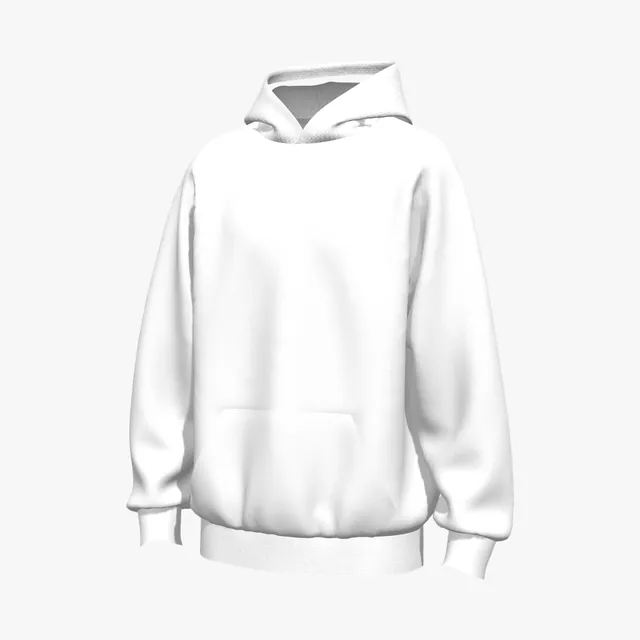
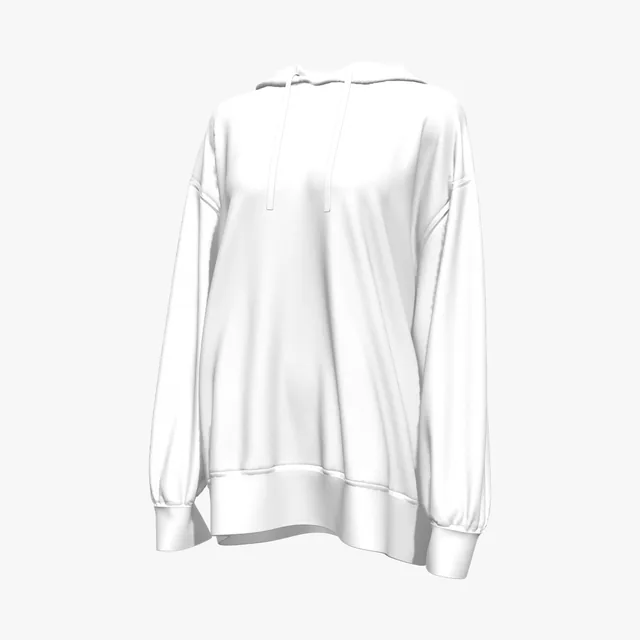
| Pullover without a pocket region | Oversized hoodie, Boxy hoodie, Cross-neck hoodie | Front, back, left and right sleeves, hood |
|---|
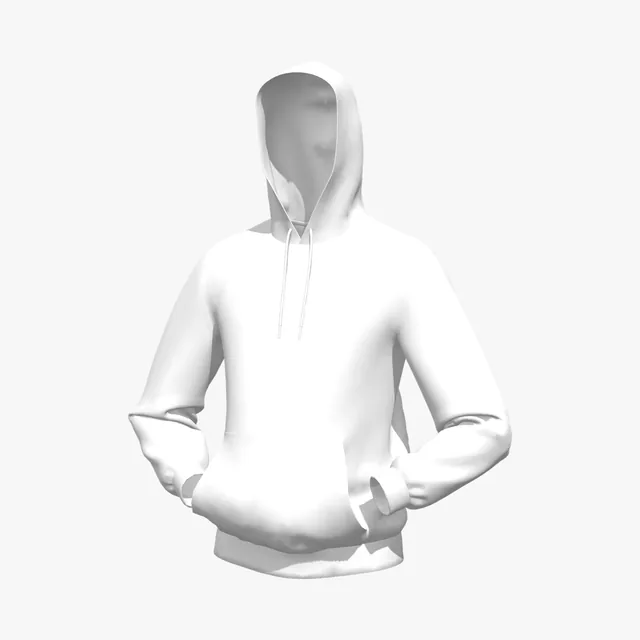
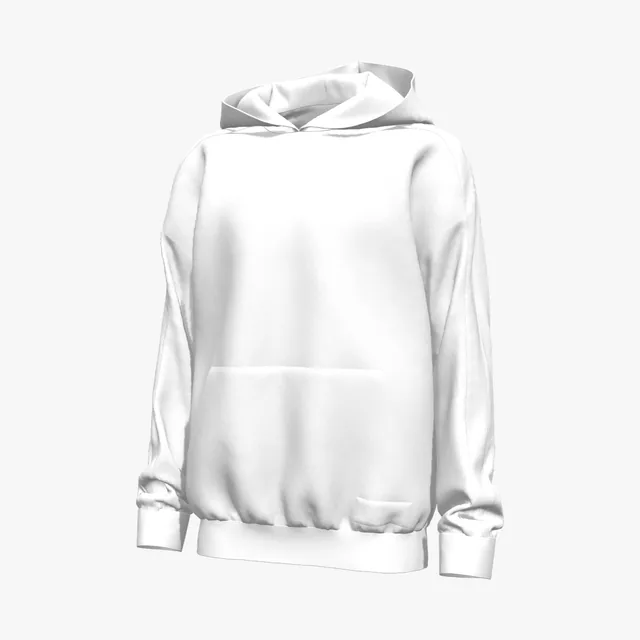
| Pullover with split hood | Classic pullover hoodie, Hands-in-pocket hoodie | Front, back, left and right sleeves, pocket, left and right hood |
|---|
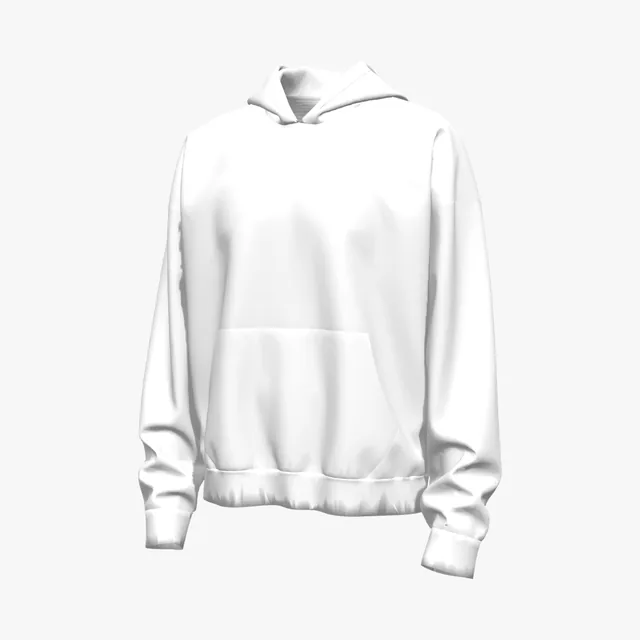
| Pullover with pocket, no hood region | Drop-shoulder pullover hoodie, Suspended pullover hoodie | Front, back, left and right sleeves, pocket |
|---|
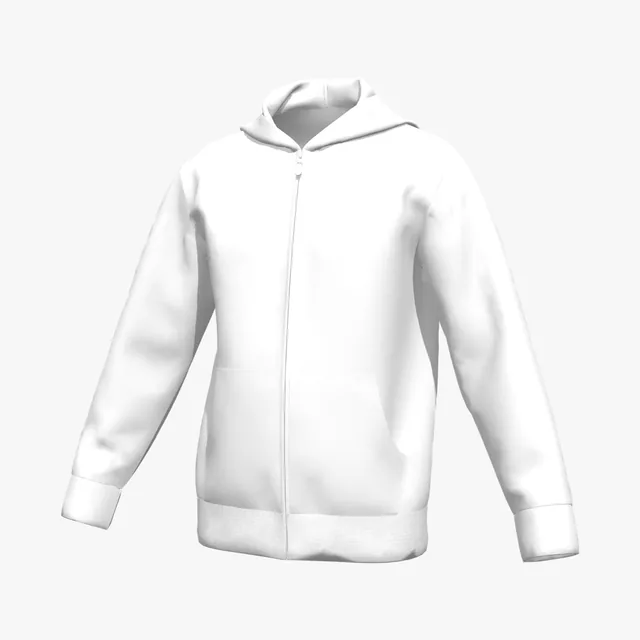
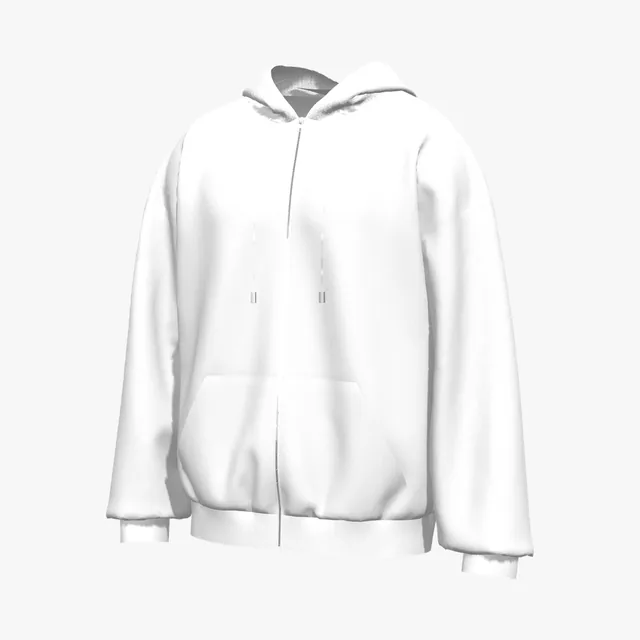
| Full zip | Relaxed zip hoodie | Left and right front, left and right pockets, back, left and right sleeves, left and right hood |
|---|
| Full zip without hood region | Full-zip hoodie | Left and right front, left and right pockets, back, left and right sleeves |
|---|
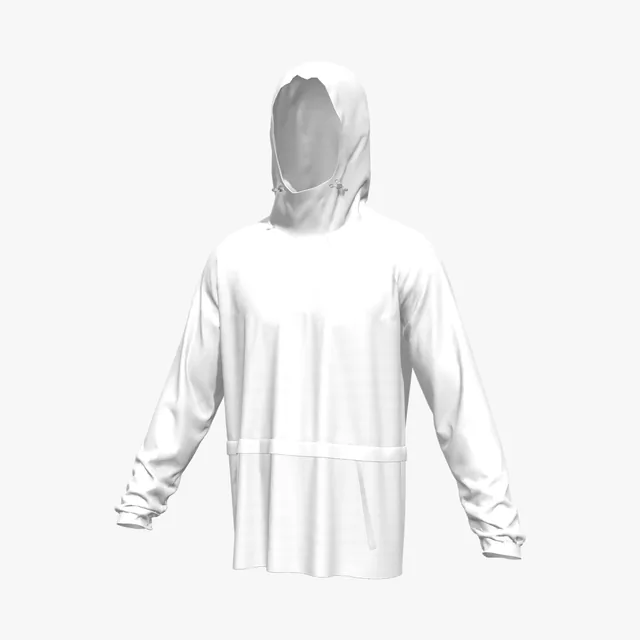
| Quarter zip | Flap-pocket quarter-zip hoodie | Upper and lower front, upper and lower back, left and right sleeves, hood |
|---|
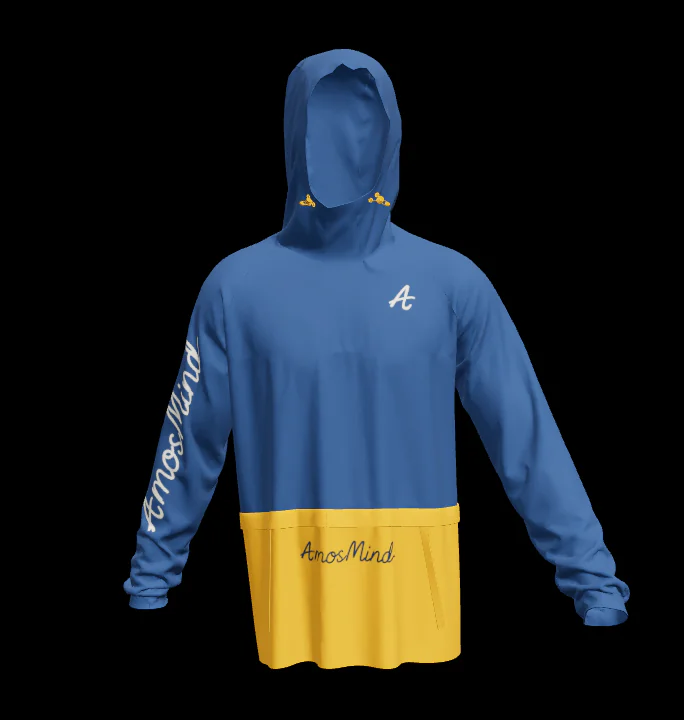
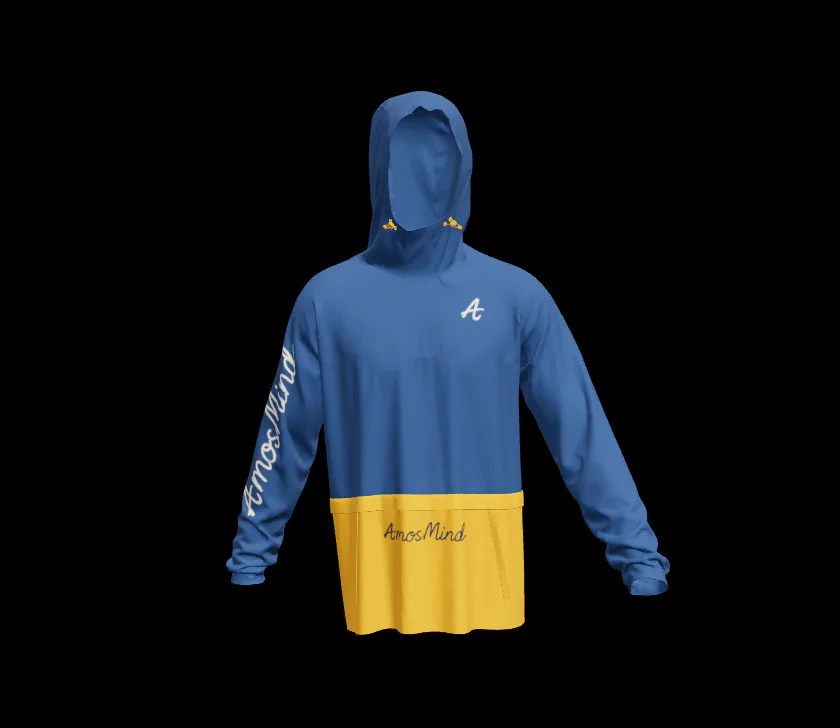
| Panelled pullover | Color-block red hoodie | Front, lower front, back, lower back, left and right sleeves, hood, pocket |
|---|
| Hoodie dress or set | Placket-front green hoodie dress, Blue hoodie and skirt | Front, back, sleeves, hood, skirt front, skirt back |
|---|
| Hoodie jacket | Four-pocket navy hoodie jacket | Left and right front, back, left and right sleeves, hood, lower pockets, chest pockets |
|---|
| Sherpa | Longline sherpa hoodie | Front, back, left and right sleeves, hood, chest patch |
|---|