
Can artwork be placed on the brim of a bucket hat?
Not on these styles. The brim can be colored but not printed. Place artwork on the crown, or use the band on the wide-brim bucket hat with string.
Each bucket hat mockup puts your artwork on the front of a 3D crown. Choose a short, wide, round or floppy brim, with a drawstring or chin strap, then switch to a canvas, denim or corduroy look.
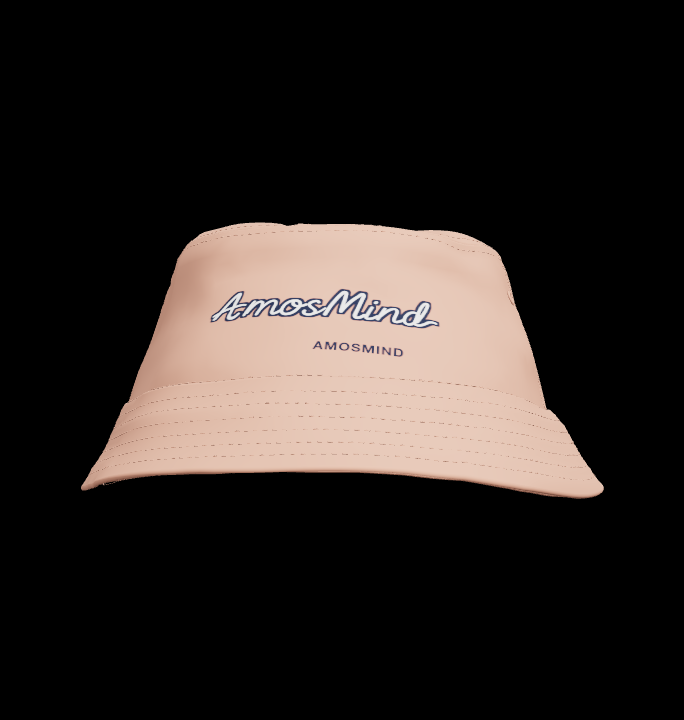
8 mockups
Things to know before you make a bucket hat mockup.
Not on these styles. The brim can be colored but not printed. Place artwork on the crown, or use the band on the wide-brim bucket hat with string.
Canvas, twill, denim, corduroy, faux fur and nylon looks are all in the fabric list. Whichever you choose covers the whole hat, brim and crown together.
There is nothing to download or install. You turn a 3D bucket hat in the browser, try other brim shapes with the same artwork and render any angle, where a PSD gives you one photo.
Yes. Drag to turn the hat all the way round, zoom in on the crown and use Reset view to return to the front. The render uses whatever angle you stop on.
Brim width changes the whole feel of a bucket hat. Start from the shape you plan to sell.
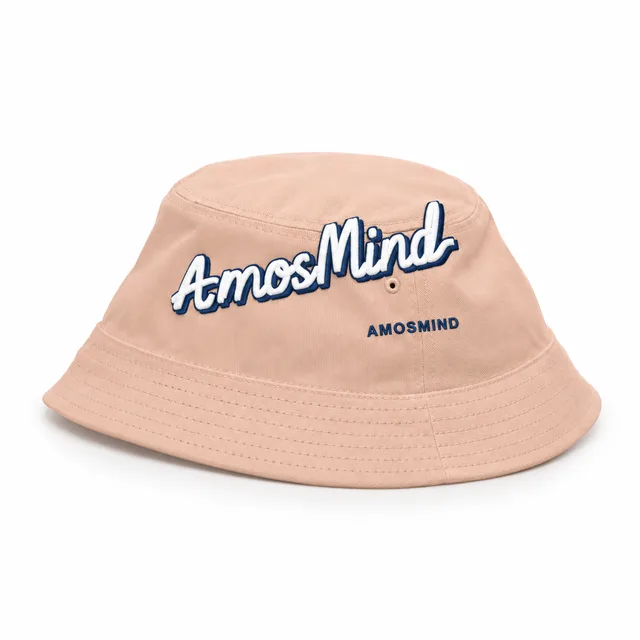
A compact brim that keeps the crown and logo in full view.
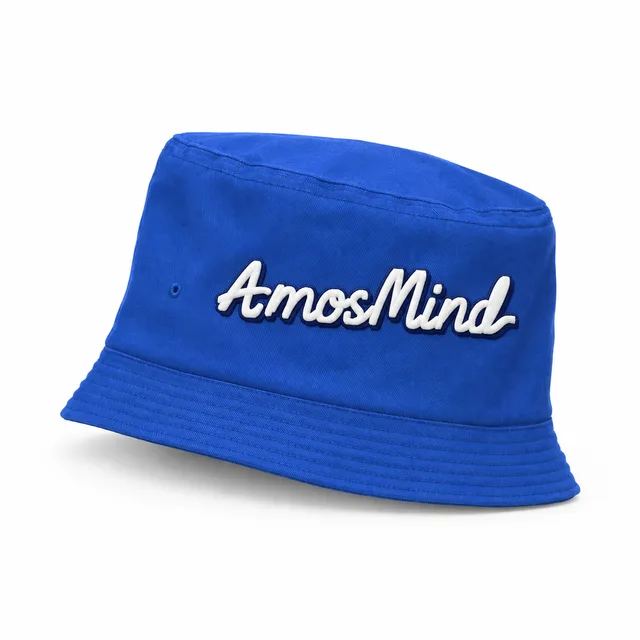
A classic medium brim with stitched seams and no extras.
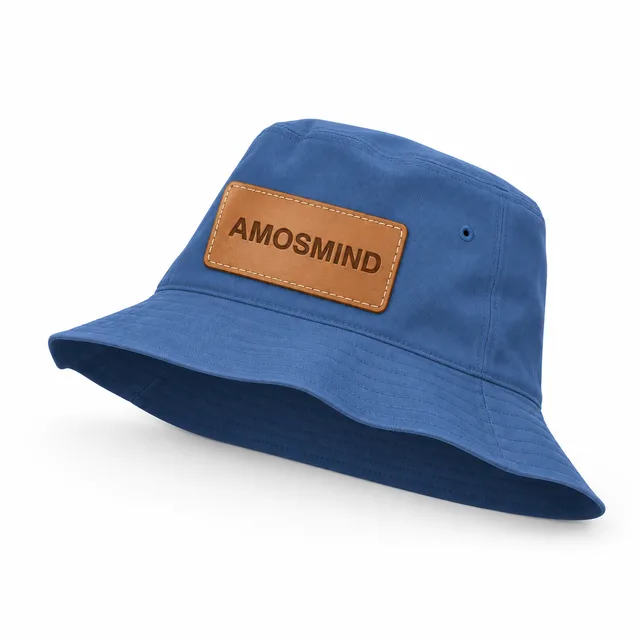
A broader brim for sun and beach styles.
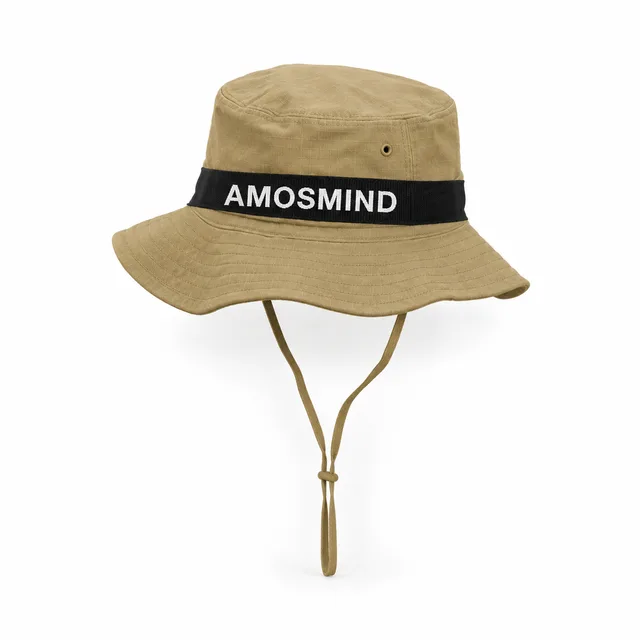
A wide brim and a string, plus a band you can print as well as the crown.
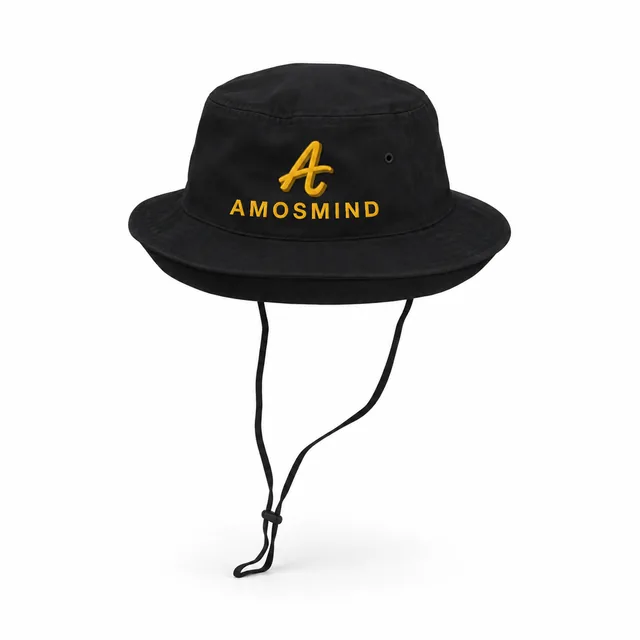
A rounded brim with a string under the chin.
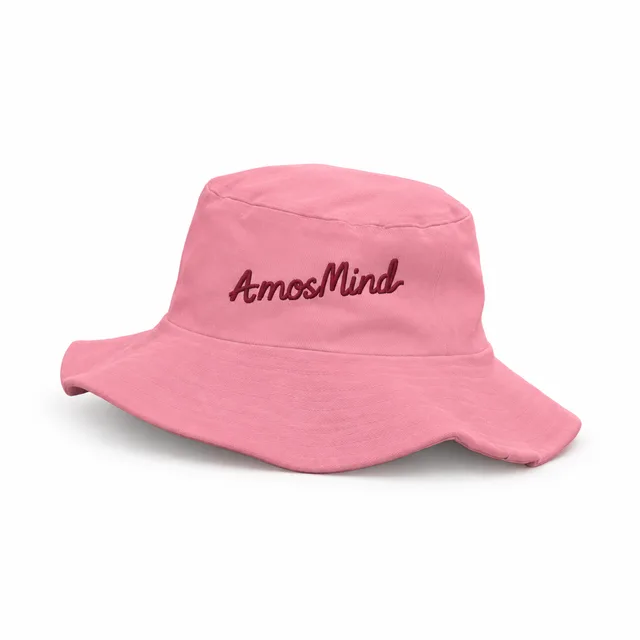
A soft brim that dips at the edges for a relaxed look.
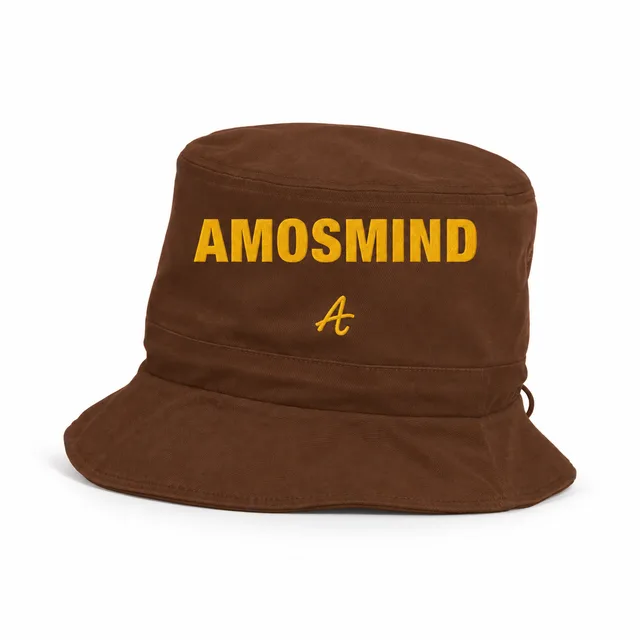
A drawstring you can color to contrast with the hat.
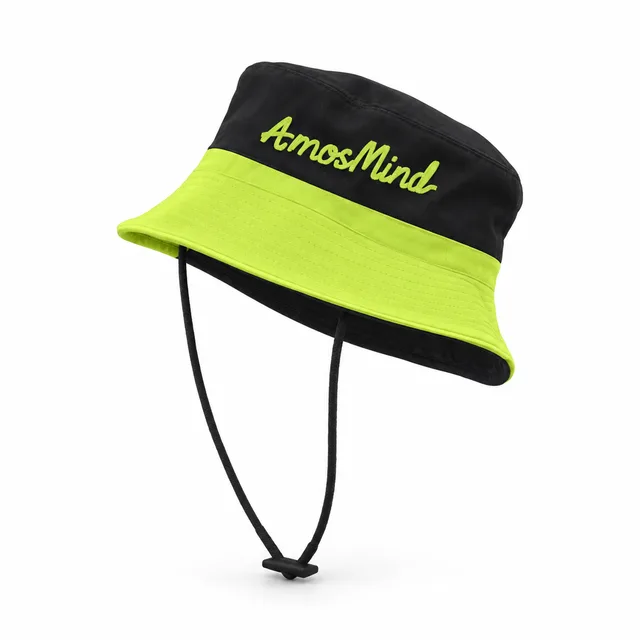
A strap under the chin, common on outdoor and fishing styles.
The fabric you pick covers the whole hat, brim and crown together. These are visual presets for the mockup, not a fabric specification.
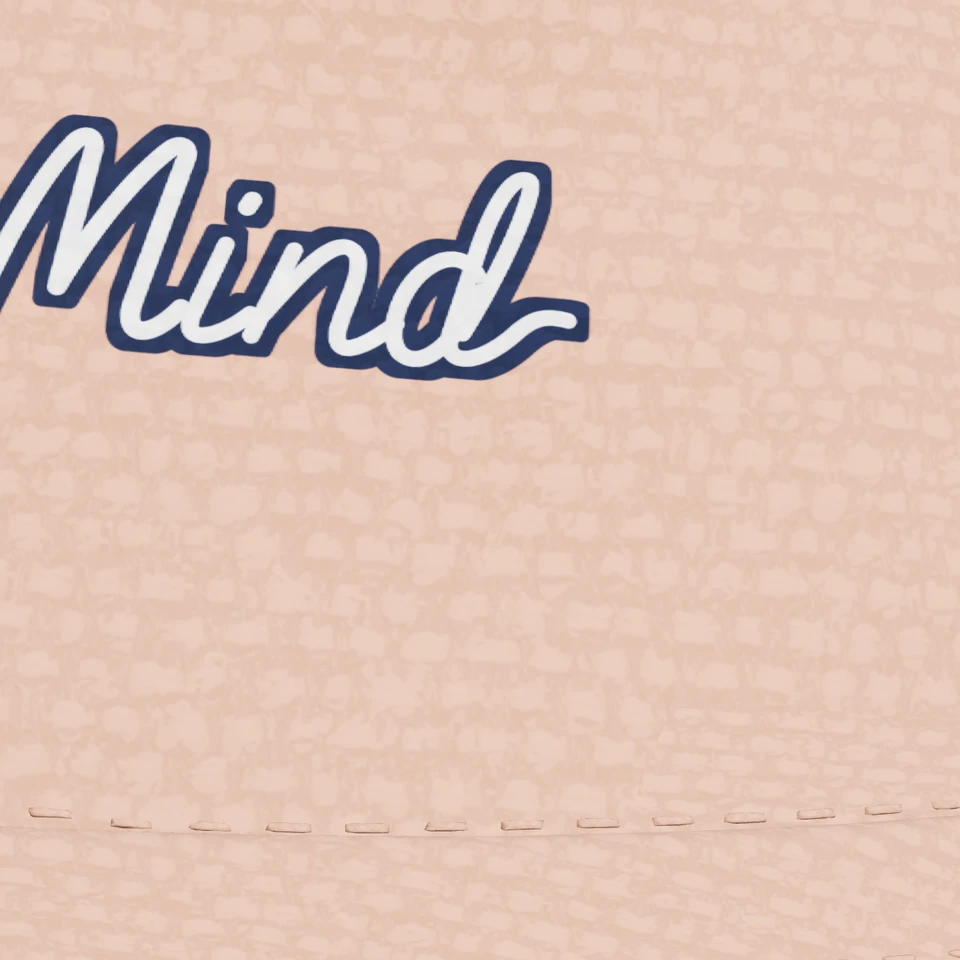
A tight, matte weave close to the canvas used on most bucket hats.
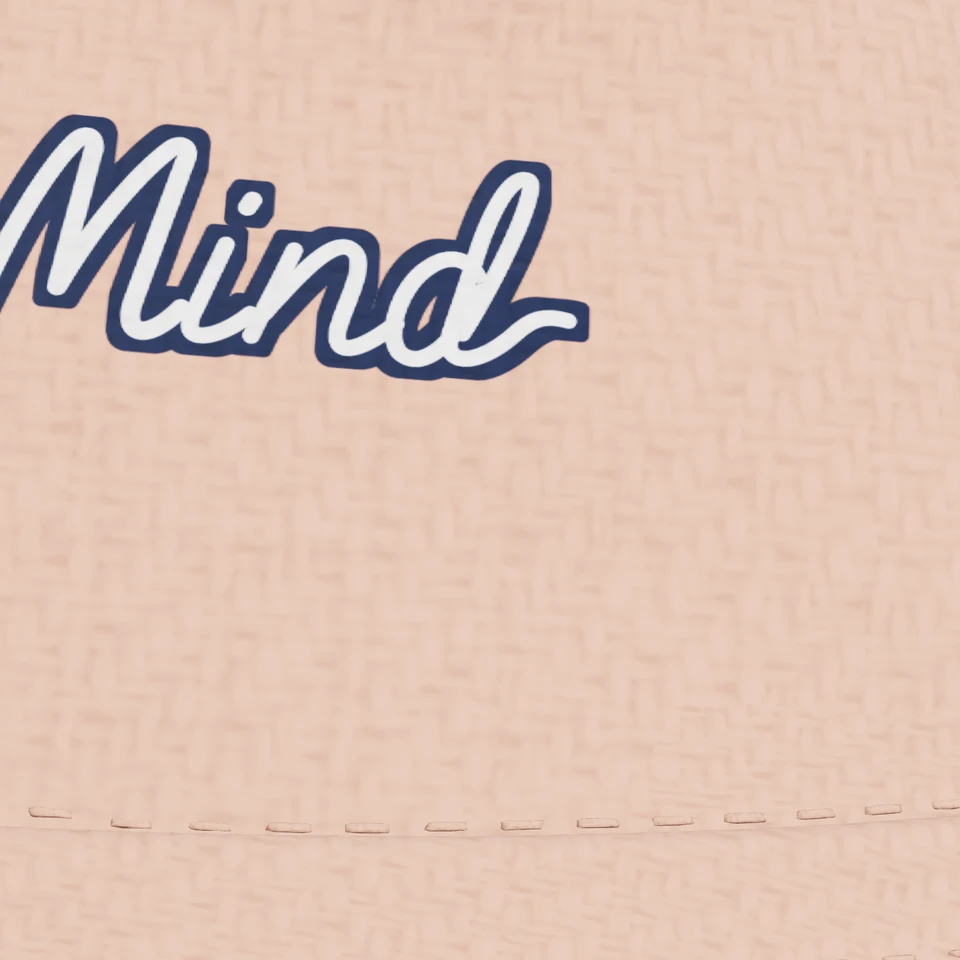
A fine diagonal weave for a lighter summer hat.
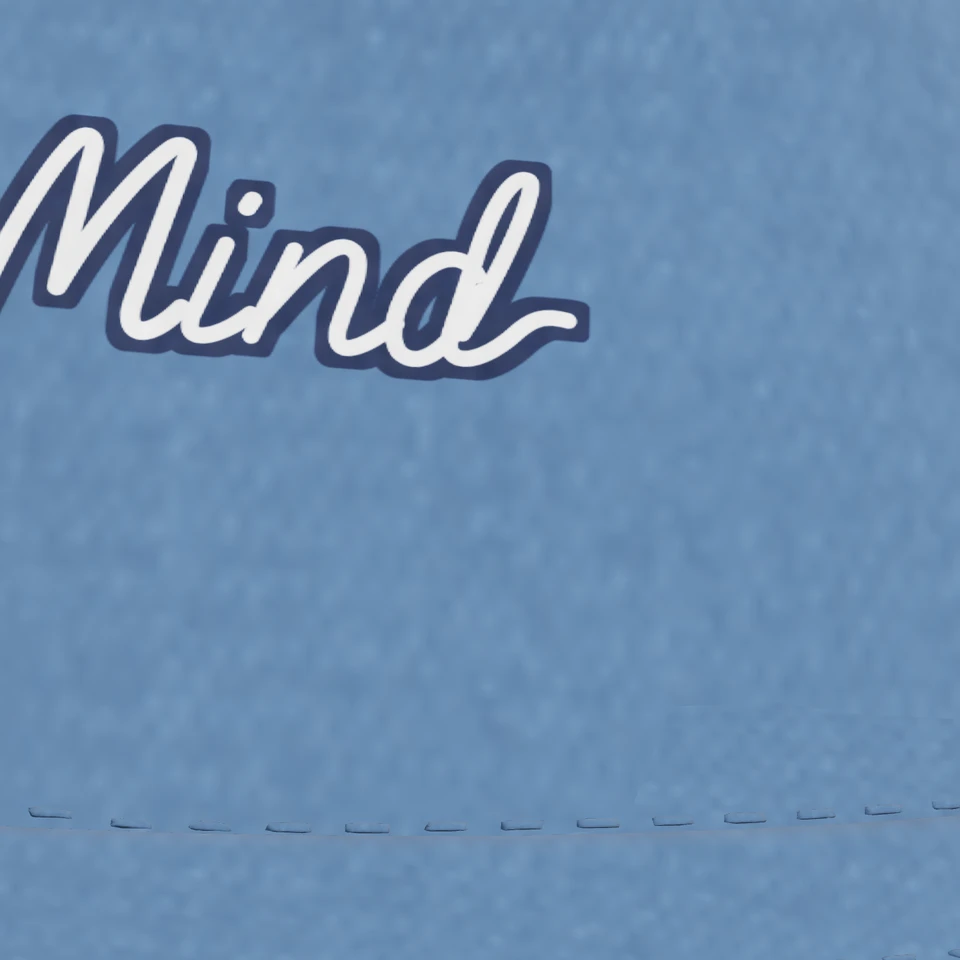
A rugged blue-jean texture.
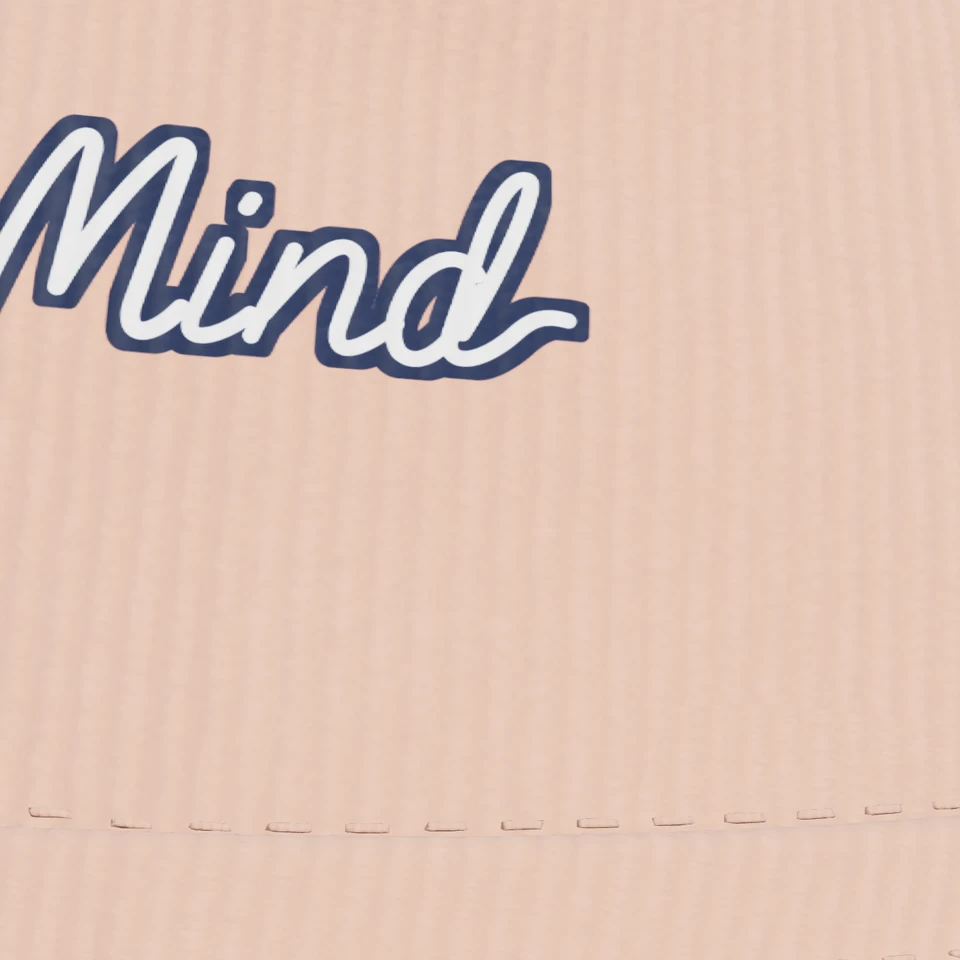
Soft vertical wales, a popular autumn look.
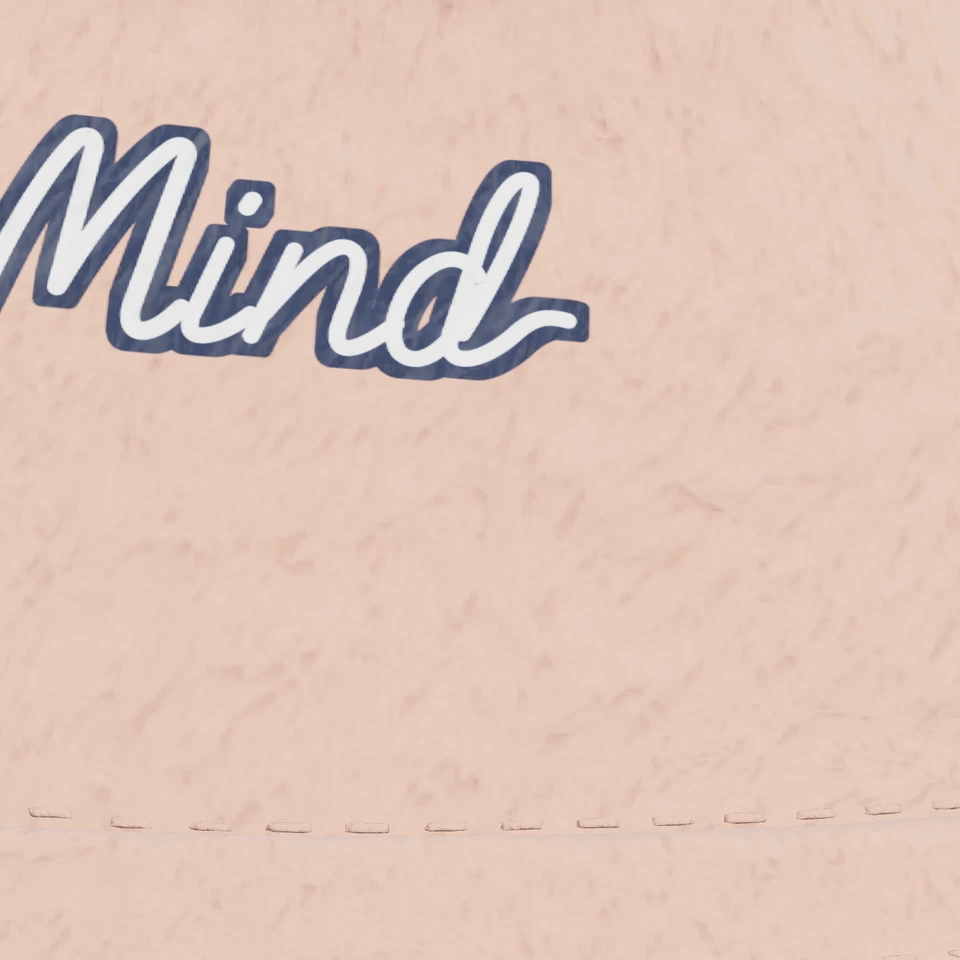
A textured pile surface for winter fashion styles.
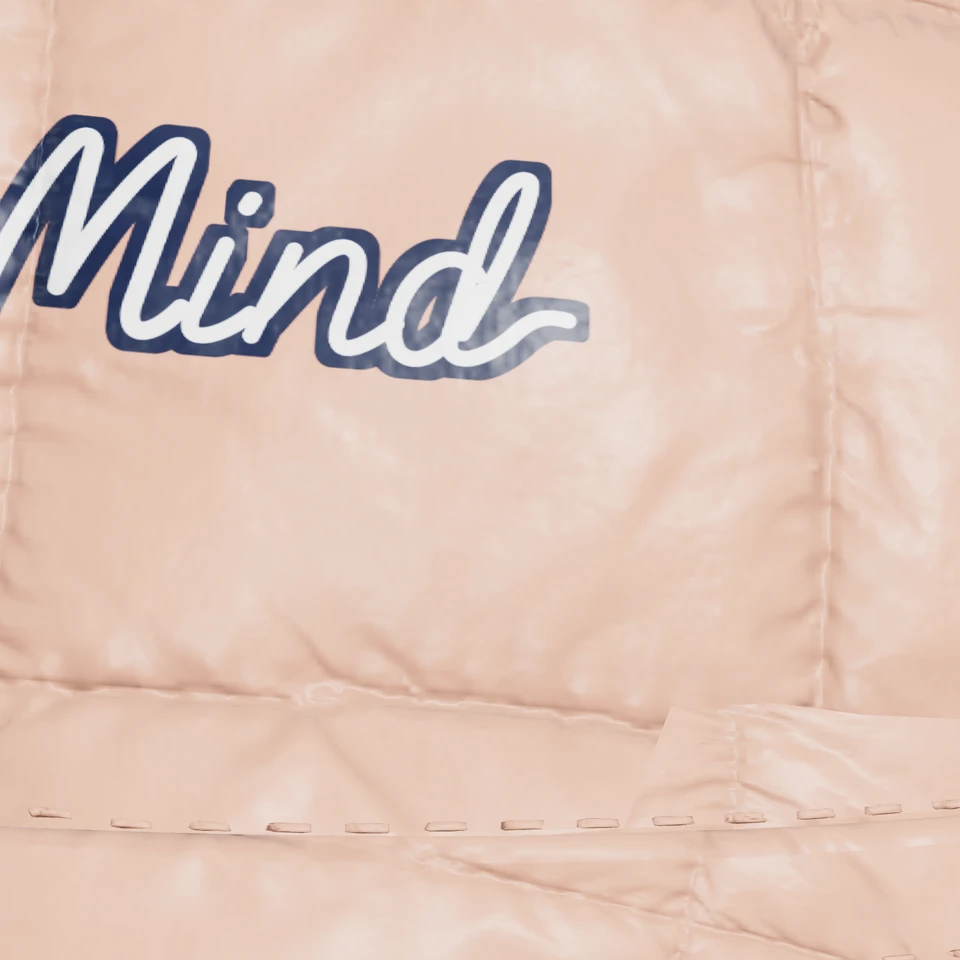
Glossy padded channels for a warm winter bucket hat.
Bucket hats are printed on the crown. On these styles the brim is part of the shape and takes color rather than print.
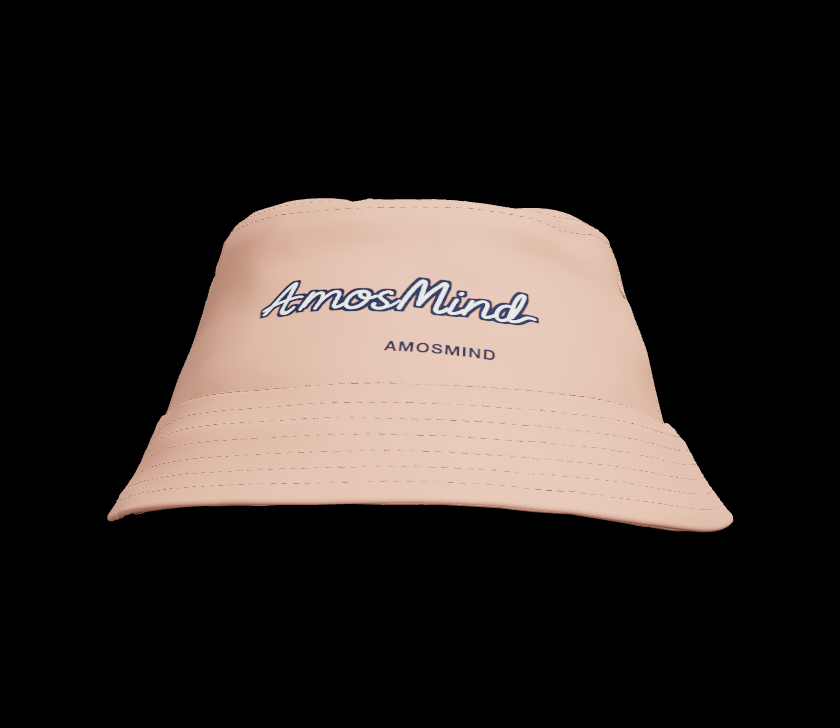
The front of the crown, above the brim. A centered logo or short wordmark fits well; very wide artwork bends around the side.
The wide-brim bucket hat with string also has a printable band, good for a repeat pattern or a second line of text.
Brims, strings and straps can be colored in Garment parts. Print areas are previews, not sewing patterns.
Bucket hats sell mostly in summer and at events.
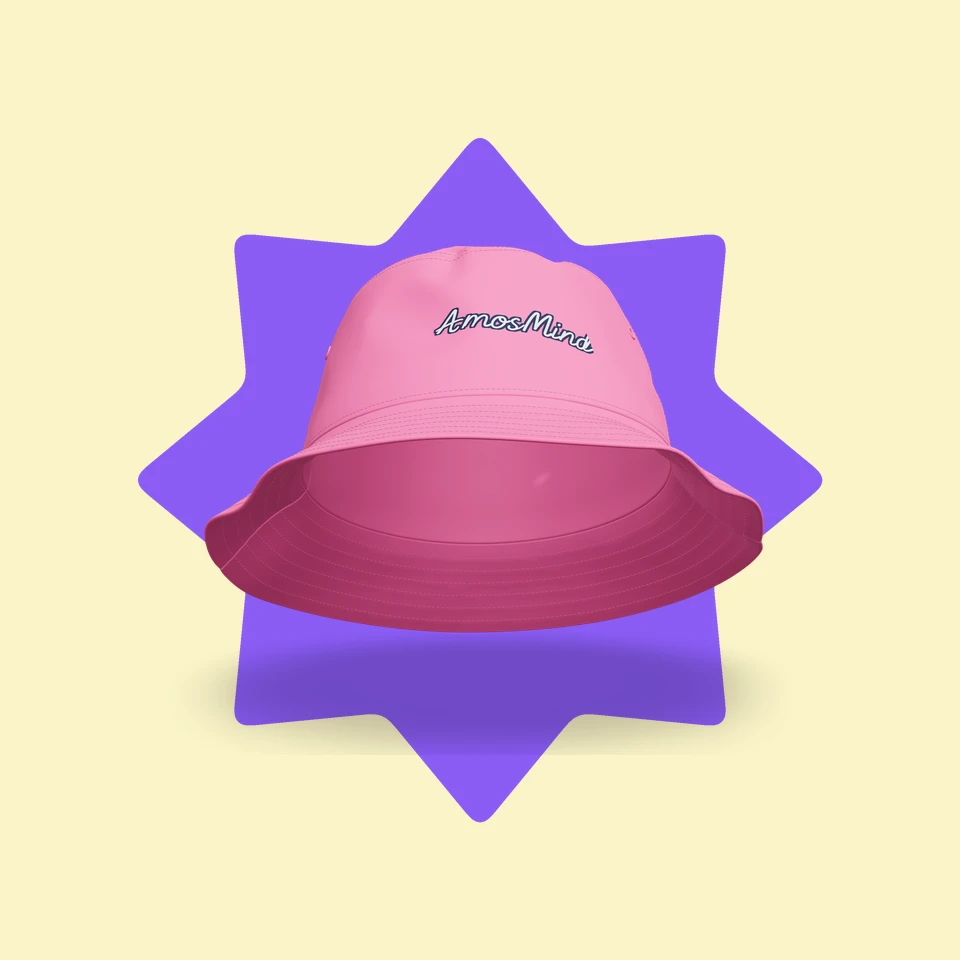
A festival or club sells bucket hats at the gate and online.
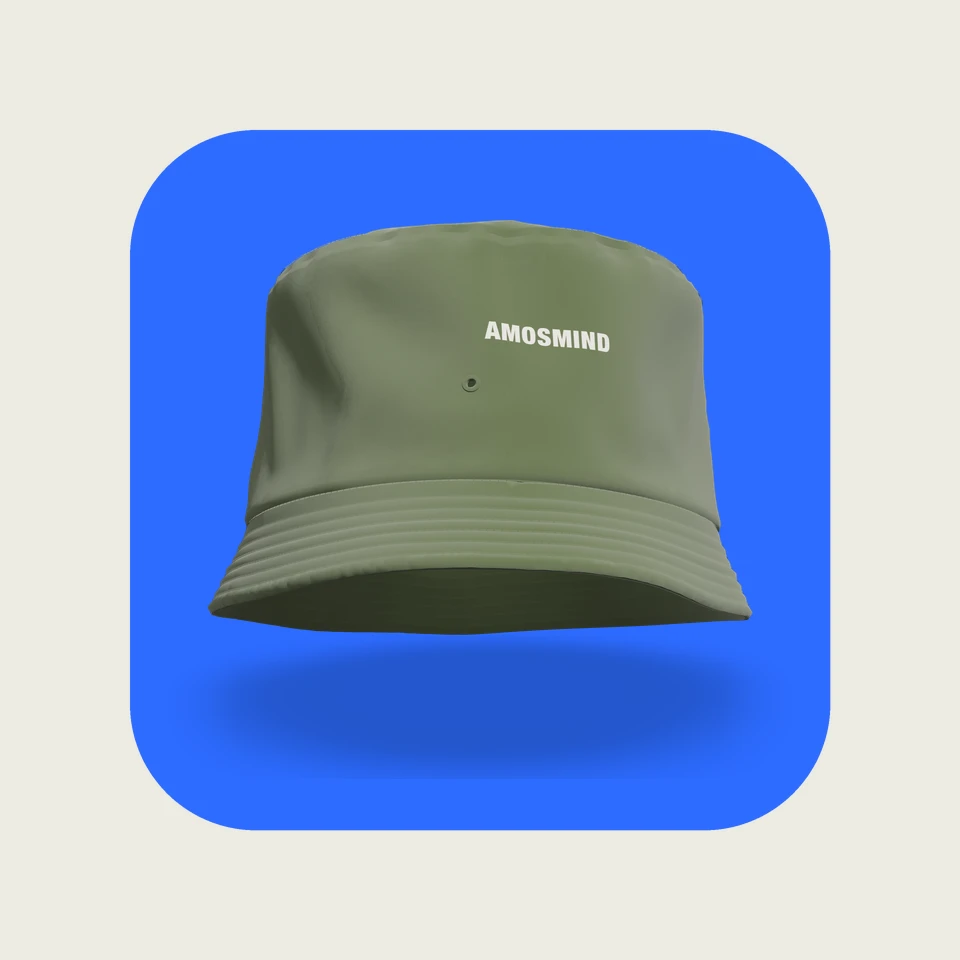
A small label releases a bucket hat in a limited run.
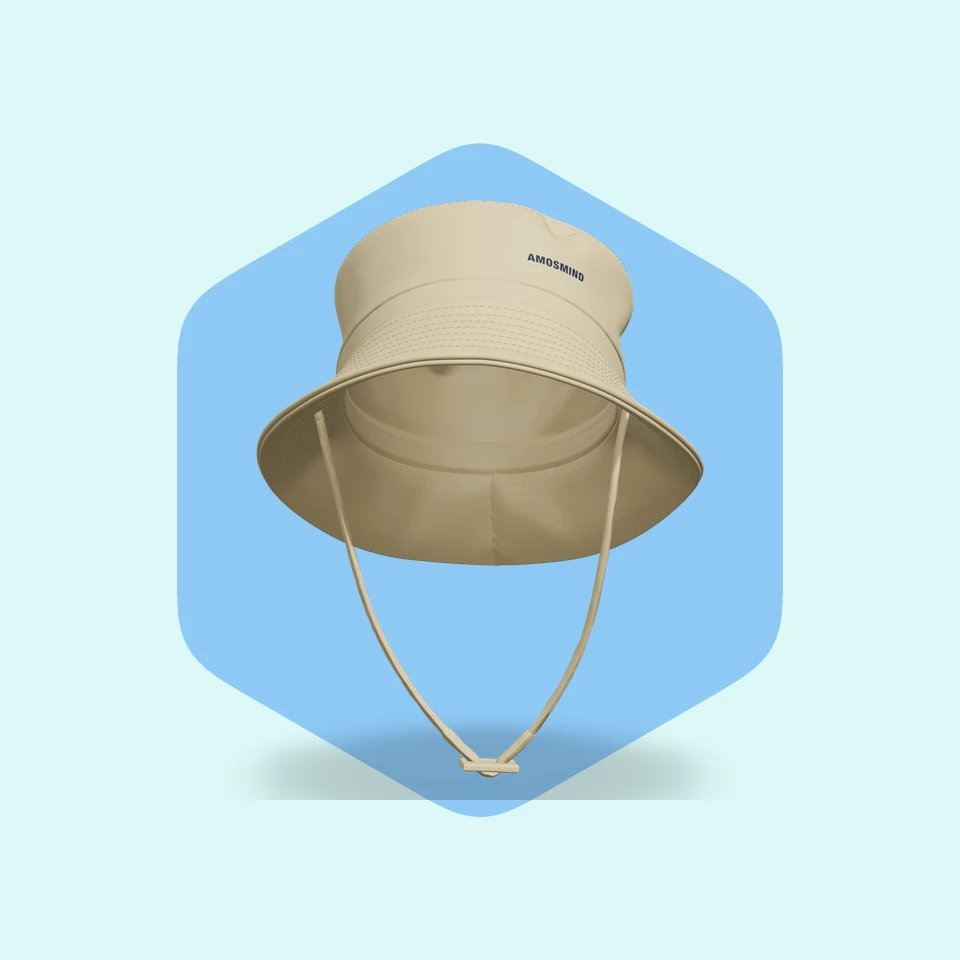
A shop sells sun and outdoor hats with its own branding.
Each bucket hat on this page, with its brim, extra details and where artwork can go.
| Style | Brim | Extras | Print areas |
|---|---|---|---|
| Plain bucket hat | Classic | None | Front |
| Short-brim bucket hat | Short | None | Front |
| Wide-brim bucket hat | Wide | None | Front |
| Round-brim bucket hat with string | Round | String | Front |
| Wide-brim bucket hat with string | Wide | String | Front and band |
| Bucket hat with drawstring | Classic | Drawstring with toggle | Front |
| Bucket hat with chin strap | Classic | Chin strap | Front |
| Floppy bucket hat | Soft and floppy | None | Front |
Most styles also let you color the brim, band or crown on their own in Garment parts.