
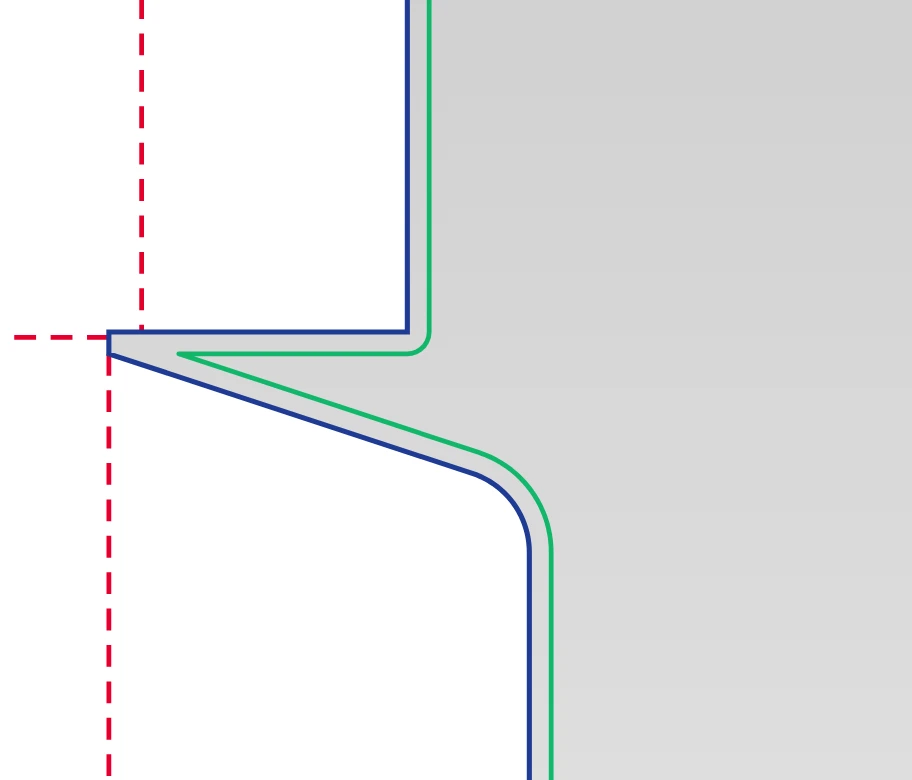
Cut line
The solid line around the outside. The steel die cuts here, so it is the edge of the flat box.
A dieline is the flat drawing of a box: where it is cut, where it folds and how far the print runs past the edge. Pick a style below, set your size and watch it fold in 3D.
0 dielines shown
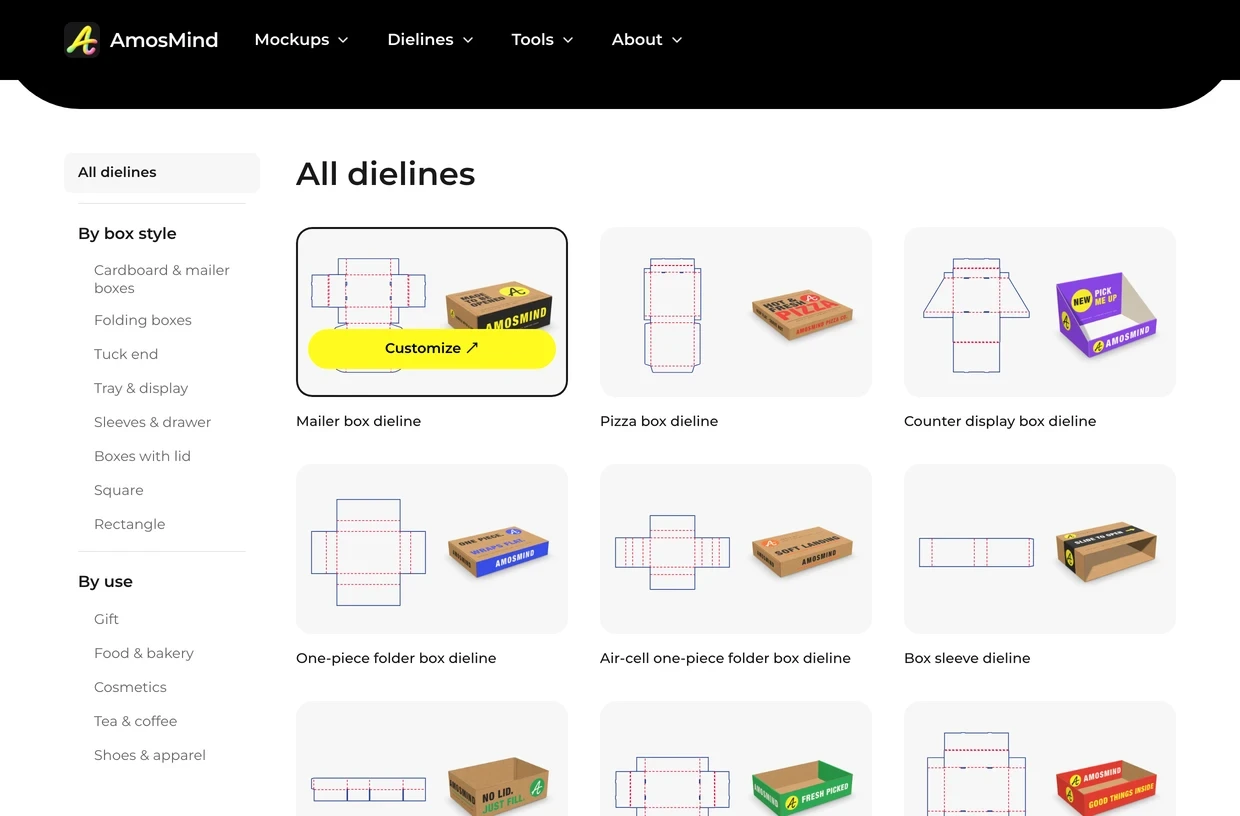
Four steps in the browser. The lines are redrawn every time you change a number. Choose how the box should open: a mailer with a front tuck, a shipping box with four flaps, a carton with tuck ends. The style decides the shape of the flat sheet.
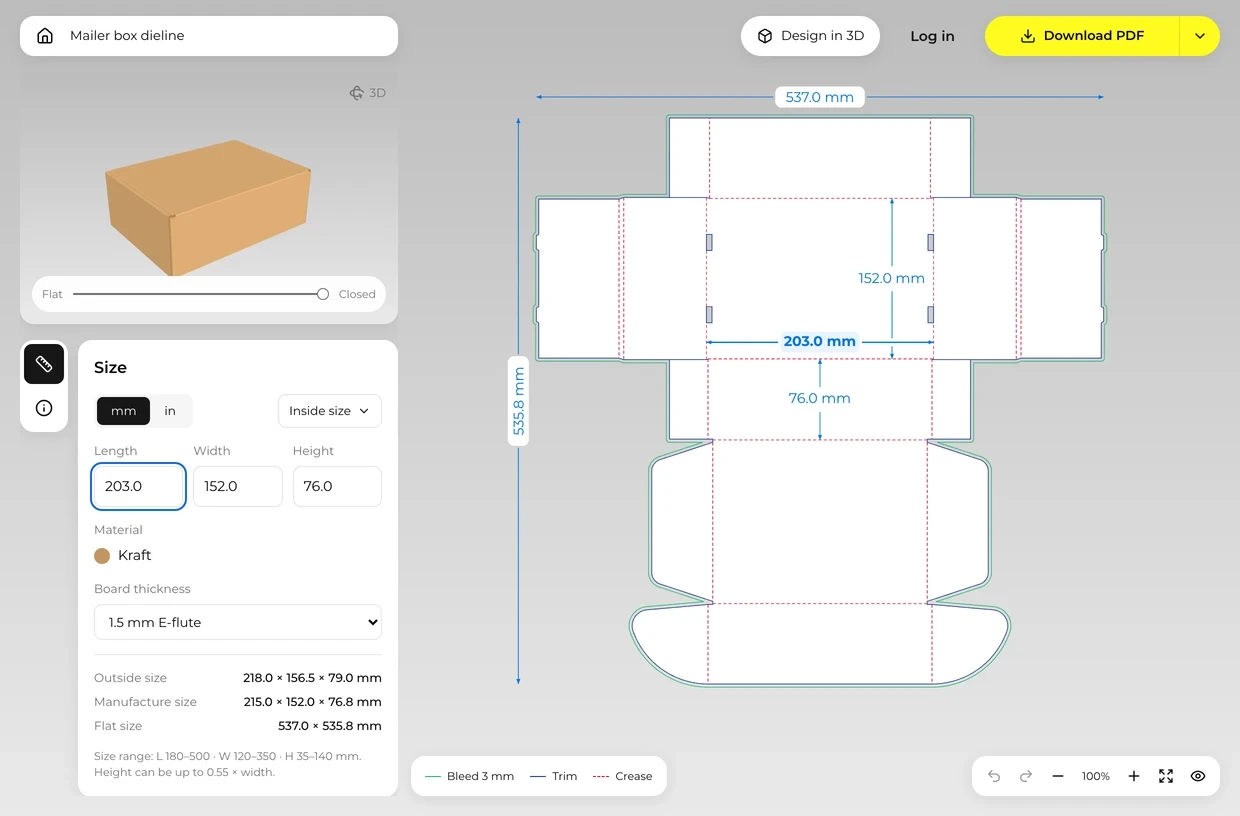
Enter length, width and height in mm or inches, and choose inside or outside size. The editor keeps each number within the range set for that style.
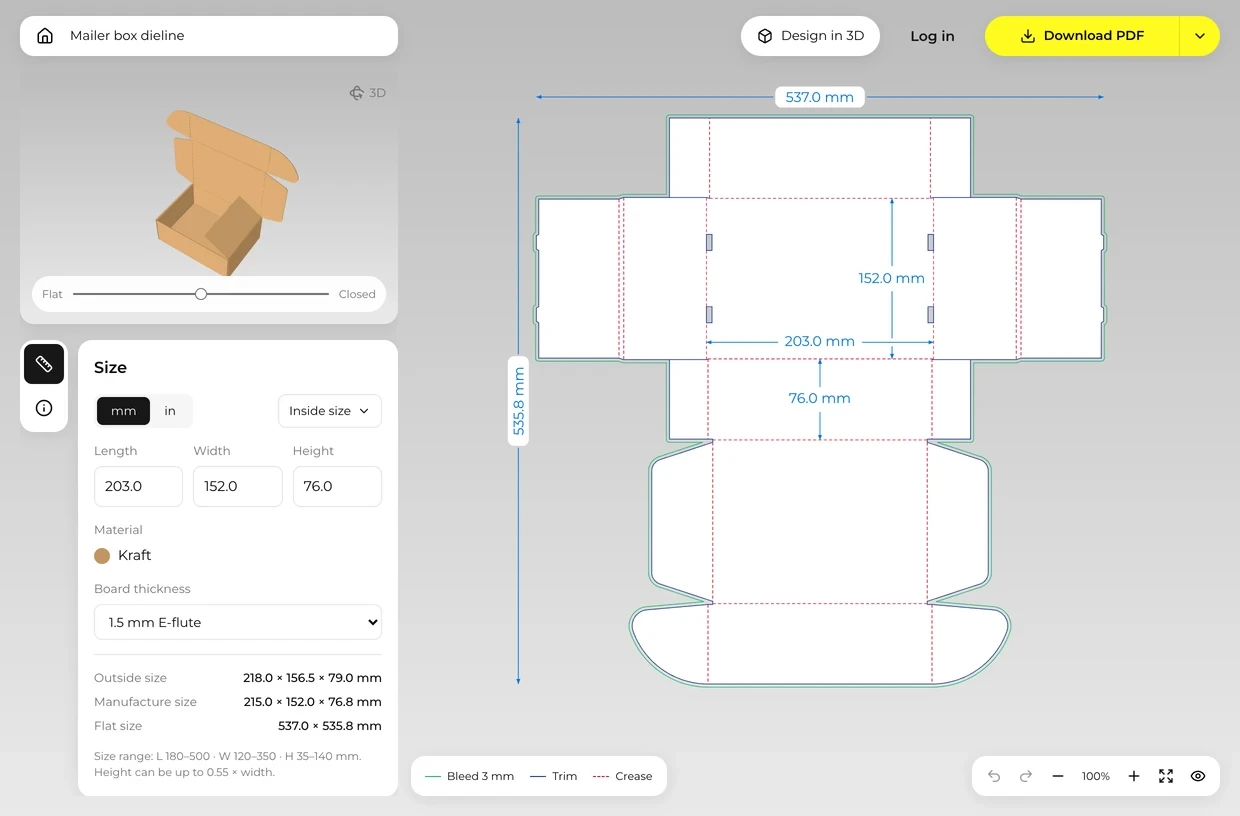
Drag the fold slider from Flat to Closed and turn the box around. A flap that runs into another panel shows up here, not at the factory.
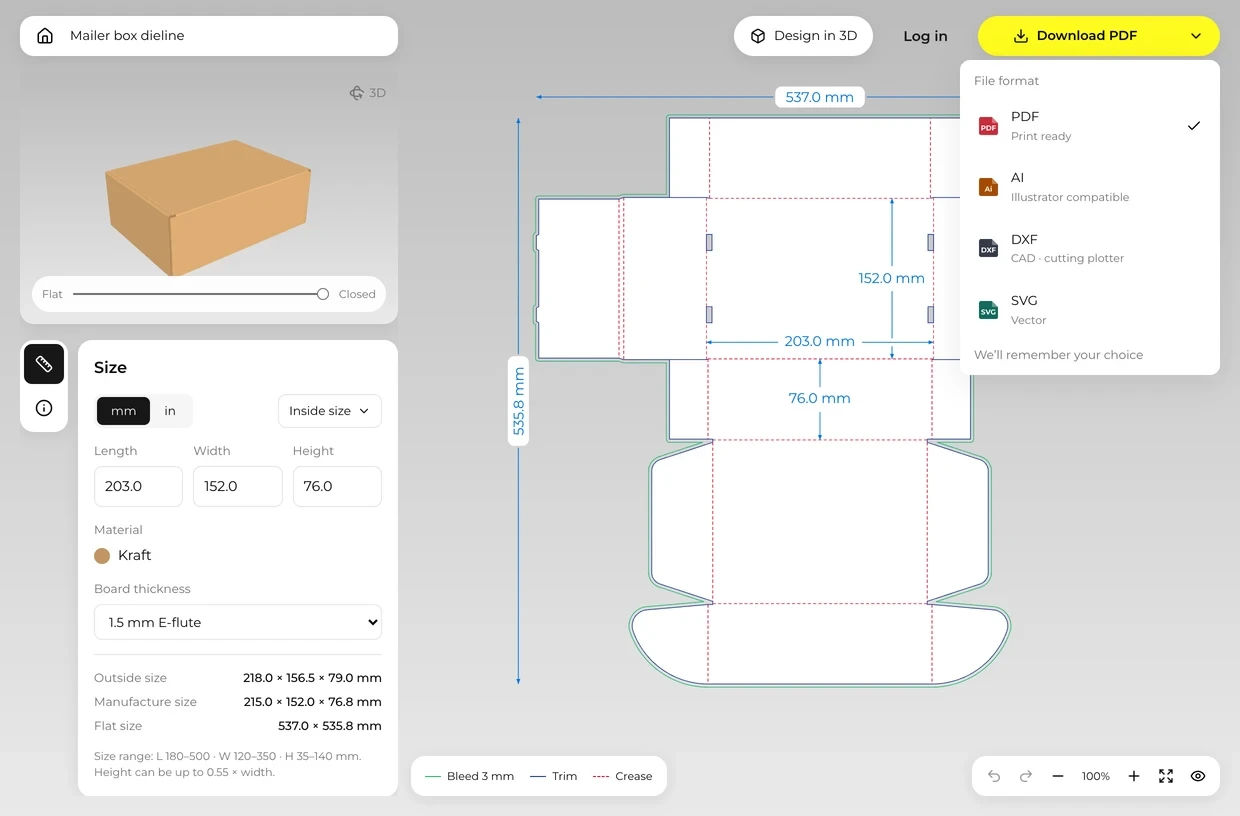
Pick a format from the download menu. Every file carries the cut, crease and bleed lines at the size you set.
Every dieline uses the same few lines. Designers, printers and die makers all read them the same way.
The solid line around the outside. The steel die cuts here, so it is the edge of the flat box.
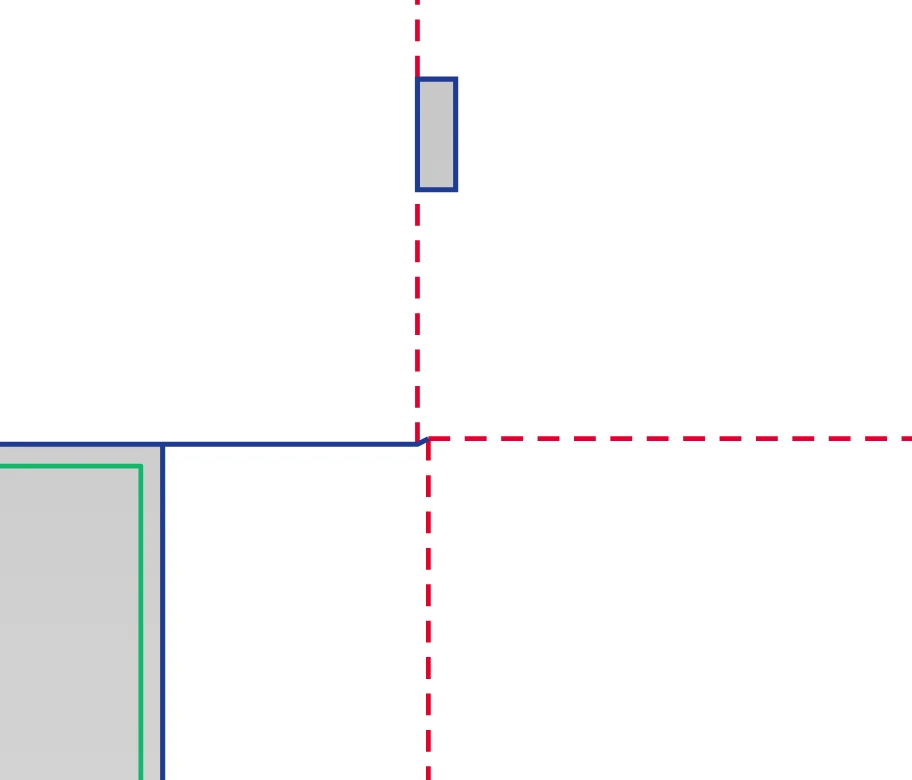
The dashed line between panels. The board is pressed here so it folds cleanly instead of cracking.
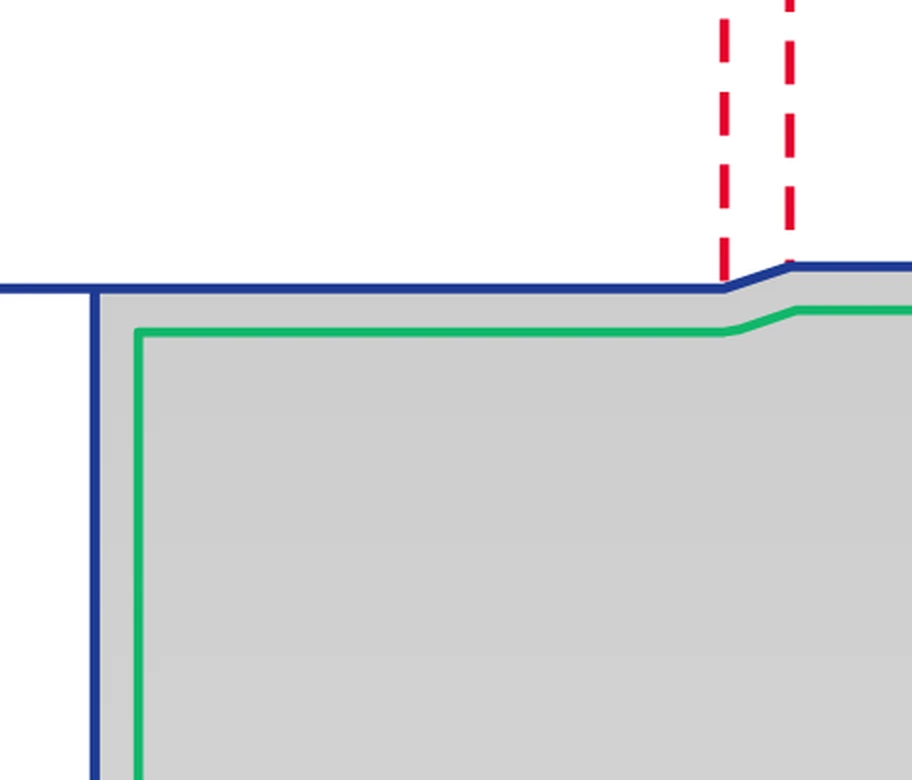
A line 3.0 mm outside the cut. Run background color and images out to it so no white edge shows if the cut lands slightly off.
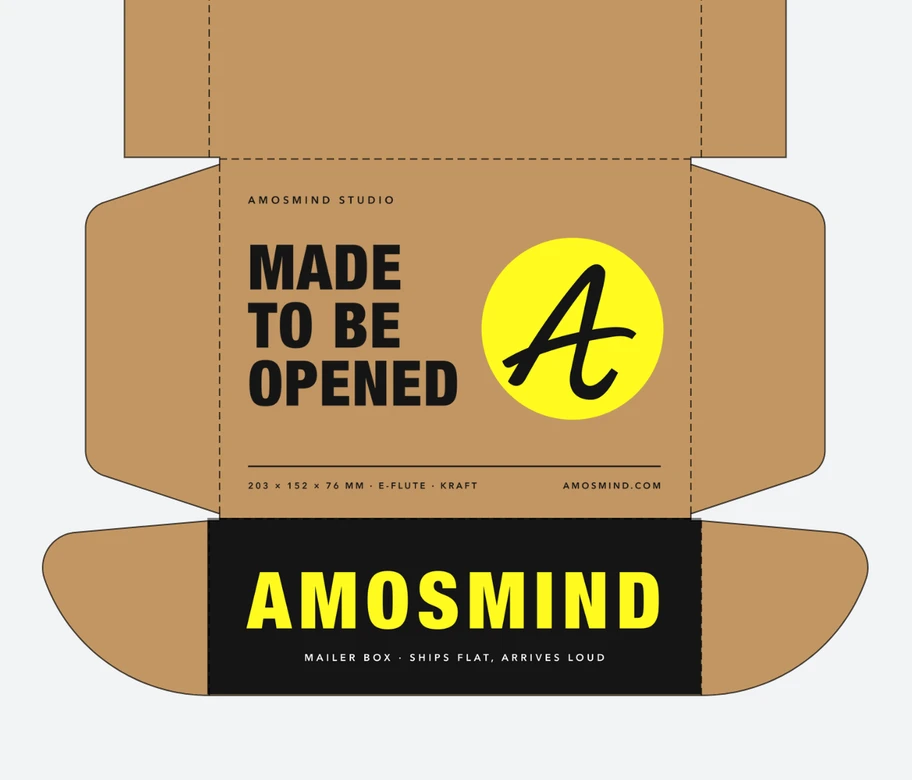
Keep text and logos a few millimeters inside the cut and away from creases. A small shift in cutting then trims nothing that matters.
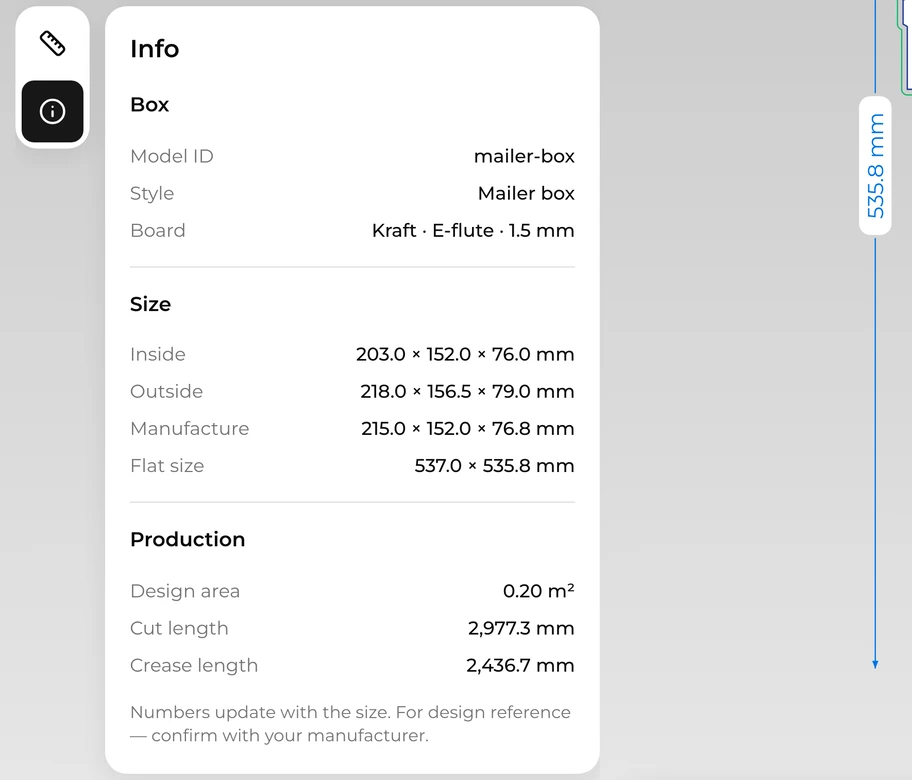
The panels a customer sees once the box is folded. The editor's Info tab gives its size, along with the total cut and crease length a die maker quotes from.
Each format carries the same lines at the same size. Ask your printer which one they want before you send anything.
| File | Usually for | What it holds |
|---|---|---|
| Printers and prepress | Cut and crease as CutContour and Crease spot colors, on separate layers from artwork and notes | |
| AI | Designers in Illustrator | The same content as the PDF, in a file Illustrator opens directly |
| DXF | Cutting tables, die makers, CAD | Cut, crease and bleed on three named layers |
| SVG | Web and vector tools | The outline as plain vector paths |
Which one fits depends on whether you know your size yet and who will make the box.
Full control in Illustrator or CAD, but every flap, glue tab and board allowance is worked out by hand. Usually the route for structural designers.
Quick to start, but the size is set. Scaling it stretches the flaps and the board allowance too, so the box may not close.
Many printers send a dieline for their own machines once you order. You wait for it, and the next printer may want a different one.
Pick a style and type the size; the lines are redrawn with the board thickness allowed for. This is how the dielines here work.
Start from the product. Each card opens the styles that suit it.

Boxes for pizza, cereal and dry pasta.
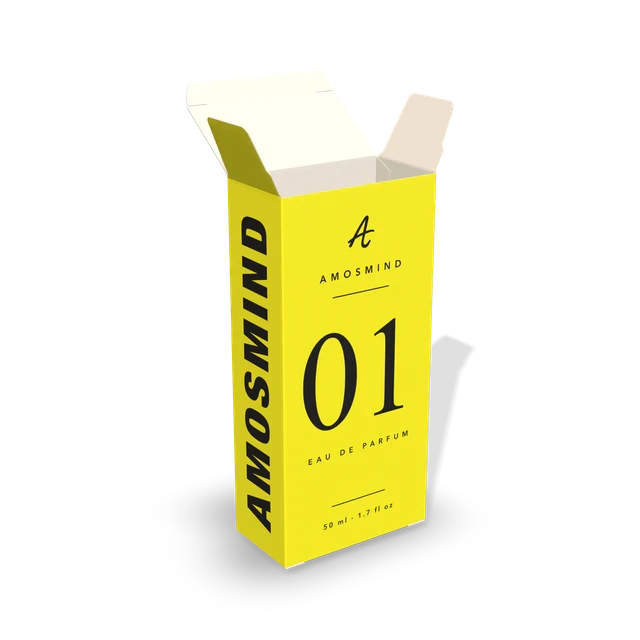
Slim paperboard cartons for shelf products.
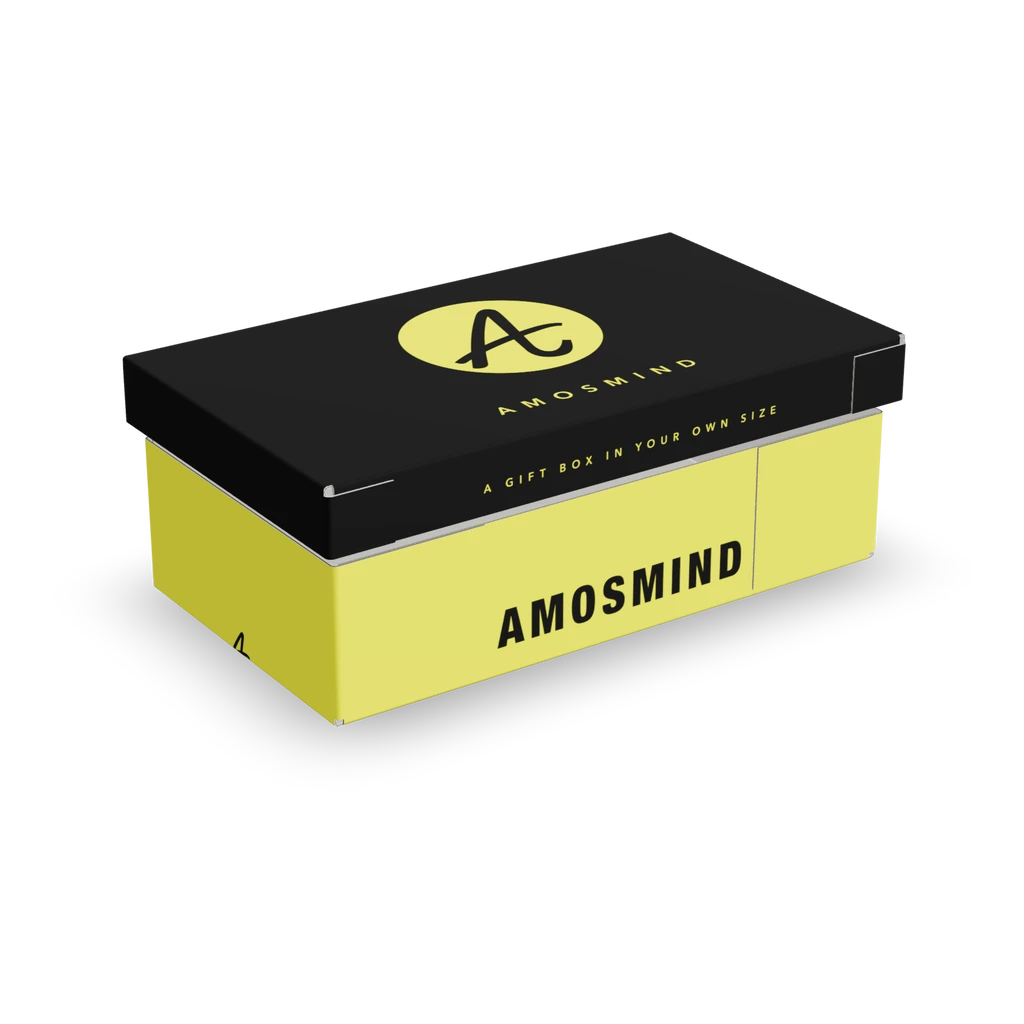
Boxes that open like a present.
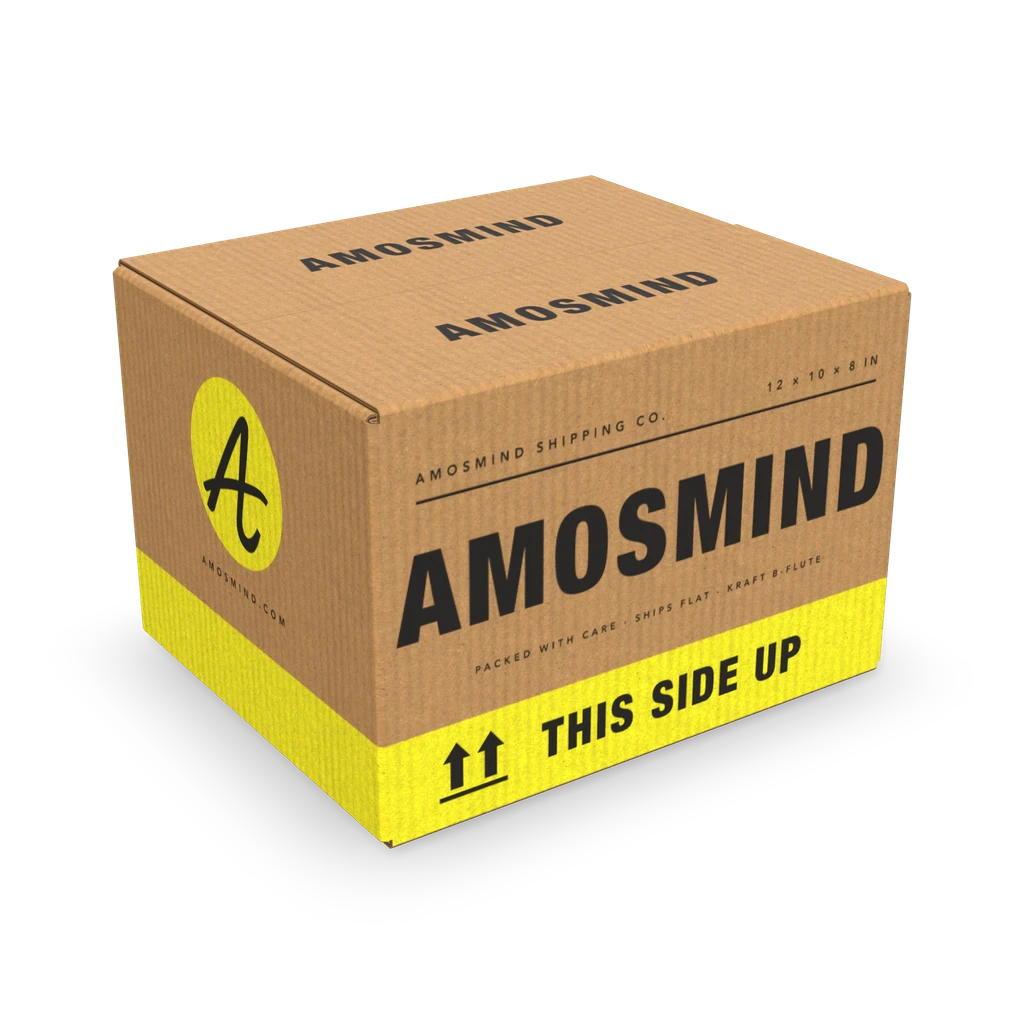
Corrugated boxes that go through the post.
What people ask about dielines and the files that go to print.
The flat outline of a box, showing where it is cut and where it folds. Designers place artwork on it, and the printer and die maker build the box from the same drawing.
Start from a box style rather than a blank page, enter the inside or outside size, and let the lines redraw. Check the fold in 3D before you export, so a flap that clashes is caught early.
The dieline is the cut and fold drawing. A keyline is the outline on the artwork file that shows where that drawing sits. Many printers use the two words for the same layer.
Die line. The word comes from the cutting die, the steel rule tool that cuts the box. It is often written as one word, dieline.
Mostly. Crafters say box template for a shape they print and cut by hand; packaging printers say dieline for the production file. Each one here works as both.
Yes. Any dieline opens at its default size with the 3D preview and the Info numbers. Changing the size or the board thickness, and downloading files, need a Plus plan: $12 a month or $72 a year.
When a style has a matching mockup, Design in 3D in the dieline editor opens the same box in the mockup editor, at the same size, in a new tab. Place your artwork there and turn the box around.